


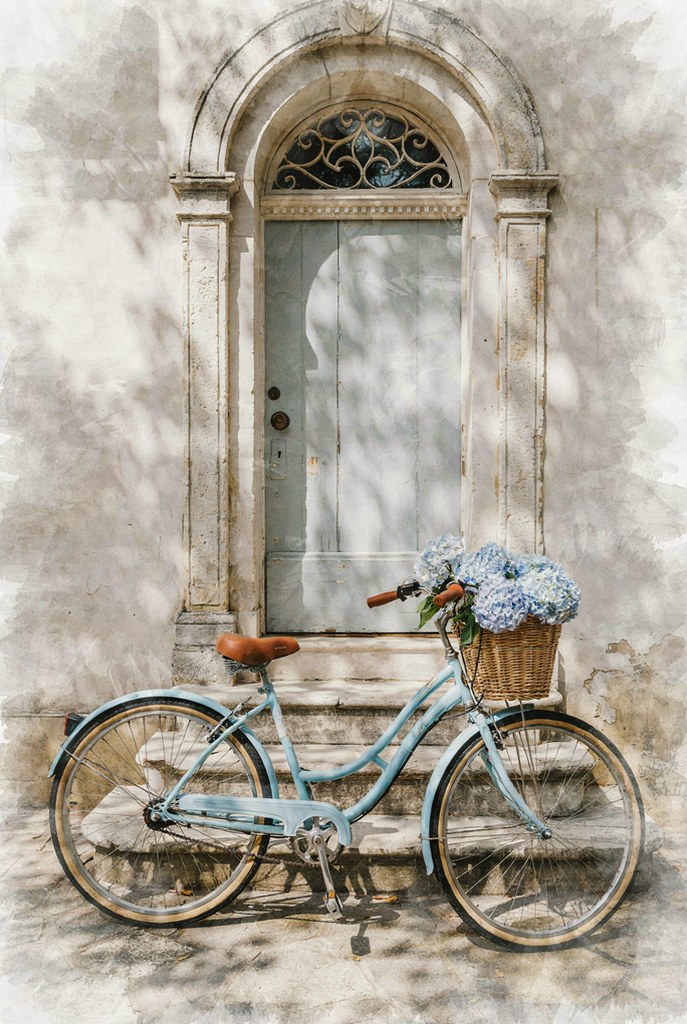
Soft Pastel Watercolor AI Photo Editing Prompt
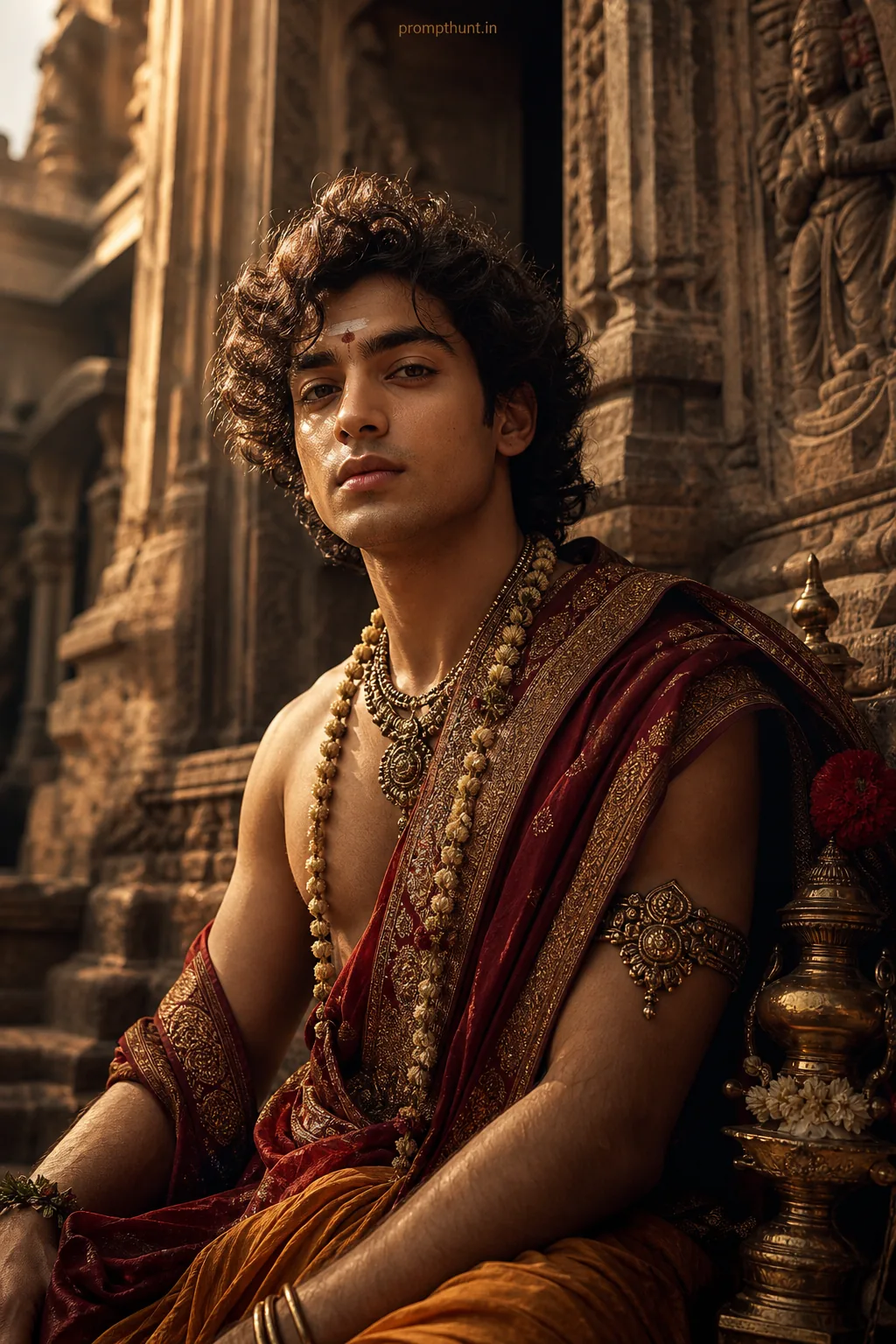
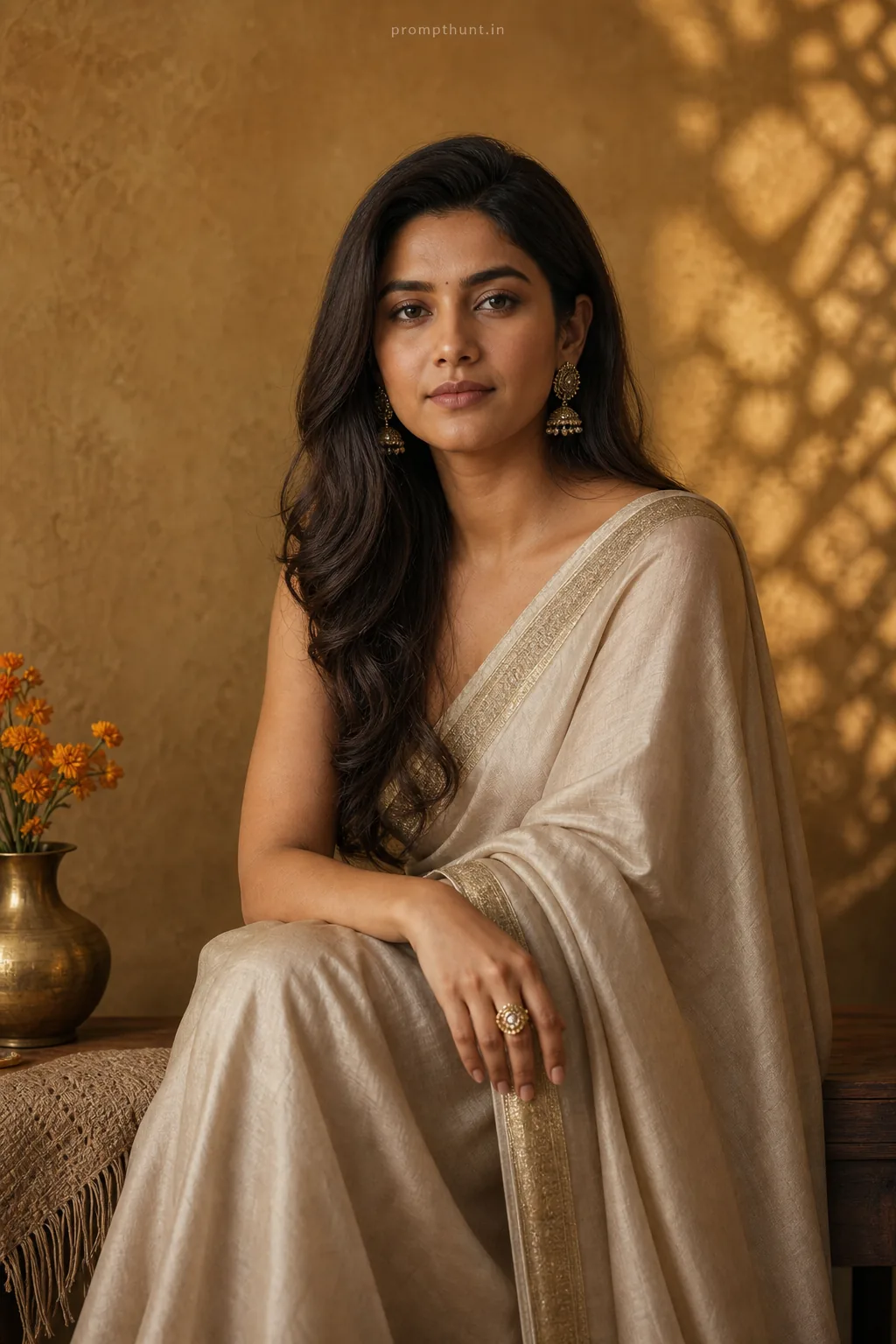
Transform this photo into a soft watercolor painting with a gentle, painterly effect. Emphasize a muted pastel color palette dominated by serene blues and warm beige tones. Apply soft, natural daylight with dappled shadows to create a tranquil and nostalgic mood, evoking a charming vintage scene.
Community Rating
Rate this prompt
Soft Pastel Watercolor AI Photo Editing Prompt is a free, copy-paste soft pastel watercolor AI photo editing prompt. Paste it into any AI photo editor with one clear photo of yourself and you get the edited result in about ten seconds — no account and no payment. The prompt tells the model to keep your exact facial features, skin tone and identity, and to change only the background, outfit, lighting and styling.
How to use this soft pastel watercolor prompt
More prompts to explore
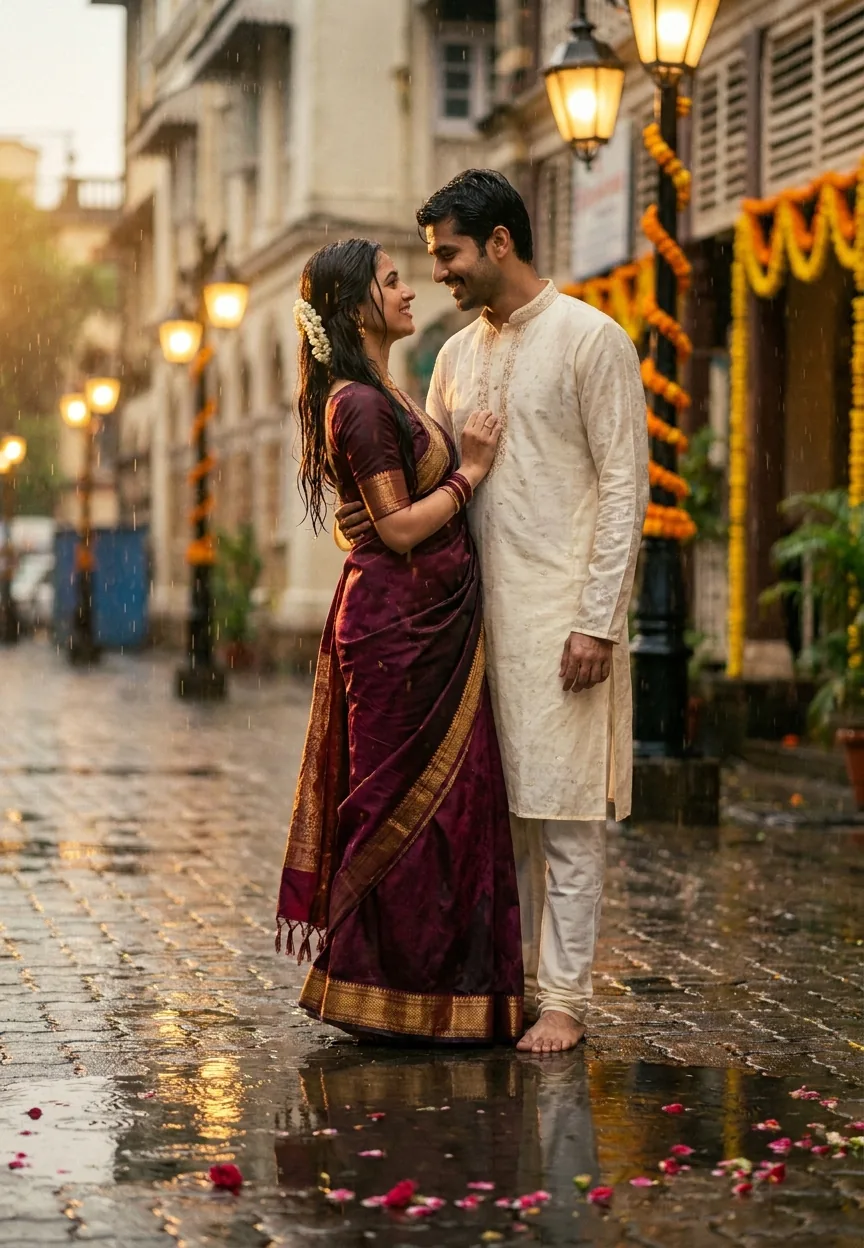
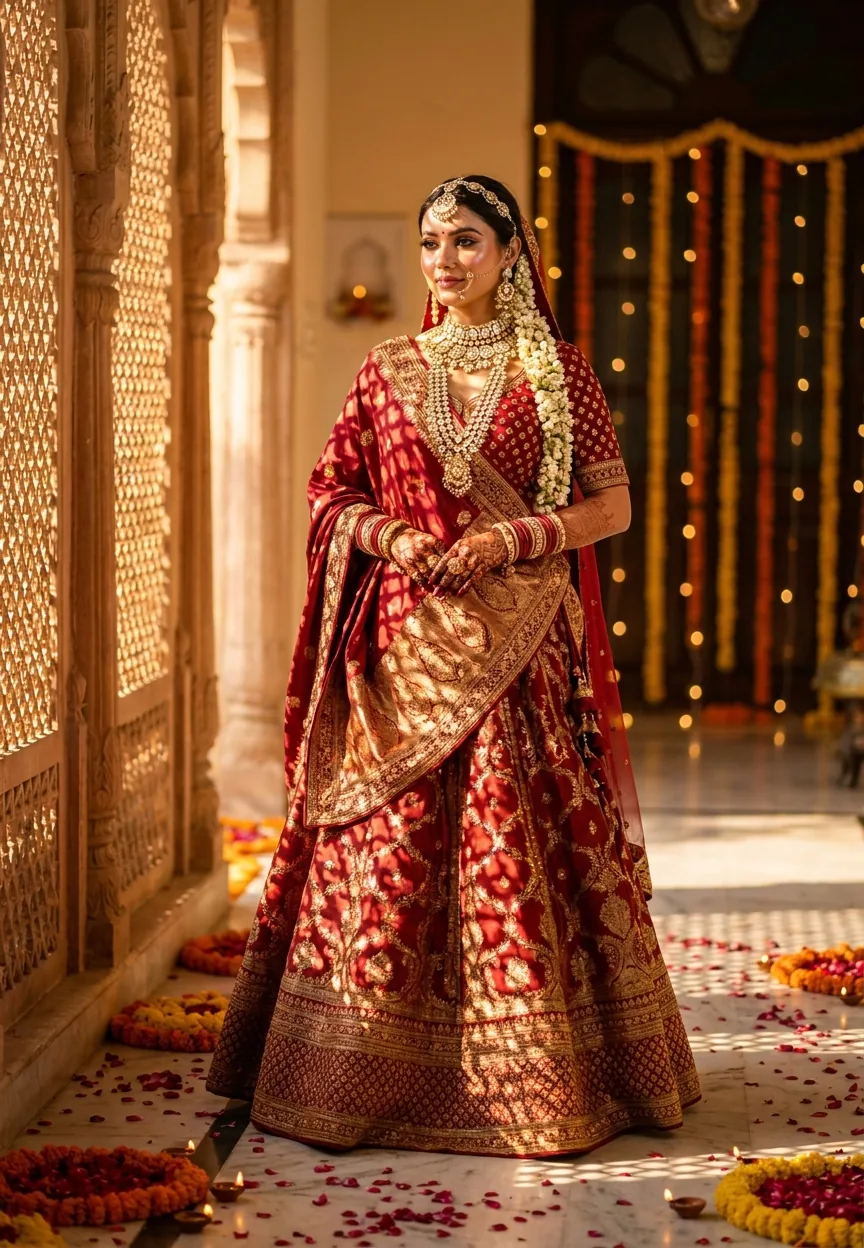
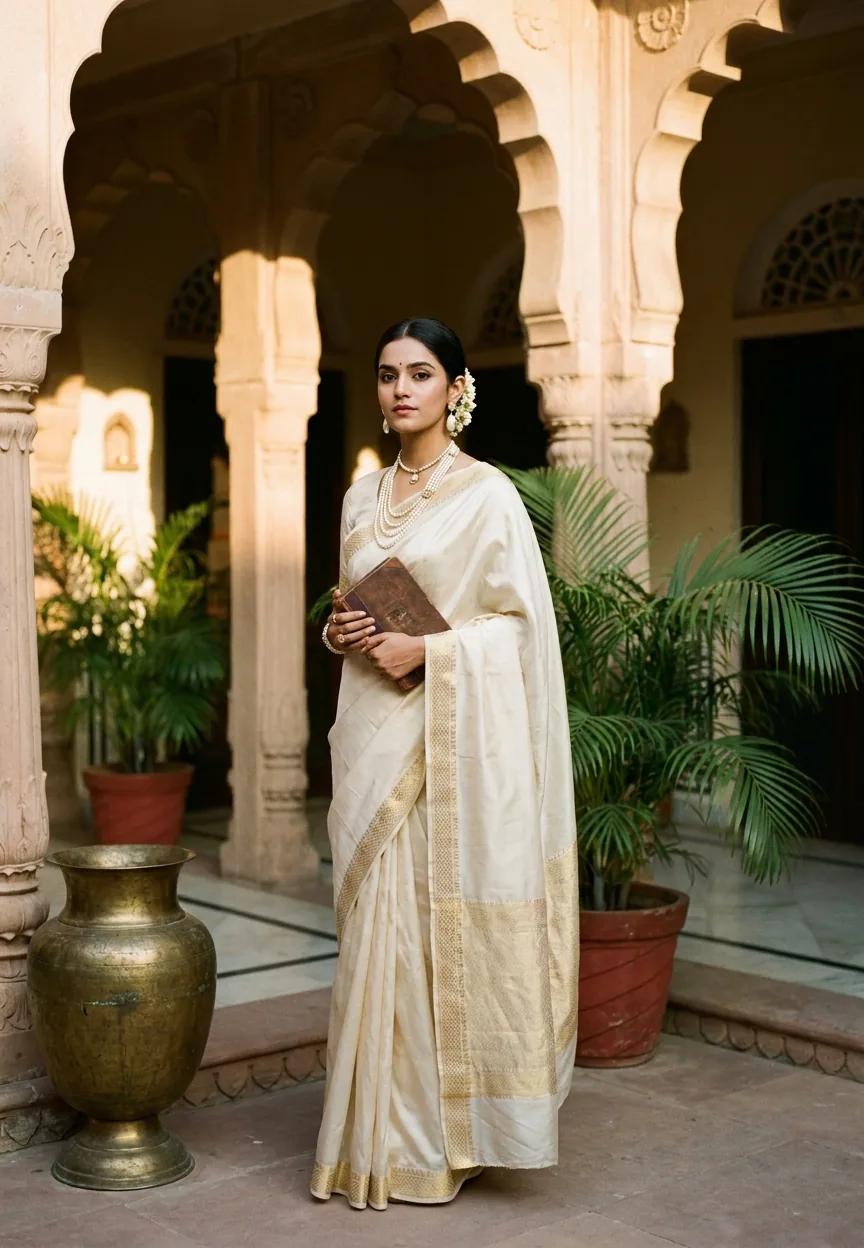
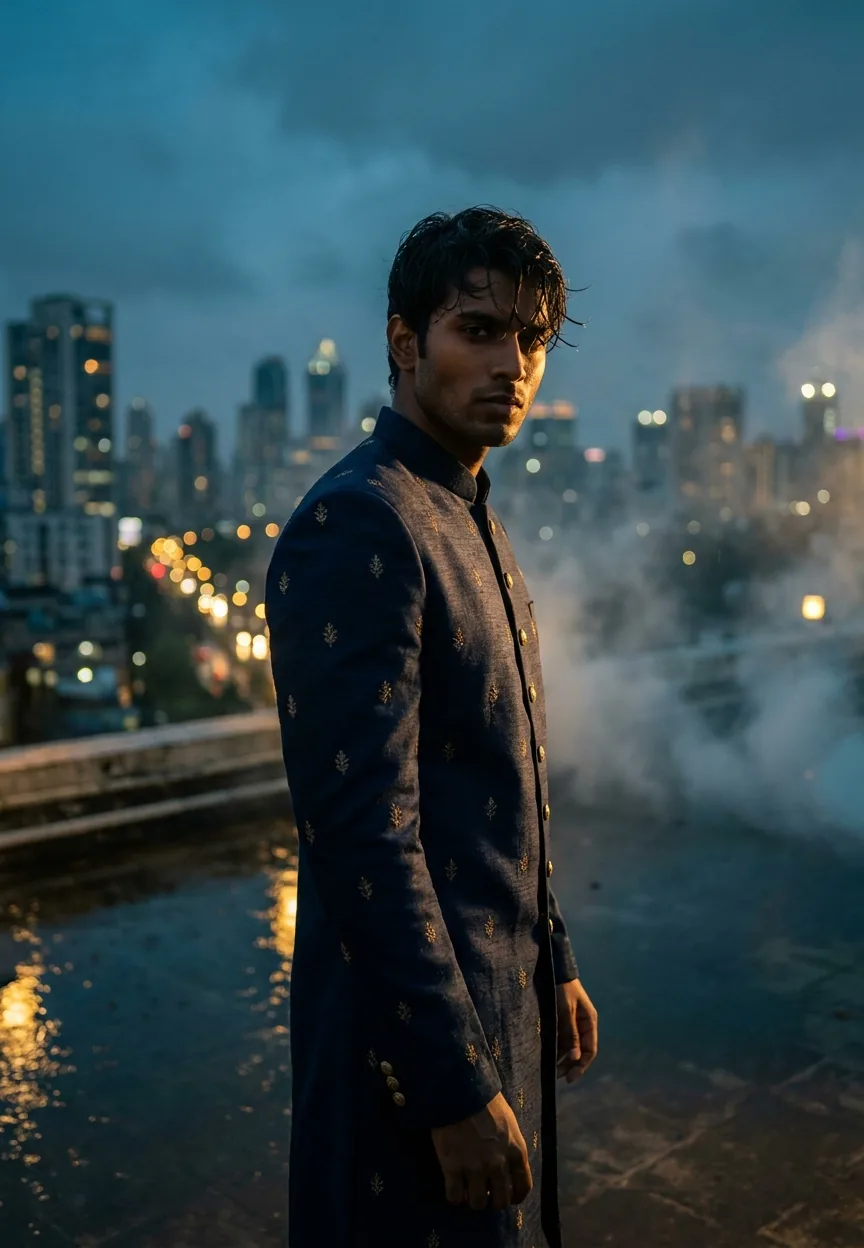
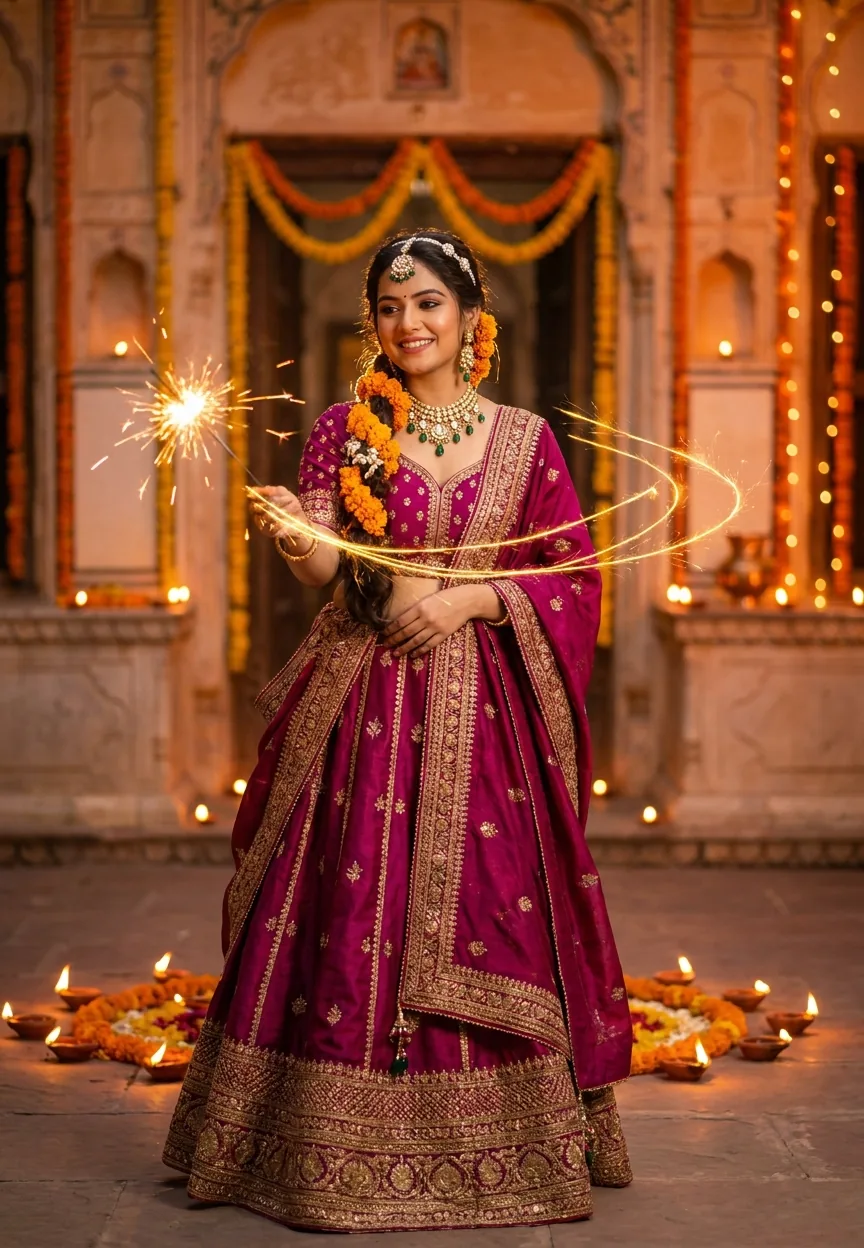
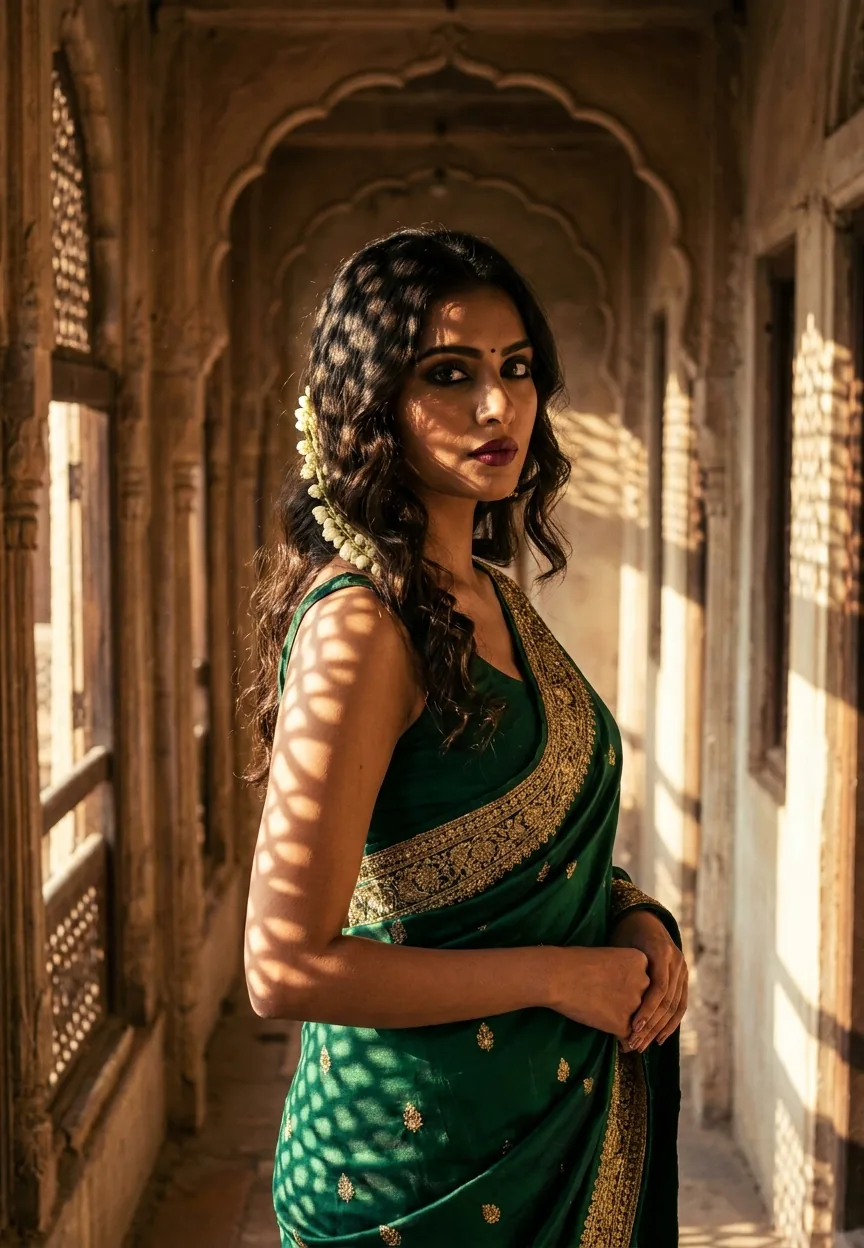
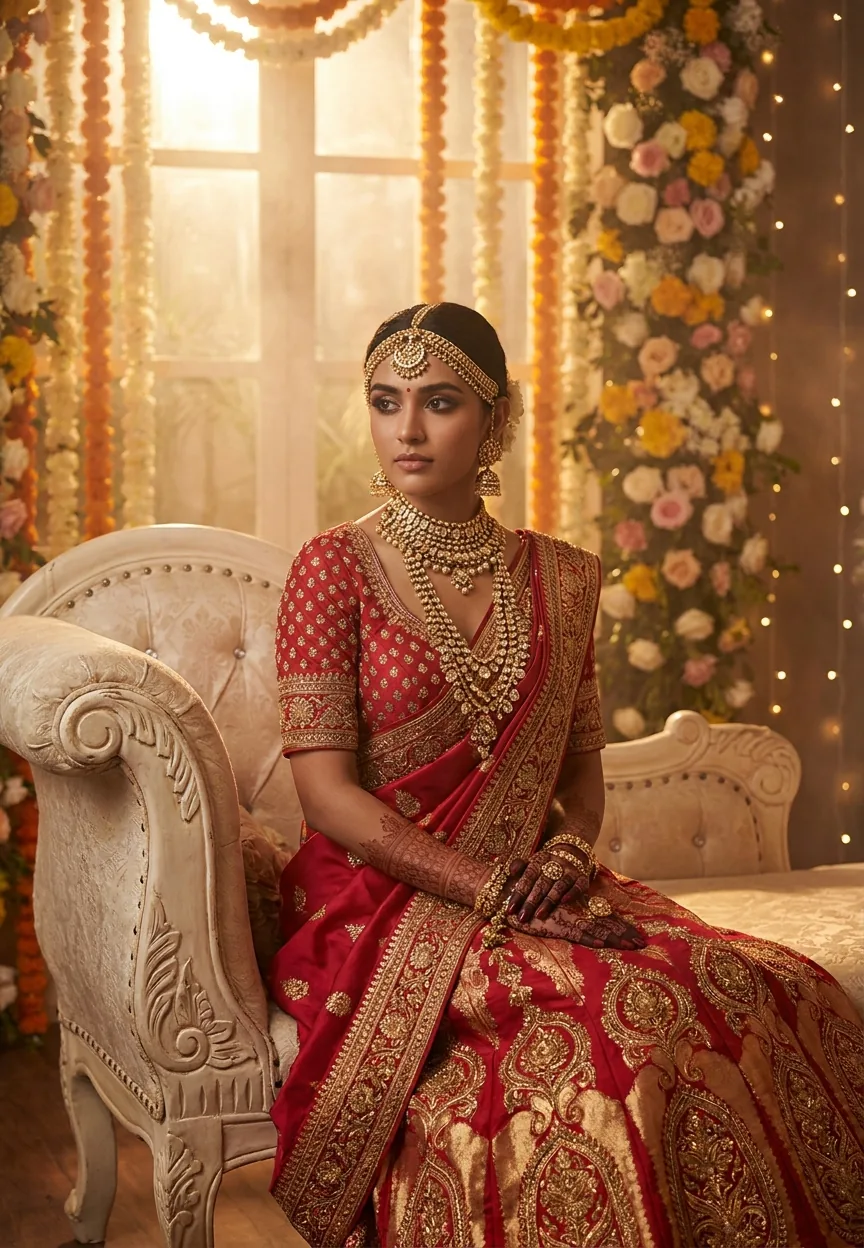
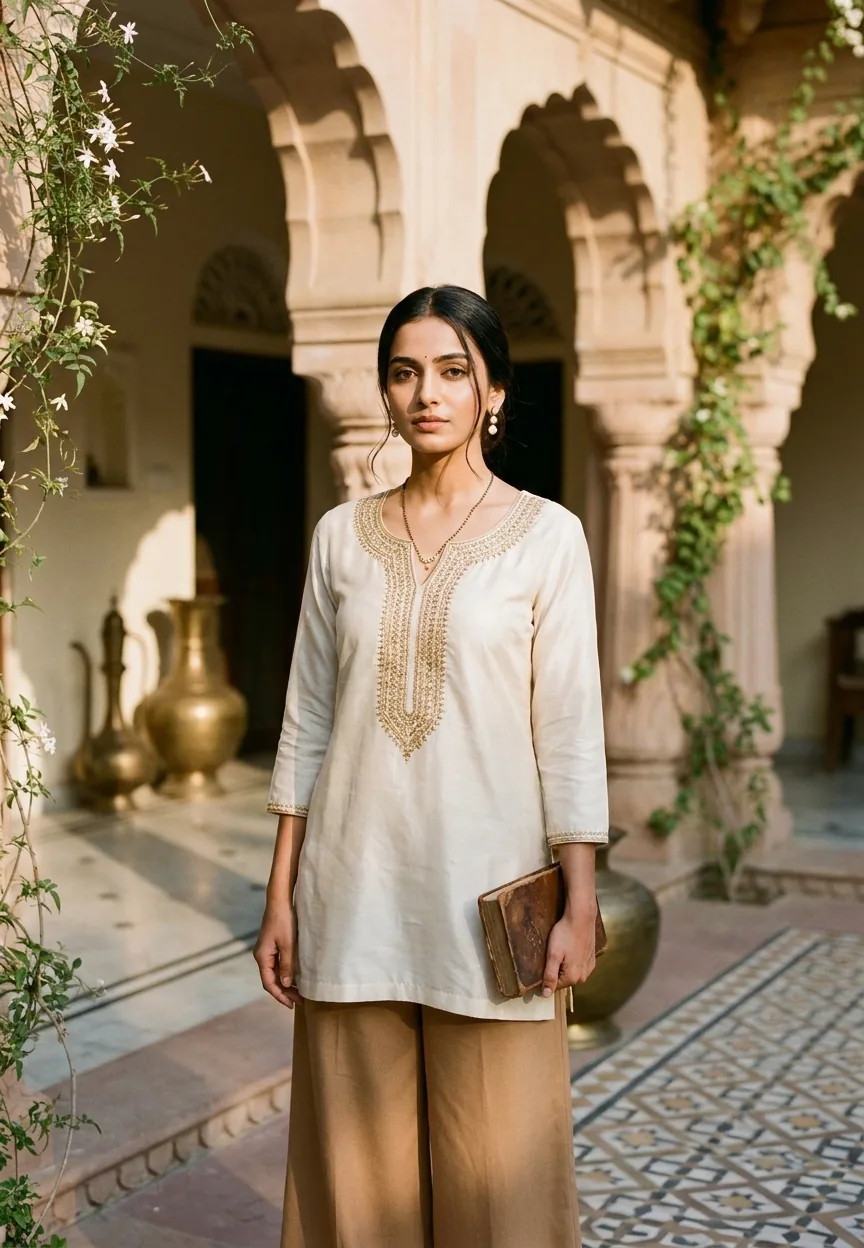
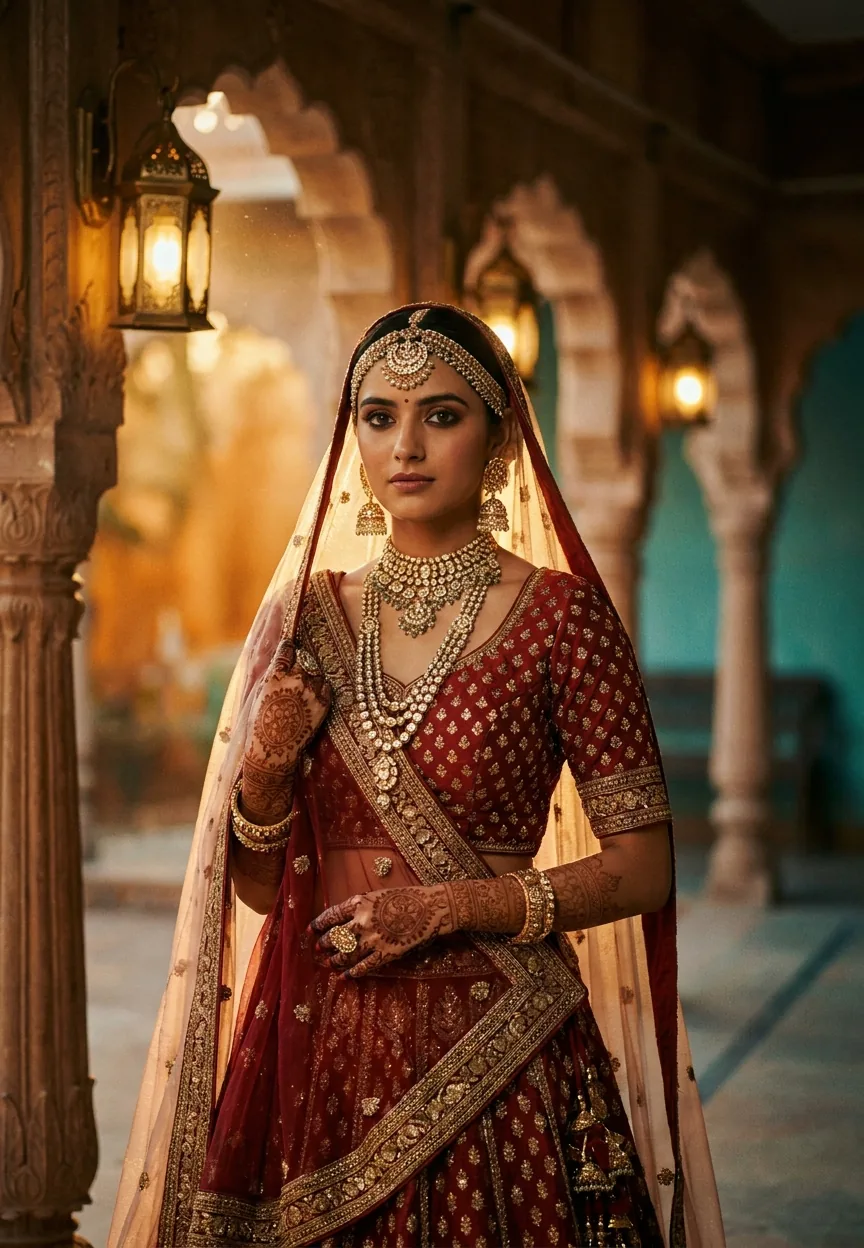
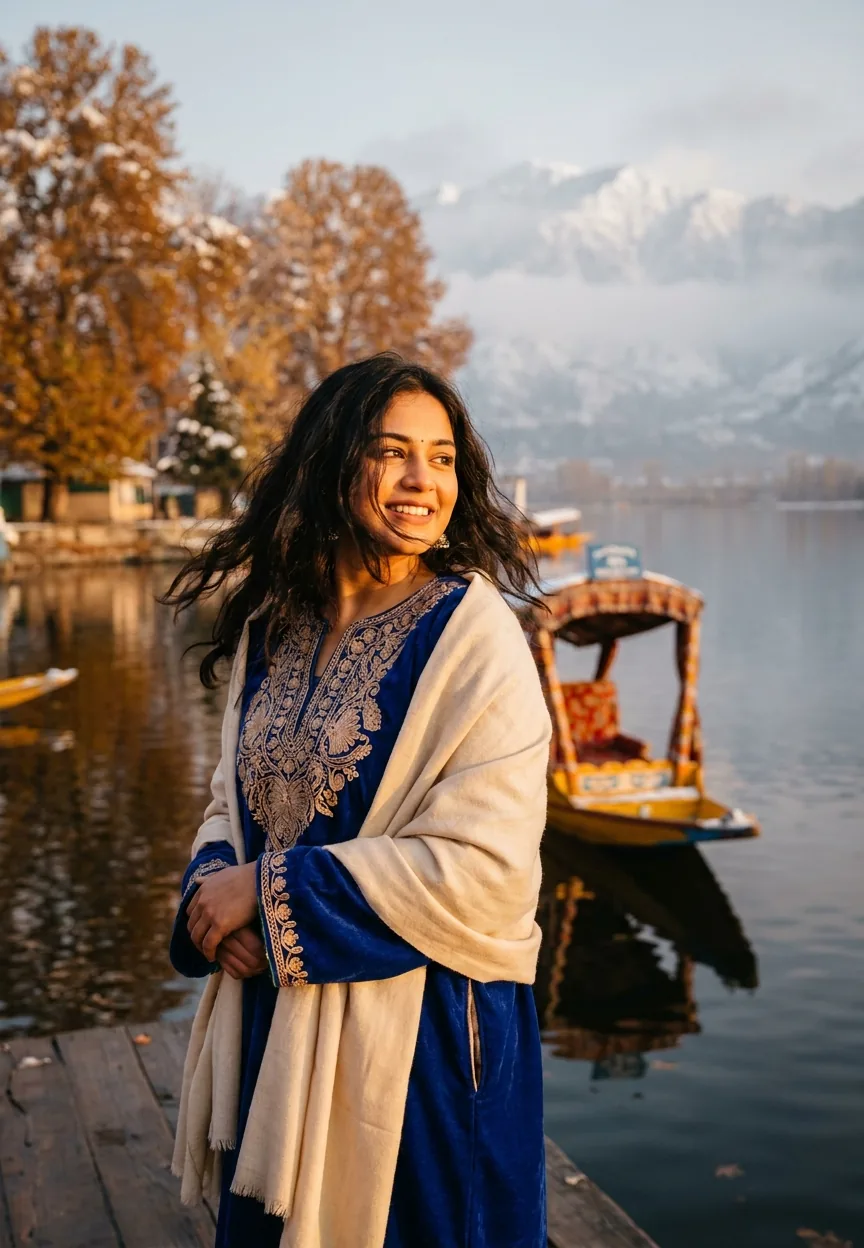
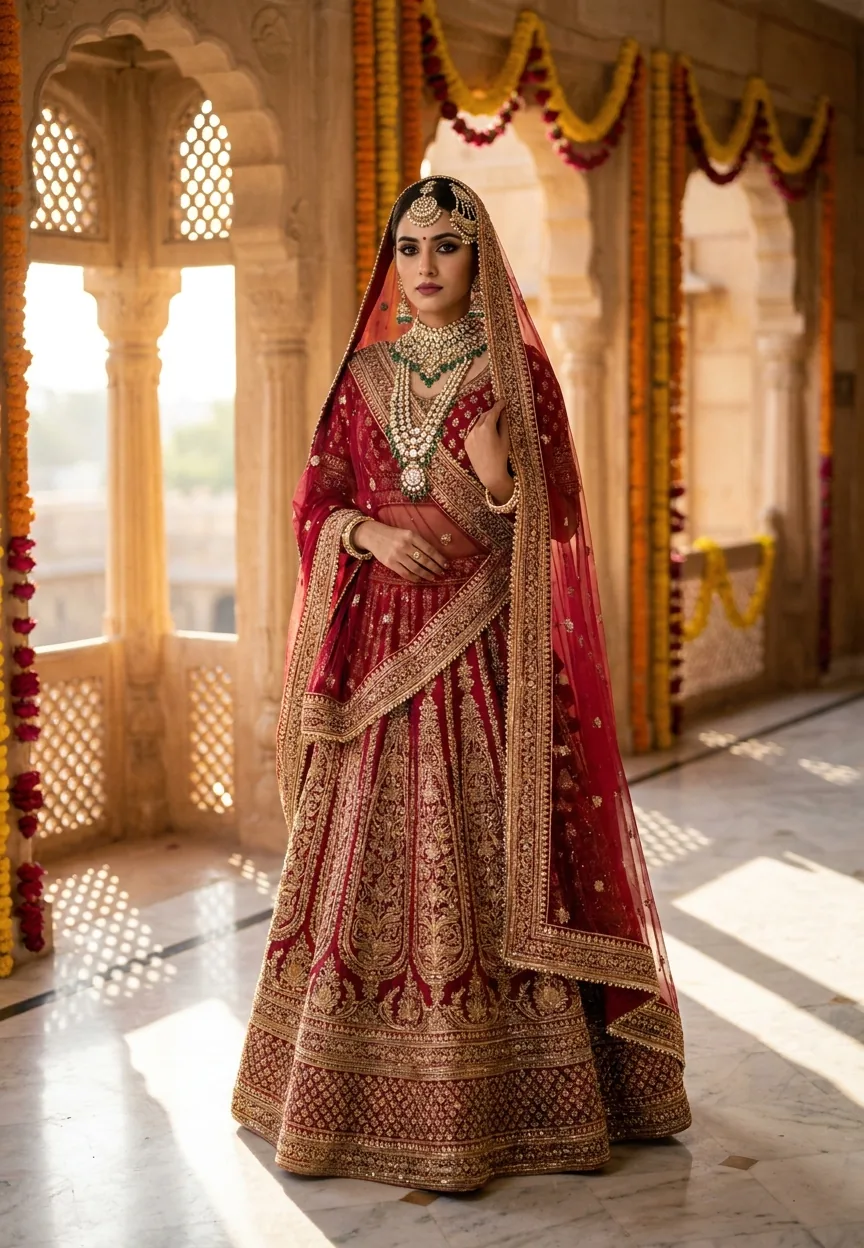
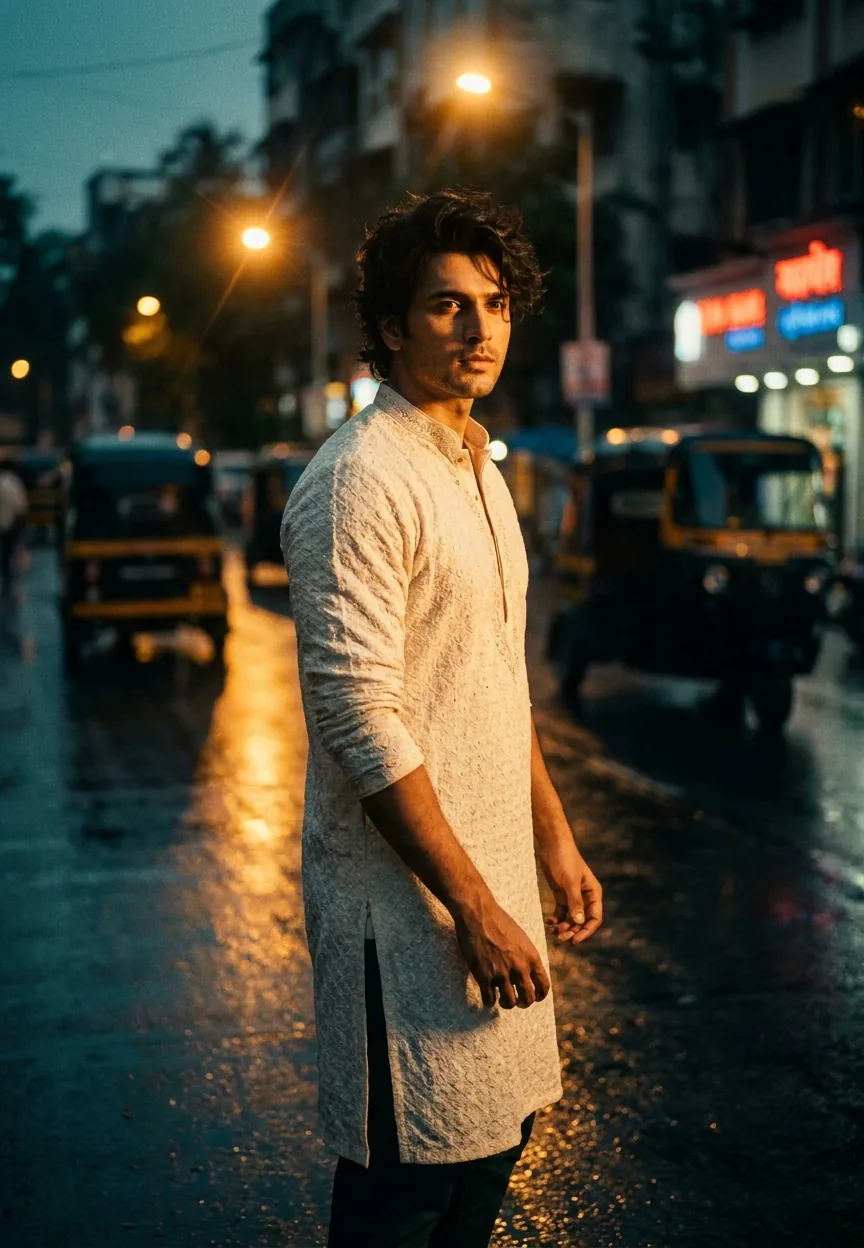
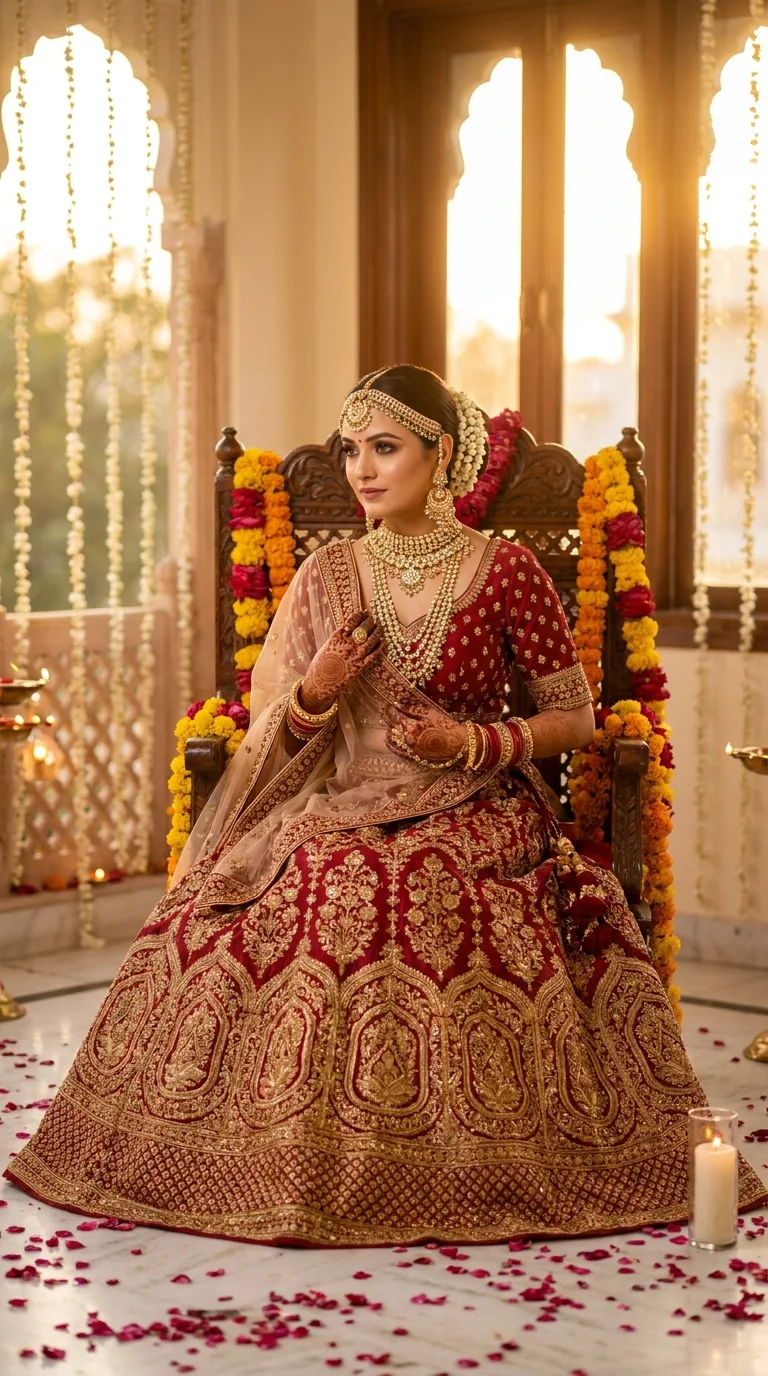
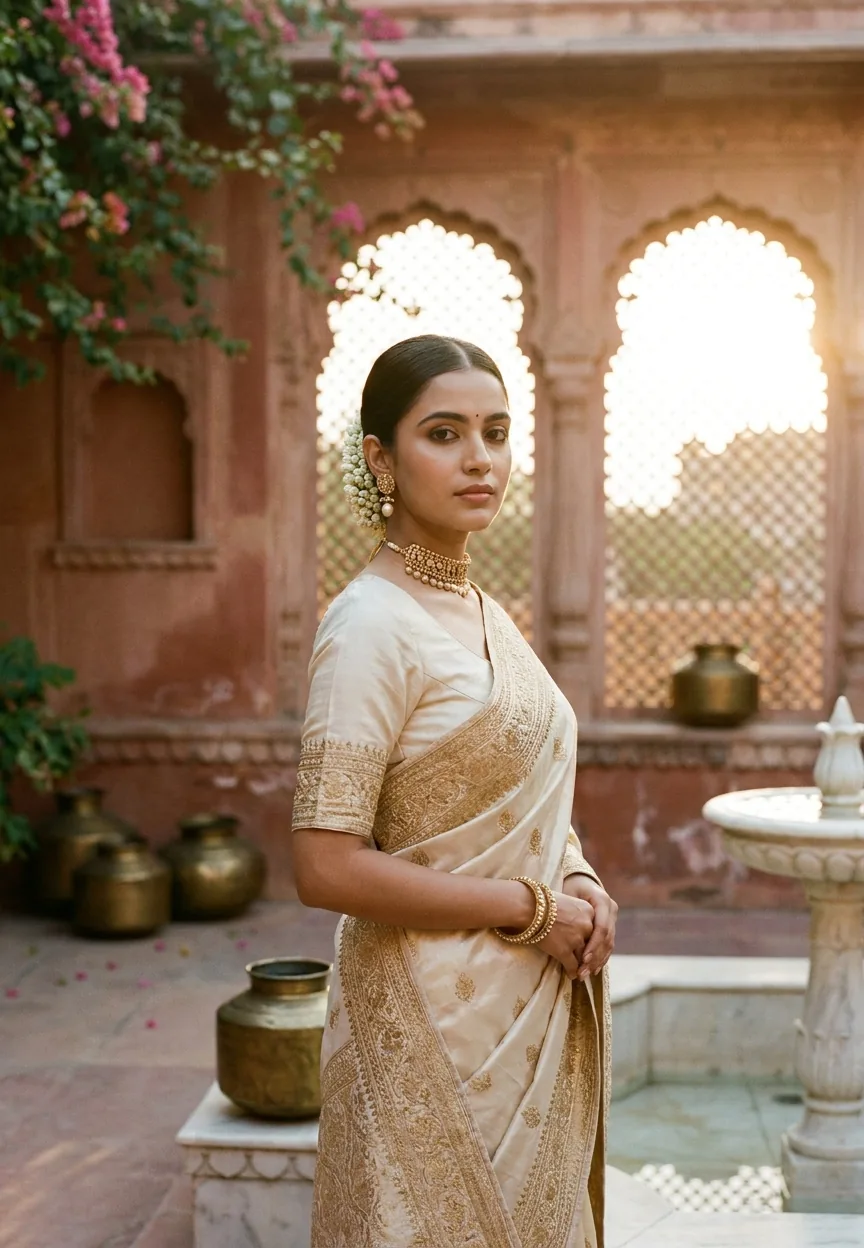
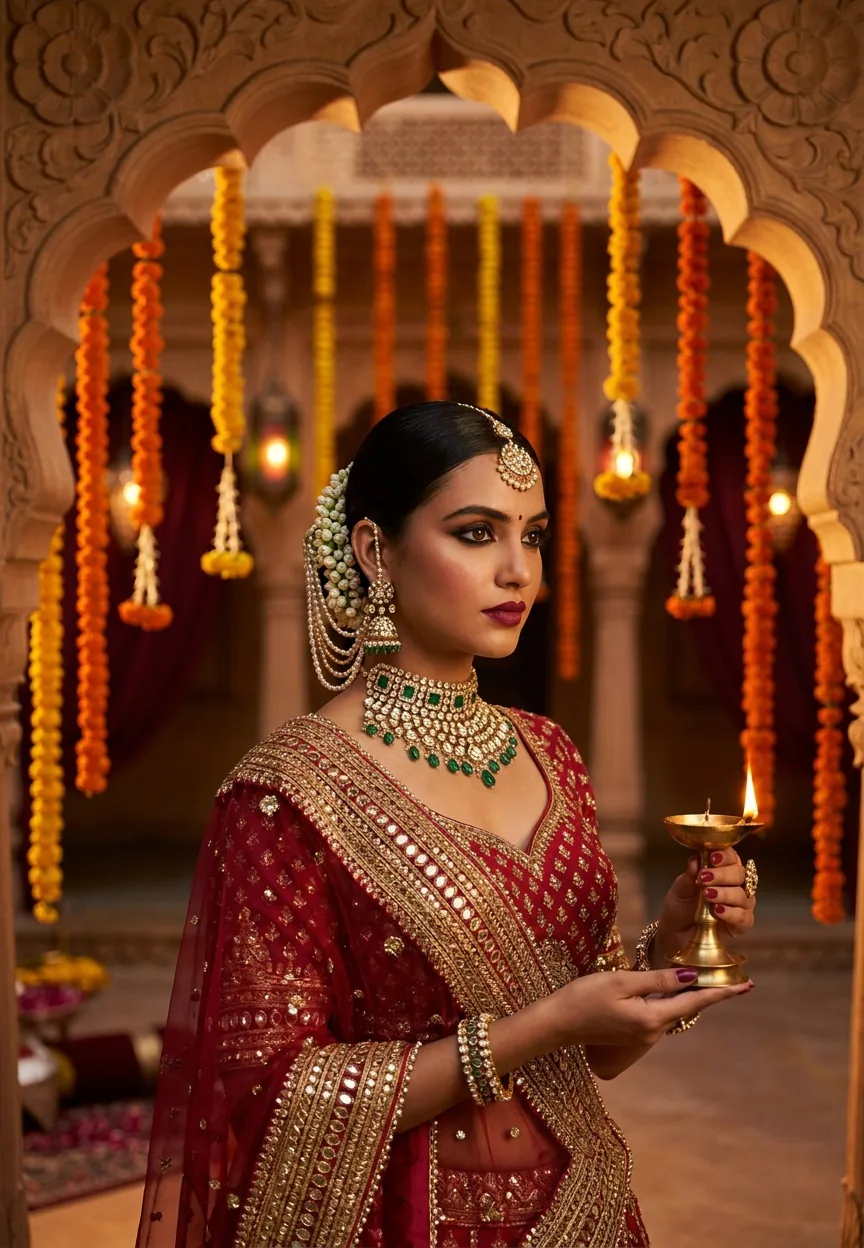
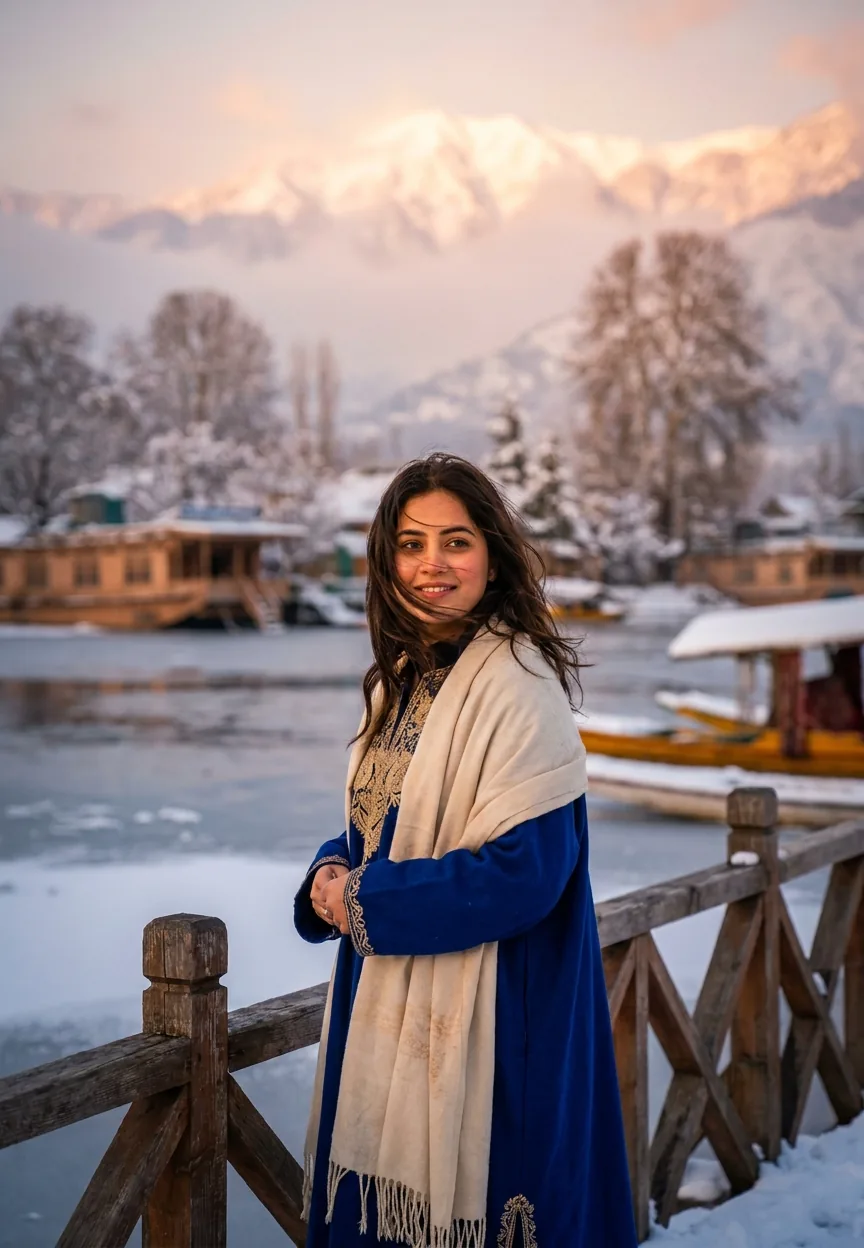

AI Photo Editing Prompts