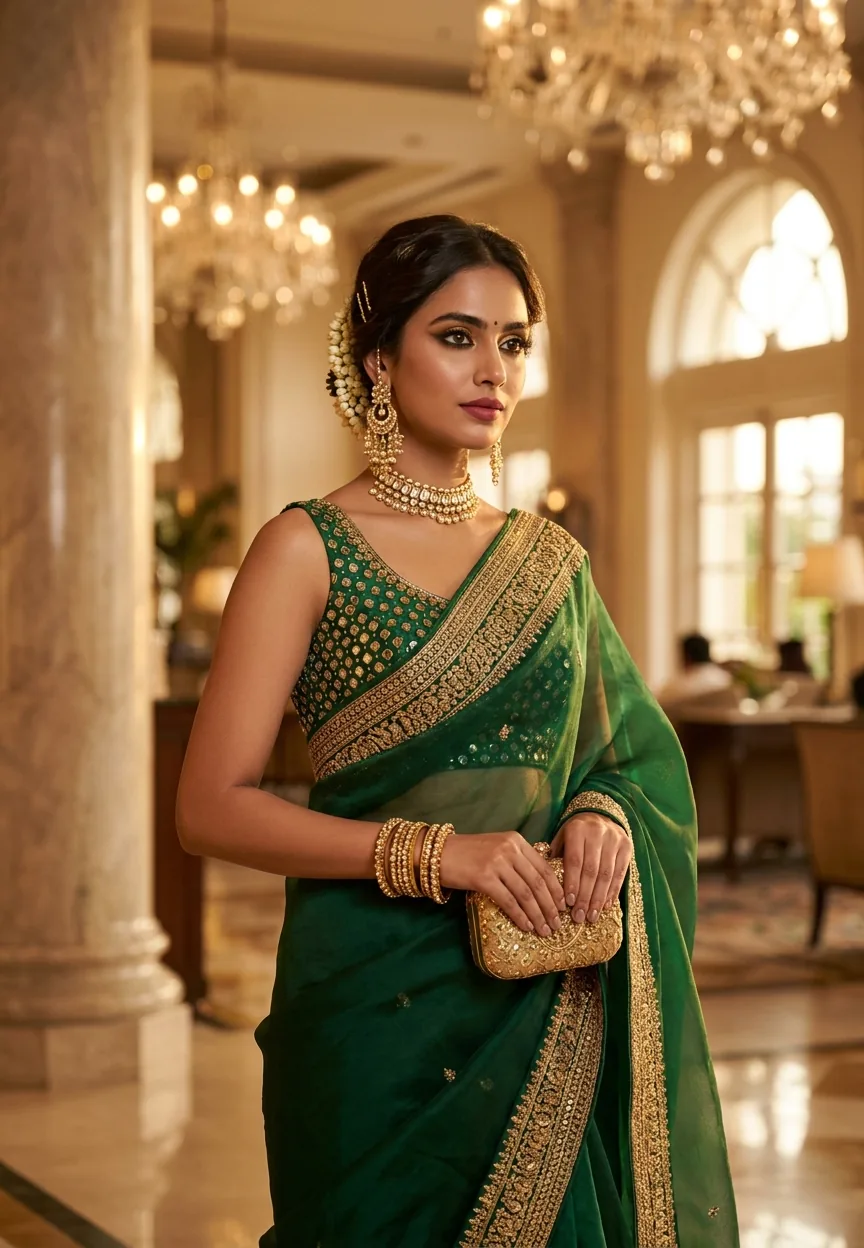
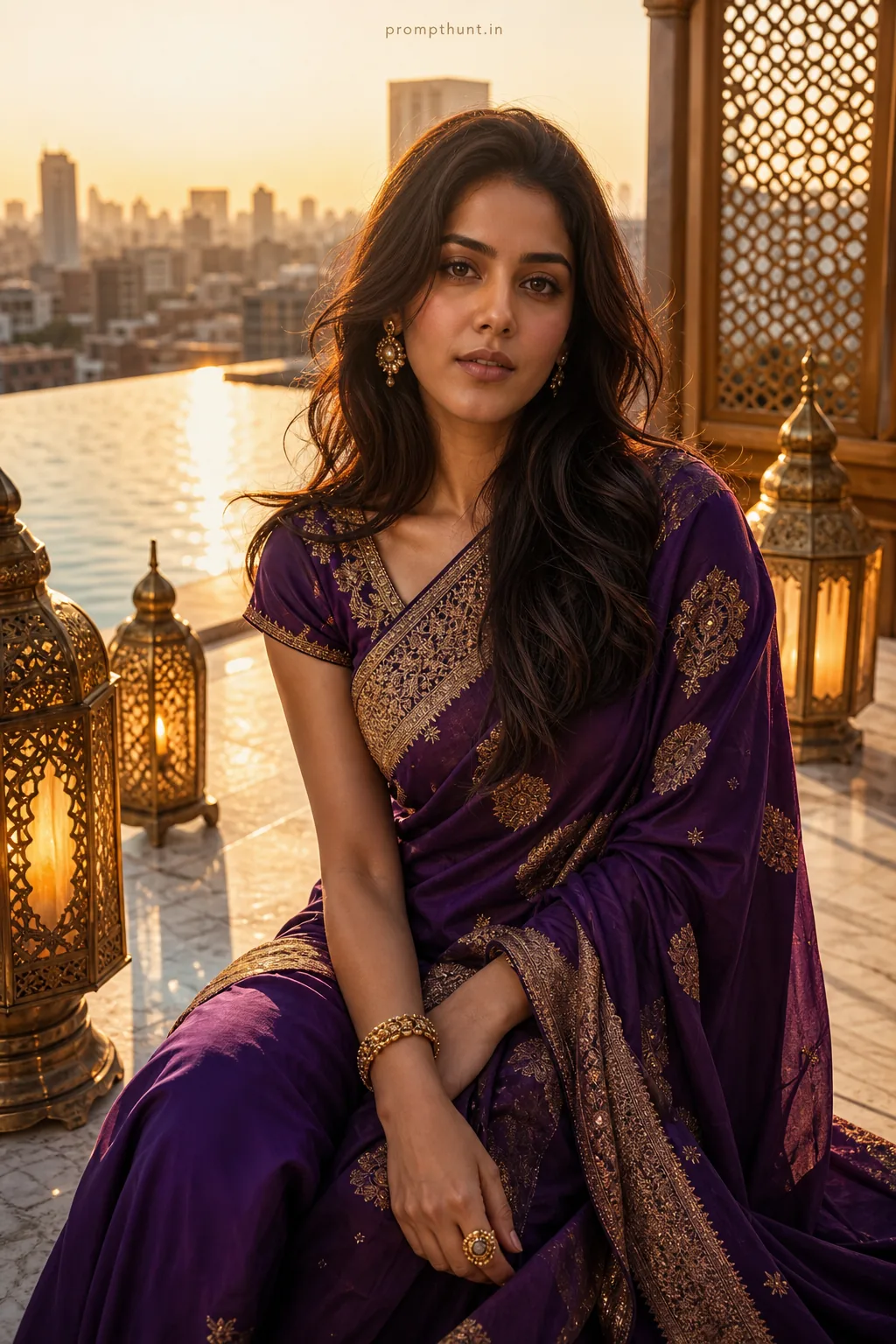
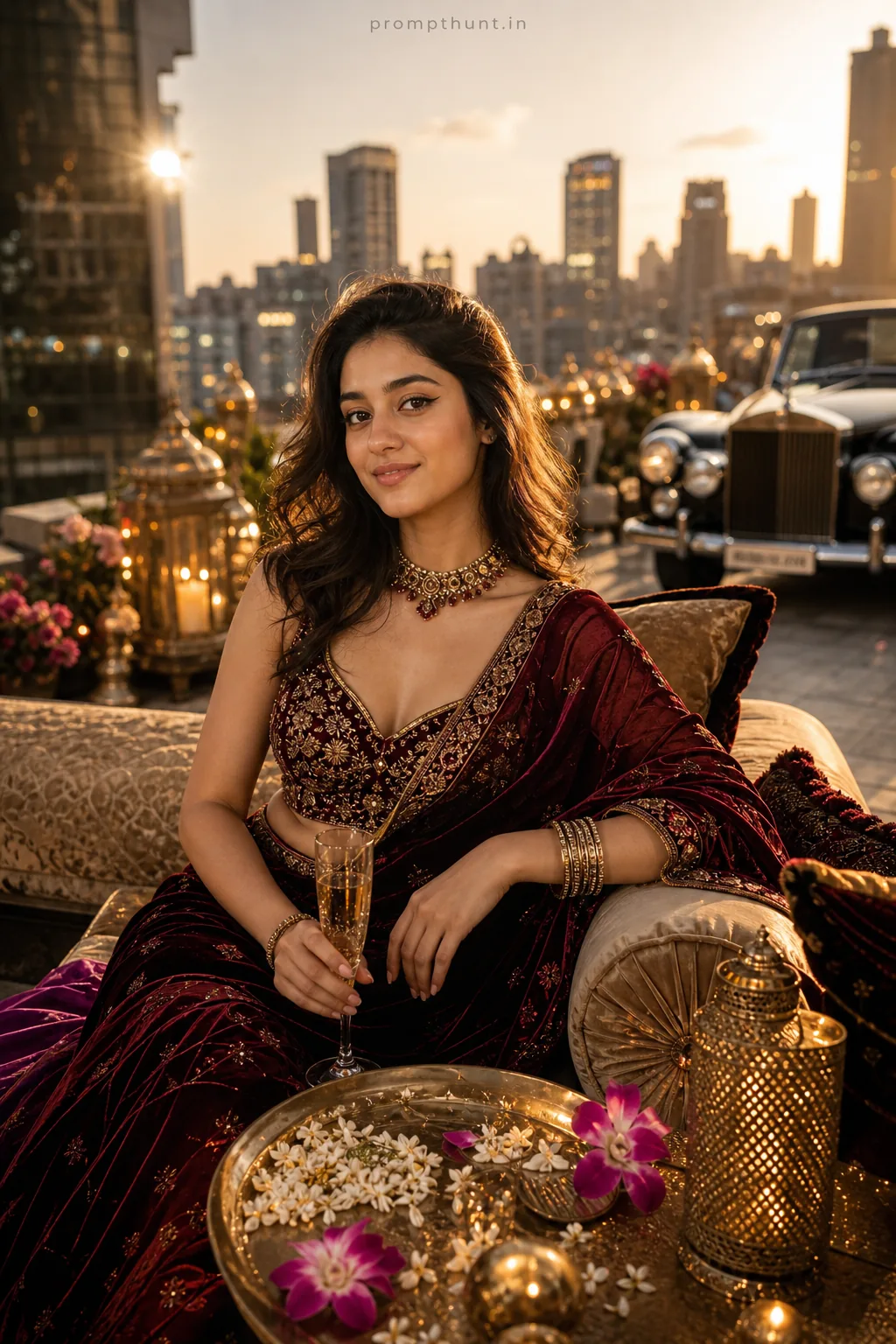
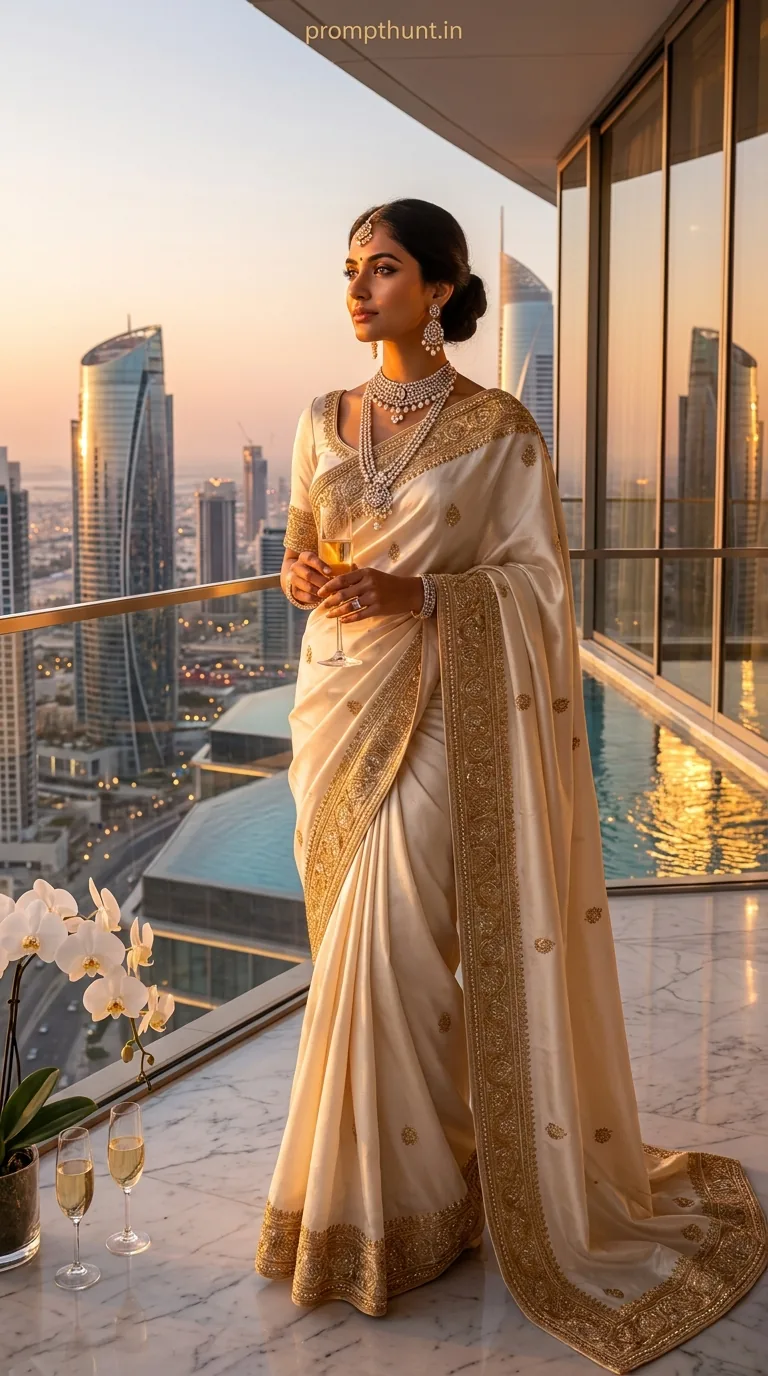
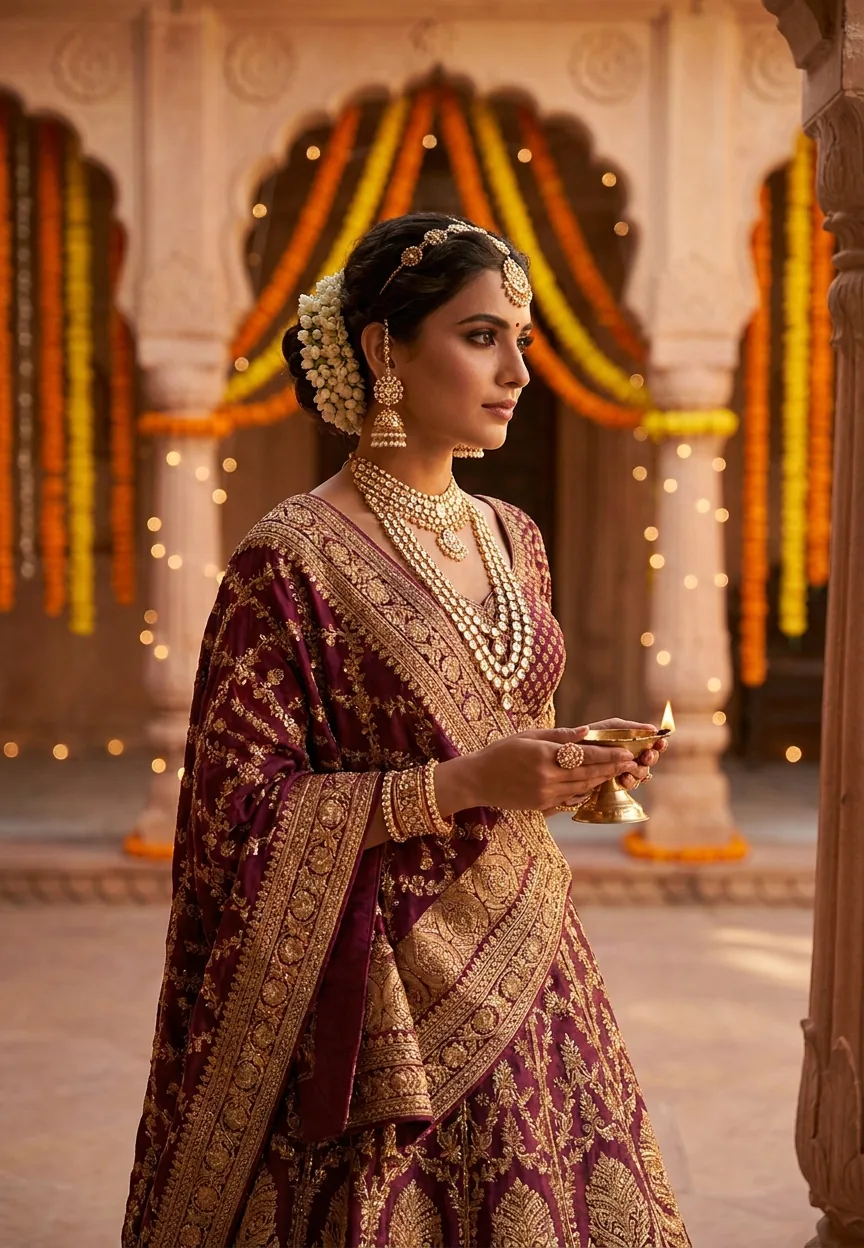
This Gemini AI photo prompt transforms any portrait into a high-end Indian wedding guest editorial — think emerald organza sarees, kundan jewellery, and chandelier-lit hotel lobbies rendered in cinematic 8K detail. Paste the prompt into Gemini, upload your photo, and the AI does the rest. Results land somewhere between Vogue India and a very aspirational Instagram feed.
Royal Indian Wedding Guest Luxury Look Gemini AI Photo Prompt
Indian weddings are already the most visually spectacular events on the planet. Add AI photo editing to the mix, and suddenly everyone at the shaadi looks like they've been styled by a Bollywood art director with an unlimited budget. This particular prompt has been doing the rounds on Indian Instagram for good reason — it nails the luxury lifestyle aesthetic that wedding season practically demands. We're talking zardozi embroidery, kundan chokers, marble hotel lobbies, and the kind of golden-hour glow that makes your skin look lit from within. If your actual wedding photos didn't quite hit that mark, well. Here's your second chance.
Paste this prompt into Gemini with your portrait photo and it generates a cinematic, magazine-quality Indian wedding guest editorial — complete with emerald saree, statement gold jewellery, and a grand Mumbai hotel backdrop.
What the Luxury Lifestyle AI Style Actually Is
Luxury lifestyle photography has one job. Make everything look expensive, warm, and effortless.
In the context of Indian wedding fashion, that means a very specific visual language. Deep jewel-tone fabrics — emerald, burgundy, royal blue. Heavy gold embroidery that catches ambient light. Statement jewellery with historical weight. Architectural backdrops that imply serious money. And colour grading so warm it practically smells like marigolds and sandalwood.
This AI prompt replicates that language with impressive accuracy. It draws on editorial references — the kind of images you'd see in Vogue India or Harper's Bazaar's Diwali special — and applies them to a portrait. The result is a luxury lifestyle render that looks less like an AI filter and more like a proper fashion shoot. Which is either very impressive or mildly terrifying, depending on how you feel about AI. (I reckon it's mostly impressive.)
The specific details in this prompt are doing a lot of heavy lifting. Organza catches light differently to silk. Zardozi embroidery has a particular texture. Kundan jewellery reflects warm light in a way that's distinct from modern diamond pieces. Whoever wrote this prompt clearly knew their Indian bridal fashion — and the AI responds to that specificity in kind.
The Prompt — Copy It Exactly
Don't paraphrase this. Don't summarise it. The detail is the whole point.
A strikingly beautiful Indian woman in her mid-20s standing confidently in a lavish Mumbai hotel lobby, wearing an exquisite deep emerald green organza saree with heavy gold zardozi border embroidery, paired with a sleeveless silk blouse adorned with intricate mirror work, draped elegantly over one shoulder. She wears statement gold chandelier earrings, a polished kundan choker necklace, and stack of gold bangles catching warm ambient light. Her hair is styled in a soft side-swept bun with jasmine flowers and golden pins. Makeup is flawless — bold kohl-lined eyes with gold shimmer eyeshadow, defined brows, and a deep berry-rose lip. She carries a small gold minaudière clutch. Background features grand marble pillars, soft bokeh of crystal chandeliers, and warm golden hour light streaming through arched windows. Shot in ultra-realistic editorial photography style, golden warm color grading, cinematic depth of field, 8K hyperrealistic detail, luxury fashion magazine aesthetic, vertical 9:13 portrait composition, soft volumetric lighting highlighting skin texture and fabric sheen.
How to Use This Prompt — Three Steps, No Drama
Open Gemini. The one with image generation capability — Gemini 1.5 Pro or the app version with image tools works well here.
Upload a clear portrait photo. Straight-on or slight three-quarter angle works best. Good natural light helps. A blurry gym selfie is going to fight the AI every step of the way, and the AI will probably win in ways you won't enjoy.
Paste the full prompt. Then add a short instruction before it — something like: "Transform this photo using the following style description:" — and let Gemini do its thing. Generation takes anywhere from 15 to 45 seconds depending on server load. When it lands, the result is usually genuinely striking on the first attempt.
If the output isn't quite right, don't rewrite the whole prompt. Adjust one variable at a time. More on that below.
Tips That Actually Make a Difference
Start with a well-lit source photo. This is the single biggest variable in output quality. The AI builds on what it's given. Give it something decent and it returns something excellent. Give it a photo taken in a car park at dusk and, well. Fair enough — you get what you give.
Nine times out of ten, the jewellery renders better if your source photo shows your neck and shoulders clearly. Cropped headshots make the AI guess at anatomy, and AI-guessed anatomy is a lottery nobody particularly wants to win.
The 9:13 vertical aspect ratio is specified in the prompt for a reason. If your platform lets you set output dimensions, use it. Portrait orientation makes the saree drape properly and gives the background room to breathe.
If the saree colour isn't landing as emerald green, add the phrase "deep forest emerald, not teal, not lime" to the prompt. AI colour interpretation can wander. A nudge keeps it on track.
The bokeh chandeliers in the background sometimes render as blurry blobs. If that happens, try adding "crystal chandelier detail visible in soft focus background" as a separate line. Specificity always wins.
Rule of thumb: the more specific the original prompt, the less correction work you'll do afterwards. This prompt is already quite specific. Trust it.
Why This Trend Is Everywhere Right Now in India
Wedding season in India runs roughly October through February. That's a five-month window where an enormous percentage of the population is either attending, photographing, or obsessively planning a wedding. The demand for aspirational fashion imagery during this period is staggering.
AI photo tools have hit India at exactly the right moment. Smartphone penetration is massive. Gemini is widely accessible. And the cultural appetite for visually spectacular wedding content — on Instagram, on WhatsApp, on YouTube — is genuinely enormous.
This specific luxury lifestyle aesthetic taps into something real. The grand hotel lobby, the jewel-tone saree, the chandelier light — these aren't random choices. They reference a very particular version of aspirational Indian life that resonates across demographics. It's the visual vocabulary of Karan Johar films and five-star wedding venues. People know this world. They want to see themselves in it. AI makes that possible without requiring a Dharma Productions budget.
The editorial photography framing is key too. Magazine-style composition signals quality. It tells the viewer this isn't a filtered selfie — it's a fashion image. That distinction matters for how the result gets shared and perceived. Which is why this prompt spreads the way it does.
Honest Opinion — When to Use This and When to Give It a Rest
This prompt is genuinely one of the better AI fashion renders I've put through Gemini. The fabric texture handling is above average. The jewellery detail holds up at close inspection. The background elements — marble pillars, arched windows, chandelier bokeh — create genuine spatial depth rather than the flat wallpaper effect you get from lesser prompts. For social media content, event invitations, or personal creative projects, it delivers. Proper luxury lifestyle results without the luxury lifestyle price tag.
That said, a few honest caveats.
The output is a generated image, not a transformed photograph. Your actual face and likeness may shift subtly, sometimes significantly, depending on your source photo and how Gemini interprets the prompt. If exact facial accuracy is critical — say, for a formal event or commercial use — review the output carefully before sharing. This is a creative tool, not a precise portrait editor.
It also leans heavily into one specific aesthetic. The Mumbai five-star lobby, the emerald organza, the kundan jewellery — this is a particular vision of Indian luxury lifestyle. It's a beautiful one, but it's not the only one. If your personal style runs more towards Rajasthani mirror work, or South Indian silk, or contemporary fusion wear, the prompt as written won't capture that. You'd need to rework the fabric and jewellery descriptions significantly. Worth the effort if the base style doesn't fit your vision.
One more thing. The "mid-20s" specification in the prompt is worth revisiting if it doesn't match your subject. AI age descriptors affect the overall render in ways that go beyond just facial appearance. Remove it or adjust it to match reality. The AI doesn't need to be told someone's age to produce a good image — and forcing a mismatch creates subtle wrongness that's hard to pin down but easy to feel.
Use this prompt for creative exploration, social content, and sheer visual fun. Just don't mistake the output for reality — which, given how good it looks, is easier said than done.
Saree Good, Then
This Royal Indian Wedding Guest prompt is one of the most effective luxury lifestyle AI renders currently doing the rounds on Gemini. The fabric detail is excellent. The jewellery renders with real weight. The hotel lobby background adds genuine editorial quality. Start with a clean, well-lit portrait



















