✨ Free · No login · Face stays the same
LinkedIn Profile Photo AI Prompts
6 hand-written prompts + 12 tested library prompts with results — copy one, paste it with your photo.
A LinkedIn profile photo AI prompt turns a casual selfie into a clean, professional headshot — neutral background, good light, business attire — without a photographer. The prompts below keep your face and expression natural, which matters more on LinkedIn than anywhere else.
How to use these prompts
- Use a sharp, front-facing photo with your full face visible.
- Copy a headshot prompt.
- Paste and send.
- Crop to a square, head-and-shoulders frame before uploading to LinkedIn.
LinkedIn Profile Photo AI Prompts — copy & paste
1. Classic studio headshot
Create a professional LinkedIn headshot: soft neutral grey studio backdrop, soft key light with gentle fill, navy blazer over a white shirt, natural friendly smile, head-and-shoulders crop, square format. Keep the face, facial features, skin tone and identity exactly the same as in the uploaded photo. Photorealistic, natural skin texture, sharp focus.
2. Modern office background
Professional headshot in a bright modern office with the background softly blurred, smart business-casual outfit, natural window light, approachable confident expression. Keep the face, facial features, skin tone and identity exactly the same as in the uploaded photo. Photorealistic, natural skin texture, sharp focus.
3. Outdoor natural light
Professional portrait outdoors with soft greenery blurred behind, natural daylight, smart casual shirt, relaxed authentic smile, clean corporate photography look. Keep the face, facial features, skin tone and identity exactly the same as in the uploaded photo. Photorealistic, natural skin texture, sharp focus.
4. Women’s executive headshot
Executive headshot of the woman in a tailored blazer, soft beige backdrop, polished natural makeup, soft flattering light, confident leadership expression. Keep the face, facial features, skin tone and identity exactly the same as in the uploaded photo. Photorealistic, natural skin texture, sharp focus.
5. Creative professional
Headshot for a creative professional: textured dark-teal backdrop, rim light, black turtleneck, thoughtful expression, modern editorial style. Keep the face, facial features, skin tone and identity exactly the same as in the uploaded photo. Photorealistic, natural skin texture, sharp focus.
6. Black and white executive
Black and white executive headshot, dark backdrop, soft dramatic lighting, suit jacket, composed expression, timeless corporate portrait. Keep the face, facial features, skin tone and identity exactly the same as in the uploaded photo. Photorealistic, natural skin texture, sharp focus.
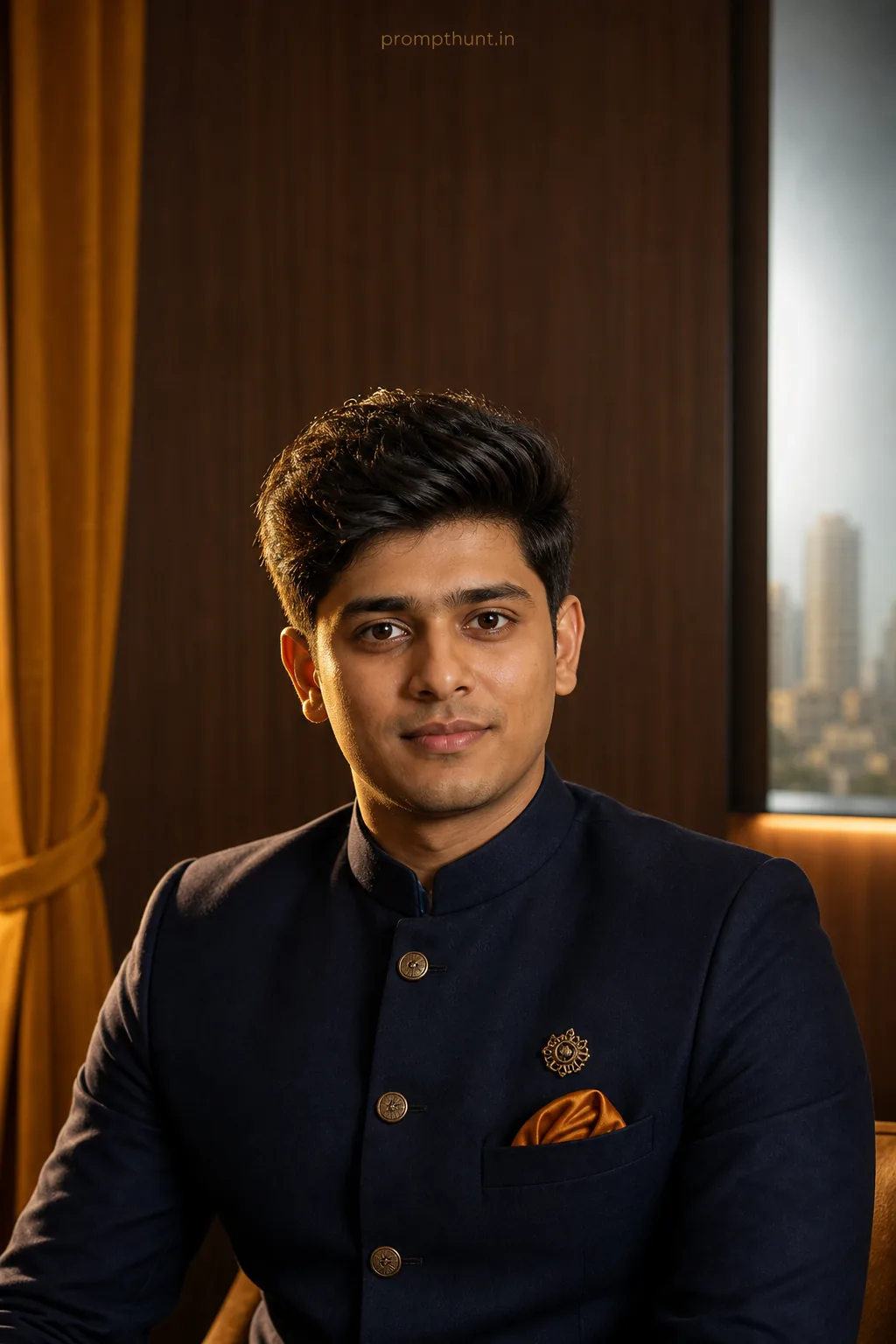
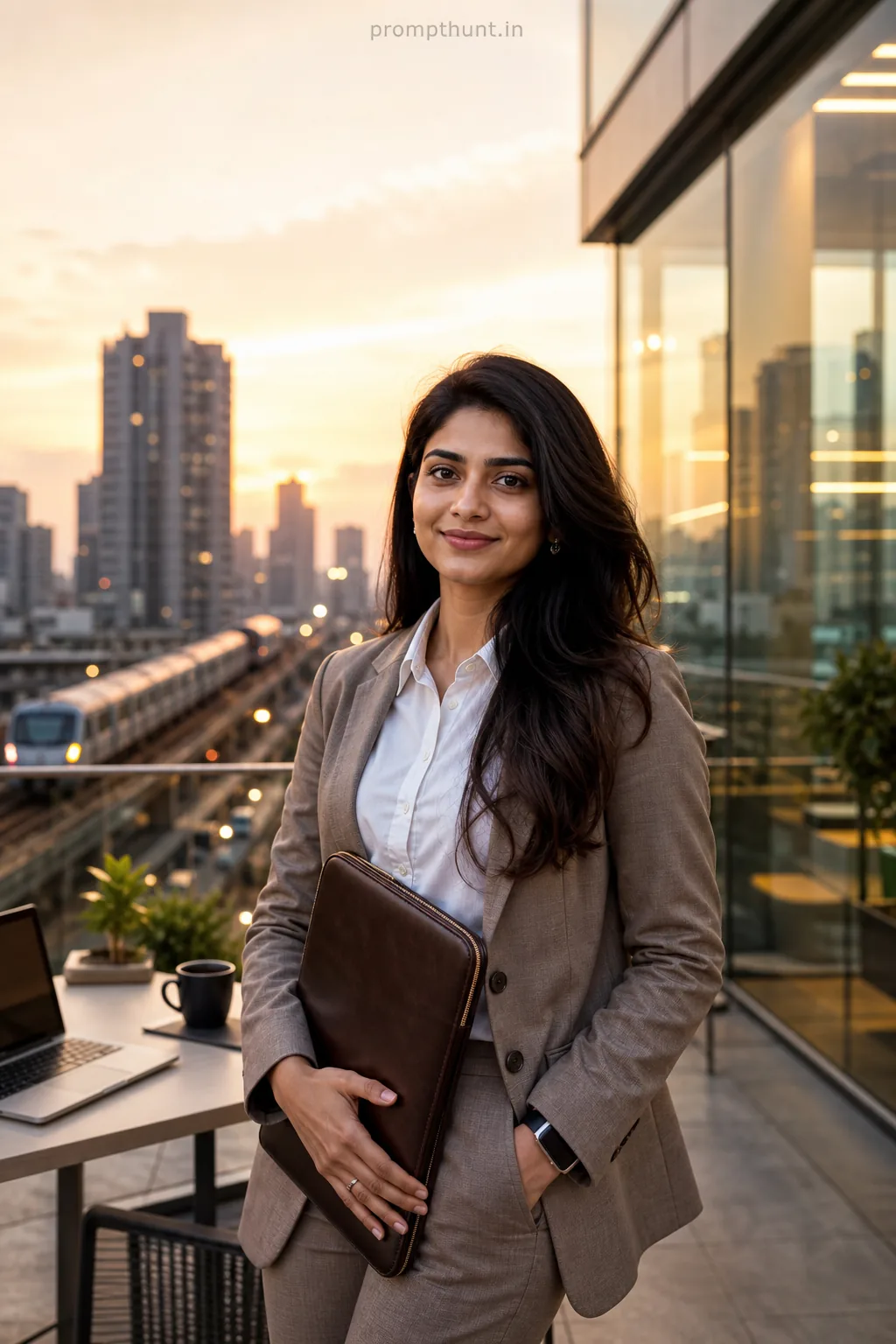
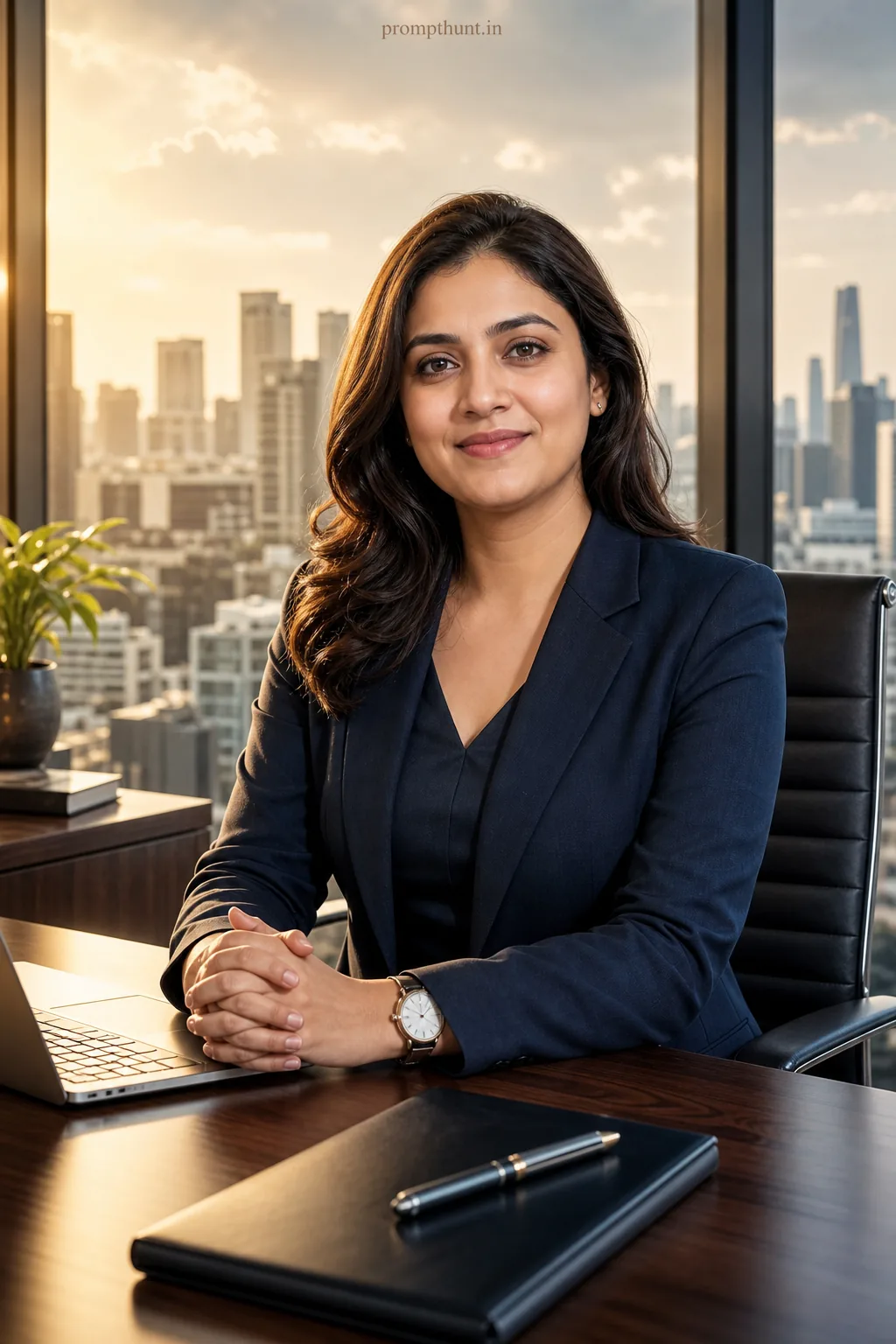
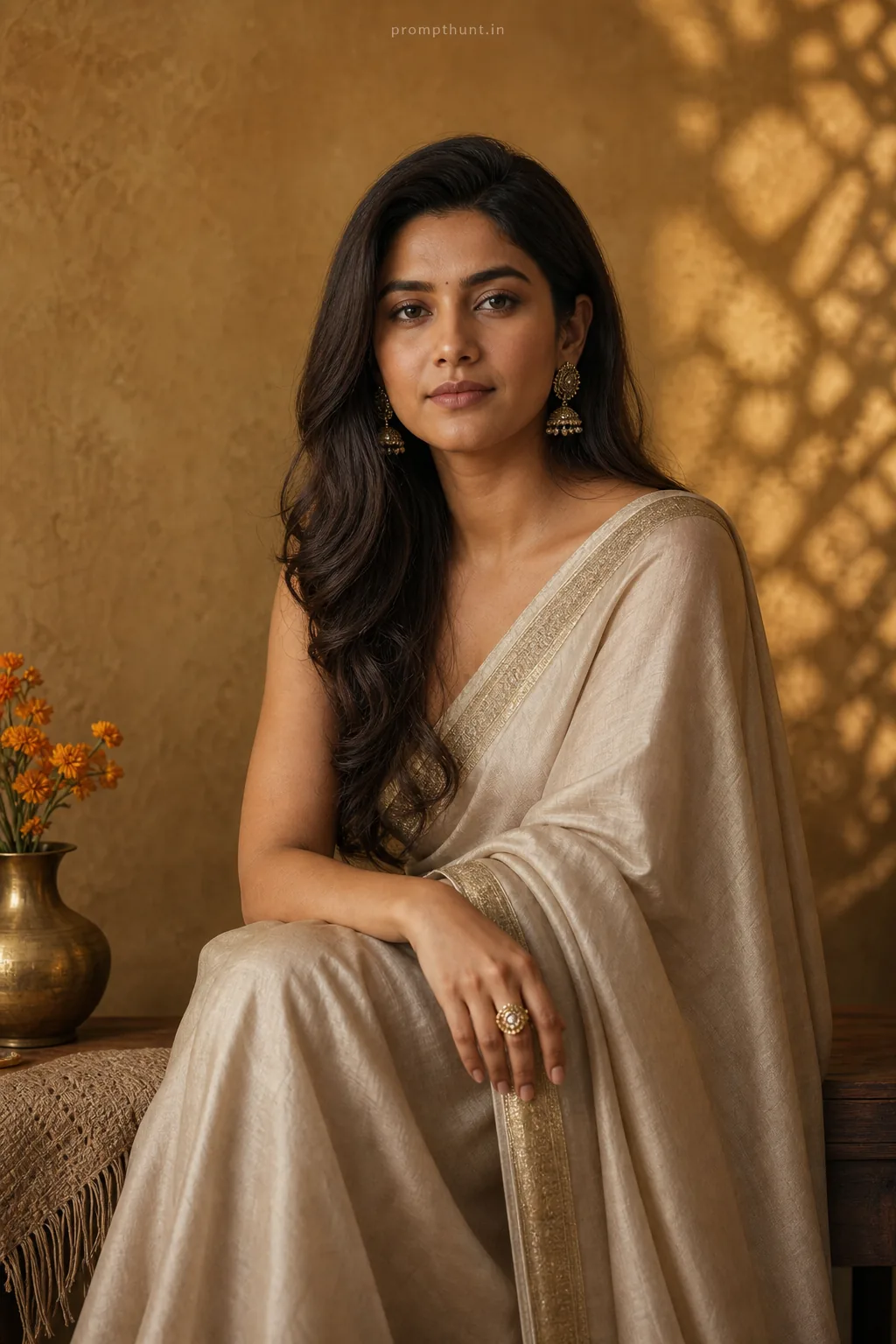
More tested prompts with example results
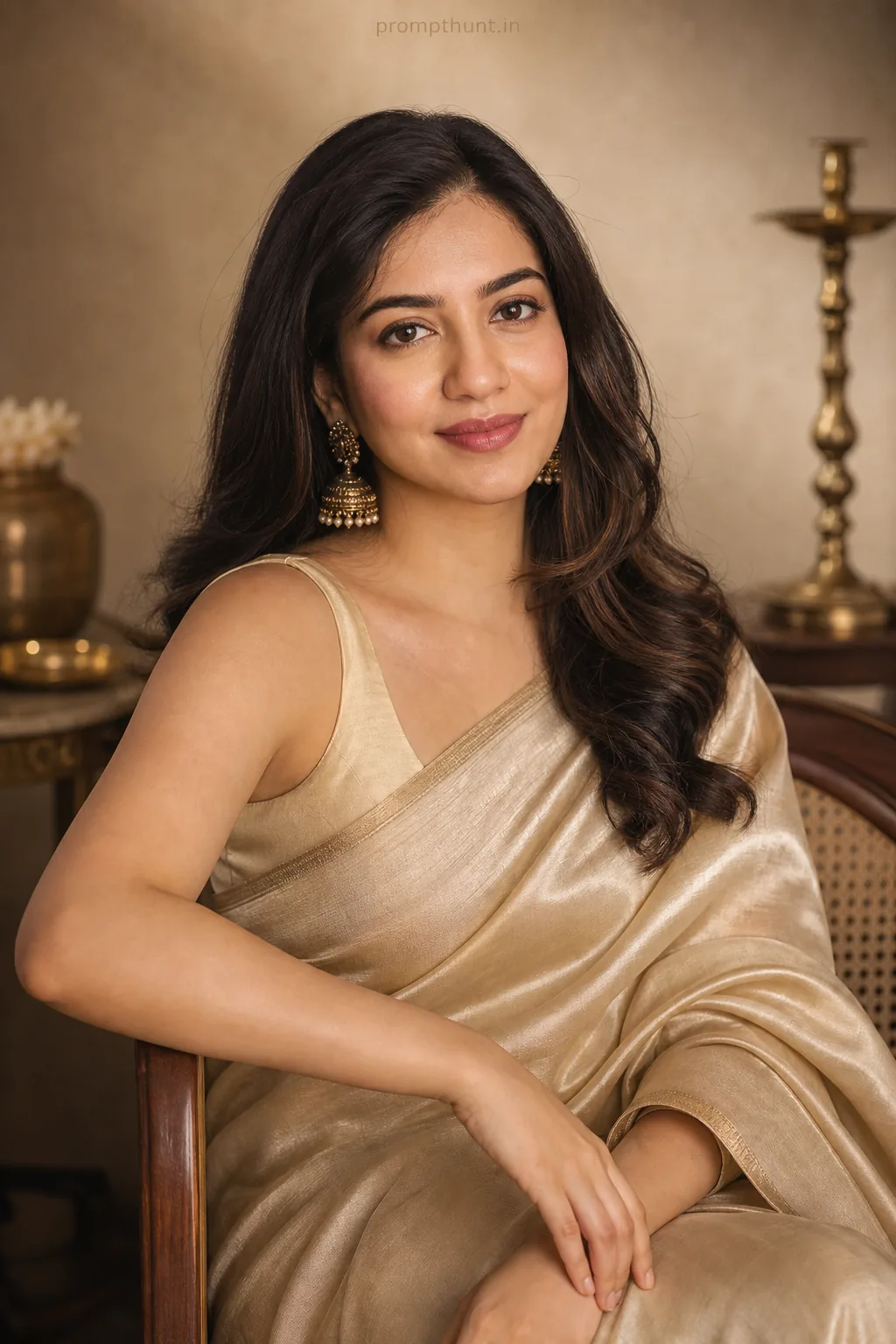
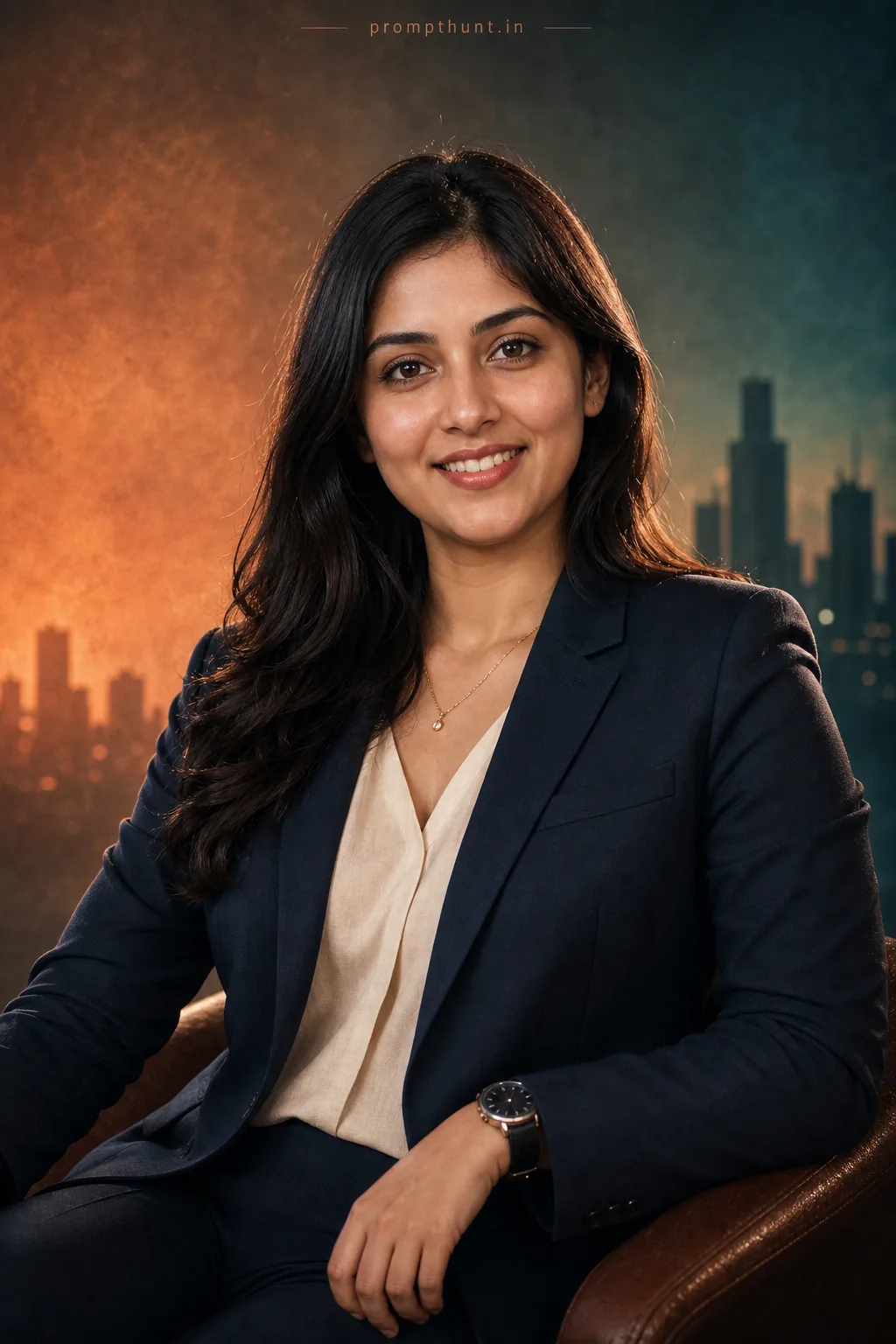
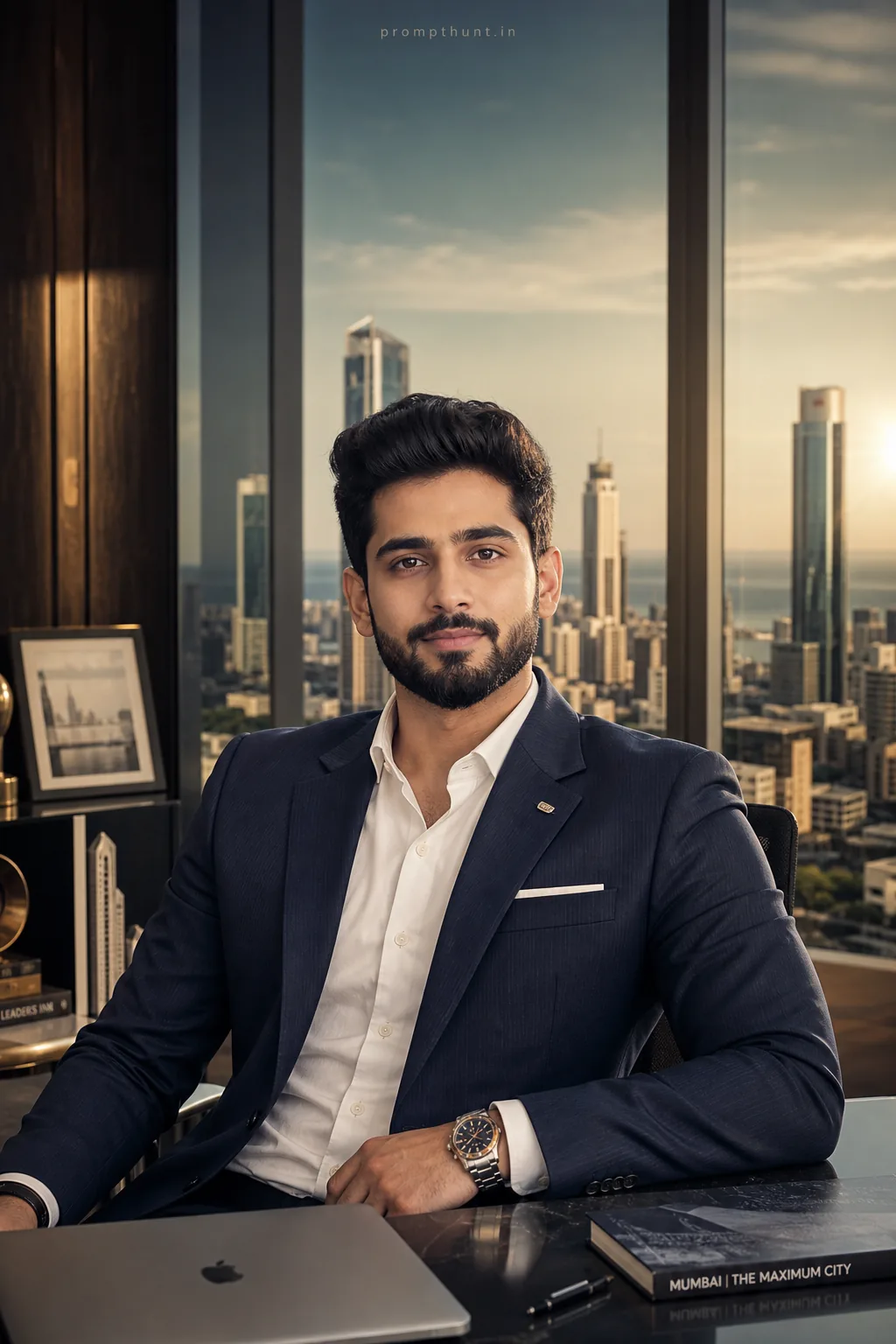
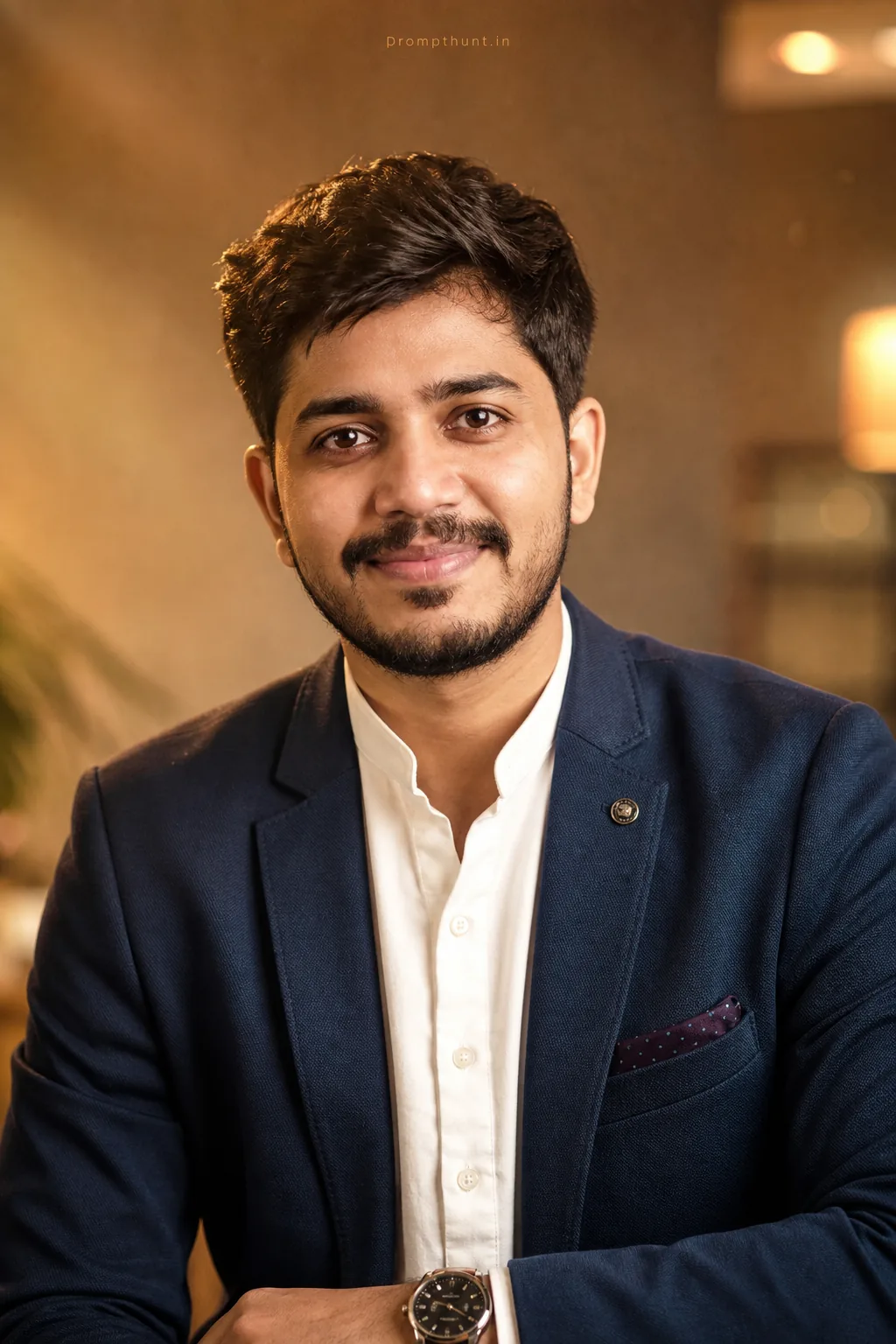
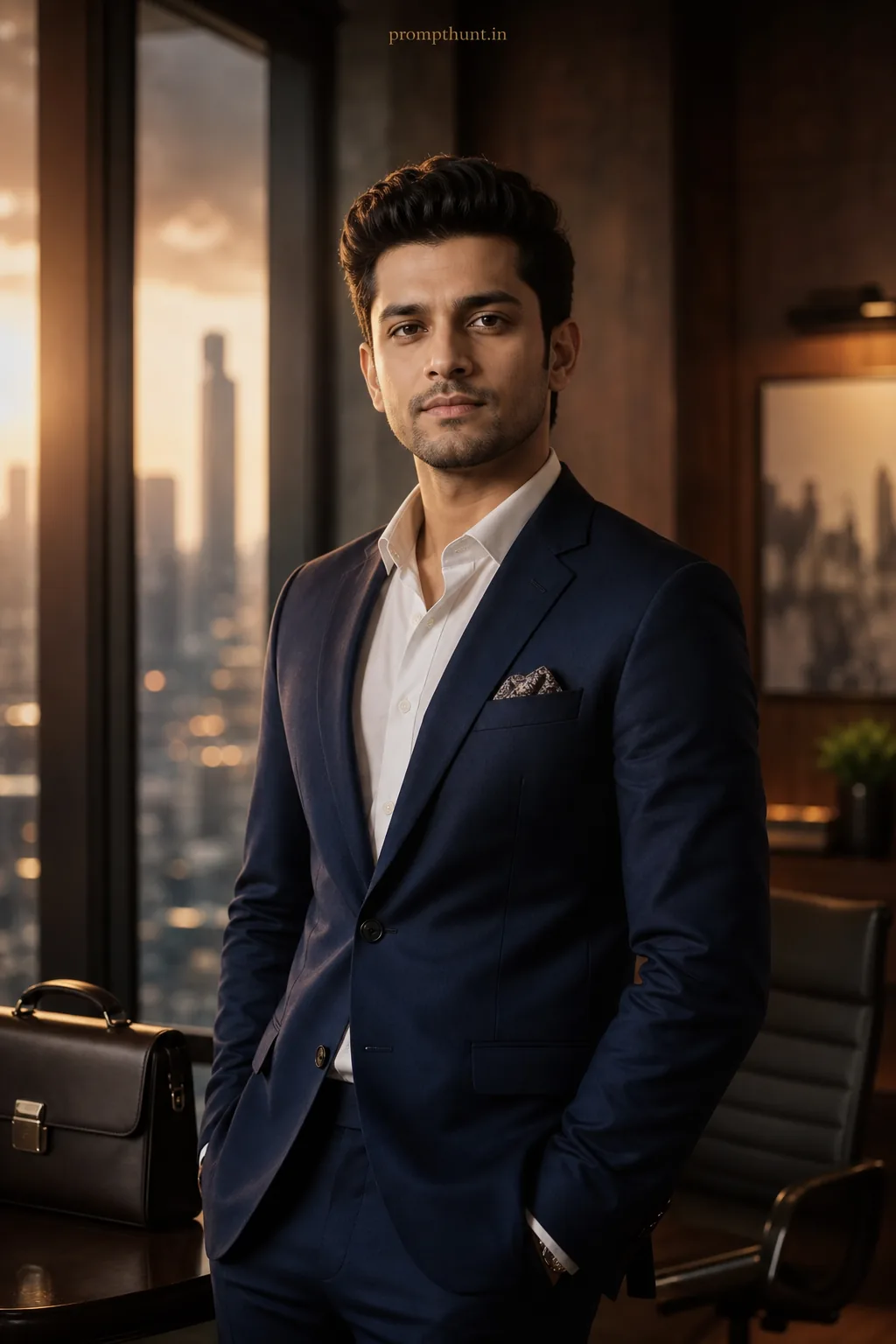
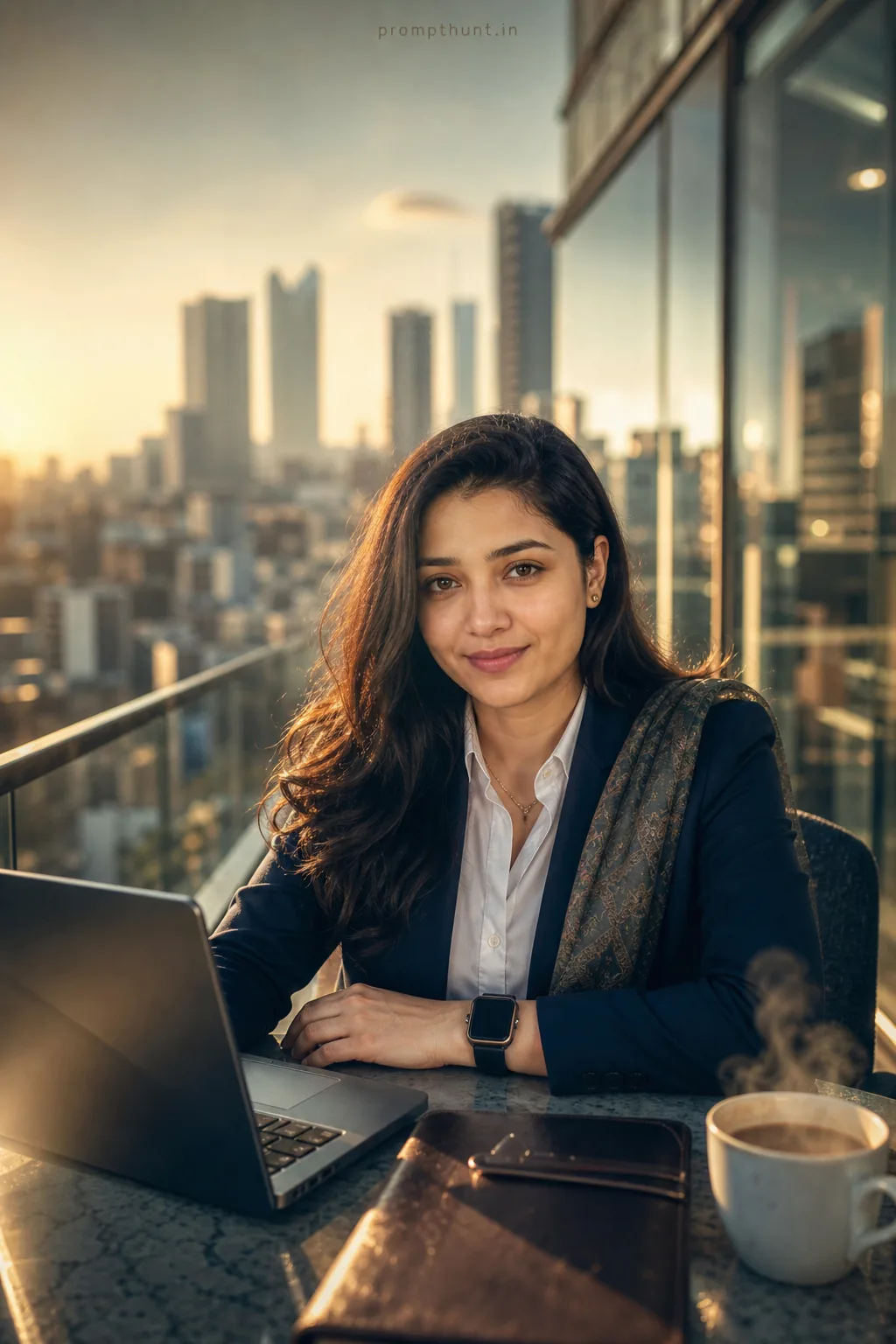
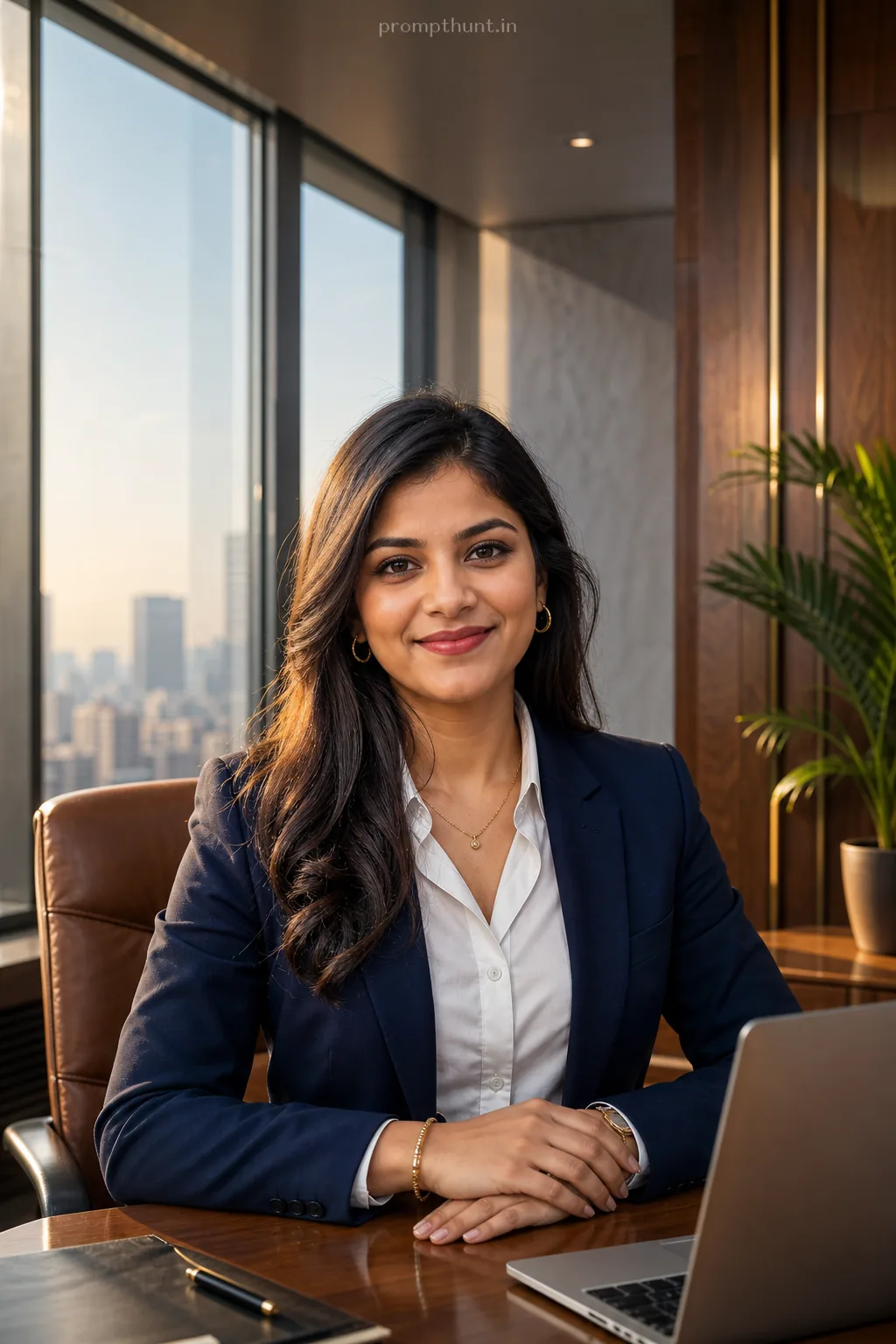
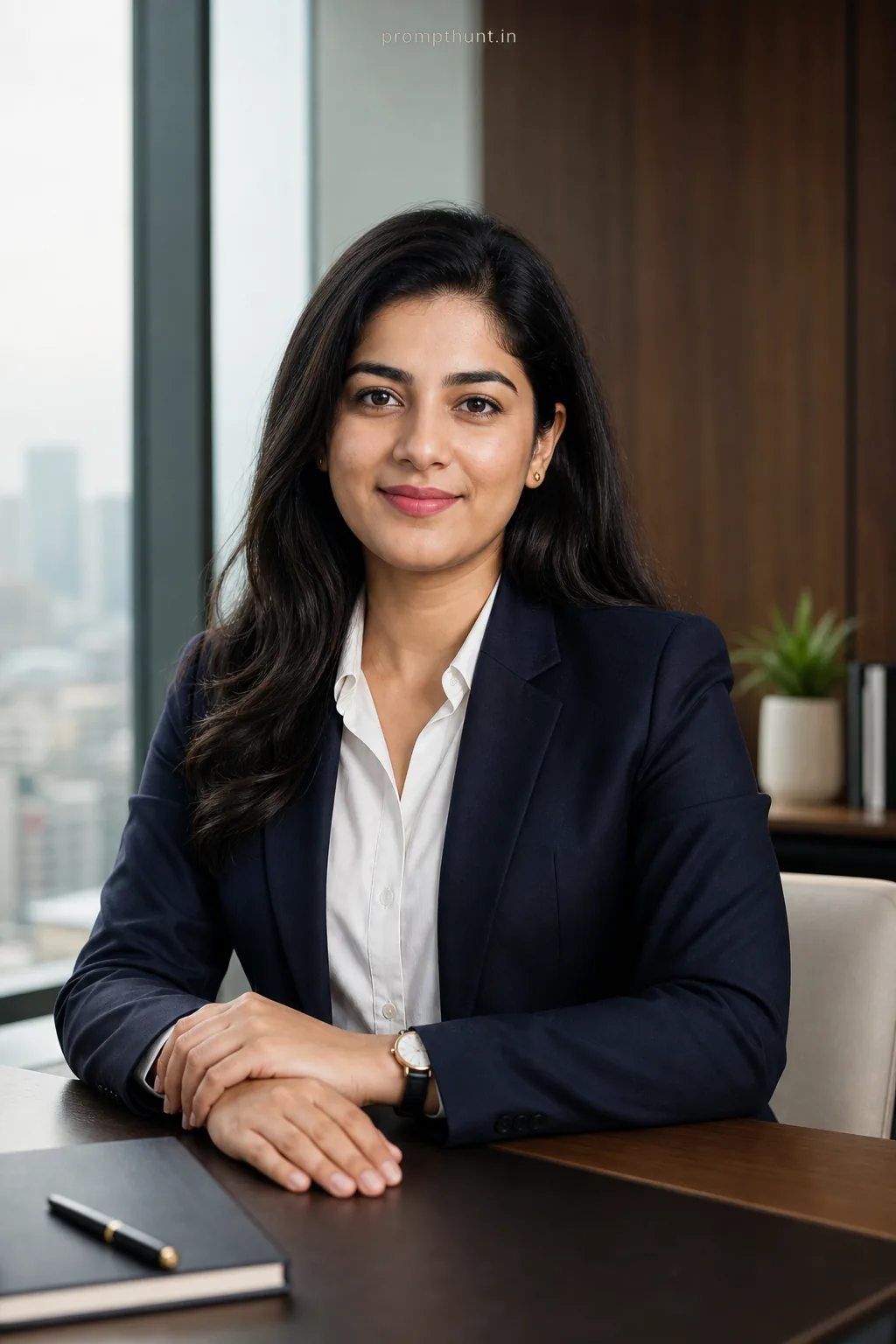
Frequently asked questions
Is it OK to use an AI headshot on LinkedIn?
Yes, as long as it still looks like you. Keep the identity instruction in the prompt and avoid heavy retouching.
What size should a LinkedIn photo be?
LinkedIn recommends a square image of at least 400 x 400 pixels with your face filling most of the frame.
Can I use the same prompt for a CV photo?
Yes — the classic studio prompt suits CVs and ID-style profile photos.
More prompt collections
Gemini AI Photo Editing PromptsChatGPT Photo Editing PromptsAI Couple Photo PromptsNano Banana Prompts for Photo EditingTrending AI Photo PromptsAI Photo Editing Prompts for Men & BoysAI Photo Editing Prompts for Girls & WomenAI Birthday Photo PromptsNavratri AI Photo PromptsDurga Puja AI Photo PromptsDiwali AI Photo PromptsSaree AI Photo PromptsRetro & Vintage AI Photo PromptsAll 307 styles