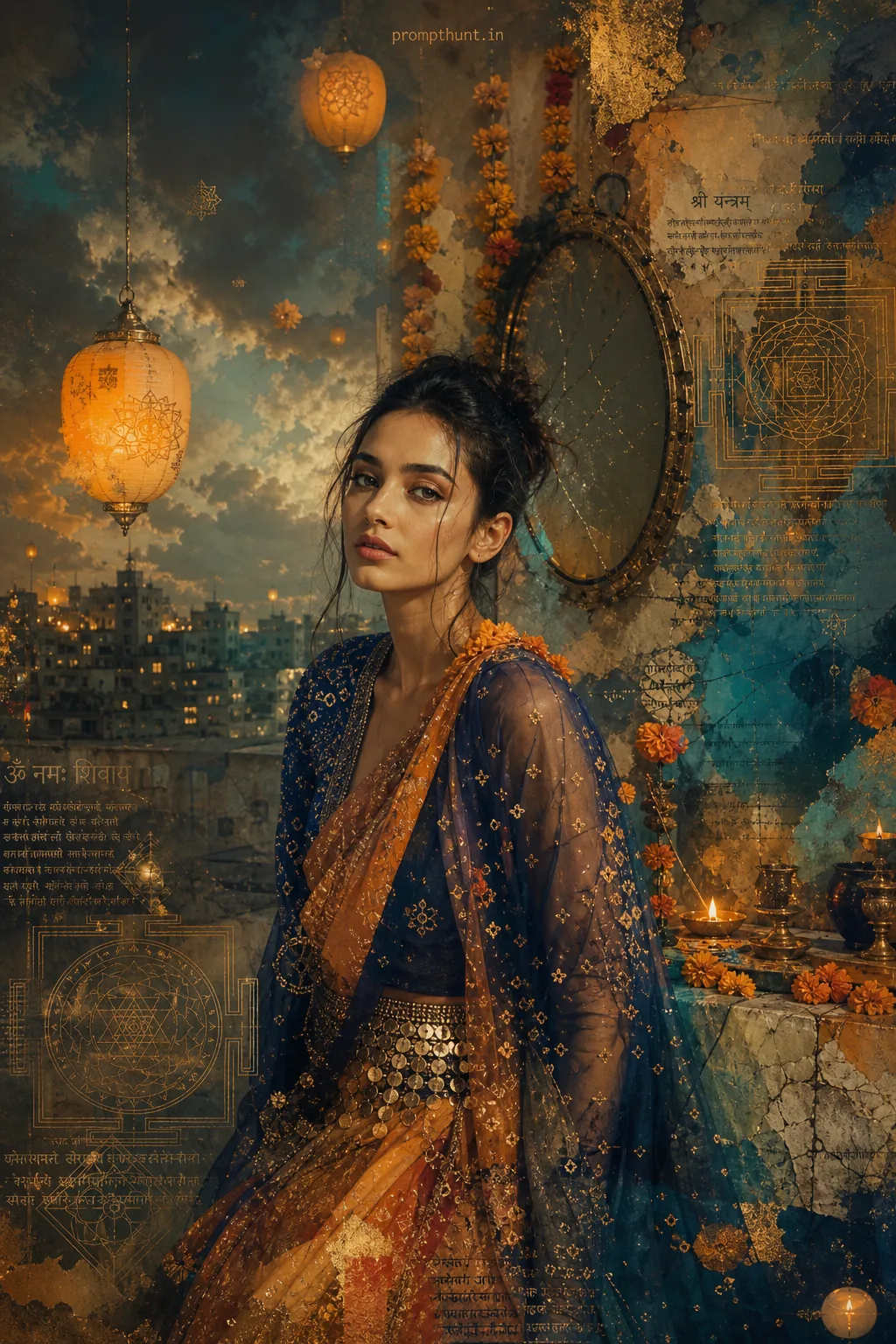
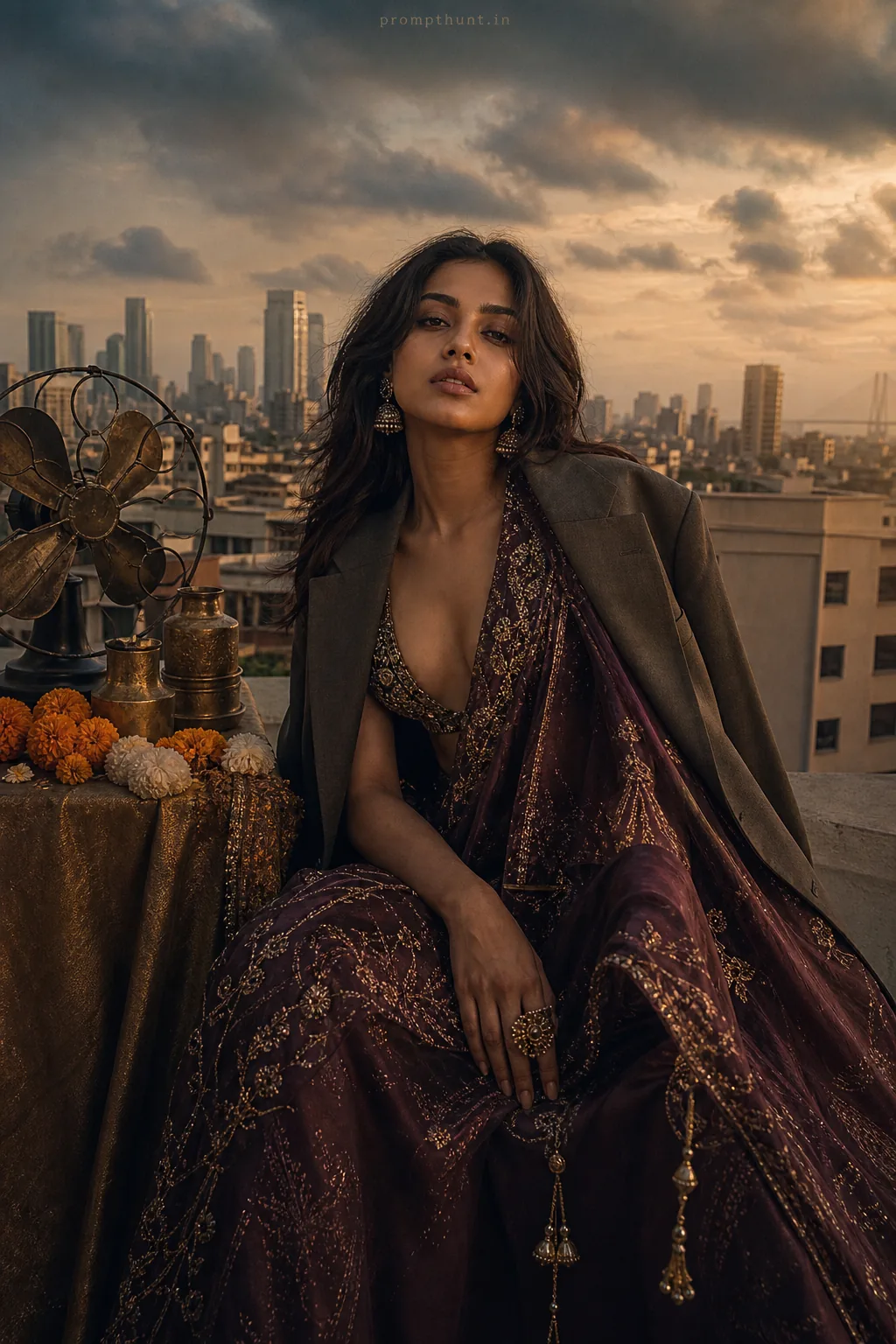
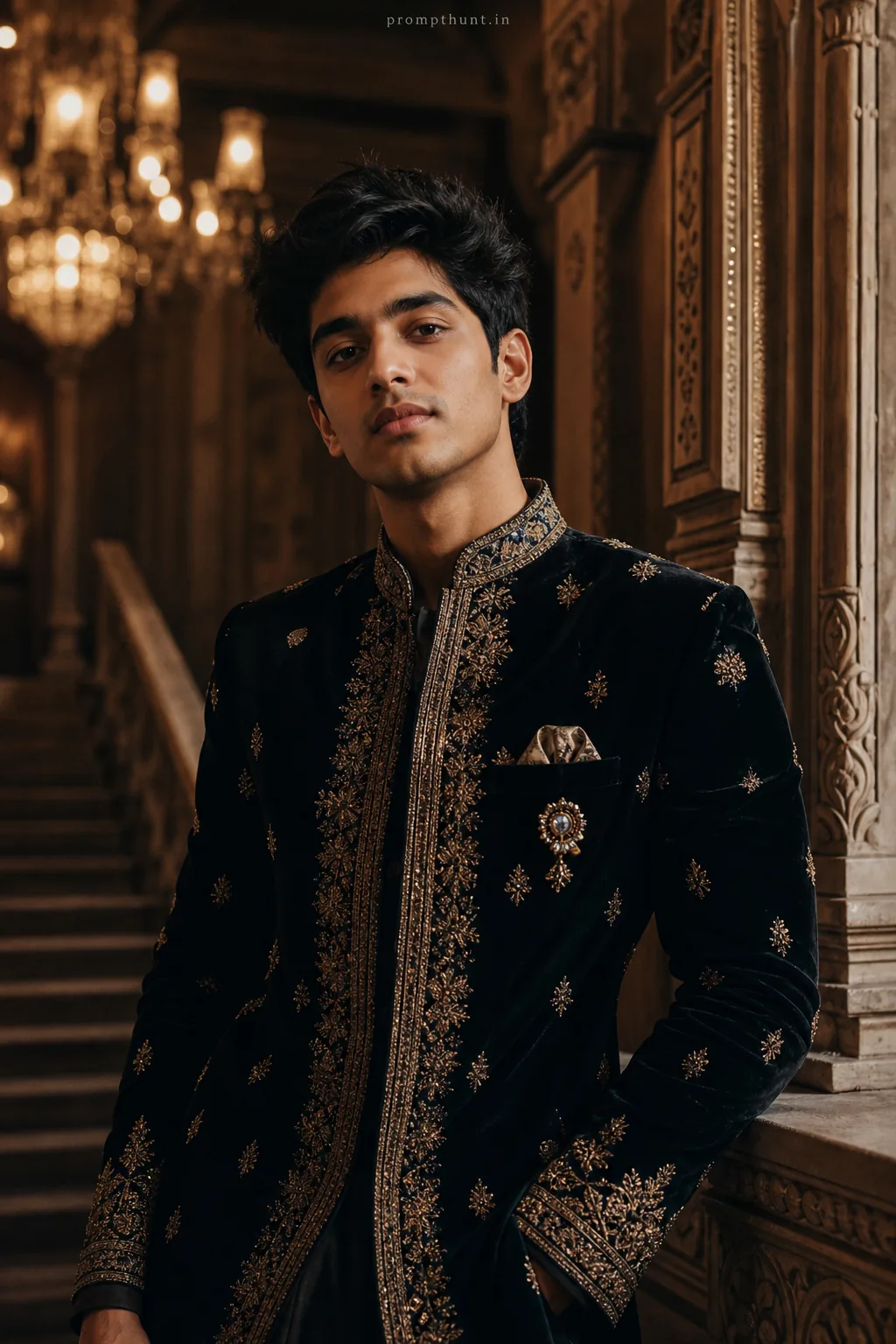
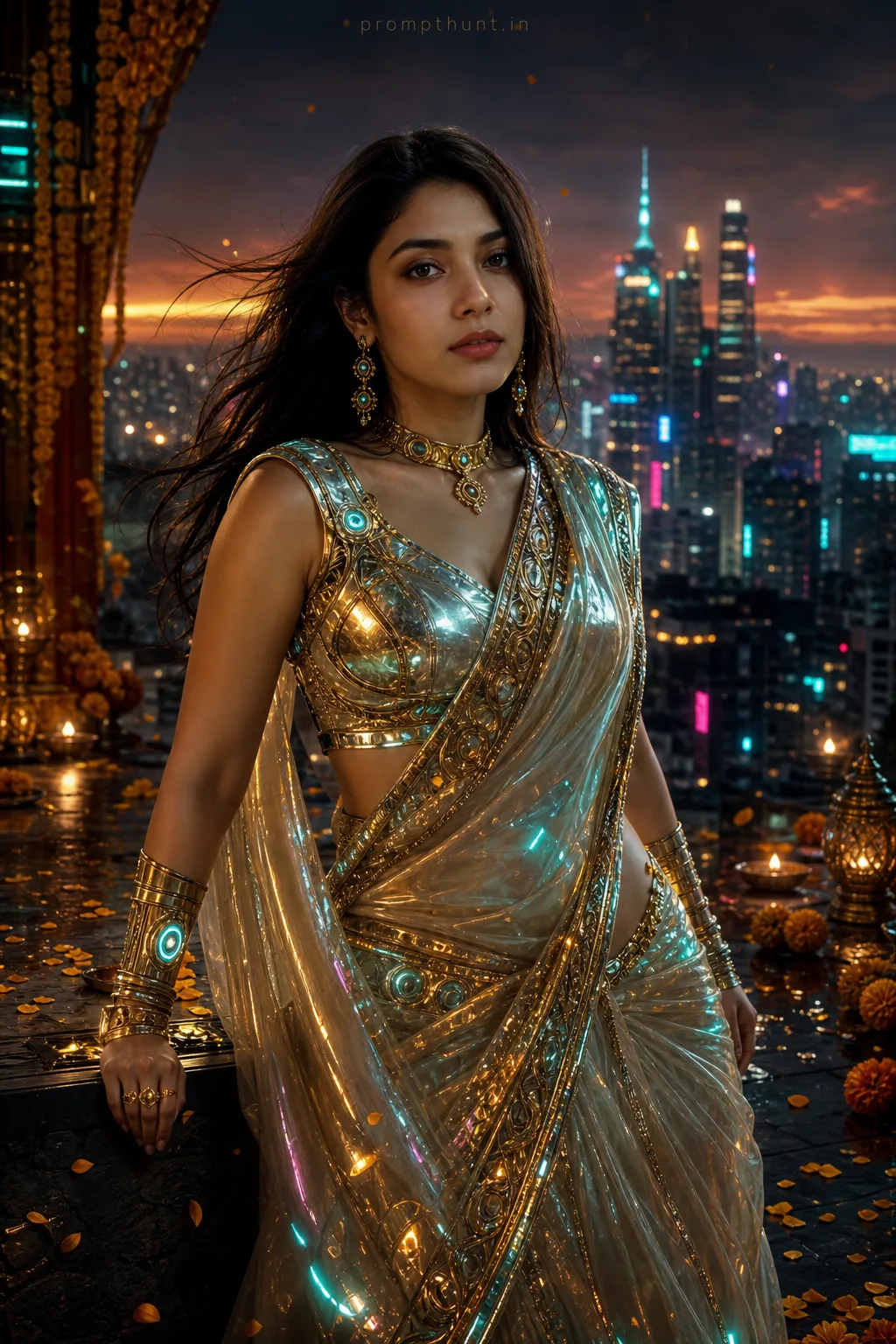
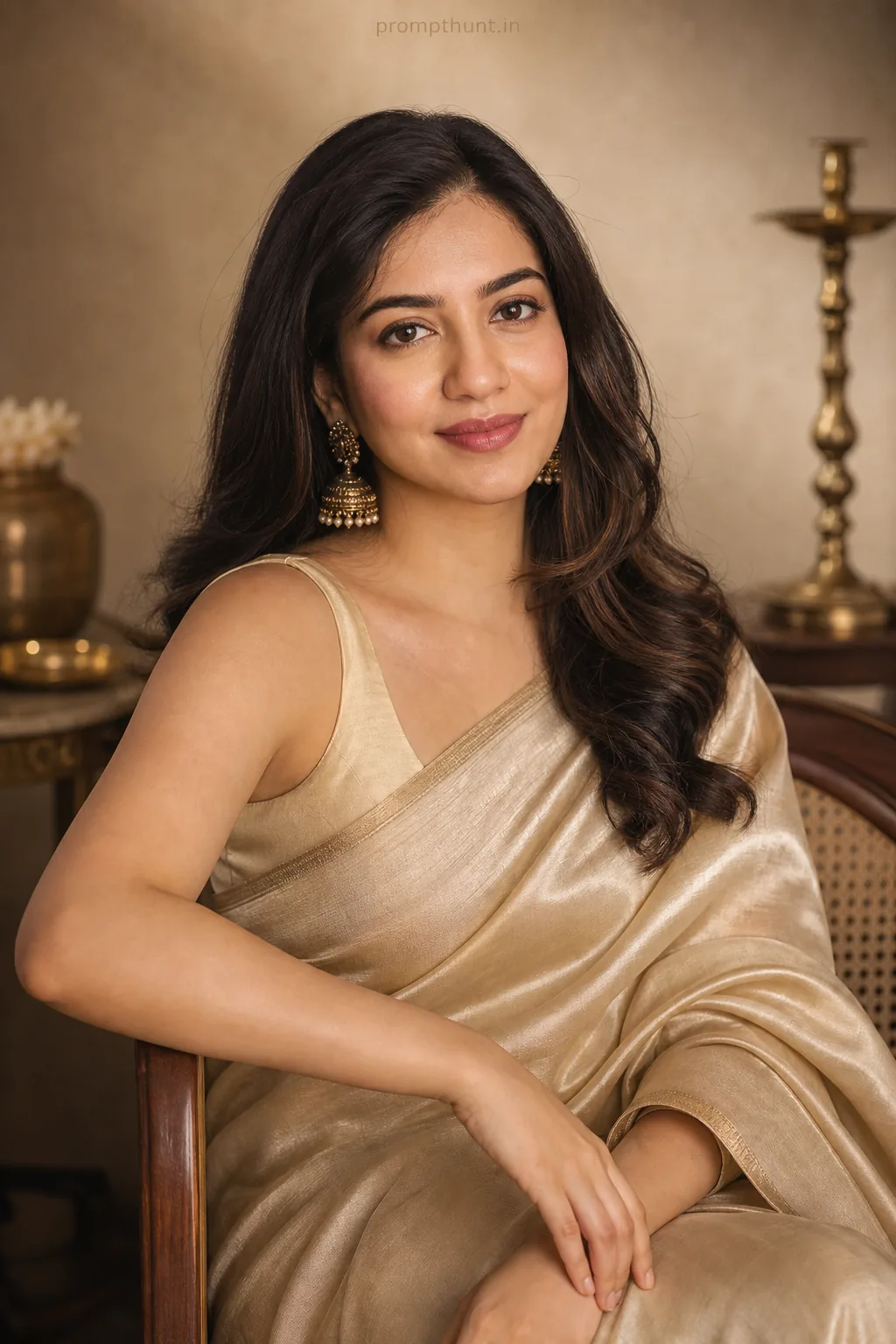
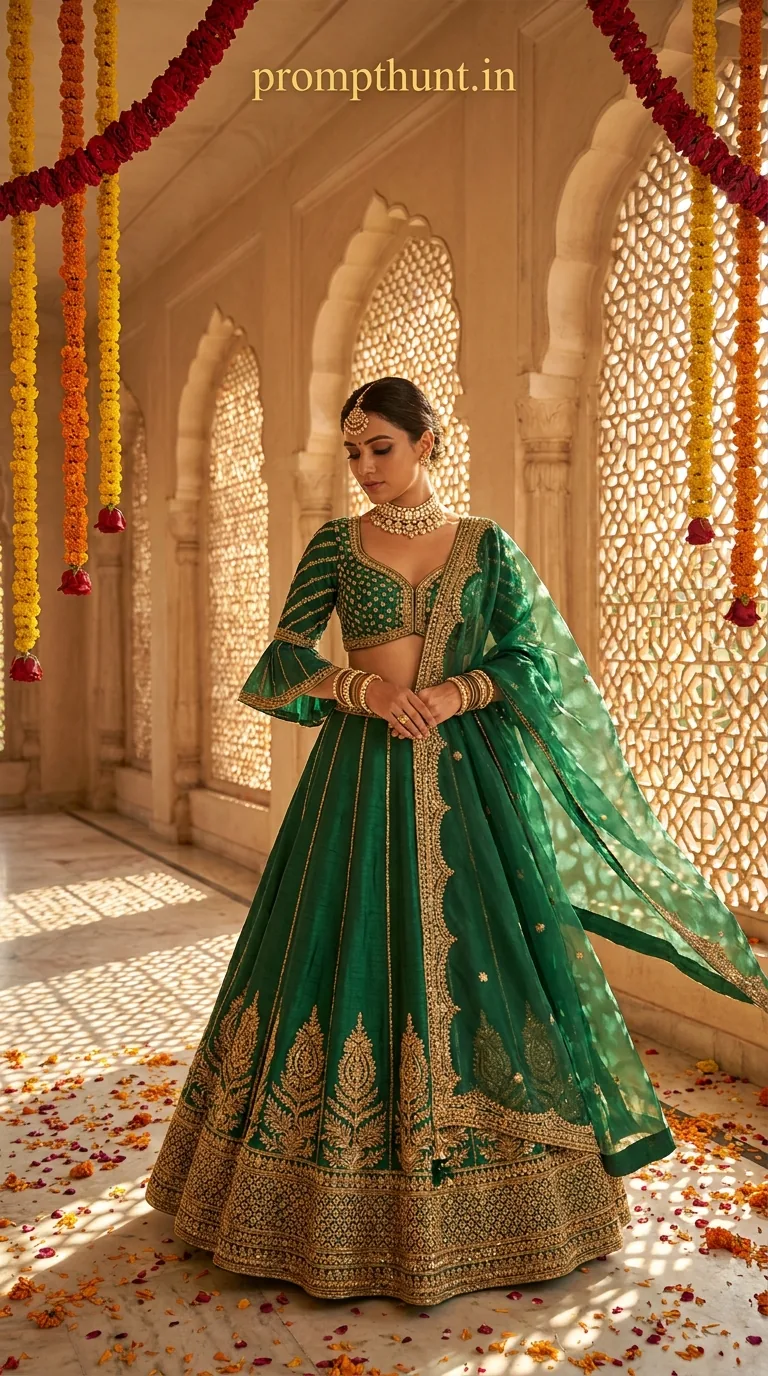
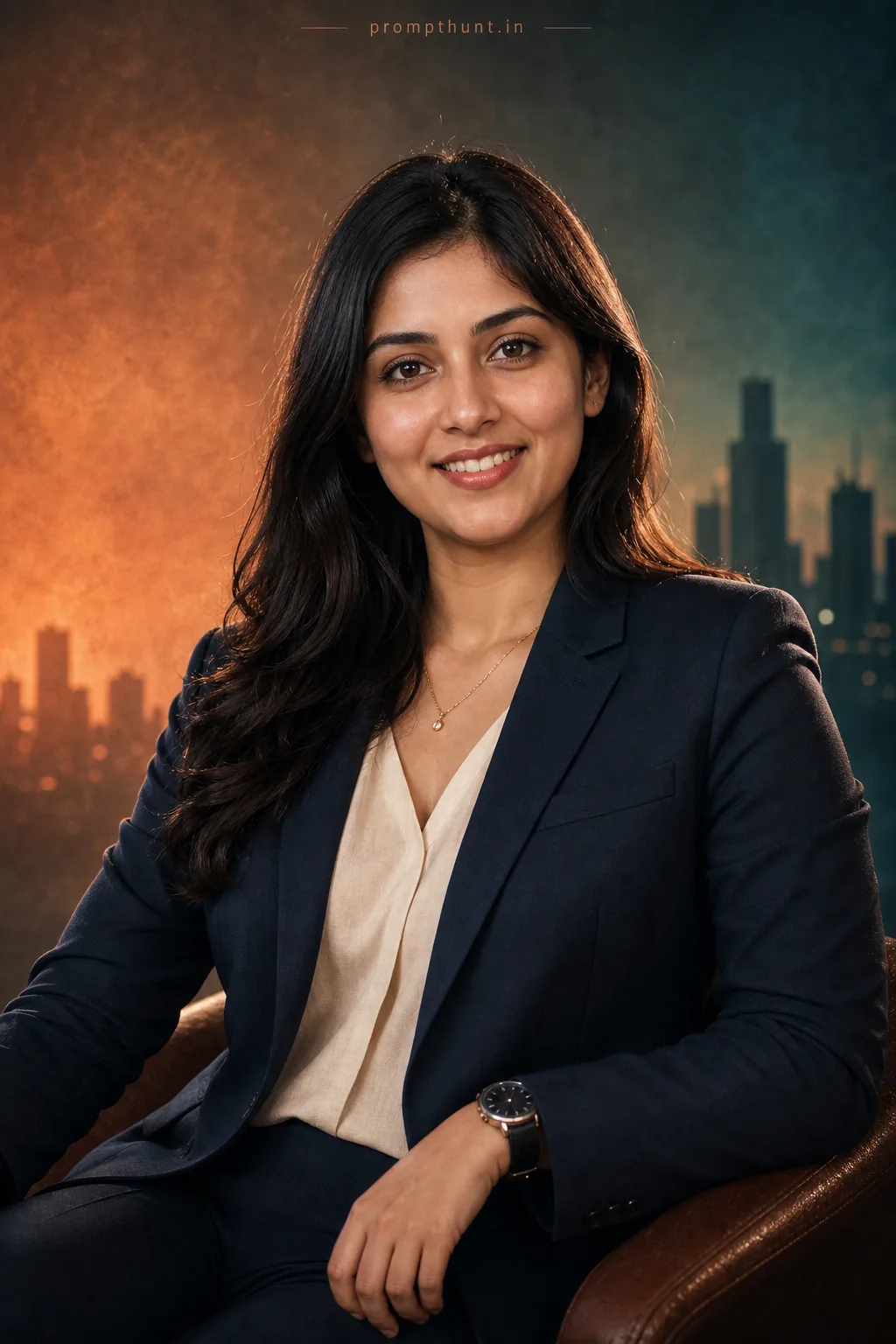
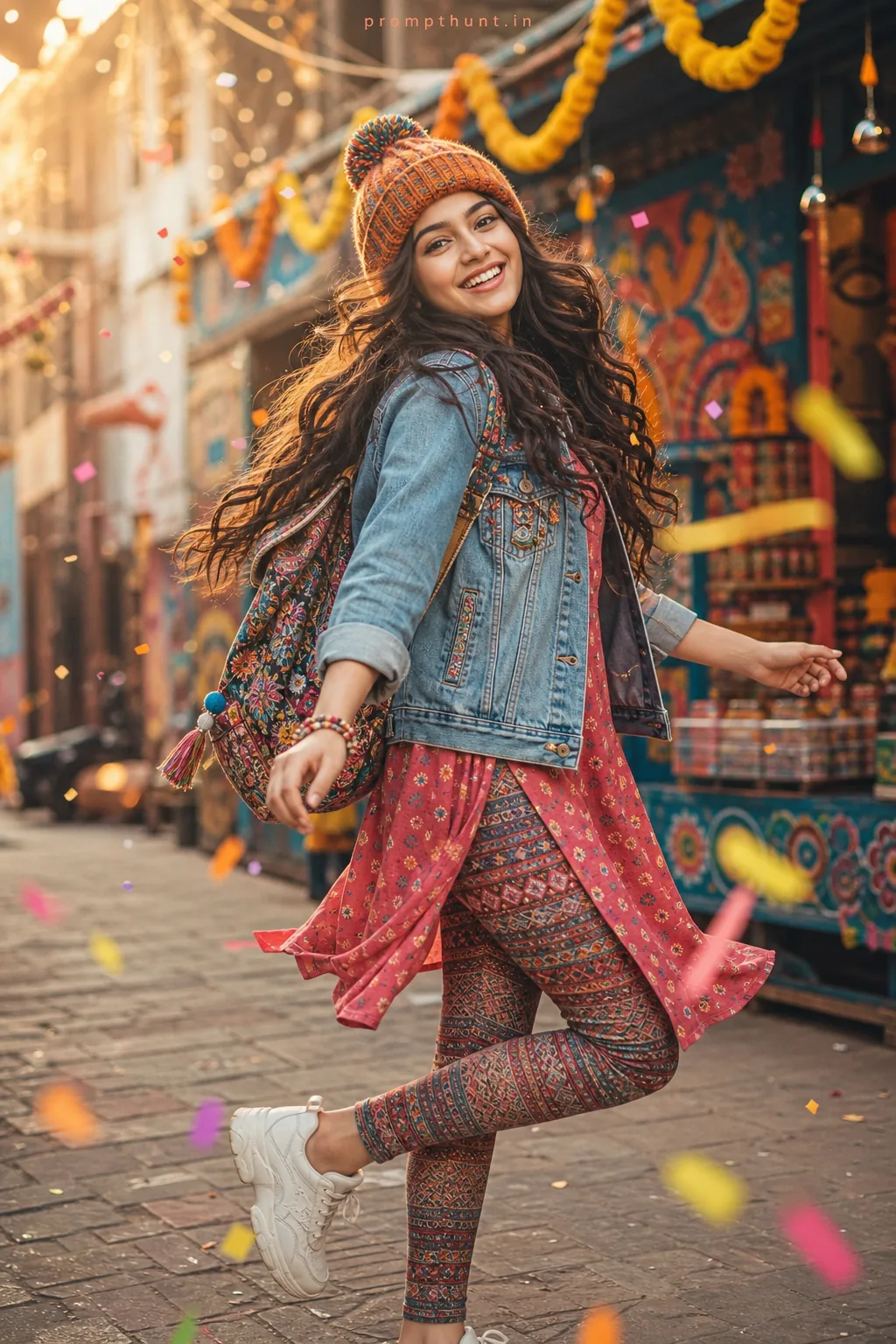
6 hand-written prompts + 12 tested library prompts with results — copy one, paste it with your photo.
A ChatGPT photo editing prompt is the text you send to ChatGPT along with your photo so its image model edits the picture for you. ChatGPT follows long, descriptive instructions well, so the prompts below spell out lighting, outfit, setting and camera style in one paragraph, then lock your identity so the face is not redrawn.
How to use these prompts
Open ChatGPT and start a new chat.
Attach your photo with the paperclip or + button.
Paste a prompt from this page and send.
For a vertical Instagram result, add “portrait 4:5 aspect ratio” at the end.
ChatGPT Photo Editing Prompts — copy & paste
1. LinkedIn-ready professional photo
Edit this photo into a polished professional profile picture: modern office background softly blurred, well-fitted charcoal suit with a white shirt, soft natural window light, friendly confident expression, head-and-shoulders crop. Keep the face, facial features, skin tone and identity exactly the same as in the uploaded photo. Photorealistic, natural skin texture, sharp focus.
2. Instagram travel shot
Place the person on a cliffside viewpoint in Santorini at sunset, white houses and blue domes behind, wearing a flowing white linen outfit, warm golden light, wind in the hair, travel influencer photography style. Keep the face, facial features, skin tone and identity exactly the same as in the uploaded photo. Photorealistic, natural skin texture, sharp focus.
3. Vintage 90s film photo
Turn this into a 1990s film photograph: slightly faded colours, warm cast, soft flash, light grain and a date stamp in the corner, retro denim jacket outfit, casual candid feel. Keep the face, facial features, skin tone and identity exactly the same as in the uploaded photo. Photorealistic, natural skin texture, sharp focus.
4. Superhero movie poster
Make this a cinematic action movie poster: the person in a dark tactical suit, dramatic backlight, sparks and smoke, city skyline at night, bold poster colour grading, epic low-angle composition. Keep the face, facial features, skin tone and identity exactly the same as in the uploaded photo. Photorealistic, natural skin texture, sharp focus.
5. Cozy café candid
Restyle as a candid photo in a cozy café: wooden table, latte art cup, warm Edison bulbs, rain on the window, soft knitted sweater, shallow depth of field, lifestyle photography look. Keep the face, facial features, skin tone and identity exactly the same as in the uploaded photo. Photorealistic, natural skin texture, sharp focus.
6. Festive Indian portrait
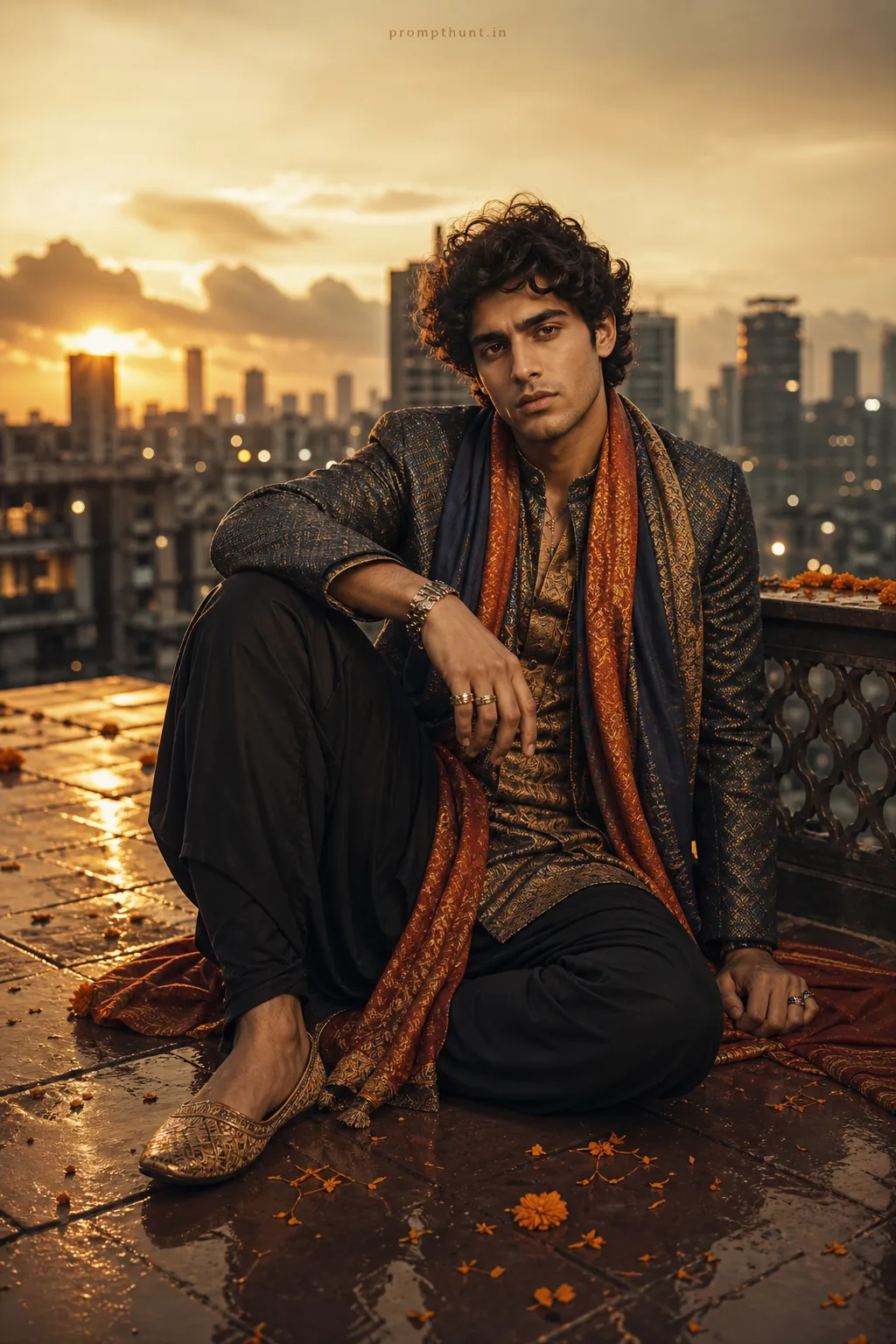
Edit into a festive Indian portrait: rich silk traditional outfit, marigold garlands and glowing diyas in the background, warm golden bokeh, joyful expression, celebration photography style. Keep the face, facial features, skin tone and identity exactly the same as in the uploaded photo. Photorealistic, natural skin texture, sharp focus.
ChatGPT includes a limited number of image generations on the free plan; paid plans raise the limit. The prompts on this page are free.
How do I stop ChatGPT from changing my face?
Use a clear, front-facing photo and keep the identity instruction at the end of the prompt. If the first result drifts, reply asking it to keep the face exactly as in the original photo.
Can I get a vertical image?
Yes. Add “vertical 9:16” or “portrait 4:5 aspect ratio” to the end of any prompt.