AI Image Prompt: How to Write One That Works (6 Examples)
A good AI image prompt is one full paragraph that names the subject, the place, the outfit and colours, the light direction, the camera or lens and the shape of the picture. If you upload your own photo, end it with an identity lock so your face stays yours. Six copy-paste examples and a formula table are below.
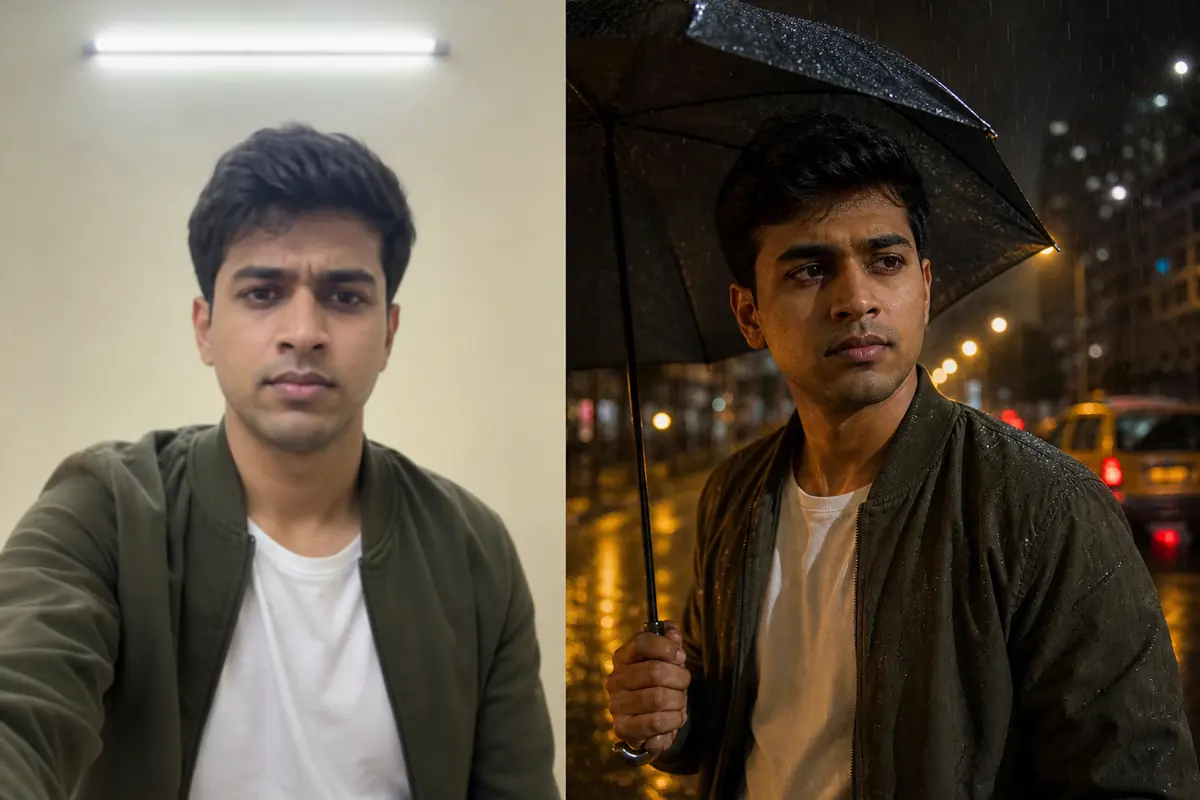
Most bad AI pictures start with a lazy prompt. Type "make me look cool" and ChatGPT or Gemini has to guess everything else. It guesses like a wedding photographer on his fifth shaadi of the week: shiny skin, random sunset, a face that is almost yours.
Below: how to write the prompt slot by slot, six ready examples for Indian users and a table of fixes for when things go sideways. (They will.)
What Is an AI Image Prompt?
An AI image prompt is the text instruction you give a tool like ChatGPT or Gemini, which then draws a new picture. There are two kinds.
- From scratch: no photo, only words. You describe a person, place or object and the AI invents all of it.
- Edit your photo: you upload a picture of yourself and describe the new look. This is what most people on Instagram are doing, and it is where most mistakes happen.
Google's Gemini image guide puts it simply: describe a scene in rich detail, because the more specific you are, the more control you get. A paragraph beats a pile of keywords.
What You Need Before You Write an Image Prompt for AI
- One app. ChatGPT and Gemini both edit uploaded photos. Free limits change often, so check the app.
- One clear photo (for edits): face visible, no beauty filter, even light. Window light is your friend. The tube light above your head is not.
- A picture shape: 9:16 for Reels, 4:5 for posts, 16:9 for YouTube thumbnails.
- Permission. Only photos of yourself or people who said yes. No celebrity faces.
Weak AI Picture Prompt vs Strong One
Here is the same idea written twice. The first is what most people type. The second is what the AI actually needs.
- Weak:
make my photo aesthetic in the rain - Strong:
Turn this photo into a cinematic portrait on a rainy Mumbai street at night, wet road reflecting yellow street lights, soft light from the left, 50mm lens, shallow depth of field, real photo look. Keep my face exactly the same.
The weak one leaves place, light, lens and face to luck. The strong one answers every question before the AI can ask. (Like giving your auto driver the full address instead of "that side only".)
AI Image Prompts for Your Own Photo
Upload your photo and paste the full paragraph. Swap the outfit or place words if you like, but keep the identity lock last. For more saree looks, see our saree AI photo prompts.
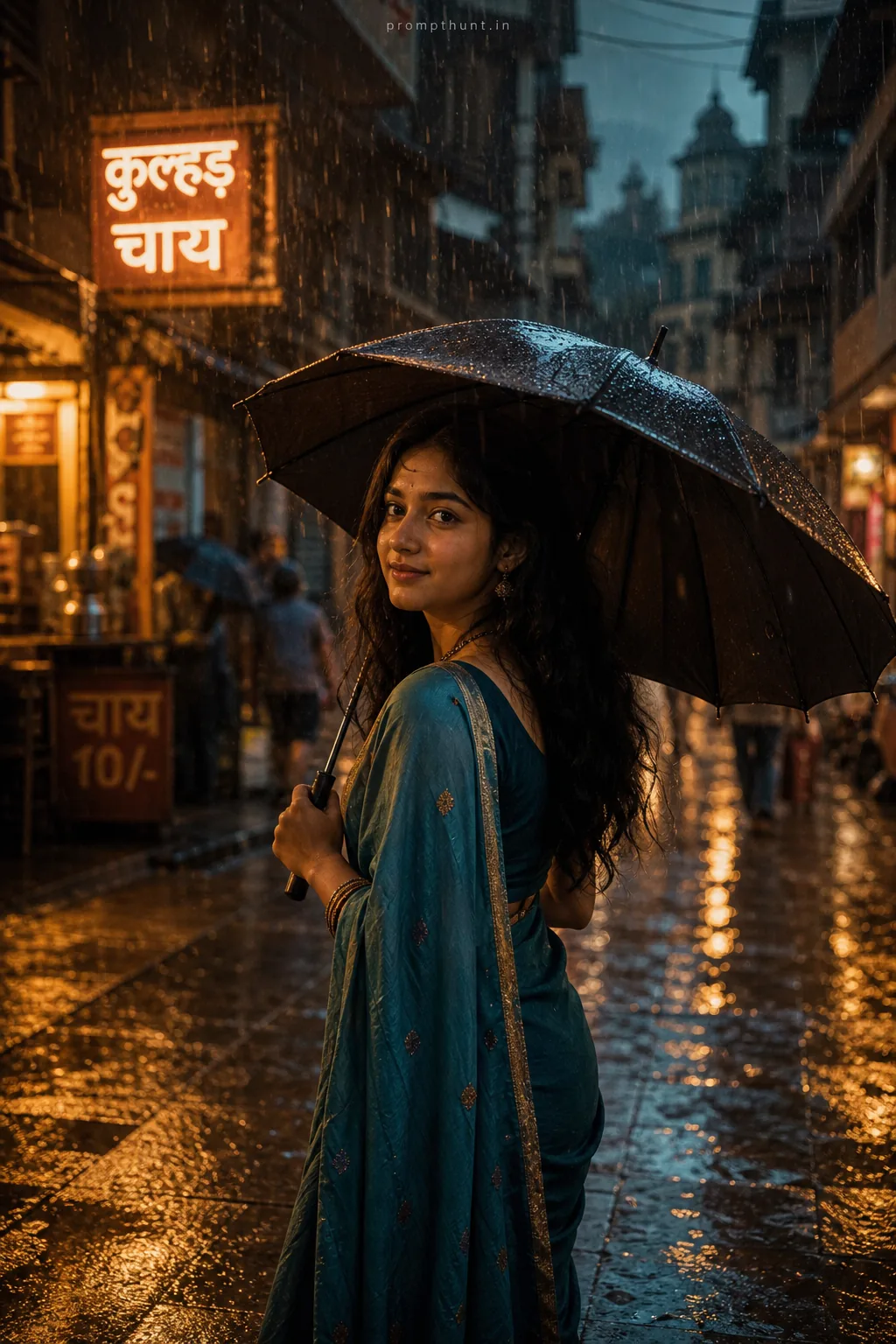
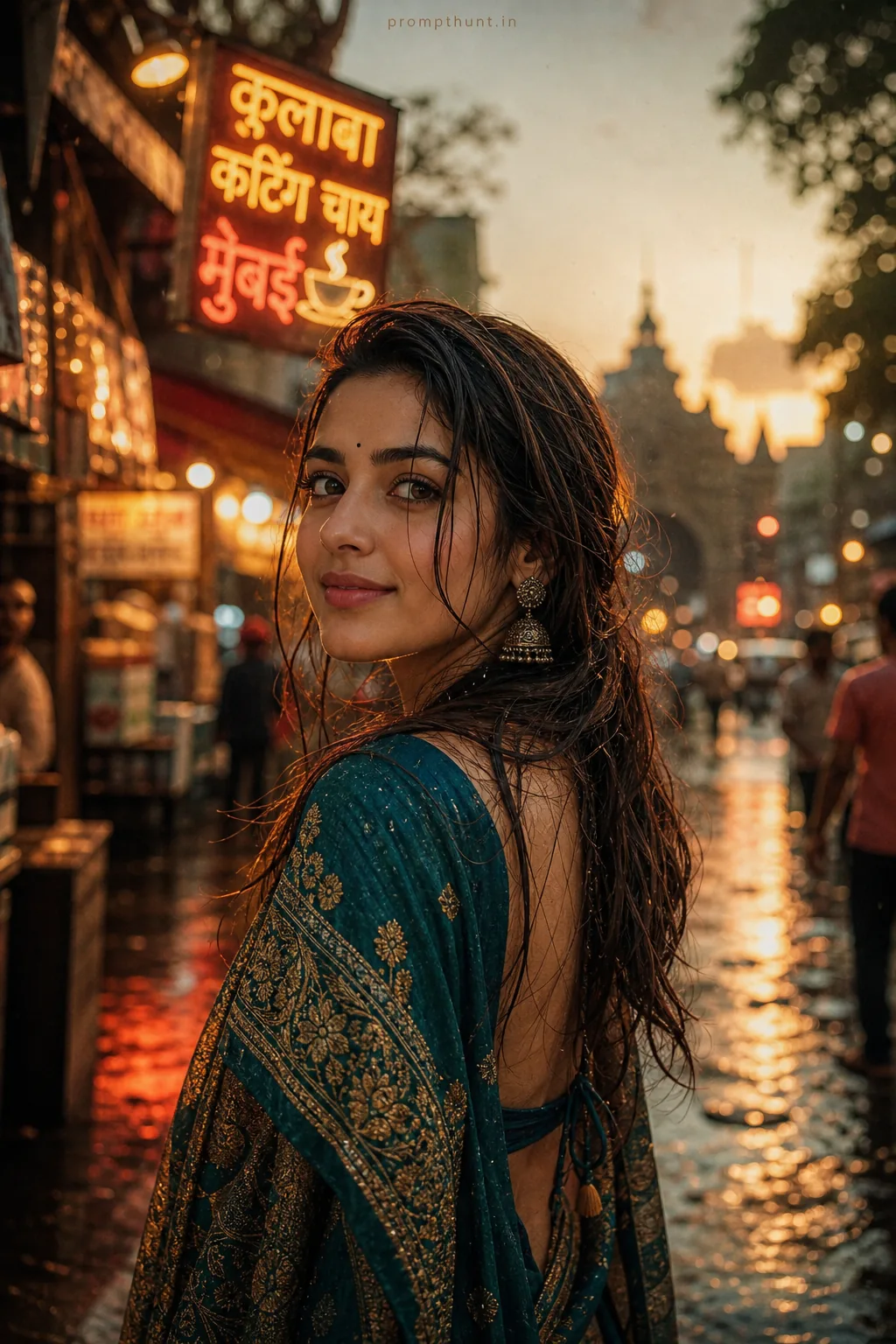
1. Rainy Mumbai Night Portrait
Wet roads and street lights give a cinematic mood that works for anyone.
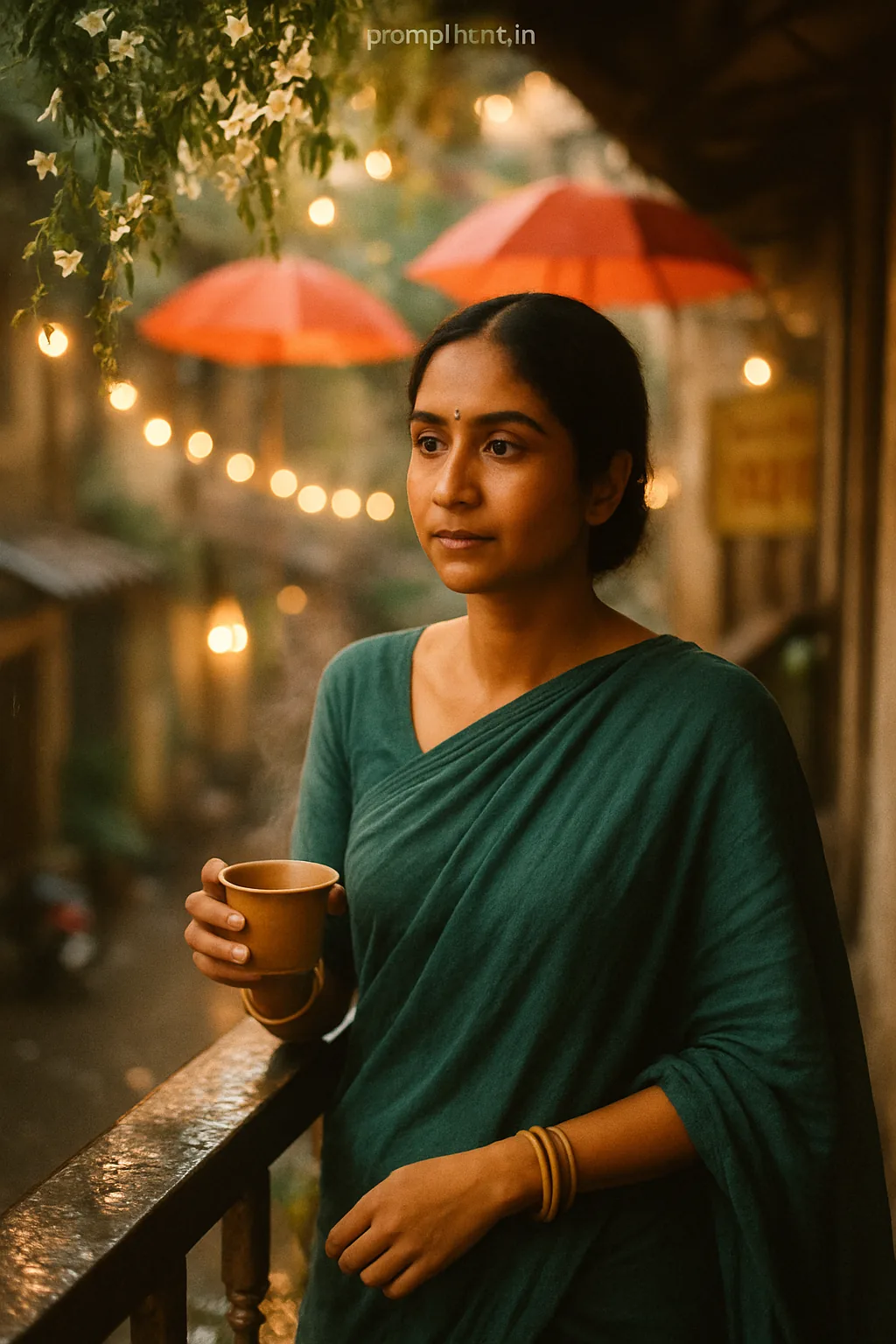
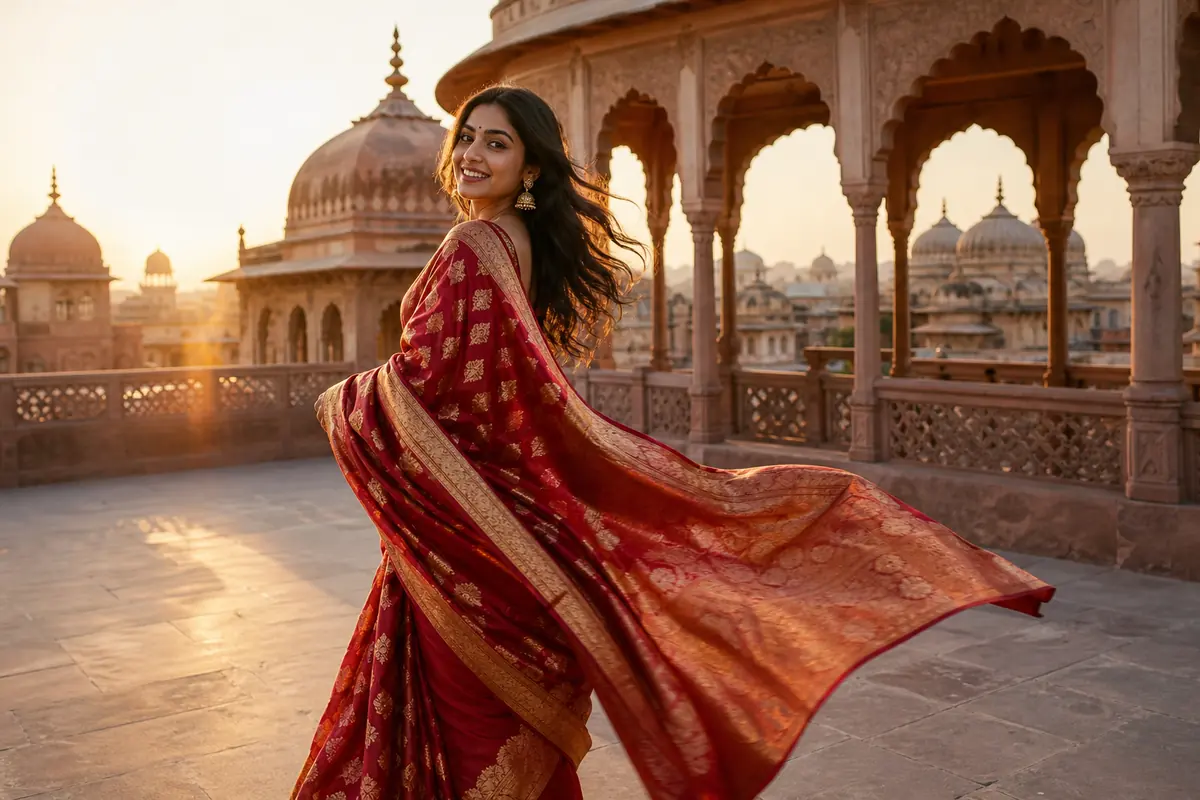
2. Golden Hour Saree on a Rooftop
Low sun from one side flatters skin and makes silk shine without filters.

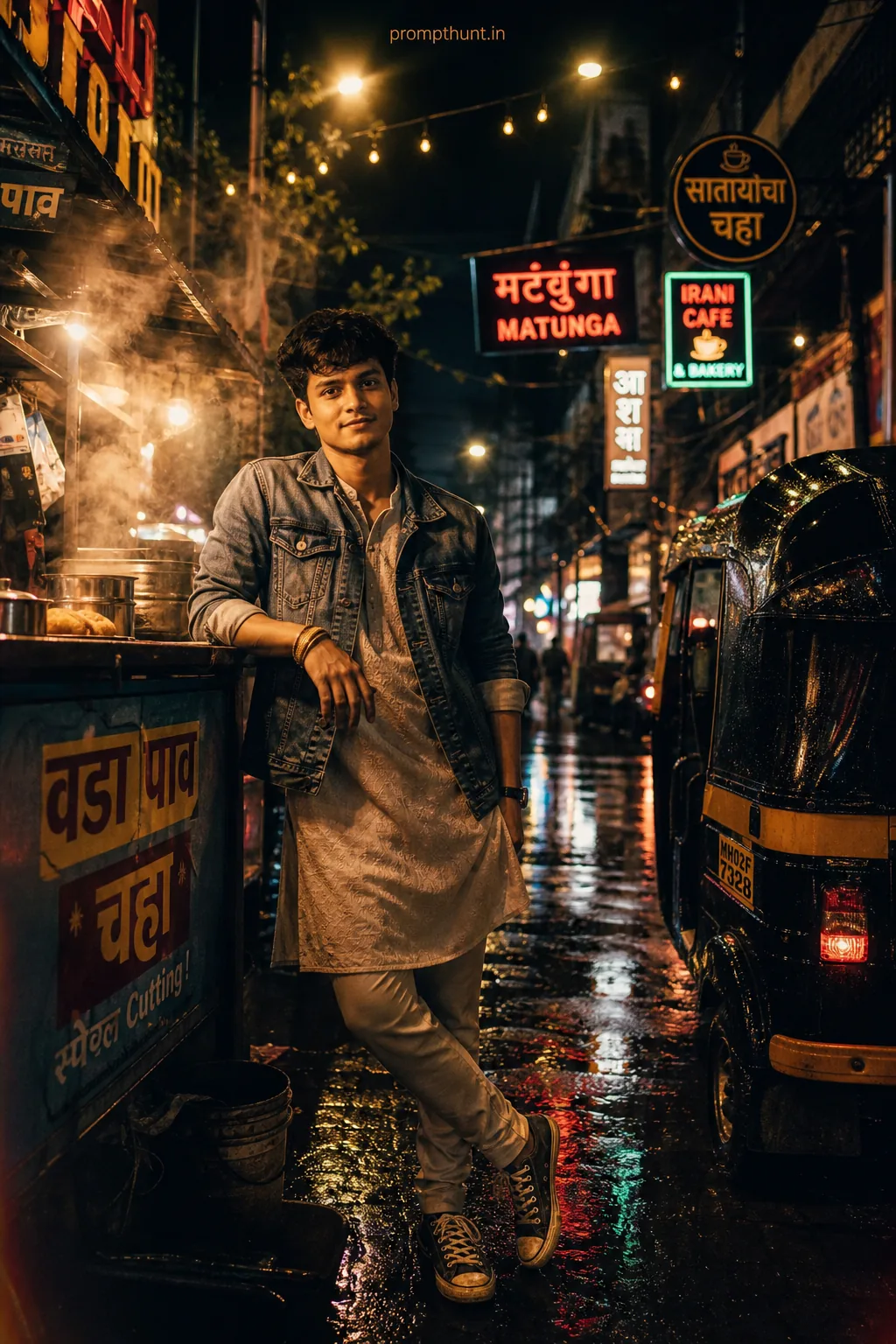
3. Old Delhi Chai Stall Street Style
A busy, real Indian backdrop looks authentic and suits street-style poses.
AI Picture Prompts for Reels, Thumbnails and Friends
These put the picture shape inside the prompt, so you do not crop your chin off later. Never ask the AI to write words on the image. Add text afterwards in your editing app.
4. 9:16 Reel Cover at a Night Market
A tall frame with space above your head leaves room for Reel text later.
5. 16:9 YouTube Thumbnail Studio Shot
A clean coloured backdrop and big expression read well at thumbnail size.
6. Two Friends at a Goa Beach Shack
Naming people by position keeps both faces from swapping or melting.

Need more ready ideas? Our trending AI photo prompts and couple photo prompts collections use the same structure.
AI Image Prompt Formula
Want to write your own? Fill these seven slots in this order. Any empty slot is a place where the AI will make something up.
| Slot | What to write | Example |
|---|---|---|
| Action | What the AI should do with your photo | Turn this photo into a portrait |
| Place and time | One location with 2 to 4 details | a Jaipur palace terrace in late afternoon with carved arches |
| Outfit and colours | Exact clothes and colour names | maroon bandhgala with gold buttons |
| Light | Where it comes from and its colour | warm sunlight from the right, soft fill from the left |
| Camera | Lens, angle, focus | 85mm lens, eye-level, shallow depth of field |
| Shape and style | Ratio and the look you want | vertical 9:16, real photo look, natural colours |
| Identity lock | Always the last line | Keep the face, hair, skin tone and body build exactly as in my photo |
From scratch, with no photo? Use the same slots, describe a fictional person in the first slot and drop the identity lock.
Why Your AI Image Looks Wrong, and Fixes
| Problem | Fix |
|---|---|
| Face looks like your cousin, not you | Start a new chat with the original photo and keep the identity lock as the last line. Edits on edits drift more each round. |
| Skin looks plastic and over-smooth | Add natural skin texture, no beauty filter, real photo look. |
| Extra fingers or strange hands | Give the hands a job (holding a cup, in a pocket) or crop to chest-up. |
| Garbled words on signs or t-shirts | Add no text in the image and put any words in later with an editing app. |
| Wrong picture shape, head cut off | Write the ratio inside the prompt and ask for empty space above the head. |
| Colours look like a cartoon | Ask for natural colours, no oversaturation, slight film grain. |
| AI ignores half your prompt | Remove clashing words (sunset and midnight together) and change one thing per follow-up message. |
Before You Post Your AI Image
- Zoom in on the face and compare with your original: eyes, nose, smile, hairline.
- Count the fingers. Yes, really. Every time.
- Label it as AI if the picture could fool someone into thinking it really happened.
- Keep it off official forms. Passport, exam and ID photos must be real photos that follow the official rules.
Want a new idea every day? Browse all PromptHunt articles.