Nano Banana Prompts for Photo Editing
7 hand-written prompts + 18 library prompts with example results — copy one, paste it with your photo.
Nano Banana is the nickname for Google’s Gemini image editing model, the one behind the viral 3D figurine and saree trends. It is very good at keeping a face consistent when the prompt asks it to, so the prompts below describe the scene in detail and end with an explicit identity lock.
How to use these prompts
- Open Gemini (app or gemini.google.com).
- Upload your photo with the + button.
- Paste a prompt below and send.
- Ask for changes in plain words — “make the background darker” — Nano Banana edits iteratively.
Nano Banana Prompts for Photo Editing — copy & paste
1. 3D collectible figurine
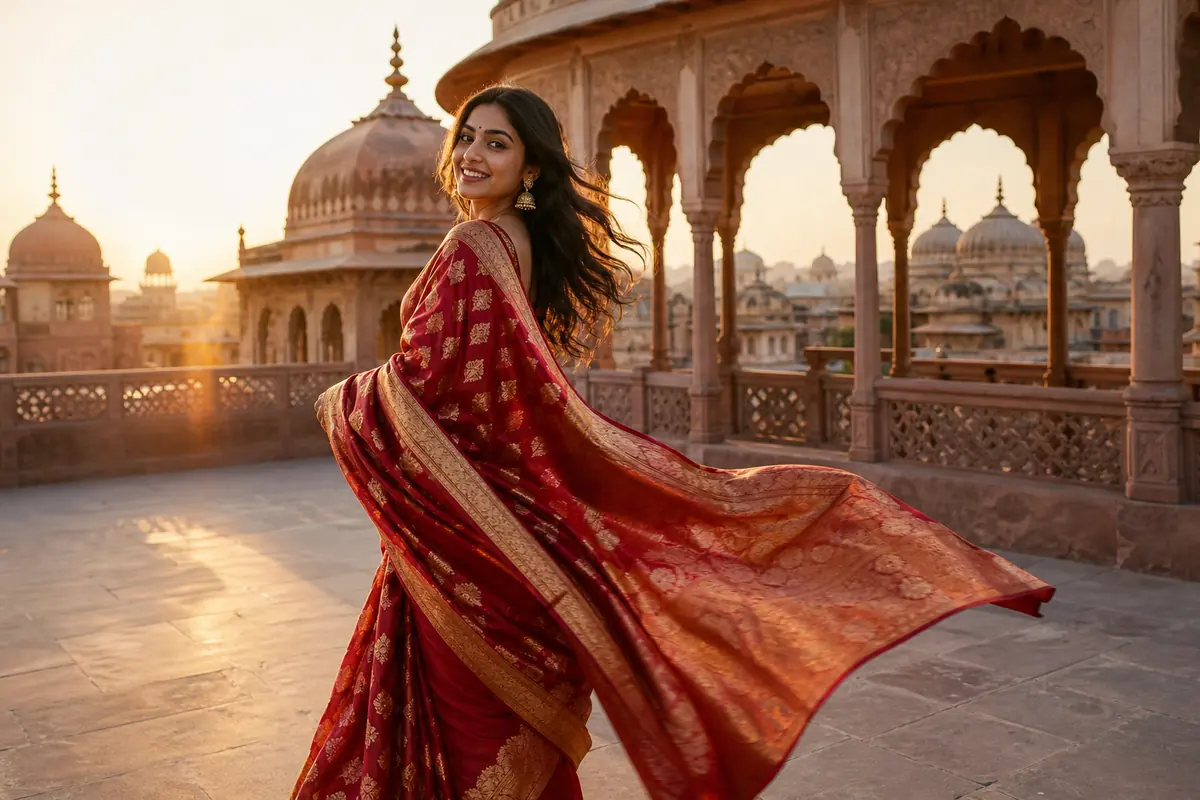
2. Vintage saree portrait
3. Polaroid with my younger self
4. Hyper-realistic 4K portrait
5. Cinematic hero walk
6. Miniature diorama
7. Cricket star figurine (men)
The 3D figurine and miniature looks
Nano Banana became famous for one trick: turning a photo into a believable 3D collectible figure on a desk, with a box and a computer screen behind it. The library prompts on this page are that family of looks, covering 3D figurines and renders, miniature dioramas, chibi and kawaii portraits, caricatures and clay or Pixar-style versions of you. For realistic Nano Banana portraits, see the Gemini prompts.
Men and women
Figurine prompts work for anyone; describe the outfit and pose you want the figure to have. Men often ask for a superhero, cricket or biker figure, women for a saree, bridal or K-pop figure. Name the base, such as a round acrylic stand, and the packaging if you want the boxed-toy look.
Making the figure look like you
Use a full-body or three-quarter photo if you want the figure to wear your own clothes. For a face-only photo, describe the outfit in the prompt. If the figure’s face looks generic, ask in the same chat to “match the face to the photo more closely”; Nano Banana handles follow-up edits well.
Library prompts with example results — 18


















Frequently asked questions
What is Nano Banana?
It is the popular name for the image generation and editing model inside Google Gemini. You use it simply by uploading a photo to Gemini and typing what you want.
Is Nano Banana free?
Gemini offers a daily number of free image edits; heavier use needs a paid plan.
Do these prompts work anywhere else?
Yes, they are plain text and work in ChatGPT and other AI photo editors too.
Which app is Nano Banana?
It is the image model inside Google Gemini. Open Gemini, attach your photo and paste a prompt; there is no separate Nano Banana app.
Related pages
More prompt collections
Read next
All articles →
AI Image Prompt: How to Write One That Works (6 Examples)
AI image prompt guide for ChatGPT and Gemini: a 7-slot formula, 6 copy-paste prompts for your own photos, Reels and…
PixVerse AI: How to Use It on Your Phone, With 6 Prompts
PixVerse AI explained for phone users: what it does, how to turn one photo into a video, and 6 copy-paste prompts for…

Google Gemini AI Photo Editing Prompts
Google Gemini AI photo editing prompts for boys, girls and couples: cinematic, old money, festive and studio looks.…