AI Couple Photo Prompts for Gemini & ChatGPT
8 hand-written prompts + 11 library prompts with example results — copy one, paste it with your photo.
An AI couple photo prompt restyles a photo of two people — the setting, outfits and light — while keeping both faces recognisable. Use a photo where both faces are clearly visible and roughly the same size; the prompts below all end with a two-person identity lock, which is what stops the AI from merging or swapping faces.
How to use these prompts
- Pick a photo where both of you face the camera and are well lit.
- Upload it to your AI photo editor (Gemini, ChatGPT or similar).
- Paste one prompt from this page and send.
- If one face changes, ask it to keep both faces exactly as in the original and regenerate.
AI Couple Photo Prompts for Gemini & ChatGPT — copy & paste
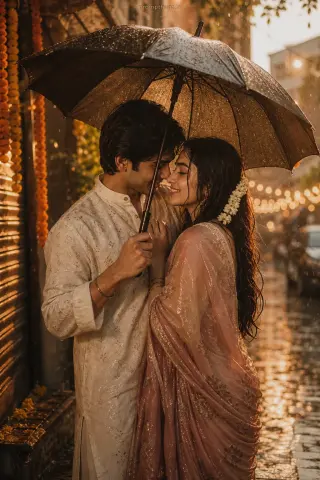
1. Romantic rain under one umbrella
2. Traditional Indian wedding portrait
3. Retro 80s Bollywood couple
4. Beach sunset silhouette
5. Black and white classic
6. Paris café date
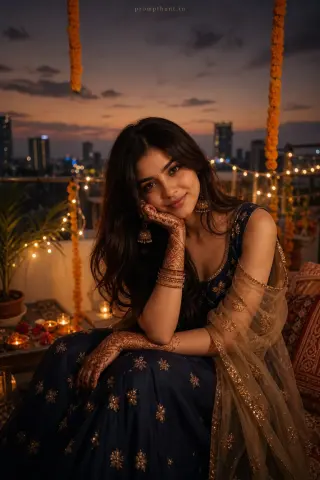
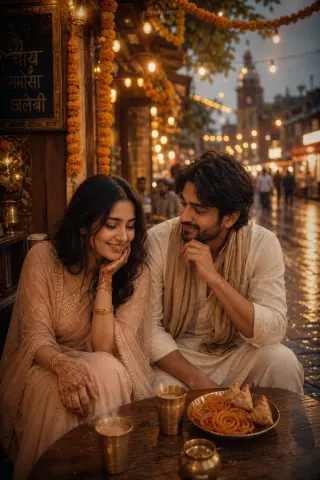
7. Diwali balcony couple
8. Monsoon bike ride
Choose the right photo of you both
Couple edits fail for one main reason: the AI cannot see both faces clearly. Use a photo where you stand side by side or close together, both looking roughly towards the camera, with faces about the same size and no sunglasses. A plain background helps, because the prompt is going to replace it anyway.
Romantic, traditional, retro and festive
The hand-written prompts above cover the four couple looks people ask for most: a romantic rain or sunset scene, a traditional Indian wedding portrait, a retro 80s Bollywood frame and a festive greeting. For a full retro set, including retro couple ideas, see the retro prompts. For Diwali, the Diwali page has couple and Bhai Dooj prompts, and the Karwa Chauth pose guide covers the moon-and-channi shots couples recreate every year.
Keeping both faces right
Every couple prompt ends with a two-person identity line. Keep it. If the AI still swaps or merges faces, reply with “keep the man’s face and the woman’s face exactly as in the photo, do not mix them”. Describe each person’s outfit separately, left and right, so the model knows who wears what.
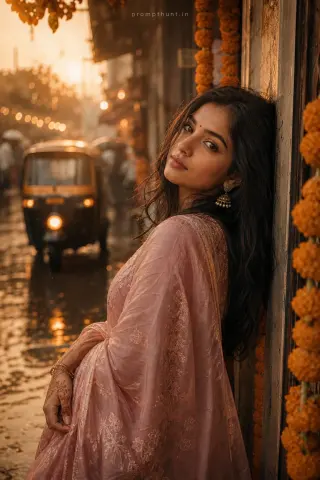
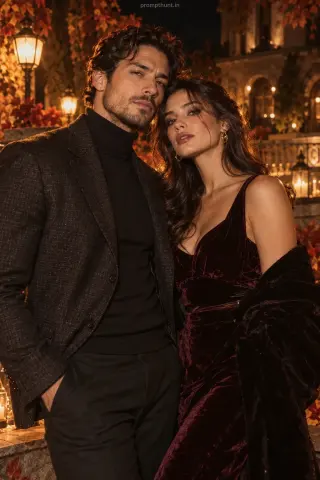
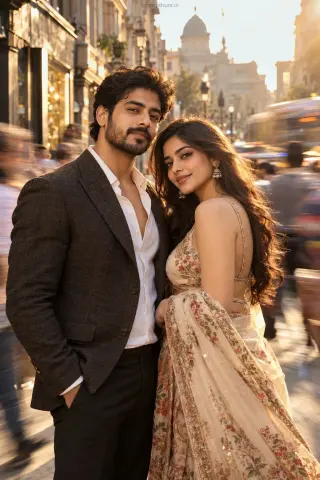
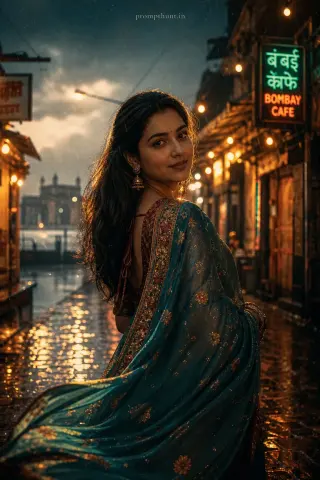
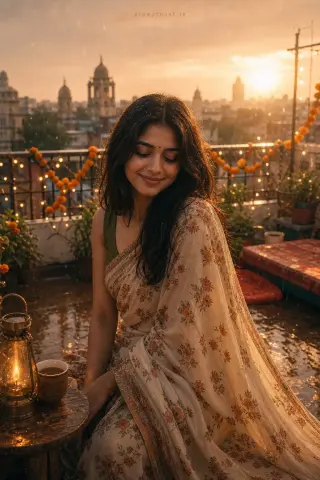
Library prompts with example results — 11

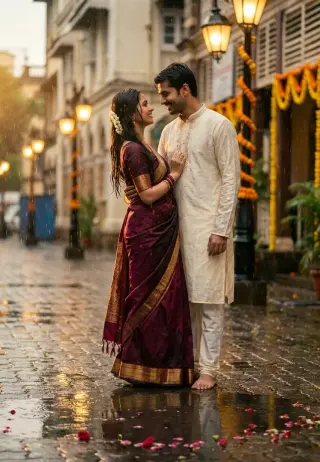
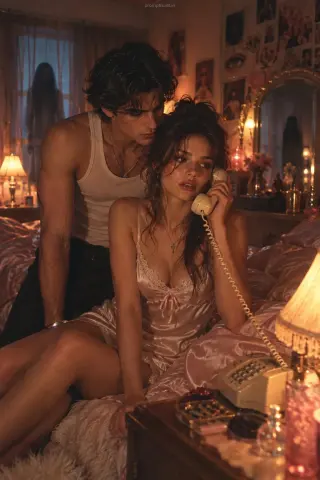
Frequently asked questions
Why does the AI mix up our faces?
Two-person edits are harder for AI models. Use a photo with both faces clearly visible and keep the line asking it to preserve both faces exactly; regenerating once usually fixes a swap.
Can I use a selfie?
Yes, as long as both faces are sharp and not cut off. A photo taken from slightly further away gives the AI more room to change the outfits and setting.
Are these good for pre-wedding photos?
They are good for fun previews and social posts. For printing, use the highest-resolution output your editor offers.
Do couple prompts work in Gemini and ChatGPT?
Yes, paste the same text into either. Gemini usually keeps both faces more faithfully; ChatGPT is better at poster and illustrated couple styles.
Can I make a couple photo from two separate photos?
You can upload two photos and ask the AI to place both people together, but results are less reliable than starting from one photo of you both.
Related pages
More prompt collections
Read next
All articles →
Stylish Photo Editing Pose Ideas: 6 Poses With AI Prompts
Stylish photo editing pose ideas for boys and girls: how to shoot each pose on your phone, plus 6 copy-paste Gemini and…
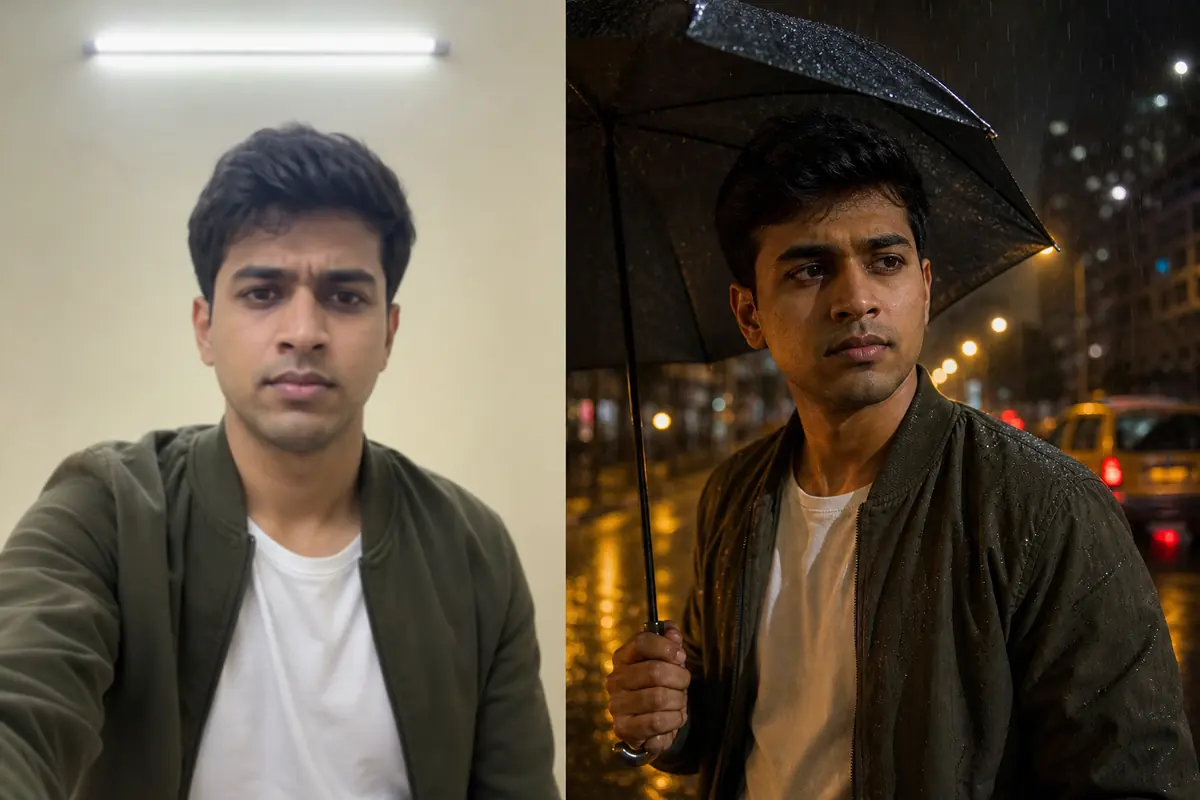
AI Image Prompt: How to Write One That Works (6 Examples)
AI image prompt guide for ChatGPT and Gemini: a 7-slot formula, 6 copy-paste prompts for your own photos, Reels and…
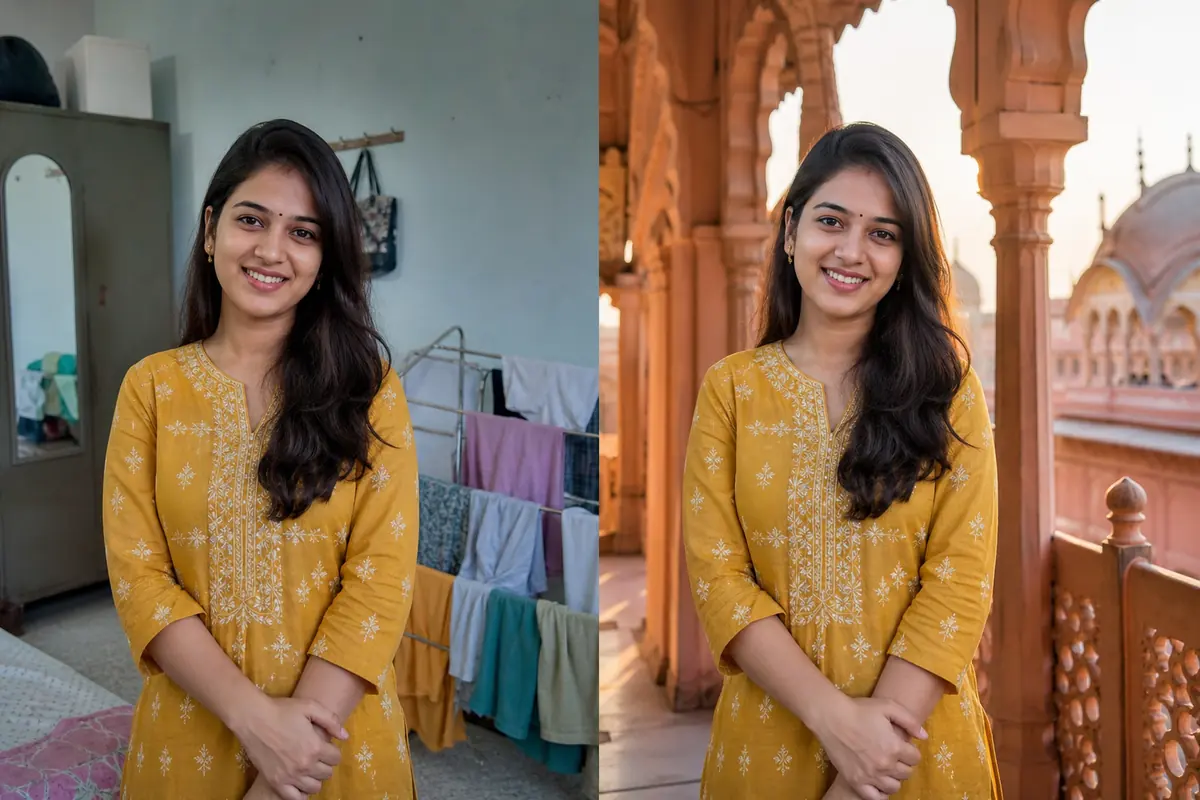
Photo Background Change With AI: 7 Copy-Paste Prompts
Photo background change with ChatGPT or Gemini: 7 copy-paste prompts for studio, beach, palace and Diwali looks, plus…