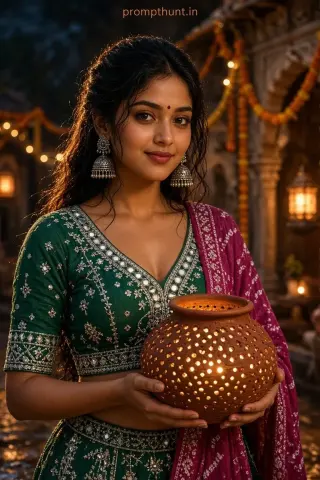
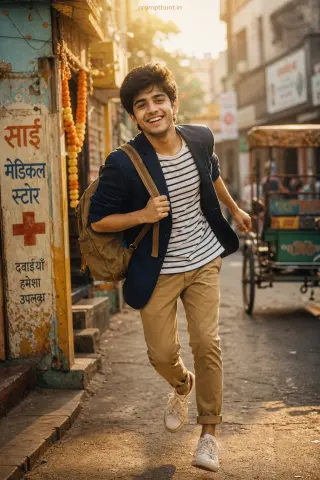
Stylish Photo Editing Pose Ideas: 6 Poses With AI Prompts
A good stylish photo editing pose is one the AI can keep while it changes everything else: body turned 45 degrees, chin slightly down, hands busy (pockets, bike handle, jacket collar) and your full body in frame. Shoot it on your phone in daylight, then paste one of the prompts below into Gemini or ChatGPT.
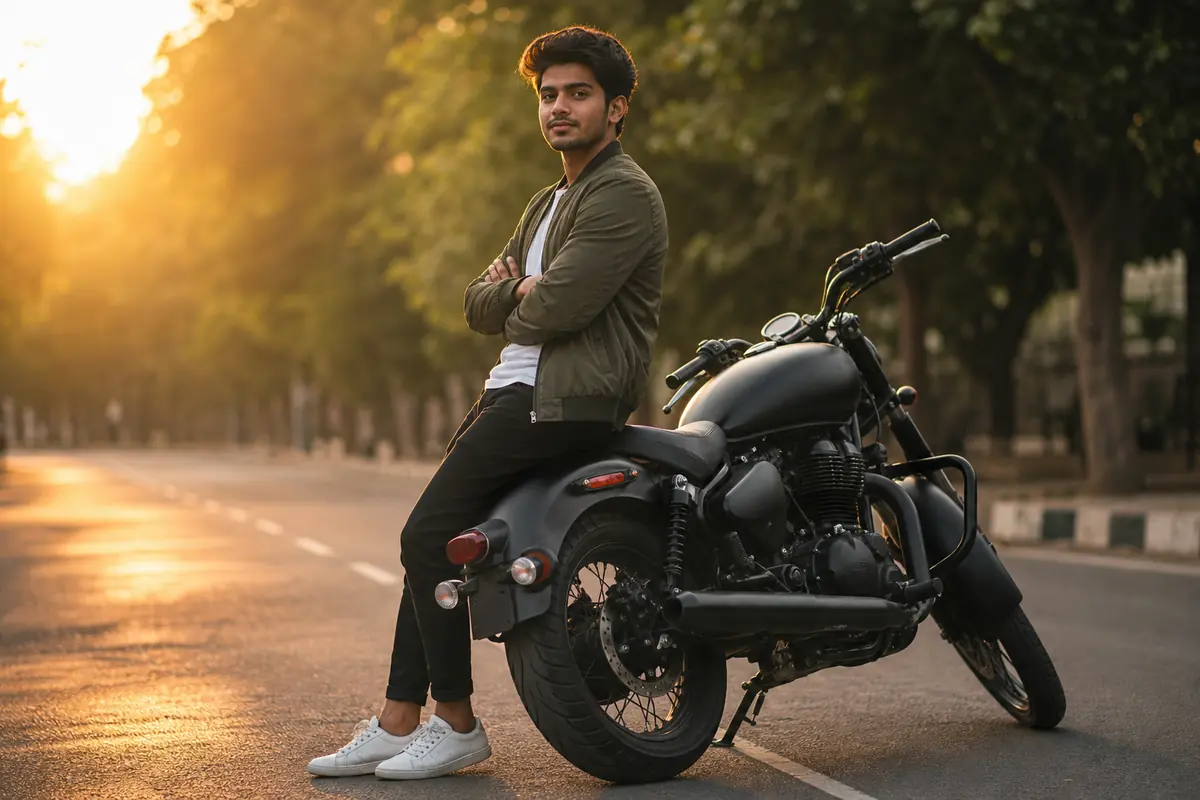
Search for a stylish photo editing pose and Google hands you about fifteen Pinterest boards. Lovely boards. Not one tells you where to put your hands or what to type after the photo is taken.
Here are six poses that edit well, how to shoot each on a phone, and a copy-paste prompt for each. You do the pose. The AI does the bike, the sunset and the jacket you cannot afford.
What Is a Stylish Photo Editing Pose?
It is the photo you take for an edit. The Instagram tag is full of Reels where someone shoots a plain pose in a gully, then turns it into a moody street portrait with a Gemini prompt. The pose is the raw material. The edit is the cooking.
AI editors are good at swapping outfits, places and light (Google says Gemini editing is built to keep a consistent likeness while you do that). What AI is bad at is inventing a natural pose. Ask it to, and you stand like a 2009 passport photo. So you bring the pose, and the prompt tells the AI to keep it.
What You Need Before You Pose
- Side daylight. Morning or late afternoon, never harsh noon sun on your face.
- Full or three-quarter body in frame, with empty space around you so the AI can build a new background.
- A plain background. A wall, an empty lane or a terrace.
- Phone at chest or waist height. A slightly low camera makes you look taller; a high one makes you look like CCTV footage.
- Self-timer or a friend. The timer never says you look funny.
- Gemini or ChatGPT with image editing. Free limits change often, so check the app.
4 Stylish Photo Editing Poses for Boys With Prompts
Three rules run through every pose: turn your body about 45 degrees from the camera, push your chin slightly forward and down (it sharpens the jawline), and give your hands a job. Hands with no job hang there like two unemployed relatives at a wedding.
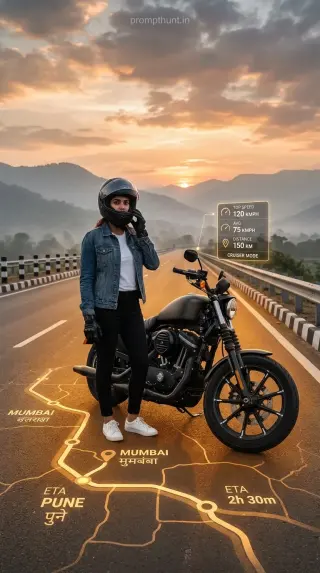
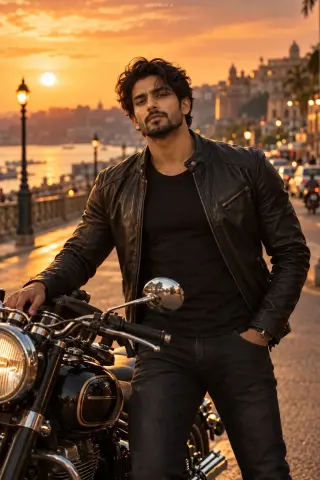
Pose 1, the bike lean: half-sit on the side of a parked bike seat, one foot down, arms crossed, face turned back to the lens. Phone at waist height. No bike? A scooter or a wall works. The AI will upgrade it.
1. Golden Hour Bike Lean
The bike gives your hands and legs somewhere to be, so the pose looks relaxed.

Pose 2, the wall lean: one shoulder on the wall, one knee bent with that foot flat against it, both hands in your pockets with thumbs out. Look past the camera, not into it.
2. Old City Wall Lean
Pockets solve the hand problem, and a textured wall looks like a real location.
Pose 3, the stairs sit: sit two steps up, knees apart, forearms on your knees, hands loosely together. Camera at knee height, slightly to the side.
3. Sandstone Stepwell Sit
Elbows on knees reads confident, and the low camera makes it look like a magazine shot.
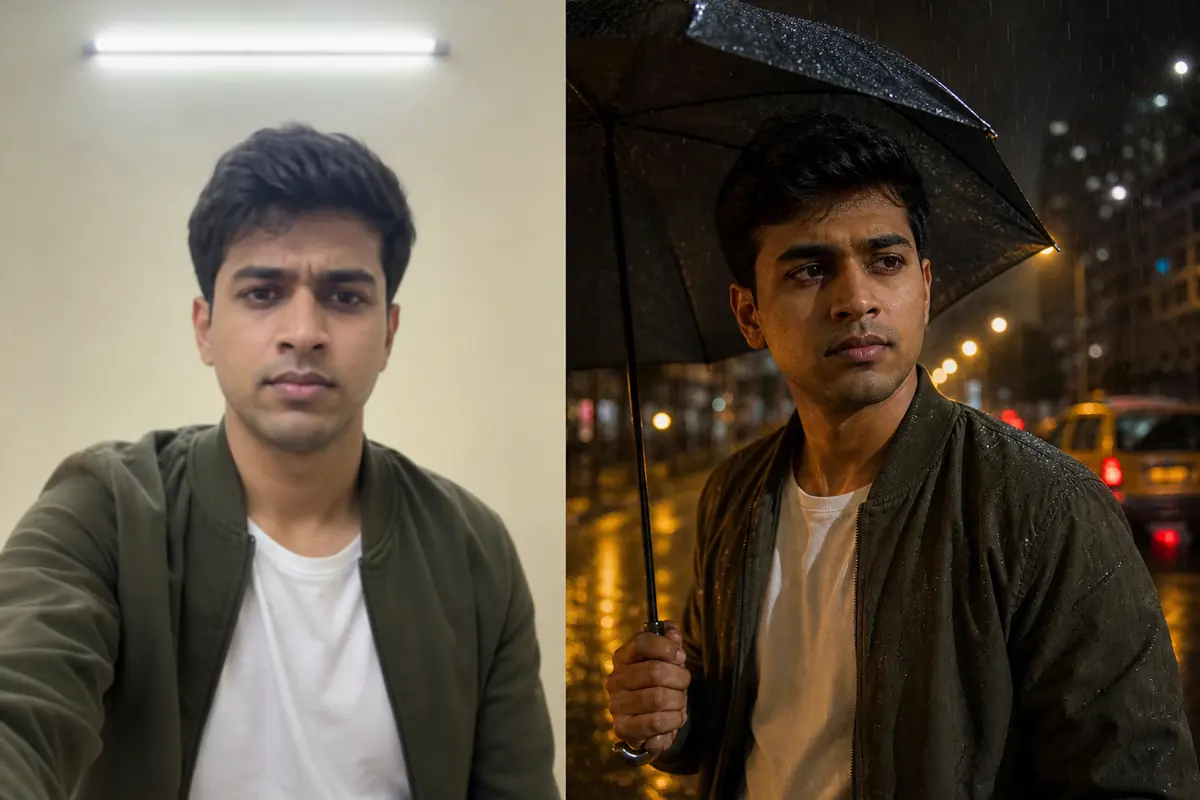
Pose 4, the over-the-shoulder look: back mostly to the camera, turn only your head to look back over your shoulder, hands in your jacket pockets. The easiest pose on the page, and the one that edits best.
4. Sunset Rooftop Look Back
A turned back plus a look over the shoulder gives a strong jaw and neck line with zero acting.
Stylish Photo Editing Poses for Girls
The same three rules work for girls: angle, chin, busy hands. Two poses that edit especially well:
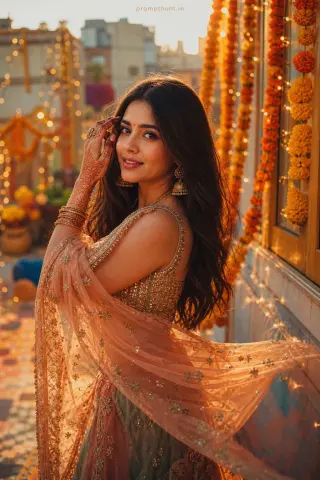
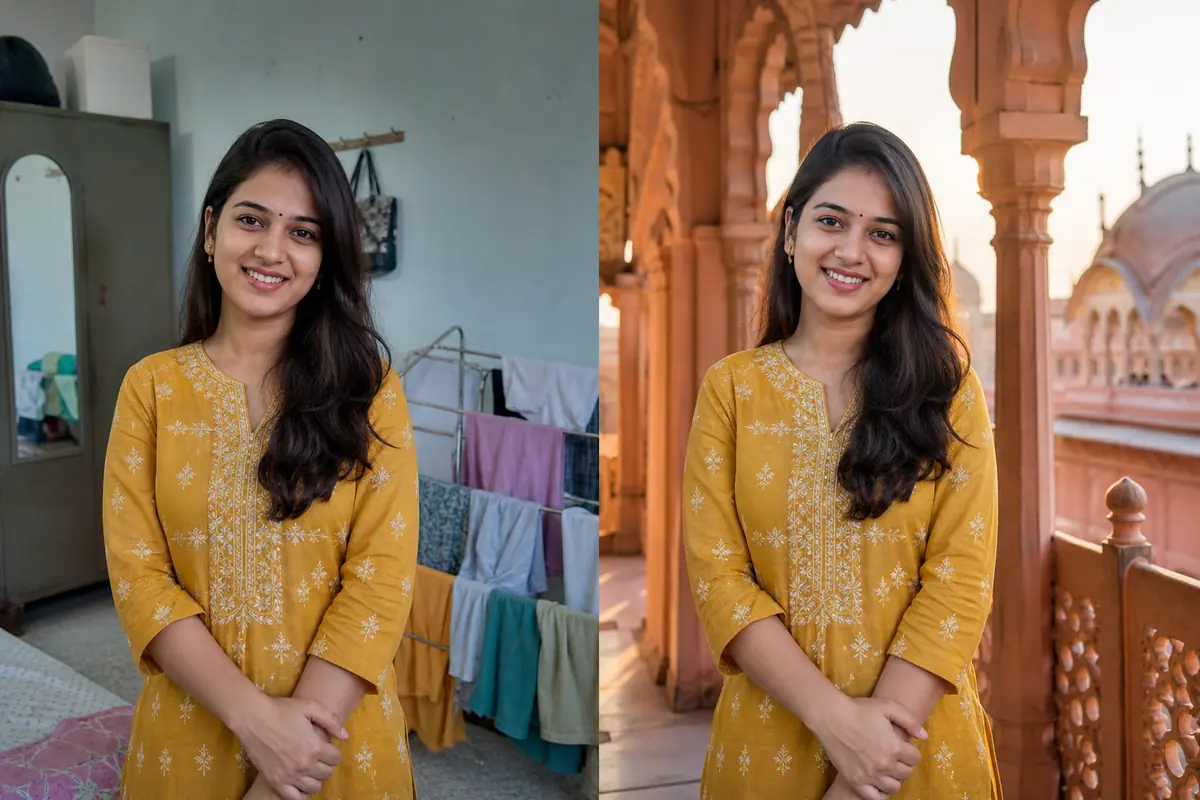
Pose 5, the dupatta walk: walk across the frame holding one end of your dupatta out to the side, eyes down. Ask a friend to shoot at waist height in burst mode.
5. Pink City Dupatta Walk
The dupatta adds movement and colour, so the edit looks alive instead of frozen.

Pose 6, the café chin rest: sit at a table, rest your chin lightly on the back of one hand, look out of the window. Lightly is the key word. Press hard and your cheek becomes a dumpling.
6. Rainy Café Window
A hand near the face frames it, and window light flatters everyone.
Want more looks after this? The AI photo prompts for men and AI photo prompts for girls collections use the same pose-first method.
The Photo Editing Pose Prompt Formula
Every prompt above follows the same order. Swap one part, keep the rest, and you have a new prompt in a minute.
| Part | Example |
|---|---|
| 1. Edit command | Edit this photo into a street portrait |
| 2. Pose lock | Keep my exact pose: hands in pockets, looking past the camera |
| 3. Outfit | Cream linen shirt, rolled sleeves, beige chinos |
| 4. Place | Weathered mustard wall with a wooden door |
| 5. Light | Warm low sun from the left |
| 6. Camera | 85mm lens, low angle, shallow depth of field |
| 7. Format | Photorealistic, 4:5 vertical |
| 8. Identity lock | Keep the face, hair, skin tone and body build exactly as in my photo |
Only want a new place? Use parts 1, 2, 4, 5 and 8, or see our photo background change prompts.
Photo Editing Pose Problems and How to Fix Them
AI edits fail in the same few ways. Here is the line that fixes each one.
| Problem | Fix |
|---|---|
| Your face looks like your cousin | Use a sharper photo lit from the front, keep the identity lock last, and retry in a fresh chat |
| The AI changed your pose | Describe hands, feet and gaze in the prompt and add: do not change my pose |
| Extra fingers or a melted hand | Keep hands in pockets or holding something; add: natural hands with five fingers |
| You look pasted onto the background | Match the light: if the sun was on your left, write sunlight from the left |
| Plastic, filtered skin | Add: natural skin texture, no beauty filter |
| Taller or thinner than real life | Add: do not change my body shape |
Before You Post Your Edited Photo
- Only edit photos of yourself, or friends who said yes. Asking takes ten seconds. Apologising takes longer.
- It is marked as AI. Google says Gemini-edited images carry a visible watermark and an invisible SynthID one. Say it is an AI edit in your caption too.
- Keep the original for the next prompt if this edit flops.
- Post in 4:5. It fills more of the feed than a square.
For more, browse the Gemini AI photo editing prompts or the latest PromptHunt articles.