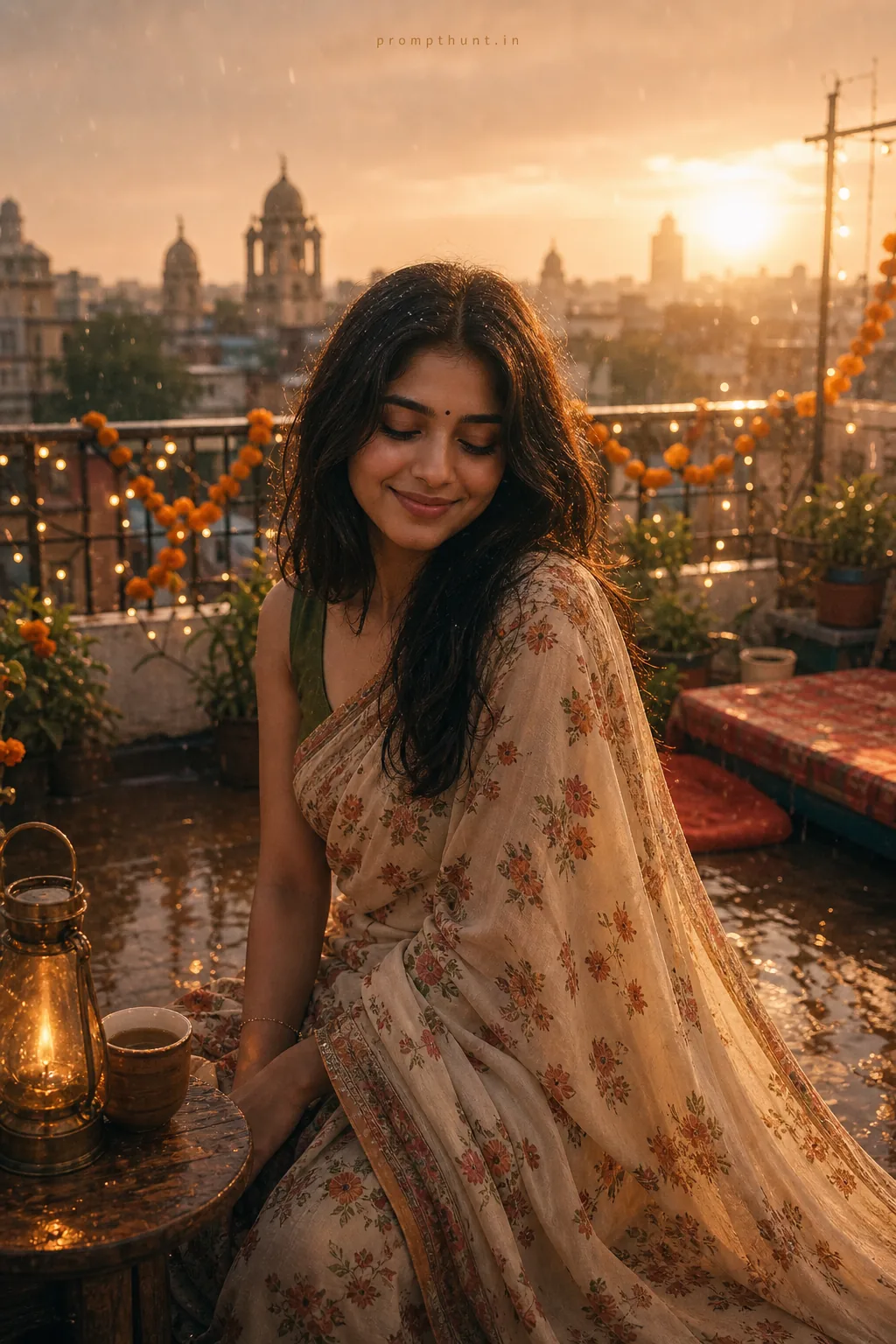
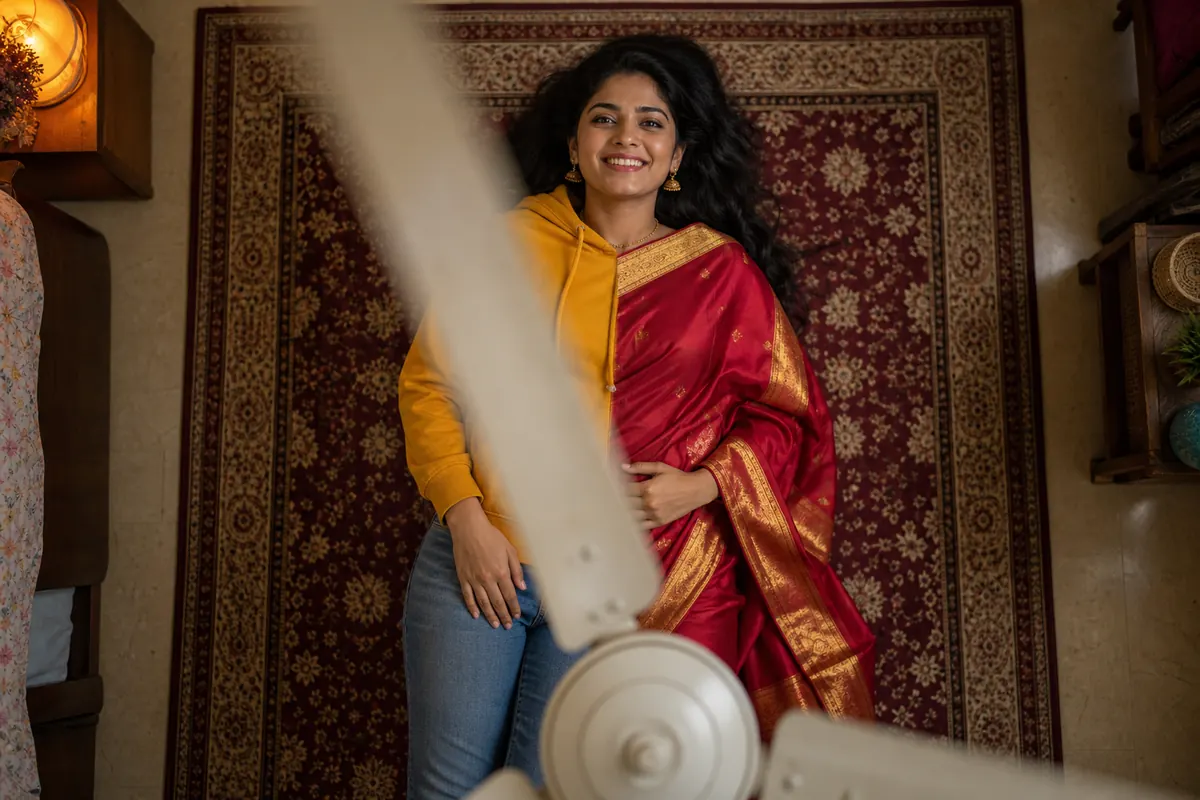
Photo Background Change With AI: 7 Copy-Paste Prompts
For a photo background change with AI, upload one clear photo to ChatGPT or Gemini and type a prompt that names the new place, the light direction and the camera, then add one line telling it to keep your face, hair, outfit and pose exactly the same. Seven copy-paste prompts and a fixes table are below.
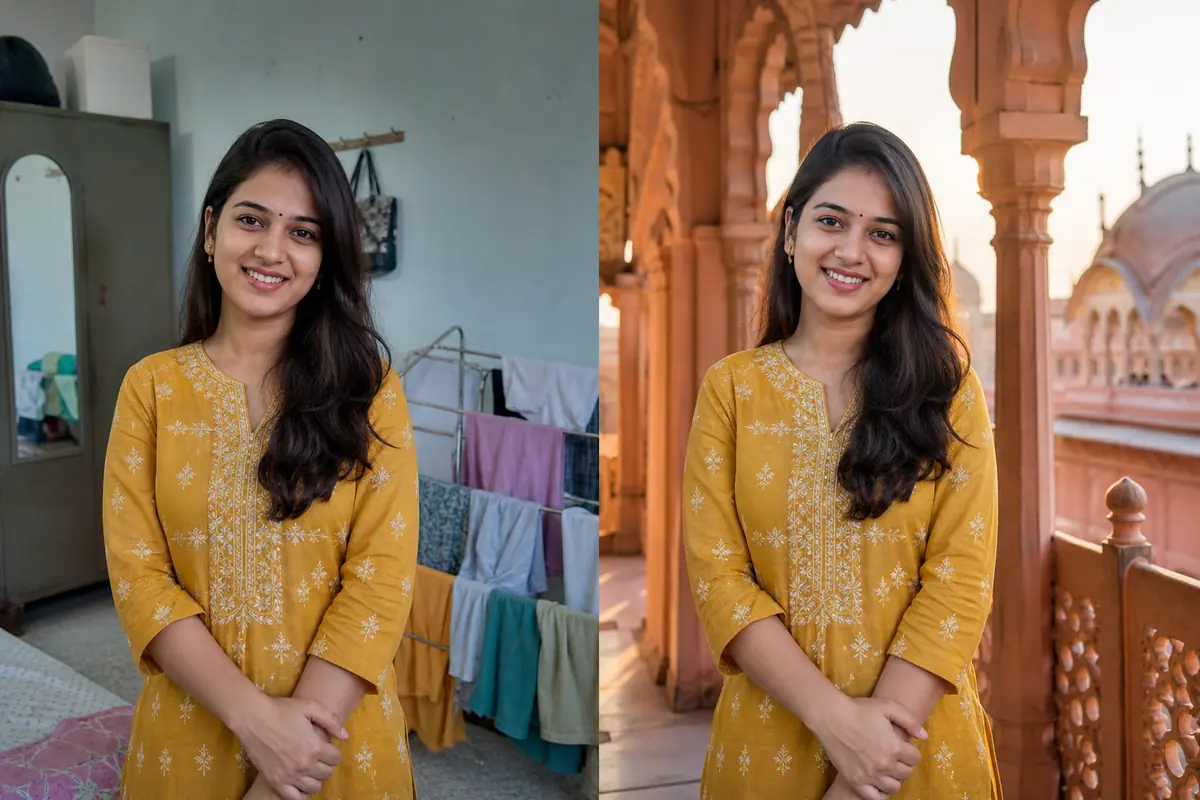
Great photo, terrible background. A drying rack, a half-open almirah, your cousin mid-yawn. Now you can tell ChatGPT or Gemini where you want to be, and it rebuilds the scene around you.
The catch: AI does not cut and paste. It redraws the picture, so a lazy prompt can change your nose along with the wall. (Ask us how we know.) The prompts below fix that with an identity lock and matching light.
How Photo Background Change With AI Works
Old background tools cut you out and stick you on a new picture. ChatGPT and Gemini instead generate a fresh image from your photo and a text instruction, keeping you and replacing everything behind you.
Google says its updated Gemini image model was built to keep a person's likeness across edits, and images edited in the Gemini app carry a visible watermark plus an invisible SynthID watermark. Free limits on both apps change often, so check the app.
Since the whole frame is redrawn, two things decide if it looks real: the light on you must match the new place, and the prompt must say what is not allowed to change.
What You Need Before You Add a Background to a Photo
- One sharp photo with your face clearly visible. No beauty filter, no heavy blur.
- Even light on your face. Window light is easiest. Harsh tube-light from above is hard to move to a sunset beach.
- Some space around you. If your head touches the top edge, the AI has to guess your hair.
- Permission. Only edit photos of yourself or people who said yes.
Need a plain white background for a product photo? A normal background remover is faster and never touches your face.
Background Change Prompts for Solo Portraits
Start with these. Each names the place, colours, light direction and lens, then ends with the identity lock. Paste the full paragraph.
1. Clean Grey Studio
A plain studio backdrop is the easiest scene for the AI to light correctly.
2. Goa Beach at Sunset
Backlight from a low sun hides small edge mistakes around the hair.

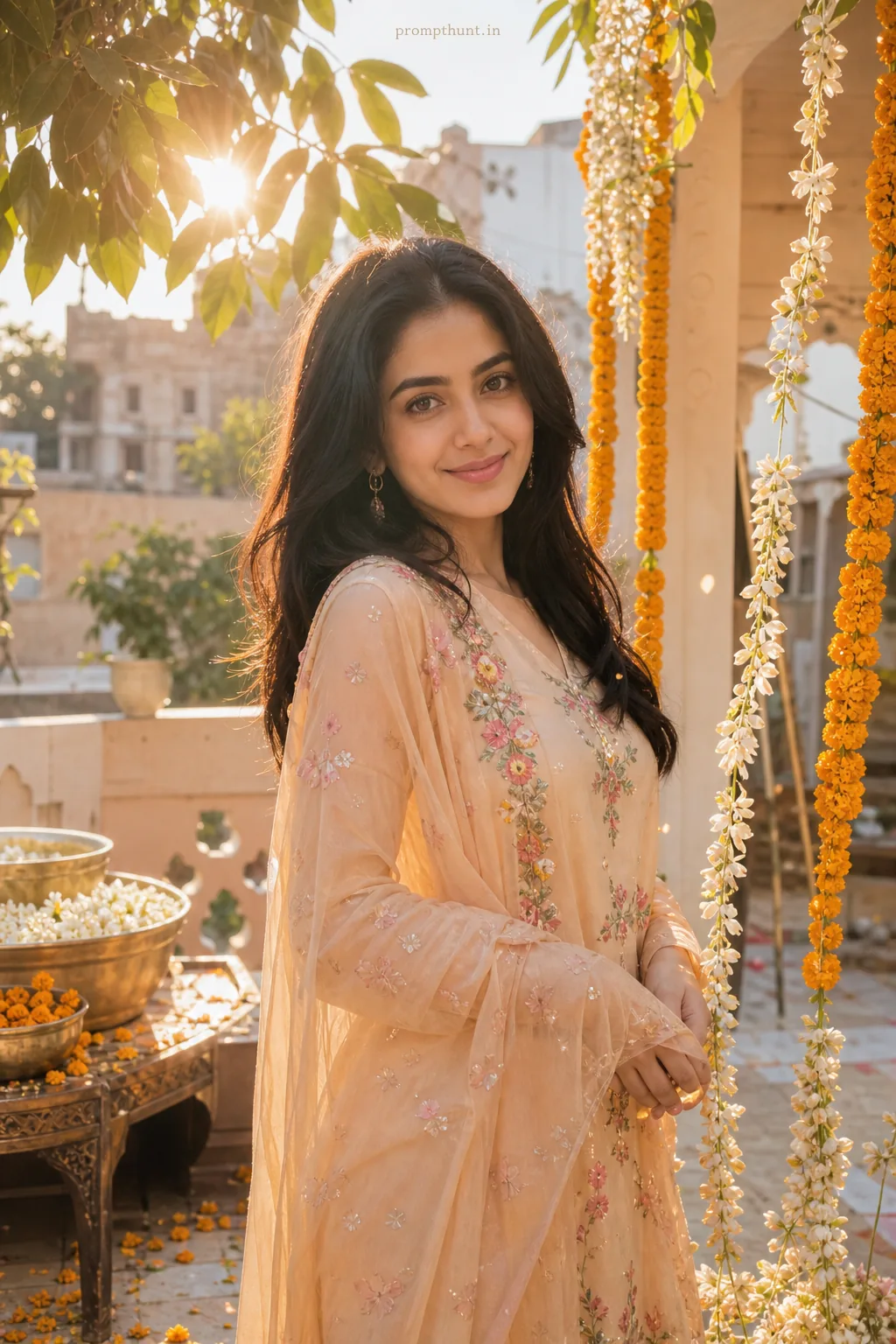
3. Jaipur Palace Terrace
Sandstone and carved arches look rich without stealing focus from you.
Photo Background Change AI Prompts for Festivals and Travel
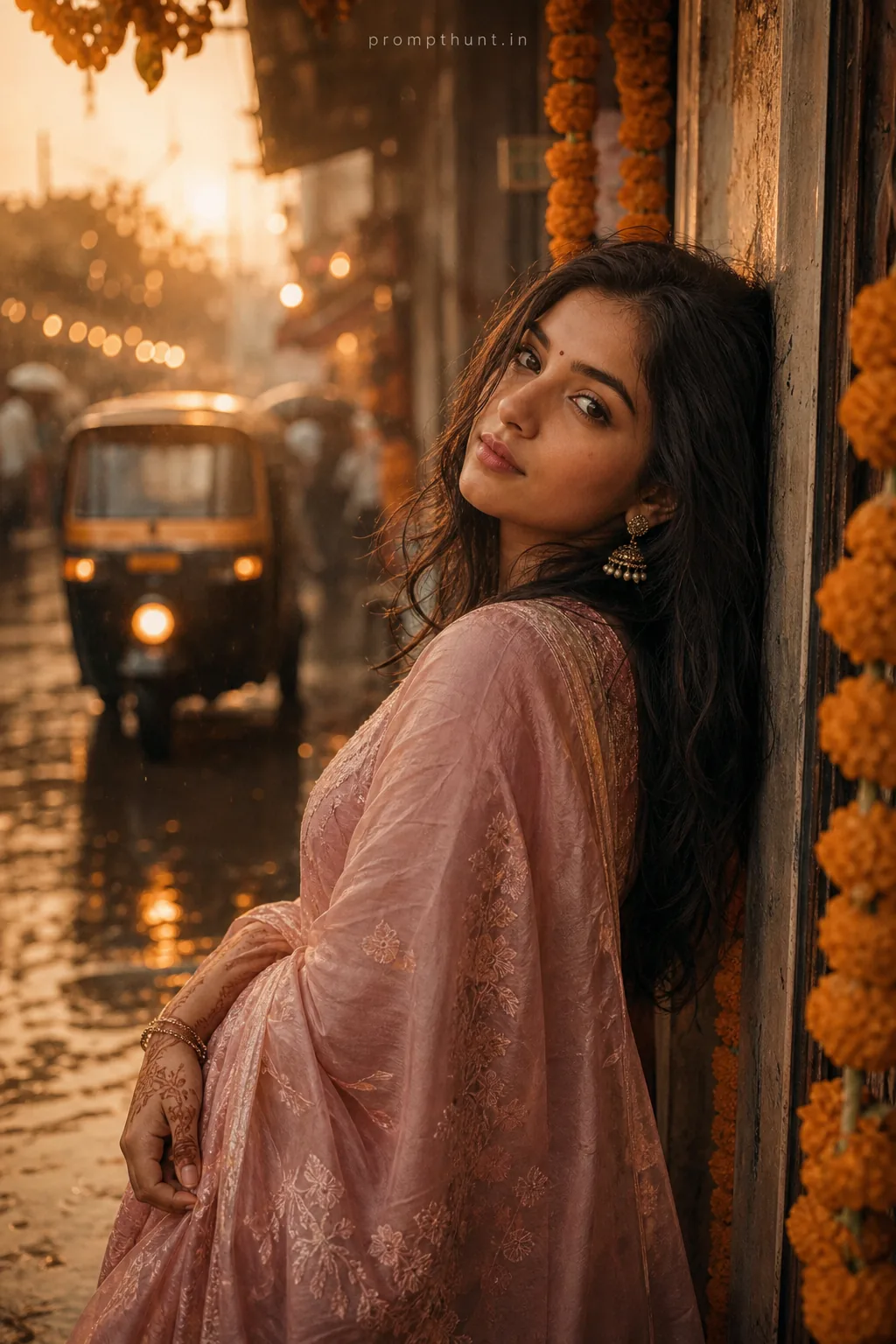
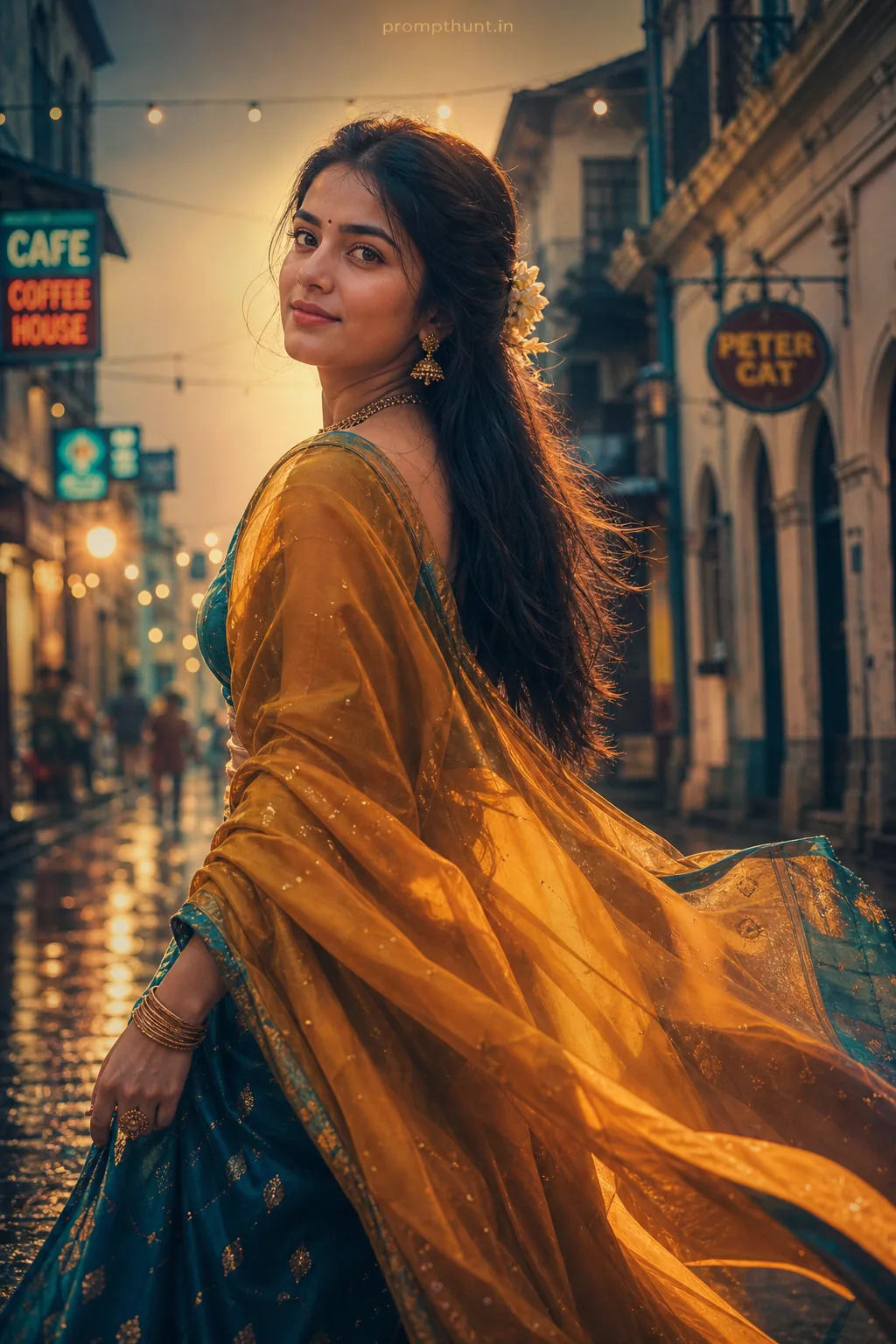
Festival backgrounds are where most people overdo it. One strong idea (diyas, snow, flowers) beats seven. For full festival looks, see our Diwali AI photo prompts and saree AI photo prompts.
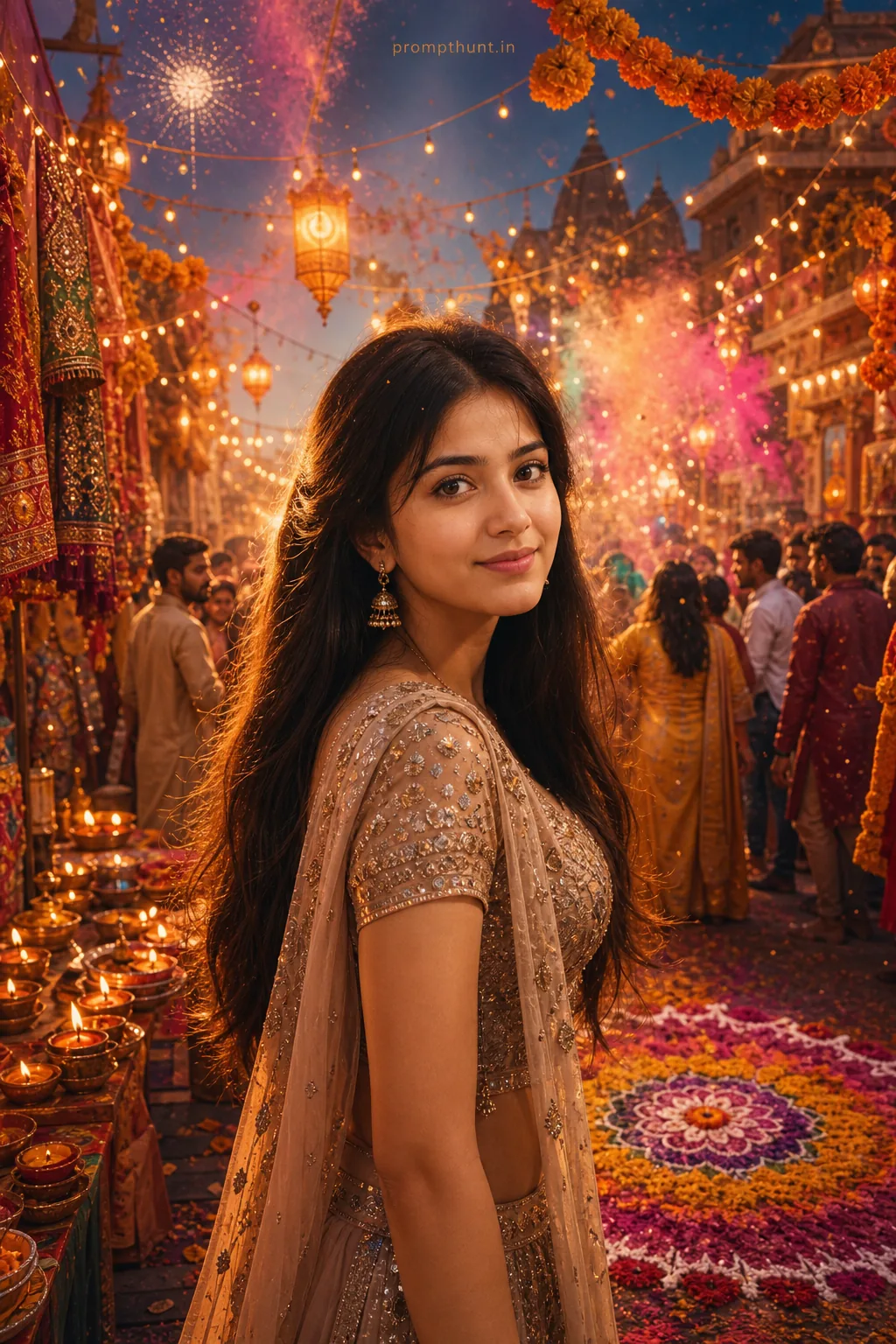
4. Diwali Balcony With Diyas
Warm diya light from below looks festive and believable on any skin tone.
5. Snowy Manali Mountains
Cool, soft daylight is easy to match and the snow makes any outfit pop.
Background Change Prompt for Couple and Group Photos
Two faces means twice the chances for one of them to drift. Name both people by position (left and right), keep the prompt short, and lock both faces. More couple ideas live in our couple photo prompts collection.
6. Udaipur Lake at Blue Hour
A lake and lit palace behind a couple reads as a pre-wedding shoot.

For bigger groups, change only the background and ask for nothing else in the same prompt. Then zoom in on every face before the family group sees it (Mausi will notice).
Background Change Prompt Formula
Want your own scene? Fill these slots. Missing slots are where the AI starts guessing.
| Slot | What to write | Example |
|---|---|---|
| Instruction | Say it is a background-only edit | Change only the background of this photo to |
| Place | One clear location with 3 to 4 details | a rooftop cafe in Bengaluru with fairy lights and potted plants |
| Time and colour | Time of day and the main colours | evening, warm amber lights, dusky purple sky |
| Light on you | Where the light comes from and its colour | warm light from the left, soft fill from the right |
| Camera | Lens and focus | 50mm lens, shallow depth of field, real photo look |
| Freeze list | Things that must not change | keep my outfit, pose and expression unchanged |
| Identity lock | Always last | Keep the face, hair, skin tone and body build exactly as in my photo |
Why Your Background Change Looks Fake, and Fixes
| Problem | Fix |
|---|---|
| Face looks slightly different | Start a new chat with the original photo and keep the identity lock last. Edits on edits drift more each round. |
| You look pasted on, like a sticker | Add the light direction and colour on you, plus a matching shadow on the ground. |
| Halo or rough edges around hair | Pick a softer scene (bokeh, sunset backlight) or ask for natural hair edges. |
| Outfit colour changed | Name it in the freeze list: keep my mustard yellow kurta unchanged. |
| Background too sharp and busy | Ask for shallow depth of field and a softly blurred background. |
| Colours look like a cartoon | Add real photo look, natural colours, no oversaturation, slight film grain. |
Before You Post Your New Background
- Compare side by side with the original: eyes, nose, smile, earrings, hairline.
- Check hands and feet. Extra fingers like to show up near the new background.
- Do not use it for ID photos. Passport and exam form photos have their own rules. Use a real photo and check the official site.
- Tag the edit if the scene could fool someone, like a trip you never took.
Need the next idea? Browse all PromptHunt articles.