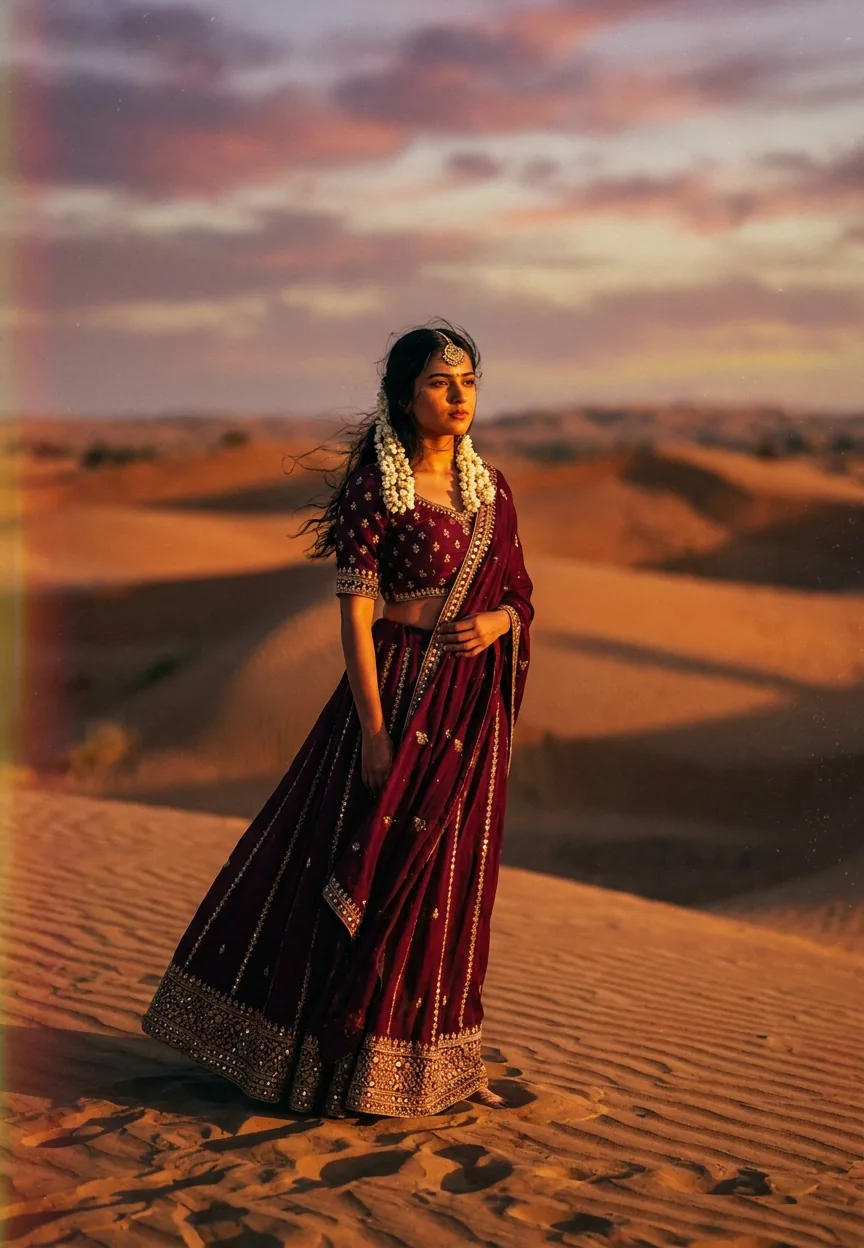
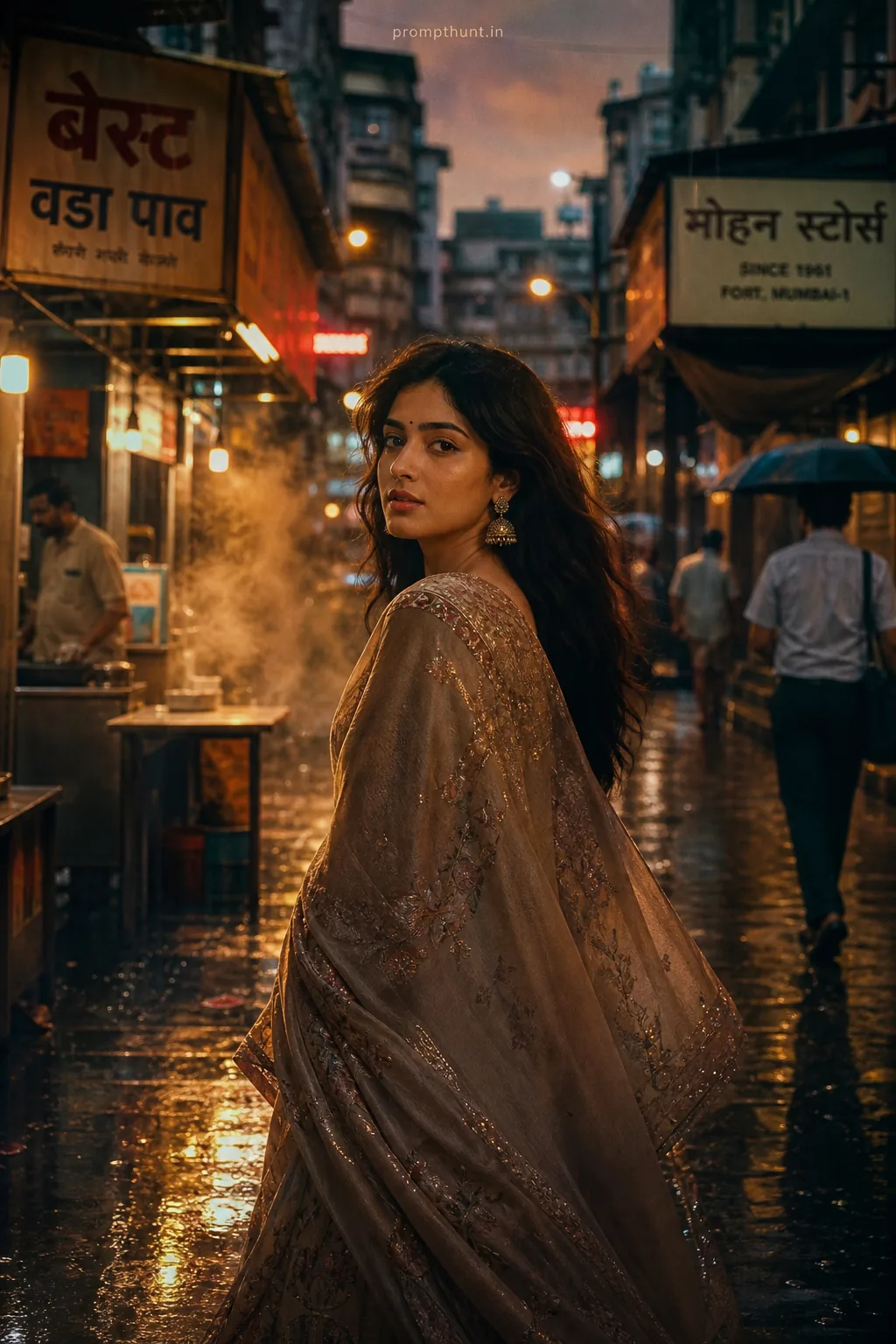
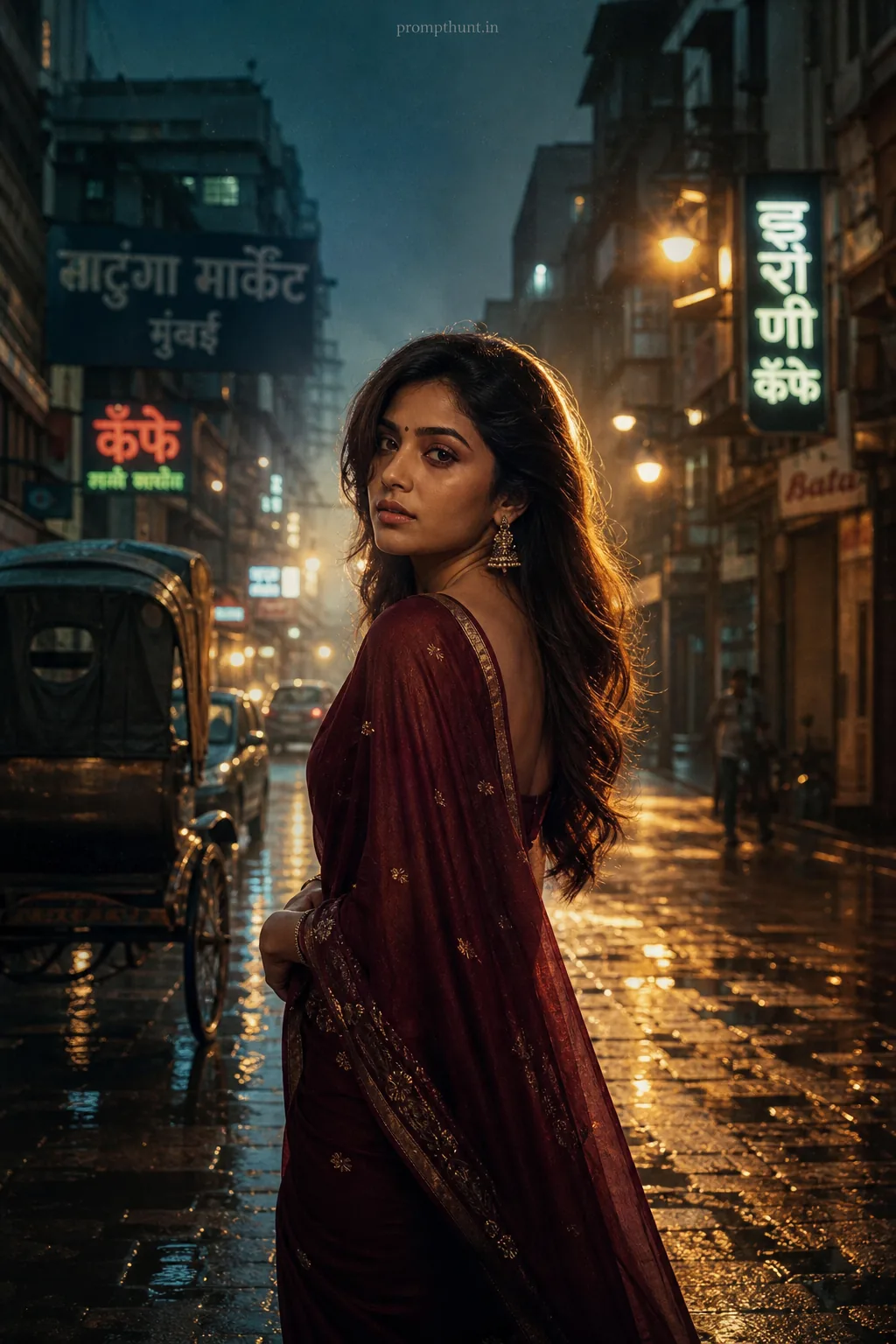
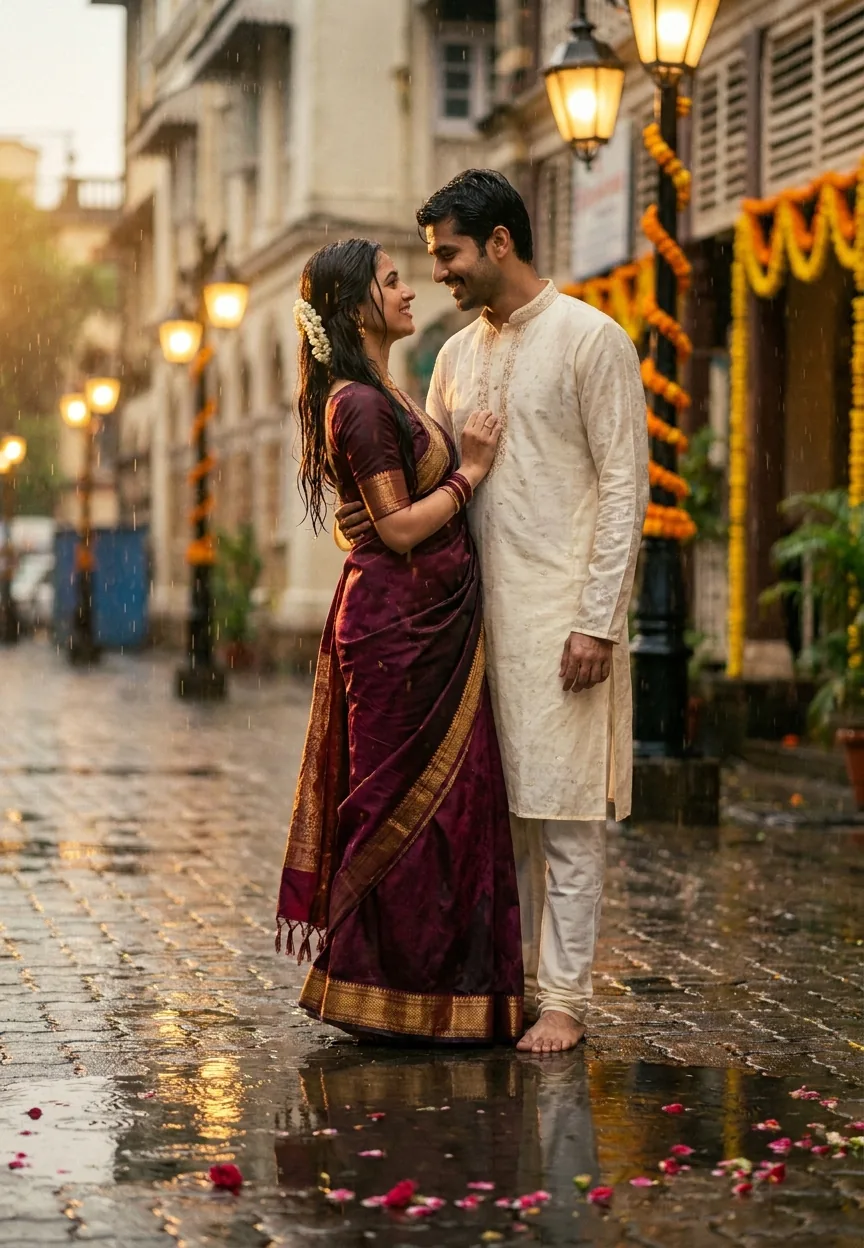
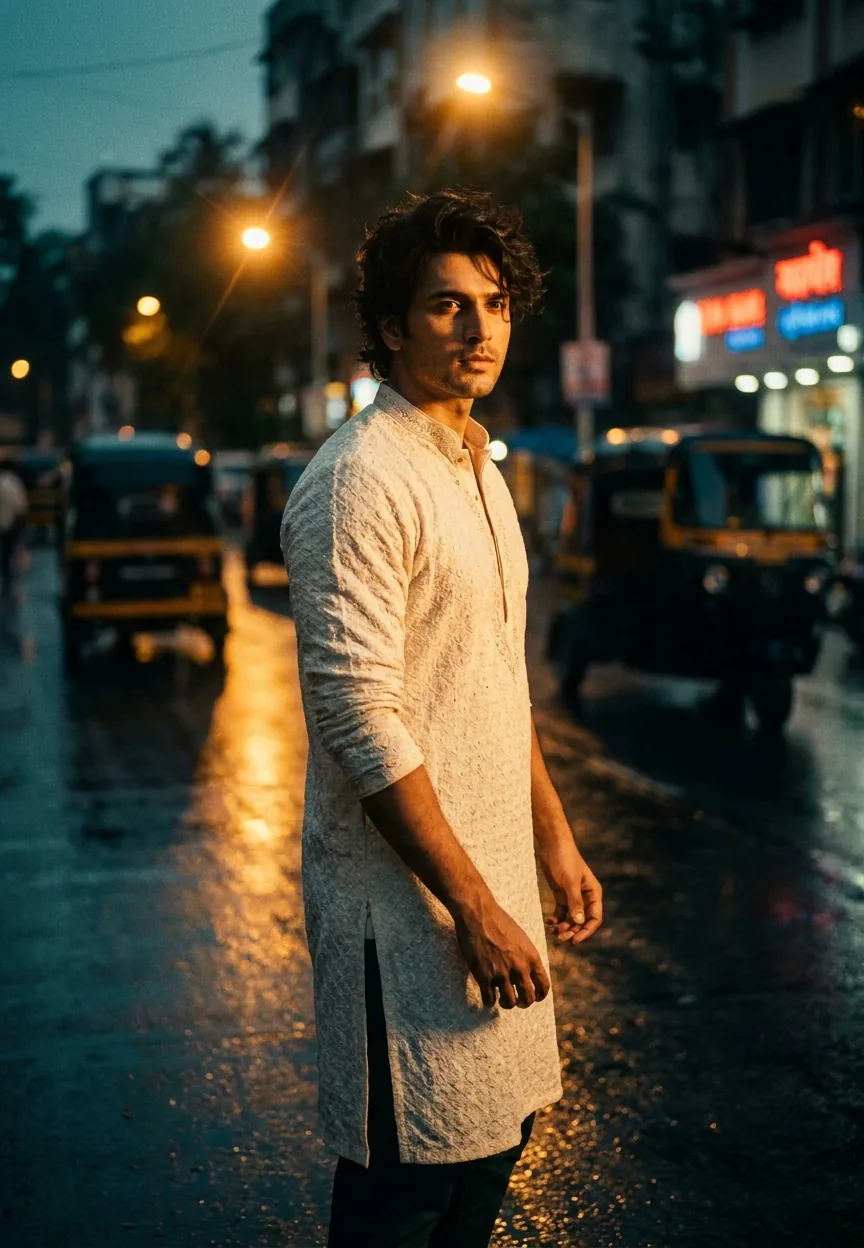
A Royal Rajasthan Desert Sunset cinematic photography prompt combines golden-hour desert light, traditional Indian fashion, and cinematic color grading to produce hyper-realistic AI portraits with dramatic amber tones, layered sand dune backgrounds, and editorial-quality depth. Feed it to Midjourney, Adobe Firefly, or DALL-E 3 and you get Vogue India on a budget.
Rajasthan has always been photogenic. The sand dunes, the colours, the way the sun just commits to a sunset like it's trying to win an award — it's a photographer's fever dream. Now AI has figured that out too, and the results are genuinely stunning. Cinematic photography as an AI editing style has been growing fast, but this particular prompt — the desert woman, the lehenga, the golden hour — hit different. It went viral across Indian Instagram and Pinterest boards for a reason. Let's break down exactly why it works, and how to make it work for you.
This prompt generates a hyper-realistic cinematic portrait of a woman in Rajasthani dress at golden hour — use it in Midjourney v6 or Adobe Firefly for editorial-quality results in under two minutes.
What Cinematic Photography Actually Means in AI Prompting
Cinematic photography is not just "make it look nice." It's a specific visual language borrowed from film production.
Think warm colour grading, high contrast shadows, shallow depth of field, and that slight haze you get from anamorphic lenses. It's the difference between a holiday snap and a frame from a Sanjay Leela Bhansali film. (And if you know, you know.)
In AI image generation, cinematic photography means instructing the model to replicate those film-like qualities. Lens flare. Film grain. Compressed backgrounds. Rich, saturated palettes that feel intentional rather than accidental.
This Rajasthan prompt does all of that — and then stacks a culturally rich subject on top. A billowing burgundy lehenga against burnt-orange dunes under a dusty rose sky. The AI doesn't have to work hard to make that look good. Physics and colour theory already did the heavy lifting. The AI just has to not mess it up.
(It mostly doesn't mess it up, which is progress.)
The Prompt — Copy It, Use It, Thank Us Later
A stunning cinematic portrait of a young Indian woman standing in the vast Thar Desert of Rajasthan at golden hour, wearing an elegant deep burgundy and gold embroidered lehenga that billows softly in the warm desert wind, her dark hair adorned with delicate maang tikka and jasmine flowers, face illuminated by rich amber and copper tones of the setting sun casting long dramatic shadows across the sand dunes, she gazes confidently into the distance with a serene and powerful expression, the background features layered sand dunes glowing in burnt orange and ochre hues with a hazy golden sky streaked with dusty rose and deep violet clouds, cinematic color grading with high contrast and film grain texture, shallow depth of field with the background softly blurred, shot on a vintage anamorphic lens capturing cinematic lens flare, hyper-realistic skin texture with warm brown undertones, richly saturated Rajasthani color palette, editorial fashion photography quality, 9:13 vertical aspect ratio, ultra-detailed, photorealistic
How to Use This — Three Steps, No Surprises
Step one: pick your tool. Midjourney v6 is the top recommendation here. It handles skin texture and fabric detail better than most at this resolution. Adobe Firefly is the runner-up — especially if you're already in the Creative Cloud ecosystem and don't want another subscription (fair enough). DALL-E 3 via ChatGPT works, but struggles slightly with the lehenga fabric drape. It tends to make it look like a curtain. A nice curtain, but still.
Step two: paste the prompt exactly as written. Do not paraphrase it. Do not simplify it. The specificity is doing work here — "burnt orange and ochre hues" tells the model something very different from "orange background." Every adjective is a creative instruction.
Step three: run four variations and pick the best one. Don't settle for the first output. Nine times out of ten, variation three or four is where the magic lives. The model is warming up, basically. Like the rest of us on a Monday.
For Midjourney specifically, add --ar 9:13 --style raw --q 2 to the end of your prompt. The raw style flag reduces the model's tendency to over-smooth faces, which is exactly what you want for hyper-realistic skin texture.
Tips That Actually Move the Needle
Rule of thumb: the more specific your lighting instruction, the better the output. "Golden hour" is good. "Rich amber and copper tones of the setting sun casting long dramatic shadows" is better. Light direction changes the entire mood of a portrait. Tell the AI where the sun is sitting.
If the lehenga fabric looks flat, add "intricate gold zari embroidery detail, fabric catching directional light" to your prompt. Fabric detail is where a lot of AI models still struggle. Giving it explicit texture instructions helps enormously.
For skin tone accuracy — and this matters — keep "warm brown undertones" and "hyper-realistic skin texture" in the prompt. Without those anchors, some models drift toward over-lightened or plastic-looking skin. Neither is acceptable. Both are annoying.
Want more drama in the sky? Swap "dusty rose and deep violet clouds" for "dramatic monsoon clouds lit from below in amber and crimson." Completely different sky energy. Still Rajasthan, just angrier.
And don't remove the film grain instruction. It sounds counterintuitive — why add noise to a clean AI image? Because grain is what makes it feel like a photograph instead of a render. It's the difference between "wow" and "oh, that's AI." One of those outcomes is more useful than the other.
Why This Is Trending — Especially in India
This style landed hard on Indian social media for a few overlapping reasons.
First, Rajasthan is aspirational. Most people who love the aesthetic haven't been to the Thar Desert. An AI image that puts you — or a version of you — in that landscape scratches a very specific itch.
Second, bridal and fashion content is enormous in India. Instagram alone has hundreds of thousands of posts tagged with lehenga or bridal fashion every week. A prompt that generates editorial-quality bridal portraits without a photographer, a location scout, and a three-day shoot budget? That's not a trend. That's a category.
Third, the cinematic photography aesthetic maps perfectly onto Bollywood visual language. Bhansali's films have conditioned an entire generation to associate saturated desert palettes with beauty and drama. This prompt is essentially speaking that visual dialect fluently. The AI has apparently been watching a lot of Devdas. Respectable commitment.
Pinterest searches for "Rajasthan cinematic photography" increased significantly through 2024, and AI-generated versions started appearing alongside real editorial shoots. Some of them are genuinely hard to distinguish. That's either exciting or unsettling depending on your job title.
Honest Opinion — When This Prompt Earns Its Keep, and When It Doesn't
This prompt is genuinely excellent for mood boarding, social content creation, and exploring aesthetic directions before committing to a real shoot. If you're a designer, a wedding planner, or a content creator who wants to show a client what a Rajasthan-inspired editorial could look like — this is a legitimate professional tool.
It's also great for anyone building an AI art portfolio or experimenting with cultural aesthetics in digital illustration.
But here's the honest part. If you're a photographer thinking about using AI-generated outputs as representative samples of your own work — that's a different conversation, and not one this article is going to endorse. Your actual clients deserve to know what they're looking at.
The other limitation is consistency. If you need the same woman across multiple images — same face, same lehenga, same expression — this prompt alone won't do that. You'd need to use Midjourney's character reference feature, or move into a tool like Stable Diffusion with a fine-tuned model. Single stunning portraits? This prompt is excellent. Consistent character across a series? That's a harder problem and requires a different approach.
Also, be aware of the hands. AI and hands have a famously complicated relationship. Like Ross and Rachel, but less resolved. Check every output for finger count before you post anything.
The colour grading in this prompt is rich and warm, which works beautifully for this subject. But if you want a cooler, more contemporary editorial feel — think blue-hour desert, silver jewellery, deep teal sky — you'll need to rewrite significant portions. This prompt is optimised for warmth. Pivoting it cold requires more than swapping a few colour words.
Nine times out of ten, though, the output is worth the thirty seconds it takes to paste and run. That's a pretty good hit rate for anything, let alone a free text box on the internet.
The Wrap-Up
The Royal Rajasthan Desert Sunset prompt is one of the best examples of cinematic photography AI prompting done right. It's specific, culturally grounded, visually rich, and technically smart. The lighting instruction is precise, the wardrobe detail gives the model something real to work with, and the cinematic cues pull the whole thing into editorial territory. Copy it exactly



















