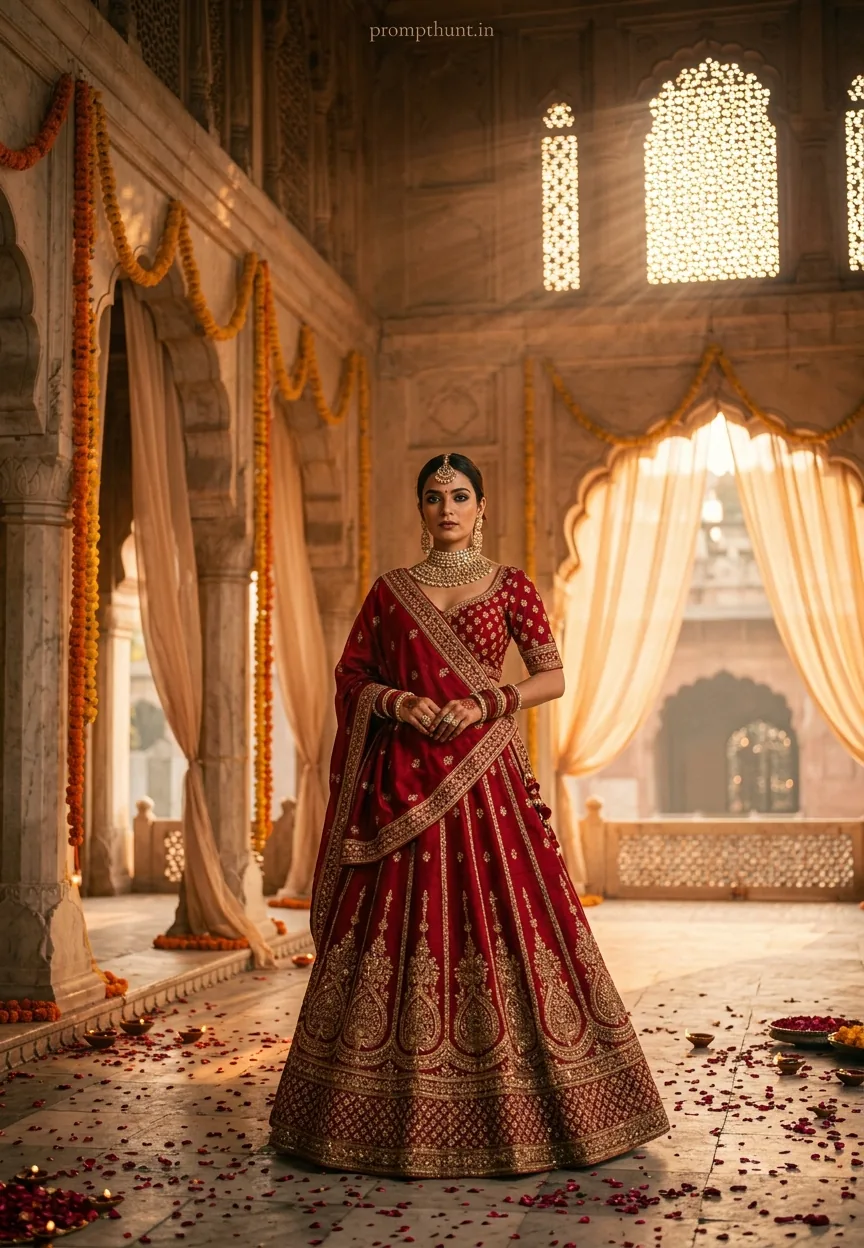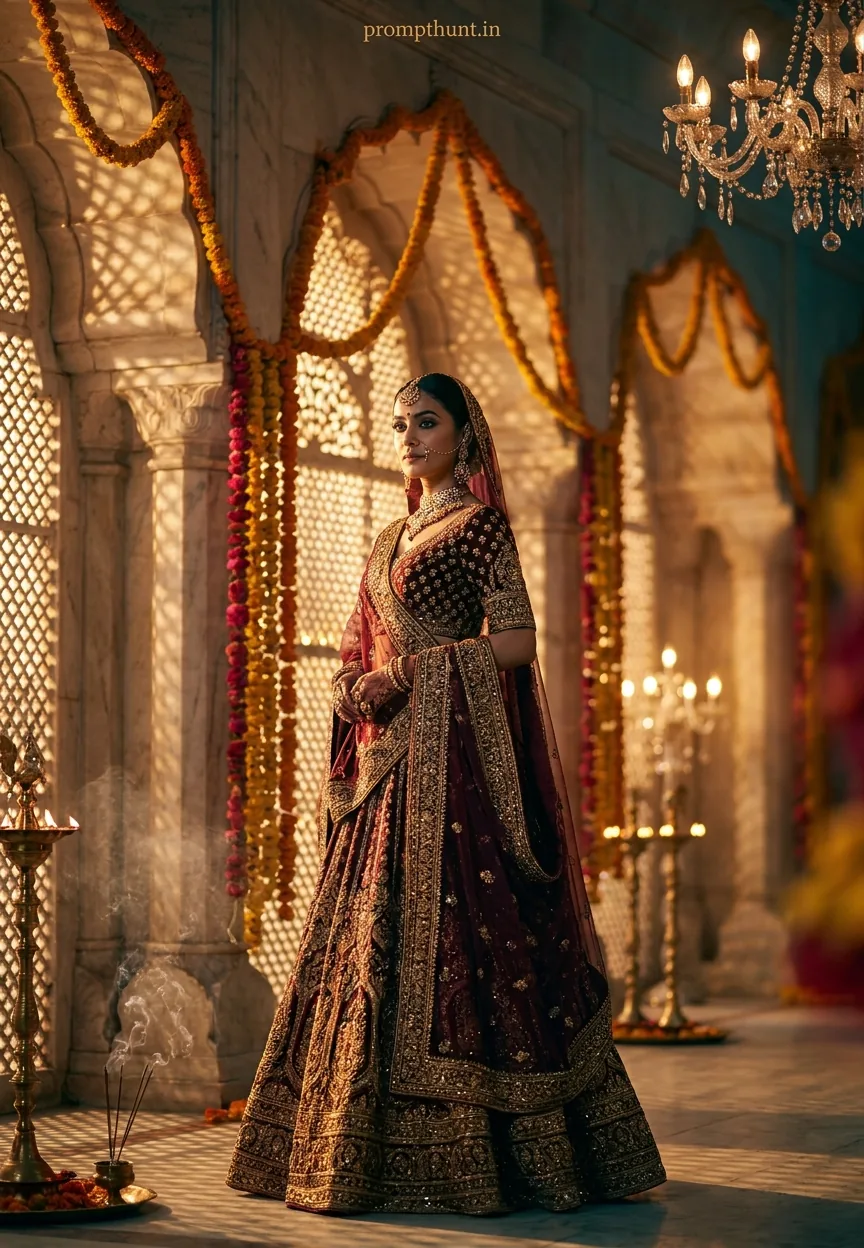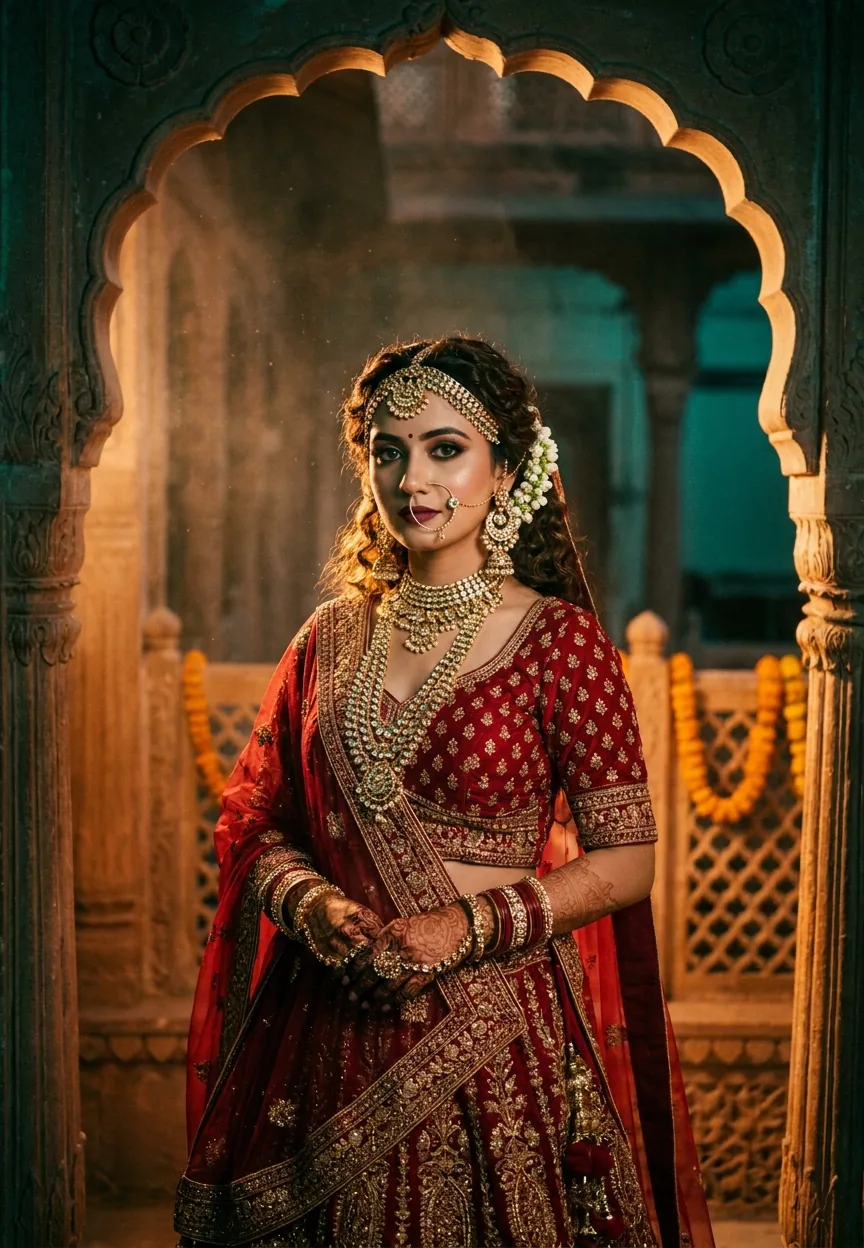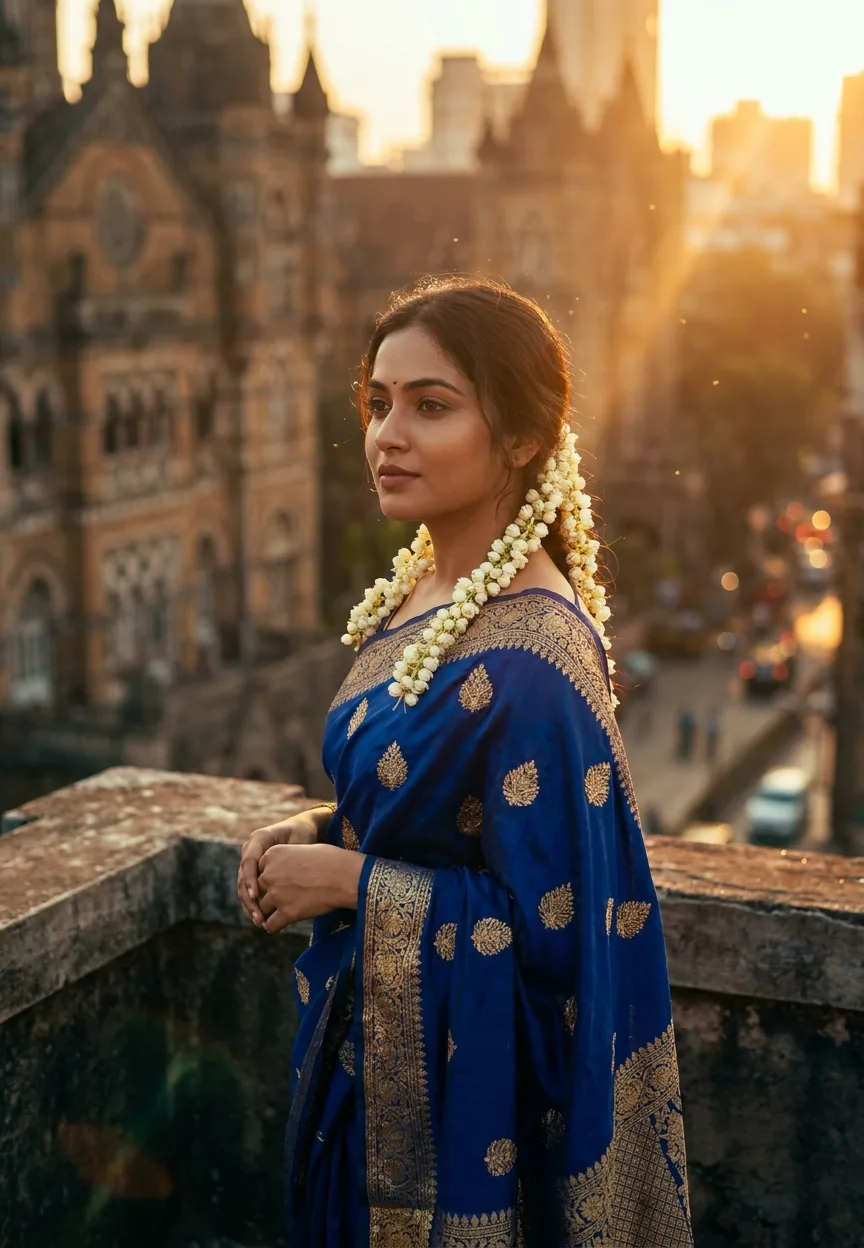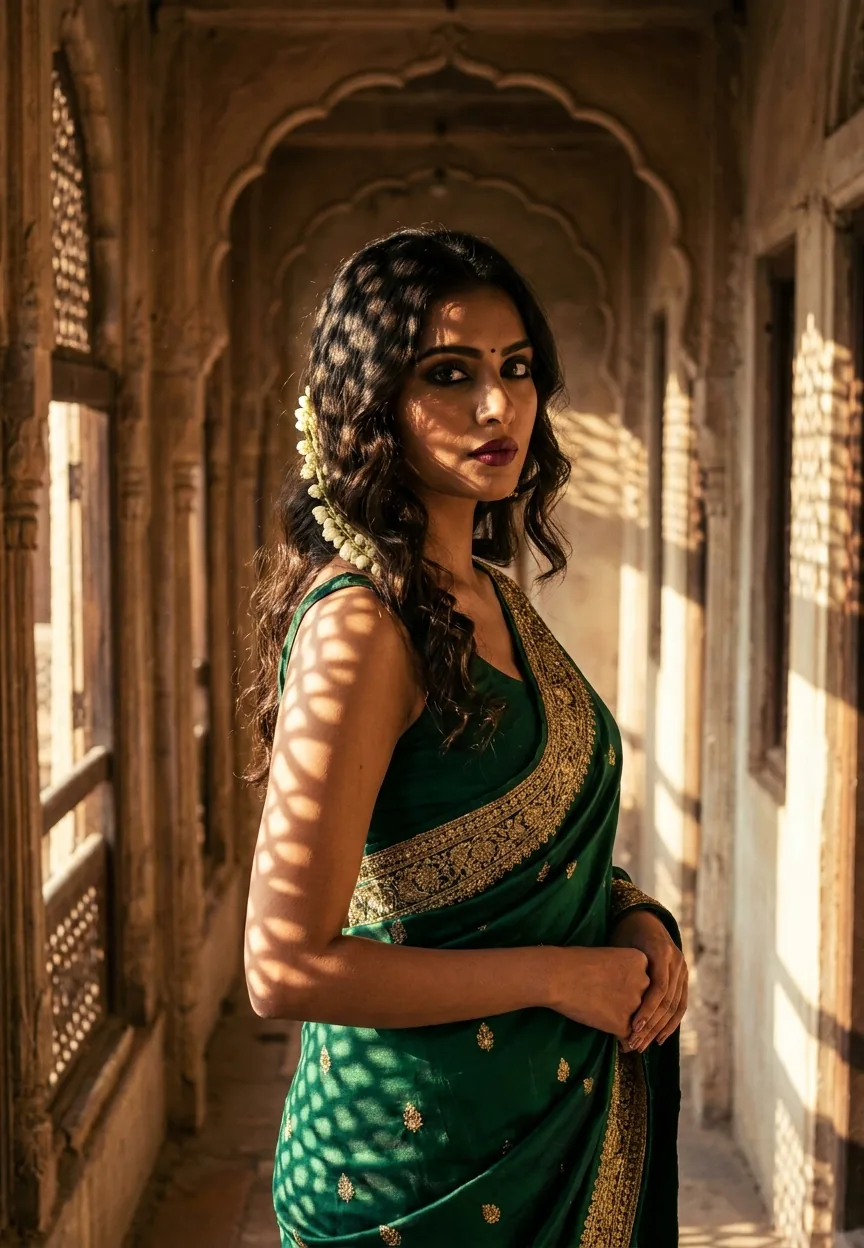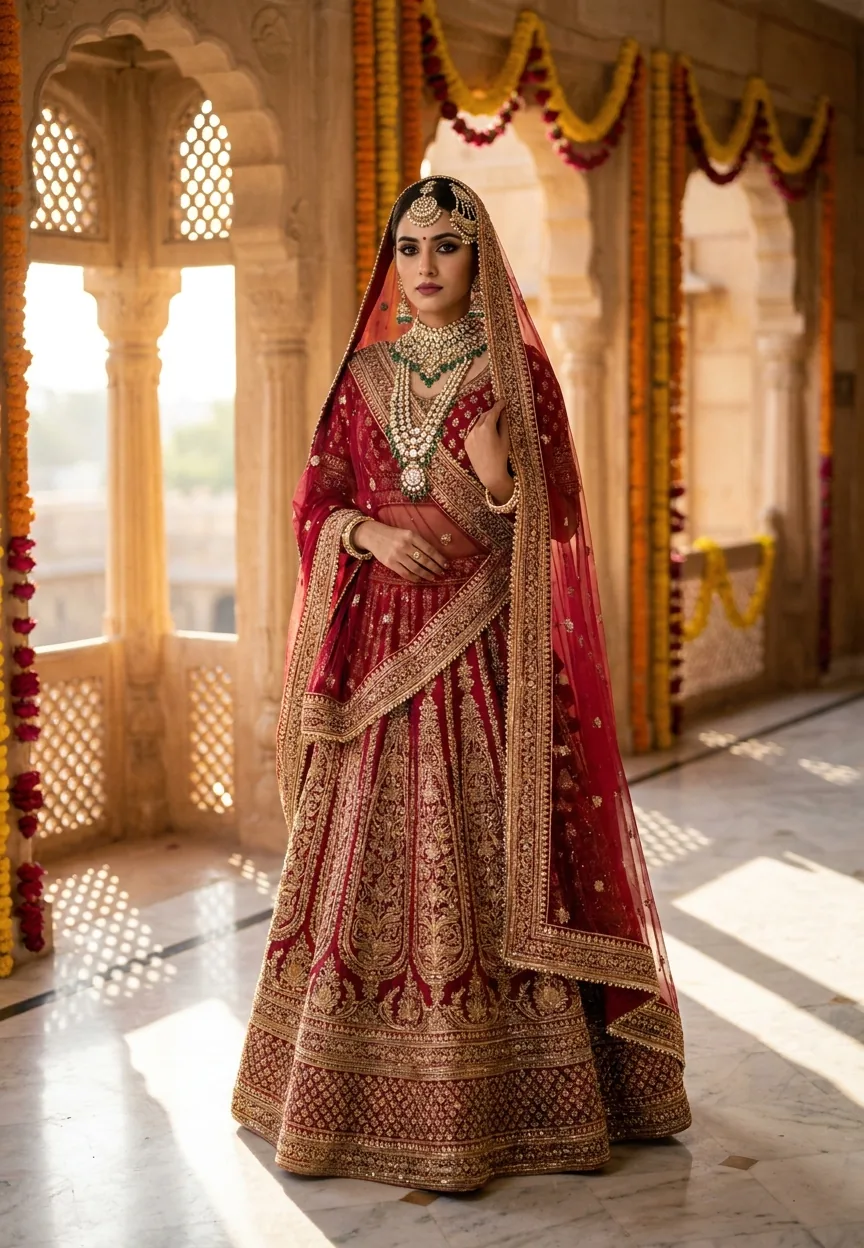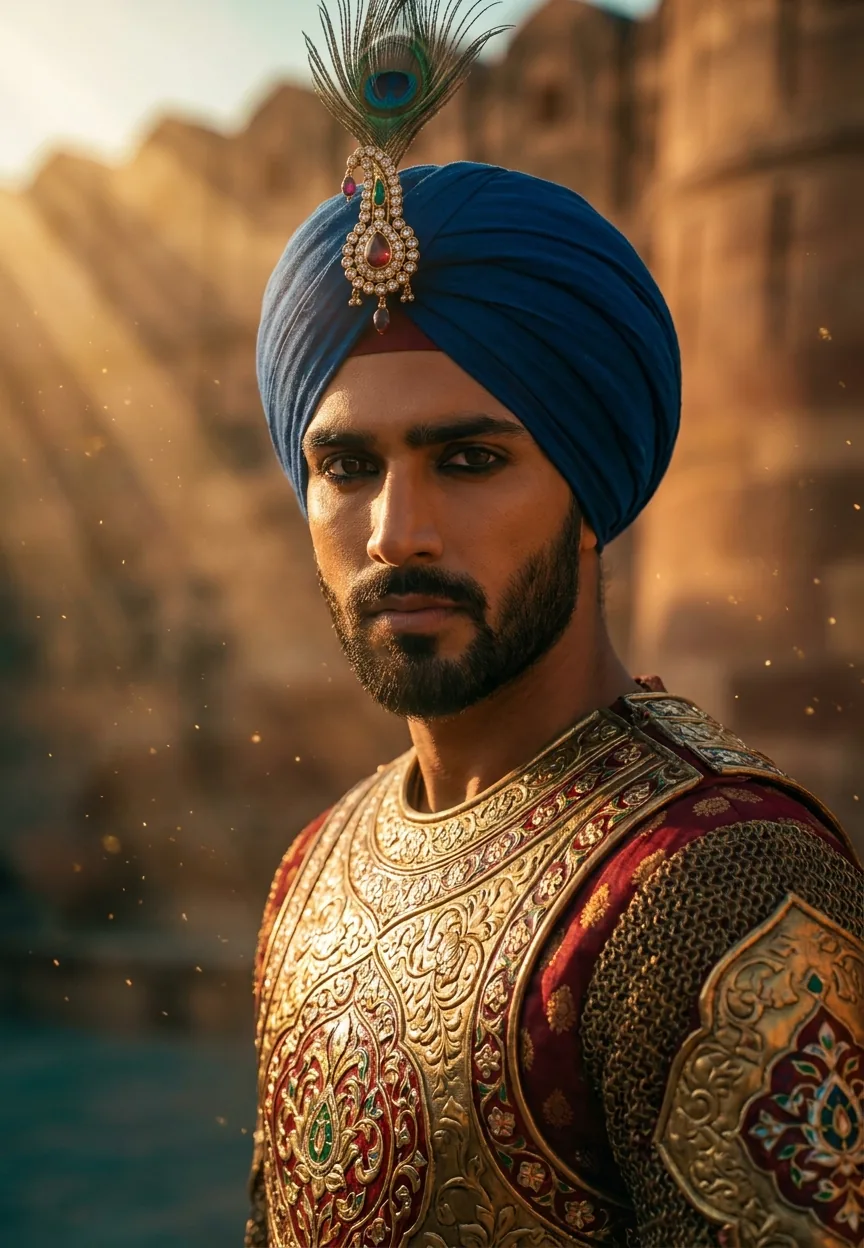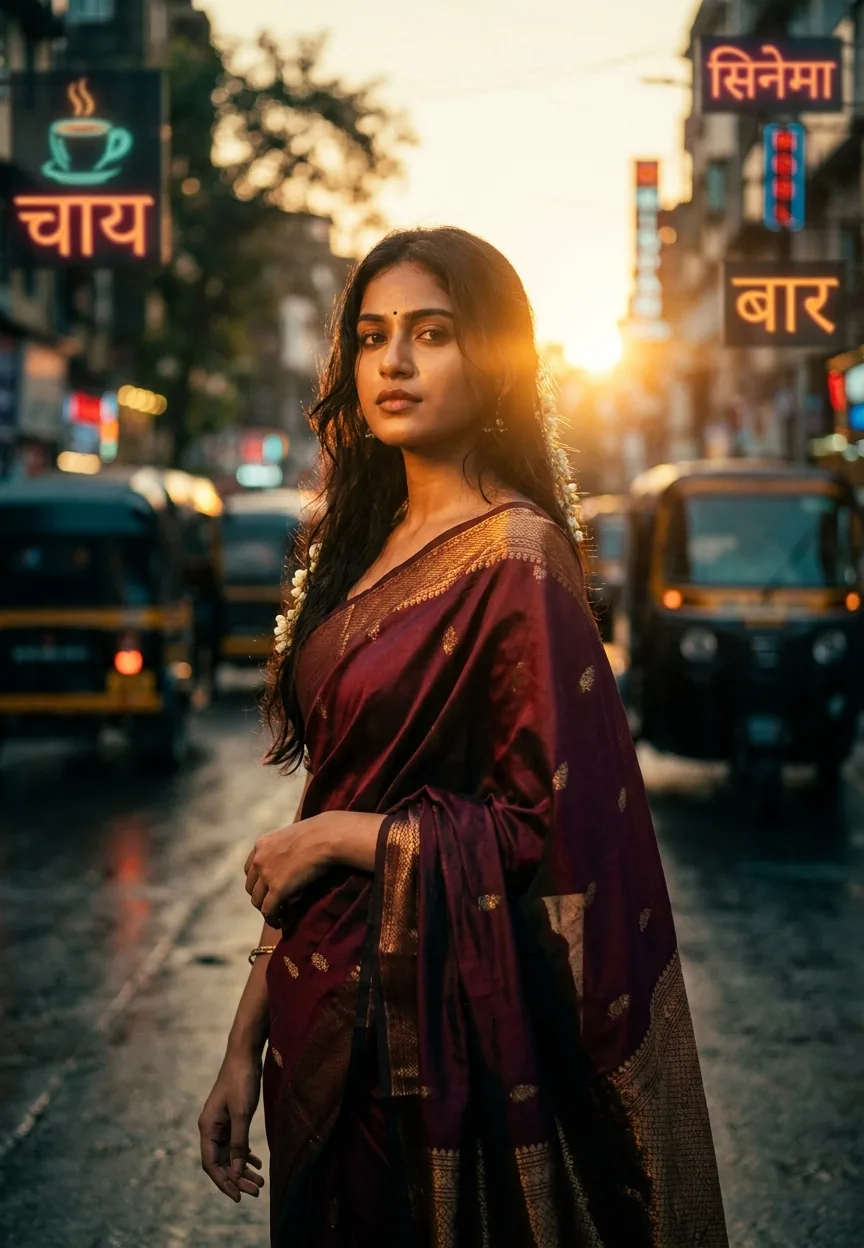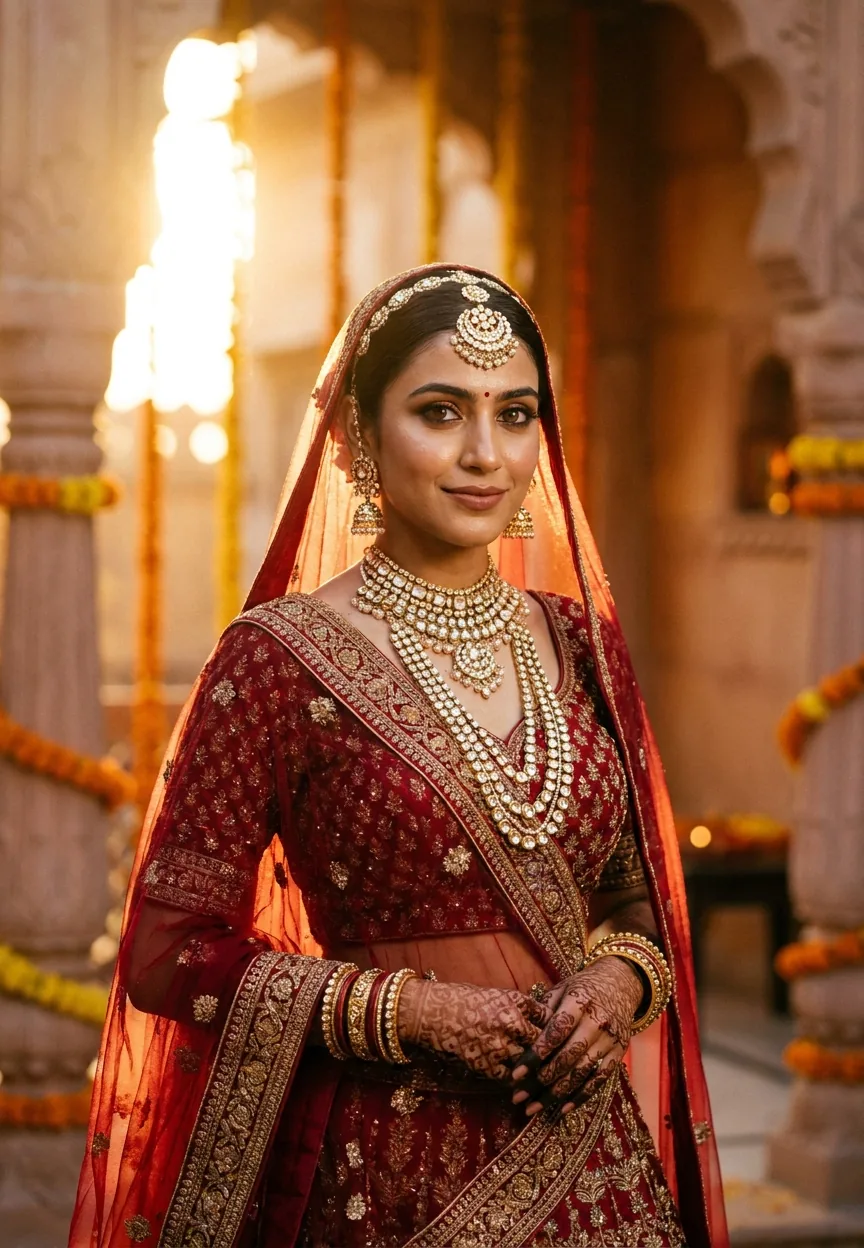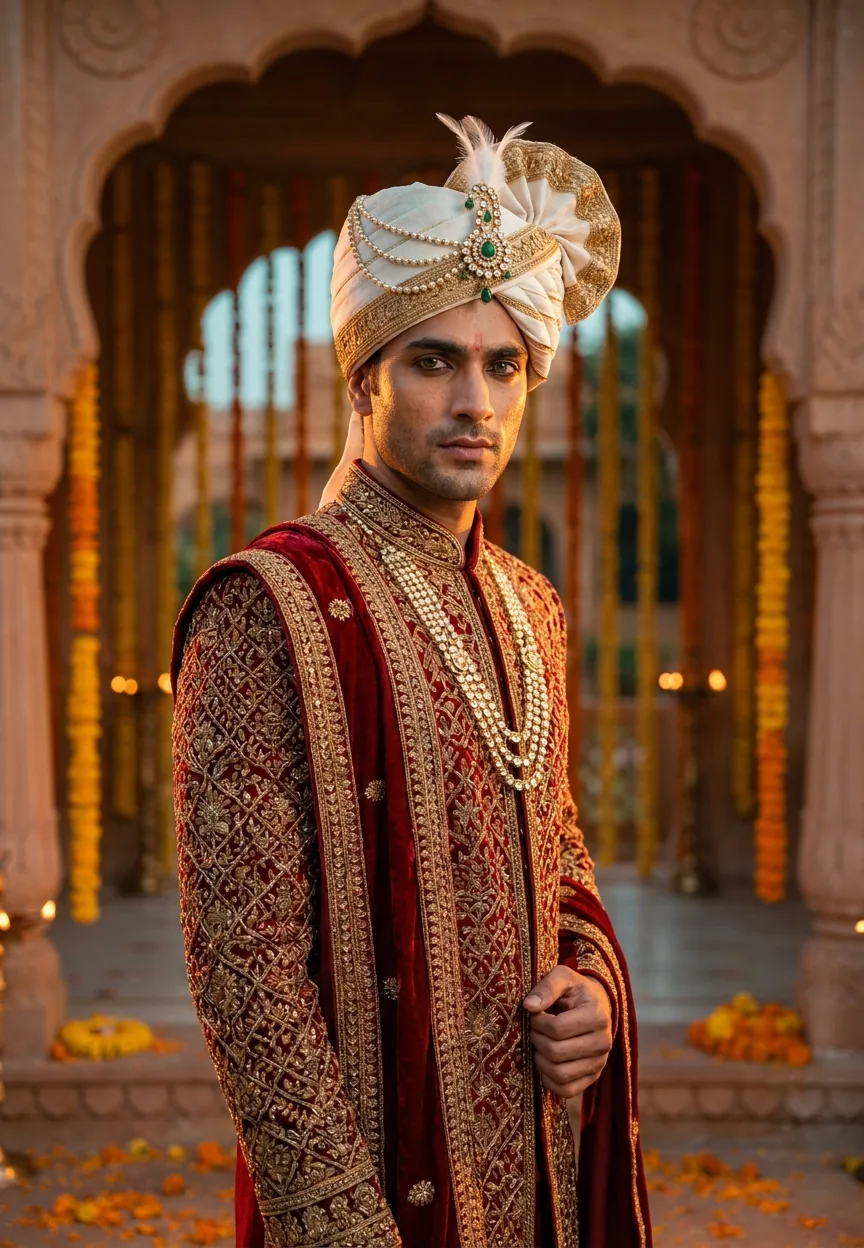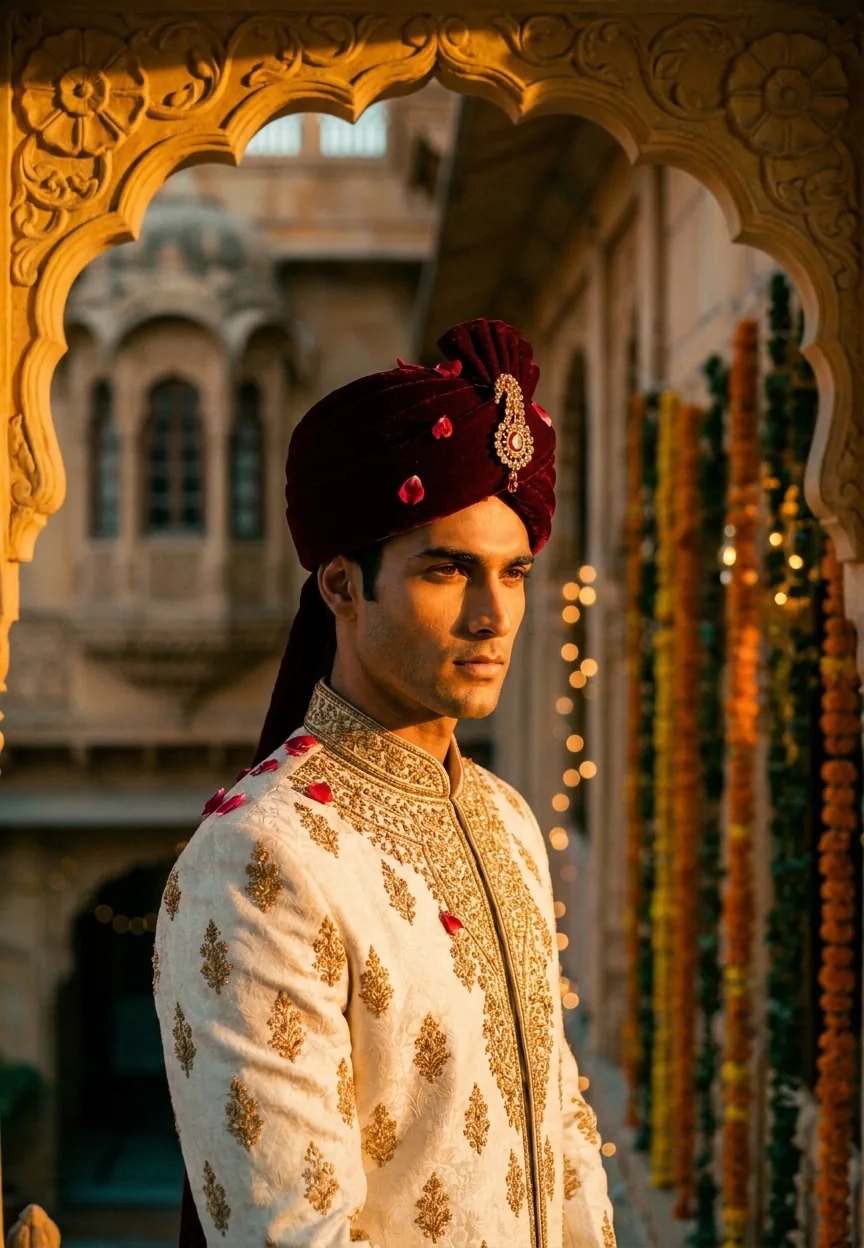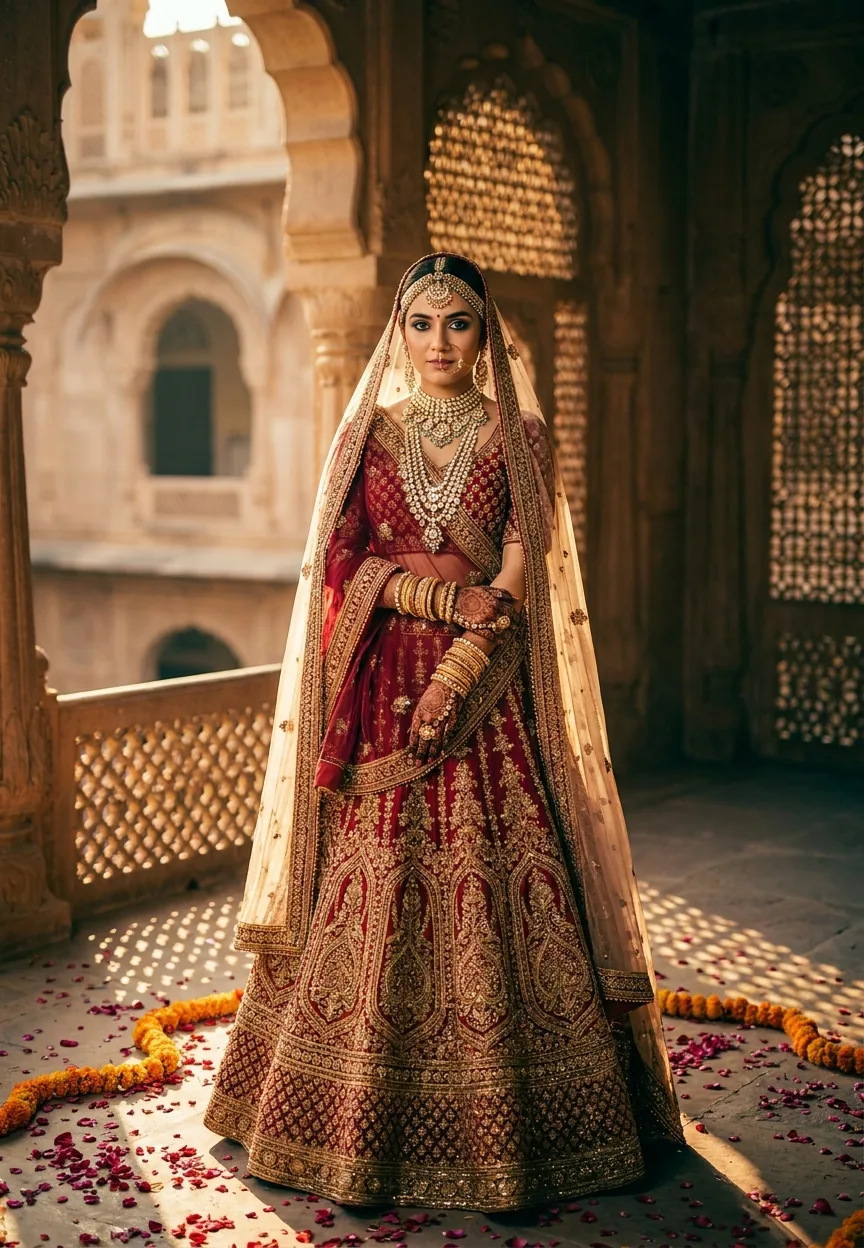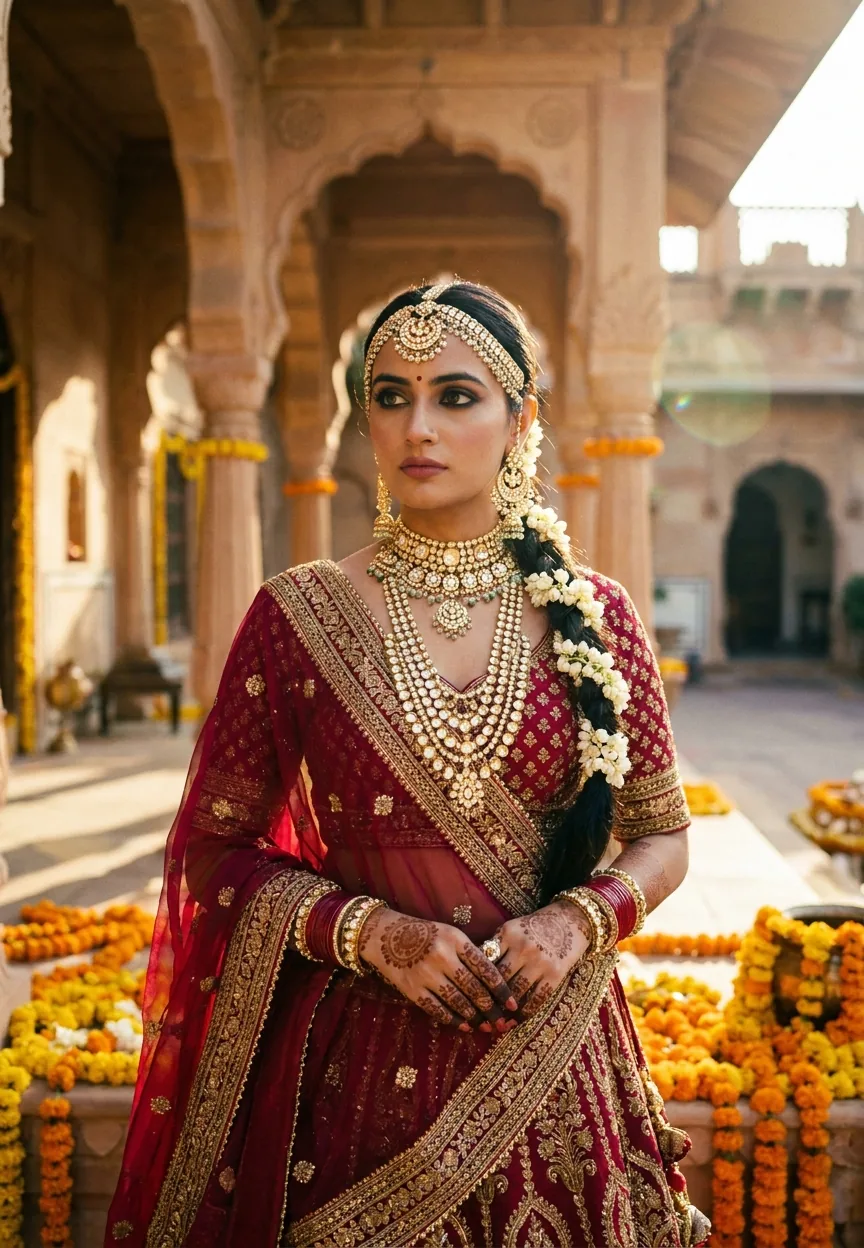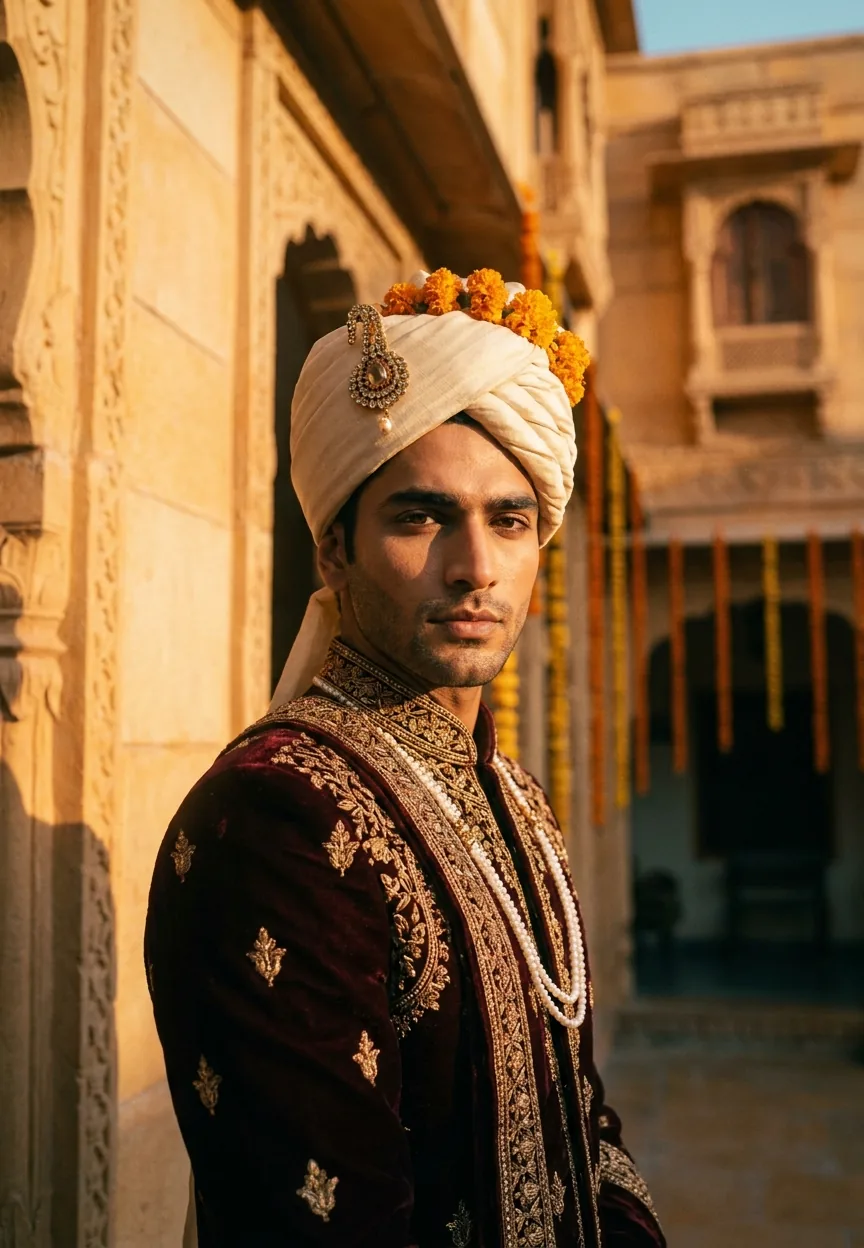
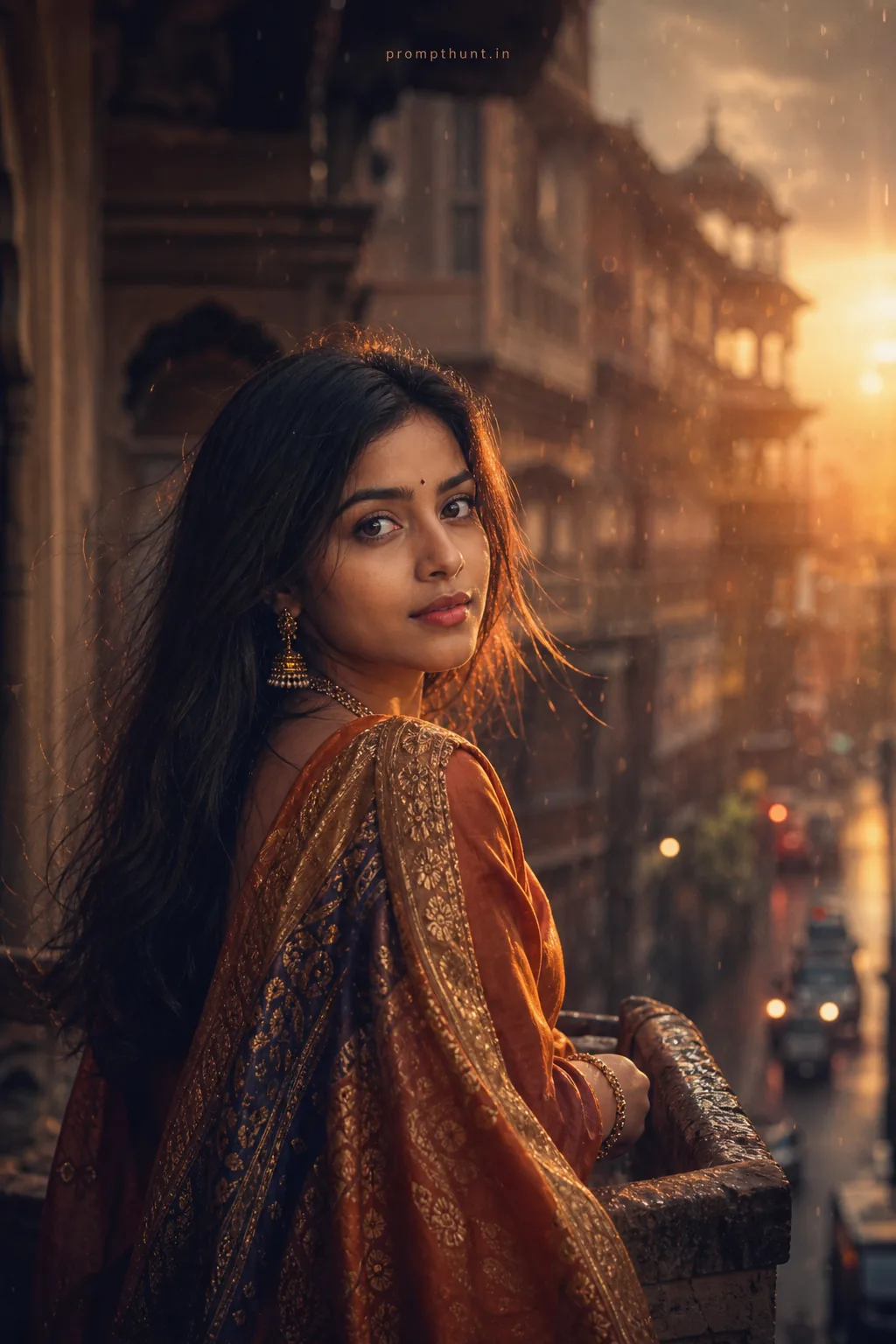
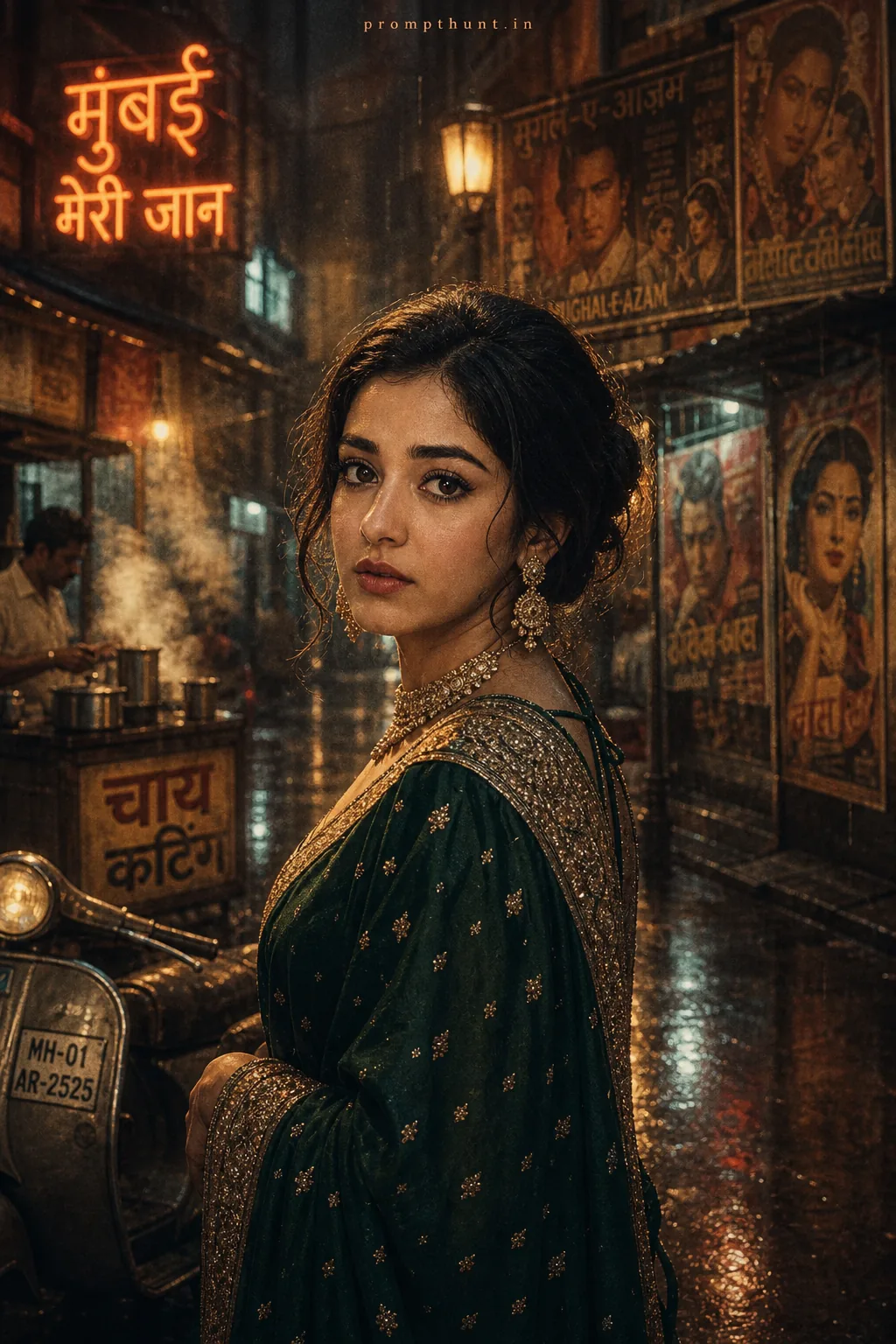
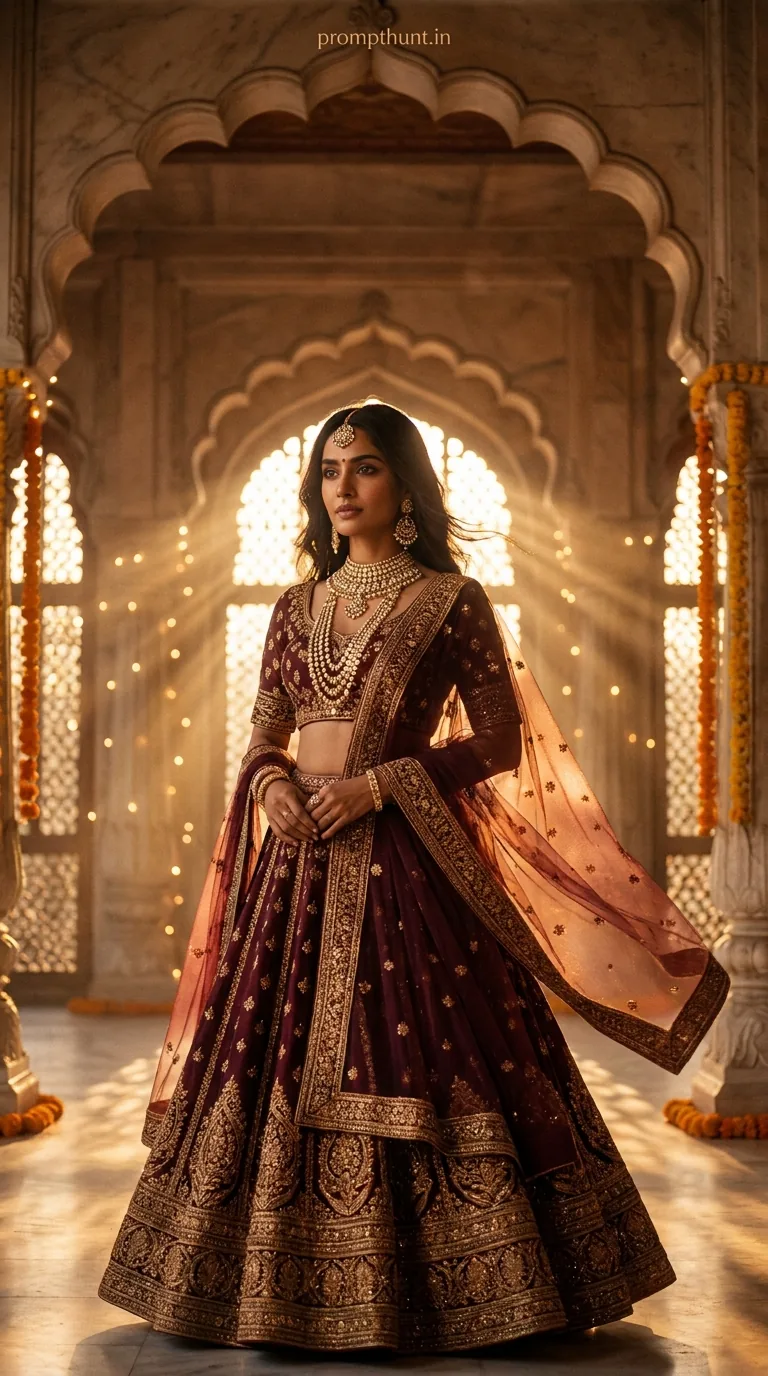
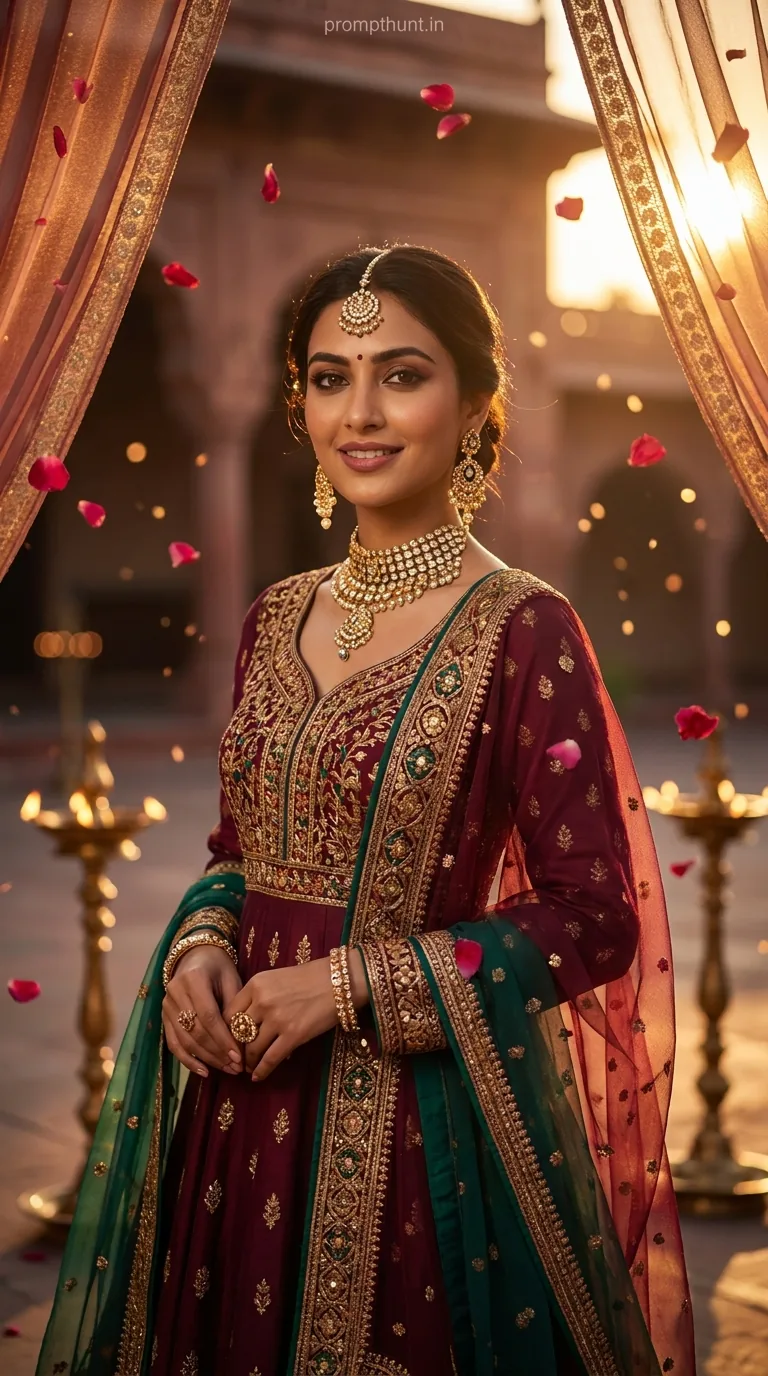
A Royal Rajasthani Groom Cinematic Portrait prompt uses Gemini AI to generate a hyperrealistic Indian groom photo with warm golden-hour lighting, zardozi sherwani detail, bokeh haveli backgrounds, and film-grain color grading. Copy the prompt, paste it into Gemini, and you get editorial-quality Bollywood-meets-fashion imagery in seconds — no studio required.
Wedding season in India runs roughly from October to February, which means approximately 147 million relatives all have opinions about the groom's photos. Fortunately, AI has entered the chat. The Royal Rajasthani Groom Cinematic Portrait prompt has been doing quiet rounds on Indian photo editing communities, and for good reason — it produces the kind of warm, golden, deeply atmospheric groom shots that used to require a Udaipur location budget, a vintage lens rental, and a cinematographer named Vikram who charges by the hour. This prompt gets you there in about 45 seconds. Vikram, I'm sure you're lovely.
Paste this prompt into Gemini AI and you get a hyperrealistic, cinematically lit Rajasthani groom portrait with golden-hour tones, intricate sherwani detail, and a film-grain finish that looks straight off a Bollywood editorial shoot.
What a Cinematic Portrait Actually Is (and Why This One Hits Different)
A cinematic portrait isn't just "good lighting and a nice background." It's a specific visual language borrowed from film production — dramatic directional light, a compressed depth of field, intentional color grading, and enough detail in the subject to reward a second look.
Nine times out of ten, the shots that stop your thumb mid-scroll have three things in common: warm practical light sources, a subject with visible texture (skin, fabric, anything real), and a background that suggests a world without showing all of it.
This Rajasthani groom prompt nails all three. The golden-hour sandstone setting provides the warm practical light. The zardozi embroidery and visible skin pores deliver the texture. And the softly bokeh'd jharokha windows with marigold strings hint at the haveli world around him without competing for attention.
Add anamorphic lens characteristics — that subtle horizontal lens flare, the slightly oval bokeh — and you're not looking at a photo anymore. You're looking at a still frame from a film nobody made yet but everyone wants to watch.
The Prompt — Copy This Exactly
A strikingly handsome Indian groom in his late 20s, wearing an ornate deep burgundy and gold sherwani with intricate zardozi embroidery, a perfectly tied ivory safa (turban) adorned with a kalgi brooch and marigold flowers, standing against the golden sandstone walls of a Rajasthani haveli at golden hour, warm amber and ochre tones flooding the scene, dramatic side lighting casting soft cinematic shadows across his sharp jawline and defined features, subtle lens flare from the setting sun, eyes reflecting depth and quiet confidence, a delicate pearl mala around his neck, background softly bokeh'd revealing ornate jharokha windows and hanging marigold strings, film-grain texture overlay, shot on vintage anamorphic lens style, color graded in warm terracotta and deep teal tones, ultra-realistic skin texture, pores visible, cinematic 4K quality, hyper-detailed fabric texture, Bollywood meets editorial fashion photography, 9:13 vertical aspect ratio
How to Use It — Three Steps, No Surprises
Step one: Open Gemini. Go to gemini.google.com, make sure you're on a plan that supports image generation, and create a new conversation.
Step two: Paste the full prompt exactly as written above. Do not paraphrase it, do not summarise it, do not let autocorrect turn "zardozi" into "sardonic." The specificity is doing the heavy lifting here. Every descriptive phrase — the ivory safa, the pearl mala, the terracotta-teal grade — is an instruction to the model.
Step three: Review your outputs and regenerate if needed. Gemini typically gives you one to four variations. If the first batch misses the mark on lighting or fabric detail, hit regenerate once or twice before editing the prompt. The model often lands better on attempt two (a fact I relate to personally on most Monday mornings).
Once you have an image you like, download it at full resolution. The 9:13 vertical ratio is already optimised for phone screens, Instagram Stories, and wedding invitation digital cards.
Tips for Best Results — The Honest Ones
Rule of thumb: the more specific your colour direction, the more consistent your output. The "warm terracotta and deep teal" grade in this prompt is doing serious work. If you remove it, the AI picks its own colour mood — and AI left unsupervised will occasionally decide forest green is bridal. It is not.
If you want to personalise the output for a real groom's feature references — say, a fuller beard or a specific face shape — add those descriptors after "late 20s." Something like "with a full dark beard and warm brown complexion" slots in cleanly and gives the model better direction without breaking the rest of the prompt's logic.
The film-grain texture overlay instruction is worth keeping even if you think you don't like grain. Grain is the thing that stops AI-generated skin from looking like CGI marble. It adds plausibility. Think of it as the tiny imperfections that make the whole thing feel real — like how a slight wobble in your dad's wedding speech made it more moving than any script would have been.
For background variation, swap "Rajasthani haveli" for "Mysore palace courtyard" or "Jodhpur blue city alley" and keep everything else identical. You get a completely different geographic feel with the same lighting architecture and character design. One prompt, multiple locations. The AI is basically your travel budget now.
Why This Is Trending in India Right Now
Indian wedding photography is a full industry — the country hosts somewhere between 10 and 12 million weddings a year. That is not a typo. The demand for aspirational groom imagery — for invitations, for social media, for pre-wedding content — is enormous, and the supply of genuinely cinematic locations and lighting setups is expensive.
Gemini's image generation has improved significantly on fabric and textile detail, which matters enormously in a market where the difference between "nice sherwani" and "correct sherwani" is culturally significant. Zardozi embroidery is specific. Gold threadwork is specific. The AI now renders both convincingly, which is why this particular prompt resonates where earlier AI wedding imagery often fell flat.
There's also a generational shift happening. Younger Indian couples — the ones getting married right now — grew up with Instagram and Bollywood both operating at peak visual ambition. Their reference images are not candid film shots. They are color-graded, lens-flared, bokeh-heavy editorial frames. This prompt speaks that visual language fluently.
Fair enough, really. If Ranveer Singh's wedding photos are the benchmark, AI needed to catch up eventually.
Honest Opinion — When Not to Use This
This prompt is genuinely impressive for conceptual and editorial uses. Planning a themed wedding invitation? Brilliant. Creating social content for a wedding photography business? Solid. Mood-boarding a pre-wedding shoot location? Excellent use of two minutes.
But here is the honest part, because that is the deal we have.
Do not use AI-generated groom portraits as a replacement for actual photos of an actual groom at an actual wedding. This sounds obvious until you see someone consider it seriously, and I have seen someone consider it seriously. The families involved will notice. The groom will notice. The groom's mother will notice and will have thoughts.
The other limitation is likeness. This generates a fictional face — a handsome, well-constructed fictional face, but fictional. If the goal is to create a personalised portrait for a specific person, you need either a real photo session or a tool that accepts a reference image. Gemini's base image generation does not take face references the way some other tools do. So the output is aspirational and general, not personal.
The prompt also sometimes over-smooths the sherwani fabric into something that looks more like illustration than photography — particularly on the first generation attempt. That is when regenerating, or adding "photorealistic fabric weave, physically accurate textile" to the prompt, saves you.
Use this for inspiration, marketing, and creative direction. Use a human photographer for the actual wedding day. Both things can be true, and both parties can go home happy — the photographer, the family, and the AI, which doesn't actually have feelings but has really been putting in the work lately.
Wrapping Up
The Royal Rajasthani Groom Cinematic Portrait prompt is one of the better AI photo prompts doing the rounds right now — specific enough to produce consistent results, visual enough to stop a scroll, and culturally detailed enough to actually mean something in the context it was built for. Copy it, paste it, tweak the location or the colour grade, and see what Gemini gives you. If the first result is off, regenerate twice before changing anything. And if someone asks how you got such a cinematic groom shot without a Udaipur trip, tell them you found a guy. His name is Gemini. He works fast, takes direction well, and has never once complained about the golden-hour schedule — which, honestly, puts him ahead of most production crews I've encountered.