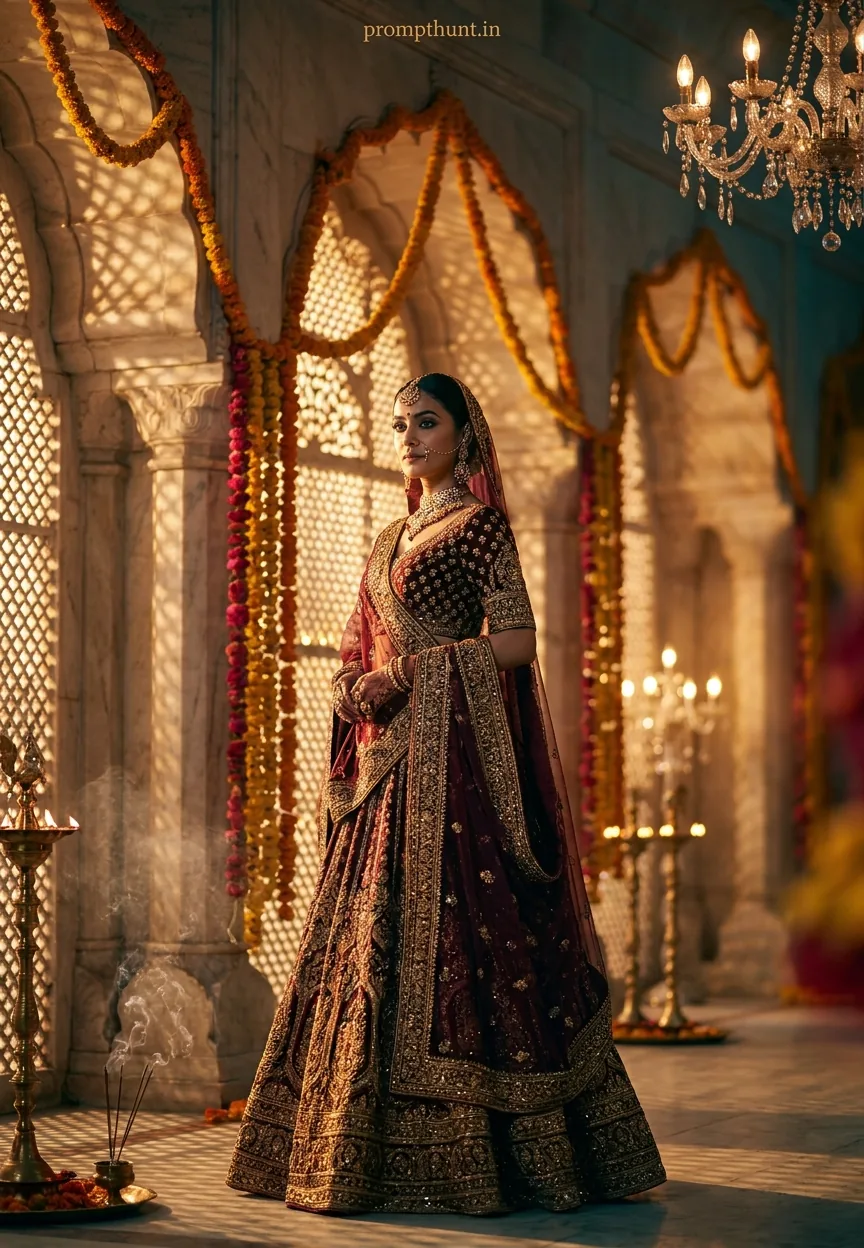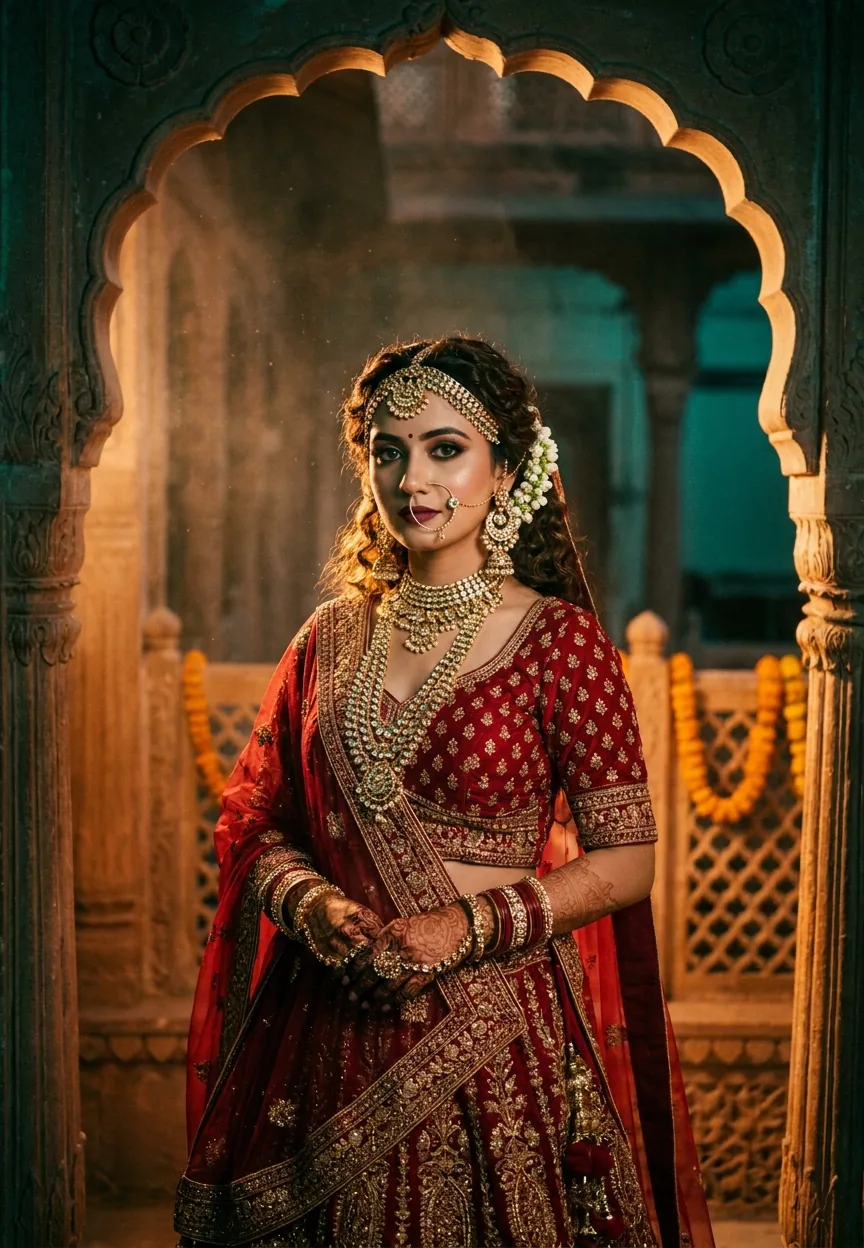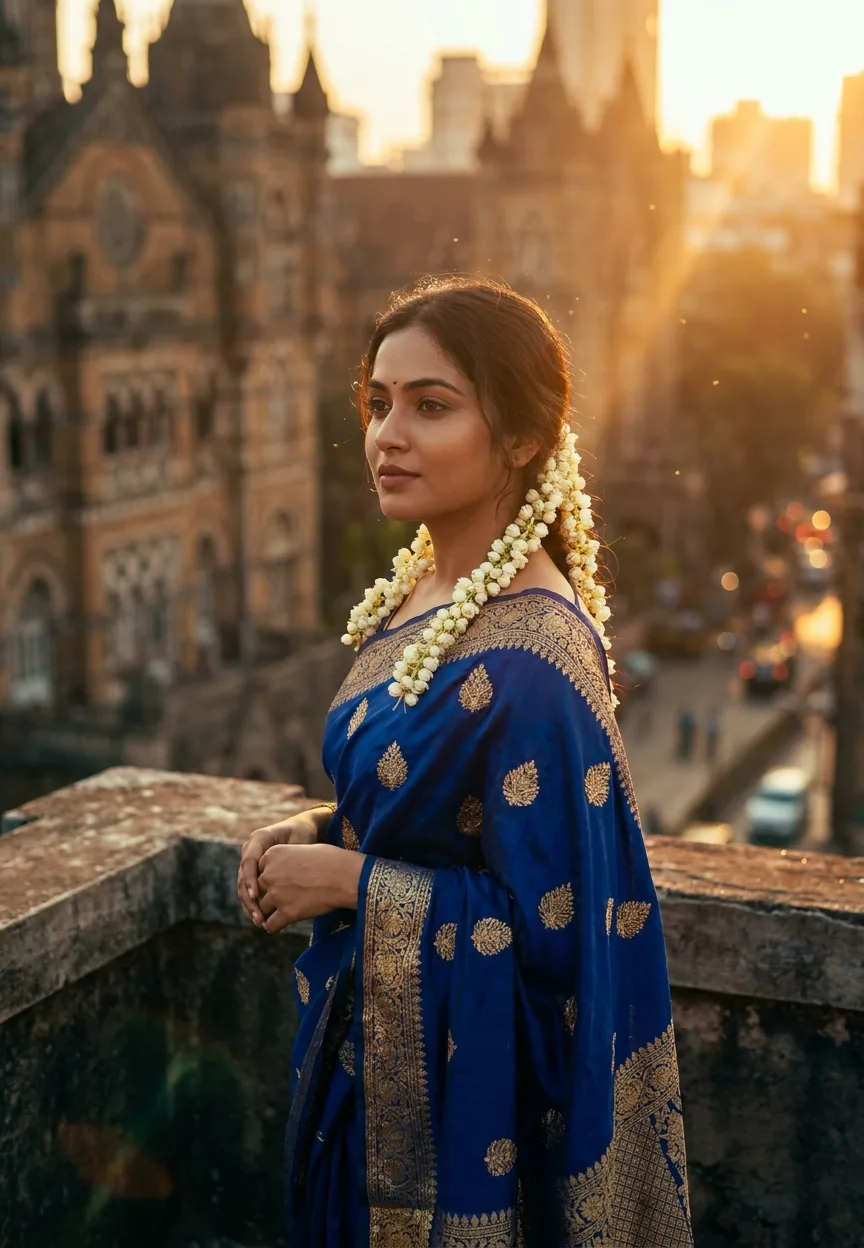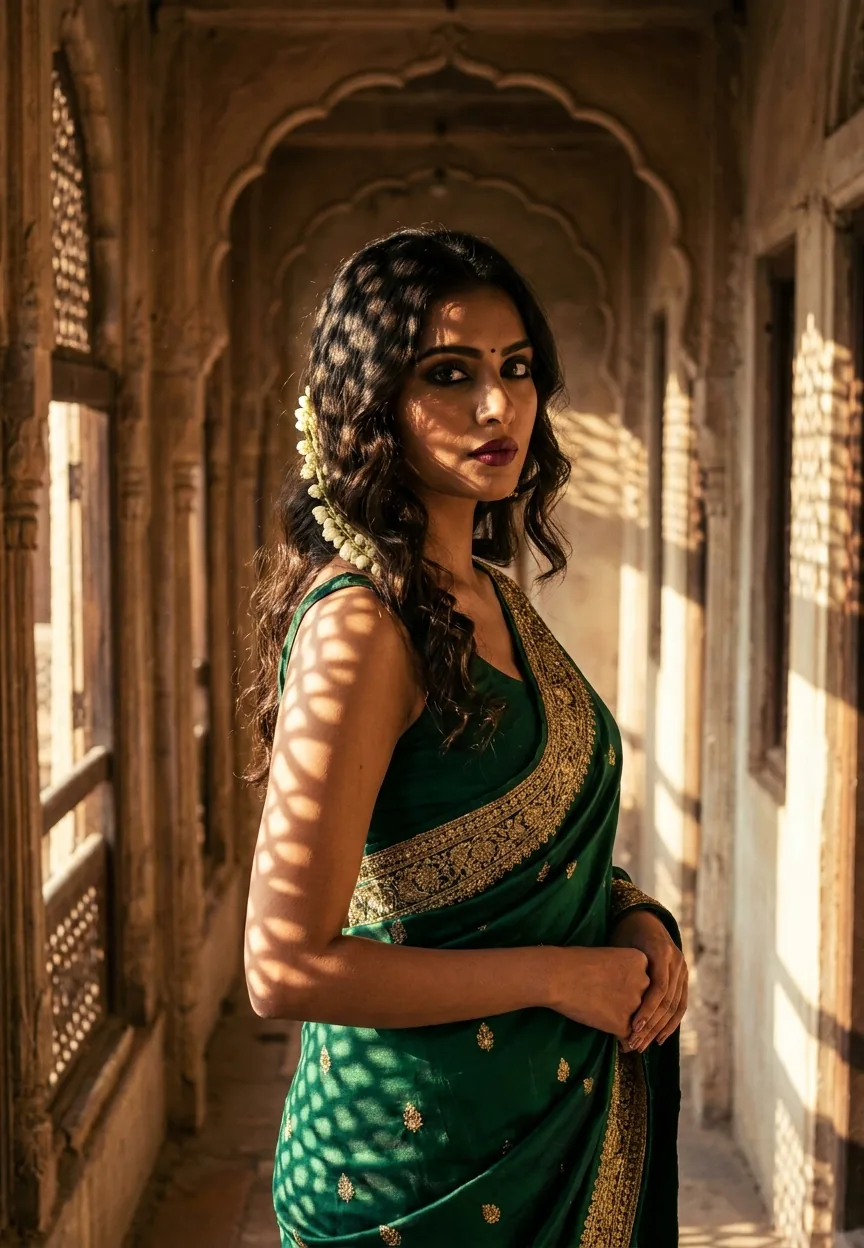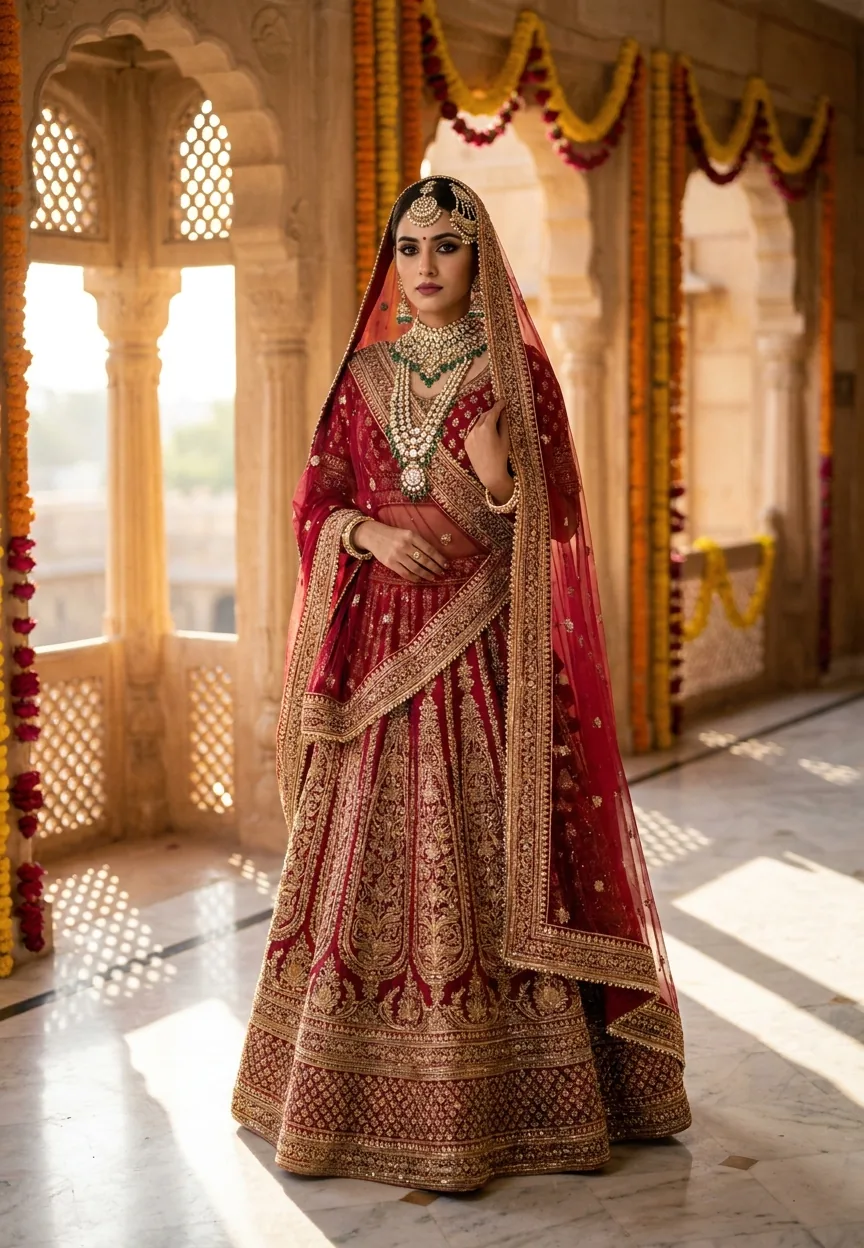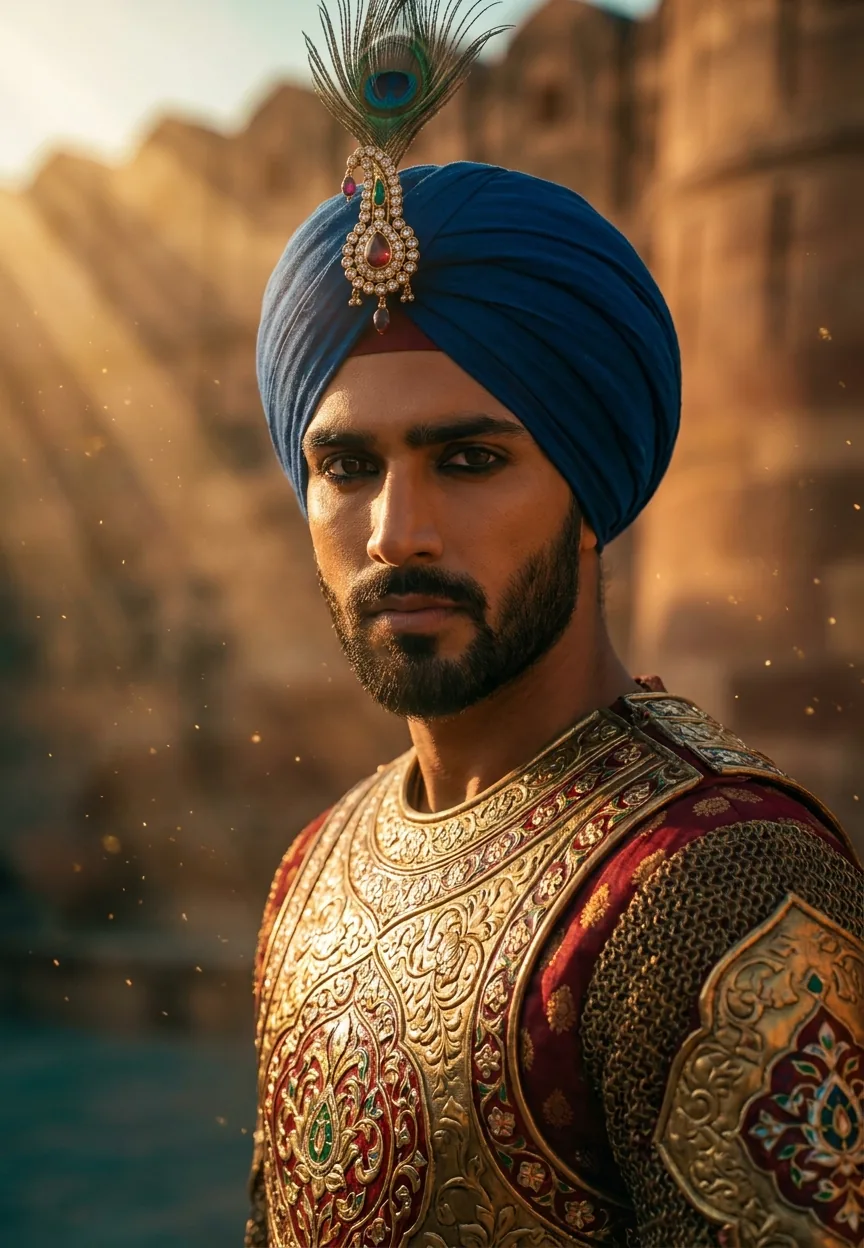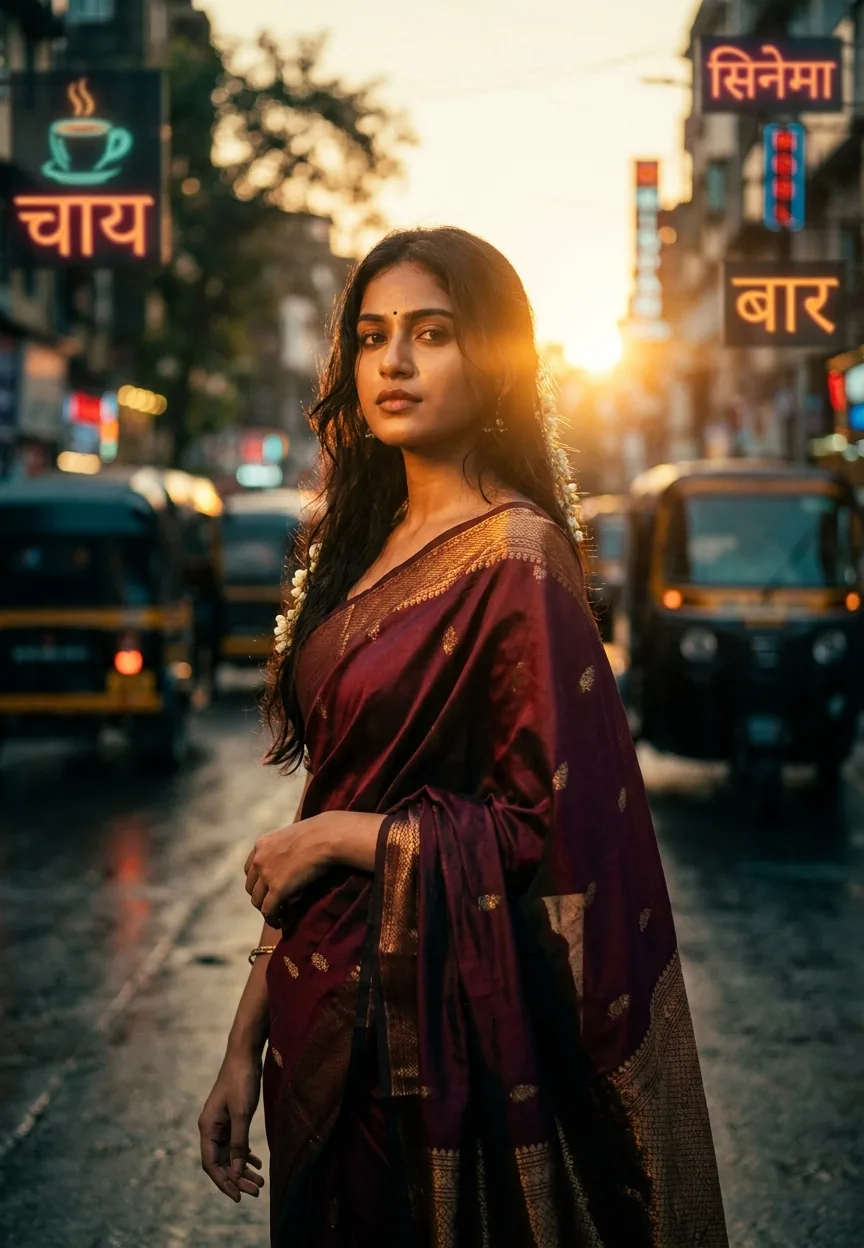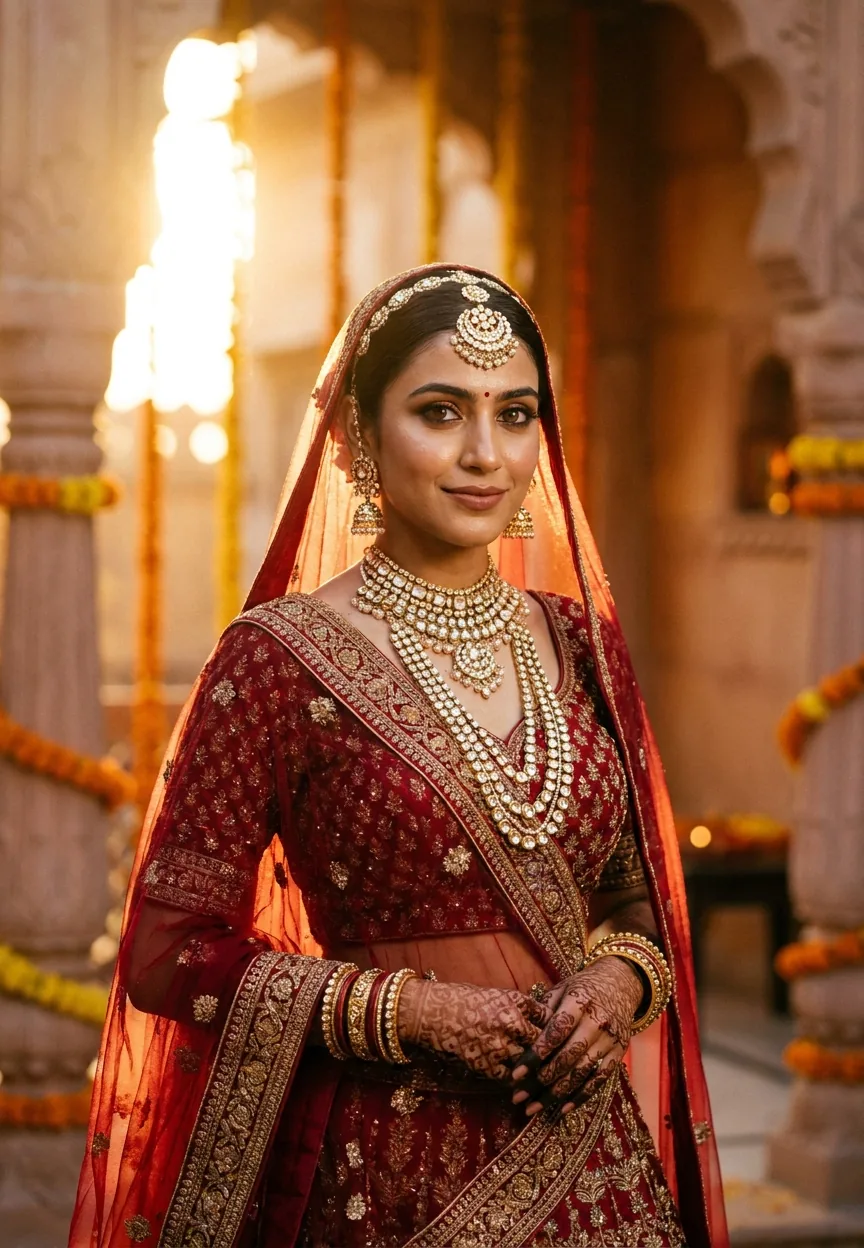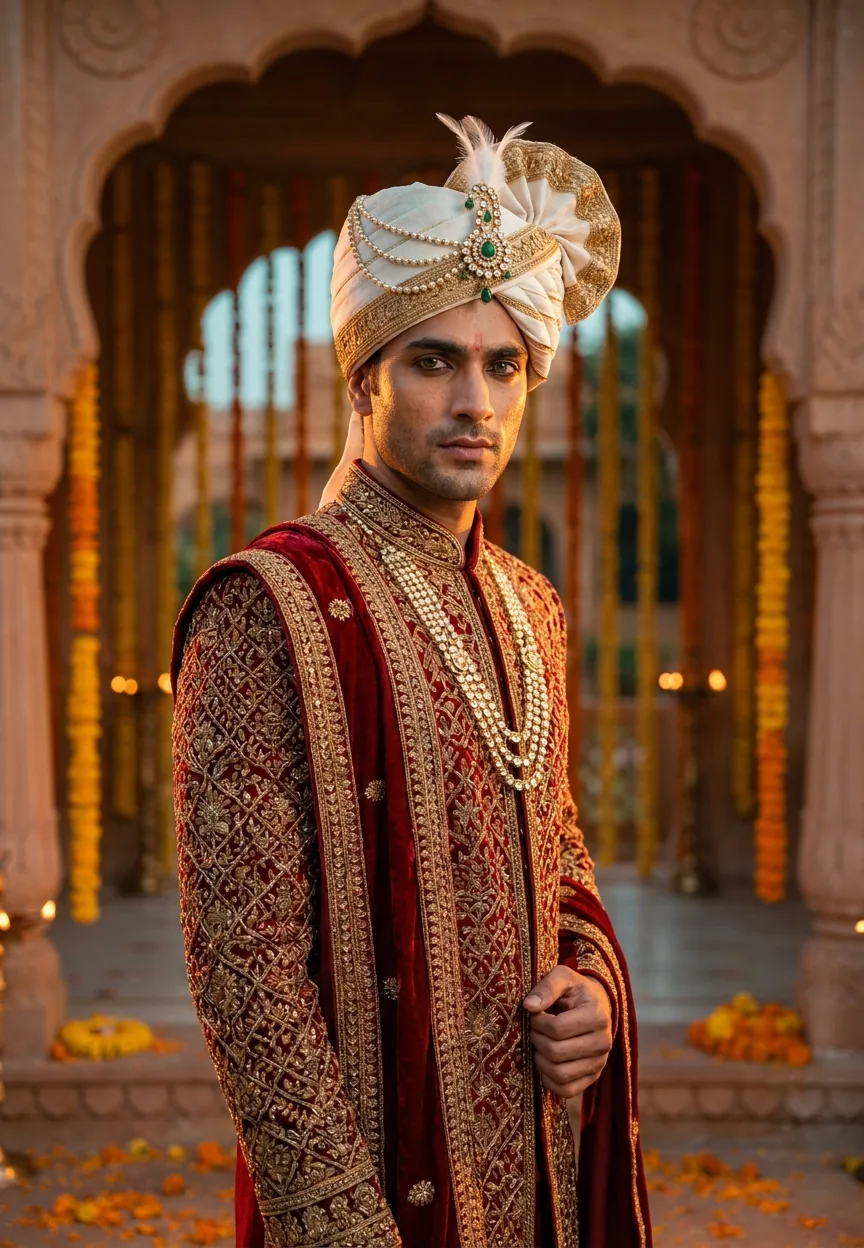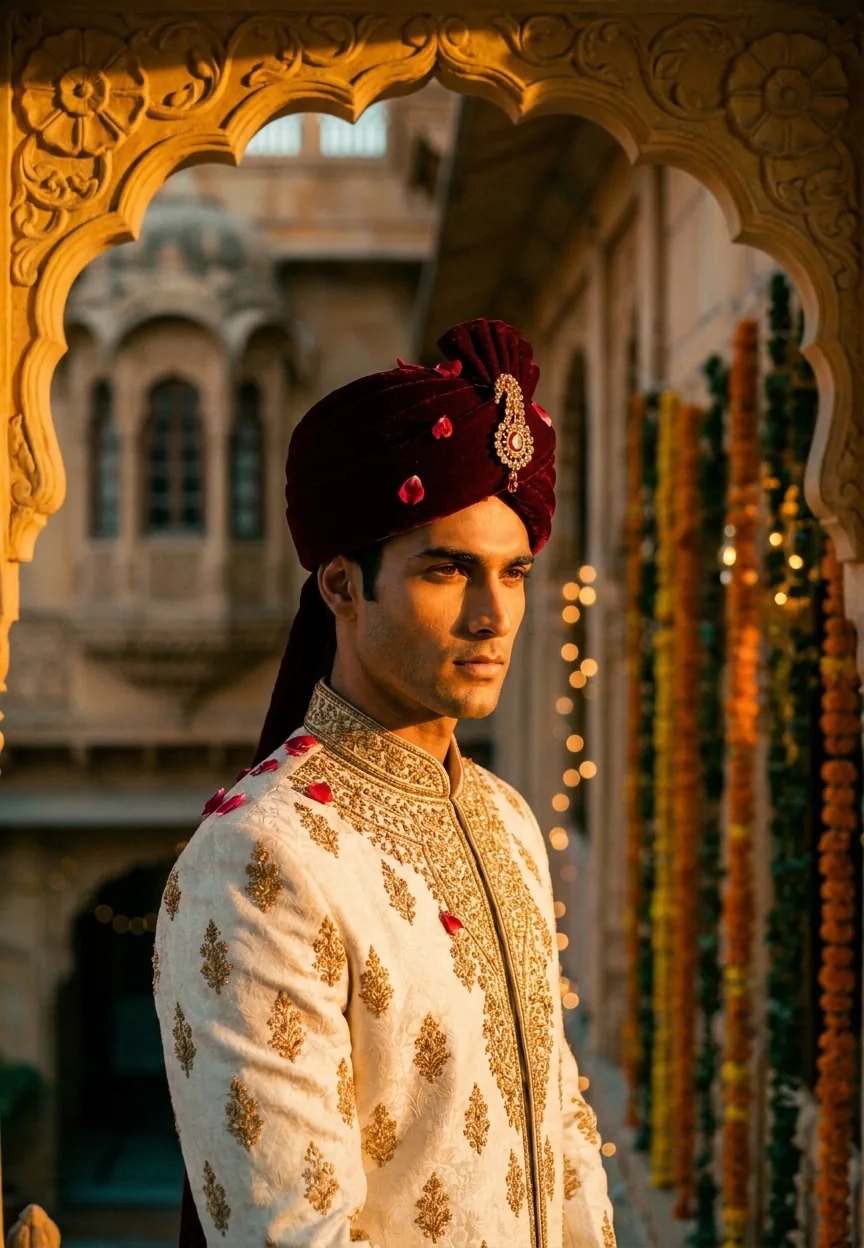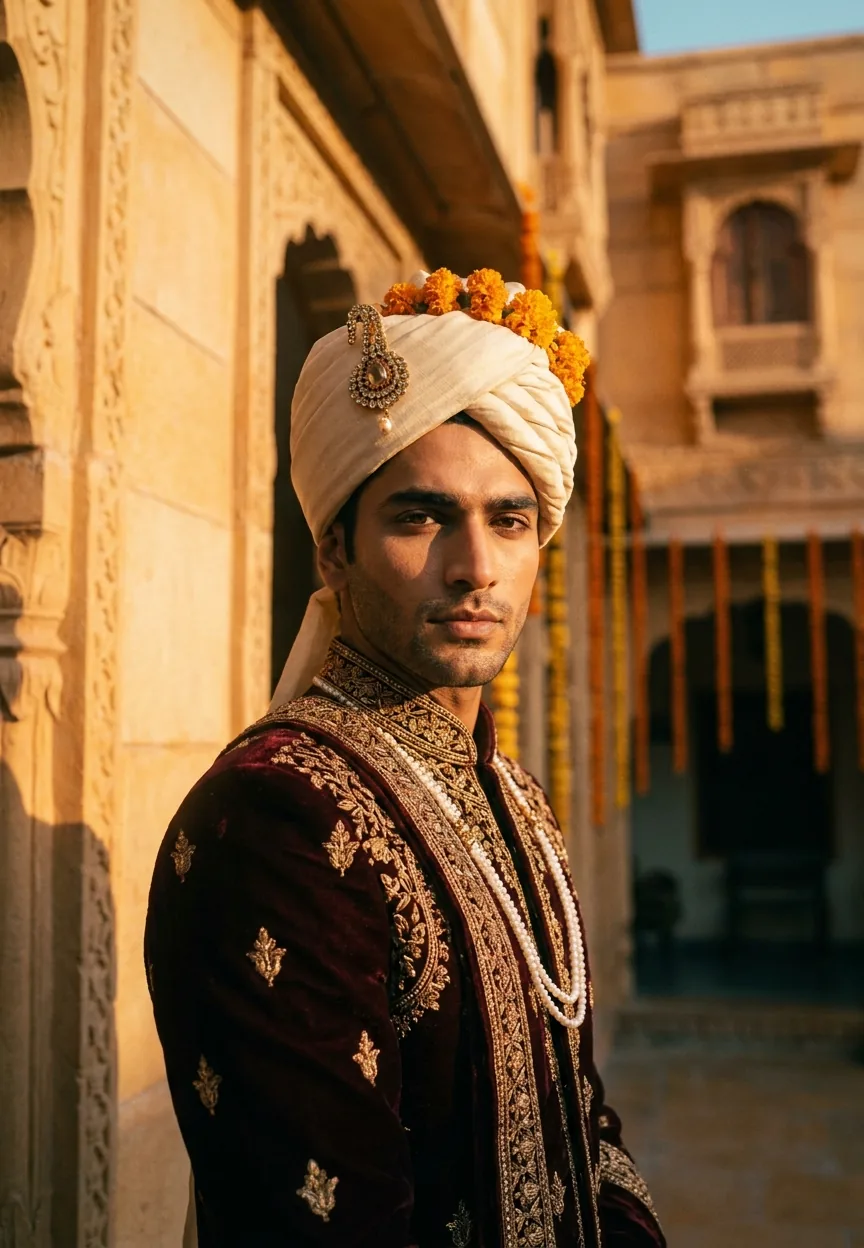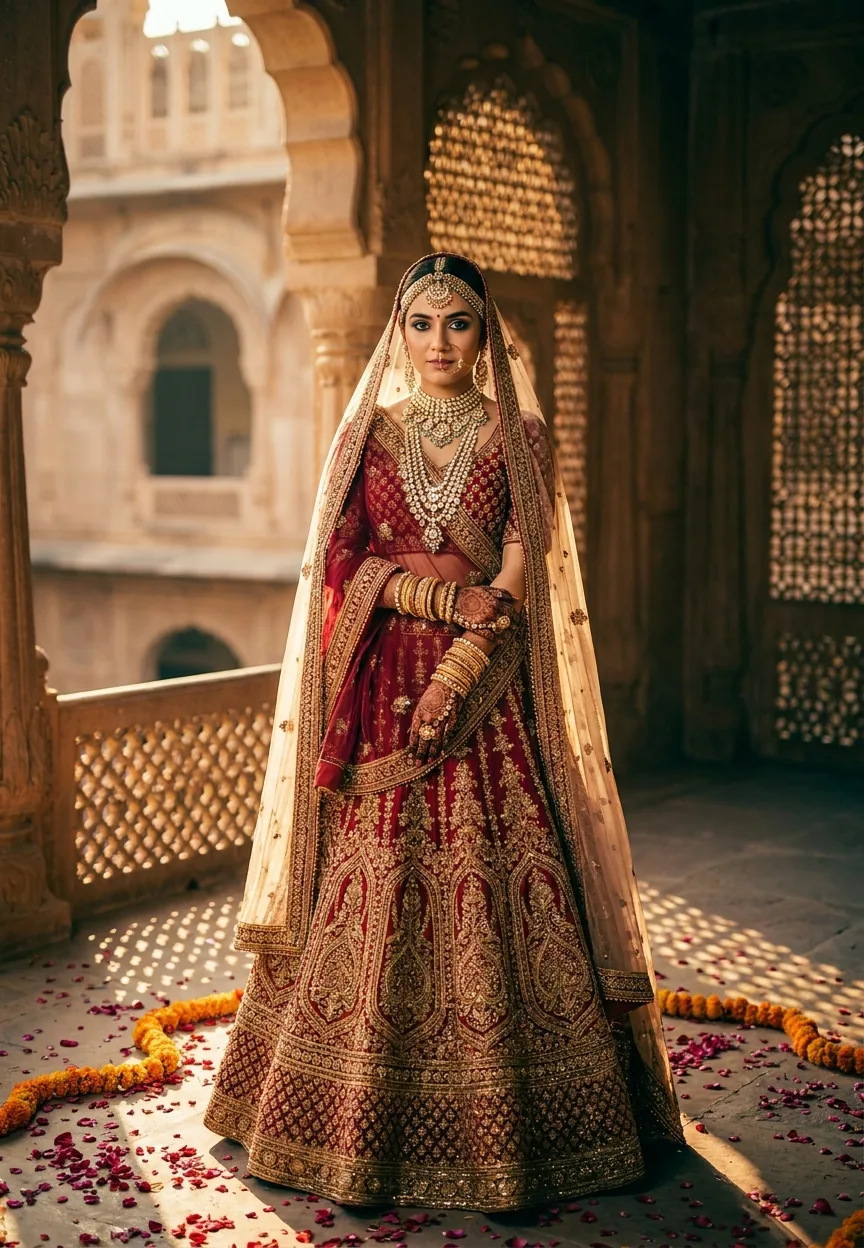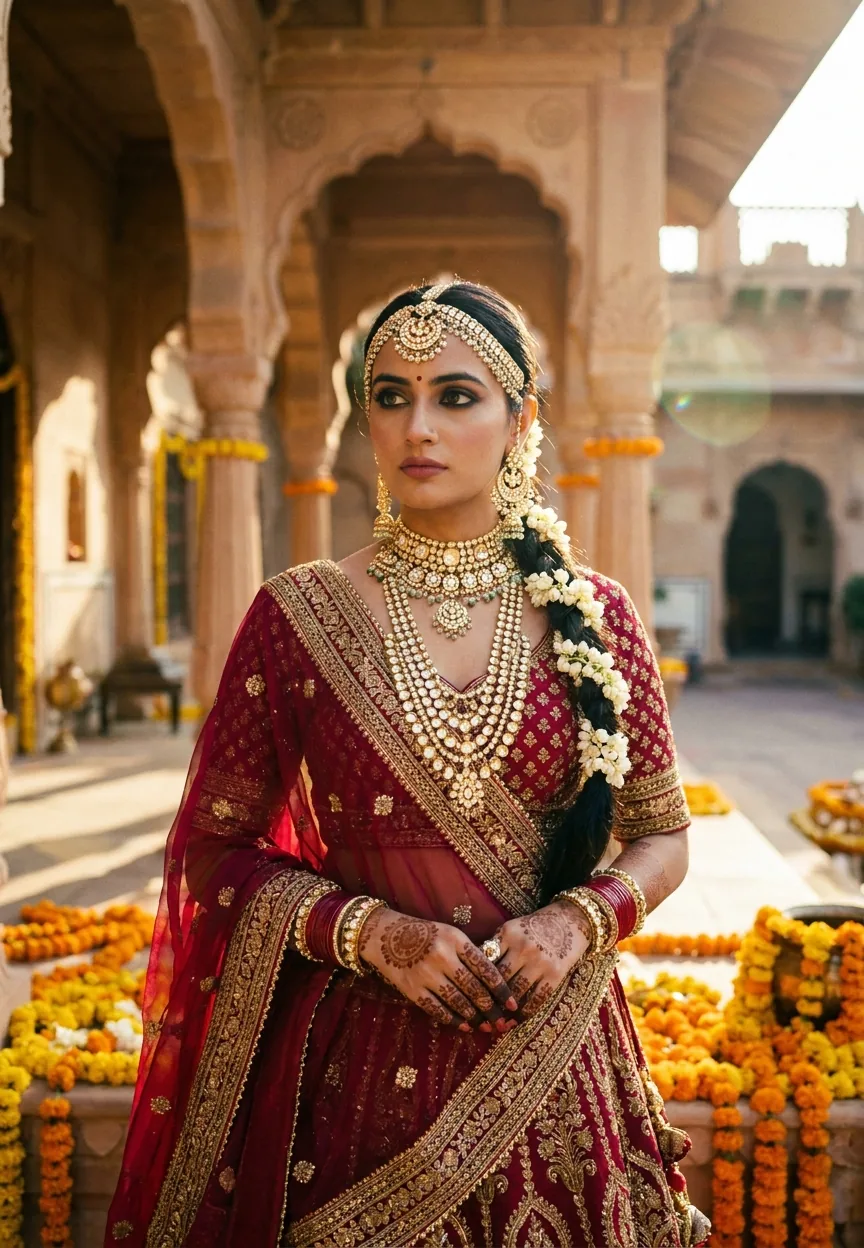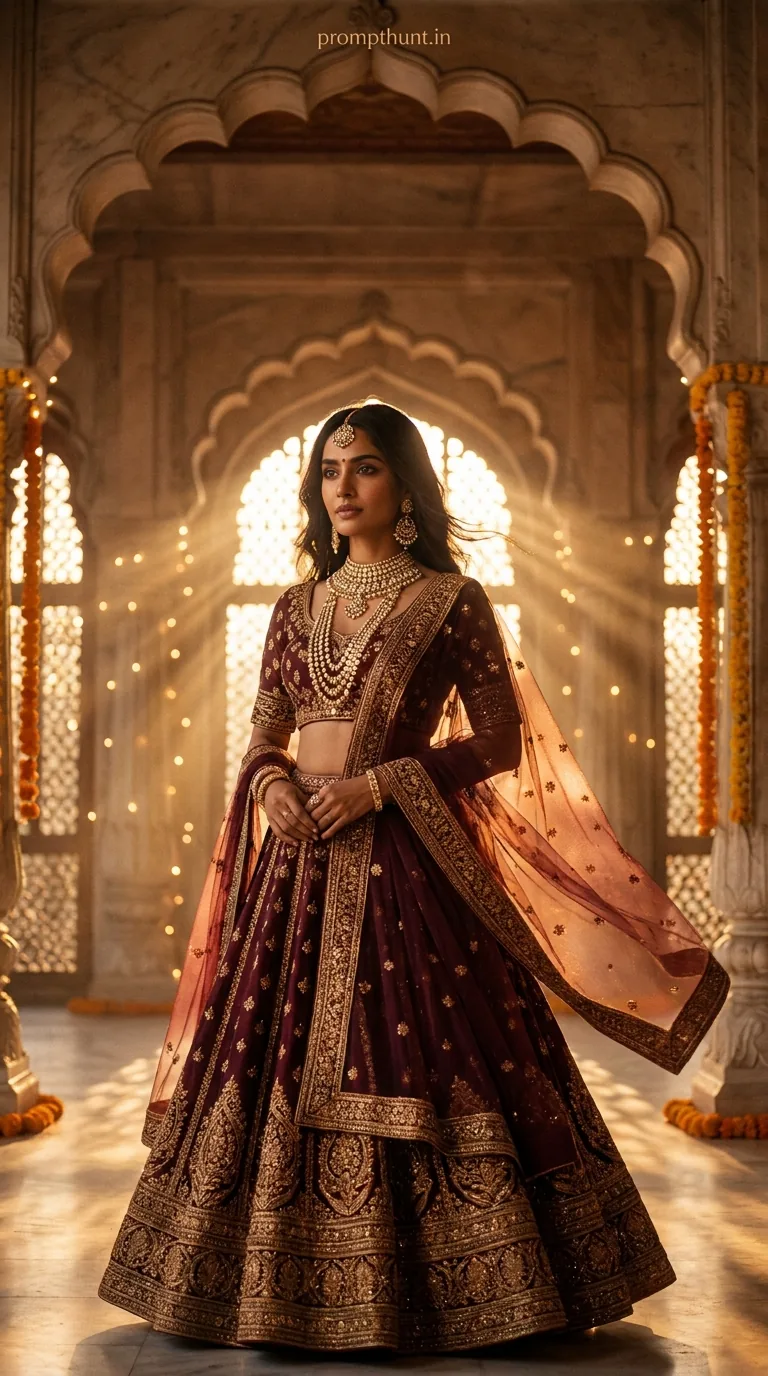
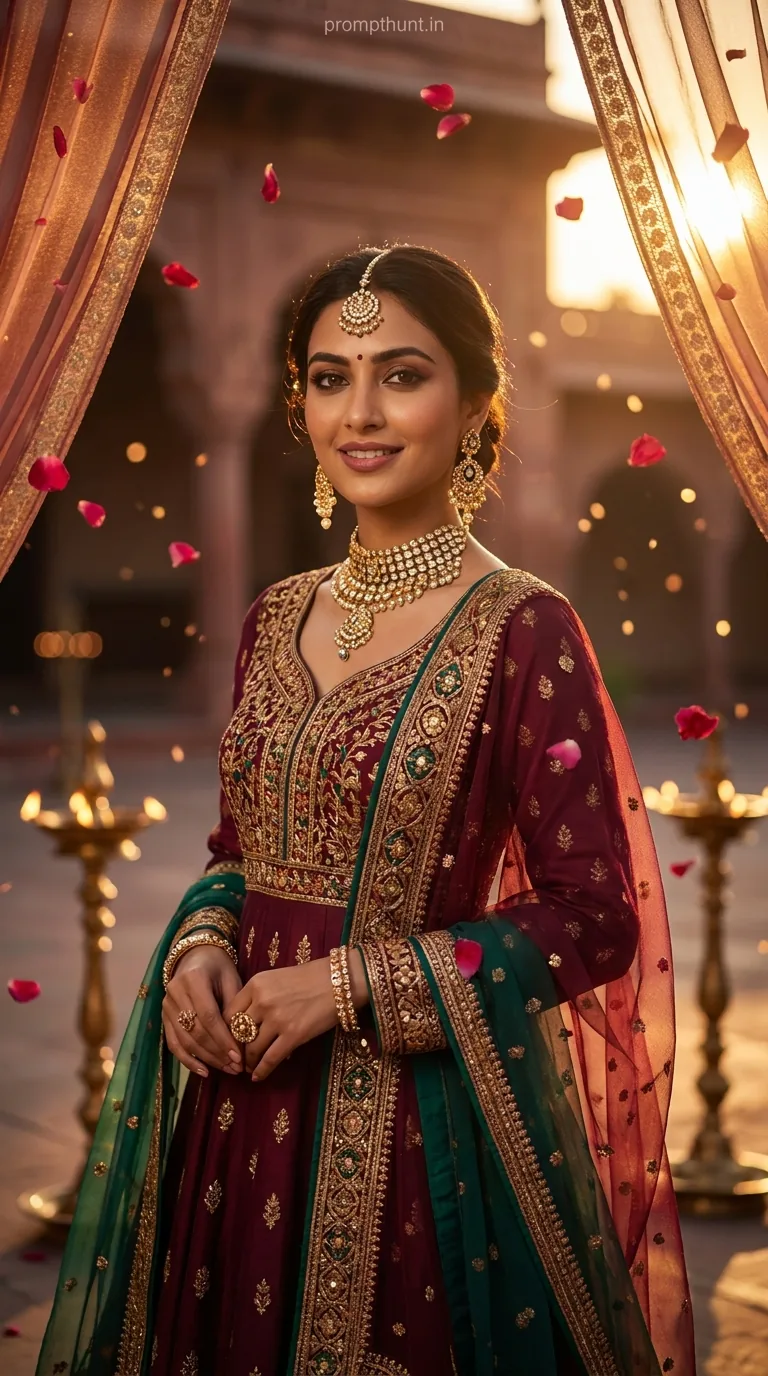
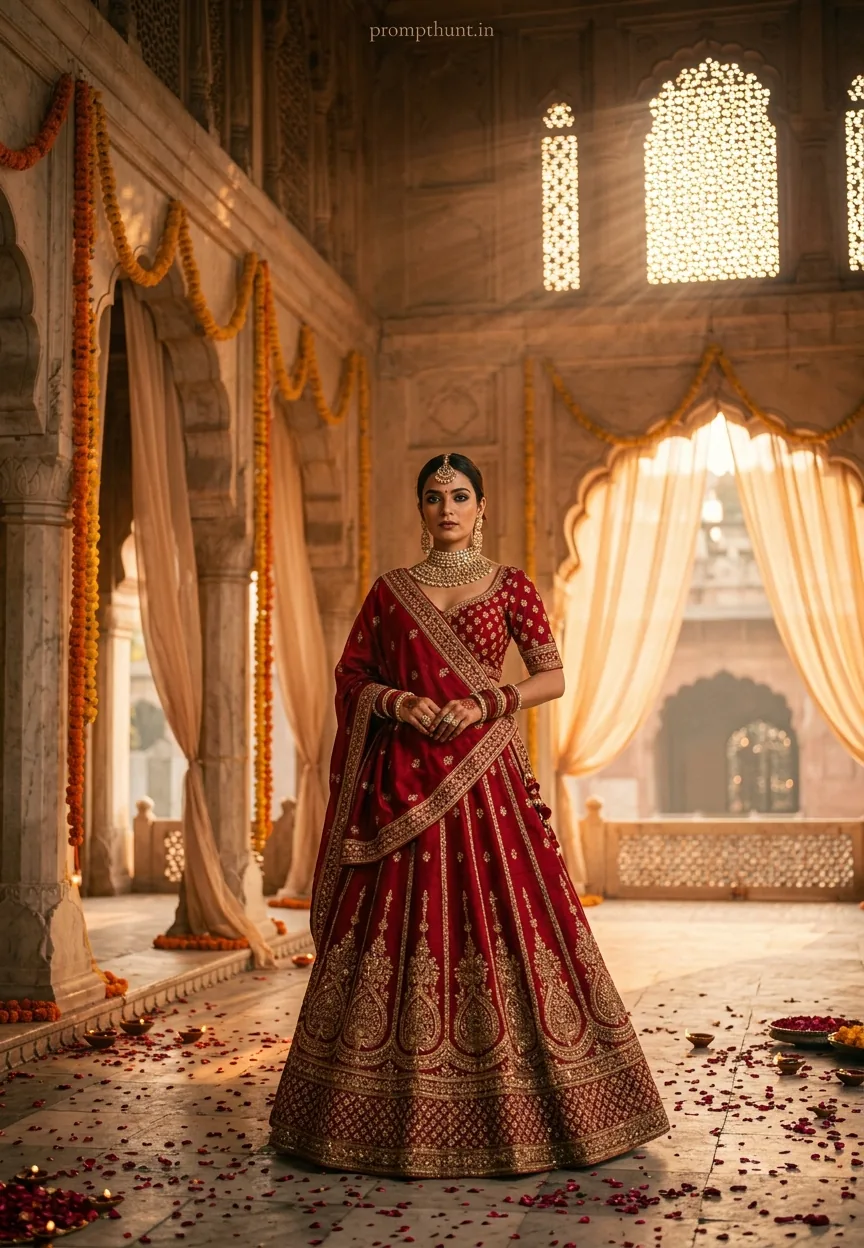
The Bollywood Royale Cinematic Glow prompt transforms your photo into a Sanjay Leela Bhansali-style cinematic portrait using Gemini AI. Upload your photo first, then paste the prompt. Gemini uses your face as the master reference and places you inside a Mughal palace at golden hour — burgundy lehenga, kundan jewelry, volumetric light, and all the drama you deserve.
There is a specific kind of movie frame that stops you mid-scroll. Rich amber light. Marble archways. A dupatta catching the breeze like it rehearsed. You know the one — it looks like Deepika Padukone is about to do something emotionally devastating while looking absolutely magnificent. That is the Sanjay Leela Bhansali palette, and thanks to this Gemini AI cinematic portrait prompt, you can put your own face in that frame. No film crew. No costume budget. Just a photo, a prompt, and a phone that probably needs charging.
Upload your photo into Gemini first, paste this prompt second, and get back a cinematic portrait so dramatic it practically comes with its own background score.
What a Cinematic Portrait Actually Means
A cinematic portrait is not just a nice photo. It is a photo that tells a story before anyone speaks a word.
The technical ingredients are shallow depth of field, deliberate color grading, dramatic lighting, and a composition borrowed from film. Every element earns its place in the frame. The bokeh is not an accident. The shadows are not lazy. The light is not just bright — it is warm, directional, and usually doing something poetic like piercing through a latticed window.
The Bollywood Royale version of this style layers in a specific cultural richness. Mughal architecture. Zardozi embroidery. Marigold garlands. Kundan jewelry that catches amber light like it was engineered to. The color palette runs deep — burgundy, molten gold, ivory, burnt amber. It is the kind of image that makes people stop and ask "wait, is that a movie still?"
No. It is you. In Gemini. With a very good prompt.
The Prompt — Copy It Exactly
The uploaded photo is the master reference for this character. Preserve the exact facial features, face shape, skin tone, and identity from the uploaded image exactly. Vertical 9:13 composition. A breathtaking cinematic portrait set in a grand Mughal-inspired palace courtyard at golden hour. The subject is dressed in an opulent deep burgundy and gold embroidered lehenga with intricate zardozi detailing, heavy layered kundan jewelry catching warm amber light. Sheer dupatta draped dramatically, catching a gentle breeze. The background reveals ornate marble archways with soft bokeh fairy lights and marigold garlands cascading from above. Cinematic warm-toned color grading with rich shadows and luminous highlights — think Sanjay Leela Bhansali visual palette. Volumetric golden light rays pierce through latticed jali windows, creating ethereal dust particles in the air. Mood is regal, romantic, and deeply emotional. Shot with a shallow depth of field, film grain texture, and a 9:13 vertical cinematic frame with dramatic vignette edges. Color palette: deep burgundy, molten gold, ivory, and burnt amber. Add a small, thin, professional 'prompthunt.in' text watermark at the top center of the image. The watermark should be subtle, use a color that matches the image's color palette, and appear lightweight and elegant — not distracting.
How to Use This Cinematic Portrait Prompt — Step by Step
The order here matters. Get it wrong and Gemini ignores your face entirely. Get it right and you look like the main character of a film with a massive costume budget.
Step 1: Open Gemini and upload your photo first. Go to gemini.google.com or open the Gemini app. Before you type anything, upload a clear photo of yourself. This is the non-negotiable bit. The prompt literally opens with "The uploaded photo is the master reference for this character" — which means Gemini builds the entire image around your face. No upload, no you in the result.
Step 2: Paste the full prompt. Copy everything from the prompt box above. Paste it into the Gemini message field alongside your uploaded photo. Do not paraphrase. Do not trim it. The detail is doing heavy lifting.
Step 3: Hit send and wait. Gemini will generate the image using your facial features as the anchor. The costume, background, lighting, and color grading all come from the prompt. Your face stays yours.
Step 4: If the face drifts, regenerate. Sometimes Gemini produces a result where the likeness is close but not quite locked in. Just regenerate. Rule of thumb: three or four attempts usually gives you one that nails the resemblance.
Step 5: Save in full resolution. Long-press on mobile or right-click on desktop to save the full-quality image before sharing.
Tips That Actually Move the Needle
Use a front-facing photo with good light. A well-lit selfie or portrait works better than a group shot cropped down to your face. Gemini needs enough facial data to preserve your identity — give it something to work with.
Avoid photos with heavy filters already applied. If your source photo has a beauty filter smoothing out your features, Gemini has less to reference. The cleaner the input, the sharper the likeness in the output.
A neutral expression in the source photo tends to give Gemini more flexibility with the final mood. Smiling shots sometimes translate awkwardly into a "regal and deeply emotional" cinematic frame. Subtle is better here.
If you want to tweak the output, adjust the prompt — not the image. Want a cooler tone instead of warm amber? Change the colour palette line. Want a different outfit? Swap "burgundy lehenga" for your preference. The prompt is modular. Treat it that way.
One more thing: the 9:13 vertical format is intentional. This is built for phone screens and Instagram stories. Do not try to crop it square — you will lose the vignette drama and the composition falls apart. Some things are non-negotiable. This is one of them. (My cooking is another, but that is neither here nor there.)
Why This Cinematic Portrait Style Is Everywhere Right Now
Bhansali-core has been simmering for years but it properly boiled over somewhere around 2023 and has not cooled down since. The aesthetic — heavy jewellery, painterly light, saturated warm tones — resonates deeply across Indian social media. It is familiar, aspirational, and deeply tied to cultural identity all at once.
AI has made it personal. Previously this visual language lived in film posters and fashion editorials. You could admire it but you were not in it. Now the prompt puts your actual face into that world. That shift from observer to subject is genuinely powerful, and people feel it. Nine times out of ten, the images getting shared hardest are the ones where the person looks unmistakably like themselves inside the fantasy.
Wedding season content is also driving this. India has approximately one wedding per seventeen minutes (rough estimate, not peer-reviewed), and the demand for bridal content that looks cinematic without requiring a photographer, makeup artist, and set designer is enormous. This prompt delivers all three in about forty-five seconds.
The Mughal palace setting hits differently on mobile screens, too. The vertical 9:13 frame is optimised for the way people actually consume content. It fills the screen. It commands attention. You could say it reigns supreme. (I could say that. I just did. I am not sorry.)
Honest Opinion — When to Use This and When to Skip It
This prompt is genuinely one of the better cinematic portrait prompts floating around right now. The specificity is what makes it work. "Sanjay Leela Bhansali visual palette" is not a vague instruction — Gemini knows exactly what that means: lush shadows, warm highlights, rich saturation, and a compositional theatricality that lesser prompts completely miss.
But let me be straight about the limitations, because you deserve that.
The face likeness is strong but not perfect. Gemini will preserve your general identity well — skin tone, face shape, recognisable features — but it is not a photograph. If someone who knows you slightly looks at it, they will probably say "that looks like you." If your mum looks at it, she will know immediately. That is about the ceiling right now.
The costume is fixed. You are getting the burgundy lehenga and the kundan jewelry whether you want them or not. If you were hoping for a sherwani or a contemporary silhouette, you need to rewrite those lines in the prompt. The style transfer is the point — but you are working within the aesthetic, not commanding it like a director.
Also, fair call: some outputs will just miss. Gemini can occasionally get the lighting right but drift on the face, or nail the face but make the background look slightly off. This is not the prompt failing — it is probabilistic generation. You might get it first try. You might need five attempts. Budget your patience accordingly.
Do not use this prompt if you need strict photorealism for professional use. It is cinematic, not documentary. It is gorgeous, not accurate. Know the difference and you will be very happy with it.
The Short Version, With Feeling
Upload your photo into Gemini before anything else — that step is the whole ballgame. Paste the prompt exactly as written, let Gemini do its work, and regenerate a couple of times if the first result is not quite locking in