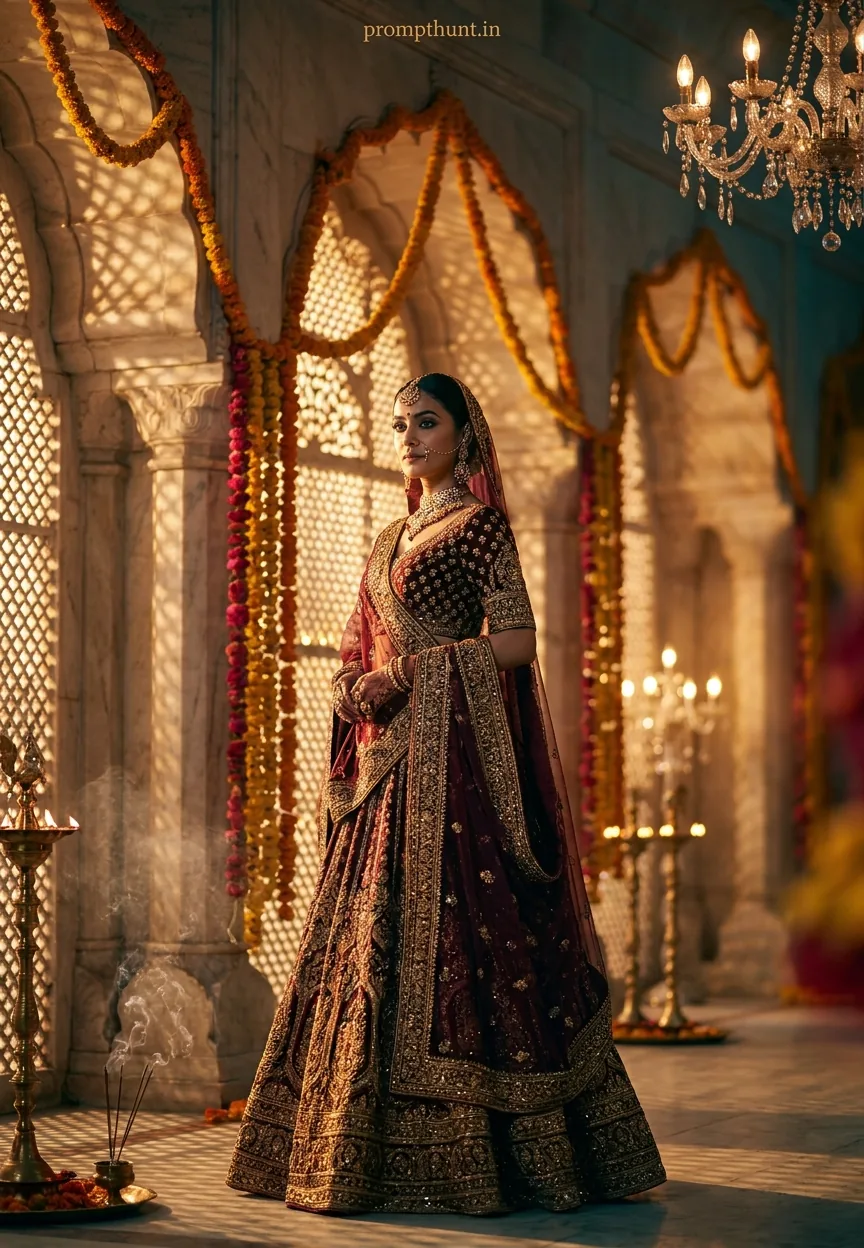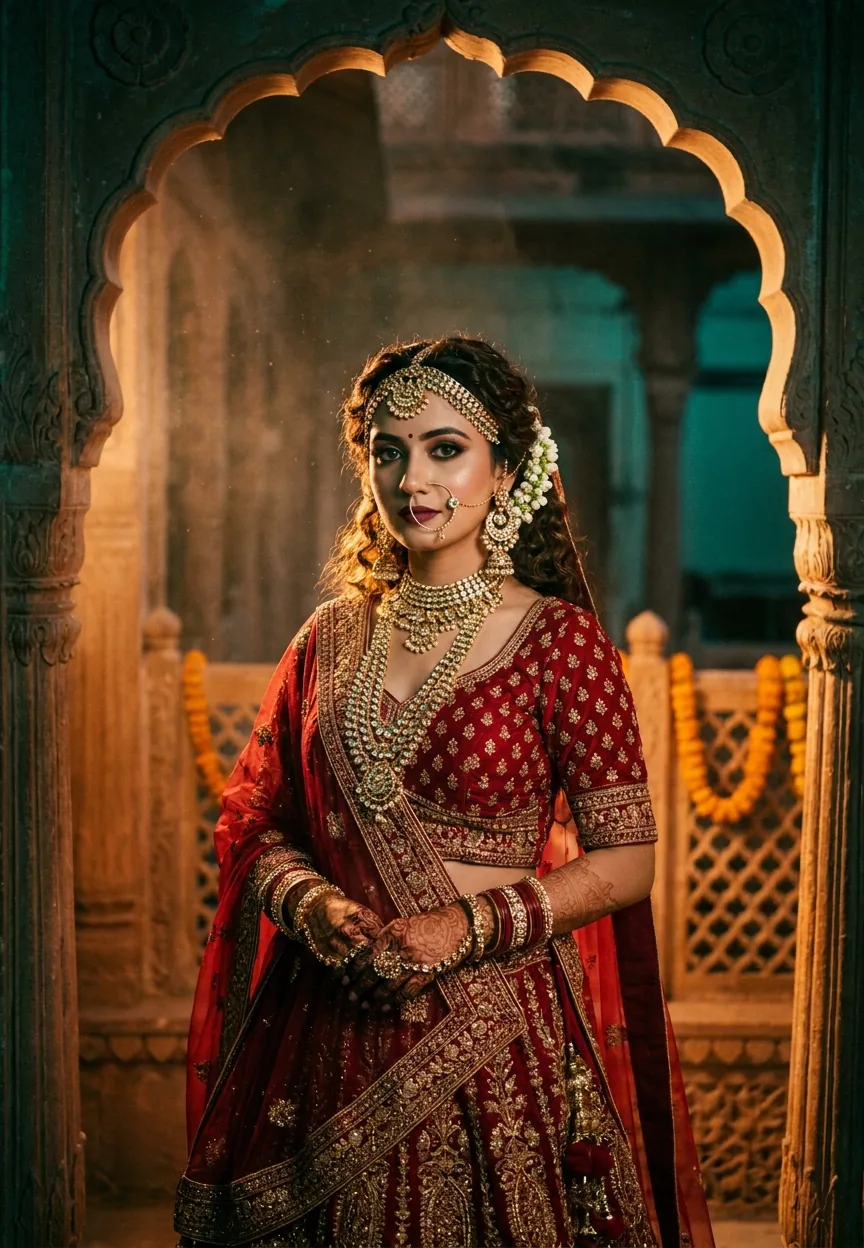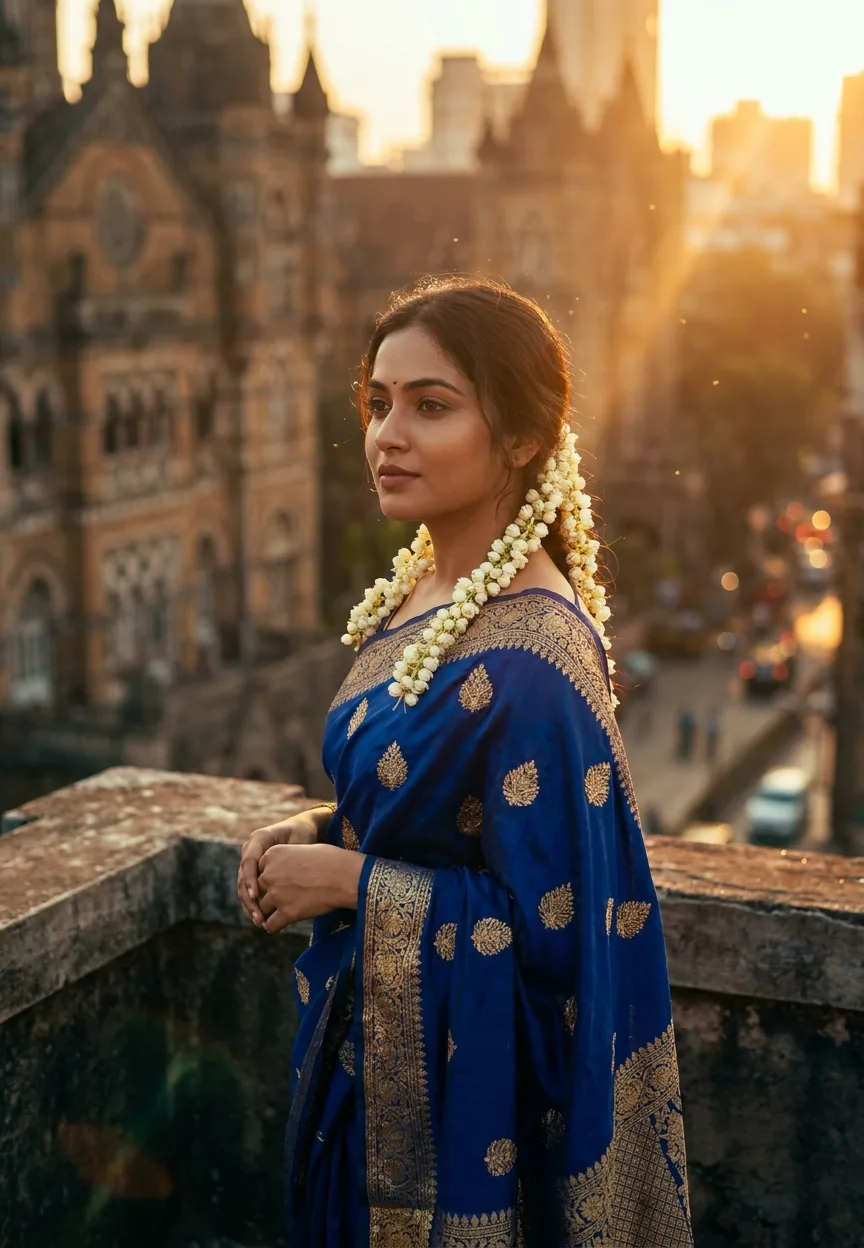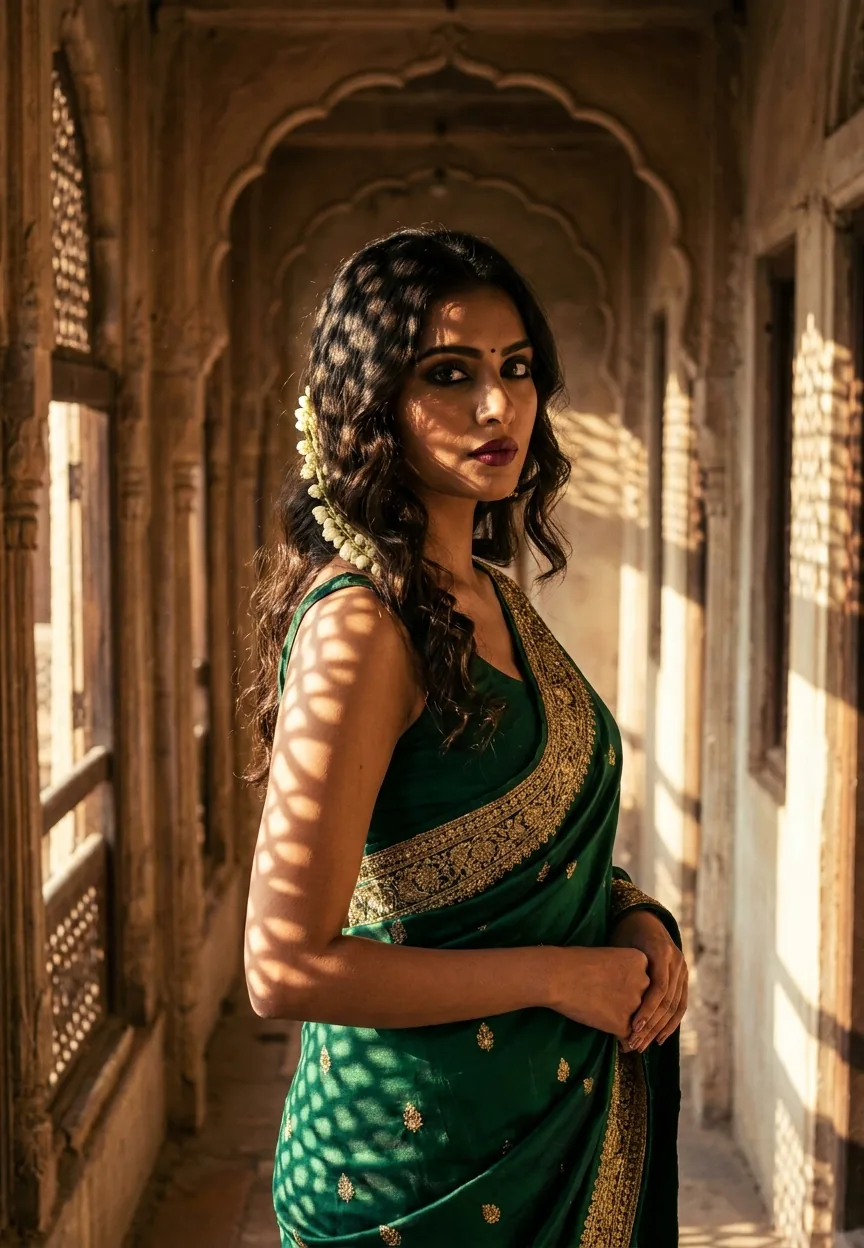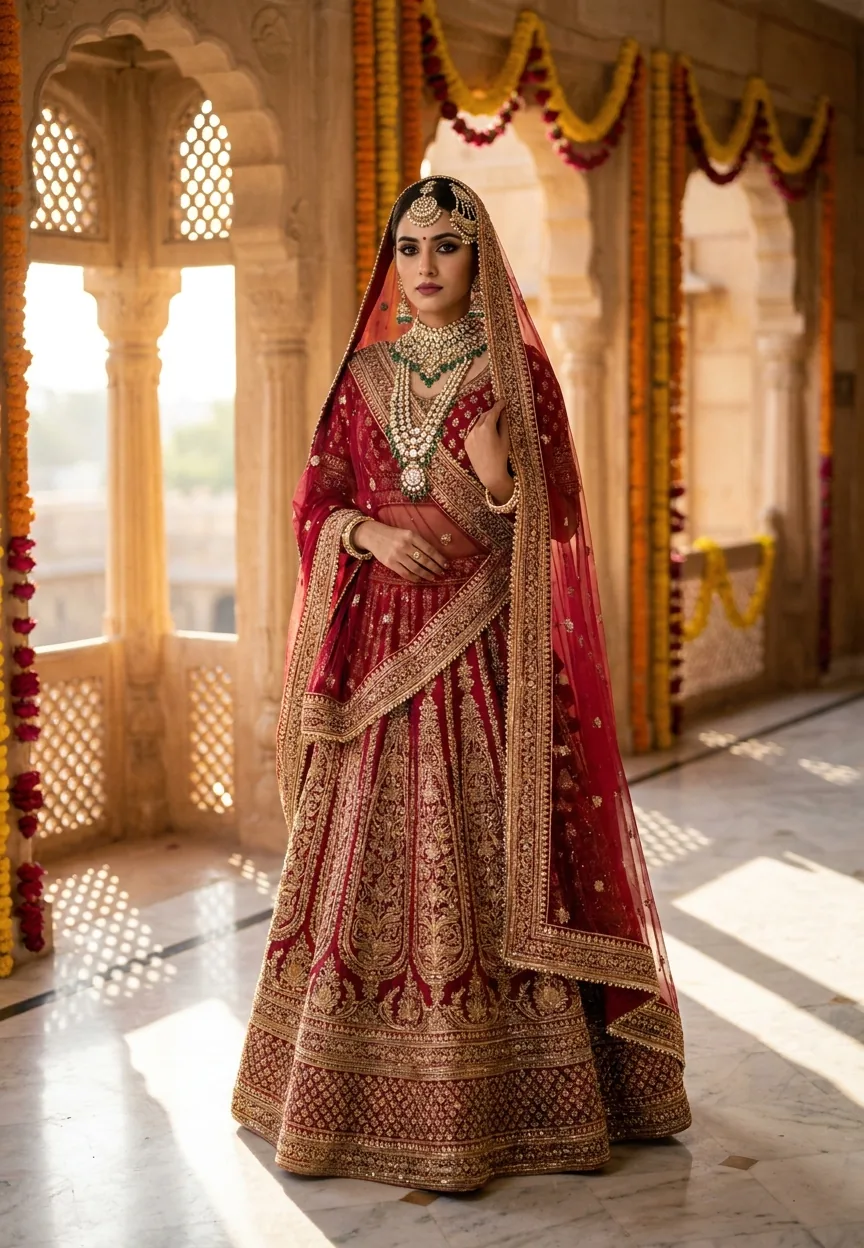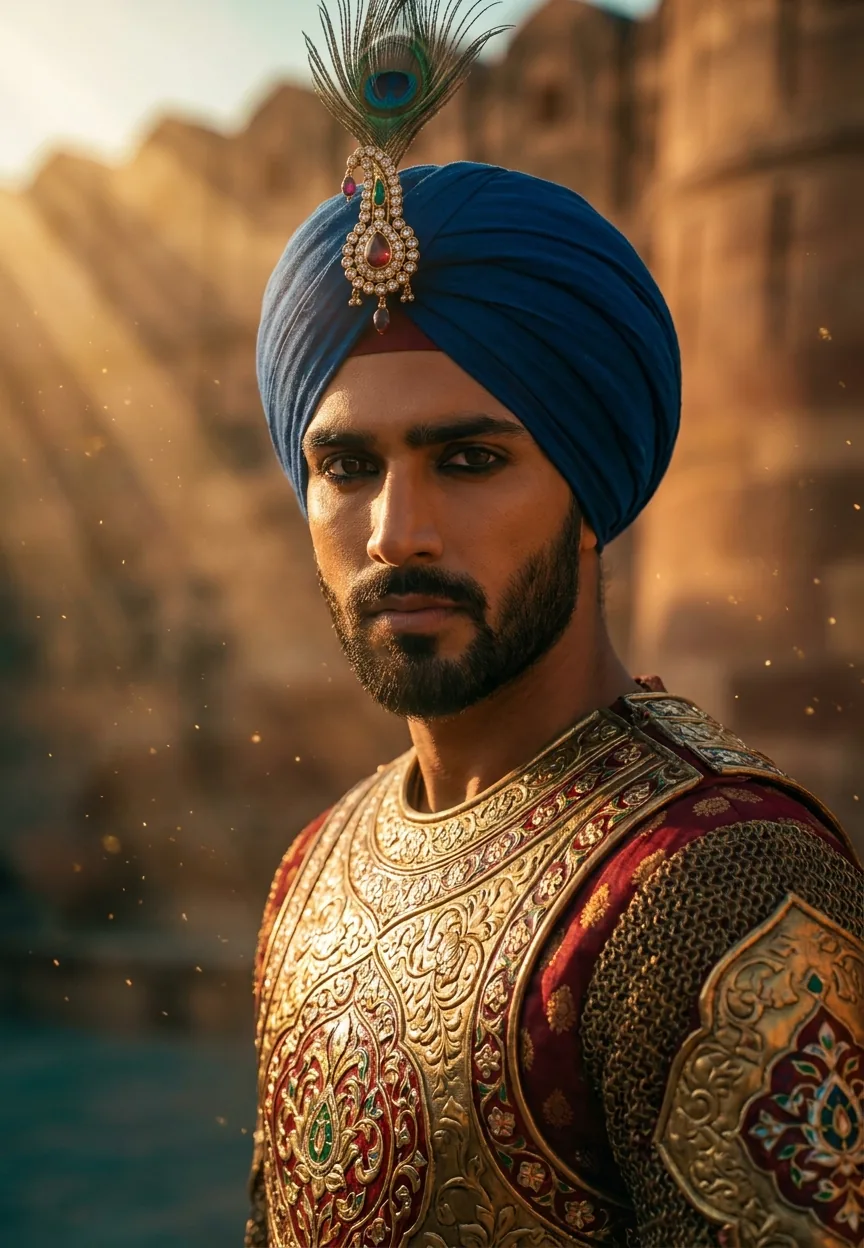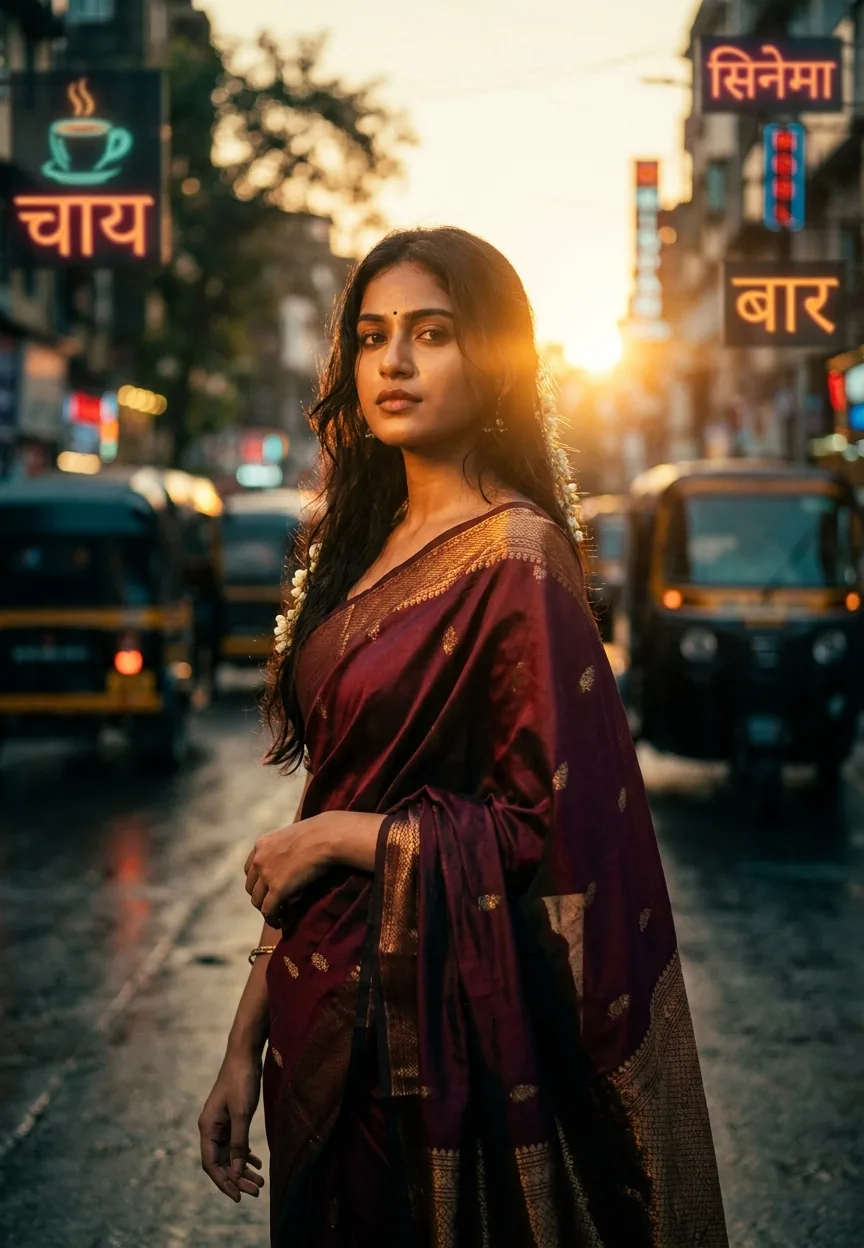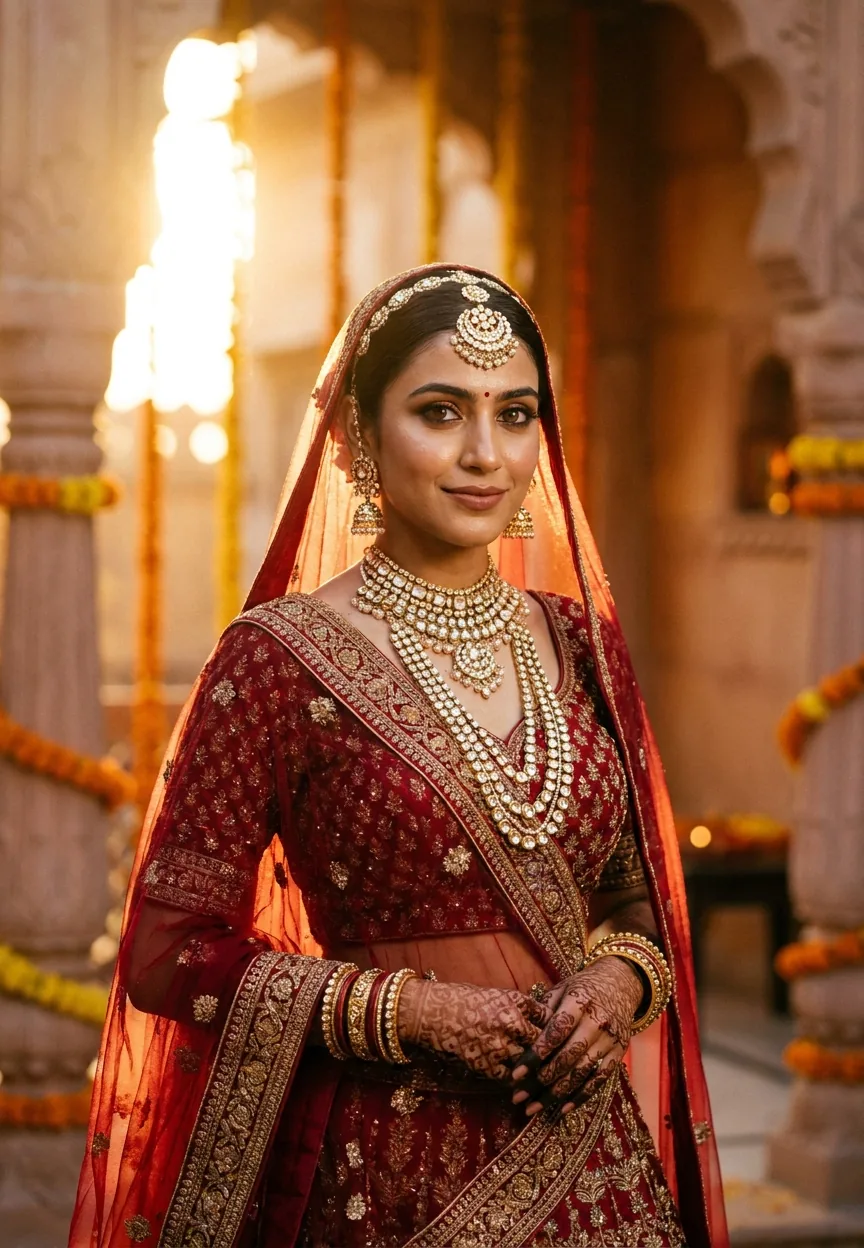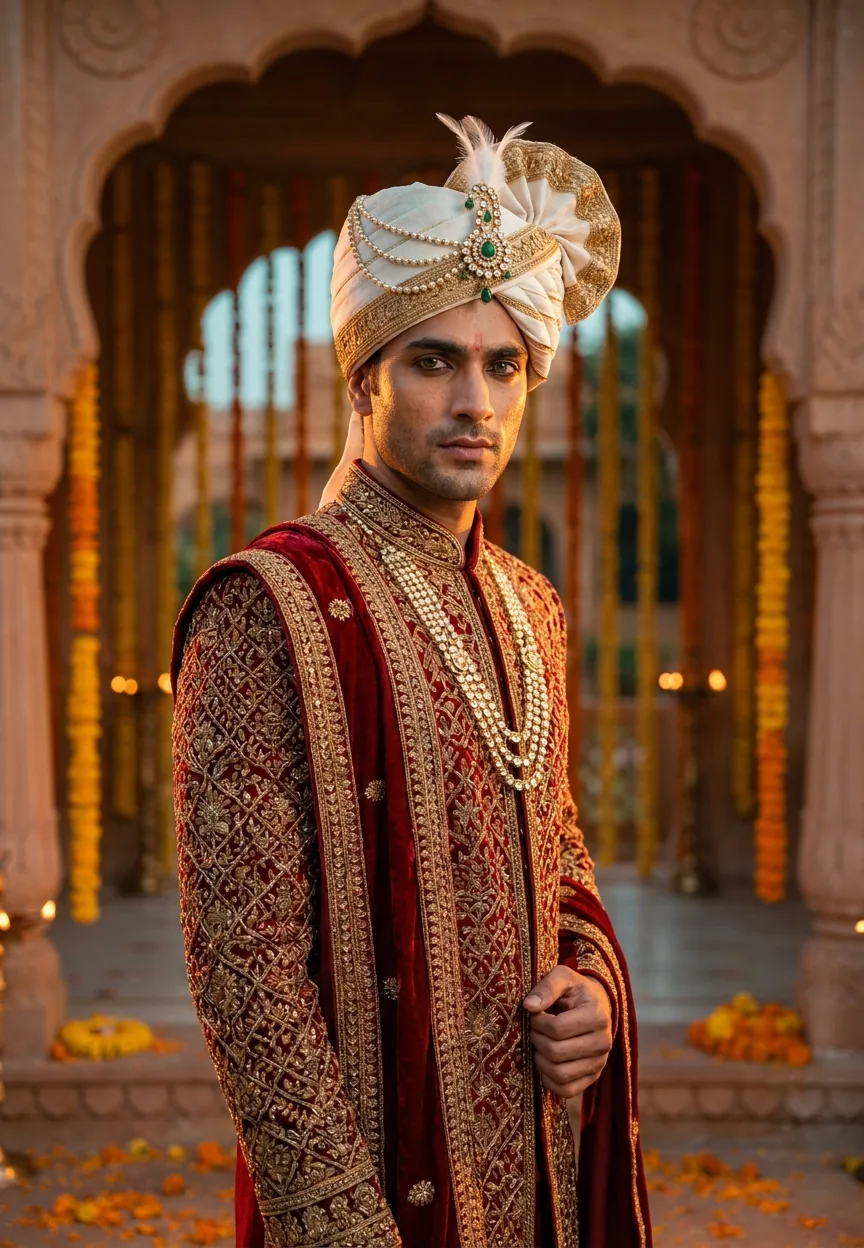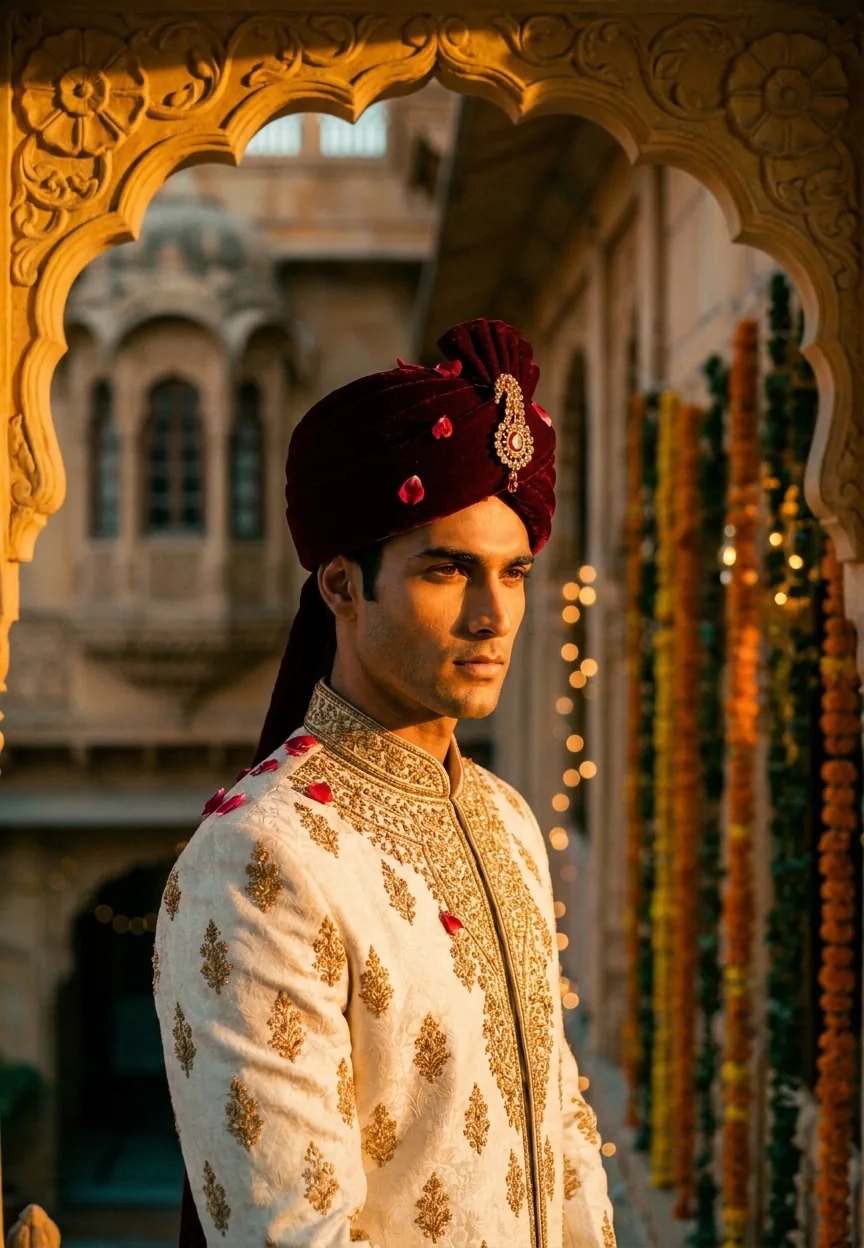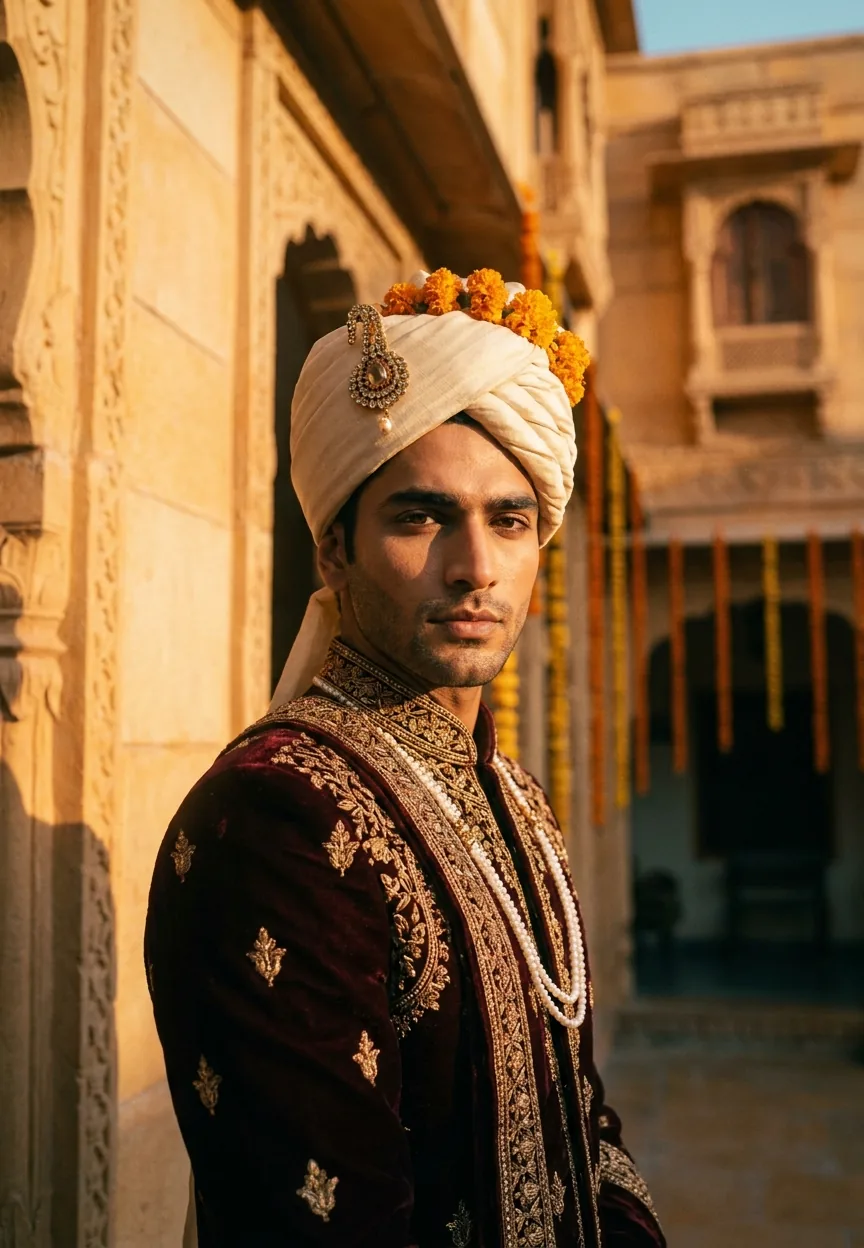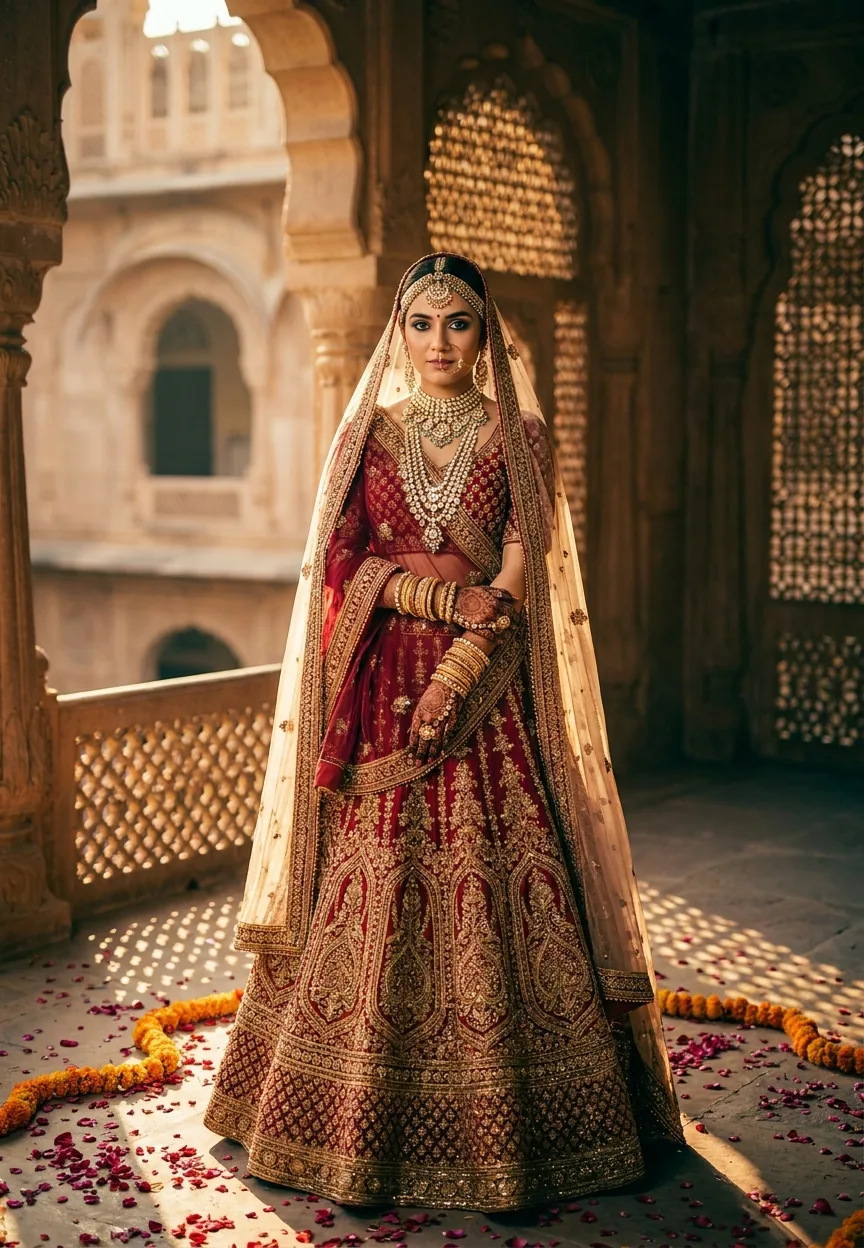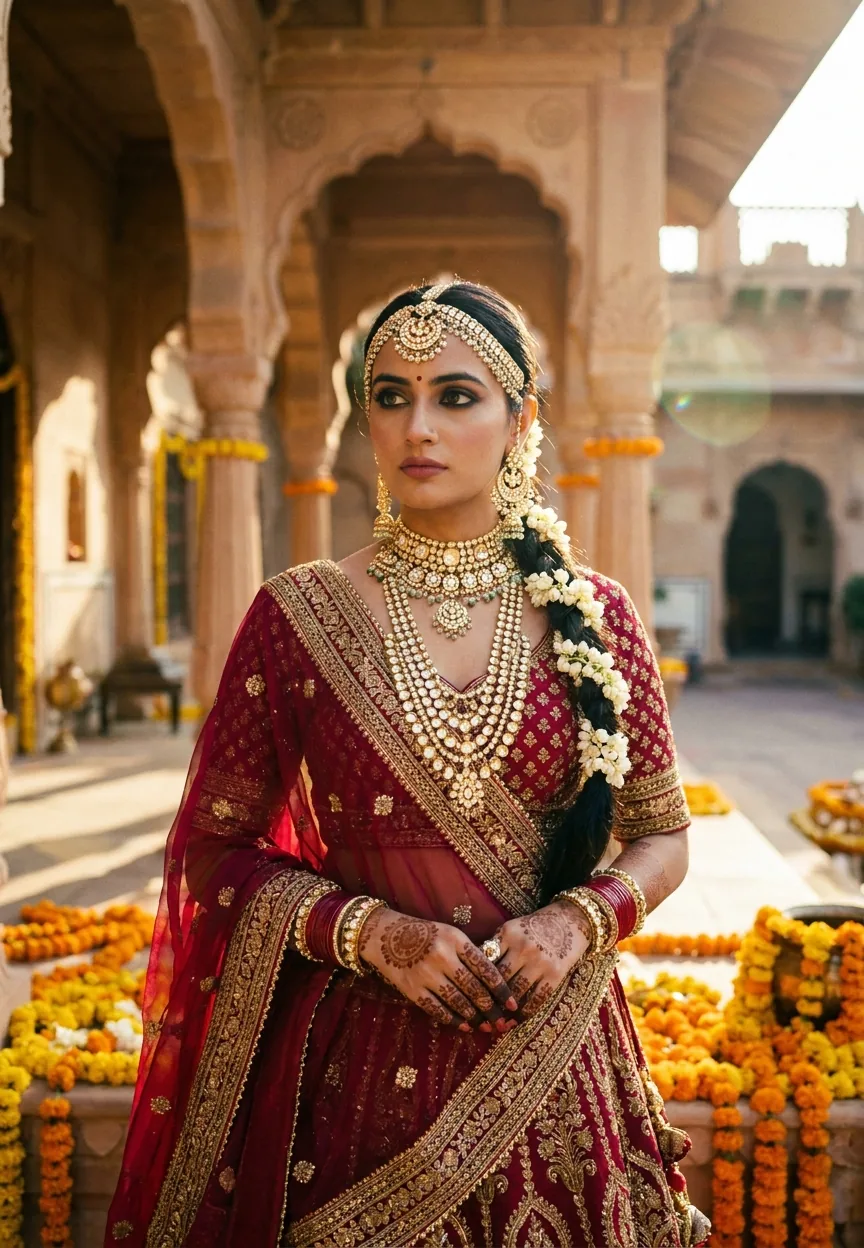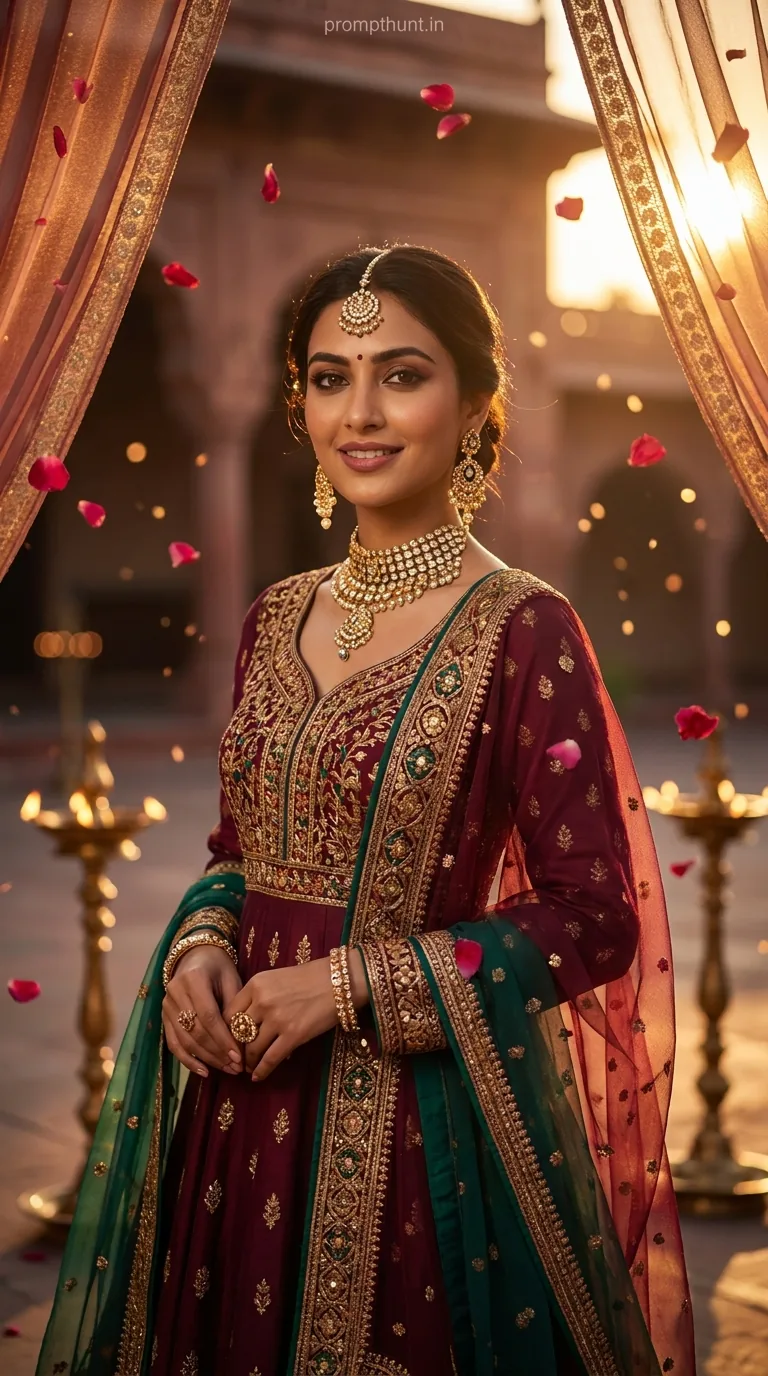
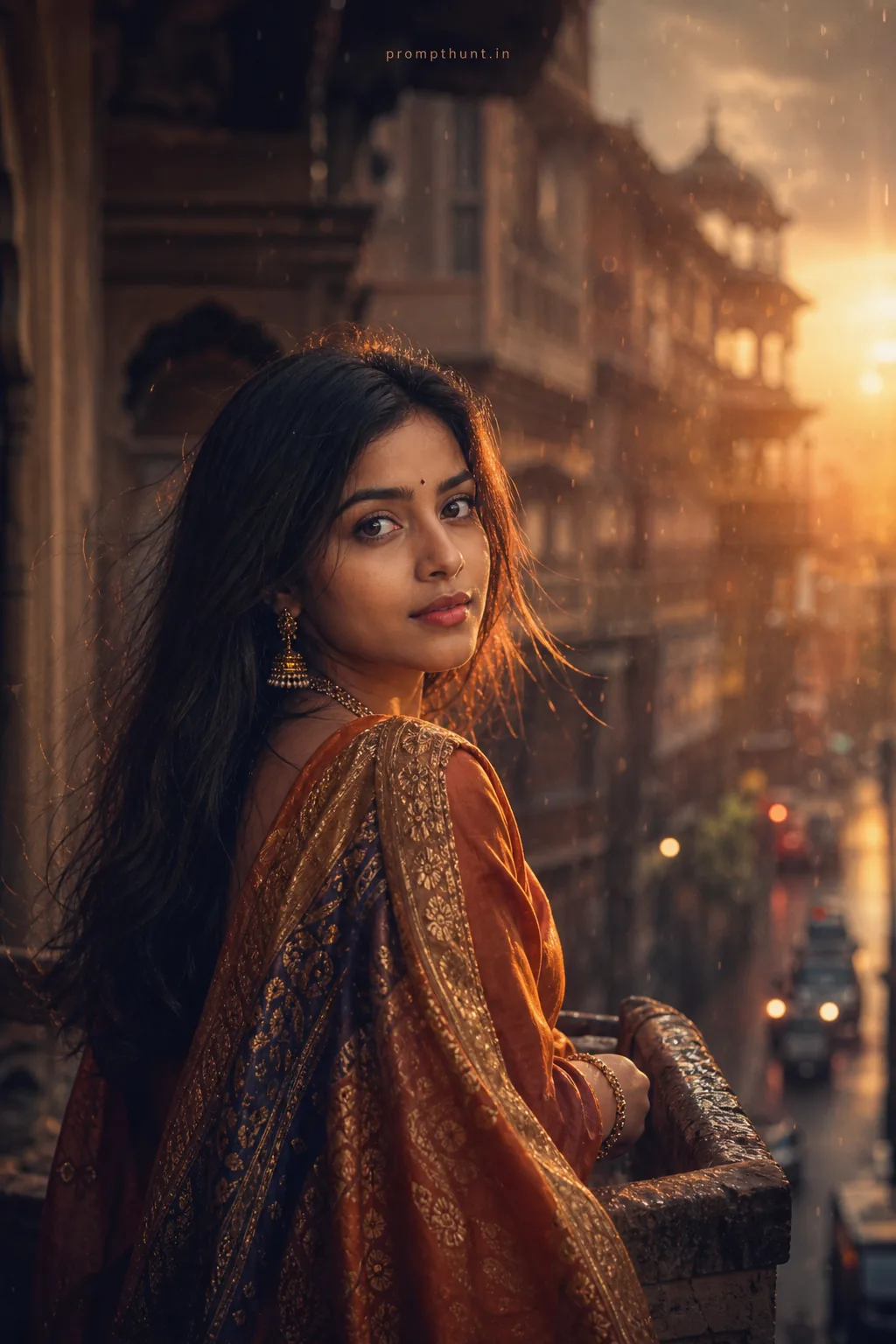
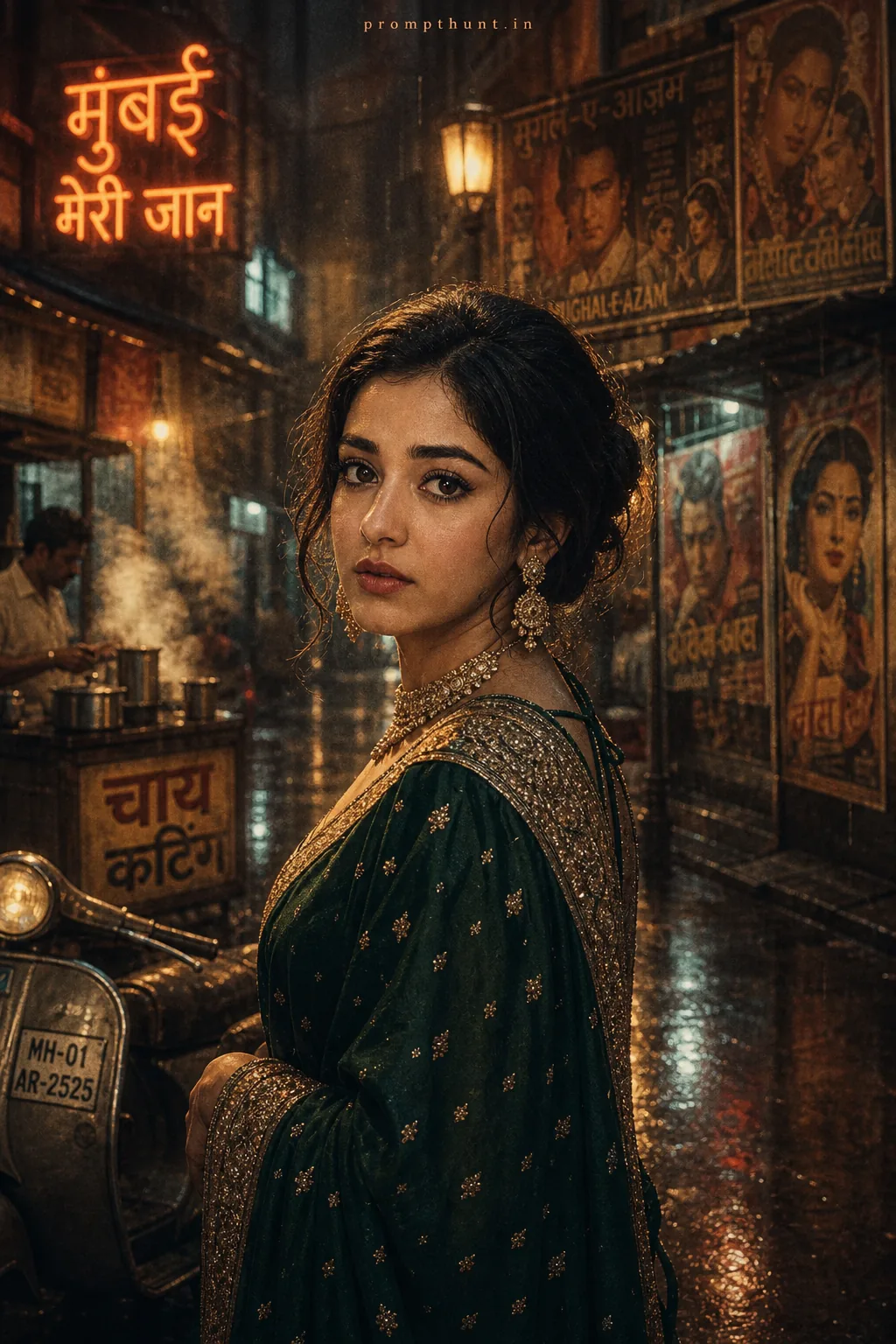
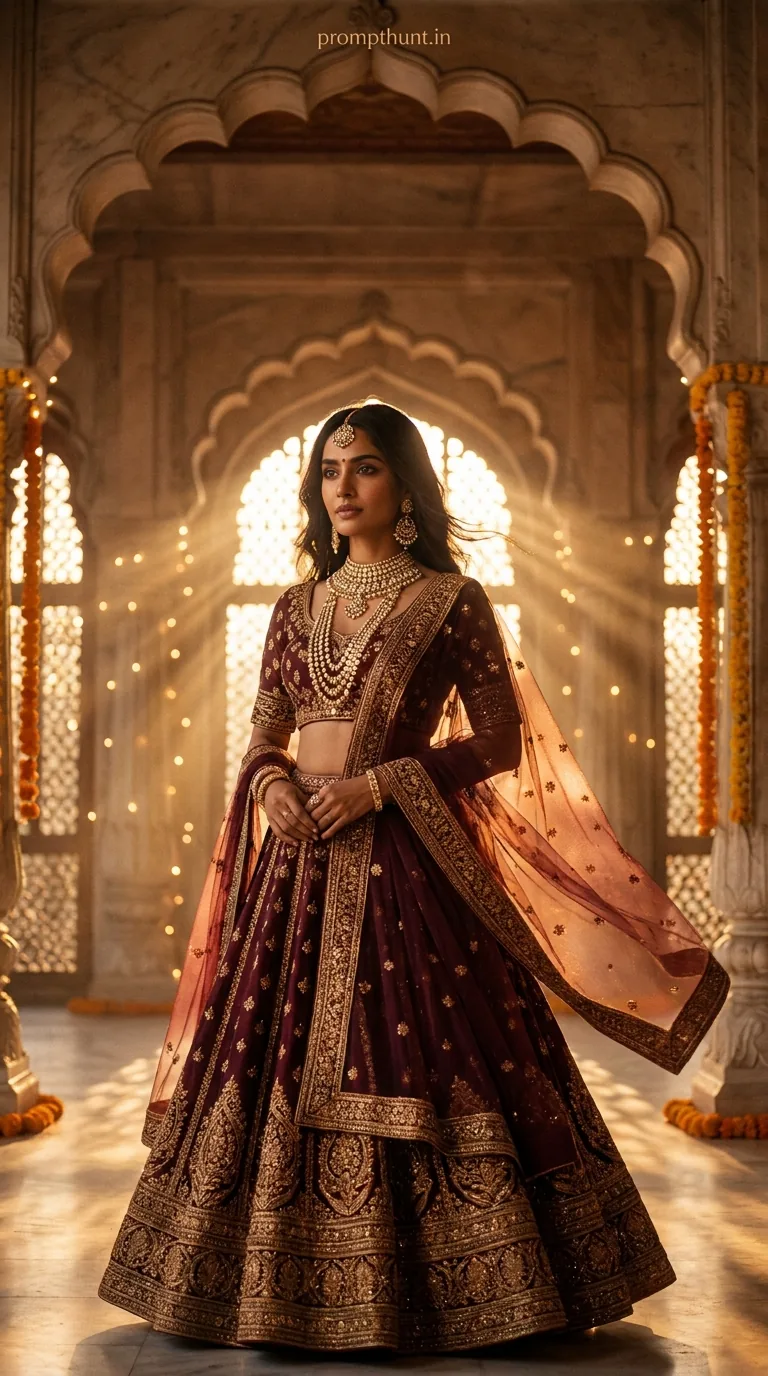
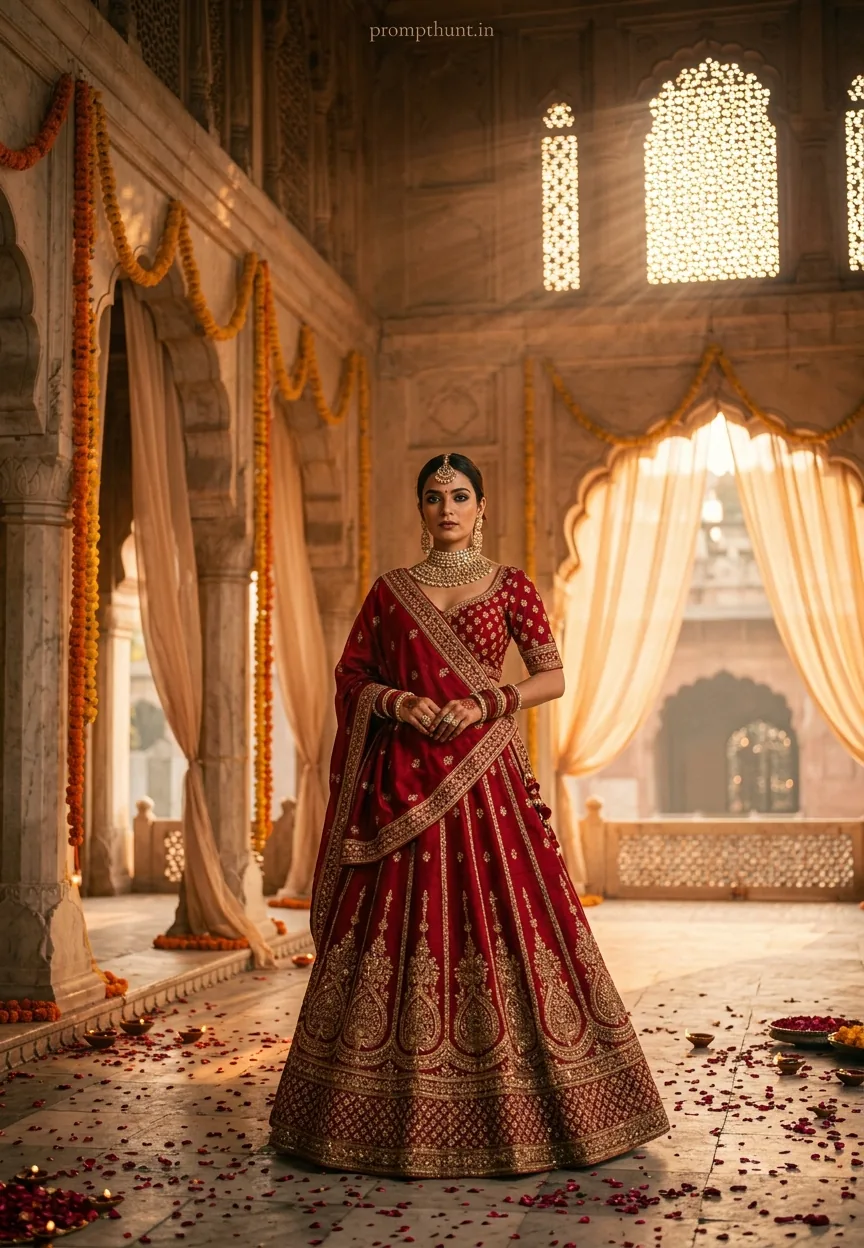
A Bollywood Royalty Cinematic Portrait uses AI to transform your uploaded photo into a regal Mughal-era film still — complete with jewel-toned royal dress, kundan jewelry, flickering diyas, and rich Bollywood color grading. Paste this prompt into Gemini after uploading your photo, and the AI preserves your exact face while rebuilding everything else into pure cinematic royalty.
There's a moment in every Bollywood period drama where the protagonist descends a grand marble staircase in full regalia, the golden hour light hitting their kundan necklace just right, rose petals drifting past like the universe itself is showing off. You've watched it a hundred times. You've thought, "I want that." Well, now you can have it — without the film crew, the three-hour makeup call, or the director who keeps saying "once more, with feeling." The Bollywood Royalty Cinematic Portrait prompt for Gemini AI is here, and it's genuinely spectacular. (And yes, I do mean "genuinely" — this one earns it.)
Upload your photo into Gemini, paste this prompt, and watch yourself become Mughal-era royalty in about thirty seconds — face intact, outfit upgraded by several centuries of good taste.
What a Cinematic Portrait Actually Means
A cinematic portrait isn't just a nice photo. It's a still that looks like it was pulled directly from a film frame.
Think shallow depth of field. Deliberate color grading. Lighting that tells a story before anyone says a word. The kind of image where you immediately understand the mood, the era, and the character — all from one frame.
This particular cinematic portrait style leans hard into Bollywood period drama aesthetics. We're talking Mughal-inspired palace courtyards. Deep jewel tones — burgundy, gold, emerald. Bokeh light particles floating through warm amber air. The color grading alone looks like someone turned the saturation dial to "opulent" and walked away.
It's a very specific visual language. And Gemini, when given the right prompt, speaks it fluently.
The Bollywood Royalty Cinematic Portrait Prompt
Here it is. Every word is doing a job — don't trim it.
The uploaded photo is the master reference for this character. Preserve the exact facial features, face shape, skin tone, and identity from the uploaded image exactly. Vertical 9:13 composition. A breathtaking cinematic portrait set in a grand Mughal-inspired palace courtyard at golden hour. The subject is dressed in a richly embroidered royal anarkali suit in deep jewel tones — burgundy, gold, and emerald — adorned with heavy kundan jewelry, maang tikka, and layered necklaces catching the warm light. Soft rose petals are scattered across ornate marble floors engraved with intricate floral patterns. Tall brass diyas and lanterns flicker in the background, casting a warm amber and saffron glow across the entire scene. Sheer dupattas float gently in a light breeze. The atmosphere is regal, dreamy, and deeply cinematic — shot in 9:13 vertical format with a shallow depth of field, bokeh light particles drifting through the air, rich Bollywood color grading with deep shadows and luminous highlights, reminiscent of a lavish period drama film still. Mood: opulent, majestic, timeless Indian royalty. Add a small, thin, professional 'prompthunt.in' text watermark at the top center of the image. The watermark should be subtle, use a color that matches the image's color palette, and appear lightweight and elegant — not distracting.
How to Use This Prompt — Step by Step
This is where people go wrong. The prompt alone does nothing. Your uploaded photo is the whole point — it's what gives the AI your face to work with.
Step 1 — Open Gemini and upload your photo first. Go to gemini.google.com. Before you type anything, upload a clear photo of yourself. A well-lit, front-facing shot works best. Your face is the master reference — Gemini reads it before it reads a single word of the prompt.
Step 2 — Paste the full prompt. Copy the entire prompt from the box above. Don't paraphrase it. Don't shorten it. Every detail — the diyas, the dupatta, the bokeh — is there for a reason. Paste it exactly as written.
Step 3 — Hit generate and wait about thirty seconds. Gemini processes your face against all those visual instructions simultaneously. The result: you, transported to a Mughal palace courtyard, dressed like you're about to have a very important conversation with a Nawab.
Step 4 — Not quite right? Regenerate or refine. If the face likeness is slightly off, try with a cleaner reference photo — better lighting, fewer obstructions. If you want to adjust the jewelry colour or background, add a follow-up instruction in the chat. Gemini takes direction well.
Rule of thumb: the better your source photo, the better the output. A blurry selfie from 2019 taken under fluorescent office lighting is not your best foot forward. (I say this from experience. Painful, humbling experience.)
Tips for Getting the Best Cinematic Portrait Results
A few things make a real difference here.
Use a photo with good natural light. Golden hour photos, window light, anything warm — Gemini reads the existing lighting in your reference image and it influences the output. Feed it good light, get back great light.
Front-facing works better than a three-quarter angle. The AI is preserving your facial features. Give it the clearest possible view of them. Profile shots are a gamble. Straight-on shots are a sure thing.
Clean background in your source photo. A cluttered background in the reference image can sometimes confuse the AI about where your face ends and the background begins. Plain wall, simple backdrop — sorted.
Try a few generations. Nine times out of ten, the second or third generation is noticeably better than the first. The AI isn't being difficult — it's just probabilistic. Give it a couple of shots.
Jewellery detail improves with longer prompts. The kundan, the maang tikka, the layered necklaces — these show up more richly when the prompt is specific. Which is why this one is. Don't cut the jewellery lines or you'll get a noticeably less regal result. Nobody wants to be underdressed at their own Mughal palace shoot.
Why This Cinematic Portrait Trend Is Everywhere Right Now
India is the fastest-growing market for AI image generation, full stop. And this particular style taps into something genuinely cultural — not just aesthetic.
Bollywood period dramas like Devdas, Bajirao Mastani, and Padmaavat set a visual standard that millions of people grew up watching and loving. The colour palette, the costume language, the lighting — it's embedded in the cultural memory. When an AI prompt can place someone inside that visual world, with their own face, it resonates on a different level than a generic fantasy portrait would.
Reels and Instagram posts using this style regularly hit hundreds of thousands of views in India. Wedding seasons amplify it further — brides, families, everyone wants a cinematic portrait that looks like a film still. The festive season around Diwali and Eid is when this trend absolutely peaks.
There's also a practical element. Professional cinematic portrait photography with this level of costume and set design costs serious money — studio hire, costume rental, lighting crew, post-production. This prompt delivers a comparable aesthetic in under a minute. That's not a small thing.
Honest Take — When This Works and When It Doesn't
This is one of the better AI portrait prompts I've tested, but let's be straight about the limits.
The cinematic portrait output is genuinely impressive when the source photo is good. Sharp, well-lit, clear facial features — Gemini preserves identity well under those conditions. The color grading is consistently rich. The bokeh light particles, the amber glow, the jewel tones — these elements land reliably. For social media, for personal use, for a festive profile picture that makes your relatives suddenly very interested in your life choices — it works beautifully.
Where it struggles is with subtle facial accuracy at scale. If you're printing this on a canvas and hanging it next to an actual photograph of yourself, you'll spot the differences. The AI approximates — it doesn't replicate with photographic precision. Gemini is better at face preservation than most tools, but "better than most" isn't the same as "perfect."
I'd also say this style isn't for everyone's taste. It's dramatic. It's opulent. The colour grading is rich to the point of being almost theatrical — which is, of course, the entire point. If you prefer understated, muted, film-grain portraiture, this prompt will feel like someone turned every dial to eleven. That's a feature for Bollywood fans. It's a bug for minimalists.
One more honest note: don't use this for anything that needs to be mistaken for a real photograph. It's clearly AI art. The aesthetic is heightened beyond reality in ways that are part of its charm — the floating petals, the perfect bokeh, the light that seems to exist specifically to flatter you. Lean into it as art, not as documentary evidence of your wardrobe.
But for what it is — a genuinely fun, culturally resonant, visually spectacular cinematic portrait generator — it's as good as this category gets right now.