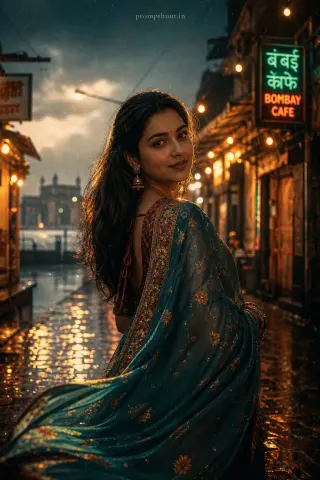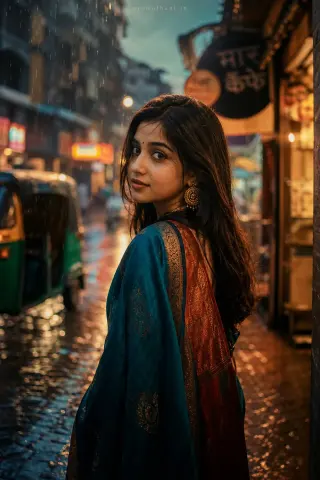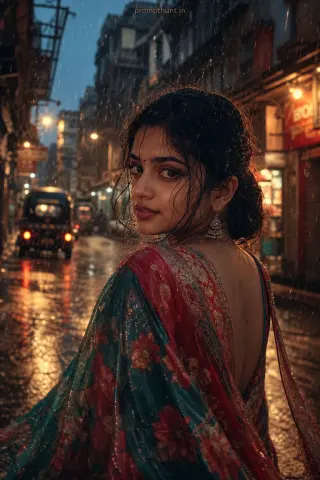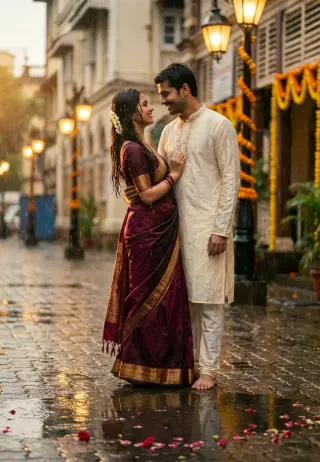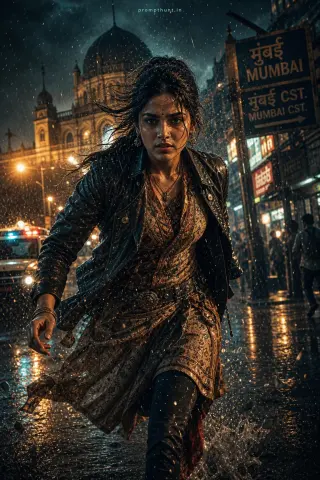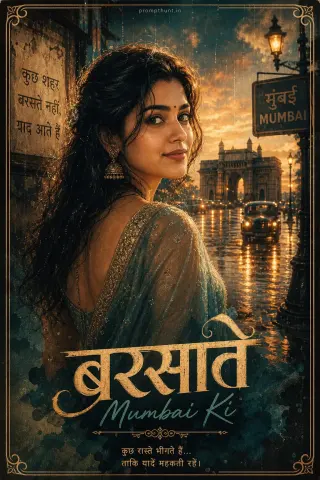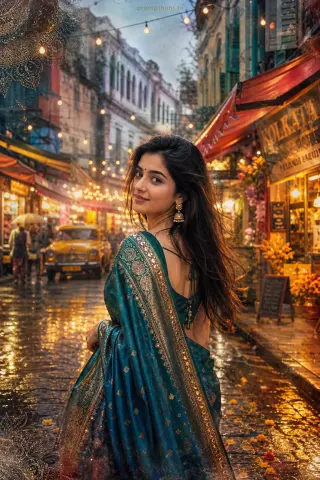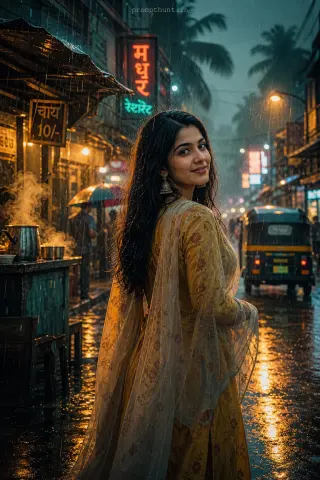
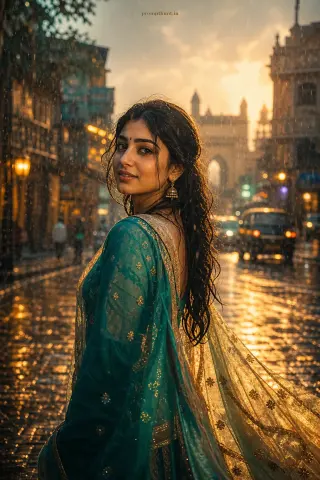
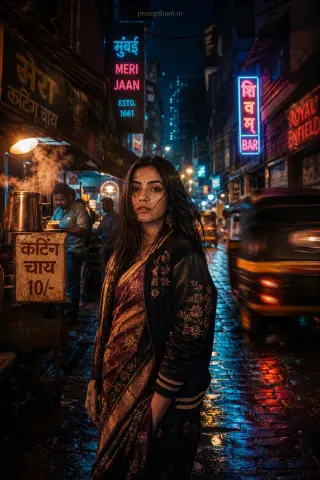
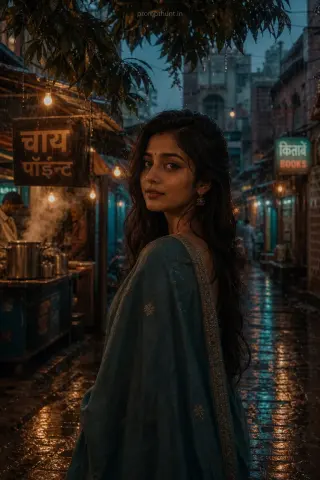
Indian Monsoon Cinematic Streetwear AI Photo Editing Prompt
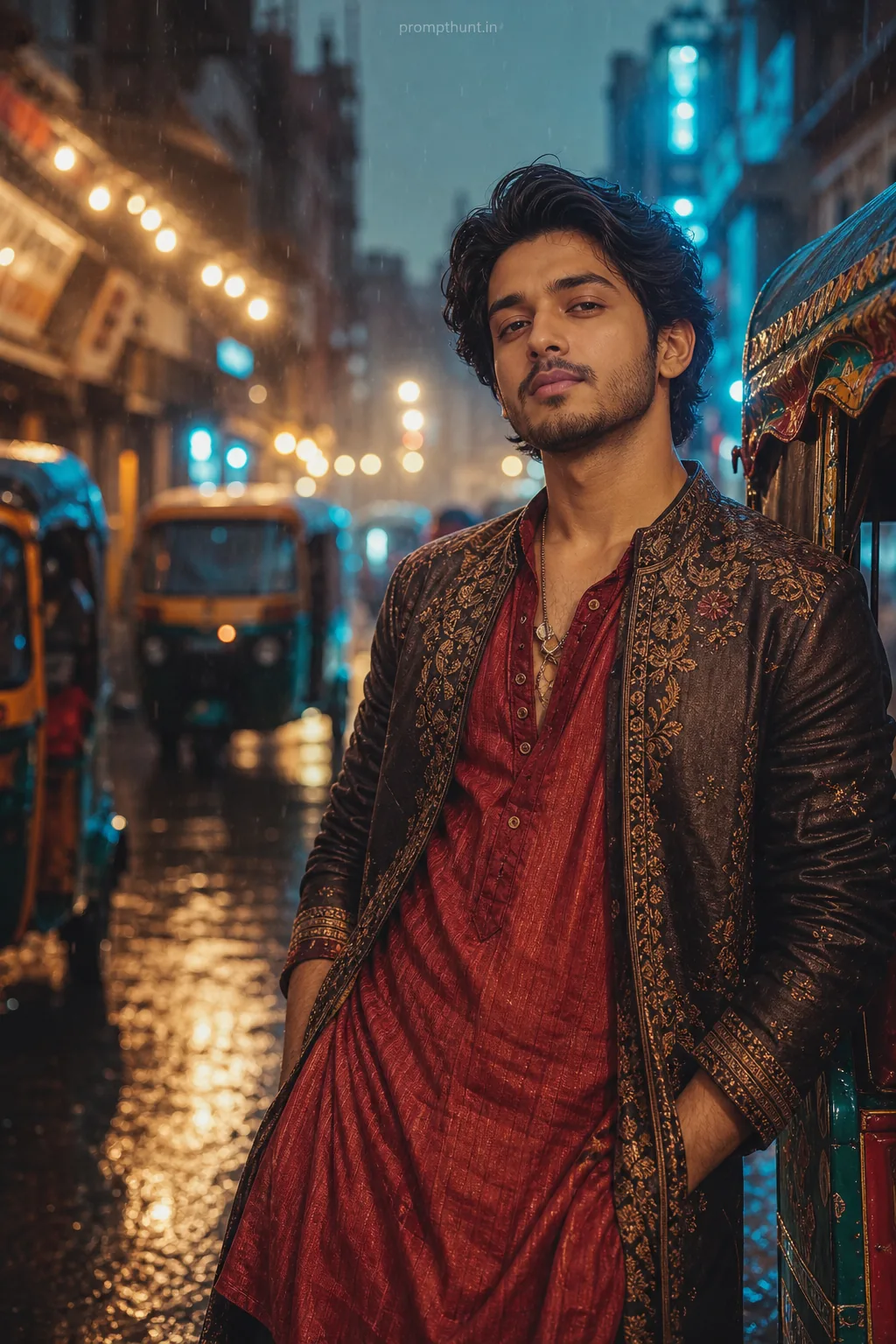
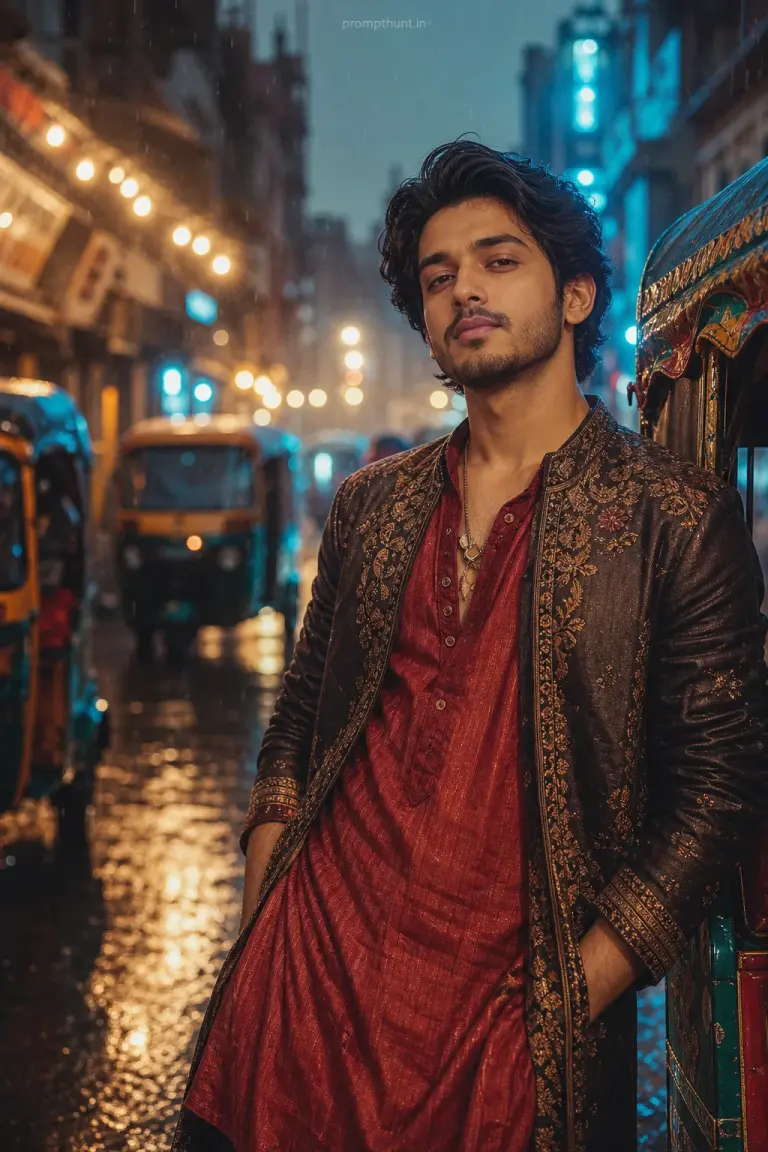
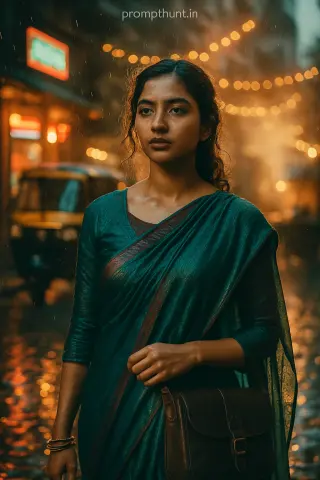
The uploaded photo is the master reference for this character. Preserve the exact facial features, face shape, skin tone, and identity from the uploaded image exactly. Vertical 9:13 composition. 9:13 vertical aspect ratio; place the subject against a wet, reflective urban lane with glistening puddles, colorful rickshaws and string lights blurred in the bokeh; lighting is moody golden-hour mixed with cool blue rim light from neon signs, gentle rain streaks and soft mist for atmosphere; costume choices emphasize rich, textured fabrics—vibrant silk kurta, embroidered jacket, or a contemporary fusion drape with metallic threads and layered accessories; mood is nostalgic yet vibrant, intimate street-style editorial with subtle film grain, clean skin retouching, enhanced color pop on fabrics, lifted shadows, creamy highlights, and delicate contrast for a polished cinematic finish in an Instagram-ready composition. Add a small, thin, professional 'prompthunt.in' text watermark at the top center of the image. The watermark should be subtle, use a color that matches the image's color palette, and appear lightweight and elegant — not distracting.
Community Rating
Rate this prompt
Indian Monsoon Cinematic Streetwear AI Photo Editing Prompt: Start from one sharp, well-lit photo; if the first result drifts, regenerate or ask for a small change in plain words.