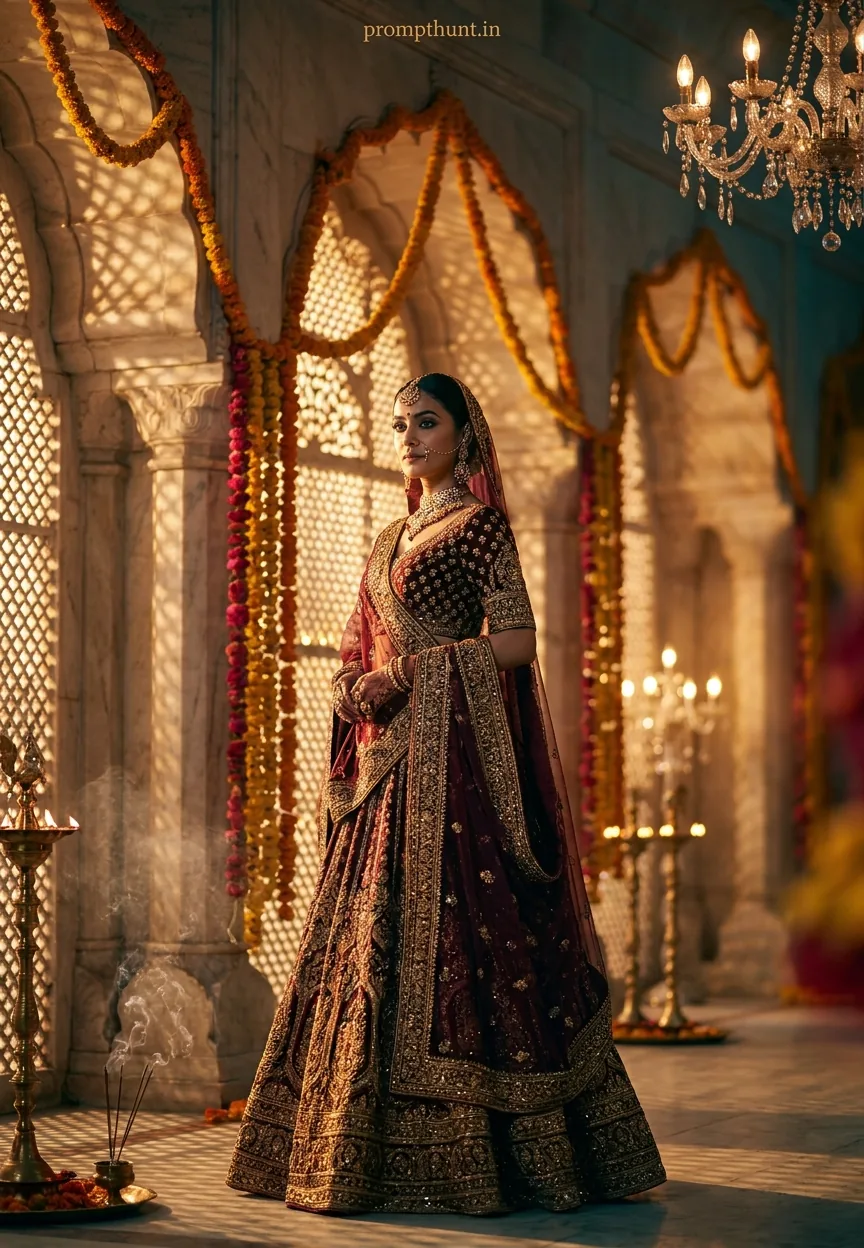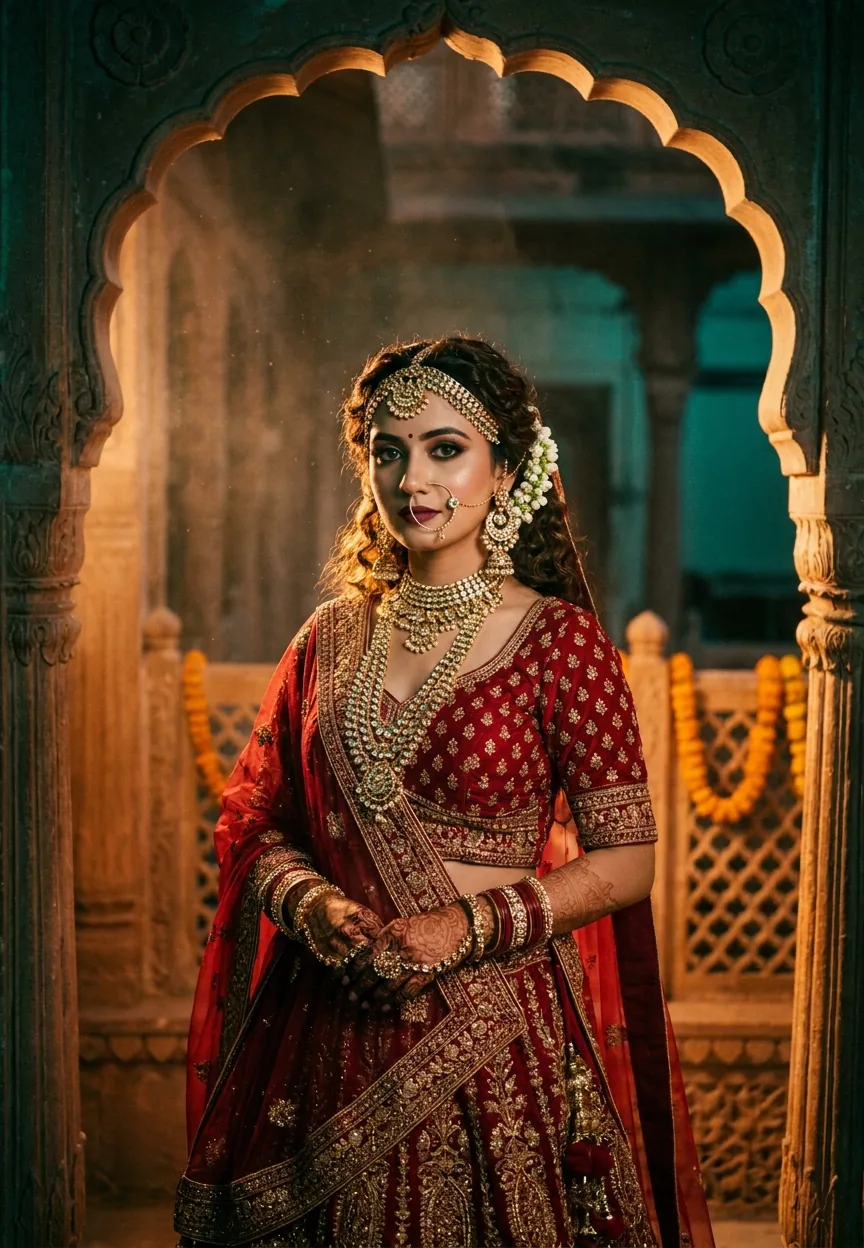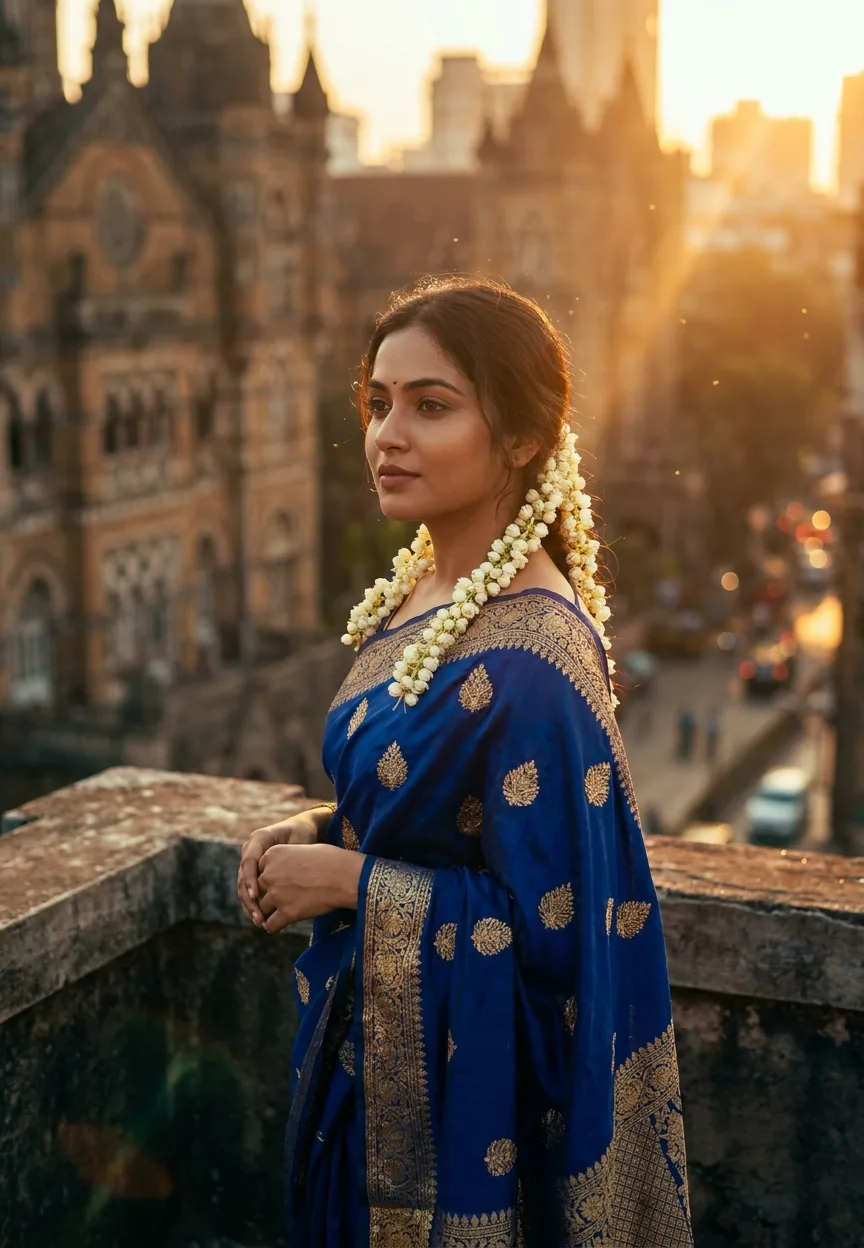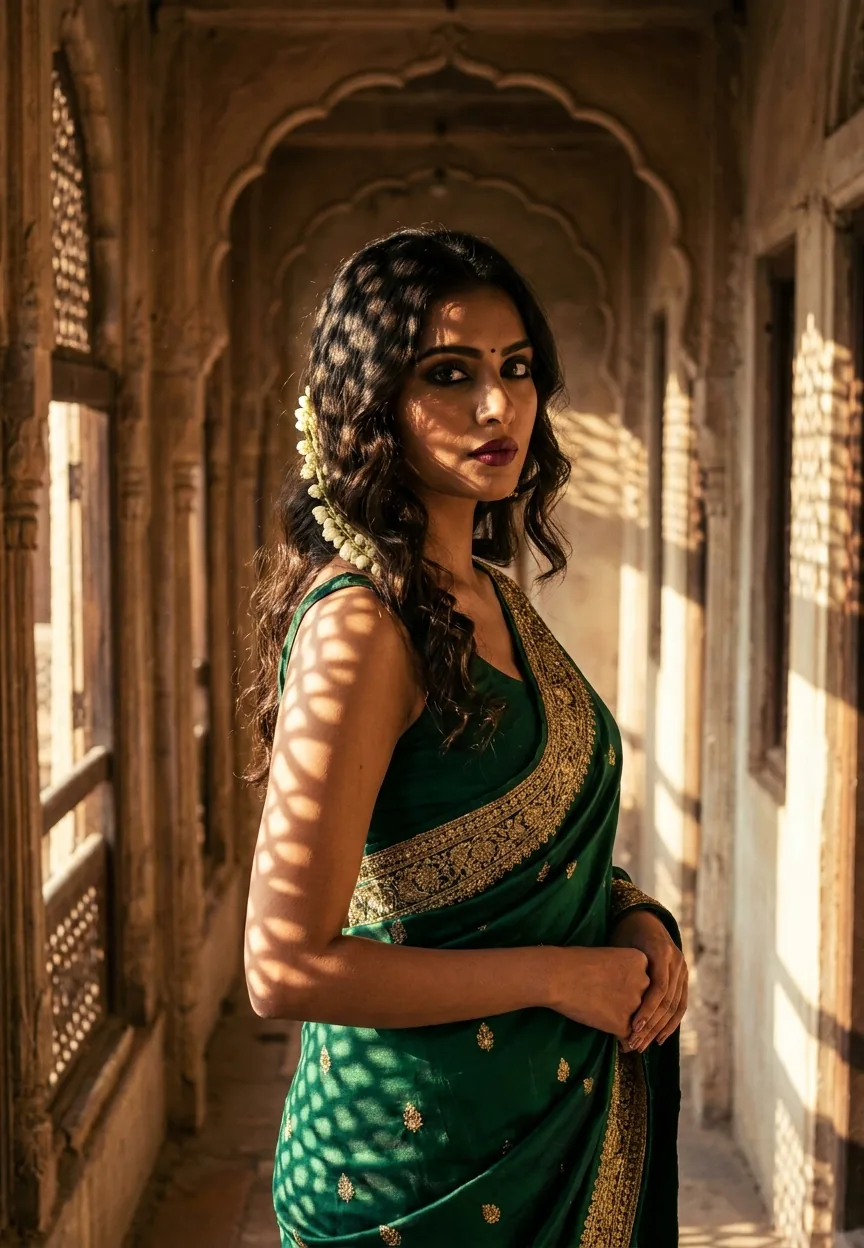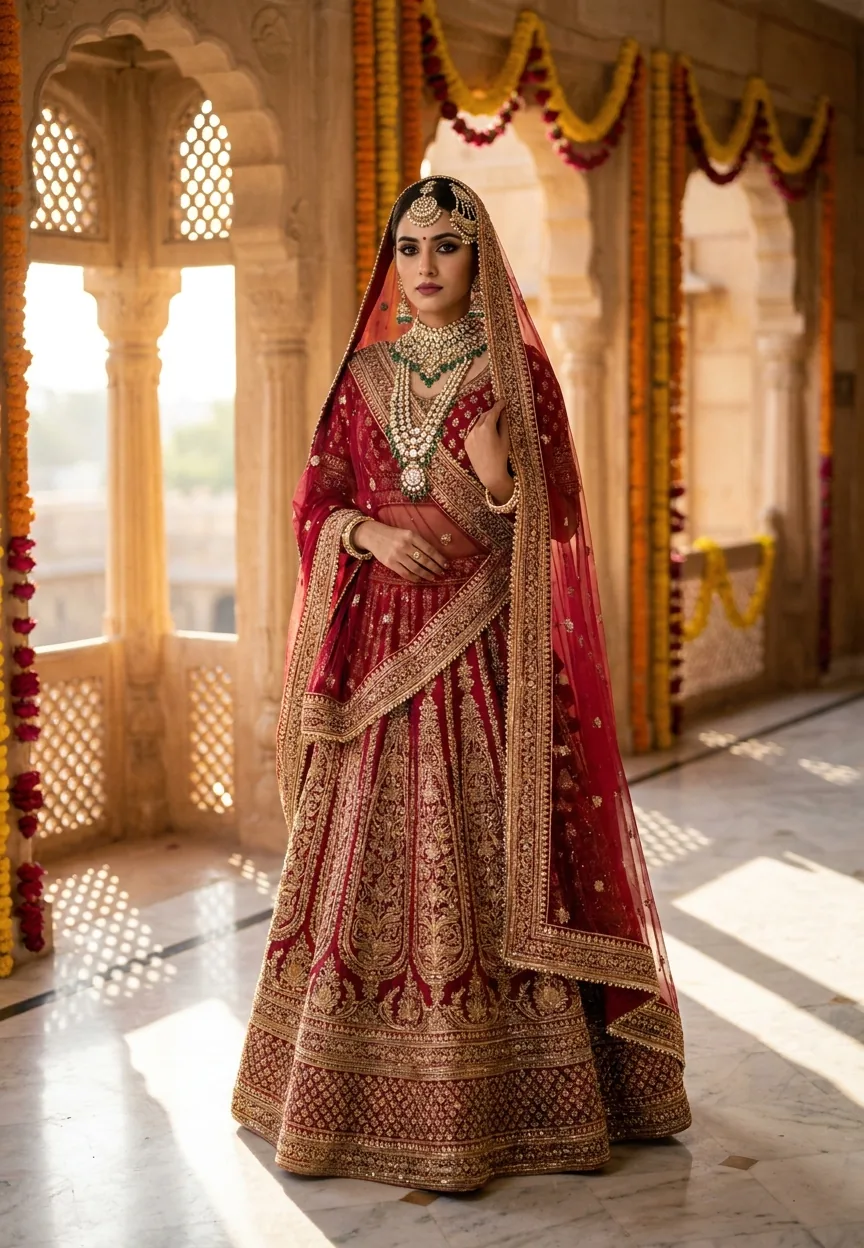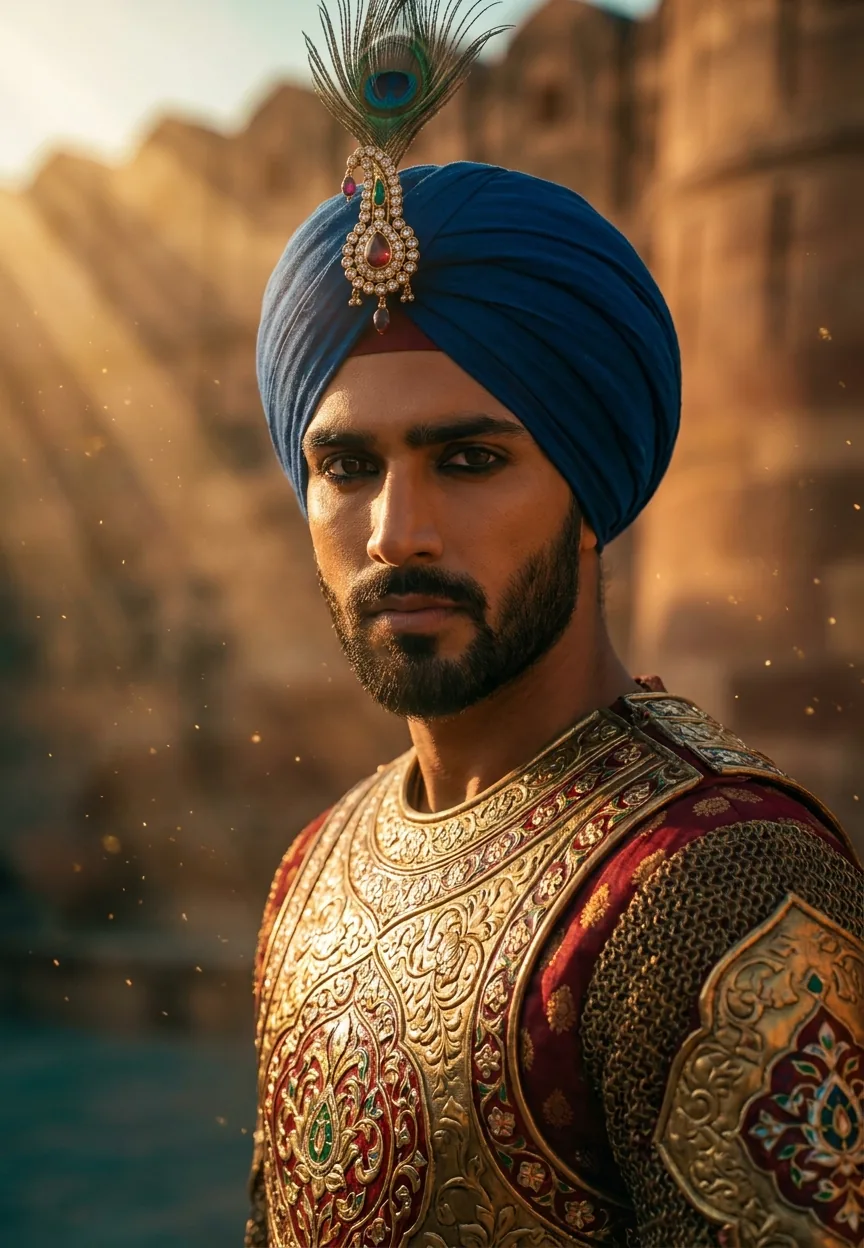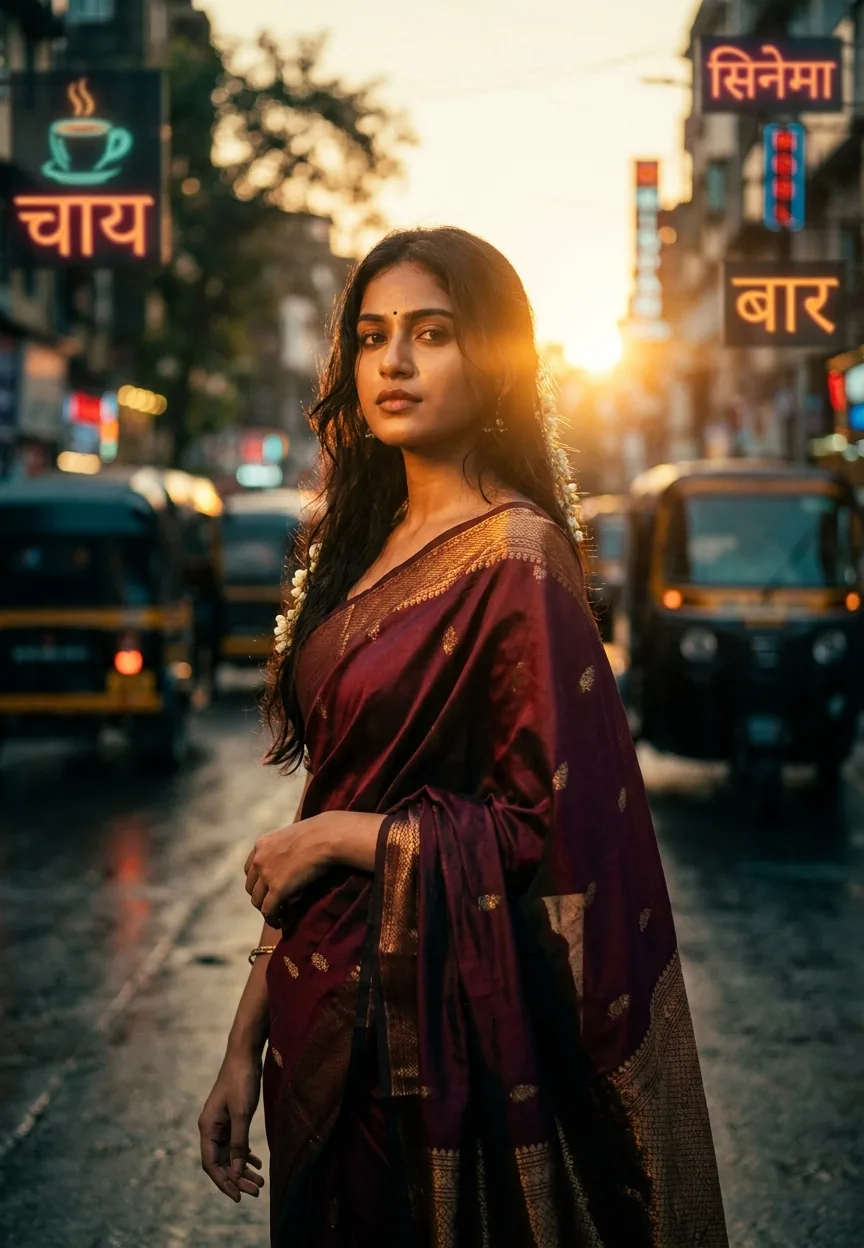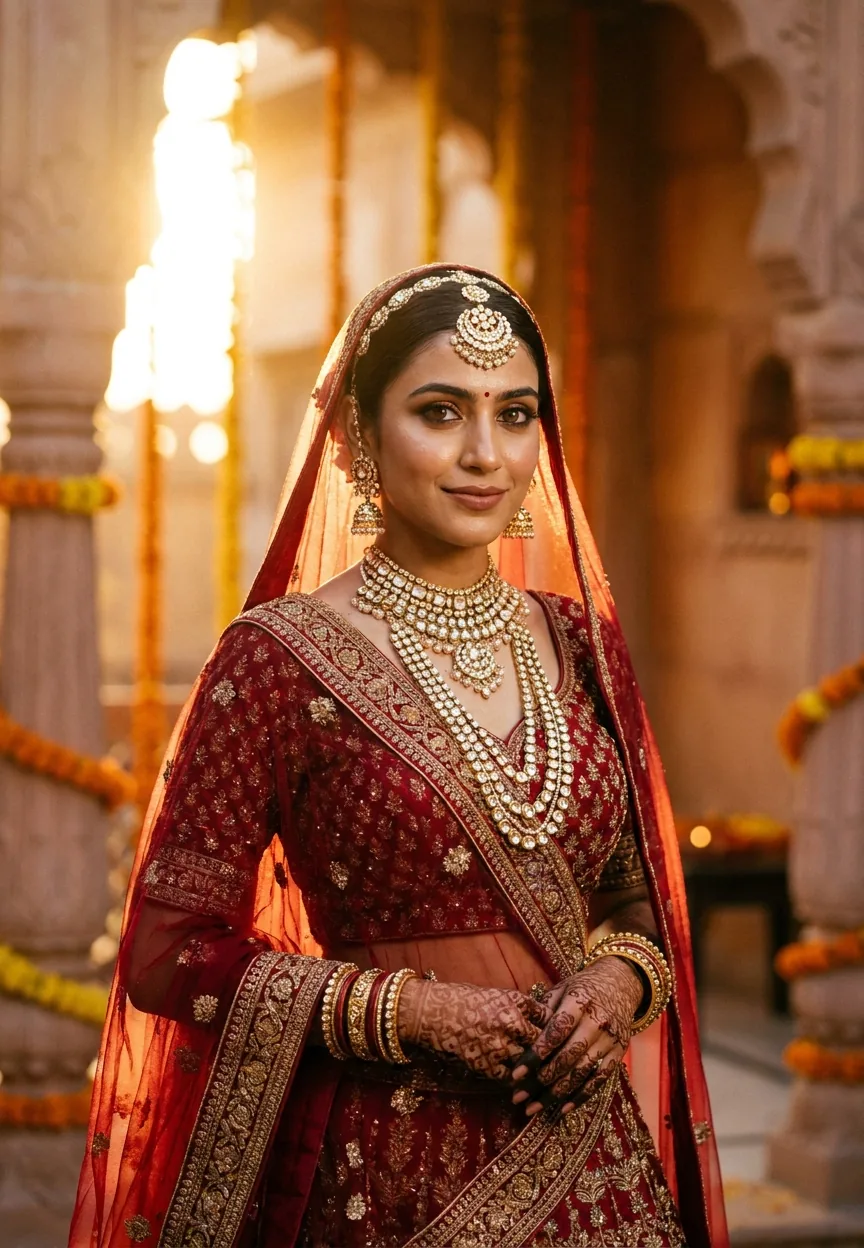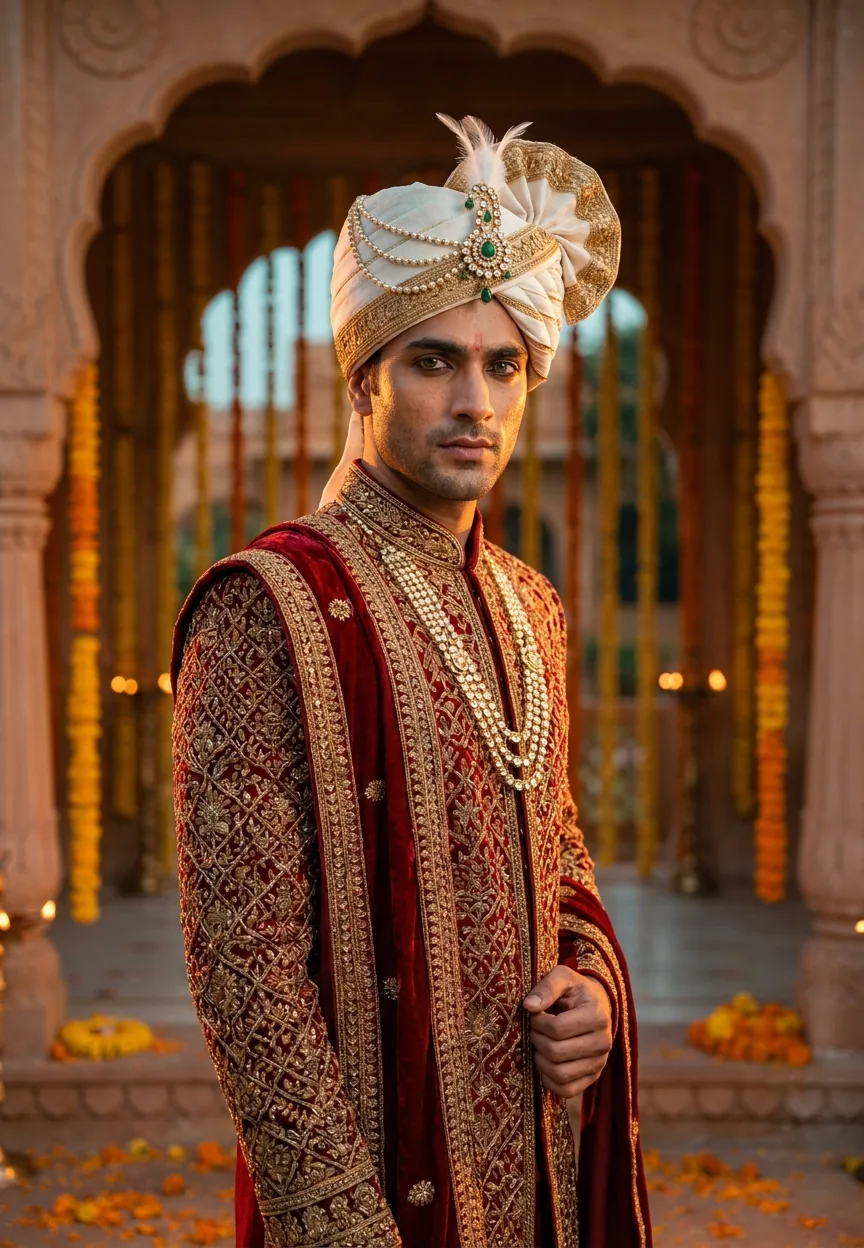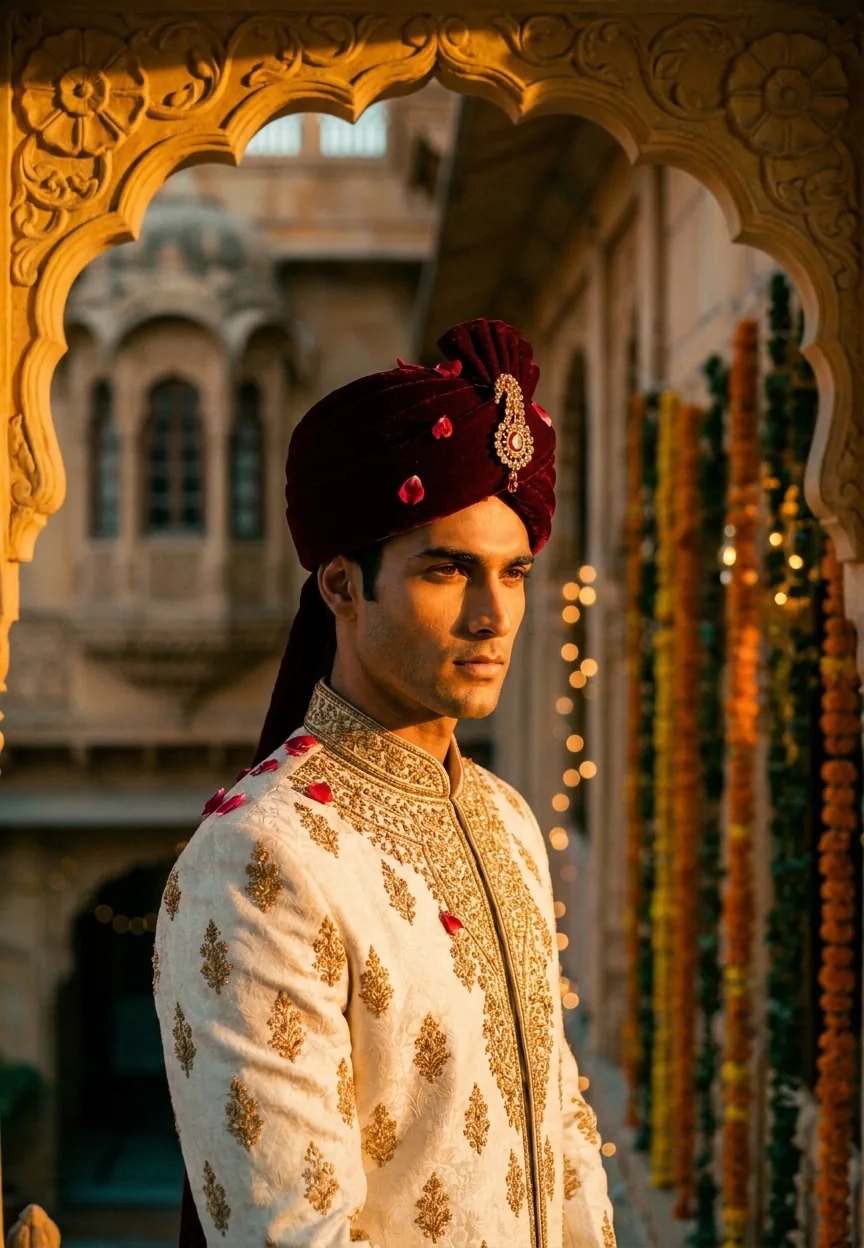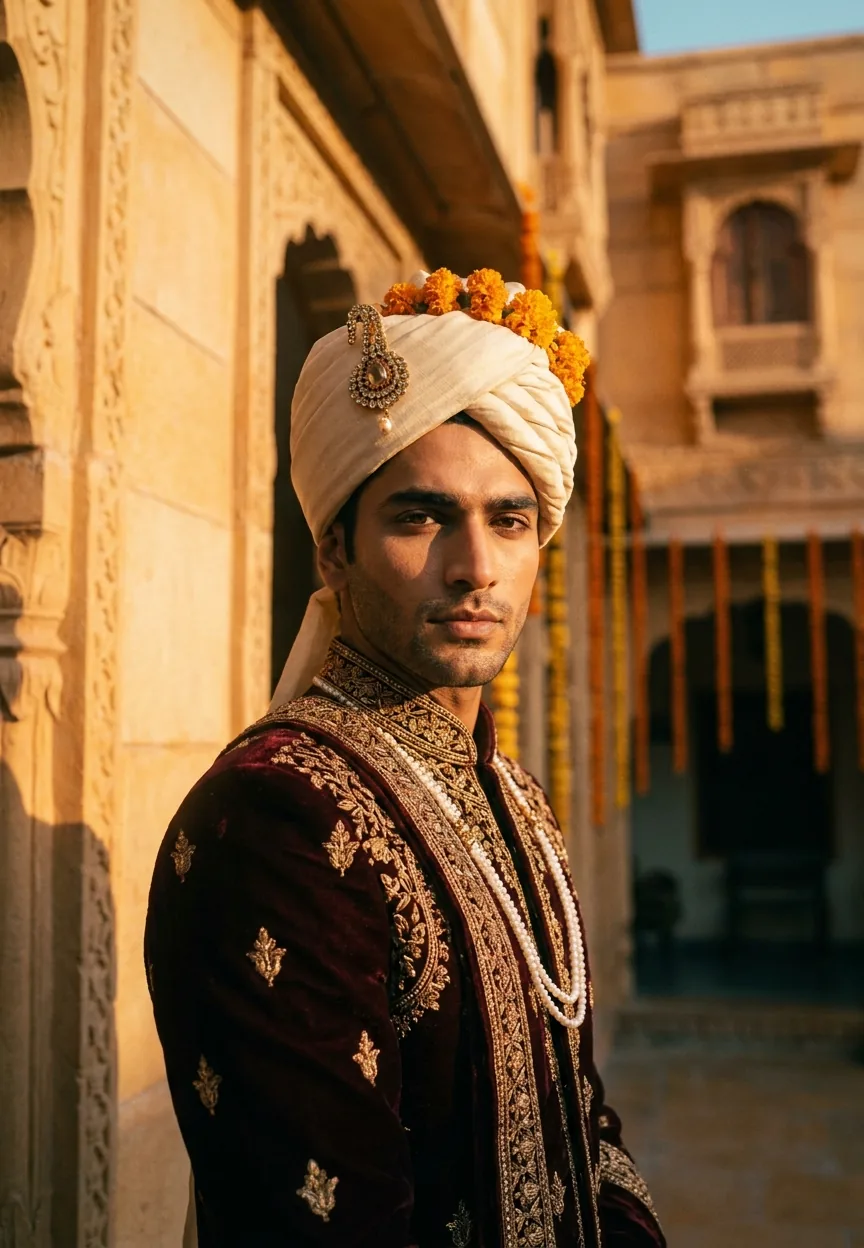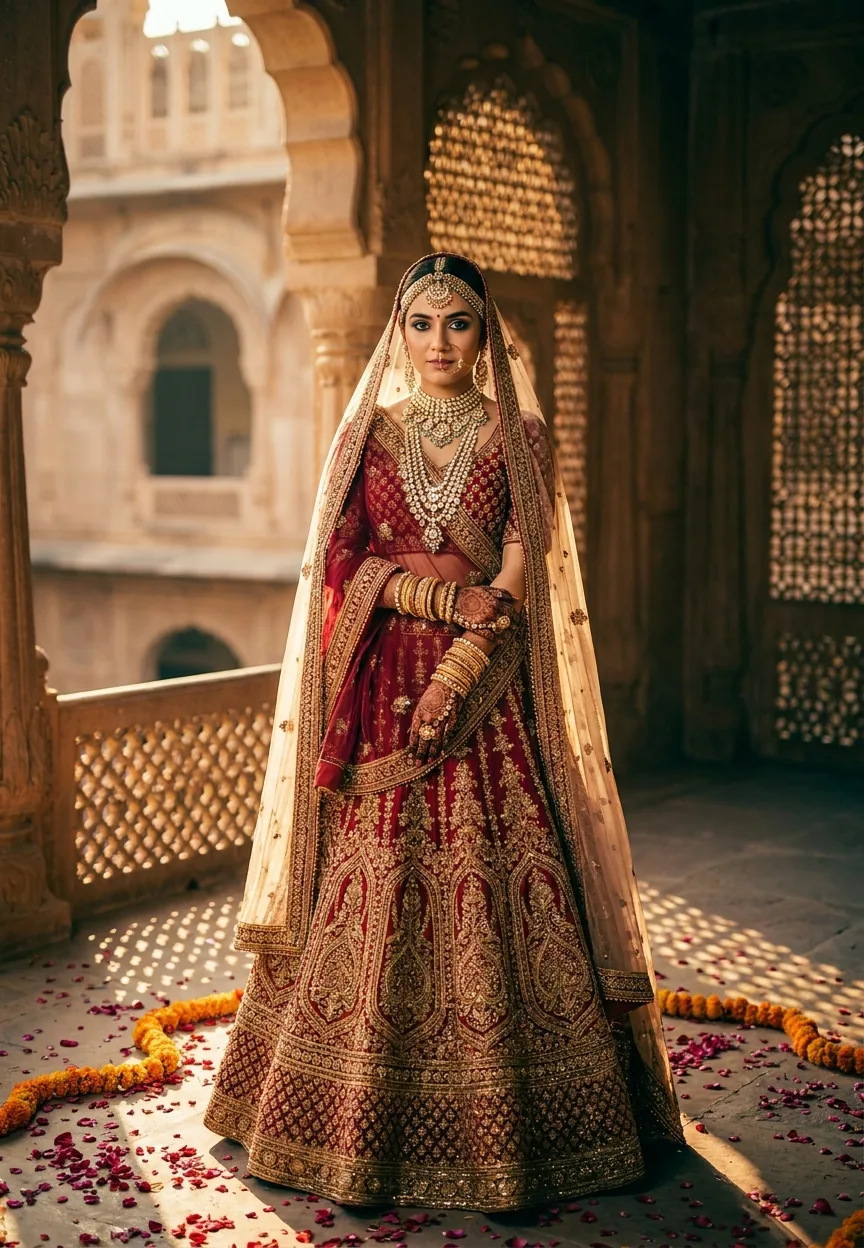
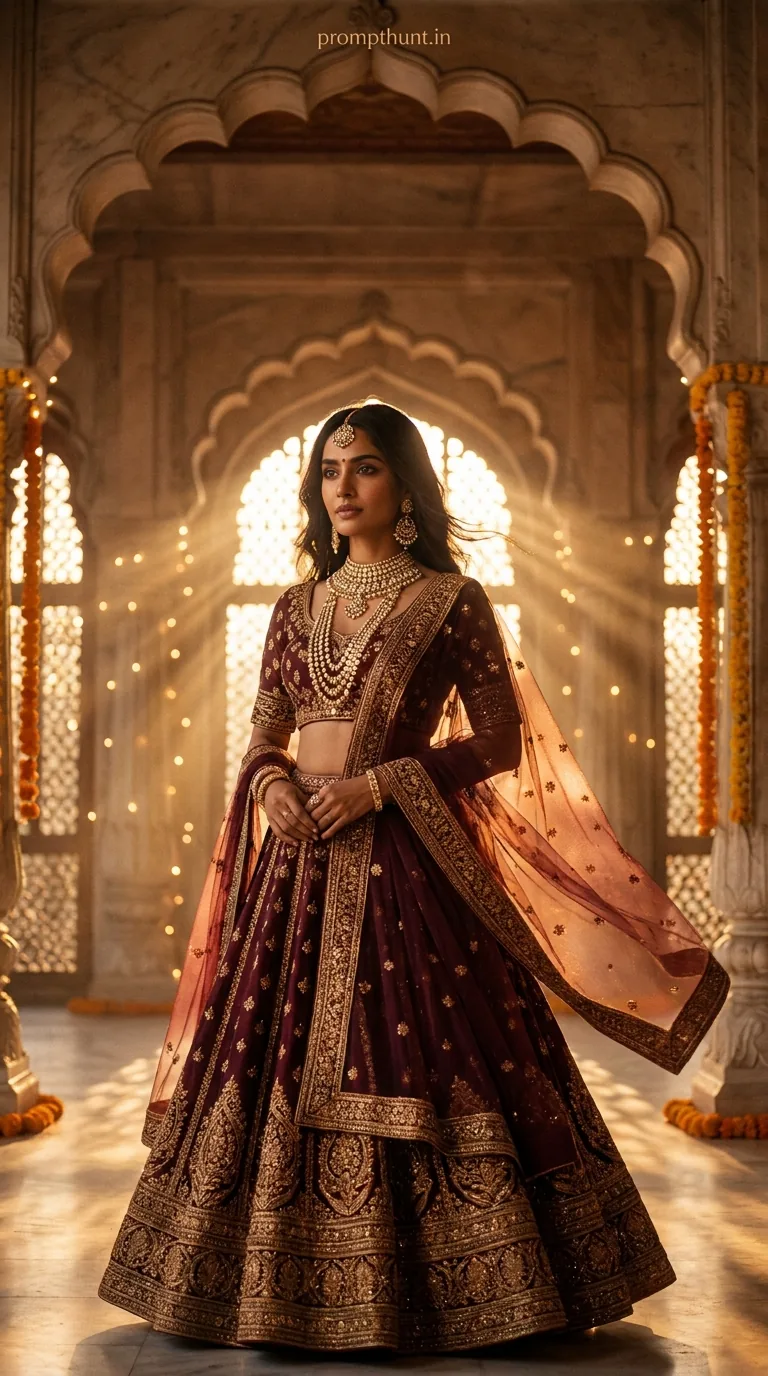
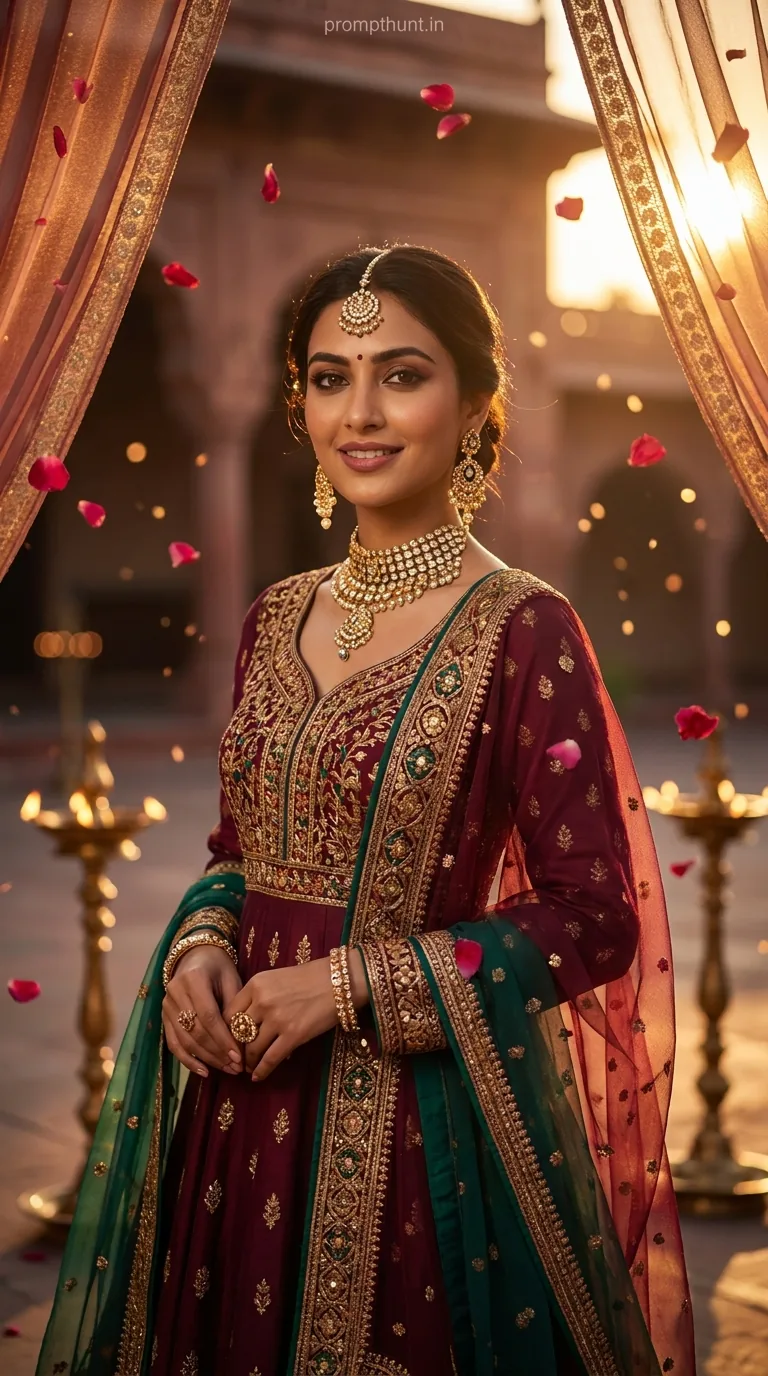
The Bollywood Royale Cinematic Glow prompt transforms your photo into a regal Mughal-era portrait using Gemini AI. Upload your photo, paste the prompt, and the AI rebuilds you in deep ruby silk, gold jewellery, and warm amber light — full cinematic portrait treatment, teal-and-orange grade included. Results take about 30 seconds and look like a prestige film still.
Bollywood Royale Cinematic Glow: The Gemini AI Prompt That Makes You Look Like a Mughal Queen
There's a specific kind of envy you feel scrolling Instagram when someone posts an AI portrait so gorgeous you assume they hired a cinematographer, flew to Jaipur, and spent four hours in hair and makeup. Spoiler: they didn't. They opened Gemini, uploaded a selfie, and pasted a cinematic portrait prompt that did all the heavy lifting. This is that prompt — and once you know how it works, you'll never look at your camera roll the same way again.
Upload your photo to Gemini, paste this prompt, and you get a breathtaking Bollywood-era cinematic portrait — jewels, marble arches, golden hour light, and all — in under a minute.
What Is a Cinematic Portrait Style, Exactly?
A cinematic portrait isn't just a pretty photo. It's a whole mood engineered to feel like a frame pulled straight from a film. Think shallow depth of field, dramatic negative space, intentional colour grading, and lighting that tells you something emotional before a single word is spoken.
The specific flavour here is Bollywood period drama — the kind where every frame looks like it cost more than your car. Warm amber light through marble archways. Marigold garlands. Diyas flickering on stone floors. A lehenga with more embroidery than your last three relationships had effort.
The teal-and-orange colour grade is the secret sauce. It's the same grade Hollywood blockbusters have been abusing since about 2010, and there's a reason — warm skin tones pop against cooled shadows in a way that makes everything look expensive. Pair that with film grain, lifted shadows, crushed blacks, and a medium-format lens simulation, and you've got something that genuinely looks like a cinematographer showed up for your selfie.
(They didn't. It was Gemini. But we don't have to tell anyone.)
The Prompt: Bollywood Royale Cinematic Glow
This is the full prompt. Copy it exactly — every detail in here is load-bearing.
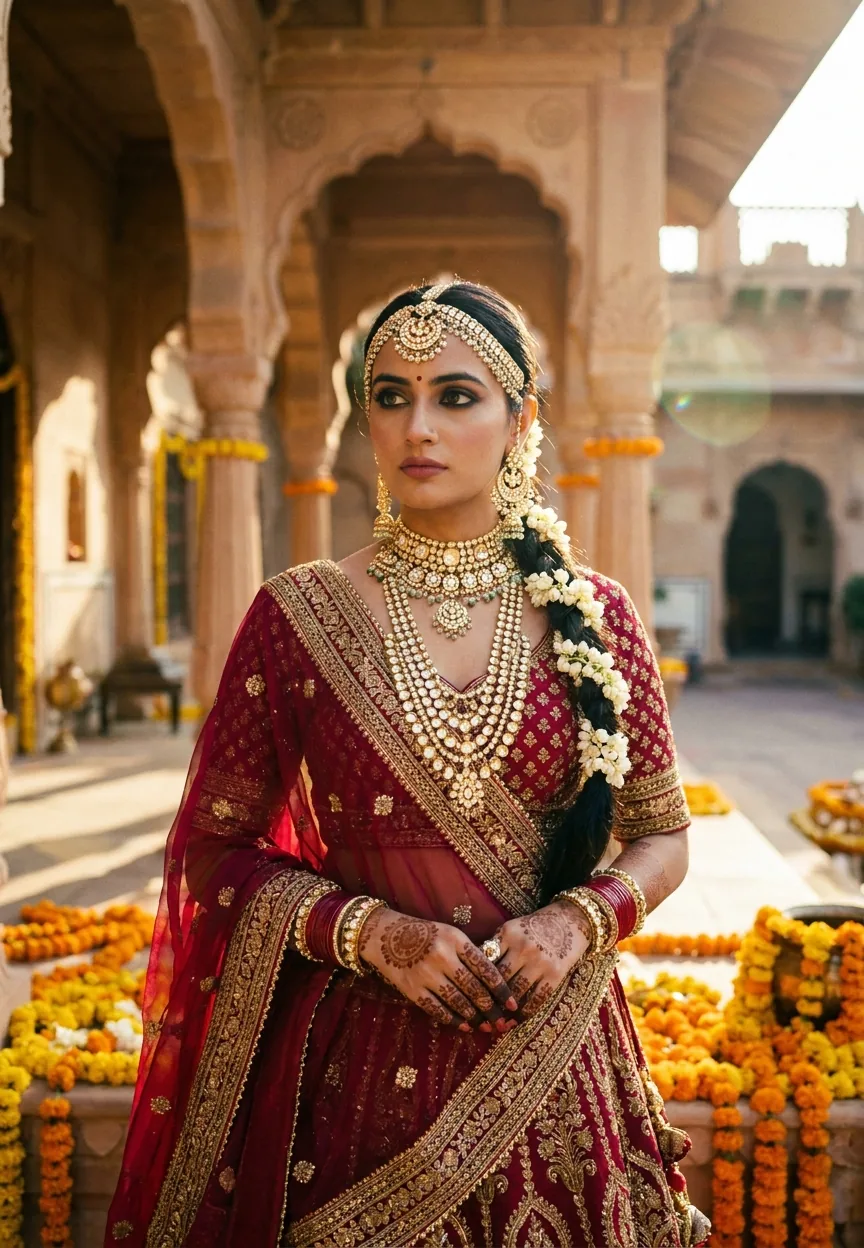
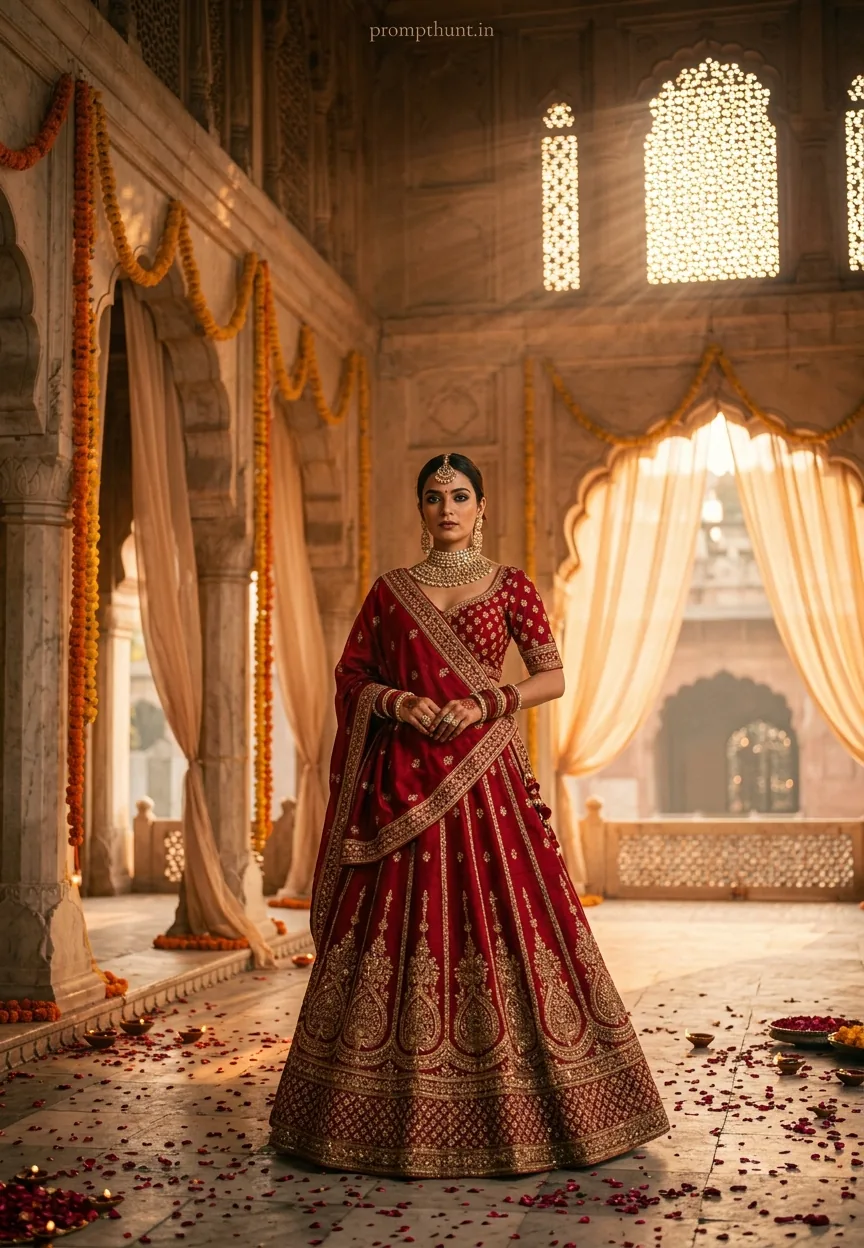
The uploaded photo is the master reference for this character. Preserve the exact facial features, face shape, skin tone, and identity from the uploaded image exactly. A breathtaking cinematic portrait set against the backdrop of a grand Mughal-inspired palace courtyard at golden hour, where warm amber and deep saffron light cascades through ornate marble archways draped with cascading marigold garlands and sheer ivory muslin curtains swaying gently in the breeze. The subject is adorned in a richly embroidered raw silk lehenga in deep ruby red with intricate zari threadwork, paired with a heavily jewelled choker necklace, maang tikka, and stacked gold bangles catching the dying light. Soft bokeh of flickering diyas and rose petals scattered across the stone floor create a dreamy, romantic depth. The overall mood is regal, deeply emotional, and cinematic — reminiscent of a prestige Bollywood period drama. Shot on a medium format lens with a shallow depth of field, film grain texture overlaid, teal-and-orange colour grading with lifted shadows and crushed blacks. Vertical 9:13 composition with the figure centred slightly lower in frame, dramatic negative space above filled with architectural grandeur and god rays piercing through carved stone lattice jali screens. Add a small, thin, professional 'prompthunt.in' text watermark at the top center of the image. The watermark should be subtle, use a color that matches the image's color palette, and appear lightweight and elegant — not distracting.
How to Use This Prompt: Step by Step
Here's the part people get wrong. The prompt starts with "The uploaded photo is the master reference." That line isn't decoration — it's the whole mechanism. Gemini uses your photo as the face and identity reference. The prompt changes the scene, costume, lighting, and style. Your face stays yours. Everything else becomes Bollywood royalty.
Do it in this exact order:
Step 1. Open Gemini at gemini.google.com. Use the desktop version for best results.
Step 2. Upload your photo first. Click the image icon and attach a clear, well-lit photo of yourself. Front-facing works best. The clearer your face in the reference, the better Gemini preserves it.
Step 3. Copy the full prompt above and paste it into the text field alongside your uploaded photo.
Step 4. Hit send and wait roughly 20 to 40 seconds. Do not regenerate immediately if the first result isn't perfect — read the tips below first.
Step 5. Save the image, post it, and watch your DMs fill up with "how did you do this."
That's genuinely it. No Photoshop. No plugins. No degree in cinematography required. (Though if you have one, fair enough — I'm sure it's come in handy other times.)
Tips for Getting the Best Results
Nine times out of ten, a weak result comes from a weak reference photo. Here's how to avoid that:
Use a clear, front-facing photo. Selfies work. Passport-style shots work even better. Avoid heavily filtered photos — Gemini can get confused about your actual skin tone if you've gone full Valencia on your source image.
Good lighting in your reference = better output. The AI has more to work with when your face is well-lit and in focus. A blurry, backlit photo will give you a blurry, backlit Mughal queen. Rubbish in, rubbish out — even at the palace.
Don't regenerate five times in a row immediately. If the first pass is close but not quite right, try adding one line to the prompt: "Ensure the subject's face is identical to the uploaded reference." A small nudge often beats a full restart.
Rule of thumb: Higher resolution reference photos give you more detail in the output — particularly in the jewellery and fabric textures, which are some of the best parts of this specific style.
Try different source photos. A slight angle change in your reference can dramatically shift the final composition. If you want more of that dramatic negative space above the figure, use a photo where you're looking slightly upward.
Why This Bollywood Cinematic Portrait Style Is Trending Right Now
Partly nostalgia. Partly wedding season. Mostly because it looks absolutely stunning and takes 30 seconds.
The Mughal aesthetic has always been a touchstone for aspirational Indian visual culture — it shows up in bridal photography, film sets, luxury fashion campaigns, and basically every period drama that's ever made someone cry on a Sunday afternoon. The AI version taps directly into that emotional register without needing a set budget, a costume house, or a location shoot in Rajasthan.
Wedding content creators in India have been particularly quick to adopt this. A single good AI portrait in this style generates more engagement than most standard photography posts. The teal-and-orange grade reads as "prestige film" to a global audience while the Mughal architecture and bridal jewellery resonate deeply with a South Asian one. That's a rare cross-cultural hit. It's less "niche trend" and more "the algorithm loves it and so does everyone's mum."
The vertical 9:13 composition also helps. It's built for Instagram and phone screens. The negative space at the top gives room for text overlays if you want them. Smart prompt design for a social-first world.
Honest Opinion: When This Works and When It Doesn't
Right. Let's be straight with each other.
This prompt is genuinely brilliant for personal portraits, social media content, festive posts, and creative experimentation. It produces results that would have taken a professional team days to achieve even five years ago. For that use case, it's one of the best AI photo prompts in circulation right now.
But it has limits, and you should know them.
Gemini's face preservation is good but not perfect. On some reference photos — particularly those with unusual lighting, strong shadows, or significant occlusion — the output face can drift slightly from the original. It's subtle, but if you're using this for something where exact likeness matters (a personalised gift, a professional portfolio), check the result carefully before committing.
The costume is always a deep ruby lehenga. That's the prompt. If you want a different colour, different silhouette, or a male-presenting output with sherwani styling, you'll need to modify the prompt accordingly. This version is designed as-is and it does that one thing exceptionally well. It's a specialist, not a generalist.
Also — and I say this with full awareness that it applies to my own enthusiasm here — AI portraits are not a substitute for actual photography. If you're celebrating something real and important, hire a photographer. This prompt is a brilliant creative tool, not a replacement for the people who know how to capture a genuine moment.
Use it for what it's good at. It's very good