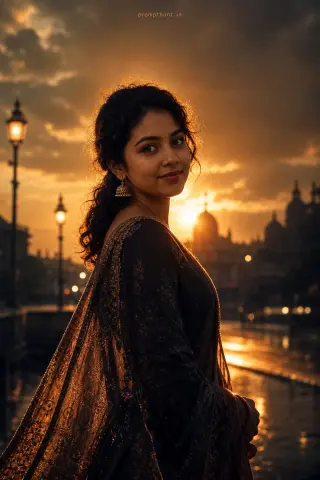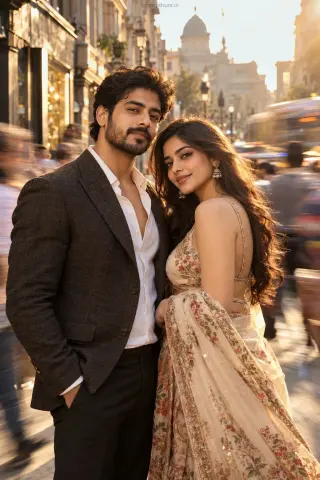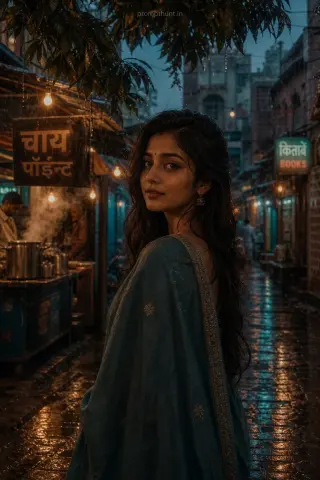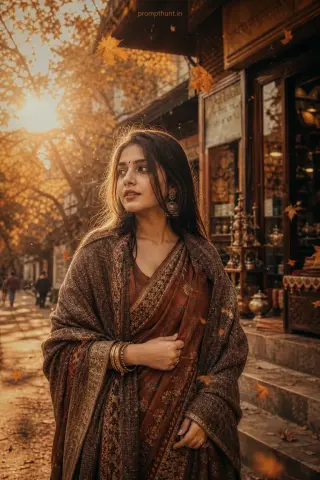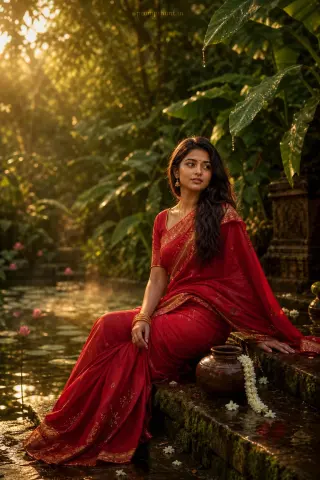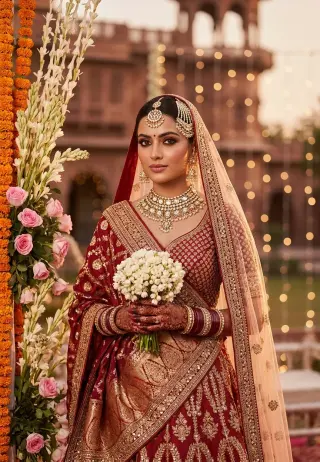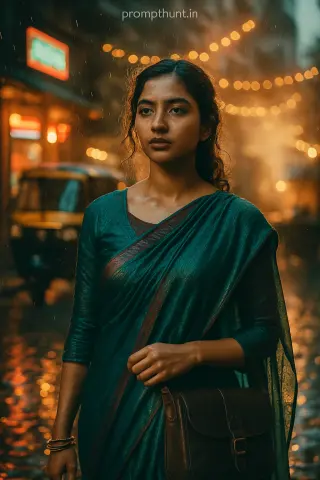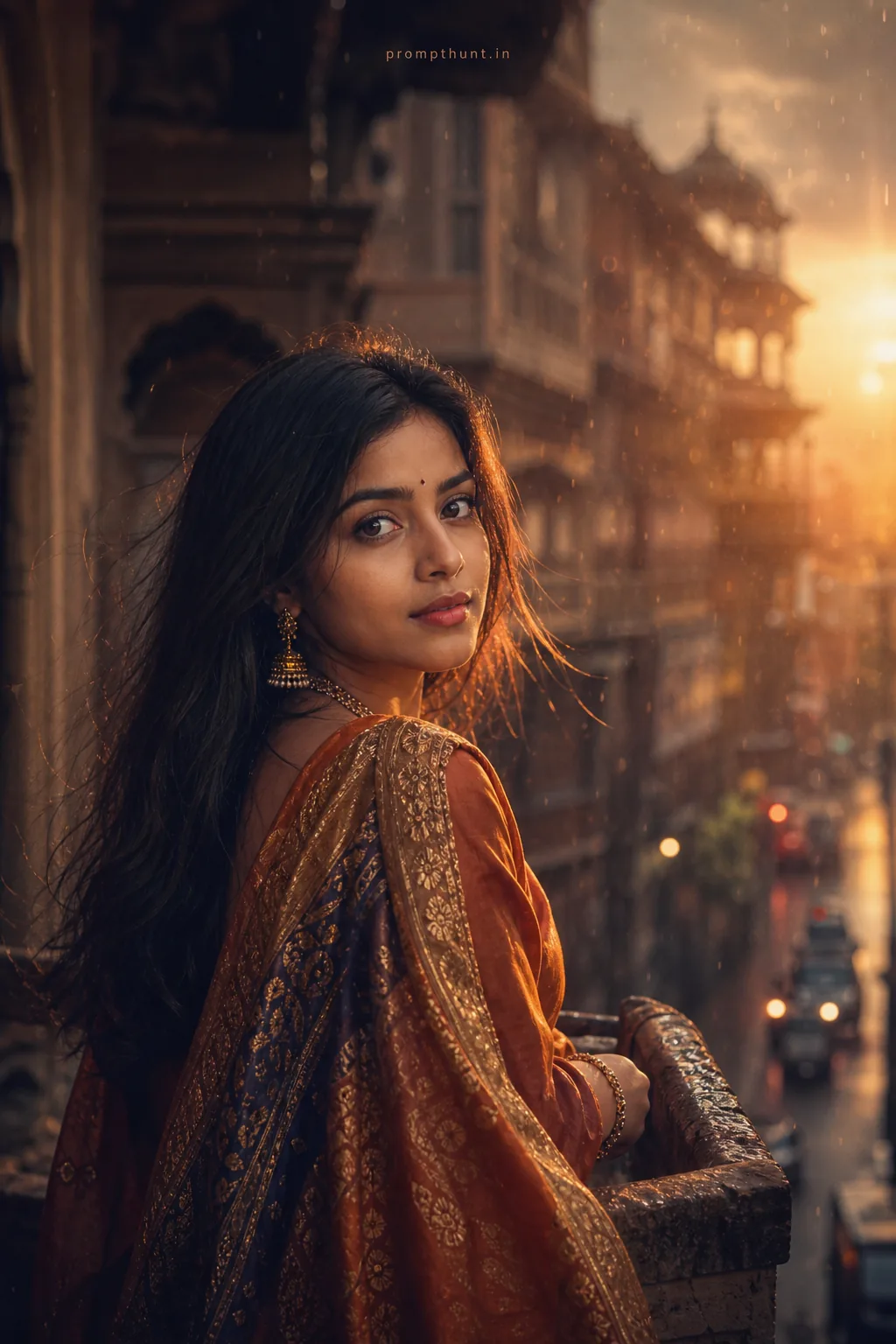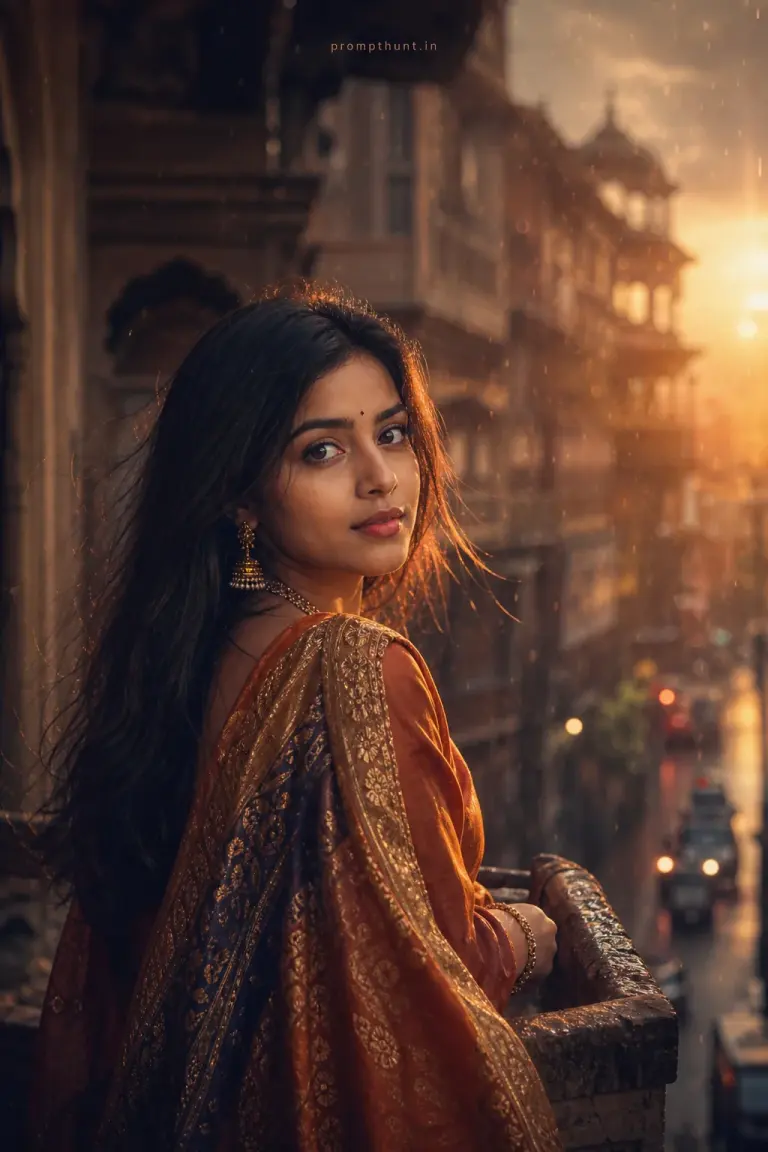
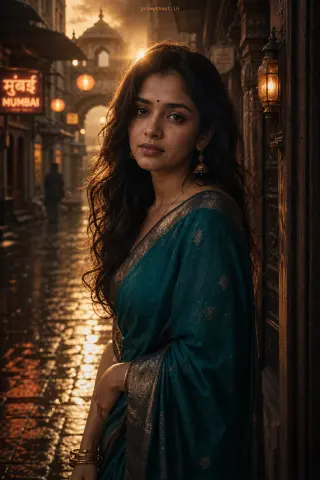
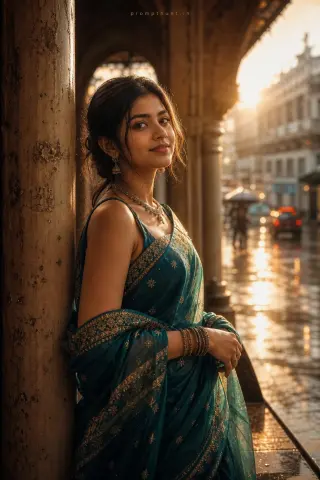
AI cinematic portrait made with this prompt: a woman in a rust-orange silk saree glances back over her shoulder on an old haveli street, lit by low golden-hour sun with soft, moody shadows.
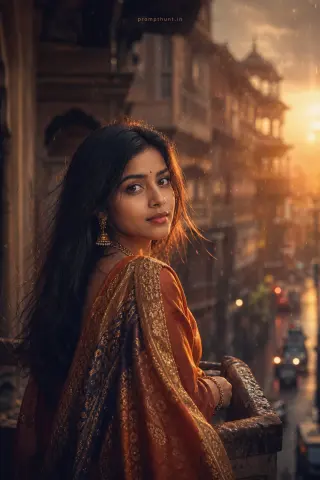
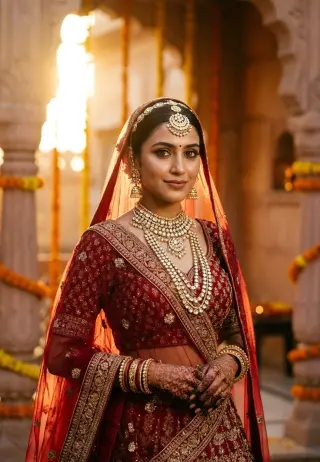
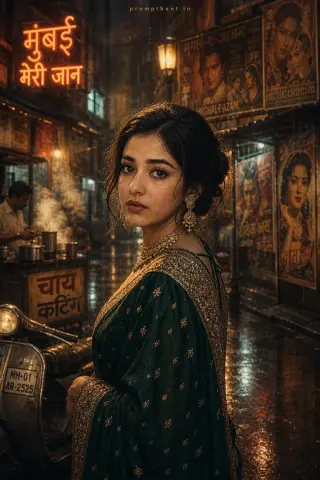
Indian Cinematic Portrait: Moody Golden Hour AI Photo Editing Prompt
The uploaded photo is the master reference for this character. Preserve the exact facial features, face shape, skin tone, and identity from the uploaded image exactly. Vertical 9:13 composition. 9:13 vertical cinematic portrait set against an old Jaipur haveli balcony or rain-slick Mumbai lane at golden hour, warm rim light and low-key shadows, soft haze and subtle rain droplets catching light, rich directional backlight creating a cinematic rim and gentle lens flare, wardrobe suggestions: textured silk saree or embroidered sherwani/kurta with metallic thread and flowing dupatta/scarf catching the light, color palette of deep marigold, indigo and muted terracotta with teal-orange color grading, shallow depth of field with creamy bokeh, 85mm filmic framing, soft film grain, slight vignette, delicate volumetric fog for mood, evoke nostalgic, dramatic, intimate atmosphere with refined editorial styling and high-contrast, color-graded cinematic finish for Instagram vertical feeds. Add a small, thin, professional 'prompthunt.in' text watermark at the top center of the image. The watermark should be subtle, use a color that matches the image's color palette, and appear lightweight and elegant — not distracting.
Community Rating
Rate this prompt
Indian Cinematic Portrait: Moody Golden Hour AI Photo Editing Prompt: You get an Indian cinematic portrait: moody golden hour image built around warm rim light and low-key shadows, color palette of deep marigold and creamy bokeh. Start from one sharp, well-lit photo; if the first result drifts, regenerate or ask for a small change in plain words.