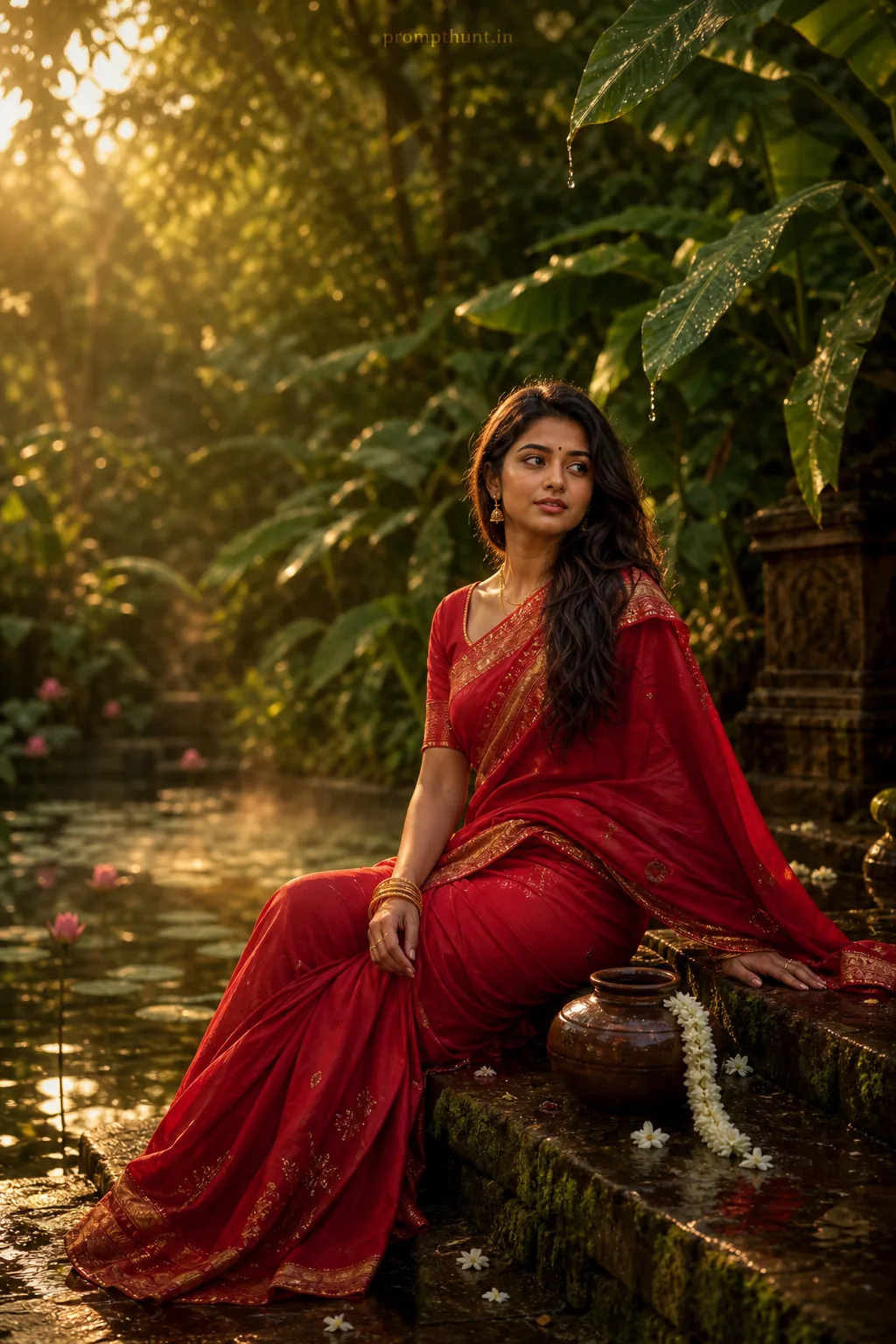





Monsoon Forest Golden Hour Nature AI Photo Editing Prompt
The uploaded photo is the master reference for this character. Preserve the exact facial features, face shape, skin tone, and identity from the uploaded image exactly. Vertical 9:13 composition. 9:13 vertical frame capturing a lush monsoon forest clearing with wet emerald foliage, dripping banana leaves and mist rising from a shallow lotus pond; warm golden-hour backlight filters through dense canopy creating soft sunbeams, subtle lens flare and reflective puddles on mossy stone steps, while a flowing crimson saree with traditional gold border and delicate embroidery billows gently in the breeze beside an antique clay pot and jasmine garland, mood is nostalgic, serene and slightly mystical, color-graded with rich saturated greens and warm ambers, creamy bokeh, gentle film grain and painterly cinematic contrast for an elegant, editorial feel. Add a small, thin, professional 'prompthunt.in' text watermark at the top center of the image. The watermark should be subtle, use a color that matches the image's color palette, and appear lightweight and elegant — not distracting.
Community Rating
Rate this prompt
Monsoon Forest Golden Hour Nature AI Photo Editing Prompt is a free, copy-paste nature AI photo editing prompt. Paste it into any AI photo editor with one clear photo of yourself and you get the edited result in about ten seconds — no account and no payment. The prompt tells the model to keep your exact facial features, skin tone and identity, and to change only the background, outfit, lighting and styling.
9:13 vertical frame capturing a lush monsoon forest clearing with wet emerald foliage, dripping banana leaves and mist rising from a shallow lotus pond; warm golden-hour backlight filters through dens
How to use this nature prompt
More prompts to explore



















AI Photo Editing Prompts