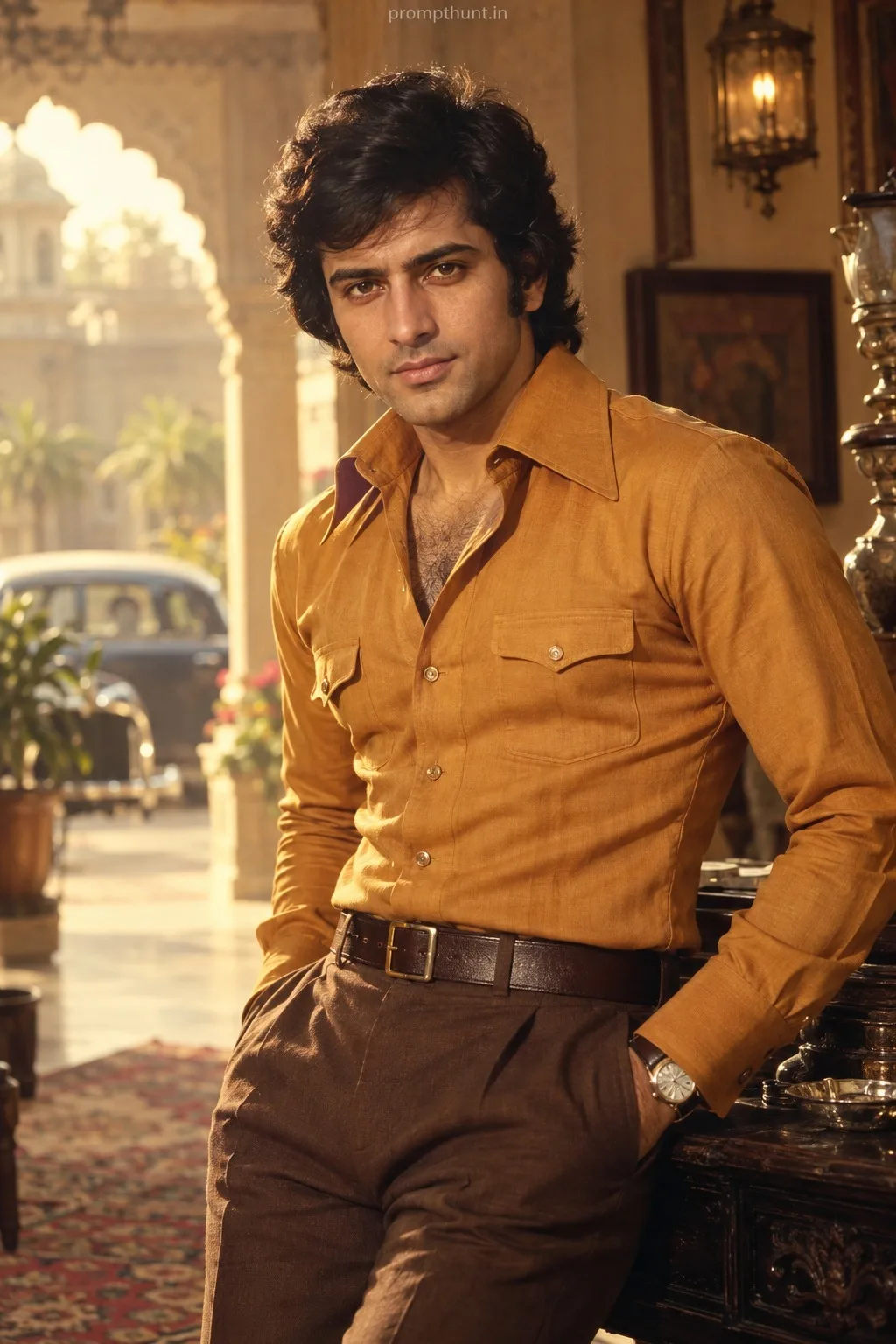
Mumbai Golden Hour Cinematic Lighting AI Photo Editing Prompt
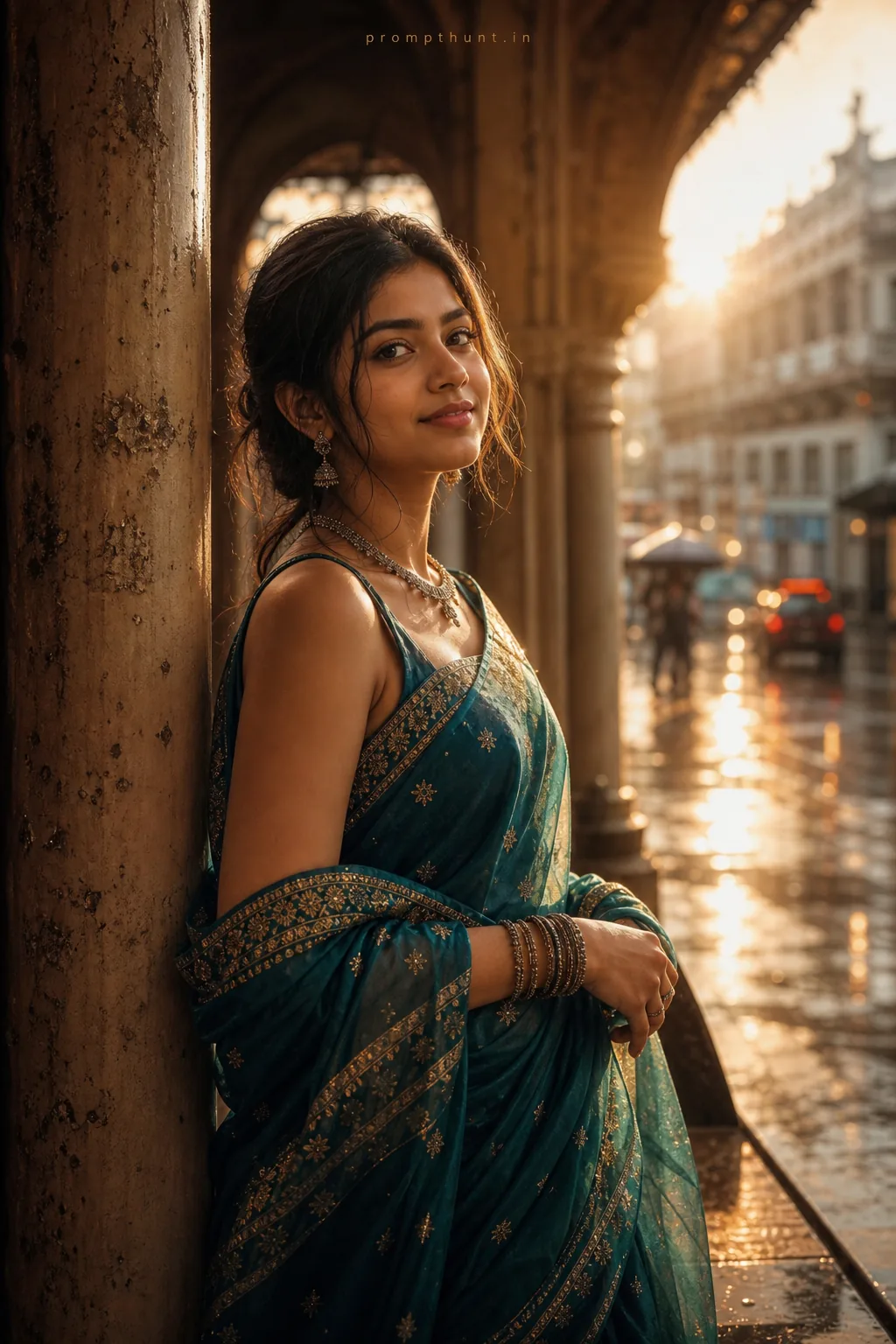
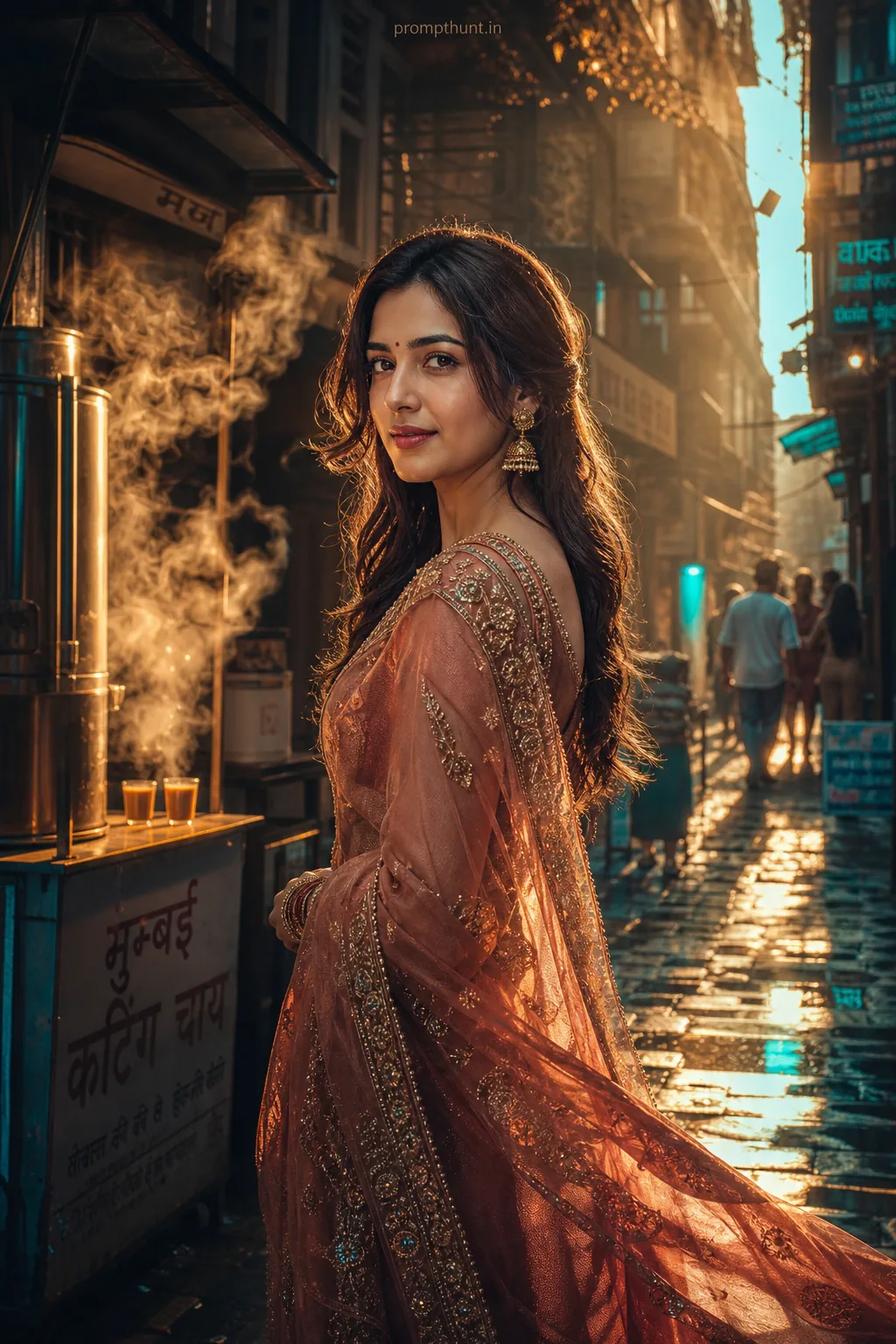
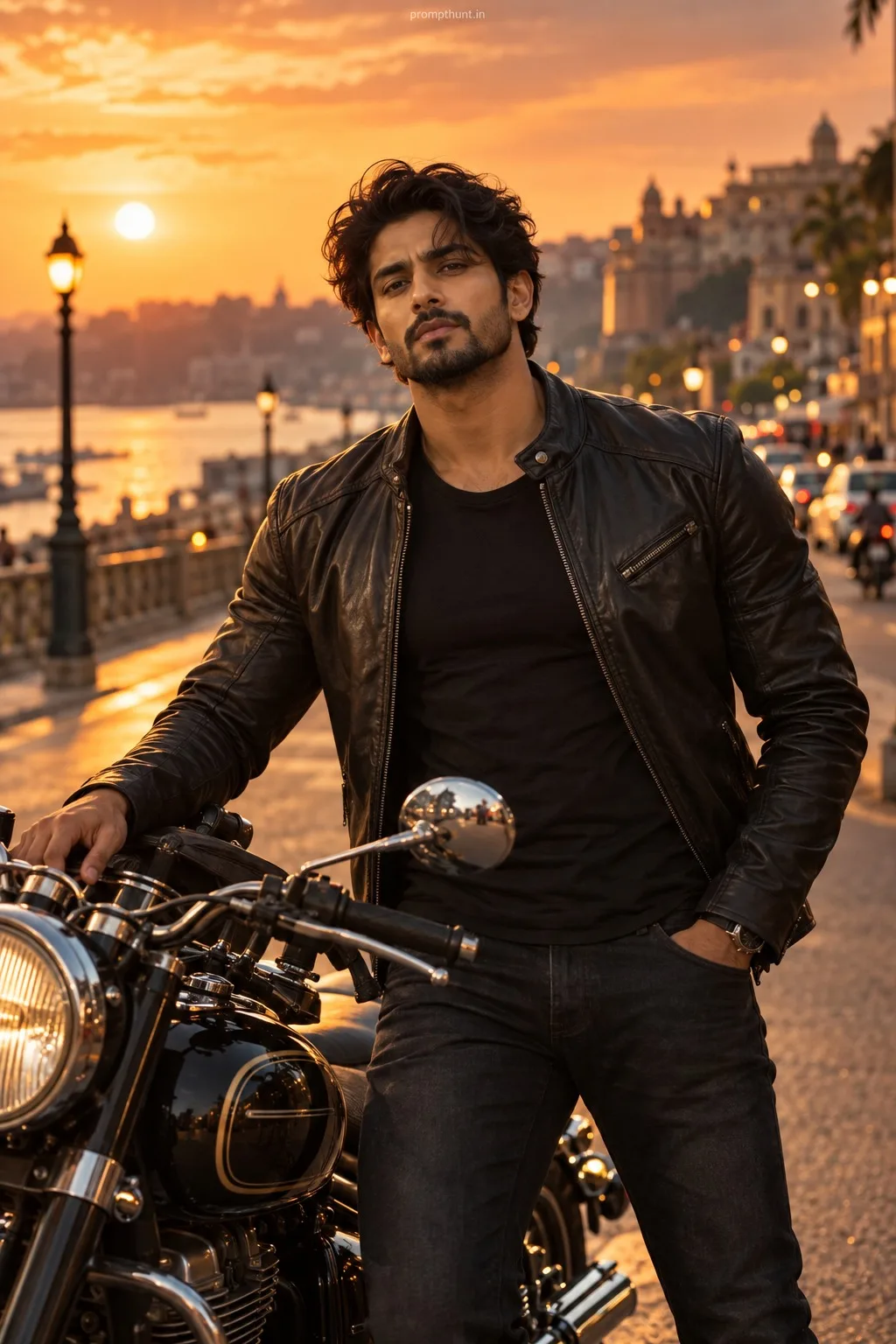
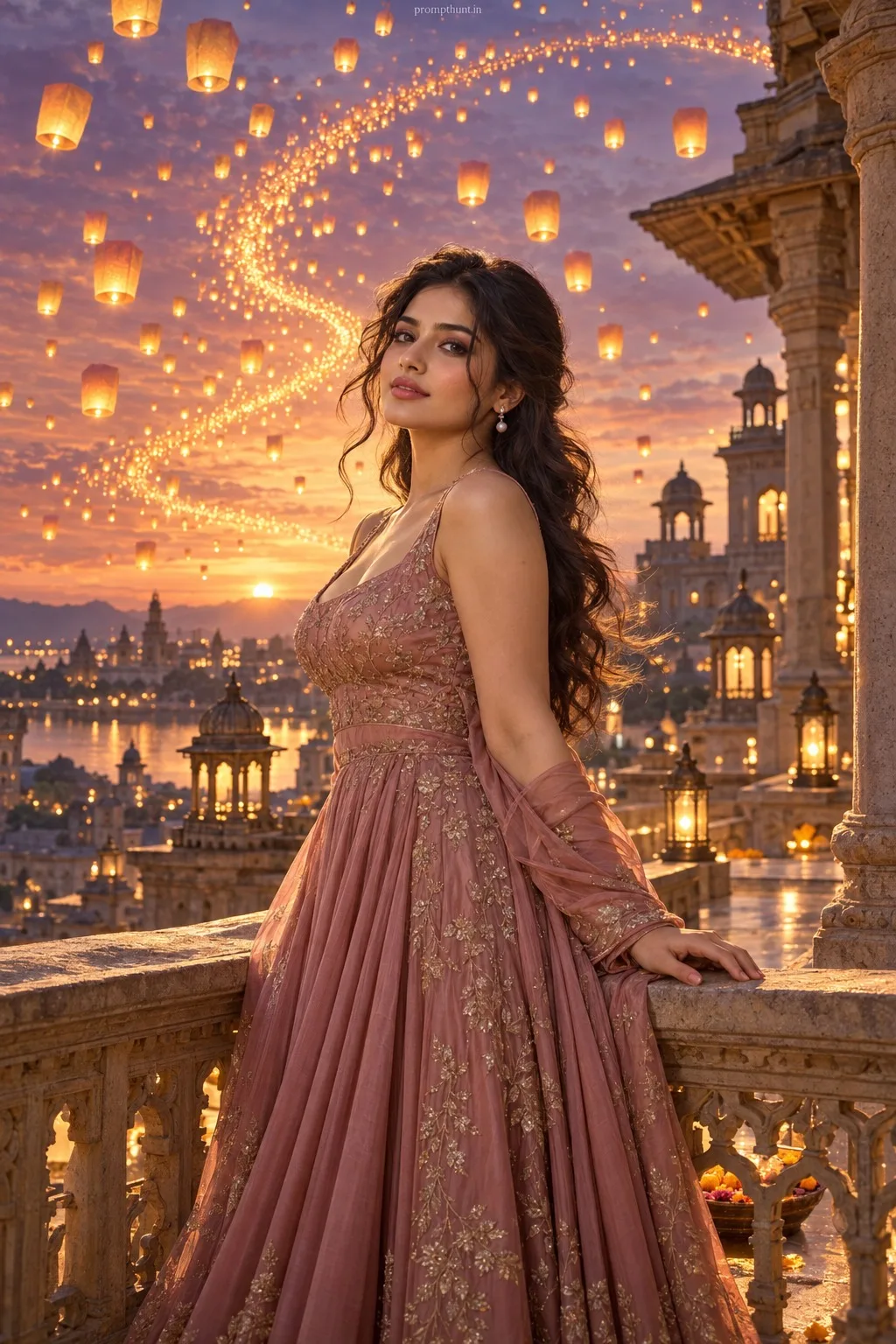
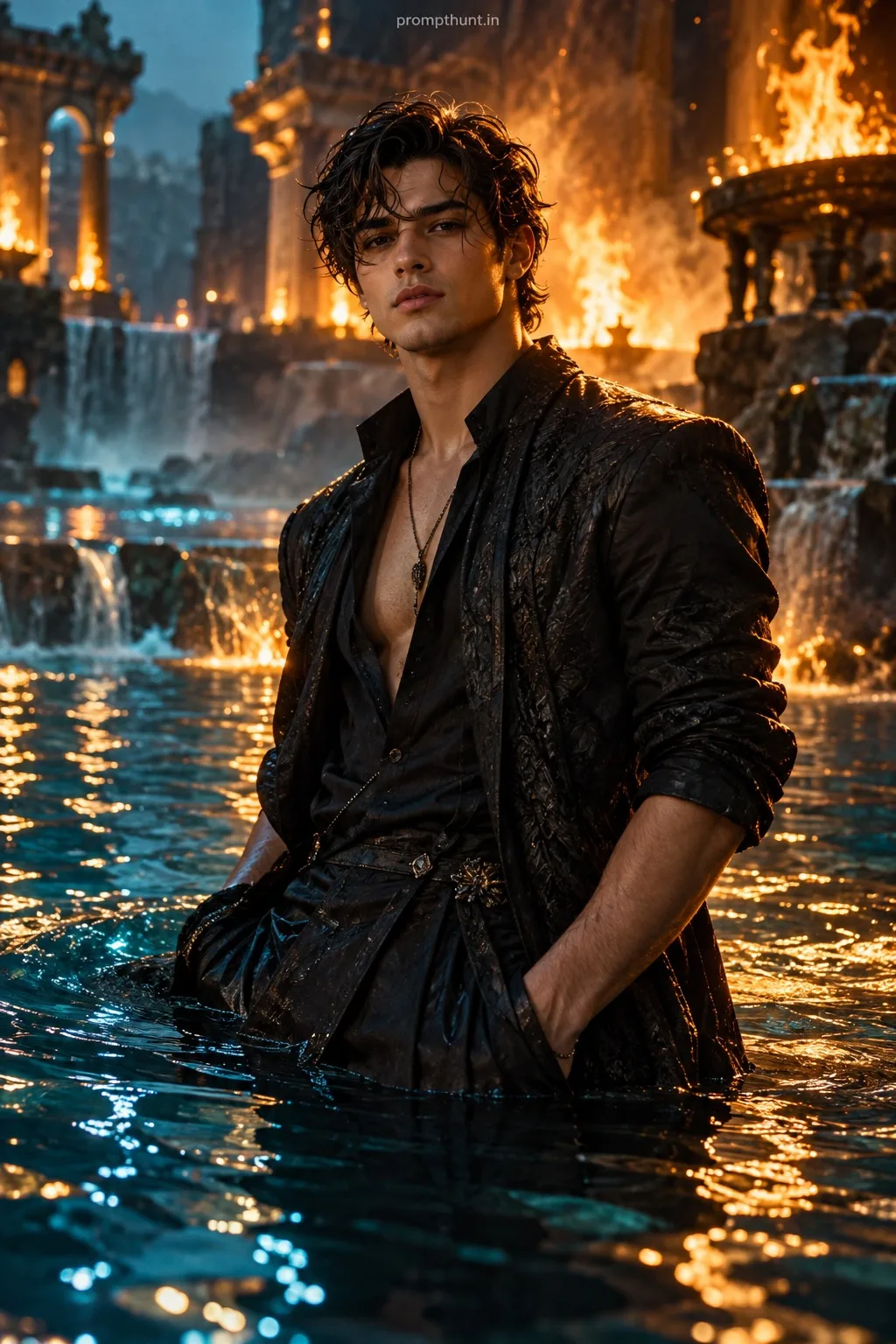
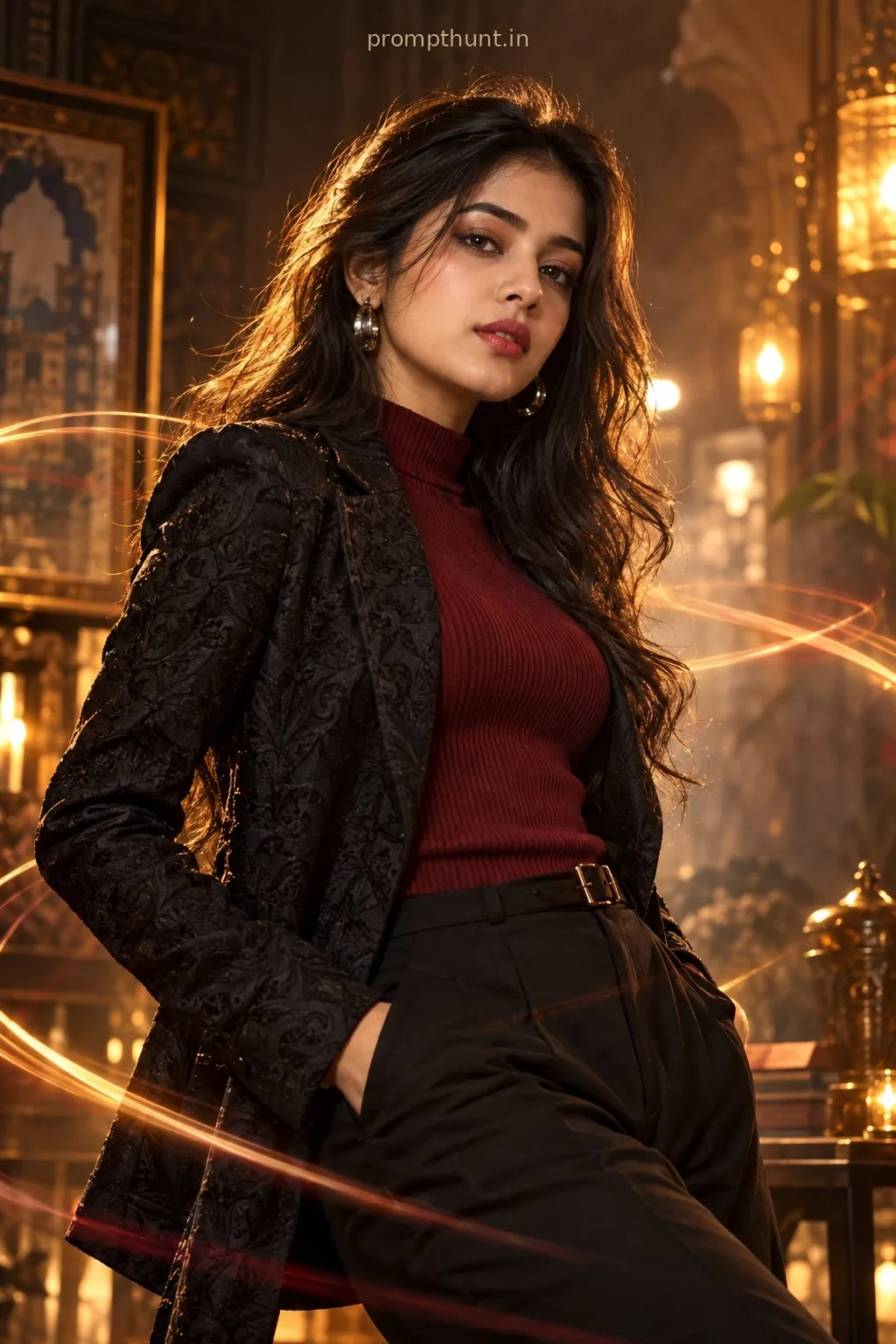
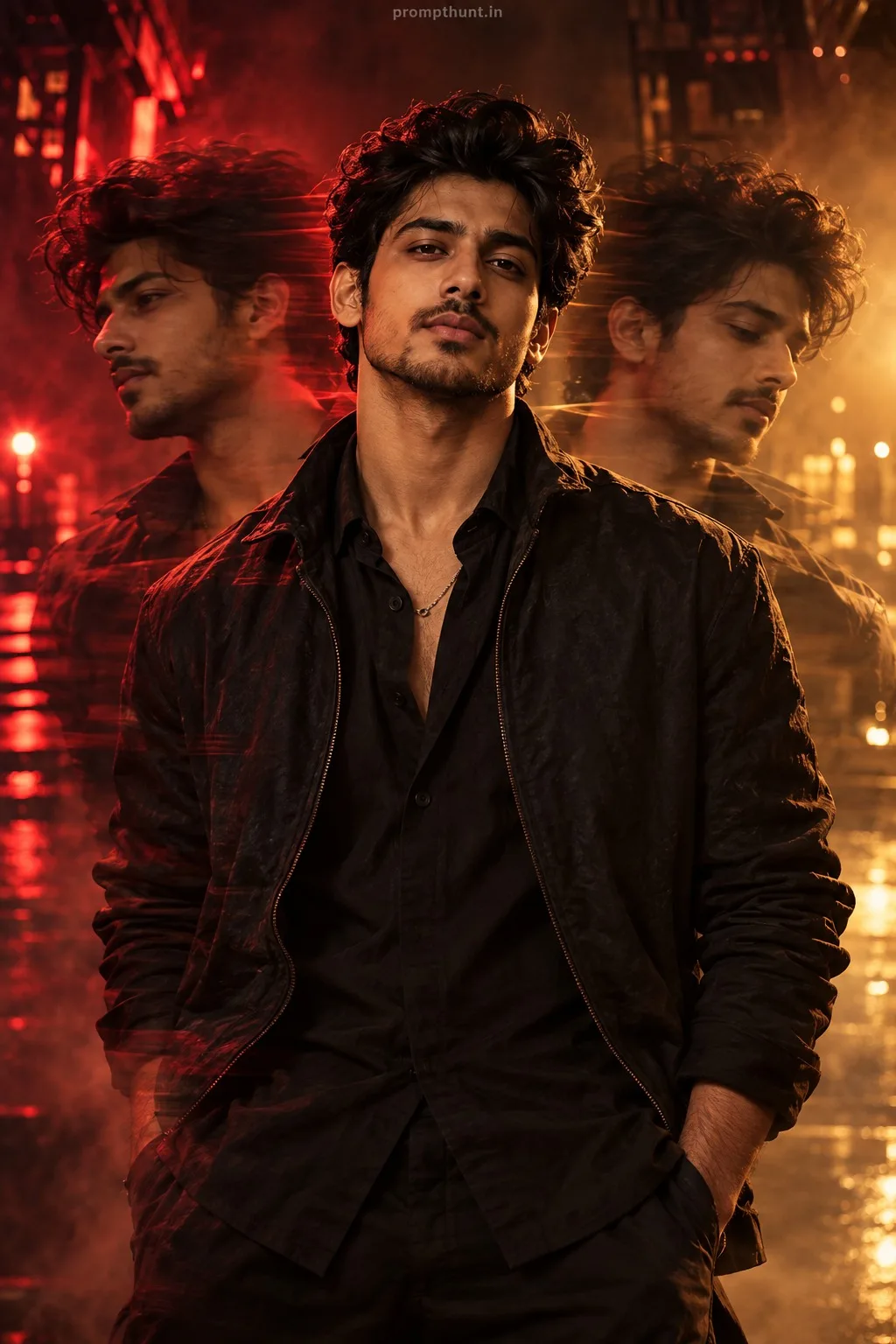
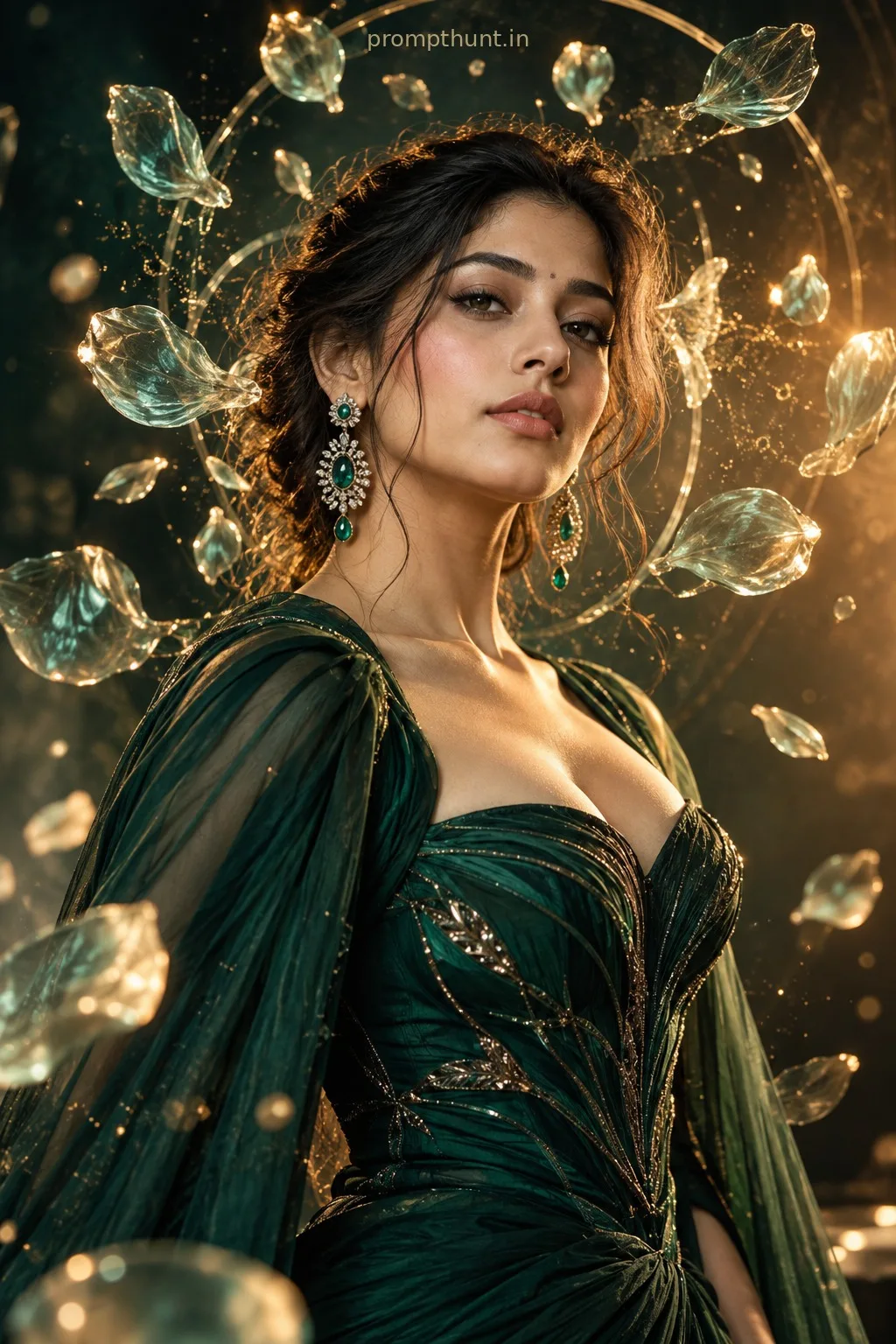
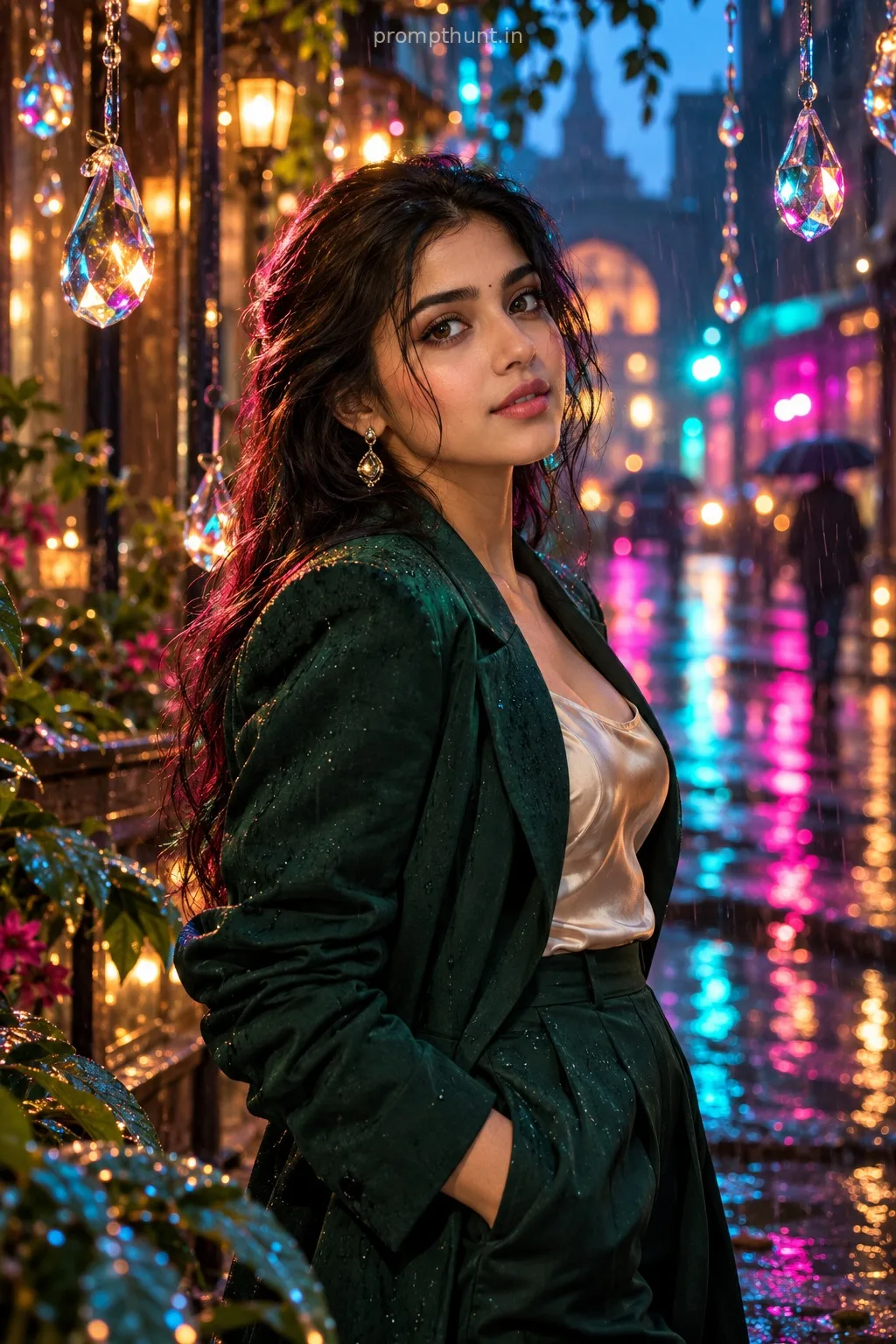
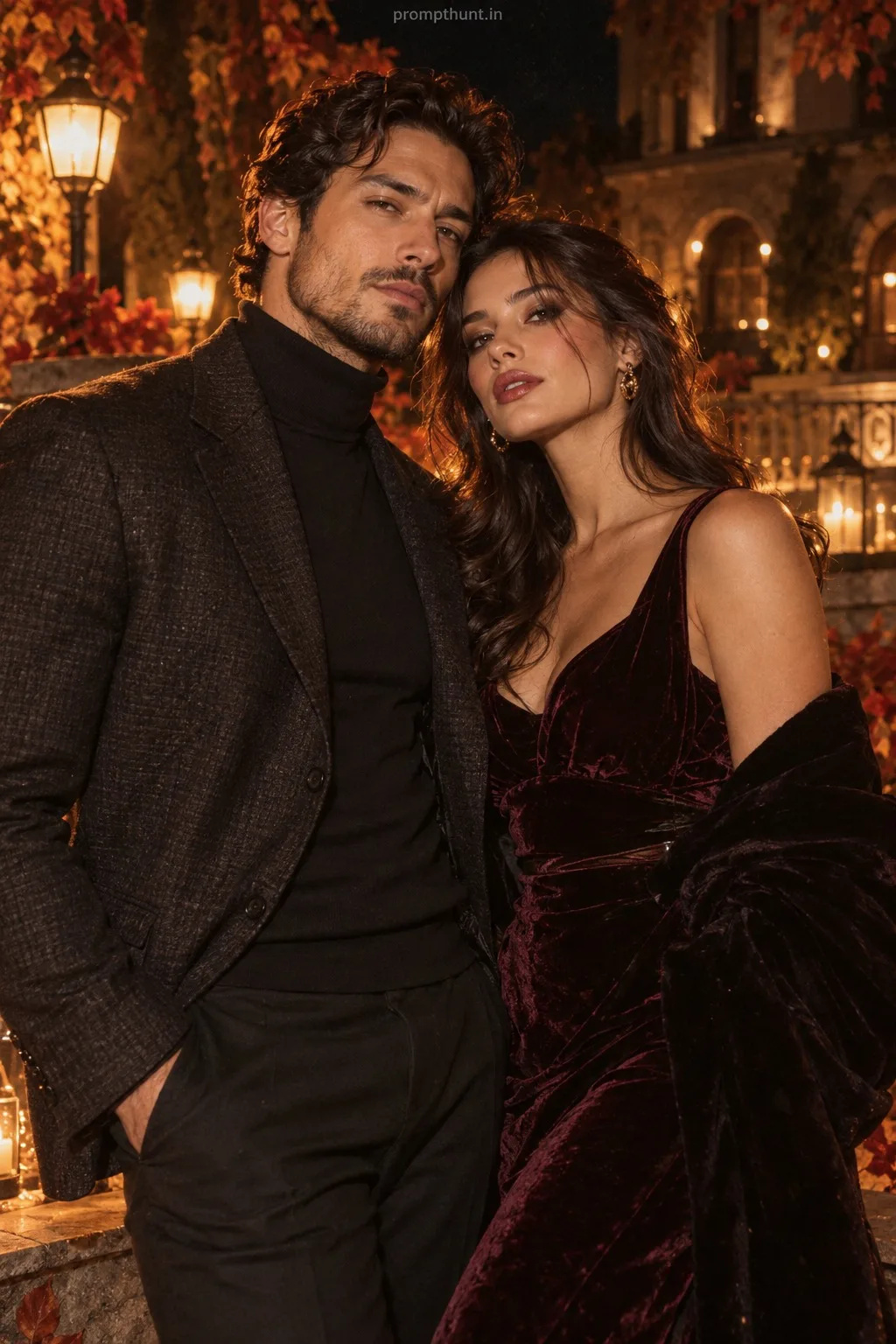
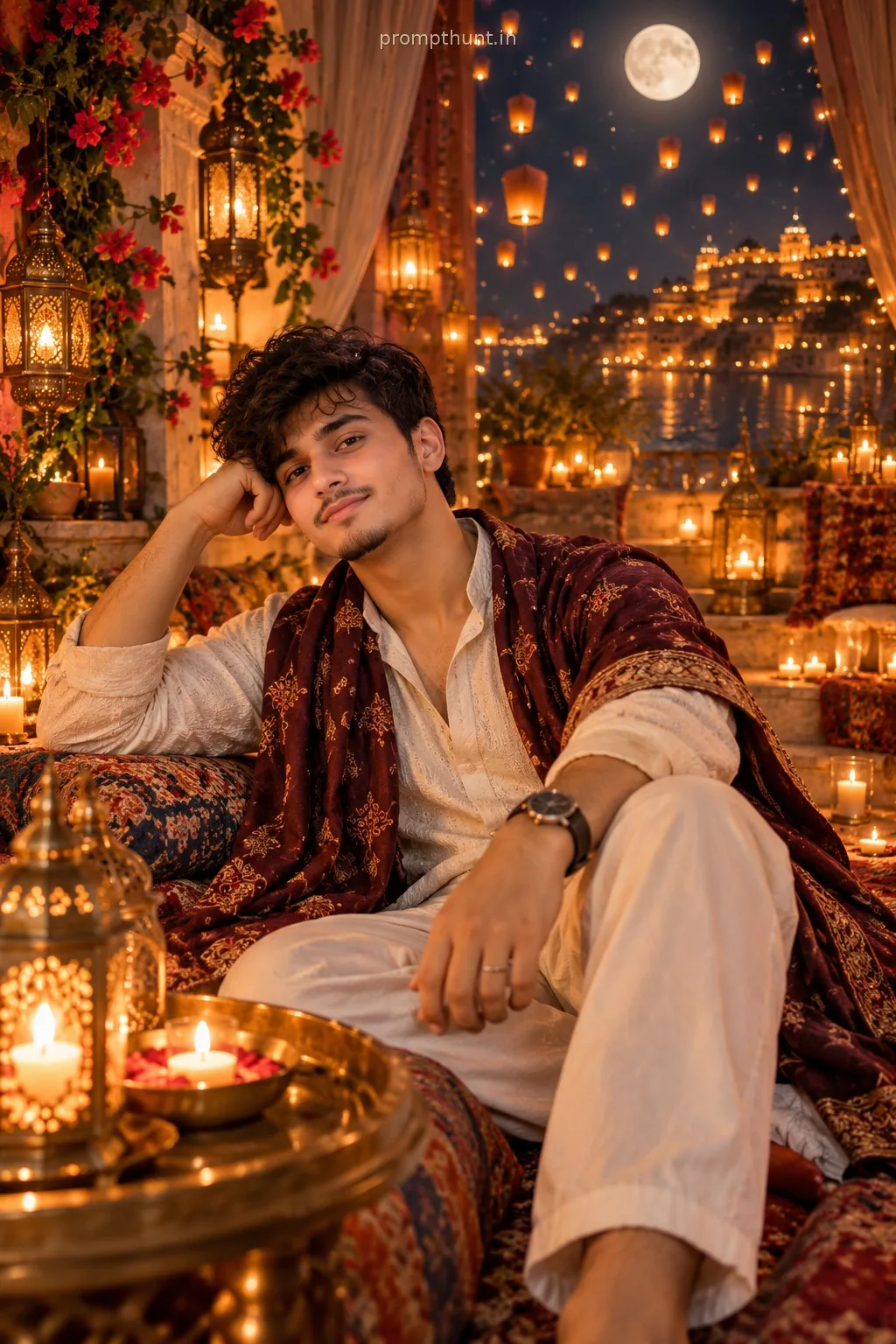
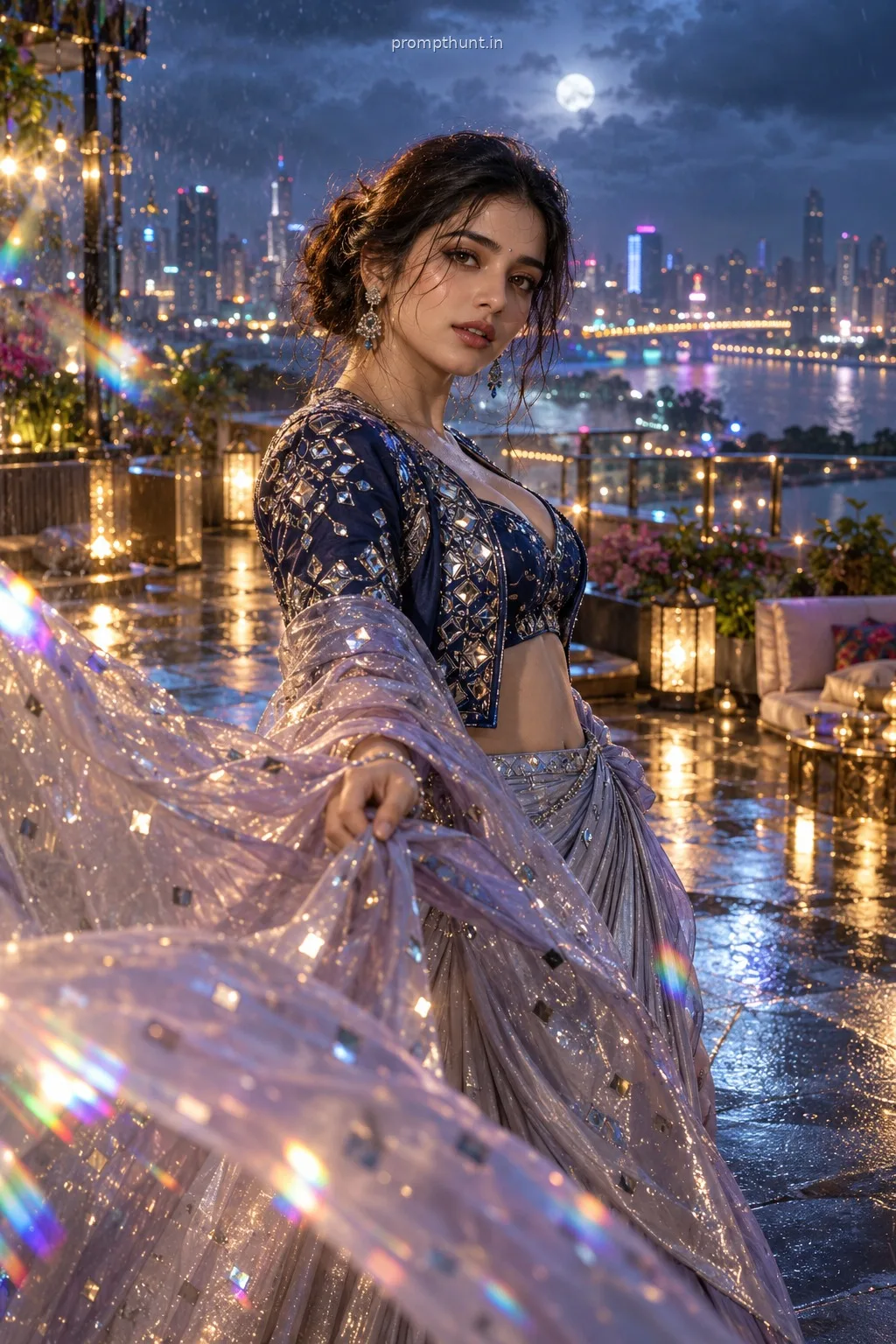
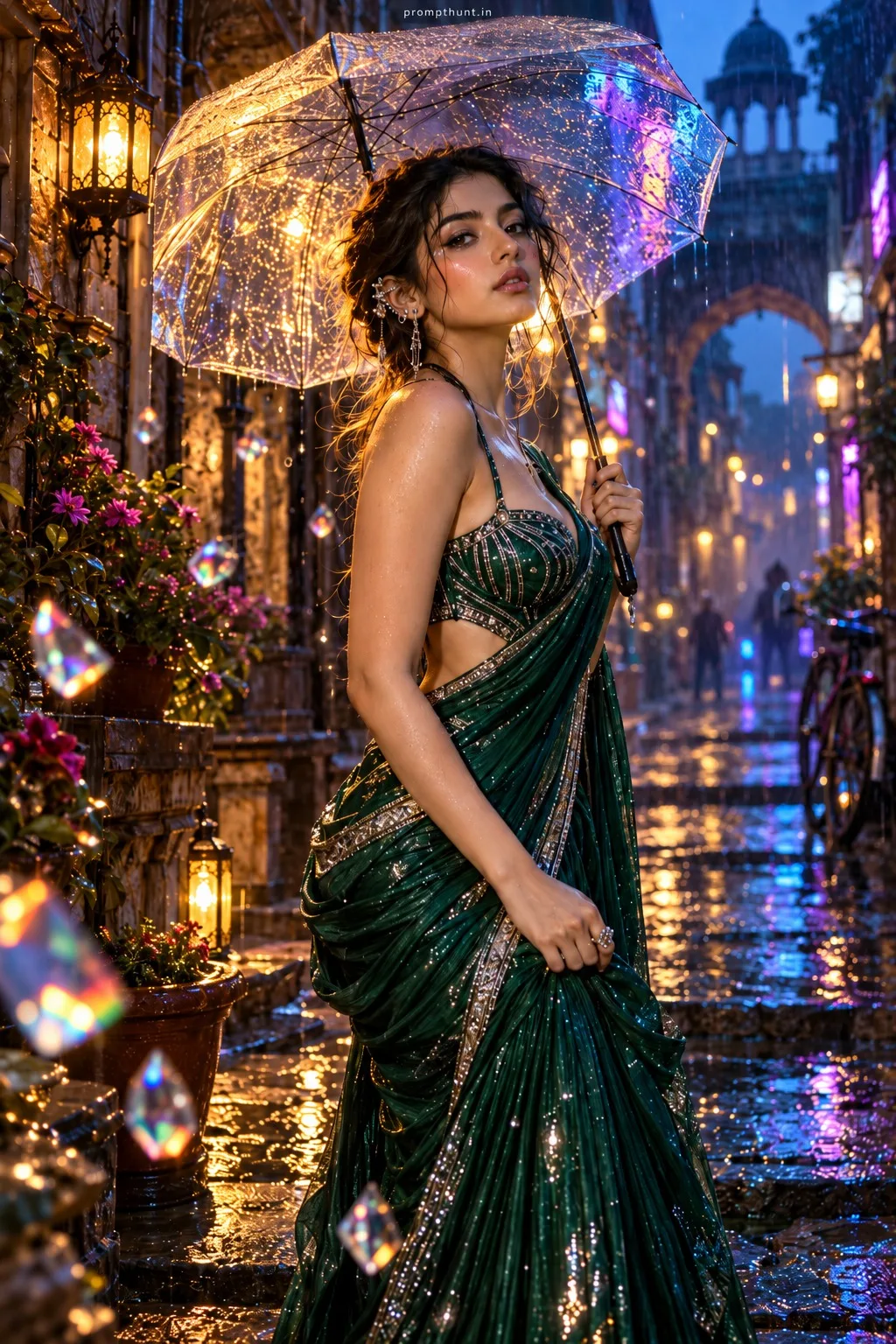
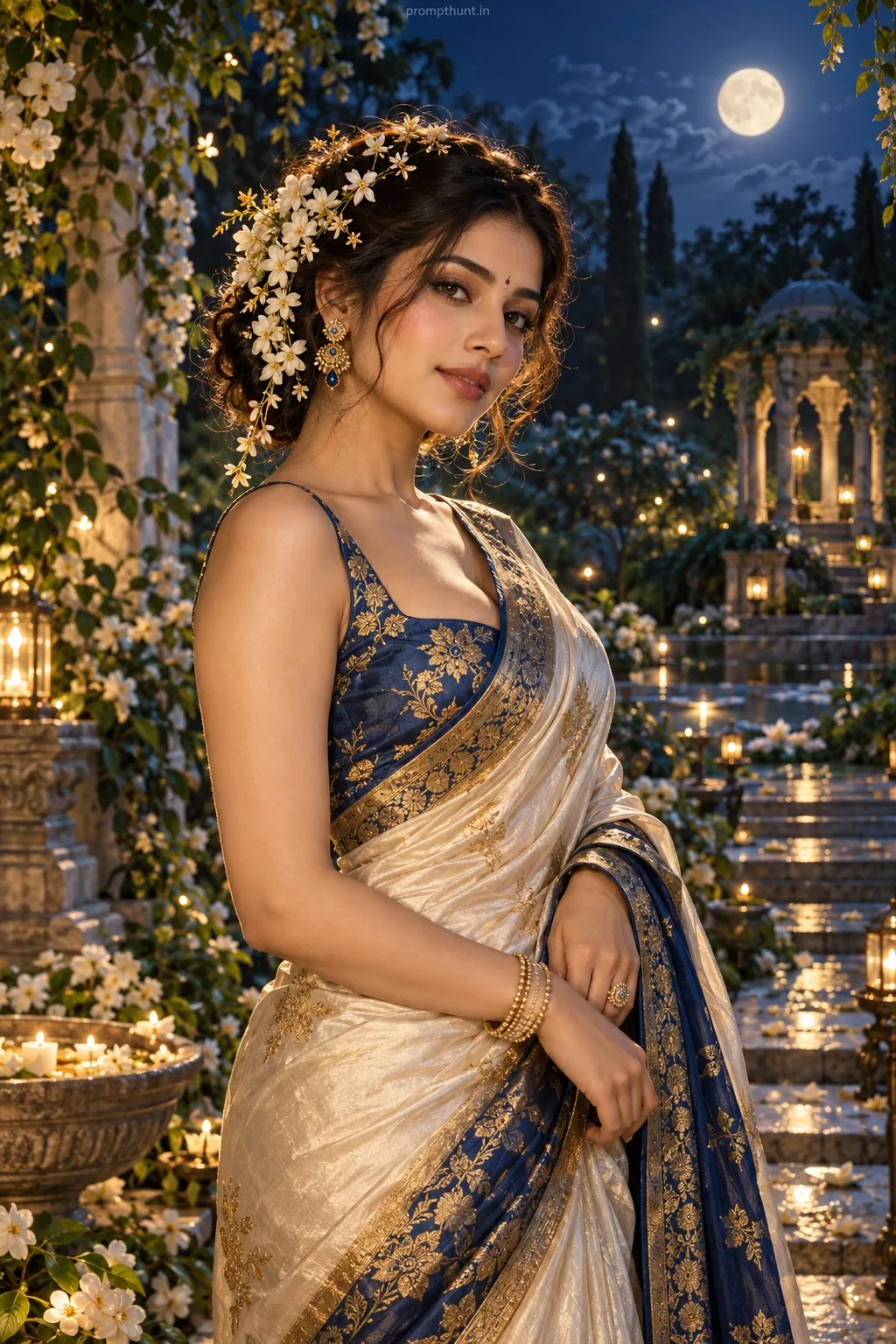
The uploaded photo is the master reference for this character. Preserve the exact facial features, face shape, skin tone, and identity from the uploaded image exactly. Vertical 9:13 composition. 9:13 vertical aspect ratio — a rain-slick Mumbai lane or heritage veranda at golden hour, warm volumetric sunlight streaming through colonial columns and monsoon haze, deep cinematic rim and soft fill highlighting textures, gentle backlight creating subtle lens flares and bokeh from distant streetlights, wardrobe in rich, traditional Indian textiles—flowing silk sari or tailored kurta in jewel tones with intricate embroidery and metallic accessories, light fabric movement captured mid-flow, moody romantic atmosphere with warm teal-orange color grading, fine film grain, high contrast shadows, shallow depth of field and cinematic composition emphasizing texture and environment while preserving the uploaded face as the focal point Add a small, thin, professional 'prompthunt.in' text watermark at the top center of the image. The watermark should be subtle, use a color that matches the image's color palette, and appear lightweight and elegant — not distracting.
Community Rating
Rate this prompt
Mumbai Golden Hour Cinematic Lighting AI Photo Editing Prompt is a free, copy-paste cinematic lighting AI photo editing prompt. Paste it into any AI photo editor with one clear photo of yourself and you get the edited result in about ten seconds — no account and no payment. The prompt tells the model to keep your exact facial features, skin tone and identity, and to change only the background, outfit, lighting and styling.
9:13 vertical aspect ratio — a rain-slick Mumbai lane or heritage veranda at golden hour, warm volumetric sunlight streaming through colonial columns and monsoon haze, deep cinematic rim and soft fill
How to use this cinematic lighting prompt
More prompts to explore
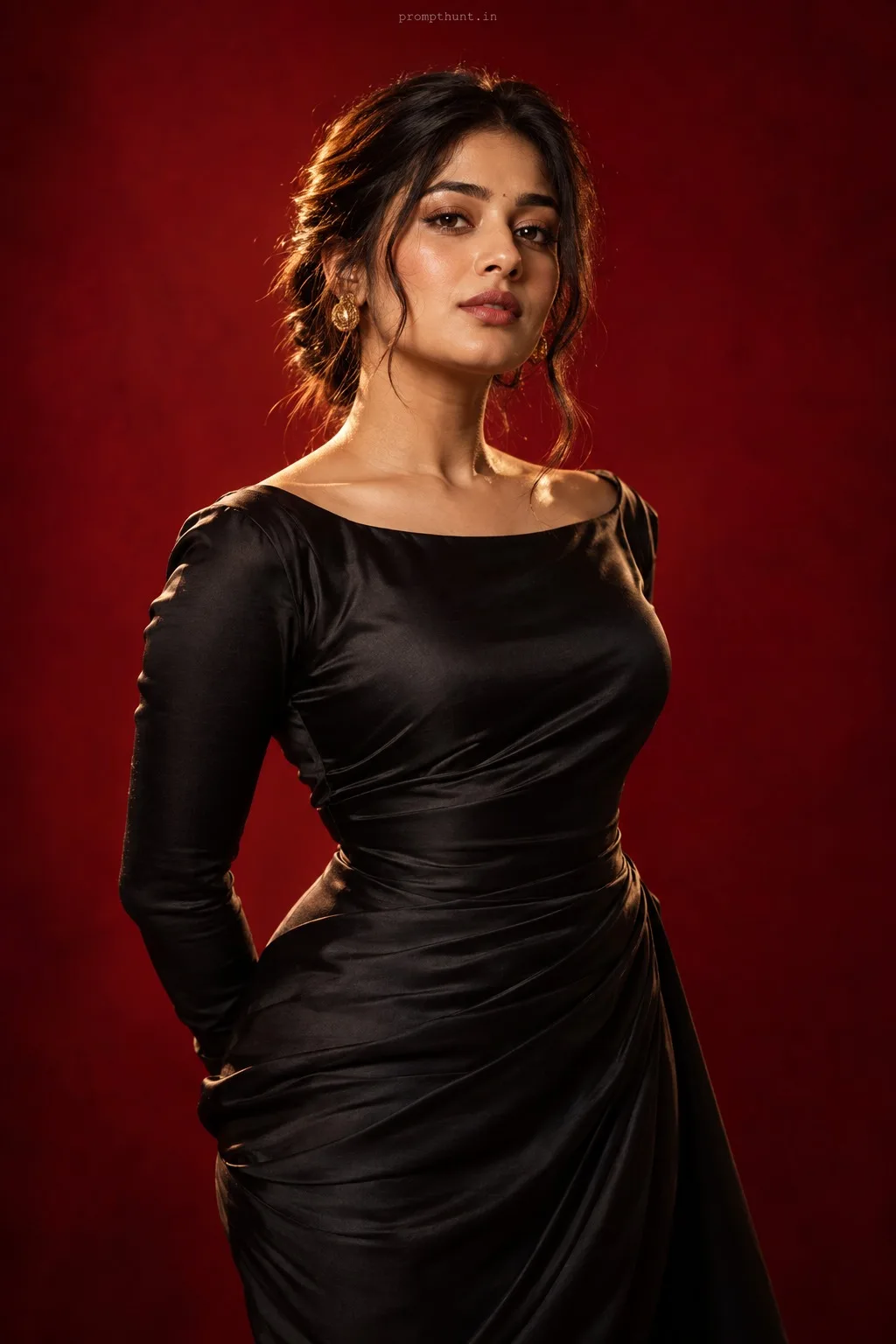
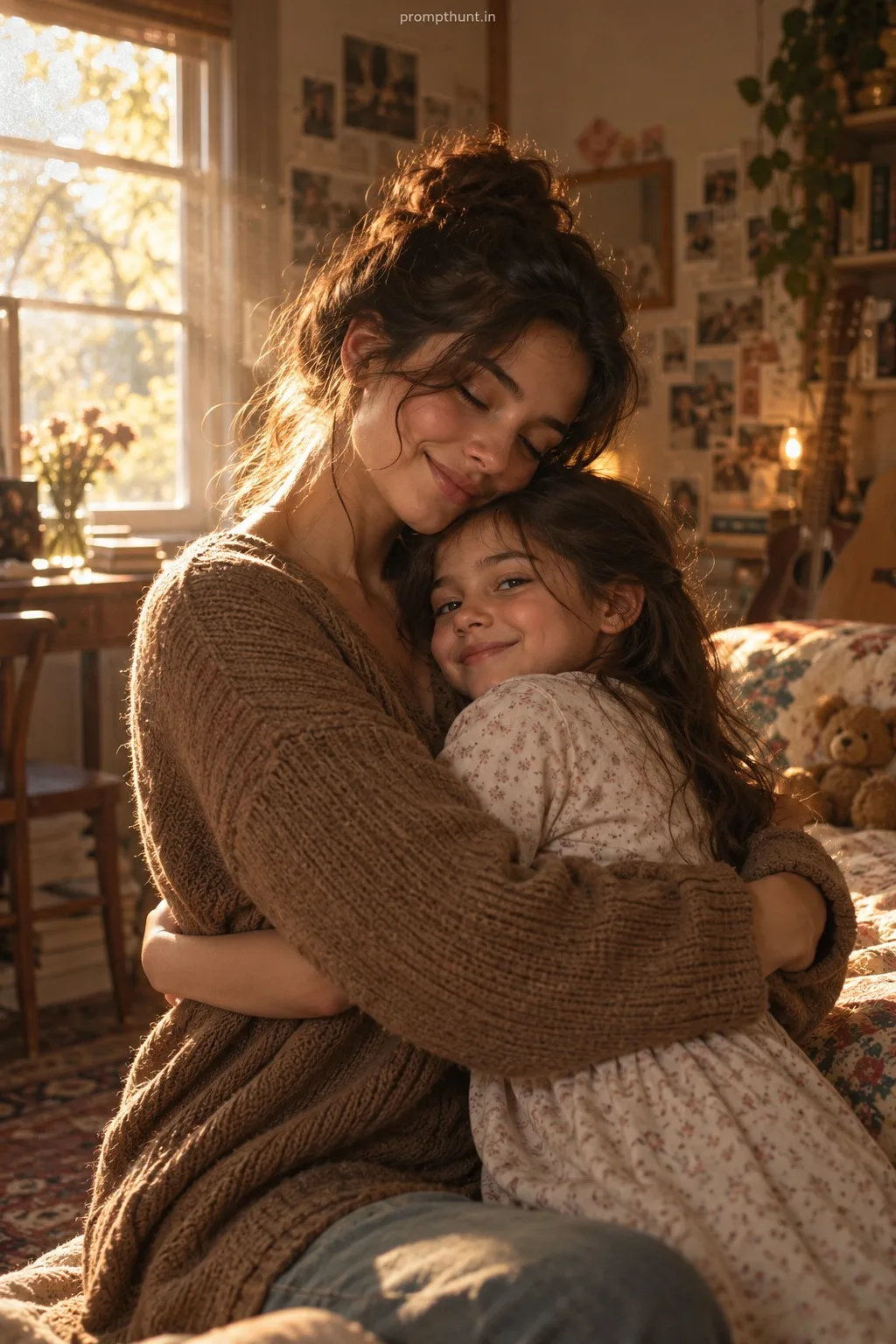
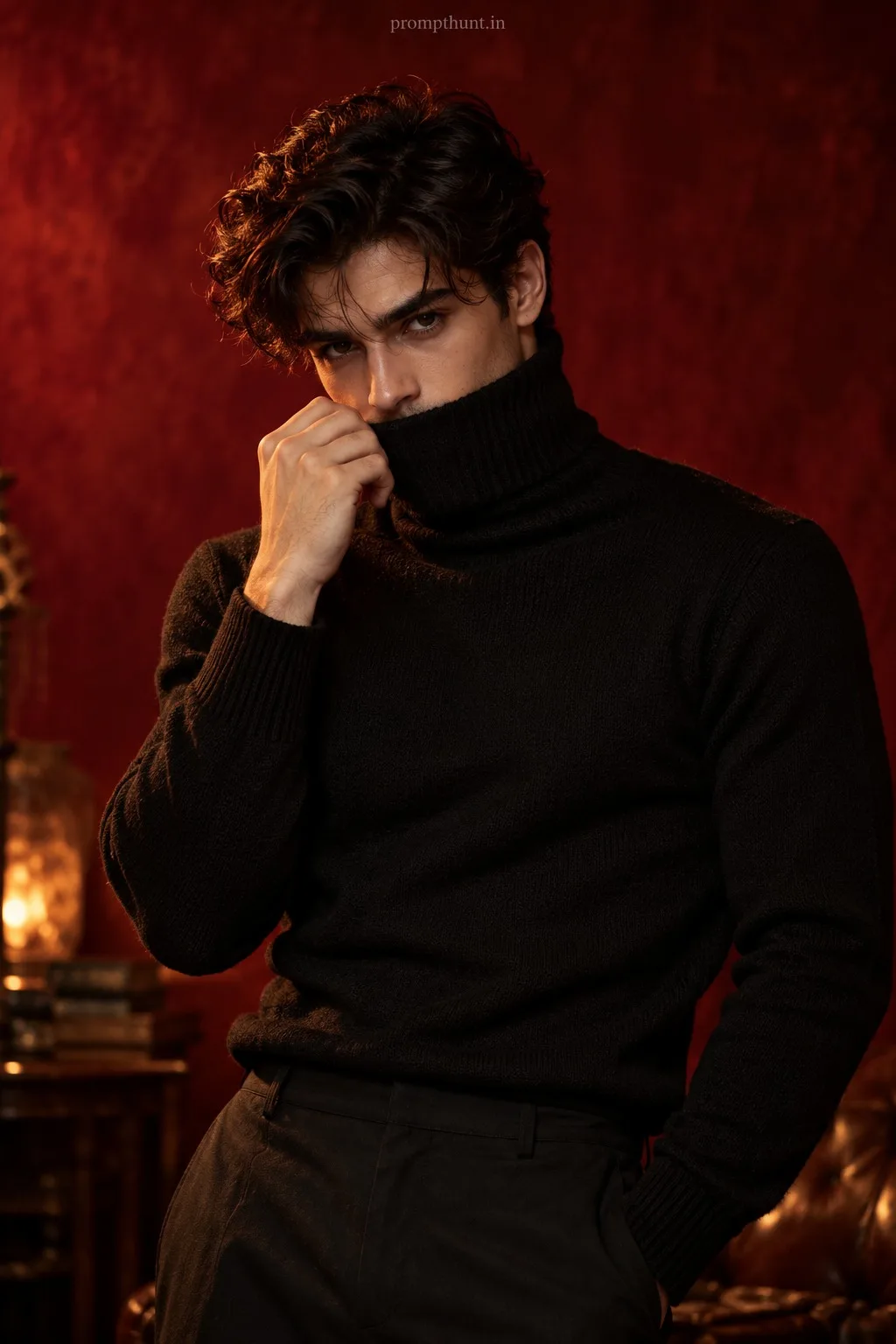
AI Photo Editing Prompts