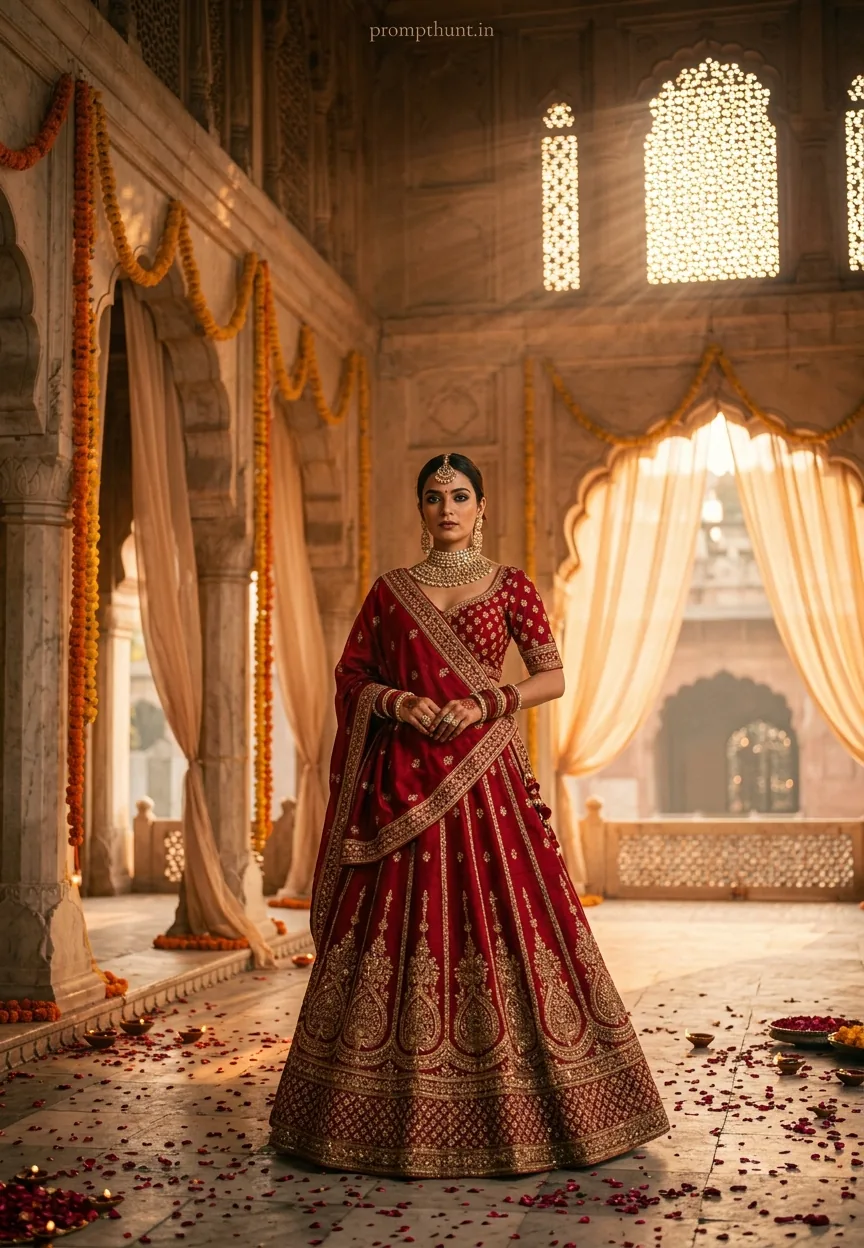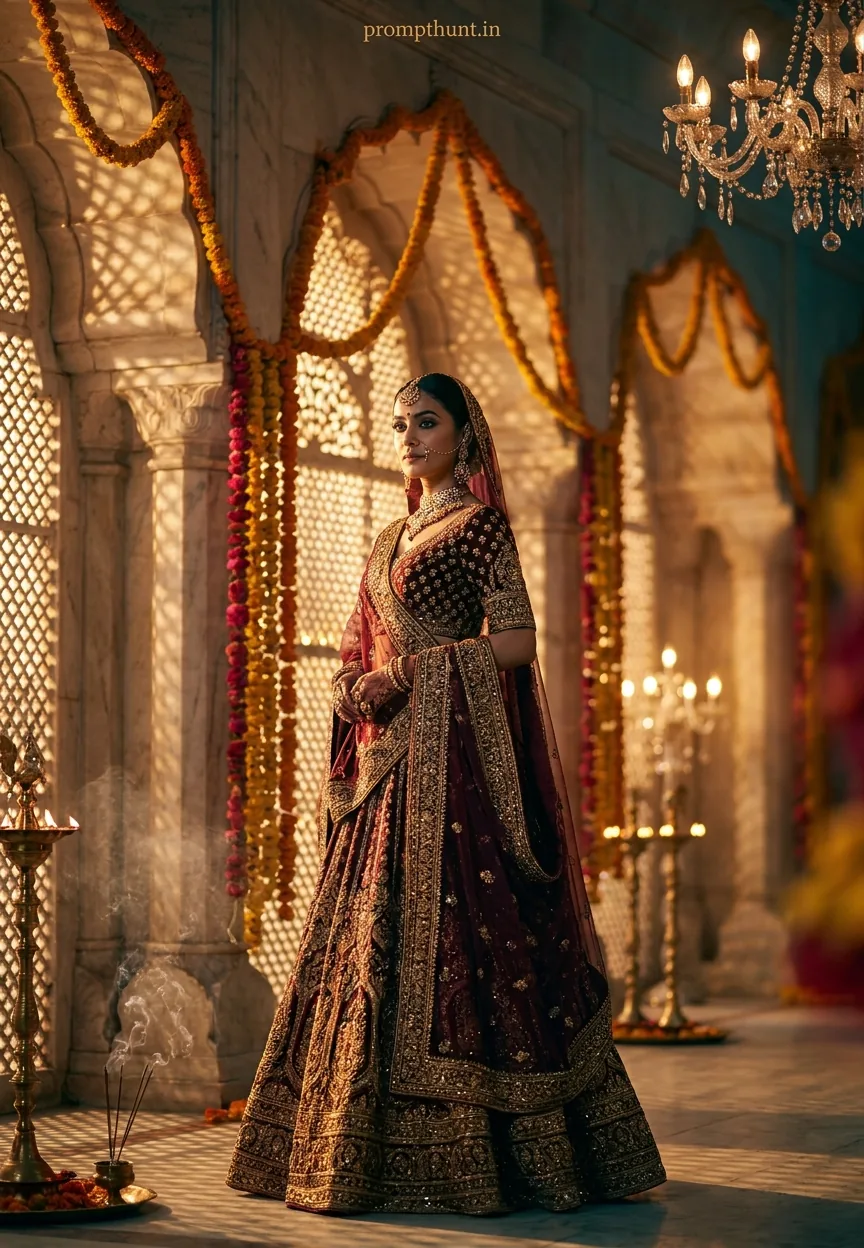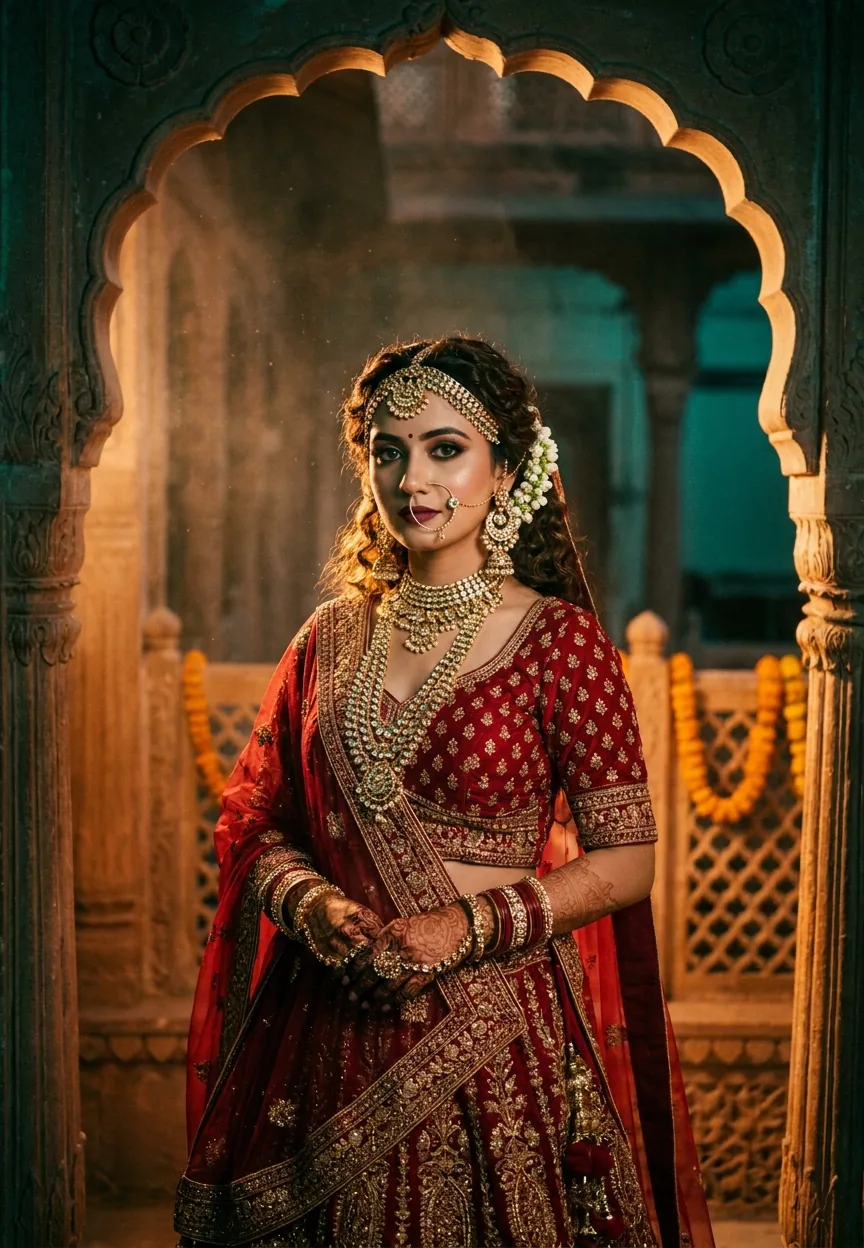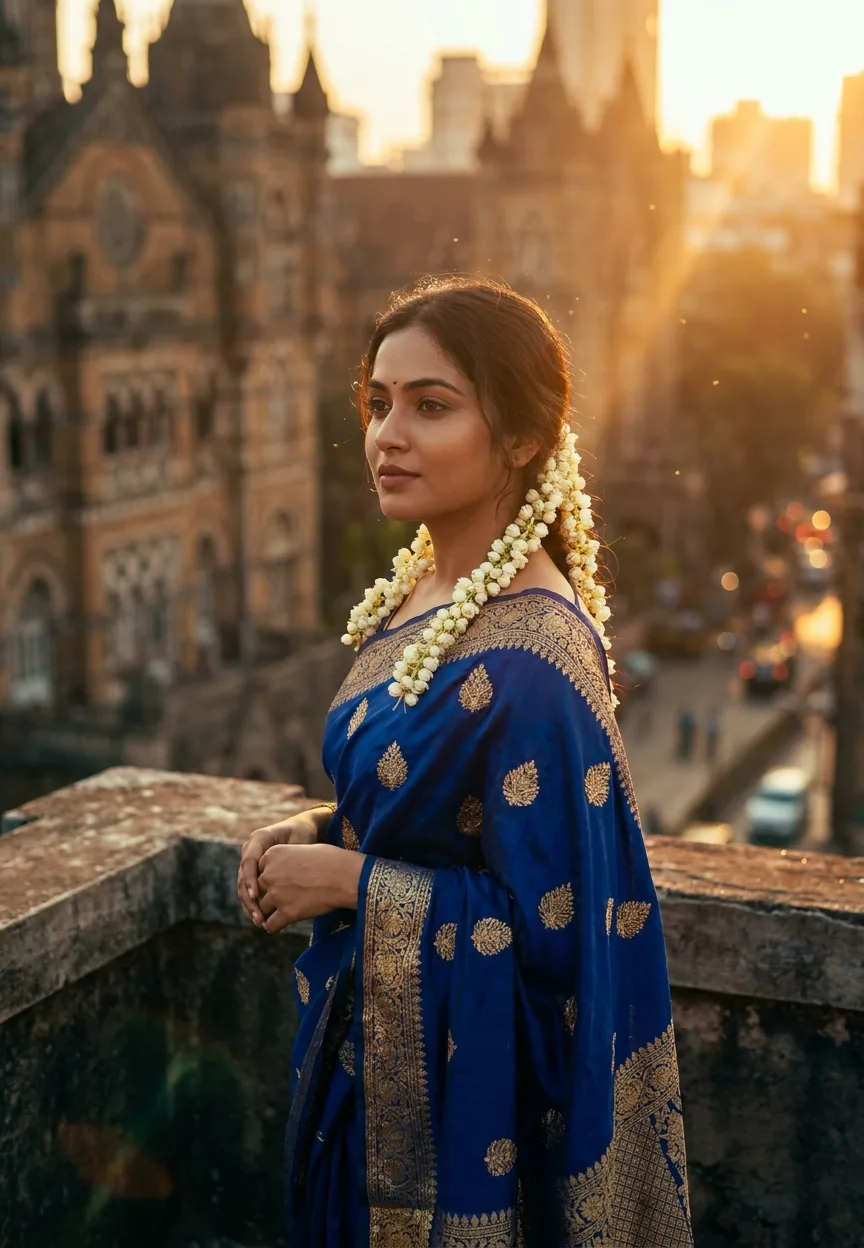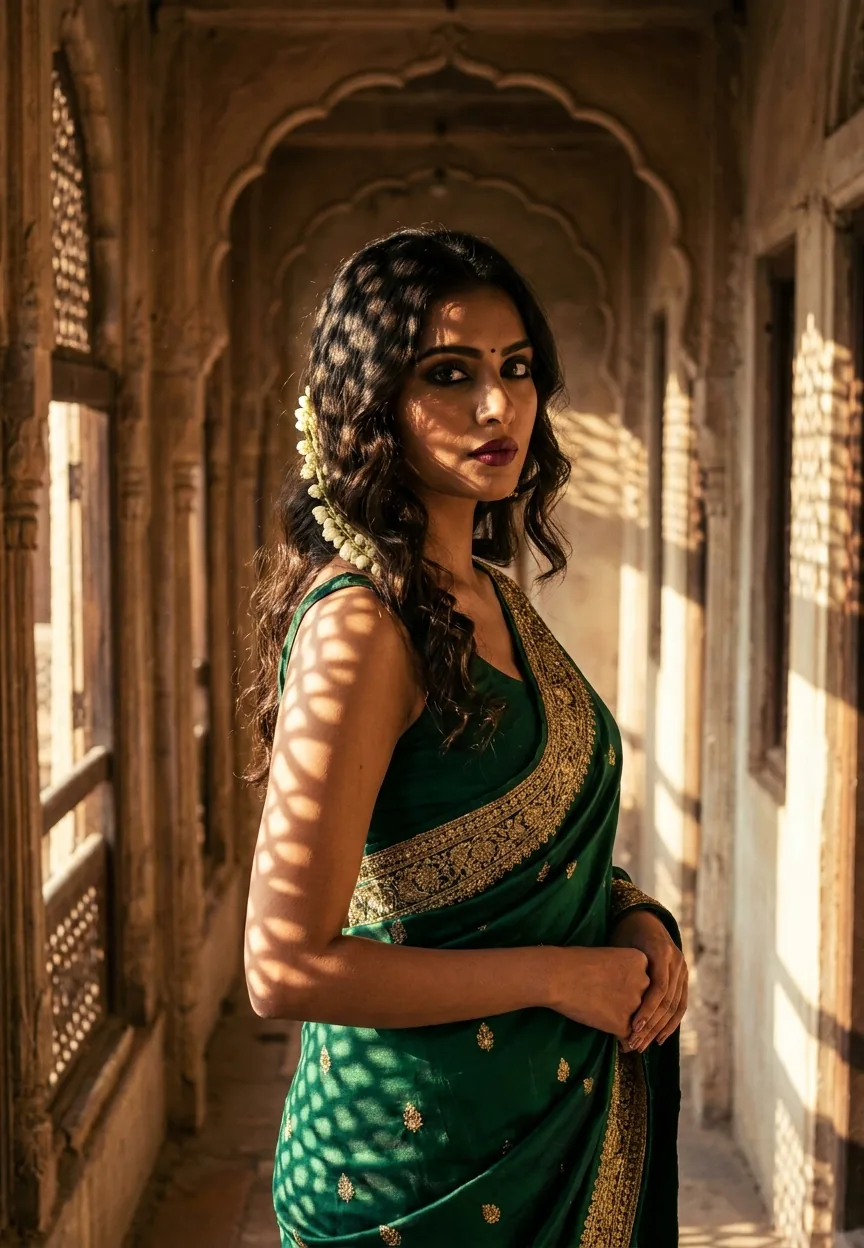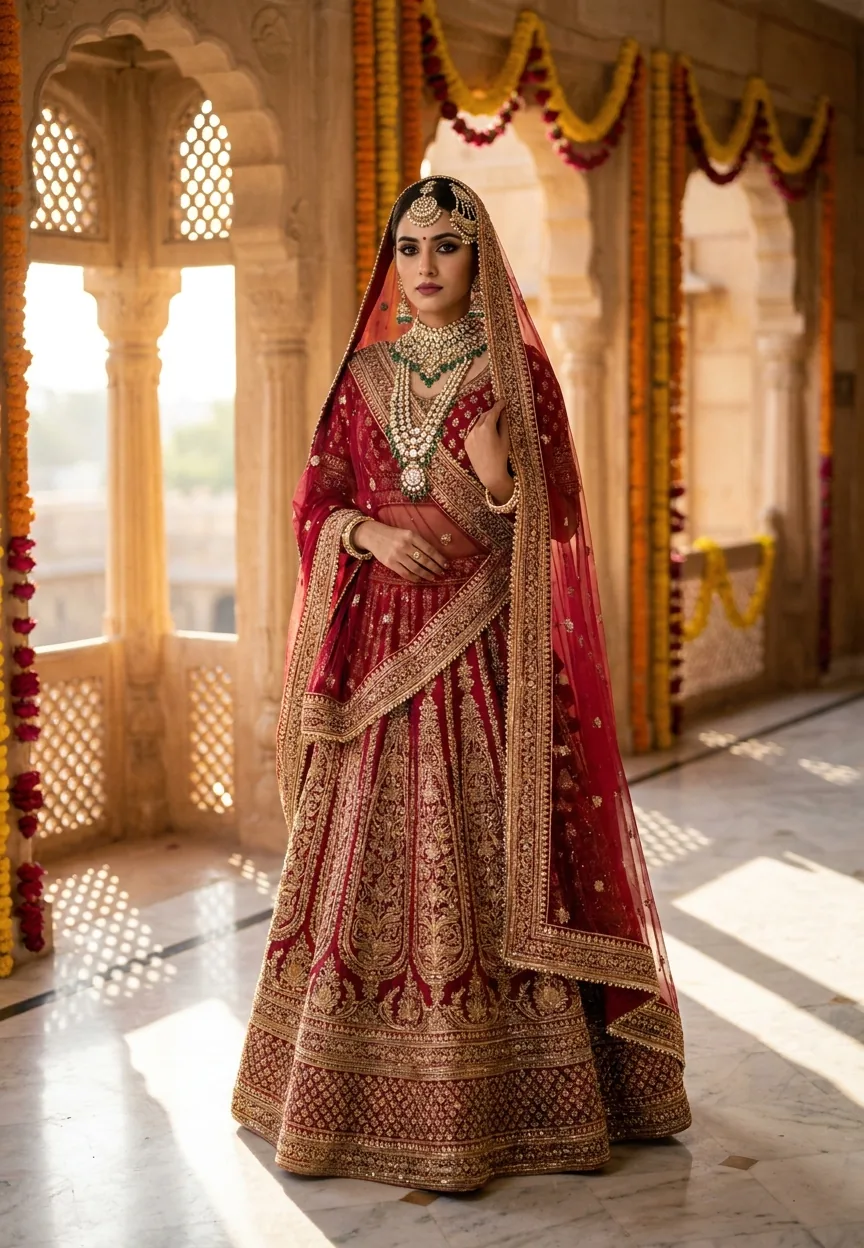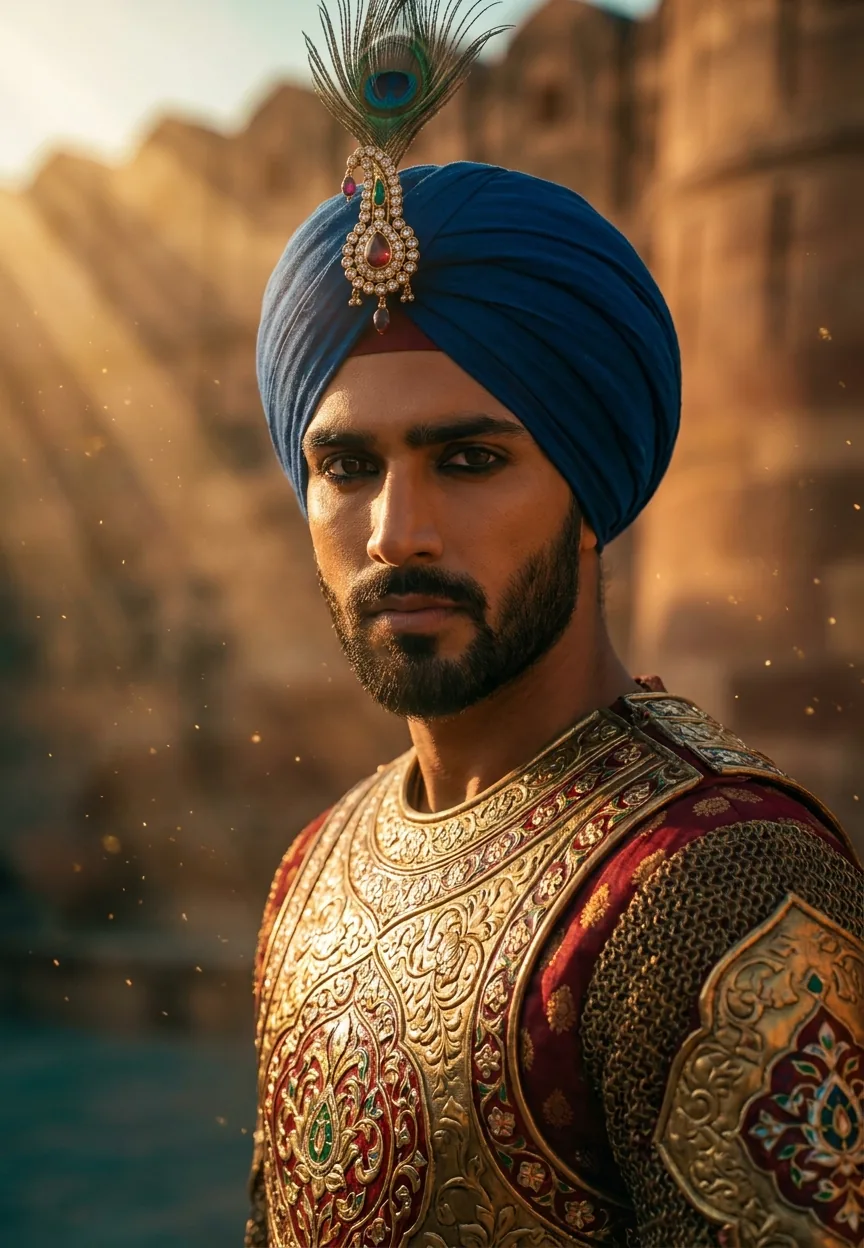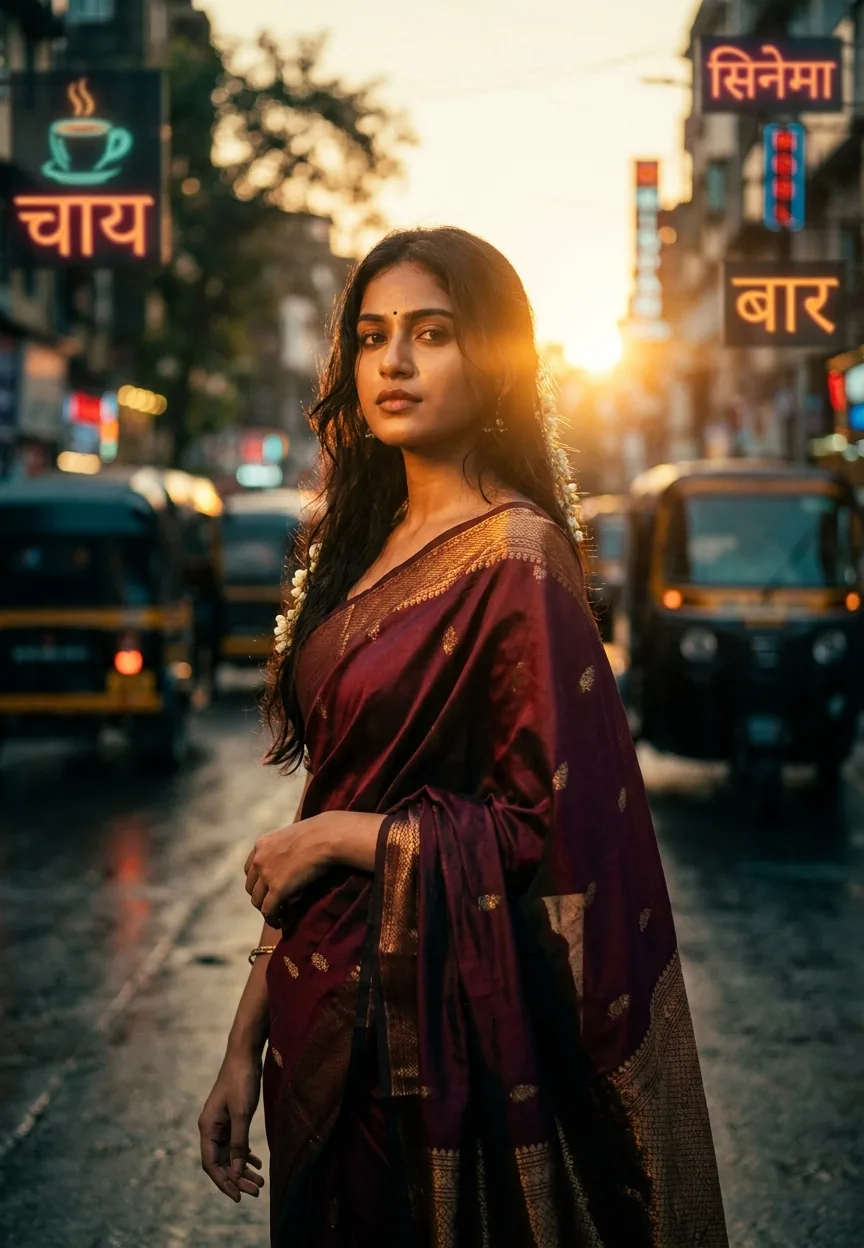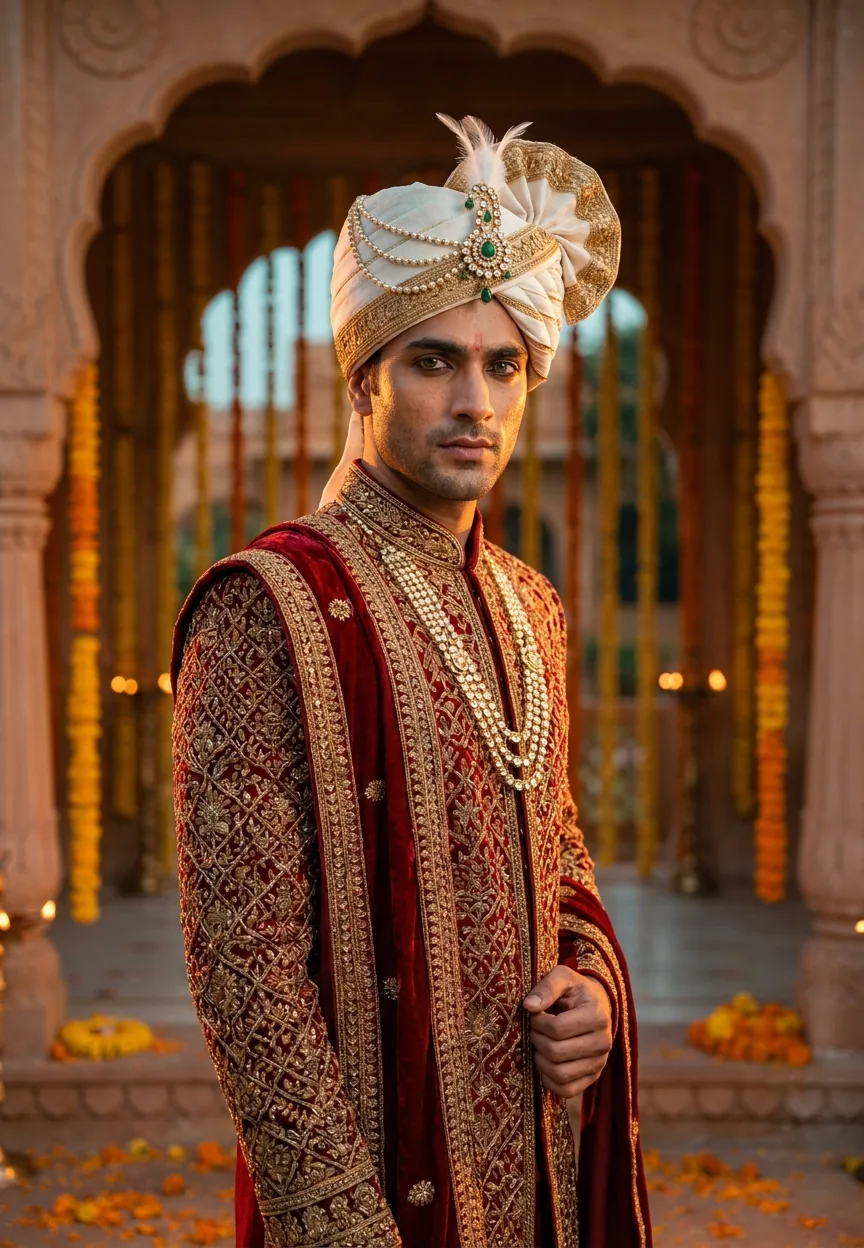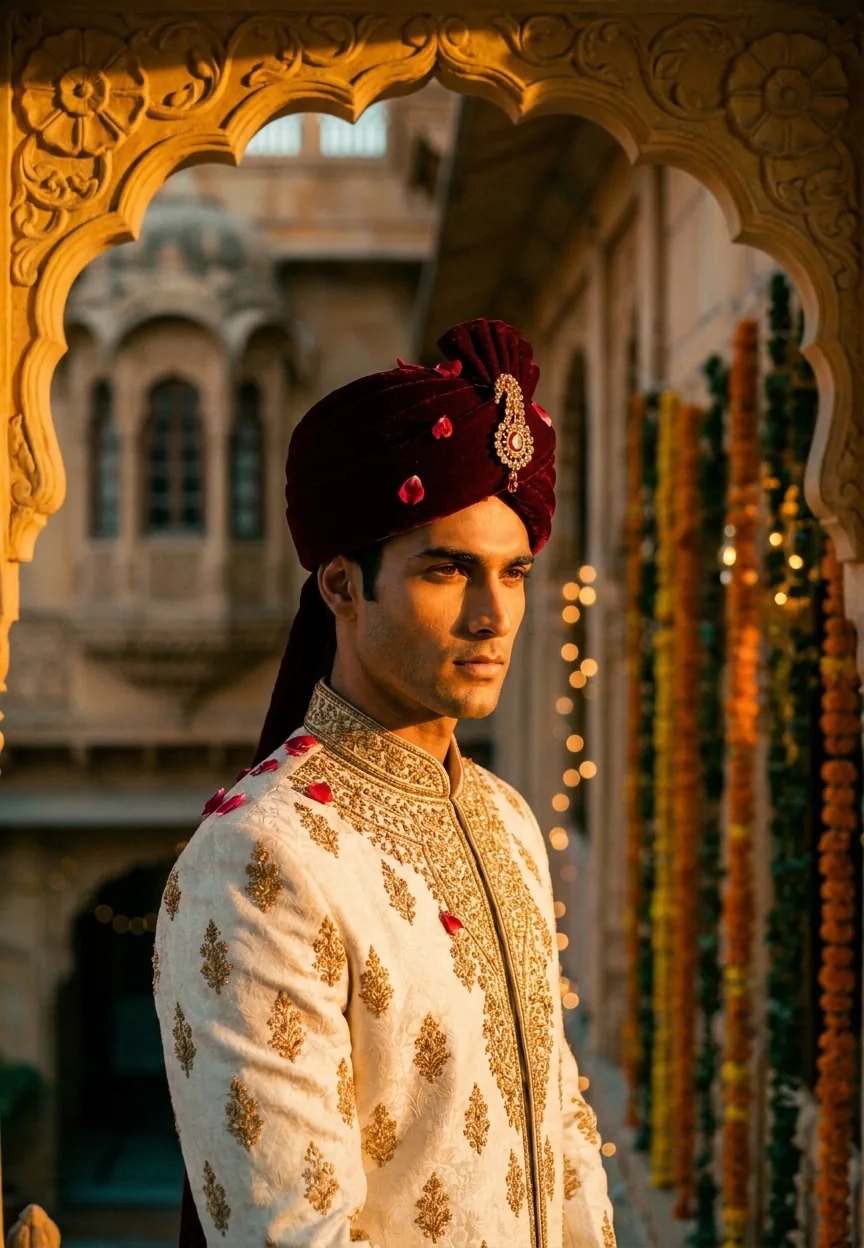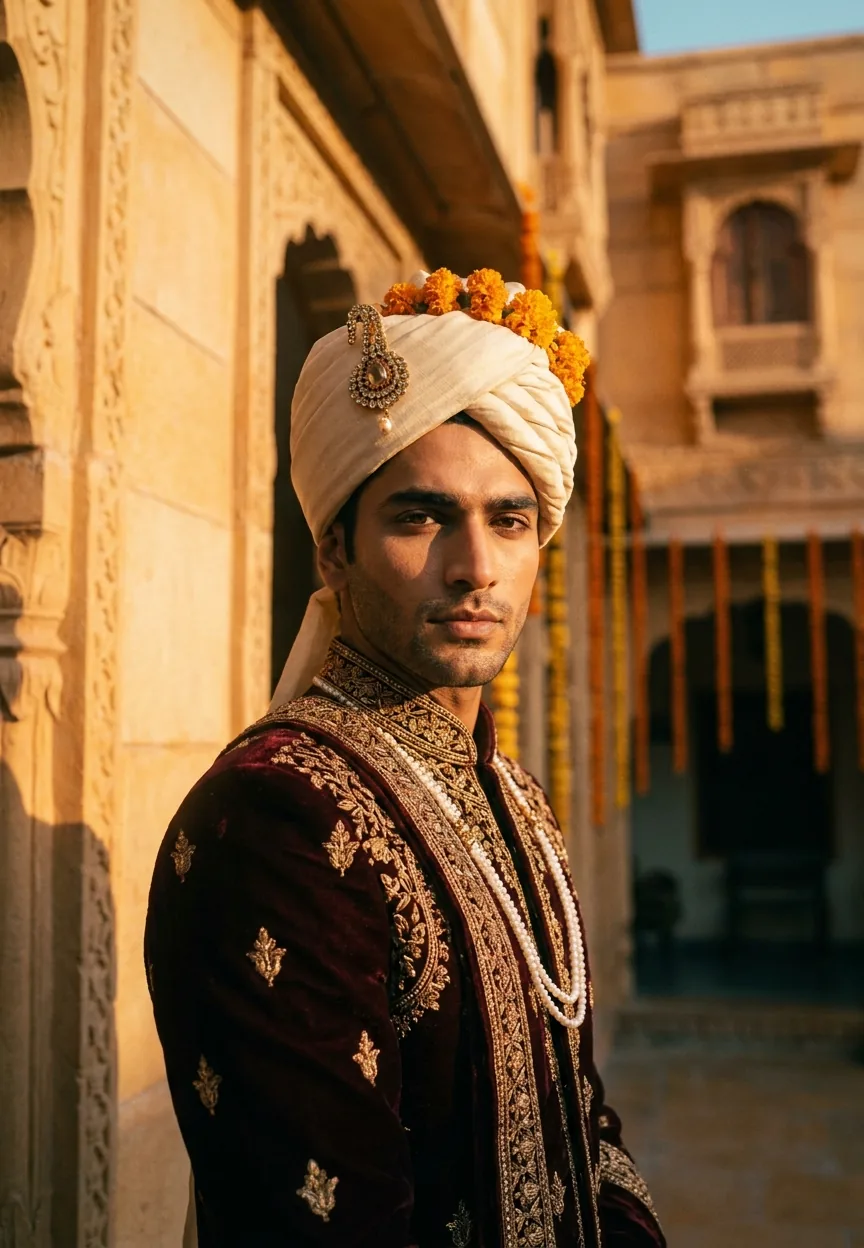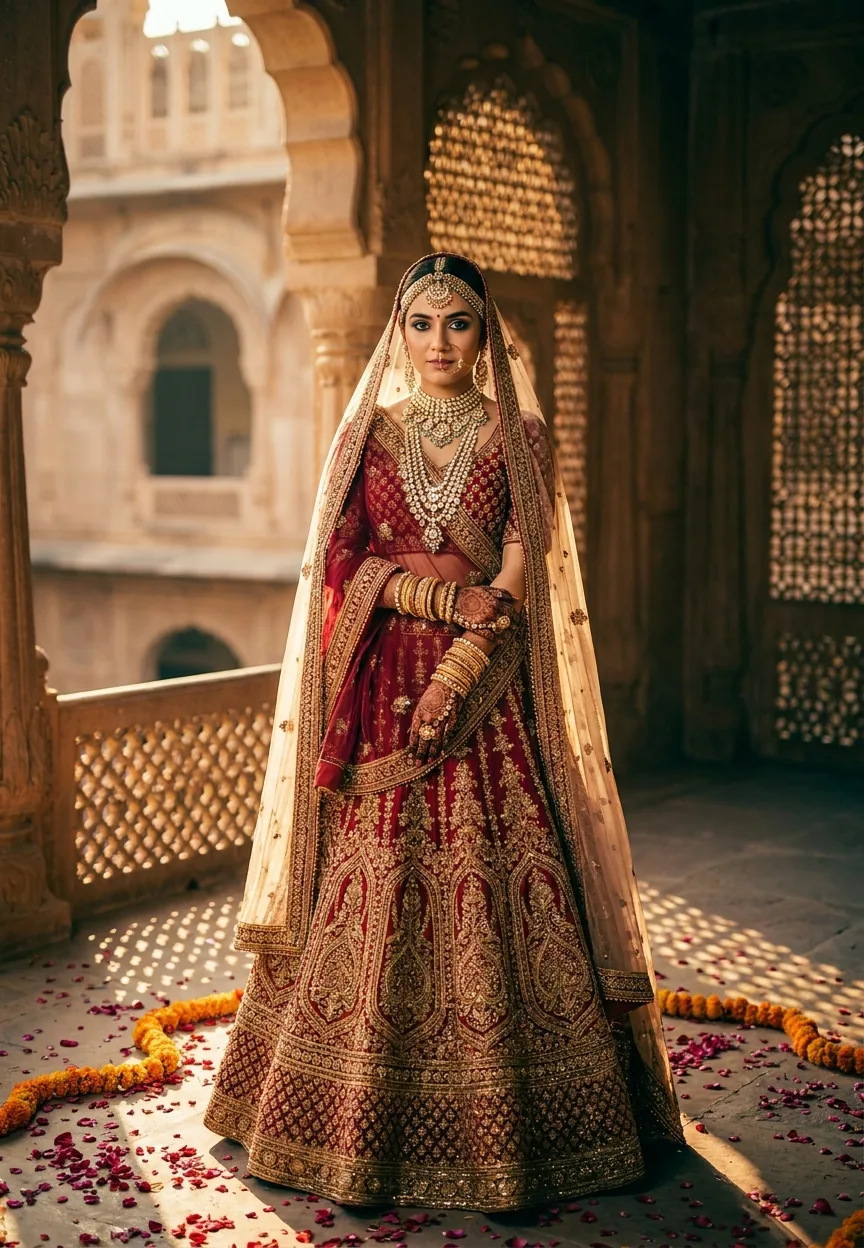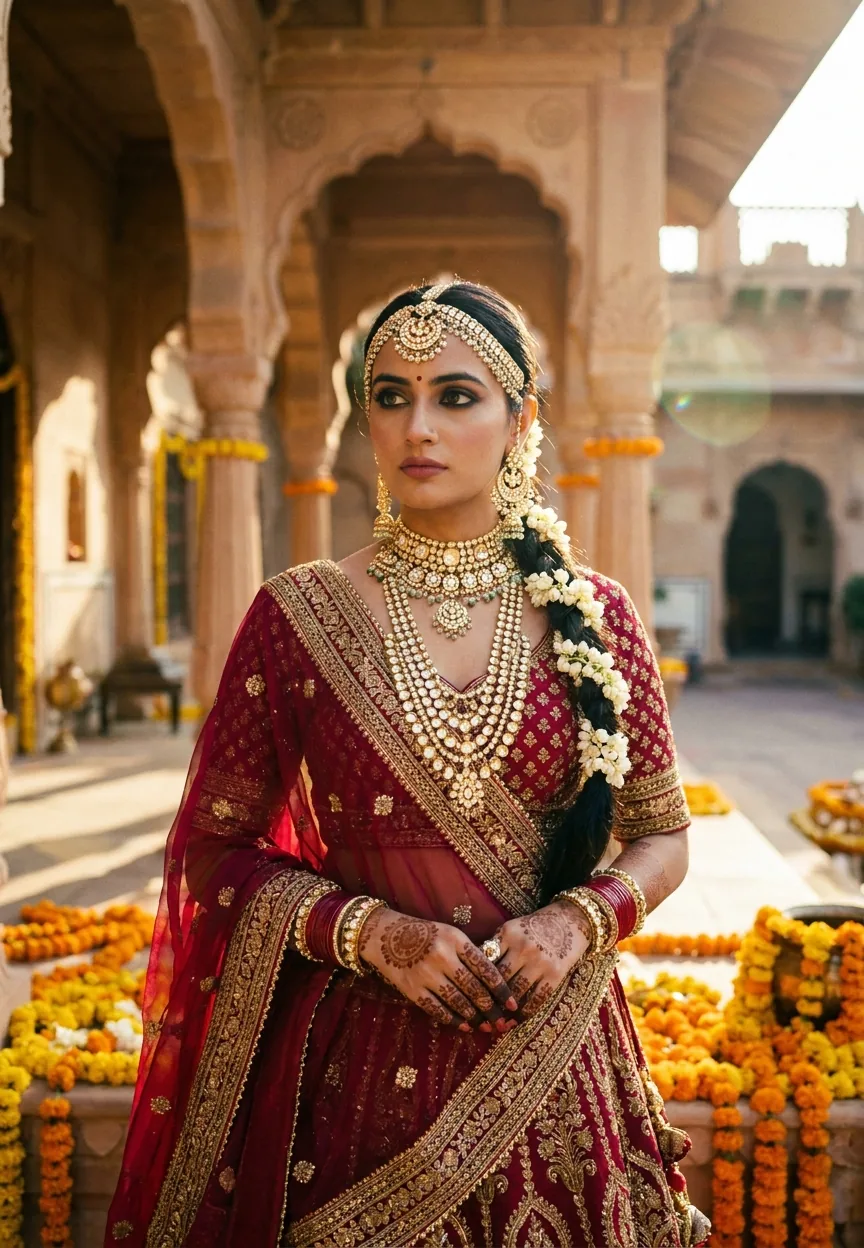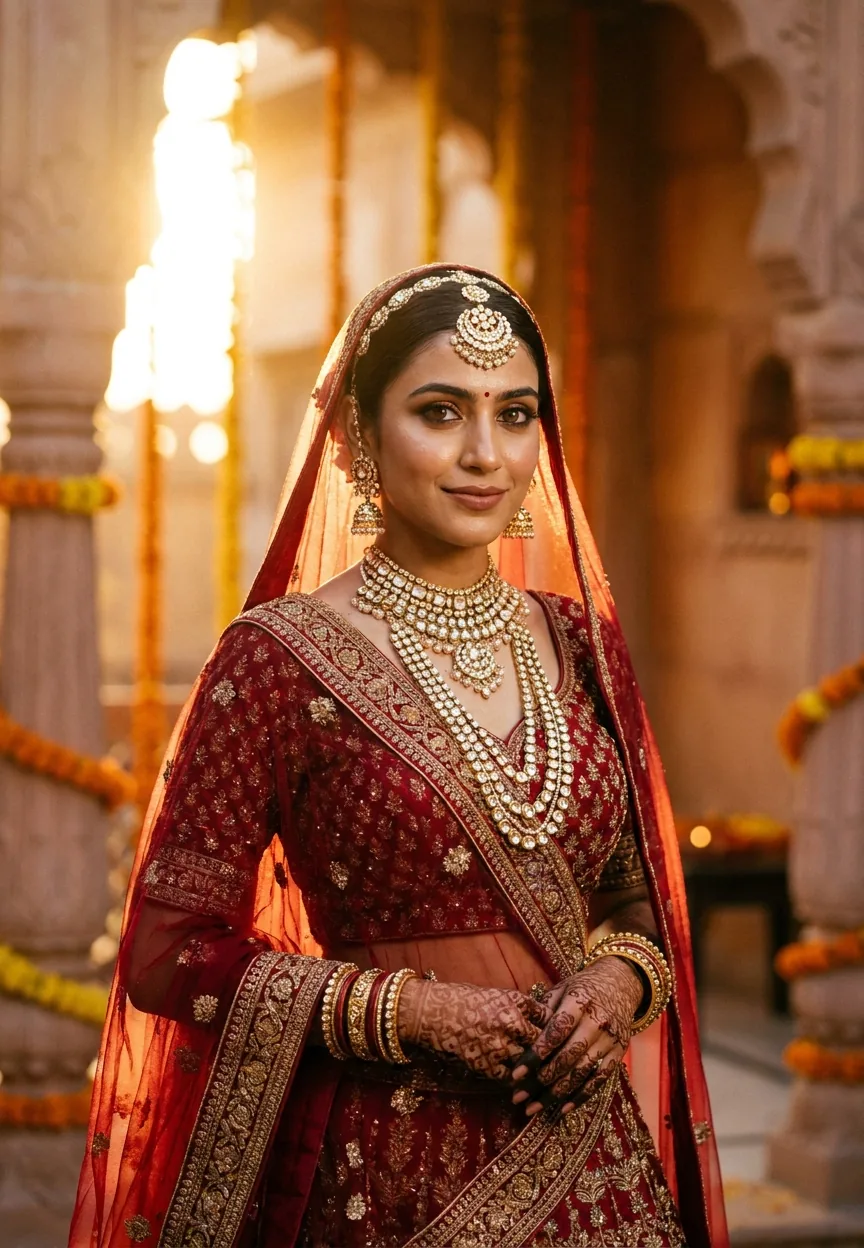
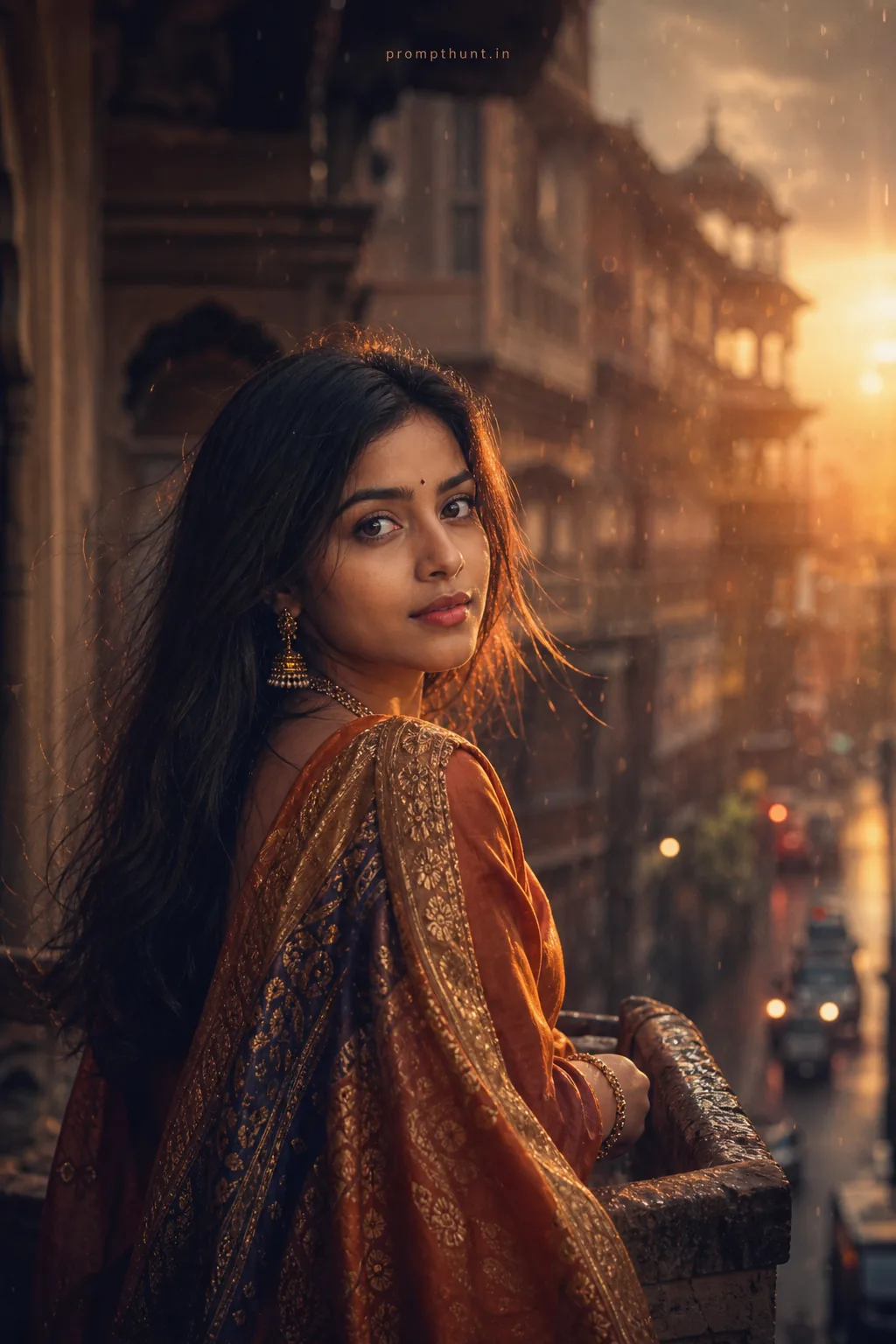
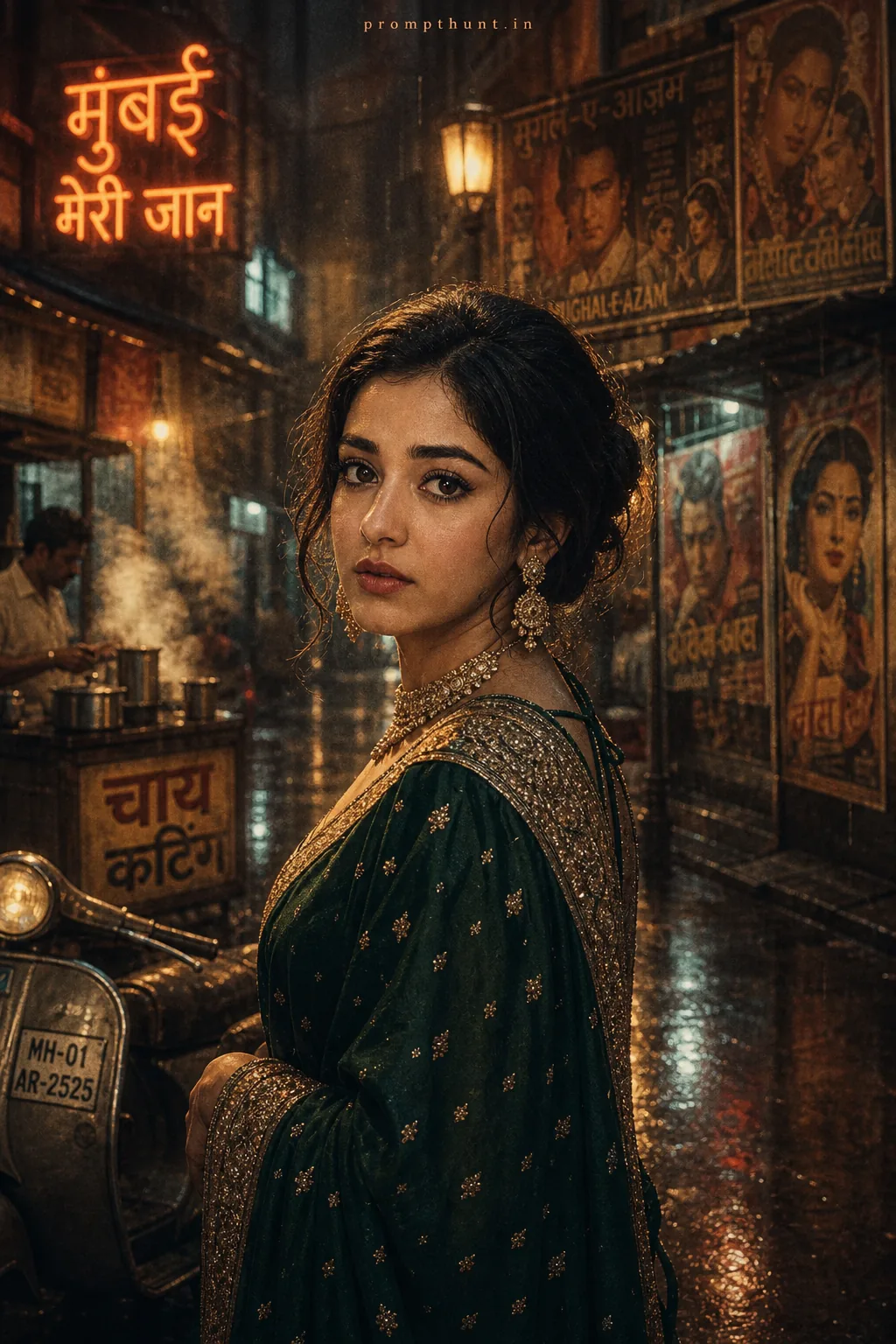
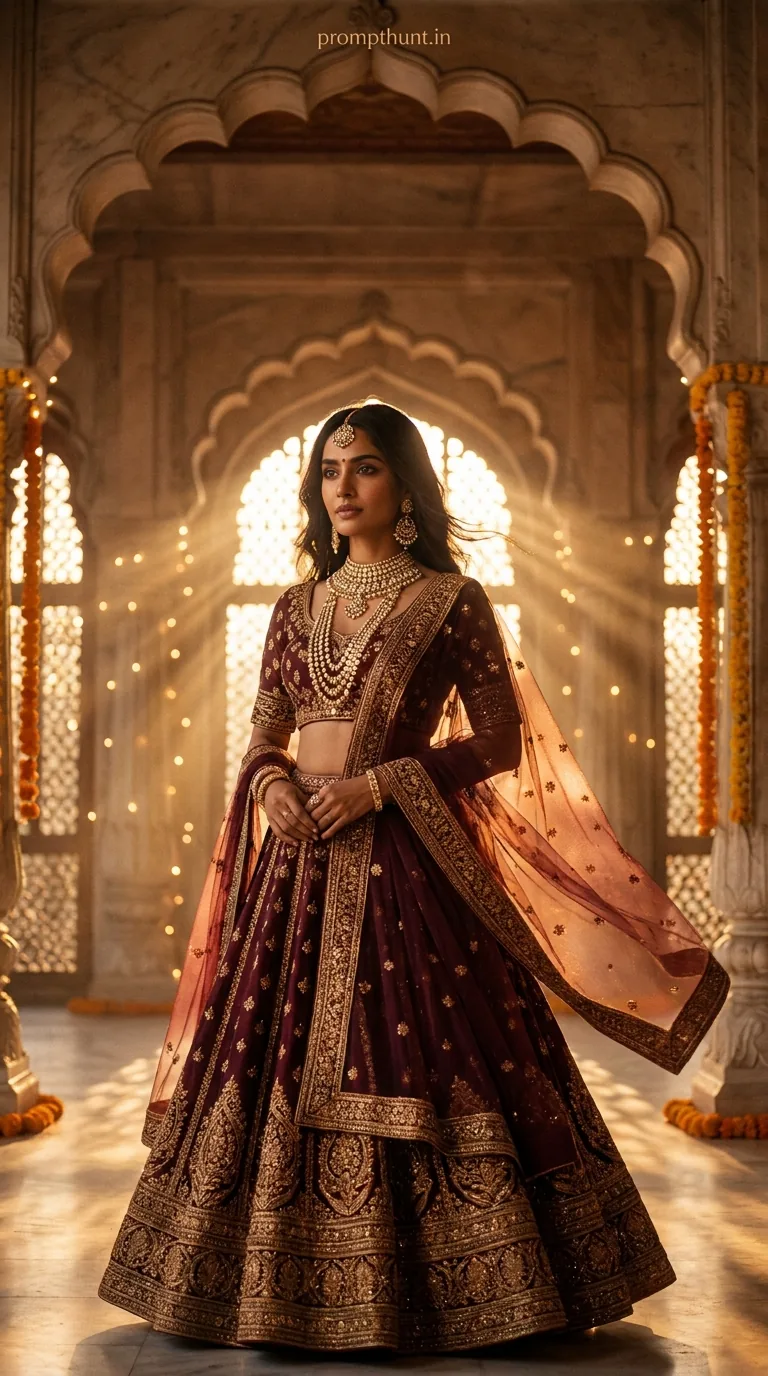
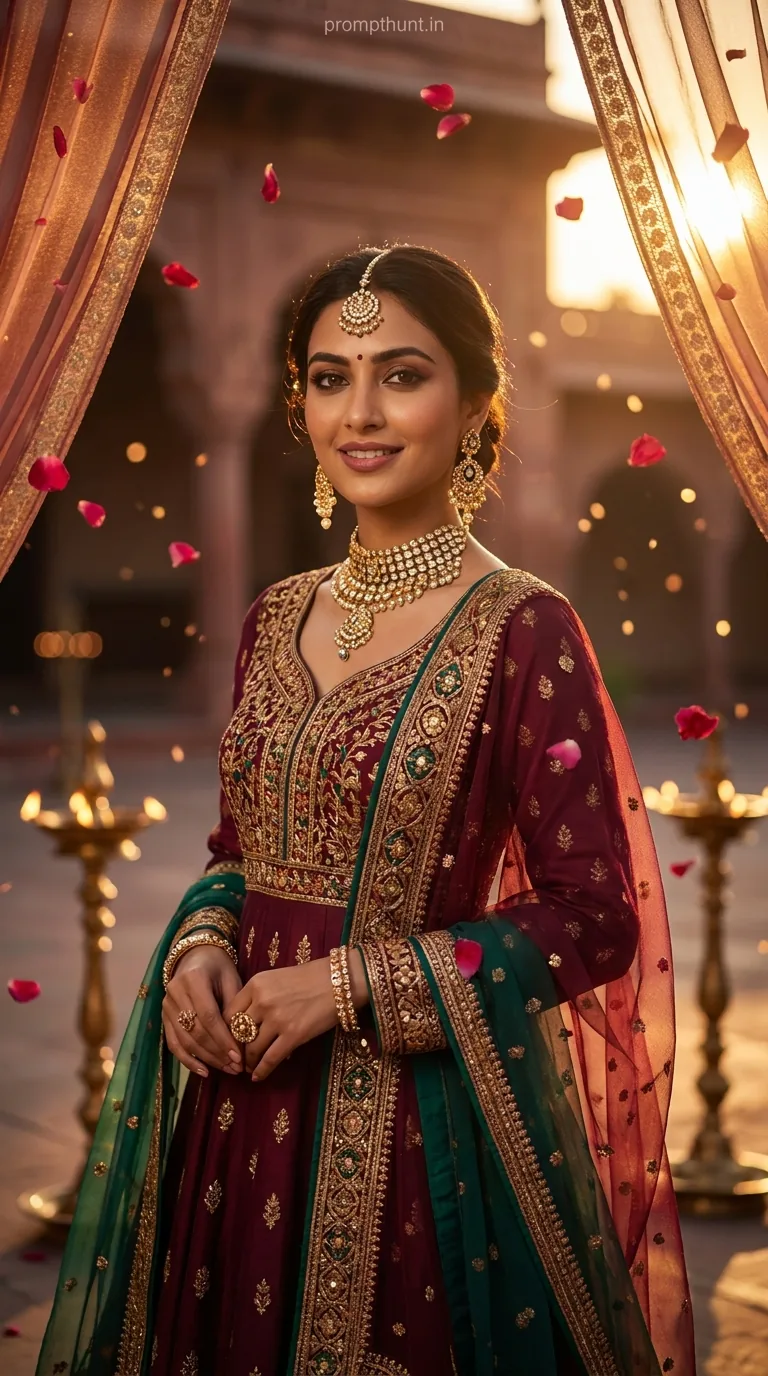
A Cinematic Portrait prompt for a Royal Rajasthani Bride uses warm amber and saffron tones, volumetric golden-hour light, shallow depth of field, and hyper-detailed bridal jewellery descriptions to generate magazine-quality AI portraits with a Bollywood film aesthetic. Feed it to Gemini, be specific about the lens and lighting, and it consistently produces stunning results.
There is a moment in every great Bollywood film where the bride walks into the light and the whole cinema goes quiet. Not because of the plot. Because she looks absolutely unreal. That is exactly what this prompt is trying to recreate — and frankly, it does a better job than most film budgets. The cinematic portrait style has been blowing up across Indian photography communities, and this particular Rajasthani bridal prompt is the one everyone keeps screensharing at 2am with the message "bro, look at this." Here is why it works, how to use it, and what to watch out for.
This Royal Rajasthani Bride prompt generates hyper-realistic cinematic portrait images with golden-hour lighting and full bridal detail — paste it into Gemini, adjust the jewellery or background to taste, and you will get magazine cover results in under a minute.
What a Cinematic Portrait Actually Is
A cinematic portrait is not just a pretty photo with nice lighting. It is a specific visual language borrowed from film.
Think shallow depth of field. Warm colour grading. Volumetric light that comes from one dramatic direction. Skin that looks real but slightly too perfect, like the DP spent three hours setting up the shot. The 85mm focal length is the giveaway — it is the classic portrait lens. It compresses the background, flatters the face, and makes everything feel like a still from a film you wish you had watched.
In AI image generation, a cinematic portrait prompt works by stacking these technical cues together. The more specific you are about light direction, lens choice, colour grade, and subject detail, the more the model understands what it is building toward. Vague prompts get vague results. This prompt is not vague.
The Prompt Itself
A strikingly beautiful young Indian woman dressed as a royal Rajasthani bride, wearing an ornate deep crimson and gold lehenga with intricate zari embroidery, heavy polki and kundan bridal jewelry including a maang tikka, layered necklaces, and jhumka earrings, hands adorned with elaborate mehendi and gold bangles, soft wispy dupatta draped elegantly over her head, standing inside a golden-hour lit haveli courtyard with arched sandstone walls and blooming marigold garlands in the background, warm amber and saffron tones with rich cinematic color grading, soft bokeh background, dramatic volumetric light streaming from the side casting a golden halo, ultra-realistic skin texture with a natural dewy glow, expressive deep brown eyes with subtle smoky kajal, slight confident smile, shot with a 85mm portrait lens aesthetic, shallow depth of field, Bollywood cinematic film look, hyper-detailed, 9:13 vertical aspect ratio, magazine cover quality, 8K resolution
How to Use This Prompt Step by Step
No overcomplicated setup required. Here is the straightforward version.
Step one: Open Gemini. The standard web version handles this fine. Gemini Advanced gives you noticeably more detail on the jewellery and fabric textures, so if you have access, use it. (You have been meaning to try it. This is your excuse.)
Step two: Paste the full prompt as written. Do not trim it. Every clause is doing a job. The maang tikka detail is not decoration — it is an instruction. Remove it and the model may guess wrong.
Step three: Generate and check the output. Look at three things first: the light direction, the jewellery detail, and the background bokeh. These are where AI most commonly cuts corners.
Step four: If the result feels slightly off, regenerate once before editing the prompt. Nine times out of ten, a second generation fixes minor inconsistencies without any changes needed.
Step five: If you want to personalise it, swap one element at a time. Change "crimson and gold" to "emerald and silver" for a completely different feel. Swap the haveli courtyard for a palace rooftop at dusk. The structural prompt stays the same — only the costume and setting details need updating.
Tips for Best Cinematic Portrait Results
A few things that separate good results from great ones.
Keep the aspect ratio. The 9:13 vertical format is built into this prompt for a reason. It is the magazine cover ratio. Switch to square and you lose the framing that makes the composition work.
Do not skip the lens reference. "Shot with an 85mm portrait lens aesthetic" tells the model about compression, focal length, and the way background elements blur. It is doing more work than it looks like. Removing it flattens the image.
Describe the light direction specifically. "Volumetric light streaming from the side" is what creates the golden halo effect. If you change this to "soft front lighting" or "studio light," you will get a nice photo and not a cinematic one. There is a difference. One hangs in a gallery; the other hangs in a bridal showroom.
Be specific about the colour grade. "Warm amber and saffron tones with rich cinematic color grading" is a complete instruction. If you want a cooler, moodier look — moonlight edit, evening wedding — swap to "cool silver and teal cinematic grade with blue-hour ambient light." The model responds well to named film tones.
Run a detail check on the hands. AI and hands have a complicated relationship, like Ross and Rachel but less watchable. The mehendi detail on the hands is the area most likely to render oddly. If it does, regenerate. The prompt's specificity usually keeps this under control, but it is the first thing to inspect.
Why This Cinematic Portrait Style Is Trending Right Now
Three things are happening simultaneously in the Indian digital photography space.
First, Bollywood's visual style has trained an entire generation to expect cinematic quality from bridal imagery. Wedding photography in India is not documentation — it is production. The expectation is already there.
Second, AI image tools have only recently caught up with the specific detail required for traditional Indian bridal wear. Earlier versions could do "Indian woman in lehenga." They could not do "polki and kundan jewellery with zari embroidery under golden-hour sidelight in a haveli courtyard." That level of specificity is new. People are noticing.
Third, bridal season. It is perpetually bridal season somewhere in India. Designers, photographers, content creators, and brides-to-be are all using these cinematic portrait prompts to visualise looks before a single garment is stitched. That is genuinely useful, which is why it keeps spreading.
Honest Take: When to Use This and When to Walk Away
This is one of the more effective prompts in the Gemini ecosystem right now. The specificity is its strength. Most generic portrait prompts leave too many decisions to the model. This one does not. You get consistency because the instructions are thorough.
That said, there are situations where this prompt will let you down.
If you are trying to generate a portrait of a specific real person, this will not help you. Cinematic portrait prompts generate a stylised idealised subject, not a likeness. Full stop.
If you want something subtle, understated, or documentary in feel, this is entirely the wrong tool. This prompt is made for drama. The golden halo, the rich colour grade, the hyper-detailed jewellery — it is full throttle, all the time. A quiet, natural, film-grain portrait needs a completely different prompt architecture. Using this one and hoping for understated is like ordering vindaloo and hoping it will not be spicy.
If you plan to use the output commercially — for a brand campaign, a product listing, or editorial content — run it through your standard AI disclosure and usage rights checks first. The image quality is there. The legal clarity is your job to confirm.
For mood boards, concept visualisation, social content, personal creative projects, and just seeing what is possible? This prompt is excellent. It generates at a quality level that would have required a professional photoshoot setup eighteen months ago. That still surprises me, and I have been using these tools longer than I care to admit.
One more honest note: Gemini handles this prompt better than most other tools right now. Midjourney does a strong version too but needs the colour grade instructions reformatted. Stable Diffusion requires more technical setup. If you want it to just work on the first try, Gemini is where to start.
The Last Word
The Royal Rajasthani Bride Cinematic Portrait prompt is one of the best examples of specificity paying off in AI image generation. Every detail — the lens, the light direction, the colour grade, the jewellery names — is pulling the output toward something genuinely beautiful. It is not magic. It is just a very well-written description doing exactly what it is supposed to do. Try it, tweak the colours, swap the setting, and see what you get. At worst, you spend thirty seconds and learn something. At best, you get an image so good you start wondering what else is possible. Either way, you reckon this one was worth a shot — and for once, so does the camera.