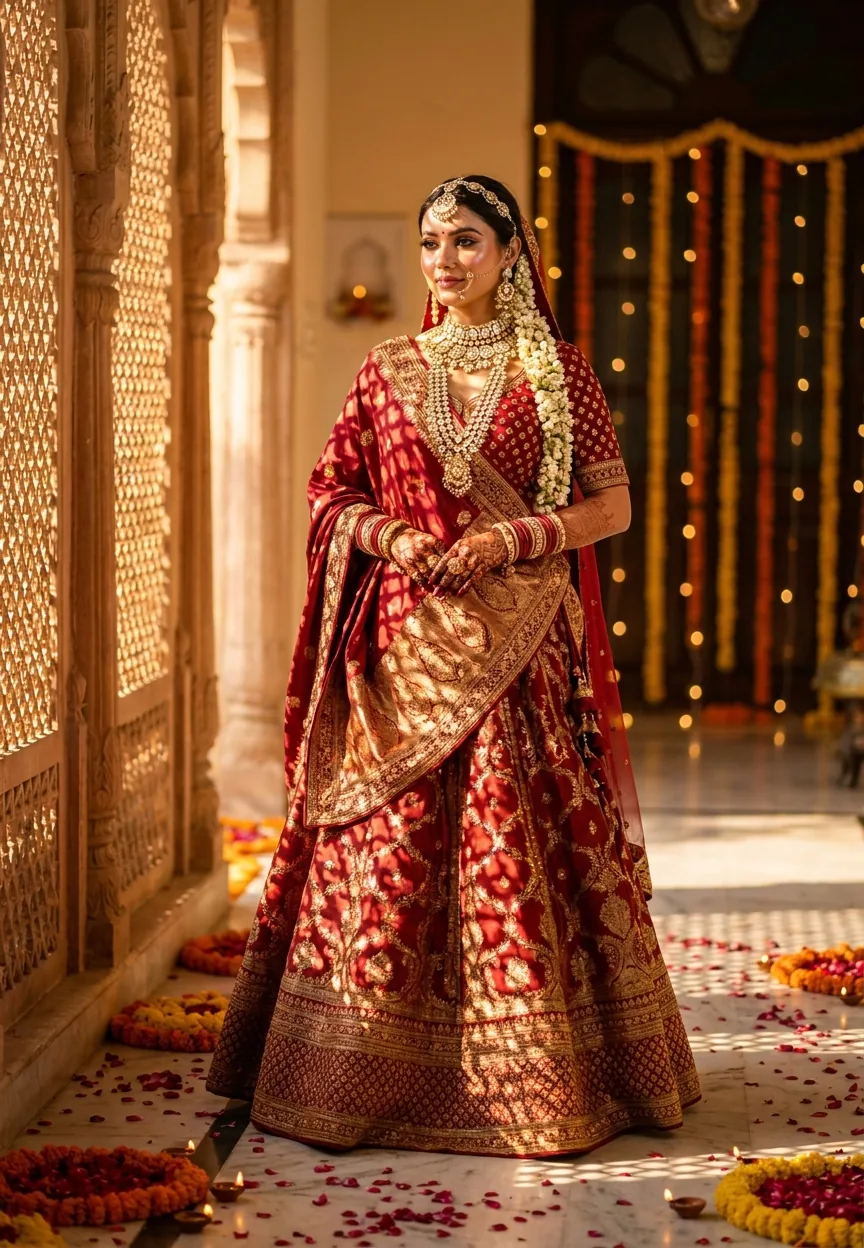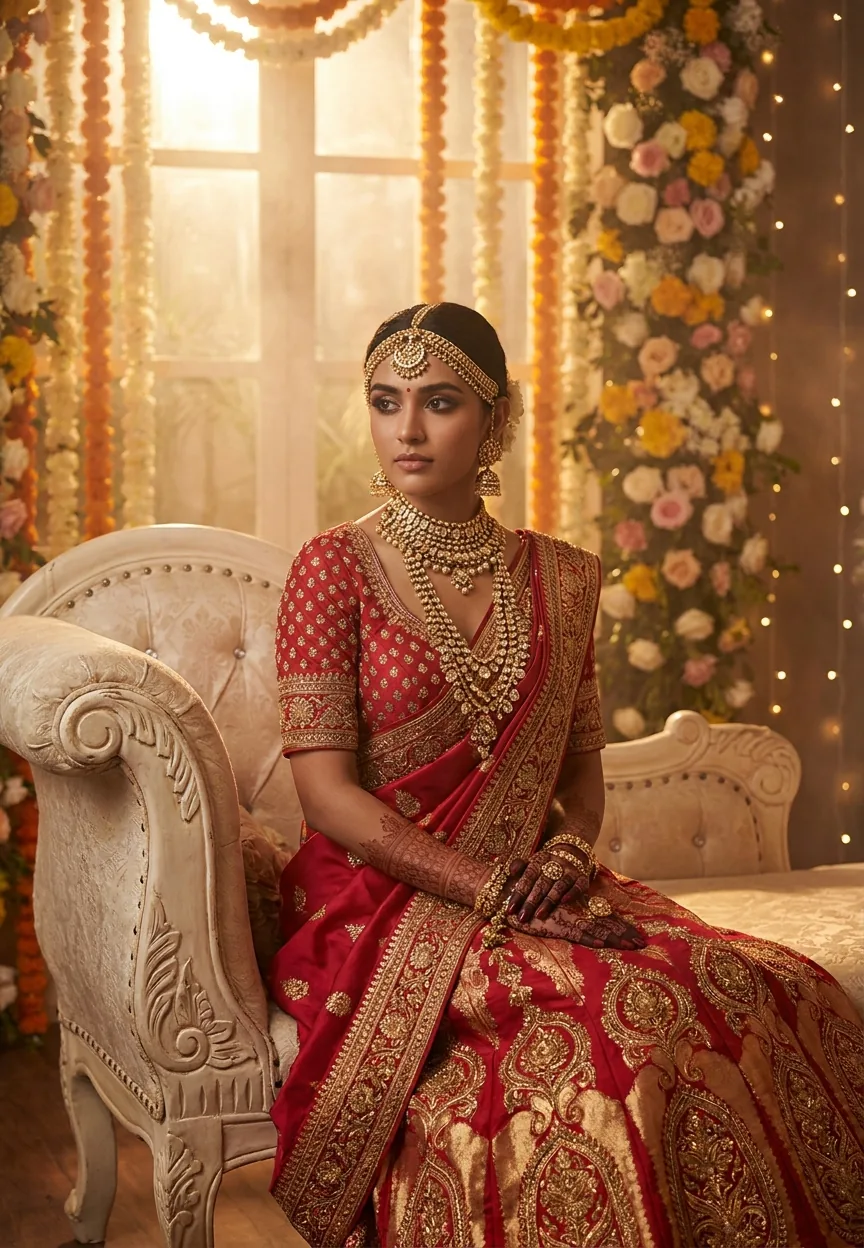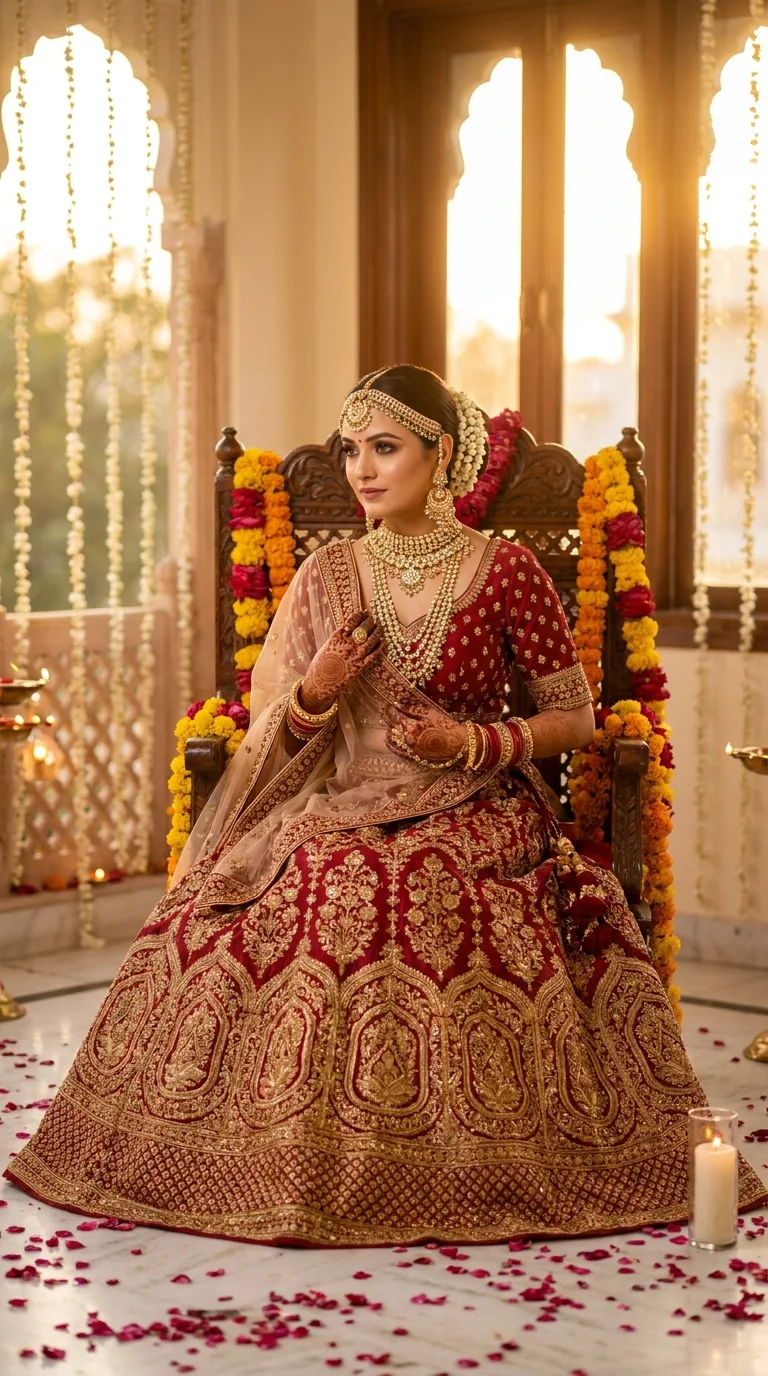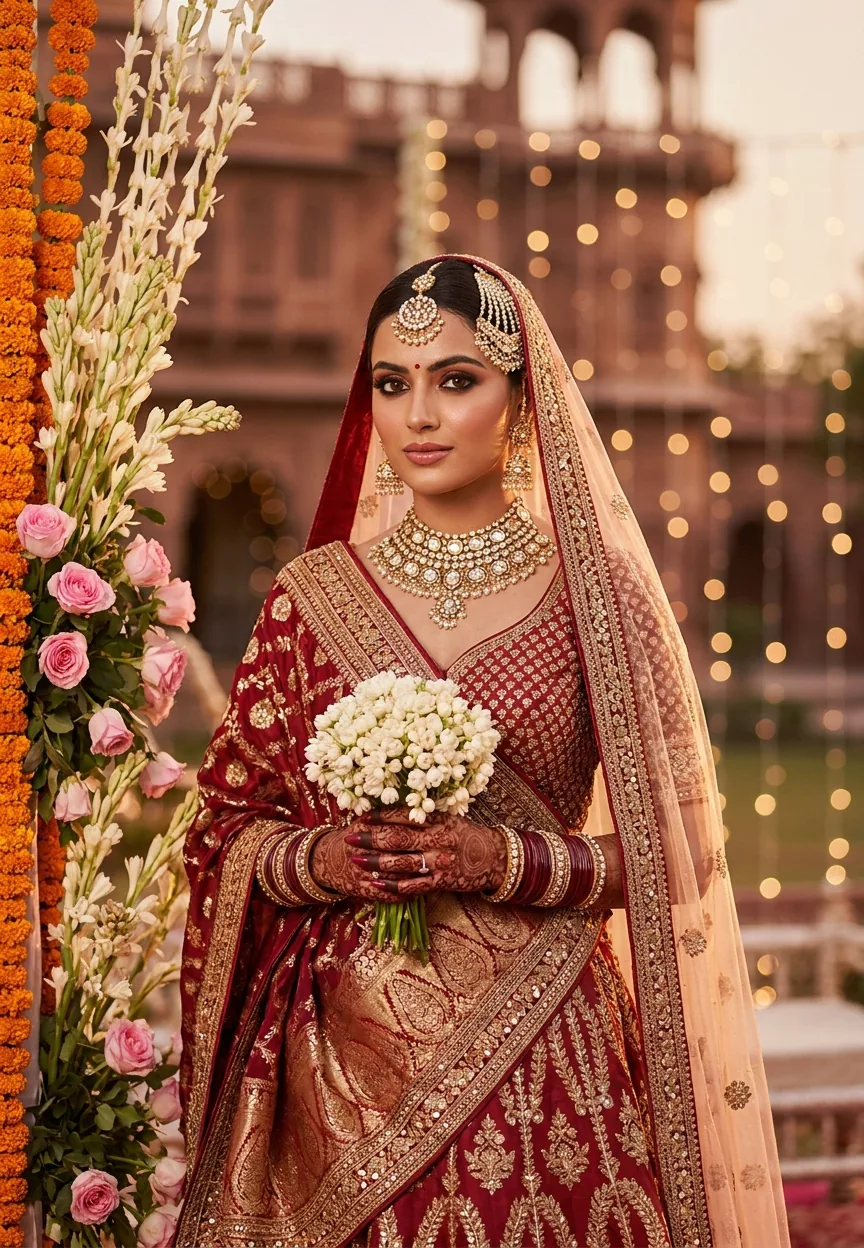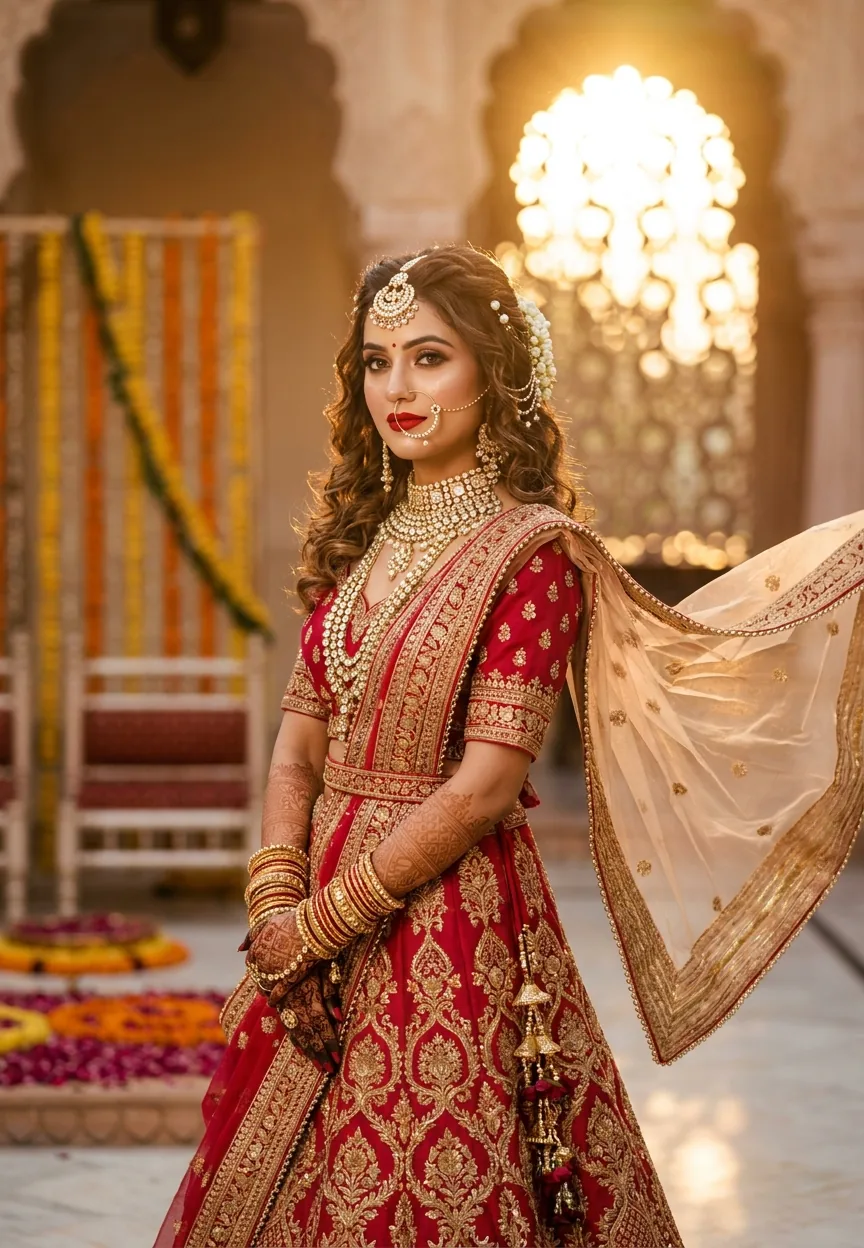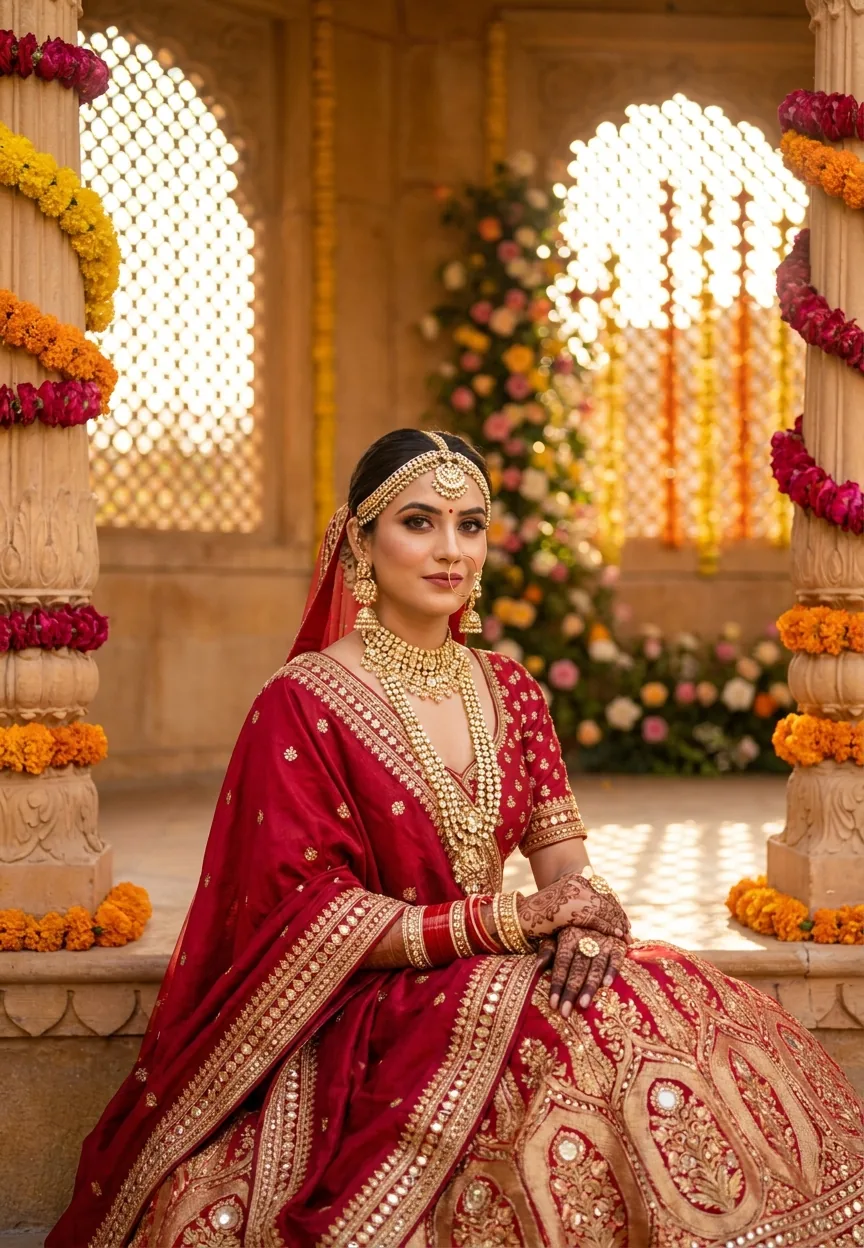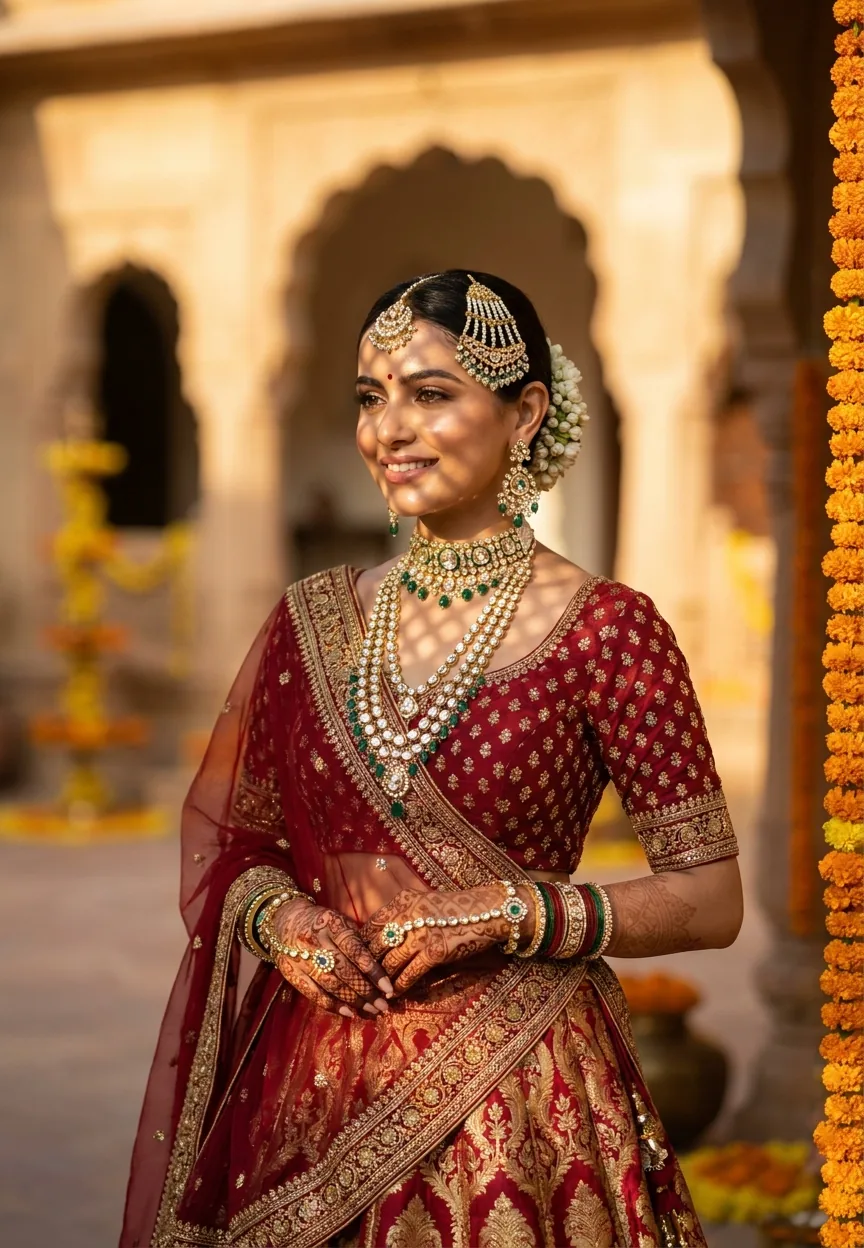
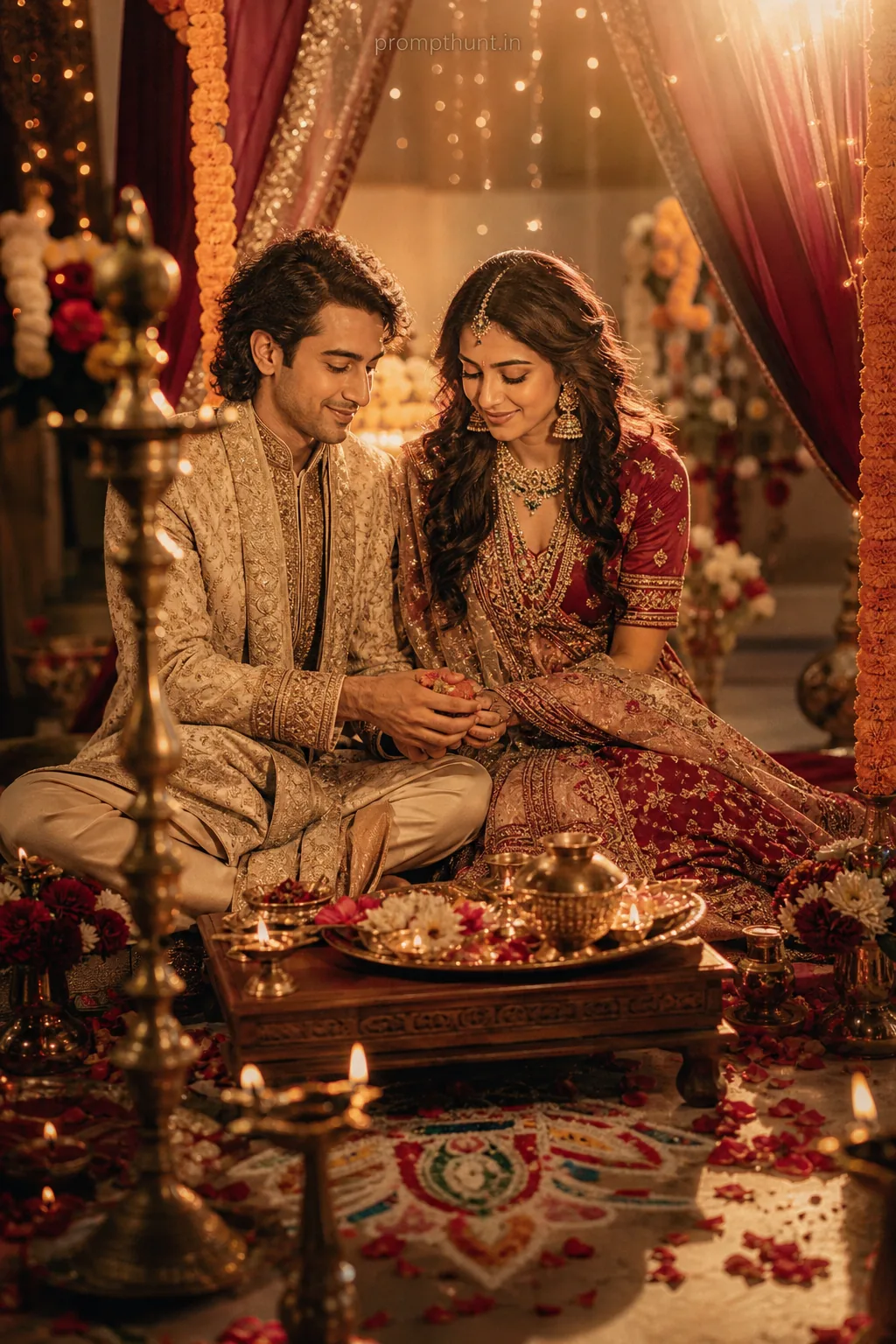
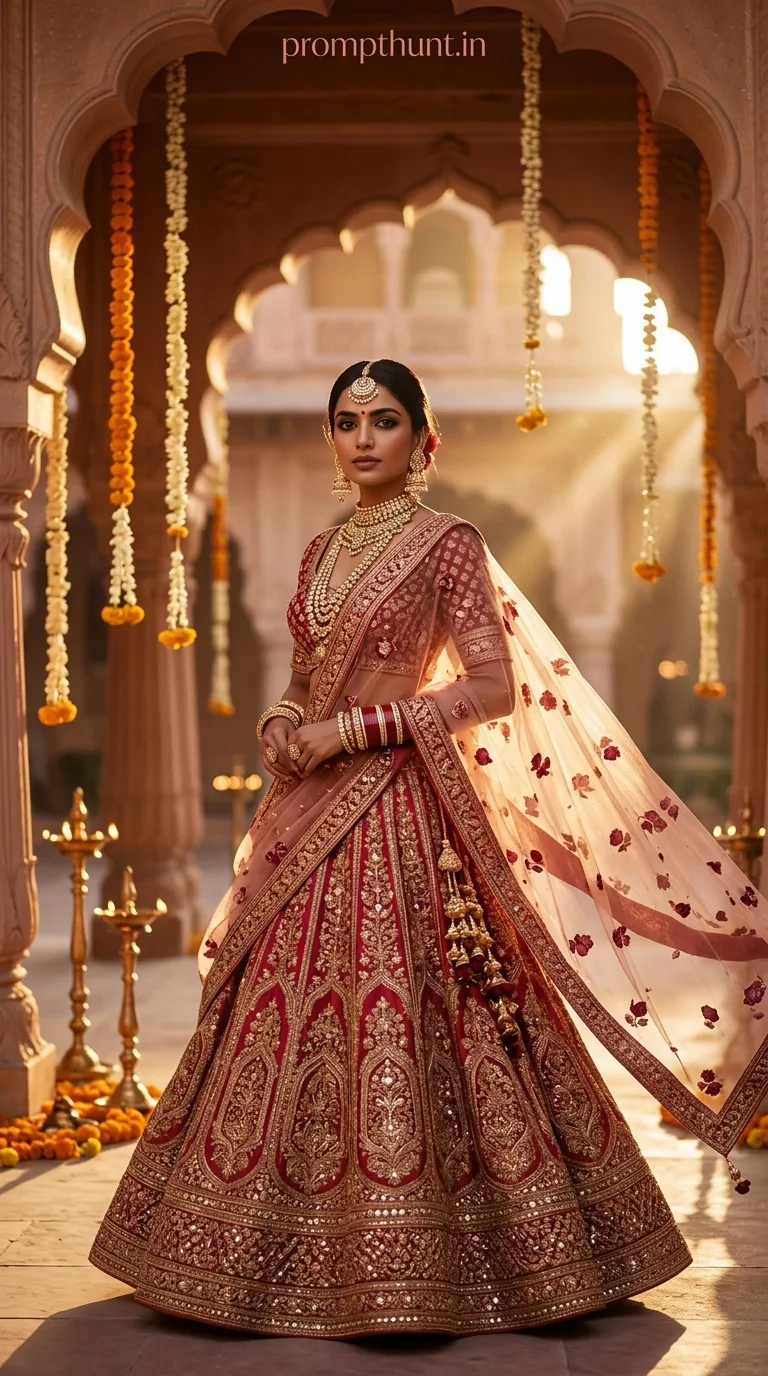
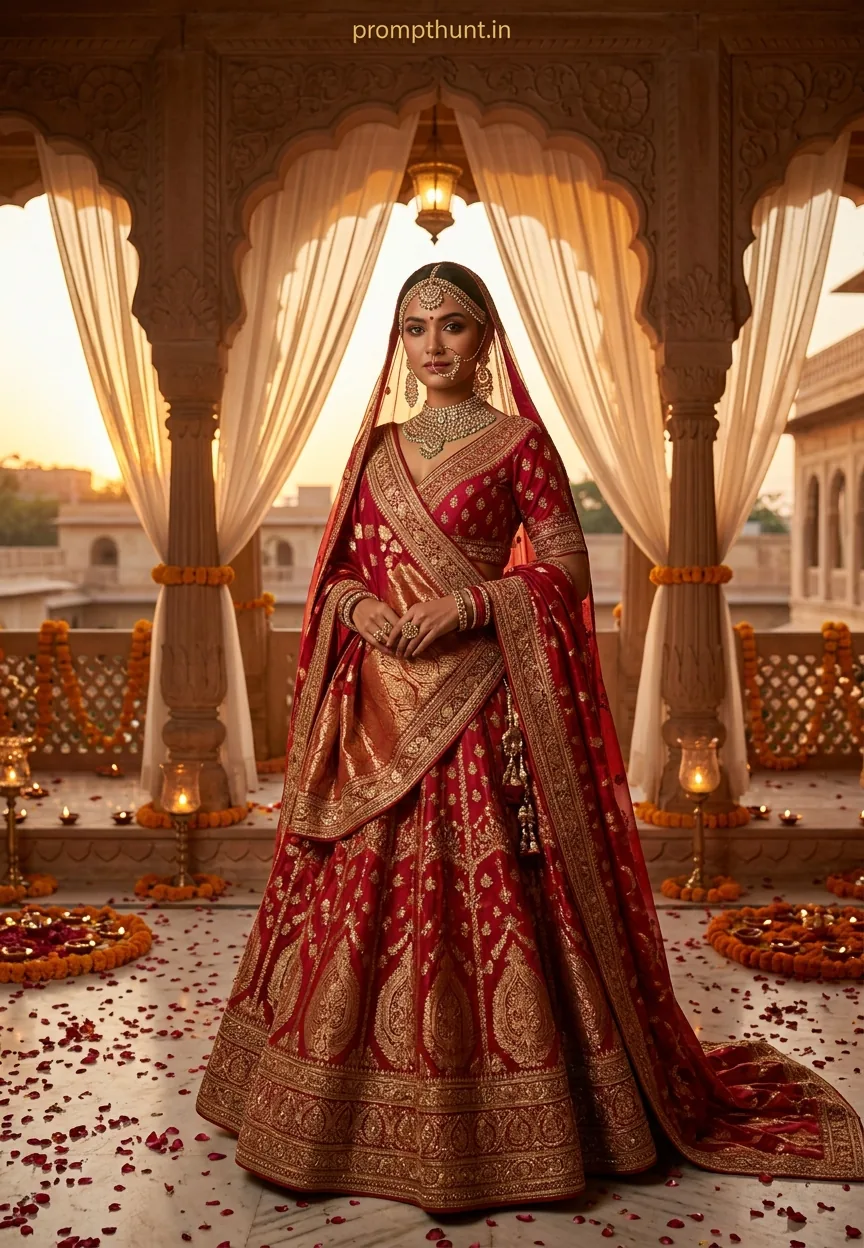
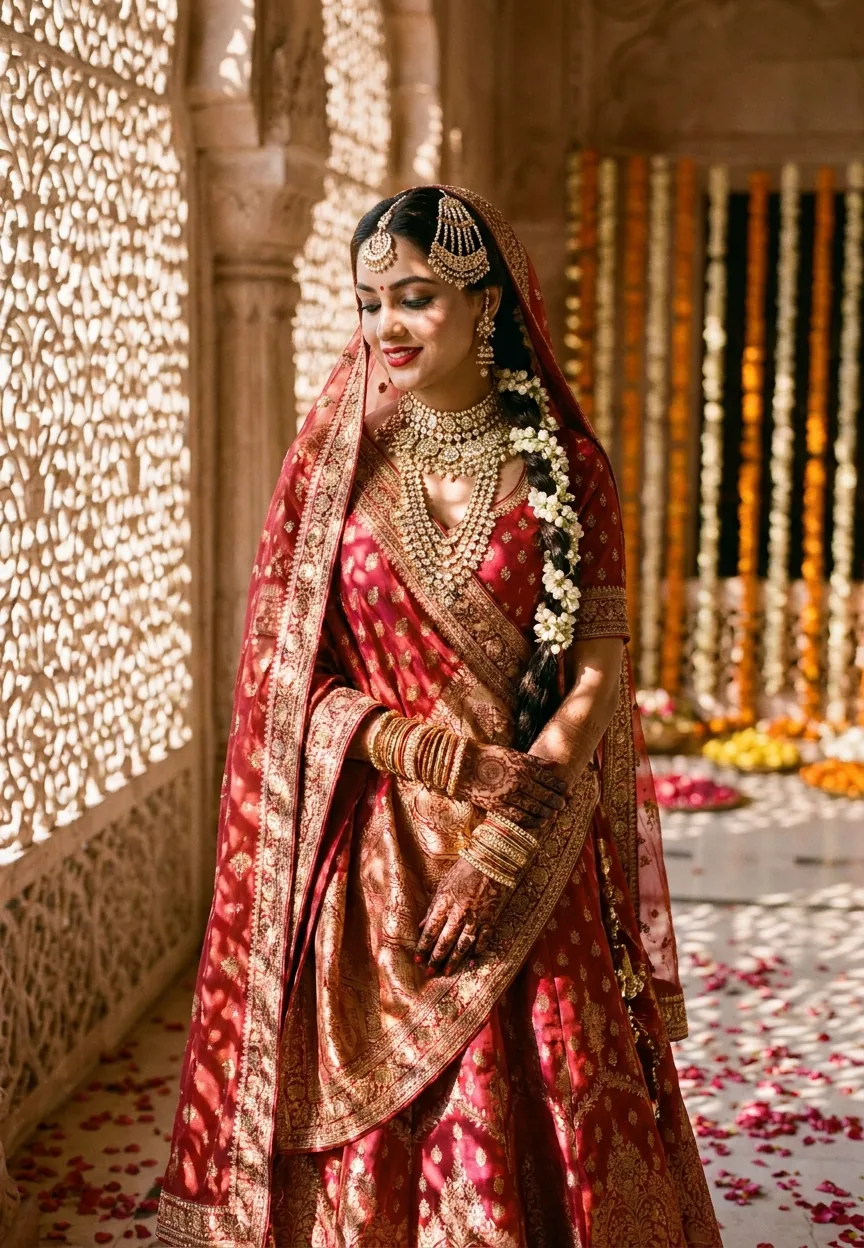
The Royal Indian Bride AI photo editing prompt recreates the look of a high-end editorial bridal shoot — deep red Banarasi silk, polki diamond jewellery, golden hour light through jali screens — without a Hasselblad camera or a Rajasthan haveli. Drop this prompt into any AI image generator and you get cinematic, magazine-quality bridal portraits in under a minute.
Someone's cousin is getting married. The photographer quoted forty thousand rupees. The venue wants a deposit. The lehenga alone cost more than a small car. And now you're being asked to also sort the pre-wedding shoot content for Instagram. Somewhere between the mehendi playlist and the third round of negotiations with the caterer, AI photo editing quietly walked in and said — fair enough, I've got you. The Wedding & Engagement editing scene has genuinely never looked this good, and this particular prompt is the reason half your feed suddenly looks like a Vogue India spread.
This prompt generates ultra-realistic, cinematic Indian bridal portraits with golden hour lighting, heritage architecture, and full traditional bridal styling — no studio, no location, no five-figure photography budget required.
What the Royal Indian Bride Style Actually Is
This is editorial bridal photography — the kind that lives on the front cover of wedding magazines, not in a folder called "Pics from Sharma ji's function."
The style pulls together several very specific visual ingredients. You've got a deep red and gold Banarasi silk lehenga. You've got polki diamond and emerald jewellery — the full set, maang tikka to haath phool. You've got golden hour light doing its best work through ornate jali screens, throwing lattice shadows across the bride's face like nature itself decided to do the lighting design.
The setting is a grand haveli courtyard. Sandstone arches. Marigold decorations. The kind of background that makes every photo look like it cost three times what it did.
The mood is cinematic and romantic without being overdramatic. The expression is serene. Not the forced grin of someone who's been standing in heels for four hours — genuine quiet joy. There's a difference, and this prompt knows it.
Shot style mimics a Hasselblad medium format camera on an 85mm portrait lens. Shallow depth of field. Rich warm tones — gold, amber, deep crimson. The 9:13 vertical aspect ratio is built for portrait orientation, which means it's built for phones, Instagram, and bridal magazine layouts simultaneously. Smart.
The Wedding & Engagement Prompt Itself
A breathtakingly beautiful young Indian bride in her mid-20s, wearing an opulent deep red and gold Banarasi silk lehenga heavily embroidered with intricate zardozi and kundan work, standing in a grand haveli courtyard during golden hour, soft warm sunlight filtering through ornate jali screens casting delicate lattice shadows across her face, adorned with layered polki diamond and emerald bridal jewelry including maang tikka, passa, choker necklace, jhumkas and haath phool, hands decorated with detailed mehndi patterns, subtle floral bindi, hair elegantly pinned in a low bun with fresh mogra flowers and gold pins, a sheer embroidered dupatta draped softly over her head, expression serene and glowing with quiet joy, skin luminous with a dewy bridal glow, background featuring warm marigold flower decorations and softly blurred sandstone arches, mood cinematic and deeply romantic, ultra-realistic photography style, shot on Hasselblad medium format camera, 85mm portrait lens, shallow depth of field, rich warm tones of gold amber and deep crimson, 9:13 vertical aspect ratio, editorial bridal magazine quality
How to Use This Prompt — Three Steps, No Surprises
Rule of thumb: the better the tool, the less you'll need to tweak. But here's the standard workflow regardless of which generator you're using.
Step one: pick your platform. Midjourney, Adobe Firefly, DALL-E 3, or Stable Diffusion all handle this well. Midjourney gives you the richest colour rendering on the jewellery. Firefly handles skin tone with more consistency if you're doing multiple outputs. Try both. Pick favourites. Commit to nothing, like a true wedding guest at the buffet.
Step two: paste the prompt as-is. Don't trim it. The specificity is the whole point. Every detail — the mogra flowers, the passa, the lattice shadow — is doing work. Remove the jali screen and you lose the signature lighting effect. Remove the marigold background and it stops looking like a haveli shoot and starts looking like a catalogue photo.
Step three: adjust the aspect ratio setting separately in your platform. The prompt mentions 9:13 but most tools need that entered as a parameter, not in the text. In Midjourney, add --ar 9:13 at the end. In other platforms, set portrait orientation manually before generating.
Run three to five variations. Nine times out of ten, at least two of them will be genuinely usable without any further editing.
Tips for Getting the Best Results from This Style
The dewy bridal glow is the trickiest element to nail consistently. If your outputs look flat or overly matte, add "soft diffused fill light, luminous skin, bridal highlight" to the end of the prompt. That usually fixes it.
Jewellery detail sometimes gets muddled, especially at smaller resolutions. Upscale to at least 2048px before evaluating. The kundan and polki work needs space to breathe — at lower resolution it just reads as "shiny stuff near face", which is not quite the editorial brief.
The mehndi patterns are famously difficult for AI. They tend to go abstract. If accurate mehndi is important for your use case, generate the portrait without it and add it in post using a dedicated mehndi overlay or a separate AI pass. Not ideal, but honest advice is better than pretending the tools are perfect. (They are not. Nobody's are.)
Vary the dupatta draping instruction slightly across generations. "Draped softly over the head" versus "trailing lightly over one shoulder" versus "framing the face" gives you three completely different editorial moods from the same base prompt. One prompt, three cover options. Not bad for a Tuesday afternoon.
For colour consistency across a series of images — useful if you're creating content for a wedding brand or shoot portfolio — fix the lehenga description and only vary the background elements. Keeps the visual identity coherent without making everything look identical.
Why This Style Is Trending in Wedding & Engagement Photography
Two things happened at once. Indian wedding content exploded on Instagram and Pinterest, and AI image generation got good enough to actually replicate complex textile and jewellery detail. The Venn diagram of those two events is this prompt.
Pre-wedding shoots are increasingly expected content, not optional extras. Couples, families, wedding planners, and bridal boutiques all need high-quality imagery. The problem is that heritage locations — actual havelis, actual Rajasthani courtyards — are either unavailable, expensive, or both. AI fills that gap without pretending to replace the real thing.
Bridal jewellery brands have been particularly early adopters. Showing a full polki diamond set on a model in a studio is fine. Showing it in a cinematic haveli setting at golden hour makes people stop scrolling. That's the difference, and brands have noticed.
The zardozi and Banarasi silk angle also matters culturally. This prompt isn't generic "Indian bride" — it's specific. It names the embroidery technique, the fabric origin, the jewellery style, the hair accessory. That specificity reads as respect for the craft, and it shows in the output. Specificity in prompts produces authenticity in images. That's not a coincidence.
Honest Opinion — When Not to Use This Style
Right, here's the bit where I stop being cheerful for a moment.
This prompt is genuinely excellent for content creation, moodboarding, portfolio building, and brand marketing. It is not a replacement for actual wedding photography. I cannot stress this enough, and I say it as someone who has spent considerable time arguing that AI tools deserve more credit than they get.
If a real bride, in a real lehenga, is standing in front of you on her actual wedding day — please hire a photographer. AI-generated portraits have no emotional specificity. They're beautiful in the way a hotel lobby is beautiful: impressive, comfortable, and completely unrelated to you personally. Wedding photography captures what actually happened. This prompt captures what the ideal version of what happened might theoretically look like, which is a very different product.
There's also a representation conversation worth having. The bride in these outputs will be AI-generated, which means she's an algorithmic average of training data. Skin tone rendering, facial features, and body proportions can reflect biases baked into the model. Run multiple generations and be selective. If the outputs consistently skew toward one narrow physical type, adjust your platform or your prompt — add specific descriptors that correct the drift. "Warm wheatish complexion" or "deep brown skin, luminous" are both legitimate additions that push the output toward more accurate representation.
And finally: mehndi. I mentioned it above, but it bears repeating. If authenticity of the henna patterns matters to your audience — and in many contexts it absolutely does — be upfront about the limitations or fix them in post. Passing off abstract AI squiggles as intricate mehndi art is the kind of thing that gets noticed, and not in a good way.