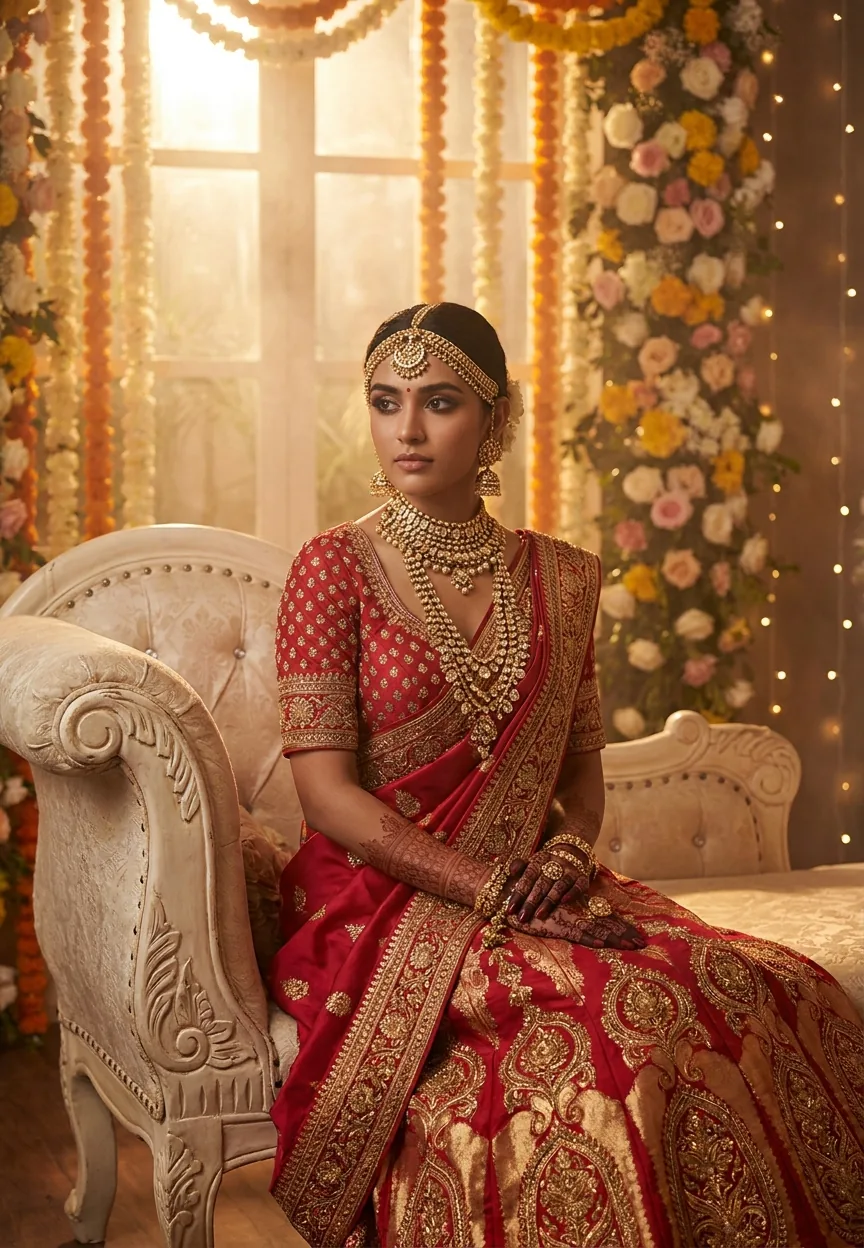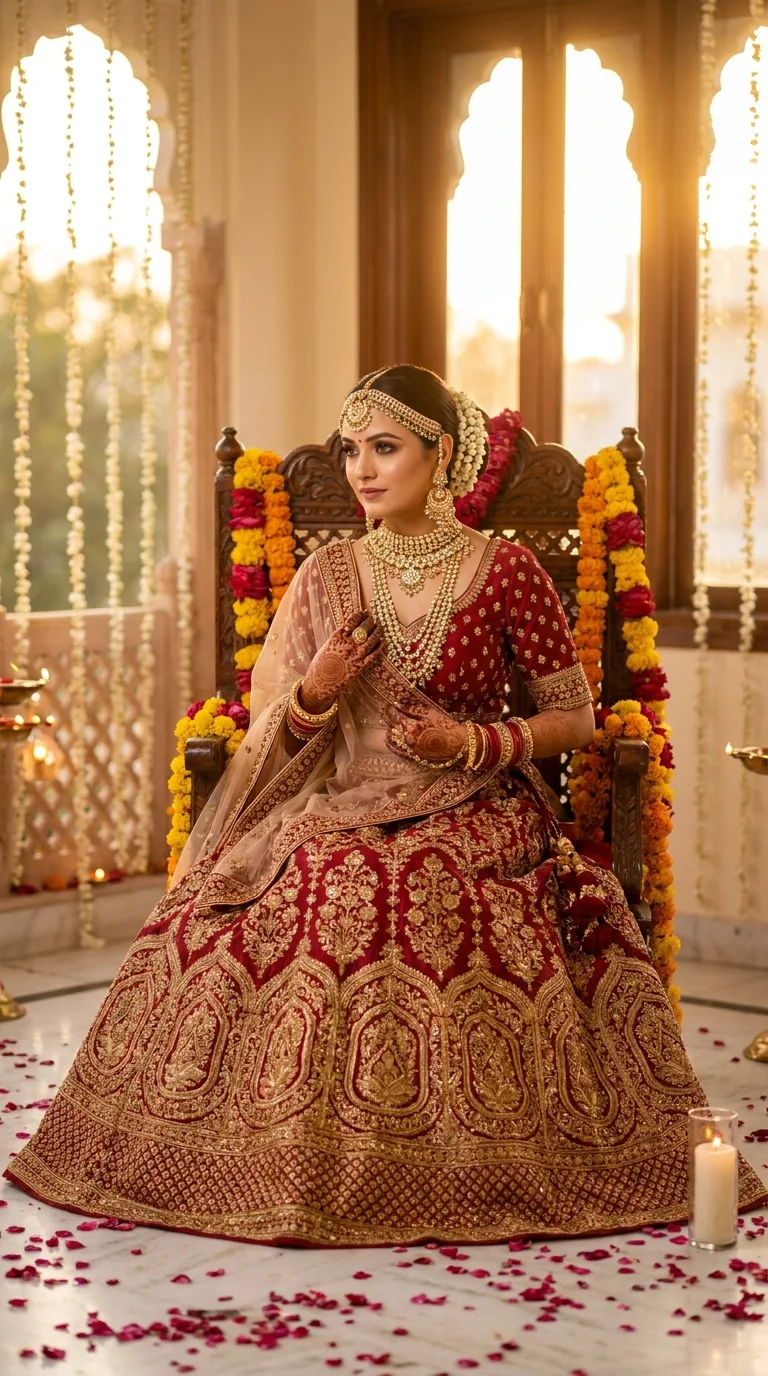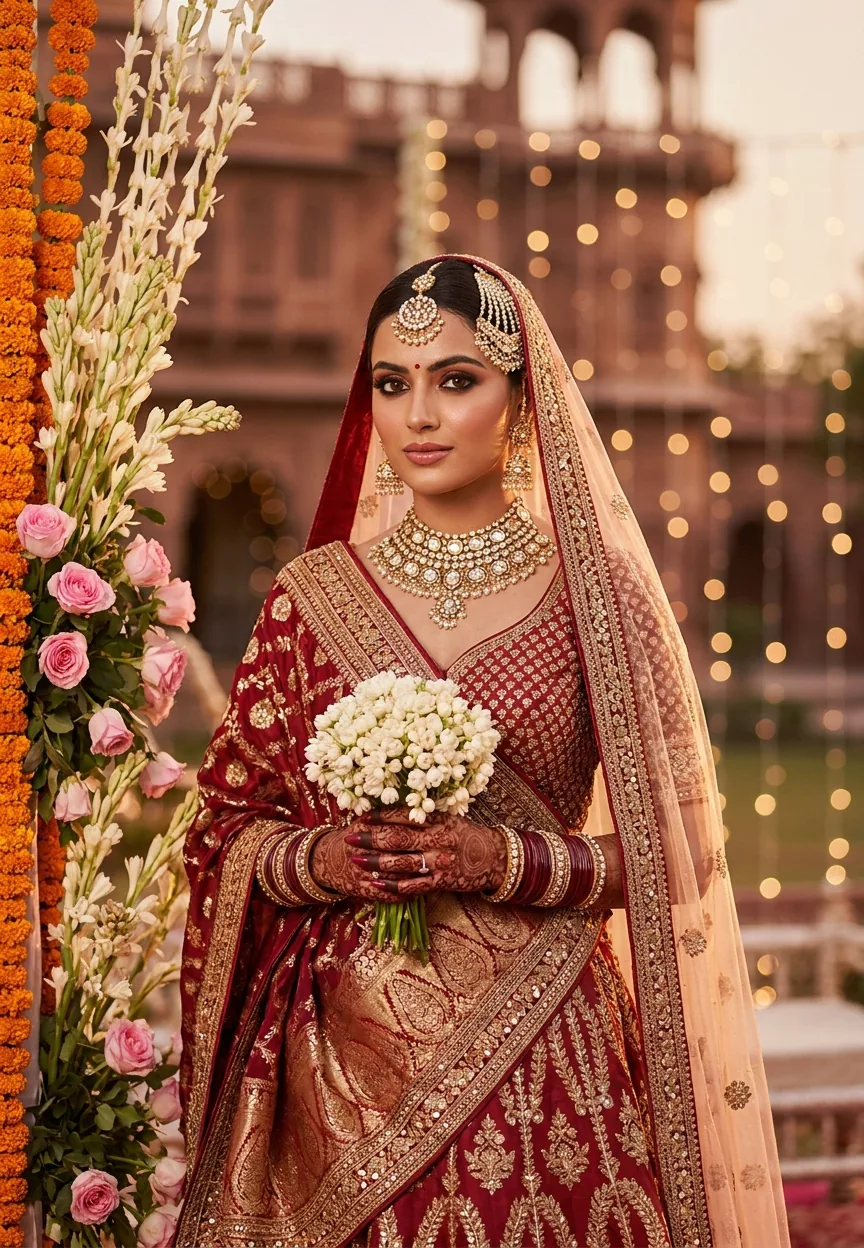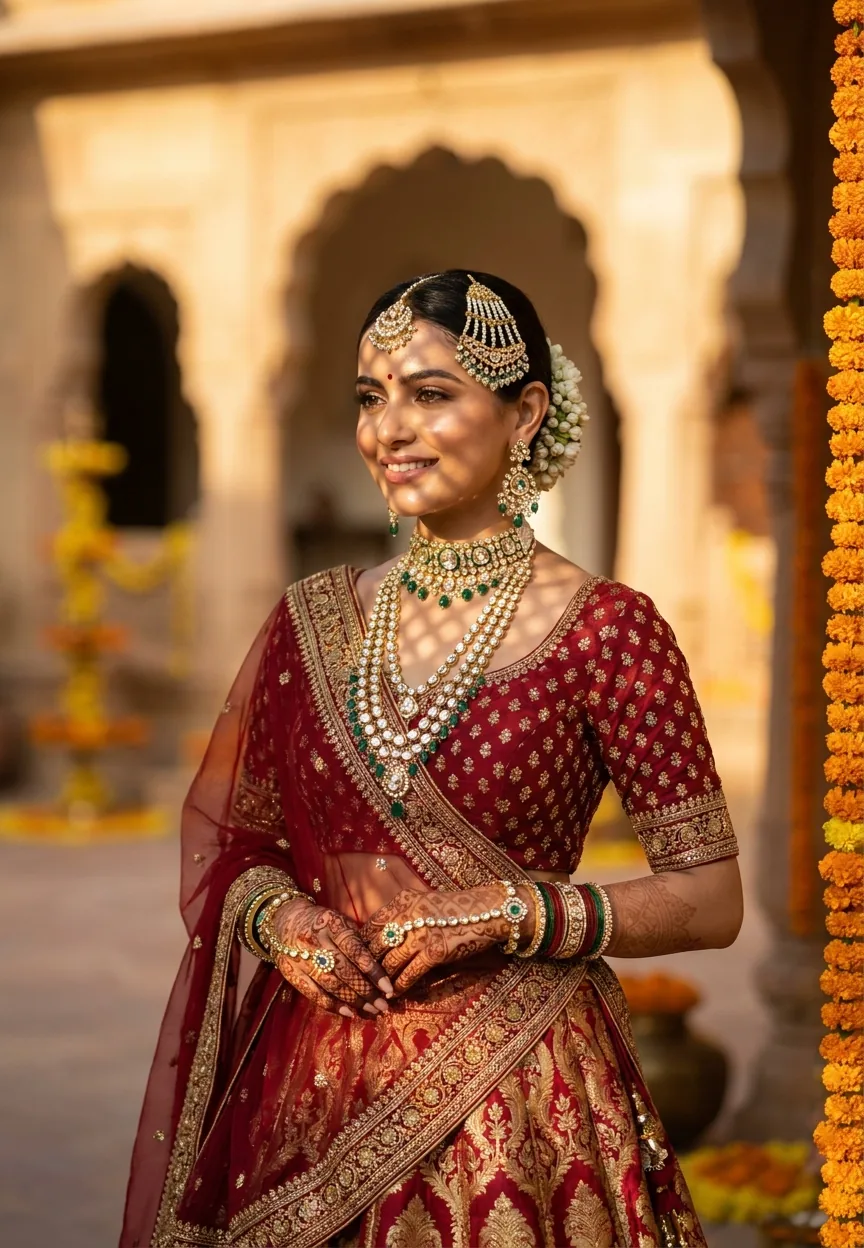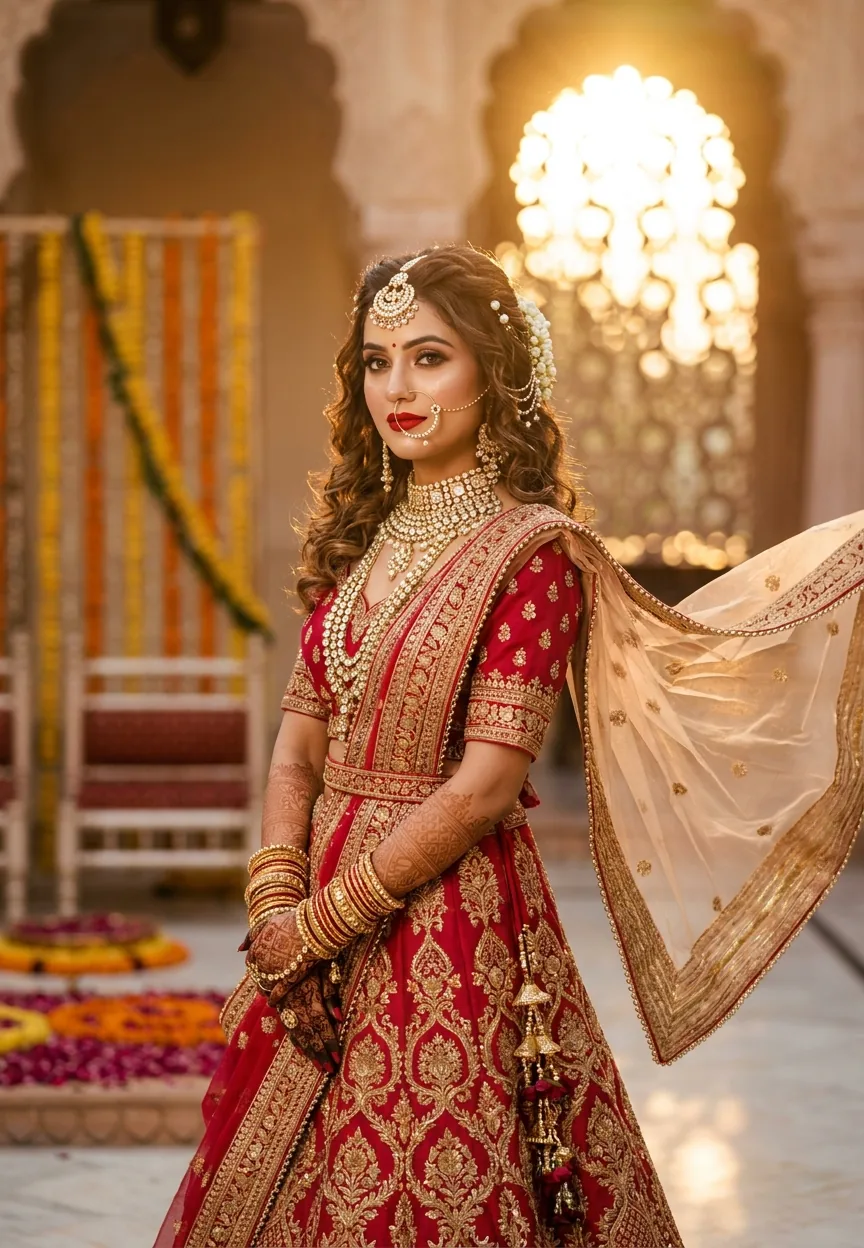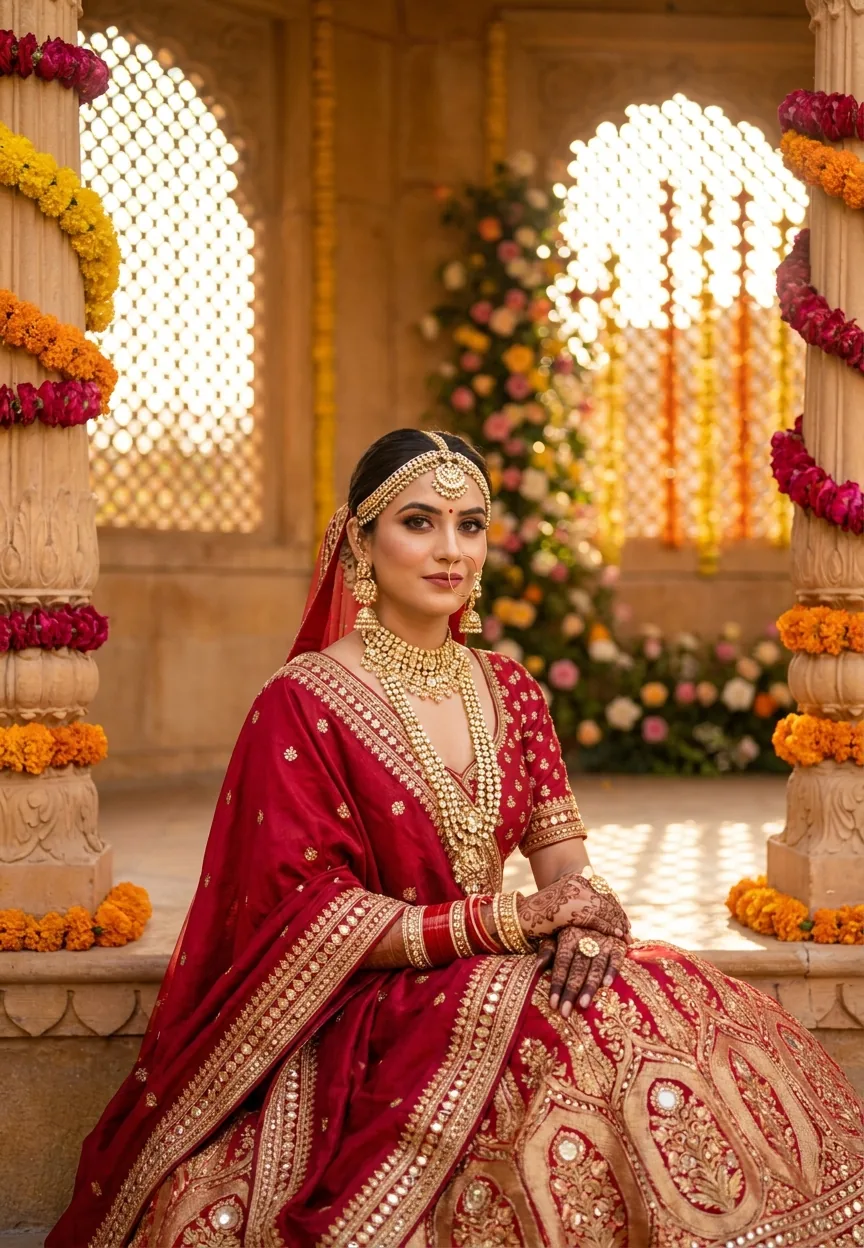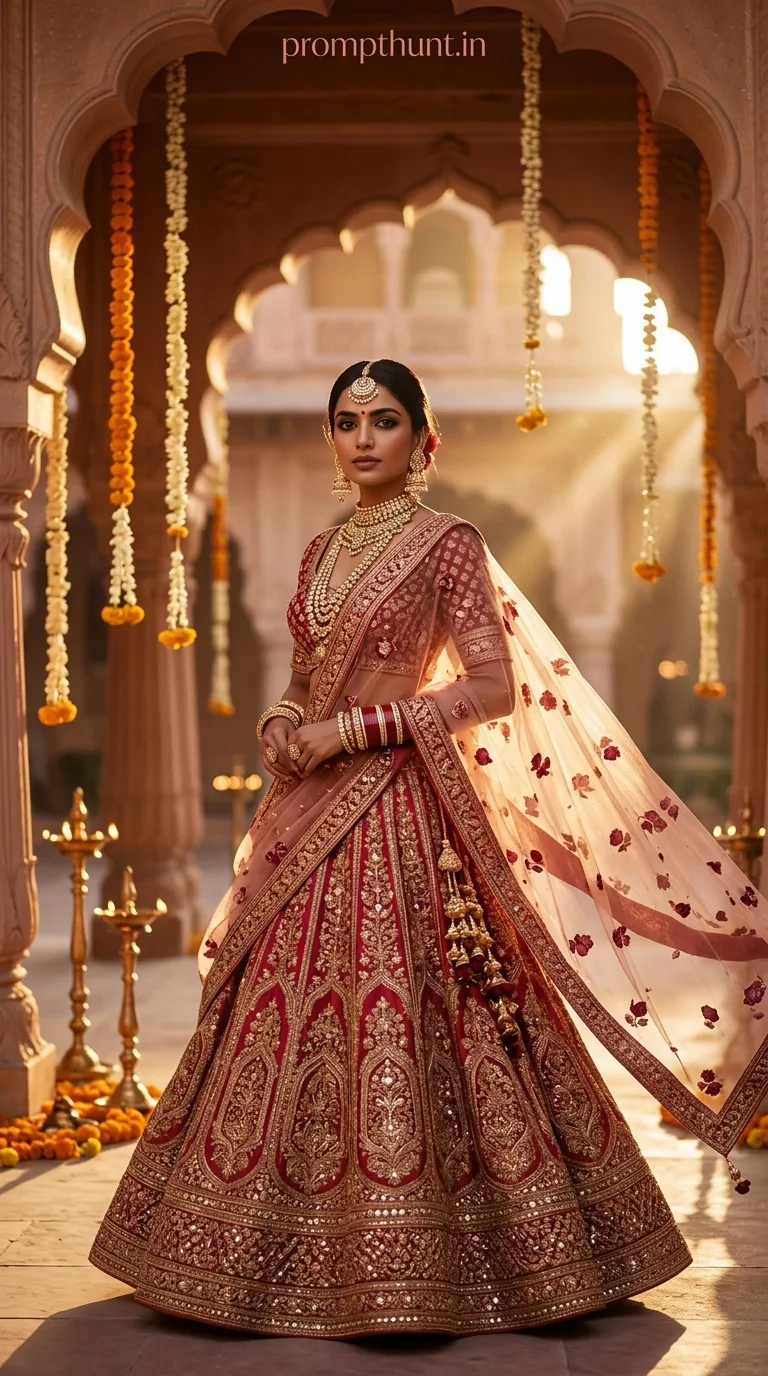
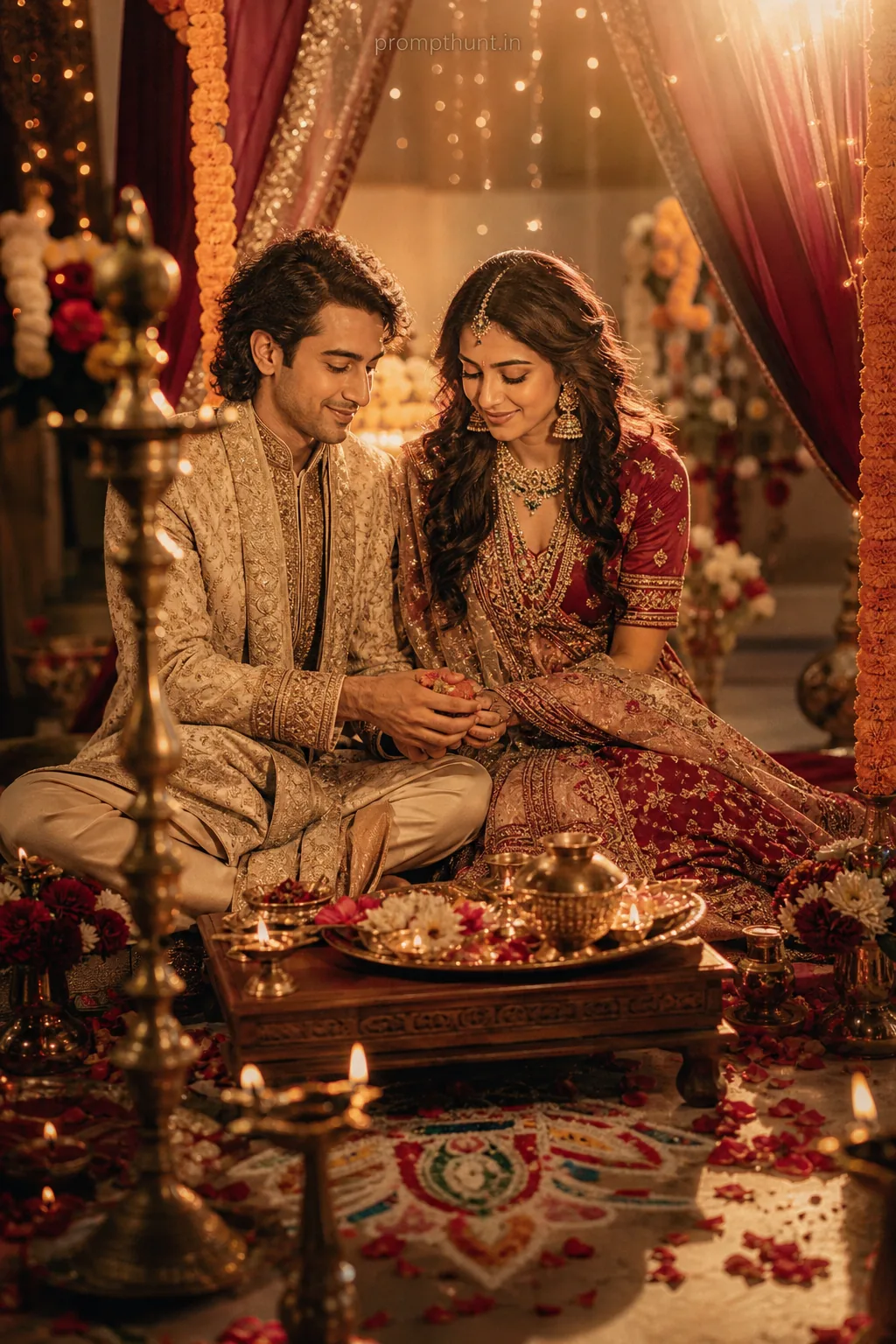
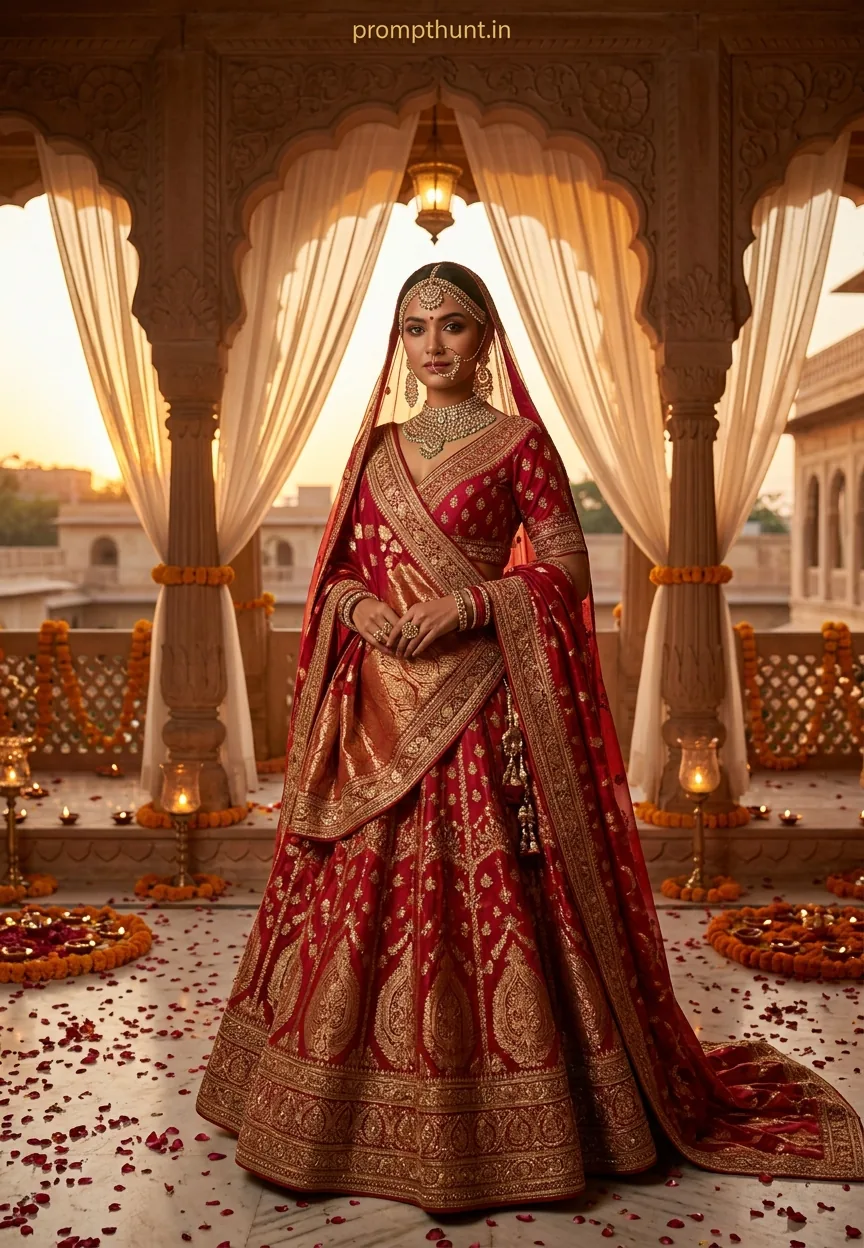
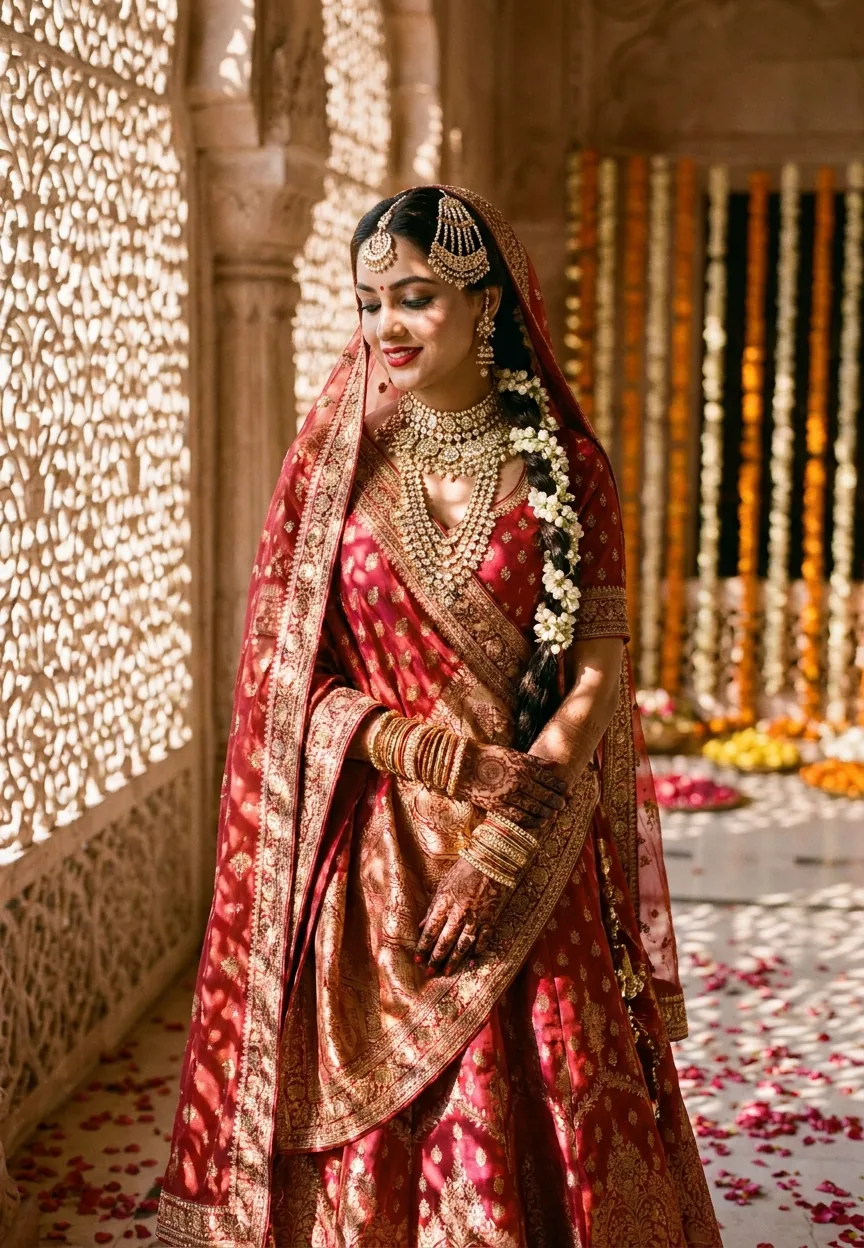
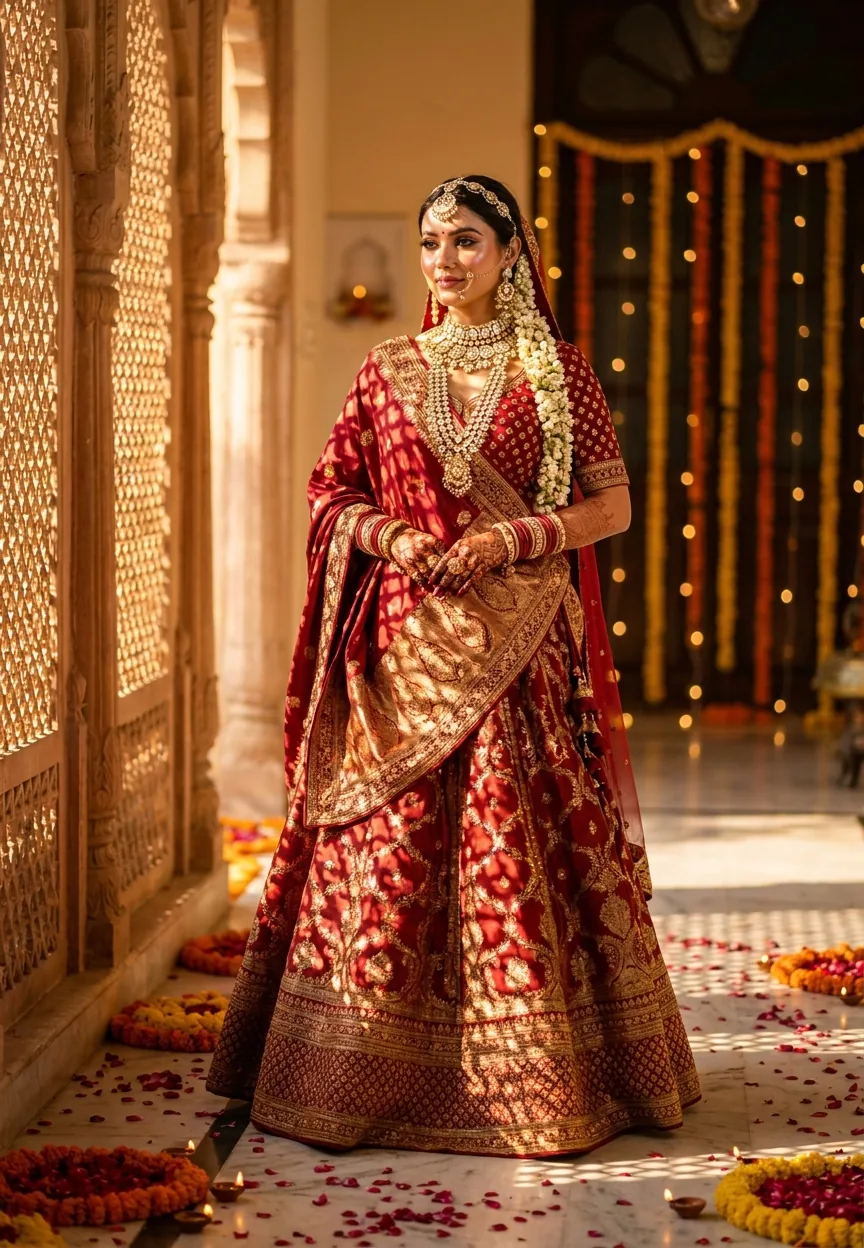
The Royal Indian Bride Dreamy Wedding Editorial prompt transforms your uploaded photo into a cinematic Rajasthani palace bridal shoot using Gemini AI. Upload your photo first, then paste the prompt. Gemini preserves your exact face and skin tone while draping you in a crimson-gold lehenga, jadau jewellery, and golden-hour palace lighting straight out of Vogue India.
There's a very specific kind of photo that breaks the internet every wedding season in India. Golden light. Sandstone arches. A lehenga so heavily embroidered it probably has its own zip code. You've seen it on every bridal Instagram account, every luxury wedding magazine, and at least three relatives' WhatsApp status. The problem is, getting that shot in real life involves a palace, a professional photographer, a stylist, approximately forty-seven accessories, and a budget that makes your eyes water. Or — and bear with me here — you just use Gemini and a good prompt. (We went with the prompt. Much easier on the wallet.)
Upload your photo into Gemini, paste this prompt, and you'll get a cinematic Rajasthani bridal editorial portrait that looks like it cost a small fortune to produce.
What the Royal Indian Bride Editorial Style Actually Is
This is high-end Indian bridal photography. Not the candid-at-the-mehndi variety — the full magazine cover treatment.
Think Vogue India's bridal issue. Think Sabyasachi campaigns. Think that one shot every bride saves to Pinterest three years before the wedding and shows the photographer while whispering "can we do something like this."
The style has very specific ingredients. Golden hour light pouring through latticed jali windows. A Rajasthani palace courtyard — sandstone arches, hanging marigold and mogra strings, brass diyas flickering in the background. A crimson and gold silk lehenga with zari embroidery that catches every ray of light. Layered jadau jewellery: maang tikka, chandelier jhumkas, stacked chooda. A dupatta billowing dramatically as if the breeze got the brief.
The colour palette leans warm and rich — saffron, rose gold, deep burgundy. The finish is cinematic: shallow depth of field, soft film grain, bokeh and lens flare that make everything look slightly more romantic than real life actually is. Which is, frankly, the entire point.
It's a look that takes professional photographers, stylists, and location scouts working in concert. This prompt recreates it from a selfie. The audacity, honestly.
The Prompt
The uploaded photo is the master reference for this character. Preserve the exact facial features, face shape, skin tone, and identity from the uploaded image exactly. Vertical 9:13 composition. A breathtaking Indian bridal editorial set in a grand Rajasthani palace courtyard at golden hour. The subject is draped in a heavily embroidered crimson and gold silk lehenga adorned with intricate zari work, mirror embellishments, and cascading floral motifs. Layered gold jadau jewellery, including a statement maang tikka, chandelier jhumkas, and stacked chooda bangles, catches the warm evening light. A sheer dupatta embroidered with real dried rose petals is draped dramatically over the shoulder, billowing softly in the breeze. The background features ornate sandstone arches, hanging marigold and mogra flower strings, and flickering brass diyas casting a warm amber glow. Shafts of golden sunlight pour through latticed jali windows, creating magical bokeh and lens flare effects. The overall mood is deeply romantic, opulent, and cinematic — styled like a luxury Indian wedding magazine cover. Rich warm tones of saffron, rose gold, and deep burgundy dominate the color palette. Shot in 9:13 vertical format with soft film grain texture, shallow depth of field, and a timeless editorial finish reminiscent of high-end Vogue India bridal shoots. Add a small, thin, professional 'prompthunt.in' text watermark at the top center of the image. The watermark should be subtle, use a color that matches the image's color palette, and appear lightweight and elegant — not distracting.
How to Use This Prompt — Step by Step
This one works differently from prompts you type into a blank chat. The prompt references "the uploaded photo" — which means your photo has to go in first. Gemini uses it as the face reference for the entire image. Skip this step and you'll get a beautiful editorial portrait of a stranger. Useful for no one.
Step 1. Open Google Gemini on your phone or browser. You want the image generation version — Gemini with Imagen 3.
Step 2. Upload your photo as the reference image before typing anything. A clear, well-lit photo works best. Front-facing, good lighting, no heavy filters. Think passport photo energy, but with a better expression.
Step 3. Copy the full prompt above and paste it into the chat alongside your uploaded photo.
Step 4. Hit send and give Gemini a moment to work. You're asking it to render a full palace, a detailed lehenga, layered jewellery, bokeh, lens flare, and a billowing dupatta. It's doing a lot. Be patient. (Unlike your relatives when the baraat is running late.)
Step 5. Download your result. If the first generation isn't quite right, try a slightly different photo — lighting and angle in your reference image make a real difference to the output.
Tips That Actually Make a Difference
Nine times out of ten, the results are better when your reference photo is well-lit and front-facing. Gemini needs a clear read on your face to preserve it accurately.
Rule of thumb: avoid heavy filters or strong colour grading on your reference photo. The prompt already handles all of that. If your source image has a warm orange filter baked in, it confuses the model's colour calibration. Upload something closer to natural.
If your skin tone is very dark or very fair, the warm saffron palette in this prompt tends to work beautifully — it was specifically designed for South Asian skin tones across the full range, so don't worry about that.
Try different expressions. The editorial bridal look suits a composed, slightly downward gaze or a soft side glance. Big grins look lovely in life but slightly odd when combined with Rajasthani palace grandeur. Think: regal, not holiday snap.
If Gemini slightly shifts your facial features, add "do not alter the face, nose shape, or eye shape from the reference photo" before pasting the main prompt. That usually reins it back in.
Why This Style Is Having a Moment in India Right Now
Indian wedding content has gone fully cinematic on social media. Couples, brides-to-be, and even guests want editorial-quality portraits — not just documentation of the day, but images that feel crafted and intentional.
The Rajasthani palace aesthetic in particular has a cultural weight that resonates. Udaipur, Jaipur, Jodhpur — these locations have become shorthand for aspirational Indian weddings globally. Vogue India bridal shoots, Tarun Tahiliani campaigns, Sabyasachi lookbooks — they've all embedded this visual language deep into what people consider beautiful and desirable.
The problem is access. A real shoot at a heritage Rajasthan property costs more than most people's entire wedding budgets. AI photo editing prompts like this one democratise the aesthetic. Anyone with a phone, a Gemini account, and a decent selfie can produce a result that reads like a luxury editorial. That's genuinely new, and people have clocked it fast.
Searches for AI bridal photo editing have jumped sharply across Indian cities. The content performs well on Instagram Reels — the before-and-after format is practically made for it.
Honest Take — When to Use This and When to Leave It
This prompt is genuinely impressive. The detail in the lehenga rendering, the accuracy of the jewellery, the way the palace background interacts with the light — Gemini handles it better than most AI tools I've tested for Indian wedding aesthetics specifically. It's clearly been prompted by someone who knows their chandelier jhumkas from their stud earrings.
That said, a few honest caveats.
Face preservation in AI is still imperfect. Gemini does a solid job, but if your reference photo is shot at an angle, in low light, or with a lot of hair across your face, it will interpret the gaps. The result might look like you — or it might look like your cousin who you have to admit is also quite good-looking. Manage expectations accordingly.
This is not a substitute for professional wedding photography. If you're using this for actual pre-wedding content, fine. If you're using it to replace a photographer on your wedding day, please reconsider. Some things — the way your mum looks during the vidai, your partner's face when you walk in — are not recreatable in post. No prompt fixes that.
Also, the style is very specific. Crimson and gold, palace, marigolds, warm amber. It's beautiful, but it's one aesthetic. If you wanted a blue-palette Udaipur lakeside shoot or a minimalist white lehenga moment, this particular prompt won't flex that far. Use it for what it is: a very specific, very well-executed Rajasthani bridal editorial. Don't ask it to be everything.
For brides in the planning phase, this is actually a smart use case. Generate a few editorial portraits, see how different elements look on your face and colouring, and use them as references when briefing your actual stylist. You're not deceiving anyone — you're just arriving to that meeting