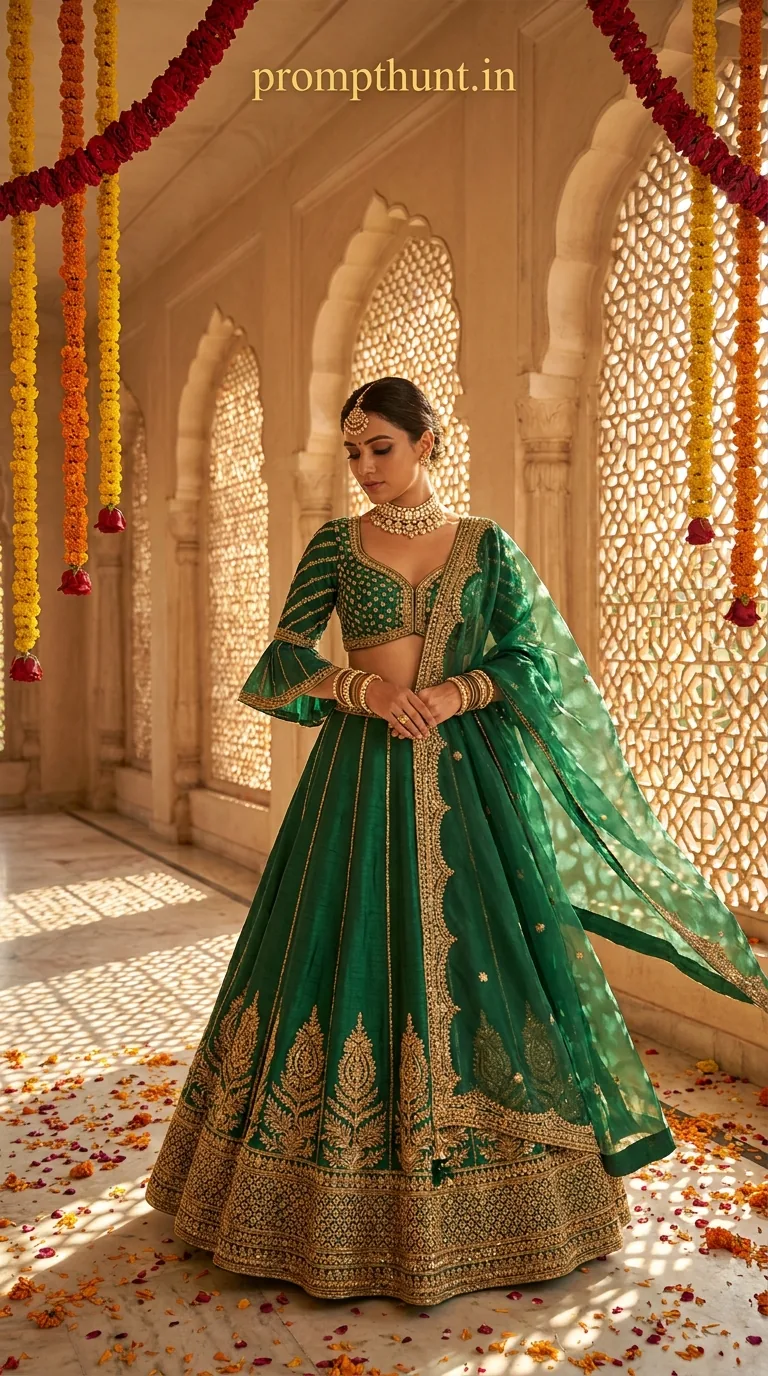
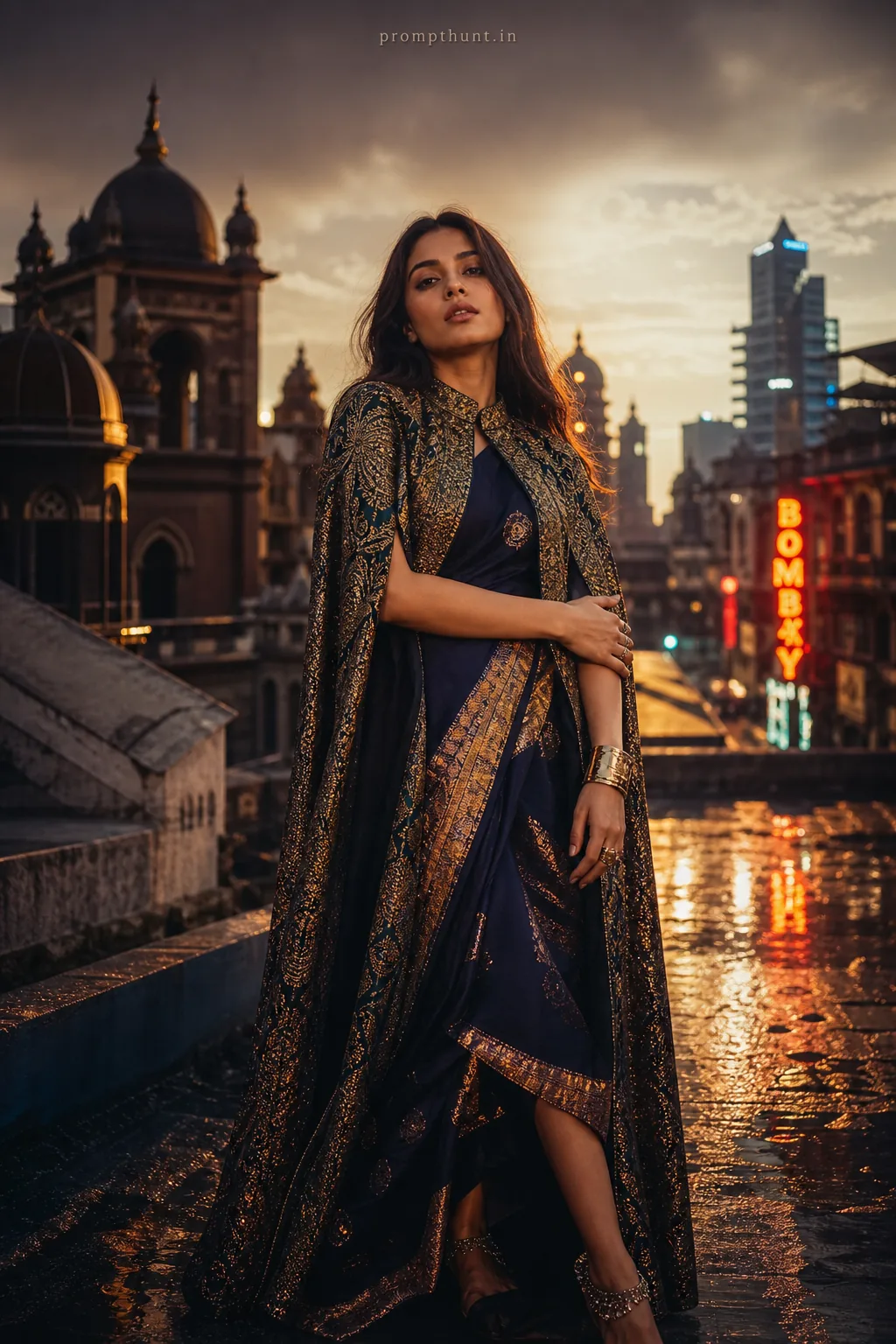
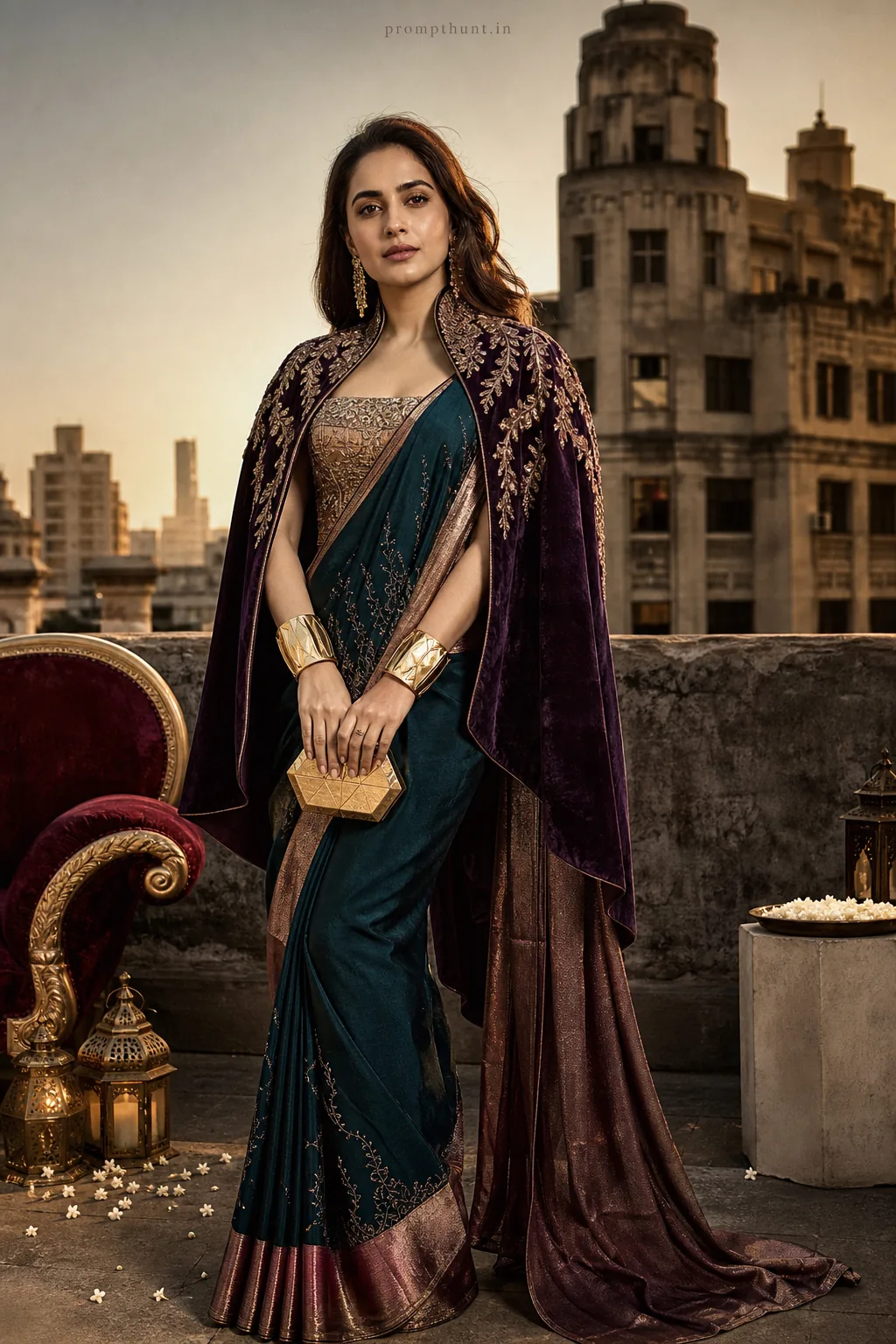
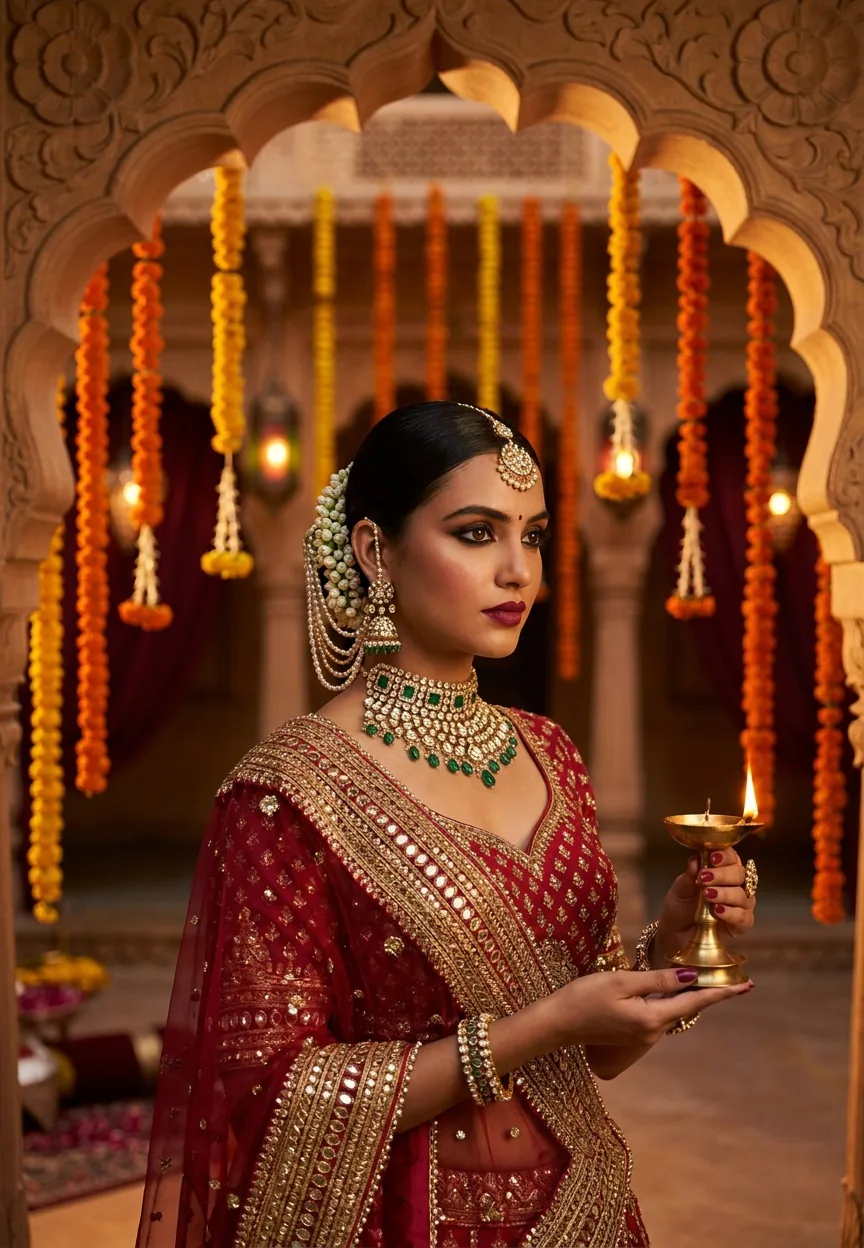

The Bollywood Met Gala Royalty prompt transforms your uploaded photo into a cinematic high-fashion editorial portrait — Mughal palace grandeur, zardozi couture, golden hour light, and a Vogue India cover finish. You upload your face into Gemini, paste the prompt, and the AI recreates you in full bridal editorial splendour. Results take about 30 seconds and are genuinely jaw-dropping.
Bollywood Met Gala Royalty: The High-Fashion Editorial AI Photo Prompt That Makes You Look Like a Vogue Cover
Someone opened Gemini, uploaded a selfie taken in bad bathroom lighting, pasted a prompt, and walked out looking like they'd just closed the Sabyasachi show at Paris Fashion Week. That someone could be you. This high-fashion editorial prompt is doing serious numbers right now — and once you see what it produces, you'll understand exactly why your Instagram feed is suddenly full of people standing in imaginary marble palaces wearing jewellery worth more than a flat in Bandra.
Upload your photo into Gemini, paste this prompt, and get a cinematic Mughal-palace high-fashion editorial portrait that looks like it belongs on the cover of Vogue India.
What Is High-Fashion Editorial — And Why Does It Hit Different?
High-fashion editorial is the visual language of magazine covers and runway campaigns. It's not a portrait. It's not a selfie with a filter. It's a fully constructed world — costume, lighting, setting, atmosphere — all working together to tell one story in a single frame.
This particular prompt layers that editorial language on top of something distinctly South Asian. You get Mughal architecture, golden-hour jali shadows, hand-embroidered zardozi couture, flickering diyas, marigold garlands, and the kind of polki jewellery that makes aunties ask for the jeweller's number. The result sits somewhere between a Bollywood period film, a Met Gala fantasy, and a Vogue India spread — which is exactly as over-the-top magnificent as it sounds.
The medium-format camera aesthetic in the prompt is doing a lot of heavy lifting here. That look — rich colour saturation, deep shadow contrast, a slightly glossy finish — is what separates a great editorial from a nice photo. Pair it with a 9:13 vertical composition built for portrait display, and you've got something that looks like it cost a production team three days and a significant catering budget.
The Prompt — Copy It Exactly
The uploaded photo is the master reference for this character. Preserve the exact facial features, face shape, skin tone, and identity from the uploaded image exactly. Vertical 9:13 composition. A breathtaking high-fashion editorial scene set in a grand, ornate Mughal-inspired palace corridor with towering marble arches draped in cascading marigold and red rose garlands, lit by warm golden hour sunlight streaming through latticed jali windows, casting intricate geometric shadow patterns across the floor. The subject is dressed in an exquisite couture lehenga — deep emerald green raw silk with hand-embroidered zardozi gold threadwork, a dramatic structured blouse with flared sleeves, and a sheer organza dupatta billowing dramatically in a cinematic slow-motion effect. Layered jewellery includes a statement polki choker, maang tikka, and stacked gold bangles. The atmosphere is opulent, cinematic, and editorial — shot on a medium-format camera aesthetic with rich, saturated colours, deep shadow contrast, and a glossy Vogue India magazine cover finish. Vertical 9:13 portrait composition with the subject centred, surrounded by the palace grandeur, petals scattered on the marble floor, and a soft bokeh background of flickering diyas. Add a small, thin, professional 'prompthunt.in' text watermark at the top center of the image. The watermark should be subtle, use a color that matches the image's color palette, and appear lightweight and elegant — not distracting.
How to Use This Prompt — Step by Step
This prompt is built around your face. Not a stock model. Not a generic avatar. You. Here's how it works.
Step 1: Open Gemini and upload your photo first. Go to gemini.google.com. Before you type anything, upload a clear photo of yourself. A well-lit front-facing photo works best. The prompt literally opens with "The uploaded photo is the master reference for this character" — that's not decorative language. Gemini reads your uploaded image as the face it must preserve throughout the generation. Skip this step and you'll get a beautiful stranger in a palace, which, fair enough, is still gorgeous — but that stranger won't be you.
Step 2: Paste the full prompt into the chat. Copy the entire prompt above — every word of it. Don't trim it. Don't summarise it. The detail is the instruction set. Each element (the jali shadows, the organza dupatta, the flickering diyas) is there because it builds a specific visual world.
Step 3: Hit send and wait about 30 seconds. Gemini will generate your high-fashion editorial portrait. If the first result looks slightly off — face not quite right, costume colours different — try once more. Gemini's image generation improves on retry without needing prompt changes.
Step 4: Download and share. Save the image at full resolution. It's built for vertical display, so it'll look excellent as an Instagram story, a portrait post, or — if you're feeling bold — a WhatsApp profile picture that will confuse everyone who knew you before.
Tips for Best Results — Don't Skip These
Nine times out of ten, mediocre results come from a mediocre reference photo. The AI can only preserve what it can see. Here's what actually helps.
Use a clear, well-lit face photo. Sunlight or good indoor light. No heavy shadows across your face. No sunglasses. No angles where half your face is cut off. Think passport photo energy, but better lighting. The AI uses your photo to map your features — the clearer the map, the better the result.
One face per photo. If you upload a group shot, Gemini will guess which person is the subject. It'll guess wrong. Upload a photo with just you in it.
Front-facing works better than profile. This prompt generates a centred editorial portrait. A front-facing or slight three-quarter angle reference gives the AI the most to work with for face preservation.
Don't modify the prompt unless you know what you're doing. Every detail in this prompt is load-bearing. The emerald green lehenga, the polki choker, the bokeh diyas — they're all contributing to a specific aesthetic. Change one thing and the whole mood can shift. Rule of thumb: run it as-is first, then experiment.
Why This Style Is Trending Right Now in India
The Bollywood-meets-Met-Gala aesthetic has been building for a while. Deepika Padukone's actual Met Gala appearances. Alia Bhatt's Gucci campaigns. The global appetite for South Asian fashion that is unapologetically maximalist and deeply rooted in craft tradition. Zardozi embroidery and polki jewellery are having a genuine global fashion moment — and this prompt captures exactly that moment in a single image.
There's also the wedding season factor. India has the world's most elaborate wedding culture, and everyone in that ecosystem — brides, families, designers, photographers, content creators — is perpetually looking for visual references. This prompt produces something that looks like a high-budget bridal editorial shoot. For free. In under a minute. That's not just trending — that's genuinely useful.
The AI photo editing space hasn't had many prompts that feel this specific to South Asian identity. Most viral prompts default to Western aesthetics. This one doesn't. That specificity is exactly why it's spreading.
The Honest Take — When This Works and When It Doesn't
This prompt is genuinely excellent at what it sets out to do. The Mughal architecture reads as authentic rather than costume-party. The lighting direction (golden hour through jali windows) produces shadows that feel considered, not accidental. The couture detail level — zardozi gold threadwork, structured blouse, billowing organza — is specific enough that the AI treats it as a proper brief rather than a vague suggestion. I've seen this prompt produce images that look better than some actual fashion shoots.
That said, here's when I'd tell you to manage expectations. Face preservation in AI generation is still the hardest technical problem in this space. Gemini is good at it — better than most — but it's not perfect. If your reference photo has complex lighting, unusual angles, or heavy styling (dramatic makeup, strong filters already applied), the face fidelity can slip. You might get someone who looks like your cousin rather than specifically you. Not a disaster, but worth knowing going in.
Also: this prompt is built for one person. It's not designed for couples or groups. The composition, the centring, the jewellery specification — it's all singular. If you try to add a second person, the prompt doesn't have instructions for them and the result gets unpredictable fast.
I'd also say this style isn't for everyone's content goals. If you're creating editorial content for a fashion brand, this is brilliant raw material. If you're a photographer building a portfolio of actual photography, maybe don't post this as your work without being clear it's AI-generated. The image is striking enough that people will ask who shot it. Have an honest answer ready.
Finally, it won't replace a real Tarun Tahiliani shoot. But then again, neither will your budget, probably. So here we are.
Go Get Your Vogue Moment
Upload a decent photo. Paste the prompt



















