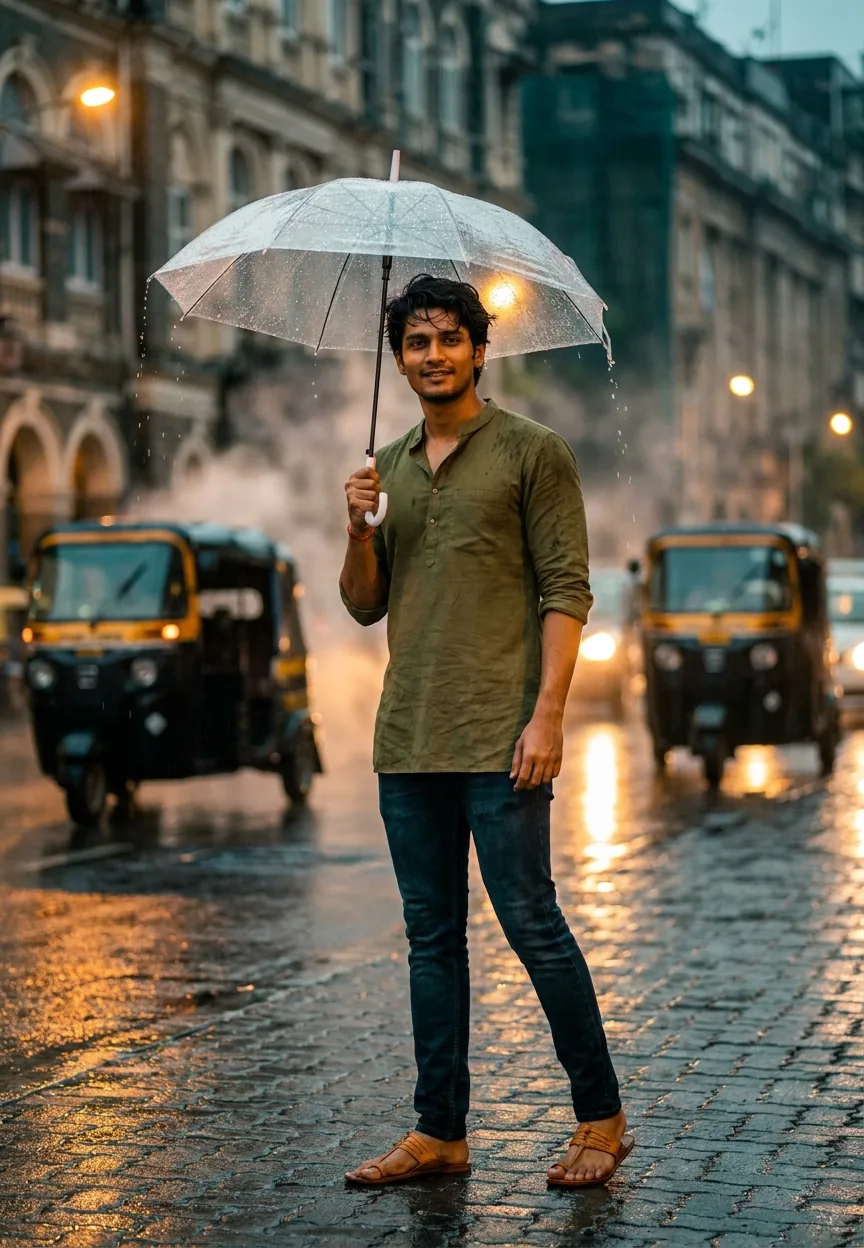
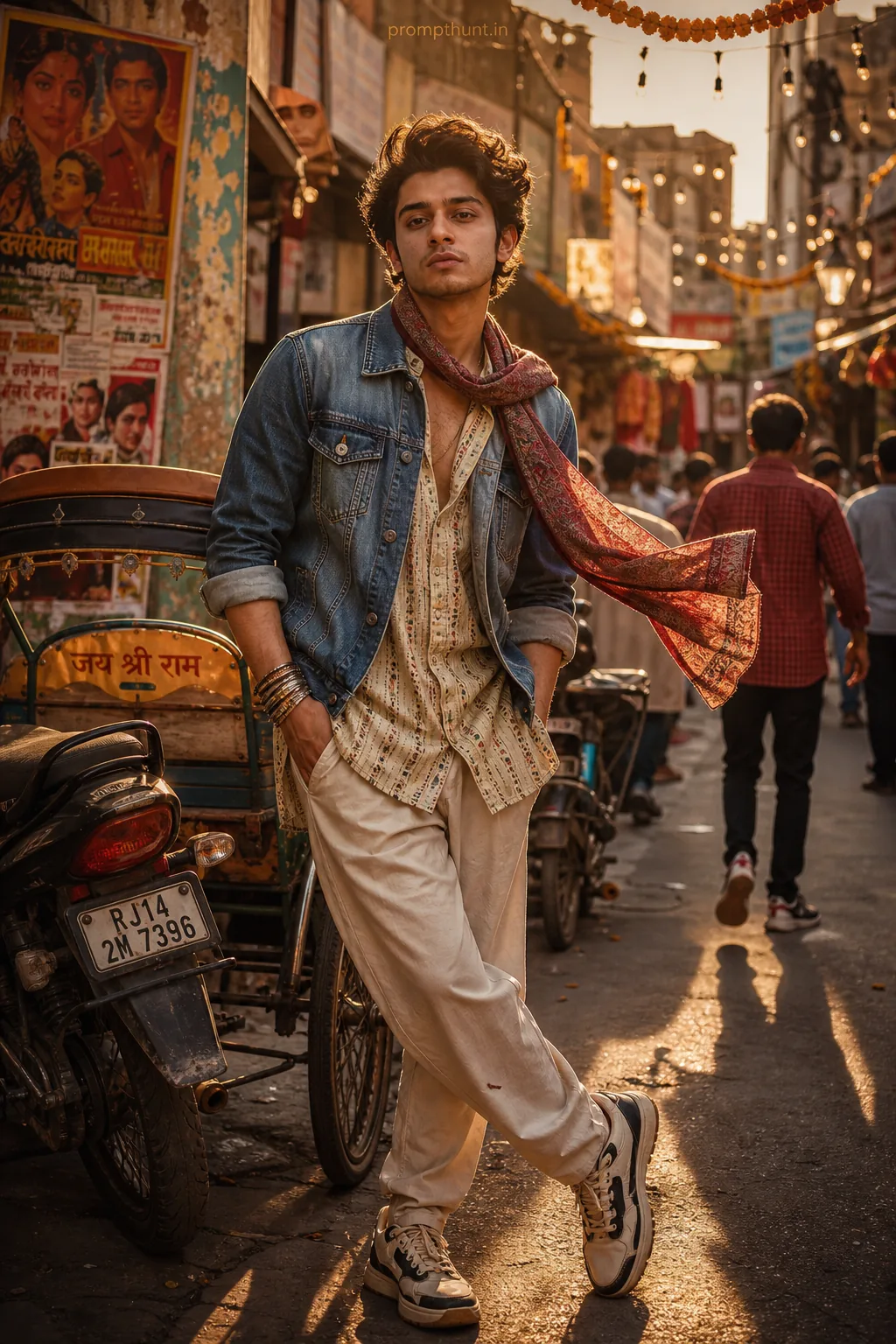
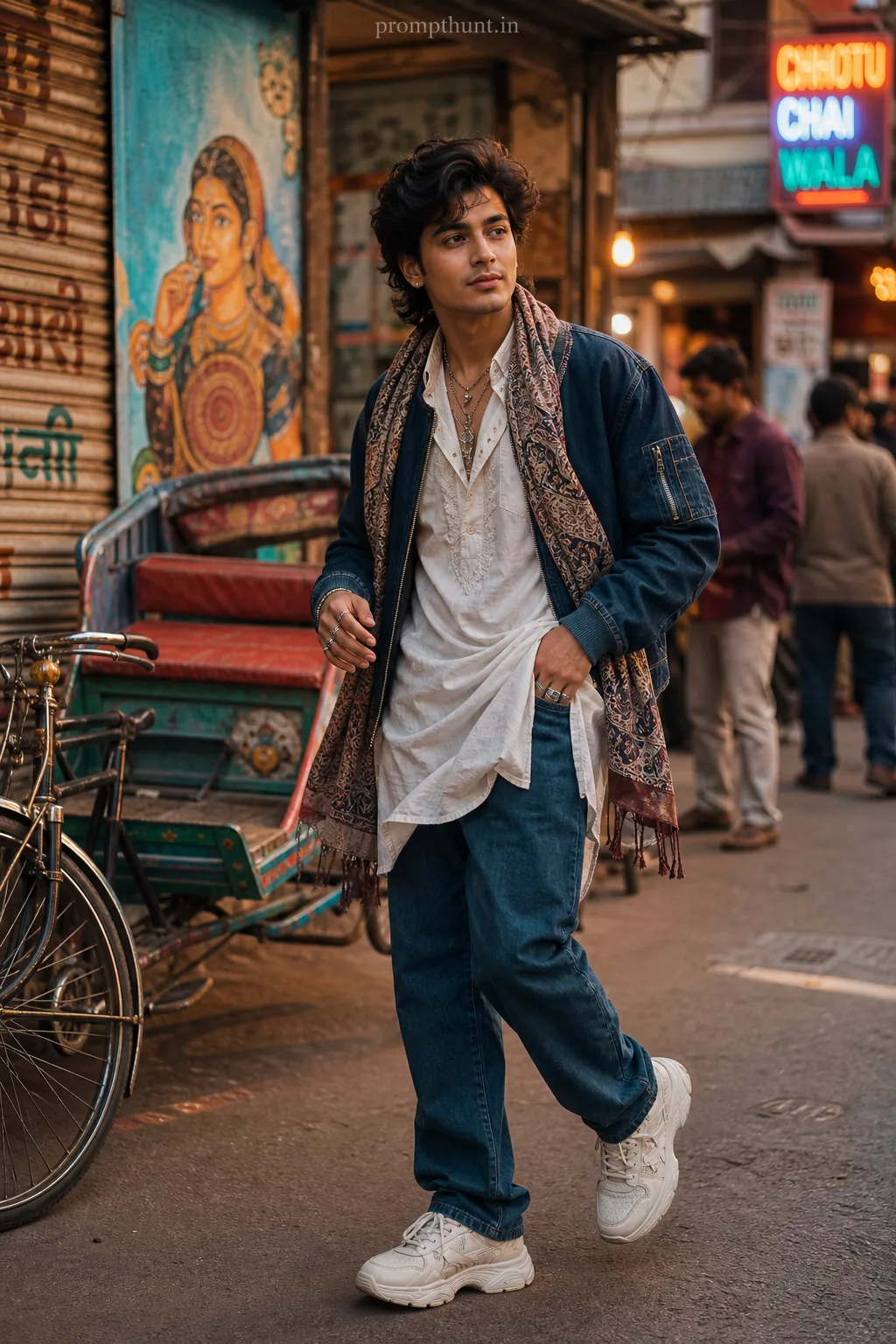
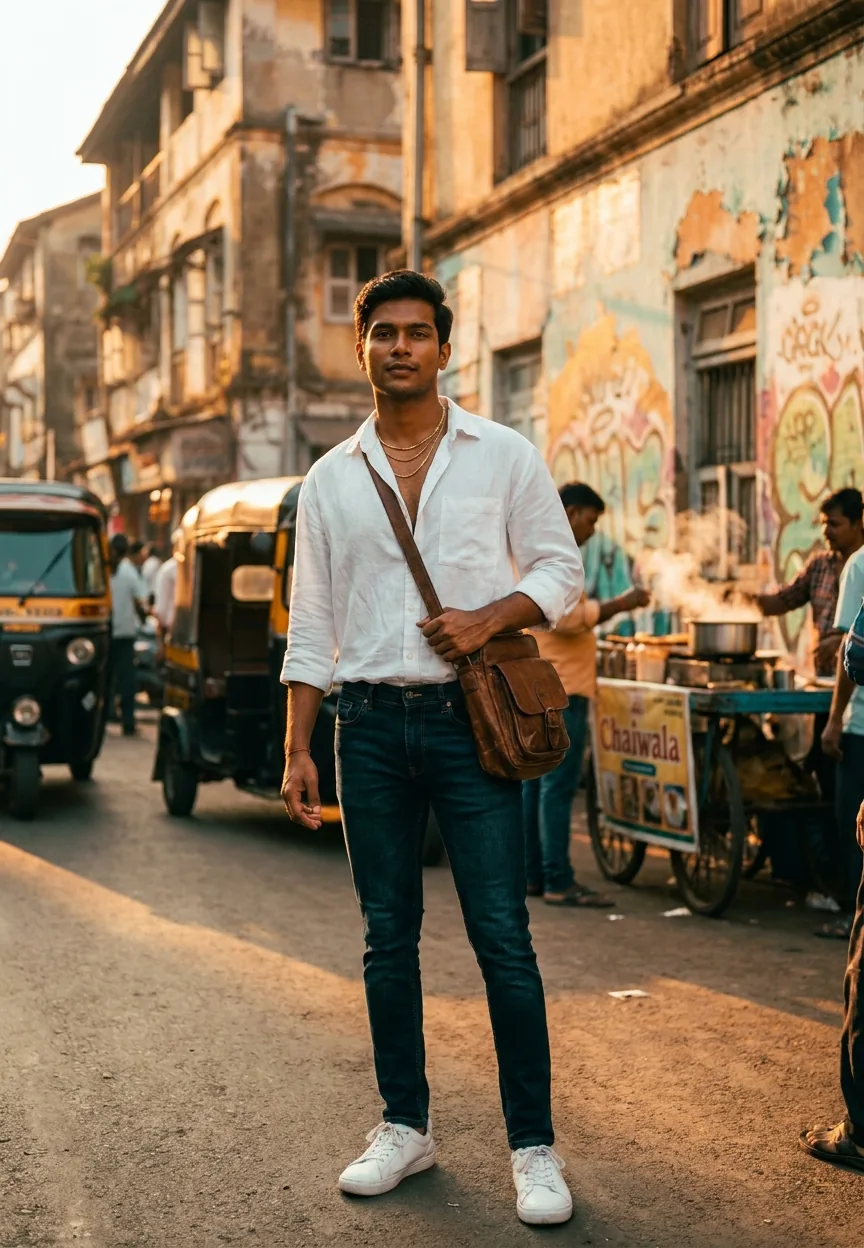
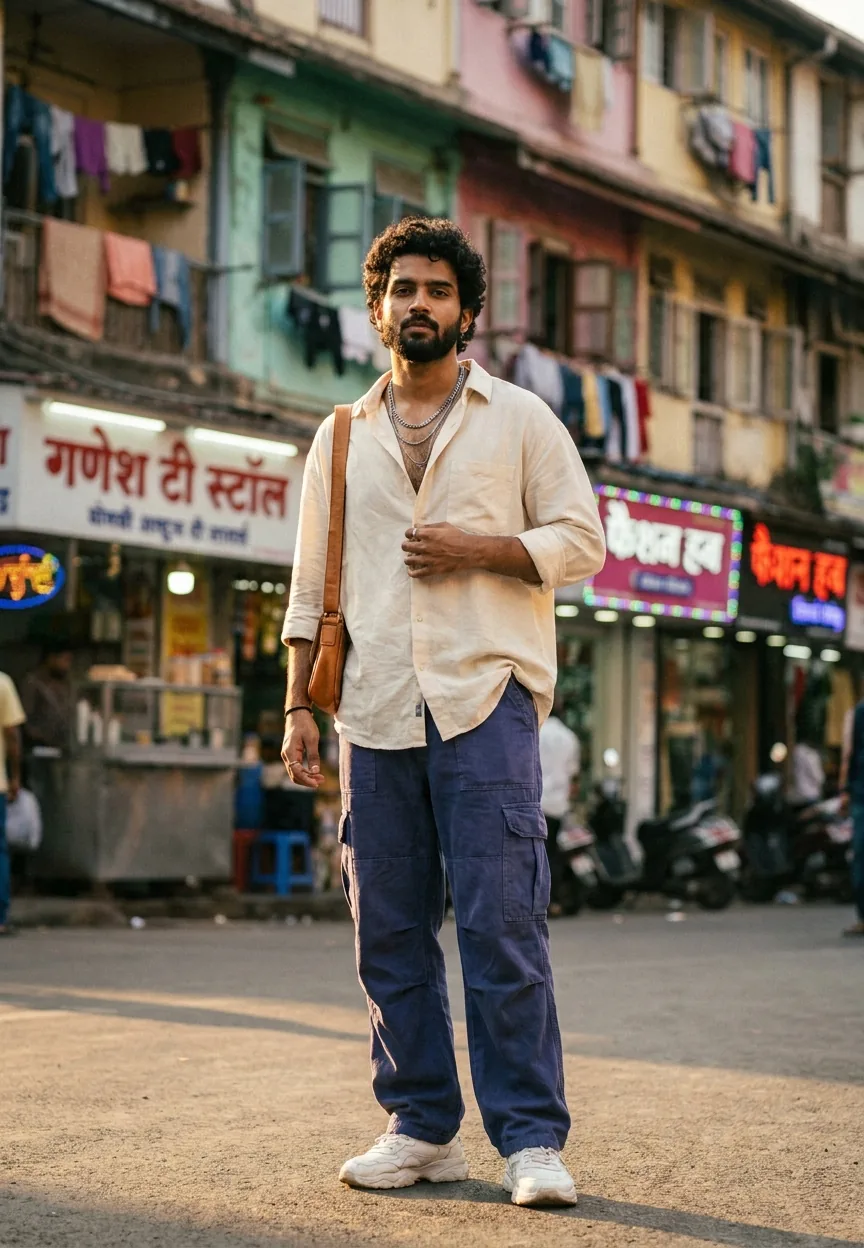
The Mumbai Monsoon Street Fashion prompt generates editorial-quality AI portraits blending Indian street culture with high fashion aesthetics. It works in Gemini, Midjourney, and similar tools. Use it to create cinematic, rain-soaked portraits with warm saffron highlights, deep teal shadows, and authentic Mumbai atmosphere — without booking a flight or waiting for the monsoon.
There's a specific kind of magic that happens in Mumbai when the monsoon hits. The streets go glossy. The auto rickshaws blur into streaks of yellow and black. Everything smells like wet concrete and chai. And somehow, every person standing in it looks like they've just walked off a magazine cover they didn't know they were on. This street style AI prompt captures exactly that — and it does it well enough that you'll want to use it on everything from fashion portfolios to Instagram content to creative briefs. The question is how to get the most out of it without ending up with a soggy mess (pun fully intended, no apologies given).
This prompt produces cinematic, editorial street style portraits set in monsoon Mumbai — deep teal shadows, warm amber highlights, shallow depth of field, and genuine cultural detail that most AI fashion prompts completely miss.
What Mumbai Monsoon Street Style Actually Is
Street style photography has a long and slightly pretentious history of pointing a camera at people who dress well and happen to be outside. Mumbai's version of that is different. It's not curated. It's not a fashion week pavement situation. It's real life — a kurta, a pair of kolhapuris, and a man who has somewhere to be and isn't particularly bothered about the rain.
The aesthetic sits somewhere between editorial fashion photography and documentary realism. Think warm skin tones under amber streetlights. Think puddles that reflect entire cityscapes. Think steam rising off warm tarmac when cold rain hits it — that specific atmospheric haze that makes every frame look like a film still.
What this AI prompt does is take all of that and make it reproducible on demand. The combination of cinematic color grading — deep teal in the shadows, saffron in the highlights — with authentic Indian clothing and architecture is what separates this from generic "man standing in rain" outputs. The detail matters. Kolhapuri chappals are not flip-flops. An olive green kurta is not just a green shirt. These specifics are doing heavy lifting in the final result.
The Prompt Itself
A stylish young Indian man in his mid-20s standing on a glistening wet Mumbai street during monsoon season, wearing a fitted olive green kurta paired with slim dark indigo jeans and tan leather kolhapuri chappals, holding a translucent umbrella with raindrops cascading off its edges, background featuring iconic Mumbai architecture with blurred yellow-black auto rickshaws and warm amber streetlights reflecting on the rain-soaked cobblestone pavement, steam rising subtly from the ground creating a moody atmospheric haze, skin tone warm golden brown with natural monsoon-lit glow, hair slightly damp and tousled, expression confident yet relaxed with a soft half-smile, shot in editorial street photography style with cinematic color grading — deep teal shadows contrasting warm saffron highlights, shallow depth of field with bokeh street lights in background, ultra-realistic 8K quality, vertical 9:13 portrait composition, magazine-worthy lighting, high fashion meets authentic Indian street culture aesthetic
How to Use This Prompt, Step by Step
The prompt works best in Gemini's image generation tools, but it also runs well in Midjourney v6 and Adobe Firefly. Here's how to get consistent results without burning through your credits on duds.
Step one: paste the prompt as-is. Don't trim it. The length is intentional. AI image tools respond to specificity — every detail you remove is a detail the model fills in with something generic. Removing "kolhapuri chappals" will get you trainers. Removing the color grading instructions will get you a flat, overlit mess that looks like a stock photo from 2009.
Step two: set your aspect ratio. The prompt specifies a 9:13 vertical portrait. In Midjourney, add --ar 9:13 at the end. In Gemini, this is often handled automatically when you specify "vertical portrait composition" in the text. In Firefly, use the portrait preset before generating.
Step three: run it twice before editing. Nine times out of ten, the first output will be close but not perfect. Run two generations and compare. You're looking for the one where the bokeh background actually has that warm amber glow rather than a washed-out grey blur. That's the keeper.
Step four: light post-processing. In Lightroom or Snapseed, push the teal in the shadows slightly and warm up the highlights. The prompt gets you 85% of the way there. A 60-second Lightroom edit closes the gap.
Tips for Best Results
A few things I've learned from running this prompt more times than I'd like to admit to a medical professional.
Specificity in clothing always wins. If you swap the kurta for a "traditional Indian shirt," the output gets vague fast. The more specific the garment, the more culturally accurate the result. This isn't just about aesthetics — it's about the AI having enough context to make a real choice rather than averaging across everything it's seen.
The umbrella is doing more work than you think. The translucent umbrella with rain cascading off the edges creates a natural framing device. It gives the image layers — subject, umbrella, background. If you remove it, the composition flattens. Keep it.
Don't over-specify the expression. "Confident yet relaxed with a soft half-smile" is the sweet spot. The moment you ask for a full smile, it tends to get toothy and slightly uncanny. The half-smile reads as editorial. The full grin reads as toothpaste commercial. Your call, but you've been warned.
Try swapping the location details while keeping everything else. "Rain-soaked cobblestone pavement" can become "glistening asphalt outside a crowded Dharavi lane" or "wet steps of a colonial-era building in Fort Mumbai." The core prompt holds across these variations surprisingly well.
Why This Street Style Is Trending Right Now
Indian fashion content online has historically been dominated by two extremes: bridal red and beige minimalism. The monsoon street style aesthetic is something different — it's urban, it's specific, and it's genuinely rooted in a place and a season that hundreds of millions of people recognise immediately.
The broader context here is that South Asian fashion creators have been pushing for representation in the AI image space for a while. Most default AI fashion outputs skew heavily towards Western aesthetics and lighting conditions designed for paler skin tones. A prompt that explicitly specifies "warm golden brown" skin with "monsoon-lit glow" — and actually gets it right — travels fast in those communities. And fair enough. It should.
There's also a practical angle. Mumbai's monsoon season runs June to September. Brands doing seasonal content, stylists building mood boards, photographers pitching editorial concepts — all of them can use this as a reference image before a single shoot is booked. That utility is real and it's one reason this particular prompt has legs beyond the usual novelty cycle.
Honest Opinion: When to Use This and When to Walk Away
Here's the thing — this prompt is genuinely good. The cultural specificity, the lighting direction, the composition guidance: it's all thought through. But it has limits and you should know them before you invest time in it.
If you're using this for commercial work representing a real brand, you'll need to go further than prompt outputs alone. AI-generated imagery still has tell-tale signs — hands near the umbrella handle can get weird, raindrops sometimes render with a slightly plastic quality, and the background architecture occasionally blends into something that looks vaguely like Mumbai but couldn't pass a geography quiz. For a mood board or a social post, that's fine. For a campaign going on a billboard on the Western Express Highway, hire a photographer. The prompt won't thank me for saying that, but it's true.
This style also works less well if you're trying to feature actual products with precise details. The AI interprets "olive green kurta" but it won't reproduce your brand's specific embroidery pattern. Product accuracy is not what this is for. Atmosphere is what this is for — and at atmosphere, it genuinely delivers.
One more honest note: the prompt works for the specific character described. Swapping to a different demographic — older subject, different body type, female protagonist — requires rewriting more than you'd expect. It's not a universal template. It's a very specific picture of a very specific moment, done well. Treat it that way and it'll serve you well. Treat it as a flexible base without adjusting and you'll get results that feel slightly off in ways that are hard to name.
The rule of thumb: if the vibe is more important than the detail, run the prompt. If the detail is more important than the vibe, go somewhere more controllable.
The Takeaway
The Mumbai Monsoon Street Fashion prompt is one of the better-constructed street style AI prompts doing the rounds right now. It's specific where it needs to be, culturally grounded in a way that most AI fashion content isn't, and it produces outputs that actually look like editorial photography rather than a stock image that got lost in transit. Use it for mood boards, social content, and creative references. Tweak the location details to explore different parts of the city. Keep the umbrella. And if the



















