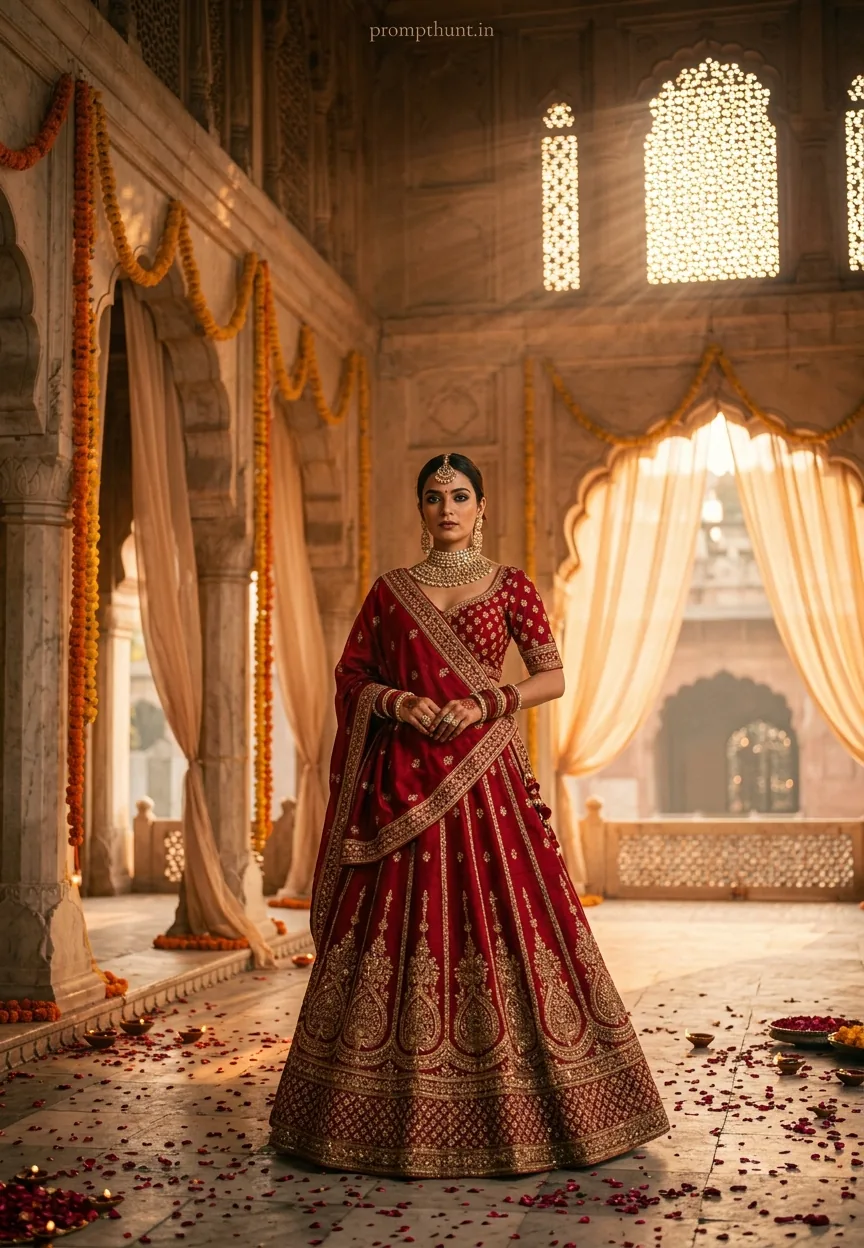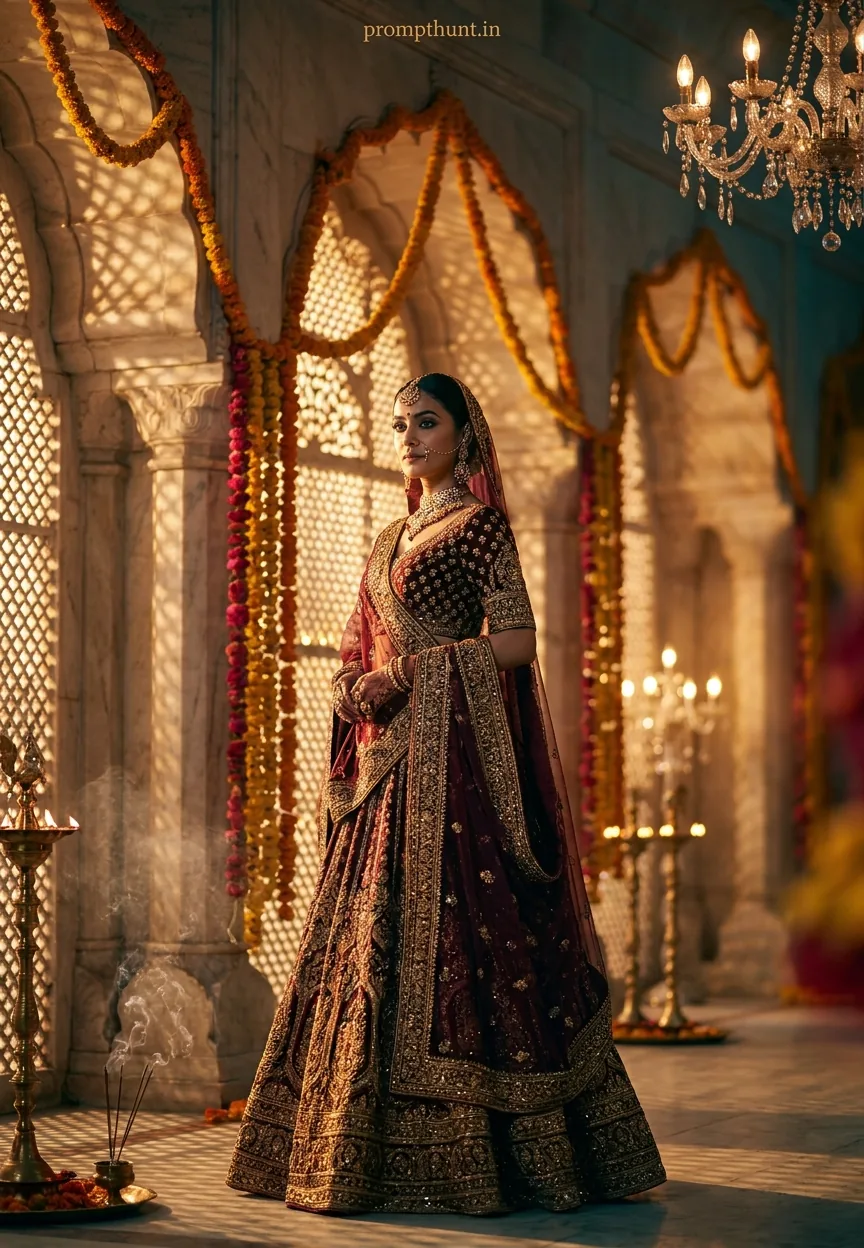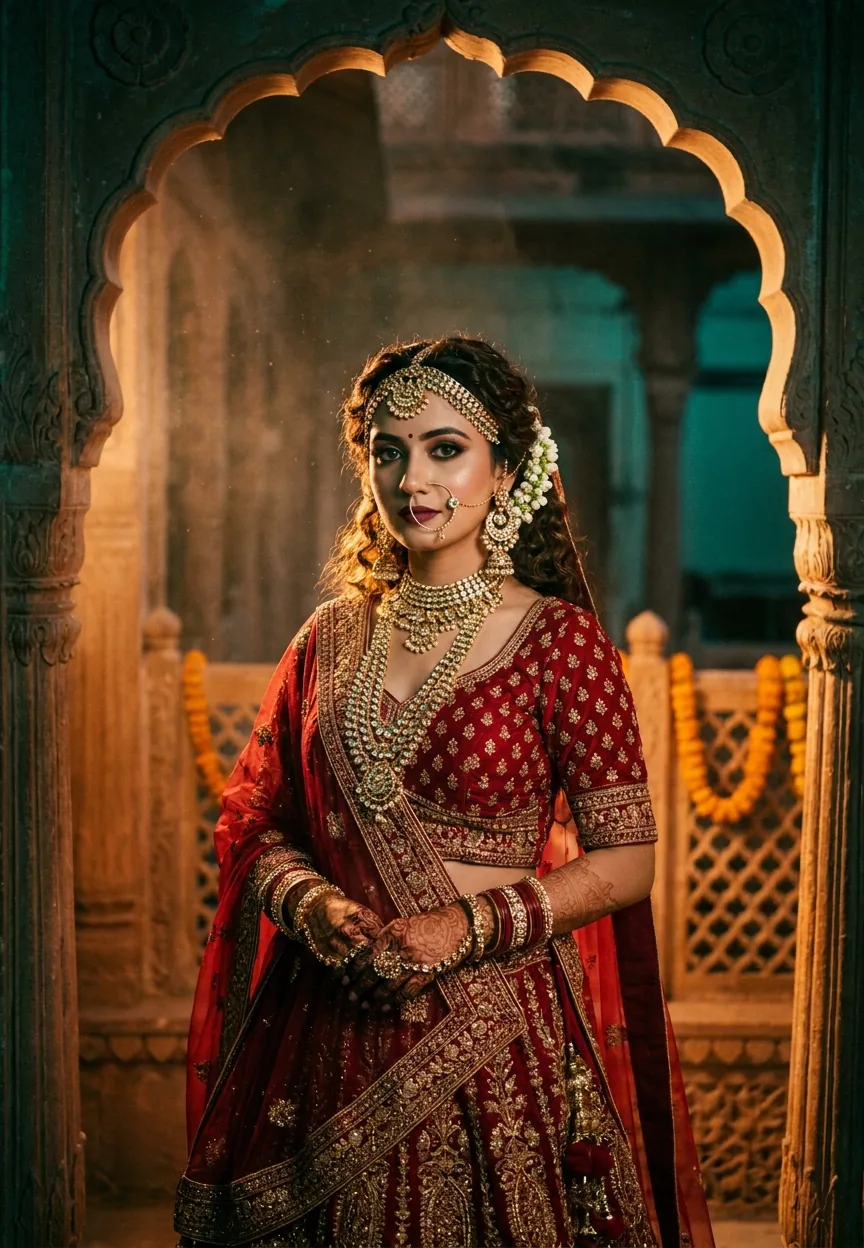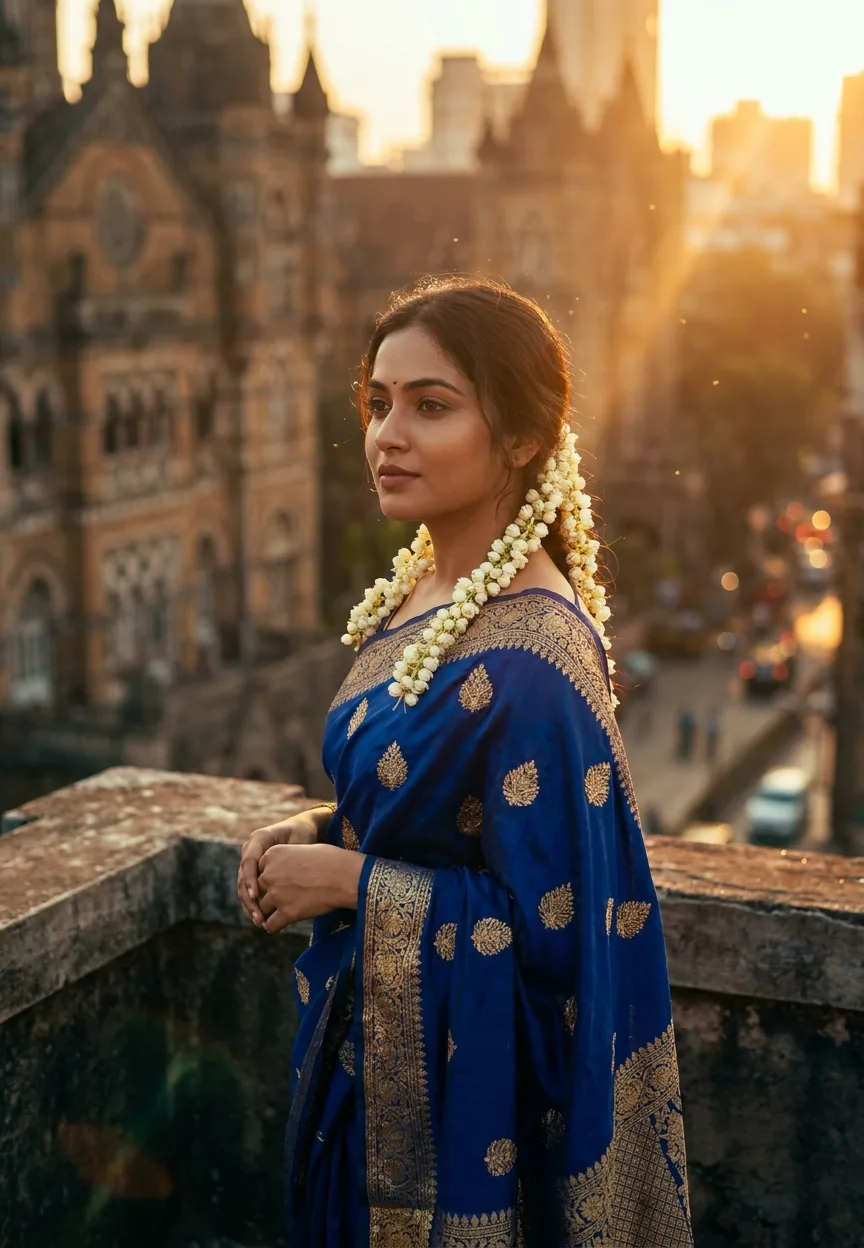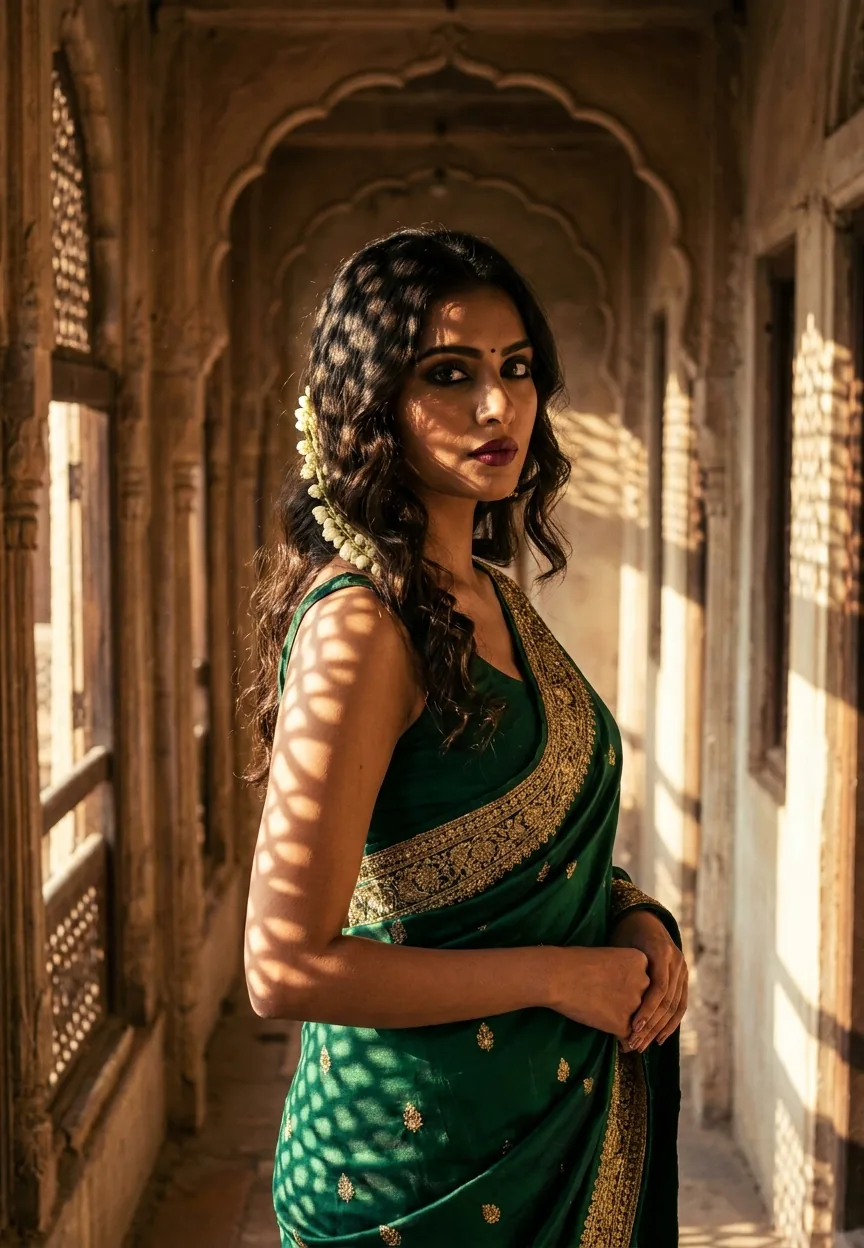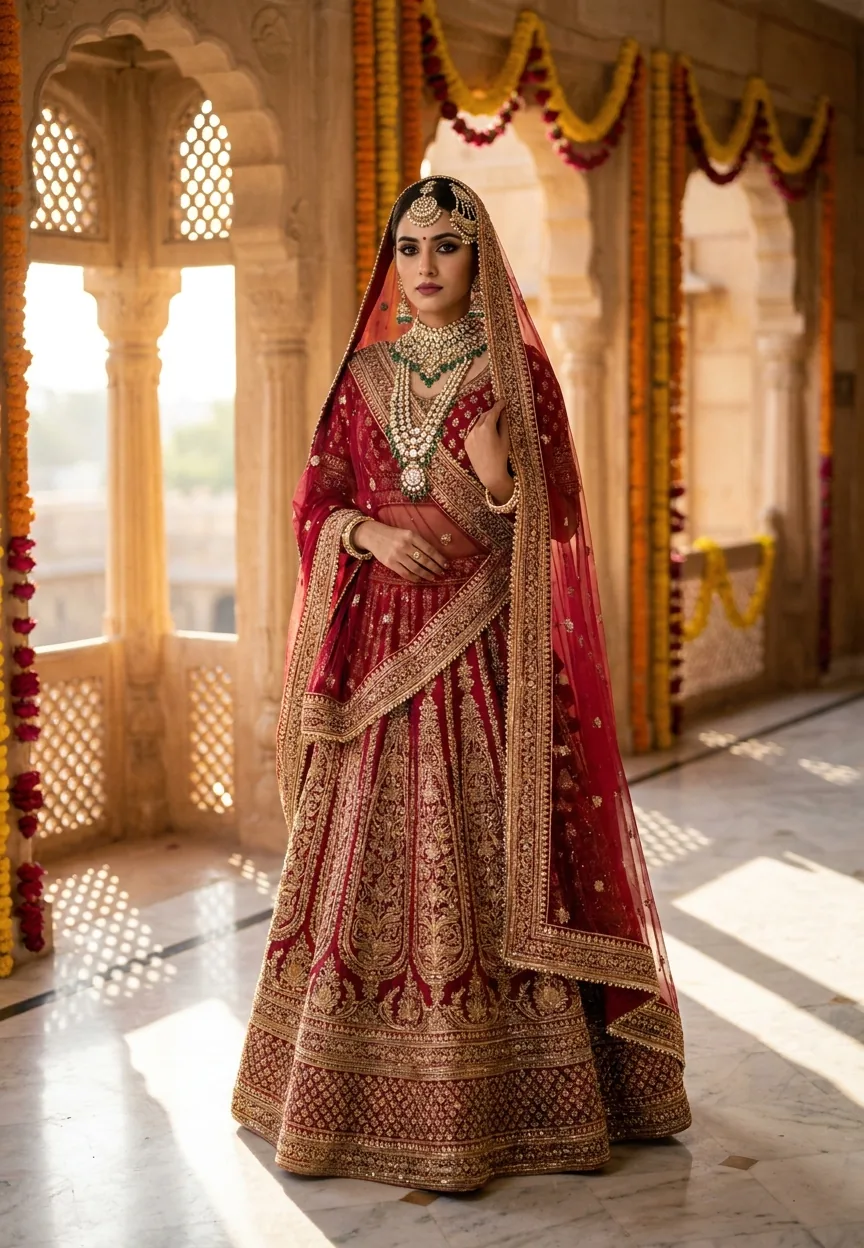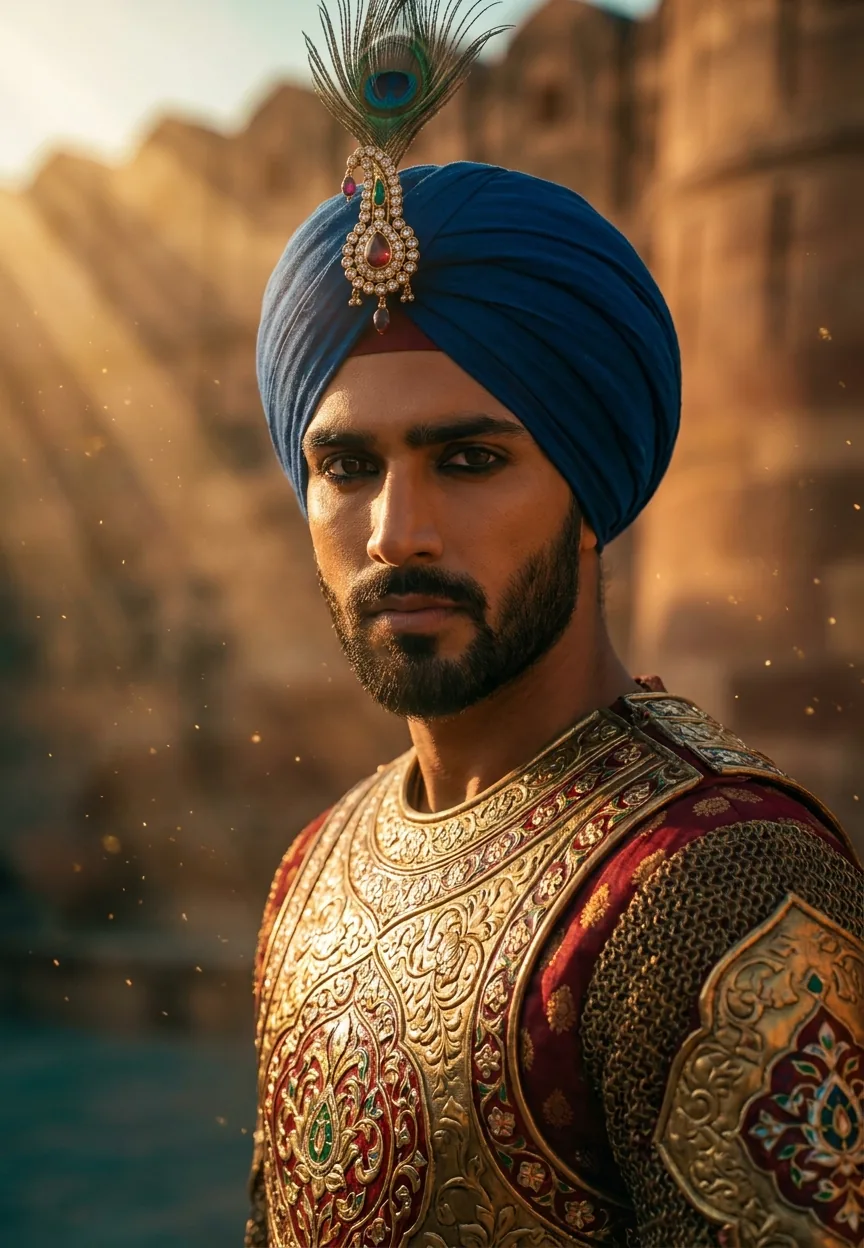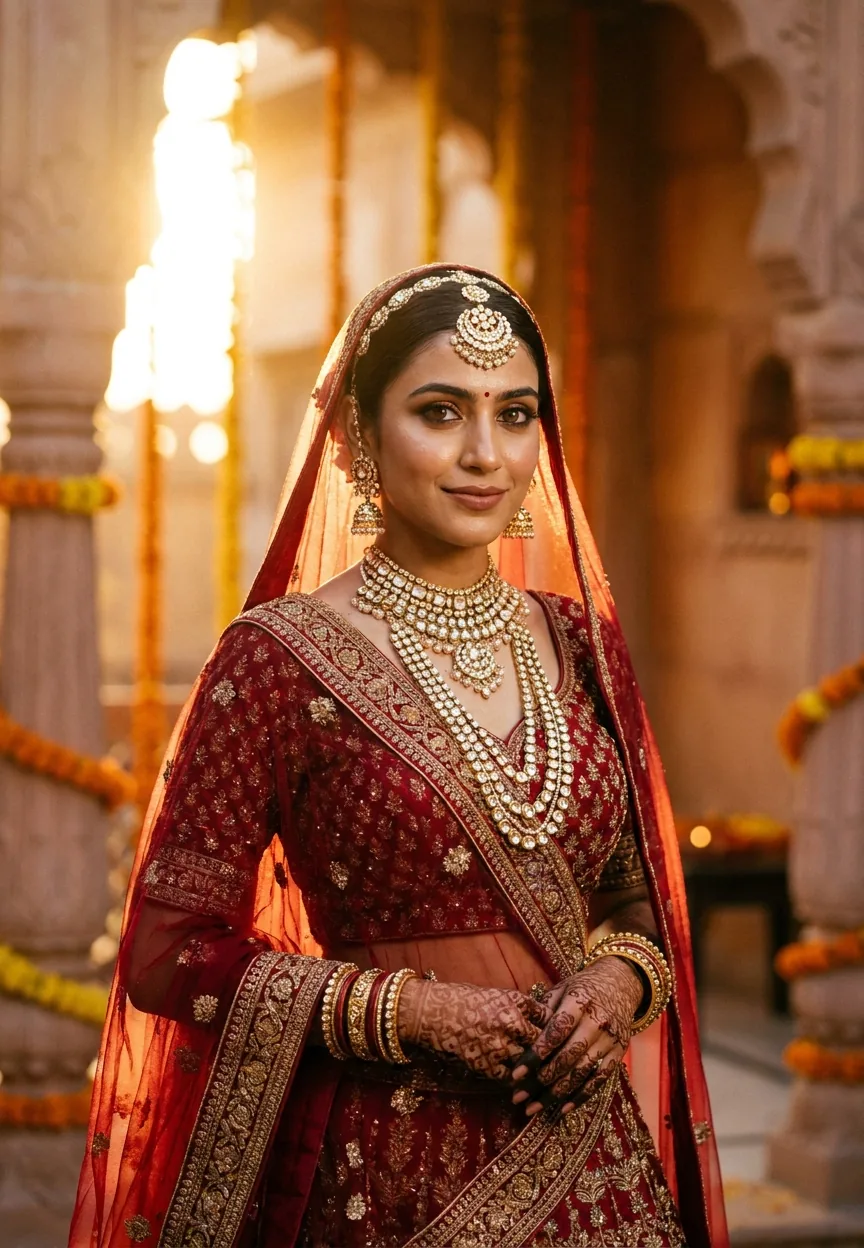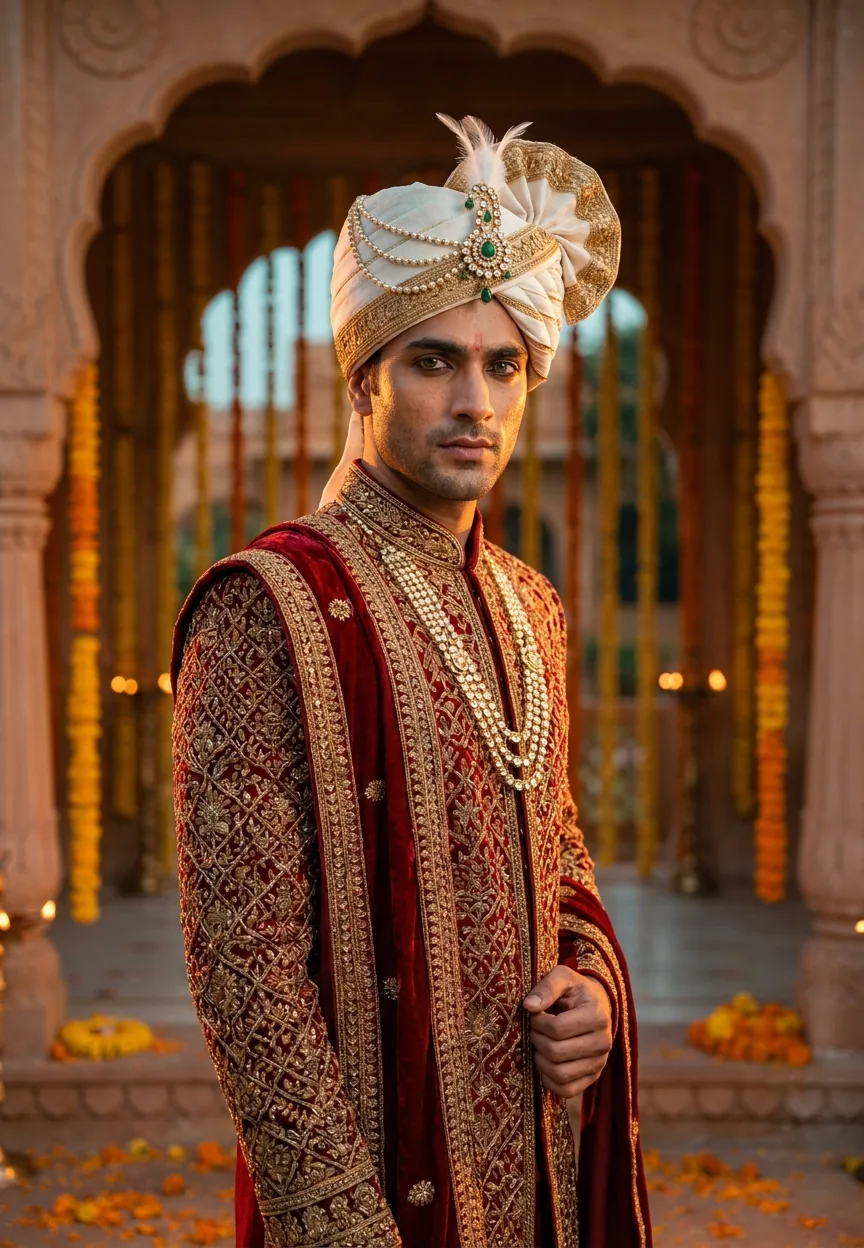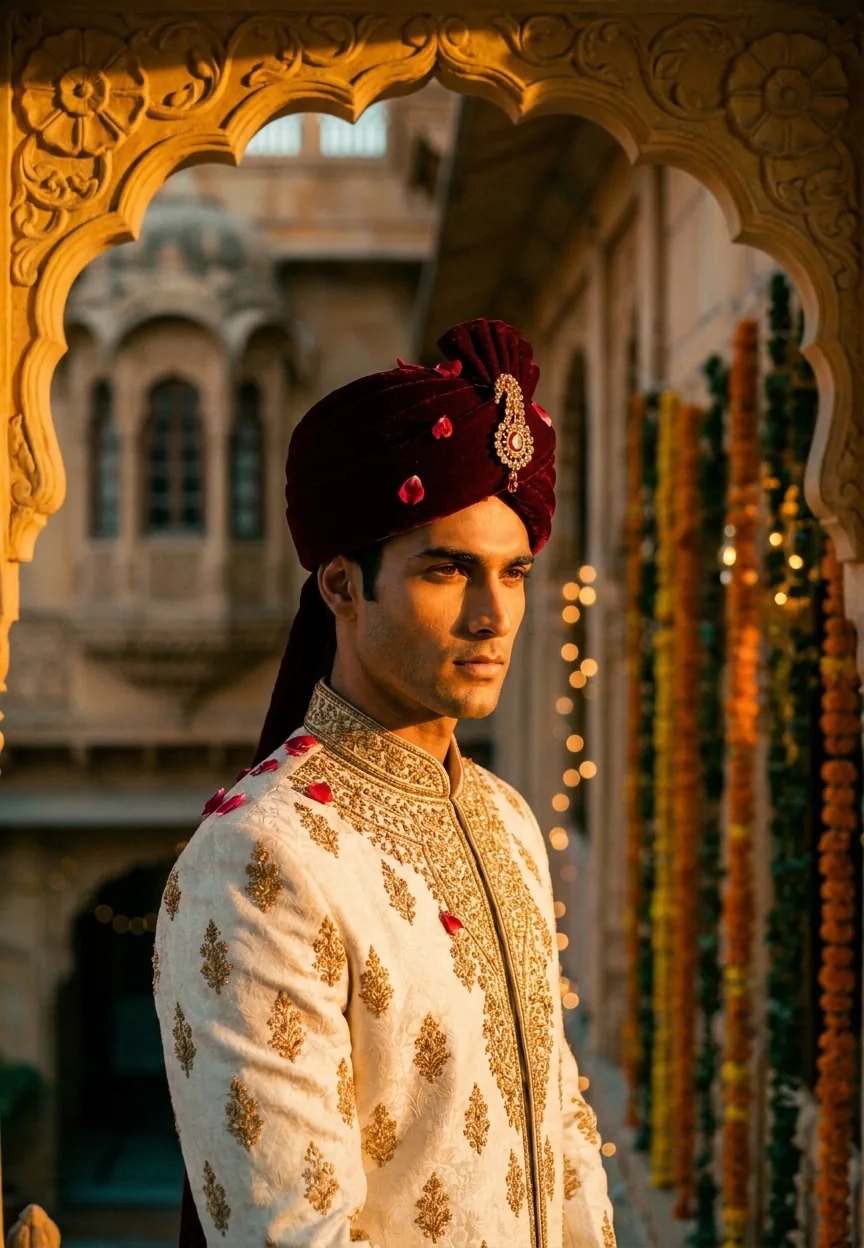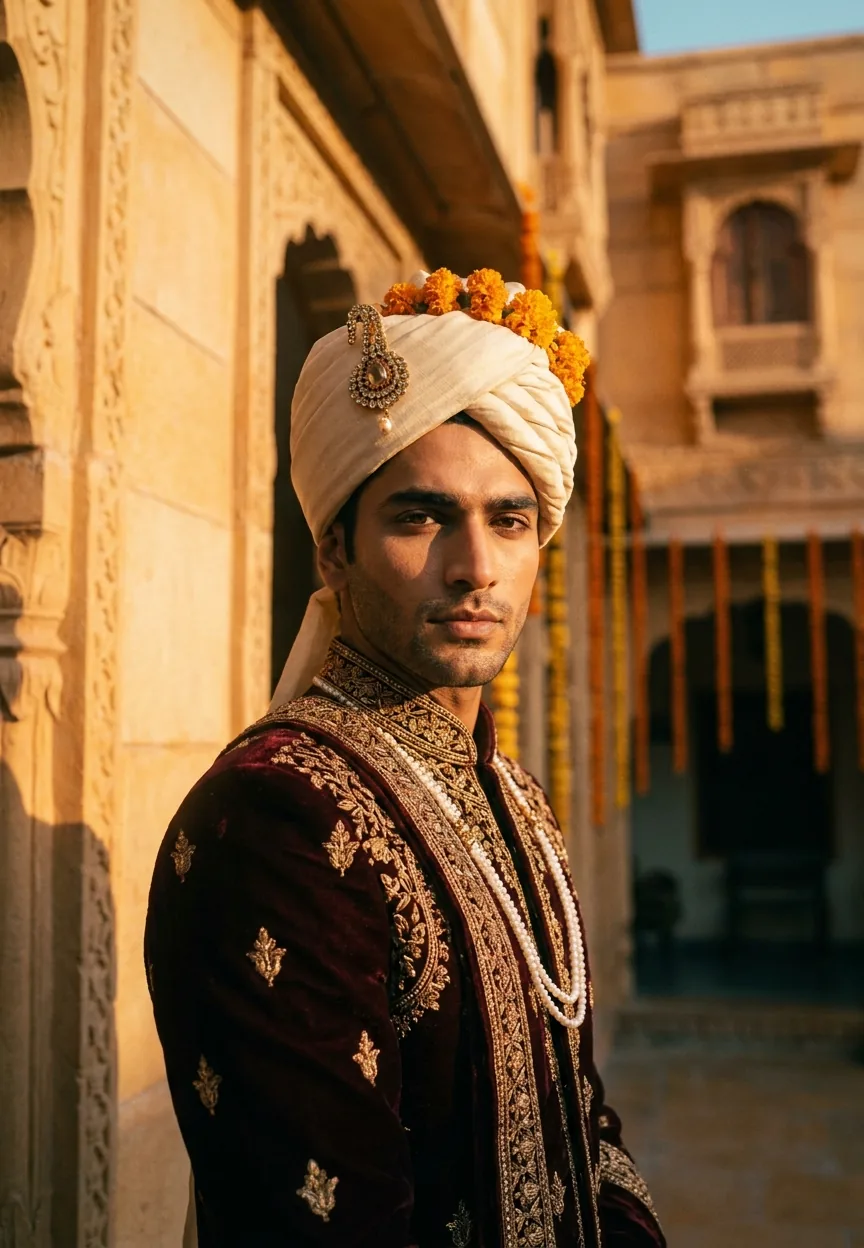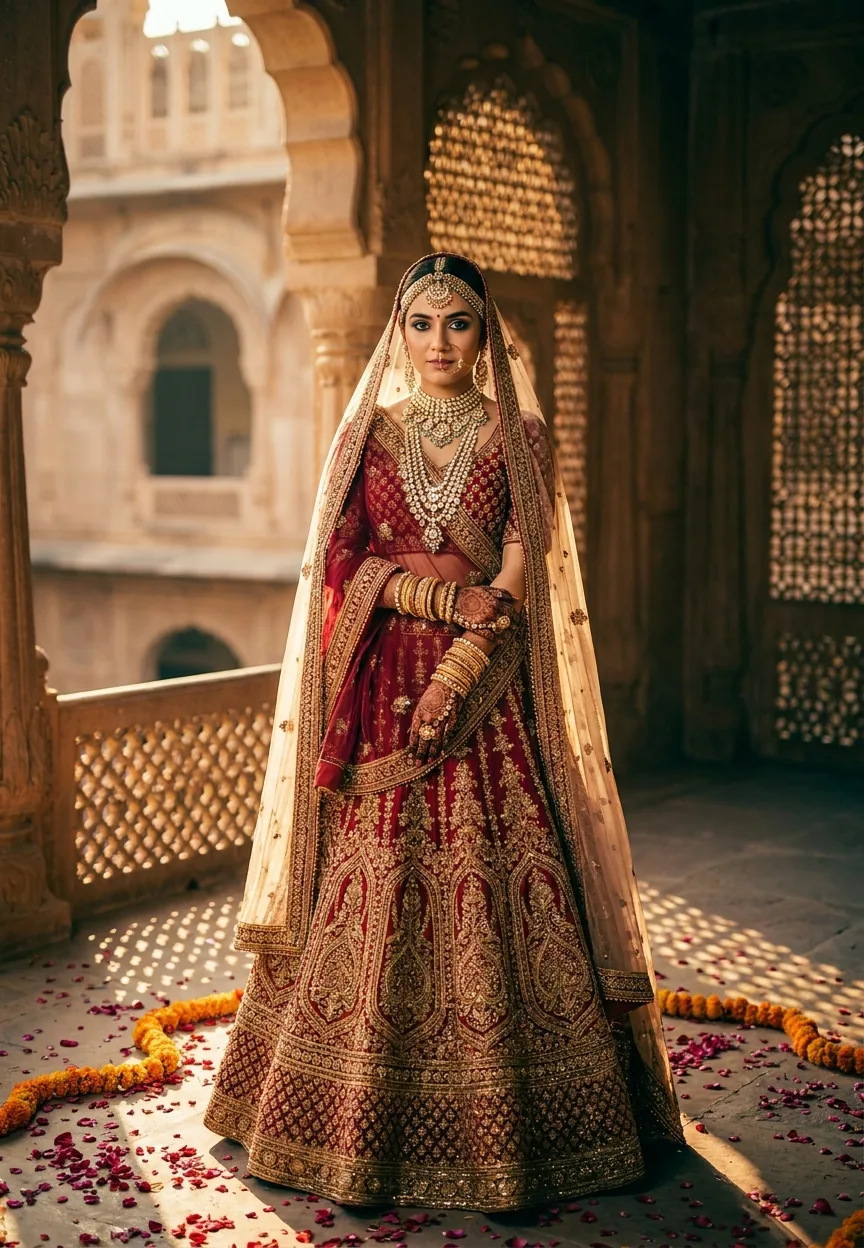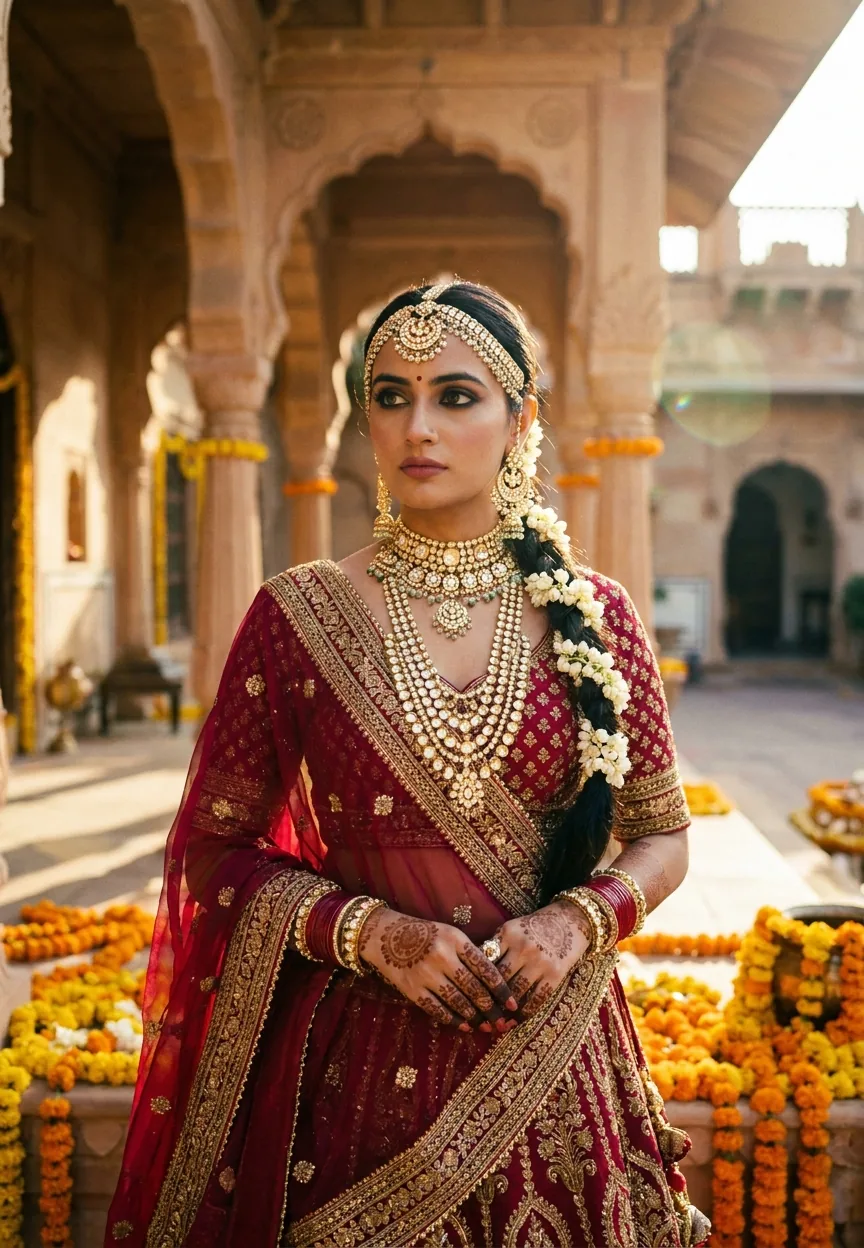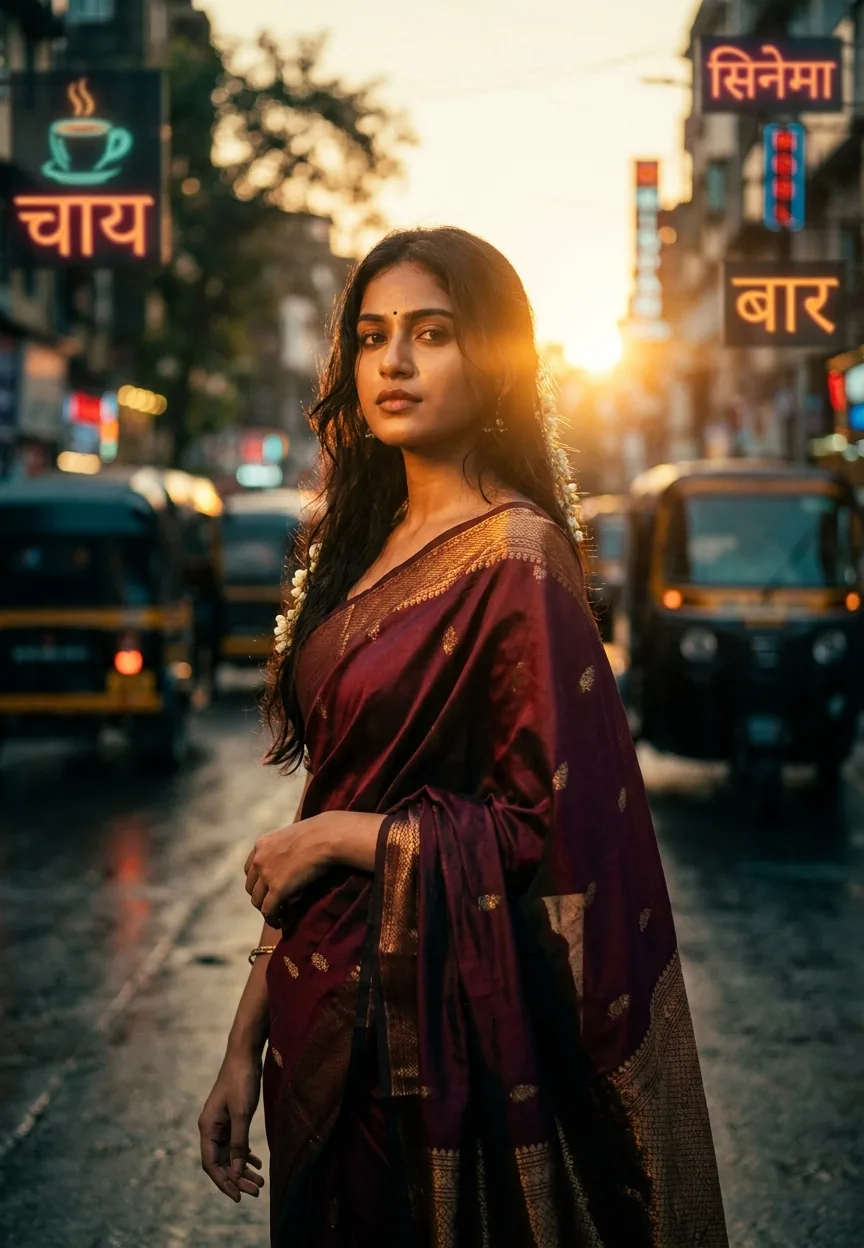
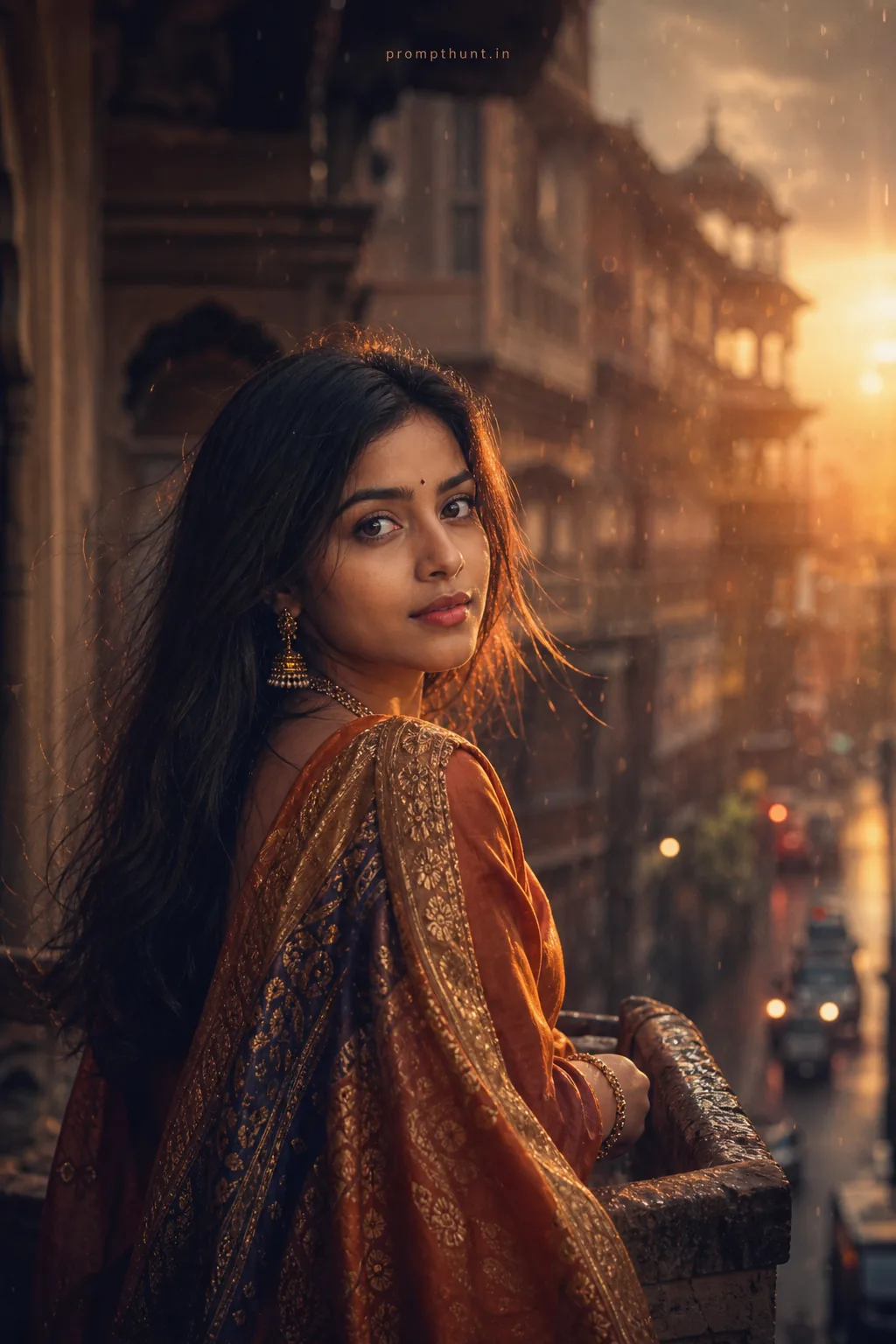
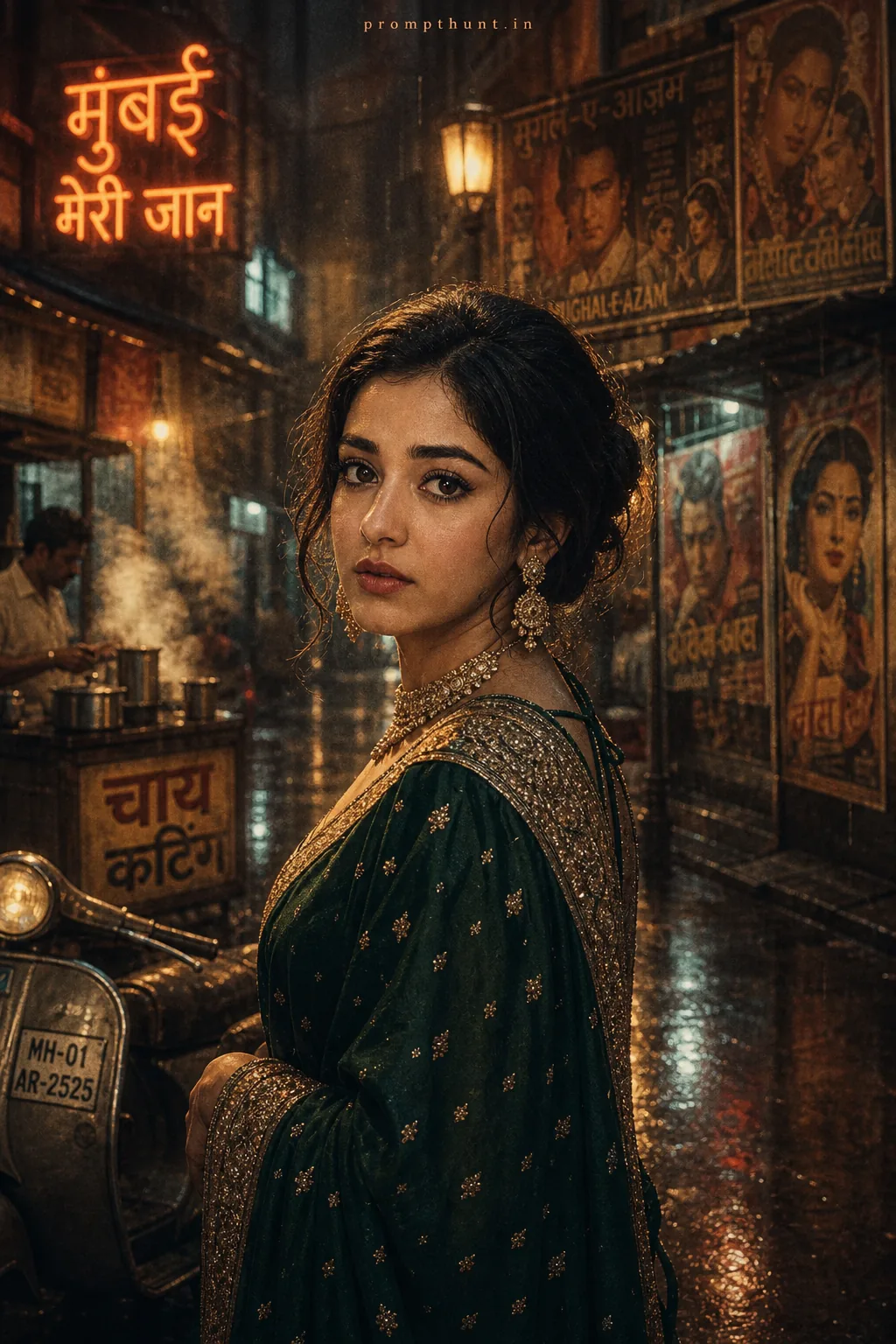
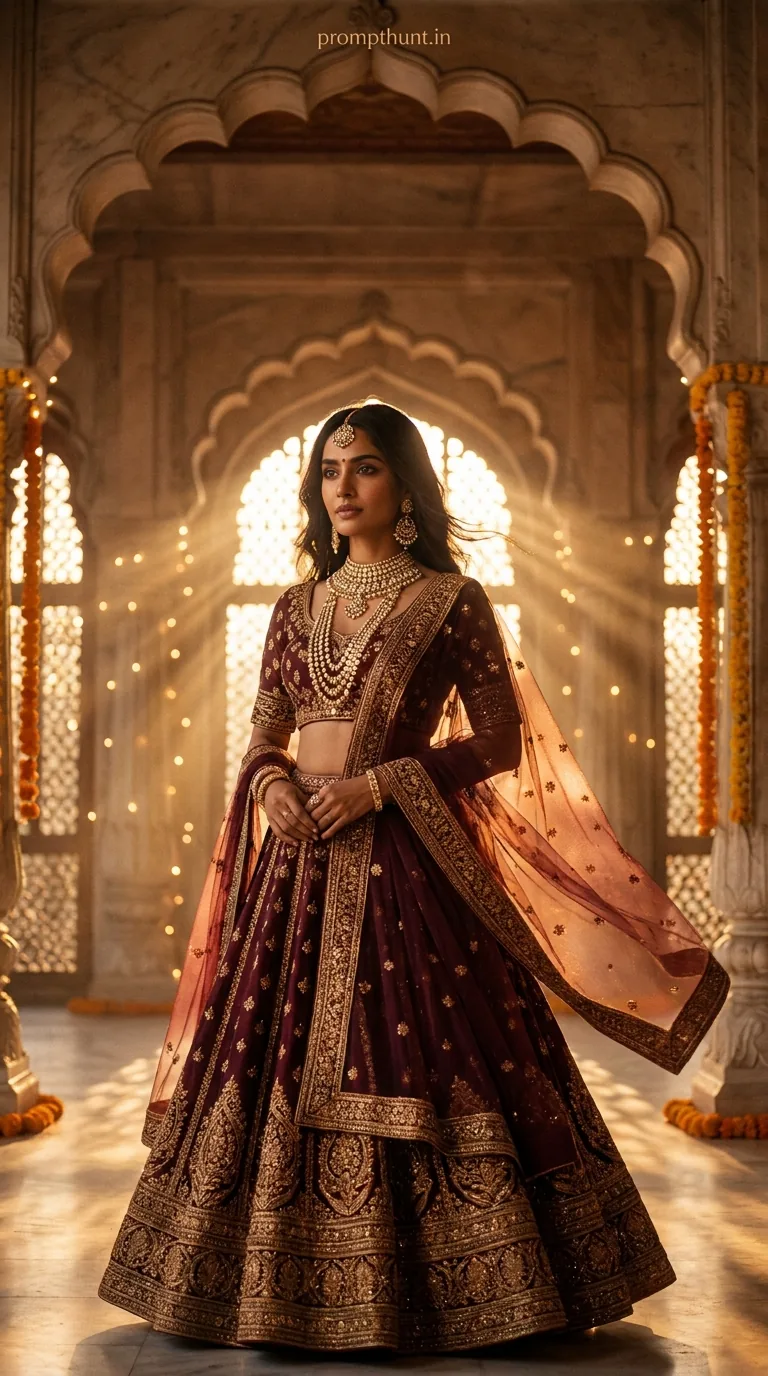
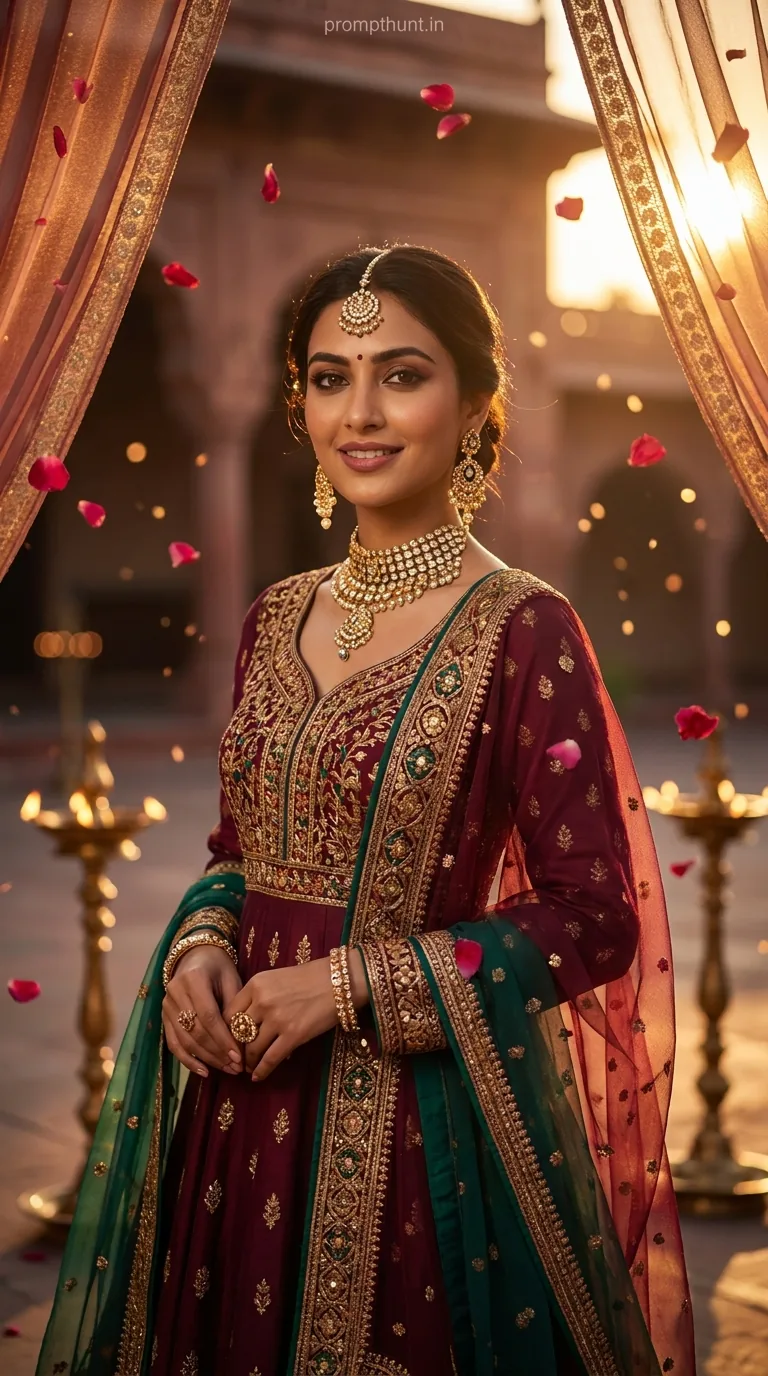
A Bollywood cinematic glow portrait uses warm amber and teal color grading, dramatic side lighting, and shallow depth of field to recreate the visual language of big-budget Indian cinema. Feed this prompt into Gemini AI with a clear subject photo and you get editorial-quality results in under a minute — no film crew, no ₹50 crore budget required.
There's a specific kind of image that stops your thumb mid-scroll. You've seen it. Rain-soaked street. Golden light. A saree that looks like it costs more than your car. The whole frame feels like a movie poster for a film you desperately want to watch. That's the Bollywood cinematic portrait — and right now, it's all over Indian Instagram, WhatsApp groups, and AI art communities. The good news: you don't need Shah Rukh Khan's cinematographer to pull it off. You need a decent photo, Gemini AI, and the right cinematic portrait prompt.
Paste this prompt into Gemini AI with your subject photo and you'll get a Bollywood-grade cinematic portrait with golden-hour lighting, teal shadows, and that dreamy film-stock finish in one shot.
What Exactly Is a Bollywood Cinematic Portrait Style
Bollywood cinematography has a very specific visual grammar. Sanjay Leela Bhansali didn't accidentally make every frame look like a painting — that's intentional color theory at work.
The style leans on three pillars.
First: warm amber highlights paired with cool teal shadows. It's the same orange-and-teal grade Hollywood uses, but Bollywood cranks up the warmth and adds an extra layer of richness. Think less Mad Max, more Devdas.
Second: dramatic side lighting. Not flat, not overhead. A single soft source raking across the face at roughly 45 degrees, carving out cheekbones and making skin literally glow. Brown skin tones respond beautifully to this — warm amber light on melanin-rich skin is genuinely one of the most photogenic combinations in existence.
Third: shallow depth of field with a bokeh city background. Blurred neon, blurred street lights, blurred signage. The subject is sharp and isolated. Everything else is a warm, glowing dream.
Put all three together and you have the Bollywood look. It's romantic, dramatic, and somehow makes rain look aspirational rather than just wet.
The Cinematic Portrait Prompt That Actually Works
Here it is. No gatekeeping. Copy this exactly and paste it into Gemini AI alongside your photo.
A stunning cinematic portrait of a young Indian woman in her mid-20s, standing on a rain-soaked Mumbai street at golden hour, wearing a deep burgundy silk saree with subtle gold zari border, her dark wavy hair loosely draped over one shoulder with small jasmine flowers tucked in, warm amber and teal color grading reminiscent of a Bollywood blockbuster, soft bokeh background of blurred city lights and neon signboards in Hindi script, dramatic side lighting casting a gentle glow on her sharp facial features and glowing brown skin, a confident yet dreamy expression, slight lens flare from the setting sun, shallow depth of field with the foreground slightly blurred, ultra-realistic skin texture, 4K cinematic quality, shot on ARRI Alexa camera aesthetic, rich contrast with deep shadows and luminous highlights, vertical 9:13 portrait composition, editorial magazine cover feel, subtle film grain overlay for an authentic cinematic finish
That last bit about "ARRI Alexa camera aesthetic" is doing more work than it looks. The ARRI Alexa is the camera behind half the blockbusters you've ever loved. Dropping that reference into an AI prompt is basically telling the model: give me filmic colour science, not phone-camera flatness. It's the photographic equivalent of saying "I'll have what he's having." (Waiter, I'd like one Bollywood glow, please.)
How to Use This Prompt in Gemini AI — Three Steps, No Surprises
Step one: open Gemini AI and attach a clear portrait photo of your subject. Front-facing, decent light, minimal clutter in the background. The AI needs a readable face to work with. A blurry selfie from 2019 is going to fight it the whole way.
Step two: paste the full prompt in exactly as written above. Don't paraphrase. Don't shorten it. Every descriptive layer in that prompt is a creative instruction. Remove "rain-soaked Mumbai street" and you've lost the setting. Remove "film grain overlay" and the result looks digital and flat. Treat it like a recipe — you can't skip the cardamom and still call it chai.
Step three: hit generate, wait roughly 30 seconds, and then have a quiet moment of appreciation for the fact that this would have cost a professional photographer, a lighting crew, a location, and a stylist roughly one to two full working days to replicate in real life.
If the first result isn't quite right, regenerate once or twice. Gemini's outputs have variance. Nine times out of ten, the second or third attempt lands better than the first.
Tips for Getting the Best Results from This Cinematic Portrait Prompt
Start with the best input photo you have. AI tools are not miracle workers — they're more like very talented retouchers. Give them something workable and they'll give you something stunning. Give them a grainy, low-light mess and they'll give you a slightly less grainy, low-light mess with teal shadows.
Adjust the outfit reference to match your subject. The burgundy saree in this prompt is a specific style choice. If your subject is wearing western clothing or a different regional outfit — a Kanjeevaram, a lehenga, a sharara — swap it in. The AI will adapt. The cinematic lighting and color grading instructions are independent of the clothing detail.
The "9:13 vertical" aspect ratio instruction matters for Instagram. That's close to a 4:5 or 9:16 crop — it fills the feed perfectly. If you're going for a print or a desktop wallpaper, swap it for "16:9 landscape cinematic composition" instead.
Film grain is your friend here. The "subtle film grain overlay" instruction is what separates this from looking like a heavily edited phone photo. It adds texture, age, and credibility. Don't be tempted to remove it chasing a cleaner image — clean is forgettable.
Rule of thumb: if the result looks too polished and too perfect, it looks fake. A tiny bit of grain and a touch of lens flare is what makes the brain read it as cinematic rather than just edited.
Why This Cinematic Portrait Style Is Trending Hard Right Now
Three things collided at once and the internet caught fire.
First, Bollywood's visual identity has been experiencing a global moment. Indian cinema's influence on global aesthetics — from fashion to cinematography — has never been higher. People want to look like they belong in that world.
Second, AI photo tools became genuinely good at photorealism in 2024. Before that, AI portraits had that uncanny valley thing going — you could always tell. Now the skin texture, the light falloff, the bokeh — it's all convincingly real. That threshold matters. People share things that could plausibly be real photos. They don't share things that look like video game cutscenes from 2009.
Third, this style flatters South Asian skin tones better than the cool, desaturated moody aesthetic that dominated Instagram for years. That cold, blue-grey filter trend was genuinely unflattering on warmer complexions. The amber-and-teal Bollywood grade is built for it. When people see a version of themselves that looks that good, they share it.
That's not a trend. That's a feedback loop.
Honest Opinion — When This Style Actually Isn't the Right Call
I'll be straight with you. This prompt is genuinely excellent. But it's not the right tool for every situation, and I'd rather tell you that now than let you waste an afternoon wondering why it's not working.
Don't use this for professional headshots or corporate portraits. The dramatic lighting, the cinematic color grade, the bokeh street background — none of that belongs on a LinkedIn profile or a company website. You'll look like you're applying for a role in a Karan Johar production rather than an accounts receivable position. The style signals romance and drama, not reliability and competence. Know the context.
Don't expect perfect subject fidelity. Gemini AI is generating an interpretation of your photo, not a precise edit of it. Facial features will be recognizable but not identical. If someone needs an accurate likeness — for press, for journalism, for any official purpose — this isn't the tool. Use a real camera and a real photographer.
Be thoughtful about who you generate this for. Running this on a photo of someone else without their knowledge is a bad call regardless of how good the output looks. The result is flattering, which almost makes it worse — it's the kind of thing that can get shared without context. Get consent first. It takes about ten seconds and it's the right thing to do.
Also, if you've never owned a saree in your life, generating yourself in one for content purposes is a creative choice you can make — but maybe think about whether the cultural context lands right. Fair call to flag it, fair call to proceed thoughtfully.
Finally, this style is everywhere right now. Like genuinely everywhere. Which means in six months it might feel dated in the same way that heavy HDR processing from 2012 looks dated