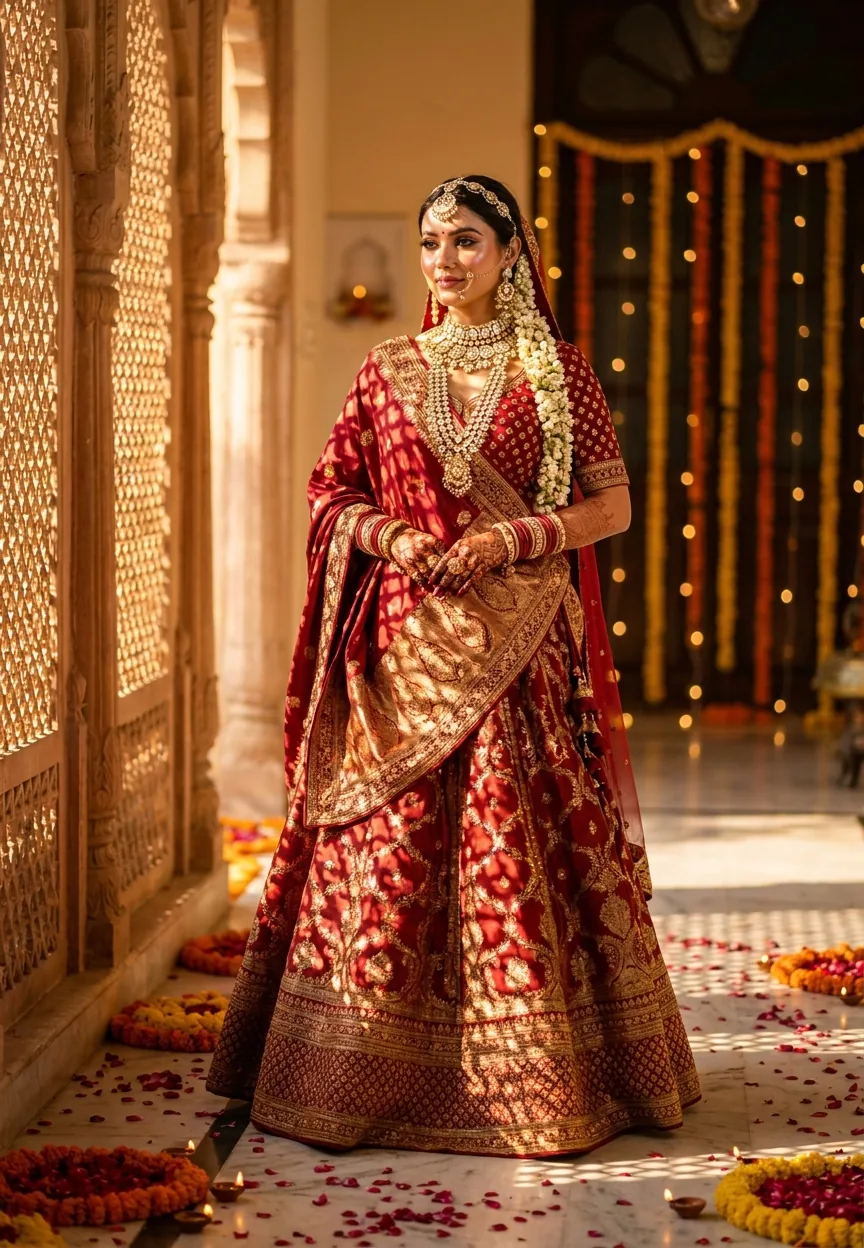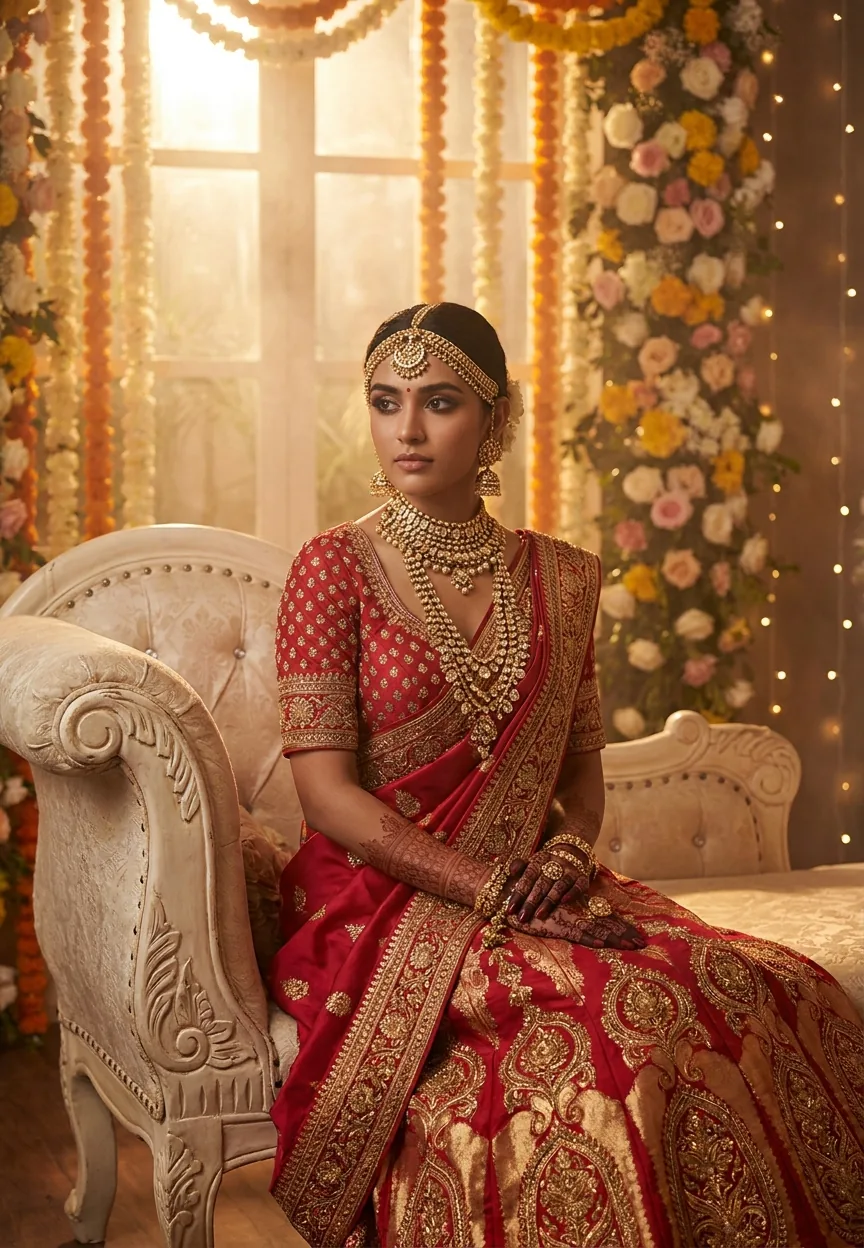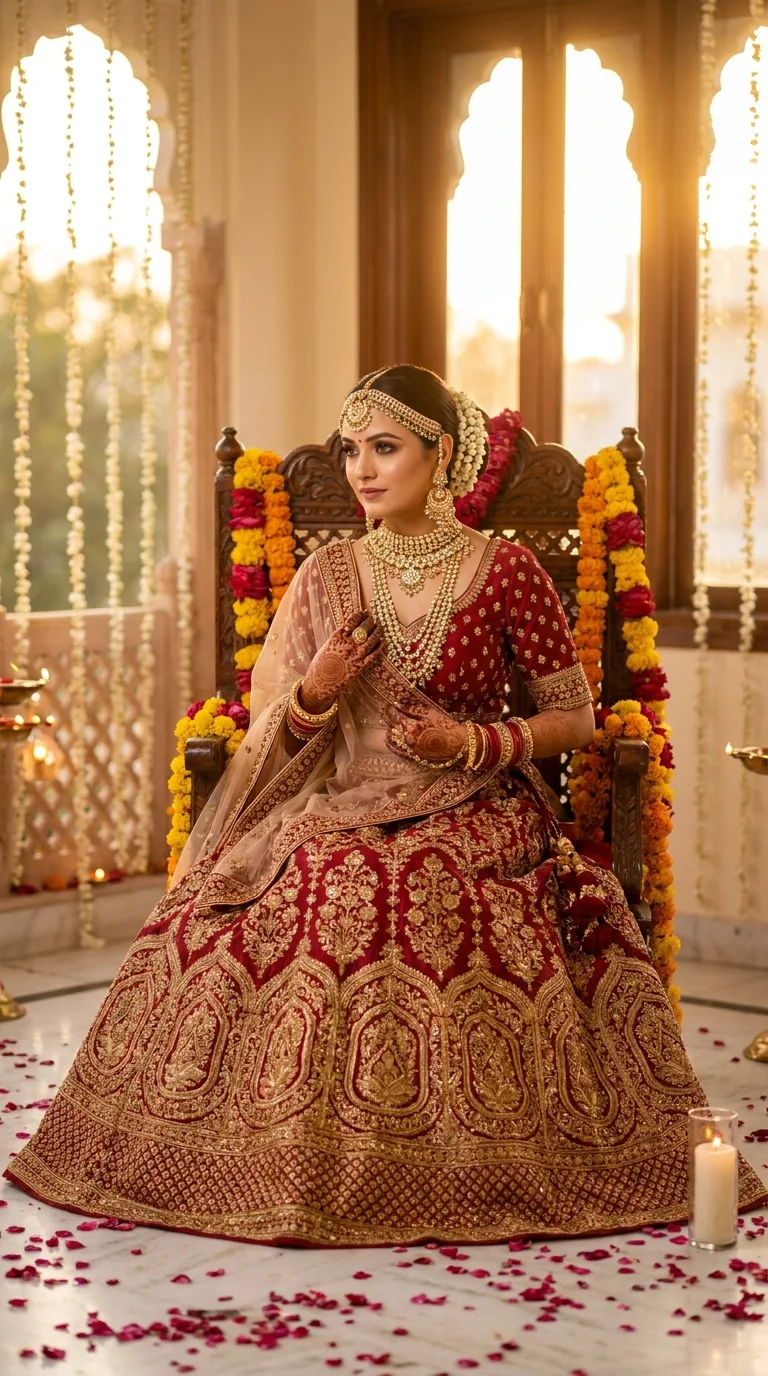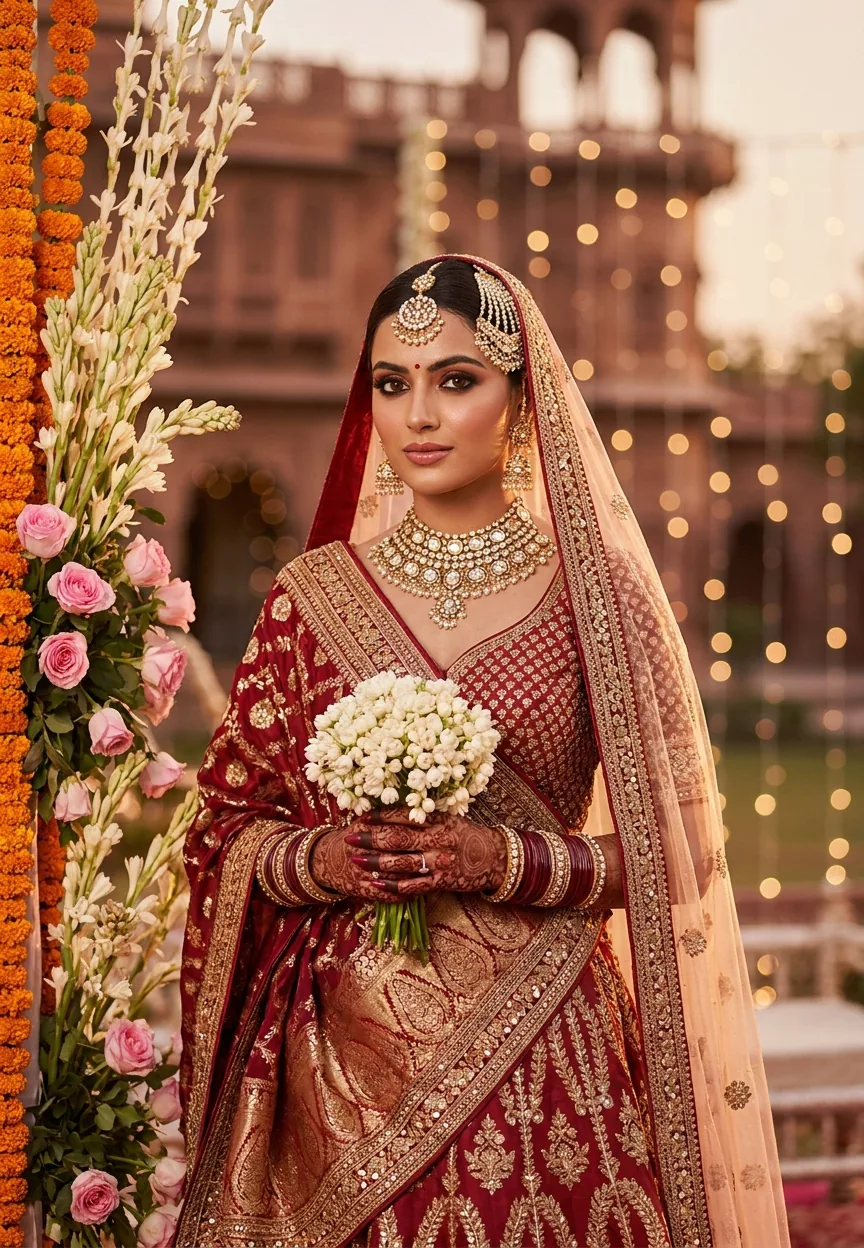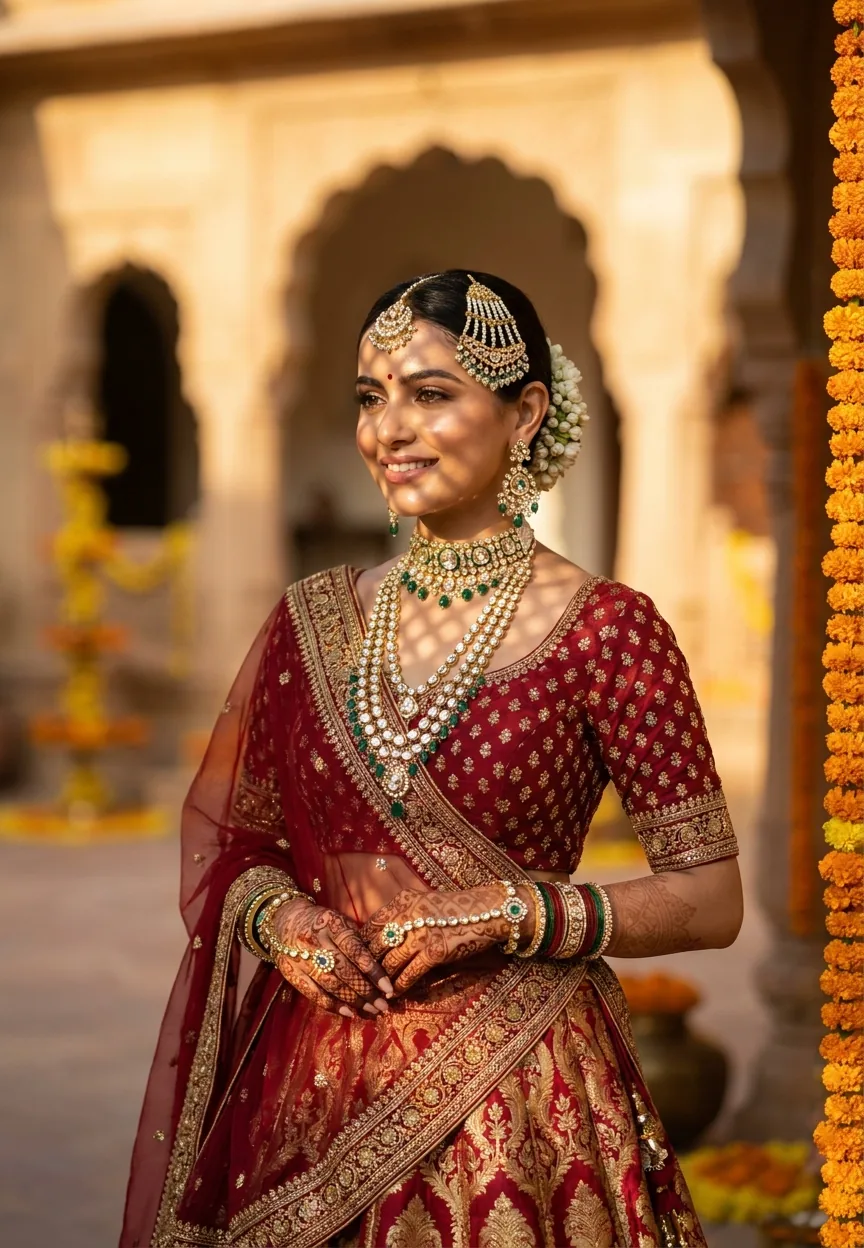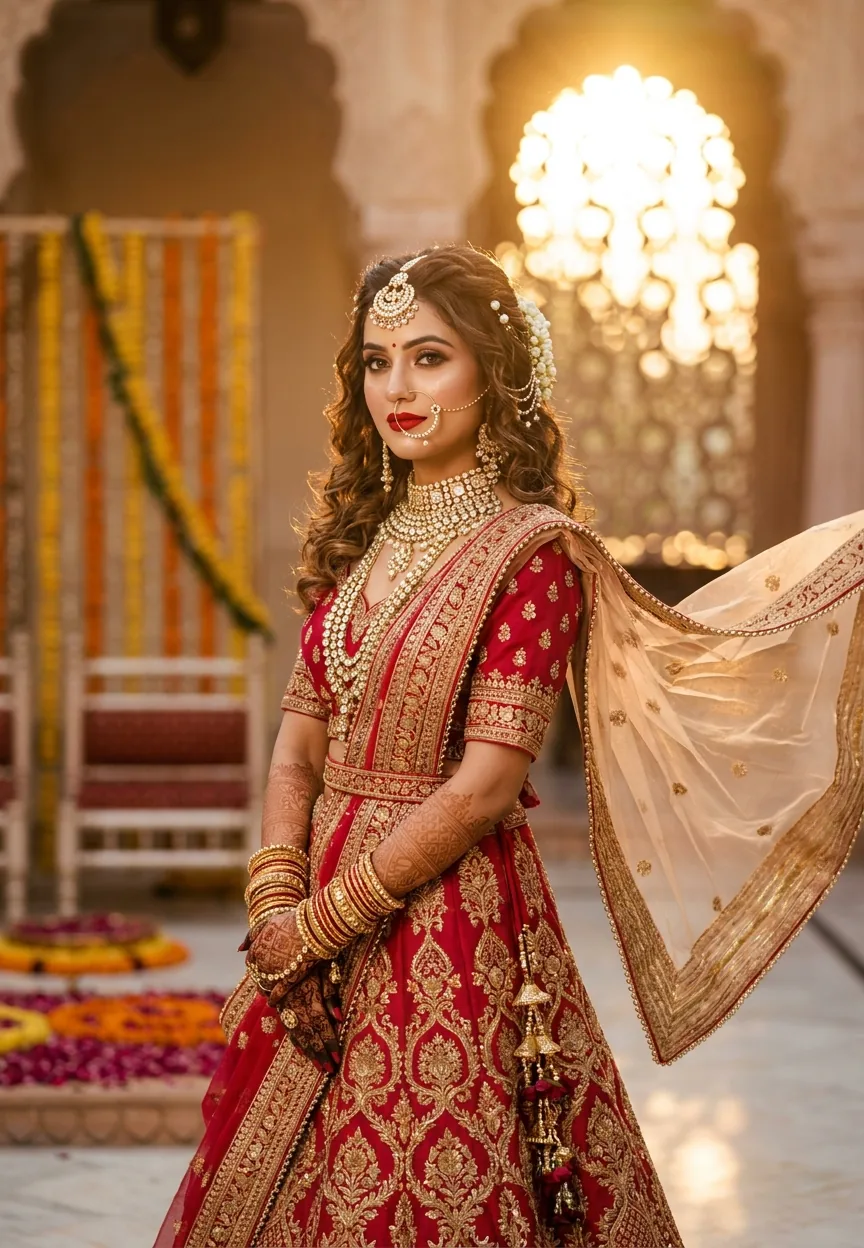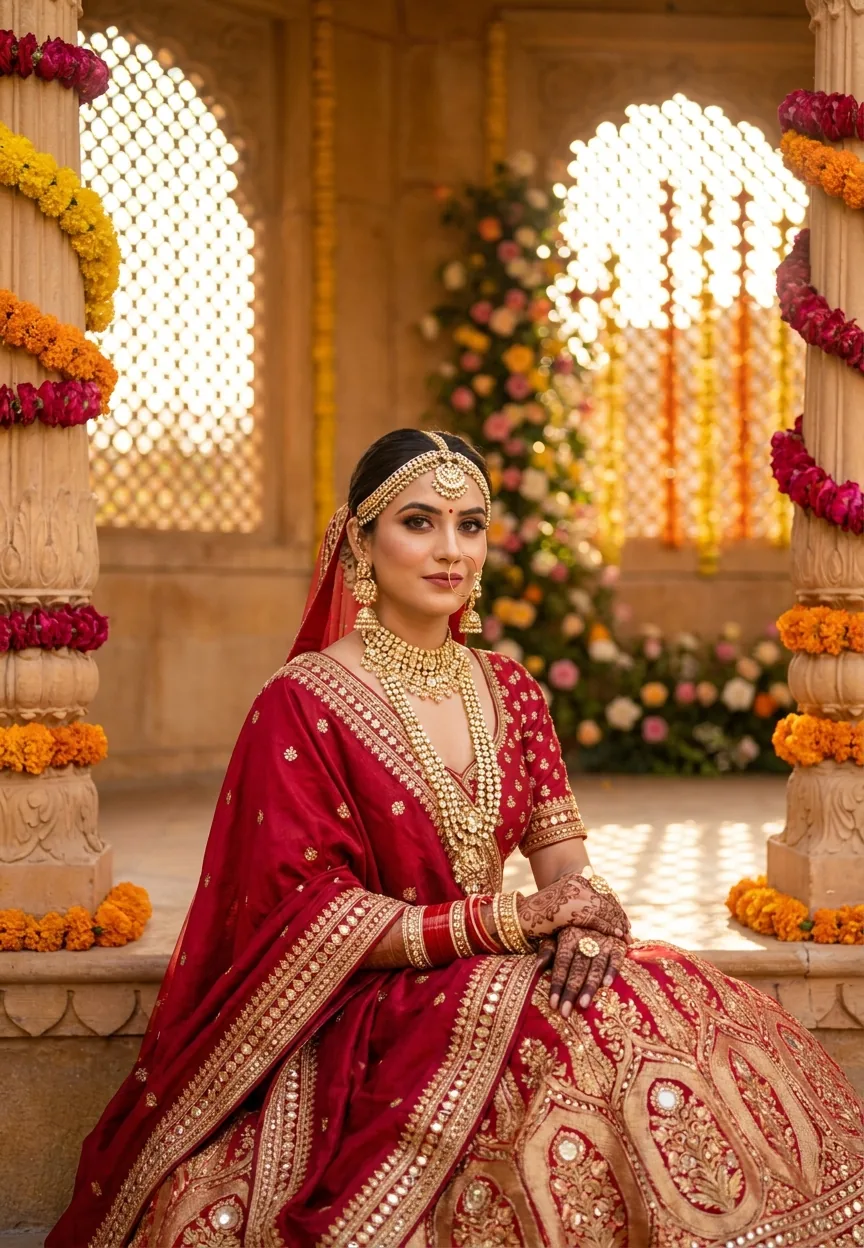
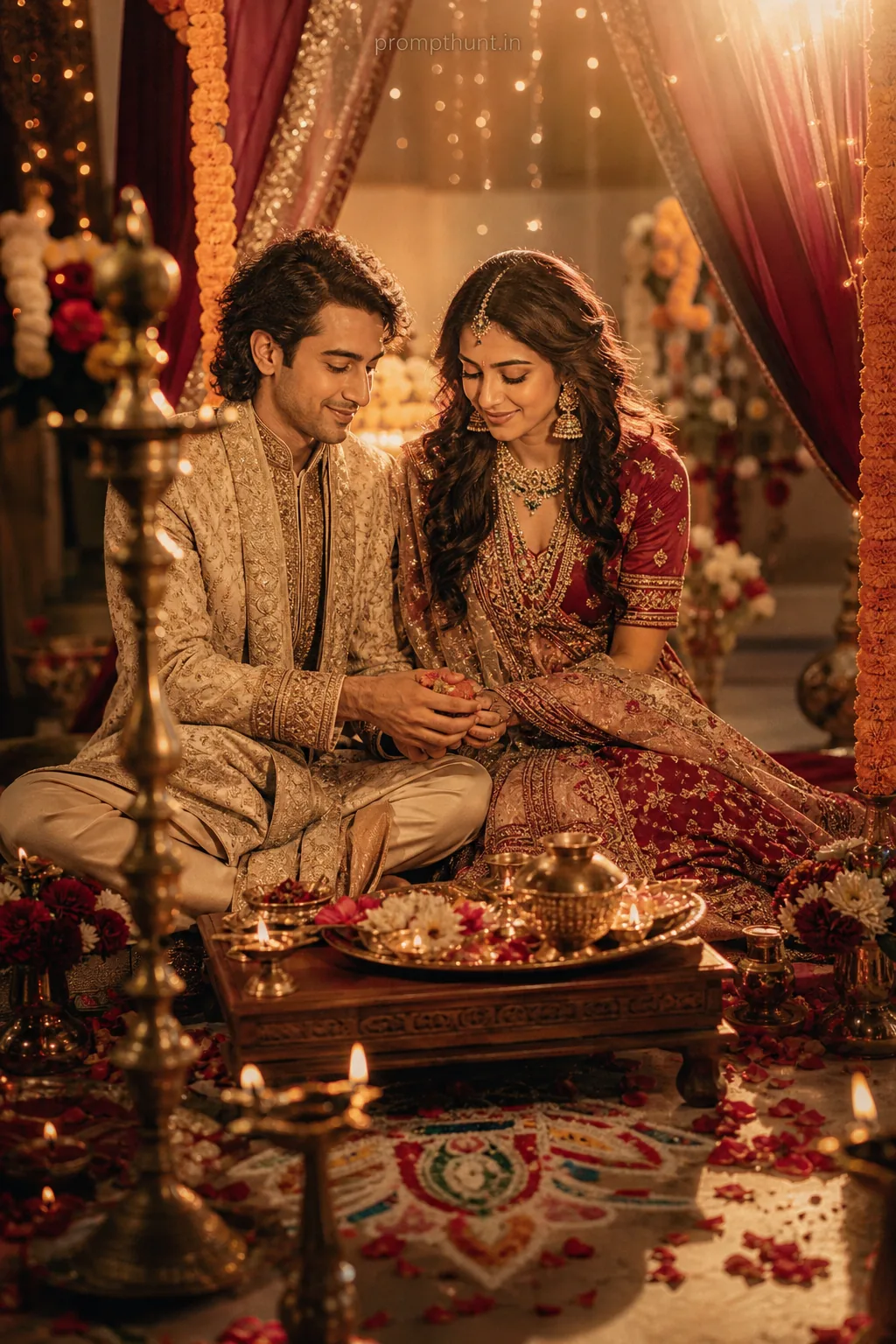
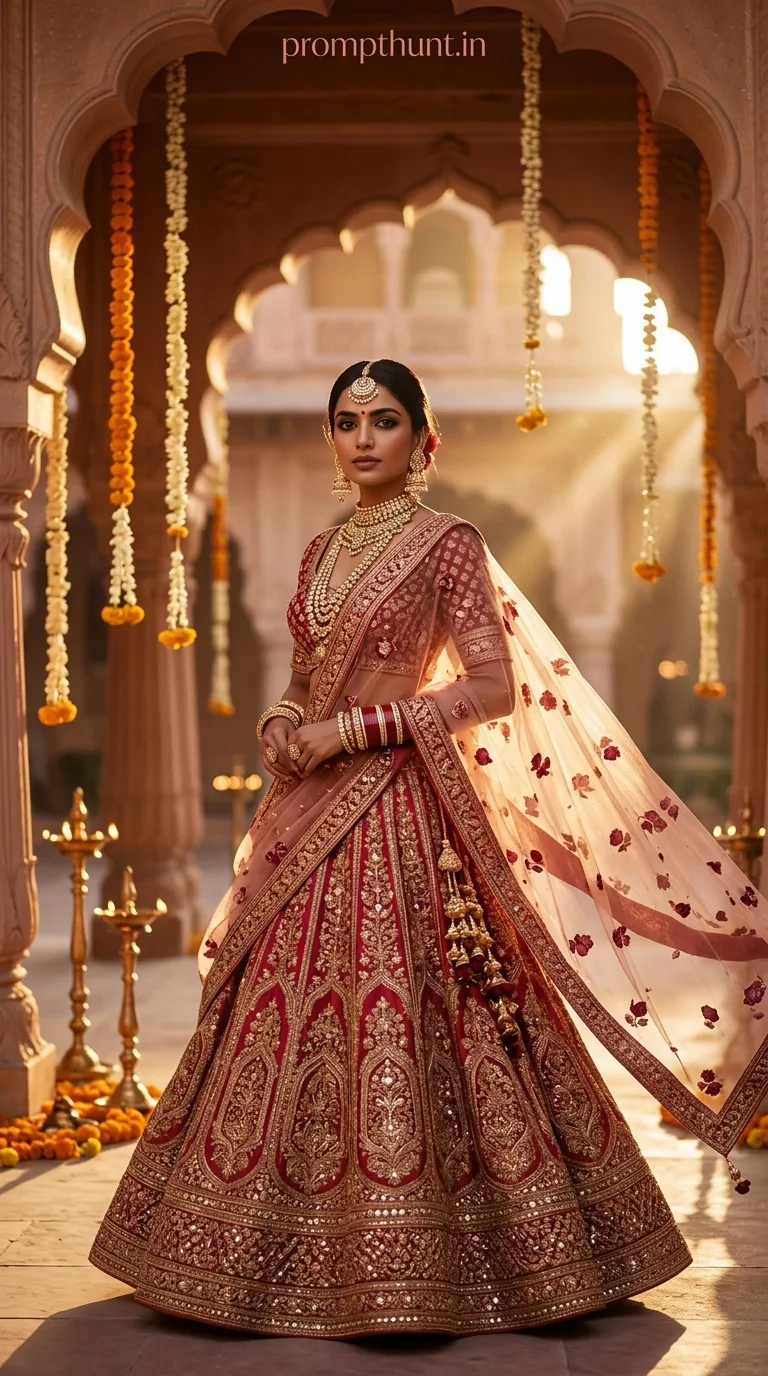
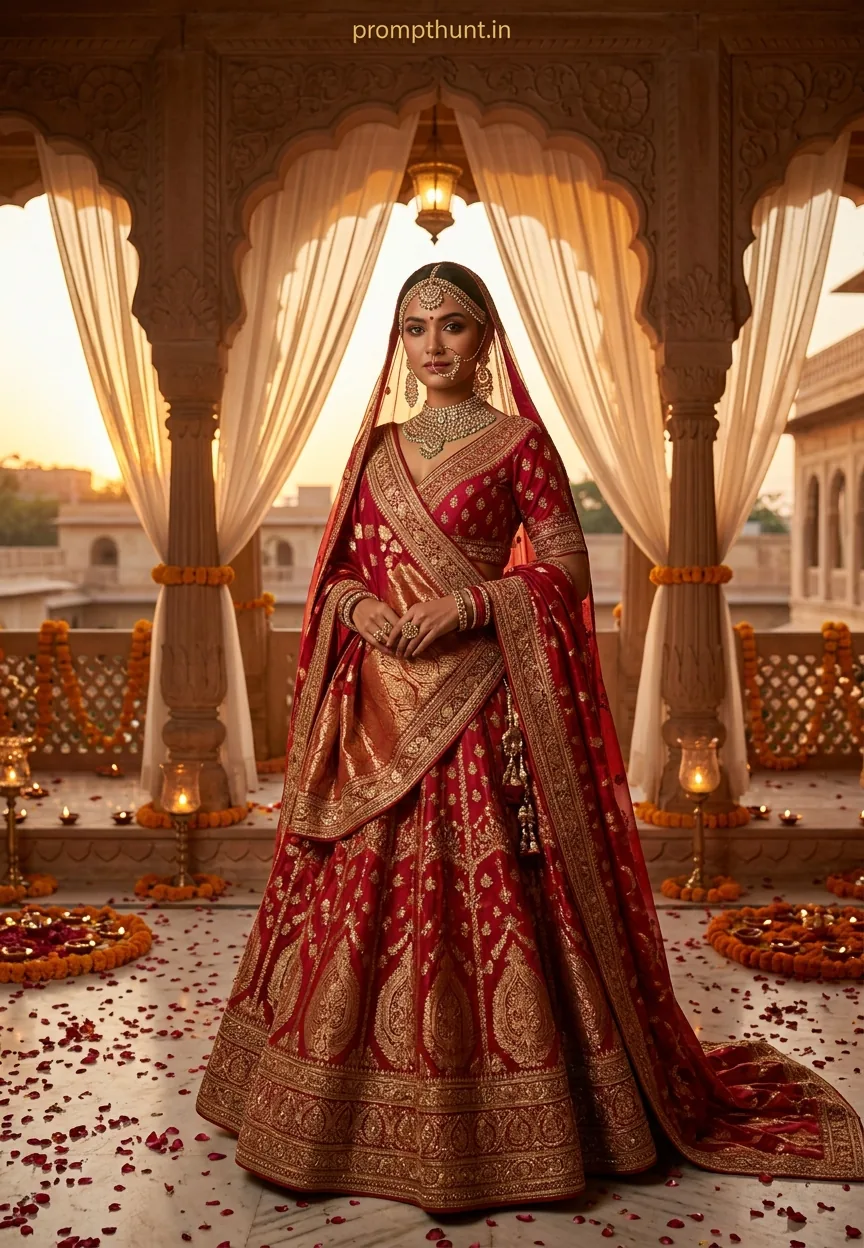
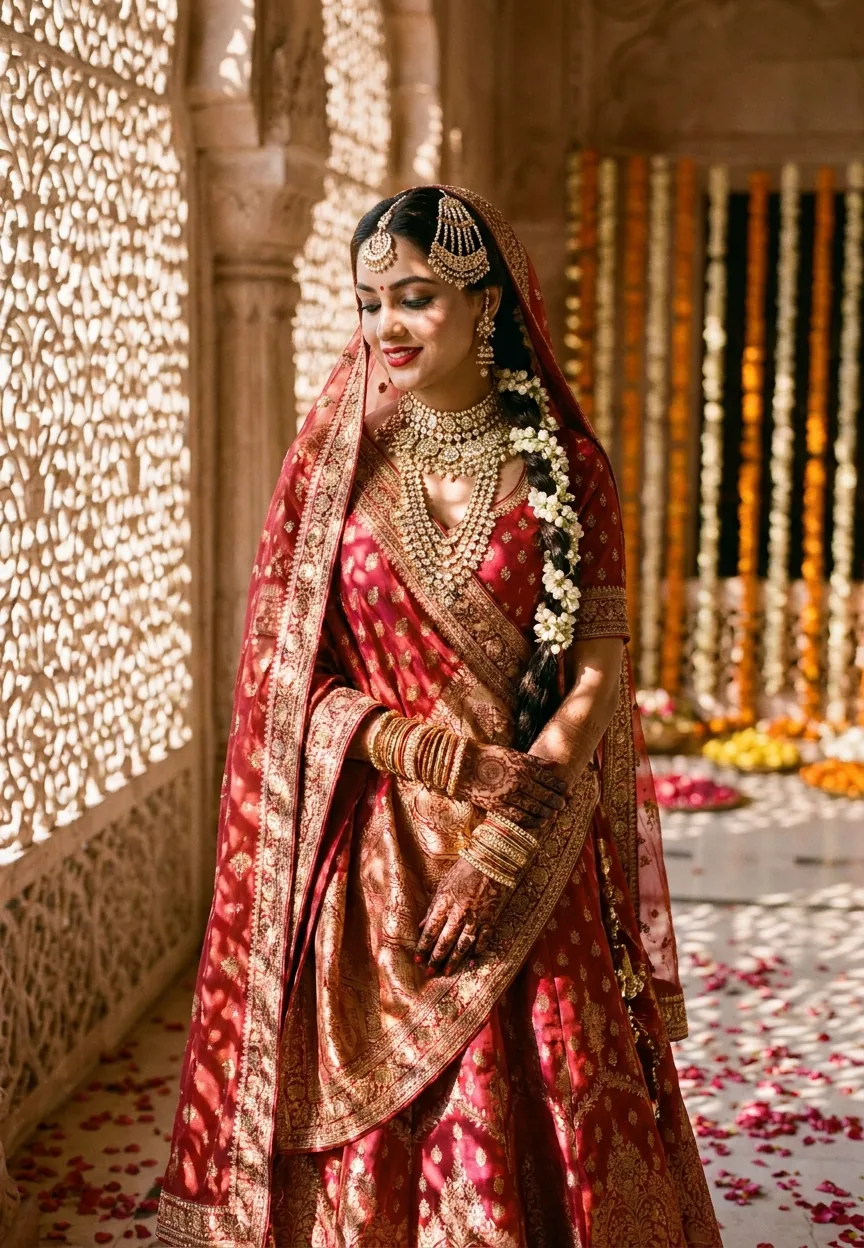
The Royal Indian Bride Glam prompt generates a photorealistic editorial portrait of an Indian bride in a Banarasi silk lehenga, polki jewellery, and mehendi, set in a haveli courtyard at golden hour. Paste it into Midjourney, Adobe Firefly, or Stable Diffusion, add your reference photo, and you get a magazine-cover-quality bridal image in under two minutes.
Wedding photography in India is serious business. We're talking seventeen outfit changes, four hundred guests, and a photographer who's somehow expected to capture every moment while also dodging a determined auntie with a camcorder. AI photo editing prompts for wedding and engagement shoots have quietly become the most searched category on PromptHunt — and this one, the Royal Indian Bride Glam prompt, is the reason why. It nails the rich textures, warm lighting, and cinematic grandeur that every bride actually wants to see when she opens her wedding album.
Copy this prompt into Midjourney or Adobe Firefly with a portrait reference photo and you'll have a stunning, magazine-quality bridal editorial in about ninety seconds flat.
What Is the Royal Indian Bride Glam Style
This style sits at the crossroads of editorial fashion photography and traditional Indian bridal portraiture. Think Vogue India meets a 300-year-old Rajasthani haveli. The visual language is specific: deep jewel tones, Banarasi silk with actual weight to it, polki and zardozi details that catch every photon of golden-hour light, and a bokeh background that makes the florals look like they're floating.
It is not the washed-out pastel filter look. It is not the overexposed Instagram bride-in-a-field aesthetic. This is warm, rich, deeply saturated — the kind of image that makes your mum say "print that one and frame it" before you've even finished showing her.
The haveli courtyard setting is doing a lot of heavy lifting here. Ornate marble archways, latticed jharokha windows, cascading marigolds in saffron and blush — it creates a world. Even if your actual wedding was in a banquet hall with a slightly aggressive DJ, the AI does not need to know that.
The Wedding and Engagement Prompt
A stunningly beautiful young Indian bride in her late 20s, wearing an opulent deep ruby red and gold Banarasi silk lehenga adorned with intricate zardozi embroidery and mirror work, heavy bridal jewelry including a maang tikka, layered polki necklace, jhumka earrings, and chooda bangles, hands decorated with elaborate mehendi henna patterns, soft dewy bridal makeup with bold kohl-lined eyes, glossy rose lips, and a radiant glowing complexion, dupatta draped elegantly over her head with a golden border catching the light, posed in a palatial Indian haveli courtyard with ornate carved marble archways, surrounded by cascading fresh marigold and rose flower decorations in saffron and blush tones, warm golden hour sunlight streaming through latticed jharokha windows casting a magical glow, bokeh effect on floral background, photorealistic ultra-high-definition editorial bridal portrait, cinematic color grading with rich warm tones, shot on a Hasselblad medium format camera, 9:13 vertical aspect ratio, magazine cover quality, deeply luxurious and ethereal atmosphere
How to Use This Prompt Step by Step
Rule of thumb: the cleaner your input photo, the better your output. A well-lit portrait gives the AI something real to work with. A blurry selfie taken in a car park gives it an existential crisis.
Here is the process that actually works.
Step one. Choose your tool. Midjourney V6 handles the fabric textures and jewellery detail best right now. Adobe Firefly is worth trying if you need stronger face consistency and already have a Creative Cloud subscription. Stable Diffusion with a fine-tuned bridal model is the option for people who like a project (and a mild headache).
Step two. Upload a clear reference portrait. Face forward, good light, no heavy filters already applied. In Midjourney, use the image URL with the --cref flag for face reference. In Firefly, use the reference image field in Generative Fill.
Step three. Paste the full prompt as written. Do not trim it. Every element — the Hasselblad mention, the 9:13 ratio, the cinematic colour grading — nudges the model toward a specific quality level. Remove them and you lose the editorial finish.
Step four. Add your style weight. In Midjourney, append --style raw --ar 9:13 --v 6. That aspect ratio is portrait-perfect for print and phone wallpapers alike.
Step five. Generate four variations. Pick the best one and use the Vary (Subtle) option to refine rather than regenerate from scratch. Nine times out of ten, the subtle variation preserves what you loved and fixes what you did not.
Tips for Best Results With Wedding and Engagement Prompts
A few things that separate a genuinely good result from a technically impressive but slightly uncanny one.
Hands are hard. Always zoom into the mehendi-covered hands after generation. AI still struggles with finger count and henna detail. If the hands look wrong, use inpainting — mask just the hands and regenerate that section with a prompt focused specifically on "elaborate mehendi henna pattern, five fingers, natural hand anatomy."
Jewellery detail needs light. The polki necklace and maang tikka only look real if the lighting in the image is doing its job. The golden hour specification in the prompt handles most of this, but if your output looks flat, add "dramatic side lighting, rim light on jewellery" to the end.
The dupatta drape matters more than you think. It is the element that makes the image feel traditionally Indian rather than generically South Asian. If it is reading as a veil or a scarf, add "traditional dupatta draped over head, gold zari border, sheer fabric" as a clarifier.
Colour accuracy for the lehenga. "Deep ruby red" reads differently across models. If you are getting burgundy or orange, specify "ruby red, hex similar to #9B111E" — yes, AI models respond to hex references, which is either impressive or deeply strange depending on your mood.
Why This Wedding and Engagement Style Is Trending Right Now
Indian bridal photography has always had high standards. But professional haveli-location shoots with editorial lighting rigs cost serious money. Not every bride has the budget, the geography, or the time between ceremonies to pull that off.
AI bridal portrait prompts in the wedding and engagement category fill that gap. A bride in Delhi, Durban, or Dubai can generate an image that looks like a Tarun Tahiliani campaign without leaving her living room. That is genuinely democratising, and the numbers back it up — searches for AI wedding photo prompts have risen sharply across India, with Pinterest reporting a significant spike in saves for AI-generated Indian bridal content through late 2024.
There is also the pre-wedding fantasy shoot angle. Brides are using these prompts to visualise how different lehenga colours will look on their skin tone before buying. That is a practical use case a professional photographer cannot really offer — and it's saving people from a genuinely expensive wrong decision. (You are welcome, bridal boutiques everywhere, for not naming names.)
Honest Opinion — When Not to Use This Prompt
This prompt is brilliant for what it does. But let me be straight about where it falls short, because that is more useful than telling you it is magic.
Do not use AI-generated portraits as a replacement for actual wedding photography. I know that sounds obvious, but I have seen it suggested. The real moments — the father's face during the bidaai, the husband's expression at the varmala — AI cannot generate those because they have not happened yet. The prompt creates an idealised portrait, not a memory.
Also be careful with face likeness. If you are generating a portrait intended to represent a specific real person, the model will interpret your reference image and approximate. It will not perfectly reproduce a face. For genuine editorial or commercial use, you need a real photographer and a real model. What AI gives you is a mood board, an artistic interpretation, a very convincing what-if. That is valuable. Just know what it is.
The style also does not suit every bride's aesthetic preference. If someone wants a clean, minimal, contemporary bridal look — cream silk, no heavy embellishment, modern venue — this prompt will feel like too much. The Royal Glam style is maximalist by design. It wants the drama. If you want understated elegance, you need a different prompt entirely.
And finally, the haveli setting is gorgeous but culturally specific. For Tamil, Telugu, or Bengali brides whose traditions and bridal aesthetics differ significantly from the North Indian palette this prompt draws from, the results can feel slightly off-register. A rule of thumb: adapt the setting and costume descriptors to match the specific regional tradition you are working with. The bones of the prompt hold up — the detail specificity is what makes it work — but the cultural specificity needs to be yours.
Wrapping Up
The Royal Indian Bride Glam prompt is one of the most detailed and effective wedding and engagement prompts currently doing the rounds. It is specific enough to