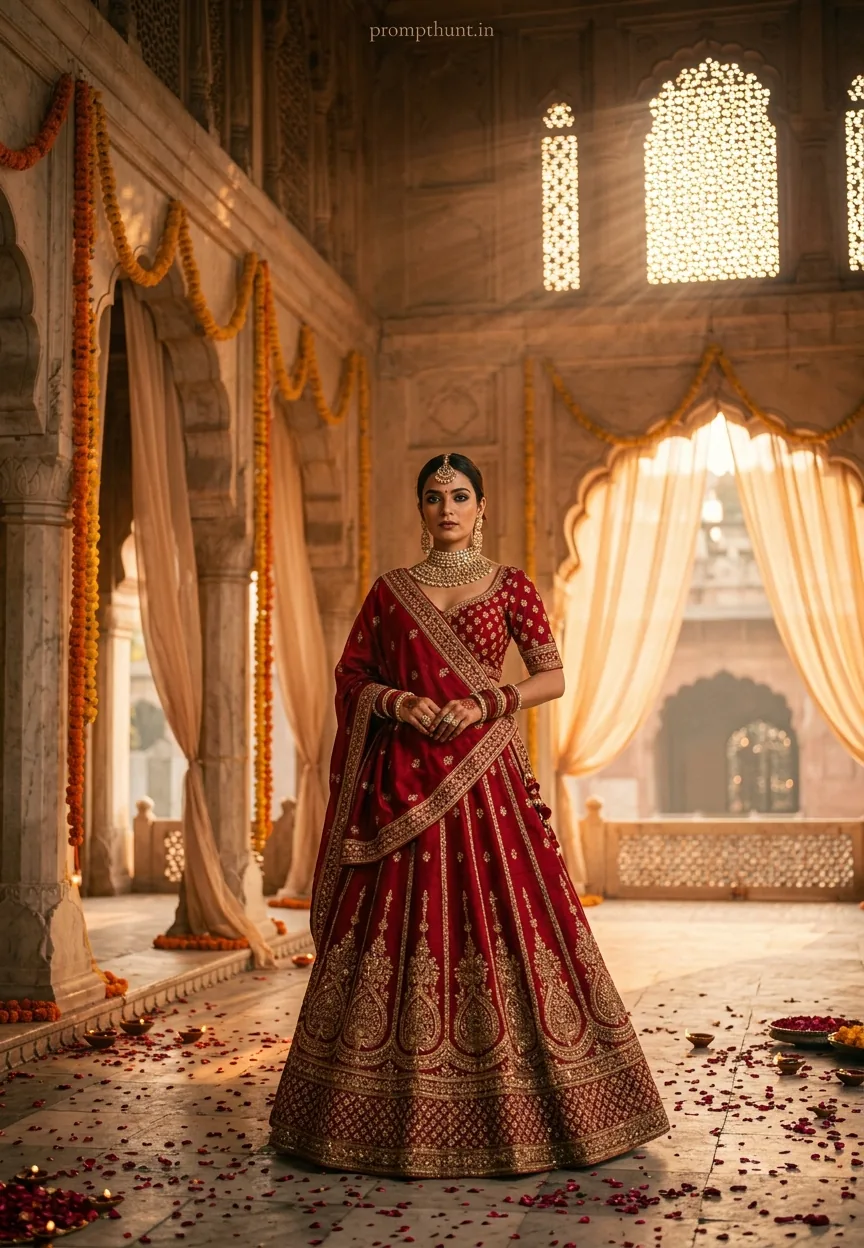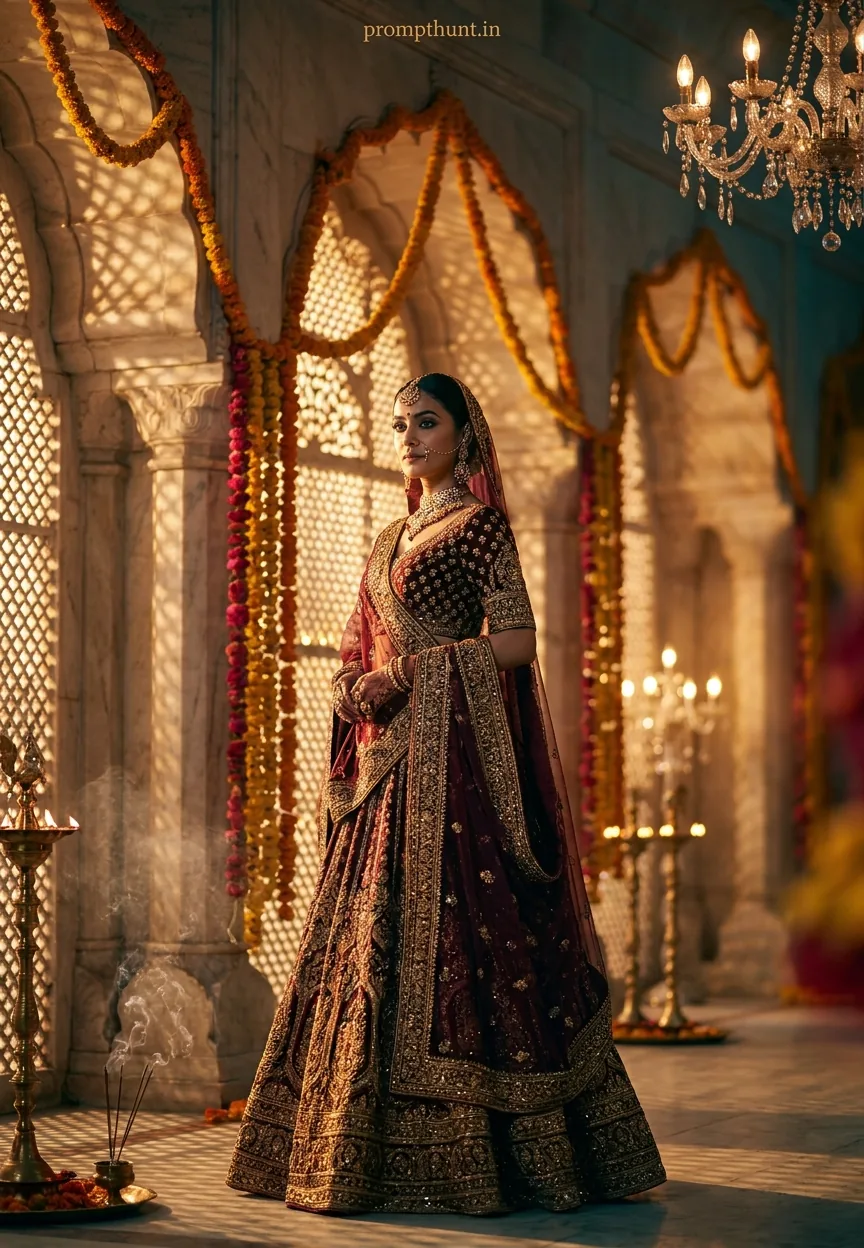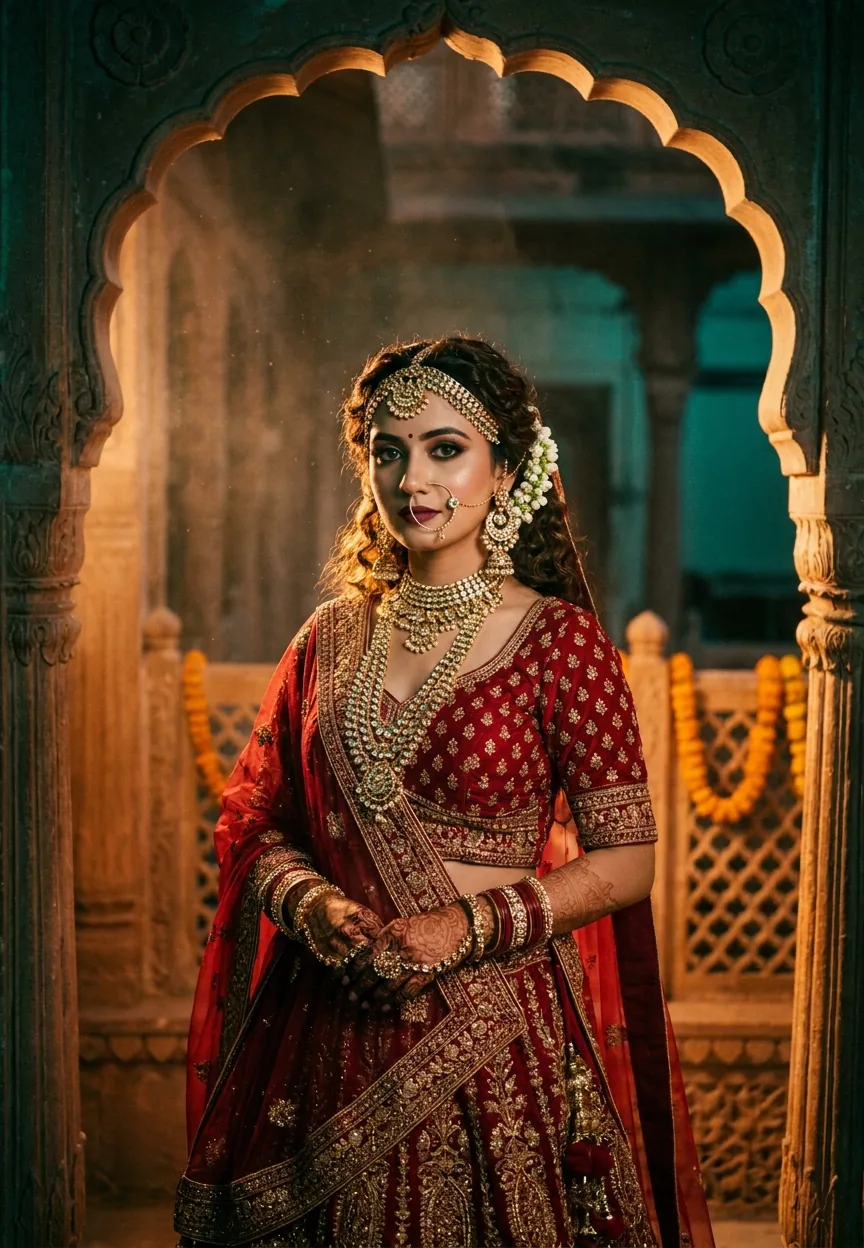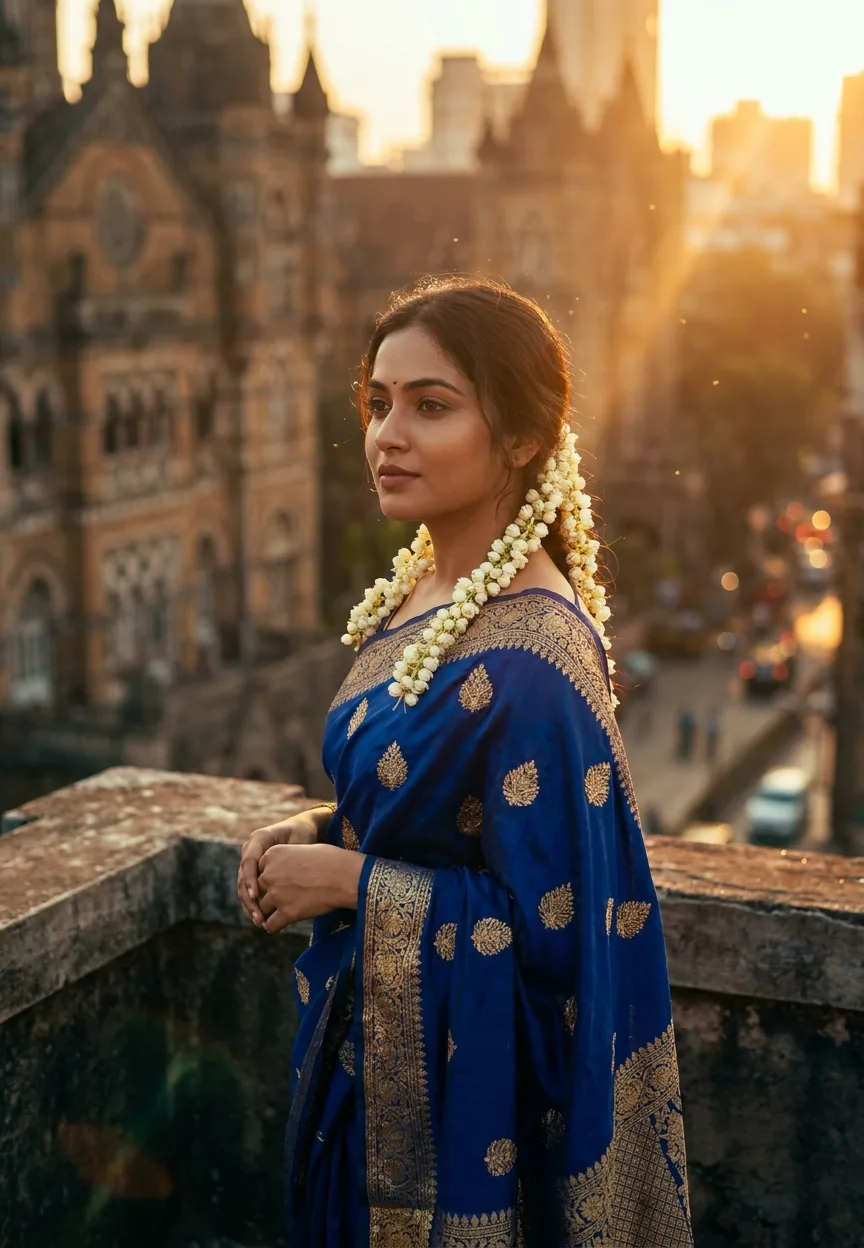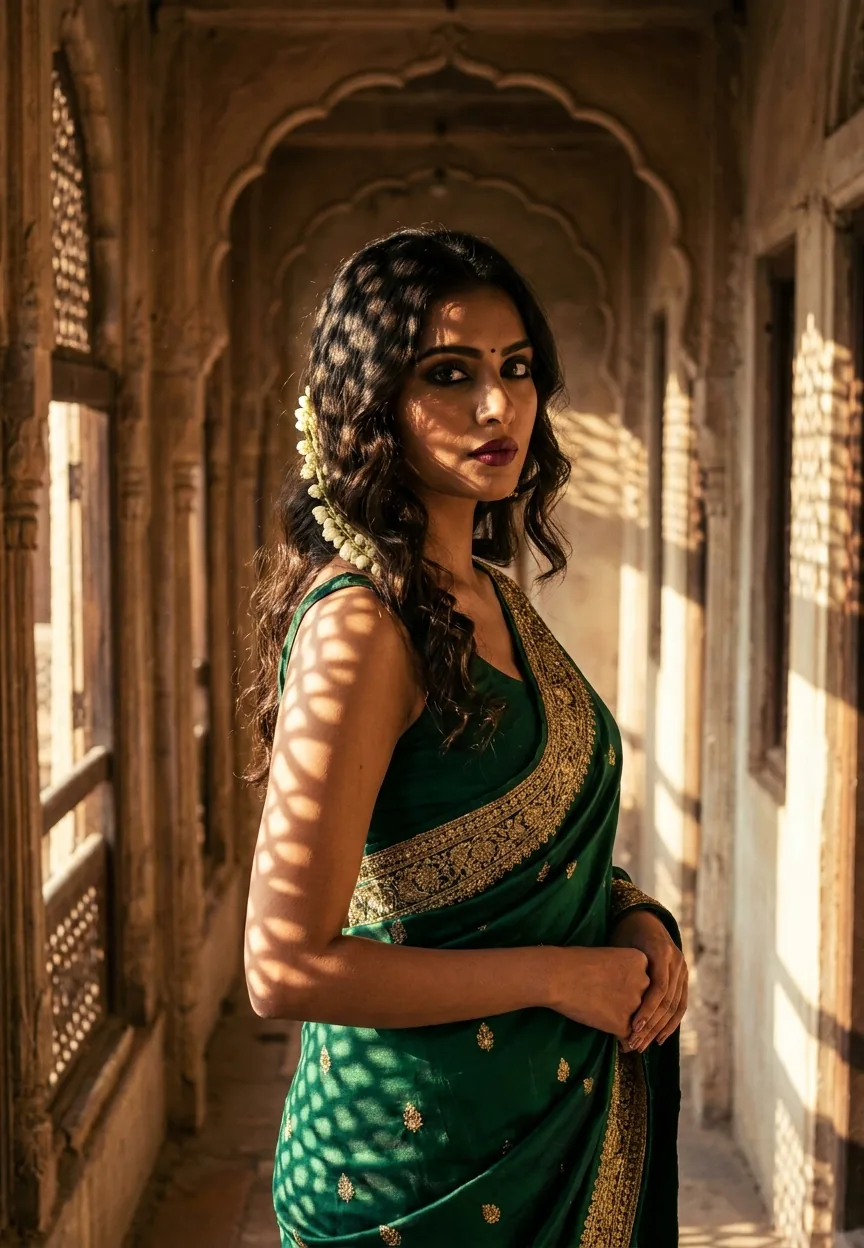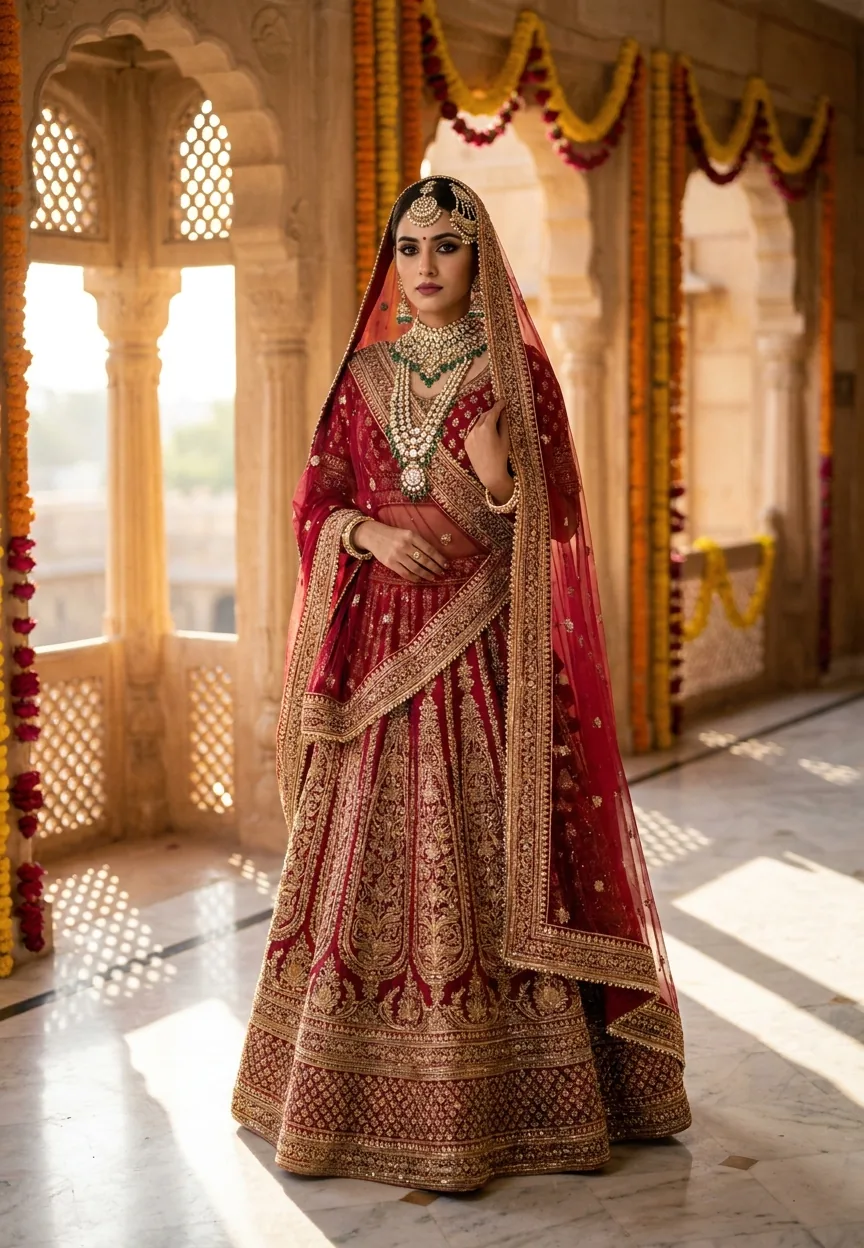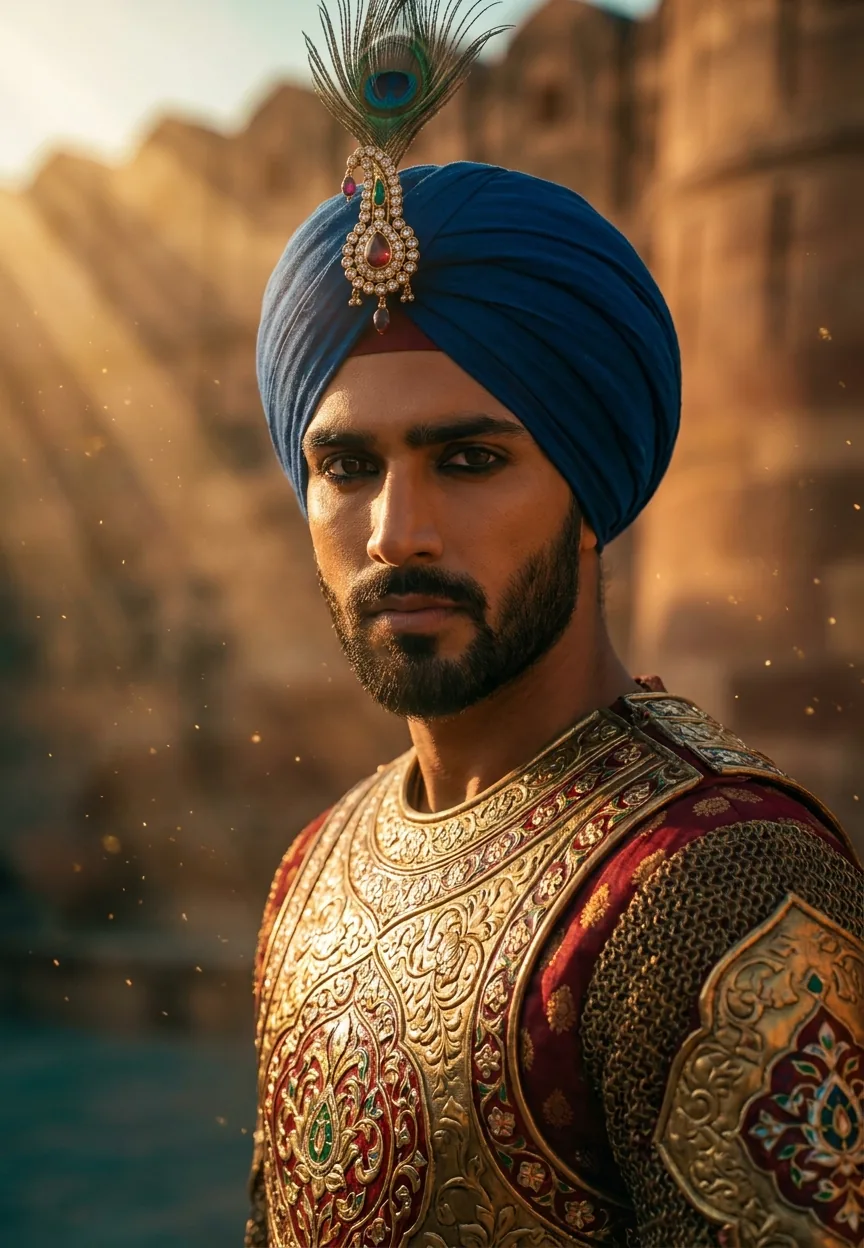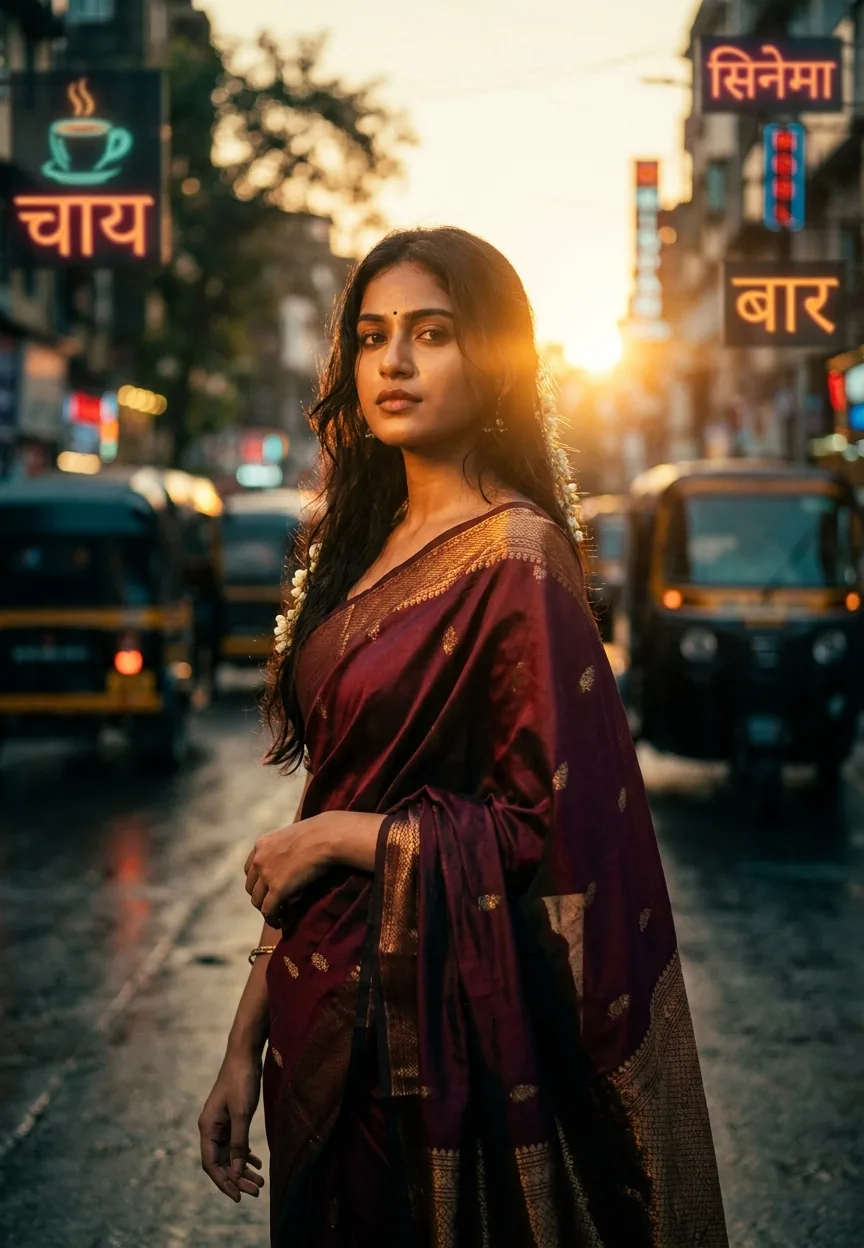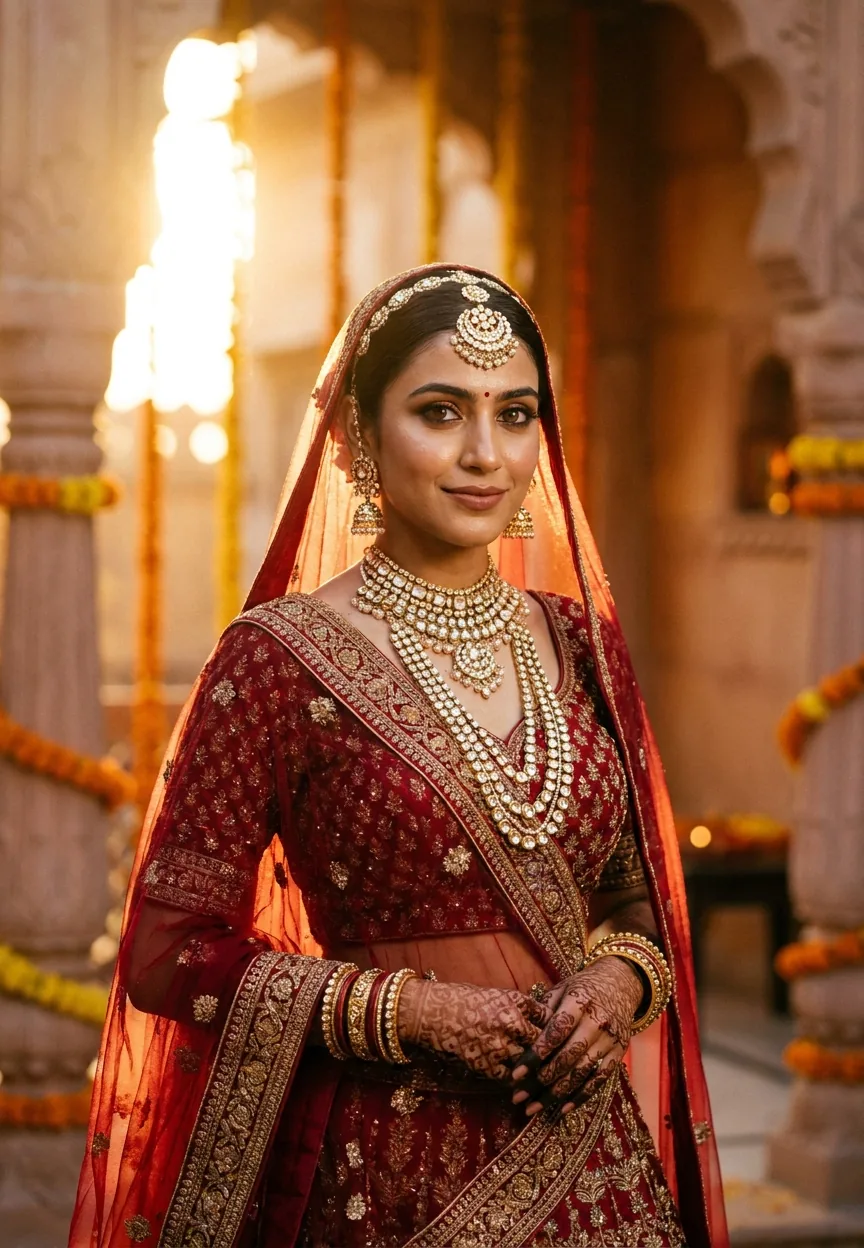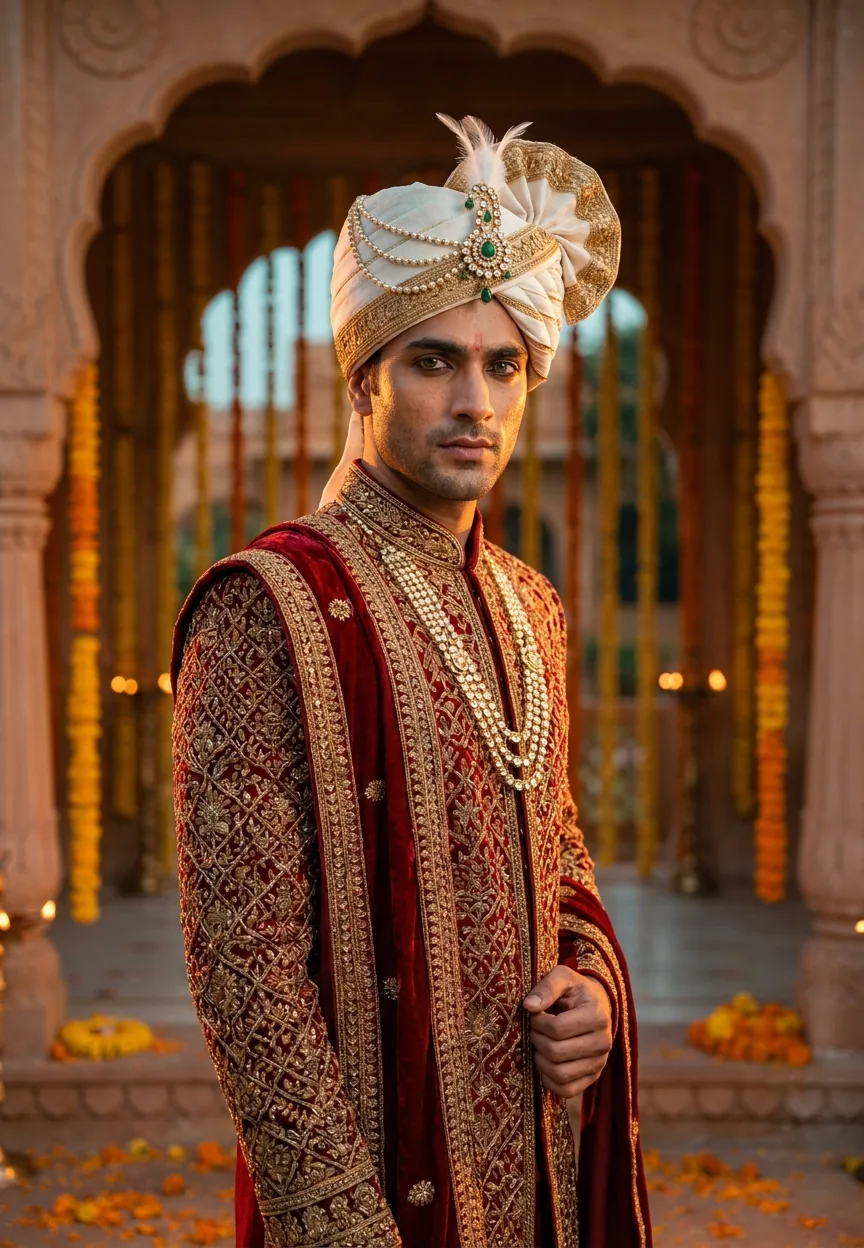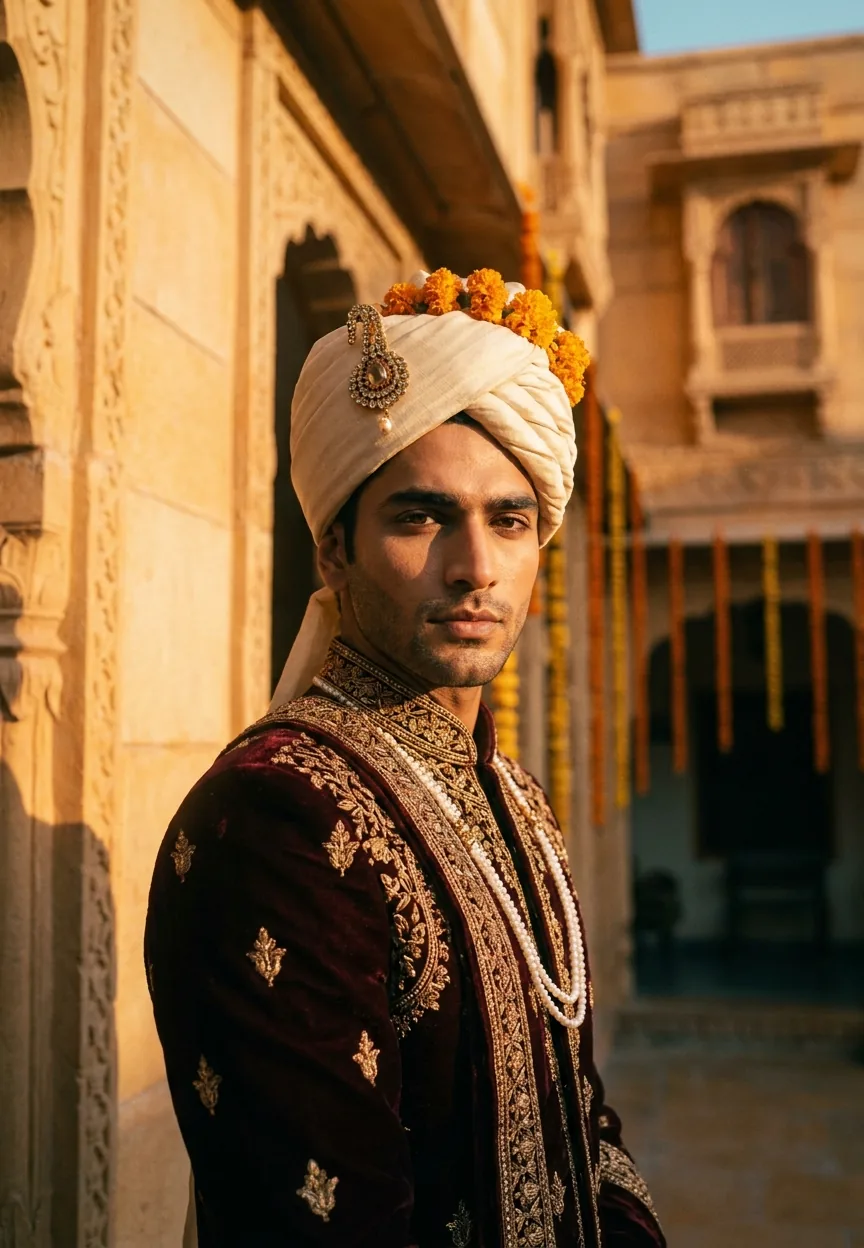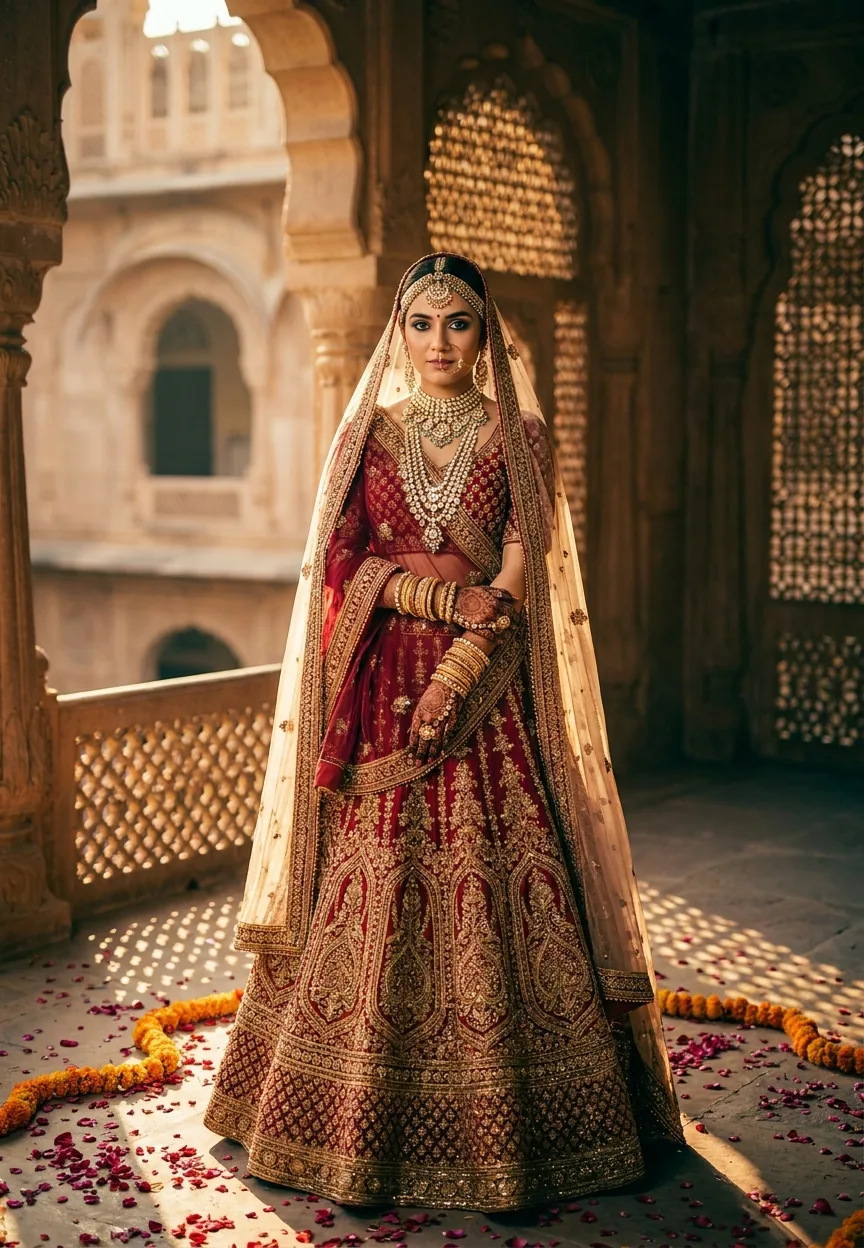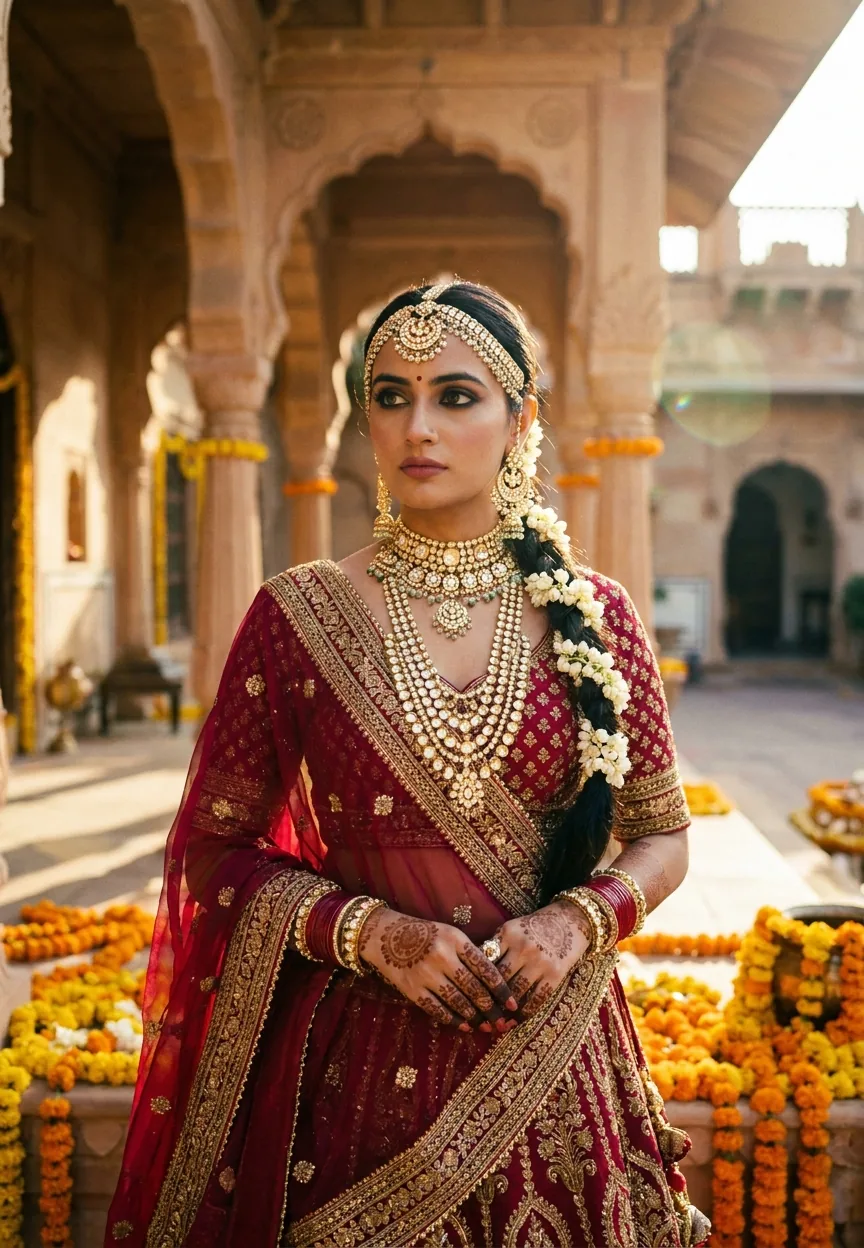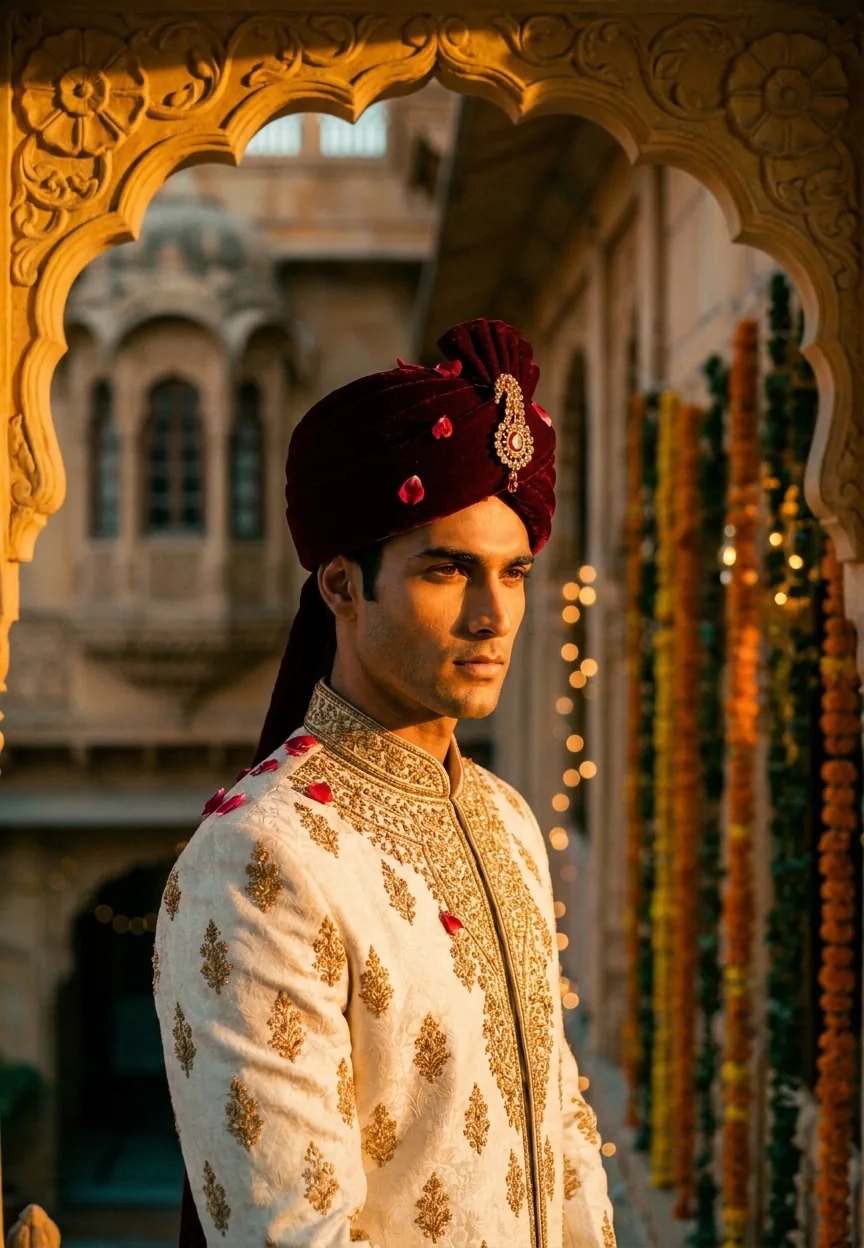
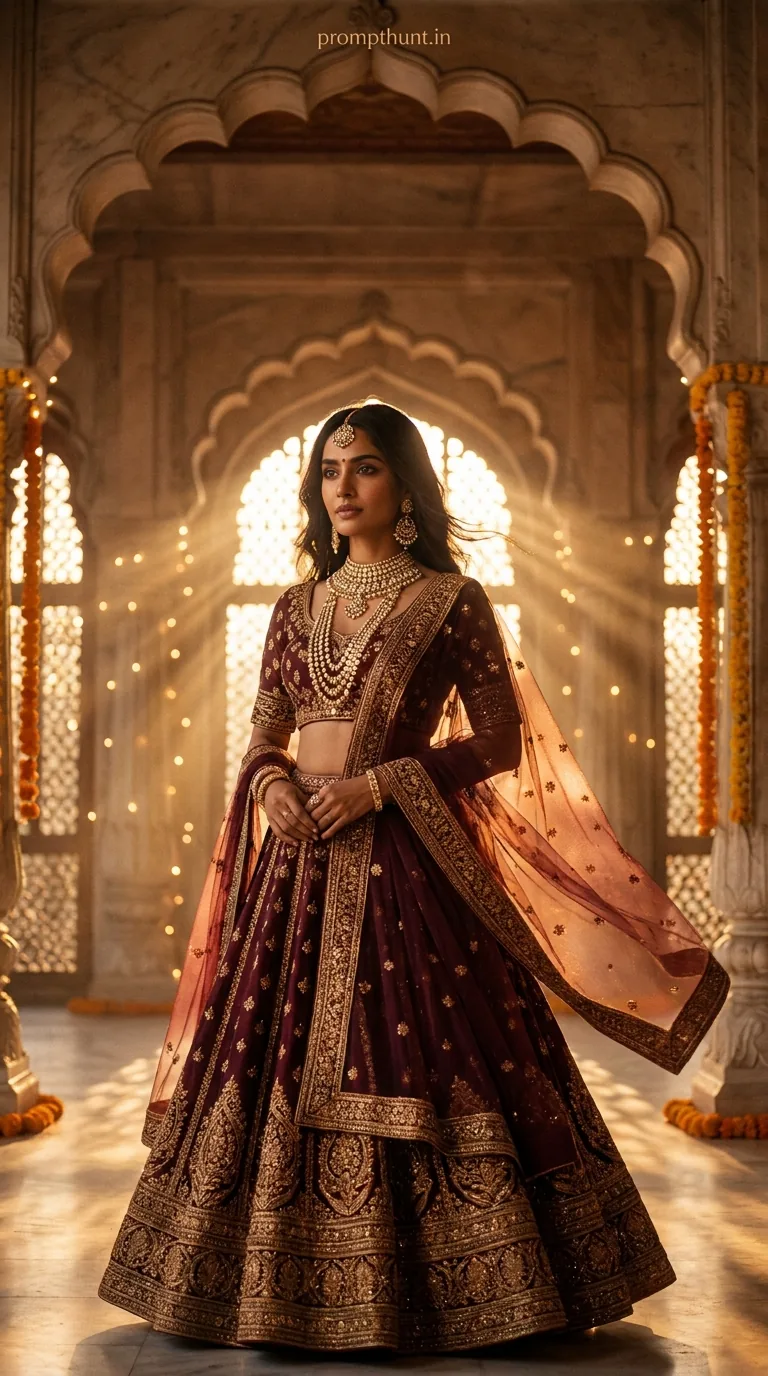
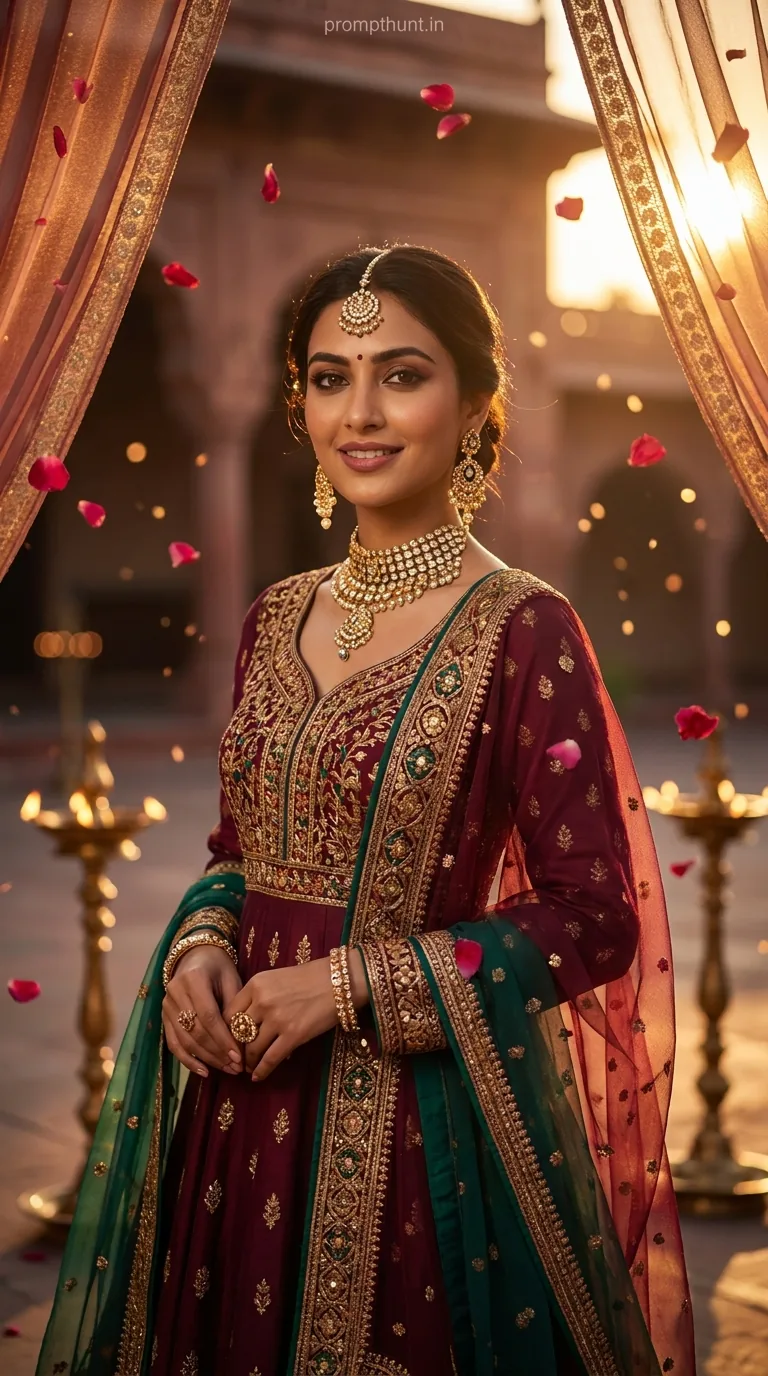
A Royal Rajasthani Groom Cinematic Portrait prompt uses warm amber-saffron lighting, a teal-orange LUT color grade, and an 85mm shallow depth-of-field aesthetic to transform a simple groom photo into a Vogue India-quality editorial shot. Paste the full prompt into Gemini with a clear reference photo, and you get a hyper-detailed cinematic portrait in under a minute.
Someone's about to get married, and the AI is going to make sure he looks like he owns three havelis and a peacock. The Royal Rajasthani Groom Cinematic Portrait is one of the most searched AI photo editing prompts in India right now — and honestly, fair enough. It takes a regular dulha photo and turns it into something that belongs on a Vogue India cover, complete with zardozi embroidery you can practically feel through the screen. If you've seen these floating around Instagram and WhatsApp and wondered how the groom suddenly looks like a Maharaja, this is exactly how.
Paste this prompt into Gemini with a clear front-facing groom photo and you'll get a cinematic Rajasthani portrait with warm golden lighting, dramatic shadow sculpting, and a film-grade teal-orange colour finish — no editing skills required.
What a Cinematic Portrait Actually Means
The word "cinematic" gets thrown around like confetti at a baraat. So let's pin it down.
A cinematic portrait is a still image that borrows its visual language from film. That means a specific colour grade — usually a teal-orange LUT, which pushes skin tones warm and pulls shadows cool. It means dramatic, directional lighting rather than flat studio flash. It means a shallow depth of field so the background melts into bokeh. And it means intentional composition — the subject is lit, framed, and styled like a movie still.
The Rajasthani version layers all of that onto Indian wedding aesthetics. Amber and saffron tones. Jharokha windows. Marigold garlands. The golden-hour archway of a haveli. The result is a portrait that feels simultaneously cinematic and deeply rooted in South Asian visual culture. It's not a Western filter slapped onto a desi wedding — the prompt is written from the inside out.
The Prompt That Does the Heavy Lifting
Here it is, word for word. Don't trim it. Don't paraphrase it. The length is doing actual work.
A strikingly handsome Indian groom in his late 20s, wearing a rich ivory and gold sherwani embroidered with intricate zardozi work, a deep burgundy safa (turban) adorned with a maang tikka brooch and cascading rose petals, standing in the golden archway of a grand Rajasthani haveli at sunset. Warm cinematic lighting bathes his face in deep amber and saffron tones, creating dramatic shadows that sculpt his sharp jawline and defined features. His eyes hold a calm, regal intensity — slightly looking off-camera. Background features softly blurred ornate jharokha windows, marigold garlands, and hazy golden bokeh. The overall color grade is warm teal-orange cinematic LUT — deep shadows, luminous skin tones, film grain texture. Shot in 9:13 vertical portrait format, ultra-realistic, 85mm lens aesthetic, shallow depth of field, editorial fashion photography quality, hyper-detailed fabric texture, Vogue India cover style composition.
How to Use It — Three Steps, No Surprises
Step one: get your photo right. This is the bit most people skip and then blame the AI. You need a clear, front-facing or three-quarter-facing photo of the groom. Good natural light. Sharp focus on the face. No heavy filters already applied — you're handing Gemini raw material, not pre-seasoned leftovers.
Step two: open Gemini. Go to gemini.google.com and make sure you're using Gemini Advanced or Gemini 1.5 Pro — the free tier will give you results, but the detail on the fabric embroidery drops off noticeably. Upload the reference photo first, then paste the full prompt beneath it.
Step three: review and iterate. Nine times out of ten, the first output is about 85% of the way there. Check the face likeness, the turban colour, and the background blur. If the bokeh feels too aggressive or the skin tones are reading more orange than golden, add a short follow-up: "Reduce the bokeh intensity and warm the shadows slightly toward saffron rather than orange." Gemini takes direction well when you're specific.
Tips for Best Results (From Someone Who Has Wasted a Lot of Tokens)
Keep the reference photo simple. A portrait against a plain wall works better than a group shot cropped down. The AI needs to separate subject from background cleanly — give it an easy job and it'll reward you.
Specify the face. If you're editing a real person's photo, add "preserve facial features exactly" to the end of the prompt. Gemini has a tendency to idealize without that instruction, and while nobody complains about looking slightly more regal, the groom's mum will notice if the nose is wrong.
The 9:13 vertical format matters. This is a portrait-first prompt built for Instagram and phone screens. If you need a horizontal crop for a wedding album spread, swap it to "16:9 widescreen cinematic format" — but know that the haveli archway composition works much better tall than wide. (It's not the prompt's fault. Havelis are also quite tall.)
Film grain is non-negotiable for the editorial feel. If you're getting outputs that look too digitally clean, explicitly add "35mm film grain, slight halation around highlights" to the prompt. That's what separates a Vogue India aesthetic from a stock photo.
Don't add a watermark in post. I know it's tempting. It kills the cinematic illusion faster than a ringtone during the pheras.
Why This Cinematic Portrait Trend Is Everywhere Right Now
Three things happened at once, which is roughly how all trends work.
First, Indian wedding photography went premium. Over the last five years, couples started hiring cinematographers alongside photographers. The visual language of film — the LUTs, the golden-hour shoots, the editorial framing — became the expectation, not the exception. AI prompts like this one are essentially democratising that premium look.
Second, Gemini got genuinely good at fabric texture. Earlier AI tools blurred or hallucinated embroidery. Zardozi work at that level of detail was impossible. Now it's a selling point in the prompt itself — "hyper-detailed fabric texture" is not a boast, it's a deliverable. That's a meaningful technical shift and it arrived fast.
Third — and this is the honest one — WhatsApp is an extraordinary distribution machine. One good AI groom portrait gets shared to four wedding planning groups before the tea goes cold. That's not an algorithm. That's aunties.
Honest Opinion: When Not to Use This Prompt
This prompt is excellent. It's also very specific, and that specificity is a double-edged sword — much like the ceremonial kirpan, except this one can cut your creative brief if you're not careful.
If your groom is wearing a dark navy sherwani instead of ivory and gold, this prompt will fight you. The colour relationships in the teal-orange LUT are calibrated around warm ivory tones. Dark navy reads muddy under amber light in AI-generated results. You'd need to rewrite the costume description and rebalance the lighting cues, which is about fifteen minutes of prompt iteration you might not have budgeted for the night before the wedding.
If the source photo has significant background clutter — a crowded street, other people, busy patterns — Gemini will sometimes blend elements from the original background into the haveli archway in ways that look strange. A groom standing in front of a Rajasthani haveli that also has a parked Maruti Suzuki in the bokeh is not the editorial look you're going for.
And if the family wants a hyper-realistic likeness over a stylised portrait, reckon carefully about managing expectations. This is cinematic editing. It enhances. It stylises. It makes cheekbones do things cheekbones can only dream of. That's mostly brilliant. But occasionally someone wants a photograph, not a movie still — and for those people, the prompt is the wrong tool entirely.
Use it for pre-wedding content, social media assets, invitation card imagery, and mood board reference. It's exceptional for all of those. Use it as a replacement for your actual wedding photographer and you will regret it approximately as much as the DJ who thought "Macarena" was still a safe choice in 2024.
The Short Version, With a Bow on Top
The Royal Rajasthani Groom Cinematic Portrait prompt is the real deal. It combines precise lighting language, detailed costume description, and a film-grade colour specification to produce results that would have cost a professional editing session two years ago. Paste it into Gemini with a clean reference photo, give it one round of feedback, and you'll have something genuinely shareable. Just remember: the prompt makes any groom look like a Maharaja — but it can't make the baraat start on time. Some things remain beyond the reach of artificial intelligence.