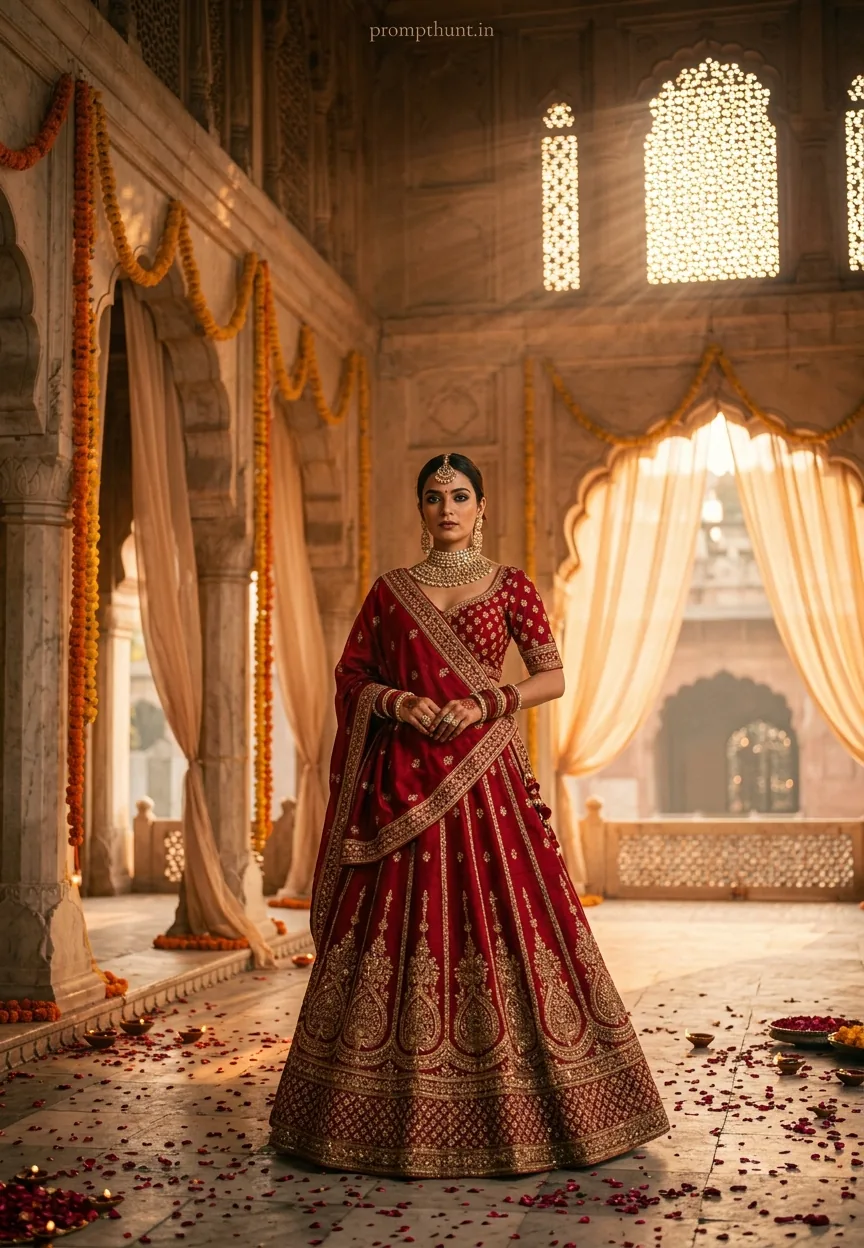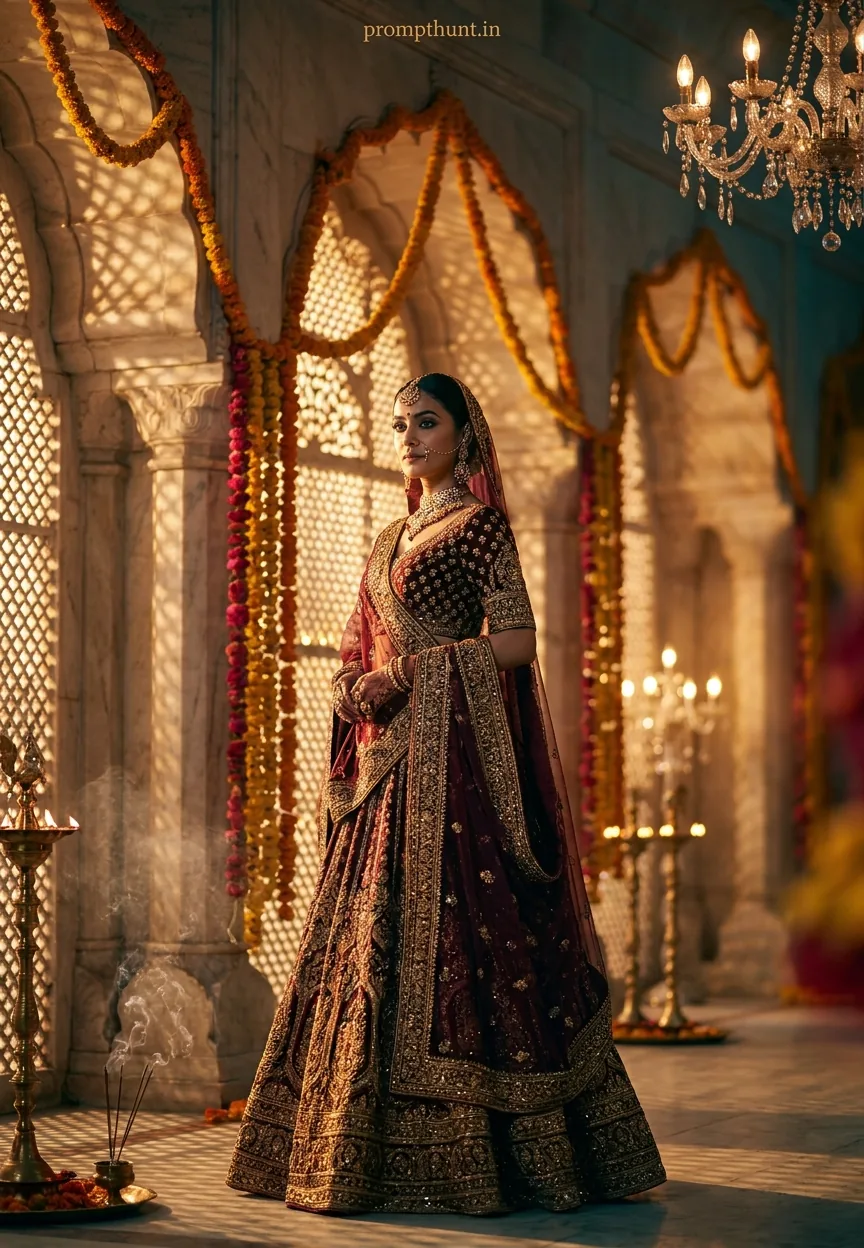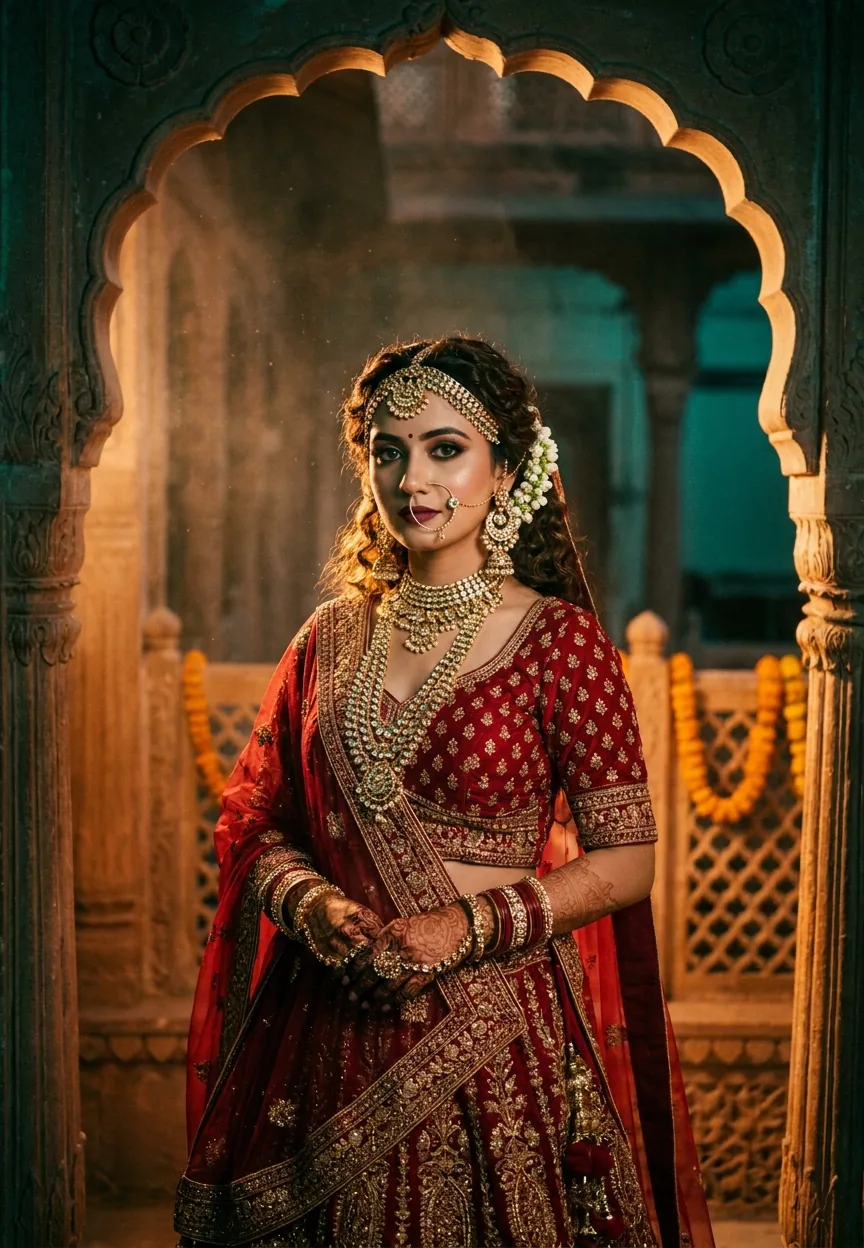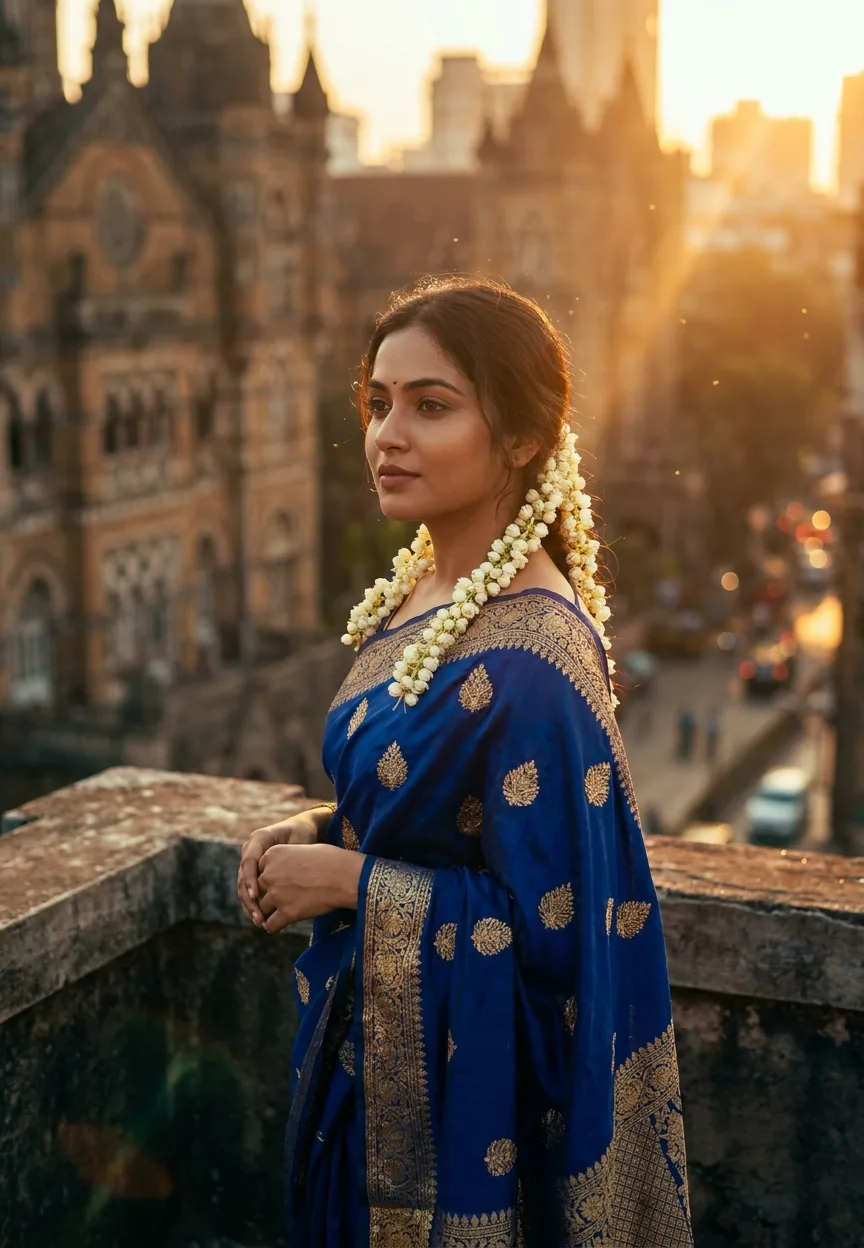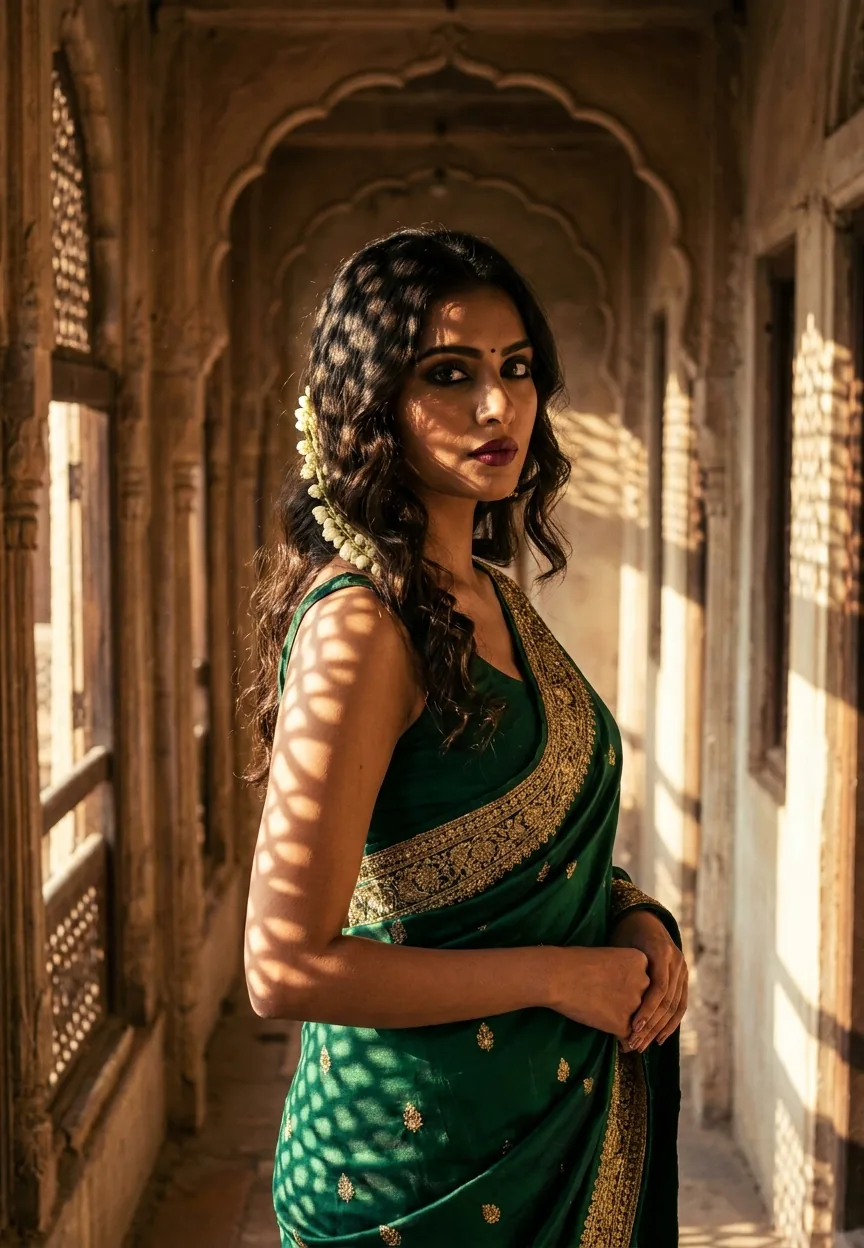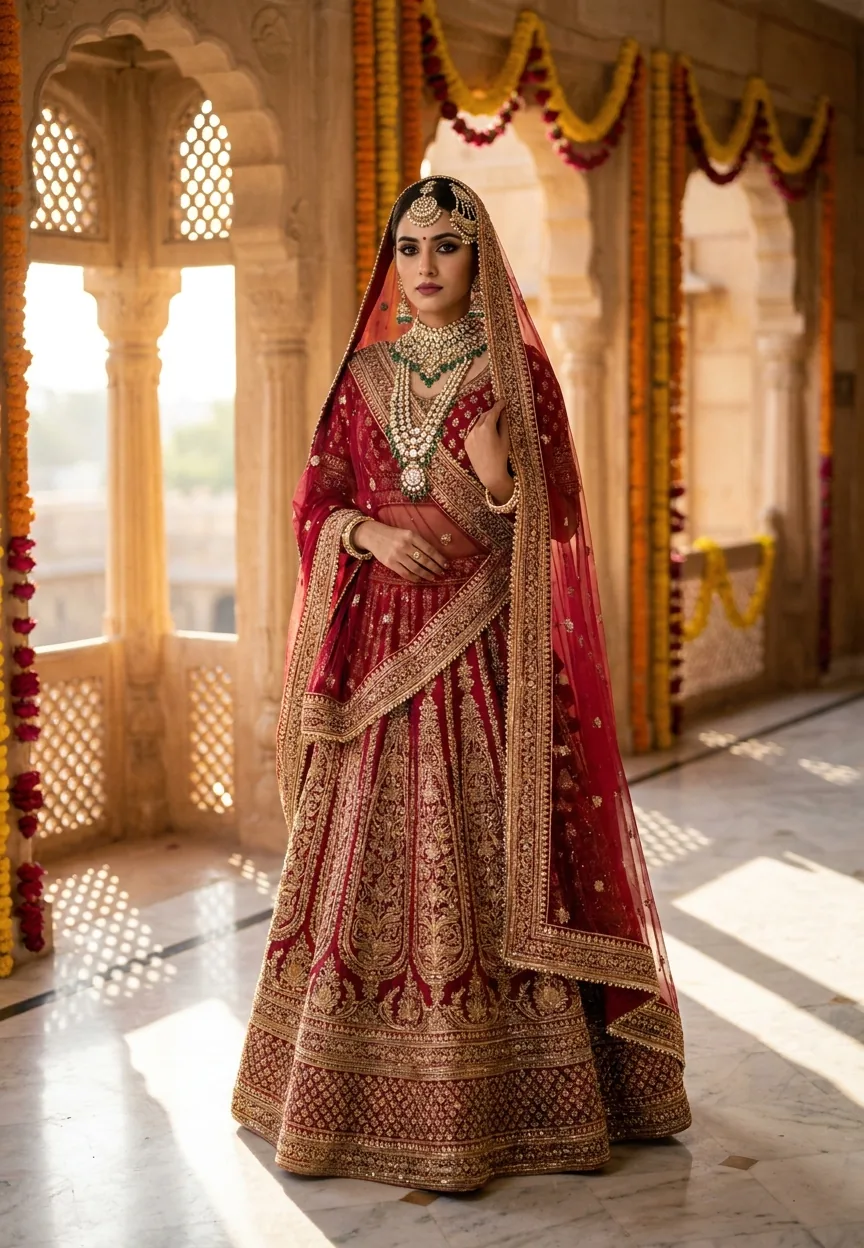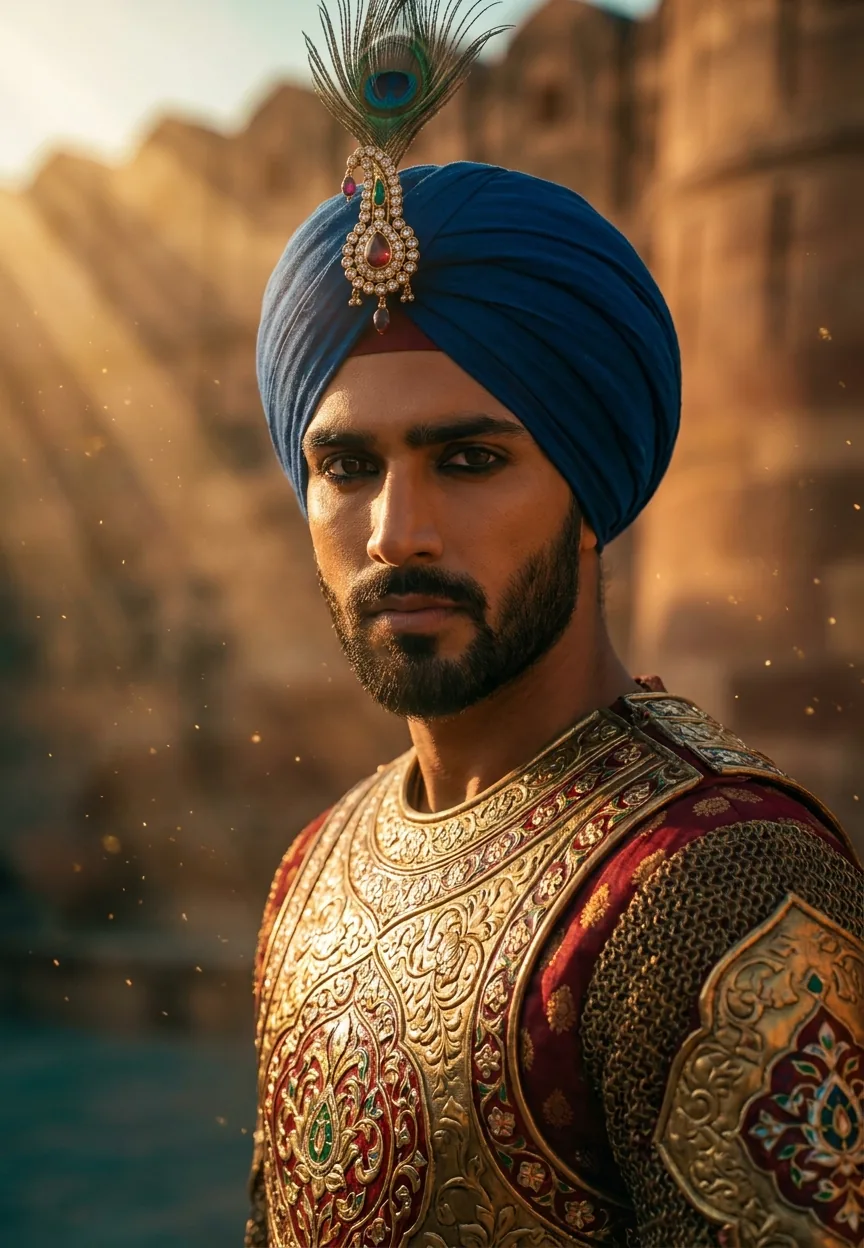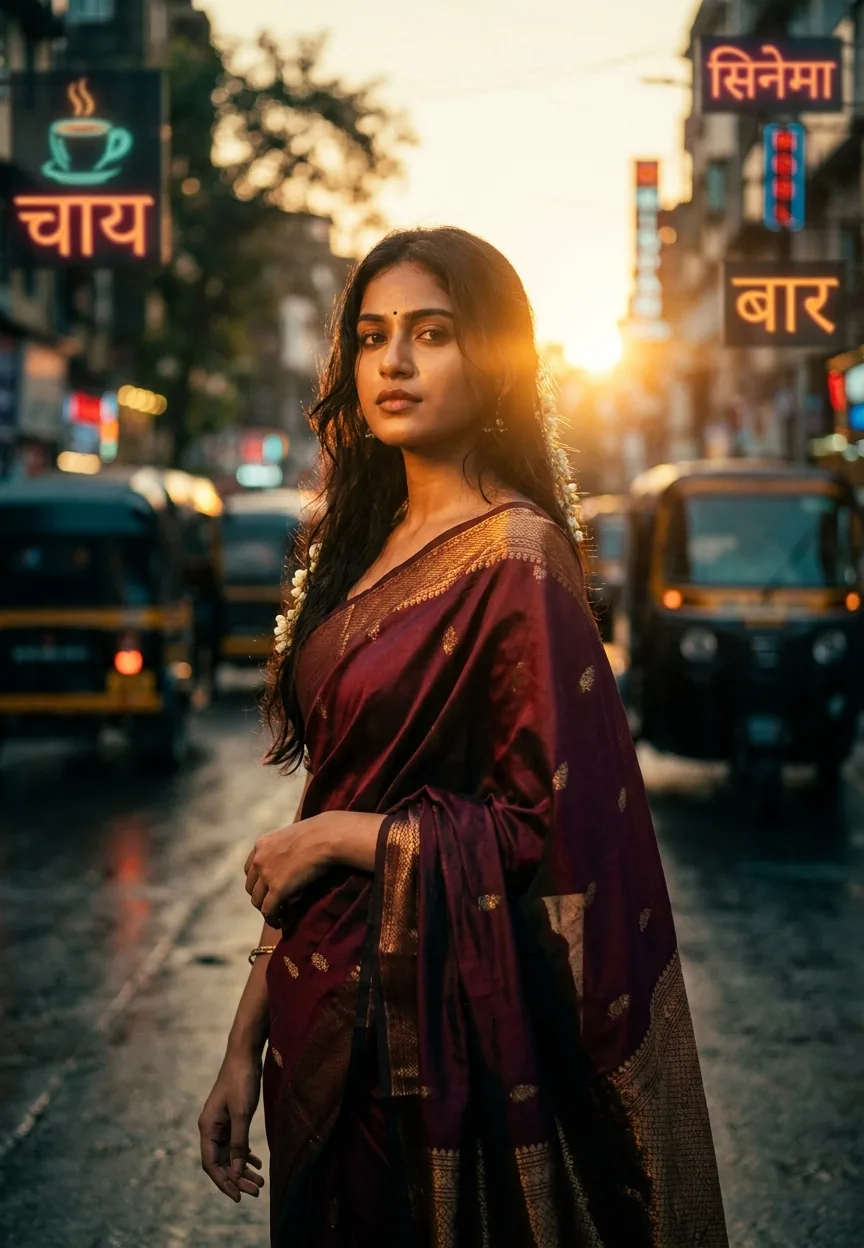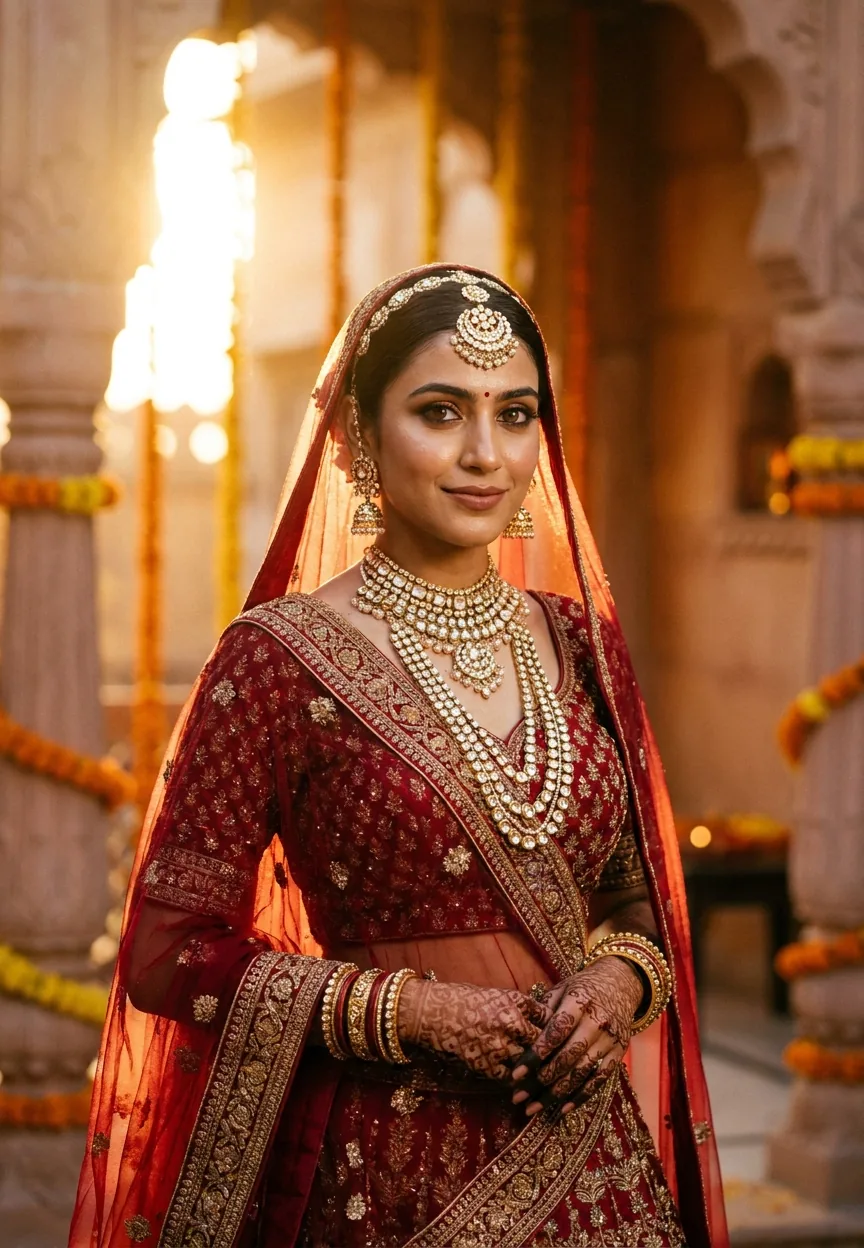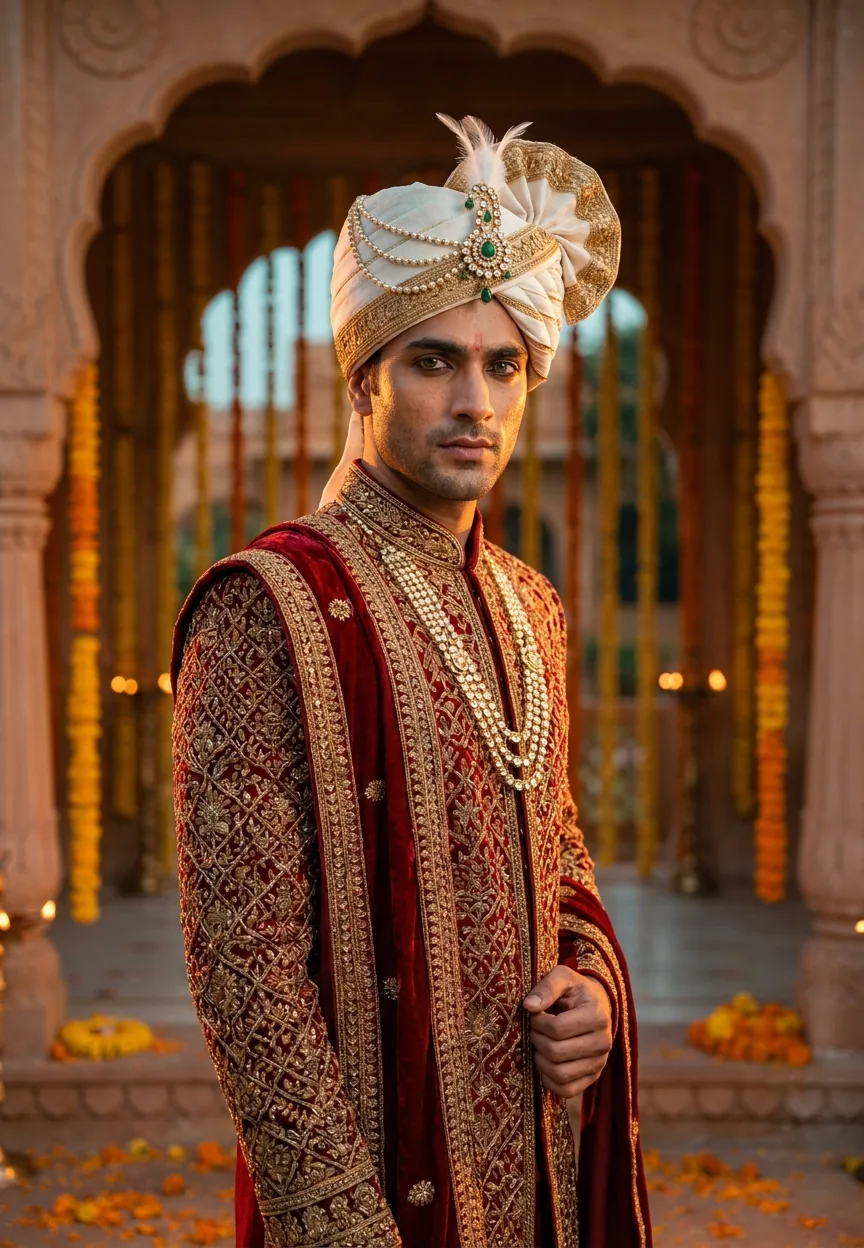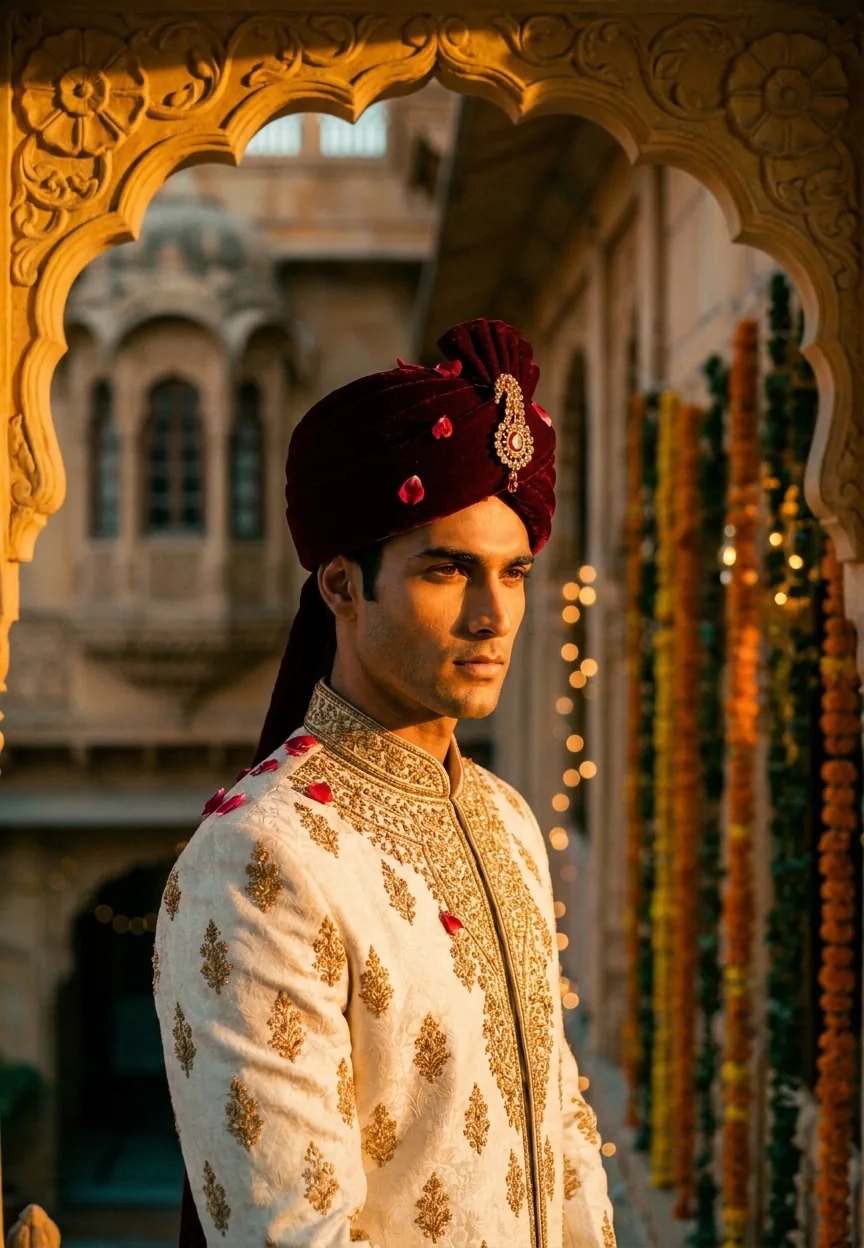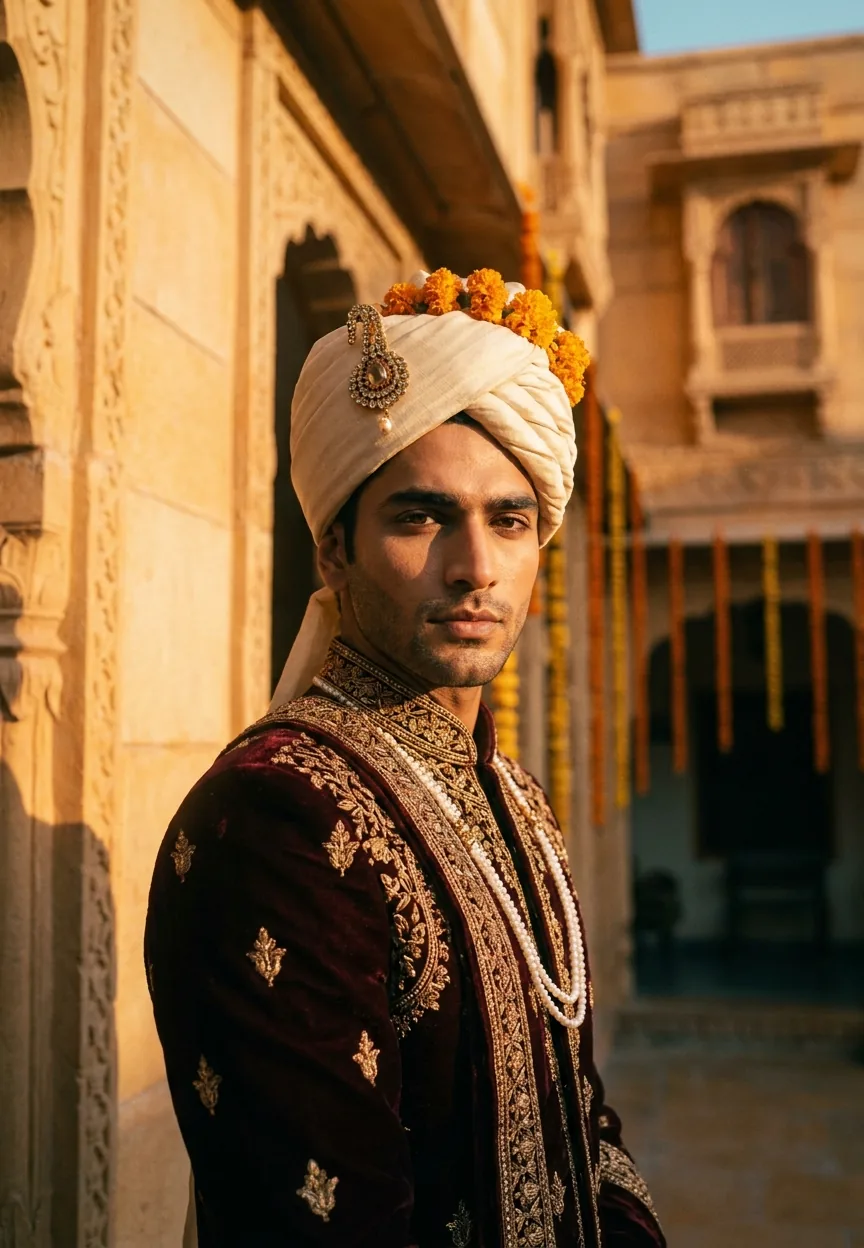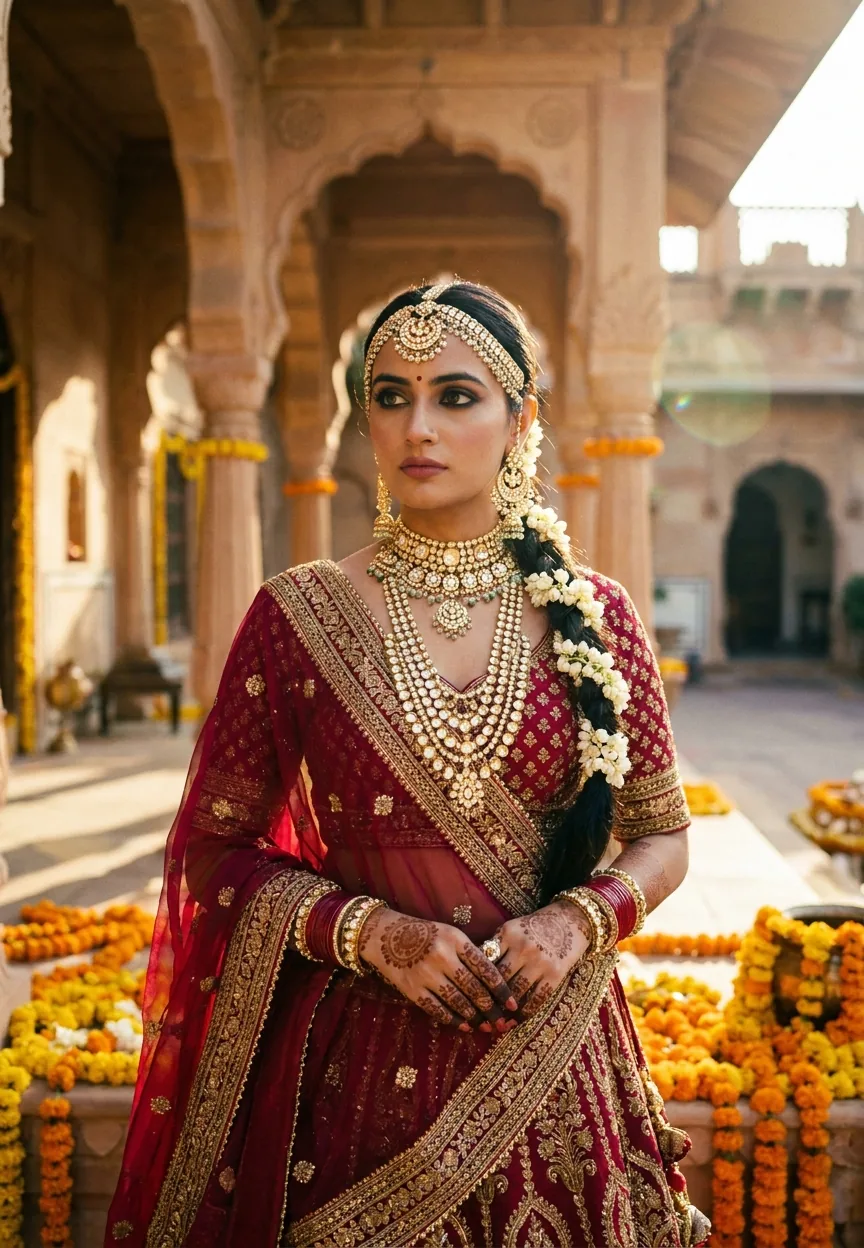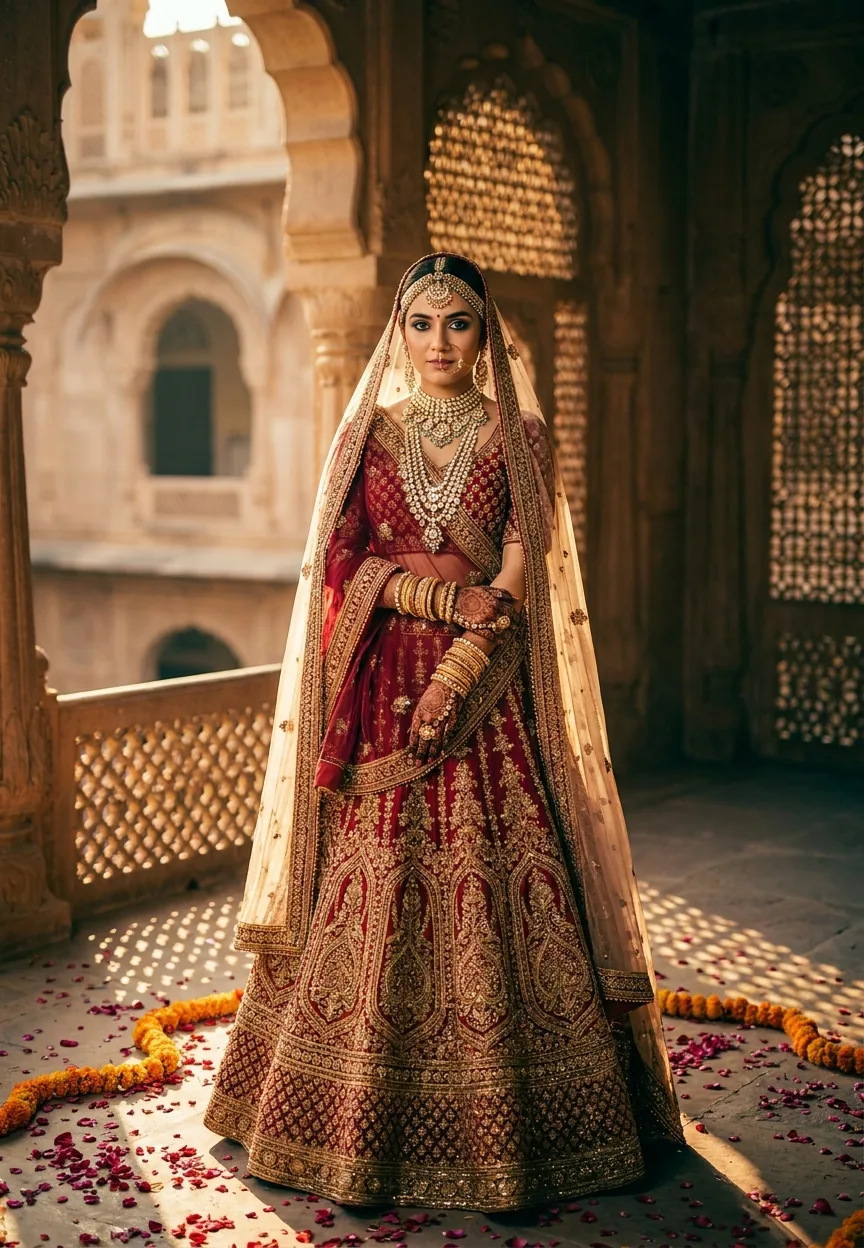
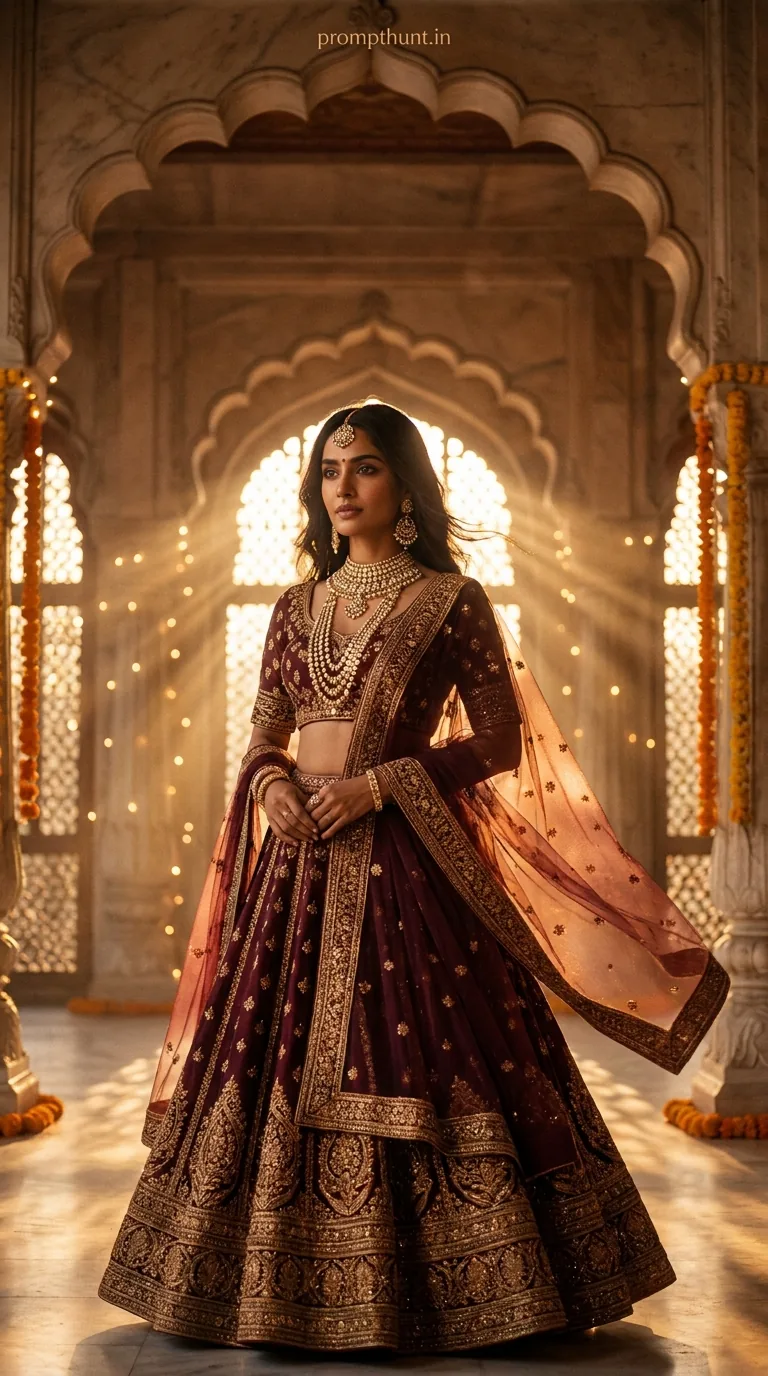
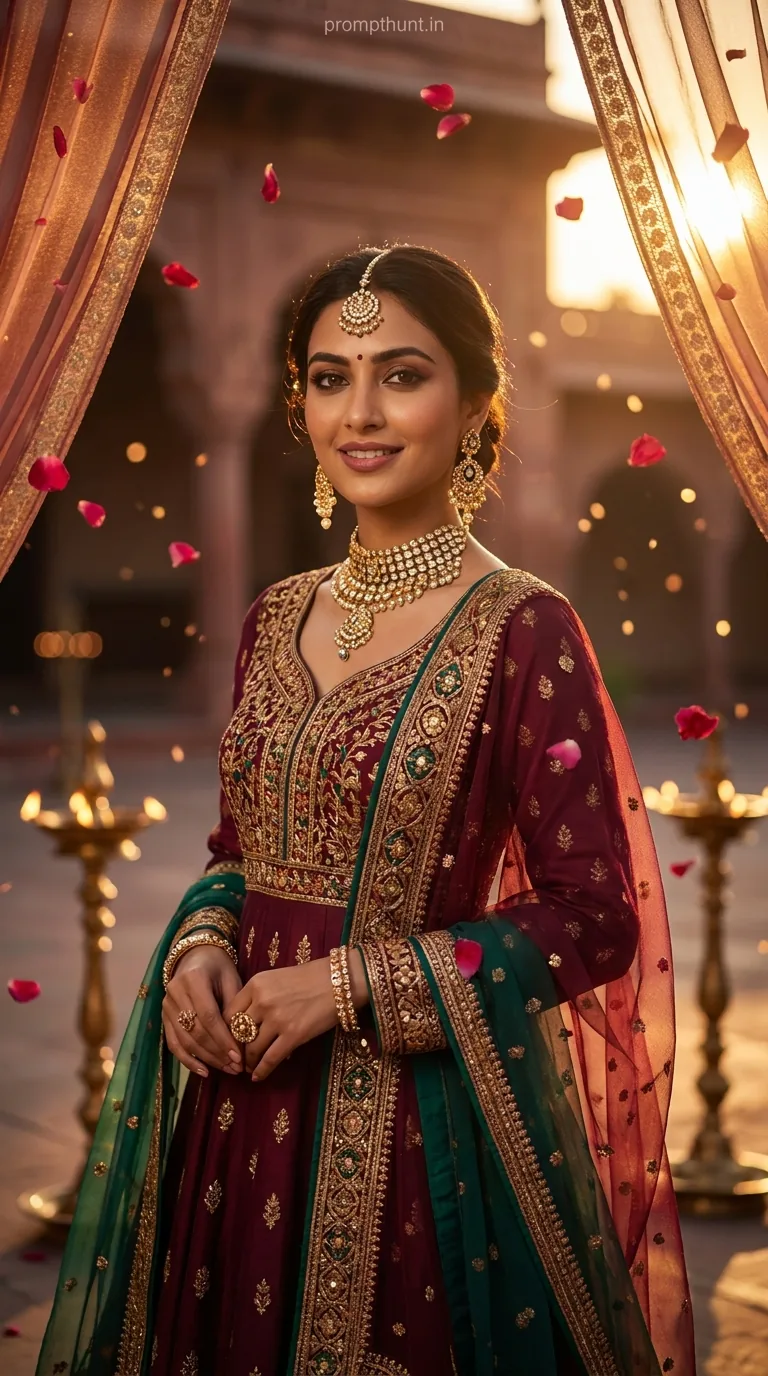
A Cinematic Portrait prompt for a Royal Rajasthani Bride uses layered visual detail — opulent lehenga, polki jewellery, haveli architecture, and teal-gold colour grading — to generate a hyper-realistic Bollywood editorial image in Gemini AI. Feed it the full prompt below, set a 9:13 aspect ratio, and you get award-worthy bridal photography without booking a single flight to Jaipur.
Someone typed a prompt into Gemini AI and accidentally hired the entire Bollywood art department. The Royal Rajasthani Bride Cinematic Portrait has been doing serious rounds on Indian creative communities — and once you see the output, you understand why. Deep crimson lehenga. Polki diamonds catching golden hour light. Geometric shadows from a jharokha window. It looks like the cover of Vogue India shot inside a Jaipur palace, except the photographer was a text box and the haveli cost exactly zero rupees to rent. This is what a great Cinematic Portrait prompt can do.
Paste this prompt into Gemini AI, use a 9:13 vertical ratio, and you will get a hyper-realistic Rajasthani bridal editorial image with warm cinematic colour grading — no studio, no stylist, no problem.
What a Cinematic Portrait Style Actually Means
Cinematic Portrait is not just "pretty photo with nice lighting." It is a specific visual language borrowed from high-budget film production.
Think shallow depth of field. Think colour grading with intention — teal shadows, warm golden highlights. Think an 85mm lens perspective that flatters the human face without distortion. Think lighting that tells you the time of day, the mood, the entire emotional context of the scene before a single word is read.
In traditional photography, you need a cinematographer, a lighting rig, a location scout, and a budget that makes your eyes water. In AI photo editing, you need a well-structured prompt and about forty-five seconds.
The Rajasthani Bride version of this style layers cultural authenticity on top of cinematic technique. Zardozi embroidery is not just "fancy stitching" — it is a centuries-old Mughal craft that requires its own description to render correctly. Polki diamonds behave differently in light than modern cut stones. Mehndi patterns have visual weight. When you name these things specifically in a prompt, the AI renders them specifically. Vague prompts get vague results. Specific prompts get magazine covers.
The Prompt You Actually Need
A stunningly beautiful young Indian woman dressed as a royal Rajasthani bride, wearing an opulent deep crimson and gold lehenga with intricate zardozi embroidery, heavy polki diamond and kundan bridal jewelry including a maang tikka, layered haar necklace, jhumka earrings, and stack of gold bangles, her hands adorned with detailed mehndi patterns, dupatta draped elegantly over her head with golden border catching soft light, standing inside a grand Rajasthani haveli with ornate arched doorways, warm amber and golden hour lighting streaming through latticed jharokha windows casting beautiful geometric shadows, surrounded by scattered rose petals and marigold flowers, bokeh background of grand palace architecture, skin glowing with warm cinematic color grading in deep teal and golden tones, shot in the style of a high-end Bollywood bridal magazine editorial, hyper-realistic photography, 85mm portrait lens, shallow depth of field, extremely detailed facial features with expressive kohl-lined eyes, soft natural makeup, confident yet graceful expression, 9:13 vertical aspect ratio, ultra HD, professional cinematic lighting, award-winning photography quality
How to Use This Prompt — Three Steps, No Surprises
Step one: open Gemini AI (the image generation version, not the text-only chat). Copy the prompt exactly as written above. Do not paraphrase it. The specificity is the whole point.
Step two: if the platform lets you set an aspect ratio manually, choose 9:13 vertical. This is a portrait-first format — it suits both phone screens and editorial print layouts. If your tool only offers standard ratios, 4:5 is your next best option.
Step three: generate four variations minimum. Cinematic Portrait outputs can vary wildly between generations — one might nail the jewellery and soften the background perfectly, another might overcook the skin glow. Give yourself options before you pick a winner.
That is genuinely it. The prompt is doing the heavy lifting. Your job is to not interfere with it.
Tips That Actually Make a Difference
Rule of thumb: the more cultural specificity you keep in the prompt, the more accurate the output. Removing "polki diamond" and replacing it with "diamond jewellery" will get you generic sparkle. Keep the original terms.
If the face is coming out too airbrushed — which happens, AI does love a suspiciously flawless complexion — add "natural skin texture, visible pores, film grain" at the end of the prompt. Nine times out of ten that brings it back to photorealistic territory.
Jharokha window light is doing a lot of work in this image. If your output is missing those geometric shadow patterns, try adding "strong directional light through latticed screen, hard-edged shadow patterns on wall and floor" as an additional instruction. The AI needs the reminder that shadows are features, not bugs.
For colour grading specifically: if the teal-gold contrast feels too aggressive, add "subtle cinematic grade, preserve skin warmth." If it feels too flat, try "high contrast cinematic teal and orange grade, rich shadows." Small additions, big difference.
One more thing. Aspect ratio matters for the composition. A 9:13 vertical frame gives the AI room to include the full lehenga sweep, the haveli arch above, and the marigold-scattered floor below — all in one shot. Crop it to square and you lose the architectural context that makes the image feel palatial rather than just pretty.
Why This Is Trending Right Now in India
Bridal content is permanently in season in India. The wedding industry runs at roughly five trillion rupees annually, and bridal editorial photography sits at the aspirational heart of it. Every bride wants the palace shoot. Not every bride can afford the palace shoot.
Gemini AI and tools like it have made the palace shoot democratically available — to photographers building portfolios, to designers presenting concepts, to content creators who want something that looks like it cost lakhs and actually cost an afternoon.
The Rajasthani aesthetic specifically has had a huge moment. Destination weddings in Udaipur and Jaipur have made the haveli-and-marigolds visual language internationally recognisable. International Bollywood reach means these images resonate far outside India too. An AI-generated Cinematic Portrait in this style consistently pulls strong engagement on Instagram, Pinterest, and design communities worldwide.
There is also a practical reason it is spreading: it works on the first try. That is rarer than you think with AI image prompts. (Ask anyone who has tried to generate a realistic hand. On second thought, do not ask. That way lies madness and six-fingered nightmares.)
Honest Opinion — When Not to Use This Prompt
This prompt is excellent. It is also very specific, which means it is excellent at one thing and one thing only.
If you need a contemporary urban bridal look — modern lehenga, rooftop venue, clean editorial style — this prompt will fight you. The haveli architecture and marigold floor are baked into its DNA. Trying to strip them out while keeping everything else usually produces confused outputs that are neither traditional nor modern.
If you are building a genuine photography portfolio meant to represent your own work, use this carefully. AI editorial images are powerful reference and concept tools. Presenting them as original photography without disclosure is a different conversation — and not a great one to have with a client who later asks for the raw files.
The colour grading — teal and gold — is also quite strong. For some use cases, like social media posts or mood boards, that contrast is exactly right. For print applications where colour accuracy matters, you will want to take the output into a proper editor and tune the grade manually. The AI's version of "cinematic teal" can sit a bit cool for certain skin tones if you do not adjust it.
The face rendering is excellent by current AI standards. But "excellent by current AI standards" still means occasional uncanny valley moments — eyes that are slightly too symmetrical, an expression that is fractionally too composed. If the face reads as off, the fastest fix is to regenerate rather than edit. Inpainting faces rarely goes well. (I say this as someone who has spent an inadvisable number of hours trying to make AI faces look more human by editing them, only to make them look like a Renaissance painting of an alien.)
Use this prompt for what it is brilliant at: Cinematic Portrait concept generation, bridal editorial inspiration, social content, and showing clients what a vision could look like before committing to an actual shoot. In that role, it is genuinely one of the best prompts in this category.
To Wrap Up
The Royal Rajasthani Bride Cinematic Portrait prompt works because it treats specificity as a feature, not an afterthought. Every detail — the zardozi embroidery, the jharokha shadows, the 85mm lens call-out — tells the AI exactly what kind of image this is. The result is a Cinematic Portrait that looks like it was shot on location, lit by a professional, and graded in post by someone who has seen too many beautiful sunsets in Rajasthan to take them for granted. Paste the prompt, give it a few generations, and pick your favourite. Just