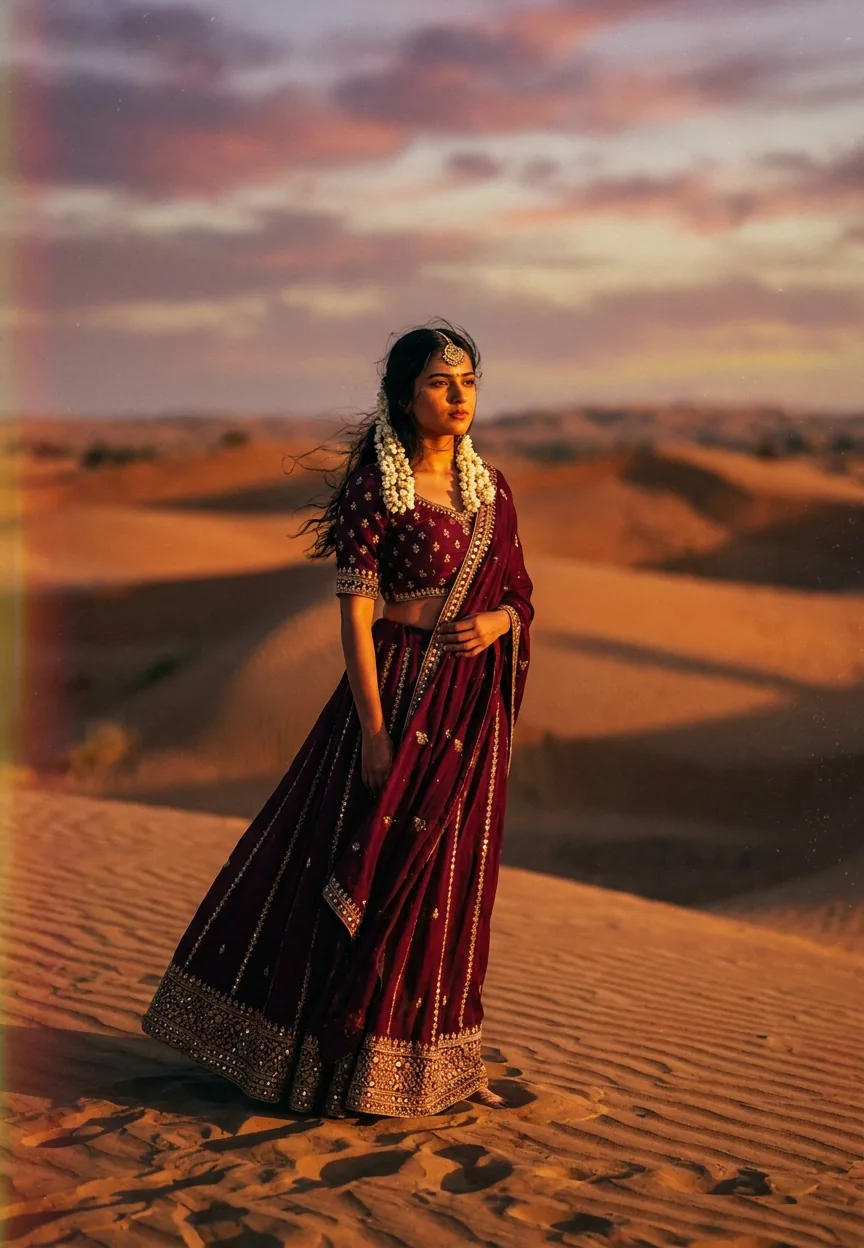
Cinematic photography prompts for AI use dramatic lighting, shallow depth of field, film grain, and bold color grading to make portraits look like stills from a big-budget film. This Bollywood-inspired prompt combines golden-hour Mumbai street atmosphere, warm amber and teal color grading, and ultra-realistic DSLR styling to produce editorial-quality portrait results in Gemini.
Rain-soaked streets. Golden light. A kurta that somehow survives a Mumbai downpour looking immaculate. If that sounds like the opening shot of every Bollywood film you've ever loved, you're not wrong — and now you can generate that exact aesthetic with a single AI prompt. Cinematic photography as an AI style has been quietly taking over creative feeds across India, and this particular prompt is doing a lot of the heavy lifting. Let's break down exactly what's going on and how to get results that'd make a film director do a double take.
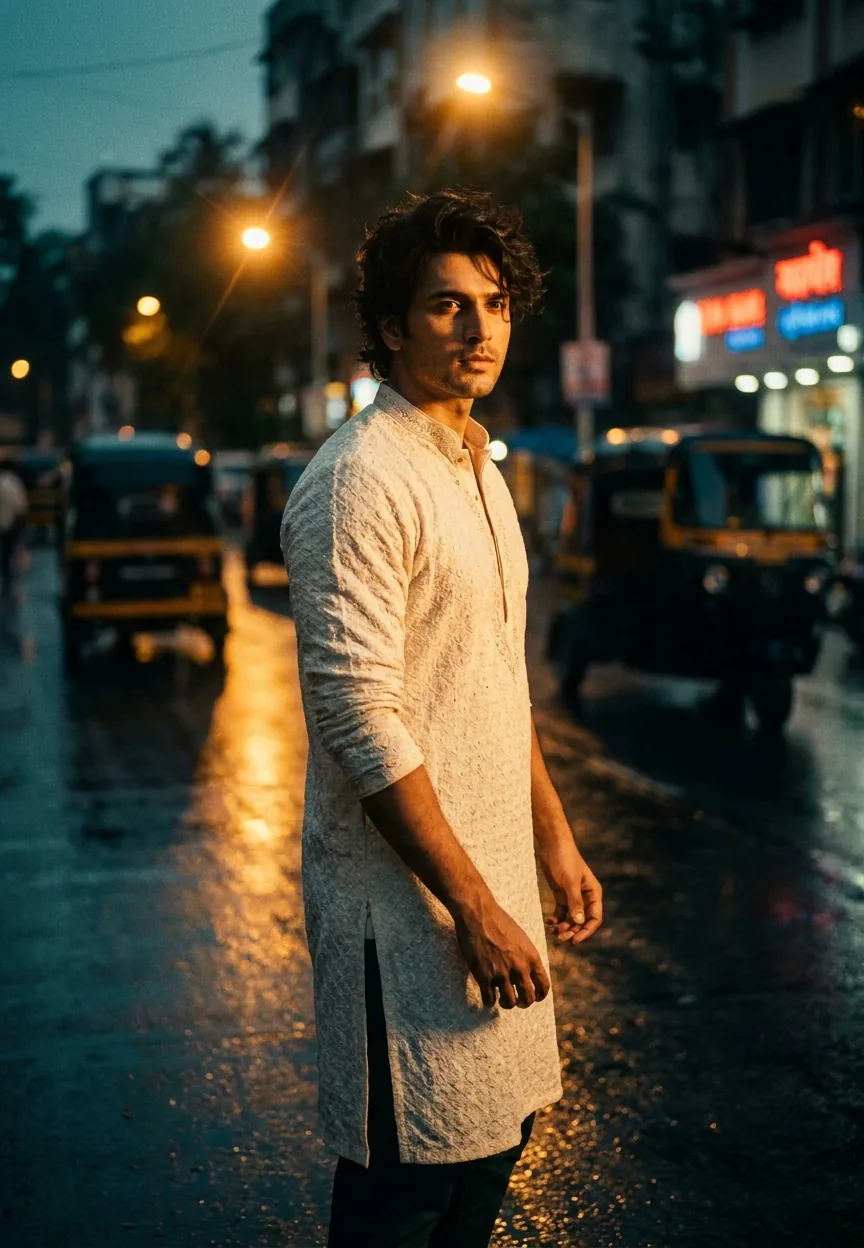
This Gemini prompt generates a dramatically lit, rain-soaked Mumbai street portrait with Bollywood-grade color grading — paste it in, adjust the subject details, and you'll have editorial-quality cinematic photography output in under a minute.
What Cinematic Photography Actually Means in AI Prompts
Cinematic photography isn't just "looks nice." It's a specific visual language borrowed from film production.
Real cinematographers obsess over three things: light quality, color grading, and depth. Every shadow is placed. Every highlight is earned. The colors aren't random — warm amber against deep teal is the filmic contrast that's been used since the days of actual celluloid.
In AI image generation, cinematic photography prompts replicate this by stacking several technical cues at once. You're telling the model to think like a director of photography, not a smartphone camera app. The difference shows immediately in the output.
This particular prompt does something clever. It doesn't just say "cinematic." It names specific gear (Arri Alexa, 35mm lens), specific conditions (golden hour, rain-soaked pavement, bokeh street lights), and a specific emotional register (Bollywood drama). That layering is the whole game.
The Prompt — Copy It, Use It, Thank Us Later
Here it is. Exactly as it works. No edits needed to get a solid result, though we'll talk about tweaks in a moment.
A strikingly handsome young Indian man in his mid-20s standing on a rain-soaked Mumbai street at golden hour, wearing a fitted ivory kurta with subtle embroidery and dark tailored trousers, hair slightly tousled from the breeze, warm amber and deep teal cinematic color grading, dramatic side lighting casting rich golden tones across his face with soft shadow depth, shallow depth of field with bokeh street lights and blurred autorickshaws in the background, wet reflective pavement mirroring city lights below, slight lens flare from a distant street lamp, film grain texture overlay, high contrast cinematic look inspired by Bollywood drama films, ultra-realistic DSLR photography style, shot on Arri Alexa 35mm lens, vertical portrait 9:13 aspect ratio, editorial magazine quality, moody atmospheric Indian street ambiance
Paste that into Gemini's image generation interface and run it. The first result alone is usually worth the thirty seconds it takes.
How to Use This — Three Steps, No Surprises
Step one: open Gemini and navigate to image generation. If you're using Gemini Advanced, you'll get noticeably stronger results on complex prompts like this one. Standard Gemini handles it, but Advanced handles it with feeling.
Step two: paste the prompt exactly as written. Don't summarise it. Don't trim it. AI image models reward specificity — every technical detail you include is another instruction the model uses to push the output toward that cinematic look. Strip out "Arri Alexa 35mm lens" and watch the result suddenly look like a decent phone photo instead of a film still.
Step three: generate three to five variations before settling. Cinematic photography prompts produce slightly different atmospheric results each time because the rain, bokeh, and light placement are interpreted differently on each run. The fourth generation is often the one where the light hits just right. (Think of it as multiple takes. Even SRK needed a few.)
After that, download your preferred result and run it through a quick sharpness adjustment in Lightroom or Snapseed if you're posting it anywhere. The film grain overlay already adds texture, but a touch of clarity on the face lifts the subject nicely against the bokeh background.
Tips That Actually Move the Needle
Rule of thumb: the more specific your location details, the more authentic the atmosphere. Swapping "Mumbai street" for "Bandra Kurla Complex overpass at dusk" gives the model sharper environmental cues to work with. Same principle applies to clothing — "ivory kurta with thread embroidery at the collar" beats "white traditional outfit" every time.
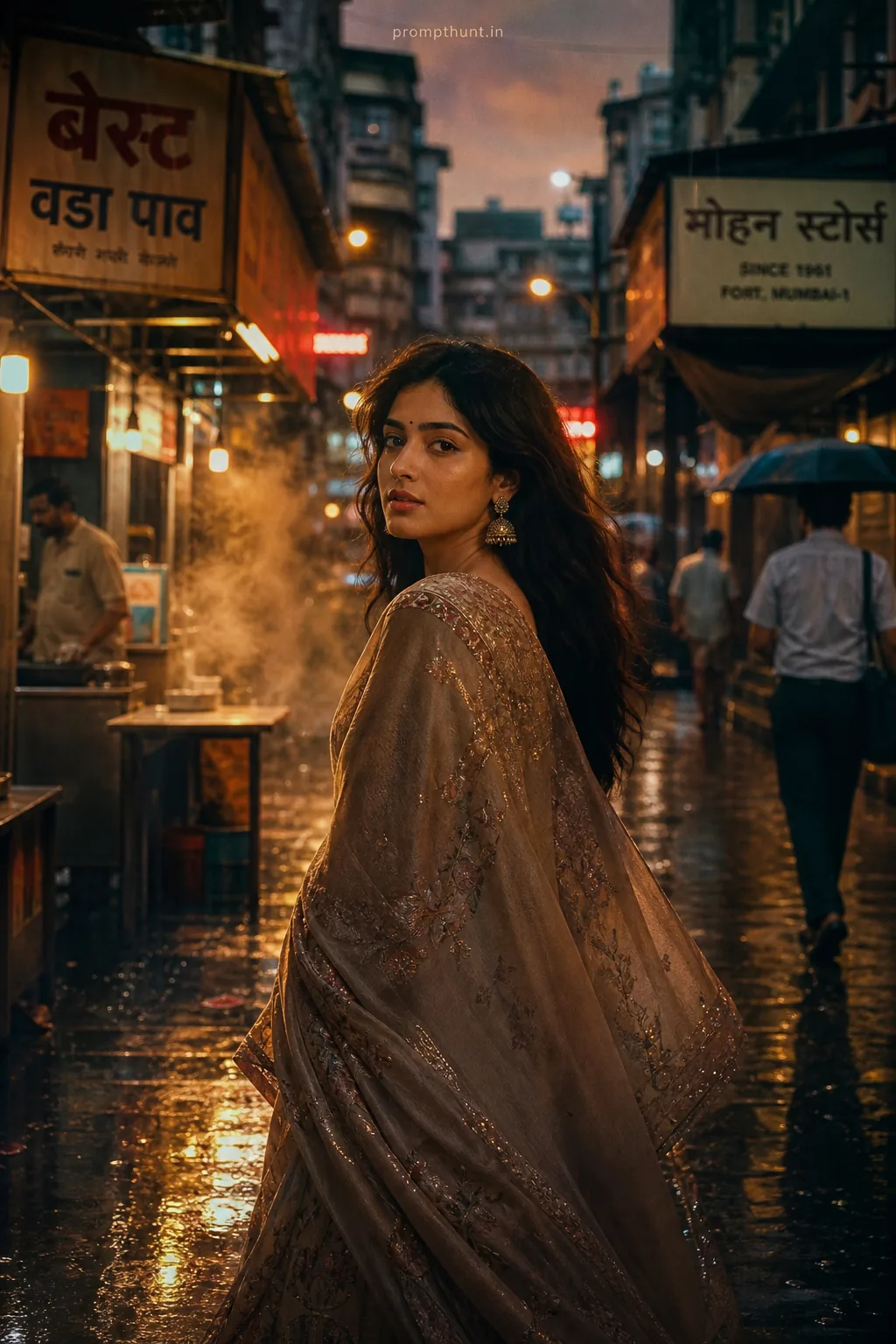
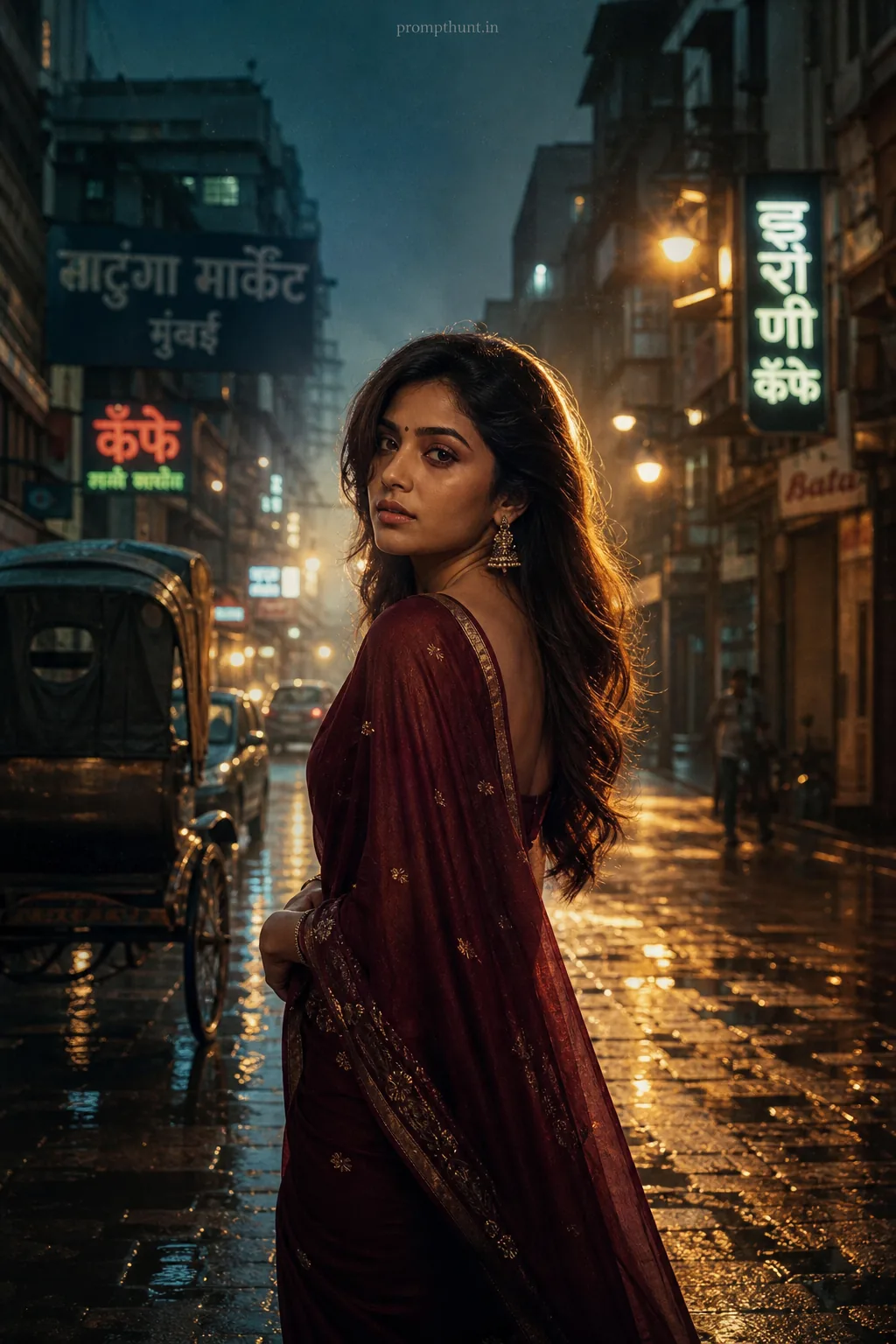
Change the gender or age and the prompt scales perfectly. "A graceful woman in her early 30s in a silk saree" with the same lighting and color grading instructions produces equally strong cinematic photography results. The technical scaffolding does the work regardless of the subject.
If Gemini softens the drama too much on the first run — it occasionally gets polite about high-contrast looks — add "deeply saturated, high contrast, no filters softened" at the end of the prompt. That usually corrects it.
The 9:13 aspect ratio instruction is doing genuine heavy lifting here. That vertical format is magazine cover territory. If you're generating for social media specifically, that ratio was built for Instagram and Pinterest feeds. Don't change it unless you have a specific reason.
Film grain is optional but worth keeping. It's what separates "nice AI image" from "I genuinely thought that was a photograph." The grain adds imperfection in exactly the right way. (AI images being improved by making them look slightly worse is the kind of irony that keeps this job interesting.)
Why This Is Trending Right Now — Especially in India
Bollywood has always been India's visual reference point for dramatic beauty. The colour palette of amber and teal, the rain-soaked streets, the golden-hour romanticism — these aren't just aesthetic choices. They're culturally loaded images that carry decades of emotional association.
AI cinematic photography prompts landed at exactly the right moment. Indian creators on Instagram and YouTube were already pushing editorial portrait content hard. The tools to produce genuinely cinematic imagery without a full film crew or a Bandra studio budget? That's not a small thing. That's access.
Searches for AI portrait prompts with Bollywood-specific styling have grown steadily across Indian creative communities throughout 2024 and into 2025. The specific combination of named camera gear, Indian street context, and film-grade color grading is what distinguishes this generation of prompts from earlier "make it look cinematic" attempts that produced vaguely dramatic results with no real identity.
It also helps that the prompt is genuinely shareable. The output looks like something from a film poster or a fashion editorial. People screenshot it. People ask how it was made. That curiosity loop is exactly why these prompts spread.
Honest Opinion — Including When NOT to Use This
This prompt is genuinely one of the stronger cinematic photography examples I've tested. The specificity is right. The cultural context is embedded rather than bolted on. And the technical cues — Arri Alexa, 35mm, Bollywood drama films — give the model real direction rather than vague vibes.
That said, it's not the right tool for every job. If you're generating portraits for a client who needs consistent, recognisable faces across multiple images, a single Gemini prompt won't get you there. AI portrait generation still struggles with facial consistency across generations. Use this for mood boards, concept visuals, social content, and creative exploration — not for anything requiring a specific, repeatable person.
The amber-teal color grading is also a strong stylistic choice that reads unmistakably as "cinematic." That's perfect if that's your brief. If your project needs a more natural, documentary feel, dial back the color grading instruction and drop the "high contrast cinematic look" language. The bones of the prompt still work — you just get a different film genre.
One practical note: Gemini's image generation outputs are improving rapidly but still occasionally mishandle fine fabric detail — embroidery, in particular, can look slightly impressionistic rather than precise. That's not a dealbreaker for most uses, but if you're using this for textile or fashion presentations specifically, cross-check with Midjourney or Adobe Firefly for that specific detail.
Nine times out of ten, though, this prompt delivers exactly what it promises: a portrait that looks like it was lit by someone who actually studied light, shot on kit that costs more than a car, and graded by someone who'd seen the film twice before touching the colour wheels.
In Short
This is a genuinely well-constructed cinematic photography prompt. The Bollywood visual language is specific enough to feel authentic rather than generic. The technical scaffolding — gear references, aspect ratio, grain overlay, named color grading — gives the model enough to work with that the output clears the bar most AI portraits don't. Paste it in, run five variations, pick the one where the light looks like someone actually meant it. You'll know the one. It's the image where the autorickshaw bokeh sits just so, the pavement reflection catches the amber glow, and the whole thing looks like a frame that was made, not generated.
Now if you'll excuse me, I need to go stand in the rain looking thoughtfully into the middle distance. For research purposes



















