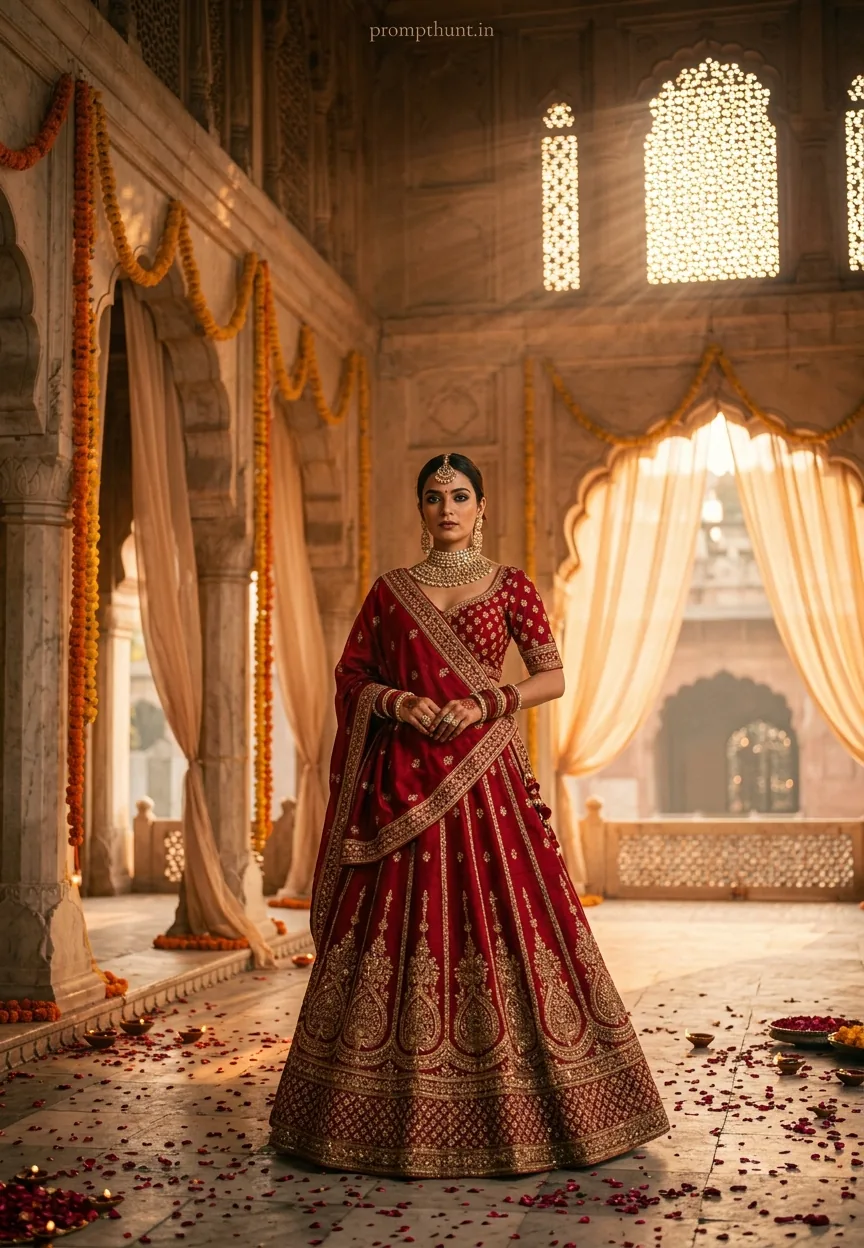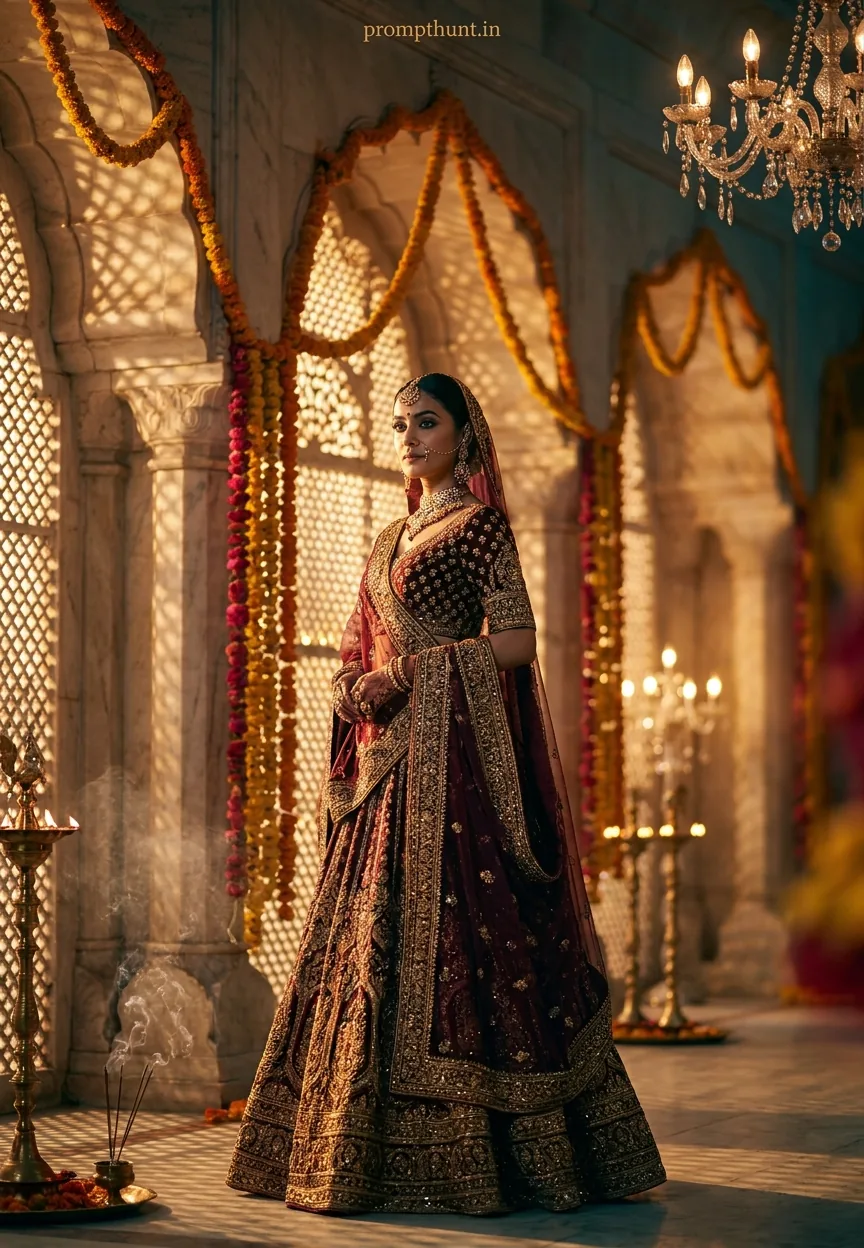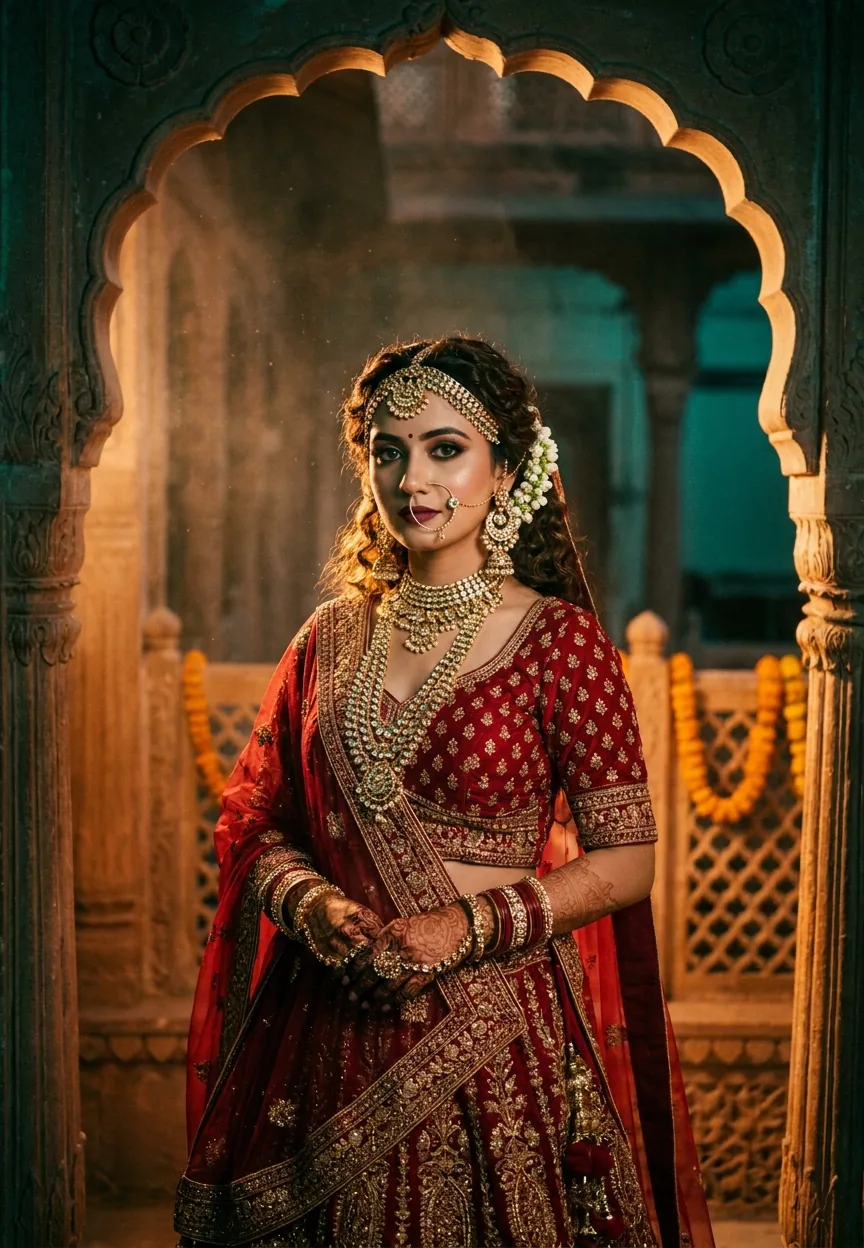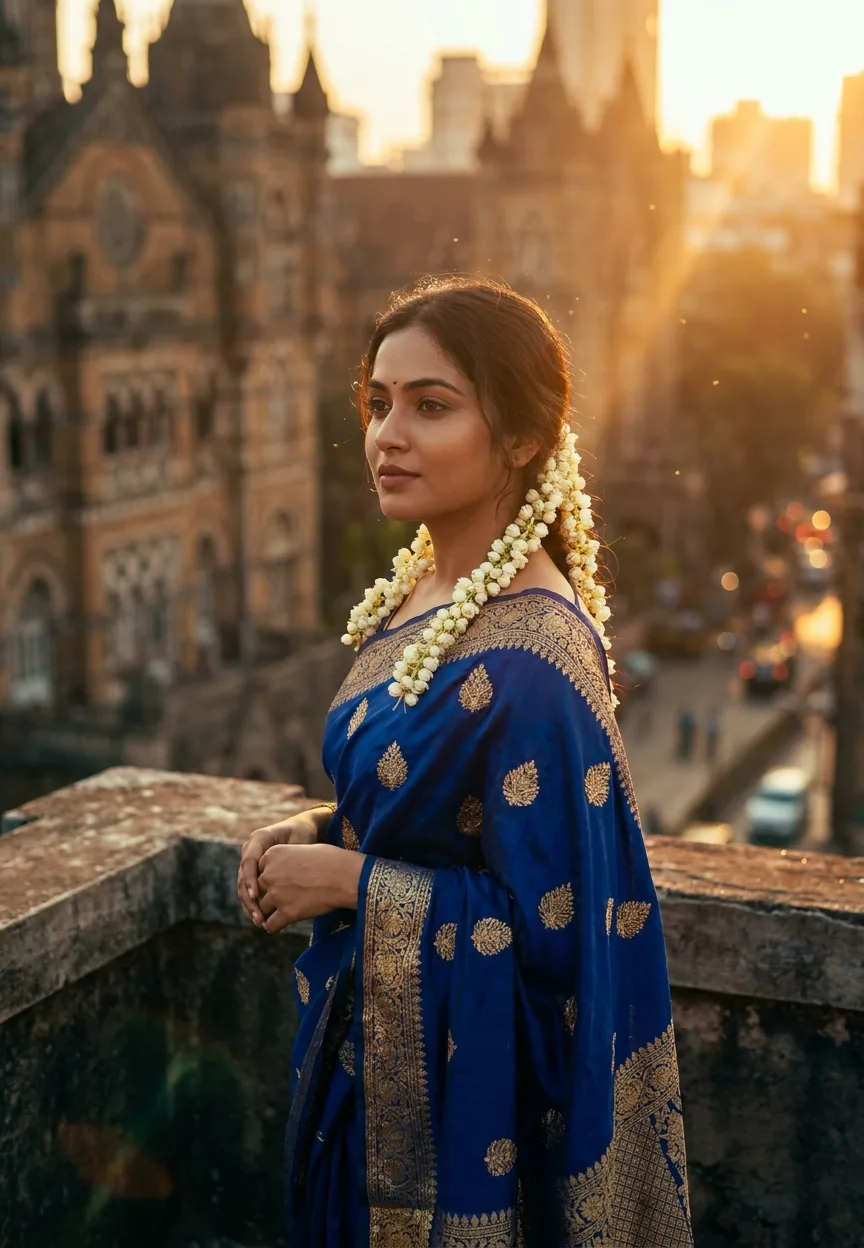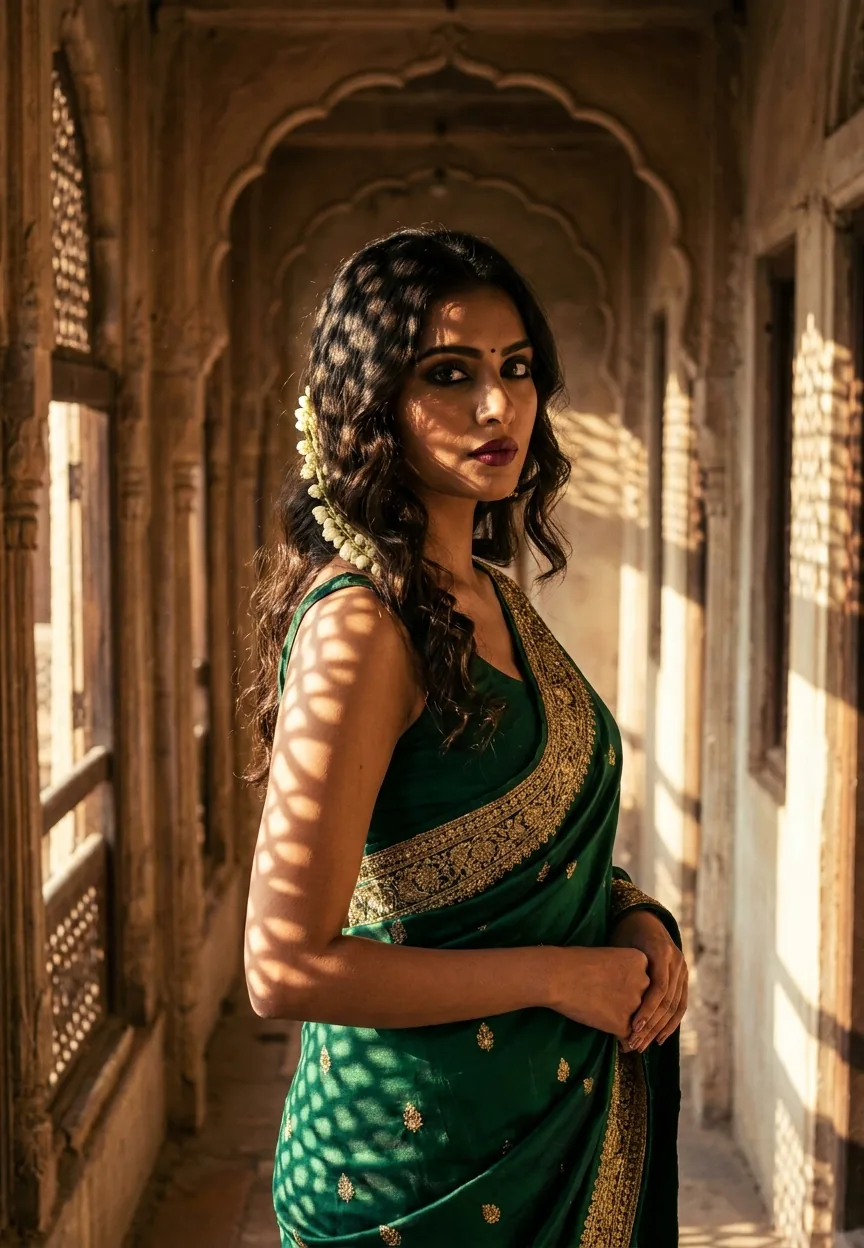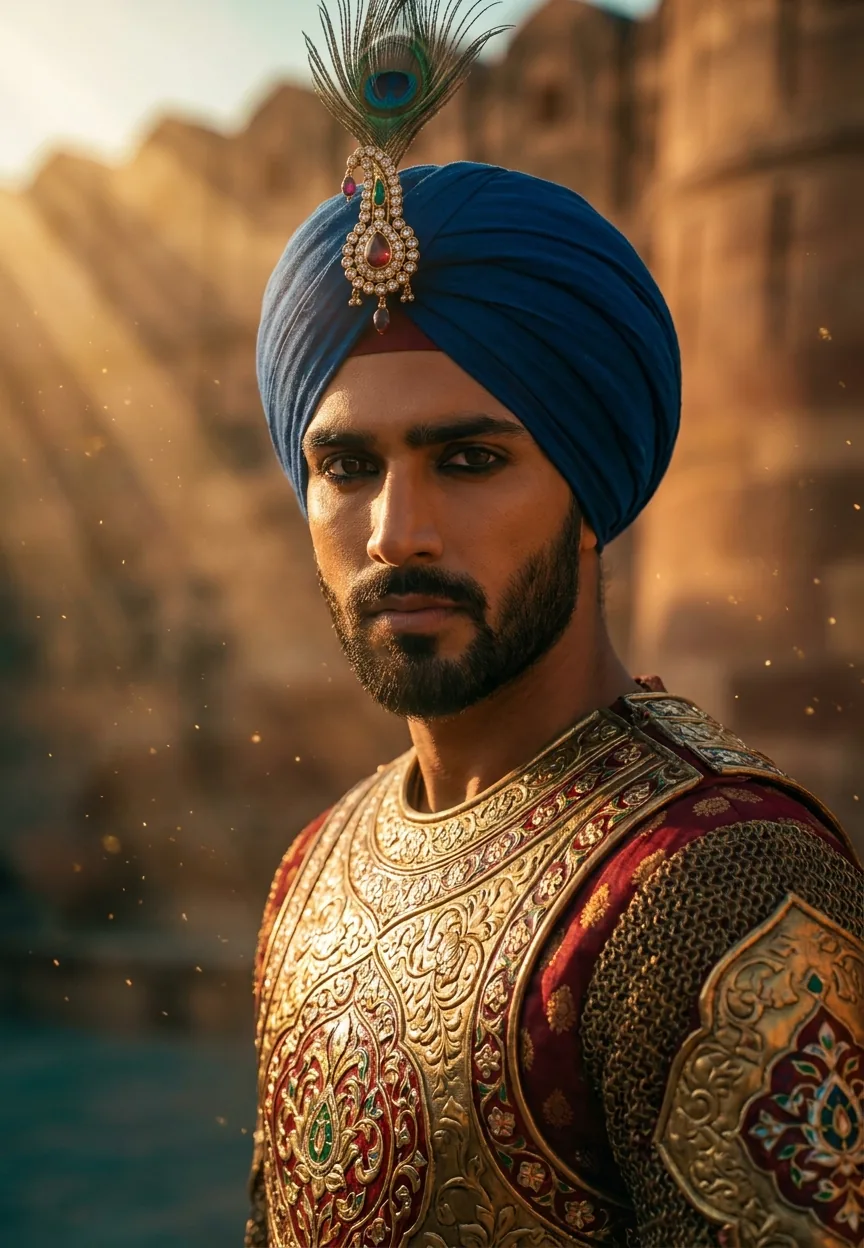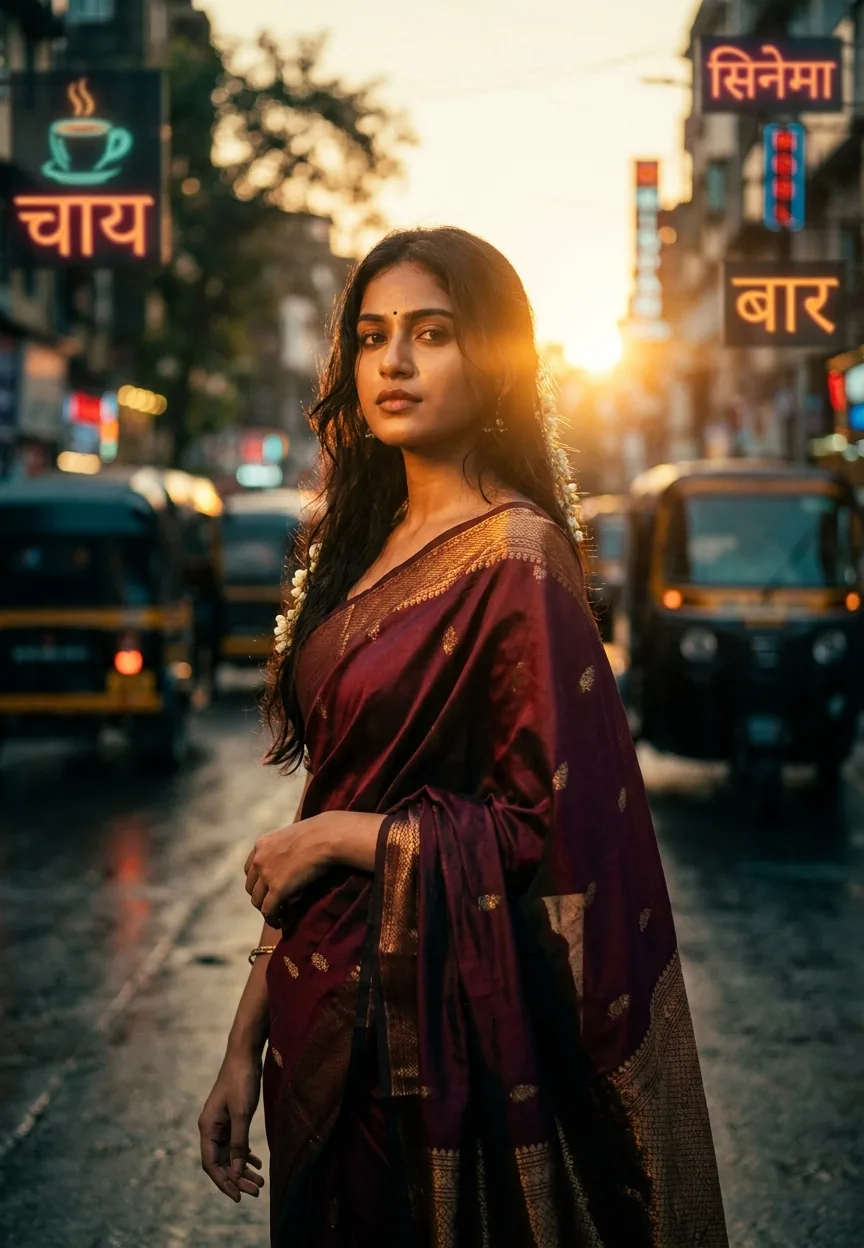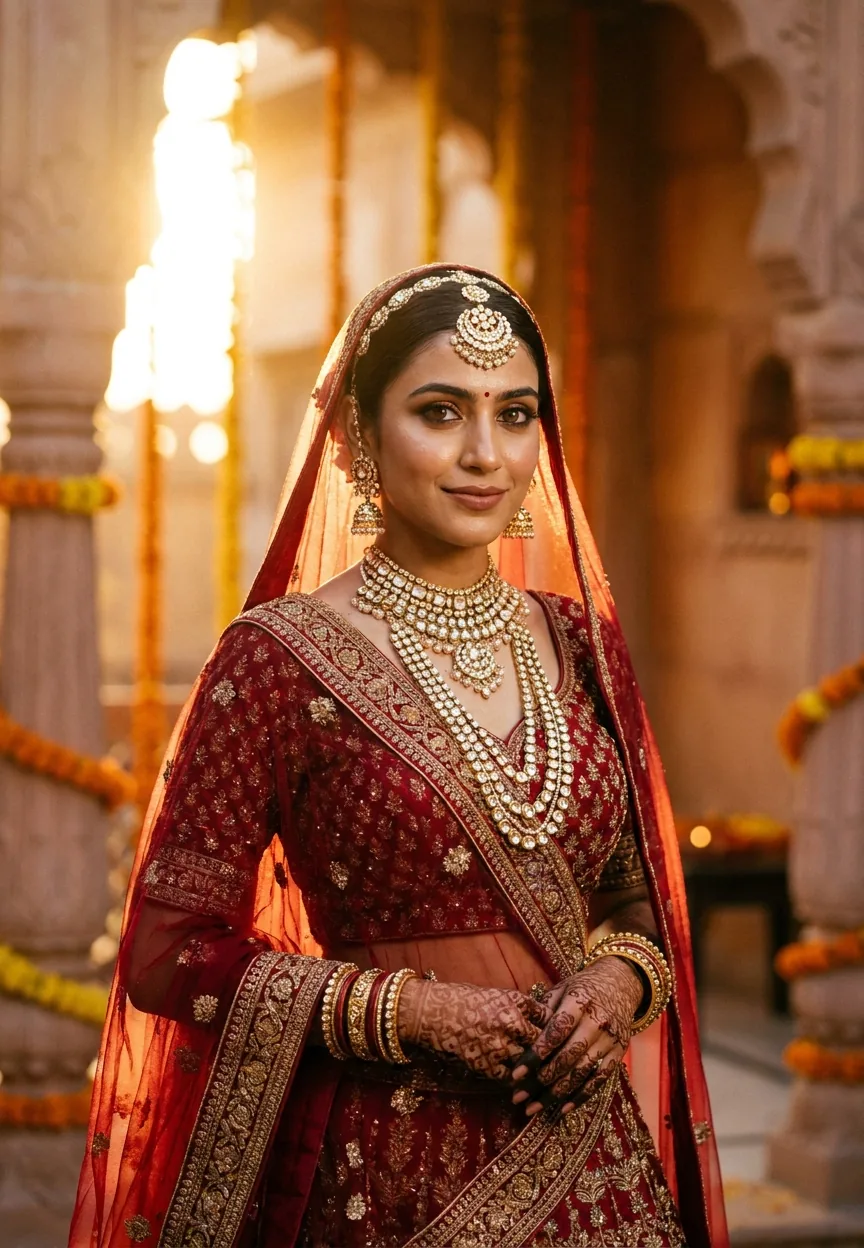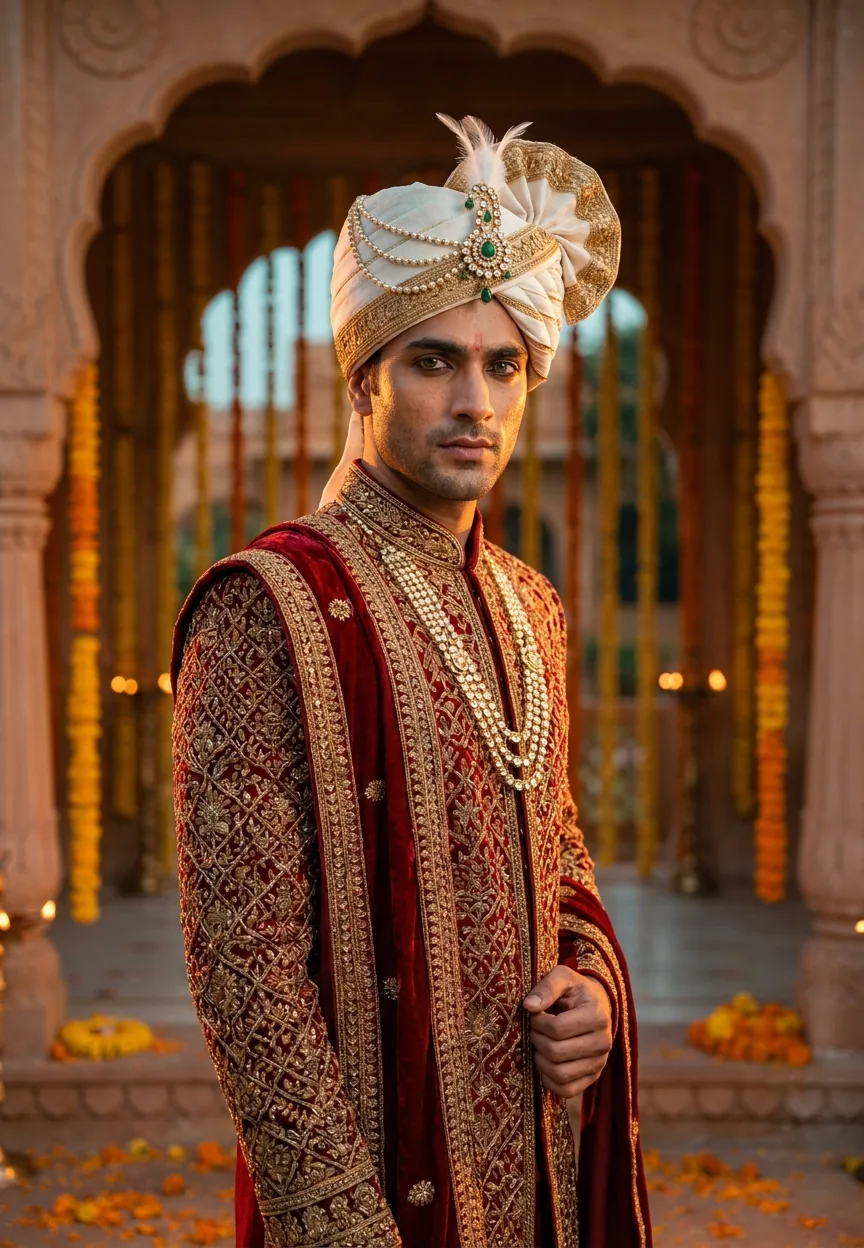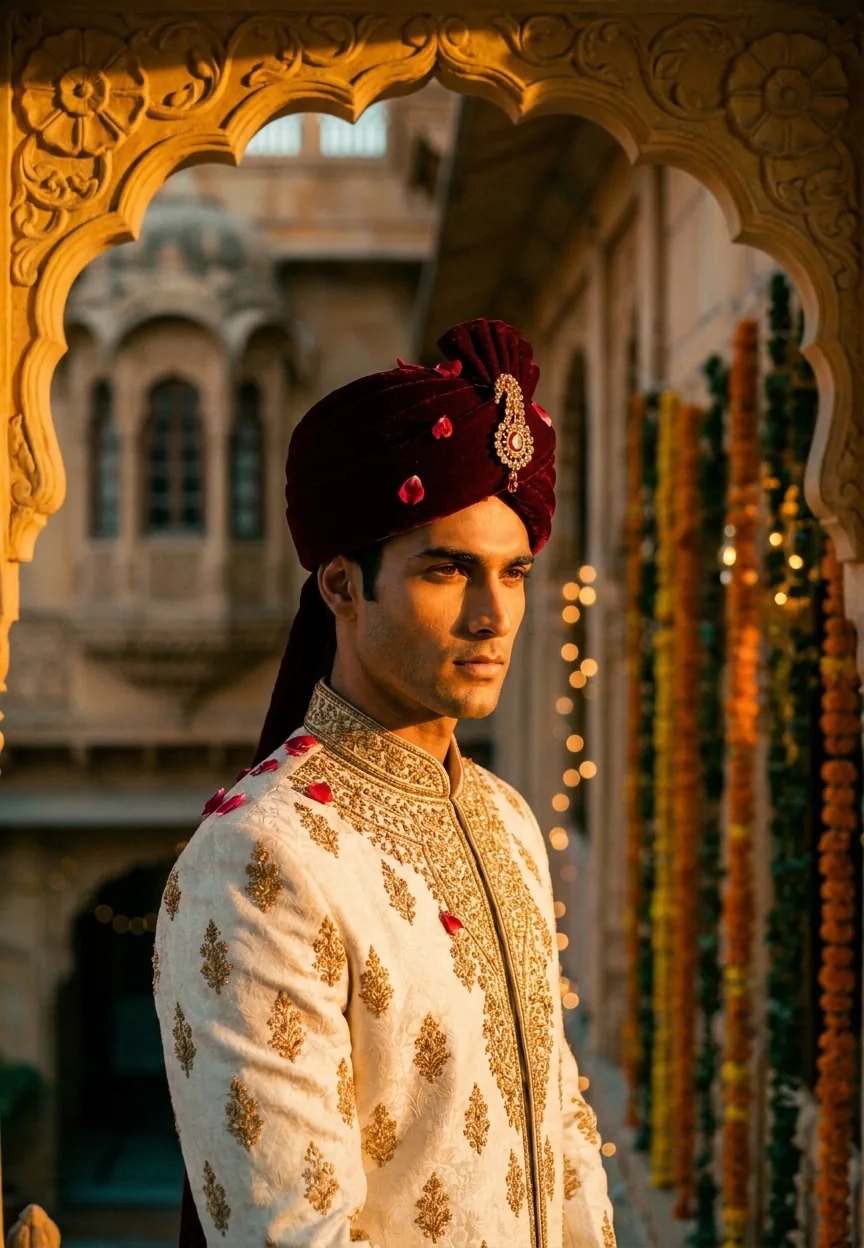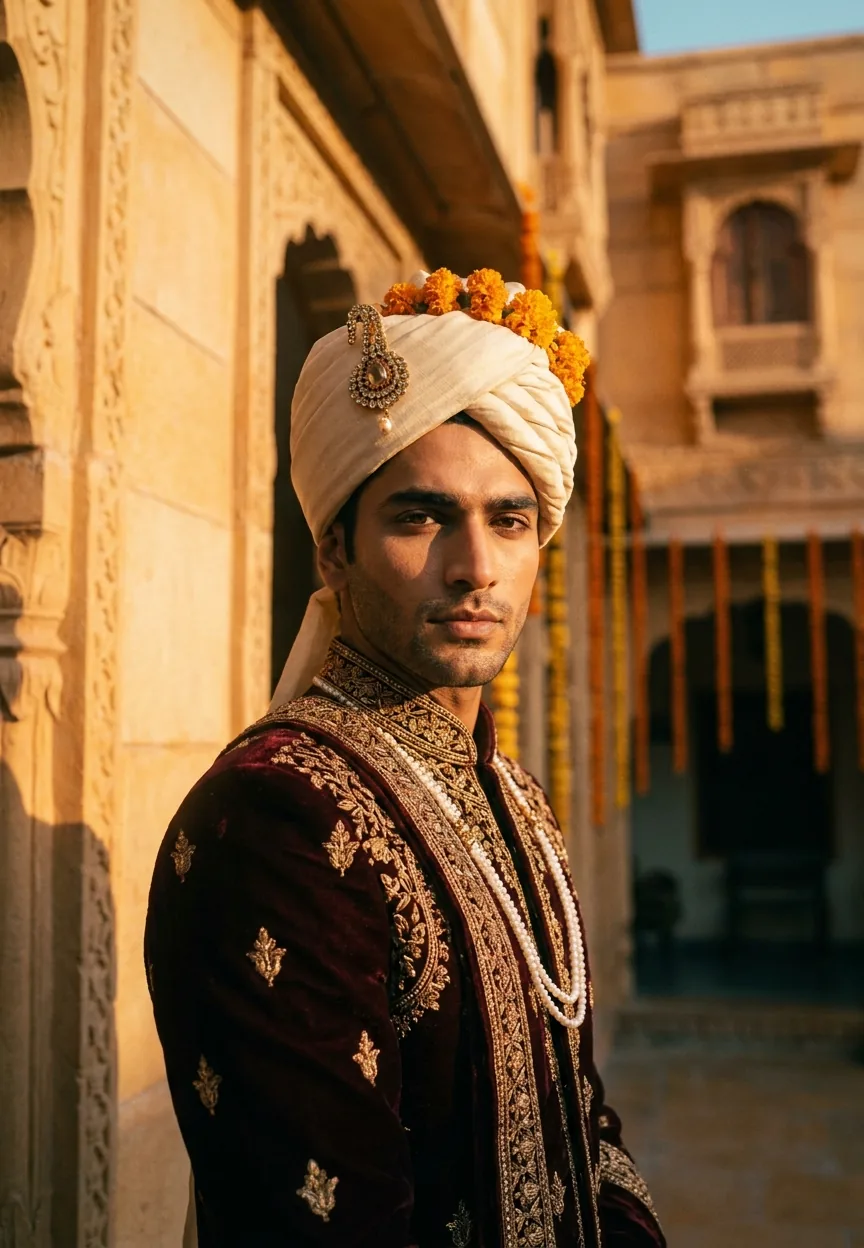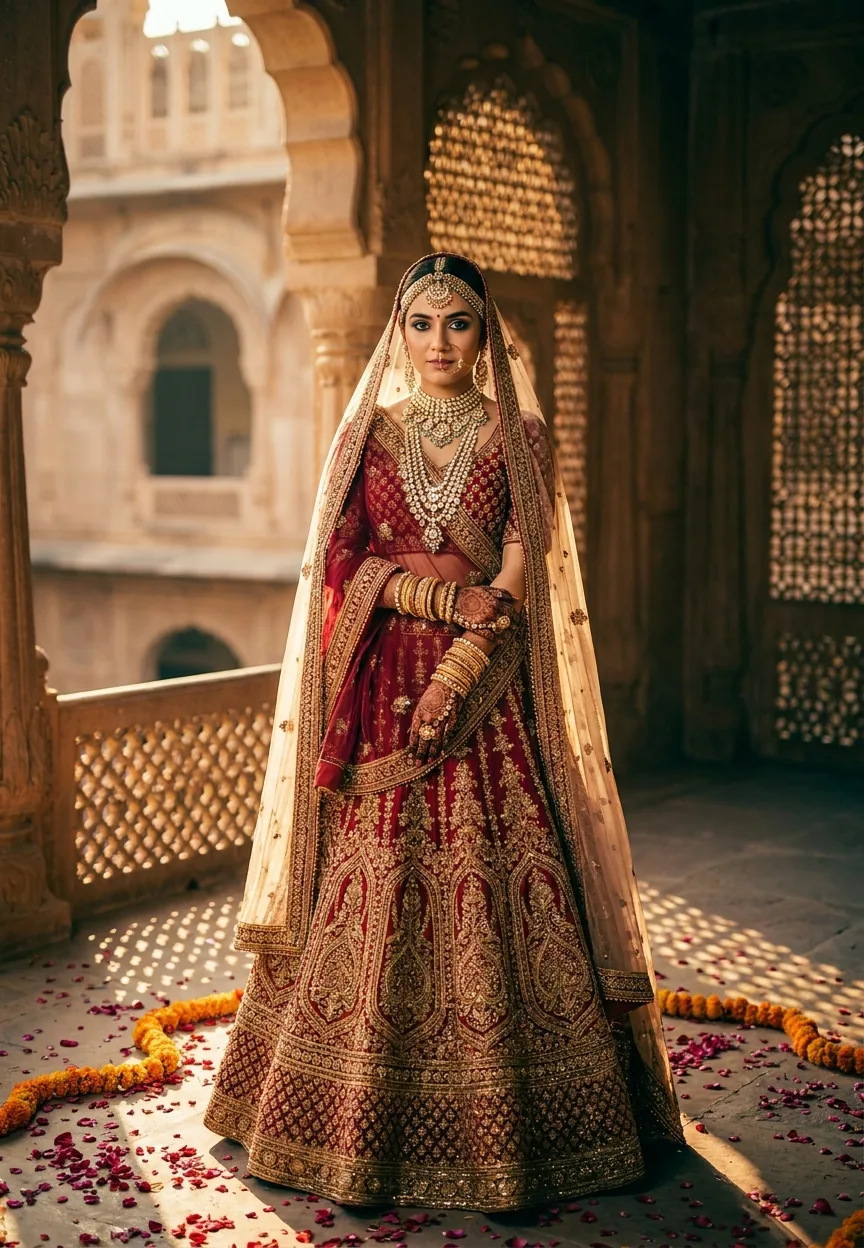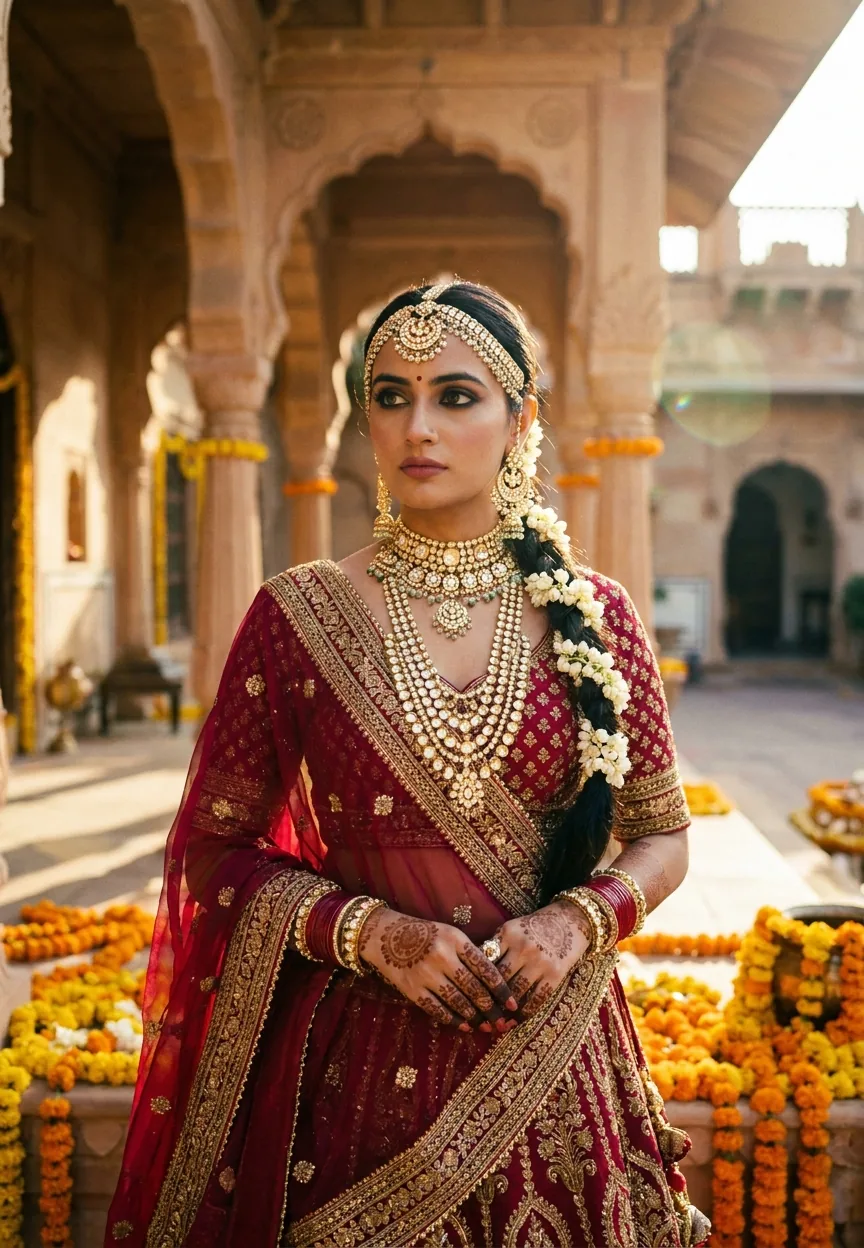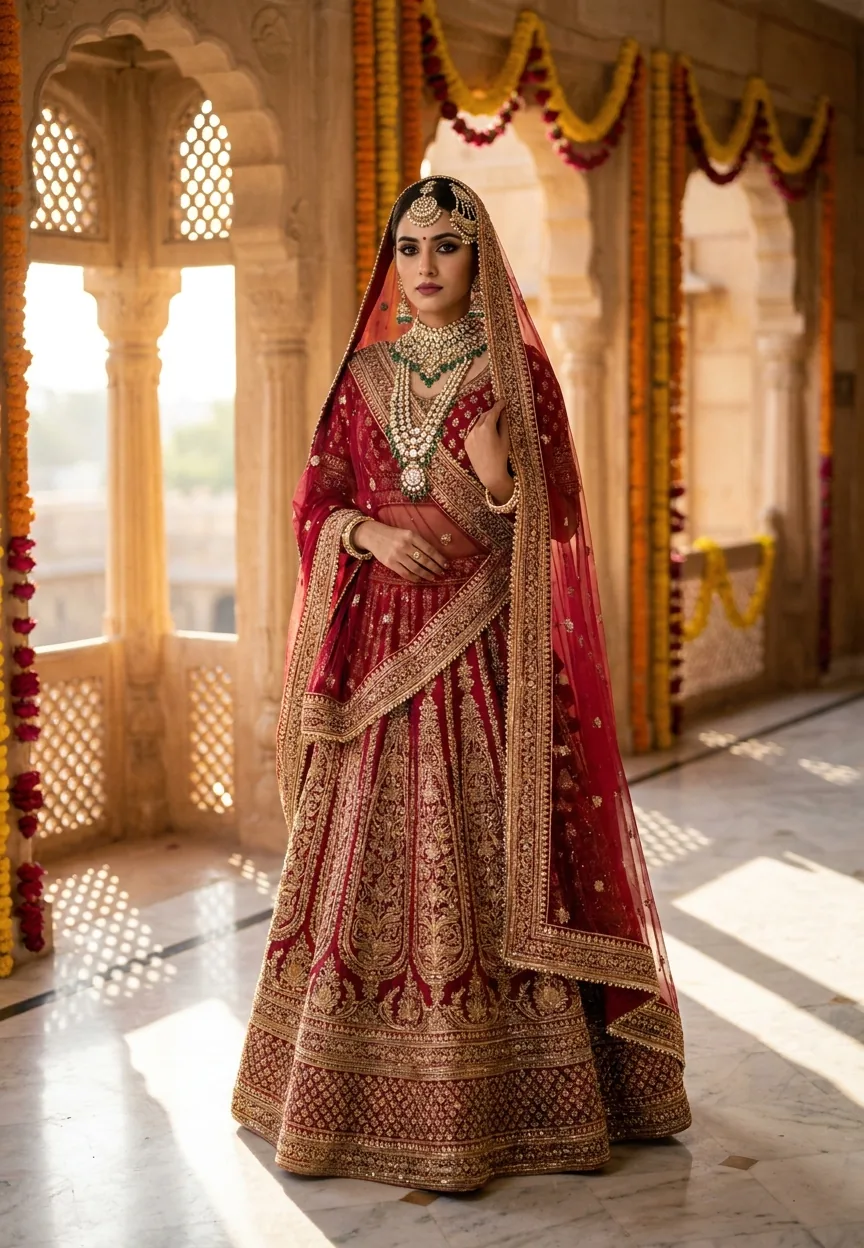
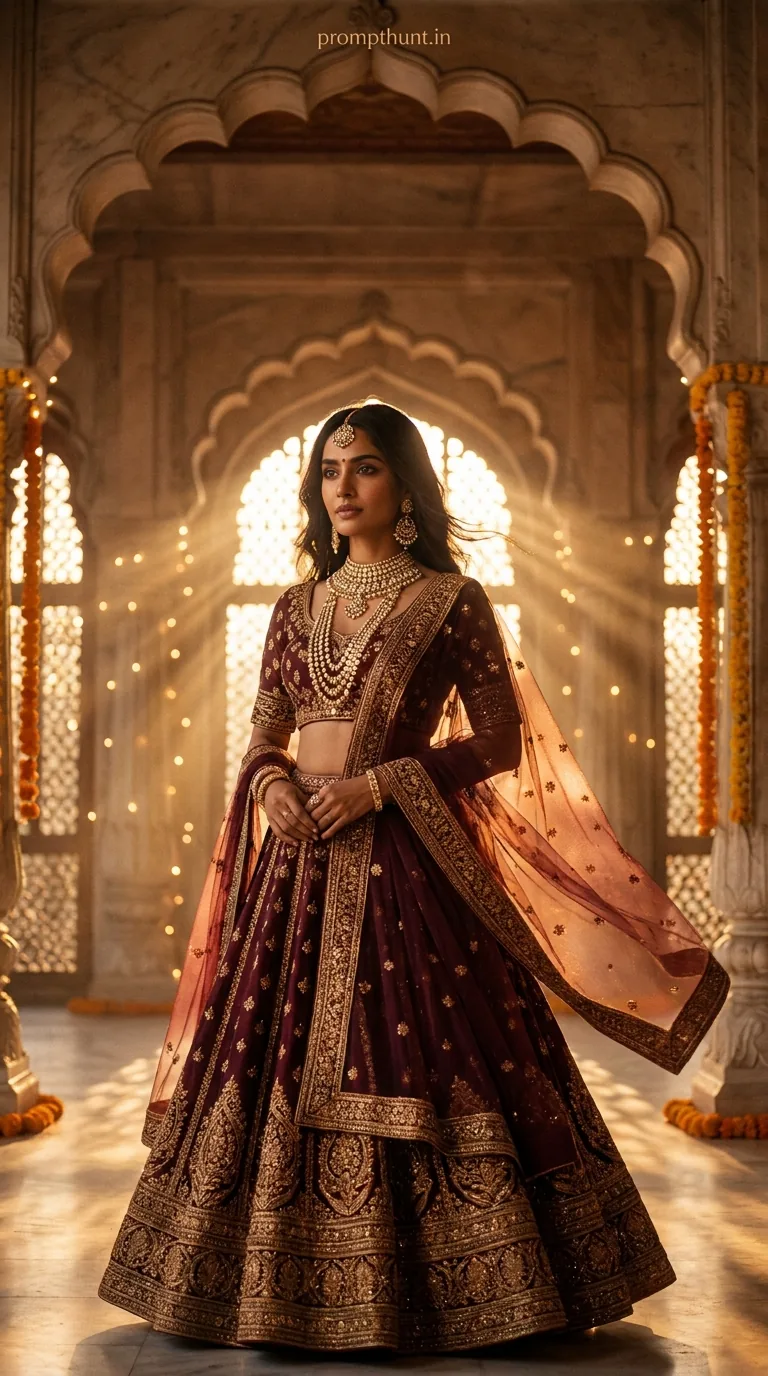
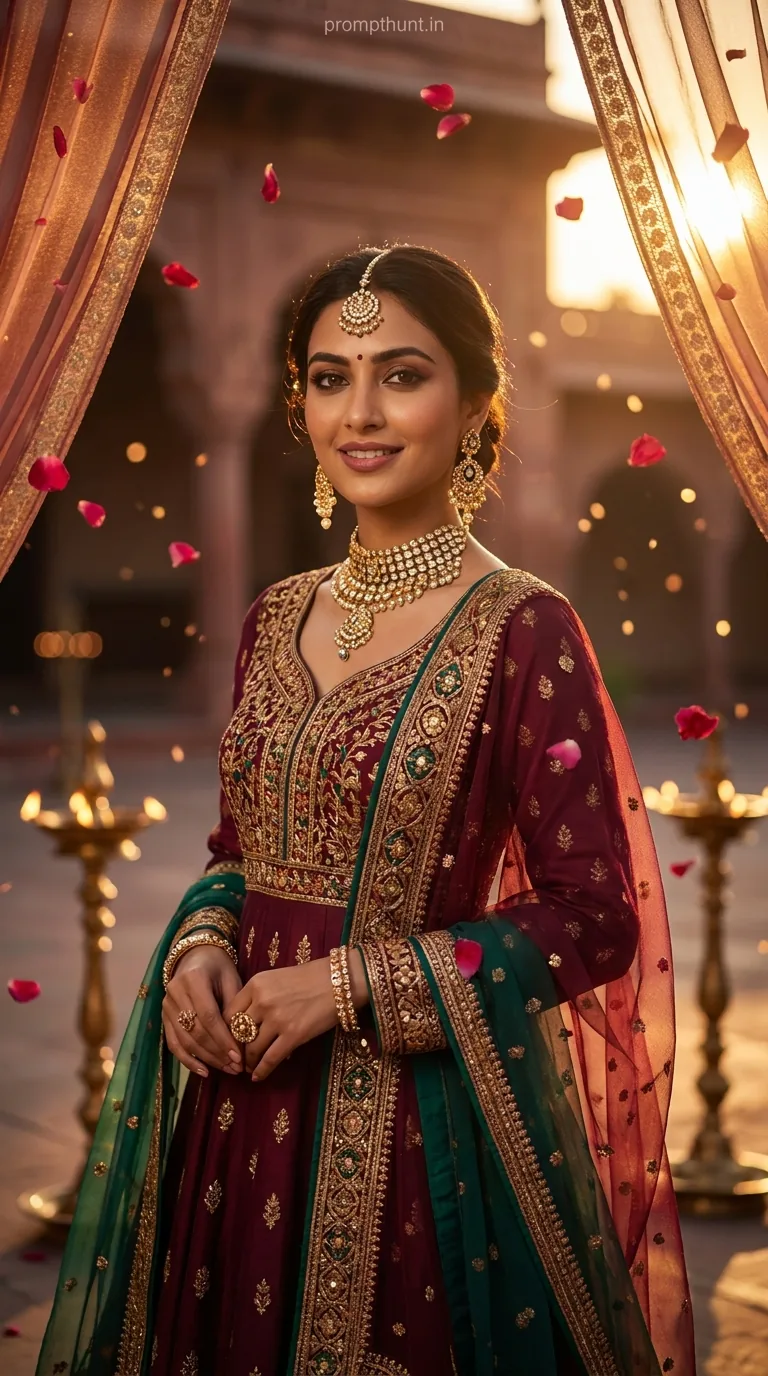
A Cinematic Portrait prompt for a Royal Rajasthani Bride uses specific lighting cues, costume detail, and film emulation settings to generate editorial-quality AI images. Key elements include golden hour lighting, Kodak Vision3 film emulation, a 50mm lens setting, and layered jewellery descriptions. Get those right and the result looks like it walked off a Vogue India cover shoot.
There's a particular kind of photo that stops your thumb mid-scroll. Deep crimson fabric catching amber light. Marble floors striped with geometric shadows. A maang tikka sitting just so, catching a single beam of dust-flecked sunlight. That photo used to cost you a professional crew, a heritage haveli location booking, and roughly the GDP of a small village in day-hire fees. Now it costs you a well-written prompt and about forty seconds. The cinematic portrait style applied to Rajasthani bridal imagery is arguably the most visually striking thing happening in AI photo generation right now — and if you haven't tried it yet, you're leaving serious creative gold on the table. Literal gold. Zardozi gold. You get the idea.
Copy the prompt below into Gemini, describe your subject with layered specificity — lighting, lens, film stock, jewellery, fabric — and you'll generate cinematic portrait results that look like high-budget editorial photography, not a clip-art wedding card.
What a Cinematic Portrait Actually Is
A cinematic portrait isn't just "nice photo, good lighting." It's a specific visual grammar borrowed from film cinematography.
Think shallow depth of field. Think a single dominant light source — usually warm, usually directional. Think a colour palette that's been graded rather than just brightened. Skin texture is visible. Shadows have weight. The background is blurred just enough to feel like a film still, not a passport photo.
In traditional photography, you'd achieve this with a fast prime lens (50mm is the classic choice — flattering, natural, no distortion), a camera body that handles low light well, and a cinematographer who knows how to position a subject relative to a window or a reflector.
In AI generation, you replicate all of that through language. You tell the model the lens. The film stock. The light direction. The shadow behaviour. The more precisely you describe the visual conditions, the more the output looks like a deliberate artistic choice rather than a lucky accident.
The Rajasthani bridal setting is particularly effective for this style because it comes pre-loaded with cinematic elements. Warm sandstone. Ornate jharokha windows that act as natural softboxes. Rich textile colours that absolutely sing under warm directional light. It's basically a film set. Except it's free. And nobody has to stand in the Jodhpur heat for six hours.
The Prompt — Use This Exactly
A stunning Indian woman dressed as a royal Rajasthani bride, wearing a deep crimson and gold lehenga with intricate zardozi embroidery, adorned with layered polki diamond and emerald jewelry including a maang tikka, passa, heavy necklace, and jhumka earrings. She stands in a haveli courtyard at golden hour, soft warm sunlight streaming through ornate jharokha windows casting geometric shadow patterns across marble floors. Her dupatta is draped elegantly over her head with delicate gota patti border catching the light. Expression is serene yet powerful, eyes lined with dark kajal, lips in deep rose, subtle bridal glow makeup. Background features warm sandstone arches with marigold and rose floral decorations softly blurred. Shot in cinematic vertical 9:13 format with shallow depth of field, Kodak Vision3 film emulation, rich warm tones of amber, gold, and crimson, dramatic yet soft directional lighting, ultra-realistic photography style, 50mm portrait lens, high detail skin texture, editorial magazine quality, dust particles visible in sunlight beams for atmospheric depth.
How to Use It — Three Steps, No Surprises
Step one: open Gemini. Paste the prompt exactly as written above. Don't paraphrase it. Don't "clean it up." The specificity is doing the heavy lifting. Every detail is a visual instruction.
Step two: generate three to five variations. AI image outputs are not deterministic — the same prompt gives you different results each run. Treat it like a contact sheet. Pick the strongest frame, not just the first one.
Step three: if you want to adjust, tweak one variable at a time. Change "crimson" to "ivory" for a different bridal palette. Swap "golden hour" for "overcast diffused light" for a cooler, more editorial mood. Change "Kodak Vision3" to "Fujifilm Velvia" for punchier, more saturated colours. One change at a time. Otherwise you won't know which variable made the difference — and that's how you end up down a three-hour rabbit hole. (Ask me how I know.)
Tips for Getting the Best Results
Nine times out of ten, weak AI portrait results come from vague lighting descriptions. "Good lighting" means nothing to a model. "Soft warm sunlight streaming through ornate jharokha windows casting geometric shadow patterns" means everything. Be that specific every single time.
Film emulation is your secret weapon. Specifying "Kodak Vision3" tells the model to reference a specific colour science — warmer shadows, slight halation around highlights, a particular grain structure. It's the difference between a photo that looks rendered and one that looks shot. Other film stocks worth trying: Kodak Portra 400 for skin tones, Ilford HP5 for black and white drama, Cinestill 800T for cooler, more cinematic night-adjacent tones.
The 9:13 vertical format is deliberate. It's the editorial magazine ratio — slightly taller than a standard portrait. It gives the composition breathing room above and below, and it's optimised for mobile viewing, which is where most people will see the image anyway.
Keep your jewellery descriptions granular. "Polki diamond and emerald jewelry including a maang tikka, passa, heavy necklace, and jhumka earrings" gives the model specific reference points. "Lots of traditional jewellery" gives you something generic that looks like it came from a stock photo. Specificity is the whole game.
A rule of thumb: if your prompt could describe any image, it'll generate a mediocre one. Make it describe exactly one image, and you're in business.
Why This Style Is Trending — Specifically in India
Indian wedding photography has been among the best in the world for a decade. Top photographers like Joseph Radhik built international careers on the cinematic bridal portrait style. The visual language — rich fabrics, layered jewellery, heritage architecture, warm directional light — is already deeply embedded in the cultural imagination of what a beautiful wedding photo looks like.
AI generation lets that aesthetic become democratic. You don't need to book a heritage haveli in Jaipur. You don't need to hire a cinematographer. You don't need to own a 50mm lens or know what a jharokha window is beyond typing the word into a prompt.
The result is that designers, content creators, wedding planners, and people who just think the images are beautiful are all generating and sharing them — and the outputs are good enough to pass as professional photography to anyone scrolling at speed. That's a meaningful cultural moment, not just a novelty.
It also helps that Gemini handles South Asian skin tones and textile detail noticeably well compared to earlier generation models, which had an embarrassing track record of homogenising both. Progress is progress.
Honest Take — When Not to Use This
This style produces genuinely impressive results. But let's be straight about what it isn't.
If you're a wedding photographer worried this will replace you, I'd reckon it won't — not anytime soon. The images are still. They capture no real moment, no candid expression, no uncle doing the Macarena at the reception. Real wedding photography is about documentation and memory. These AI outputs are about aesthetic. Different jobs.
If you're using these images for commercial purposes — advertising a real jewellery brand, promoting an actual venue, selling a lehenga — you need to be clear they're AI-generated. Presenting a synthetic image as a real photograph in a commercial context is a trust problem, not a technology problem. Don't do it.
The style also has a ceiling. Every output leans toward a similar kind of perfection — symmetrical, golden, immaculate. Real cinematic photography has imperfection baked in. A caught laugh. A wind-blown dupatta. A flicker of nerves before the ceremony. AI cinematic portraits are beautiful the way a movie poster is beautiful — composed, deliberate, slightly unreal. That's a feature and a limitation simultaneously.
Use it for concept work, creative exploration, social content, and inspiration boards. Use it to show a client what a visual direction could look like before committing to a shoot. Don't use it as a substitute for real human story.
Also, if you try to describe too many elements at once — adding twelve different locations, six different jewellery styles, and three different lighting conditions — the model will do its best and produce a very expensive-looking mess. Restraint is a prompt skill. The prompt above works because it describes one coherent scene, not an options menu.
The Short Version
The Royal Rajasthani Bride cinematic portrait prompt works because it speaks the language of cinematography, not just photography. Film stock, lens choice, light direction, shadow behaviour, fabric detail — every element earns its place in that prompt. Copy it, run it in Gemini, and expect to lose