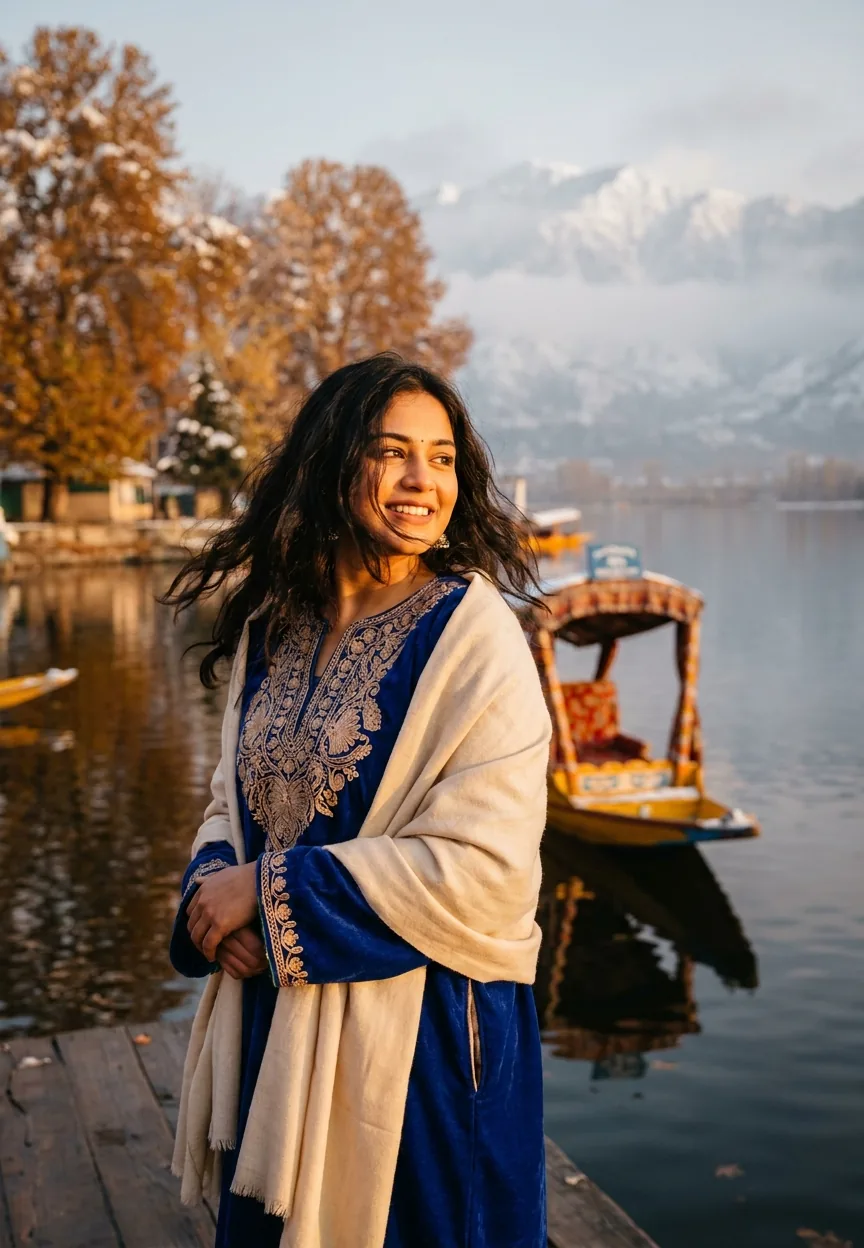
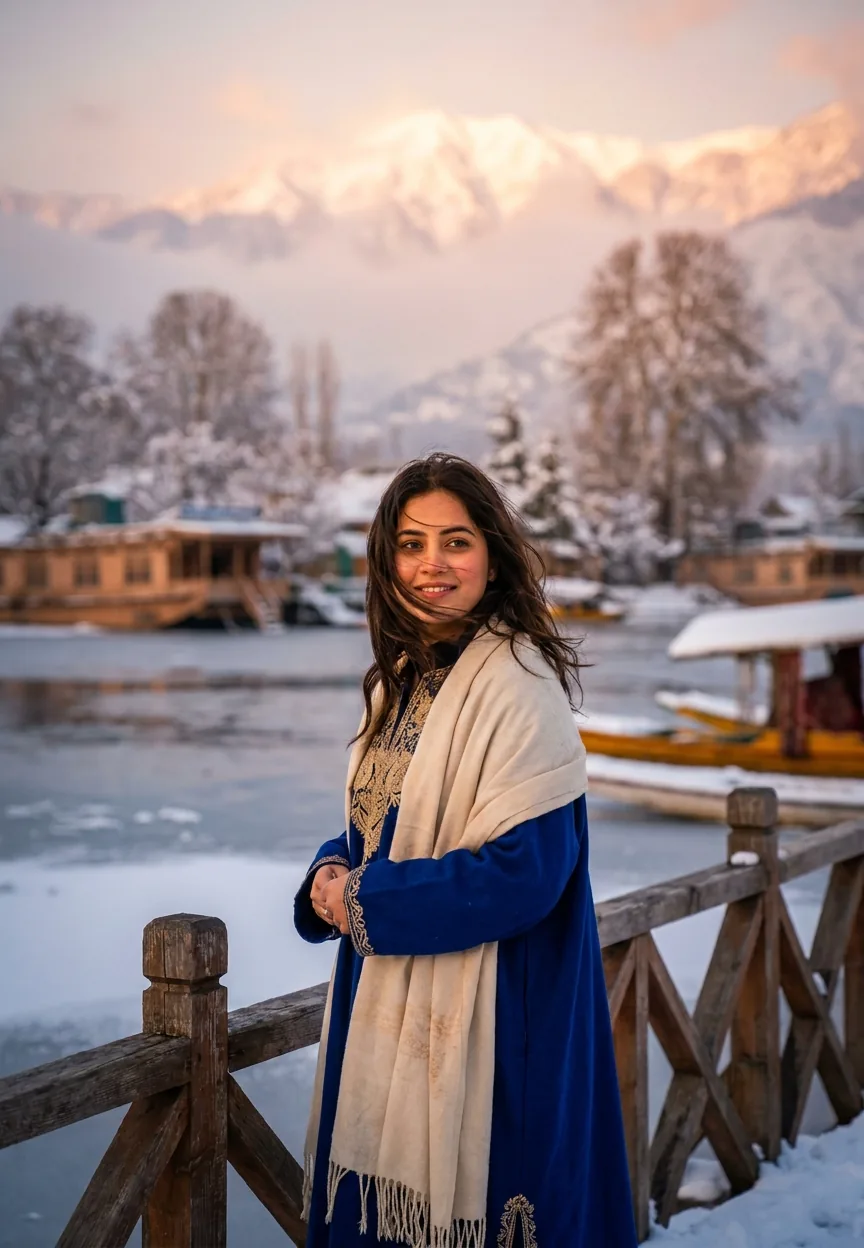
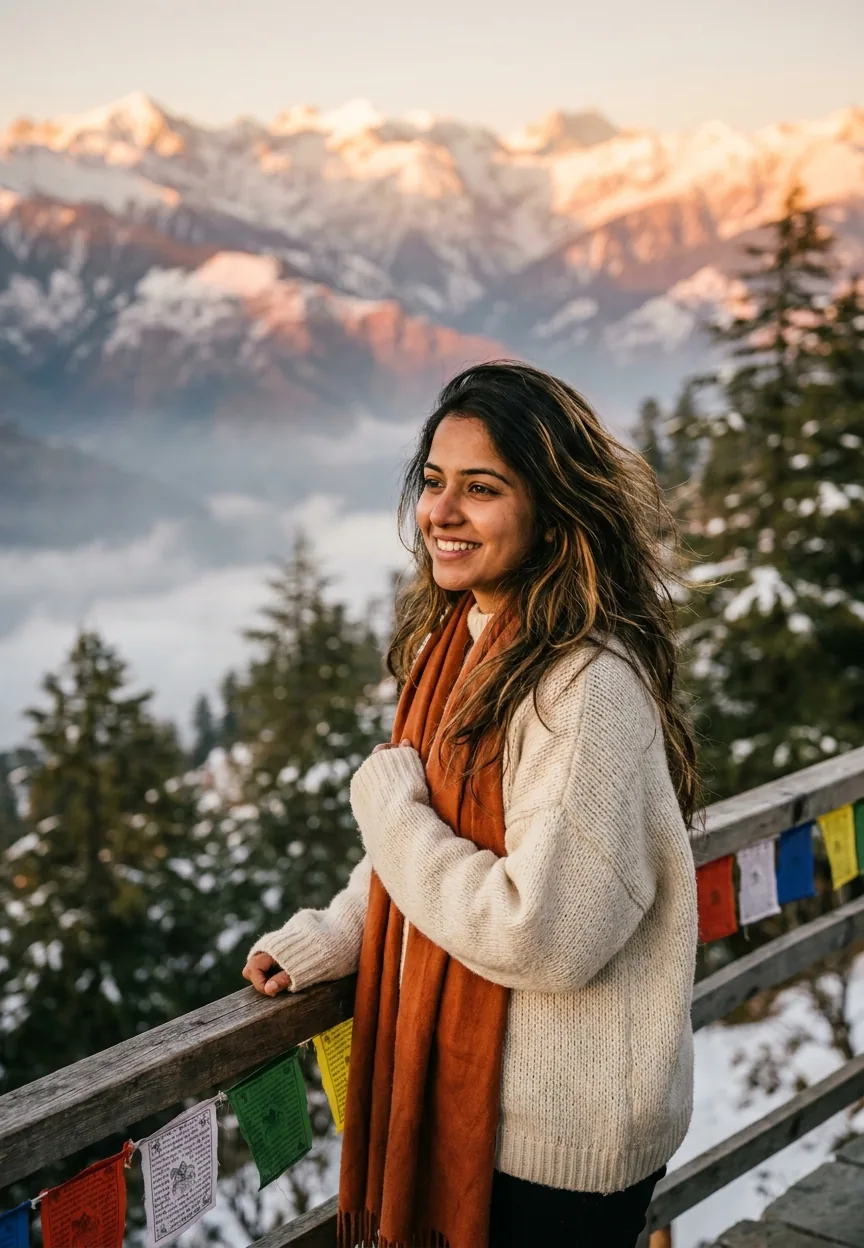
The Dreamy Kashmir Winter Wonderland Travel AI photo editing prompt recreates the golden-hour magic of Dal Lake in Kashmir — traditional pheran, snow-capped Himalayas, a shikara on still water — using cinematic teal-and-orange colour grading and a shallow-depth-of-field portrait style that looks straight off the cover of a travel magazine.
Kashmir has always been the kind of place that makes photographers forget to breathe. Snow-dusted Chinar trees, mirror-flat Dal Lake, peaks so sharp they look photoshopped even in real life. Now, thanks to AI photo editing prompts, you don't need a return ticket to Srinagar to get that shot. You need about forty seconds and the right words. This guide covers the Travel and Vacation prompt that's making Indian creators stop mid-scroll every single time it appears in a feed.
Paste this Kashmir golden-hour portrait prompt into your AI image generator, swap in your subject details, and you'll get a cinematic editorial shot that looks like it cost a professional film crew three days on location.
What Is the Kashmir Winter Wonderland Style, Exactly
It's a specific visual recipe. Warm golden-hour light from the left. A traditional Kashmiri pheran in a deep jewel tone — royal blue, crimson, forest green. Cream pashmina draped just so. Behind the subject: a shikara on still water, Himalayan peaks fading into morning mist, amber Chinar leaves catching the last light of day.
The colour grade does a lot of heavy lifting here. Teal shadows, orange highlights — the same grade you'll recognise from every Bollywood outdoor shoot from the last five years. It's warm but not blown out. Rich but not garish. Think less Instagram filter, more Mani Ratnam cinematographer having a very good Tuesday.
The lens choice matters too. An 85mm portrait lens at a wide aperture gives you that creamy bokeh that separates the subject cleanly from the background. The background isn't lost — you can still read every detail of the lake and peaks — but it breathes. It doesn't compete. Rule of thumb: if the background is fighting the subject for attention, the prompt needs tighter depth-of-field language.
The Travel and Vacation Prompt — Copy This
A stunning young Indian woman in her mid-20s standing at the breathtaking Dal Lake in Kashmir during golden hour, wearing a vibrant traditional Kashmiri pheran in deep royal blue with intricate embroidery, wrapped in a soft cream pashmina shawl, her dark wavy hair gently blowing in the crisp mountain breeze, surrounded by snow-dusted Chinar trees glowing in warm amber and gold tones, a traditional wooden shikara boat floating softly in the mirror-like lake behind her, distant Himalayan snow-capped peaks visible through a light morning mist, warm cinematic golden light casting a magical glow across her glowing brown skin, expression is joyful and ethereal, eyes reflecting the mountain landscape, ultra-realistic photography style, shot on Sony A7R V with 85mm portrait lens, shallow depth of field with creamy bokeh background, rich warm color grading with teal and orange tones, hyper-detailed skin texture, magazine-quality fashion editorial aesthetic, 9:13 vertical portrait orientation, vibrant yet cinematic mood
How to Use This Travel Prompt Step by Step
Step one: pick your tool. Midjourney, Adobe Firefly, Stable Diffusion, or DALL-E 3 all handle this prompt well. Midjourney currently produces the most consistent skin texture and bokeh at this level of detail. Firefly is the safer call if you need commercial usage rights without a headache.
Step two: paste the prompt exactly as written. Don't paraphrase. AI image generators are literal creatures — "soft cream pashmina" and "cream-coloured shawl" produce noticeably different results. (I learnt this the hard way. The shawl in my first attempt looked like a bathroom towel someone had forgotten to wash.)
Step three: adjust the subject description to match your actual subject. Change age, skin tone, hair texture, or pheran colour as needed. The rest of the scene language can stay locked in. The background, lighting, and camera specs are doing too much good work to mess with.
Step four: run three to four variations. AI outputs are consistent in style but variable in exact composition. Nine times out of ten, variation three or four nails the expression and the light together in the same frame. Patience is cheaper than a flight to Srinagar.
Step five: light post-processing in Lightroom or Snapseed. Lift the shadows slightly, add a touch more warmth to the midtones, and sharpen the eyes just a fraction. The prompt does 90% of the work. You're just signing your name at the bottom.
Tips for Best Results with This Kashmir AI Prompt
Specify the aspect ratio explicitly. The 9:13 vertical orientation is in the prompt, but some tools need it stated separately in a settings field rather than in the text. Check your tool's documentation — this single step saves you cropping a portrait into a landscape and wondering why the shikara disappeared.
Use "hyper-detailed skin texture" deliberately. It pushes the generator toward photorealistic skin rendering rather than the slightly plastic finish that cheaper portrait prompts produce. If your output still looks a bit too smooth, add "pores visible, natural skin detail" to the prompt.
If the mist on the Himalayan peaks feels too heavy and obscures the mountains entirely, add "subtle morning mist, peaks clearly visible" to the background description. Less is more with atmospheric haze — you want suggestion, not a weather event.
For colour grading consistency across a series of images, add "consistent colour grade, matching teal and orange LUT across all outputs" to your prompt. Useful if you're building a travel content series and need the frames to feel like they belong to the same album.
Don't fight the pheran colour. Royal blue photographs beautifully against warm amber and gold tones. If you swap it to a light pastel, the contrast collapses and the image goes flat. Go jewel tone or go home — crimson, forest green, deep mustard all work. Anything that would look good against autumn Chinar leaves works here.
Why This Travel Style Is Trending Across India
Kashmir travel content has exploded on Instagram and YouTube since domestic tourism there picked up again. Creators who've actually visited post their real shots. Creators who haven't — which is most of us, because flights are expensive and winters are cold — want that aesthetic anyway.
This prompt sits perfectly at the intersection of cultural pride and travel aspiration. The pheran and pashmina aren't costume choices. They're genuinely meaningful garments with centuries of craft behind them. When an AI prompt gets that detail right — the embroidery, the drape, the correct regional silhouette — it resonates differently than a generic "woman in winter clothes" output.
The teal-and-orange grade also maps directly onto what Indian audiences are already trained to respond to from Bollywood. It's cinematic shorthand. The brain sees it and immediately files it under "premium, filmic, desirable." That's not manipulation. That's just smart colour science. (Though I reckon a few Bollywood DPs might have something to say about AI doing their job in forty seconds.)
Honest Opinion — When Not to Use This Travel Prompt
Here's the straight answer: this prompt produces a stunning image, but it's a very specific image. Use it for personal creative projects, travel mood boards, social content, or portfolio samples, and it's genuinely excellent. Use it anywhere that implies the subject actually visited Dal Lake, and you're in murkier territory.
AI-generated travel photography is increasingly common and increasingly good. That's not inherently a problem. But tourism boards, hospitality brands, and destination marketing organisations should think carefully before using AI-generated Kashmir imagery in place of commissioning local photographers who are actually there, know the place, and whose work puts money back into the regional creative economy. That's not a moral lecture. It's just a fair call worth making explicitly.
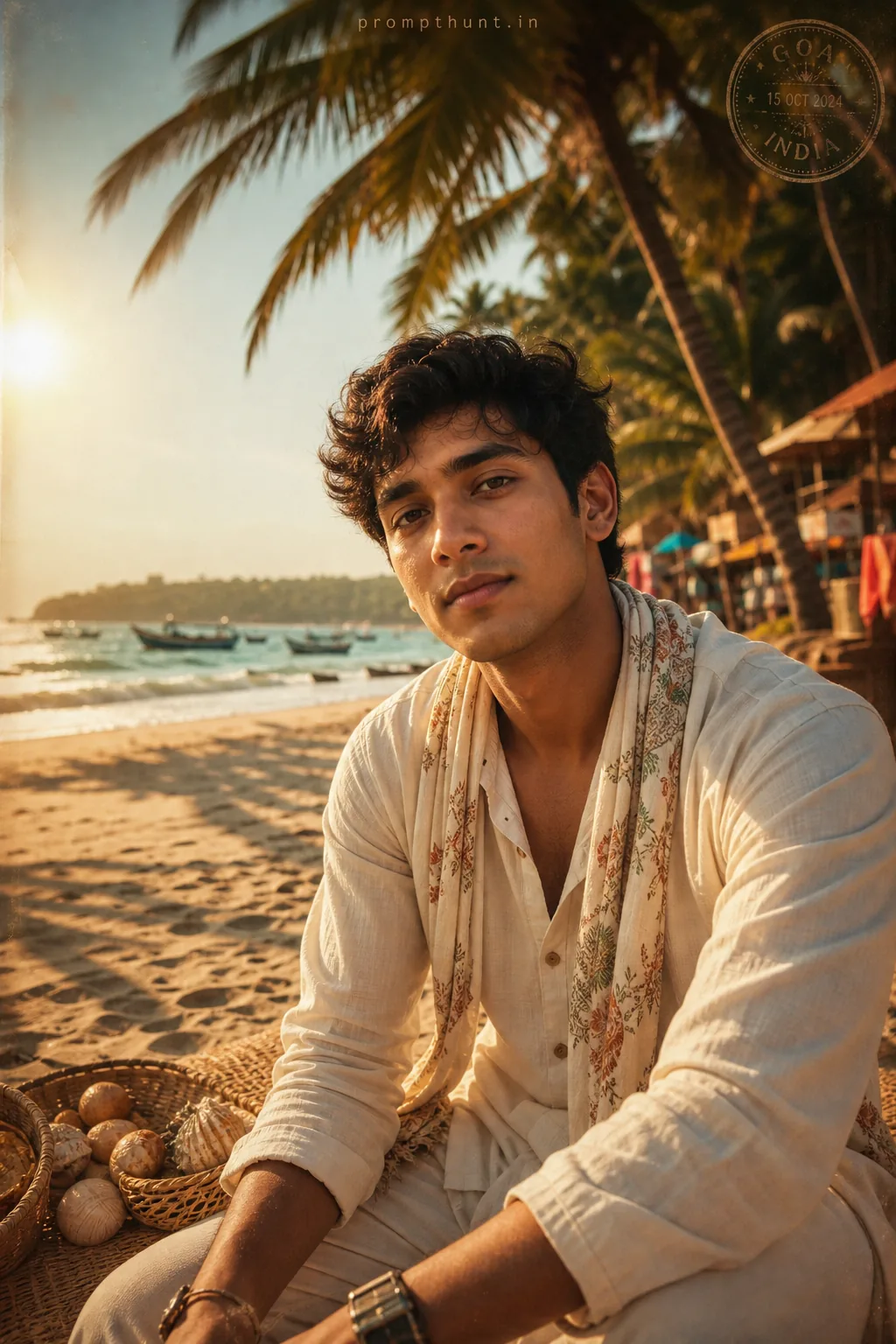
Also worth knowing: this prompt is optimised for a female subject in a specific Kashmiri garment. If you want to generate a male subject, you'll need to rewrite the clothing description — the pheran is worn by all genders in Kashmir, but the embroidery style, fit, and drape differ. A prompt that doesn't account for that produces something that looks historically scrambled. Worth five minutes of research before you run it.
Finally, if your AI tool of choice struggles with hands and water reflections — and several of them still do — expect to run more variations than usual. The shikara on the mirror-like lake is the hardest element to render cleanly. Nine times out of ten, the reflection goes slightly uncanny before the generator sorts itself out. Budget for eight to ten outputs, not four.
Summary — Dal Lake Without the Delayed Flight
The Kashmir Winter Wonderland prompt is one of the most visually complete Travel and Vacation prompts currently circulating. It's got the location, the garments, the light, the camera specs, and the colour grade all locked in from the first word. Copy it, personalise the subject, run a few variations, do a light Lightroom pass, and you've got a magazine-quality editorial portrait that would make any travel photographer quietly impressed and slightly annoyed. If Kashmir is the crown of India, consider this prompt the very affordable replica you wear to the



















