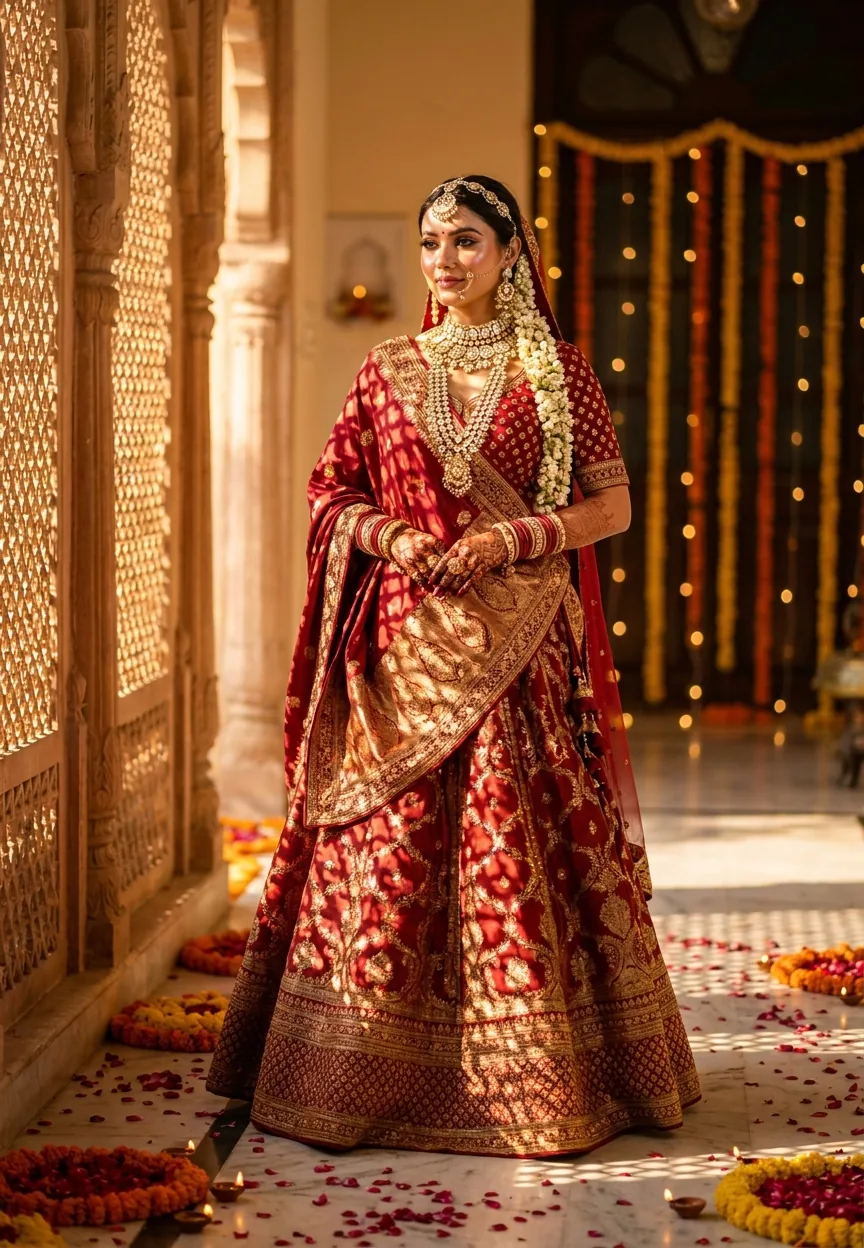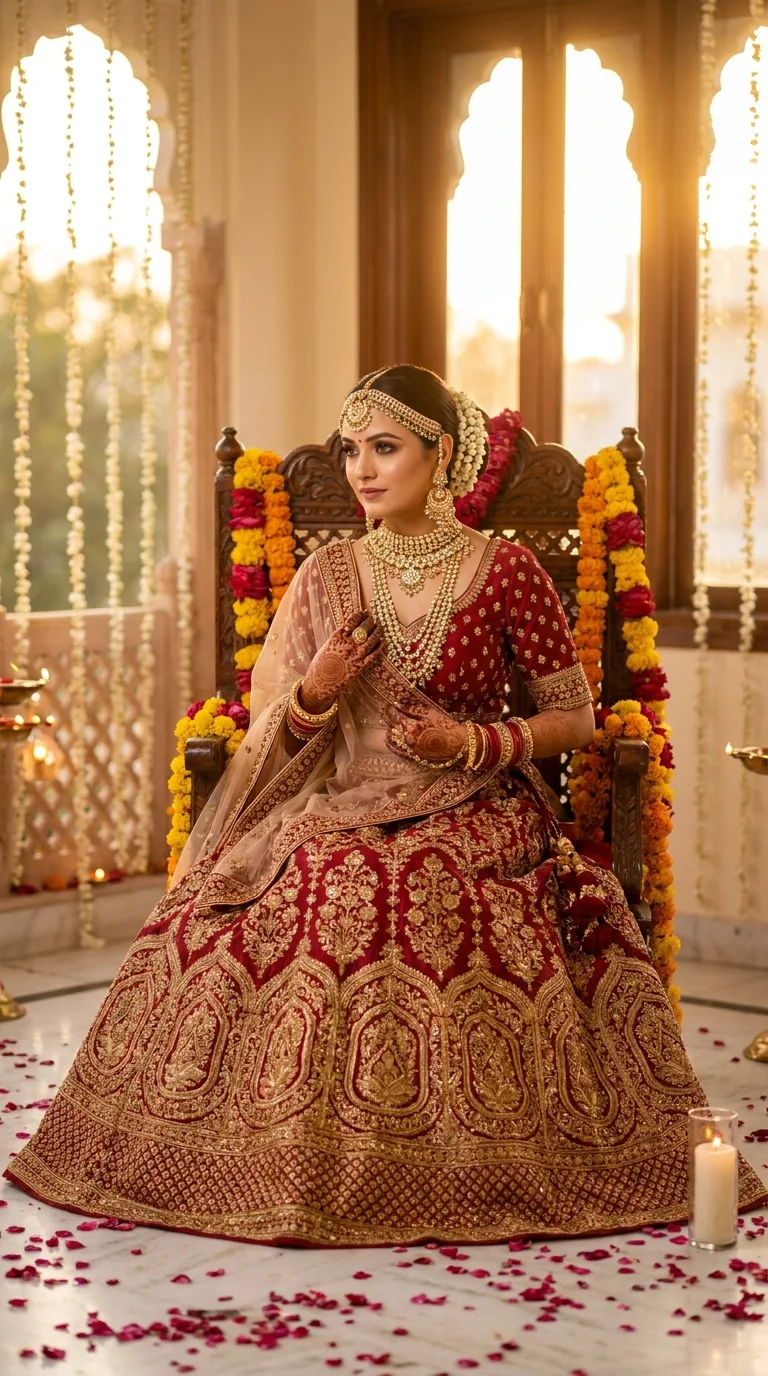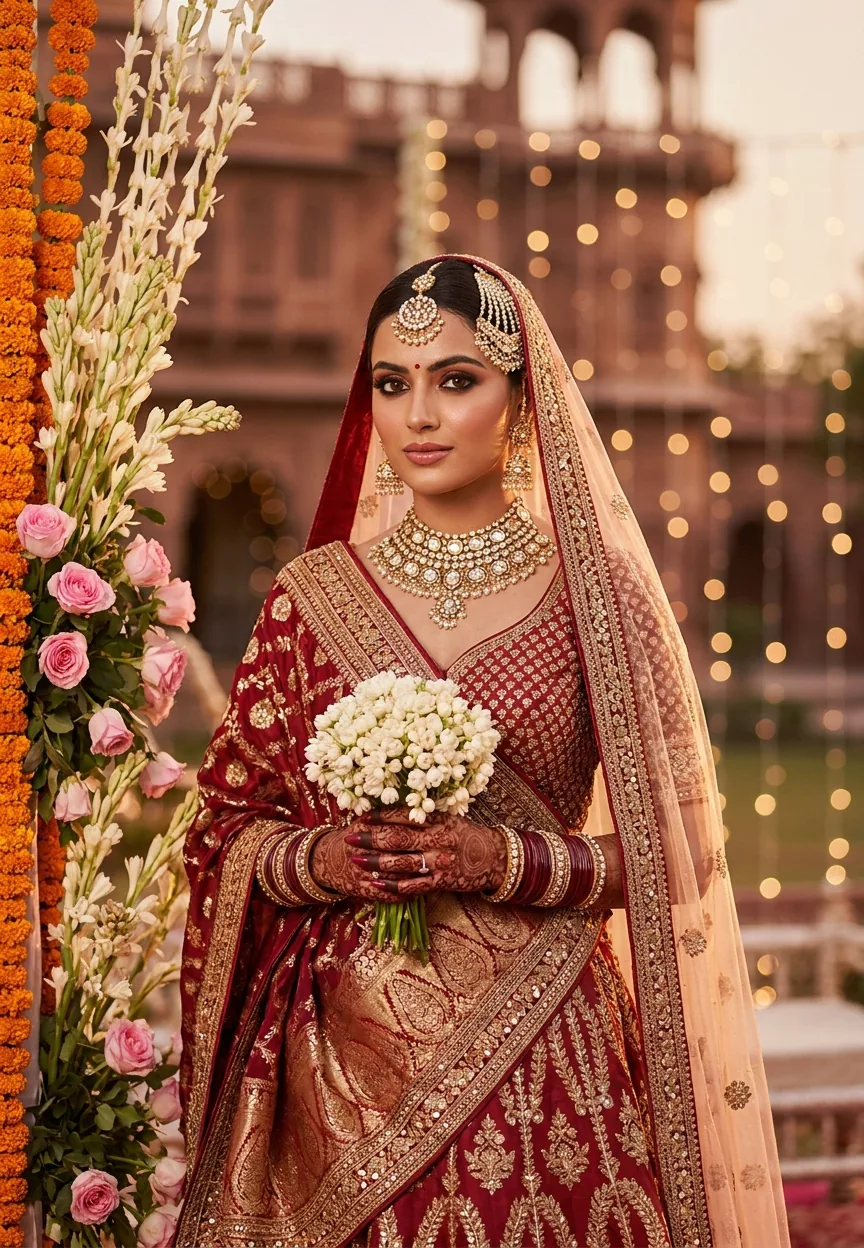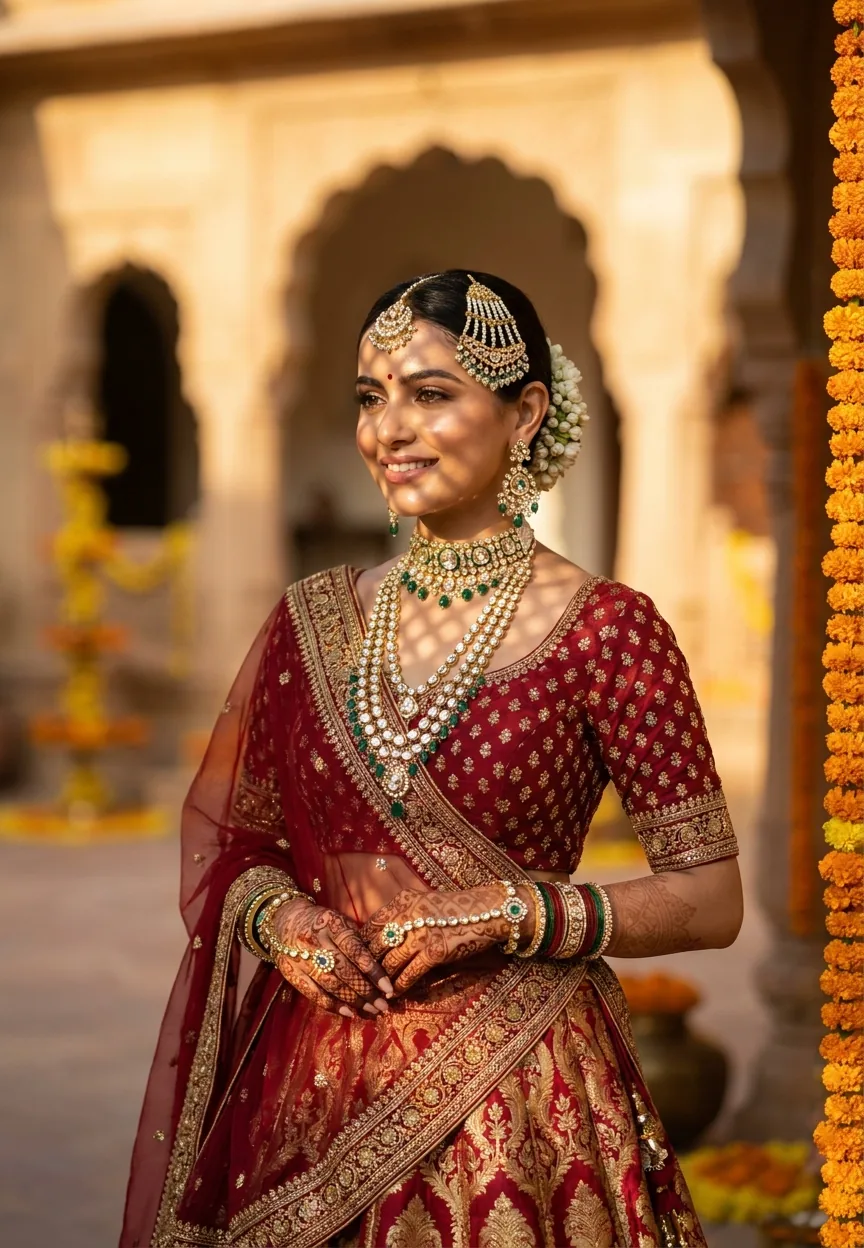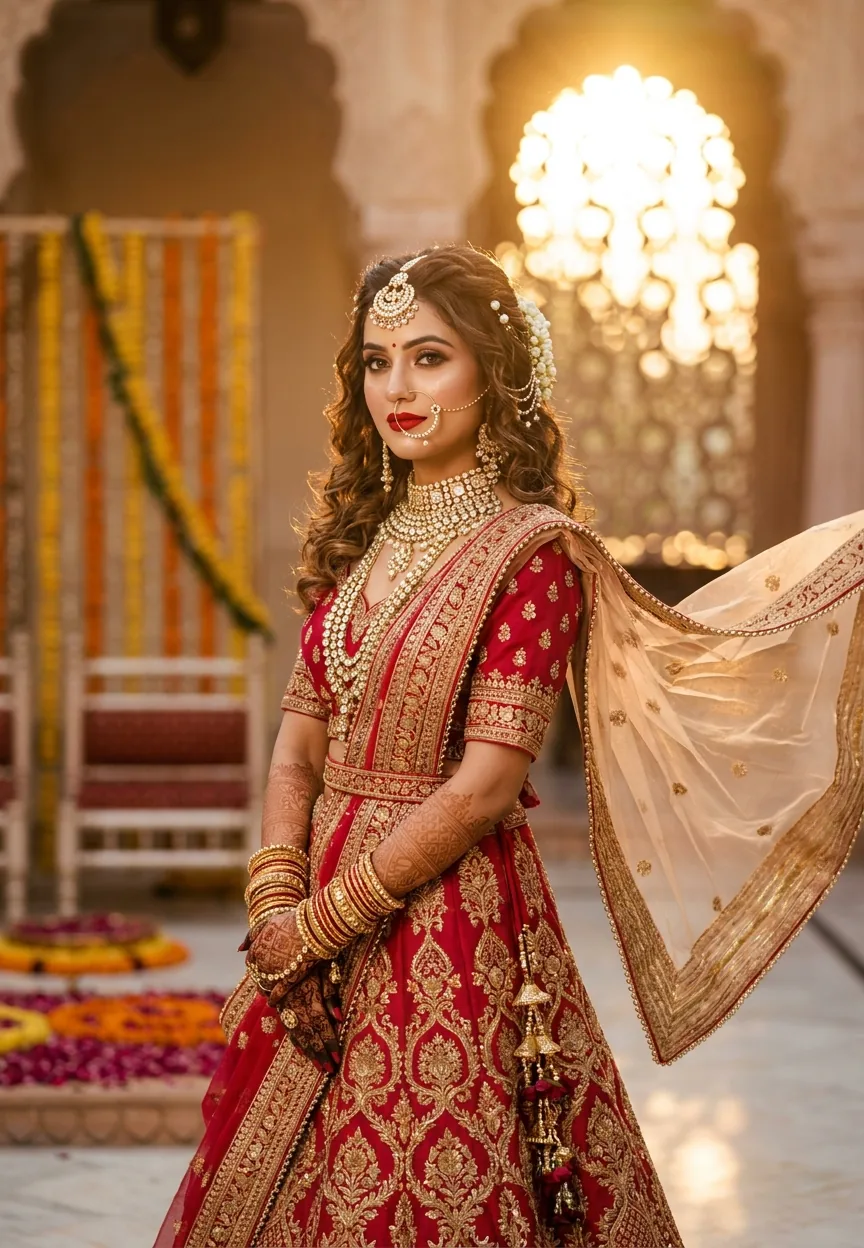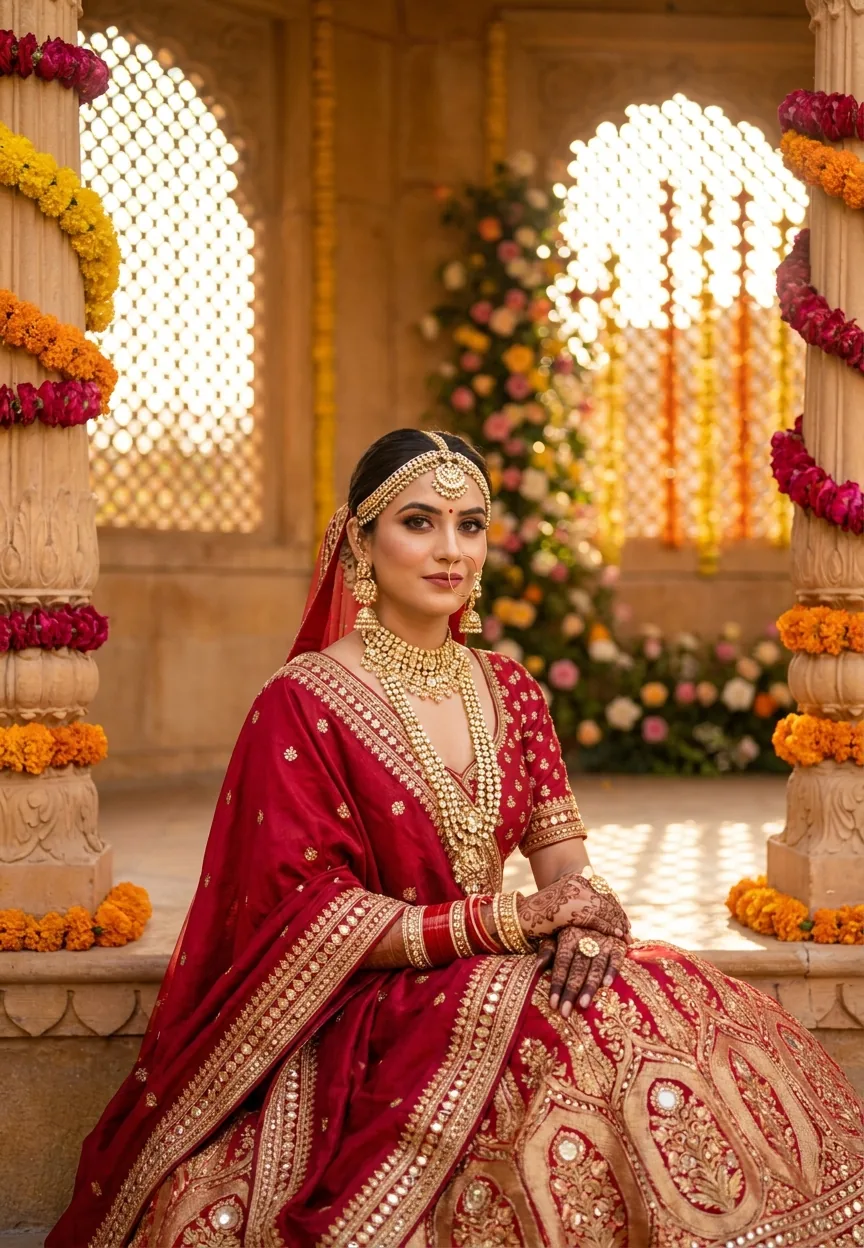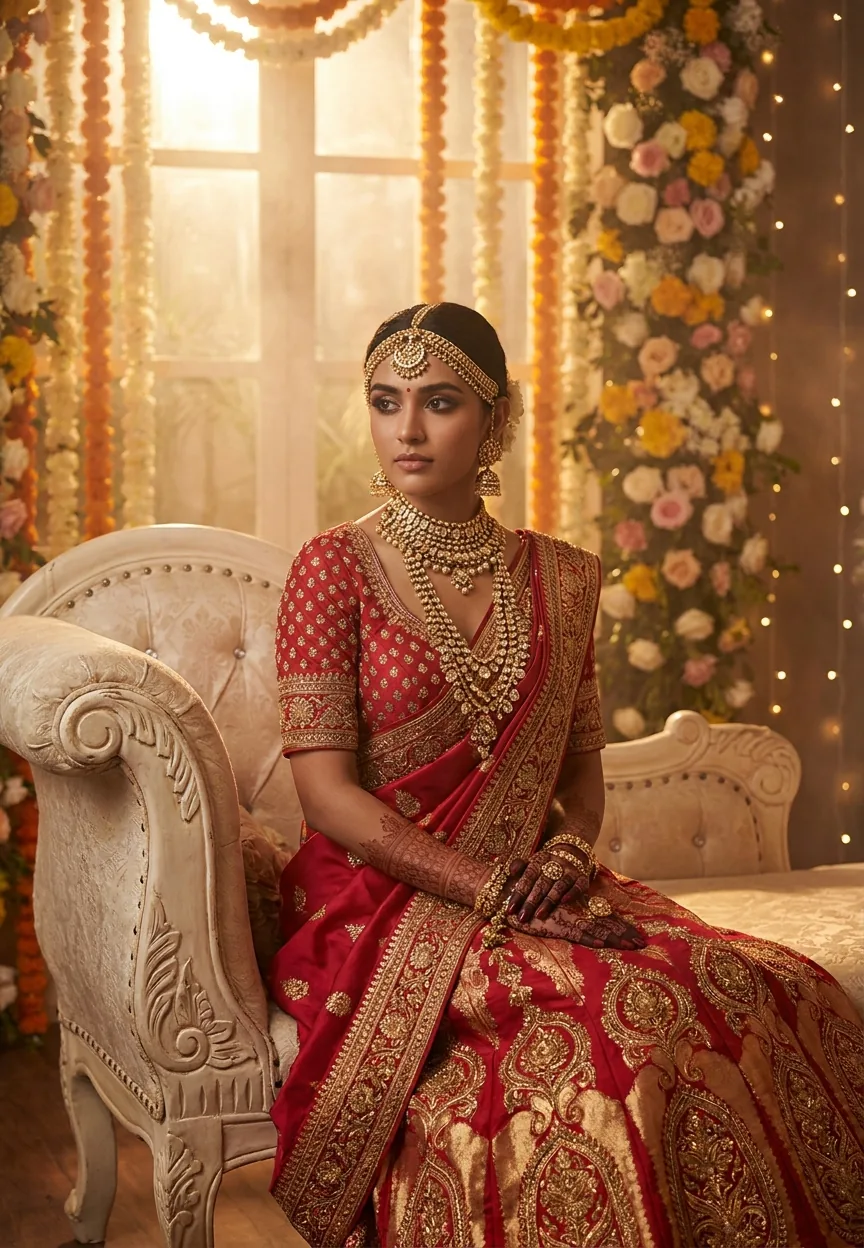
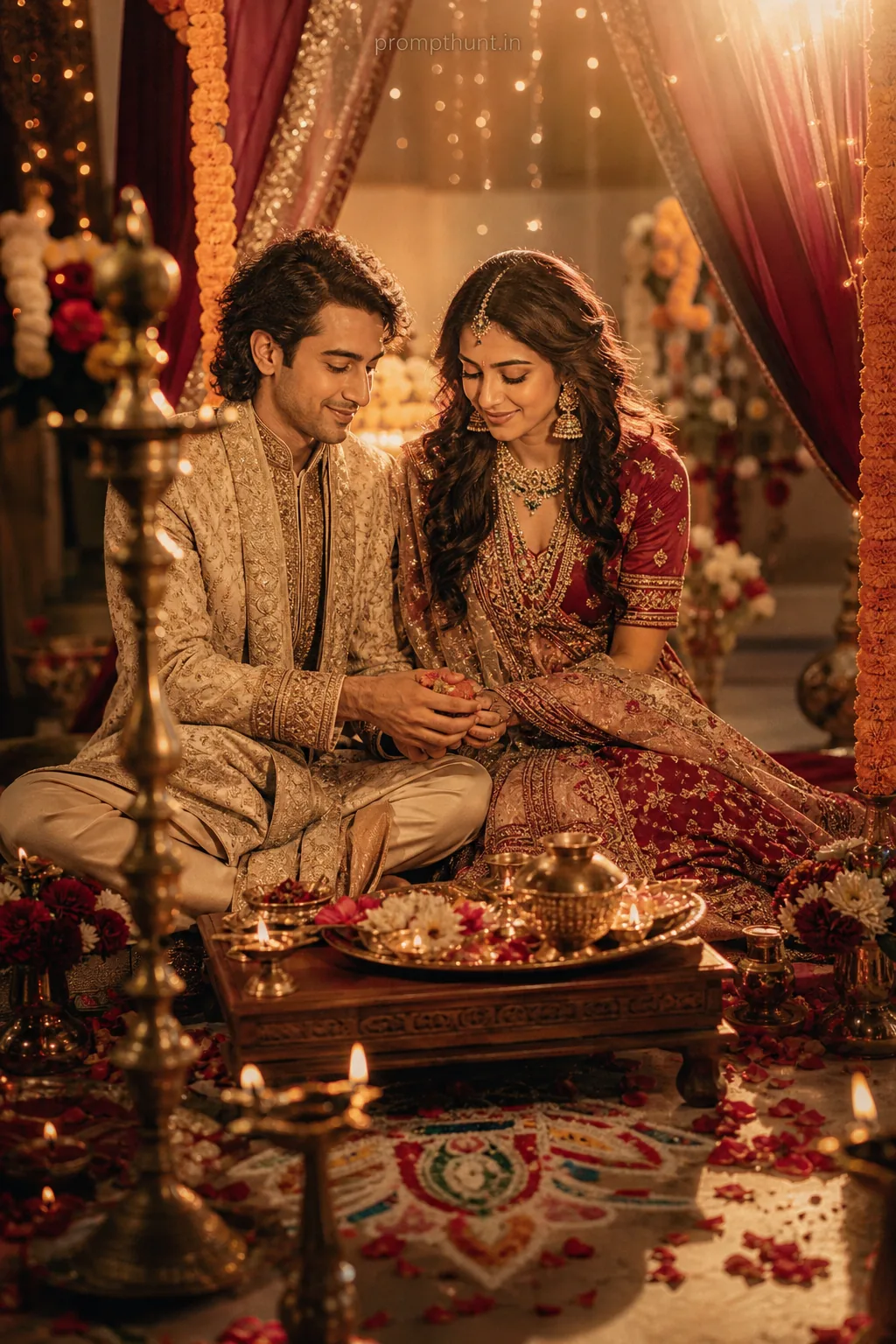
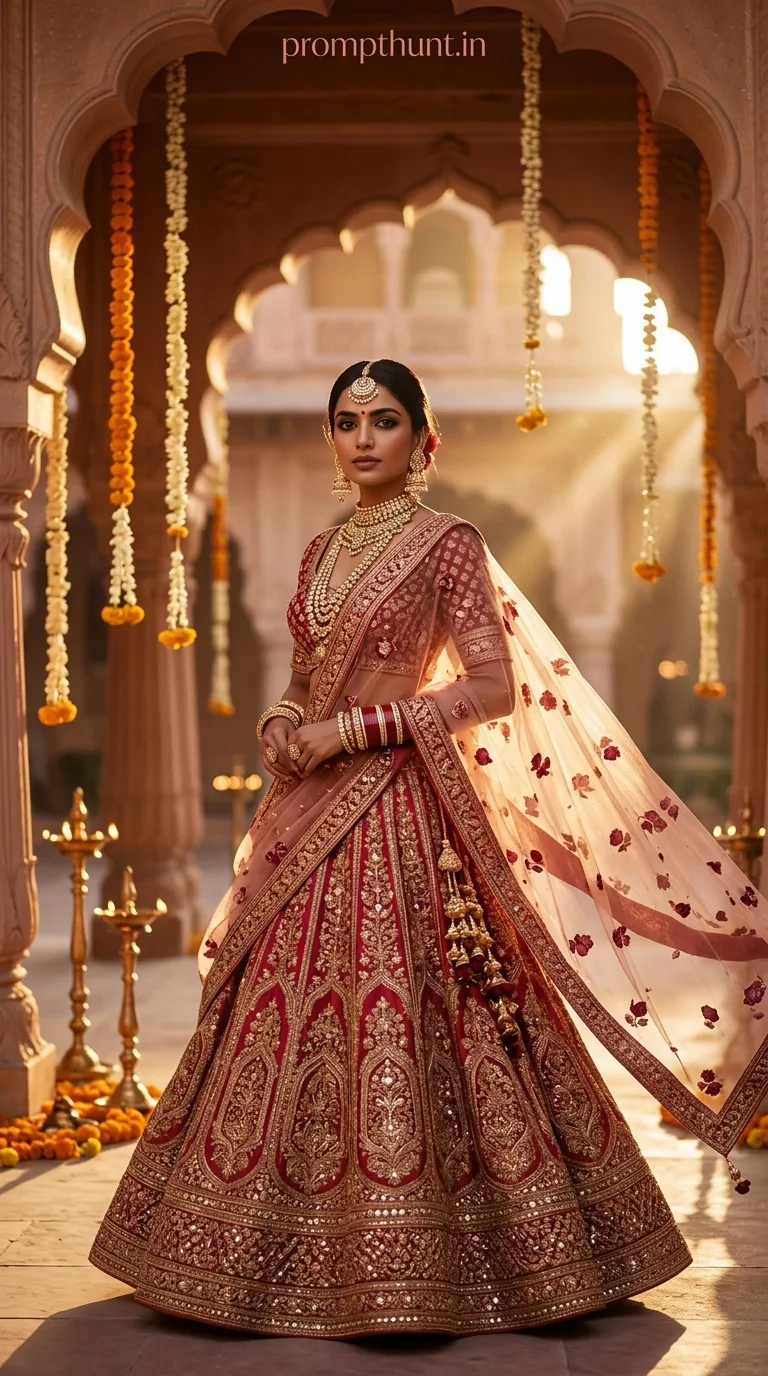
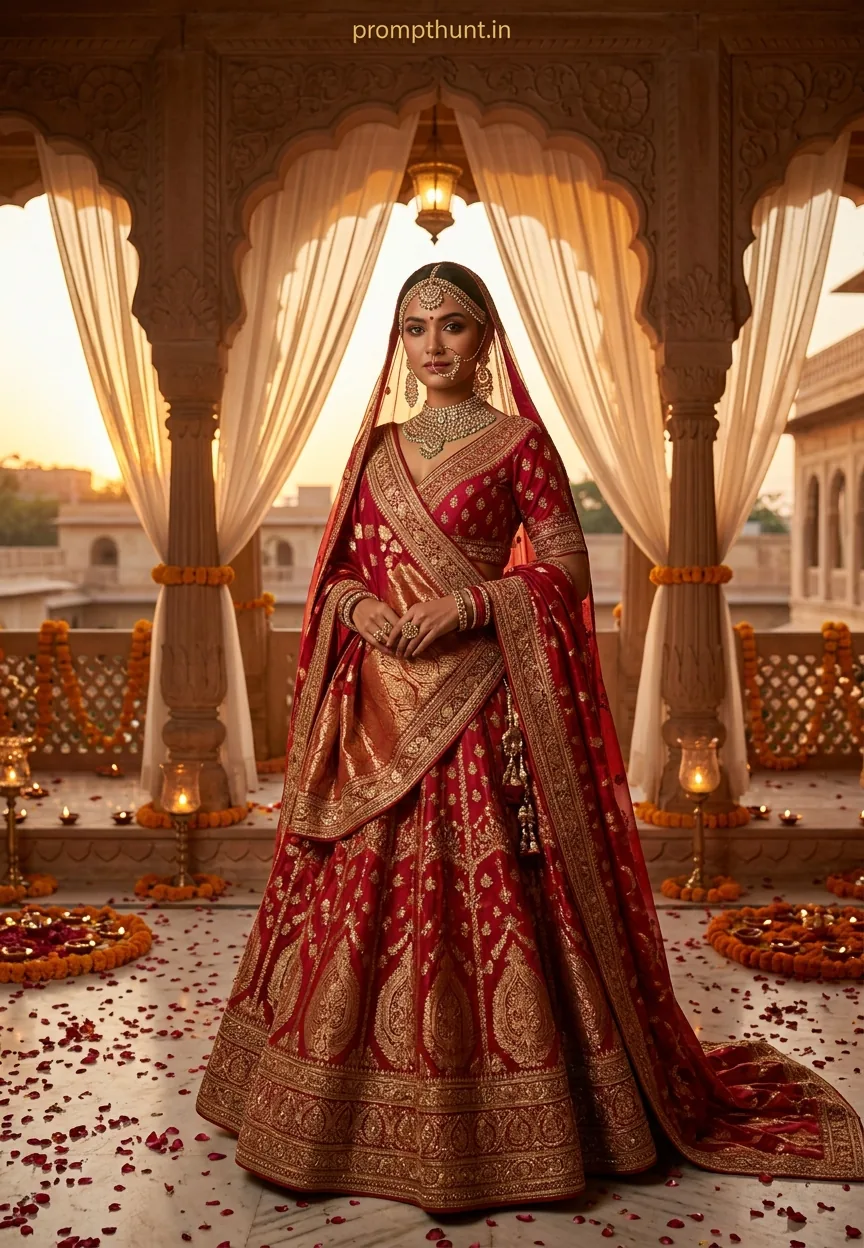
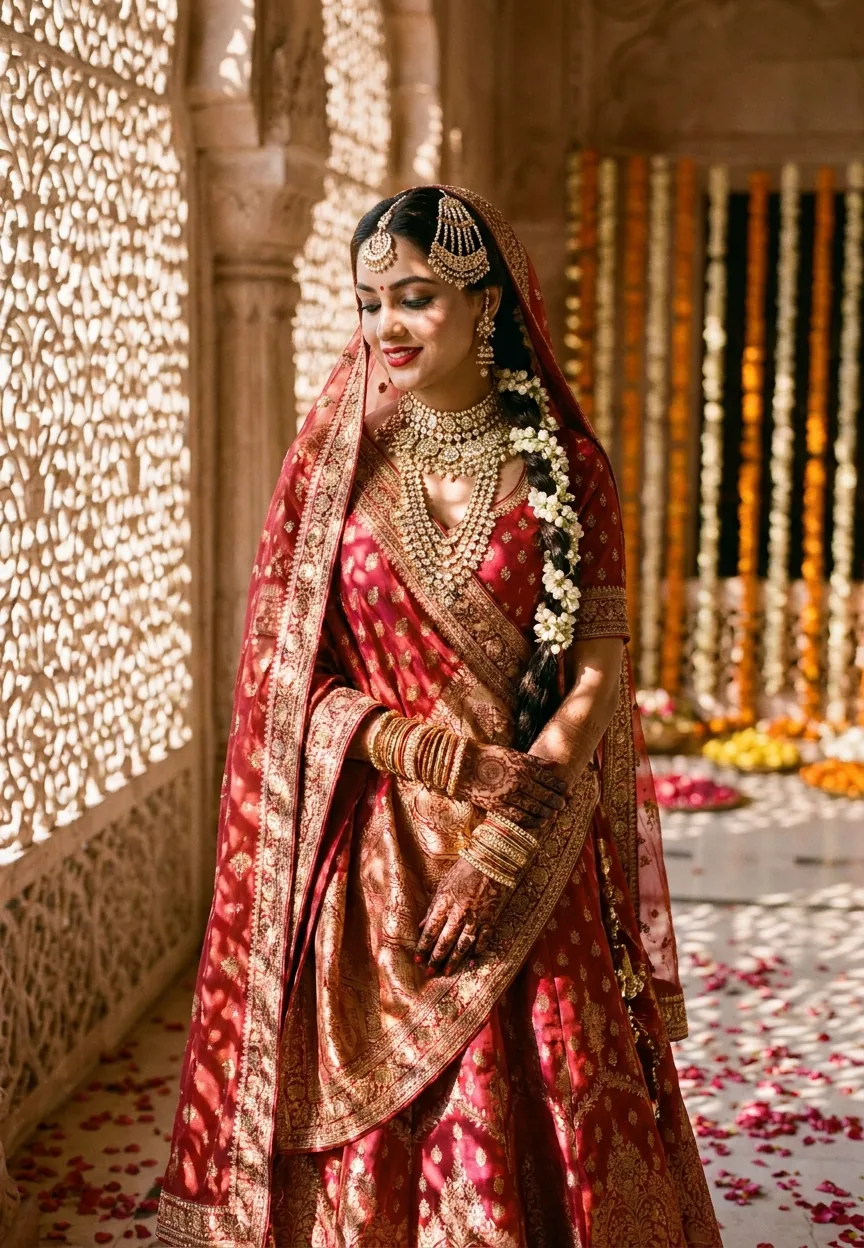
The Royal Indian Bridal Glow prompt generates a cinematic, hyper-detailed portrait of a bride in Banarasi silk lehenga with golden-hour lighting, bokeh fairy lights, and a Vogue India editorial aesthetic. Paste it into Gemini, ImageFX, or Midjourney, adjust skin tone and jewelry details to match your subject, and render at maximum resolution for wedding-ready results.
Royal Indian Bridal Glow Portrait: The Gemini AI Photo Editing Prompt Taking Wedding Photography to Another Level
Wedding photography in India has always been its own genre. Not just a photo — a document of chaos, colour, and about forty-seven relatives you've never met. Now AI photo editing is crashing the baraat, and honestly, it's dressed better than the groom. The Royal Indian Bridal Glow prompt has been circulating among photographers, content creators, and brides-to-be who want that Vogue India editorial look without the Vogue India budget. This Wedding & Engagement style is genuinely one of the most detailed, richest AI portrait prompts out there, and it works. Let me show you exactly how.
Paste this prompt into Gemini, Midjourney, or Adobe Firefly, reference your subject's actual skin tone and lehenga colour, render at maximum resolution, and you'll get a cinematic bridal portrait that looks like it cost three times your actual photography package.
What the Royal Indian Bridal Glow Style Actually Is
This is a hyper-realistic, editorial-grade AI portrait style built specifically for Indian bridal aesthetics. Think warm golden-hour light. Think cascading marigold backdrops. Think the kind of bokeh that makes fairy lights look like tiny suns going soft in the distance.
The style pulls from three distinct visual traditions. First, classic Indian wedding photography — rich, saturated, jewellery-forward. Second, fashion editorial work like Vogue India's bridal issues. Third, cinematic film lighting, specifically that golden-hour warmth that makes every complexion glow like it's been dipped in saffron.
What makes it stand out in the Wedding & Engagement category is the texture detail. Zardozi embroidery on Banarasi silk. Kundan settings catching light. Mehndi patterns with actual depth. Most AI portrait prompts flatten these surfaces. This one explicitly instructs the model to render them as hyper-detailed, and nine times out of ten, it actually does.
It is, in short, the prompt equivalent of getting the best photographer at the wedding — the one everyone's quietly jealous of.
The Prompt — Copy It Exactly
A stunning Indian bride in her mid-20s seated gracefully on an ornate vintage ivory chaise lounge, draped in a rich scarlet and gold Banarasi silk lehenga with intricate zardozi embroidery, heavy kundan and polki bridal jewelry including maang tikka, layered necklaces, jhumkas and stacked bangles, hands adorned with deep maroon mehndi, soft dewy glowing skin with a warm golden-hour light casting a luminous halo effect, backdrop of cascading marigold and rose floral arrangements in shades of saffron, blush and cream, delicate string fairy lights blurred in the background creating a dreamy bokeh effect, shot in cinematic 9:13 vertical portrait format, shallow depth of field, ultra-realistic photography style, Vogue India editorial aesthetic, rich warm tones, hyper-detailed textures on fabric and jewelry, subtle mist atmosphere, deeply emotional yet regal expression, professional studio-level lighting with soft diffused fill light, 8K ultra-HD resolution
How to Use This Prompt — Three Steps, No Surprises
Step one: choose your tool. Gemini Image Generation is the obvious first choice given the prompt's origin, but this also runs beautifully in Midjourney v6, Adobe Firefly, and DALL-E 3. Each platform handles textile texture slightly differently, so run it across two if you have access.
Step two: personalise before you generate. The prompt as written produces a generic scarlet lehenga. Real brides have specific outfits. If your subject is wearing a wine-coloured raw silk sharara instead of a Banarasi lehenga, say so. Swap "scarlet and gold" for the actual colours. Name the jewellery style correctly — Rajasthani thewa work reads differently to Hyderabadi jadau, and the better AI models know this.
Step three: render at maximum resolution and download in the highest quality setting available. This prompt specifically calls for 8K ultra-HD, which most free tiers will approximate rather than deliver. If you need print-quality output for an album or large display, use a paid tier or run the result through an upscaler like Topaz Gigapixel afterward.
Rule of thumb: the more specific your input, the more accurate the output. "Indian bride" is a starting point. "Bengali bride in a red Benarasi with Shakha Pola bangles and a Mukut" is a result.
Tips That Actually Make a Difference
Skin tone instruction matters enormously. The base prompt says "soft dewy glowing skin" which the model will interpret based on its training data — and that default skews lighter than it should for most South Asian subjects. Add a specific skin tone descriptor. "Warm medium-brown complexion with a golden undertone" or "deep brown skin with a luminous finish" gives the model actual direction.
Bokeh depth is adjustable. The fairy lights bokeh in this prompt is set to dreamy and blurred. If you want more structure in the background — visible marigold garlands rather than a wash of colour — change "delicate string fairy lights blurred in the background" to "string fairy lights with soft focus, background floral arrangements slightly blurred but detailed." Small change, noticeably different result.
Aspect ratio matters for final use. The 9:13 vertical format is ideal for Instagram Stories, phone wallpapers, and portrait-oriented album pages. If you need a horizontal image for a wedding banner or website header, swap to 16:9 and adjust the chaise lounge positioning in your prompt accordingly.
If the expression reads flat — and sometimes it will, because AI has the emotional range of a cardboard cutout at a mehndi — add "slightly downcast gaze, soft smile reaching the eyes, introspective and serene" to the expression description. It gives the model more to work with than "regal."
Why This Is the Wedding & Engagement Prompt Everyone in India Is Talking About
Pre-wedding content has become its own industry in India. Couples now plan dedicated shoots months before the actual ceremony. Photographers are competing not just on skill but on aesthetic direction, and clients arrive with Pinterest boards the size of small novels.
AI portrait prompts fill a specific gap: the concept visualisation phase. A photographer can generate ten different lighting and backdrop variations from this prompt in under an hour, show them to the client, and lock in a direction before a single light stand is set up. That saves real time and real money. The client gets to choose their vibe. The photographer shows up knowing exactly what they're building.
The Vogue India editorial aesthetic in the prompt also taps into something culturally specific. That magazine has shaped what "aspirational Indian bridal" looks like for decades. Brides recognise it immediately. Saying "this is the look we're going for" with a generated image lands faster than a mood board of ten separate photos ever could.
It's also just a very good prompt. The specificity of "kundan and polki," the instruction for "subtle mist atmosphere," the explicit mention of mehndi depth — this was written by someone who knows Indian bridal aesthetics, not someone who typed "pretty Indian bride." That specificity is why it generates results worth actually using. (You could say it's a prompt that really nailed the brief. I said it. I'm not sorry.)
Honest Take — When Not to Use This
Here's where I'll be straight with you. This prompt is a pre-visualisation and content creation tool. It is not a substitute for an actual photographer at an actual wedding, and anyone selling it as such deserves to have their memory card corrupted.
The textures are impressive. The lighting is convincing. But the jewellery is often slightly wrong — proportions off, settings unrealistic, the way light hits a polki diamond not quite right to anyone who knows what polki actually looks like up close. For a social media post or a concept image, that's fine. For a jeweller's catalogue or a magazine feature, a human photographer and a real piece of jewellery will always win.
There's also the representation question worth raising. Indian bridal photography has historically over-indexed on a narrow range of skin tones and facial features in both editorial and AI contexts. This prompt doesn't automatically fix that — the default outputs require deliberate adjustment to represent the actual breadth of Indian bridal subjects. The tips above address this technically, but the responsibility sits with whoever is using the tool. Customise intentionally. The prompt gives you the tools to do it right.
Use this for: client mood boards, social media content, portfolio concept work, editorial mock-ups, pre-wedding planning visuals. Don't use it as the actual wedding album. The maasi who flew in from Canada will notice.
Final Word
The Royal Indian Bridal Glow prompt is one of the best Wedding & Engagement prompts in the current AI photo editing toolkit. The detail is real, the aesthetic is specific, and the results — when you personalise it properly — are genuinely impressive. Copy the prompt, adjust the lehenga colour, name the right jewellery, instruct the skin tone, and render at max resolution. That's it. That's the whole process.
And if the output isn't perfect on the first