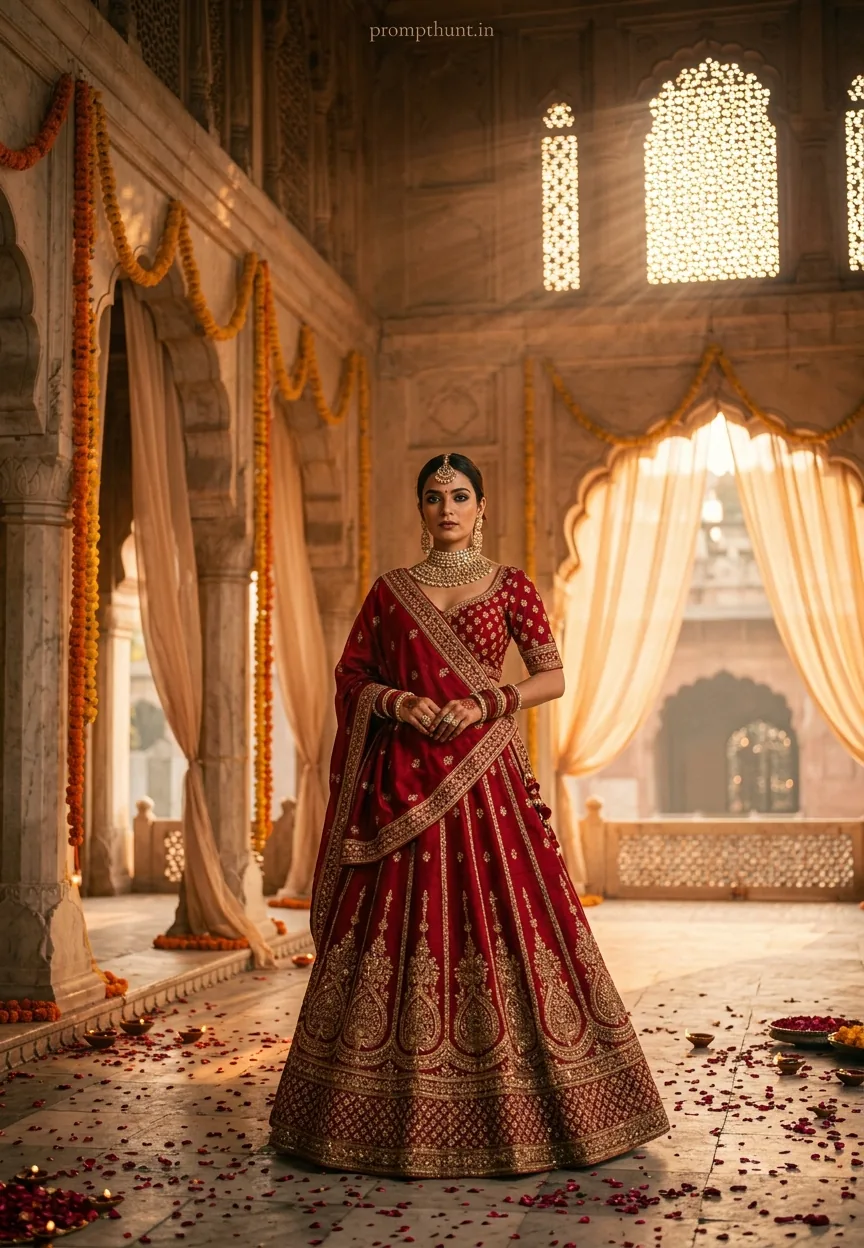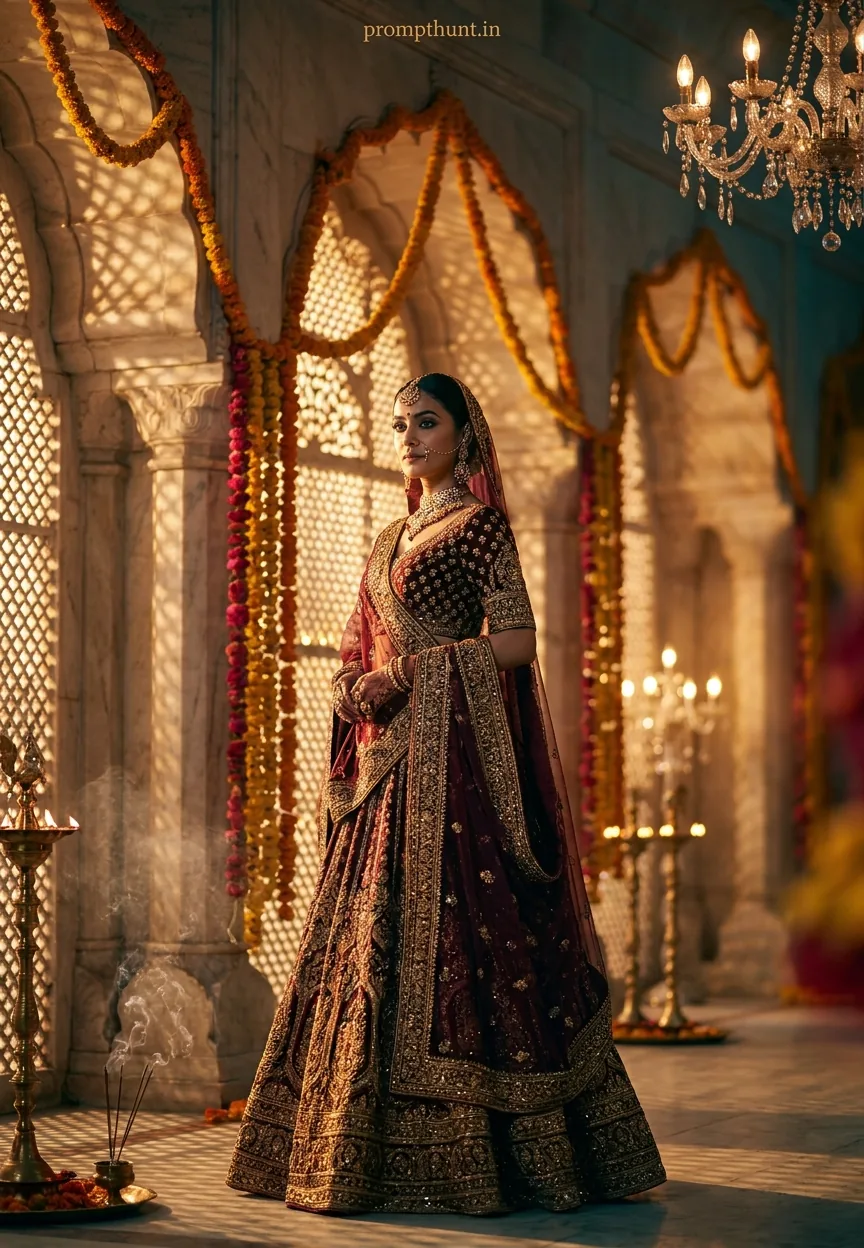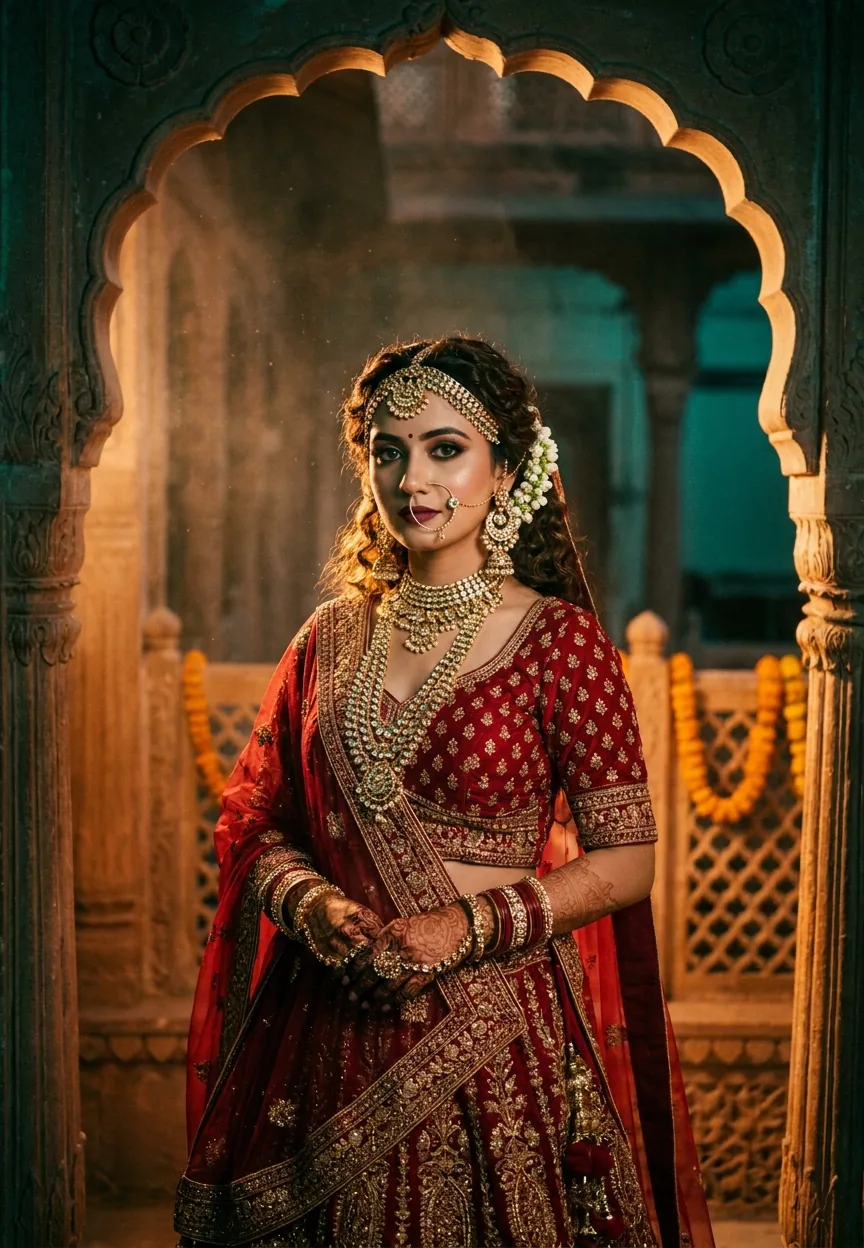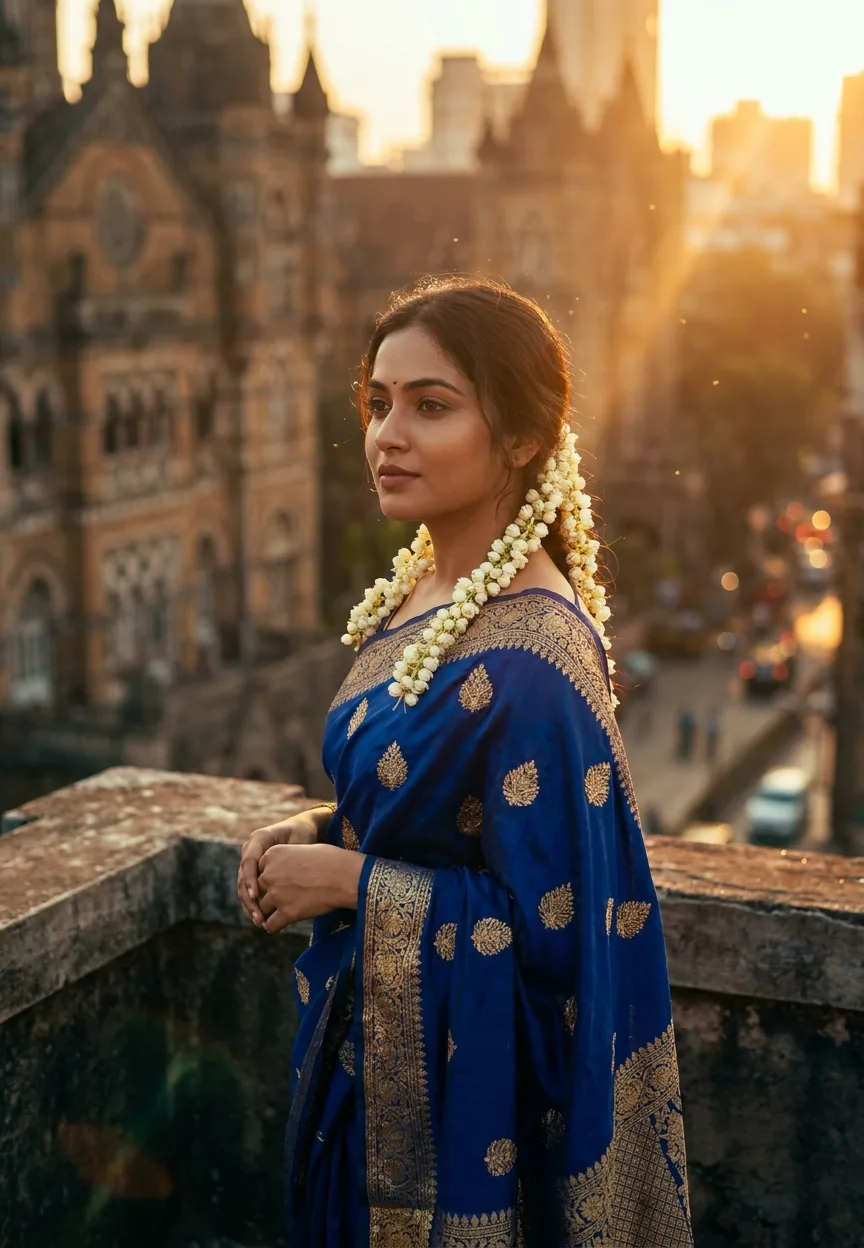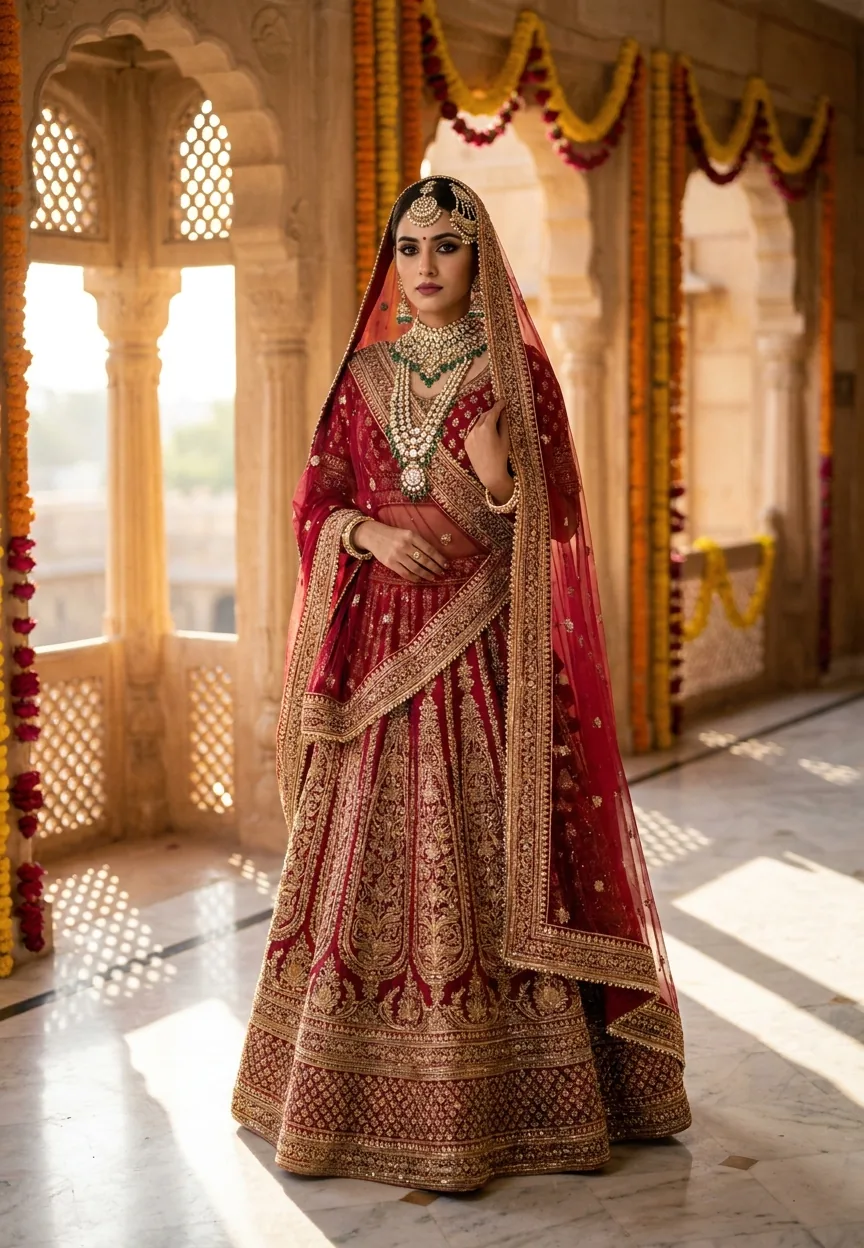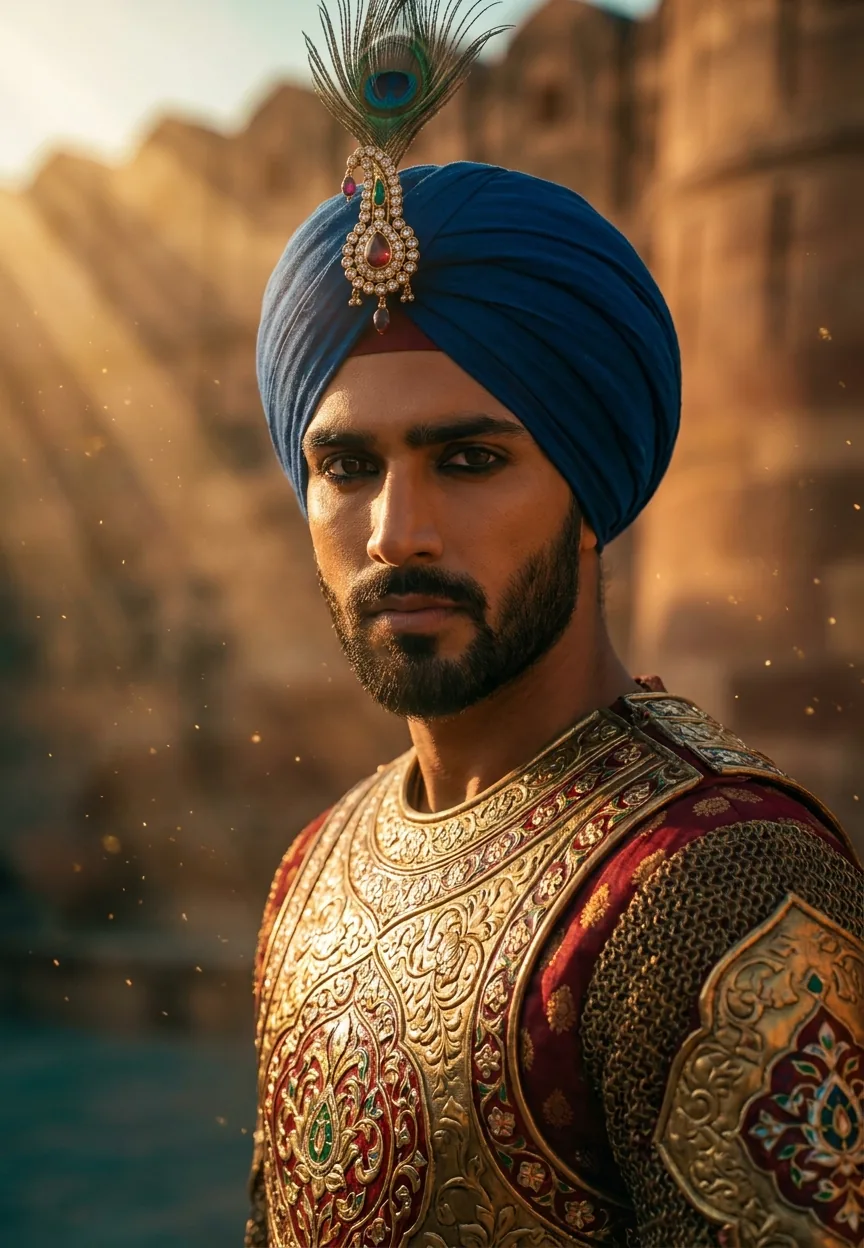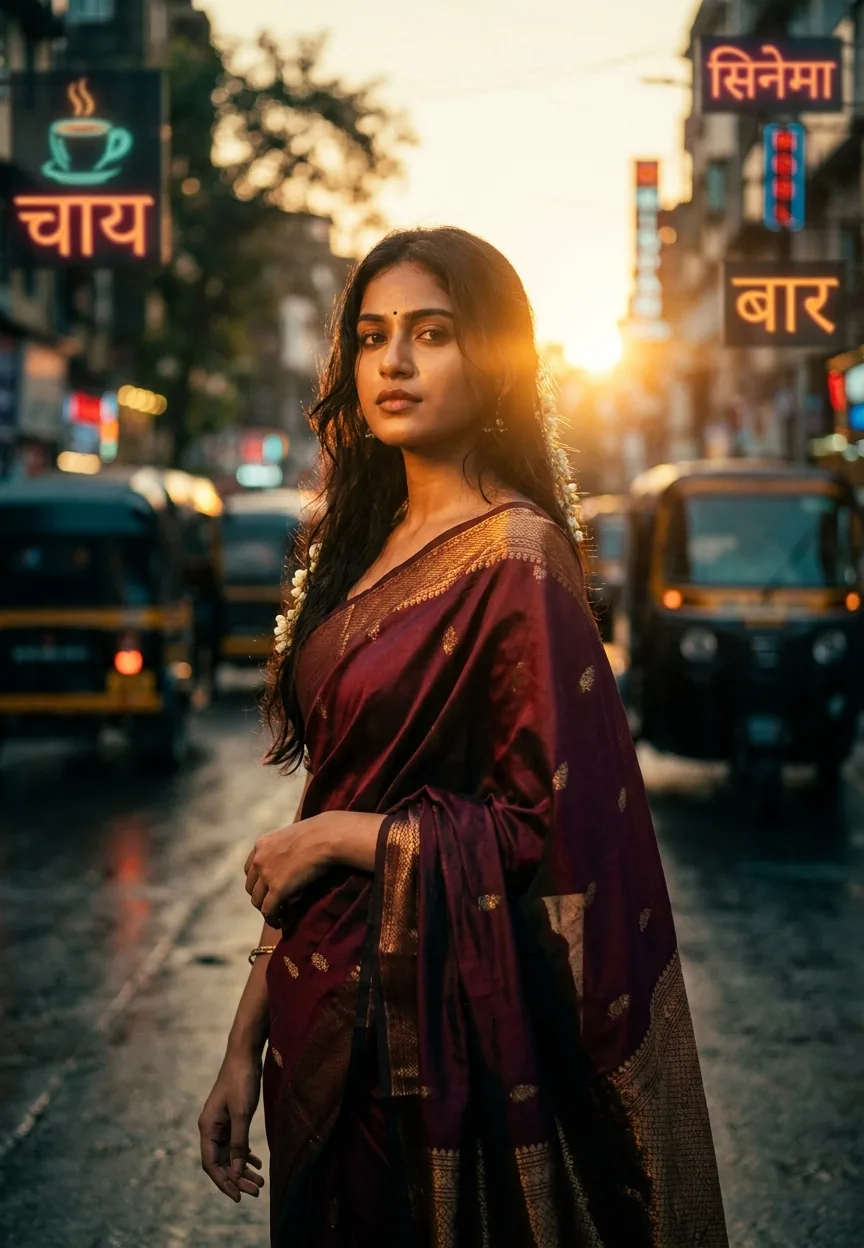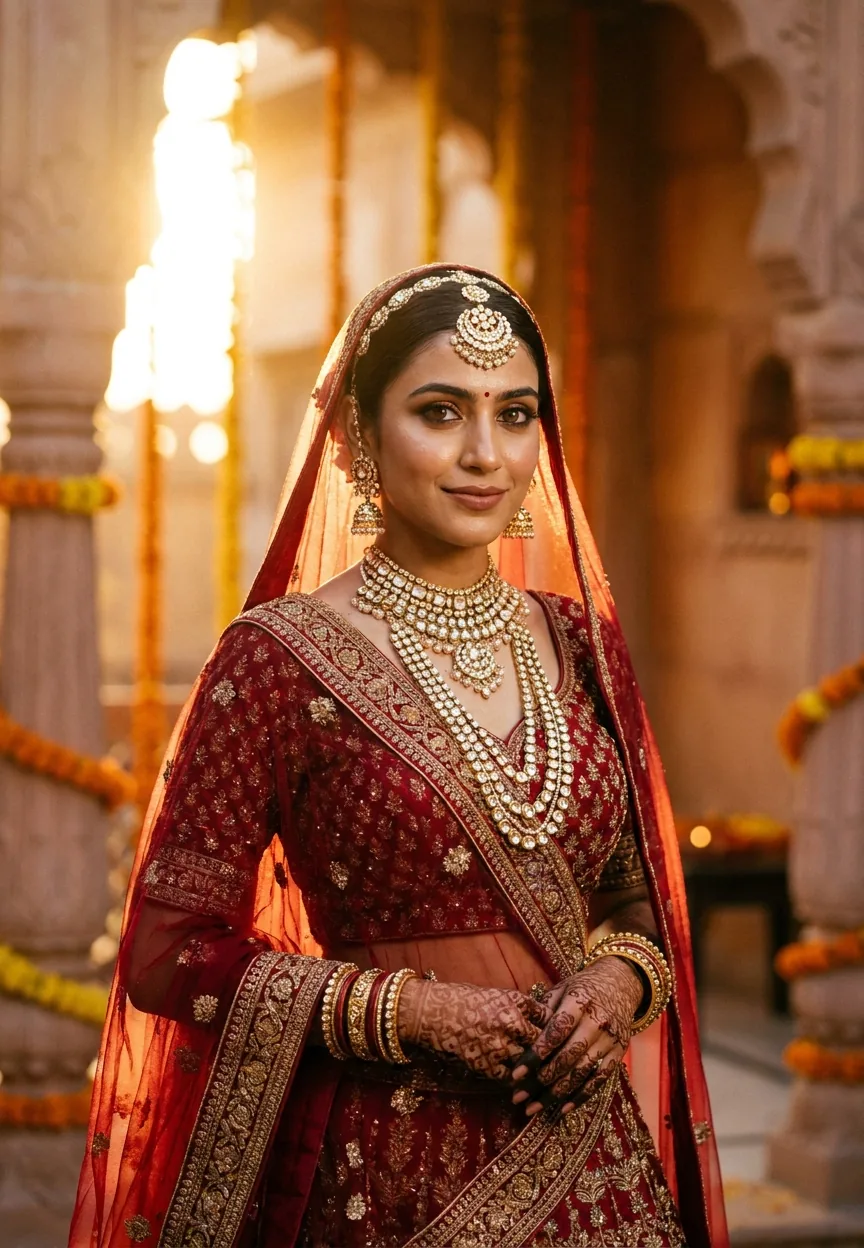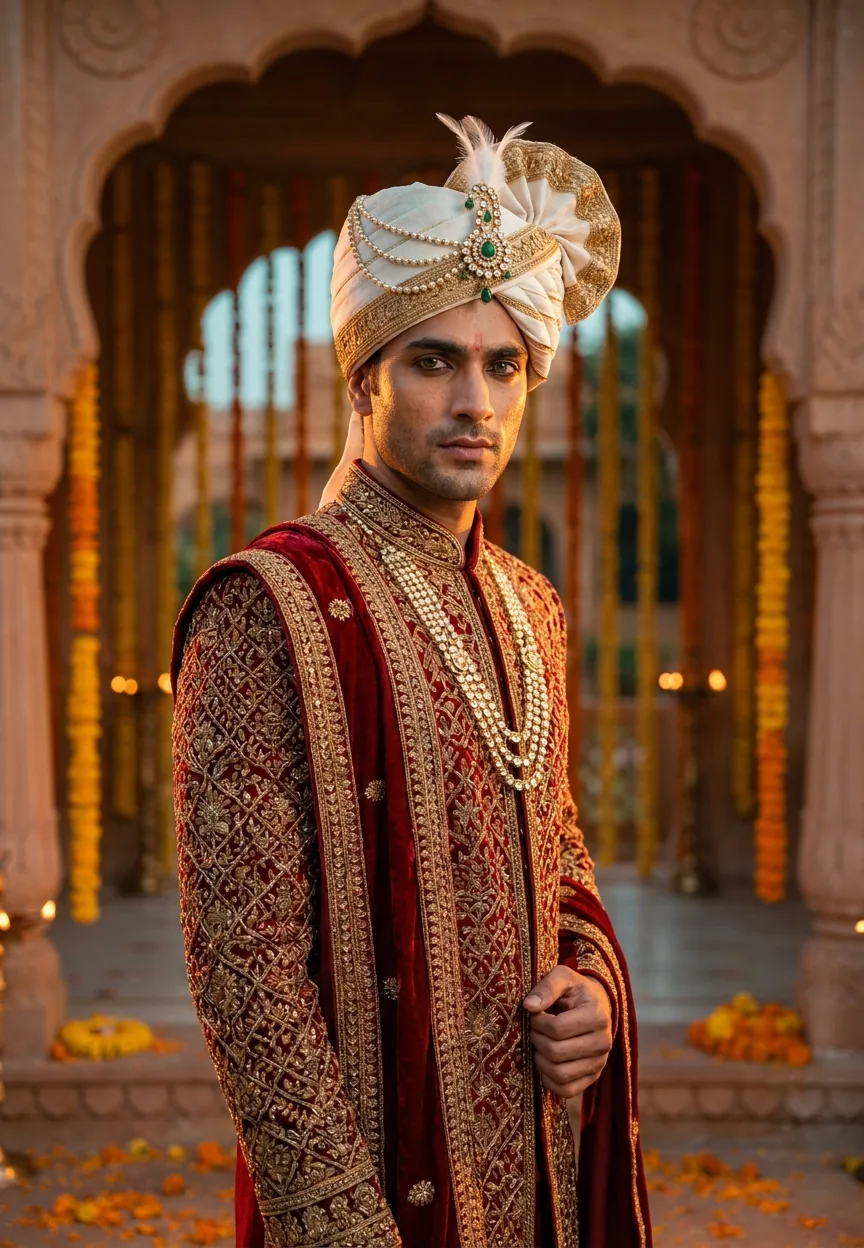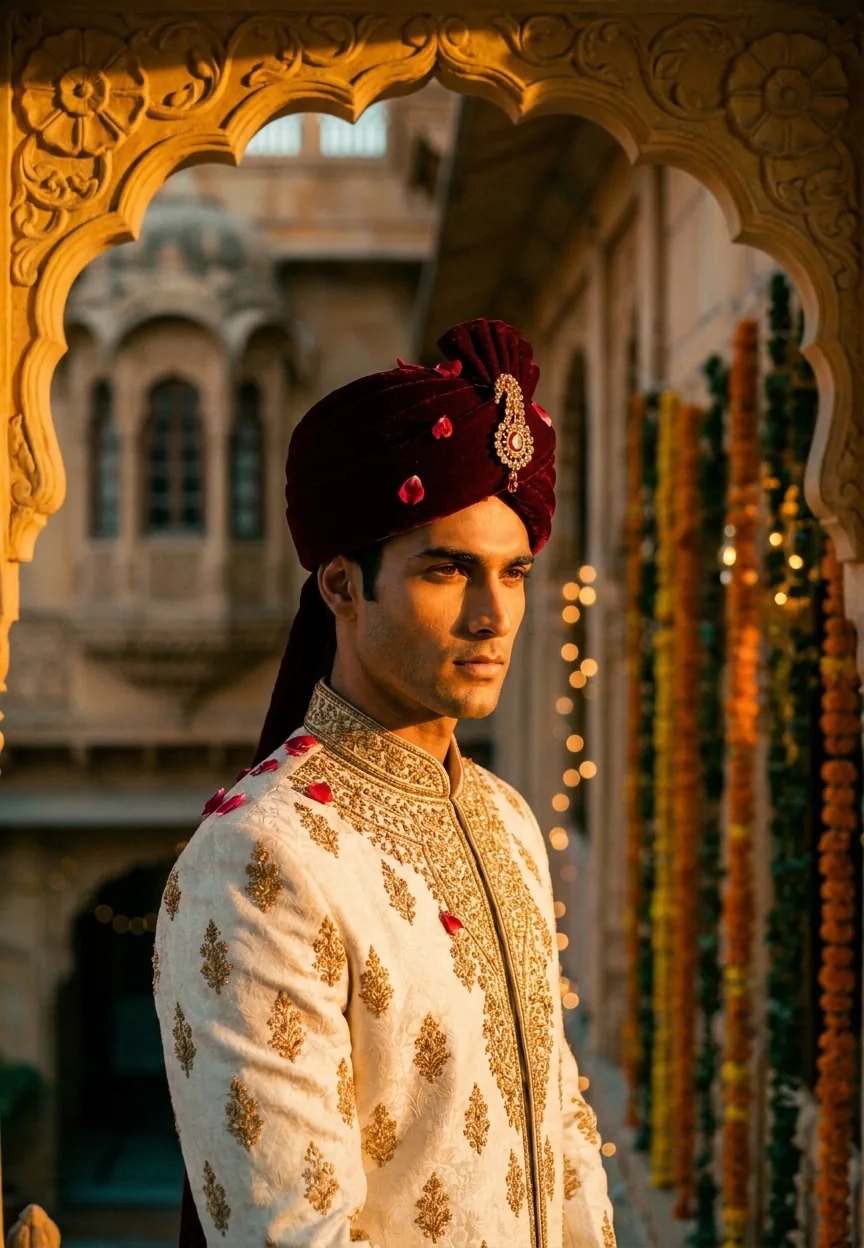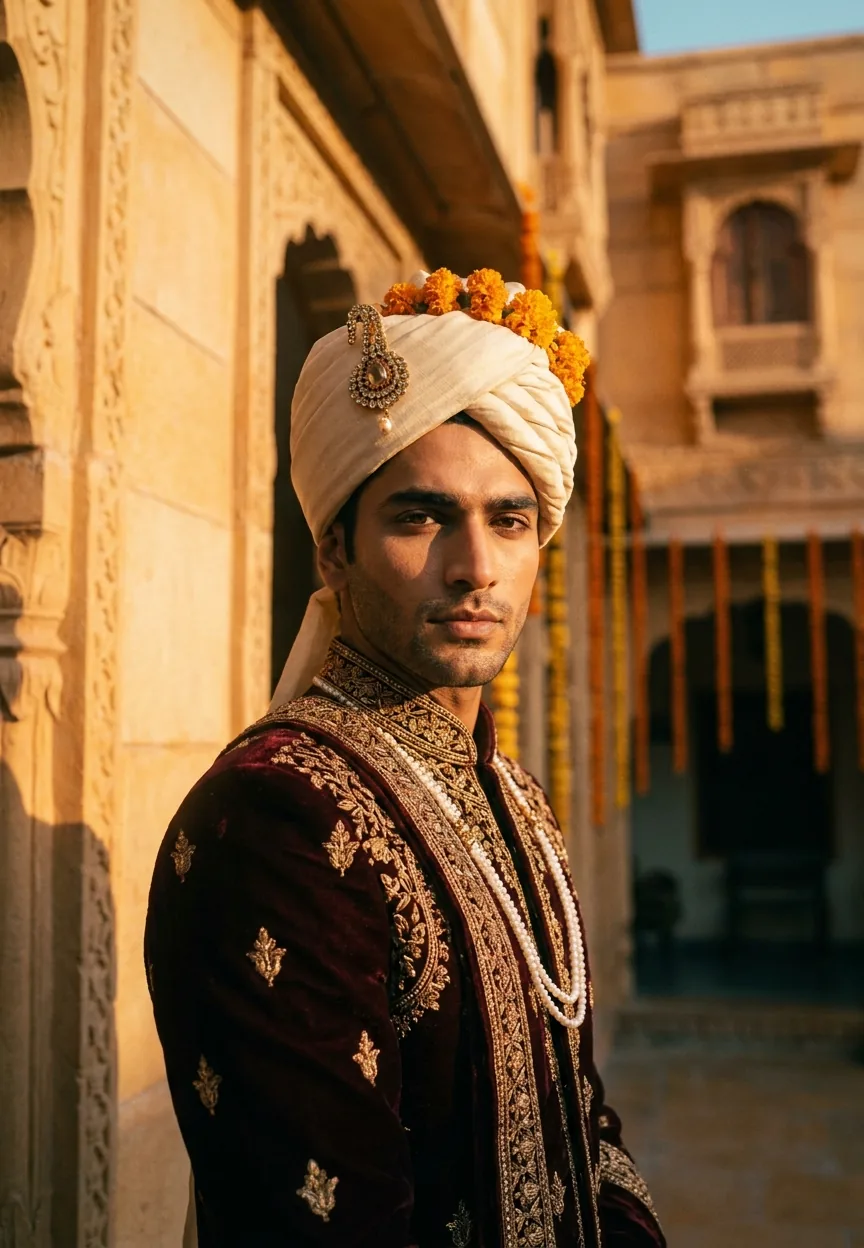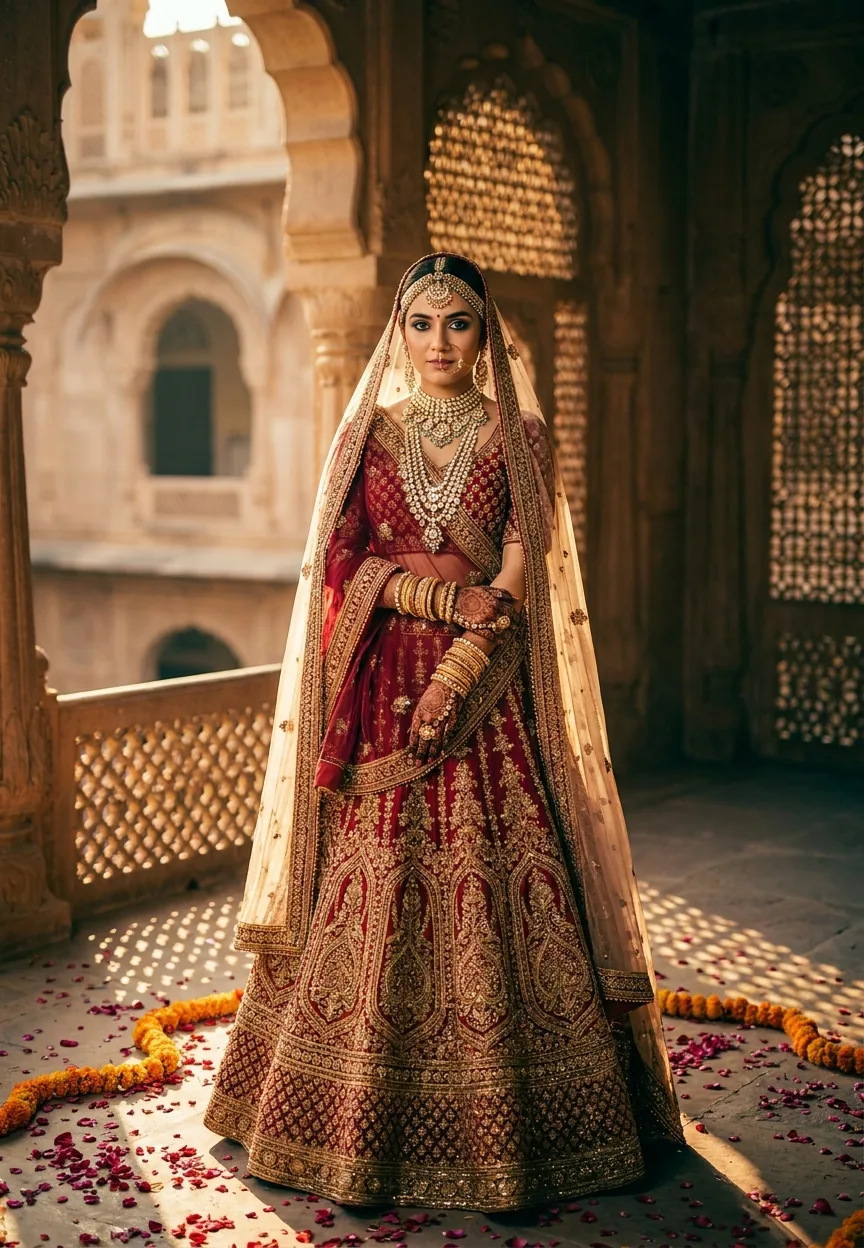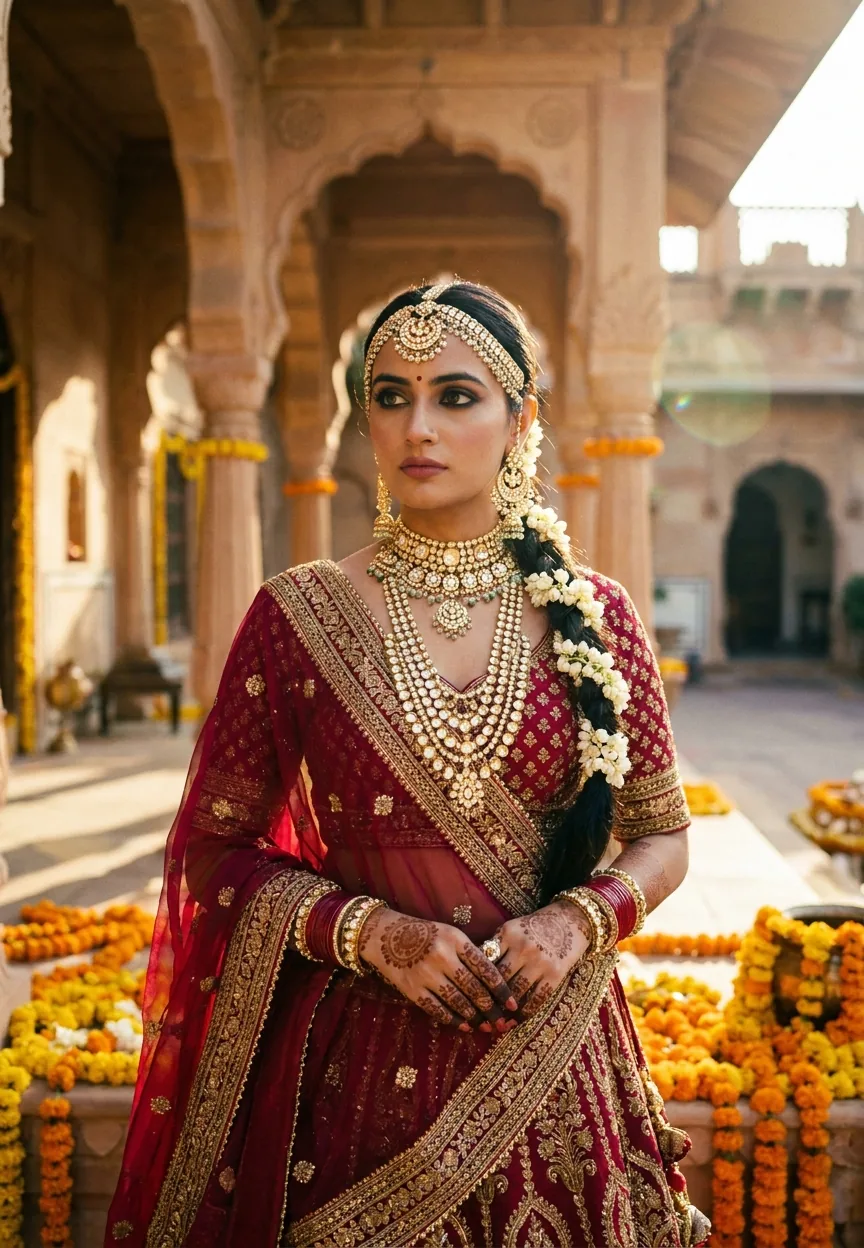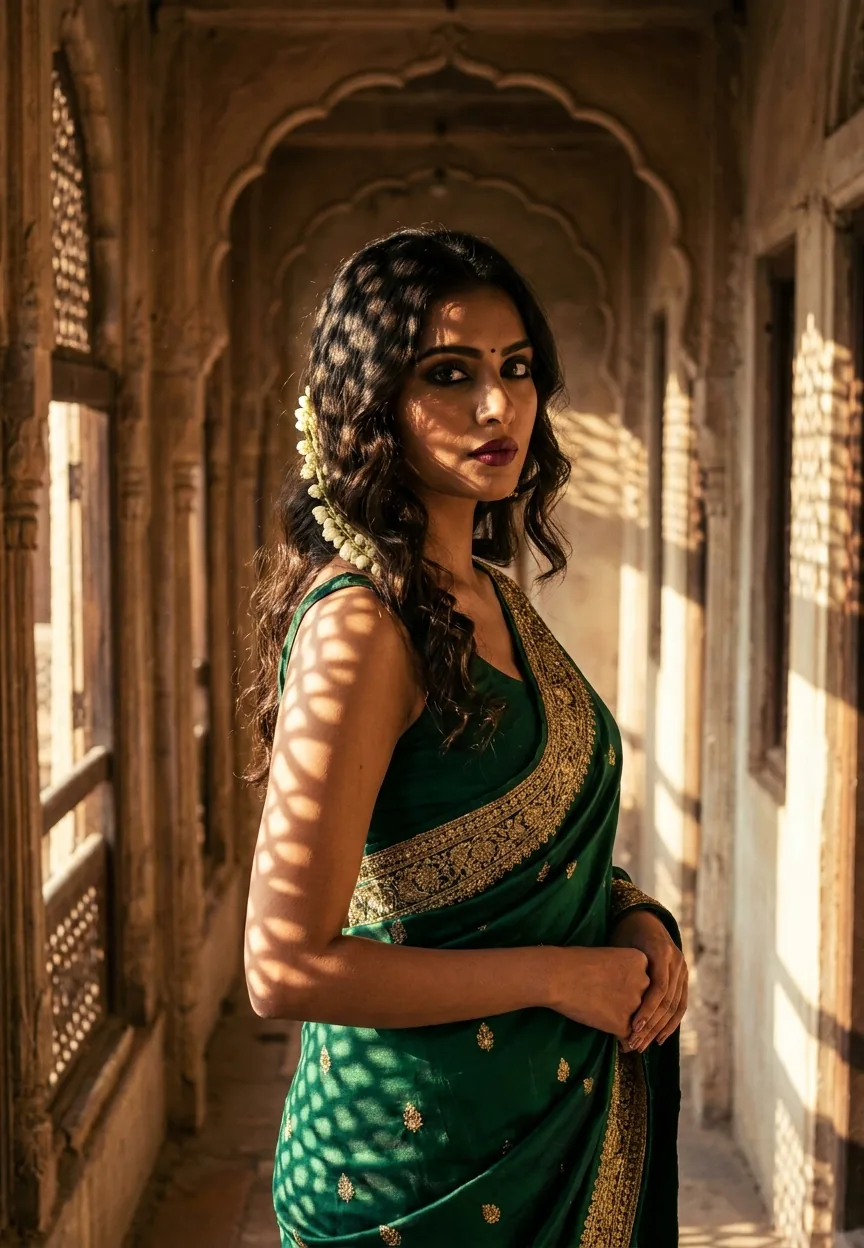
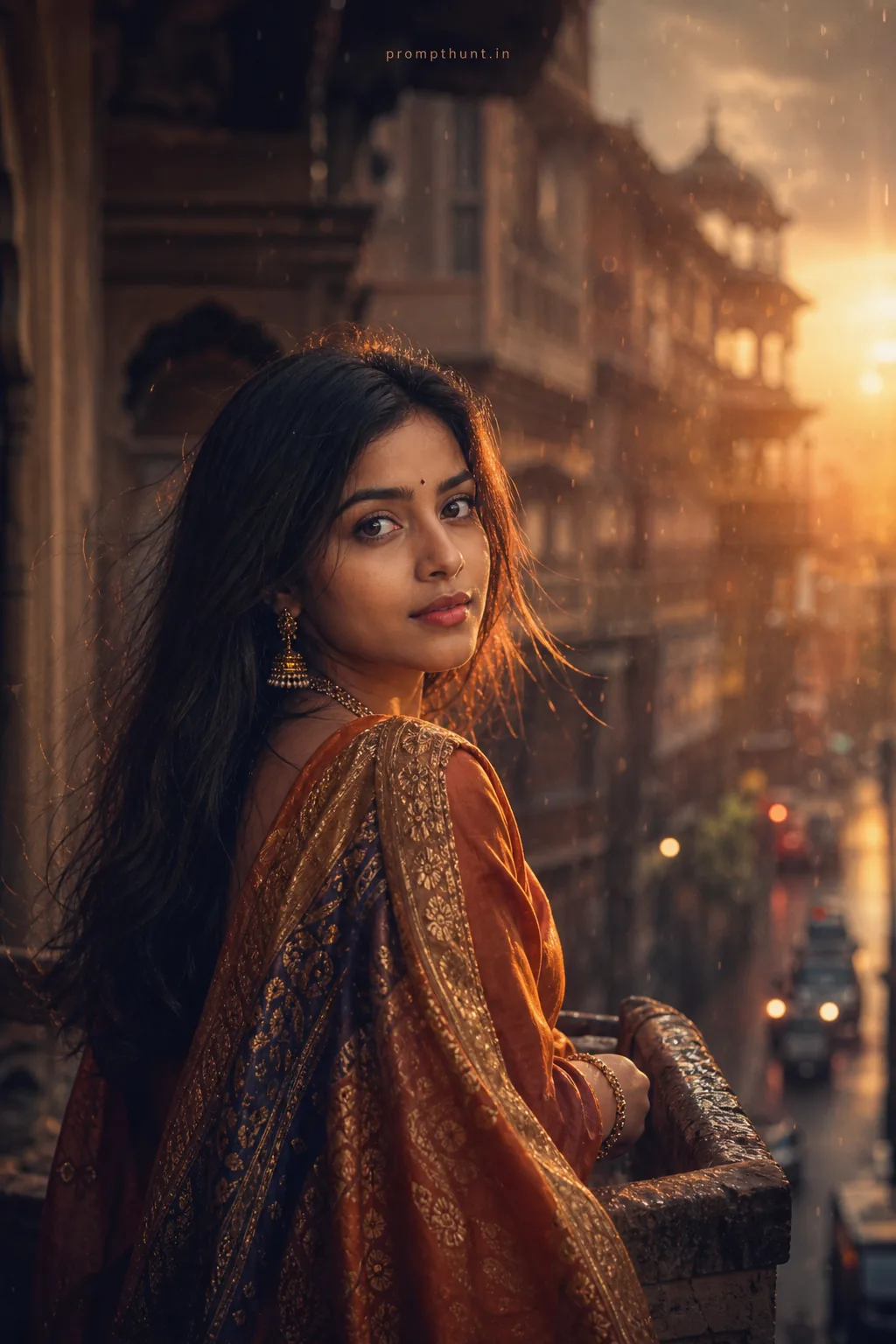
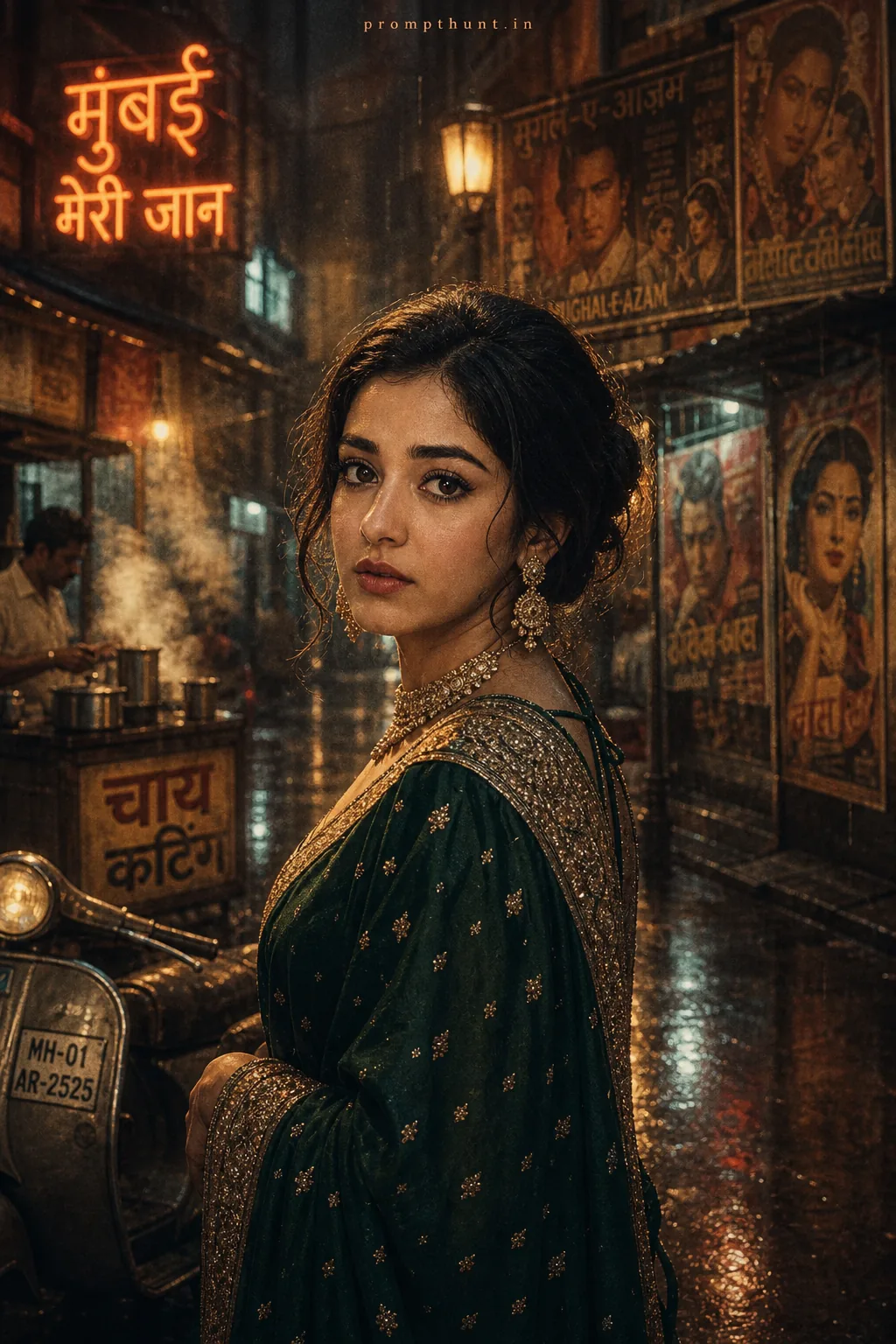
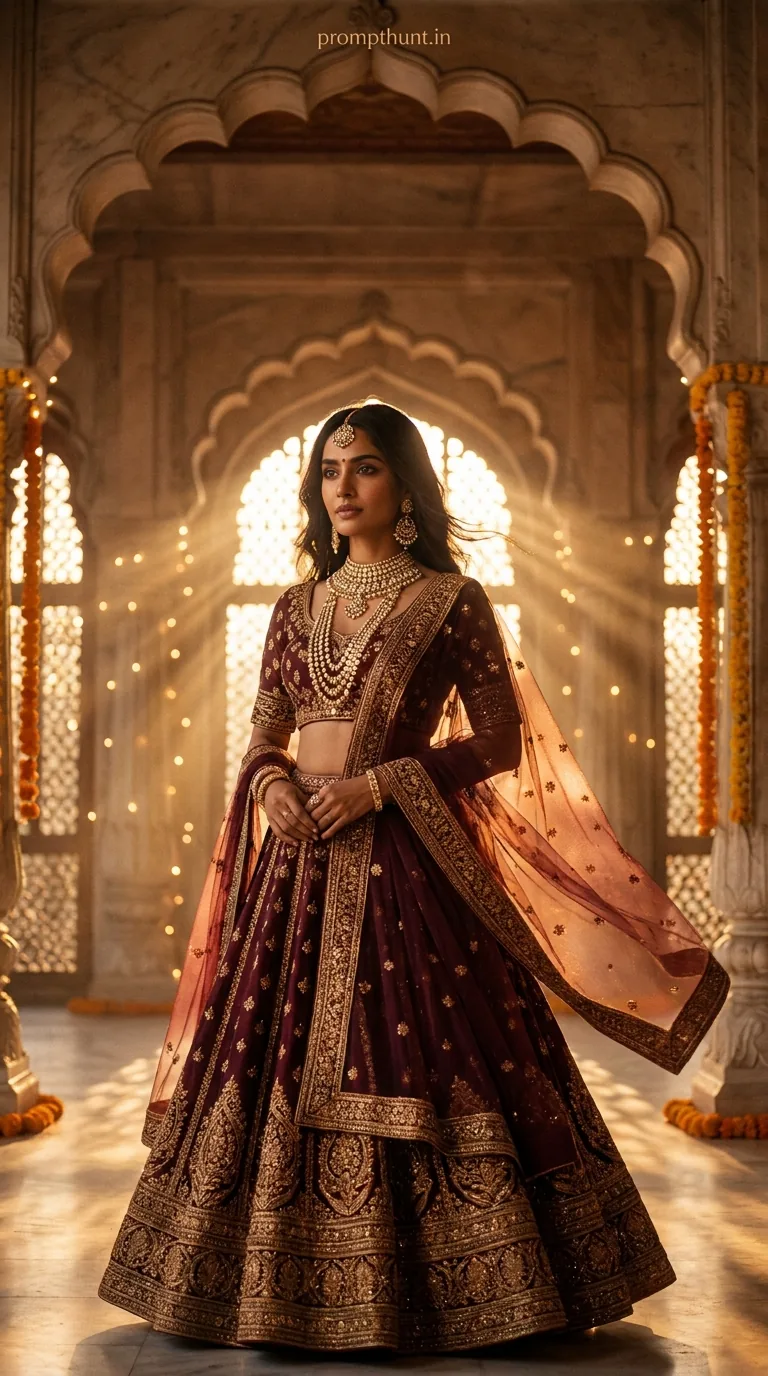
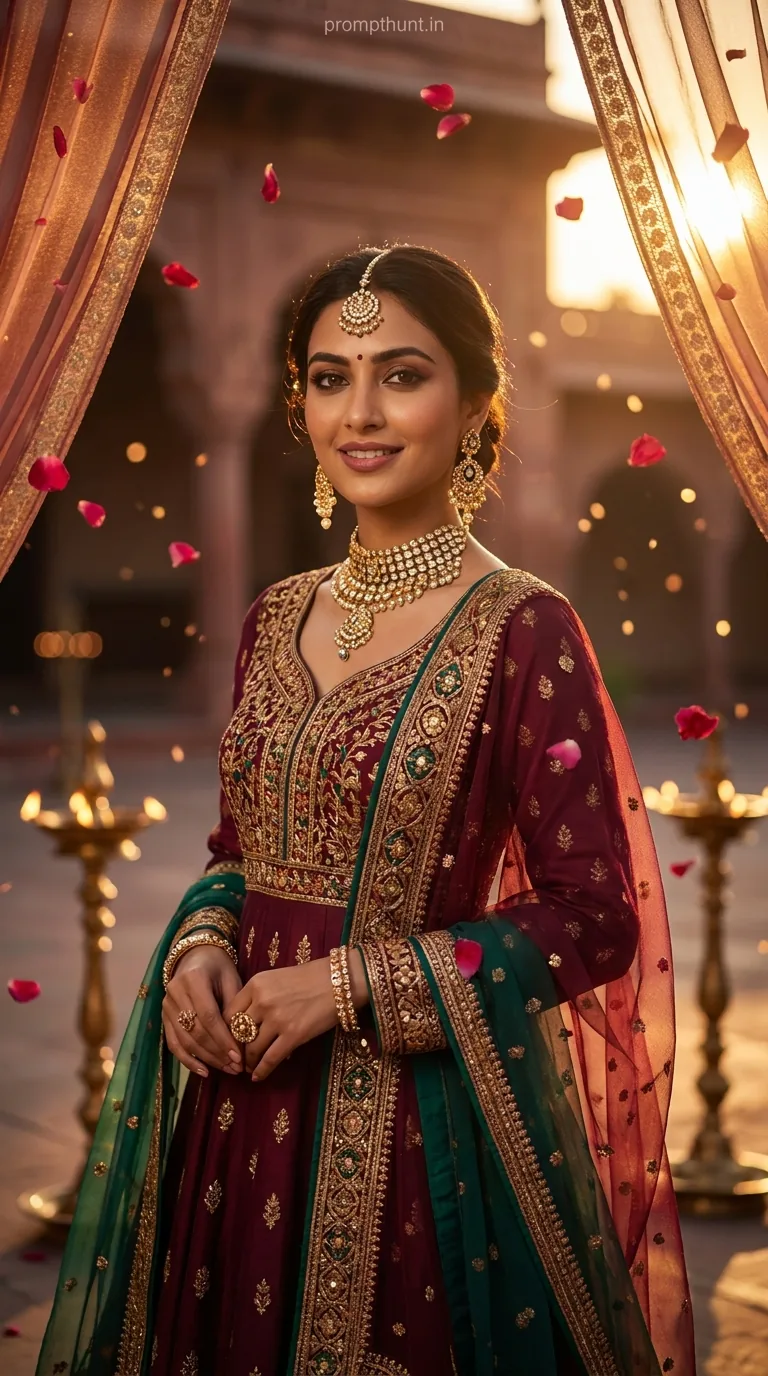
A Bollywood Royalty cinematic portrait uses Gemini AI to recreate the lush, colour-drenched visual style of Sanjay Leela Bhansali films — think crushed blacks, elevated warm tones, golden dust motes, and a subject who looks like she absolutely owns every room she walks into. One prompt. Dramatic results. No film crew required.
There is a very specific feeling you get watching a Bhansali film. The colours are too rich. The light is too perfect. Everyone is impossibly beautiful and also slightly tragic. It costs about 200 crore rupees to achieve that on a real set. With Gemini AI and the right cinematic portrait prompt, it costs you roughly three minutes and zero tragic backstory. That is what we are here for today.
Use this Gemini AI prompt to generate a hyper-realistic Bollywood-style cinematic portrait with golden hour lighting, emerald silk saree, haveli architecture, and Bhansali-grade colour grading — no camera, no crew, no problem.
What Is a Bollywood Royalty Cinematic Portrait
A cinematic portrait is not just a pretty photo with a filter slapped on top. It is a carefully constructed image that borrows its visual language from film — shallow depth of field, deliberate colour grading, controlled light sources, and a subject posed with intention rather than accident.
The Bollywood Royalty version of this takes that framework and dials every setting to eleven. Warm gold. Deep shadow. Rich textiles. Architecture that has seen better centuries. It is the visual equivalent of walking into a Mughal painting and finding the WiFi surprisingly good.
What makes this particular style work in AI generation is how precisely it references an existing cinematic universe. Bhansali's films — Devdas, Bajirao Mastani, Padmaavat — have a signature look that Gemini AI can recognise and reproduce because that look is so consistent, so documented, and so visually specific. You are not asking the model to invent something. You are asking it to recreate a known aesthetic. Nine times out of ten, that produces far better results than vague directions.
The Cinematic Portrait Prompt
A strikingly beautiful young Indian woman in her mid-20s, wearing a rich deep emerald green silk saree with intricate gold zari border, standing in a grand haveli corridor with crumbling vintage arches, warm golden hour sunlight streaming through latticed jharokha windows casting dramatic shadow patterns across her face and body, loose wavy dark hair with a single jasmine strand, minimal yet bold makeup with defined kohl eyes and deep berry lips, skin tone warm caramel with cinematic film grain texture, color grading inspired by Sanjay Leela Bhansali films with crushed blacks and elevated warm tones, shallow depth of field with soft bokeh background, shot on Arri Alexa cinematographic camera with 85mm anamorphic lens, dust particles floating in golden light rays, mood is mysterious yet regal, hyper-realistic skin texture, 9:13 vertical portrait composition, ultra high detail, 8K resolution quality
How to Use This Cinematic Portrait Prompt Step by Step
Open Gemini. The standard web version at gemini.google.com works fine. You do not need any paid tier to start, though Gemini Advanced gives you better image resolution and more consistent results if you are generating several variations.
Paste the full prompt exactly as written. Do not trim it. Every element is pulling weight here — the camera model reference, the lens specification, the colour grading instruction. Remove "Arri Alexa" and you lose the filmic quality. Remove "crushed blacks" and the image goes flat. It is a finely tuned recipe and this is not the time to freestyle.
Hit generate. Give it thirty seconds. If the first result is not quite right — and honestly, first results rarely are — regenerate two or three times before changing anything. Gemini interprets the same prompt slightly differently each run, and sometimes the third attempt is the one that actually makes you stop scrolling.
Once you have a result you like, download it at the highest available resolution. Then, if you want to push it further, take it into Lightroom or Snapseed and nudge the shadows down another ten points and the warmth up slightly. The AI does most of the heavy lifting. You are just finishing the edit like a director calling the final cut.
Tips for Best Results With Cinematic Portrait Prompts
Keep the director reference. Naming Bhansali specifically is what anchors the colour palette and lighting mood. If you swap to "Mani Ratnam style" you will get a different result — cooler tones, more naturalistic shadows, equally valid but a different beast entirely. Rule of thumb: name the director, name the camera, name the lens. Specificity is your friend here.
The architecture matters more than you think. "Grand haveli corridor with crumbling vintage arches" tells the model exactly what kind of space you want. Swap it for "palace interior" and you get something far more generic. The crumbling detail is important — it adds texture and contrast against the richness of the subject. Decayed grandeur is a Bhansali staple. (The man has never met a ruin he did not want to light beautifully.)
Vary the saree colour to change the mood entirely. Emerald green reads as mysterious and regal. Swap to deep crimson and you get something more passionate and dramatic. Navy blue with silver zari reads cooler, more introspective. The colour grading instruction in the prompt will adjust itself accordingly because the AI picks up on the dominant hues you specify.
Do not over-describe the face. The prompt gives skin tone, makeup style, and eye definition. That is enough. Adding very specific facial features tends to produce less natural results. Let the model interpret within those parameters.
Why This Cinematic Portrait Style Is Trending in India
There is a cultural shorthand at work here that is genuinely clever. Bhansali's aesthetic is so deeply embedded in the visual memory of Indian audiences that a single reference triggers an entire emotional register. People see crushed blacks and warm gold and they feel something specific — nostalgia, grandeur, a kind of aching beauty. That emotional hook is why this style spreads.
On Instagram and Pinterest, the Bollywood cinematic portrait is performing extremely well because it sits right at the intersection of fashion content, cultural pride, and AI novelty. It is the kind of image that stops a scroll. It looks expensive. It looks intentional. People want to know how it was made, which means they share it to ask, which means it travels.
There is also a practical angle. Professional shoots with sarees, heritage locations, and proper cinematographic lighting are genuinely expensive and logistically complicated. AI removes every single one of those barriers. A fashion blogger in Pune can produce an image that looks like it was shot on a Rajasthan film set. That democratisation is not a small thing.
Honest Opinion: When to Use This and When Not To
This prompt is genuinely one of the better AI portrait styles available right now. The specificity works in its favour, the cultural reference gives the model clear direction, and the results are consistently striking. For social media content, mood boards, creative exploration, or just impressing yourself on a Tuesday afternoon, it delivers.
But there are real limits worth knowing before you get too attached to the output.
Hands. AI portrait generation still struggles with hands, and this prompt involves fabric draping which makes the problem worse. If your generated image shows a hand prominently, check it carefully. The fingers will sometimes be doing something anatomically creative. (I say this with love. The AI is trying its best. Hands are hard.)
This is also not a replacement for a real portrait shoot if you need something for commercial use. The images are impressive but they are generated likenesses, not photographs of real people. For editorial content, personal projects, or concept visualisation, you are fine. For a campaign claiming to show real customers or real locations, this is not the right tool.
The style also has a ceiling. Bhansali's actual films work because they exist in time — movement, music, story, performance. A still image borrows the surface of that language but not the depth. Nine times out of ten that is exactly what you want from a portrait. Just go in clear-eyed about what you are making.
One more honest note: if you generate fifty of these and post them all, the effect diminishes fast. This style works because it feels rare and considered. Treat each image like it cost something. Post selectively. The drama lands harder when it is not the fifteenth dramatic portrait in a row.
The Last Frame
A Bollywood Royalty cinematic portrait in Gemini AI is one of those prompts that genuinely earns its hype. Specific enough to produce consistent results. Culturally resonant enough to stop a scroll. Flexible enough to keep experimenting with colour and setting. Copy the prompt exactly. Give it three runs. Adjust the saree colour for mood. Keep the director reference. And remember — if the hands look strange, regenerate. Even Bhansali probably needed a few takes. You are in good company.