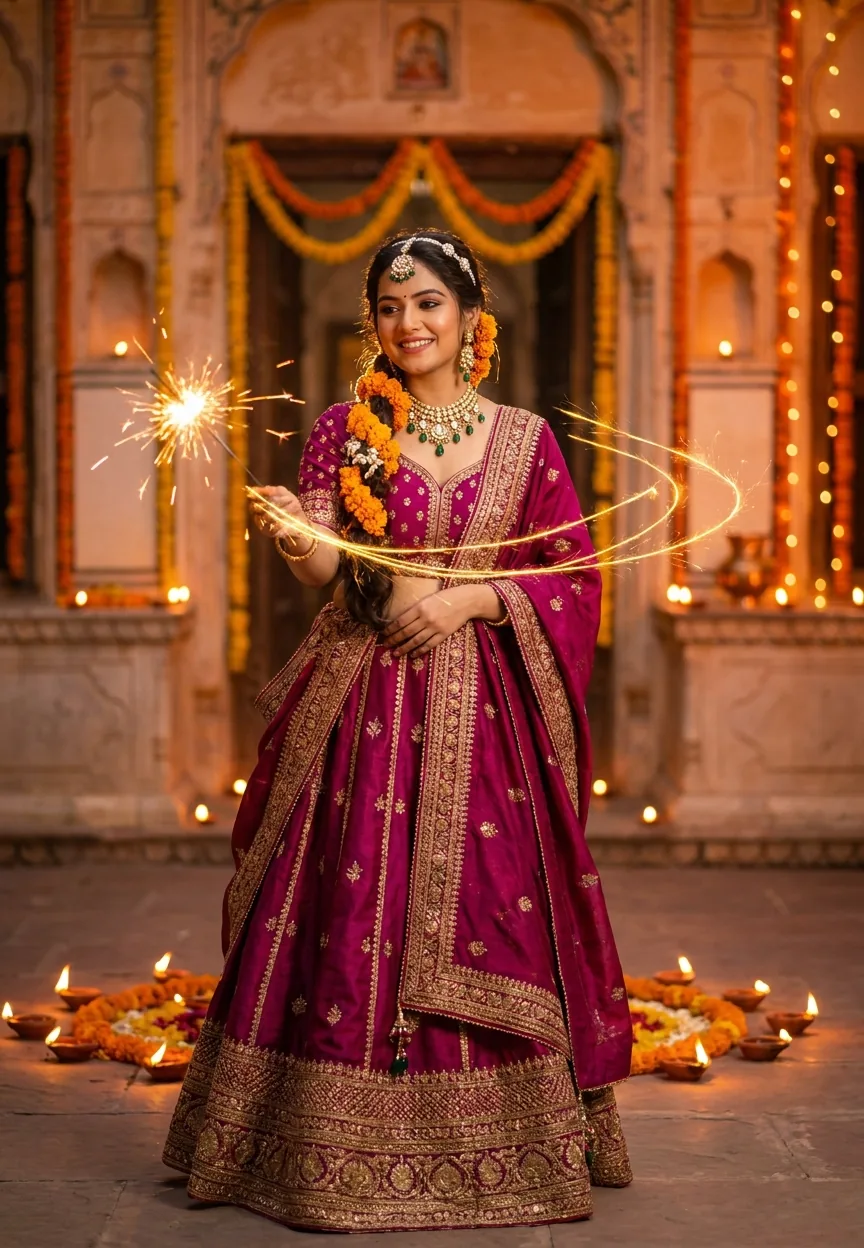
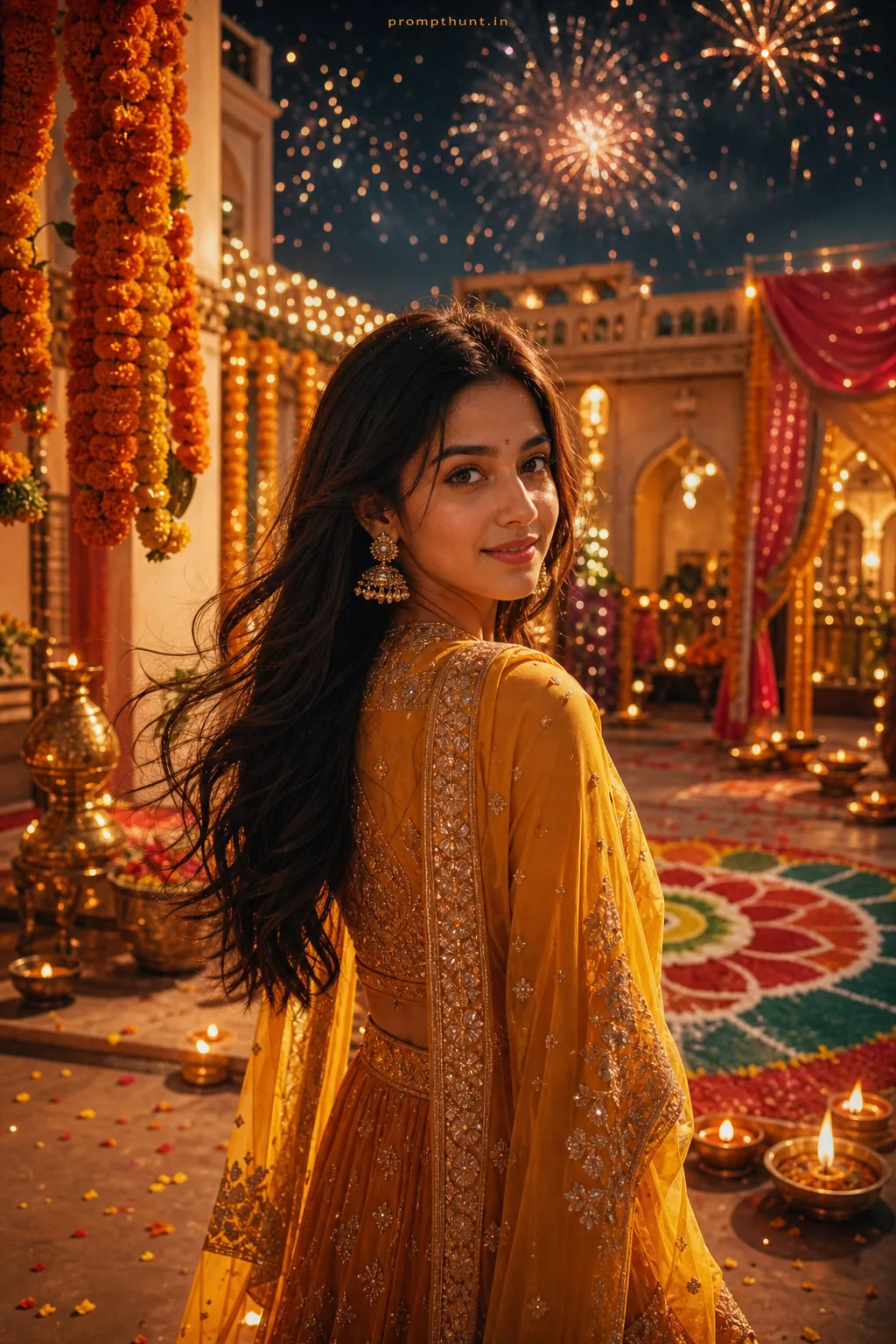
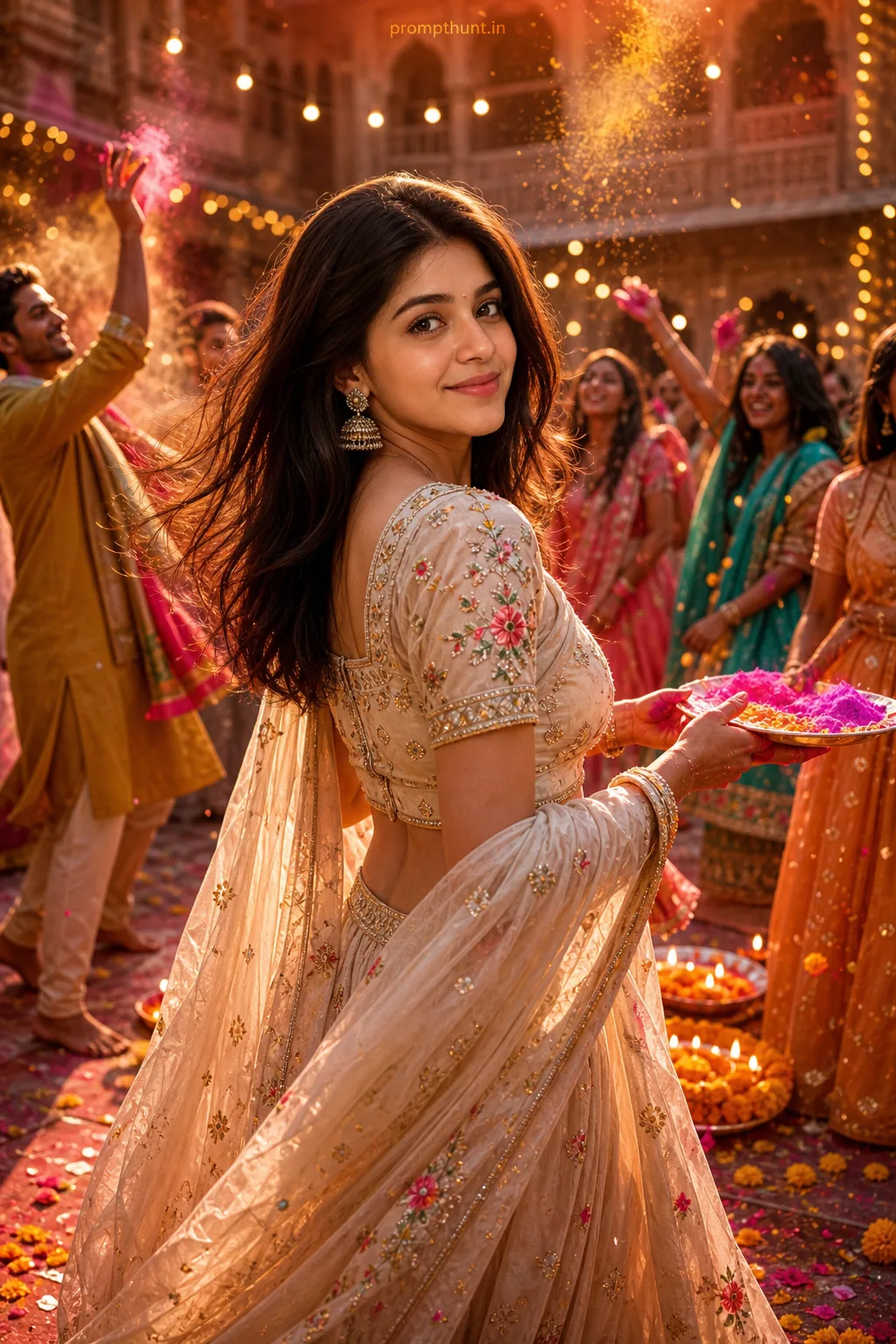


A Diwali Night Sparkle Glow Portrait uses AI to generate a cinematic Indian woman holding a sparkler against a warm bokeh backdrop of diyas and string lights. The prompt pairs a deep magenta lehenga, kundan jewelry, and marigold flowers with golden rim lighting for a high-fashion editorial result that looks like it belongs on the cover of Vogue India.
Every Diwali, someone in the family produces a photo that makes the rest of you look like you were standing in a car park. This year, AI is levelling the playing field. The celebration portrait trend sweeping Indian Instagram feeds right now is the Diwali Night Sparkle Glow — a Gemini AI photo prompt that generates ultra-realistic festive portraits so detailed you can practically smell the marigolds. No DSLR. No studio. No uncle pointing the phone at the ceiling.
Paste the prompt below into Gemini, swap the details to match your vision, and you'll get a cinematic Diwali portrait with golden sparkler glow, warm bokeh, and high-fashion editorial quality in under a minute.
What the Diwali Sparkle Glow Portrait Actually Is
This is an AI-generated portrait style built around one very specific mood: that magic window on Diwali night when the diyas are lit, the sparklers are going, and everything looks gold.
The style pulls from high-fashion editorial photography. Think 85mm lens, shallow depth of field, cinematic rim lighting. The subject stands against a terracotta haveli wall draped in marigold torans. Warm bokeh fills the background — amber, orange, the soft glow of earthen lamps.
What makes it work is the light. The sparkler becomes the key light source, casting golden trails across the frame and creating a rim-lit halo effect on the subject's face. It's the kind of lighting that takes a professional photographer three hours to set up. The AI does it in about forty-five seconds. (Don't tell the photographers.)
The colour palette is intentional: magenta, gold, and amber. Warm enough to feel festive. Controlled enough to look editorial rather than chaotic. It's a celebration portrait that actually looks like one.
The Prompt — Copy This Exactly
A stunning young Indian woman standing in a beautifully decorated Diwali night setting, wearing an elegant deep magenta and gold silk lehenga with intricate zari embroidery, her hair adorned with fresh marigold flowers and pearl pins, holding a sparkler that radiates golden light trails across the frame, surrounded by warm bokeh of diyas and string lights in amber and orange tones, her face softly illuminated by the magical golden glow of the sparkler creating a cinematic rim light effect, traditional kundan jewelry with emerald drops at her ears and neck, terracotta-colored old haveli wall in the background draped with marigold torans and earthen lamps, atmosphere rich with festive warmth and joy, skin glowing with natural radiance, eyes bright with celebration, shot in 9:13 vertical portrait format, ultra-realistic photography style, 85mm lens shallow depth of field, Diwali festive mood, golden hour magic, high fashion editorial quality, vibrant yet warm color palette of gold, magenta, and amber
How to Use This Prompt — Three Steps, No Surprises
Open Google Gemini. You want the image generation mode — the one with the camera icon, not the chat-only version. If you're on mobile, the Gemini app works fine.
Paste the full prompt in one go. Don't break it into pieces. Don't paraphrase it. AI image models are fussy readers. They reward specificity. The prompt is already calibrated, so use the whole thing.
Generate two or three variations. Gemini will produce slightly different outputs each time — different sparkler trail positions, slightly different face angles. Pick the one where the light looks most natural on the face. Nine times out of ten, that's the one where the sparkler glow hits the cheekbone at an angle rather than washing the face out flat.
That's it. Three steps. You're done.
Tips for Best Results — What Actually Changes the Output
Rule of thumb: the more specific your colour descriptions, the better the result. "Gold" is vague. "Deep burnished gold with warm amber undertone" gives the model something real to work with.
If the lehenga colour isn't landing right, add the hex-code equivalent in plain language. Something like "rich magenta, closer to crimson than pink" will steer the output noticeably.
Want a different outfit? Swap the lehenga for a Kanjeevaram silk saree in peacock blue and gold. The rest of the prompt holds. The lighting logic stays the same regardless of the garment.
The 9:13 vertical ratio is there for a reason — it's optimised for Instagram Stories and Reels covers. If you want a square crop for a grid post, change it to "1:1 square format" at the end. The composition will adjust automatically.
If the background feels too busy, add "shallow depth of field, background fully blurred, subject in sharp focus" as a line at the end. That'll push the haveli wall further into soft bokeh and keep the eye on the subject.
One honest warning: hands holding sparklers can get weird. AI has a complicated relationship with hands — it's like the model went to the same art school that taught everyone to paint clouds but skip anatomy. If the hand looks off, regenerate once or twice. It usually sorts itself out.
Why This Is Trending Right Now in India
A few things came together at once.
Gemini's image generation quality jumped significantly in late 2024. Cultural specificity — real zari embroidery details, accurate kundan settings, correct marigold toran styles — started rendering properly instead of looking like a generic "Indian-adjacent" costume party.
At the same time, the demand for festive social content goes vertical every October and November. Brands, influencers, and regular people all want Diwali imagery. Stock photo sites have limited options. Professional shoots are expensive. AI-generated portraits fill that gap at zero cost.
The celebration portrait format also travels well. It's aspirational without being alienating. The image reads as festive and culturally specific to an Indian audience, while the editorial quality gives it crossover appeal. It performs on Instagram, WhatsApp status, and Pinterest simultaneously.
There's also the obvious: sparklers photograph beautifully. Light trails are inherently dramatic. The AI knows this and leans into it. The result is a portrait that looks like it required a smoke machine, a lighting rig, and a very patient photographer. It required a text box and thirty seconds.
Honest Opinion — When to Use This and When to Skip It
This prompt is genuinely impressive for what it is. The cultural detail in the output — the marigold torans, the kundan earring style, the warm diya bokeh — reflects a level of specificity that would have been impossible to get from an AI image tool two years ago. If you need a high-quality Diwali celebration visual fast, this is the right tool.
That said, there are places it doesn't belong.
Don't use AI-generated portraits to represent a real person, a real family, or a real event. There's a meaningful difference between "a festive portrait in this style" and "a photo of my Diwali." One is a creative asset. The other is a misrepresentation. Know which one you're making.
For commercial use — brand campaigns, product photography, promotional material — check your platform's disclosure requirements. Several social media platforms now require AI-generated image labelling. That requirement will only tighten over time. Label your content correctly and you're fine. Don't, and it's a headache you don't need.
The style also doesn't suit every Diwali creative brief. It's warm, romantic, and editorial. If your brief calls for something more minimal or contemporary, the haveli wall and marigold aesthetic won't fit. There's no point forcing a prompt into a mood it wasn't built for.
But for personal use, social content, festive greetings, and creative exploration? It's excellent. The output quality is high. The prompt is calibrated. The cultural representation is respectful and specific rather than generic. That's not a small thing.
One more fair call: the AI still occasionally gets the sparkler light wrong. You'll see outputs where the light source looks plastered on rather than genuinely illuminating the face. Regenerate when that happens. Don't settle for a portrait where the glow looks like a Snapchat filter from 2016.
Light Up Your Feed — Then Go Eat the Mithai
The Diwali Night Sparkle Glow prompt is one of the most culturally specific and visually polished AI portrait styles available right now. Paste it into Gemini, generate a few variations, pick the one where the sparkler light hits the cheekbone just right, and you've got a festive celebration portrait that looks like it came from a professional shoot. Adjust the outfit, the jewellery, the background details — the bones of the prompt are solid. And if the hands look strange, just regenerate. Even Michelangelo had an off day. Probably. Happy Diwali.



















