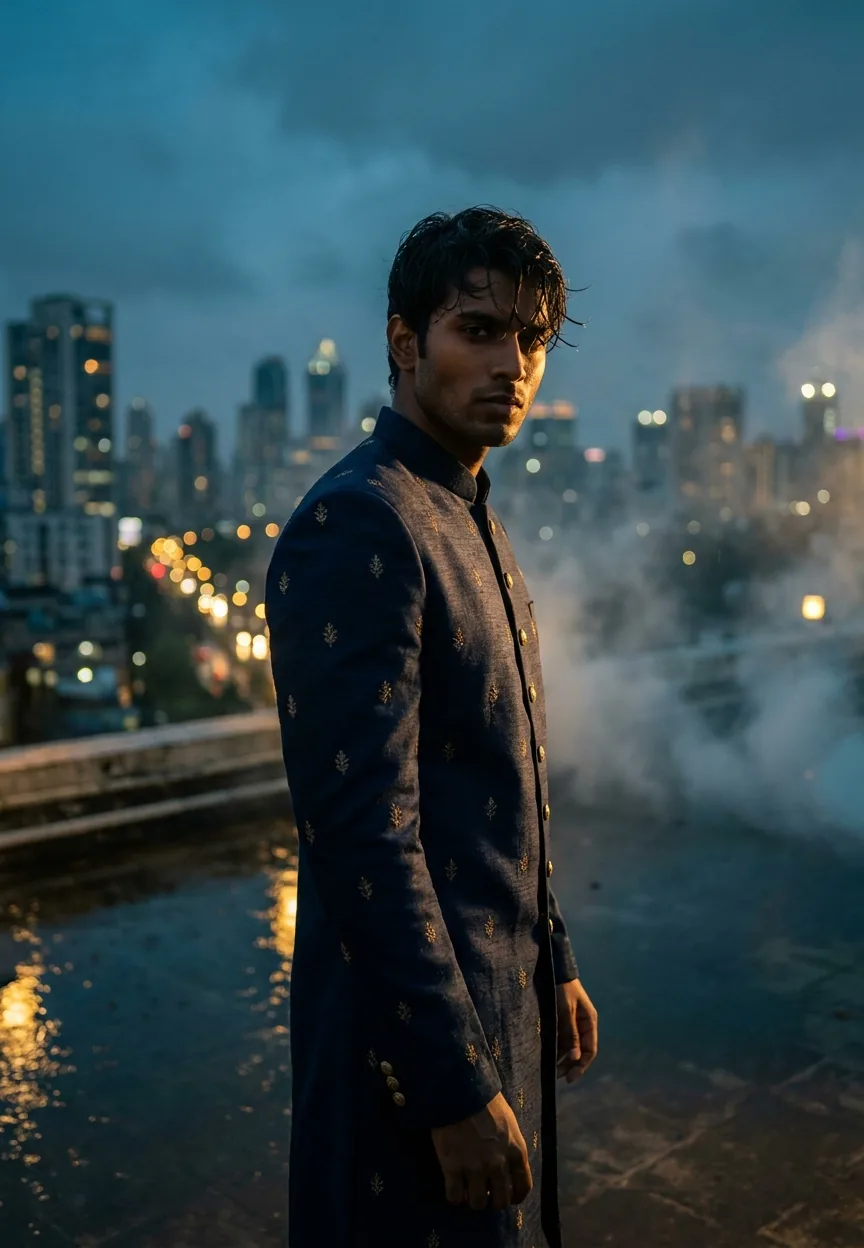

This Bollywood Royale Night Scene prompt transforms any portrait into a cinematic editorial shot — deep navy sherwani, rain-soaked Mumbai rooftop, teal and gold colour grading, ARRI Alexa aesthetic — using Gemini AI. Paste the prompt, upload a clear face photo, and you get magazine-cover-quality Bollywood drama in about thirty seconds flat.
Every generation gets its portrait studio moment. Your grandparents had the stiff-backed photographer with the flash umbrella. Your parents had the soft-focus glamour shot at the mall. You? You've got Gemini AI, a prompt longer than most wedding invitations, and the ability to look like you just stepped off a Shah Rukh Khan film set without leaving your bedroom. The cinematic Bollywood Royale prompt is doing serious numbers right now — and honestly, it deserves every view it's getting.
Paste this prompt into Gemini with a clear portrait photo and you'll get a hyperrealistic, magazine-quality Bollywood cinematic shot with teal-and-gold colour grading that looks like it cost a proper production budget.
What the Bollywood Royale Style Actually Is
This isn't a filter. Let's get that straight immediately.
Filters add a colour tint and call it a day. The Bollywood Royale style is a full cinematic production brief crammed into a text prompt. It specifies the camera body (ARRI Alexa — the same kit used on actual feature films), the lens type (anamorphic, which gives you those oval bokeh blobs and the slight horizontal stretch), the lighting setup (rim lighting, volumetric fog, golden halo), and even the colour science (teal and gold grading with crushed blacks).
The result looks like a still from a big-budget Hindi film. Not a selfie run through an app. An actual editorial image — the kind that ends up on a magazine cover or a film's promotional poster.
The rain-soaked rooftop detail is doing a lot of heavy lifting here, by the way. Water on surfaces catches light in a way that makes every image feel more alive. It's basically free visual drama. Cinematographers have known this for decades. Now your AI image knows it too.
The Prompt Itself — Copy This Exactly
A strikingly handsome young Indian man in his mid-20s, wearing a perfectly tailored deep navy blue sherwani with subtle gold zari embroidery, standing on a rain-soaked Mumbai rooftop at golden hour transitioning into blue hour, city skyline glittering behind him with bokeh lights, his expression brooding and intense yet magnetic, wet hair slightly tousled, skin tone warm deep brown with cinematic rim lighting casting a golden halo on his shoulders, dramatic volumetric fog rolling through the background, ultra-realistic 8K photography style, shot on ARRI Alexa cinema camera with anamorphic lens, teal and gold color grading, deep shadows with rich contrast, Bollywood A-list editorial quality, photorealistic hyperdetailed skin texture, moody atmospheric depth, vertical portrait 9:13 aspect ratio, magazine cover composition with subject centered and slightly below midframe, cinematic letterbox mood without bars, luxury fashion film aesthetic
Don't paraphrase it. Don't summarise it. The specificity is the point — every phrase is a lighting direction or a camera instruction that Gemini's image model actually responds to.
How to Use This Step by Step
Three steps. No surprises.
Step one: Open Gemini (gemini.google.com) and make sure you're using a version with image generation switched on — Gemini 2.0 Flash or above handles this well.
Step two: Upload a clear, well-lit portrait photo of your subject. Front-facing, neutral expression, decent resolution. Avoid sunglasses, heavy shadows across the face, or photos taken from weird angles. The AI needs a clean read of the face to maintain likeness. Think passport photo quality — but, you know, a passport photo where you actually look like a functioning human being.
Step three: Paste the full prompt into the chat alongside the image. Hit send. Wait roughly twenty to forty seconds. Collect your Bollywood moment.
If the first result isn't quite right — expression too blank, fog too heavy, the sherwani looking more like a boiler suit — regenerate once or twice before tweaking the prompt. Nine times out of ten, the second or third generation lands closer to what you're after.
Tips That Actually Make a Difference
A rule of thumb for portrait prompts: the more specific your input photo, the more specific the output. A crisp, well-lit source image gives the model something to anchor the likeness to. A blurry, poorly-lit photo gives it creative licence you probably don't want.
A few things worth trying:
Adjust the sherwani colour if navy isn't your thing. Swap it to "deep burgundy" or "forest green" and the whole colour grade shifts with it. The teal and gold grading plays differently against each base colour — burgundy gives you a warmer, almost Rajput-palace feel.
Add a specific city if Mumbai isn't relevant. "Delhi rooftop with Qutub Minar visible in the bokeh background" changes the whole cultural context of the image without breaking the cinematic quality.
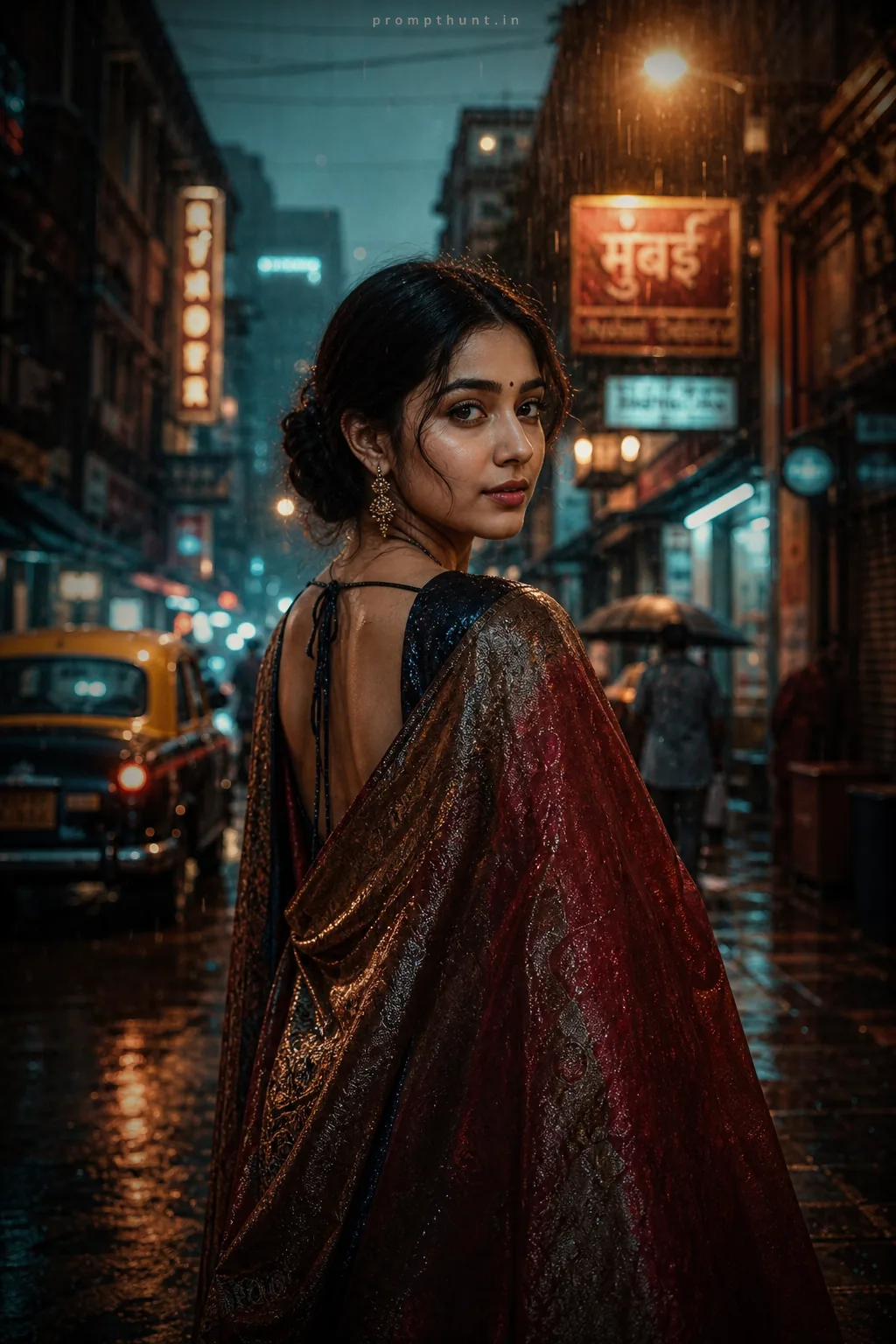
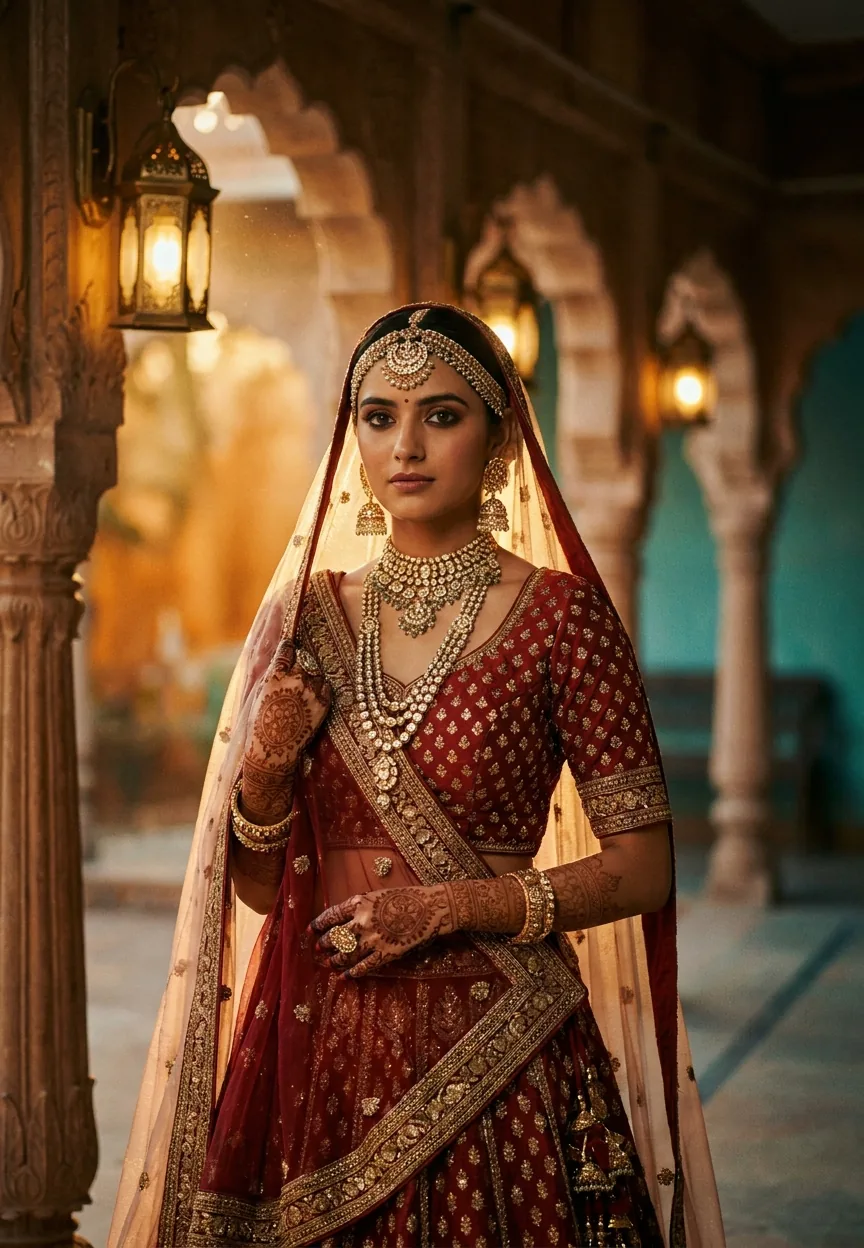
Change the gender descriptor to get the same quality for women. Replace the opening description with "a strikingly beautiful young Indian woman in her mid-20s, wearing a deep navy blue lehenga with gold zari work" and the rest of the prompt holds up perfectly. (We tested this. It works beautifully.)
Don't remove the camera specs. "Shot on ARRI Alexa with anamorphic lens" isn't showing off — it's telling the model to prioritise the visual properties that come from that glass and sensor combination. Take it out and the image often goes softer and more generic.
Why This Is Trending So Hard Right Now
Bollywood has always understood the power of the hero shot. That single frame where the protagonist turns to camera, backlit and brooding, while something dramatic happens in slow motion behind them. It's practically a genre requirement.
What's changed is that this visual language — which used to require a director, a cinematographer, a lighting crew, a costume designer, and a location scout with connections in Mumbai — now requires one person with a phone and a good prompt.
That's not a small thing. Wedding photographers in India are using versions of this style to create pre-wedding concept shots at a fraction of traditional production costs. Social media creators are using it for profile pictures that actually stop the scroll. Film students are using it to visualise scenes before they can afford to shoot them.
The teal-and-gold colour palette specifically hits something deep in the visual grammar of Indian cinema. Those are the colours of Diwali lights, of gold jewellery against evening skin tones, of city streets in the monsoon. The prompt isn't just technically cinematic — it's culturally cinematic in a way that resonates.
Also, let's be honest: everyone wants a photo that looks like they're the main character. This prompt delivers that with embarrassing efficiency. You might call it the ultimate main character energy — or as I prefer to say, it gives you that ARRI-stotle kind of confidence. (I'll see myself out.)
The Honest Take — When This Isn't the Right Tool
This prompt is genuinely impressive. I'm not going to pretend otherwise. But there are situations where it'll frustrate you, and you deserve to know about them before you've spent twenty minutes regenerating.
Likeness consistency is still the weak point of AI portrait work. If you're trying to create a character that looks unmistakably like a specific person across multiple images — for a campaign, a story, anything serialised — this prompt will drift. The face will subtly shift between generations. It's like trying to describe someone to a police sketch artist and hoping it matches a photo. Sometimes yes, sometimes no, often close-but-not-quite.
Older subjects don't land as well as younger ones with this particular prompt. The "mid-20s" instruction is doing a lot of age-direction work. If you're generating for a subject who's clearly in their 50s, the model sometimes splits the difference in awkward ways. Adjust the age descriptor explicitly.
And this is a vertical, portrait-format prompt. It's built for phone screens and magazine covers. If you need a wide landscape shot — say, for a YouTube banner or a desktop wallpaper — the composition won't translate. You'd need a rewrite rather than a tweak.
None of these are dealbreakers. They're just the honest version of "here's what this tool is actually for."
The Bottom Line
The Bollywood Royale Night Scene prompt is one of the most complete cinematic AI portrait prompts doing the rounds. It's specific enough to produce consistent quality, culturally grounded enough to feel meaningful rather than generic, and visually dramatic enough to make anyone look like they're three scenes away from a climactic rooftop confrontation with the villain.
Copy the prompt. Upload a decent photo. Give it thirty seconds. And if the result doesn't make you feel at least a little bit like the protagonist of your own story, try a different sherwani colour — because clearly, navy just isn't your colour.



















