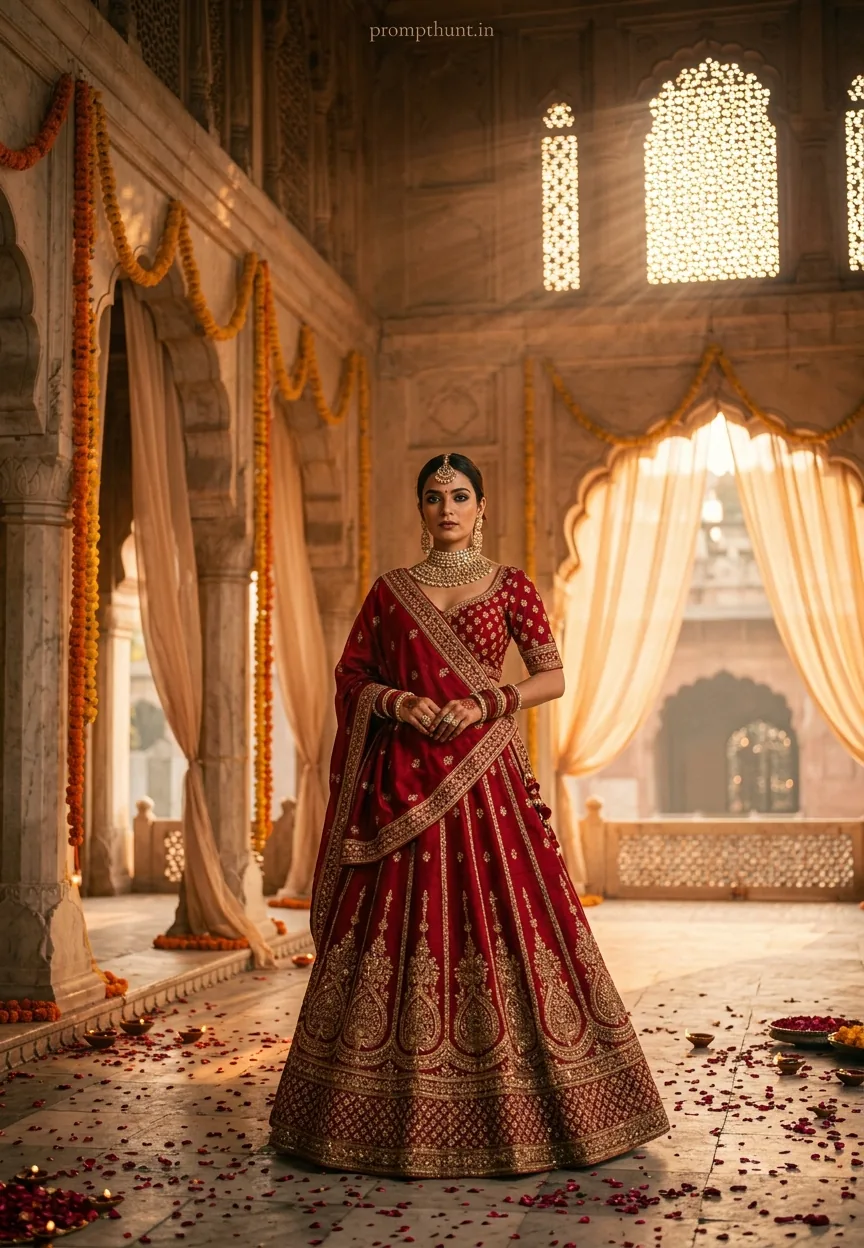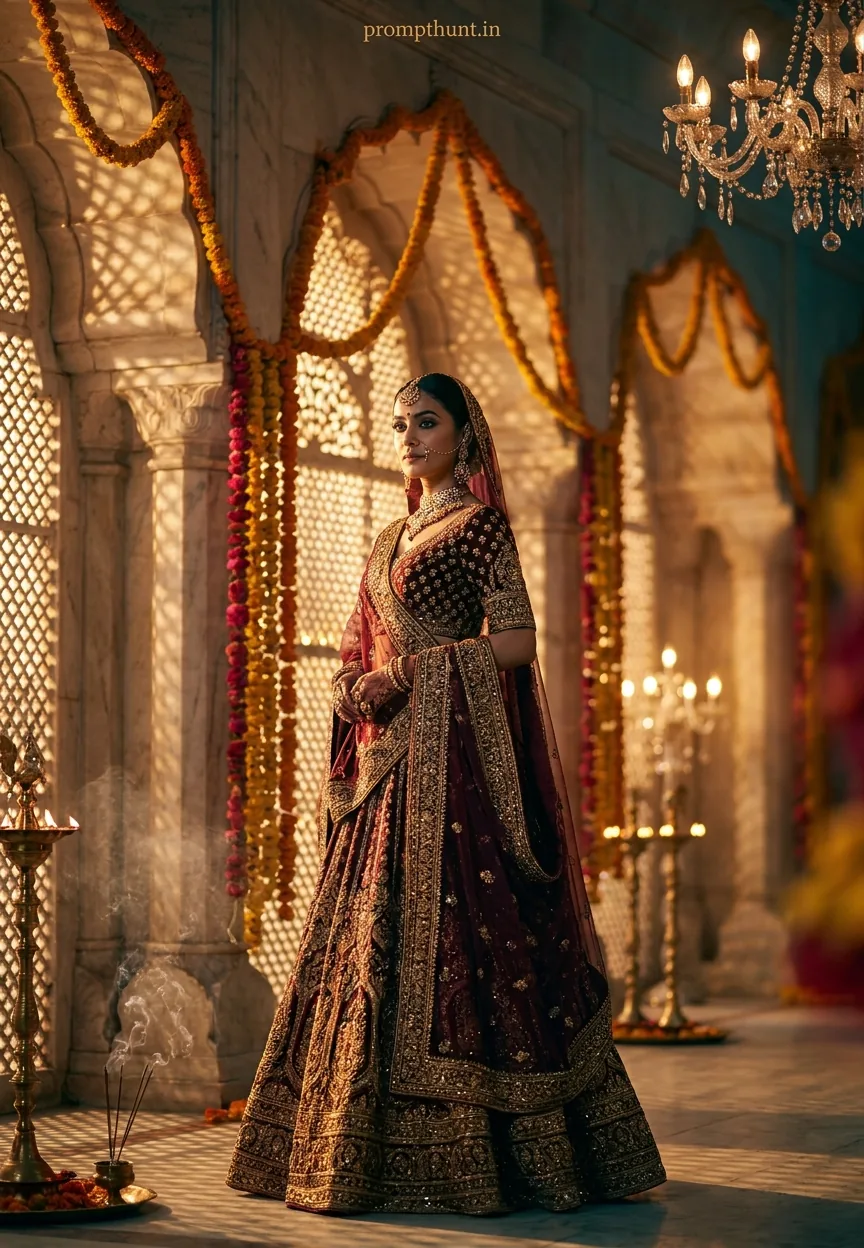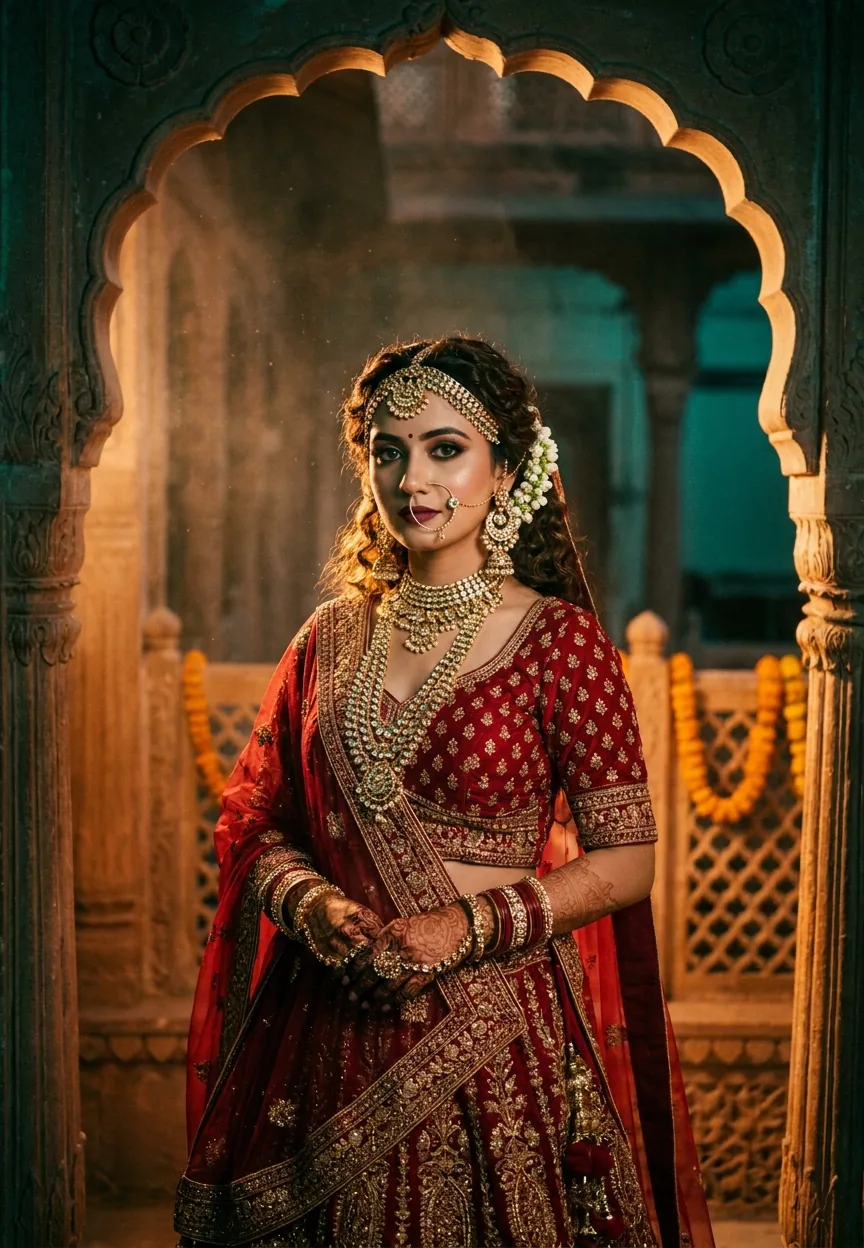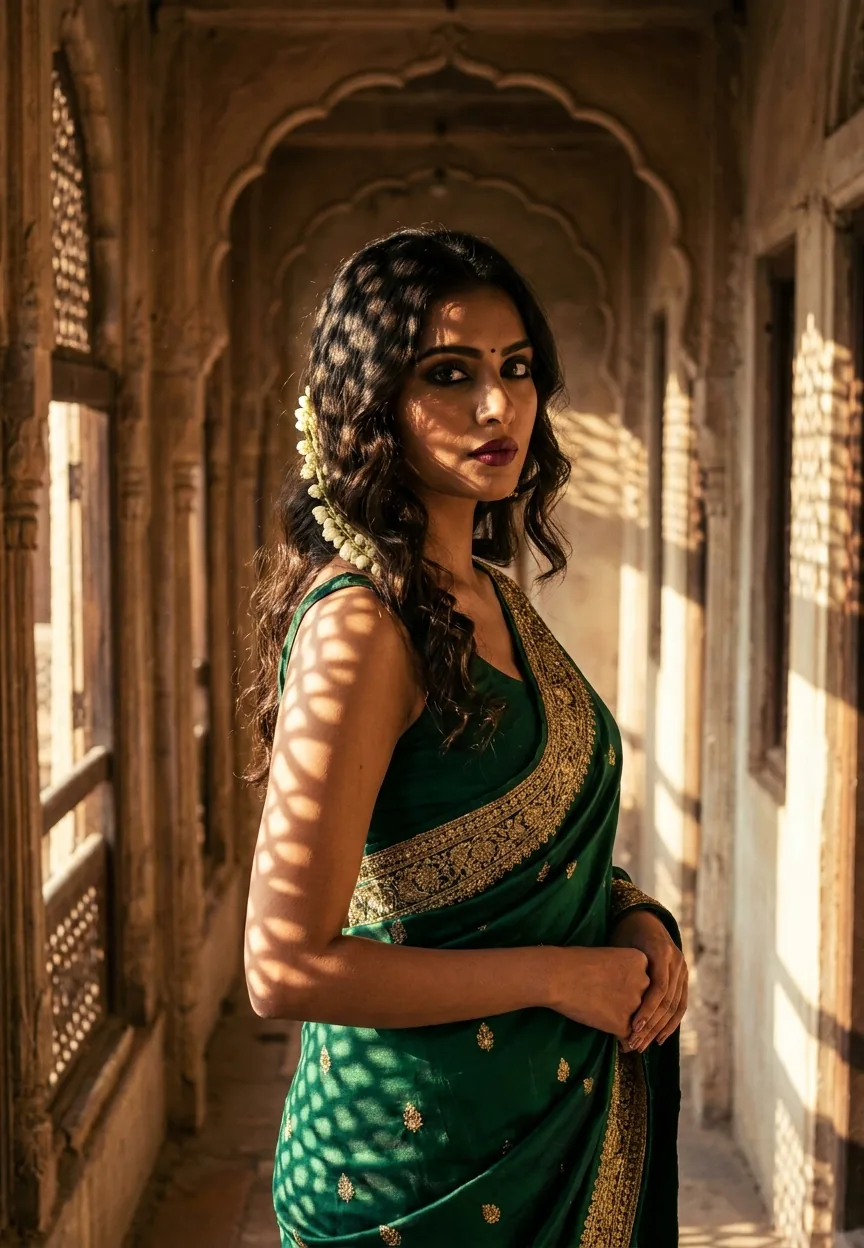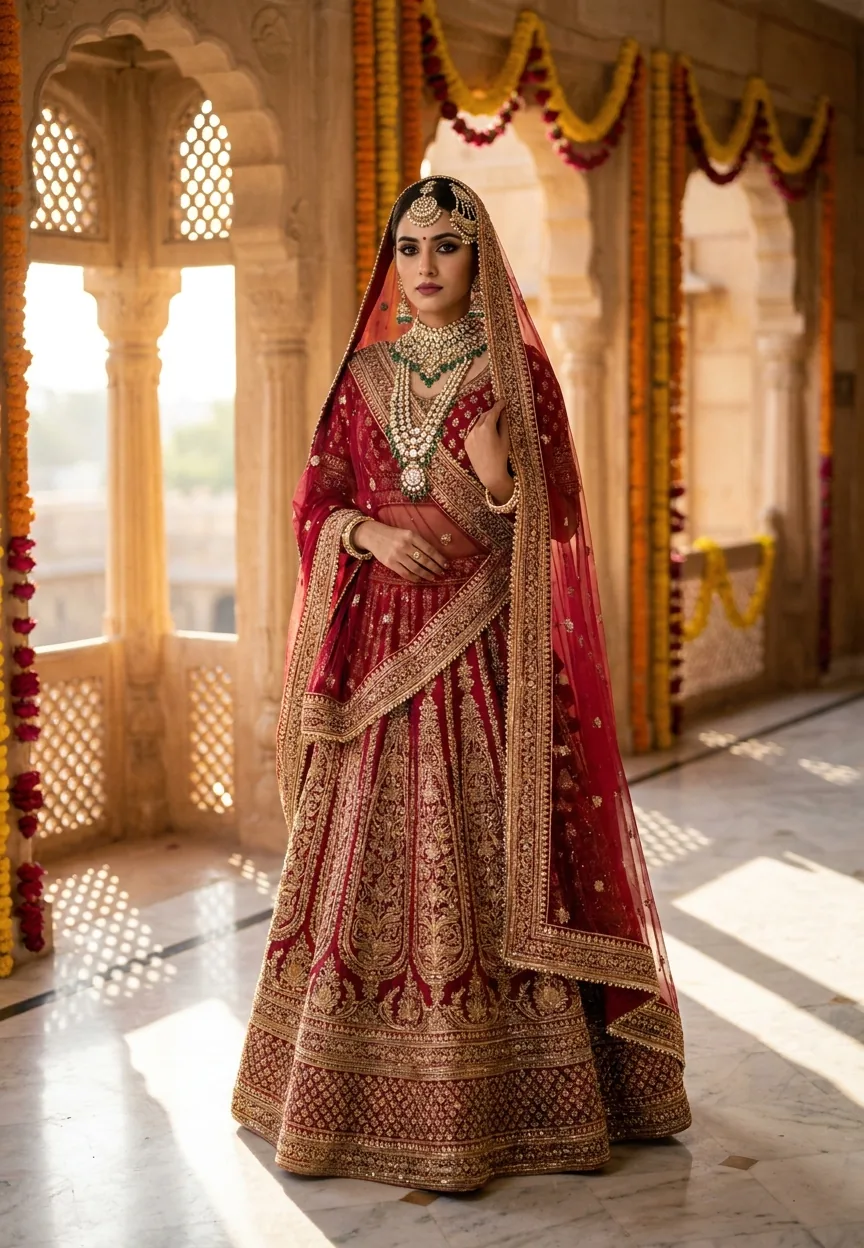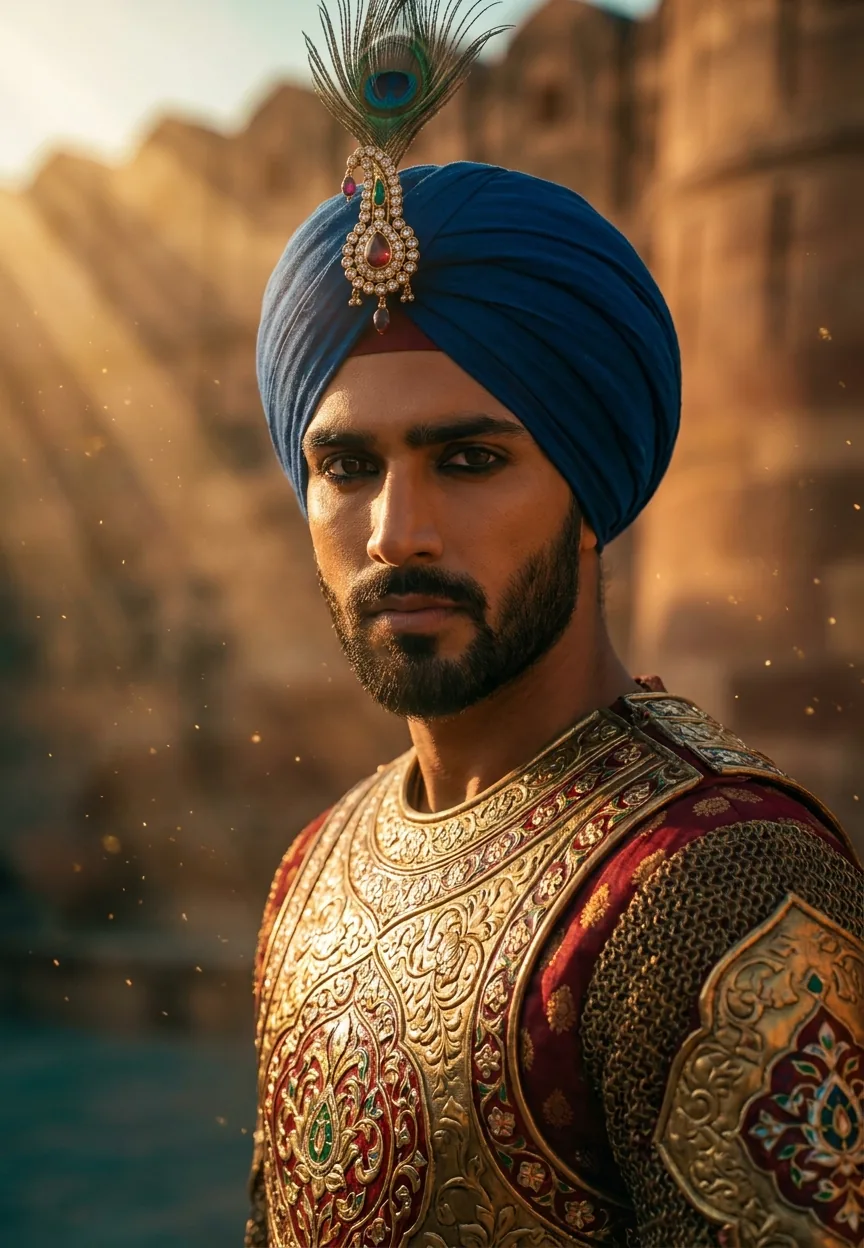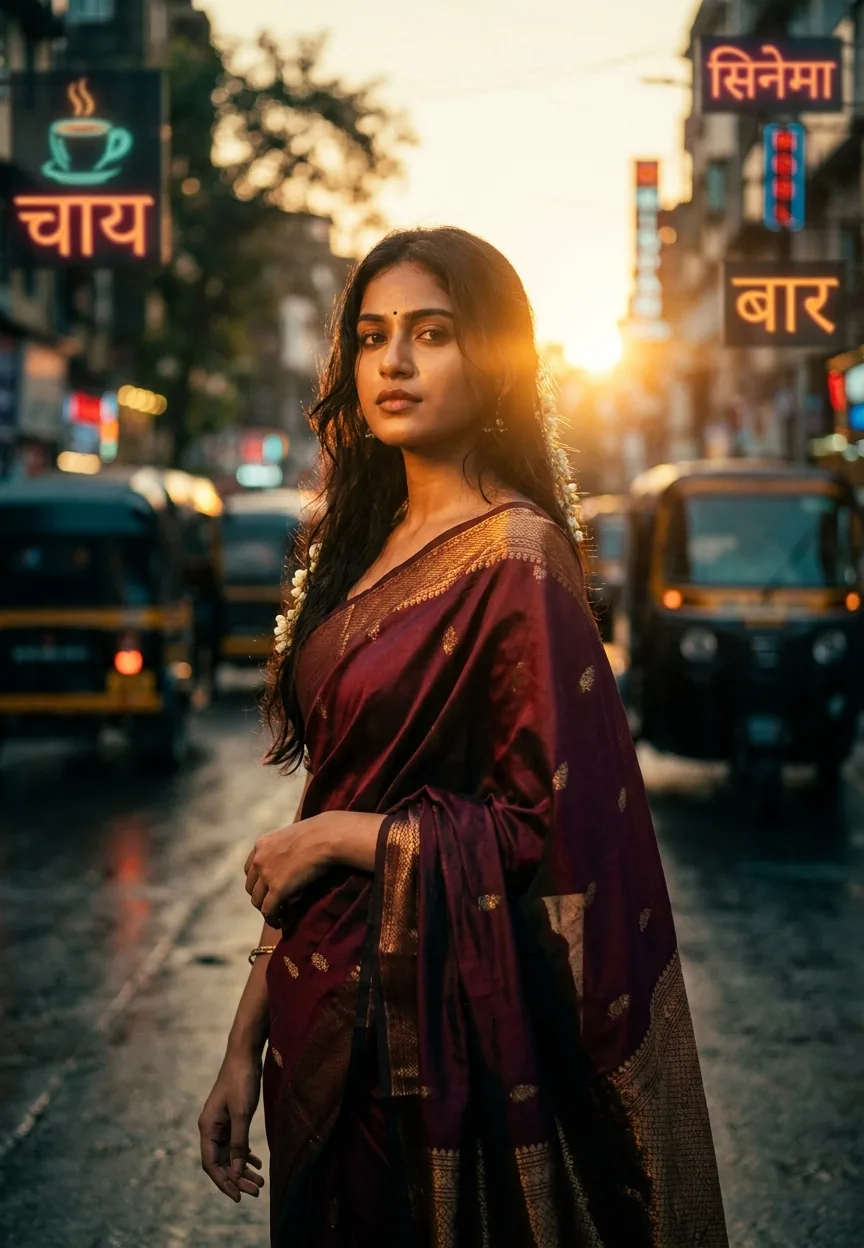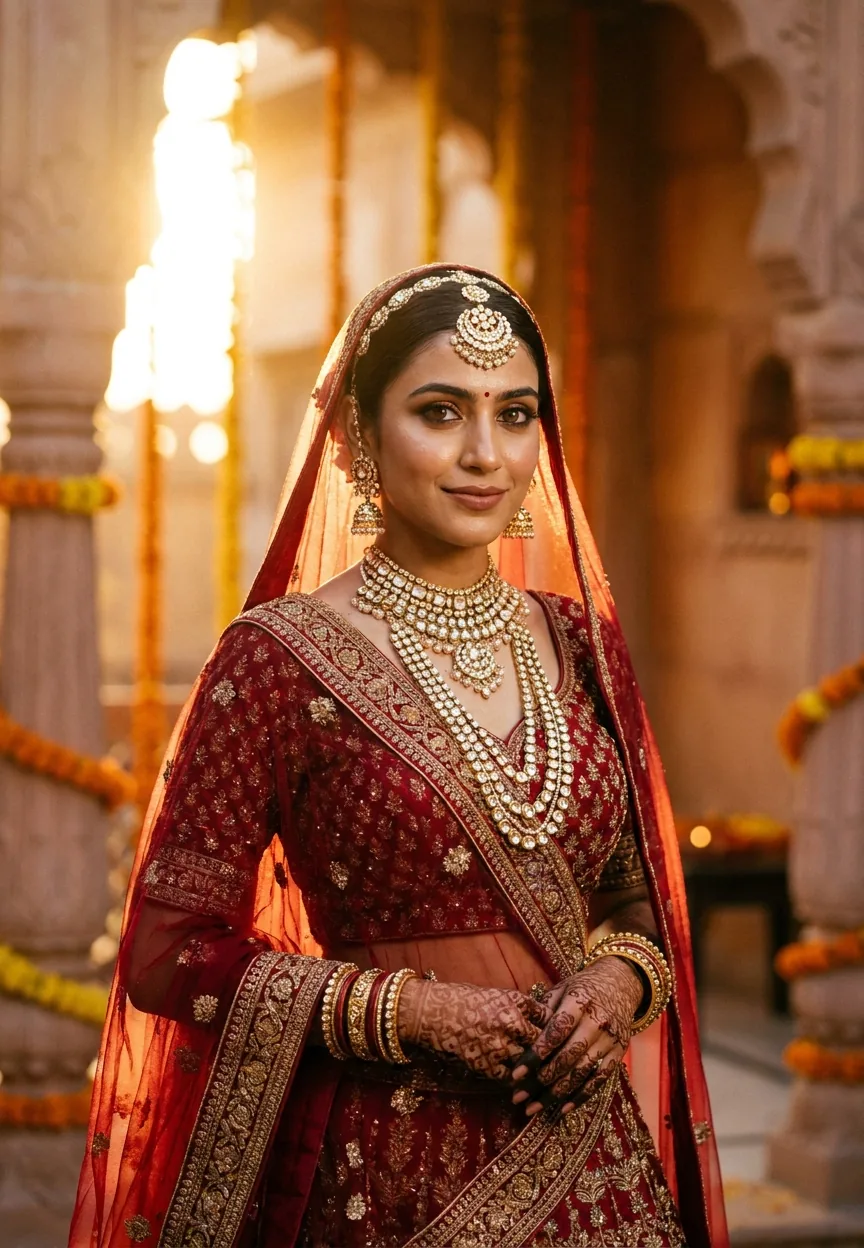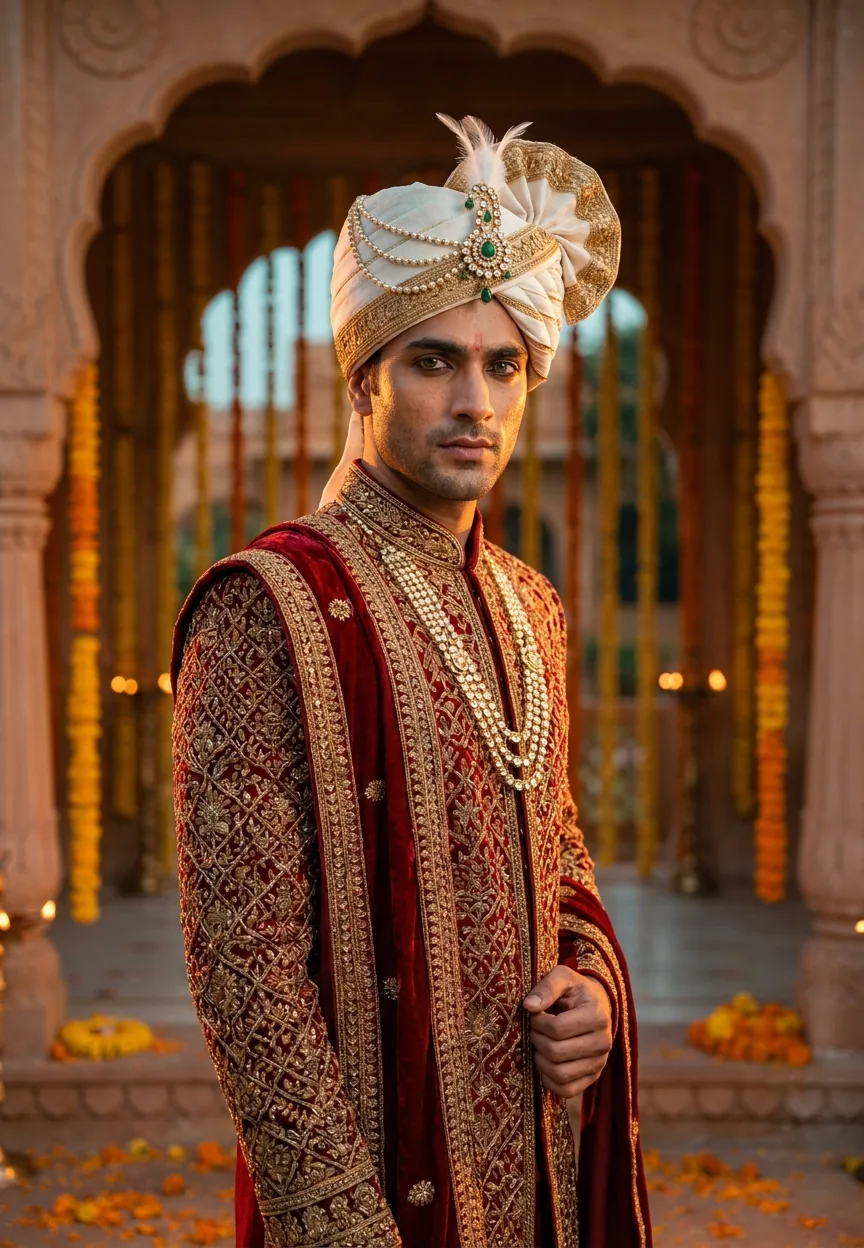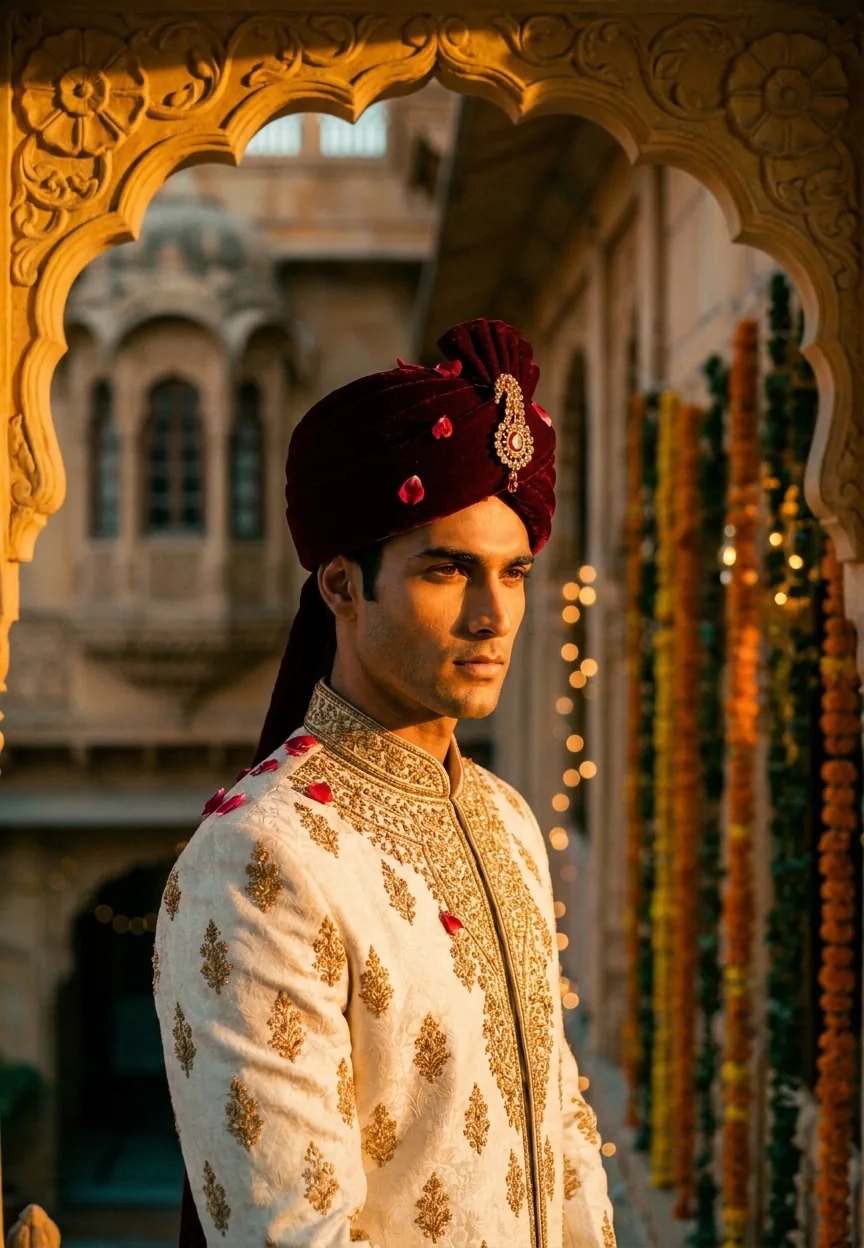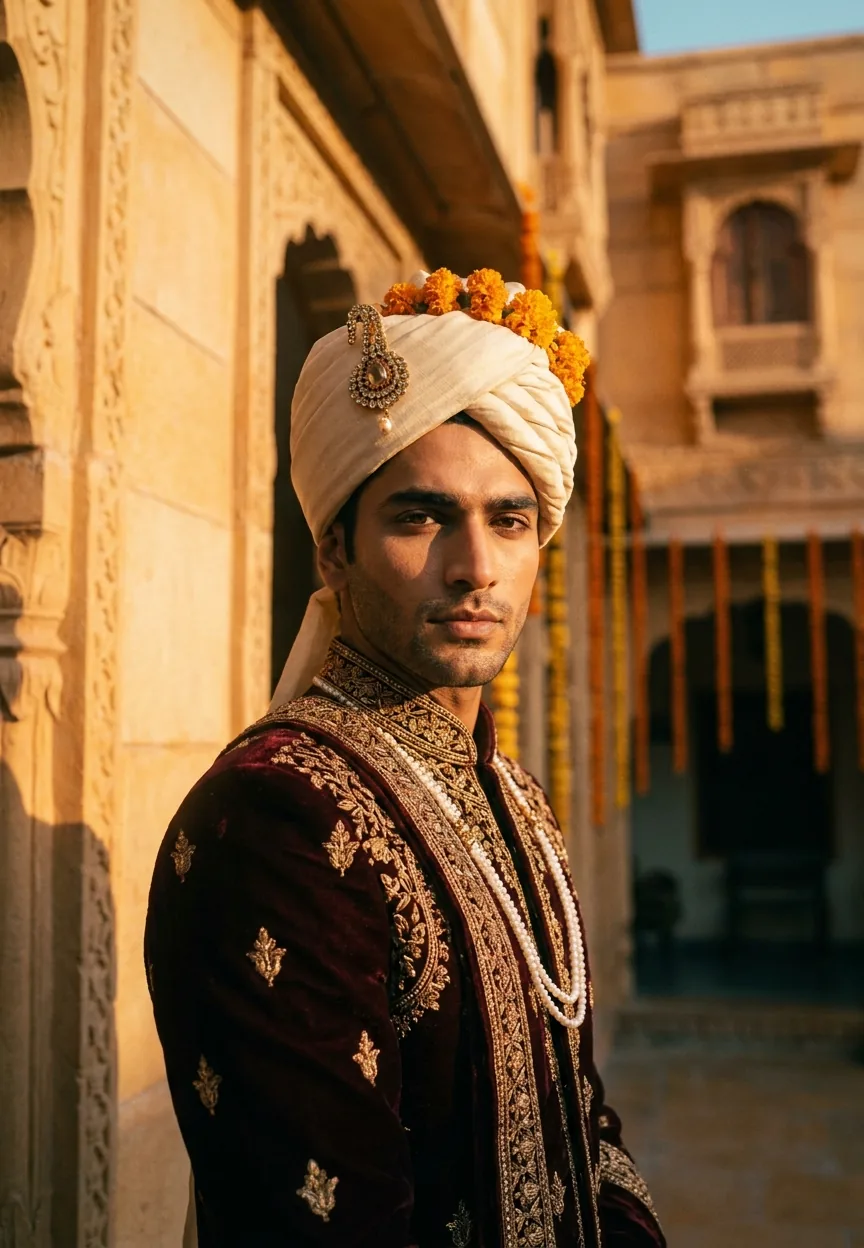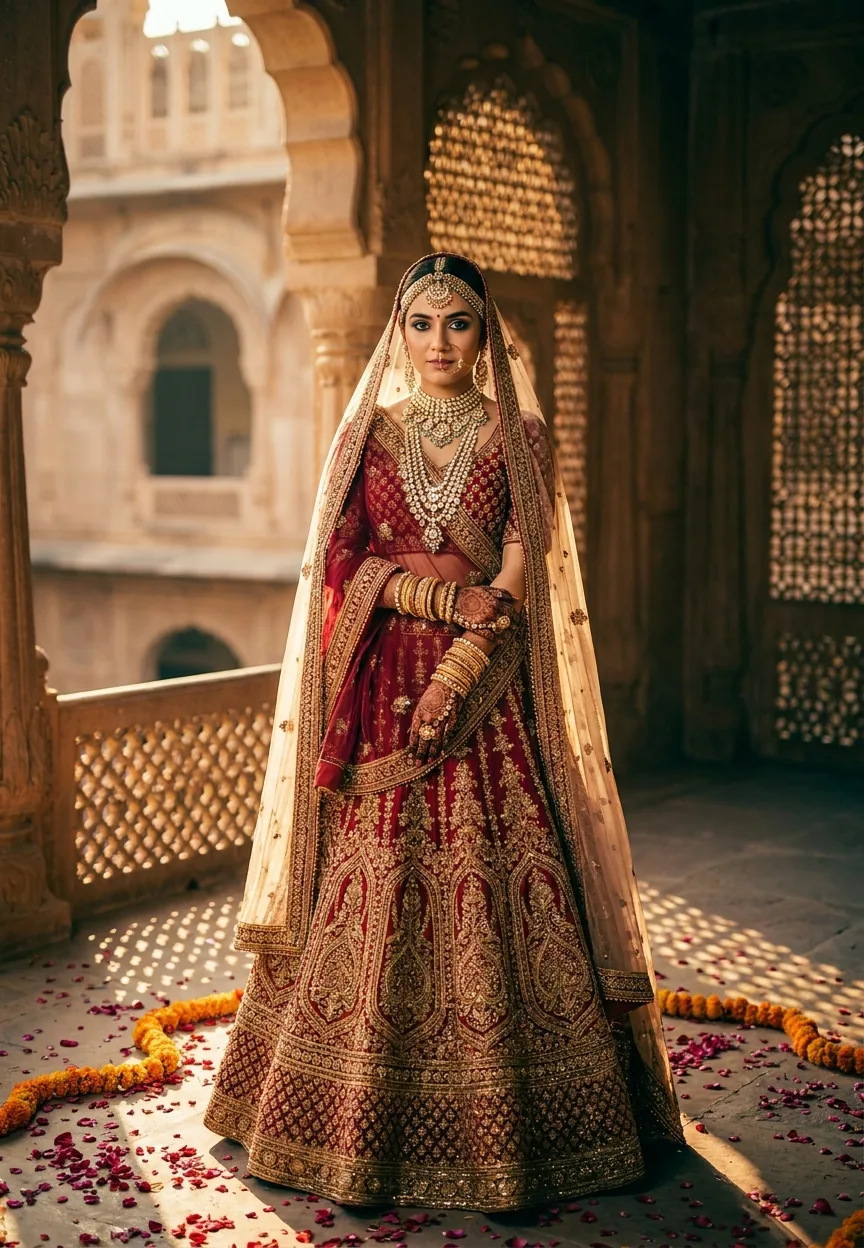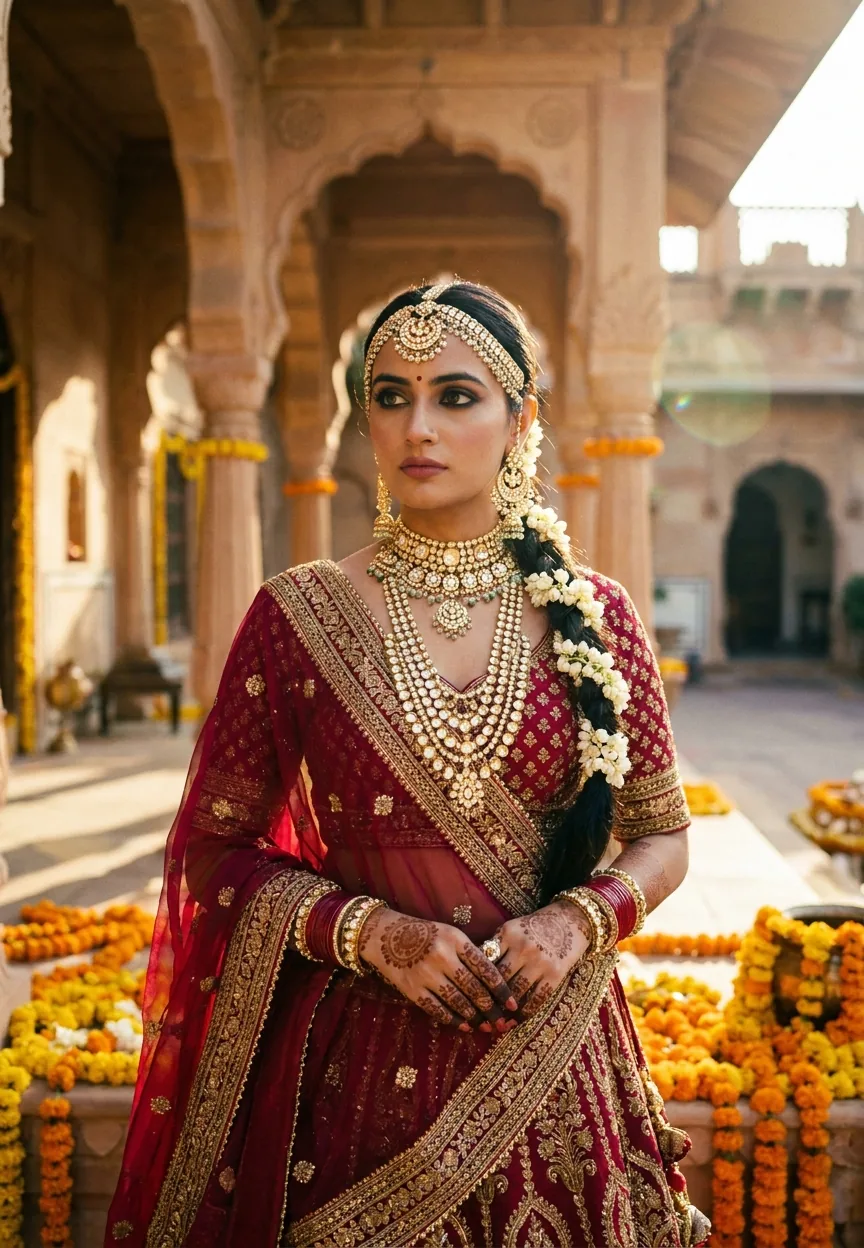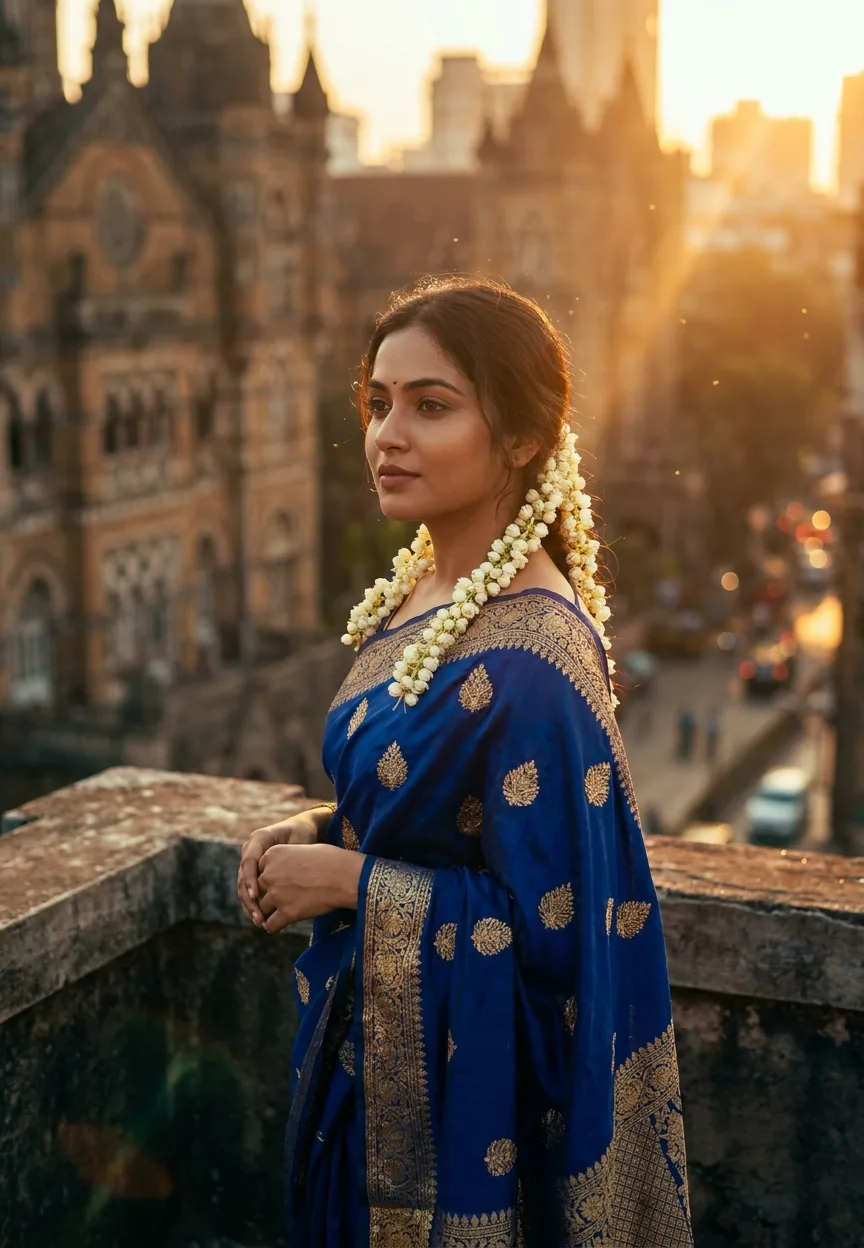
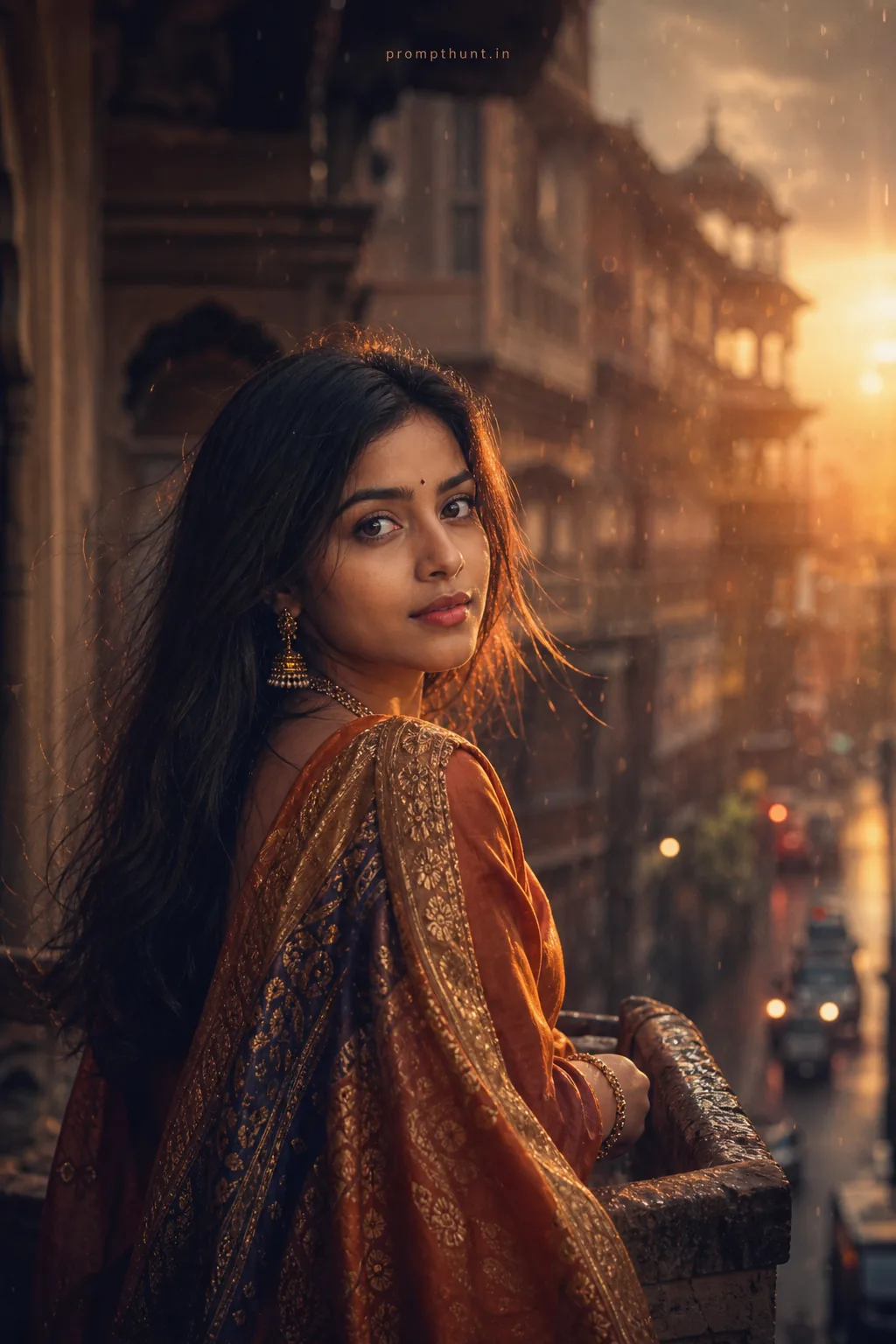
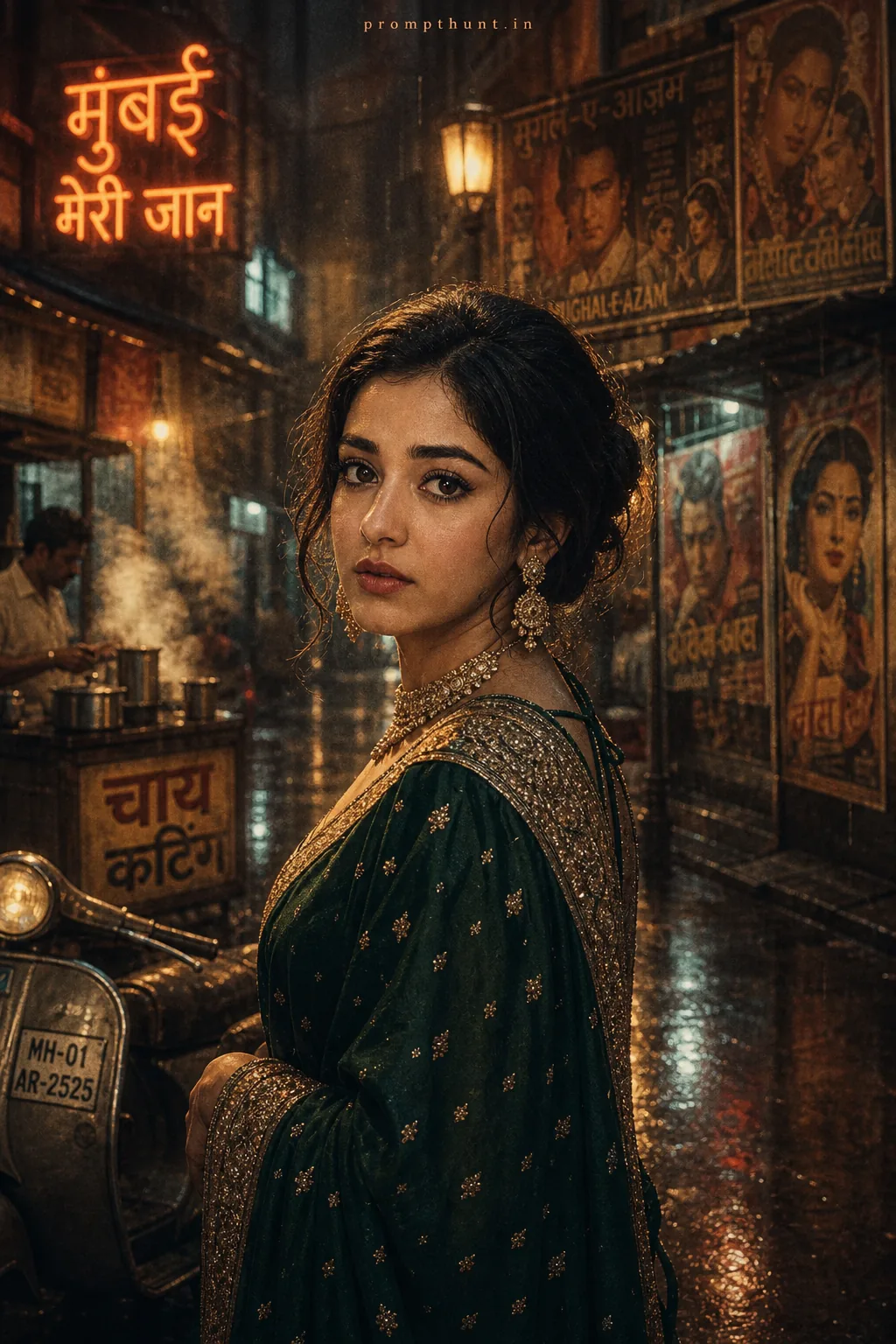
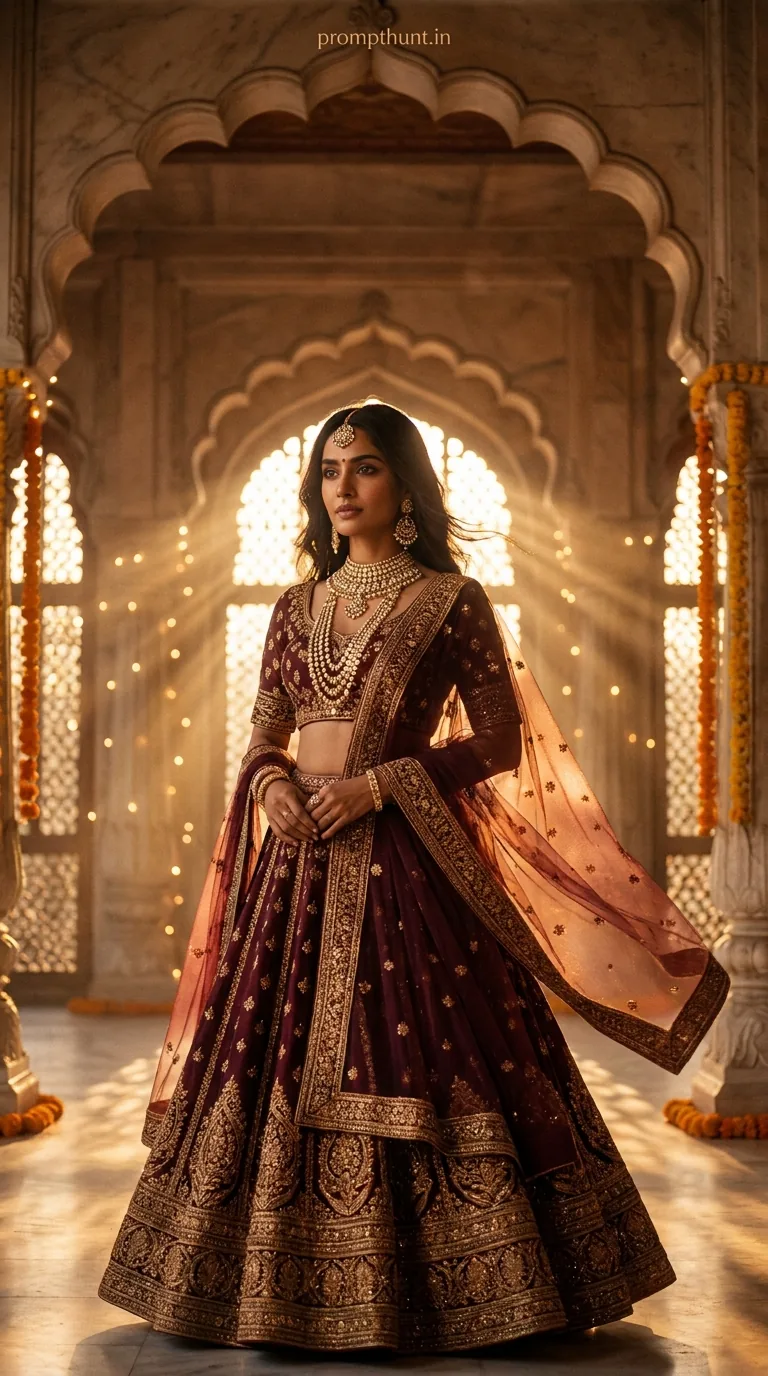
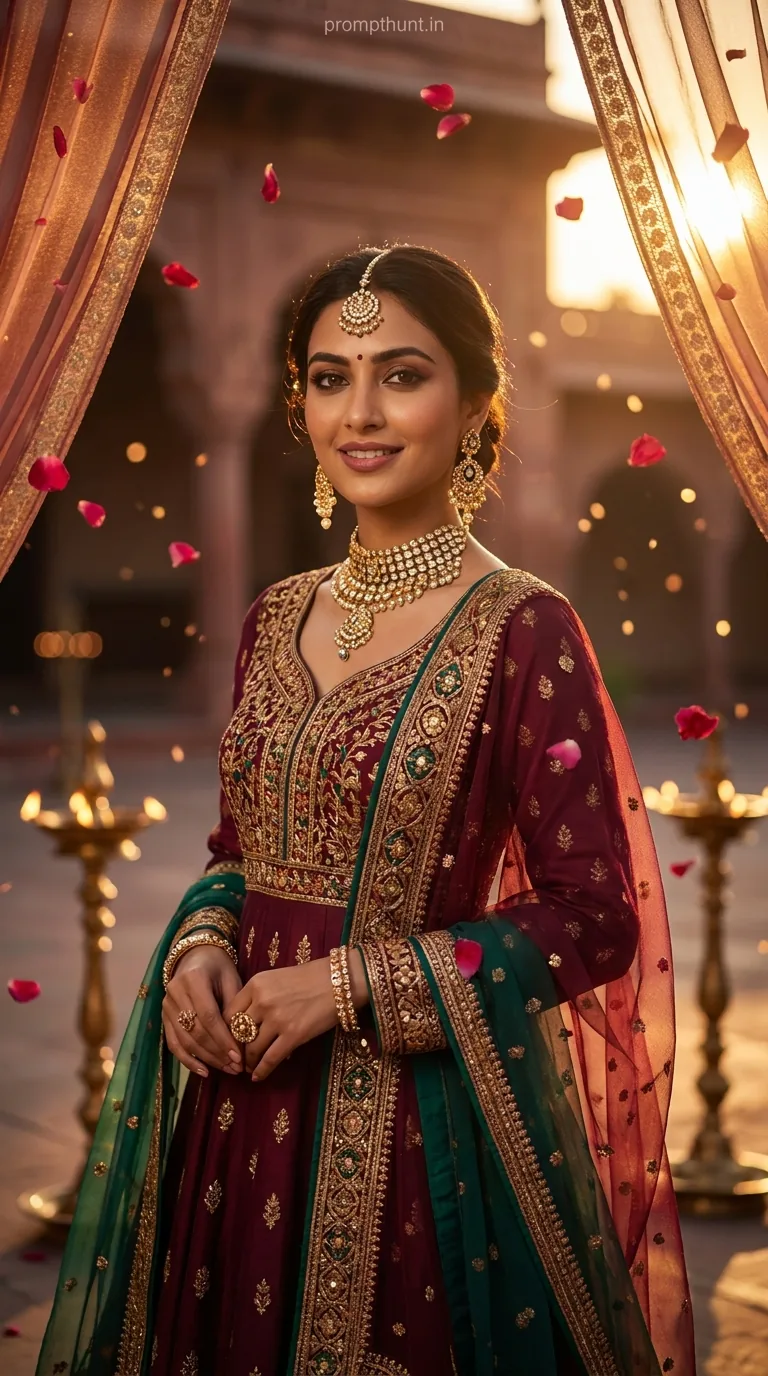
A Cinematic Portrait prompt transforms any AI-generated image into a high-fashion film still — using golden hour lighting, shallow depth of field, and deliberate colour grading to create images that look like they were pulled straight from a Bollywood production reel. This Bollywood Royalty prompt nails that look in one shot.
There's a moment in every good Bollywood film where the lead actress steps onto a rooftop at golden hour and the entire cinema holds its breath. The light is impossible. The embroidery catches every photon. The city blurs into a warm, dreamy haze behind her. Directors spend two days and a small fortune recreating that shot. This prompt does it in about forty seconds. Which is either a triumph of technology or a reason for cinematographers to start drinking earlier. Probably both.
Use this cinematic portrait prompt in Gemini to generate a stunning Bollywood-style editorial image — rich golden light, royal blue silk, Mumbai rooftop, teal-orange colour grade — no camera, no crew, no catering budget required.
What a Cinematic Portrait Actually Means
A cinematic portrait isn't just a pretty photo with nice lighting. It's a specific visual language.
It tells you a story before a single word is spoken. The colour grade sets the mood. The bokeh pushes the subject forward. The lens flare says "this was shot on something expensive." The shallow depth of field tells your eye exactly where to look.
In photography, pulling this off requires a fast prime lens, a golden hour window of about twelve minutes, and the kind of luck that only comes after years of planning. In AI, it requires a well-constructed prompt and a basic understanding of what terms actually do the heavy lifting.
The Bollywood Royalty style takes cinematic portrait rules and layers in South Asian visual culture — the zari embroidery, the jasmine flowers, the kohl-lined eyes, the terracotta lip. It's not just a pretty AI image. It's a culturally specific aesthetic that resonates deeply, particularly across India and the diaspora.
The Prompt Itself
A stunning Indian woman in her late 20s, draped in a deep royal blue silk saree with intricate golden zari embroidery, standing on the rooftop of a heritage Mumbai building at golden hour. Her hair is loosely pinned with delicate jasmine flowers cascading down one shoulder. She gazes softly into the distance with expressive kohl-lined eyes and warm terracotta lip color. The scene is lit with warm amber and golden cinematic lighting, creating a rich bokeh background of blurred city lights and old colonial architecture. Subtle lens flares streak across the frame. Her skin glows with a natural bronze tone enhanced by soft rim lighting. Shot in 9:13 vertical format mimicking an anamorphic film lens, ultra-realistic 8K quality, shallow depth of field, Bollywood cinematic color grading with teal and orange tones, high fashion editorial mood, dust particles floating in the golden light, dramatic yet elegant atmosphere, fine fabric texture detail visible, photo-realistic rendering.
How to Use This Prompt — Three Steps, No Surprises
Step one: open Gemini. Use the image generation feature, which at time of writing runs through Imagen 3. Paste the full prompt above, exactly as written. Don't paraphrase it. Don't summarise it. AI image models are not good at reading your intentions — they're very good at reading your words.
Step two: run it two or three times. Cinematic portrait prompts with this much detail tend to generate strong results, but there's natural variation. You're looking for an output where the lighting feels warm and directional, the background is genuinely blurred, and the fabric shows texture. If the saree looks flat or plasticky, regenerate. Nine times out of ten, the third attempt nails it.
Step three: if you want to personalise it, swap specific descriptors one at a time. Change "royal blue" to "deep crimson." Swap "jasmine flowers" for "marigold pins." Adjust "terracotta lip color" to "deep burgundy." Keep the technical tail of the prompt — the 8K, anamorphic lens, teal-orange grade, shallow depth of field — completely intact. That's the engine. The descriptive details up front are the paint job.
Tips That Actually Make a Difference
The technical tail of this prompt is doing serious work. Here's what each piece contributes and why you shouldn't delete it.
"Anamorphic film lens" — tells the model to introduce subtle horizontal lens characteristics and bokeh that looks oval rather than round. It's the difference between "nice photo" and "cinematic still."
"Teal and orange colour grading" — this is the dominant Hollywood and Bollywood grade of the last fifteen years. Warm skin tones, cool shadows. It's why every blockbuster poster looks vaguely similar and vaguely gorgeous.
"Dust particles floating in the golden light" — this one line adds an extraordinary amount of mood. It's cheap in prompt terms and expensive in visual terms. Keep it.
"9:13 vertical format" — slightly taller than standard 9:16, this mimics the portrait ratio used in high-end fashion editorial. It gives the image a magazine-spread quality that 9:16 doesn't quite achieve.
Rule of thumb: if you're editing the prompt and you're not sure whether to keep a technical term, keep it. Removing "shallow depth of field" from a cinematic portrait prompt is like removing garlic from a curry. You won't know why it's wrong, but you'll know something is wrong.
One more thing. Gemini can struggle with fine fabric texture at smaller generation sizes. If the saree embroidery looks muddy, add "macro fabric detail" to the prompt. That usually fixes it. (You're welcome. That tip took me four wasted generations to figure out.)
Why This Style Is Having a Moment Right Now
Cinematic portrait prompts are trending globally. But this specific Bollywood Royalty variation is trending especially hard across India, and the reasons are worth understanding.
Indian creators on Instagram and Pinterest have been using AI image tools to explore South Asian aesthetics that Western-trained models historically underrepresented. For years, prompting "editorial portrait" returned results with a very specific, very non-South Asian visual default. That's changing — and creators are rushing to document it.
The jasmine flowers, the Mumbai rooftop, the colonial architecture backdrop — these aren't generic. They're specific cultural markers that resonate with a massive, visually literate audience. When a prompt actually renders those details faithfully, people share it. That's not complicated. That's just good representation meeting good technology at the right moment.
There's also the fashion angle. India's bridal and luxury fashion market is enormous, and designers, stylists, and content creators are using AI cinematic portrait prompts to mock up campaign visuals before committing to full production shoots. This prompt structure — heritage location, specific garment detail, golden hour, editorial grade — is almost exactly what a fashion brand brief looks like. It's not a coincidence.
Honest Opinion — Including When Not to Use This
This is a genuinely excellent prompt. The structure is tight, the technical parameters are well-chosen, and the cultural specificity makes it far more interesting than a generic "beautiful woman in a saree" instruction. It generates results that look like they cost money. That's rare.
But here's the honest take.
Cinematic portrait prompts like this one are best used for inspiration, mood boarding, and content creation at volume. They're not a replacement for photography when it actually matters — a real wedding, a real campaign launch, a real person who wants to see themselves represented. AI generates a beautiful archetype. A photographer captures a specific human being. Those are different things, and conflating them is a mistake worth naming.
There's also a sameness risk. Because this prompt is detailed and replicable, a lot of outputs will look similar. Royal blue saree, golden light, Mumbai rooftop — if every AI Bollywood image starts hitting the same notes, the aesthetic gets tired fast. The way to avoid that is deliberate variation. Swap the city. Change the era. Try a monsoon afternoon instead of golden hour. The prompt structure is a starting point, not a formula to repeat indefinitely.
One more honest note: Gemini handles this prompt well, but it's worth trying the same text in Adobe Firefly or Midjourney for comparison. Different models have different strengths with fabric texture and skin tone rendering. Firefly currently handles intricate textile detail slightly better. Midjourney leans more painterly. Neither is wrong — they're just different tools for different moods. If you want photo-realistic embroidery, run this in Gemini first, then benchmark it.
The teal-orange grade is also worth questioning for certain use cases. It's beautiful and cinematic, but it can flatten cultural colour authenticity — the specific warm golds and deep magentas that make South Asian textiles visually distinct. If you're using this for anything representing a specific garment or designer's work, consider softening the grade instruction to "warm cinematic tones" rather than hard "teal and orange." The image loses a little Hollywood polish but gains something more truthful.
Right Then — Go Make Something Beautiful
This cinematic portrait prompt is one of the best-constructed Bollywood-style AI image prompts doing the rounds right now. It's specific where it needs to be, technically rigorous in the right places, and culturally grounded in a way that makes the results feel meaningful rather than generic. Paste it into Gemini, run it a couple of times, and then start tweaking the descriptive details to make it your own. The technical tail stays. The rest is yours to play with. And if the first result comes out looking a bit flat — don't panic. Even