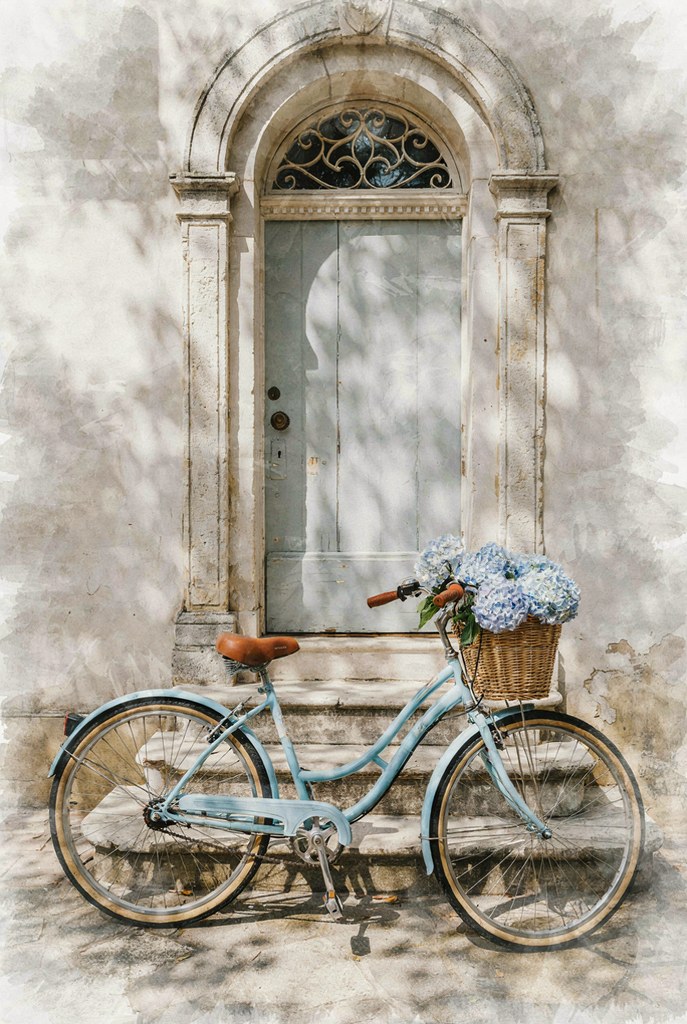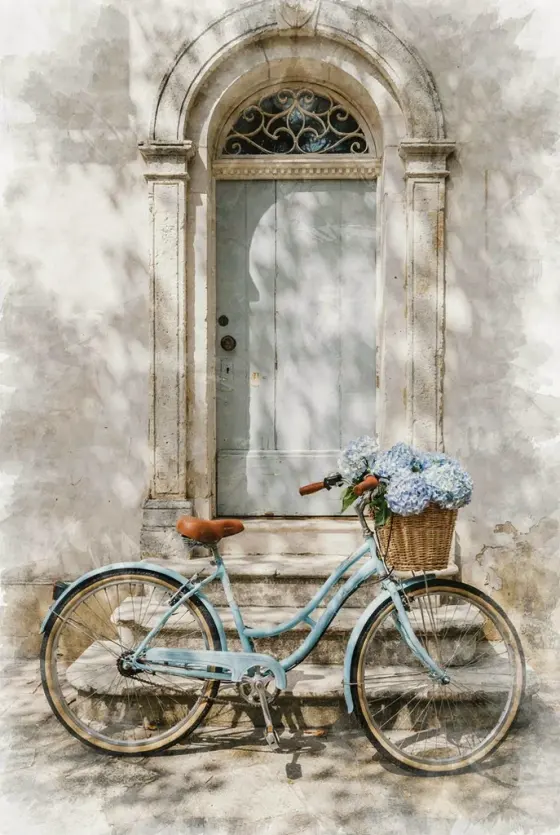
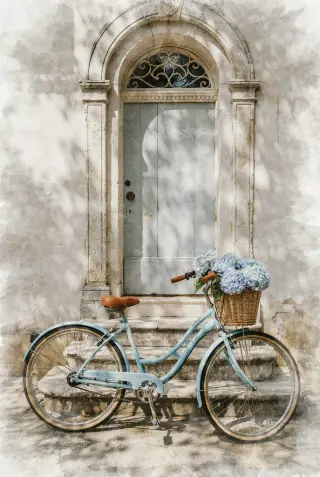
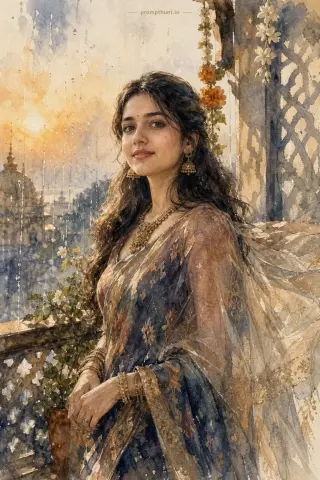
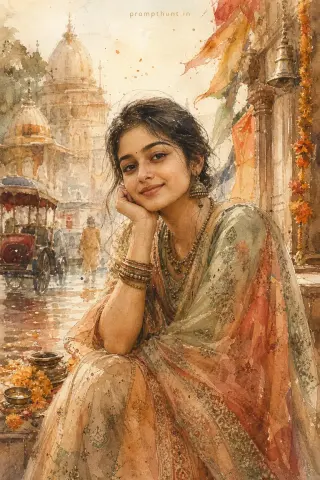
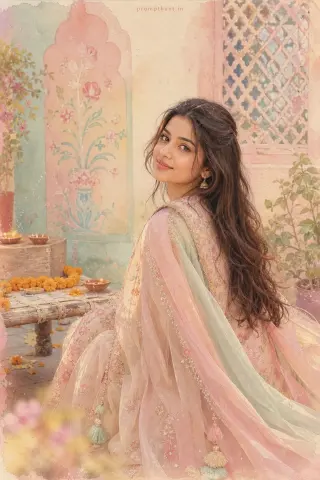
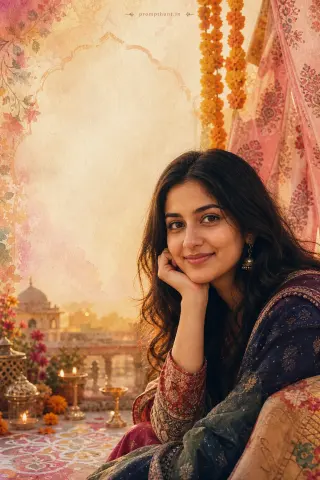
Soft Pastel Watercolor AI Photo Editing Prompt
✦
Prompt
Copy-paste ready
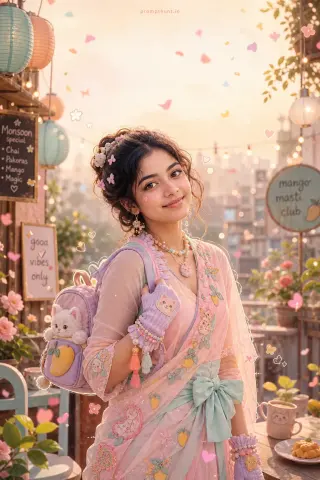
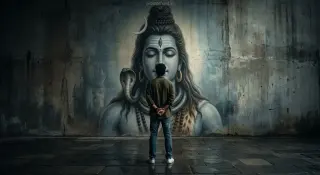
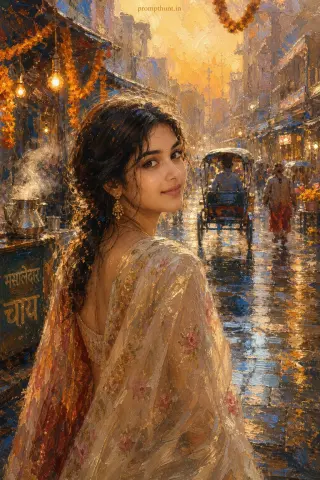
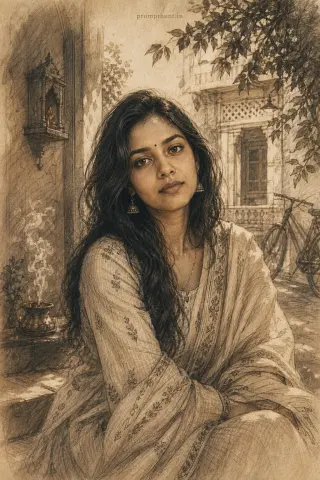
Transform this photo into a soft watercolor painting with a gentle, painterly effect. Emphasize a muted pastel color palette dominated by serene blues and warm beige tones. Apply soft, natural daylight with dappled shadows to create a tranquil and nostalgic mood, evoking a charming vintage scene.
Community Rating
0
No ratings yet
50
40
30
20
10
Rate this prompt
Soft Pastel Watercolor AI Photo Editing Prompt: Start from one sharp, well-lit photo; if the first result drifts, regenerate or ask for a small change in plain words.
How to use this watercolor art prompt
1Hit Copy Prompt above — the full prompt goes to your clipboard.
2Open any AI photo editor that takes a photo plus a text prompt.
3Paste the prompt and attach one clear, well-lit photo. For couple or group looks, use a single photo with everyone in it.
4Send it, wait about ten seconds, and download the result. Not quite right? Regenerate, or ask for a tweak in plain English.