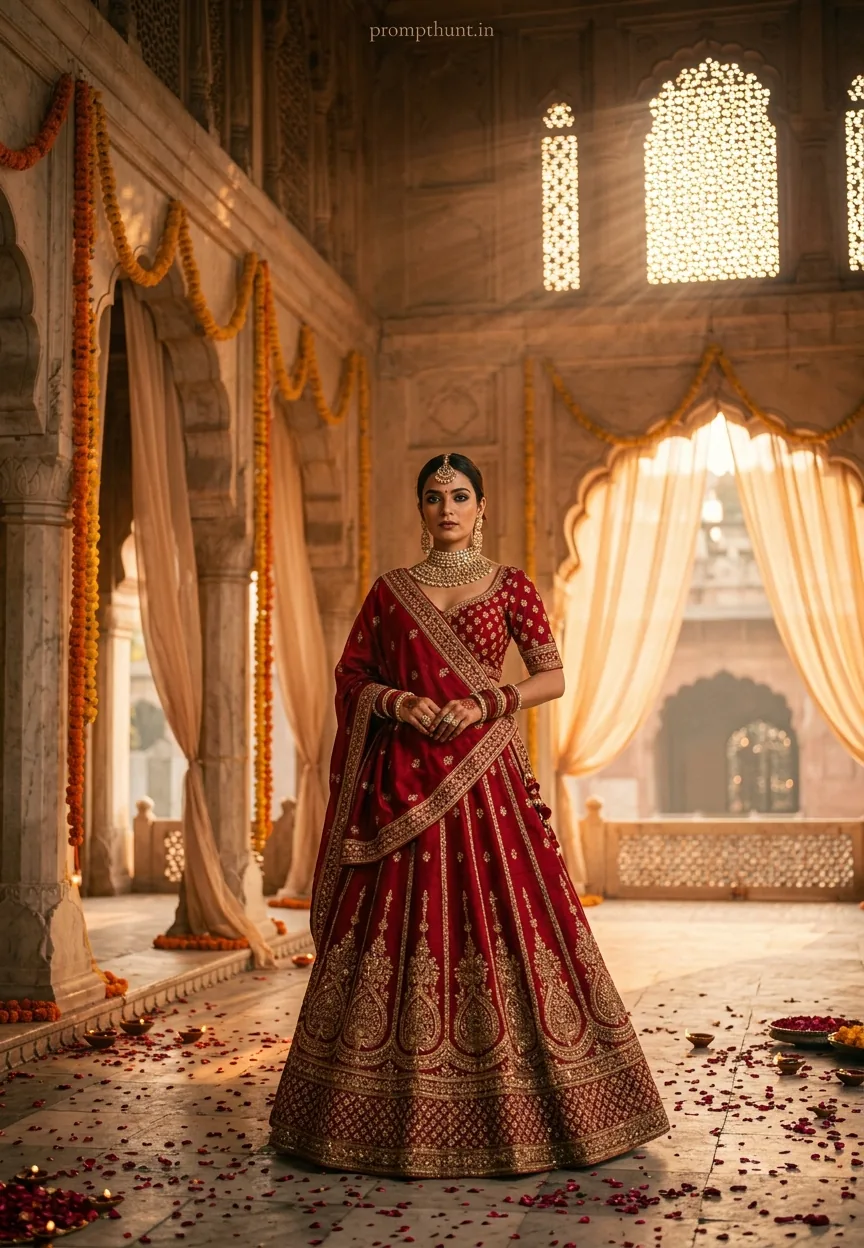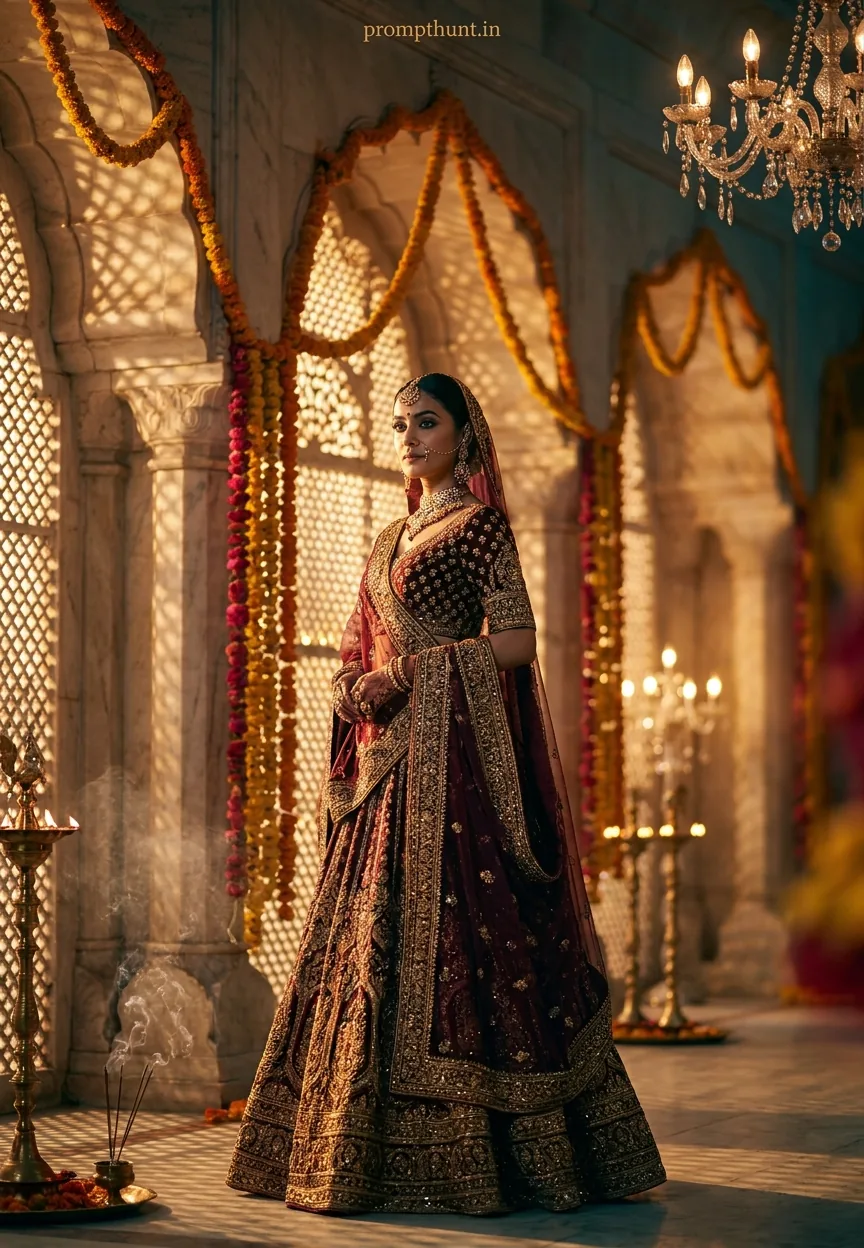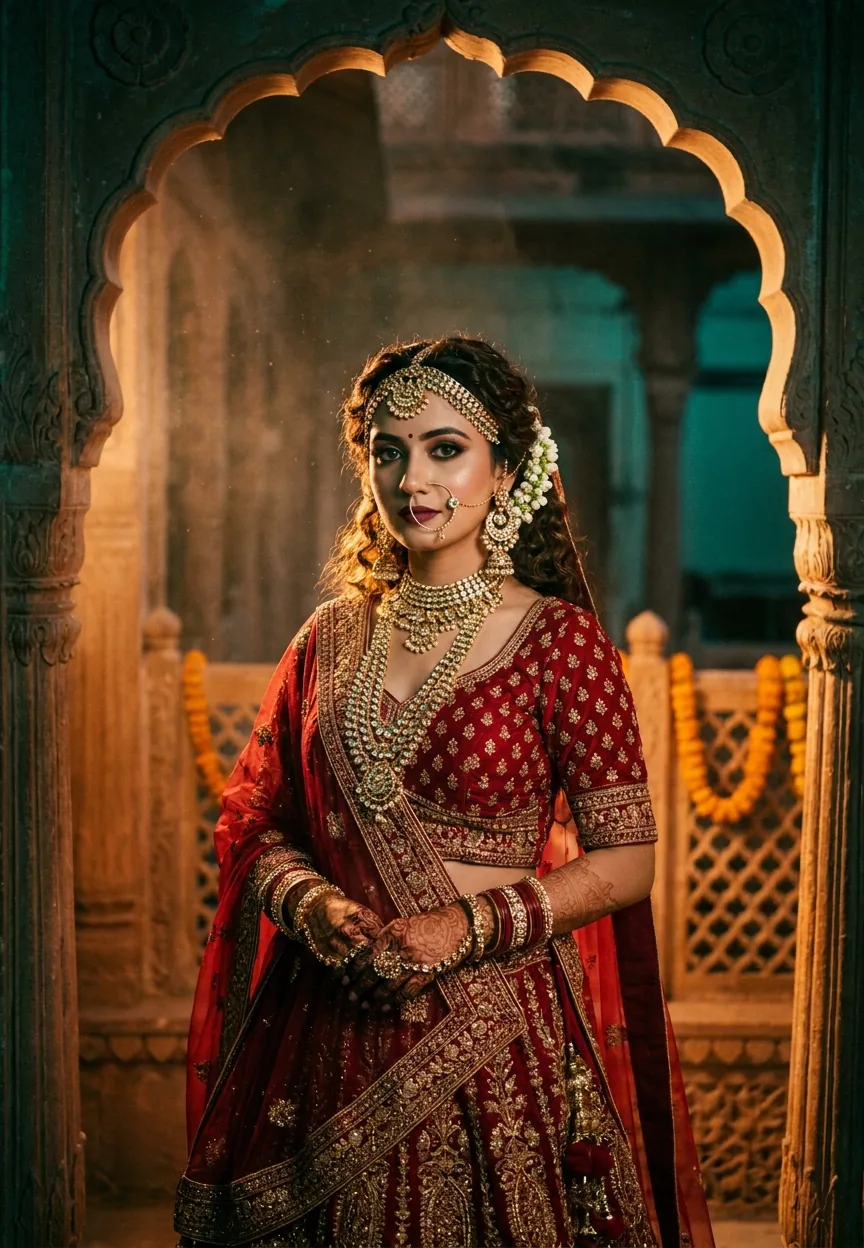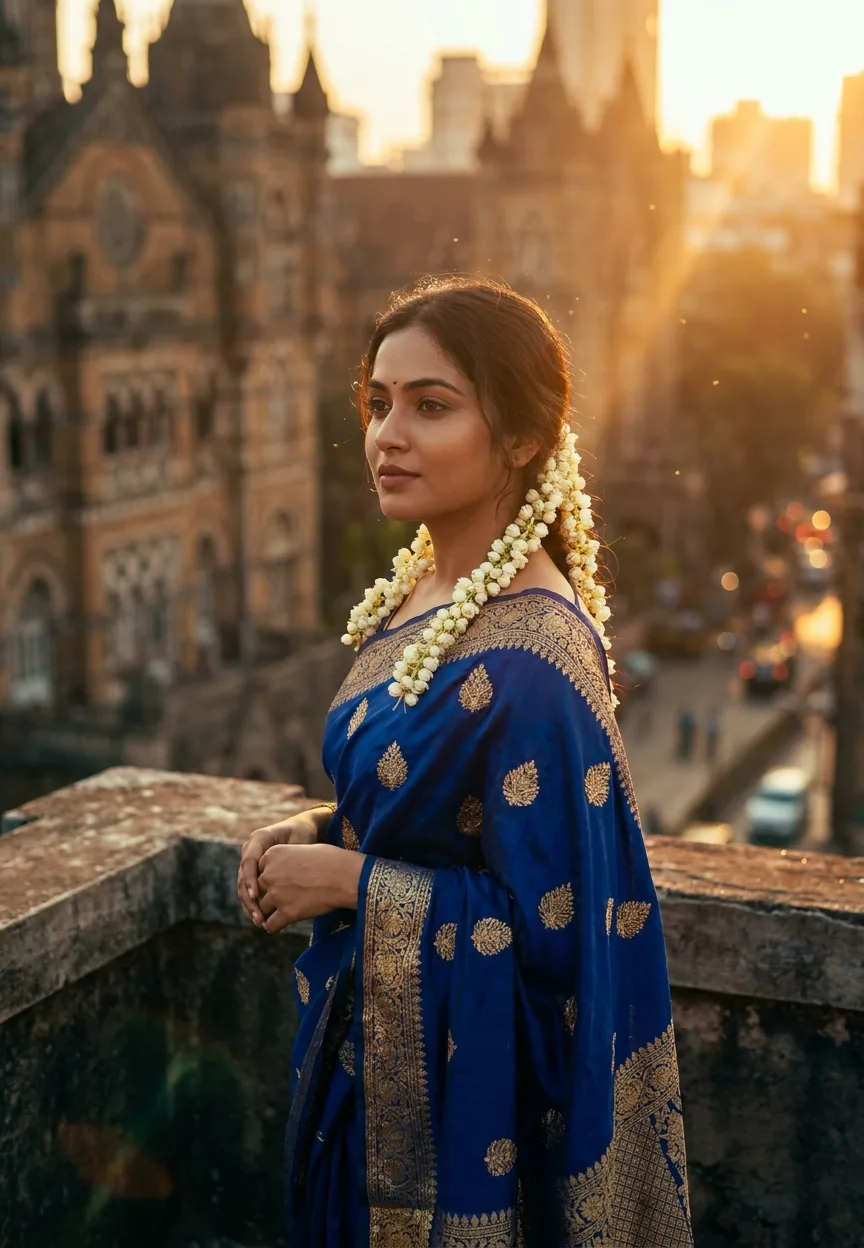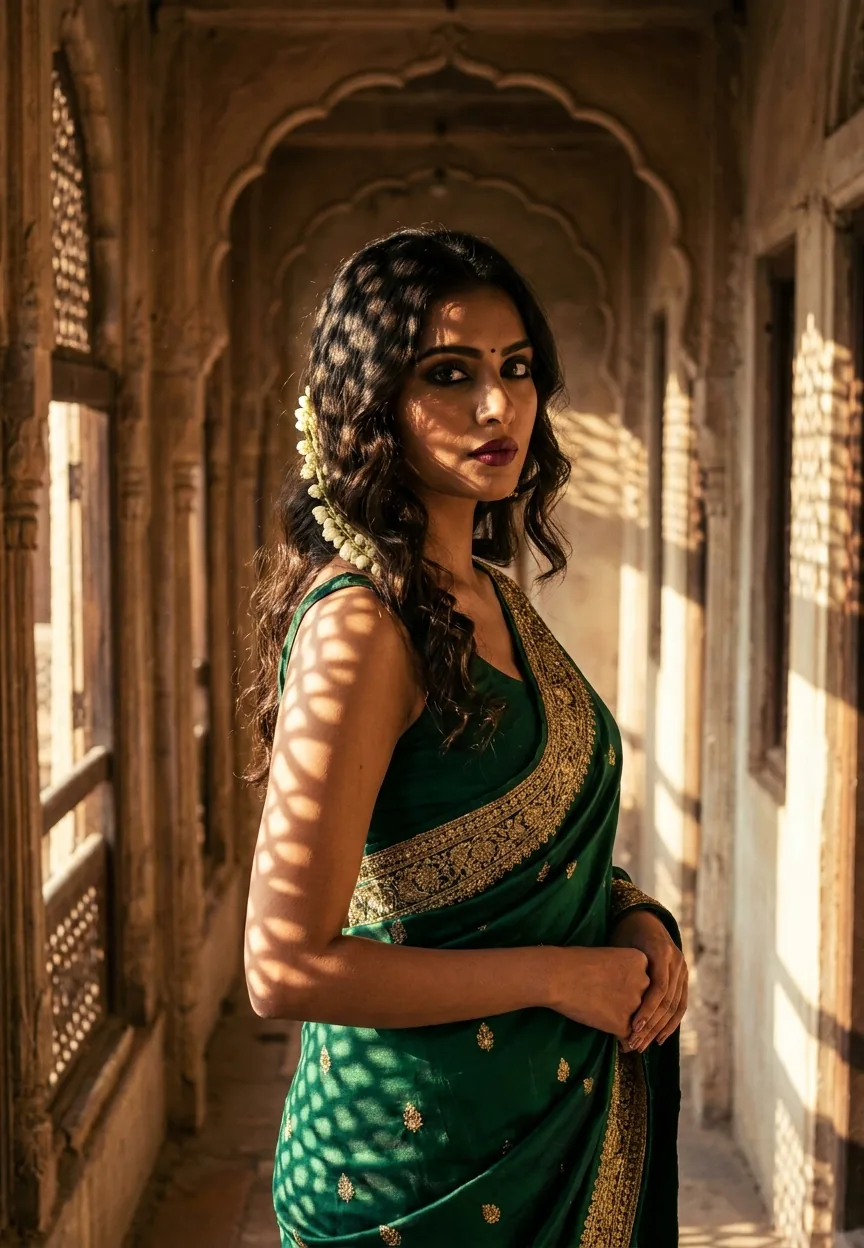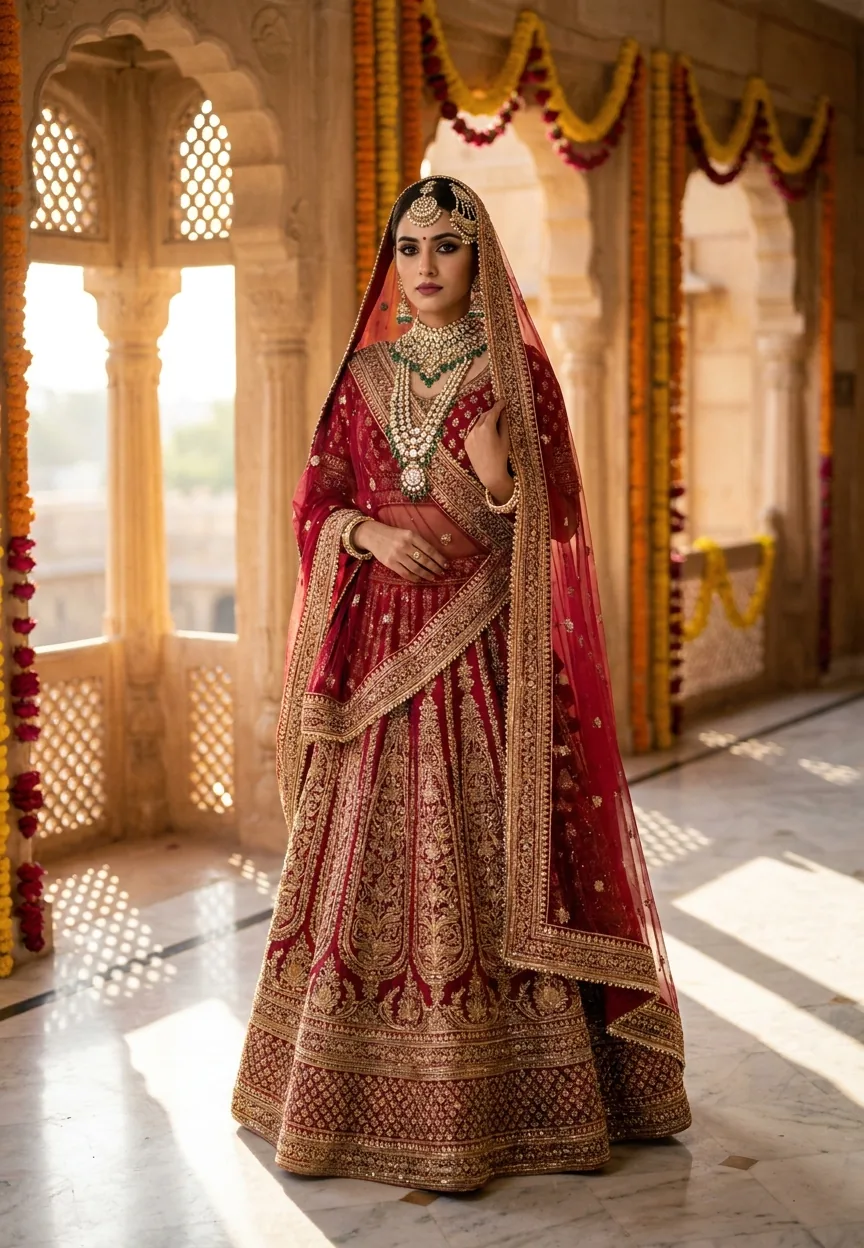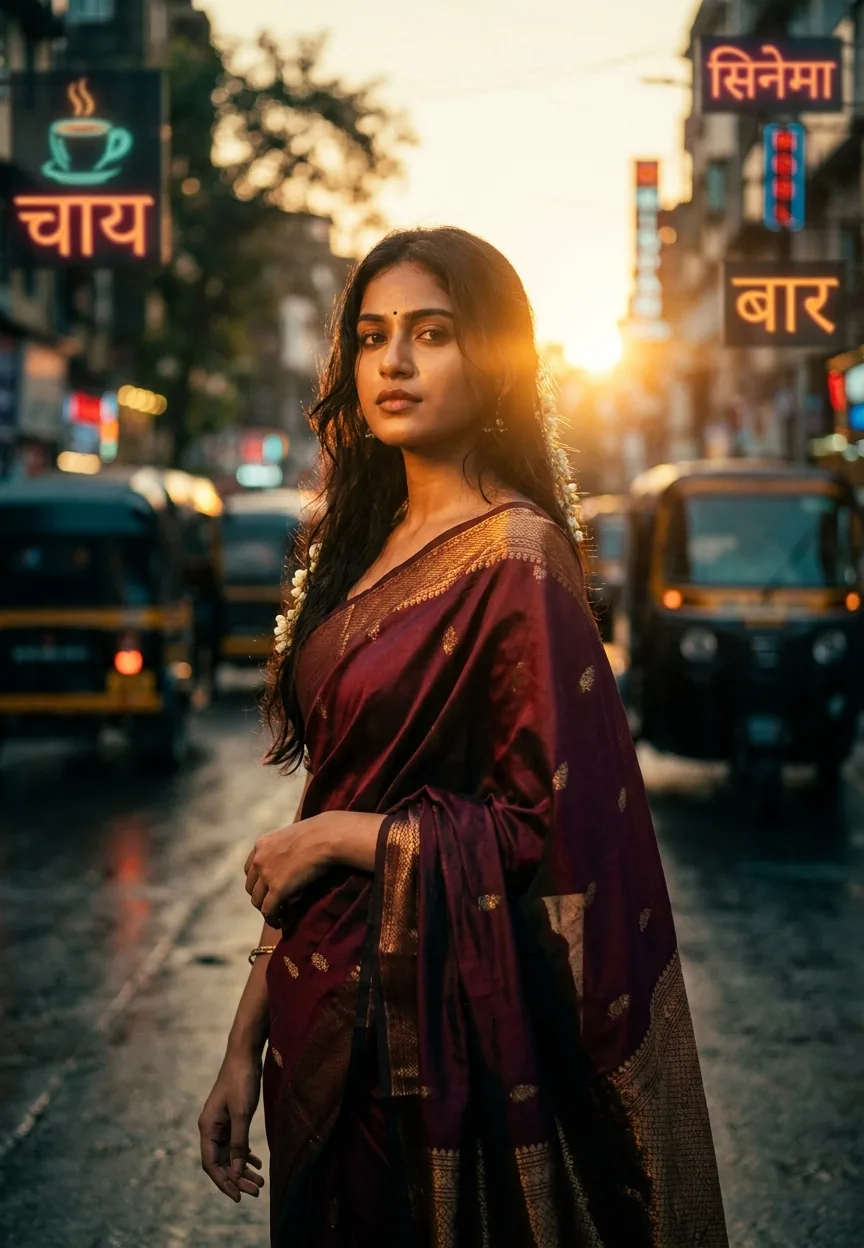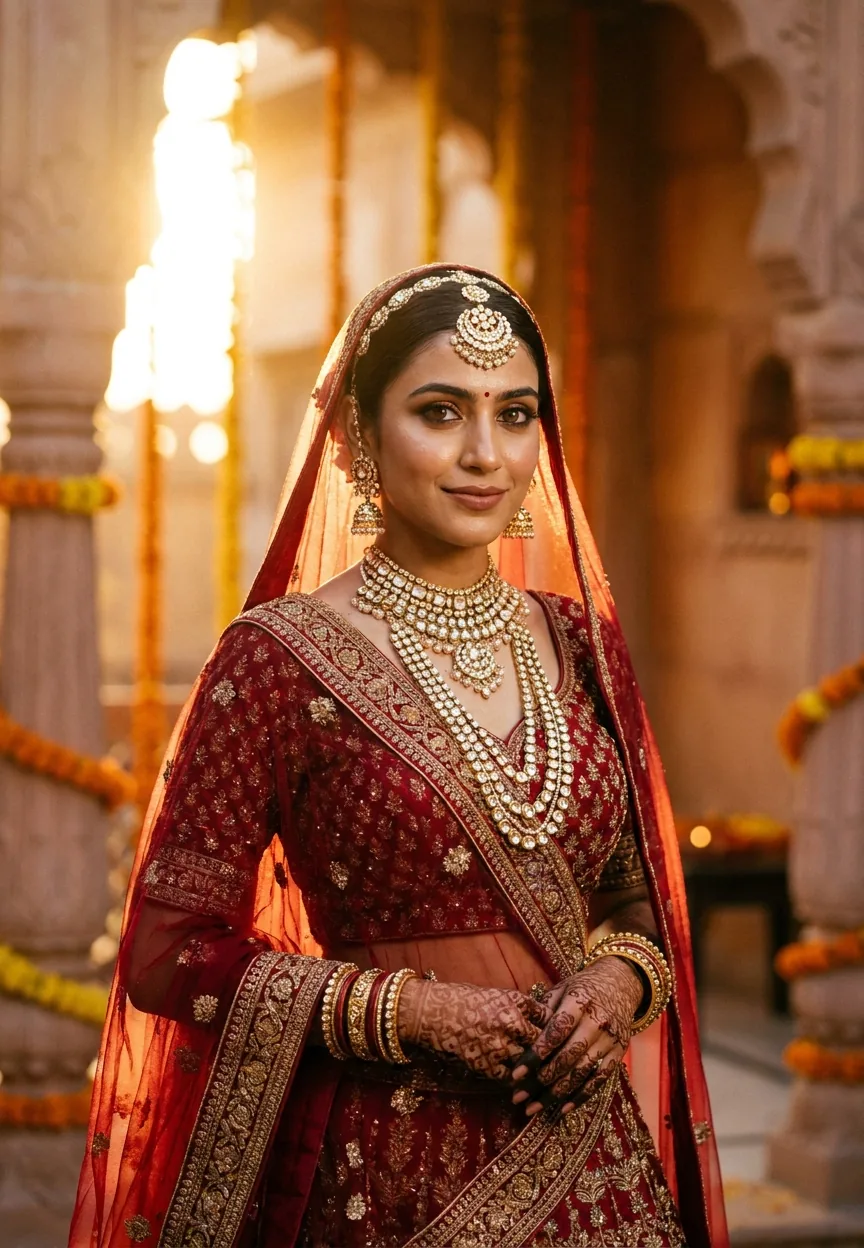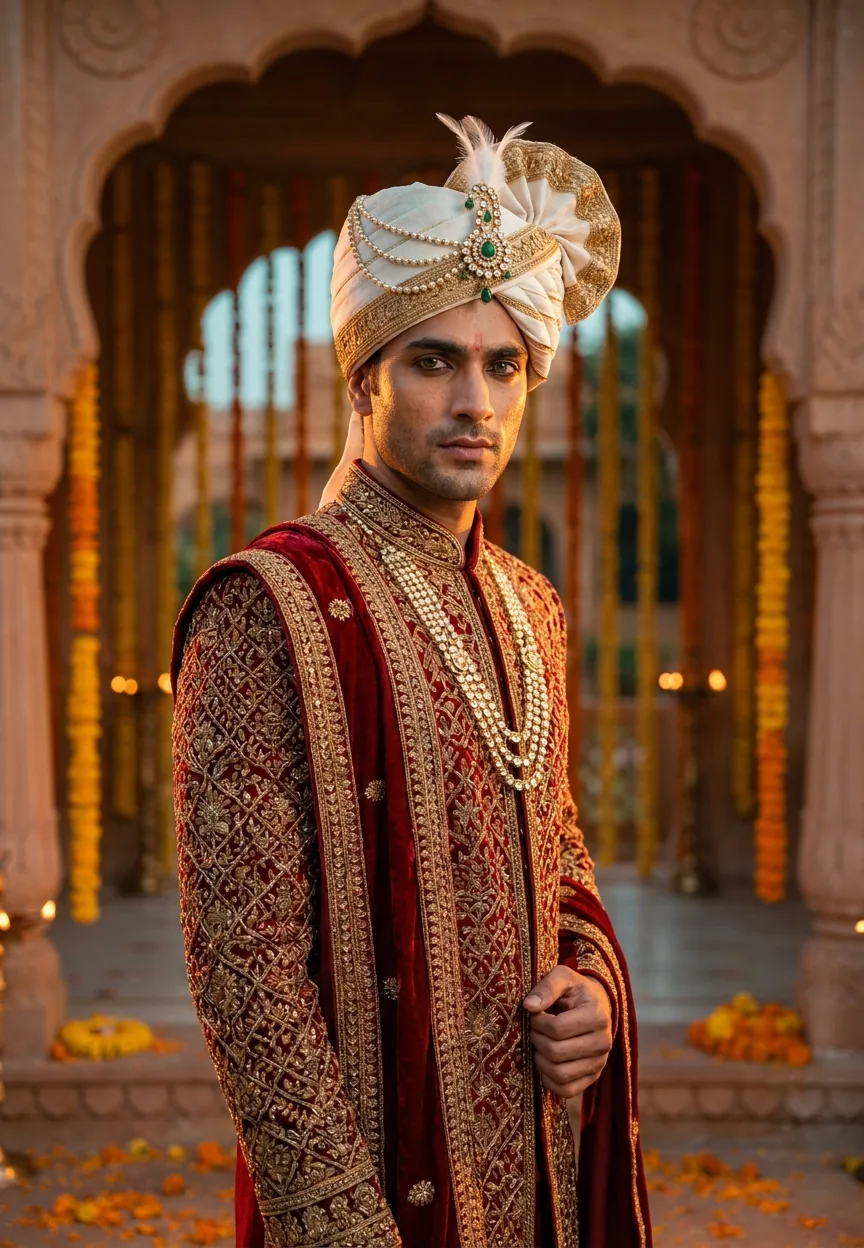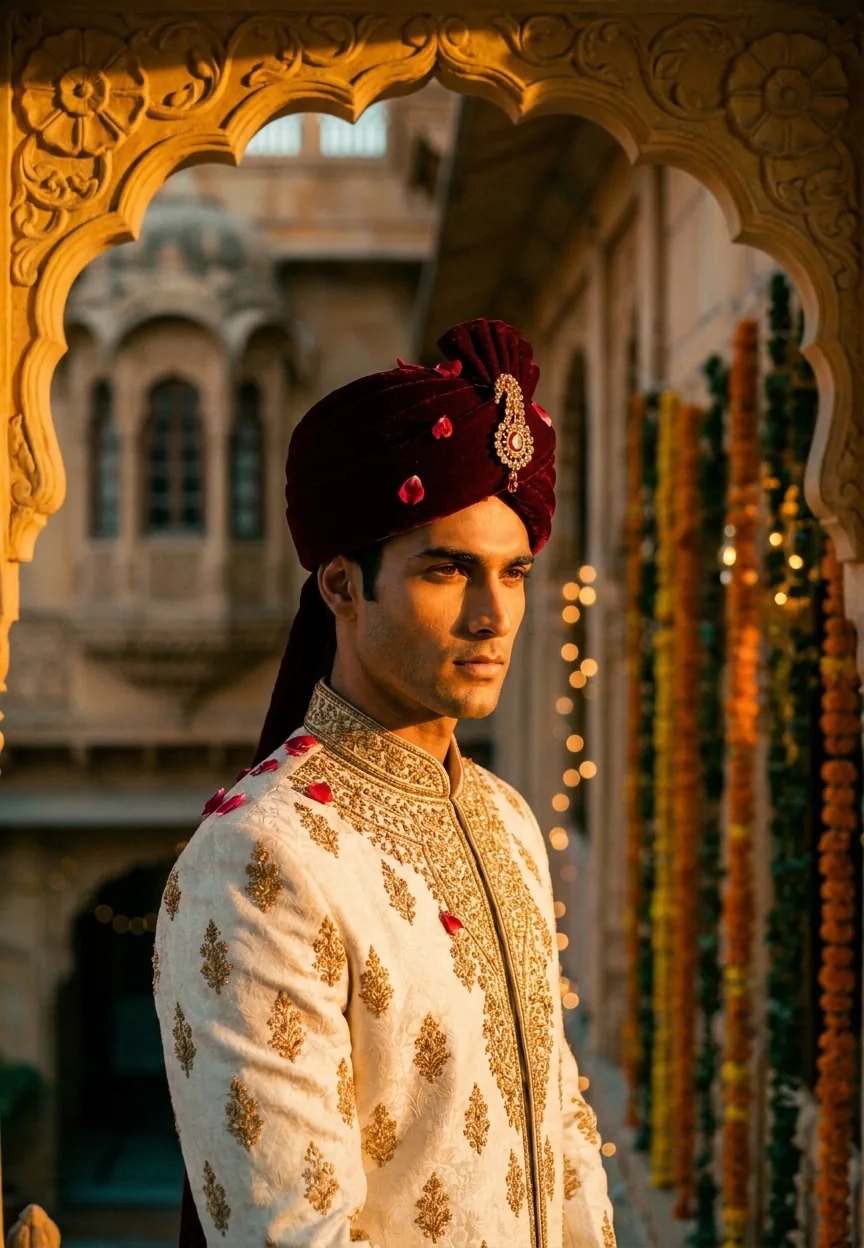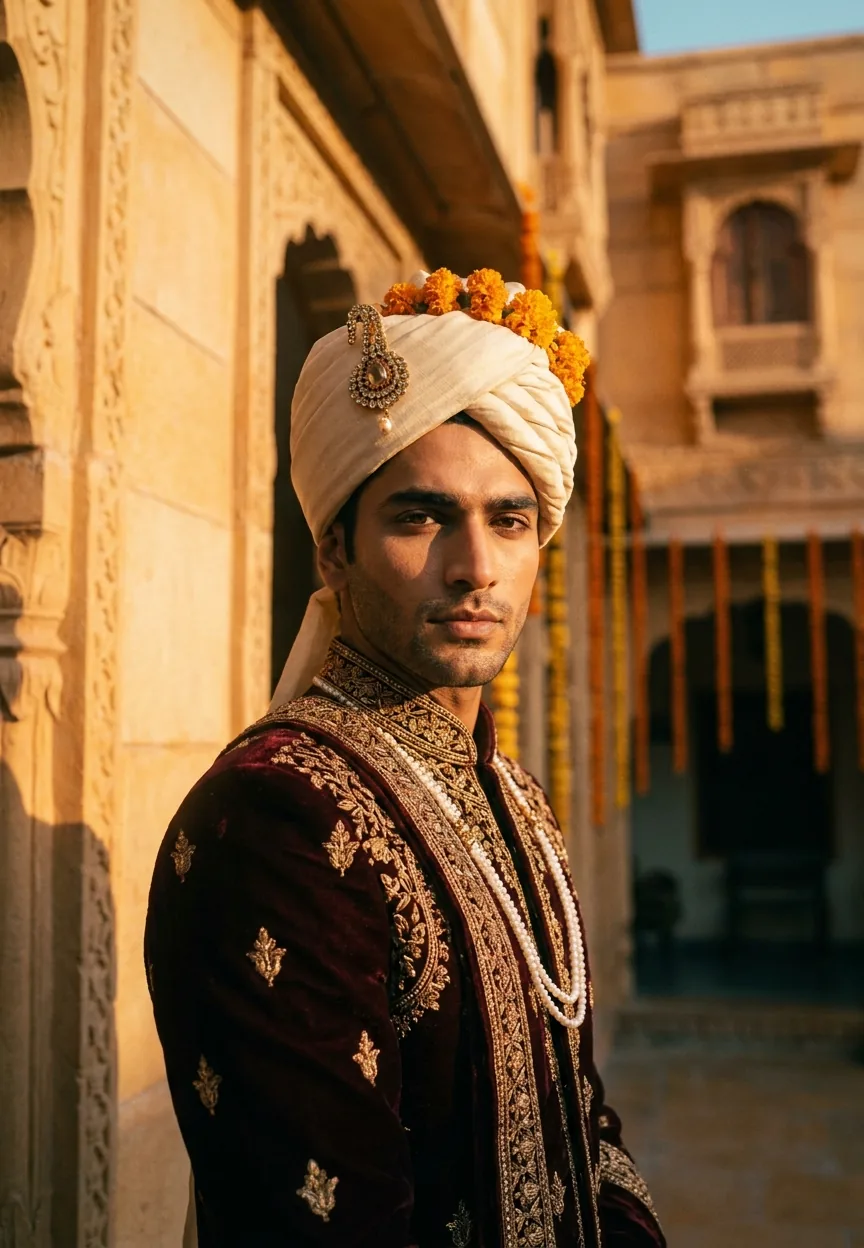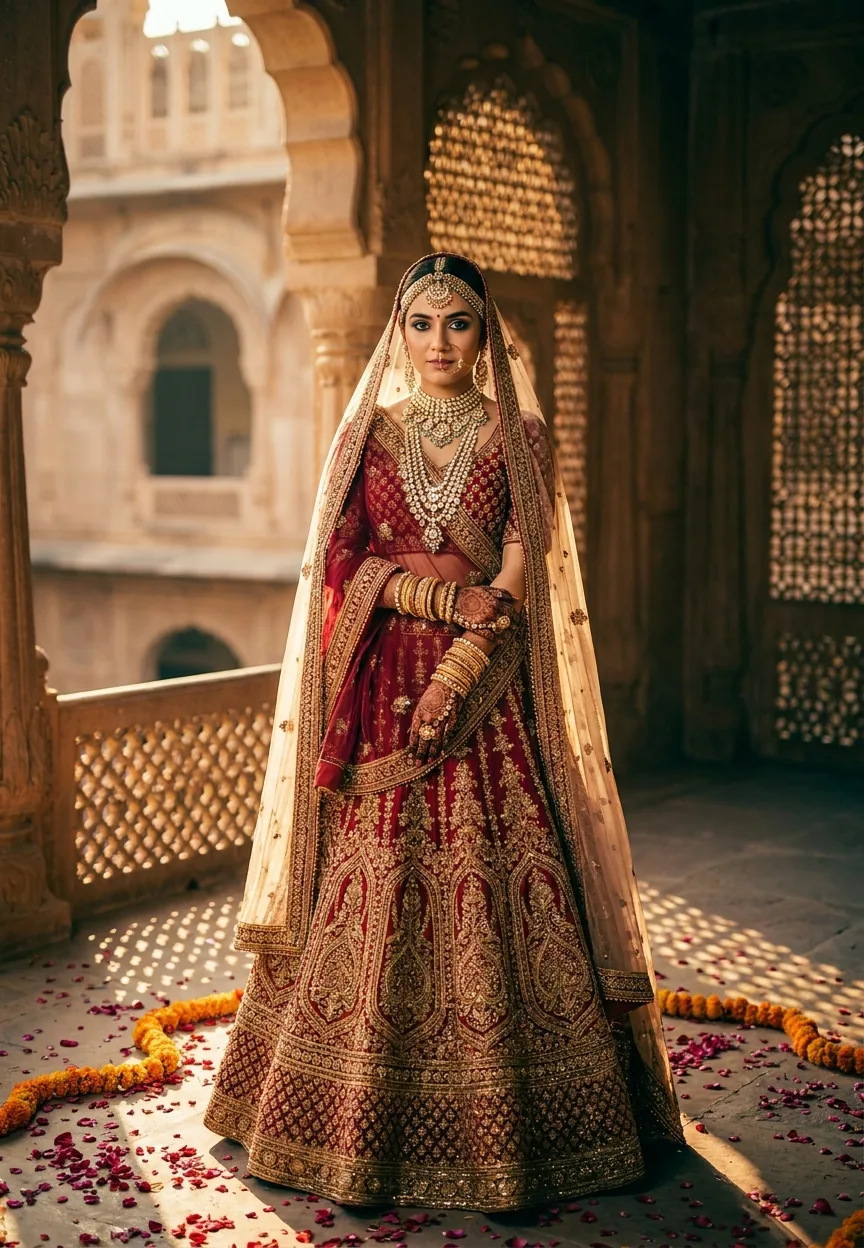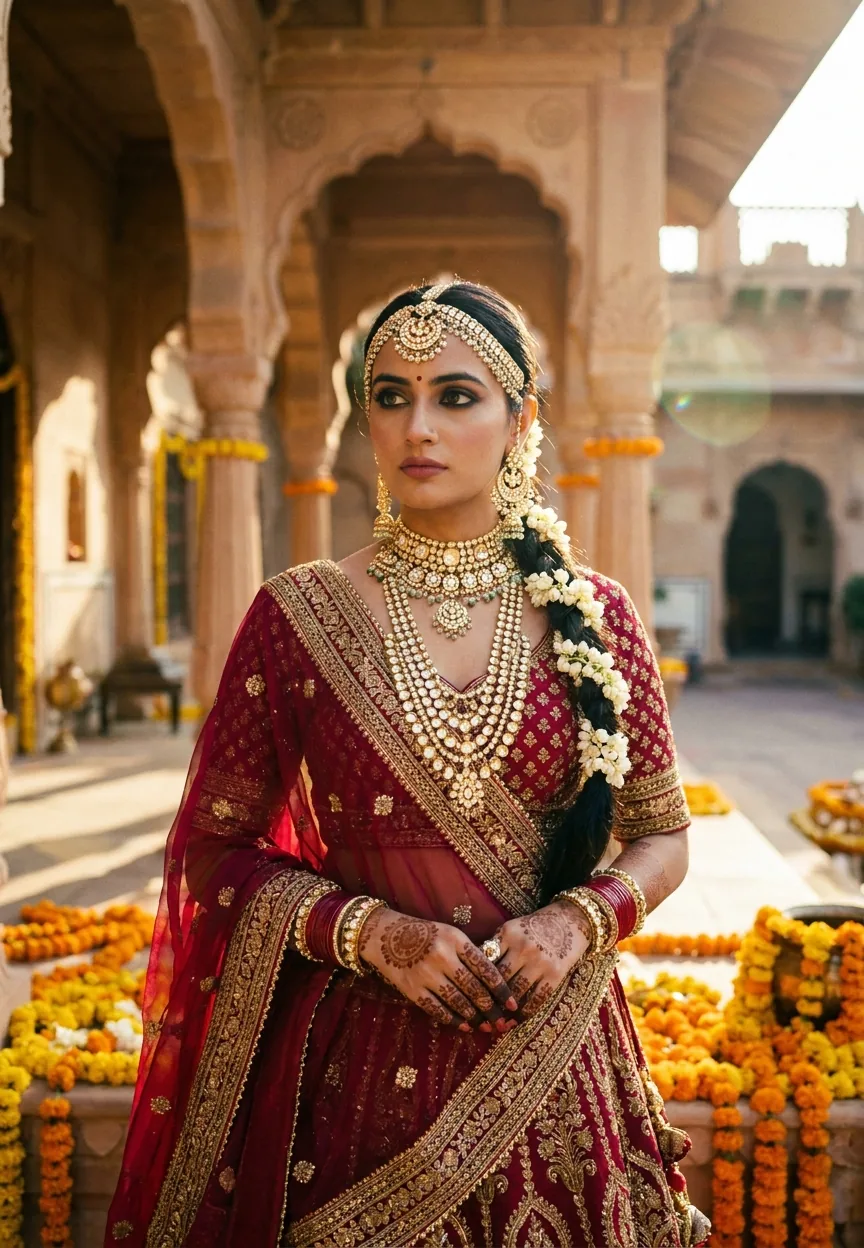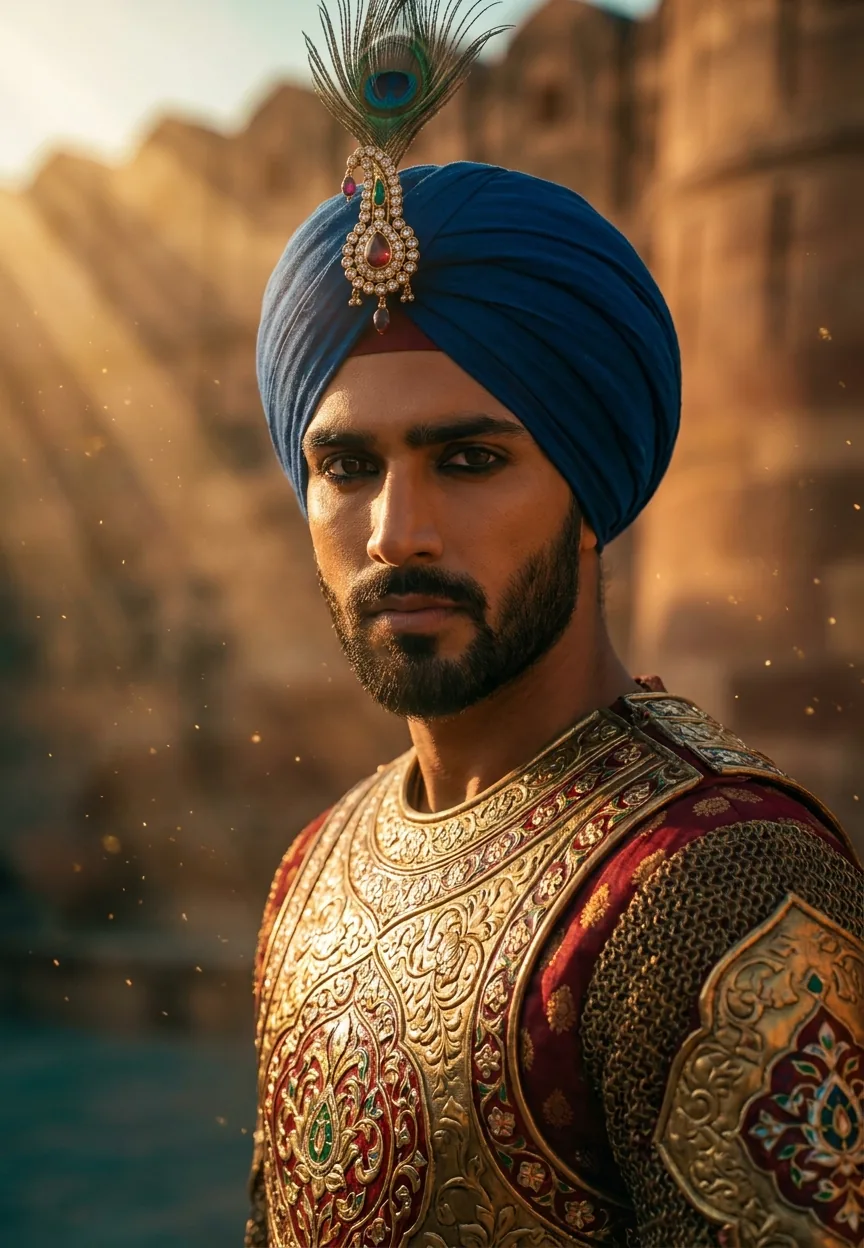
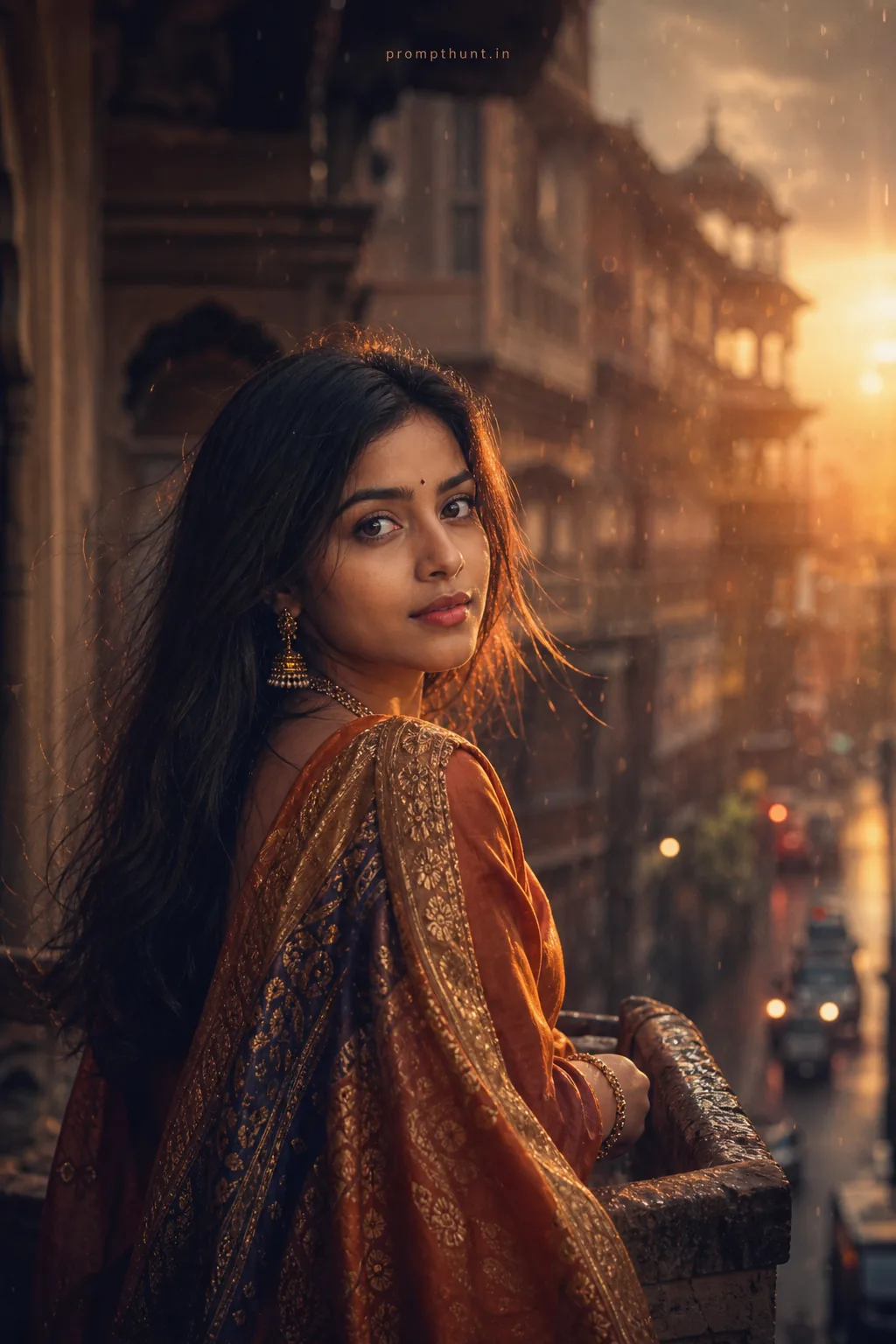
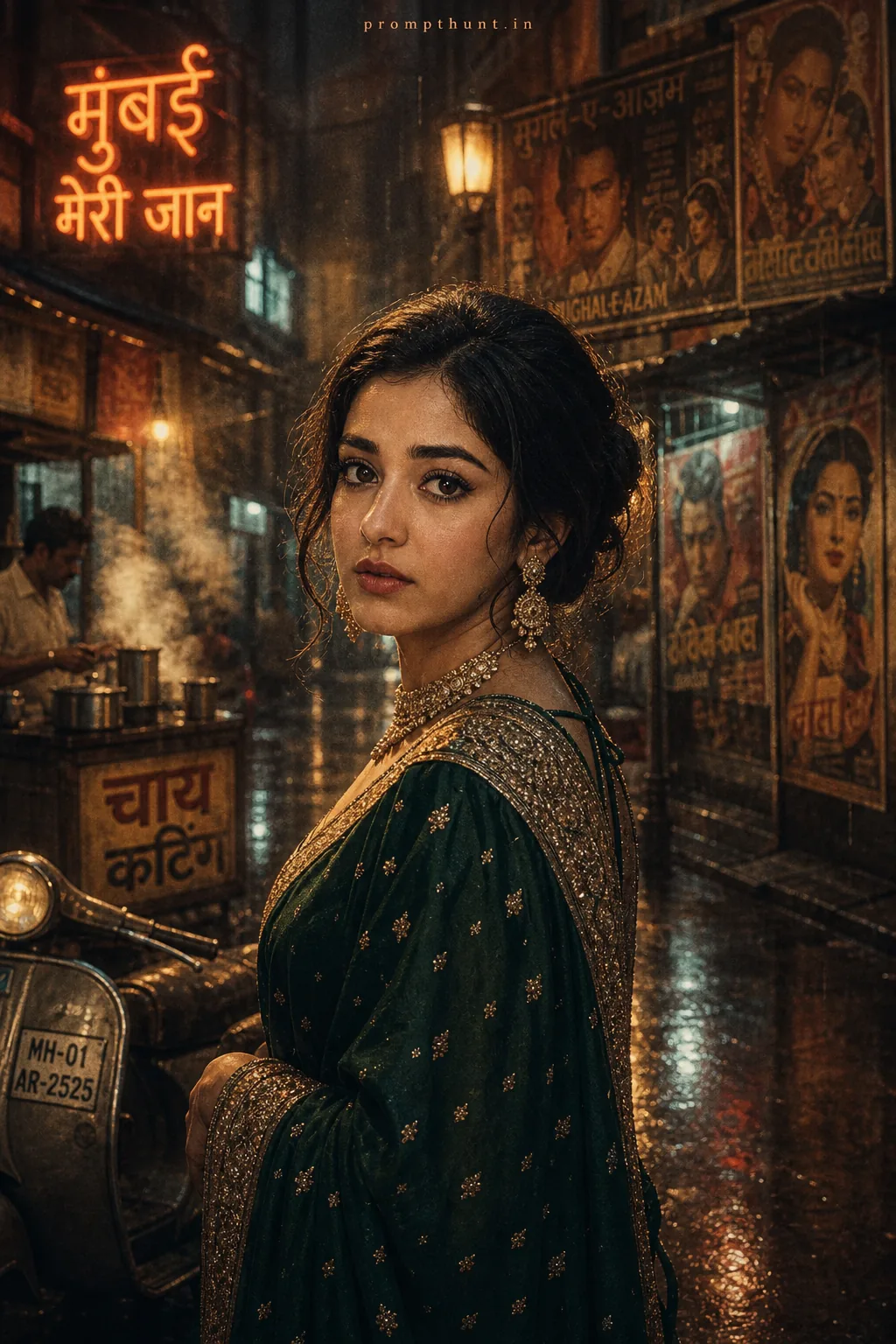
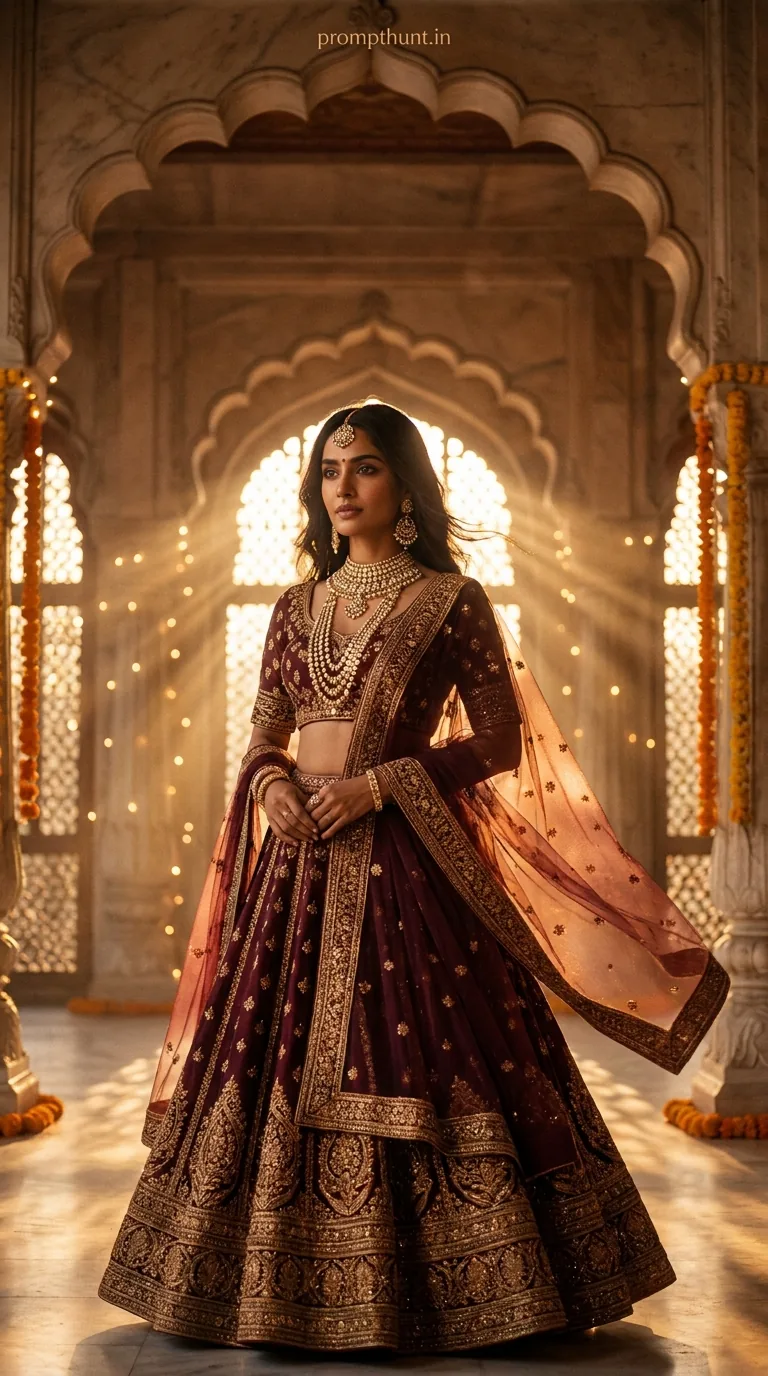
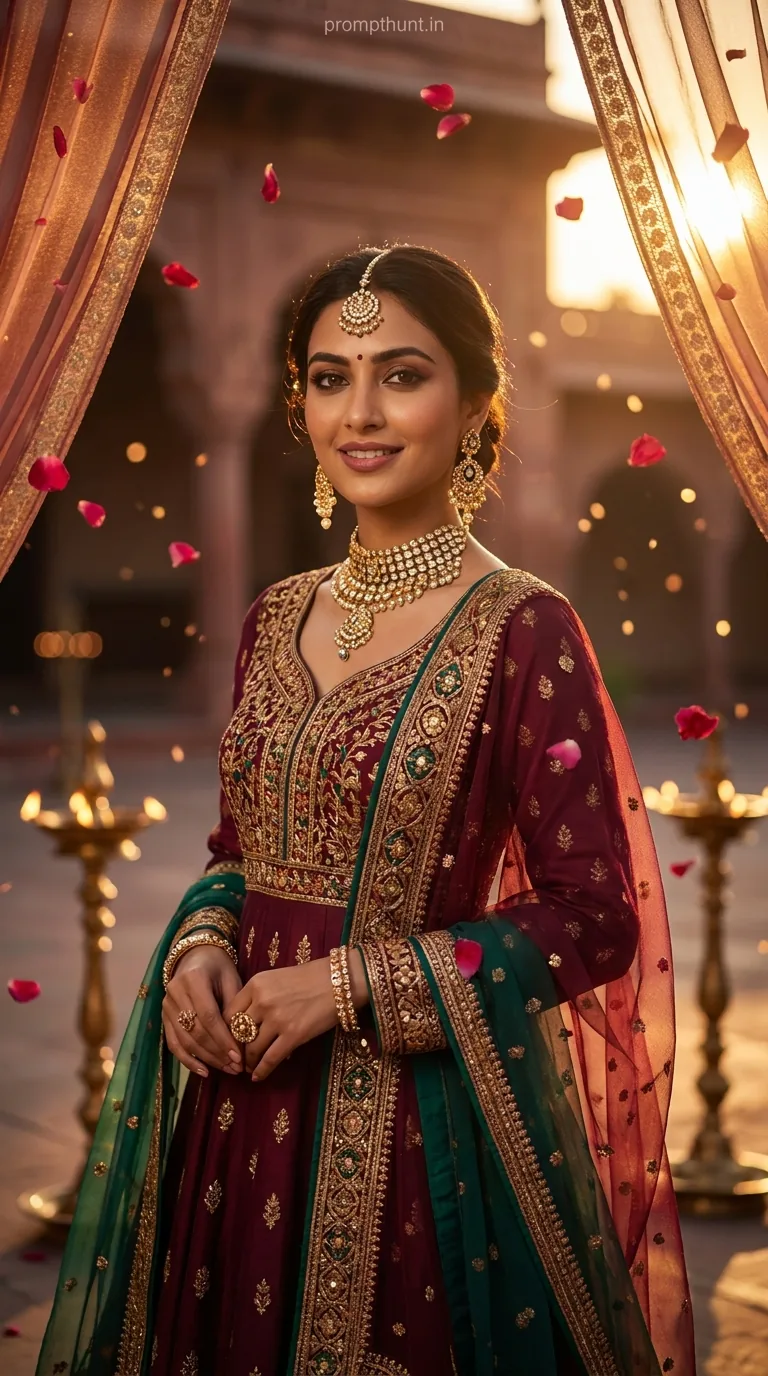
A Royal Rajasthani Warrior Cinematic Portrait uses detailed AI prompts to generate a hyper-realistic Bollywood-meets-Hollywood style image of an Indian warrior in ornate armor, dramatic golden hour lighting, and rich teal-orange color grading. Feed the prompt into Gemini, adjust skin tone and lighting details to match your subject, and render at 8K for best results.
There's a moment in every great Bollywood film where the hero turns slowly, the light hits just right, and the entire cinema collectively forgets how to breathe. That's what this prompt recreates — except instead of a Rs. 200 crore film budget, you've got an AI model and approximately four minutes to spare. The Royal Rajasthani Warrior Cinematic Portrait is one of the most visually ambitious AI photo styles doing the rounds right now, and honestly, the results are so good they should come with a warning label. Or at least a dramatic background score.
Paste this prompt into Gemini, swap in your subject's details, and you'll get a cinema-quality Rajasthani warrior portrait that looks like it cost a film crew three days to shoot.
What Is a Cinematic Portrait — and Why Does This One Hit Different
A cinematic portrait isn't just a fancy photo. It's an image that tells a story in a single frame. Think controlled lighting, shallow depth of field, intentional color grading, and a composition that feels like it was pulled from the third act of a film where something important is about to happen.
The Royal Rajasthani Warrior style takes that baseline and dials it up to about eleven. It pulls from Rajput miniature painting traditions, Bollywood visual language, and Hollywood cinematography technique all at once. The result sits somewhere between an epic war film and a museum portrait — and somehow it works.
The specific details matter here. Meenakari engravings on the breastplate. A jeweled sarpech on the turban. Natural kajal liner. These aren't decorative buzzwords. They're cultural anchors that give the AI something real to render, and they're why this style produces images that feel authentic rather than like a costume hire gone wrong.
The Cinematic Portrait Prompt — Copy This Exactly
Don't paraphrase it. Don't summarise it. The specificity is the whole point. Here it is:
A strikingly handsome young Indian man dressed in ornate royal Rajasthani warrior armor, featuring intricate gold and deep crimson embossed breastplate with traditional Meenakari engravings, wearing a regal safa turban in royal blue adorned with a jeweled sarpech and peacock feather, sharp chiseled jawline with a well-groomed beard, intense smoldering dark eyes with natural kajal liner, dramatic golden hour cinematic lighting casting warm amber and deep shadow contrast across his face and armor, standing against a blurred ancient sandstone fort wall with golden dust particles floating in the air, volumetric god rays streaming diagonally from the upper left, skin texture rendered in ultra-photorealistic detail with a sun-kissed warm brown tone, shallow depth of field with bokeh background, shot on ARRI Alexa cinema camera with 85mm prime lens, color graded in rich teal and orange cinematic LUT, vertical 9:13 portrait composition, hyper-realistic photography style, 8K resolution, dramatic Bollywood meets Hollywood visual aesthetic
That's 148 words of very deliberate instruction. Trim it and you'll notice. Every clause is doing a job.
How to Use This Prompt — Three Steps, No Surprises
Step one: open Gemini and start a new image generation request. If you're using Gemini Advanced with Imagen 3, you're in the best position for this particular style. The photorealistic rendering on skin texture and metallic surfaces is noticeably sharper than earlier versions.
Step two: paste the prompt in full. If you want to personalise it — say, for a specific person — add a brief physical description at the start. Something like "A 28-year-old man with a square jawline and close-cropped beard" before the armor description. The AI layers that information without losing the rest of the prompt's detail.
Step three: generate at least three variations before you commit to one. The lighting angle shifts between renders. Some will nail the god rays. Some will nail the armor texture. Rarely does one image nail both first go — and that's not a flaw, that's just how generative AI works. Pick the best elements from each and iterate.
Rule of thumb: if the first render looks a bit flat, add "dramatic chiaroscuro contrast" to the lighting section. That usually wakes it up.
Tips for Best Results With This Cinematic Portrait Style
Nine times out of ten, the turban causes the most trouble. AI models occasionally render the safa as a generic wrap rather than the structured Rajasthani form. Add "tightly pleated safa with stiff crown structure" if you're getting soft or formless headgear. Works a treat.
The teal-orange LUT instruction is in there for a reason. Don't remove it thinking the AI will handle color grading automatically — it won't, not with this level of precision. The LUT reference pulls the image toward a specific cinematic temperature that separates this from a generic portrait.
The 9:13 aspect ratio is vertical and slightly taller than standard portrait. This is intentional — it gives space for the armor's full chest detail without cropping, and it formats perfectly for Instagram stories and mobile wallpapers. If you're generating for a square post, swap it to 1:1 and add "full upper body framing" to compensate.
For the background, "ancient sandstone fort wall" is pulling toward Jaisalmer or Amber Fort aesthetics. If you want a specific Rajasthani location feel, add "reminiscent of Mehrangarh Fort, Jodhpur" and the architecture in the bokeh background will shift accordingly. (Yes, the AI knows what Mehrangarh looks like. We live in wild times.)
One last thing: "8K resolution" in the prompt is more of a quality signal than a literal instruction in most AI tools. It tells the model to prioritise fine detail rendering. Don't expect an actual 8K file to land in your downloads — but the detail level in what you do get will be noticeably better for including it.
Why This Cinematic Portrait Style Is Trending Right Now
Rajasthani warrior aesthetics have been circulating in Indian pop culture for years — think Padmaavat, Prithviraj, the visual language of countless period dramas. What's new is that AI has finally caught up to a point where it can render these details convincingly instead of producing something that looks like a Diwali greeting card designed by someone who'd never seen Diwali.
There's also a cultural pride angle that's driving serious engagement. Images generated in this style are being shared across Indian social media as a form of heritage celebration. People are generating warrior portraits of themselves, their fathers, and occasionally their very confused uncles. The comment sections are genuinely wholesome — which is not something you say often about comment sections.
From a purely visual standpoint, the Bollywood-meets-Hollywood framing is a smart move. It takes the warm, dramatic visual language that Indian audiences already love and adds the technical cinema vocabulary — ARRI Alexa, 85mm prime, shallow DOF — that signals professional-grade quality. The combination reads as aspirational without feeling foreign.
Creators are also using this style for social media profile pictures, YouTube channel art, and even author photos. It's a cinematic portrait that says "I have stories to tell and armor to prove it." (I'm not saying you should use a warrior portrait as your LinkedIn headshot. I'm just not saying you shouldn't.)
Honest Opinion — When to Use This and When to Walk Away
This is a genuinely impressive AI prompt. The specificity of the cultural detail, the cinematic technique references, and the color grading instruction all combine to produce results that look like real production work. For social media content, personal projects, and heritage-themed creative work, it's one of the best portrait prompts I've seen in this space.
That said, it has limits worth knowing about.
Facial likeness isn't there. If you need a portrait that actually looks like a specific person, this prompt alone won't do it. You'd need to combine it with an image-to-image workflow or a tool with identity reference features. The prompt generates a convincing character, not a specific individual.
The armor detail is occasionally inconsistent. Meenakari engravings are intricate enough that the AI sometimes simplifies them on the chest plate while rendering the turban in perfect detail, or vice versa. Plan to generate five to eight variations minimum if you need the armor and the face to both be excellent in the same frame.
It's also a very specific aesthetic. If your project needs subtlety or restraint, this isn't it. This prompt turns up dramatically in every direction — the lighting, the color, the composition. That's its strength for the right project. For something quieter, you'd want to strip back the LUT instruction and soften the contrast language considerably.
And one more honest note: the "Bollywood meets Hollywood" framing in the prompt is doing real work, but it can occasionally tip into the territory of looking like a film poster rather than a portrait. If that's what you want, perfect. If you want something that reads more like editorial photography, dial back the "dramatic" and "hyper-realistic" references and replace them with "natural cinematic" and "editorial lighting."
Ride Off Into the Golden Hour
The Royal Rajasthani Warrior Cinematic Portrait prompt is one of those rare AI styles that earns its length. Every detail is there for a reason, and pulling any of