

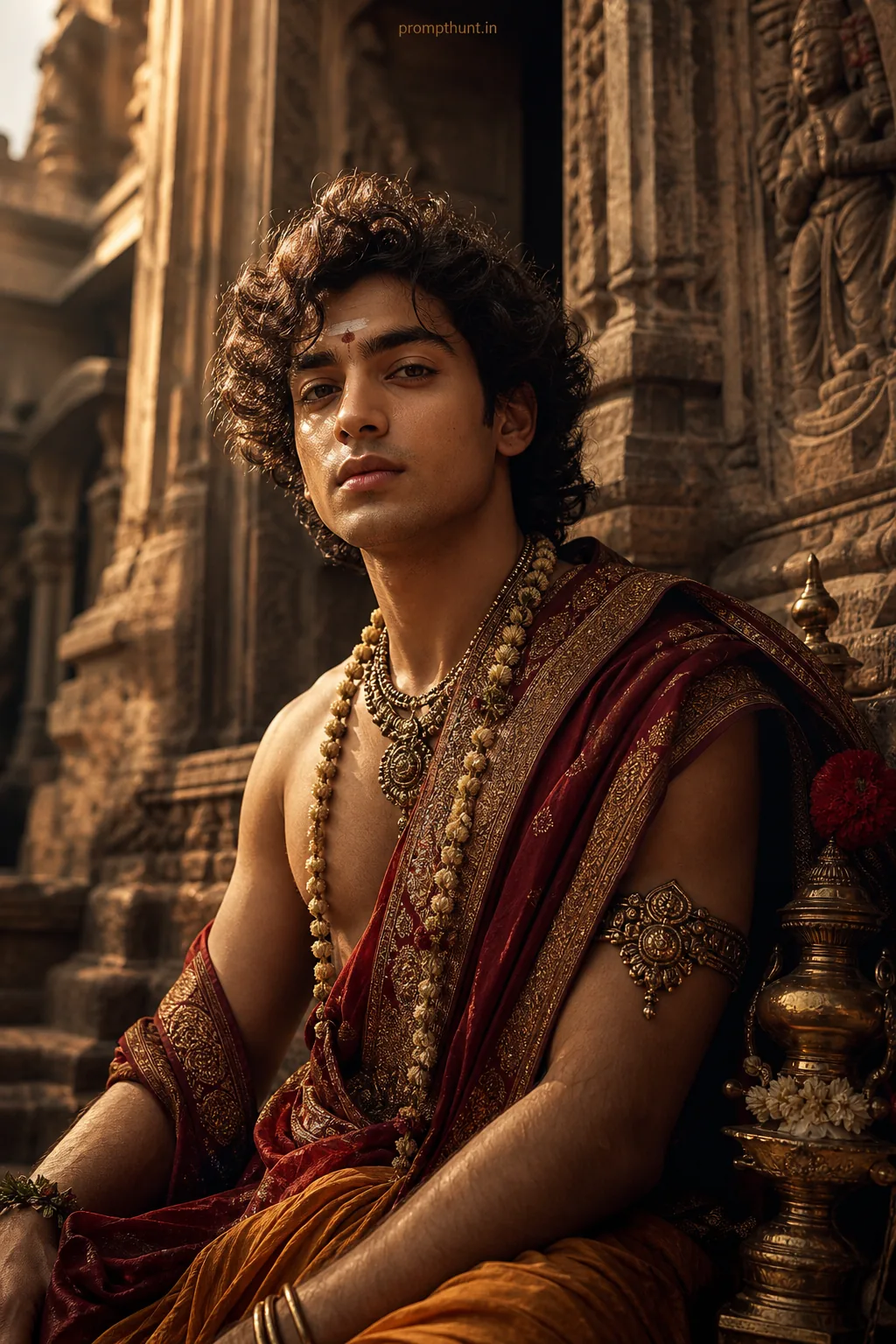


Surreal Mumbai Street Manipulation AI Photo Editing Prompt
The uploaded photo is the master reference for this character. Preserve the exact facial features, face shape, skin tone, and identity from the uploaded image exactly. Vertical 9:13 composition. 9:13 vertical scene of a narrow monsoon-washed Mumbai lane transformed into a surreal cinematic backdrop, glistening wet cobblestones reflecting warm golden-hour light mixed with cool neon signs, drifting marigold petals and saffron powder swirling in slow motion, soft cinematic rim and moody chiaroscuro emphasizing depth, costume as rich Indian textiles—flowing silk saree or tailored kurta with ornate zari, layered dupatta or textured jacket fluttering dramatically, subtle smoke and bokeh from distant rickshaw lights, mood mysterious and empowered with a dreamlike, slightly dystopian urban romance, artistic style blending high-resolution photo manipulation, painterly digital brush strokes, selective film grain, light leaks and color-graded teal-and-orange contrast for a striking Instagram portrait composition Add a small, thin, professional 'prompthunt.in' text watermark at the top center of the image. The watermark should be subtle, use a color that matches the image's color palette, and appear lightweight and elegant — not distracting.
Community Rating
Rate this prompt
Surreal Mumbai Street Manipulation AI Photo Editing Prompt is a free, copy-paste manipulation AI photo editing prompt. Paste it into any AI photo editor with one clear photo of yourself and you get the edited result in about ten seconds — no account and no payment. The prompt tells the model to keep your exact facial features, skin tone and identity, and to change only the background, outfit, lighting and styling.
9:13 vertical scene of a narrow monsoon-washed Mumbai lane transformed into a surreal cinematic backdrop, glistening wet cobblestones reflecting warm golden-hour light mixed with cool neon signs, drif
How to use this manipulation prompt
More prompts to explore


AI Photo Editing Prompts