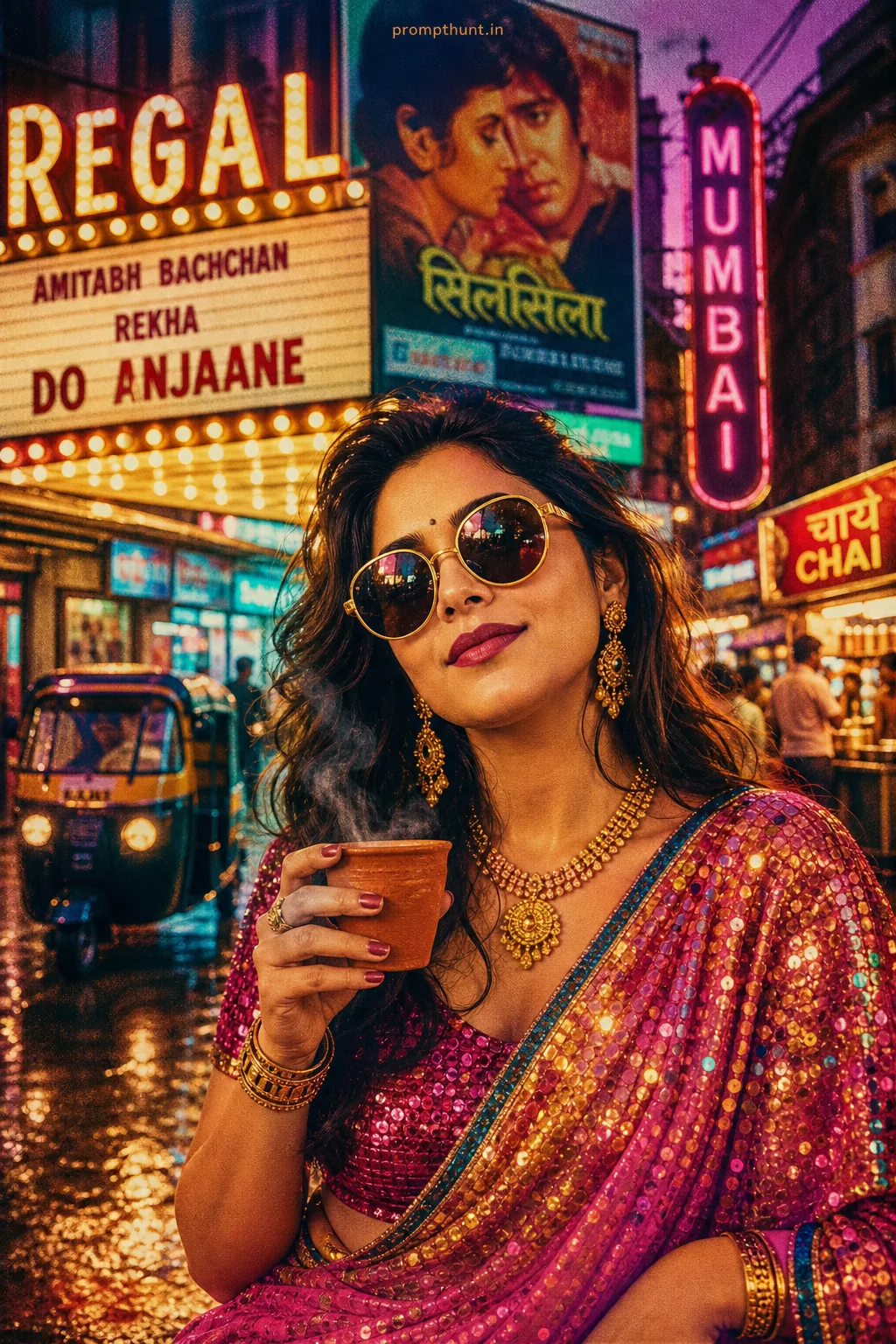
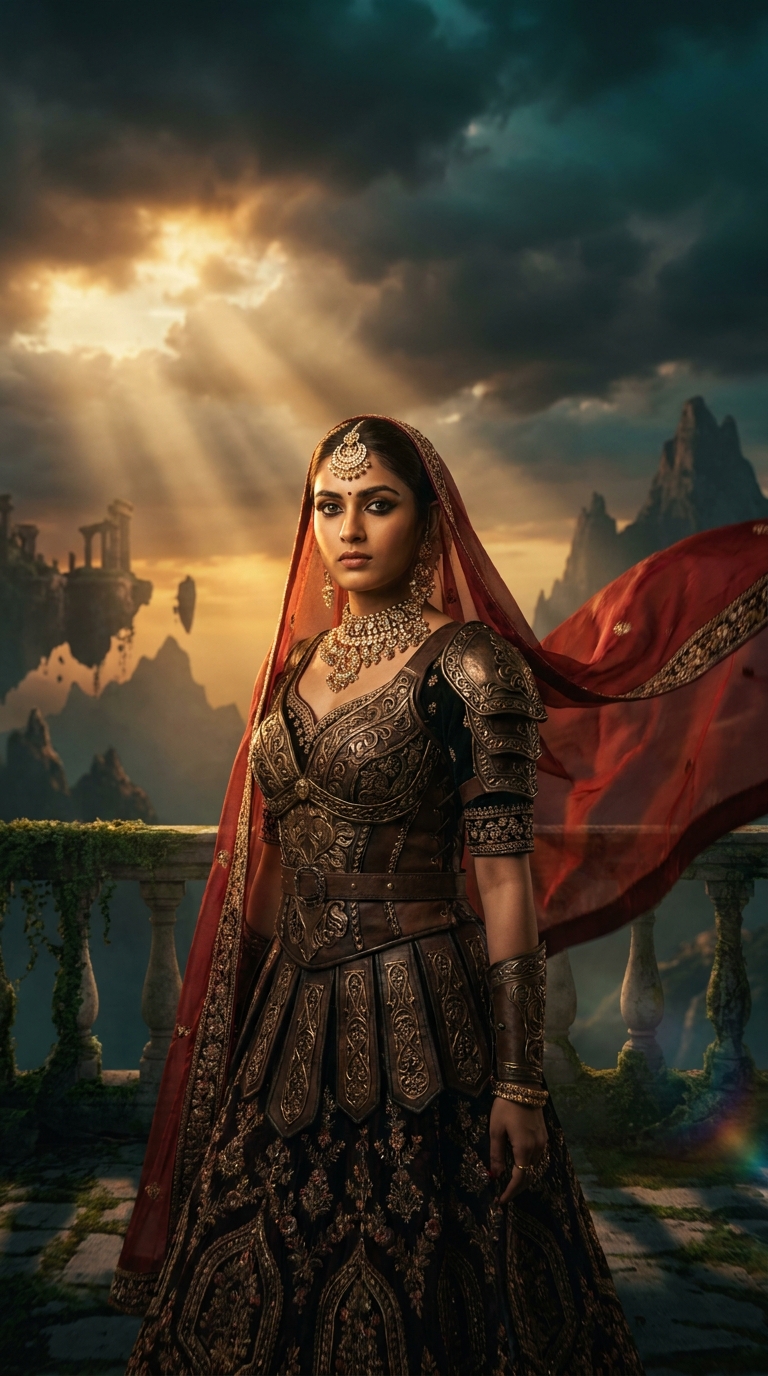
Cinematic Scene Recreation blends Mughal-era royal costume design with dark fantasy world-building to produce hyper-realistic AI portraits. This specific prompt combines Bollywood grandeur, Game of Thrones-style armor, golden-hour lighting, and epic floating-ruin skylines to create a vertical portrait that looks like a Rs. 200 crore film's official poster. Results take roughly 90 seconds to generate.
Someone on Instagram posted one of these last month and the comments were 40% "which movie is this from" and 60% people losing their minds when told it was AI. That's the benchmark. That's what a well-built Cinematic Scene Recreation prompt does — it fools people who should know better, including, embarrassingly, me the first time I saw one. The style sits at the exact intersection of Sanjay Leela Bhansali's colour obsession and a HBO fantasy showrunner's budget fever dream, and honestly, it's one of the most technically demanding prompts you can throw at a modern AI image model.
Drop this prompt into Midjourney v6, Leonardo AI, or Adobe Firefly — tweak the subject description to match your photo — and you'll get a Bollywood-meets-fantasy royal portrait that looks like a film still from a movie that doesn't exist but absolutely should.
What Cinematic Scene Recreation Actually Is
Cinematic Scene Recreation is a prompt category. It means you're not just editing a photo — you're building a world around a subject and placing them inside it with full lighting, costume, atmosphere, and narrative weight.
Standard photo editing gives you a nicer version of what already exists. Cinematic Scene Recreation gives you something that never existed at all.
This particular style — Bollywood Royalty meets Epic Fantasy — layers several distinct visual languages on top of each other. You've got the warm golden-brown skin tones and heavy ornate jewelry of classic Bollywood period drama. You've got the crumbling dark-stone architecture and ominous storm-cloud sky of high fantasy. You've got anamorphic lens flares that exist purely to remind you this is cinema. Then you've got teal-and-amber colour grading, which is Hollywood's default "this is serious and beautiful simultaneously" setting. (It's basically the sweatpants of film colour grading. Everyone uses it. No one admits how often.)
The result reads as immediately epic. Your brain processes it as a film still before it processes it as anything else.
The Prompt — Copy It, Use It, Thank Me Later
A stunning cinematic portrait of a young Indian woman in her mid-20s, dressed in an elaborate royal Mughal-era costume blended with dark fantasy armor, intricate gold and deep crimson embroidery, heavy ornate jewelry including a maang tikka and statement necklace, standing at the edge of a crumbling ancient palace balcony at golden hour, dramatic volumetric light rays breaking through storm clouds behind her, her silk dupatta flowing dramatically in the wind, expression fierce and regal, kohl-lined eyes staring directly into the camera, skin tone warm golden-brown beautifully lit, cinematic color grading with deep teal and amber tones, epic fantasy skyline with floating ruins and distant mountains in the background, shallow depth of field, anamorphic lens flare, hyper-realistic skin texture, shot on ARRI Alexa camera, 8K ultra-detailed, Bollywood meets Game of Thrones aesthetic, 9:16 vertical portrait format
That's the full prompt. Don't trim it. The length is doing real work here — every clause is a instruction to the model and removing one usually costs you something visible in the output.
How to Use This — Three Steps, No Surprises
Step one: choose your platform. Midjourney v6 handles the fantasy architecture and volumetric lighting best. Leonardo AI with the Phoenix model gives you stronger skin texture fidelity, which matters here because hyper-realistic skin is specifically called out in the prompt. Adobe Firefly is the right call if you're working from an actual reference photo and want the face to remain recognisable.
Step two: personalise the subject description. The prompt currently reads "young Indian woman in her mid-20s." If you're generating a portrait of a specific person, replace this with a detailed physical description or use an img2img workflow. Keep the skin tone description — "warm golden-brown beautifully lit" is doing serious heavy lifting for the lighting model.
Step three: run it at full resolution and upscale. This prompt was written for 8K output. Running it at a lower resolution is like buying a marble fireplace and using it as a doorstop. Generate at the highest setting your platform offers, then upscale once more in Topaz Photo AI if you're printing or displaying large.
Tips for Best Results — Because Default Settings Are a Fantasy
Rule of thumb: if the jewelry looks flat, your lighting parameters are wrong. Add "specular highlights on gold jewelry" to the prompt. Gold is notoriously difficult for AI models and that one phrase fixes about 70% of flat-metal problems.
The dupatta flow is another common failure point. AI models want to keep fabric close to the body. Fight back by adding "dramatic windswept fabric, motion blur on dupatta edges" — this signals movement rather than just position.
Nine times out of ten, the sky generates too clean when you want drama. If your storm clouds look more "pleasant overcast Tuesday" than "epic final battle imminent," add "turbulent cumulonimbus clouds, dramatic chiaroscuro sky" to the atmospheric section of the prompt.
The anamorphic lens flare is worth fighting for. Some platforms suppress it. Add "strong horizontal anamorphic streak lens flare across light source" and it should appear. If it still doesn't, generate without it and add the flare in Lightroom's lens flare overlay — takes 45 seconds and looks identical.
For the teal-and-amber grade: if the output looks desaturated rather than graded, add "complementary teal shadows and amber highlights, film print colour grade" to the colour description. Specificity wins.
Why This Is Trending — And Why India Specifically
This style has found its biggest audience in India for reasons that make complete sense once you think about them for six seconds.
Bollywood has always operated at visual maximalism. Bhansali films don't understate anything. Ram-Leela, Bajirao Mastani, Padmaavat — these are films where the production design costs more than most countries' entire film industries. The visual language of Indian cinema is inherently epic, and this AI style speaks that language fluently.
At the same time, Game of Thrones and its descendants created a global appetite for dark fantasy that Indian audiences absorbed completely. The "what if India had a dark fantasy epic with this production budget" conversation has been happening online for years. This prompt is essentially a visual answer to that question.
Then there's the practical side. Wedding photography and pre-wedding shoots in India are a substantial industry. This style gives photographers and content creators a way to produce fantasy editorial content without a Rs. 50 lakh production budget. That's not nothing. That's actually everything for independent creators.
Honest Opinion — Including When to Leave It Alone
I reckon this is one of the strongest Cinematic Scene Recreation prompts currently circulating. The layering of cultural specificity — Mughal architecture, maang tikka, kohl-lined eyes — with genre visual codes that are globally understood creates something that works across audiences. It's not generic fantasy. It has a point of view.
That said, there are real situations where you should walk away from this one.
If you're creating content for a real person's professional portfolio — an actor, a model, a public figure — be careful. The costume and world design are so distinctive that images generated this way can be mistaken for actual film stills. I've seen talent agencies receive generated images presented as genuine production stills. That's a problem. Label AI-generated work clearly. Every time. No exceptions.
The style also has a specific emotional register: fierce, regal, slightly dangerous. That's wonderful for certain content purposes and completely wrong for others. If you need warmth, approachability, or softness, this prompt fights you. The crumbling palace and storm clouds do not say "she's easy to work with." They say "she will end you." Know which one you need before you start.
There's also a conversation worth having about cultural context. The Mughal-era visual vocabulary in this prompt is specific and carries real cultural weight. Using it thoughtfully — with genuine reference to the design tradition it draws from — produces something respectful and genuinely beautiful. Treating it as decoration without any engagement with what it represents tends to produce something that looks hollow, and people who know the tradition will notice. Do a little reading. Your prompt will be better for it and so will you.
One more practical note: this prompt generates vertical 9:16 content by design. It's built for Instagram Stories, Reels thumbnails, and phone wallpapers. If you need landscape output for a print or a website banner, restructure the spatial composition in the prompt — "standing before a wide palace courtyard, panoramic establishing shot" — rather than just changing the aspect ratio tag. The composition logic changes with the format.
The Short Version
This Cinematic Scene Recreation prompt is the real deal. It's technically demanding, culturally specific, and produces output that routinely stops people mid-scroll. Copy the prompt exactly, personalise the subject, run it at full resolution, and fight for the jewelry highlights and the dupatta movement — they're worth the extra prompt iterations. Use it for editorial content, creative portraits, and