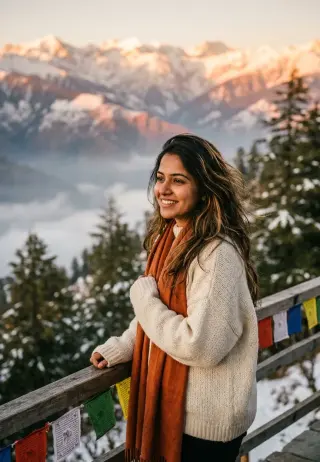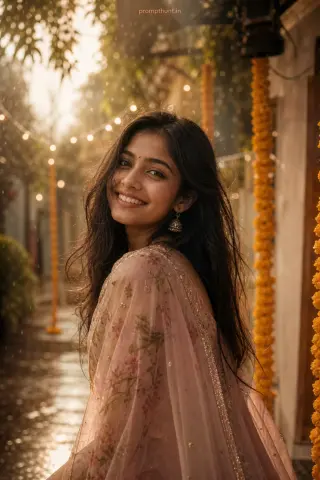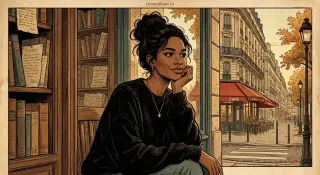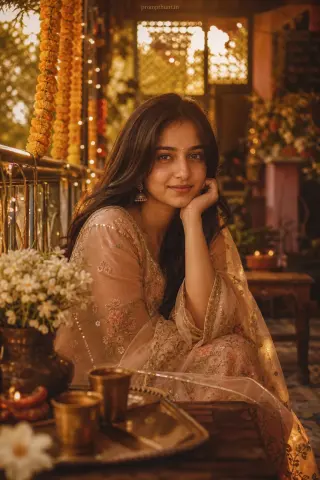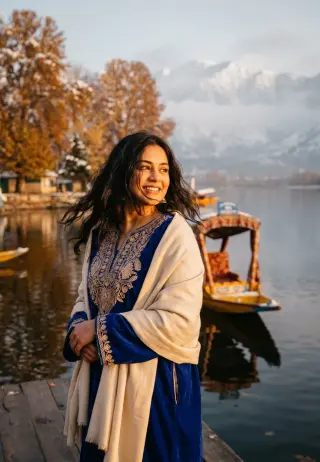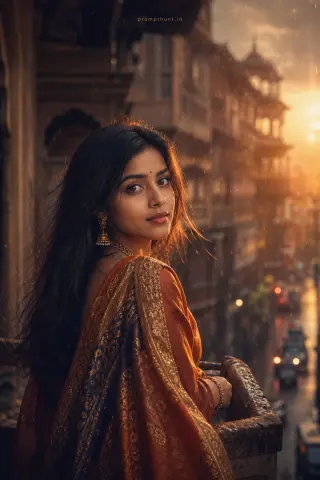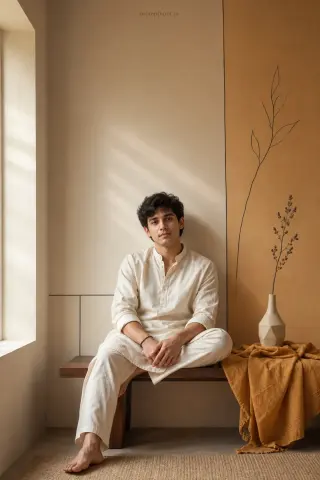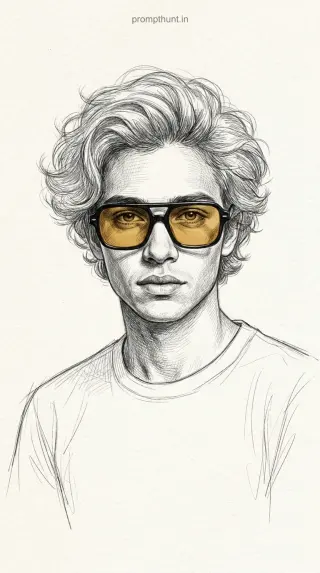
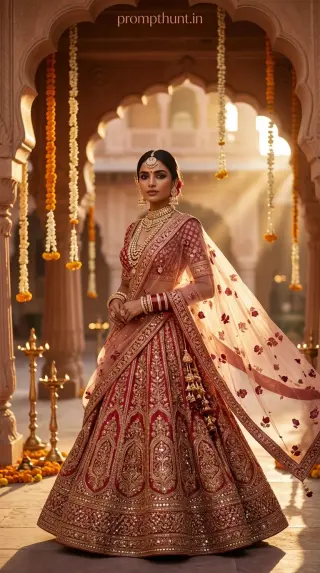
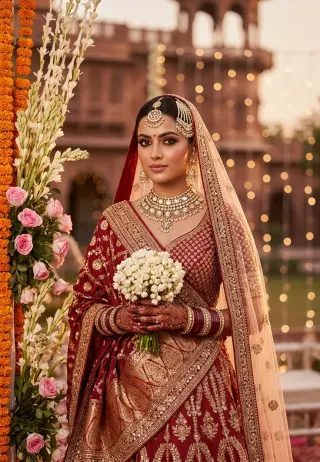
Dreamy Indian Double Exposure Portrait AI Photo Editing Prompt
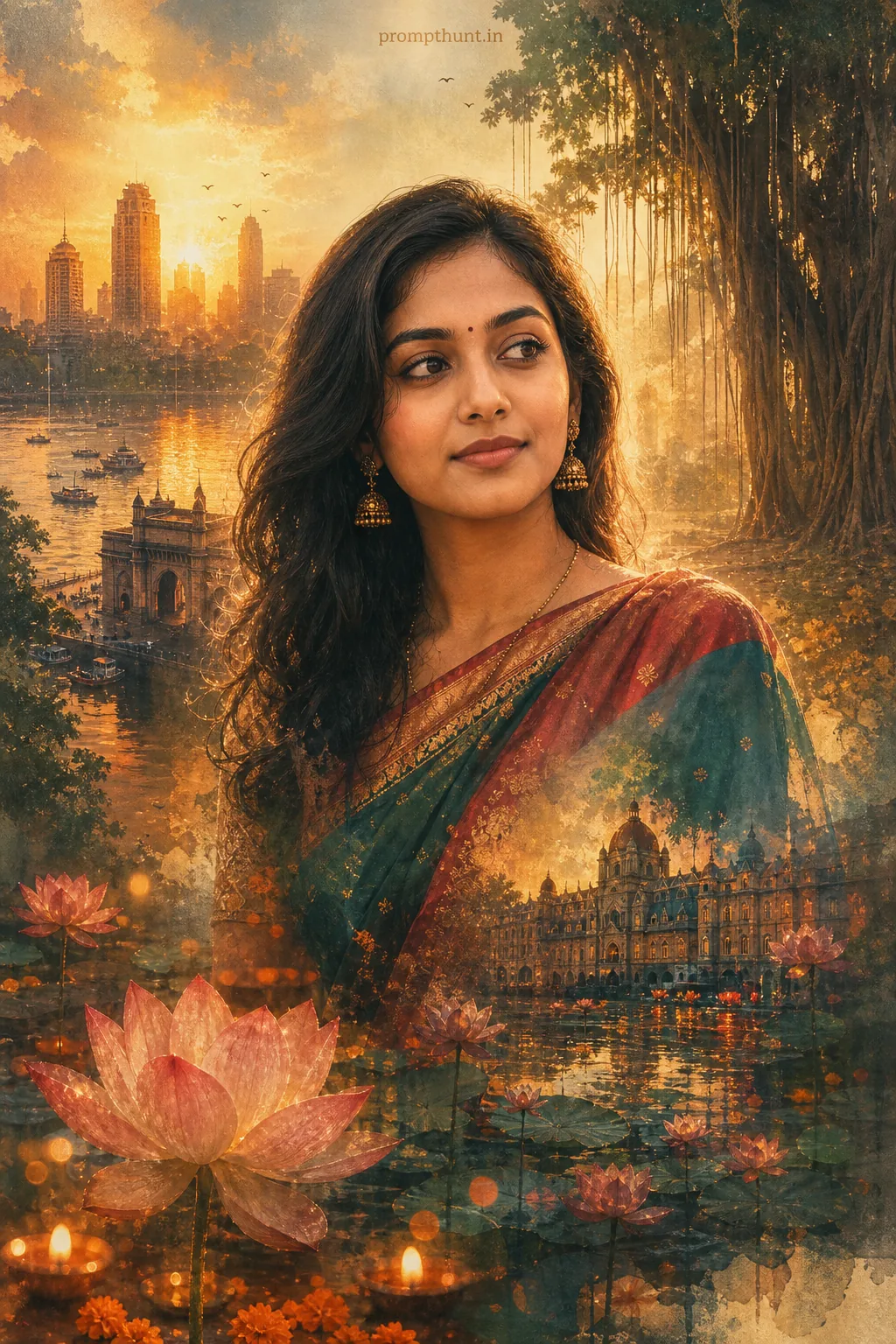
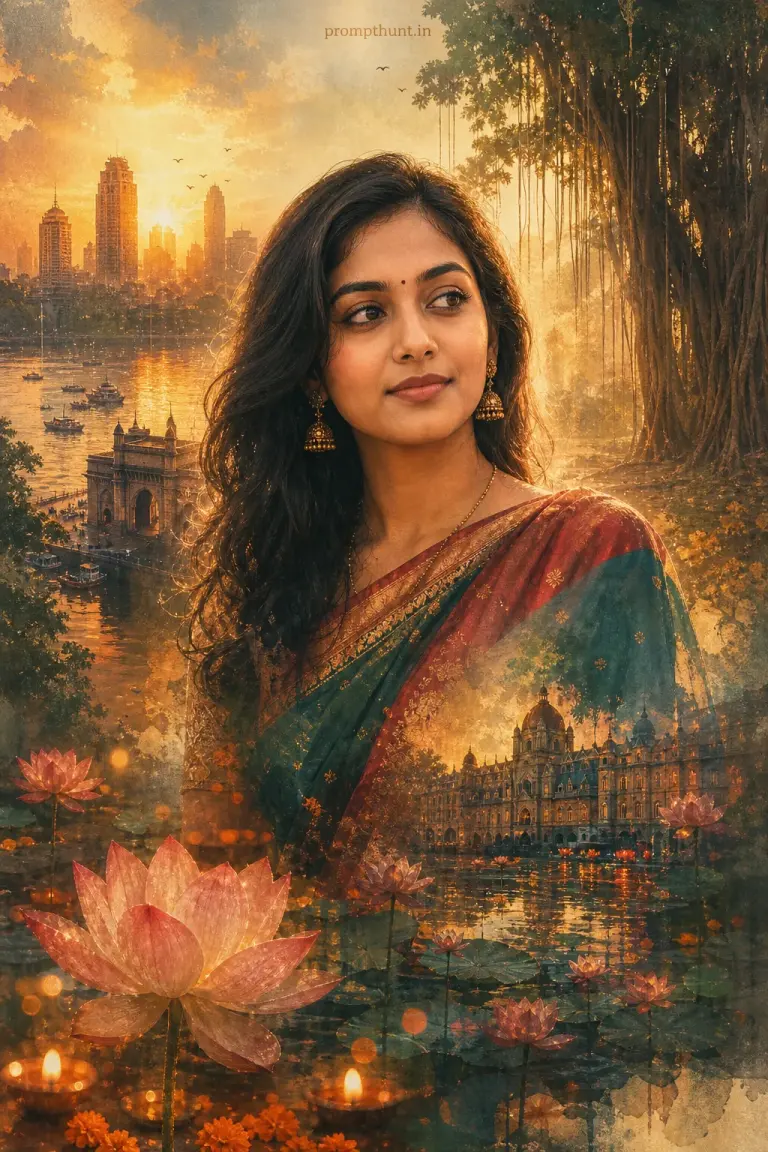
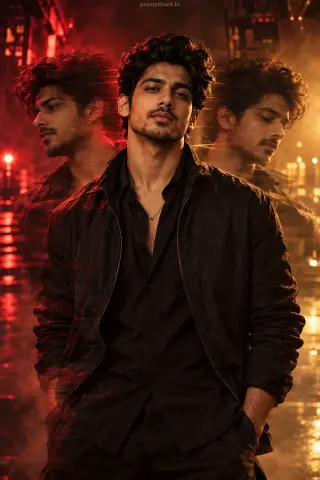
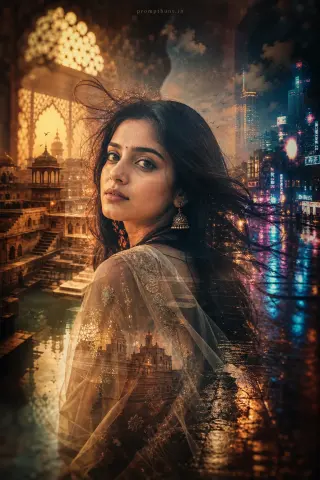
The uploaded photo is the master reference for this character. Preserve the exact facial features, face shape, skin tone, and identity from the uploaded image exactly. Vertical 9:13 composition. Vertical 9:13 cinematic double-exposure scene blending a warm golden-hour Mumbai skyline and monsoon-soaked banyan trees with delicate lotus ponds; soft, diffused rim lighting and subtle backlight create a luminous halo around the subject, warm amber and teal color grading with gentle film grain and light leaks, traditional costume textures like silk sari pleats or embroidered kurta fabric layered into the composition, floating marigold petals and diya bokeh accents for cultural warmth, mood is nostalgic and poetic with high-contrast highlights and soft shadows, painterly watercolor blending edges and layered transparency for an artistic, Instagram-ready fine-art look. Add a small, thin, professional 'prompthunt.in' text watermark at the top center of the image. The watermark should be subtle, use a color that matches the image's color palette, and appear lightweight and elegant — not distracting.
Community Rating
Rate this prompt
Dreamy Indian Double Exposure Portrait AI Photo Editing Prompt: You get a dreamy Indian double exposure portrait image built around warm amber and teal color grading. Start from one sharp, well-lit photo; if the first result drifts, regenerate or ask for a small change in plain words.