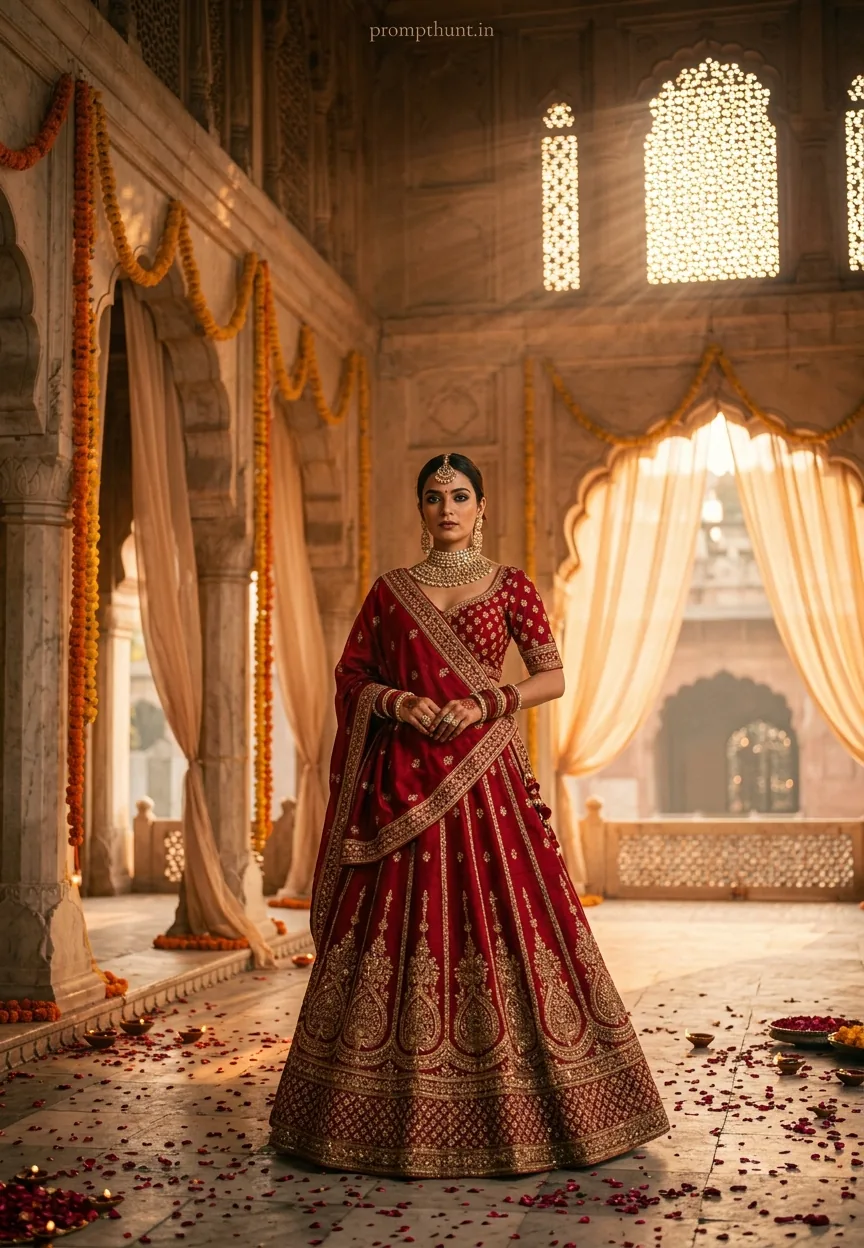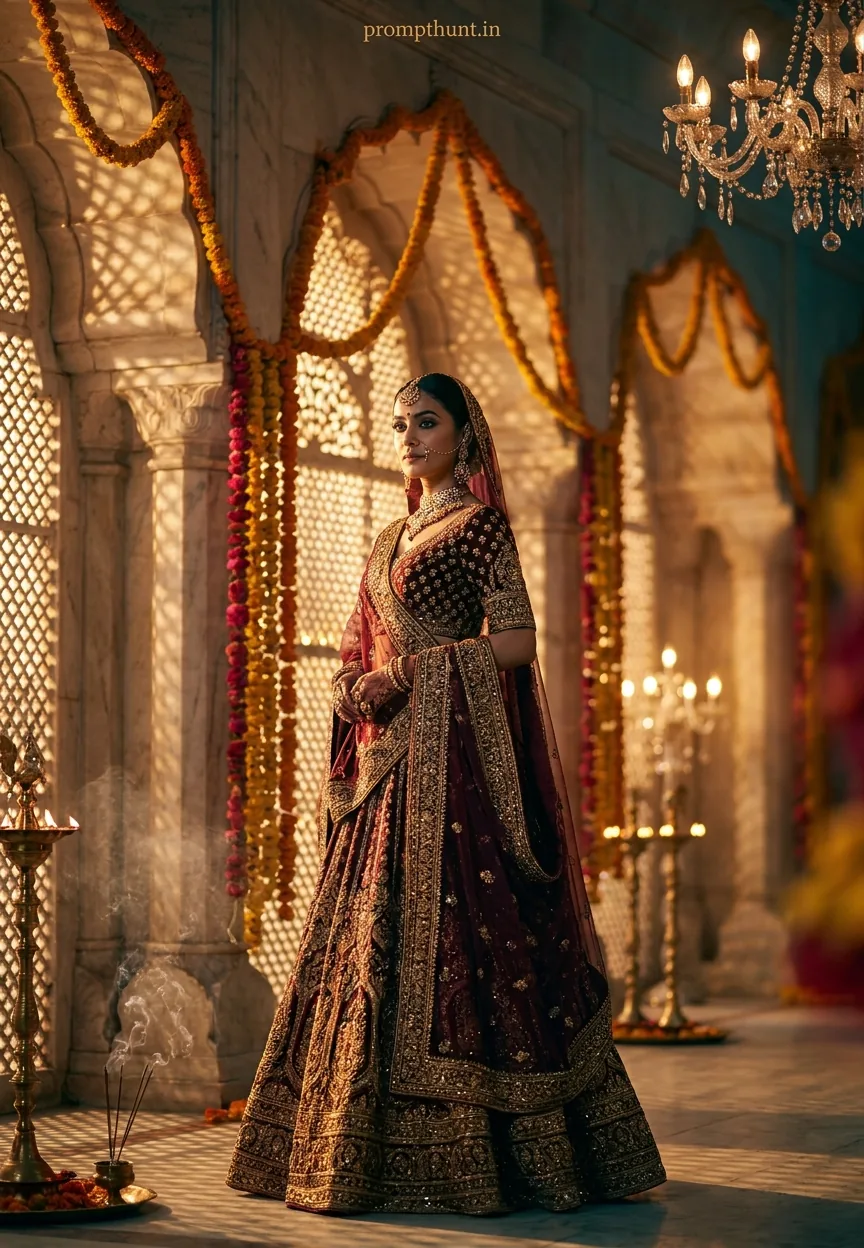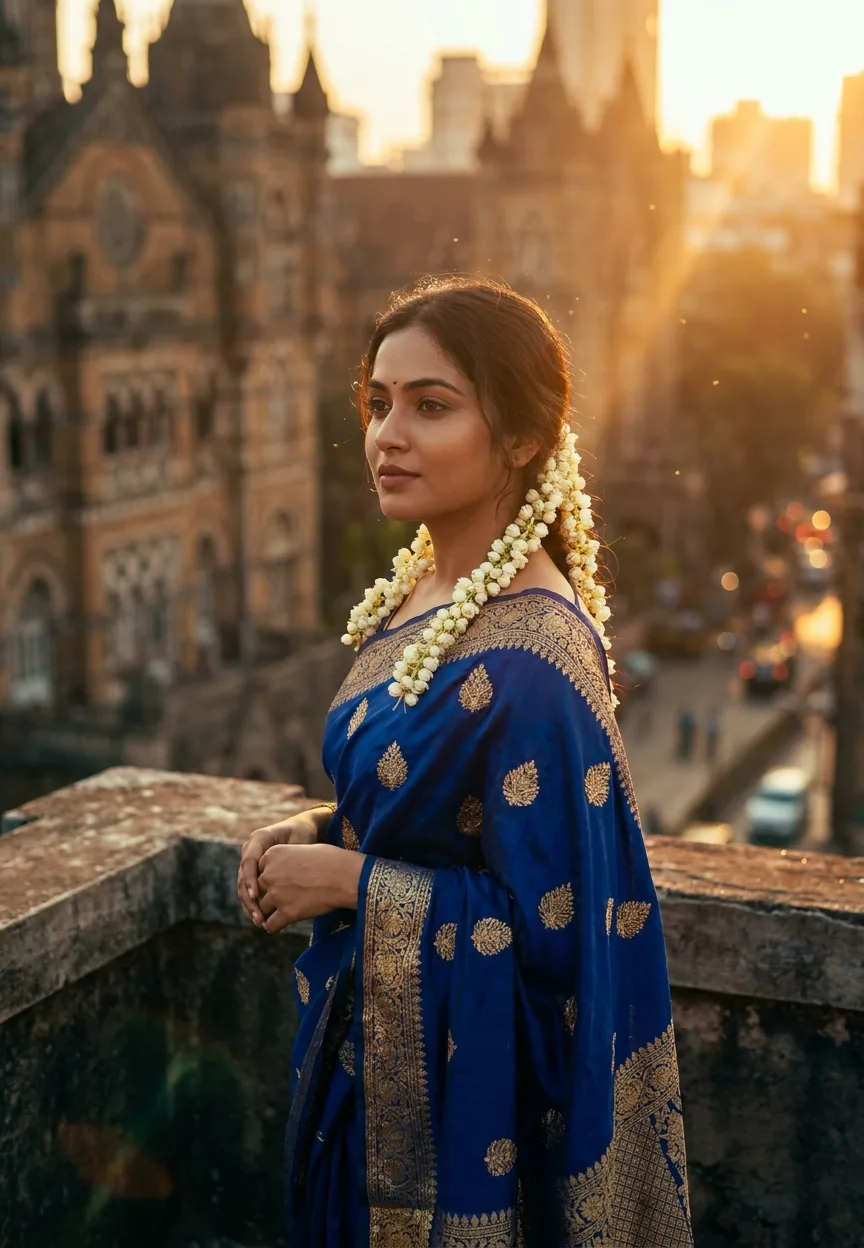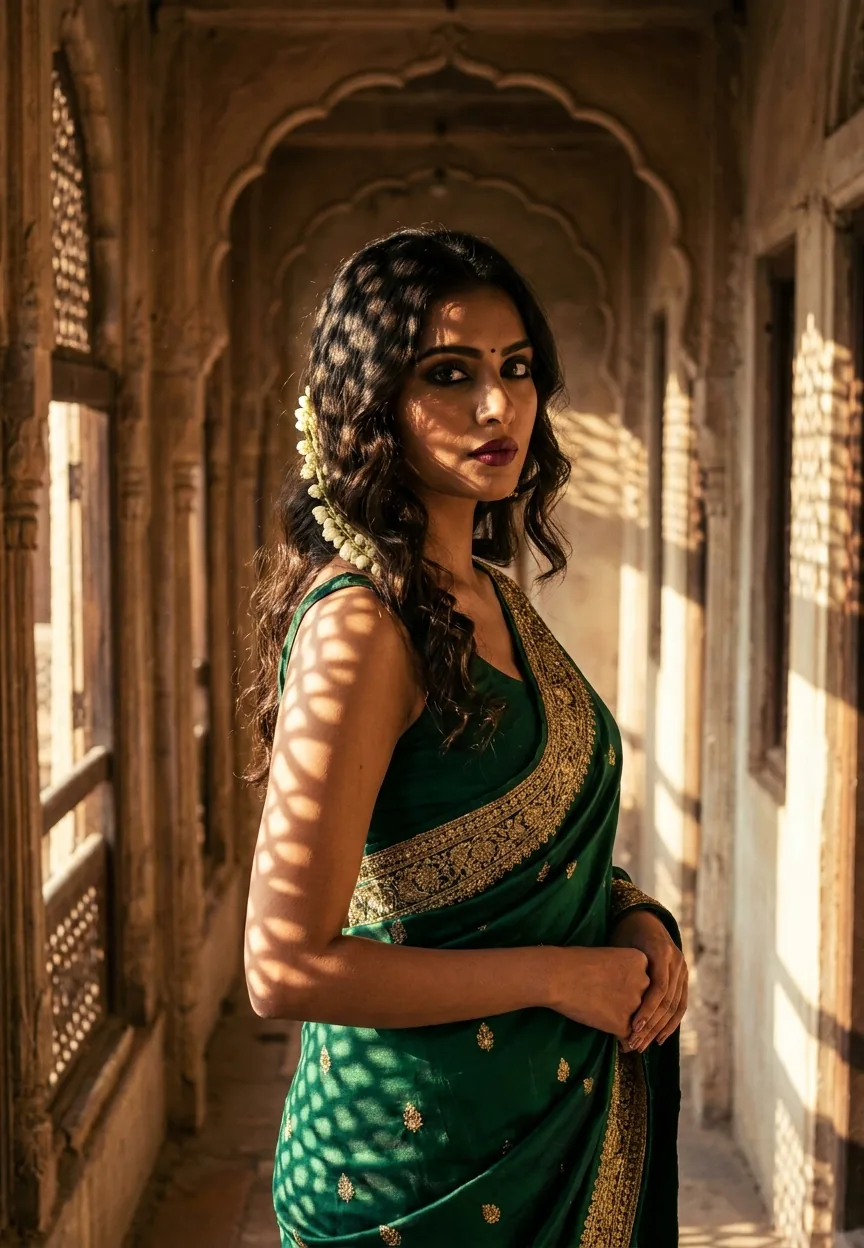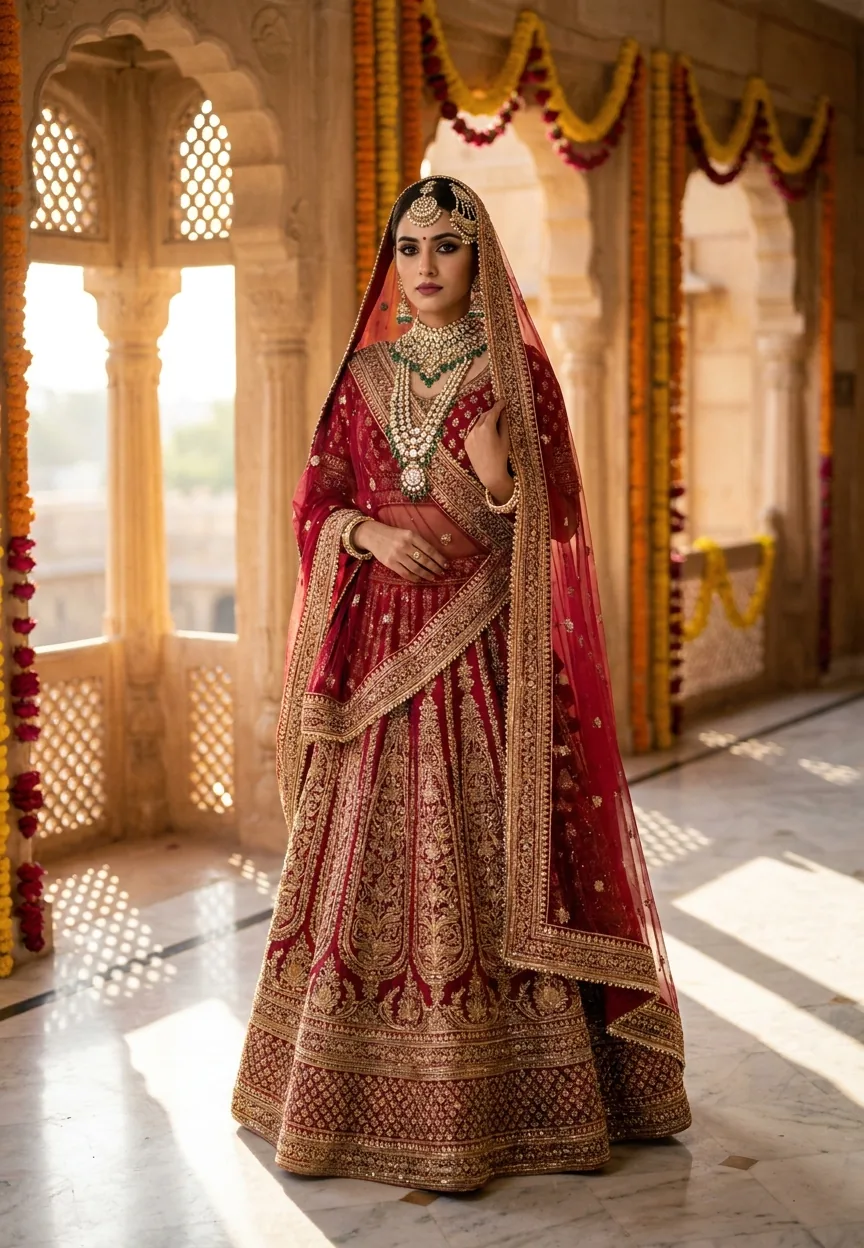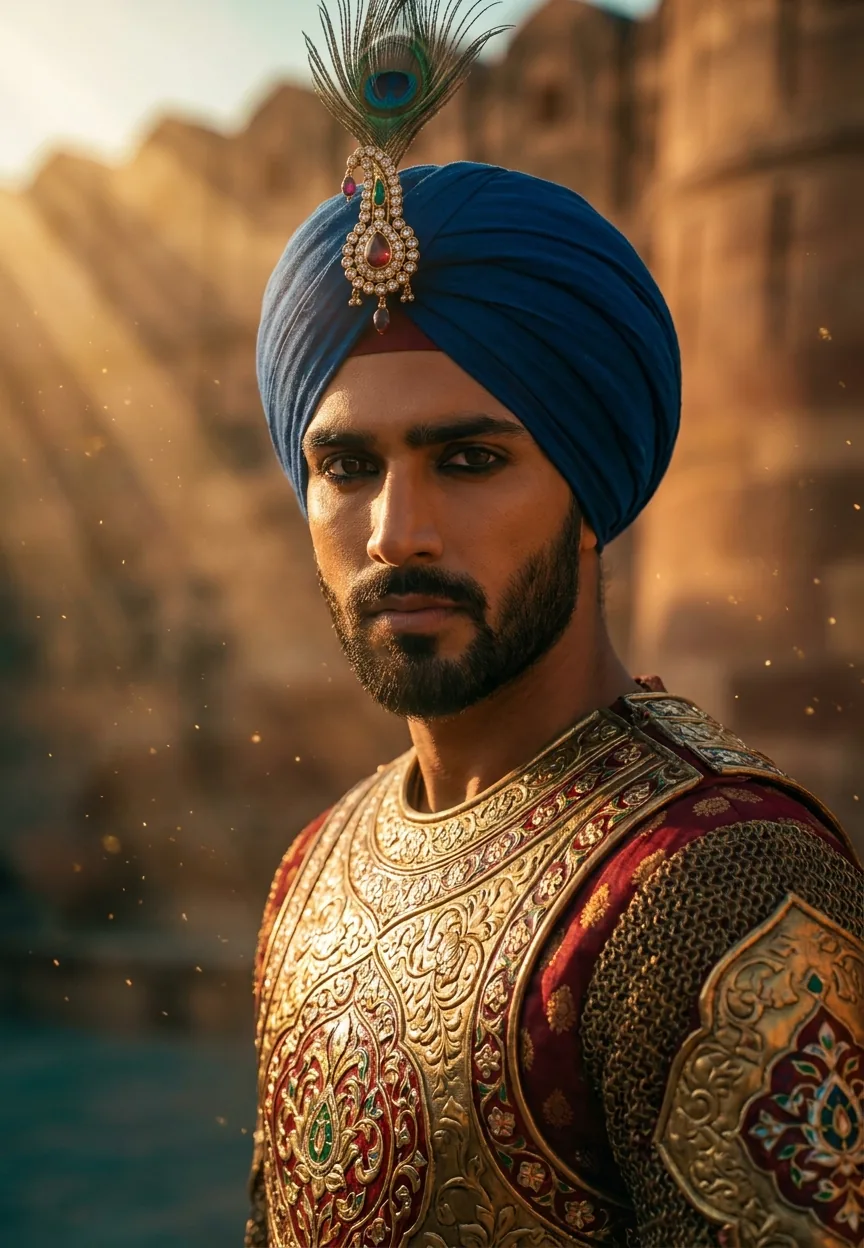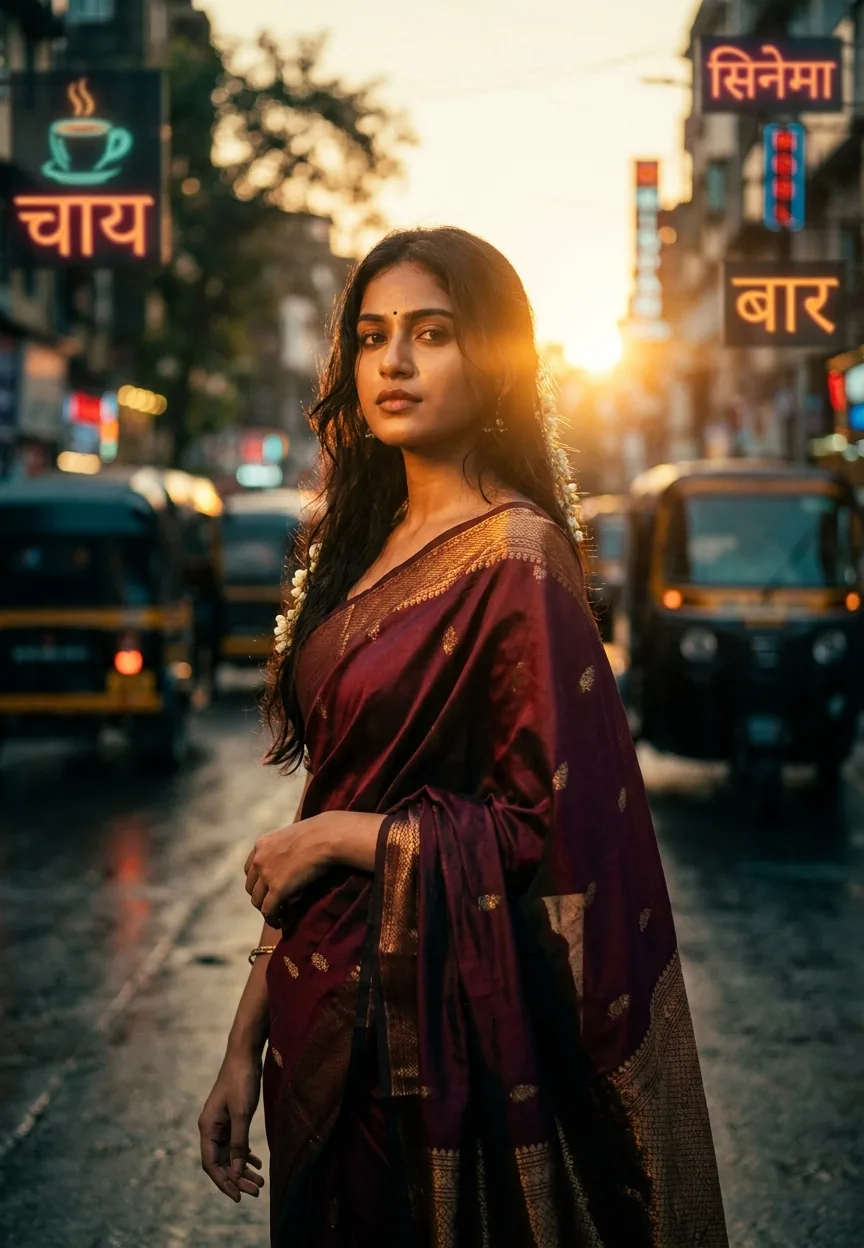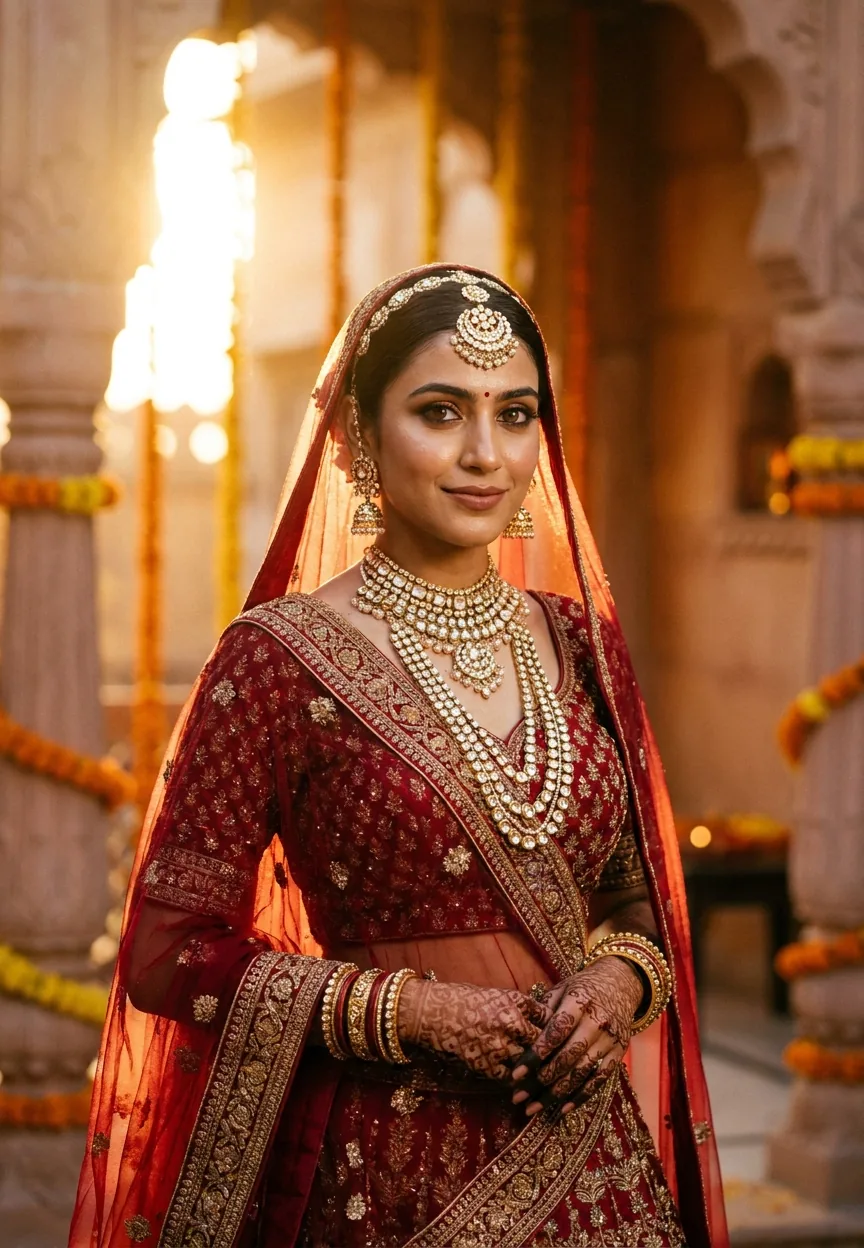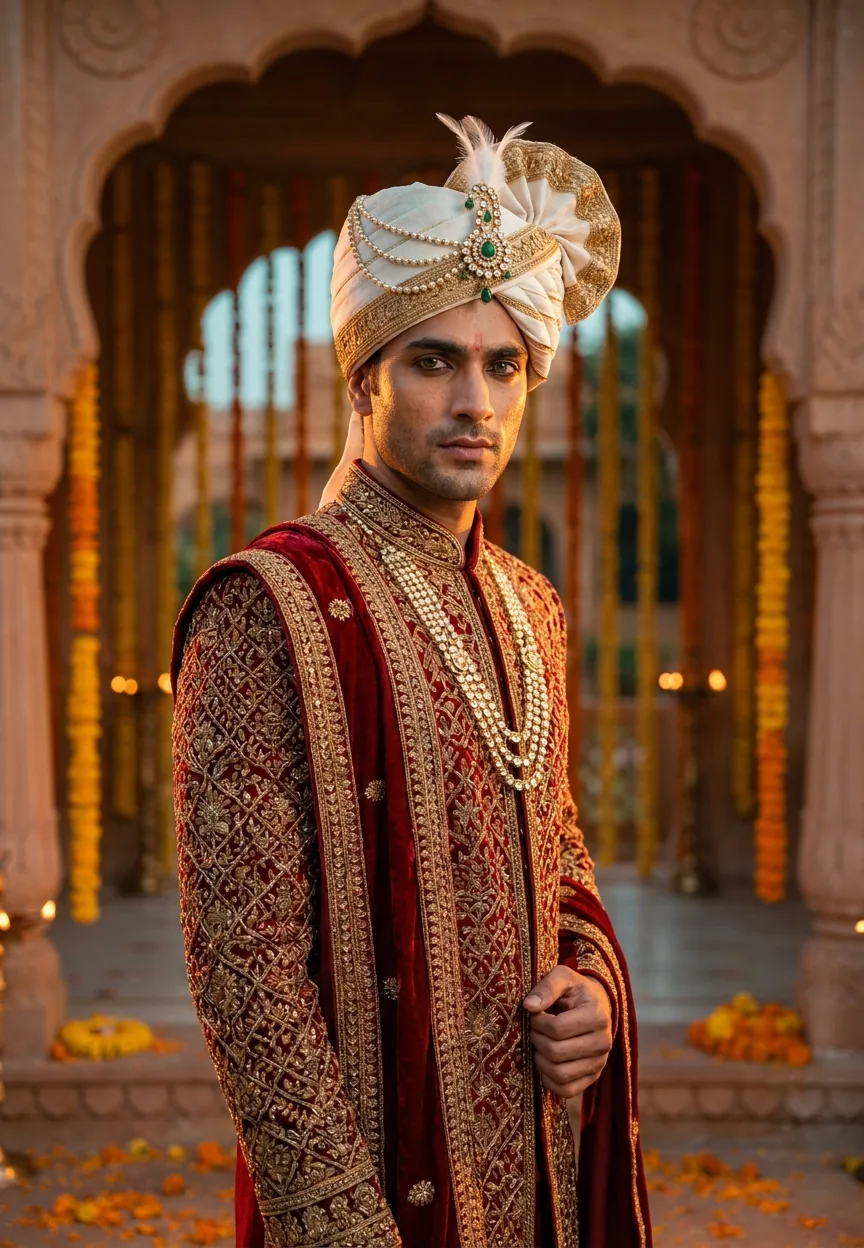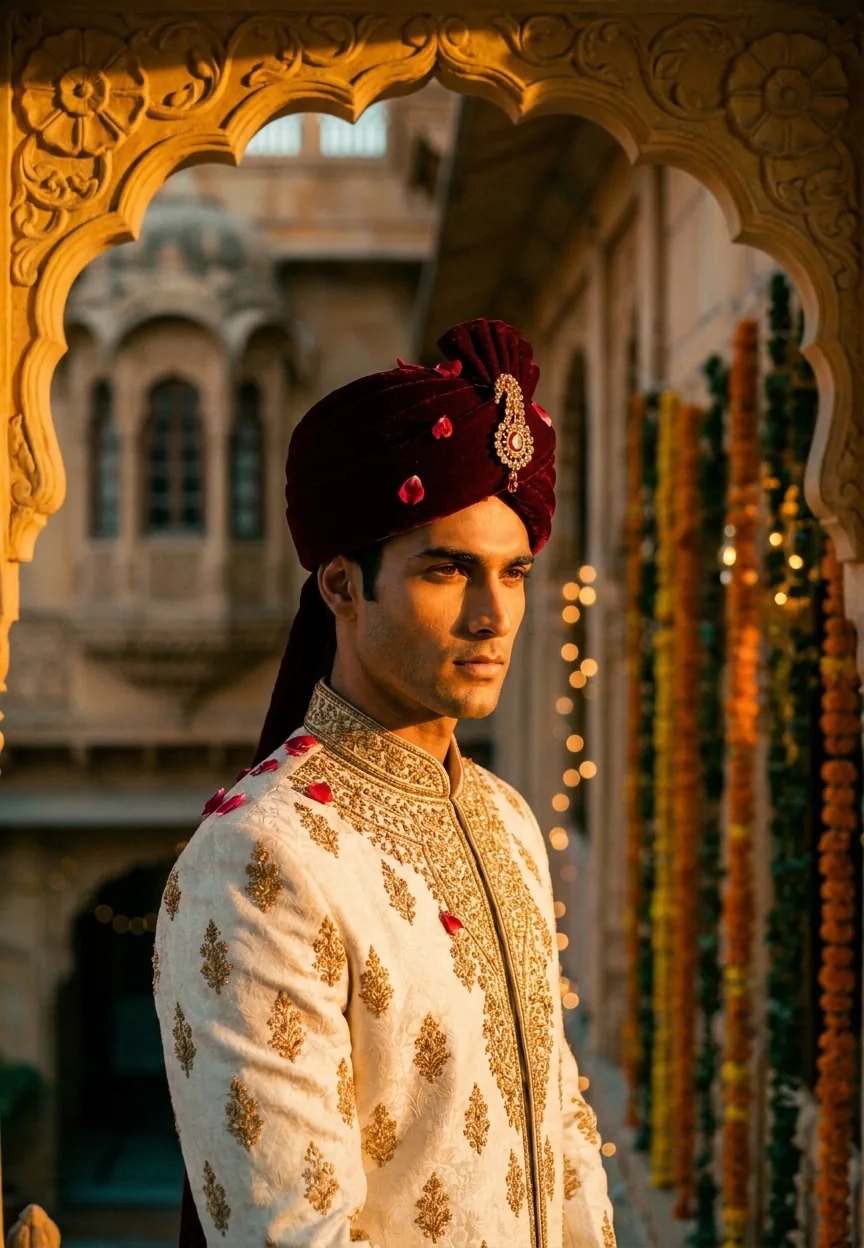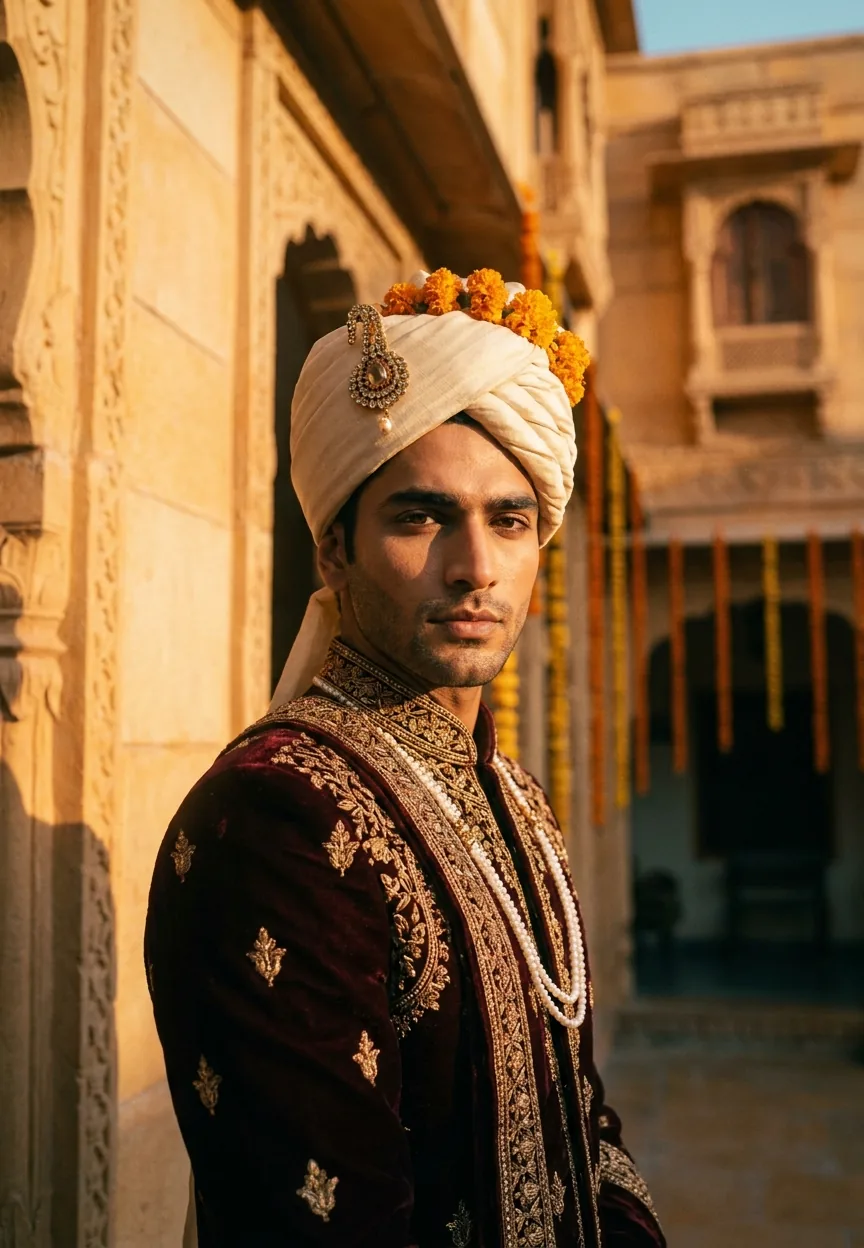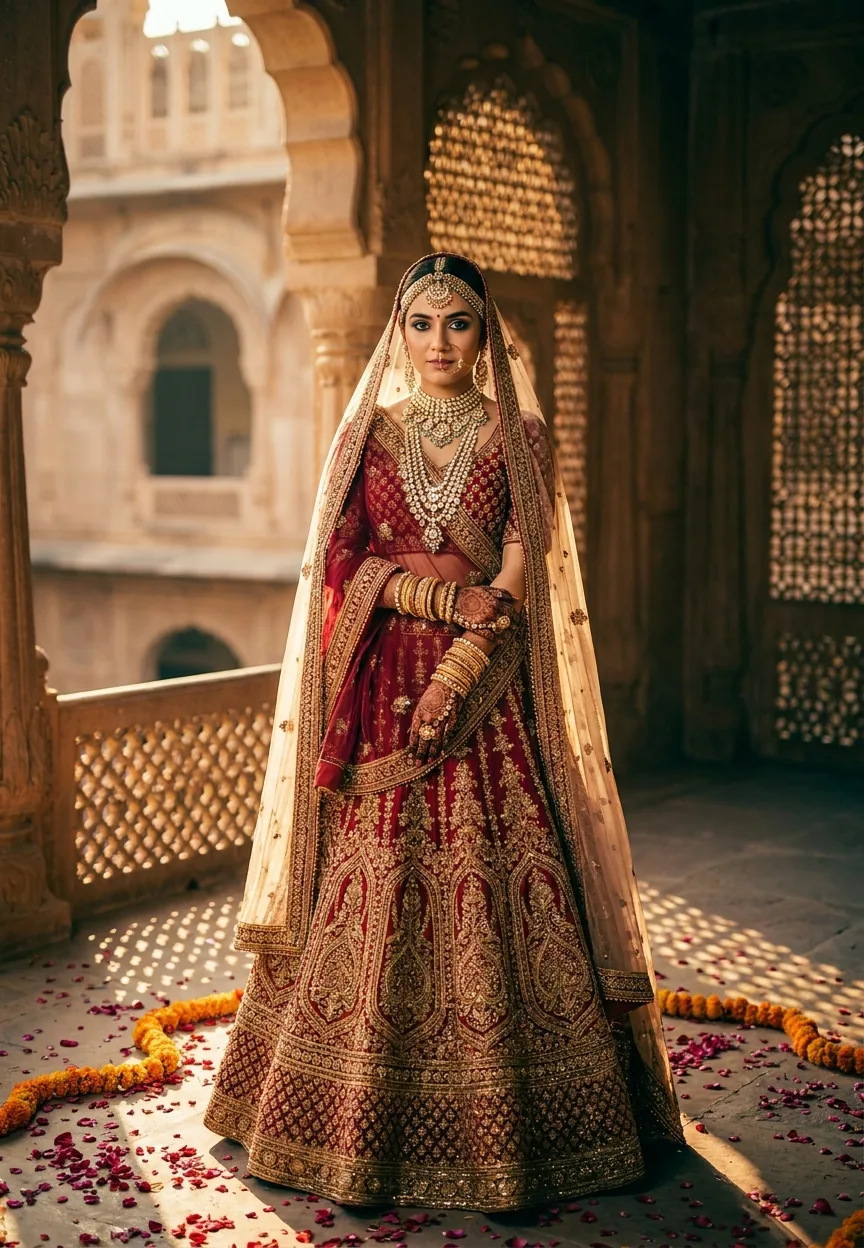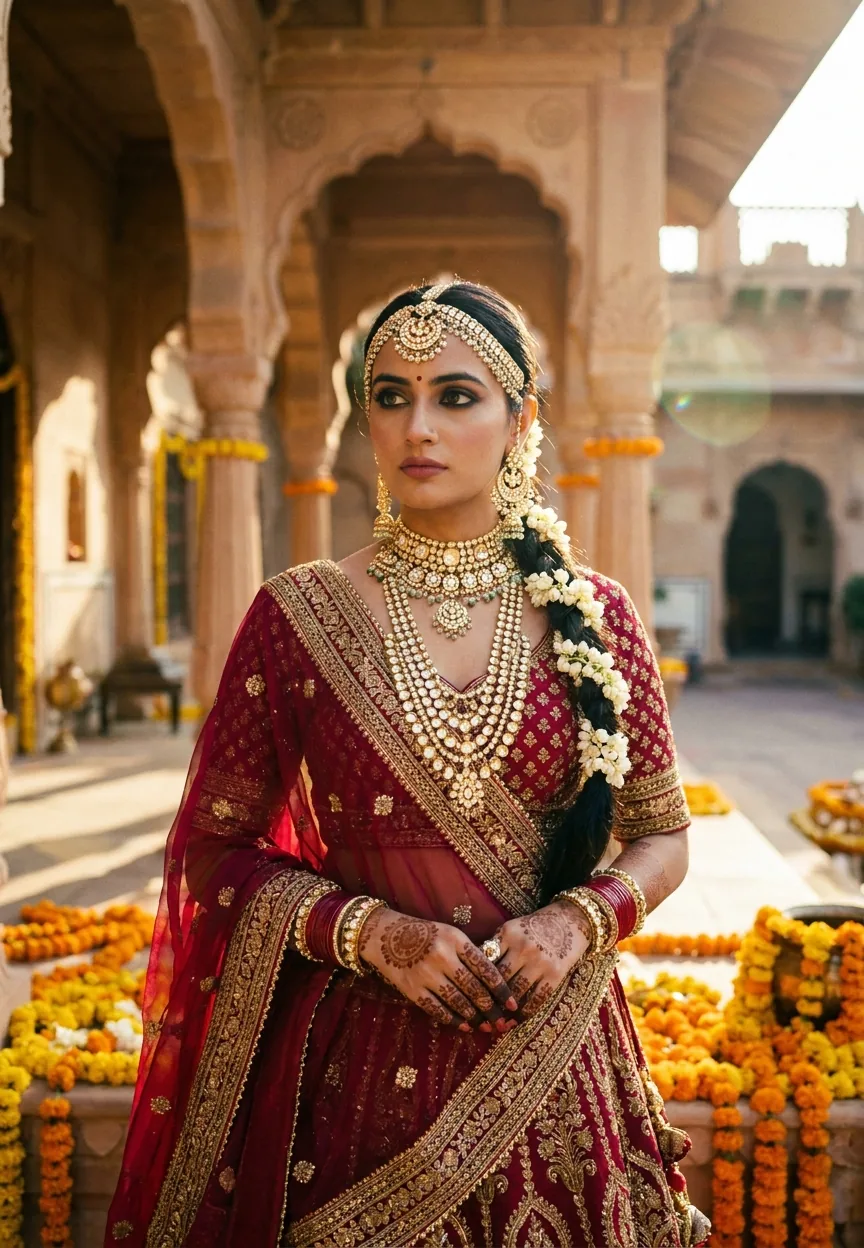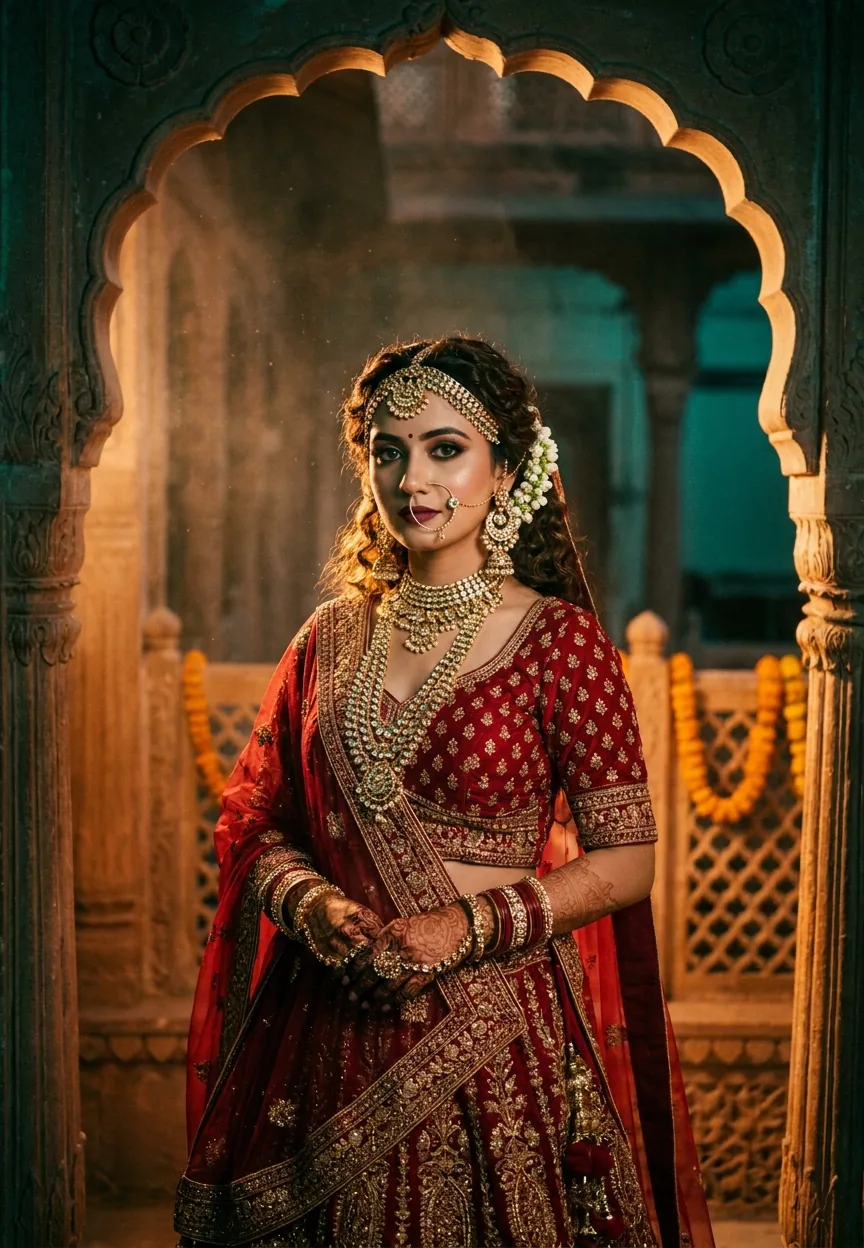
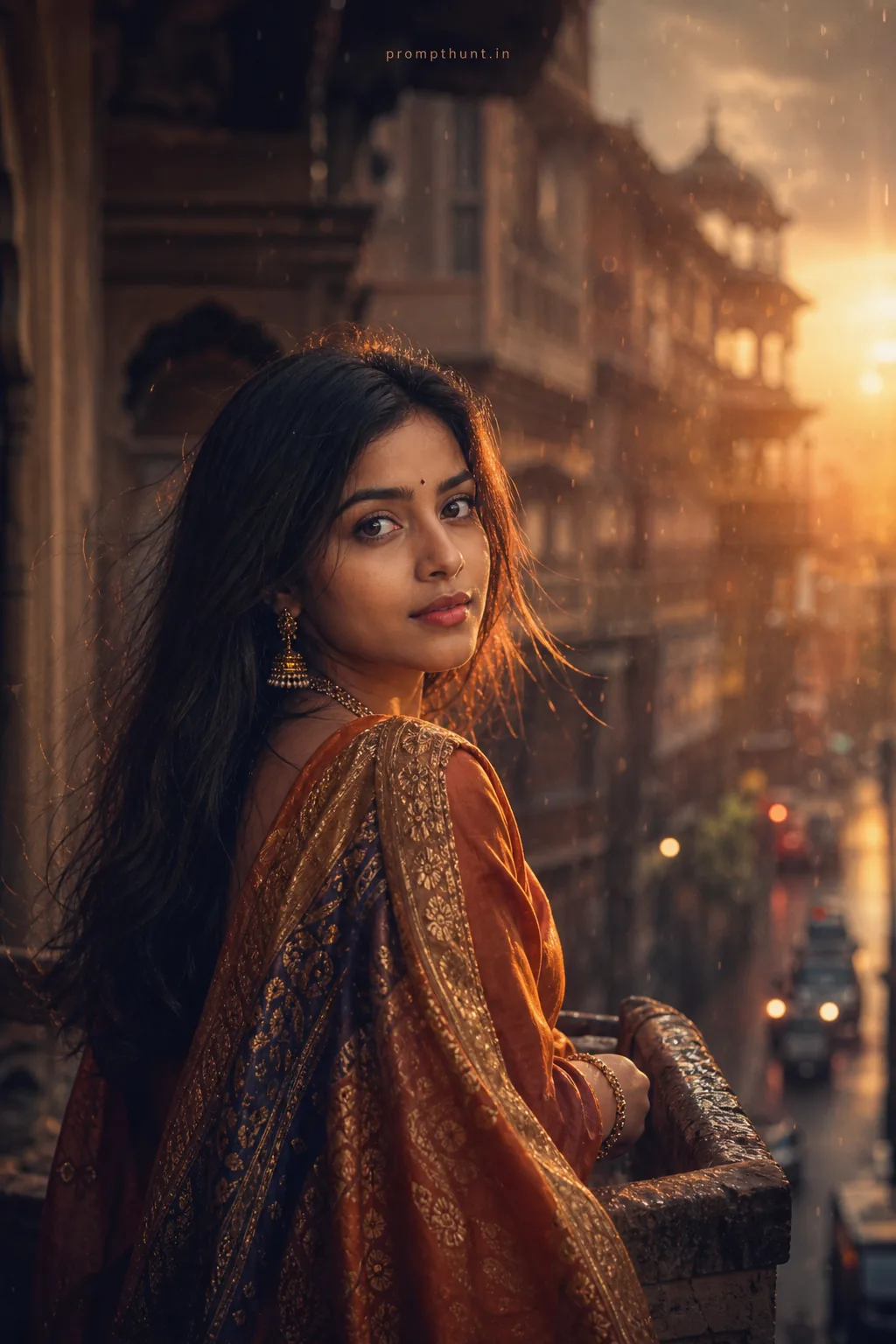
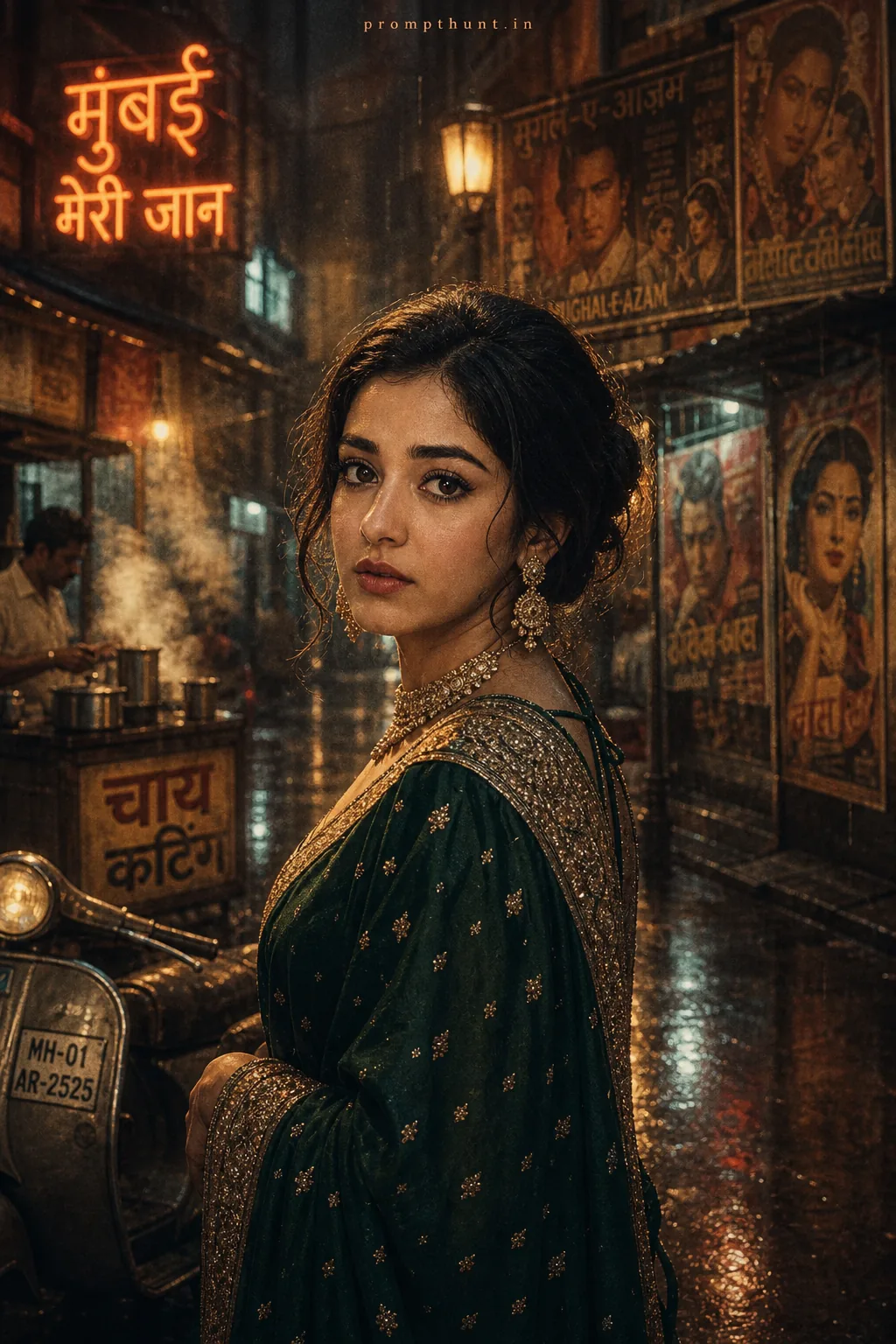
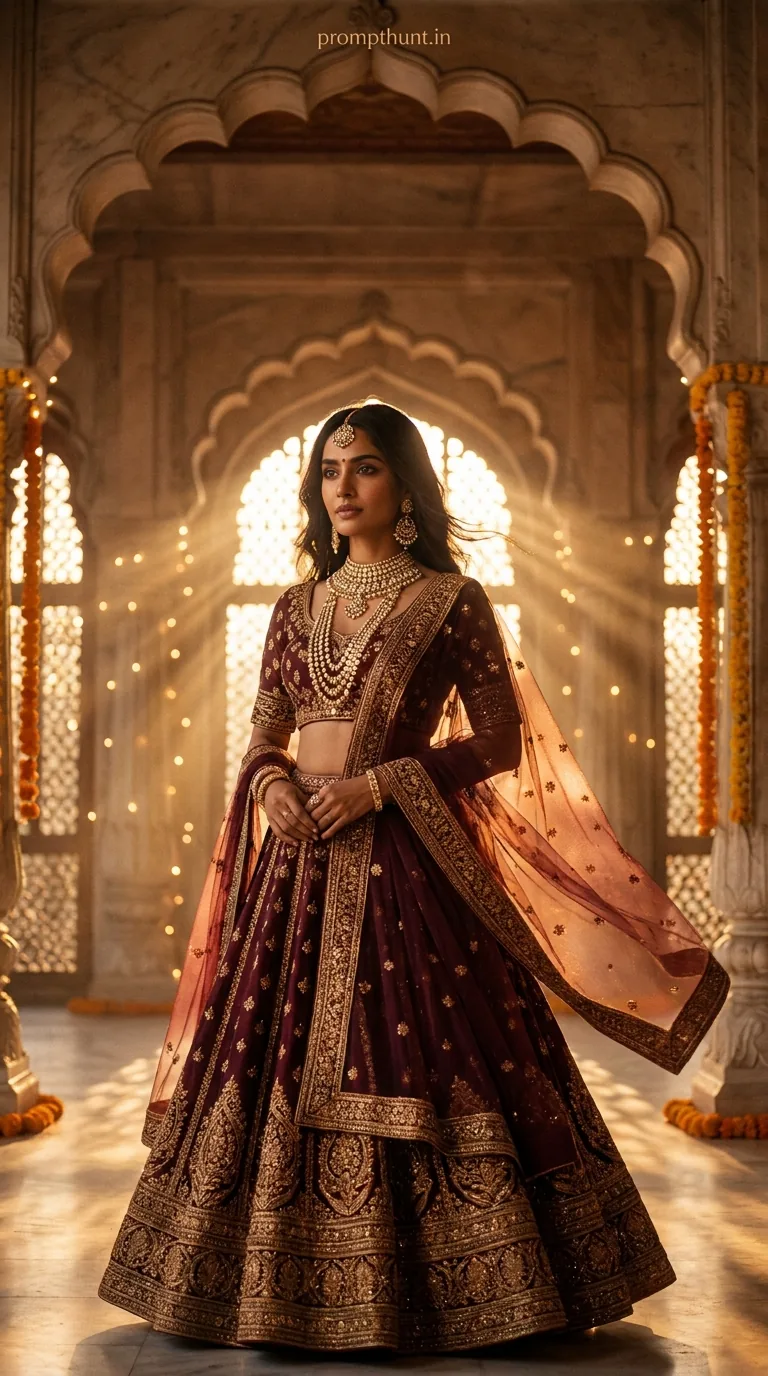
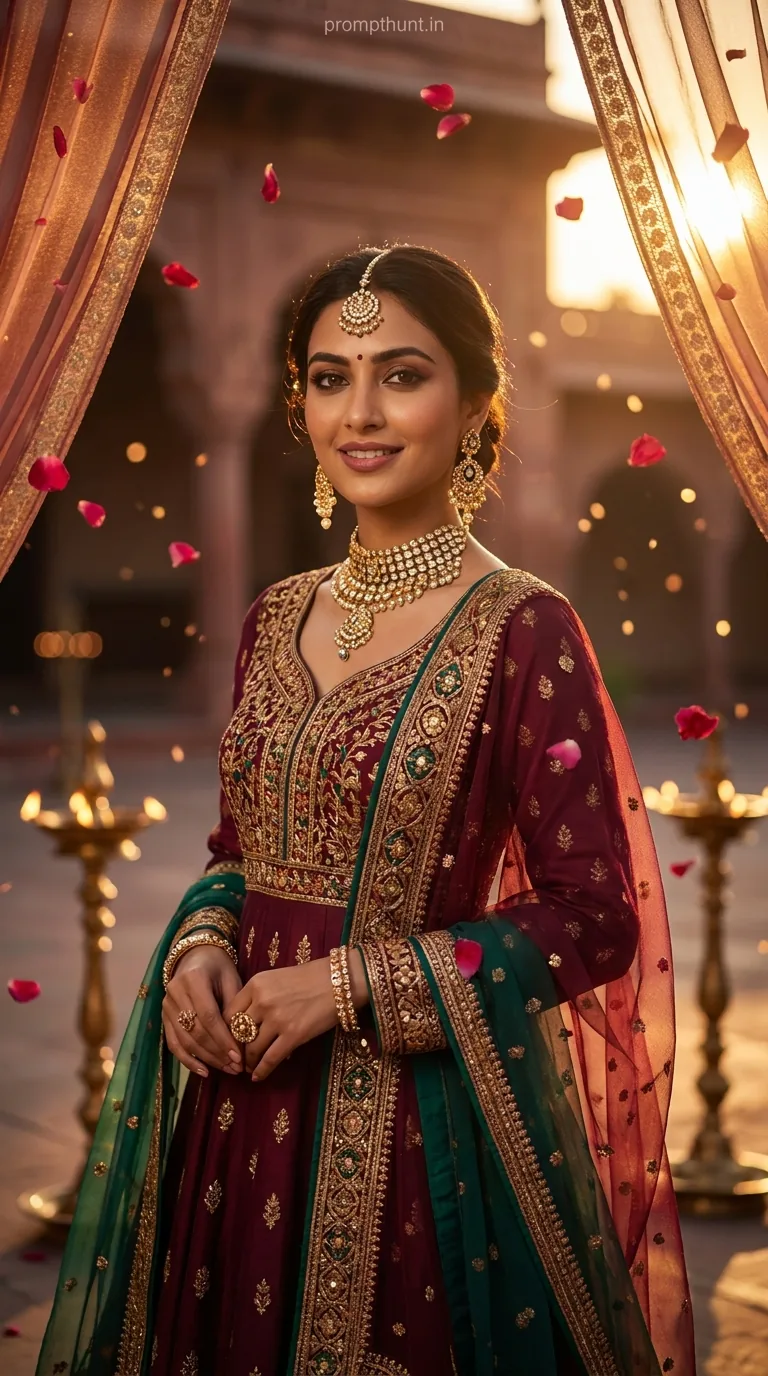
A Cinematic Portrait prompt for a Royal Rajasthani Bride combines dramatic Bollywood-style lighting, rich crimson and gold bridal costuming, and ultra-realistic 8K detail to generate editorial-quality AI portrait photography. Feed this prompt into Gemini, Midjourney, or any capable image model and you get a striking, jewel-toned bridal portrait that looks like it belongs on a Vogue India cover.
Royal Rajasthani Bride Cinematic Glow — The AI Photo Prompt That Hits Different
Some prompts generate a nice picture. This one generates a moment. The Royal Rajasthani Bride cinematic portrait prompt has been doing serious rounds on Indian social media, and honestly, it earns the attention. We're talking polki jewelry, zardozi embroidery, golden haveli light, and the kind of kohl-lined gaze that would make a Bollywood director put down his chai. If you've ever wanted to see what a full cinematic portrait session looks like without hiring a set designer, a lighting crew, and forty marigold garlands — this prompt is your answer.
Paste this prompt into Gemini or Midjourney, keep the lighting descriptors intact, and you'll generate a dramatic editorial-quality Rajasthani bridal portrait in under a minute.
What Is a Cinematic Portrait, Exactly
A cinematic portrait is a photograph — or in this case, an AI-generated image — styled to look like it was pulled straight from a film frame. Not a passport photo. Not a selfie. A scene.
The difference comes down to three things: lighting, colour grading, and depth. Real cinematic portraits use dramatic directional light, a shallow depth of field to blur the background into soft painterly shapes, and a deliberate colour palette. Think warm ambers fighting against deep teals. Think shadows with actual personality.
In AI image generation, you recreate all of that through language. Every word in the prompt is a lighting decision. Every detail is a camera instruction. This particular prompt nails the brief — it specifies the lens (85mm), the aspect ratio (9:13 vertical), the grading style (Bollywood warm tones with deep contrasts), and the mood (soft yet powerful). That's not a prompt. That's a shot list.
The Prompt Itself
A stunning young Indian woman dressed as a royal Rajasthani bride, wearing a rich deep crimson and gold lehenga with intricate zardozi embroidery, heavy polki and kundan bridal jewelry including maang tikka, layered necklaces, jhumkas, and nath nose ring, hands adorned with elaborate mehndi and gold bangles, soft loose curls with fresh mogra flowers woven through her hair, standing in the golden archway of a haveli with warm amber and deep teal cinematic lighting casting dramatic shadows, dust particles floating in the air catching the light, expression soft yet powerful with kohl-lined eyes and deep burgundy lips, skin glowing with warm honey tones, background featuring blurred intricate jali stonework and marigold decorations, shot on a 85mm lens with shallow depth of field, ultra-realistic editorial fashion photography aesthetic, Bollywood cinematic color grading with rich warm tones and deep contrasts, 9:13 vertical portrait format, photorealistic, 8K detail
How to Use This Prompt, Step by Step
No drama. Four steps and you're done.
Step one: Pick your tool. Gemini works well here, especially with image generation enabled. Midjourney and Adobe Firefly handle the cinematic portrait style reliably too. If you're on a budget, Leonardo AI's portrait model is a fair call.
Step two: Paste the prompt as-is. Don't paraphrase it. Don't tidy it up. AI image models respond to density — the more specific you are, the more it has to work with. Cutting words cuts quality. (Yes, even the dust particles matter. Especially the dust particles.)
Step three: Set your aspect ratio manually if the tool allows it. The prompt specifies 9:13 vertical — that's a tall portrait format, almost like a magazine cover. In Midjourney, add --ar 9:13 at the end. In Gemini and Firefly, select portrait orientation before generating.
Step four: Run it two or three times. AI generation has a random element. Your first result might be perfect. It might also give the subject four and a half fingers (a classic). Generate a few variations and pick the strongest one.
Tips for Getting the Best Cinematic Portrait Results
Nine times out of ten, a weak result comes from a vague prompt — not a bad tool. Here's how to stay sharp.
Keep the lighting language. "Warm amber and deep teal cinematic lighting" is doing a lot of heavy lifting. Remove it and you lose the drama. Swap "warm amber" for "bright white" and you'll get a studio headshot, not a Rajasthani moment.
Don't remove the lens spec. "85mm lens with shallow depth of field" tells the model to compress the background and keep the subject sharp. It's the difference between a portrait and a snapshot. Rule of thumb: always include a focal length in any cinematic portrait prompt.
Add a subject reference if personalising. If you're generating for a specific person — a bride, a friend, a client — add a brief physical description at the start. Something like "a 28-year-old woman with deep brown eyes and sharp features" grounds the model before all the costume detail kicks in.
Use "photorealistic, 8K detail" at the end, always. These two terms tell the model you're not after an illustration. They push results toward photography-style output rather than digital painting. The difference is real and visible.
If the jewellery looks wrong, add more specificity. AI models occasionally struggle with layered jewellery — things pile up awkwardly or merge into each other. If your output has a maang tikka growing out of someone's ear, try regenerating and adding "clearly defined, individually visible bridal jewellery pieces" to the prompt.
Why This Style Is Trending Right Now
Short answer: Indian bridal aesthetics are having a serious cultural moment, and AI is meeting it exactly where it lives.
Longer answer: Bollywood has always set the visual language for how Indian brides are portrayed — dramatic light, saturated colour, architectural grandeur. That aesthetic is deeply familiar and deeply aspirational. AI image tools now let anyone generate that look without a film budget. Brides, content creators, jewellery brands, and wedding photographers are all using cinematic portrait prompts to mock up concepts, create social content, or simply explore a look before committing to it in real life.
The haveli setting specifically is clever. Havelis — the grand ancestral homes of Rajasthan — are visually extraordinary: carved stone jali screens, arched doorways, warm sandstone that catches golden light like nothing else. They're instantly recognisable and deeply evocative. Dropping a bridal figure into that context gives the image cultural weight that a generic studio backdrop simply cannot fake.
Add the marigold garlands, the dust particles in the light (a cinematographer's trick for adding atmosphere to a shot), and the burgundy-and-crimson colour palette, and you've got an image that reads as both timeless and current. That's a hard combination to pull off. This prompt manages it.
Honest Opinion — When Not to Use This
Right, let's be straight about it — because this prompt is genuinely impressive, and that's exactly why it's easy to misuse.
This cinematic portrait style works because every element is calibrated. The lighting, the setting, the costume, the colour grade — they all come from the same visual tradition. If you start mixing in elements that don't belong — a modern outfit, a city skyline background, neon lighting — the prompt fights itself and the result looks confused. Coherence is the whole point.
It's also not the right tool for actual portrait photography work. If a real client wants bridal photos, they need a real photographer, real light, real mehndi on real hands. AI-generated images are concepts, mood boards, and social content — not substitutes for professional photography sessions. Anyone selling AI-generated images as real photography is doing something dodgy, full stop.
The other thing worth flagging: because this prompt is culturally specific — Rajasthani bridal tradition, Bollywood aesthetic, particular jewellery forms — it works beautifully in context and looks hollow out of it. Using the prompt to generate a vaguely "Indian-looking" image without understanding what zardozi embroidery or polki jewellery actually are is how you get something that feels like a costume rather than a portrait. The specificity is what makes it respectful. Keep it.
Use this prompt for: bridal concept mood boards, social media content, jewellery brand visuals, personal creative projects, and exploring AI capabilities. Don't use it for: passing off generated images as real photography, or stripping out the cultural details because you think they're too complicated.
Final Word
The Royal Rajasthani Bride cinematic portrait prompt is one of those rare AI prompts where every detail earns its place. The 85mm lens spec, the dust particles, the teal-against-amber light — none of it is decoration. It all contributes to a result that looks genuinely considered. Paste it in, give it a few runs, keep the lighting language intact, and you'll have a portrait that looks like it cost a lot more than the five minutes it took to generate. Just remember: even the best prompt can't fix four and a half fingers. That's still on the