
Realistic Monsoon Street Style AI Photo Editing Prompt
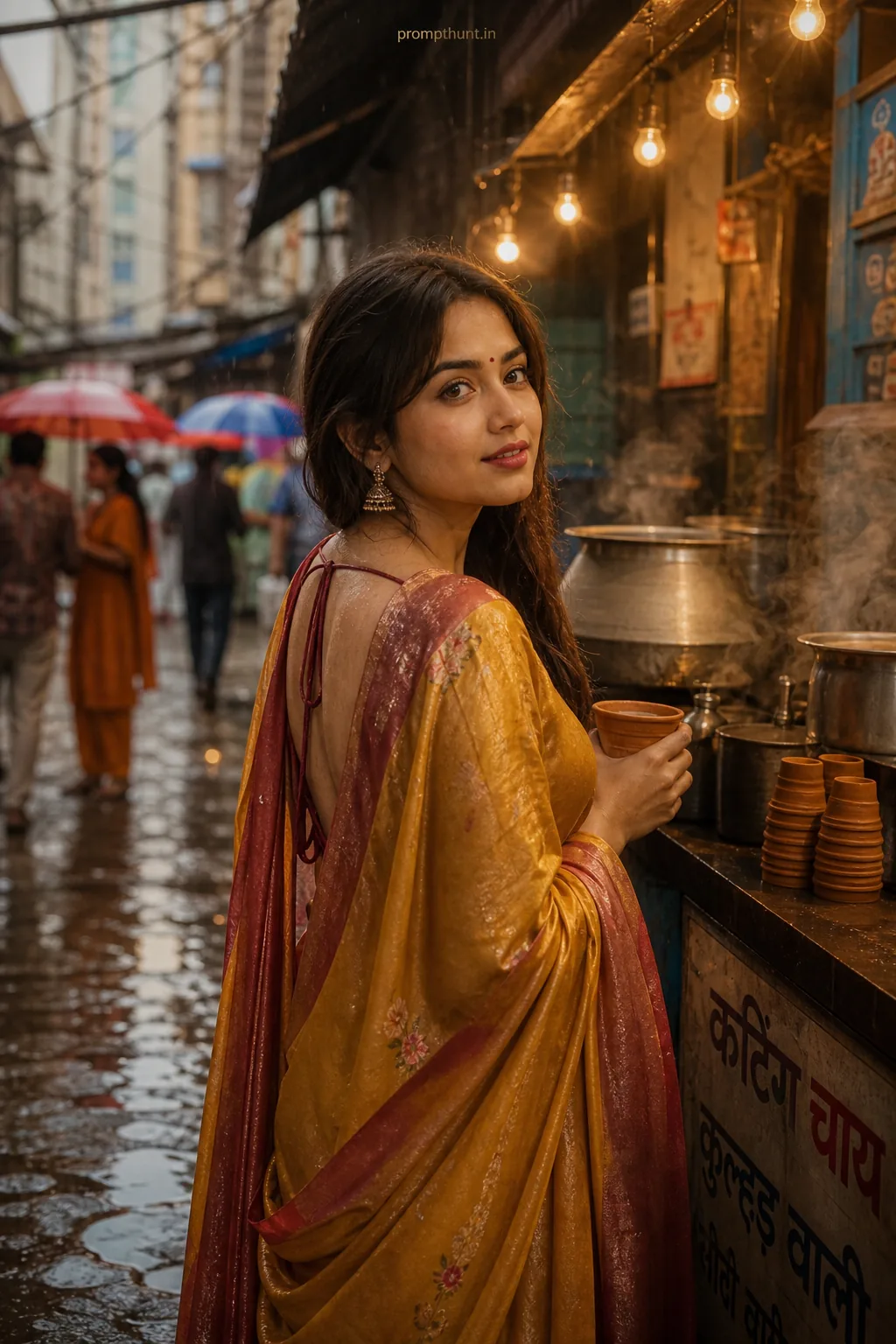
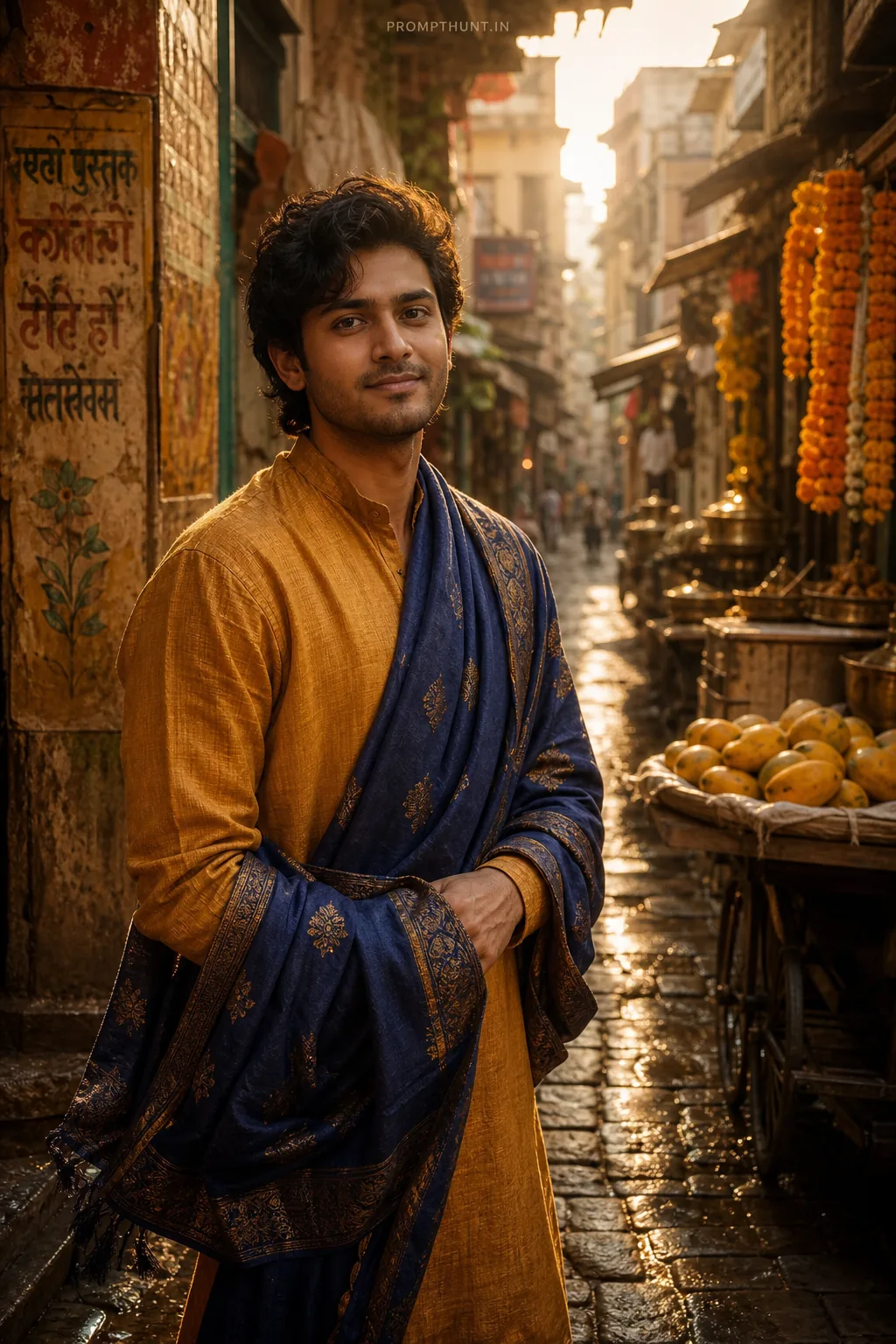
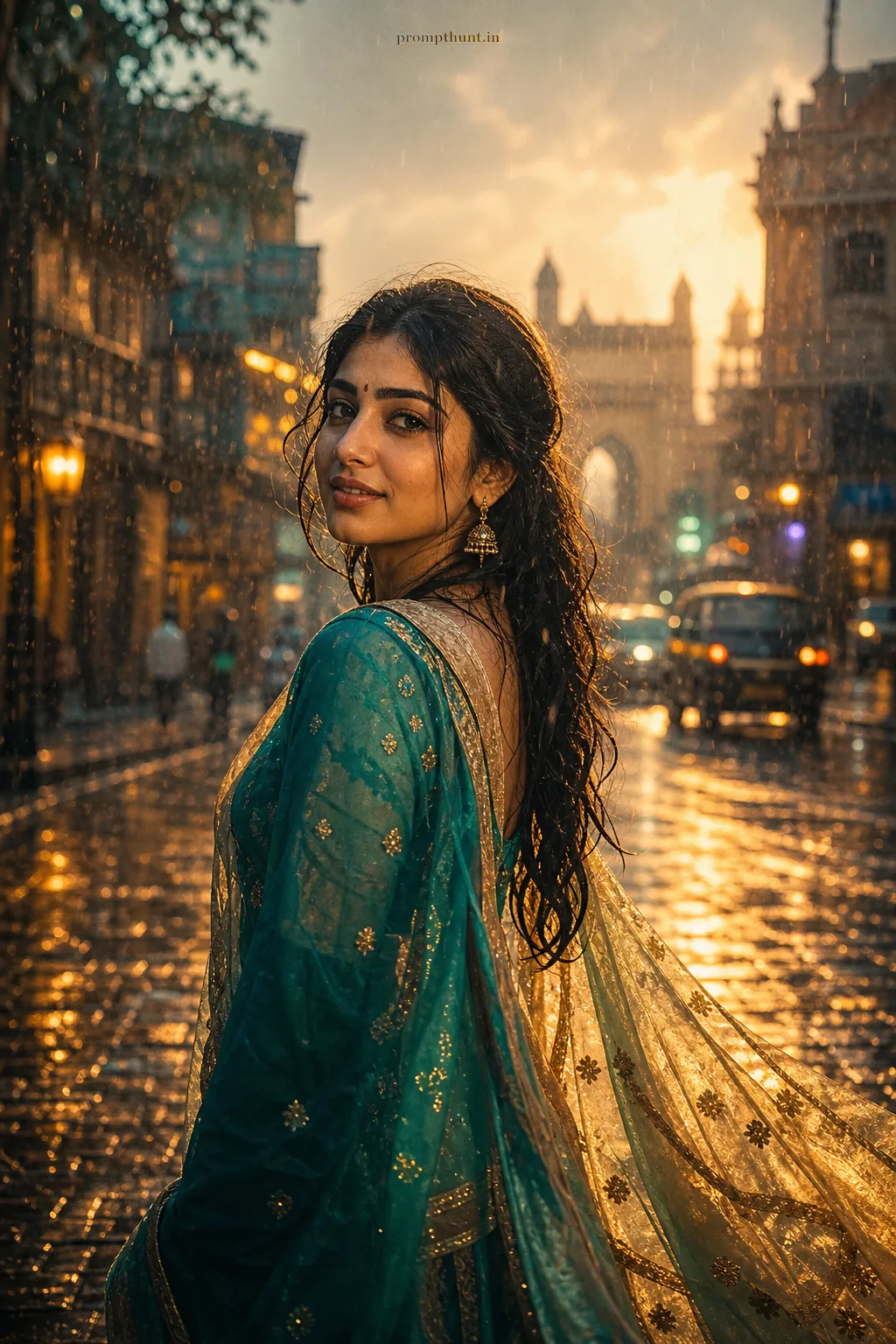
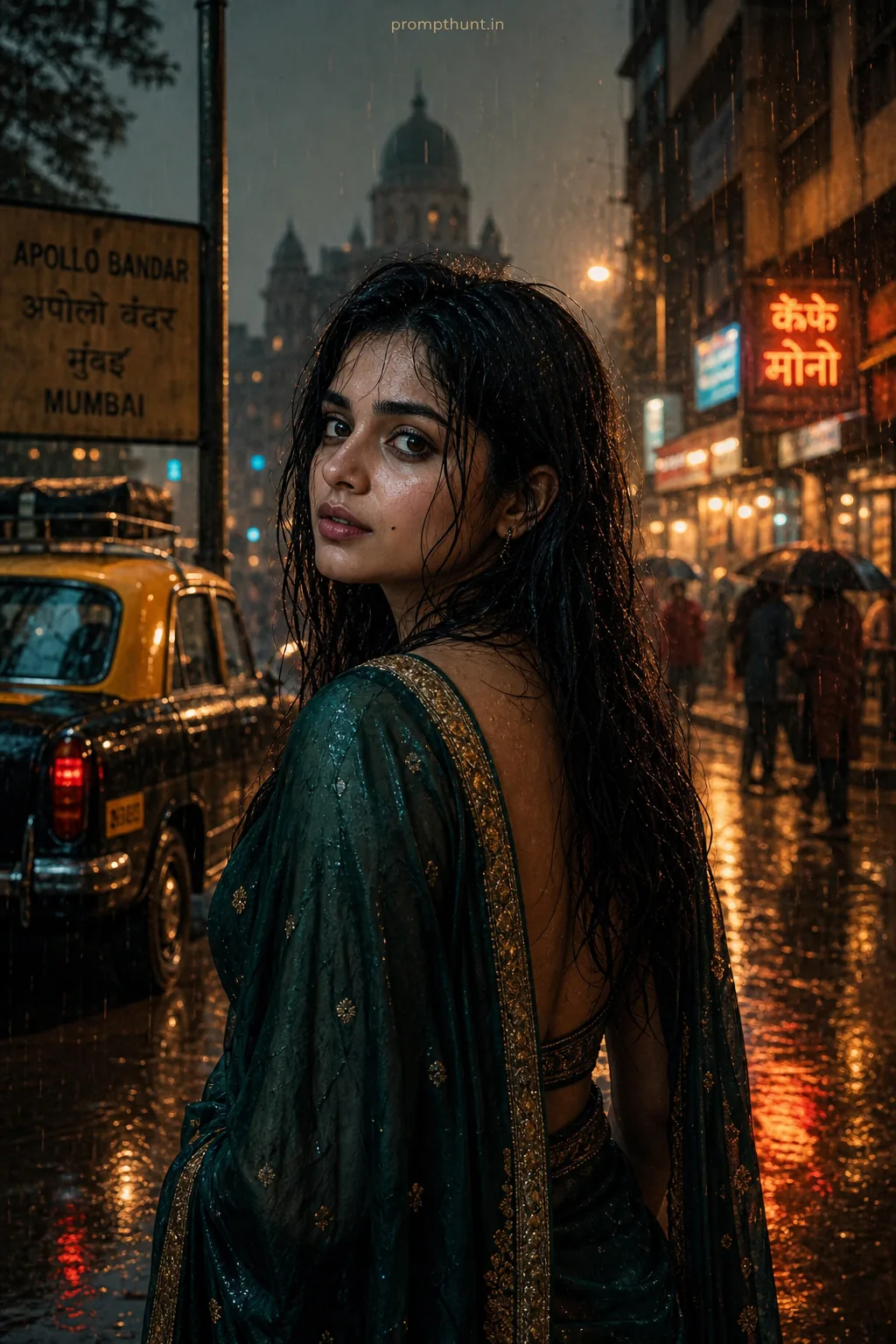
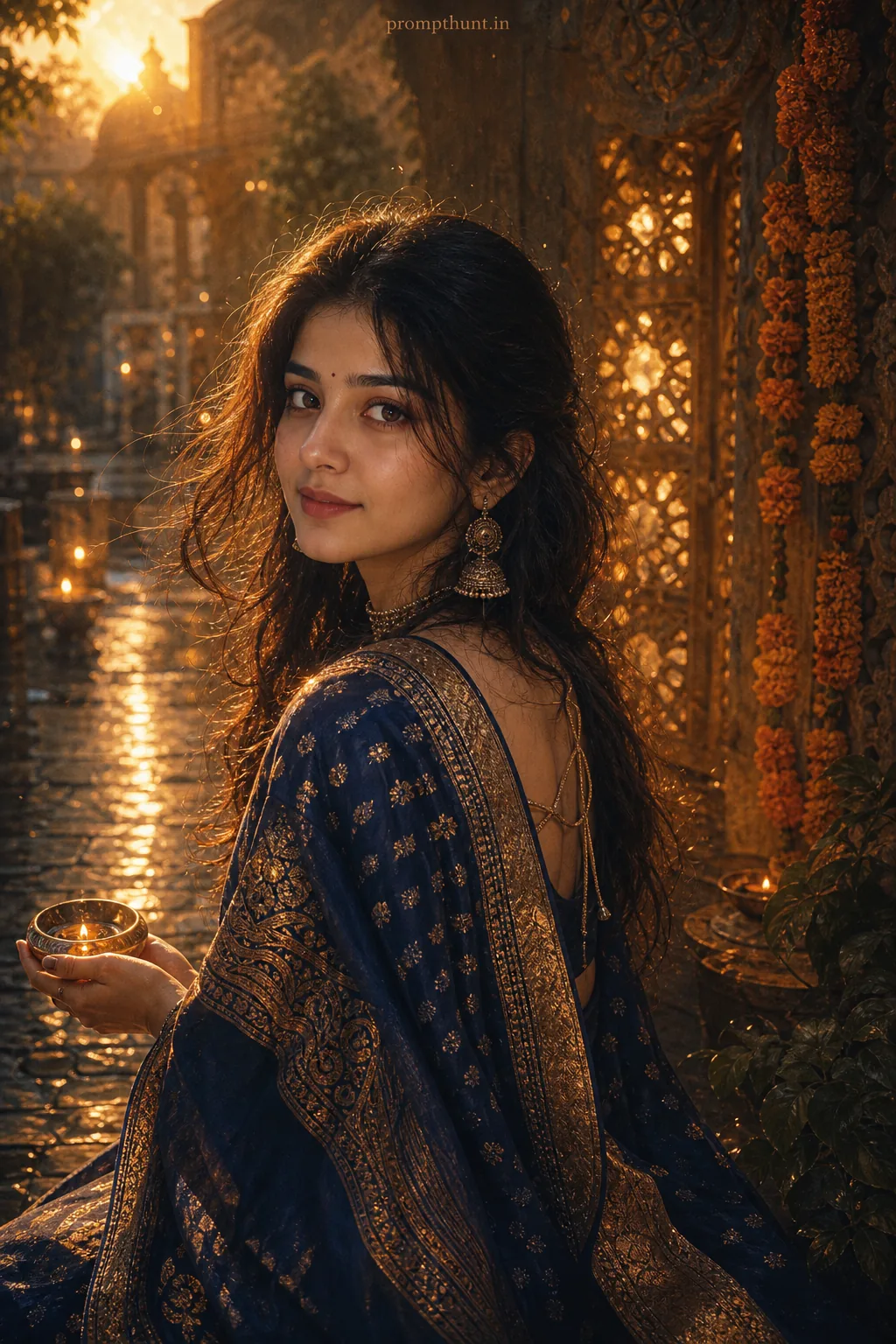
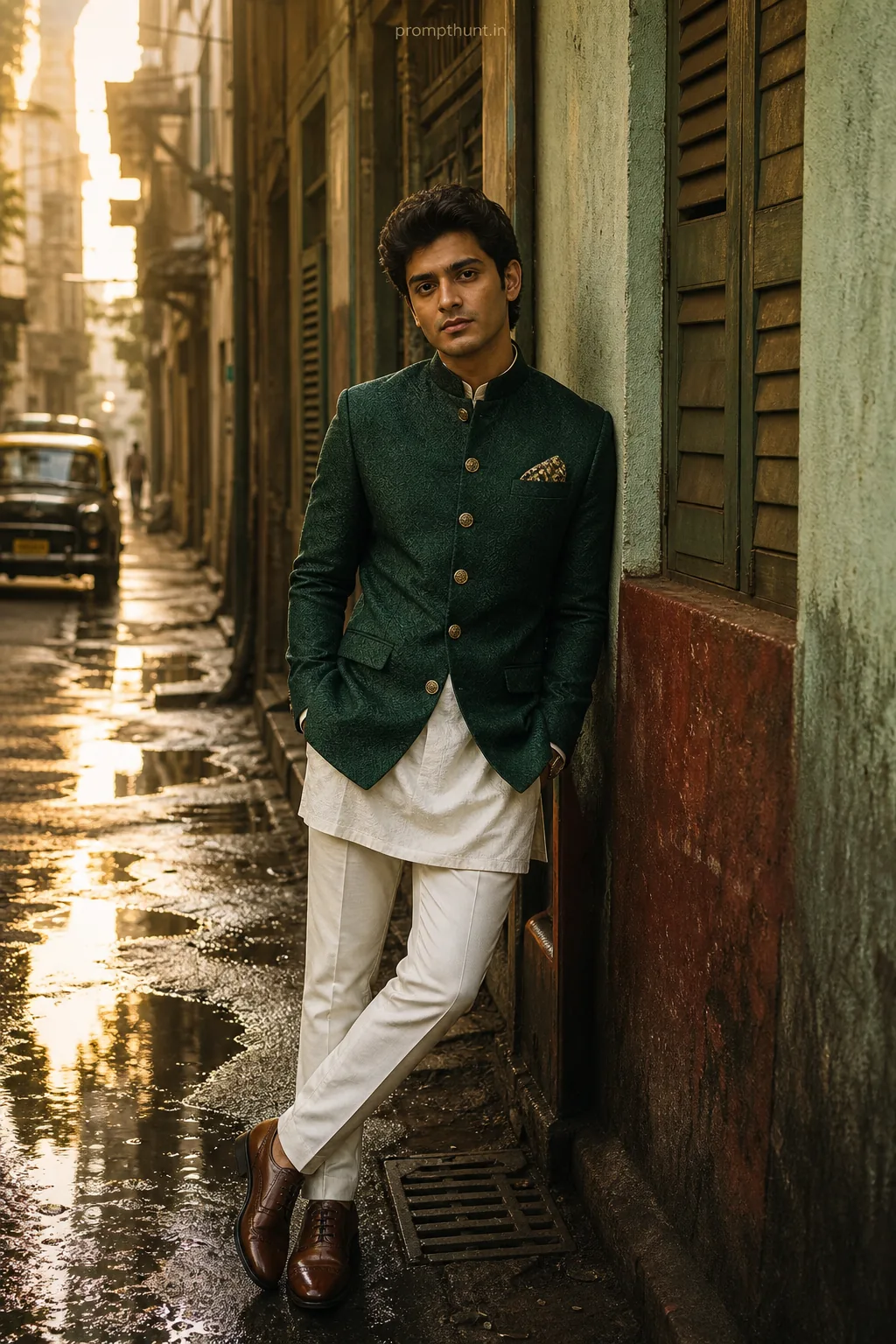
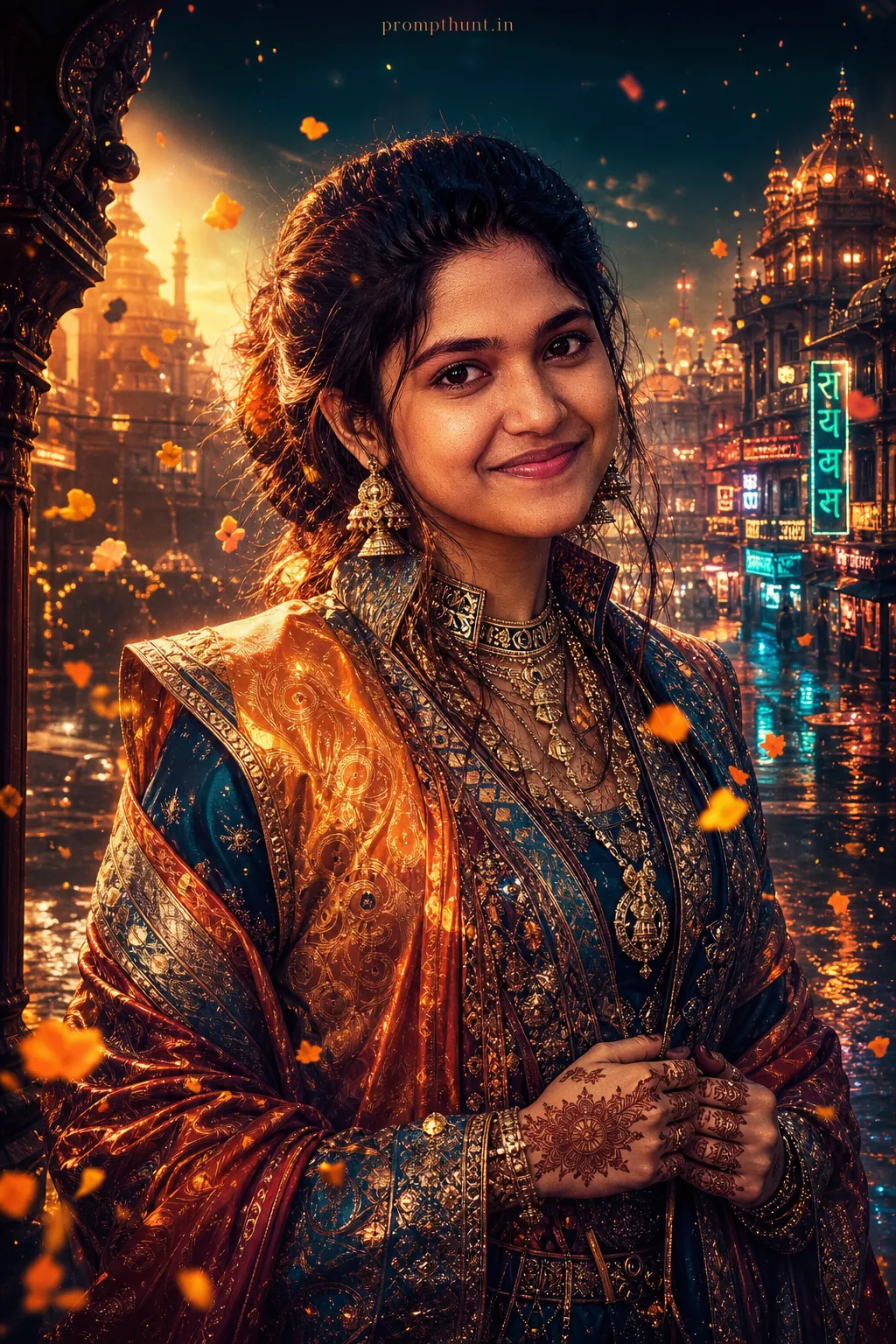
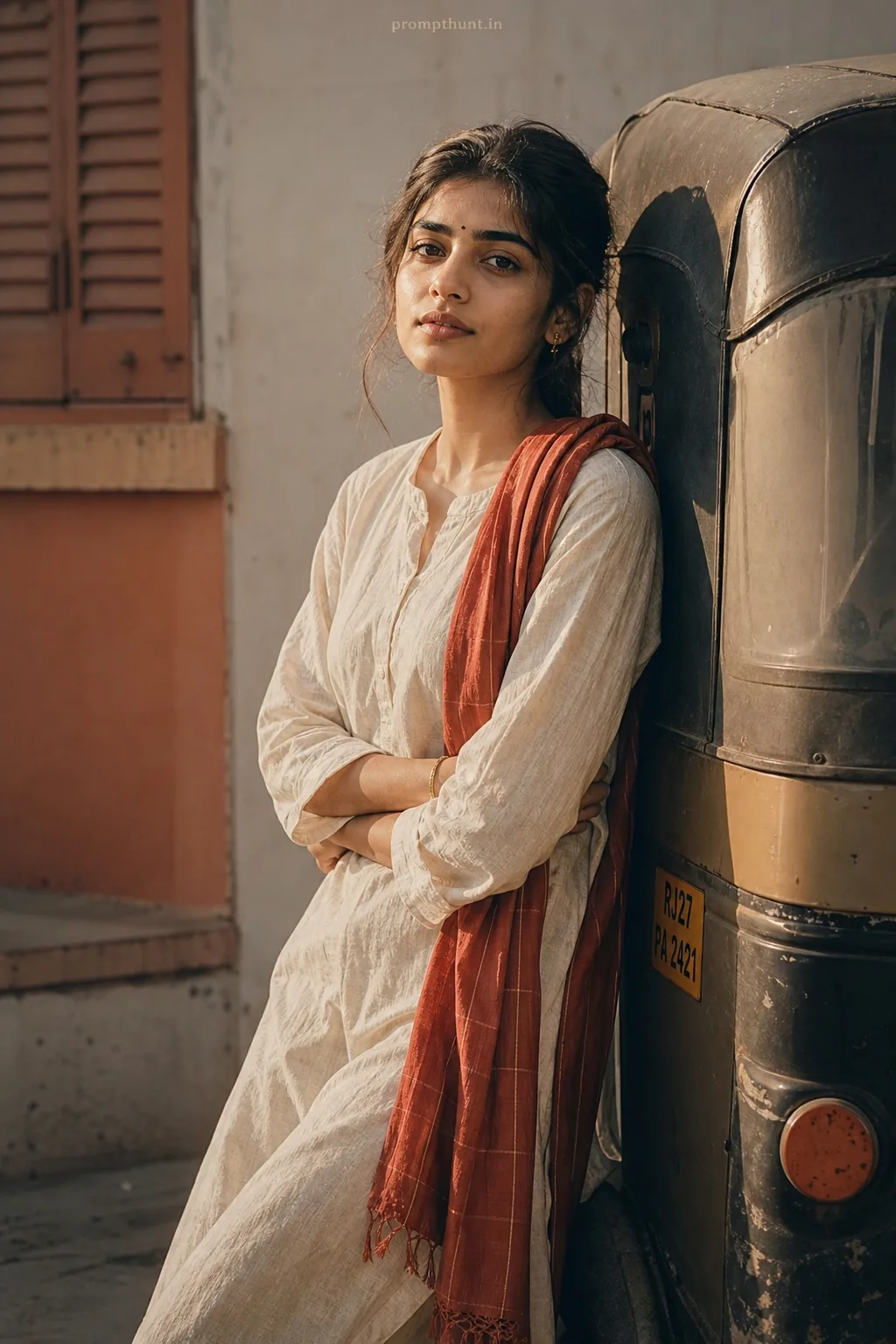
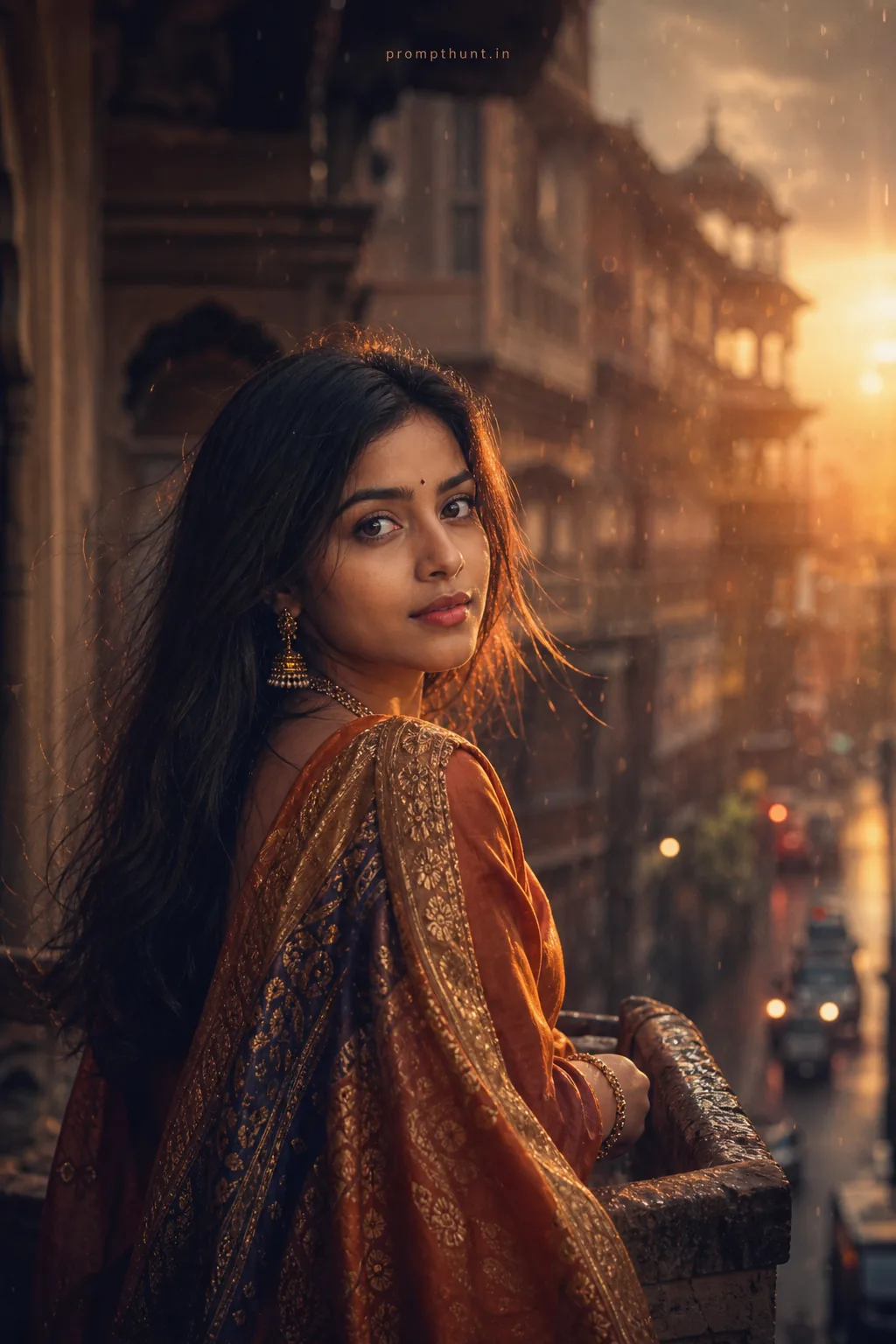
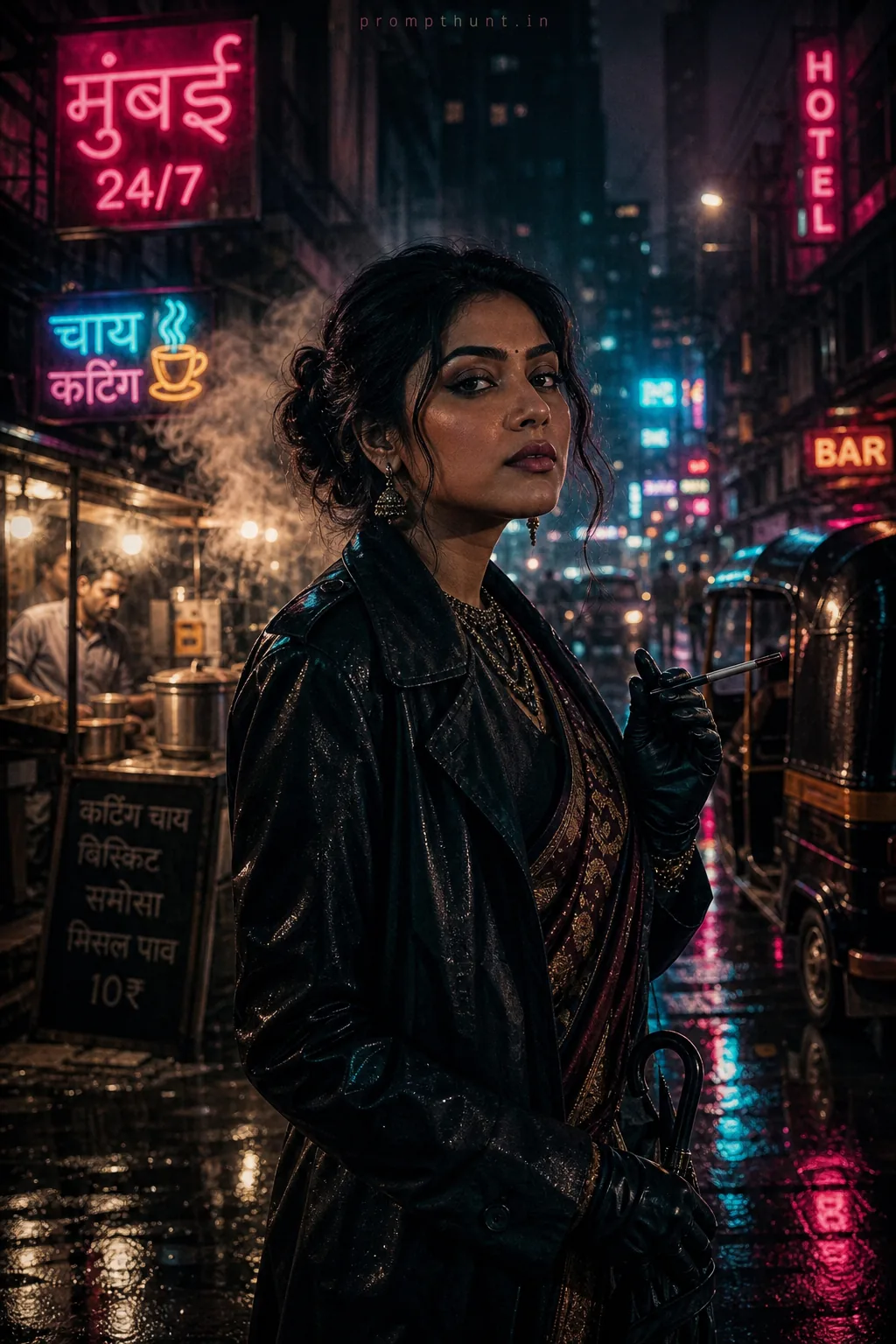
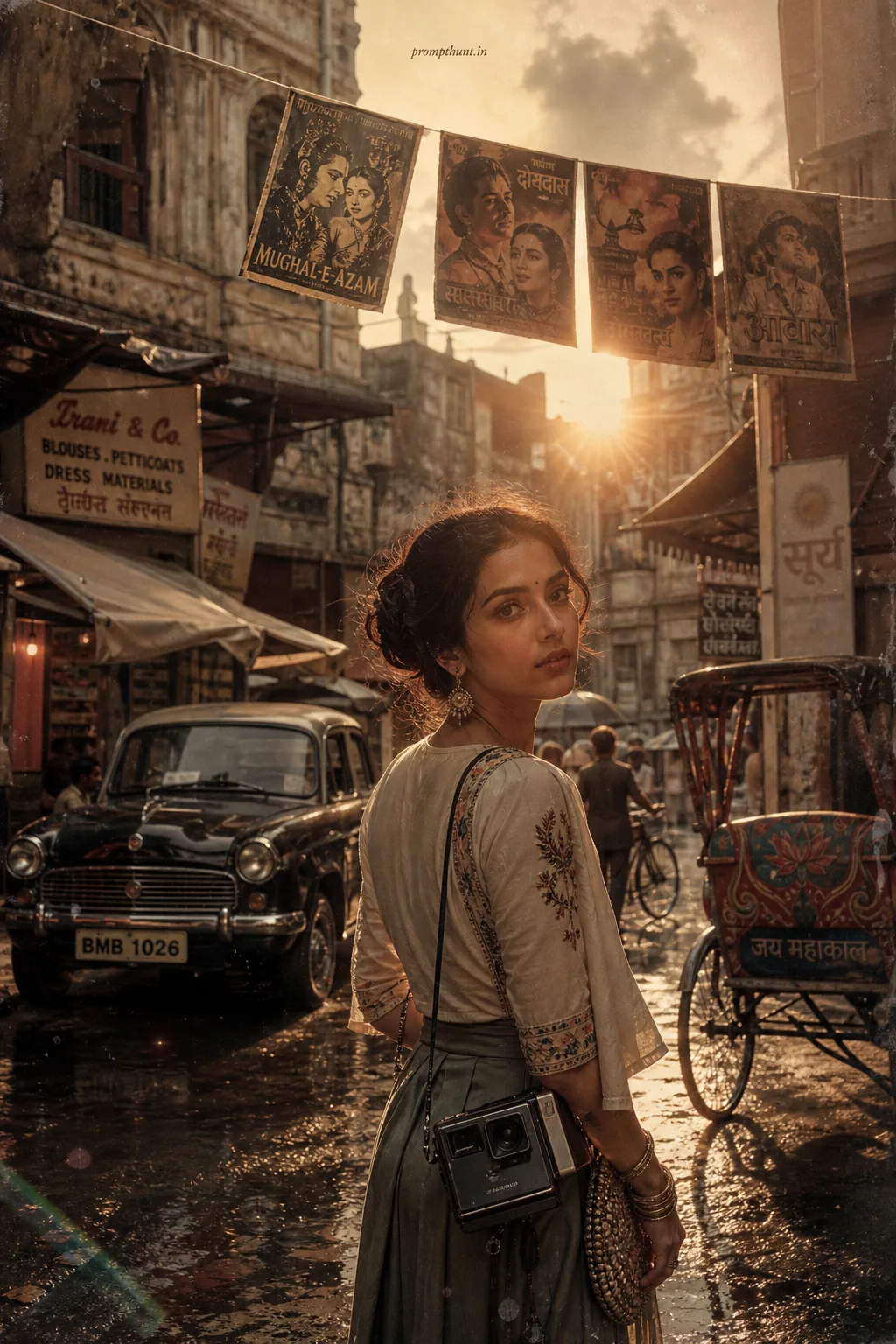
The uploaded photo is the master reference for this character. Preserve the exact facial features, face shape, skin tone, and identity from the uploaded image exactly. Vertical 9:13 composition. 9:13 vertical composition capturing a narrow, rain-slick Indian lane with wet cobblestones and puddle reflections, colorful umbrellas and a steaming chai stall under warm string lights; soft golden-hour backlight mixed with cool overcast fills the scene with warm-cool cinematic tones, subtle film grain and naturalistic HDR color grading, realistic texture details on fabrics and surfaces, costume options include a vibrant silk sari with wet sheen and flowing drape or an embroidered kurta with visible threadwork and delicate jewelry catching rim light, gentle breeze animates the fabric, mood is nostalgic, intimate and candid with a shallow depth-of-field that keeps the foreground subject crisply separated from a softly blurred, bokeh-rich background, overall photorealistic, high-detail, Instagram-ready aesthetic. Add a small, thin, professional 'prompthunt.in' text watermark at the top center of the image. The watermark should be subtle, use a color that matches the image's color palette, and appear lightweight and elegant — not distracting.
Community Rating
Rate this prompt
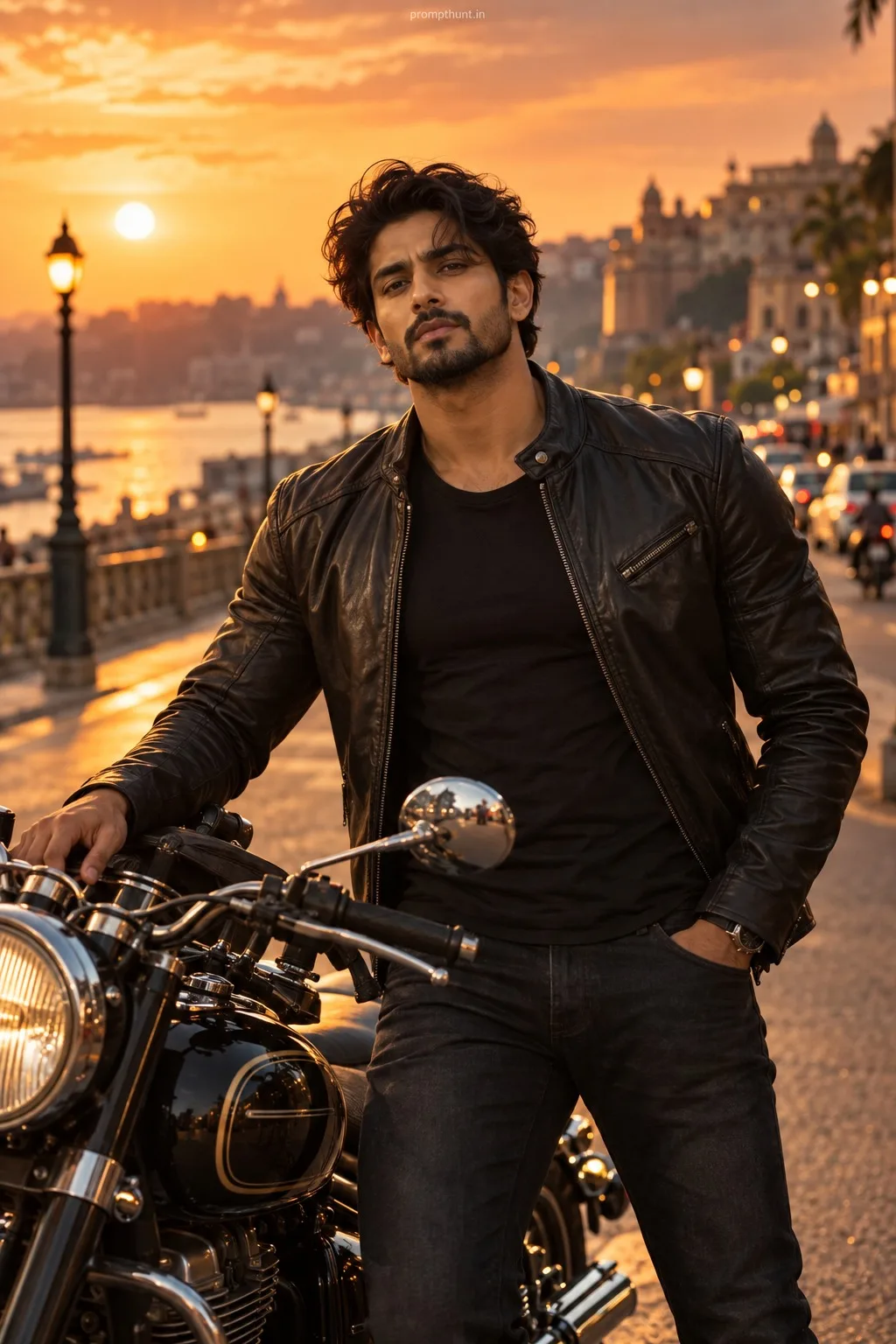
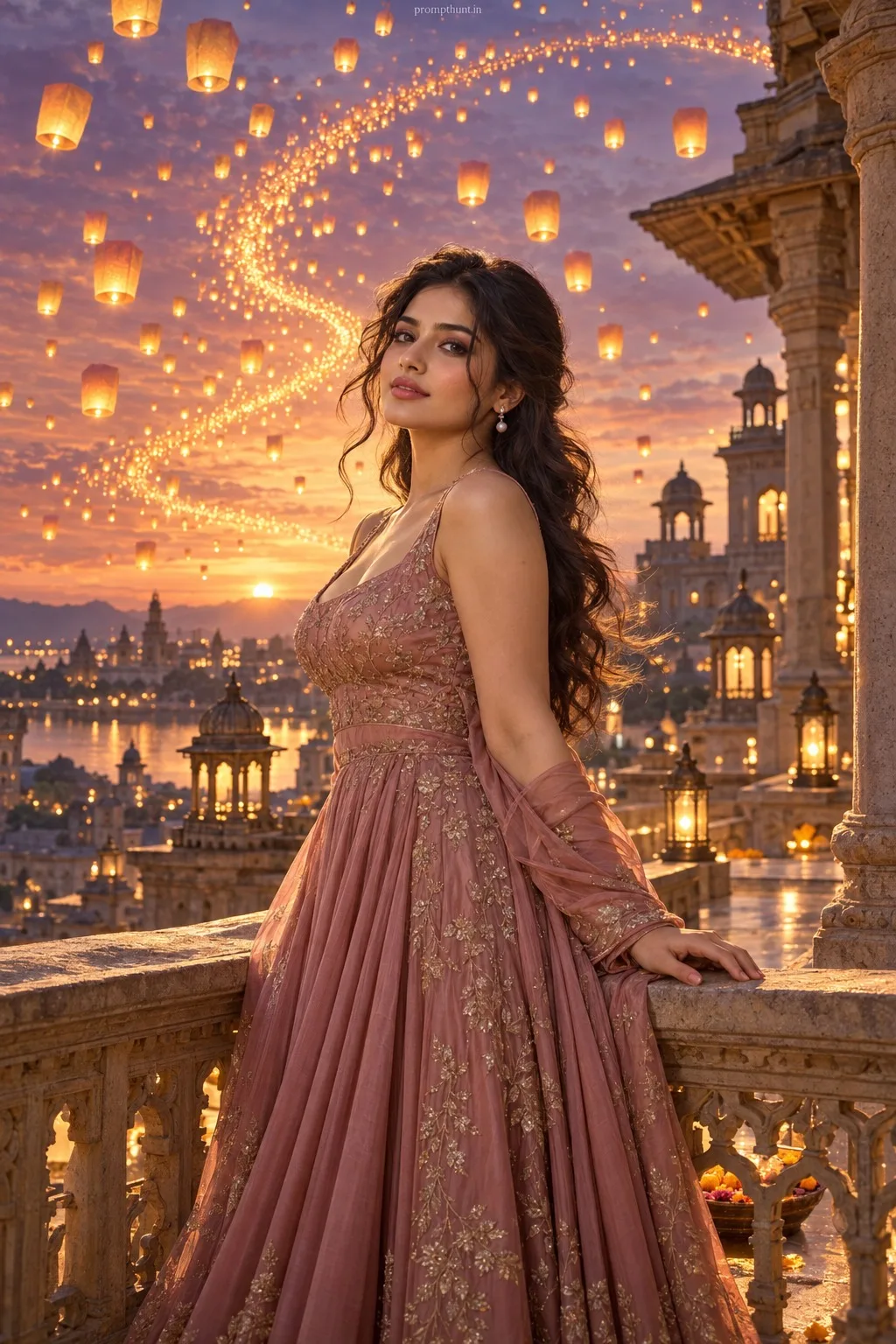
Realistic Monsoon Street Style AI Photo Editing Prompt is a free, copy-paste realistic AI photo editing prompt. Paste it into any AI photo editor with one clear photo of yourself and you get the edited result in about ten seconds — no account and no payment. The prompt tells the model to keep your exact facial features, skin tone and identity, and to change only the background, outfit, lighting and styling.
9:13 vertical composition capturing a narrow, rain-slick Indian lane with wet cobblestones and puddle reflections, colorful umbrellas and a steaming chai stall under warm string lights; soft golden-ho
How to use this realistic prompt
More prompts to explore





AI Photo Editing Prompts