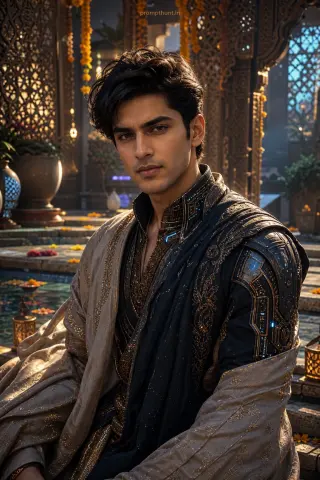
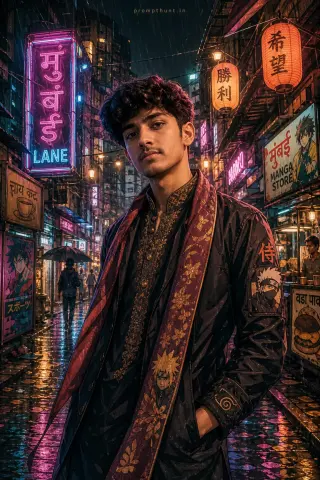
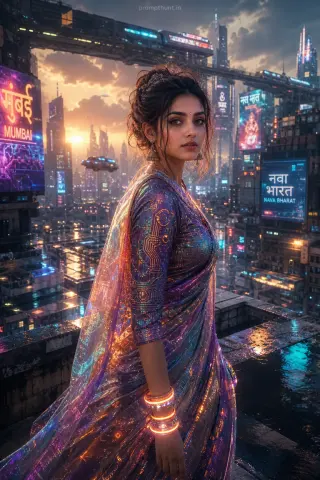
Neon Indian Street Couture CGI Art AI Photo Editing Prompt
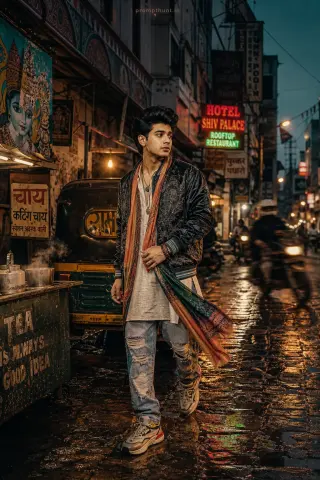
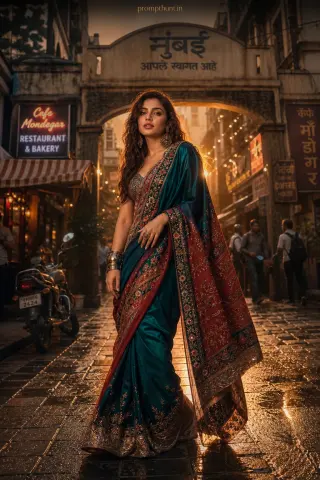
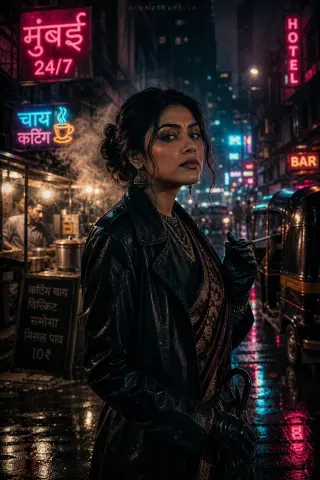
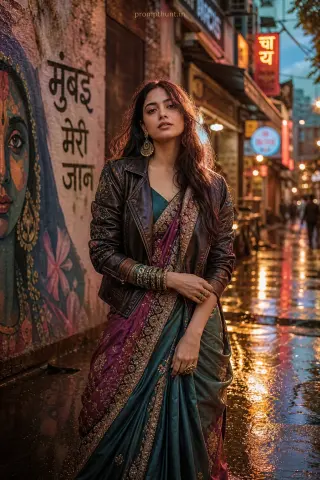
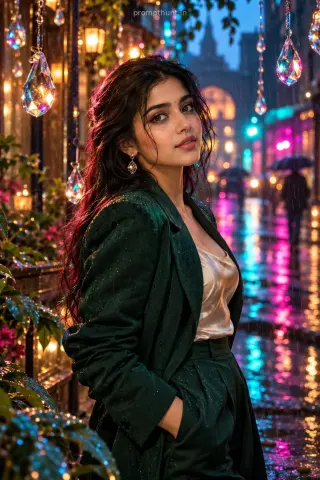
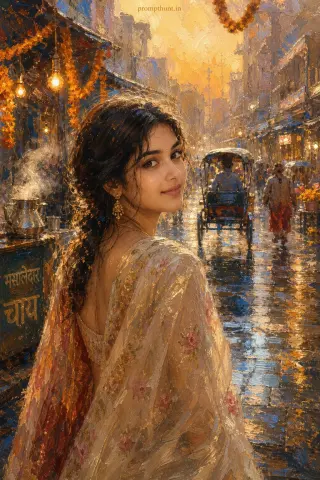
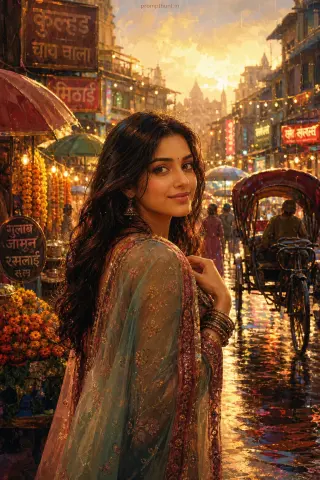
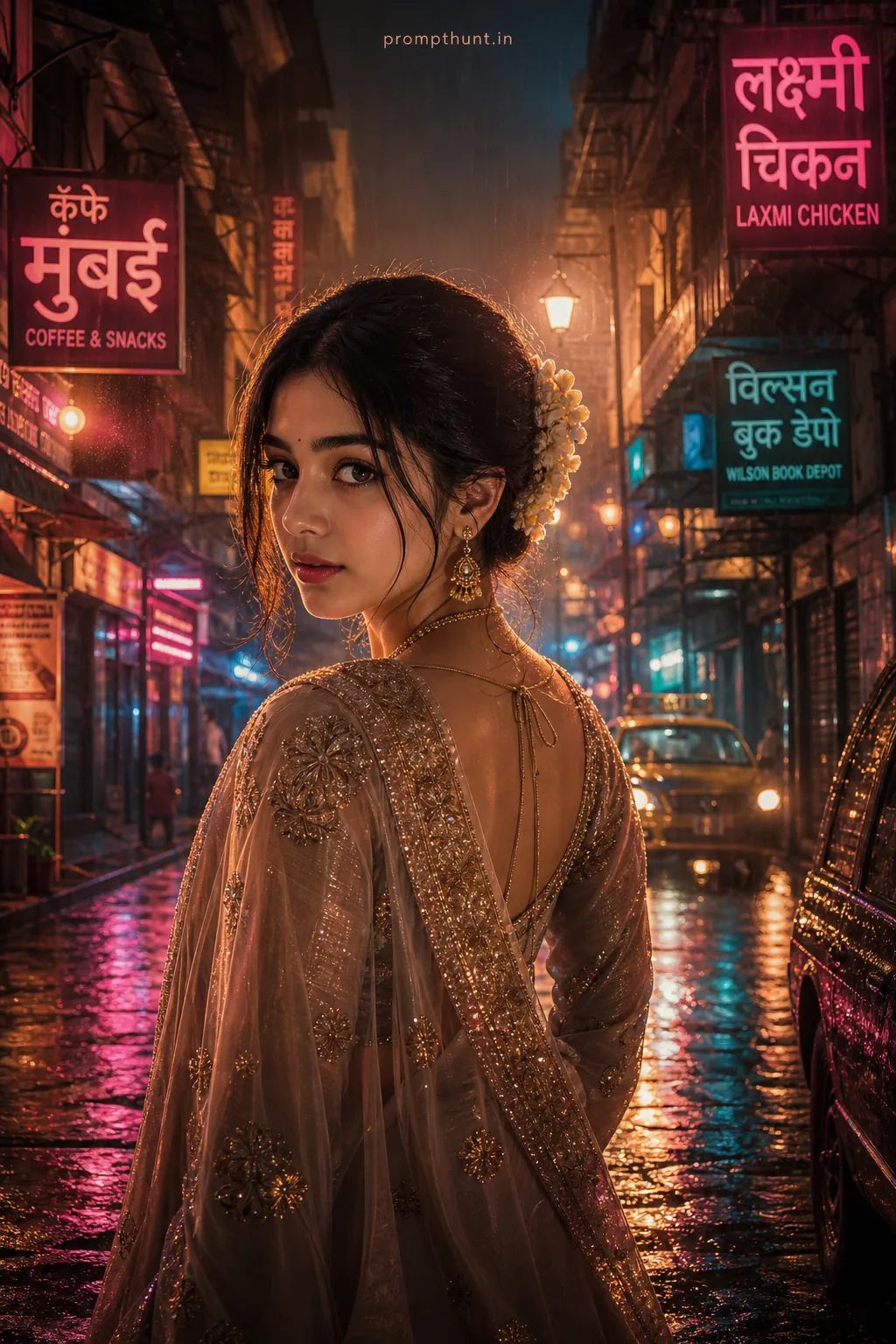
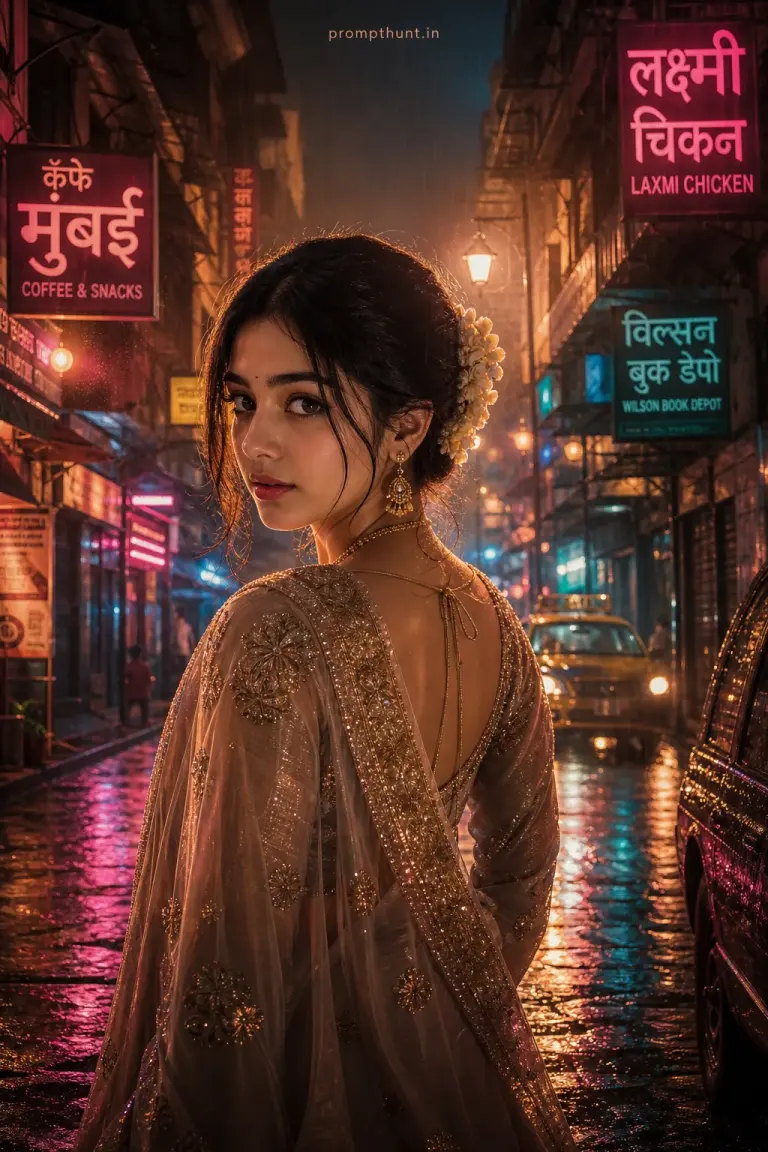
The uploaded photo is the master reference for this character. Preserve the exact facial features, face shape, skin tone, and identity from the uploaded image exactly. Vertical 9:13 composition. 9:13 vertical scene of a rain-kissed Mumbai alley at twilight, slick reflective cobblestones and neon shop signs in Marathi and English casting warm magenta and teal glows, soft volumetric beams cutting through light mist, ornate silk sari or embroidered bandhgalas visible on the subject (no facial details) with delicate fabric motion and subtle raindrops clinging to the threads, cinematic depth of field with bokeh streetlights, golden rim lighting accentuating texture, moody yet vibrant atmosphere evoking contemporary Indian nightlife, hyperreal CGI rendering style with polished glossy surfaces, fine grain film touch, dramatic color grading and high dynamic range for an Instagram-ready vertical portrait. Add a small, thin, professional 'prompthunt.in' text watermark at the top center of the image. The watermark should be subtle, use a color that matches the image's color palette, and appear lightweight and elegant — not distracting.
Community Rating
Rate this prompt
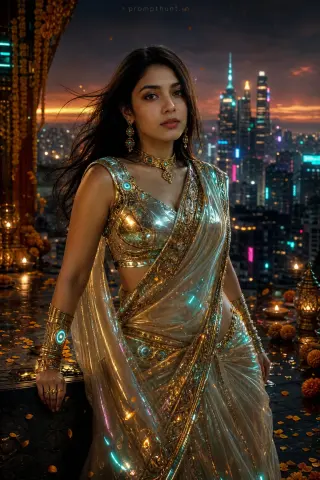
Neon Indian Street Couture CGI Art AI Photo Editing Prompt: You get a neon Indian street couture CGI art image built around rain-kissed Mumbai alley at twilight, bokeh streetlights and golden rim lighting accentuating texture. Start from one sharp, well-lit photo; if the first result drifts, regenerate or ask for a small change in plain words.