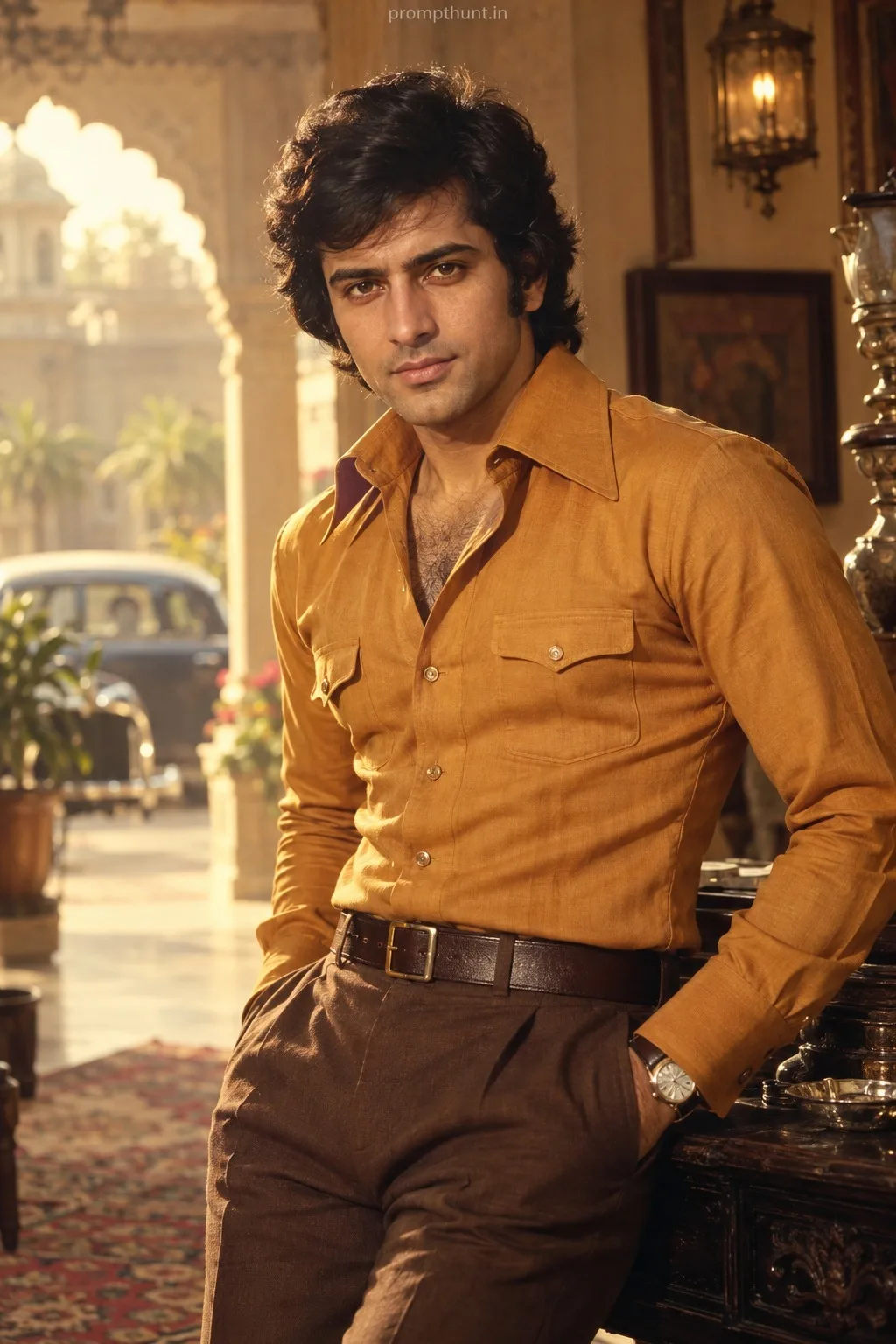
Indian Vector Art Street Style AI Photo Editing Prompt
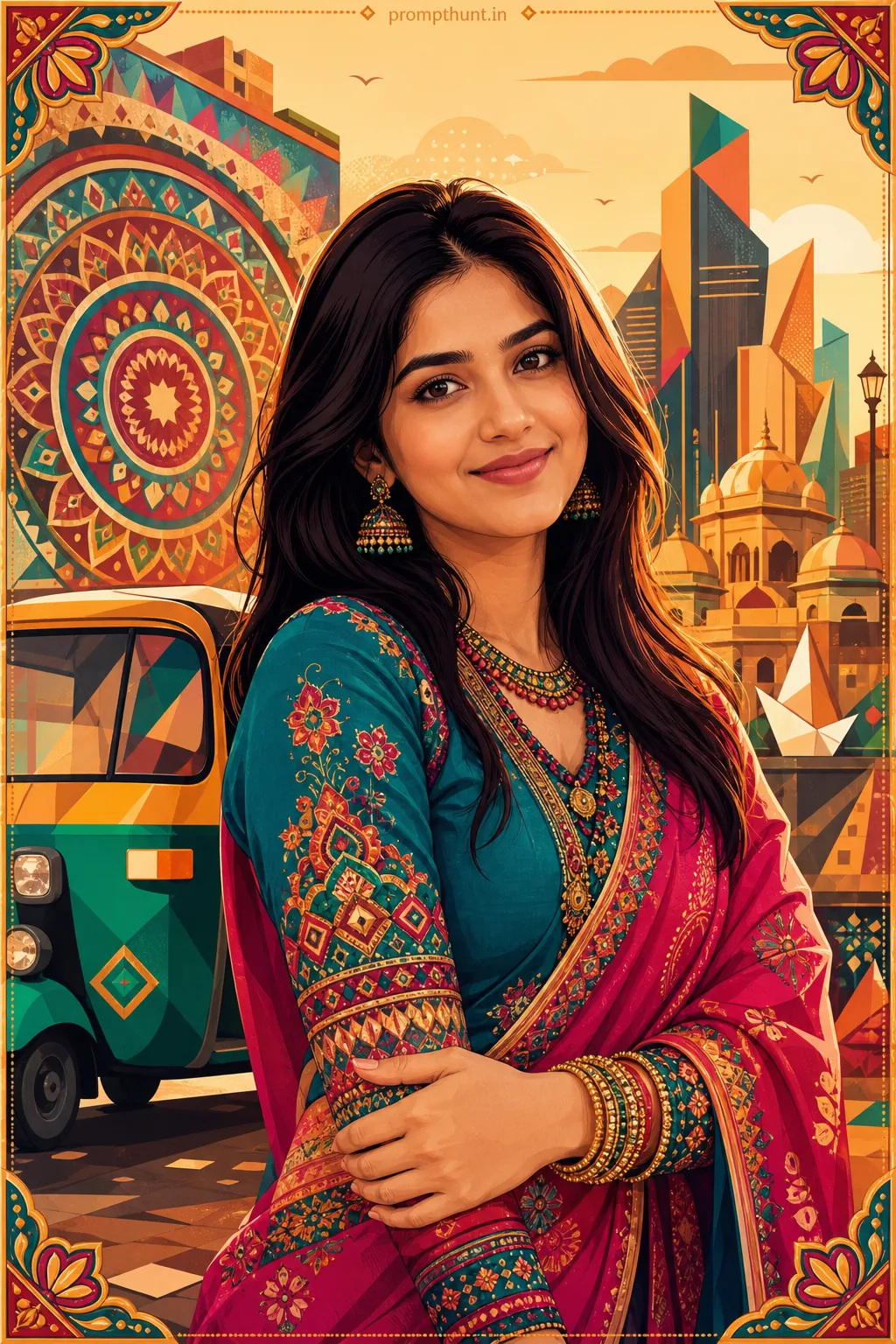
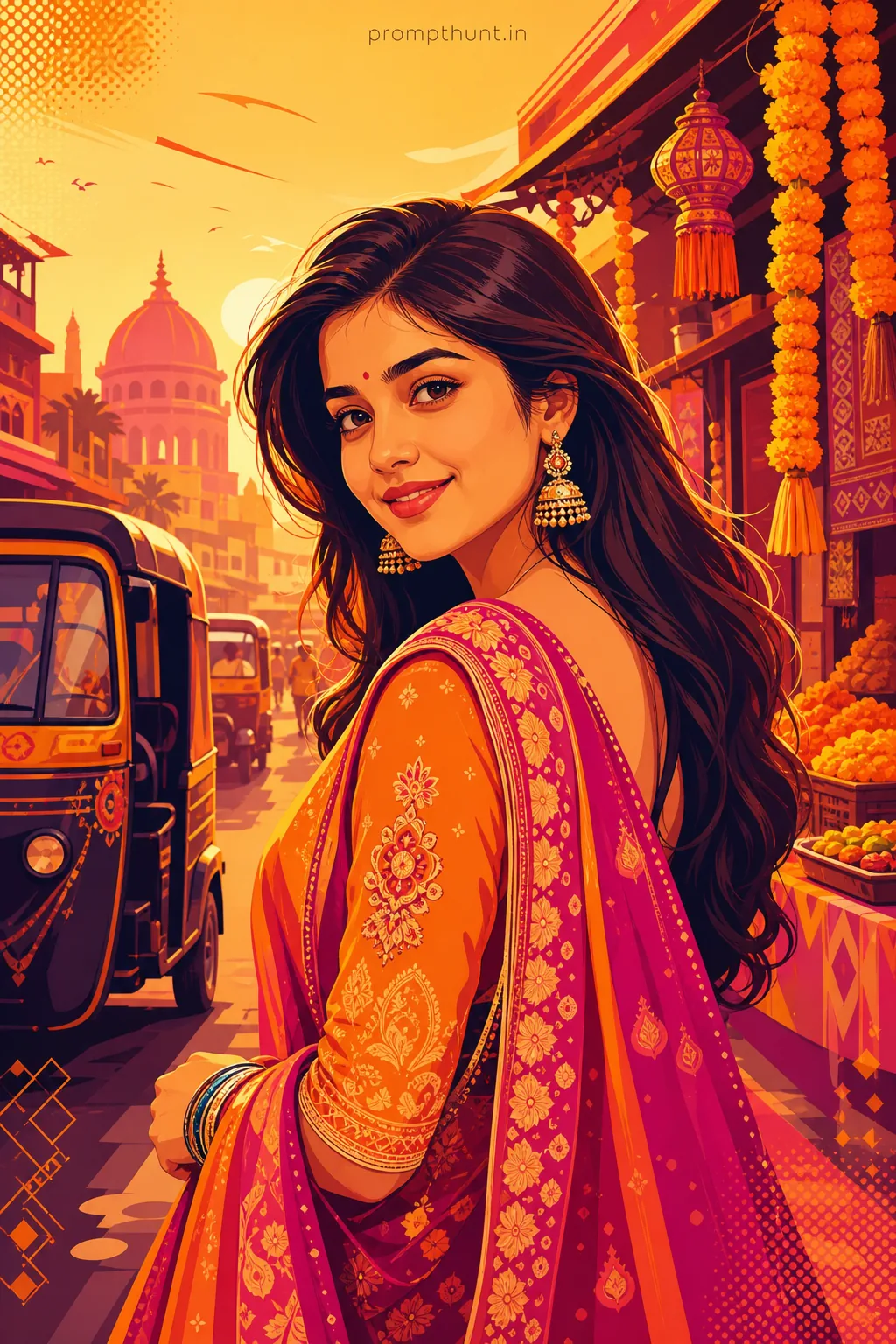
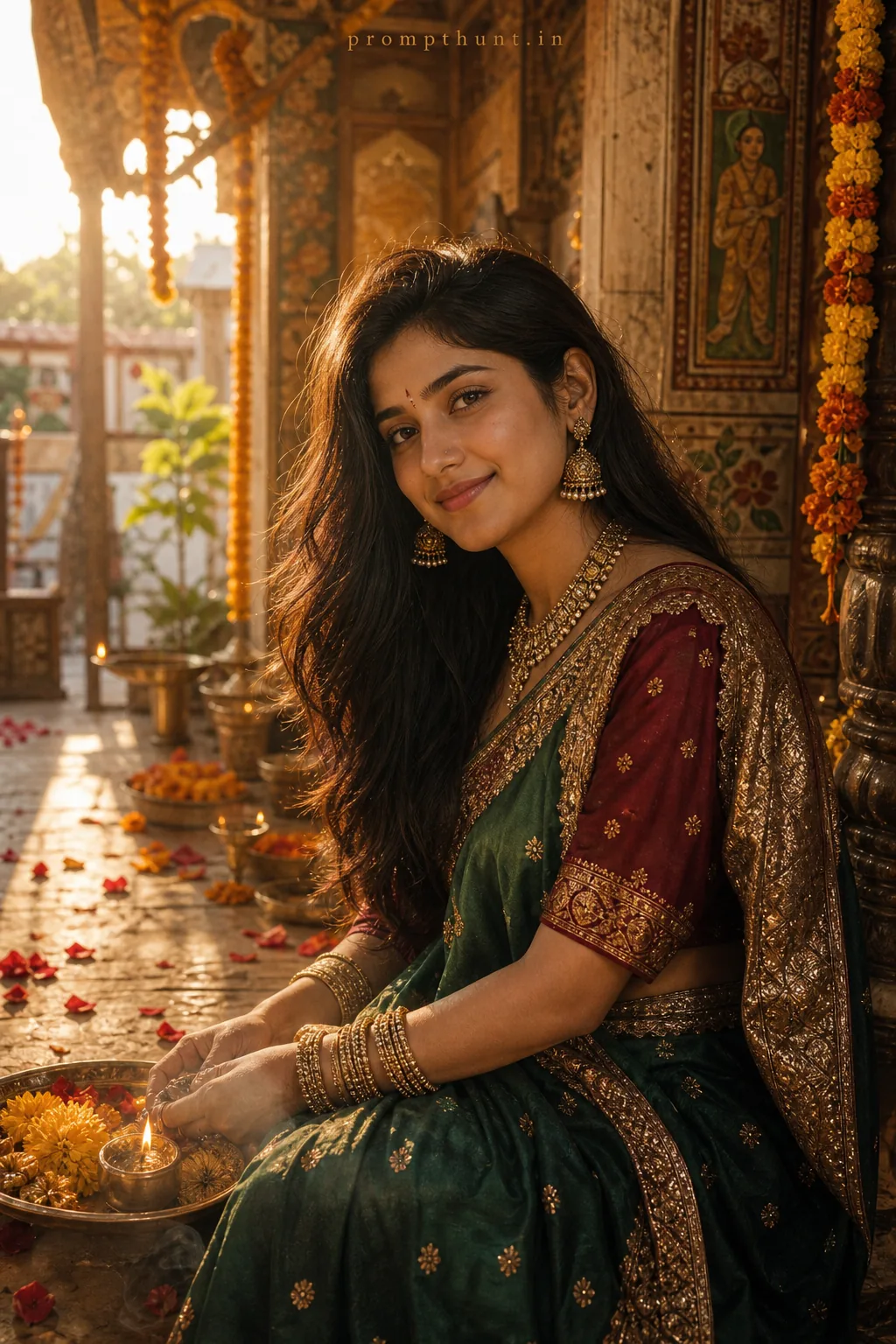
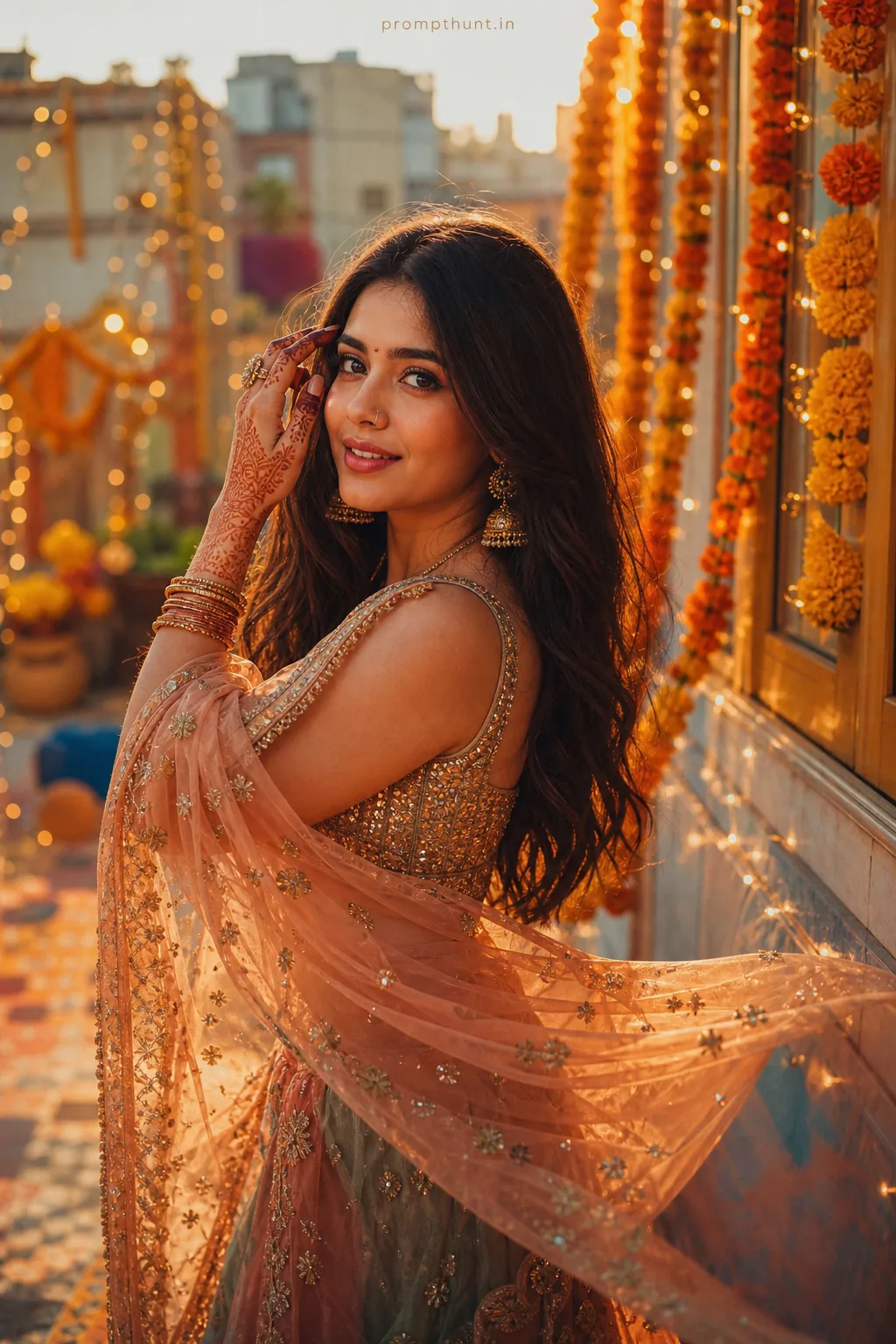
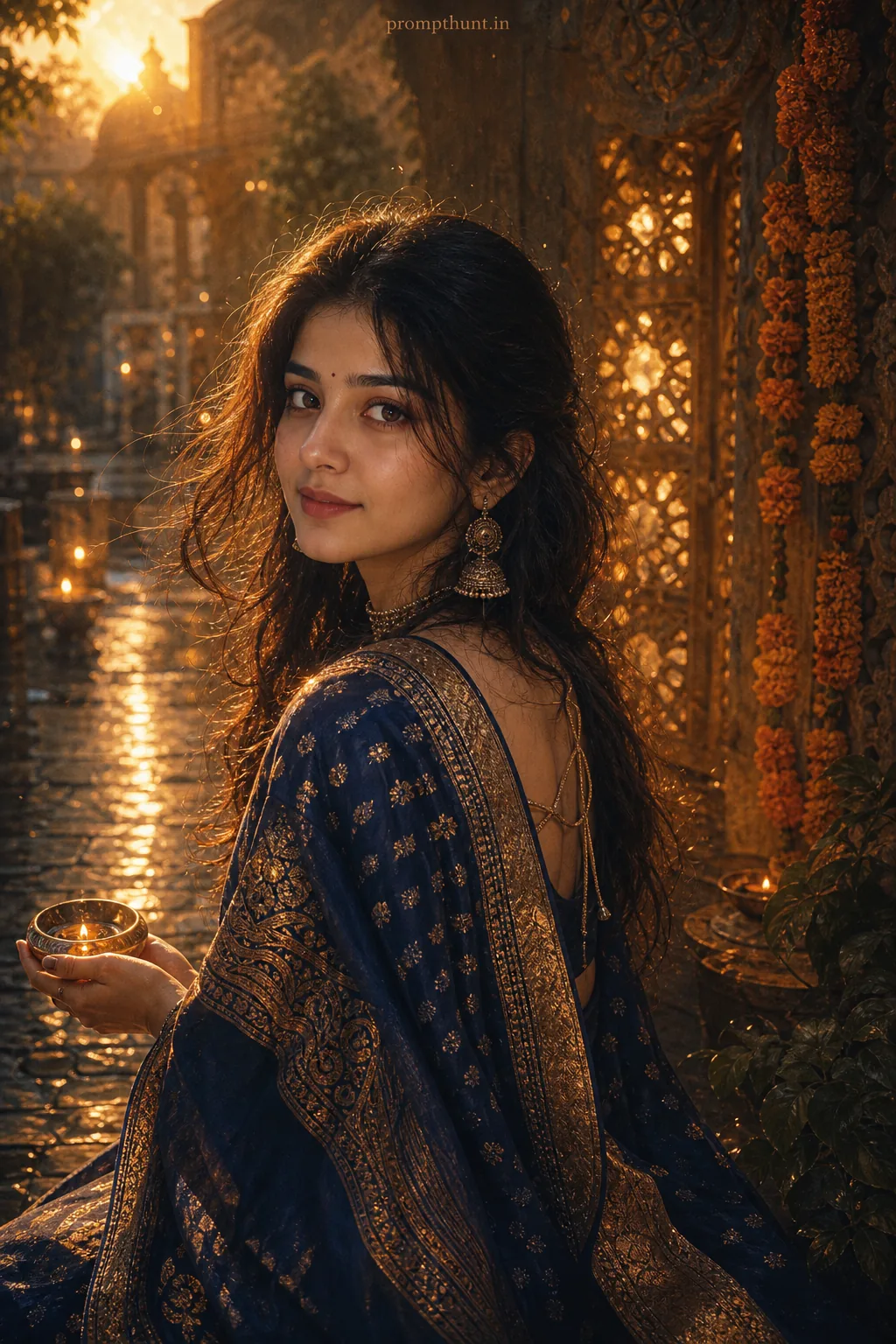
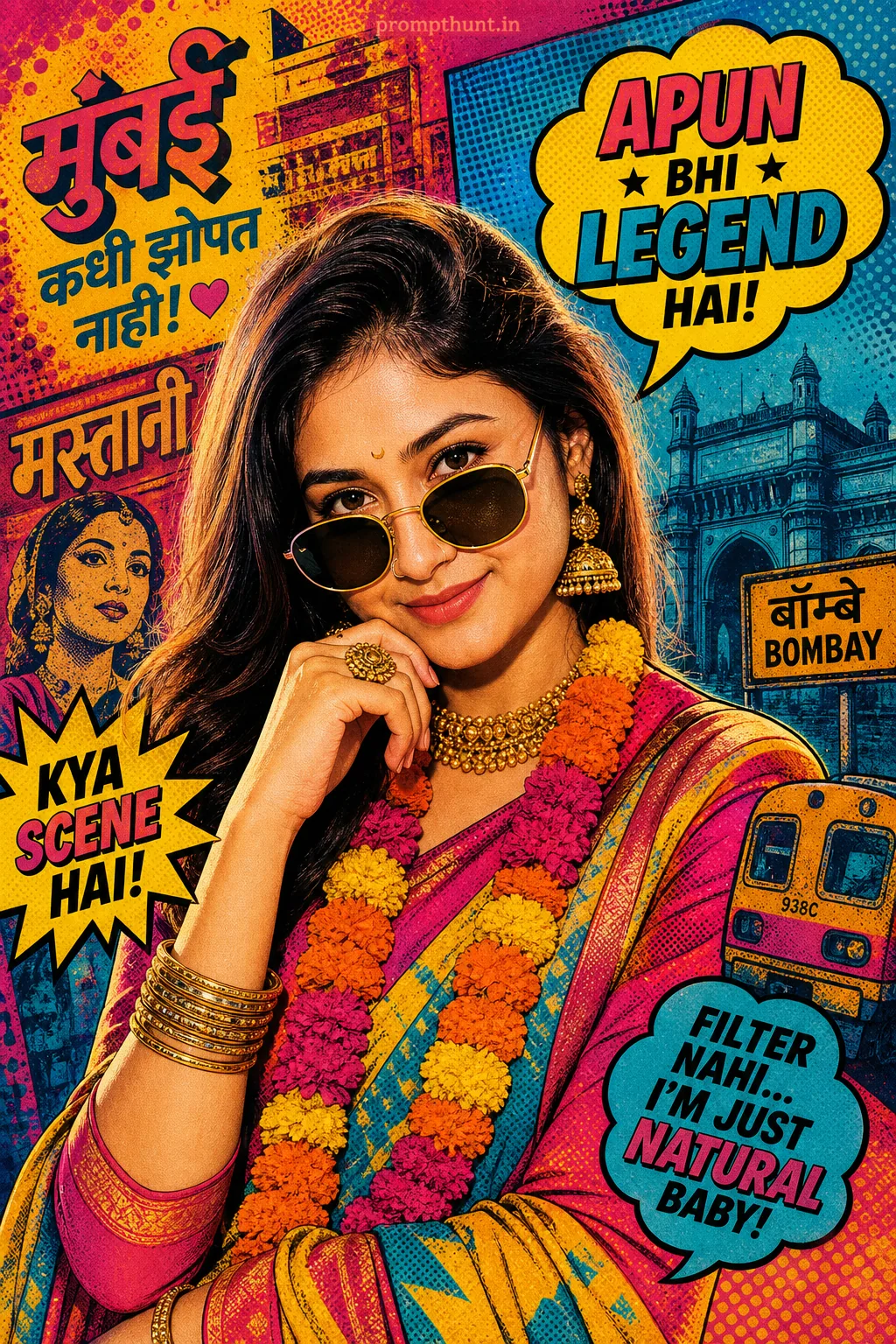
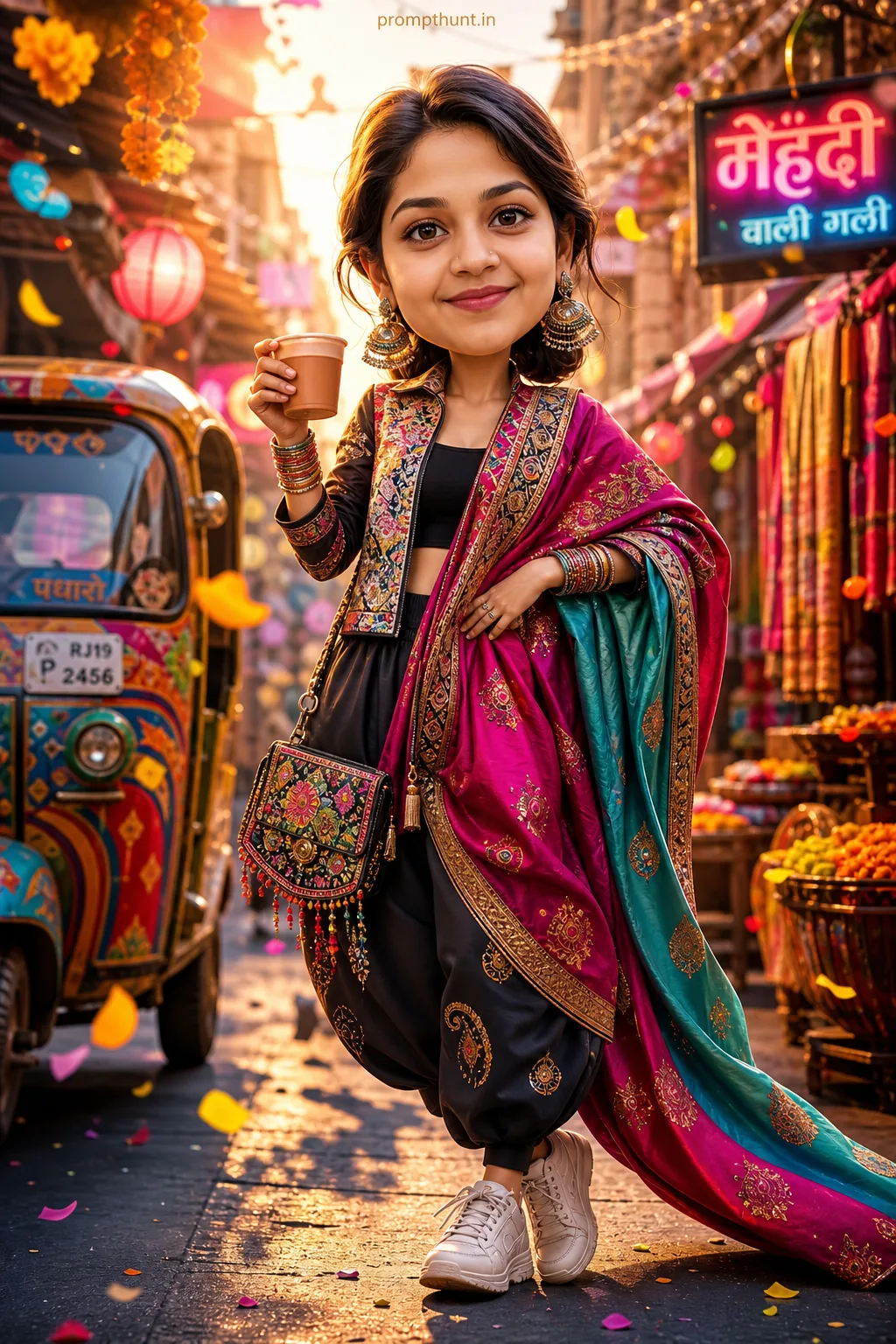
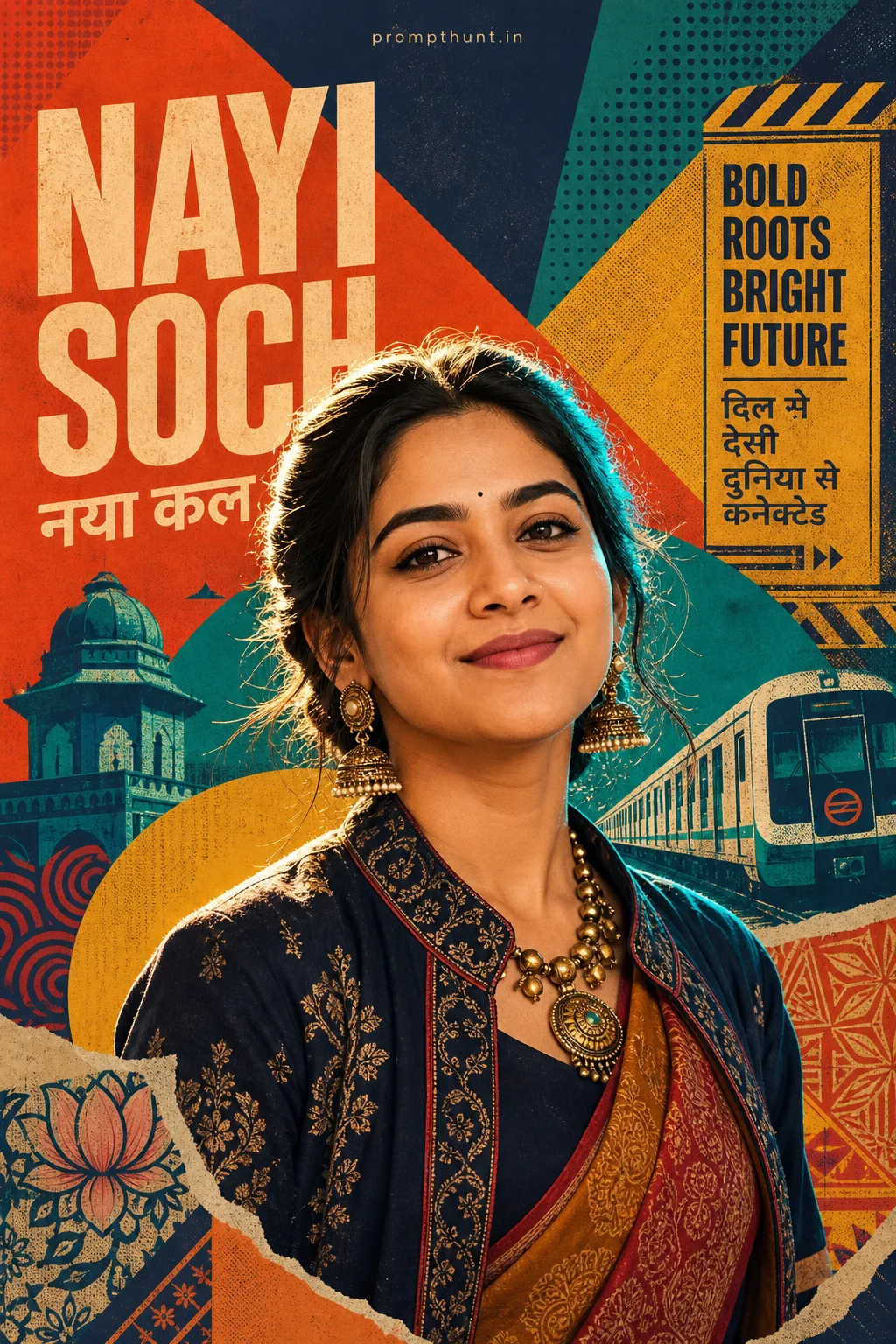
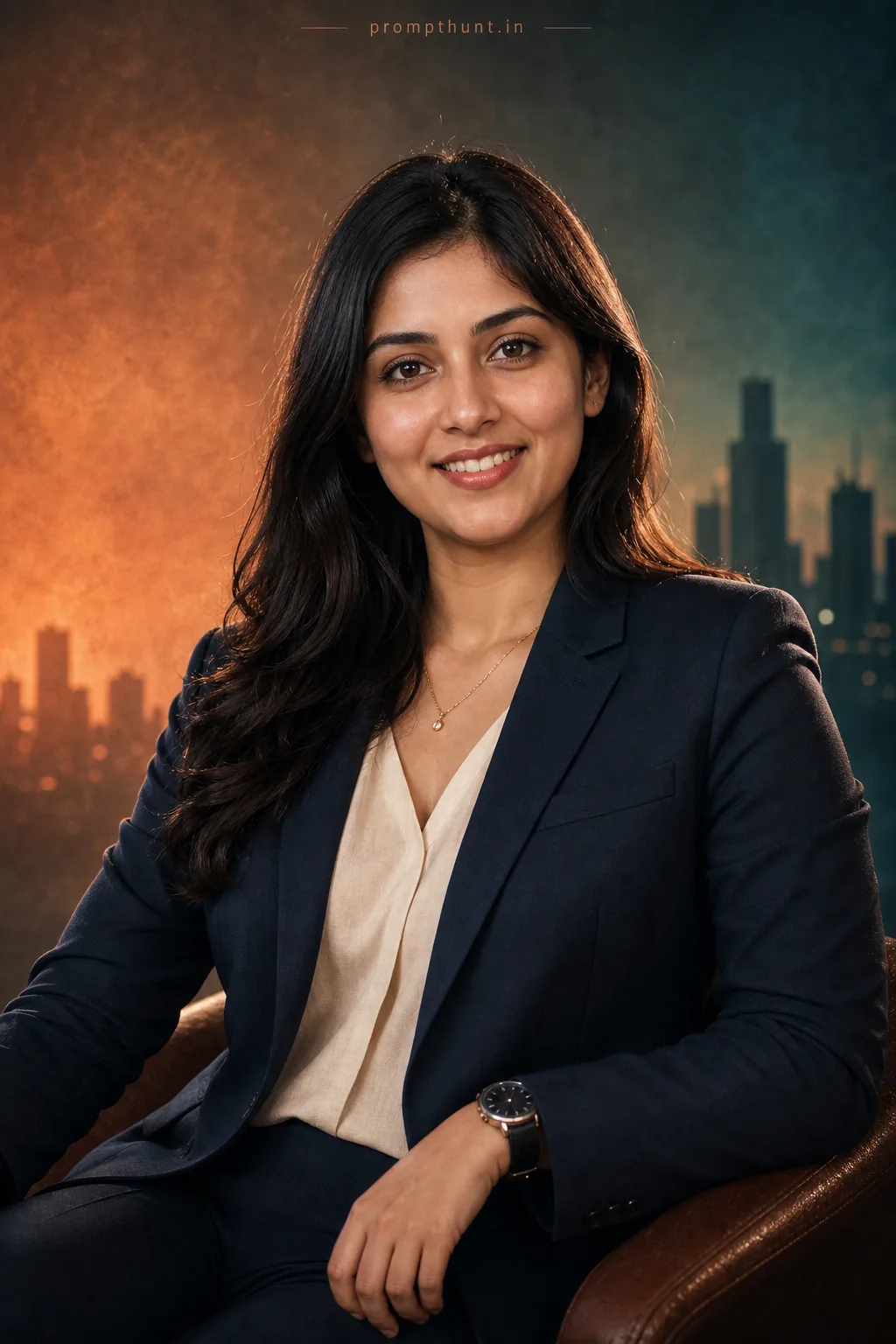
The uploaded photo is the master reference for this character. Preserve the exact facial features, face shape, skin tone, and identity from the uploaded image exactly. Vertical 9:13 composition. 9:13 vertical scene in bold vector art: place the subject against a stylized urban-meets-traditional Indian backdrop with a richly patterned mandala mural, geometric rickshaw and folded paper skyline; warm golden-hour rim lighting with soft gradients and subtle halftone highlights creating depth; costume direction: vibrant fusion textiles — flat-color saree or kurta silhouettes with intricate vector embroidery motifs, metallic-burnished bangles and layered necklaces rendered as clean shapes; overall mood is festive, elegant and contemporary with high-contrast color blocks, crisp outlines, minimal shadows, decorative corner borders and playful ornamental flourishes to amplify Instagram-ready composition. Add a small, thin, professional 'prompthunt.in' text watermark at the top center of the image. The watermark should be subtle, use a color that matches the image's color palette, and appear lightweight and elegant — not distracting.
Community Rating
Rate this prompt
Indian Vector Art Street Style AI Photo Editing Prompt is a free, copy-paste vector art AI photo editing prompt. Paste it into any AI photo editor with one clear photo of yourself and you get the edited result in about ten seconds — no account and no payment. The prompt tells the model to keep your exact facial features, skin tone and identity, and to change only the background, outfit, lighting and styling.
9:13 vertical scene in bold vector art: place the subject against a stylized urban-meets-traditional Indian backdrop with a richly patterned mandala mural, geometric rickshaw and folded paper skyline;
How to use this vector art prompt
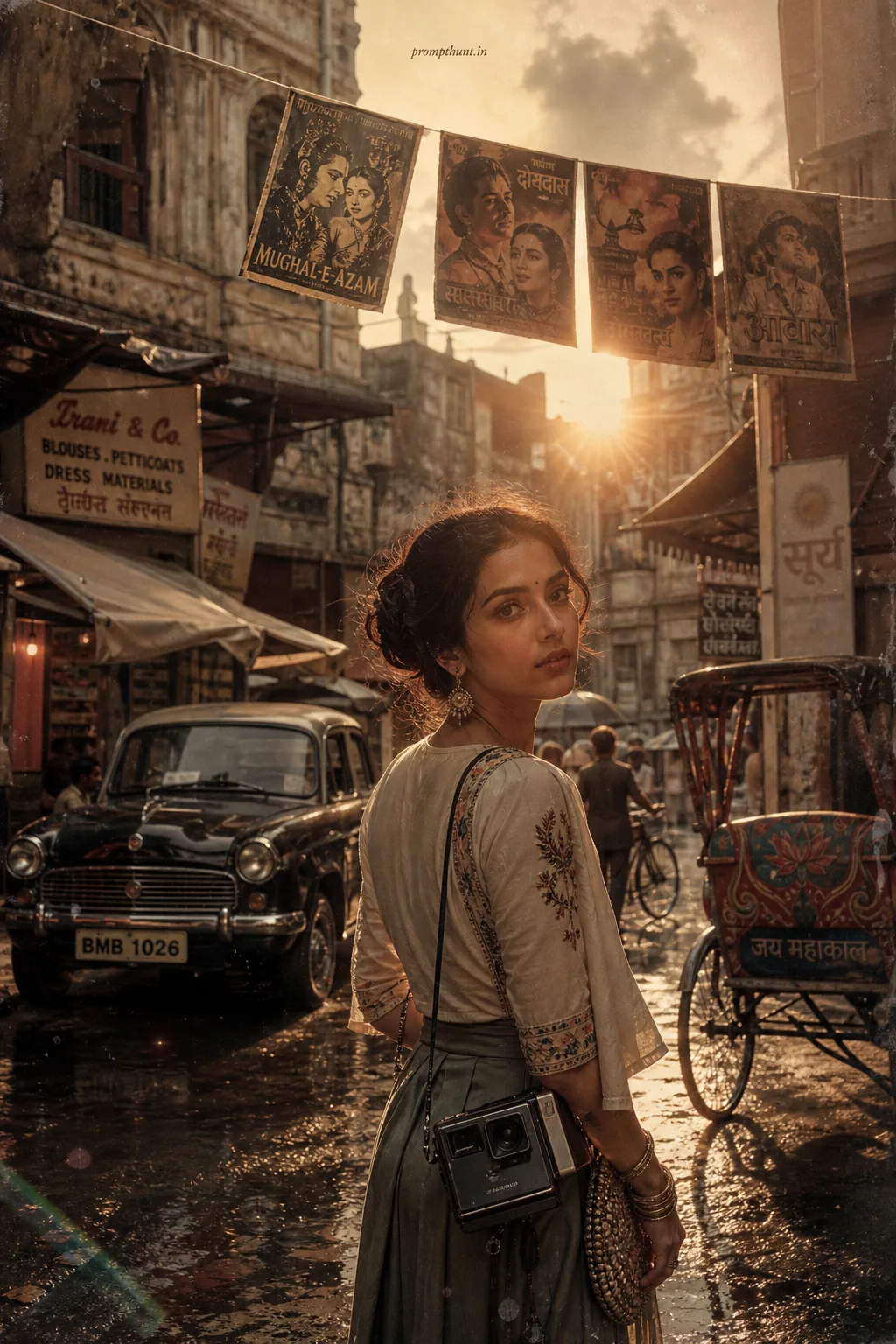
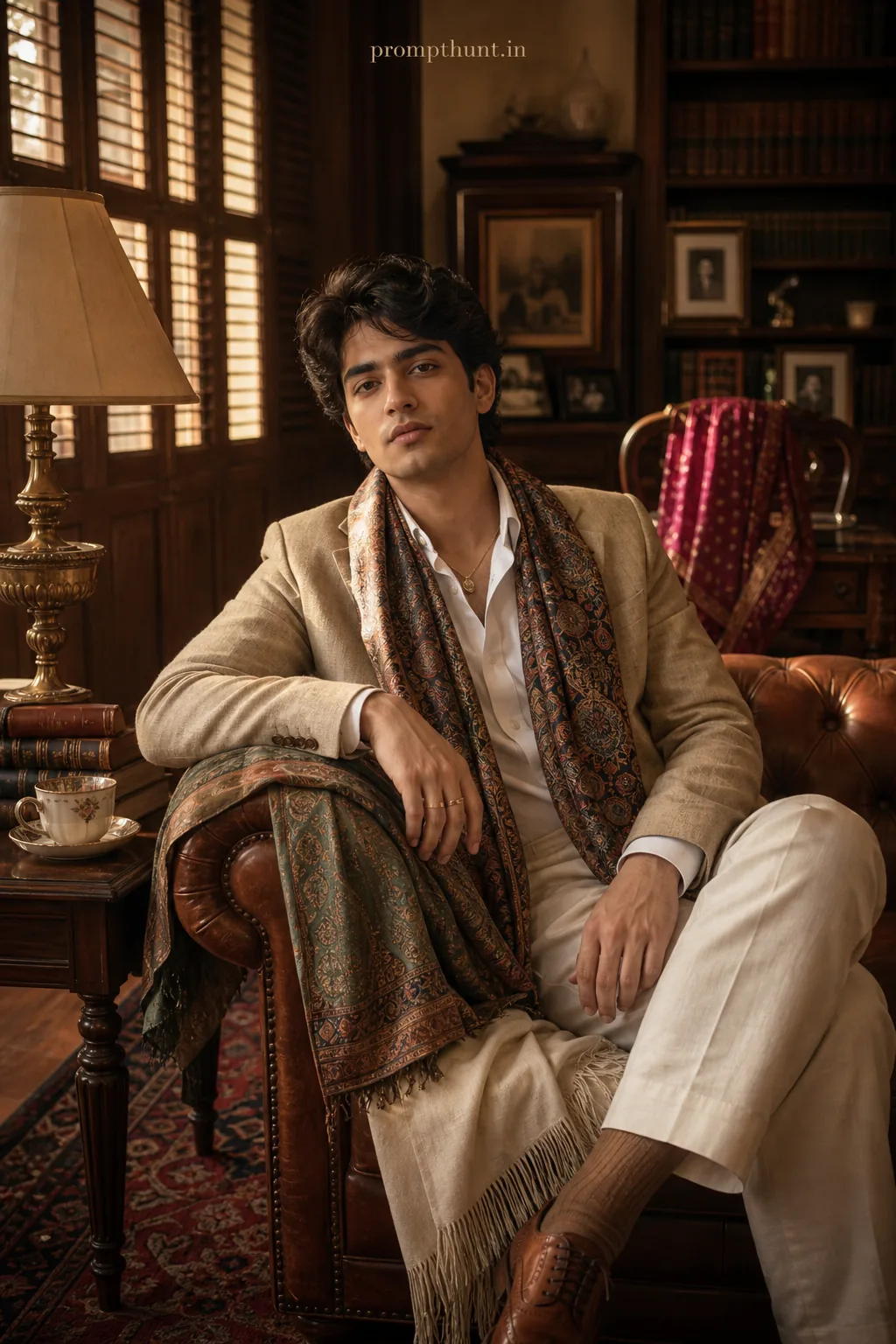
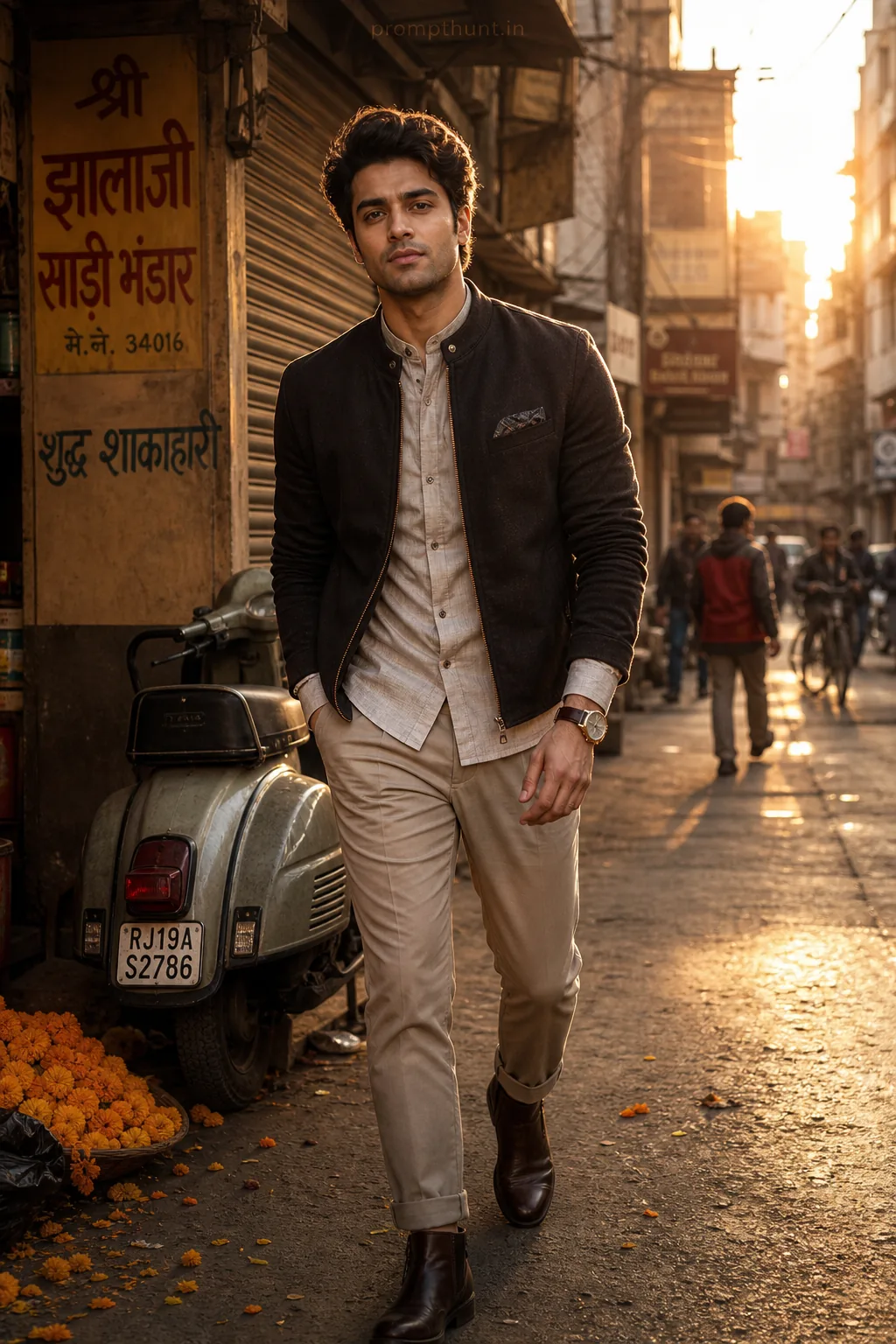
More prompts to explore
AI Photo Editing Prompts