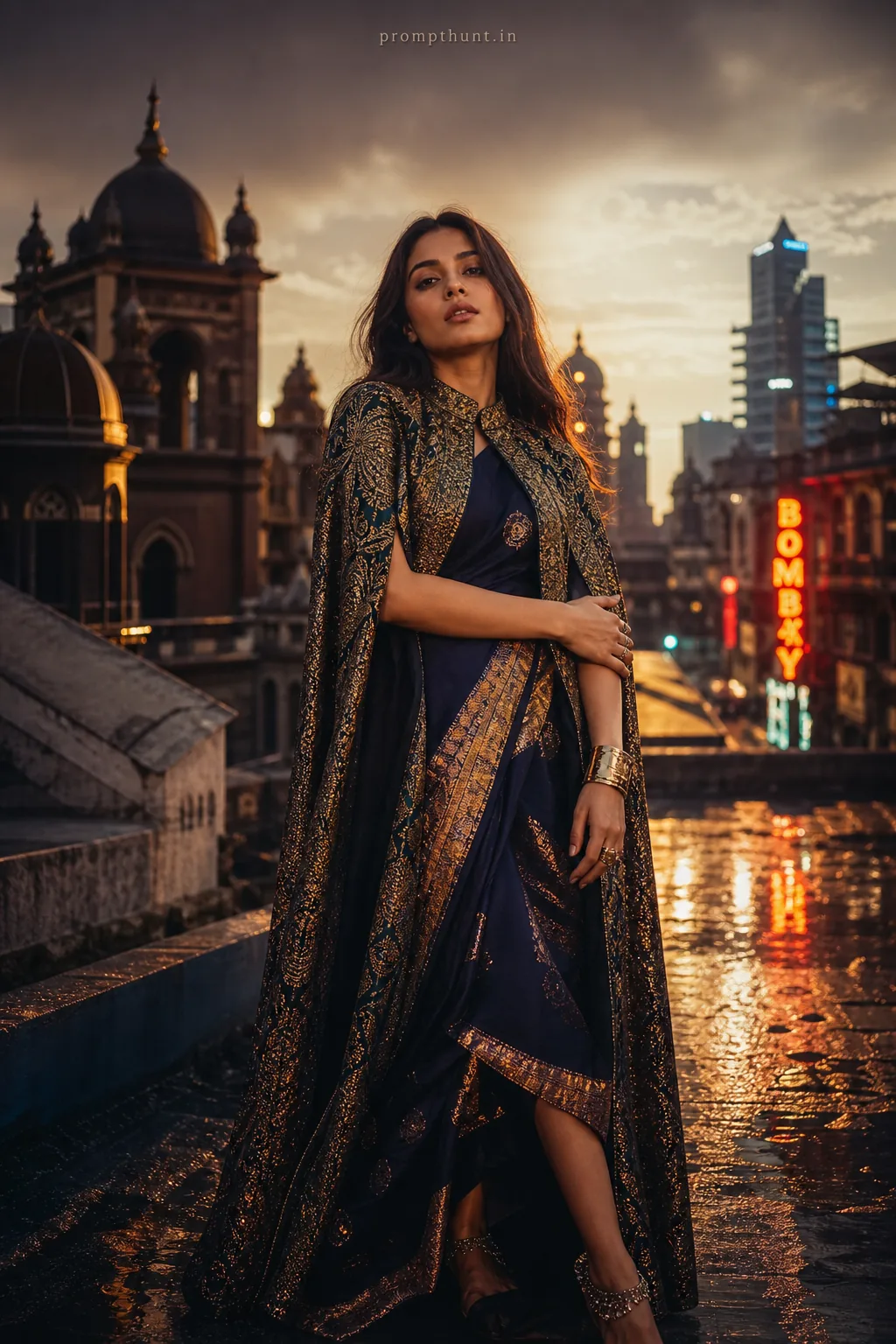
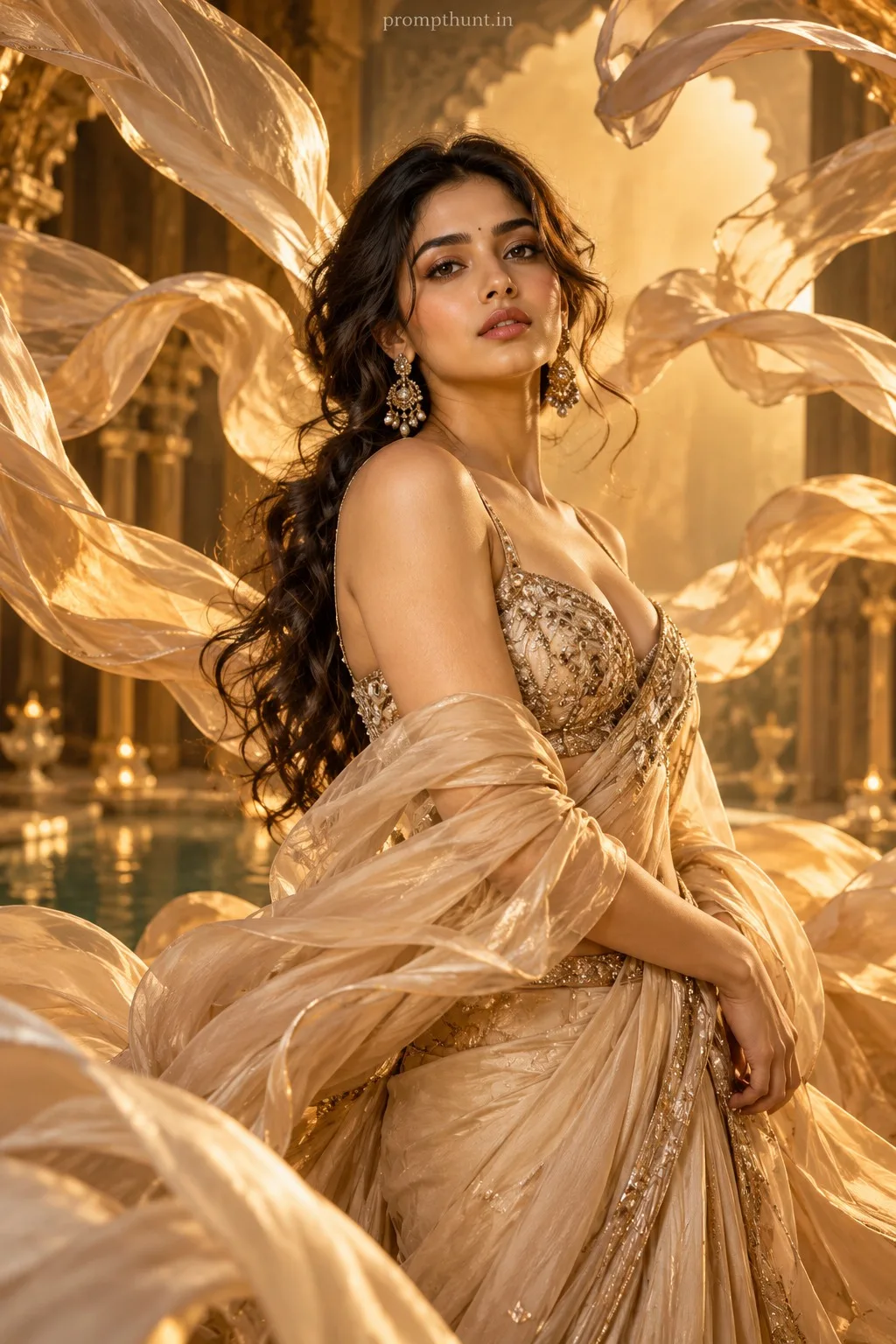
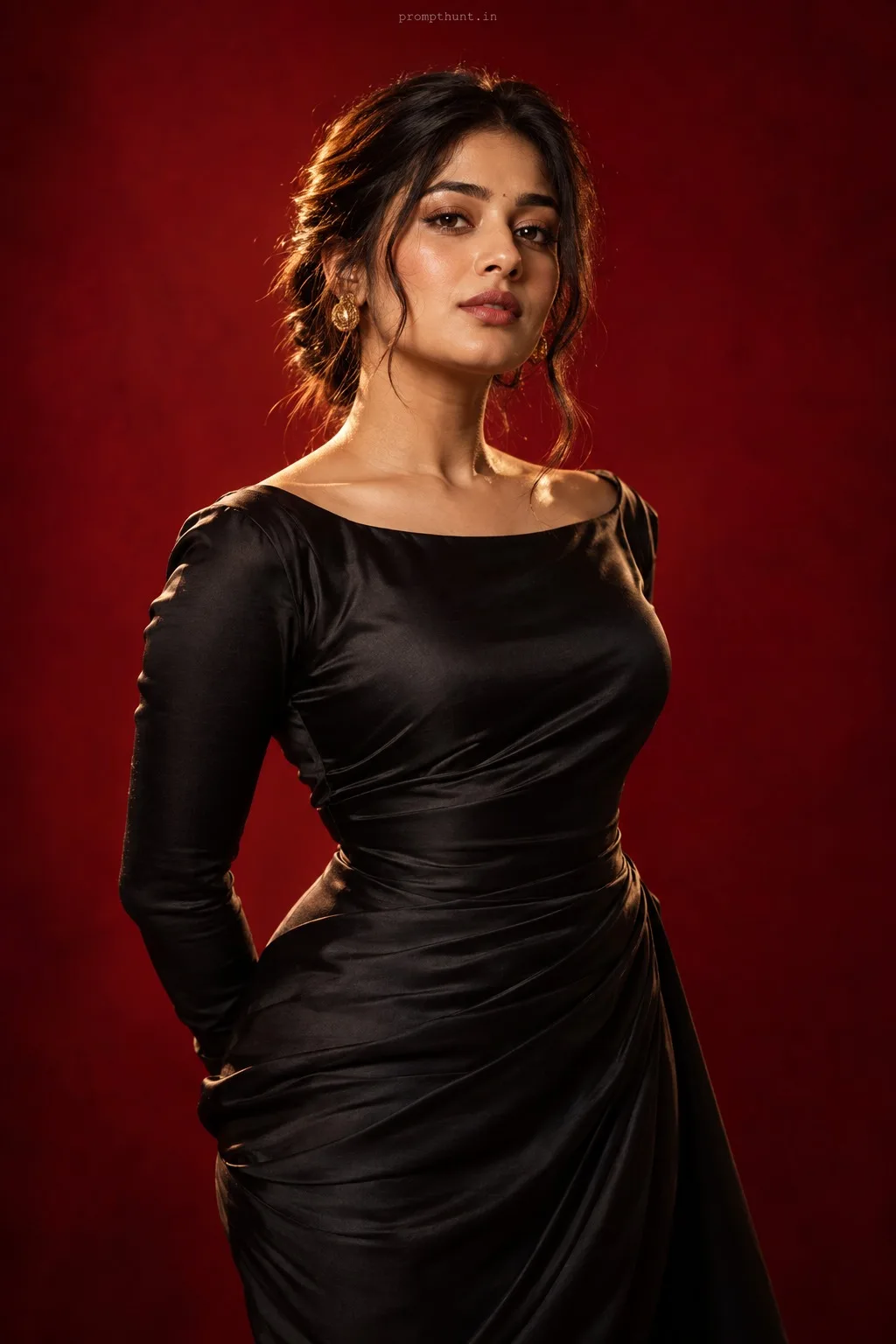
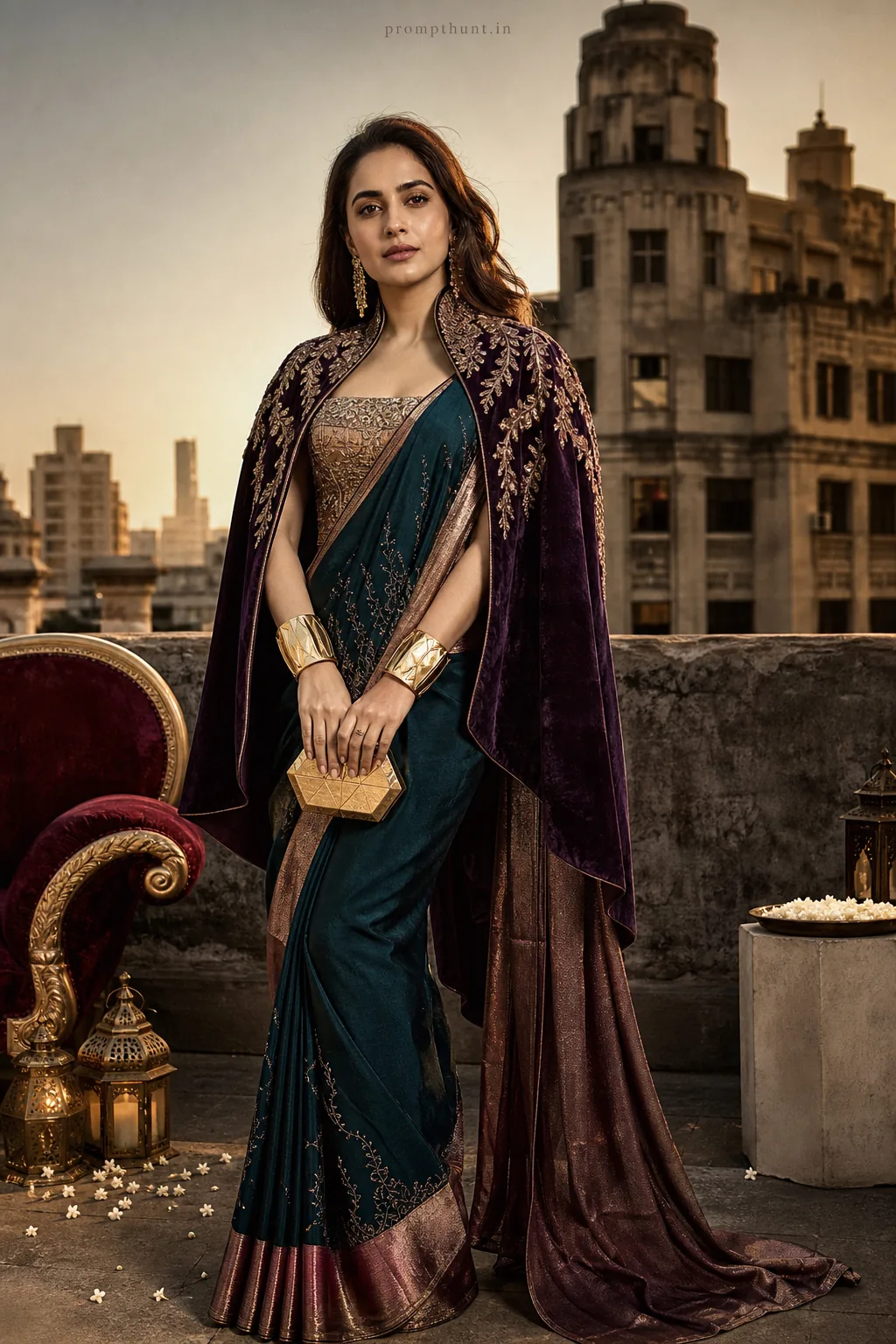
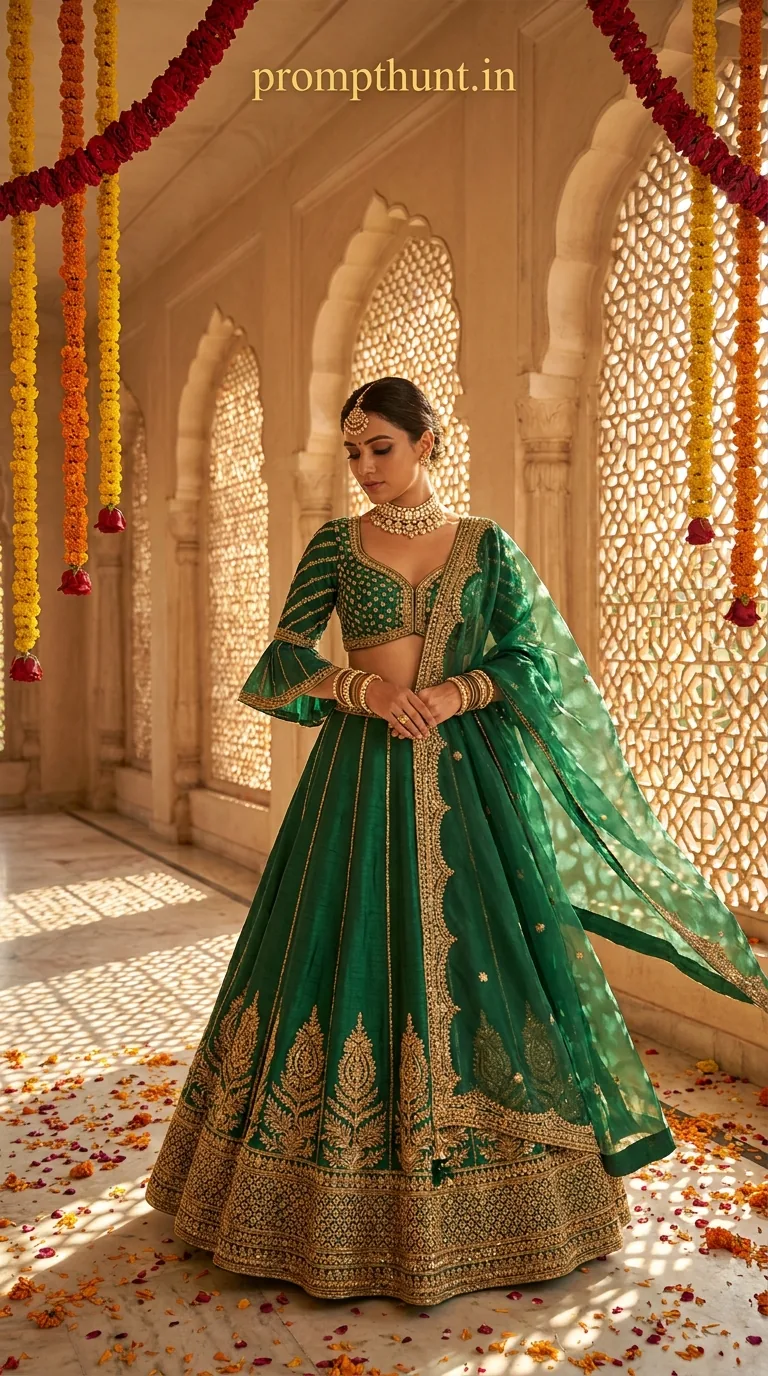
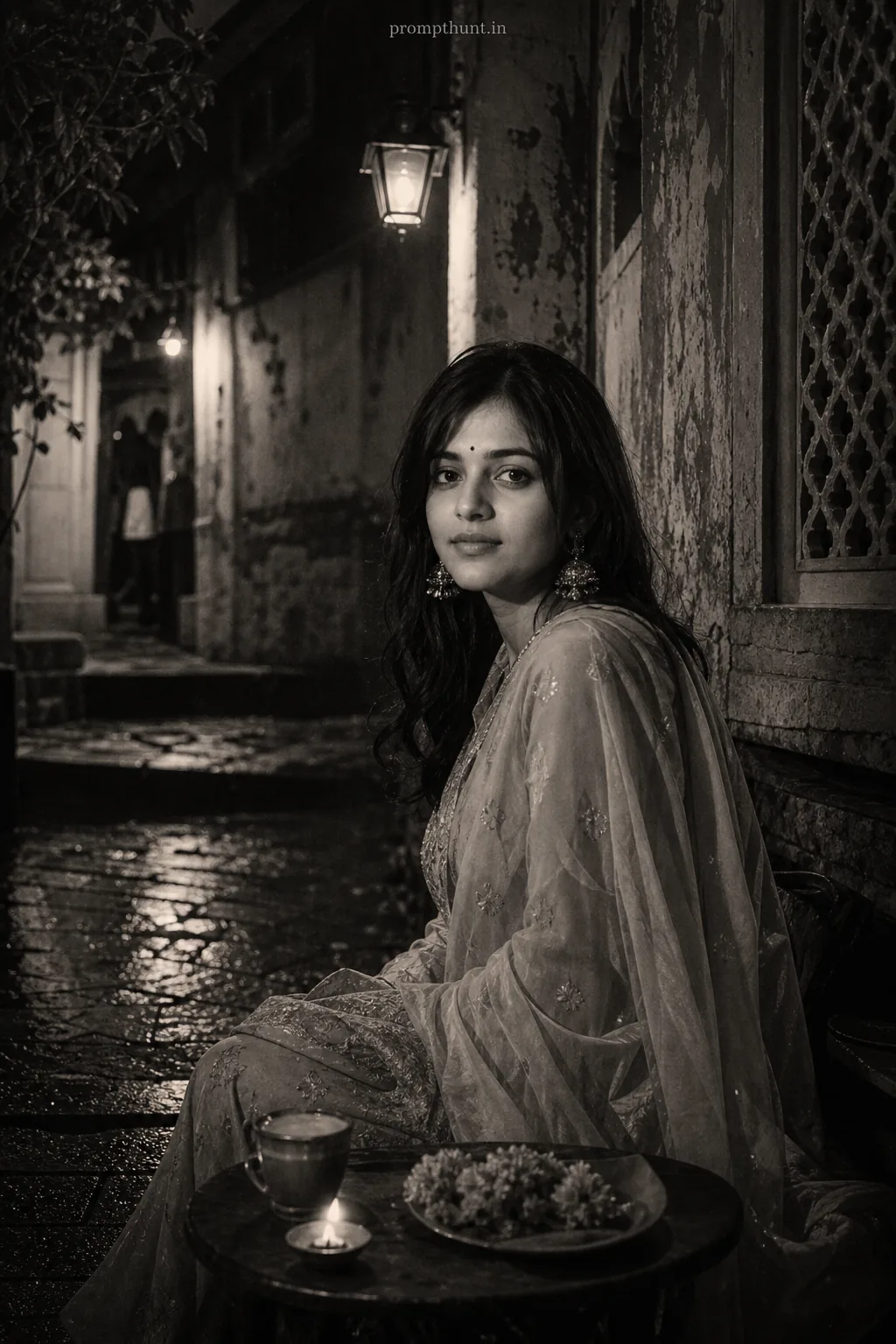
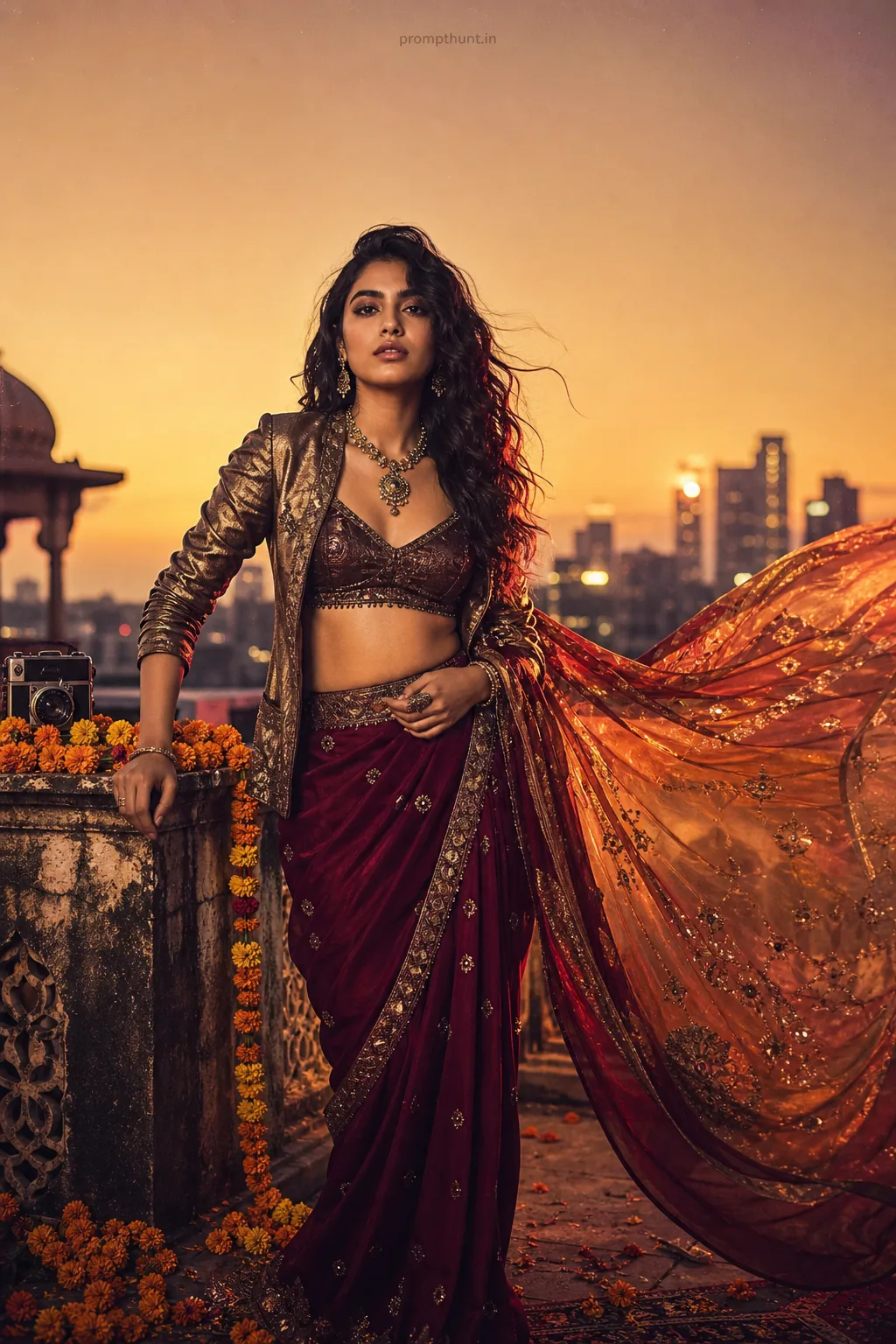
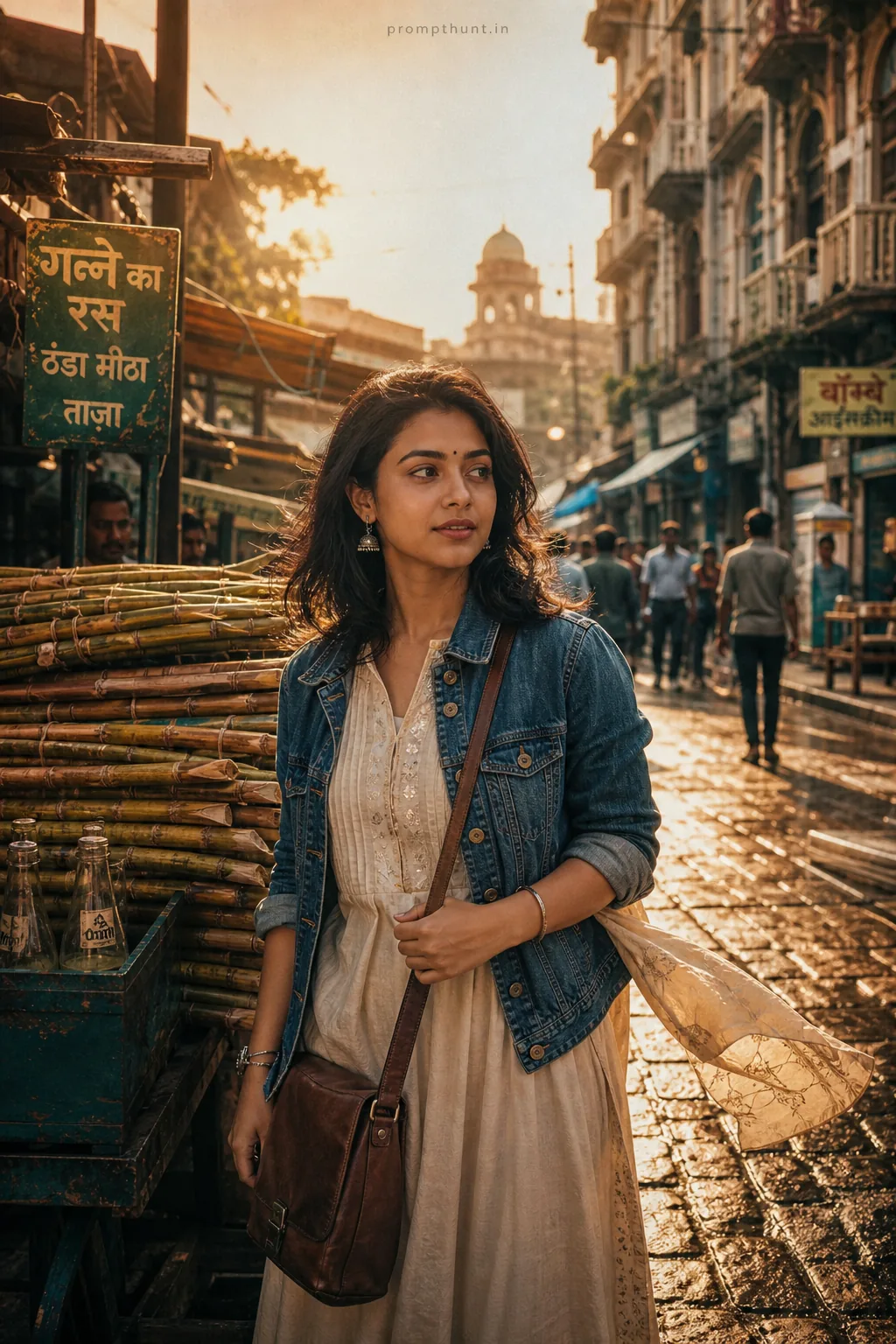
High-Fashion Editorial Mumbai Glamour Streets AI Photo Editing Prompt
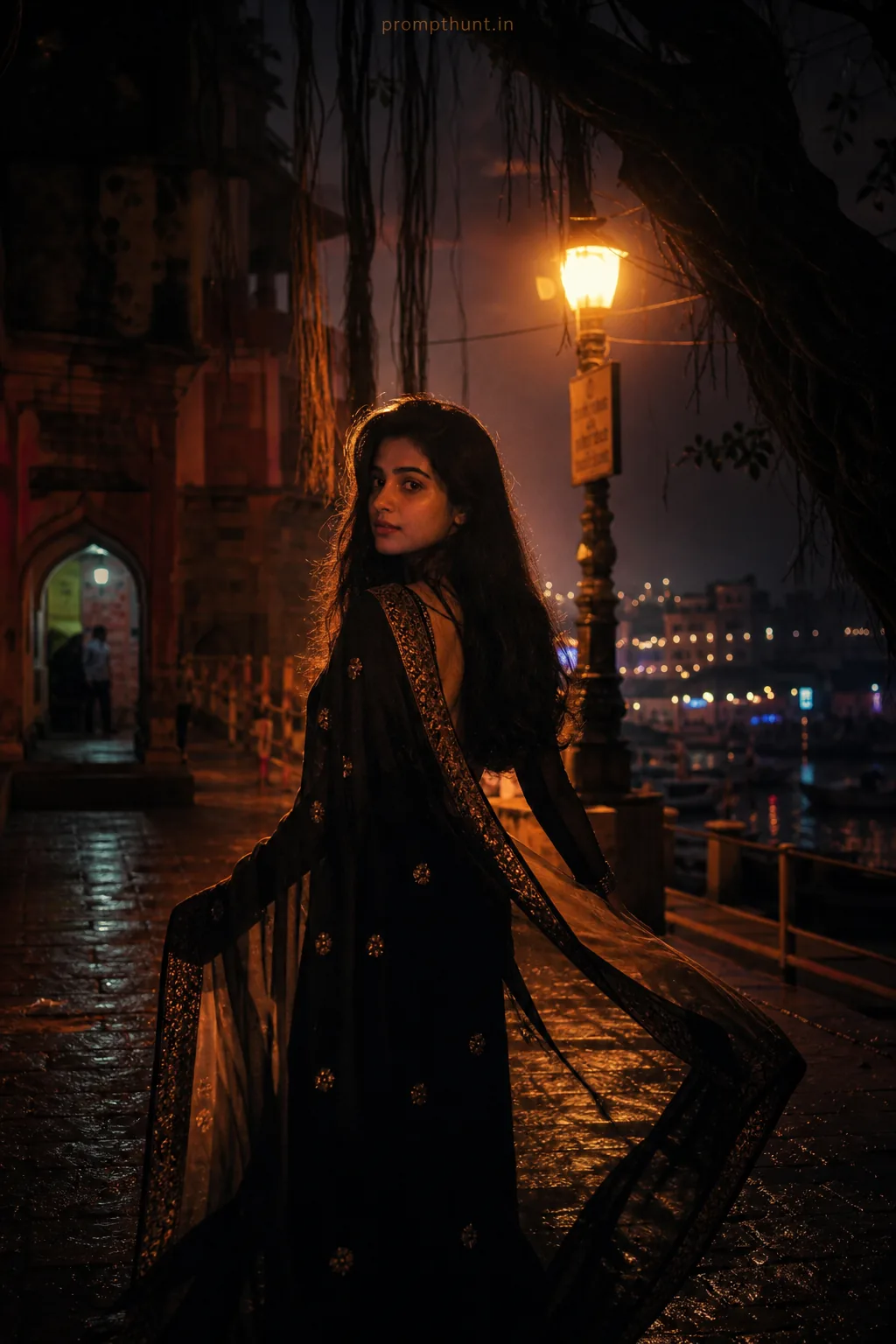
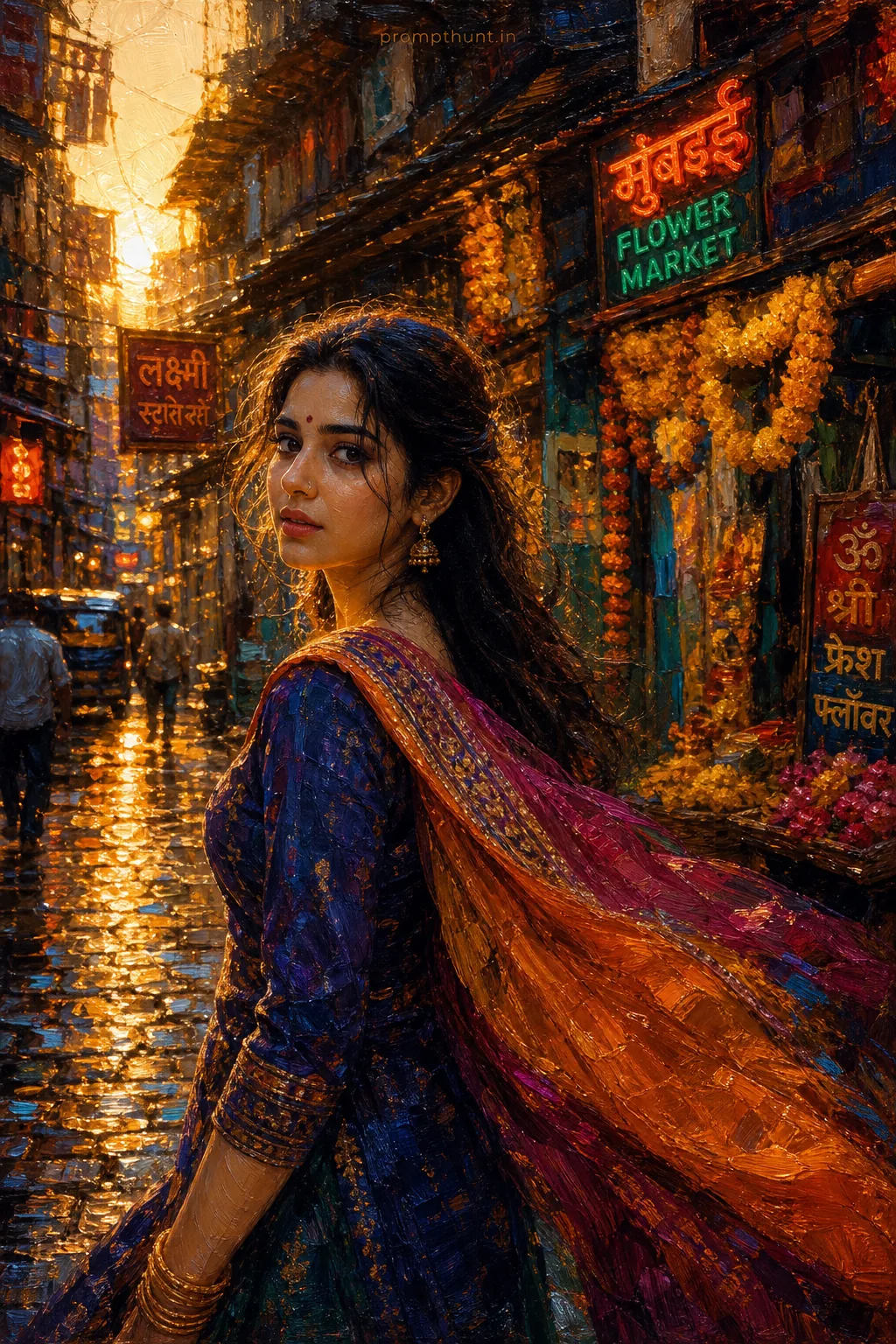
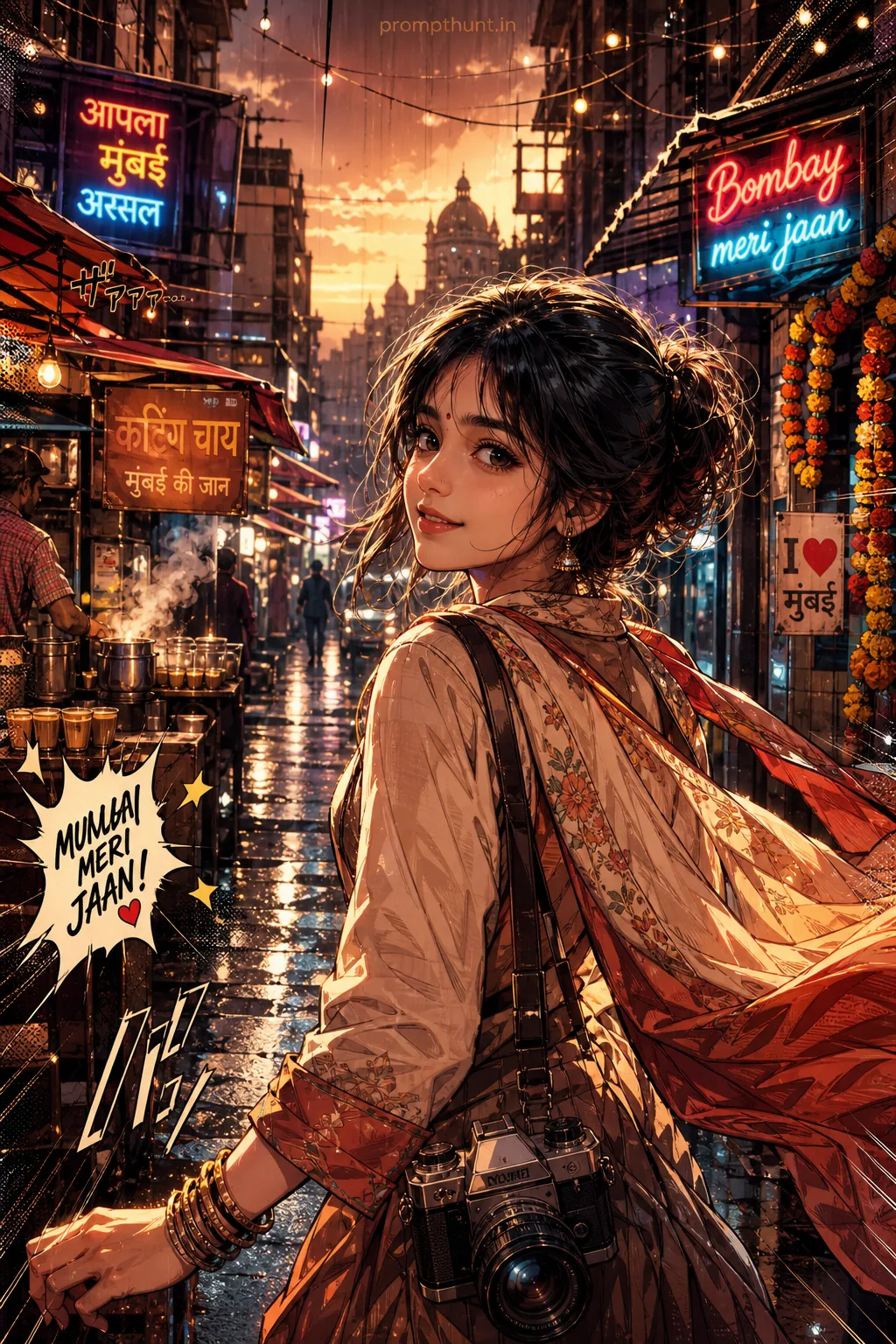
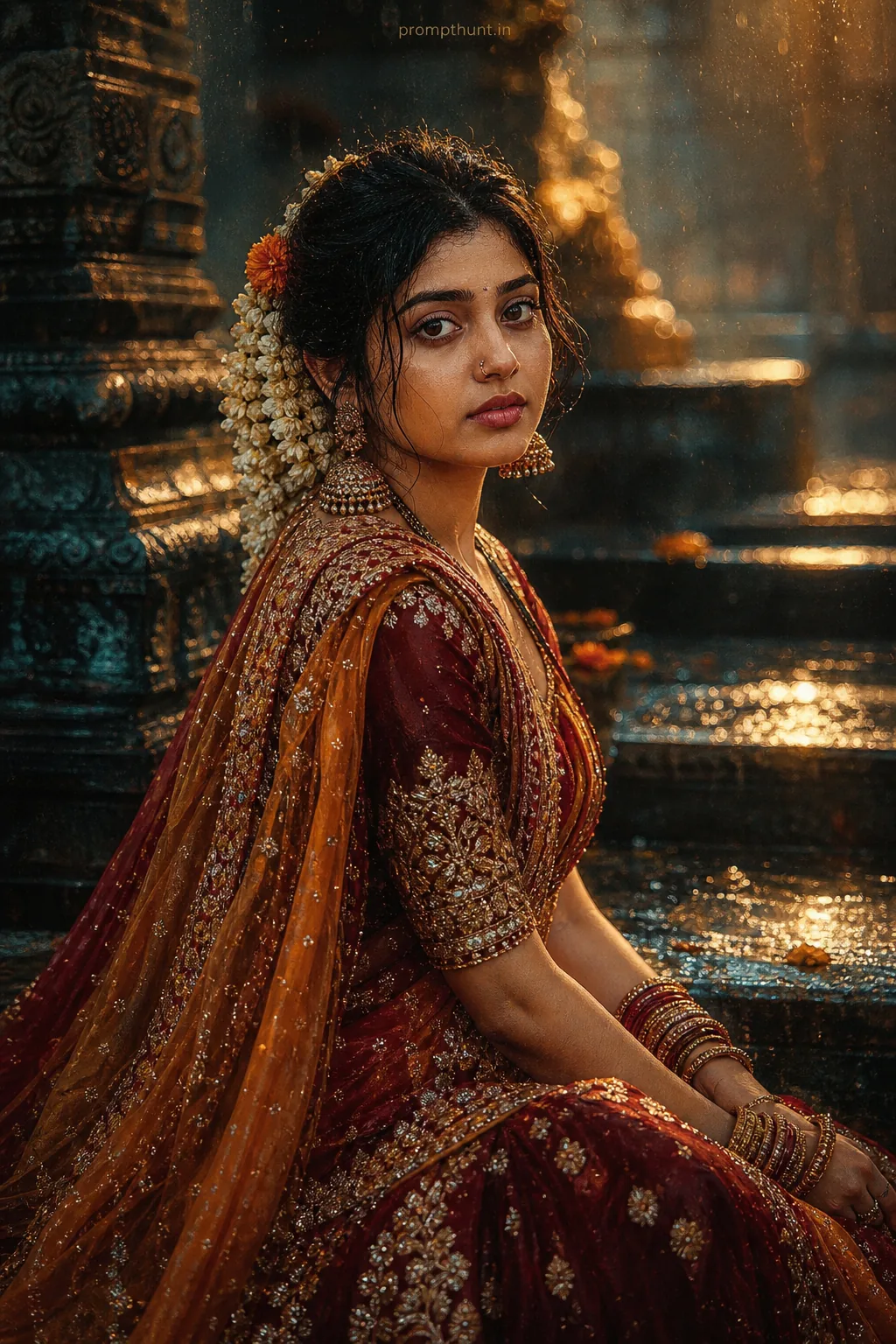
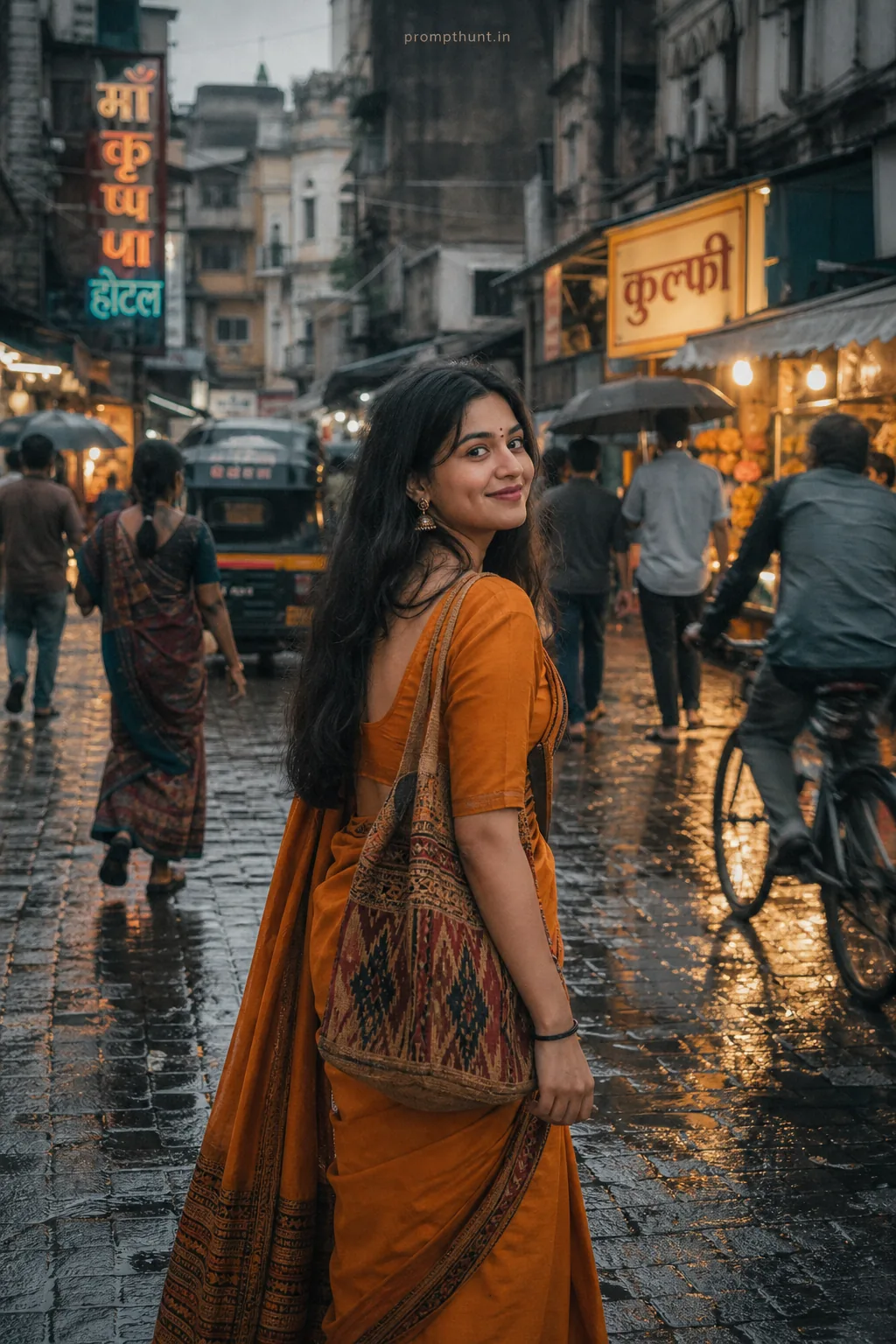
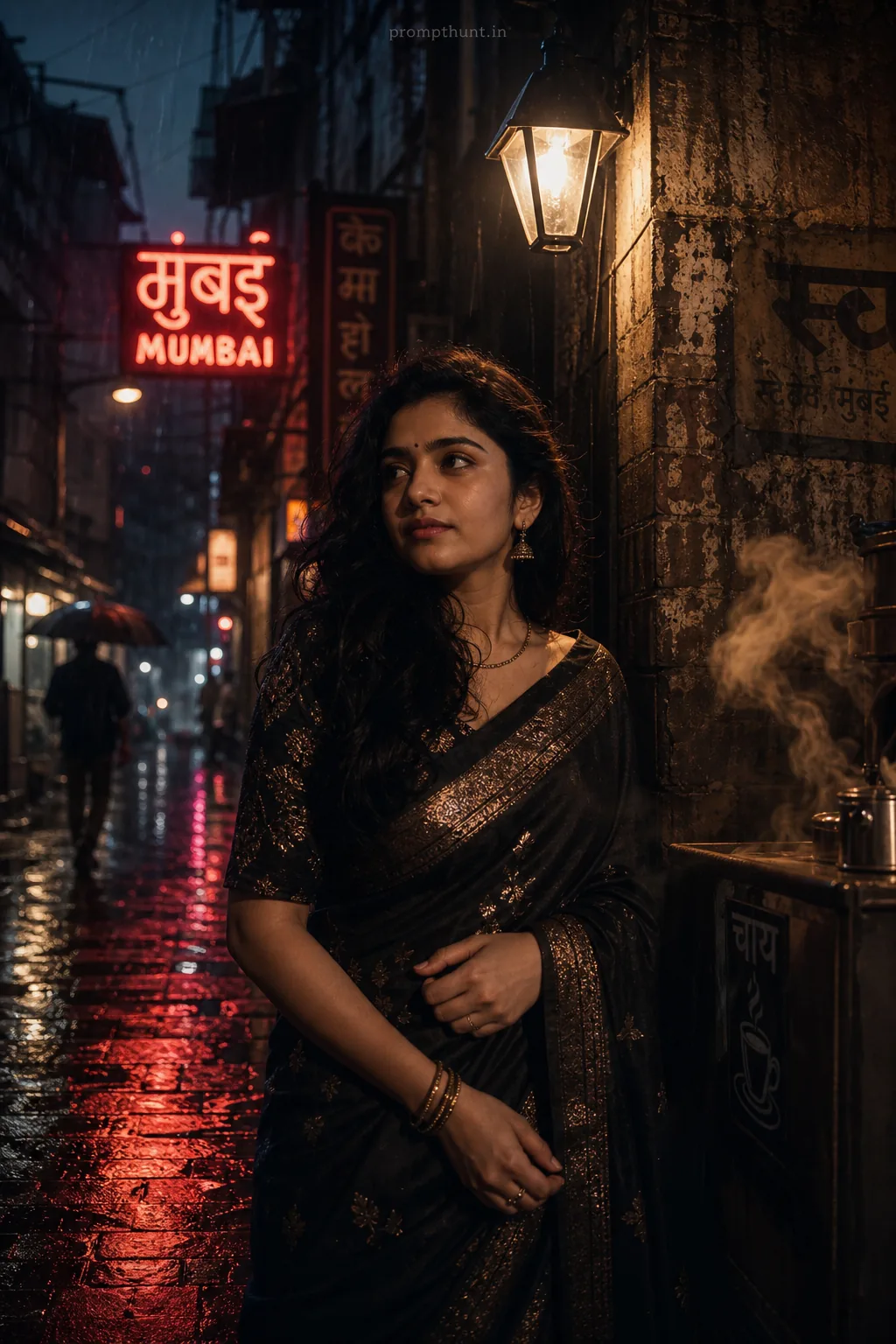
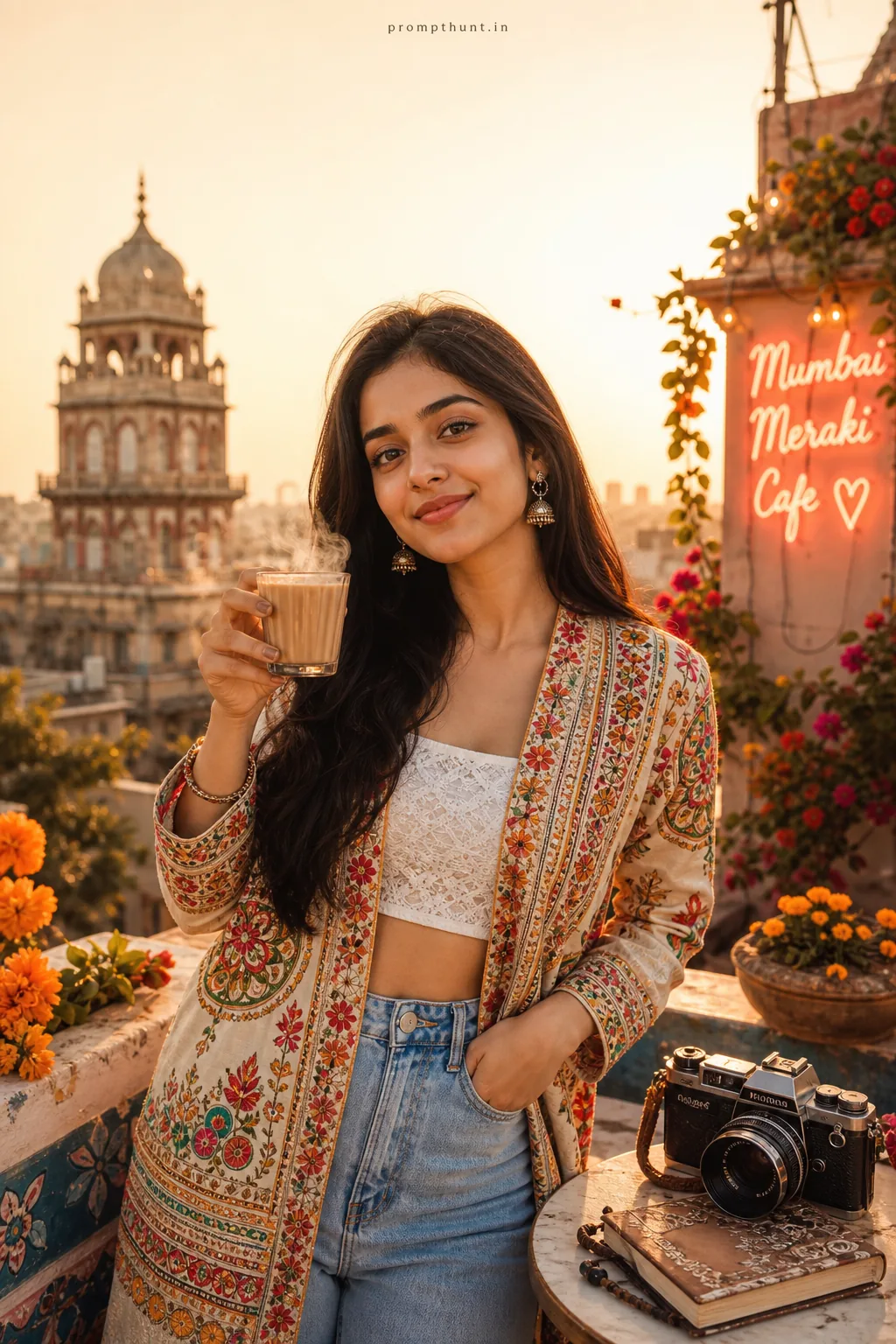
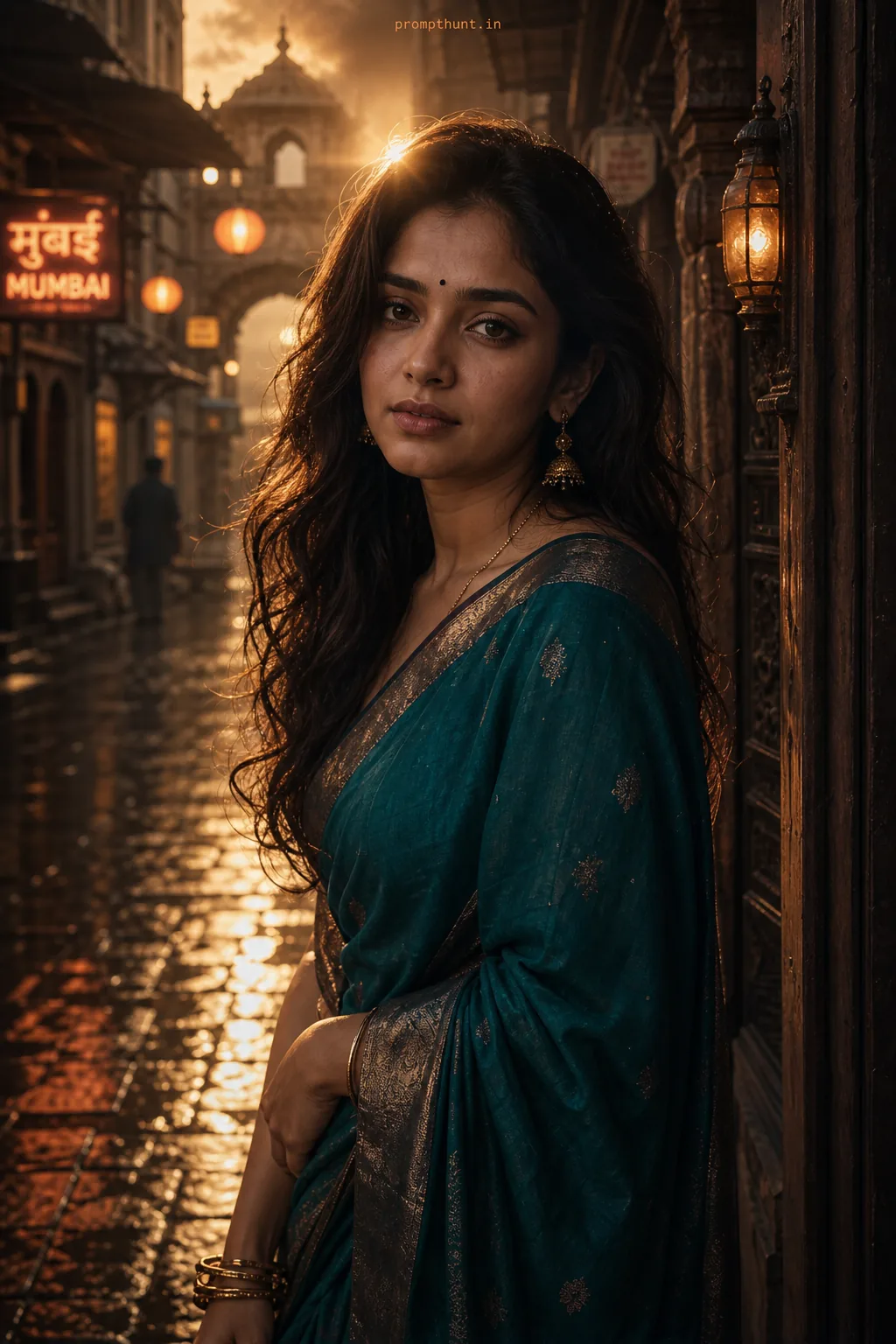
The uploaded photo is the master reference for this character. Preserve the exact facial features, face shape, skin tone, and identity from the uploaded image exactly. Vertical 9:13 composition. 9:13 vertical — cinematic high-fashion editorial set on a rain-slick Mumbai rooftop and narrow heritage lane fusion: ornate colonial facades and neon boulevards in the background, puddled reflections and light shafts from a low golden-hour sun mixed with cool blue rim lights, soft cinematic fog for depth; costume direction focuses on luxe Indian couture—structured silk saree or sculptural lehenga with rich brocade, gold zari accents, layered contemporary capes and statement metallic accessories (anklets, cuffs, oversized earrings visible only as styling elements), fabrics catching the light with visible texture and motion, palette of deep indigo, marigold and oxblood with desaturated skin tones, dramatic high-contrast grading, shallow depth-of-field with creamy bokeh, subtle film grain and vignette for an editorial magazine finish, mood: confident, avant-garde, fashion-forward storytelling that feels both local and global. Add a small, thin, professional 'prompthunt.in' text watermark at the top center of the image. The watermark should be subtle, use a color that matches the image's color palette, and appear lightweight and elegant — not distracting.
Community Rating
Rate this prompt
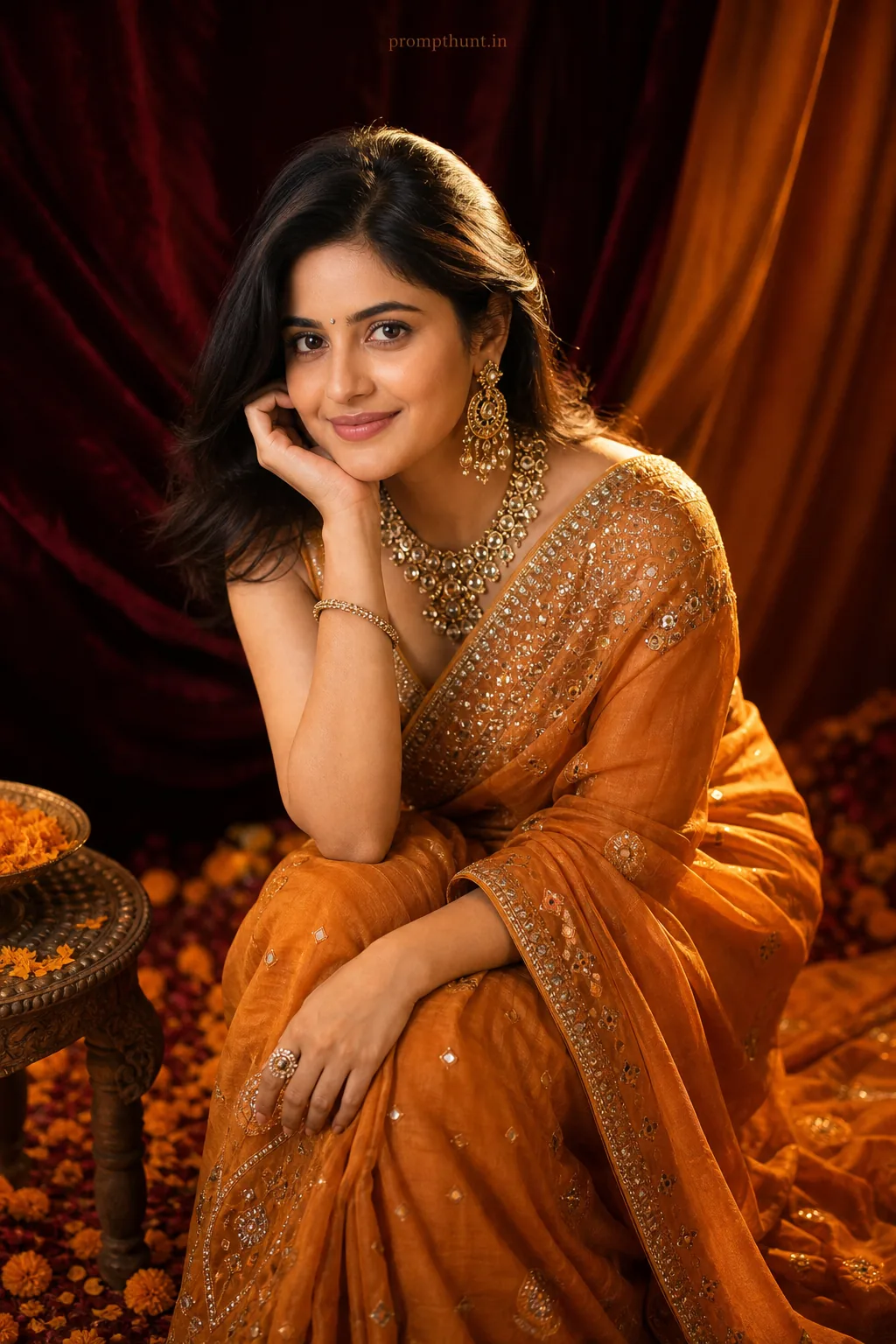
High-Fashion Editorial Mumbai Glamour Streets AI Photo Editing Prompt is a free, copy-paste high-fashion editorial AI photo editing prompt. Paste it into any AI photo editor with one clear photo of yourself and you get the edited result in about ten seconds — no account and no payment. The prompt tells the model to keep your exact facial features, skin tone and identity, and to change only the background, outfit, lighting and styling.
9:13 vertical — cinematic high-fashion editorial set on a rain-slick Mumbai rooftop and narrow heritage lane fusion: ornate colonial facades and neon boulevards in the background, puddled reflections
How to use this high-fashion editorial prompt
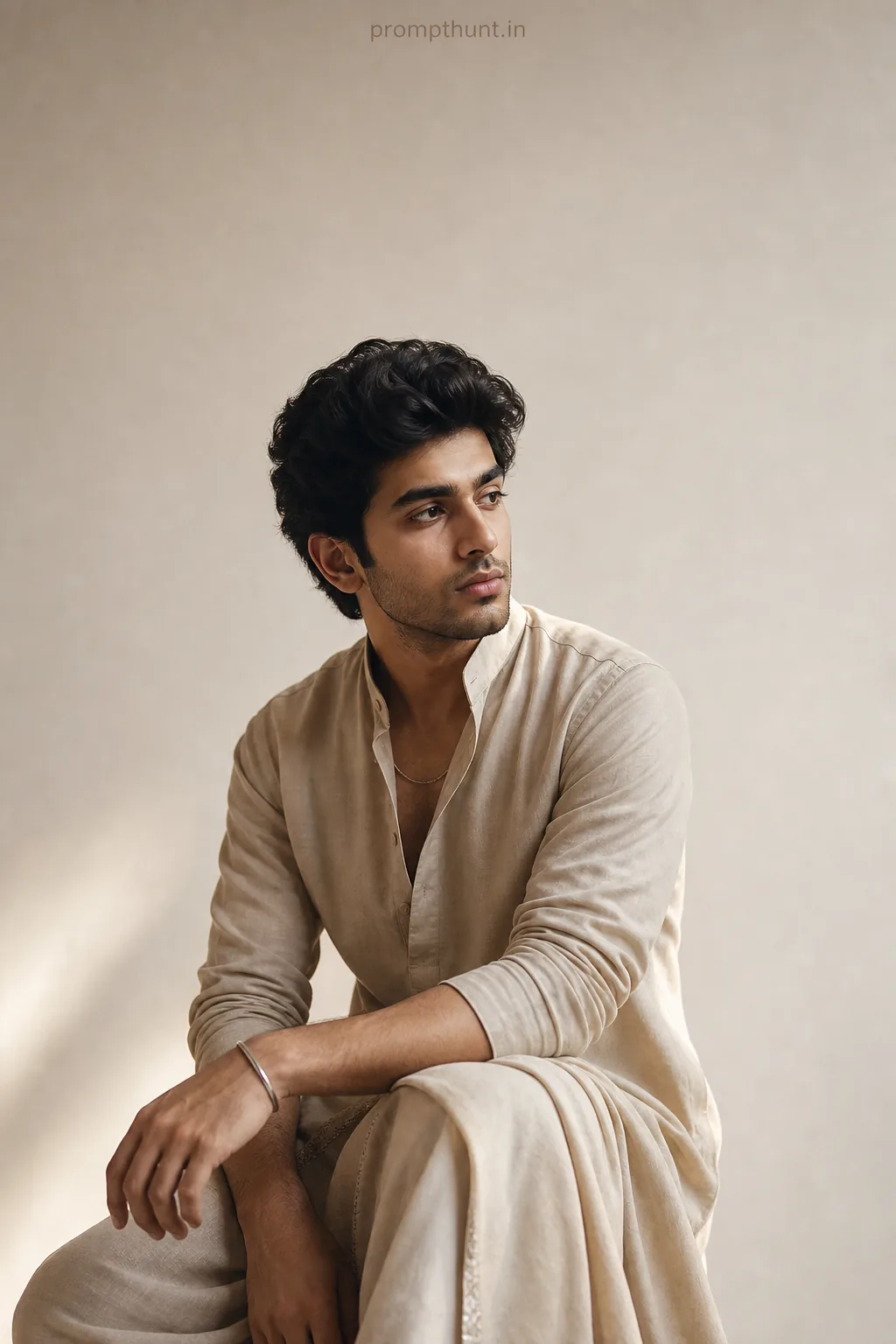
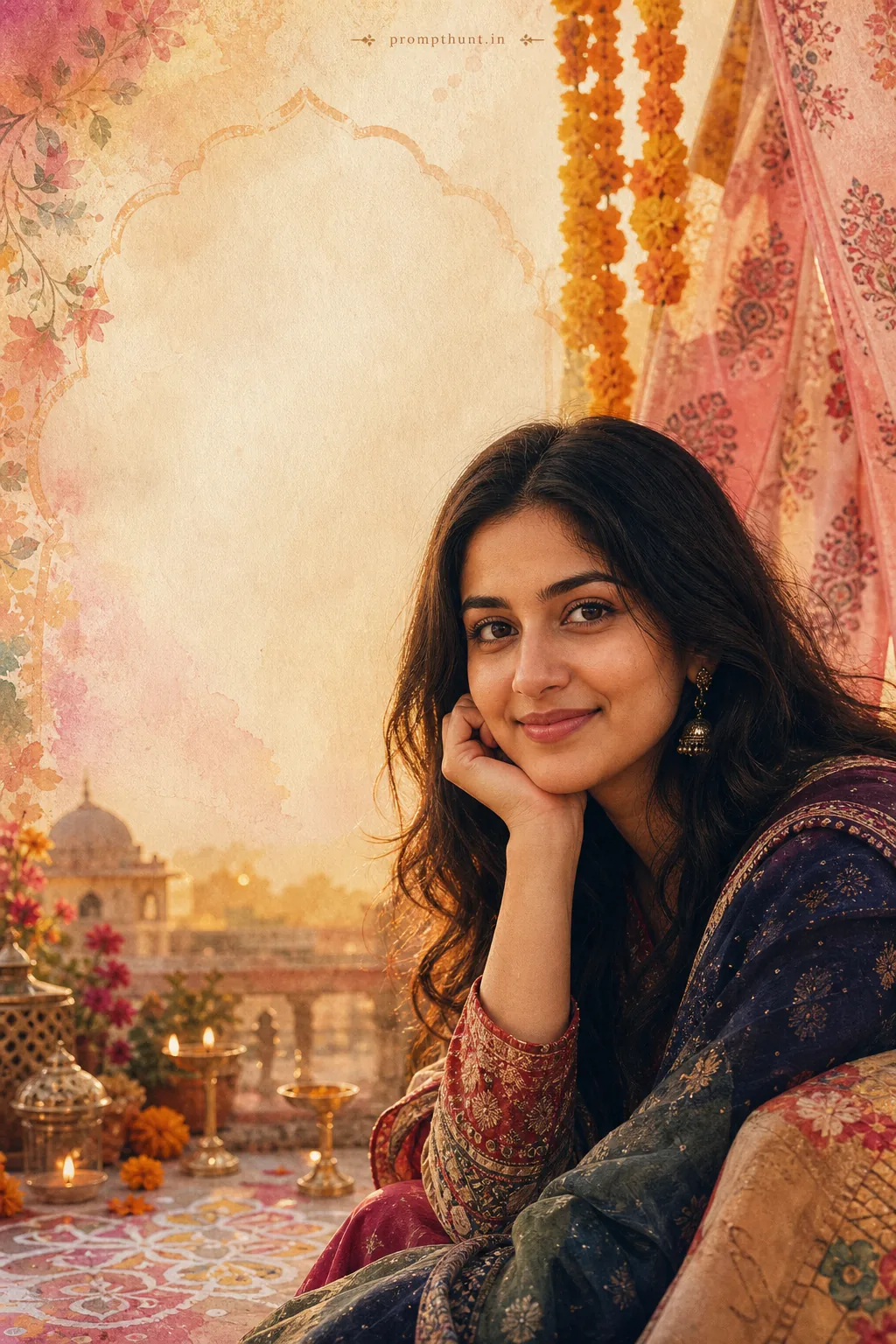
More prompts to explore
AI Photo Editing Prompts