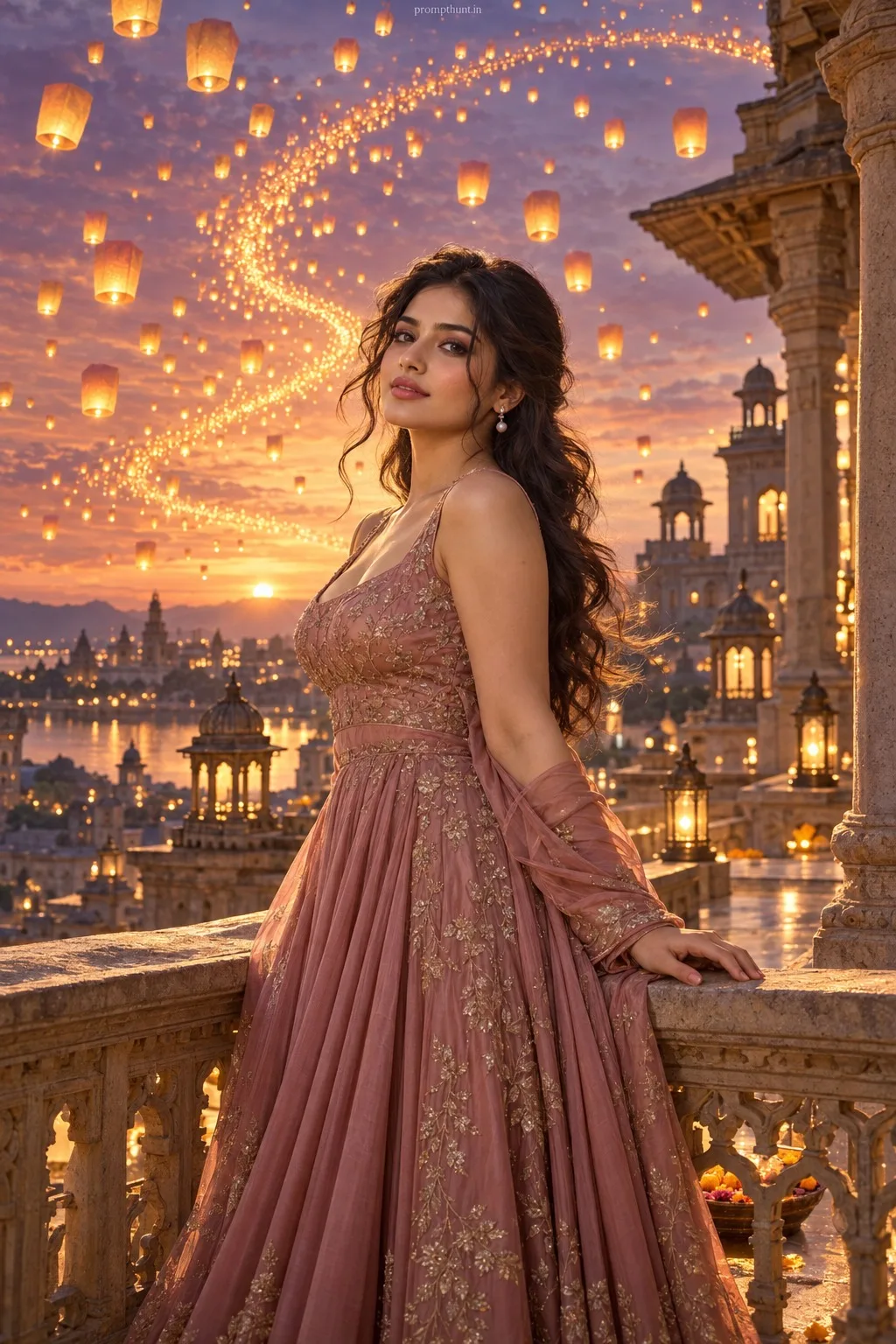
Heritage & Neon Double Exposure AI Photo Editing Prompt
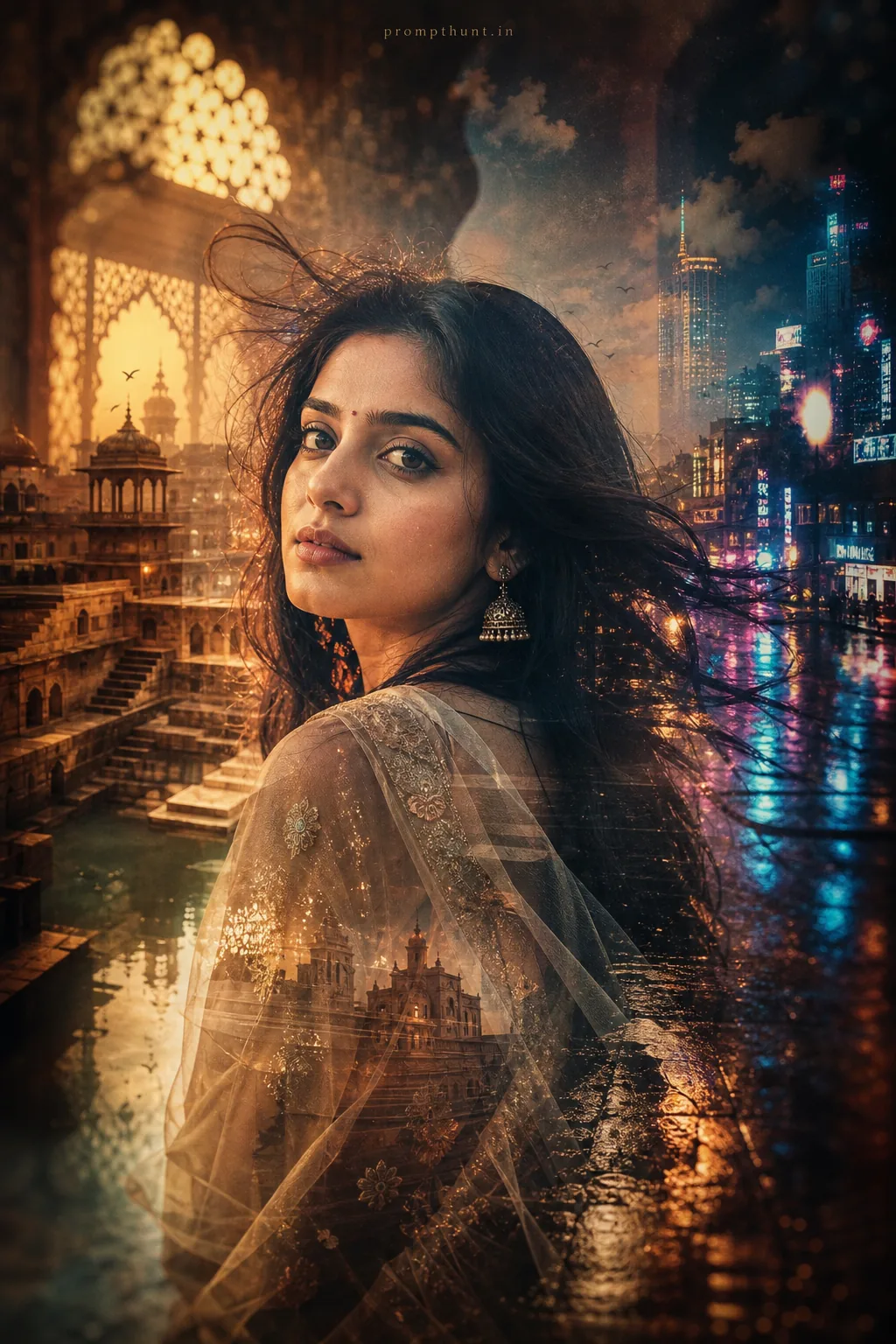
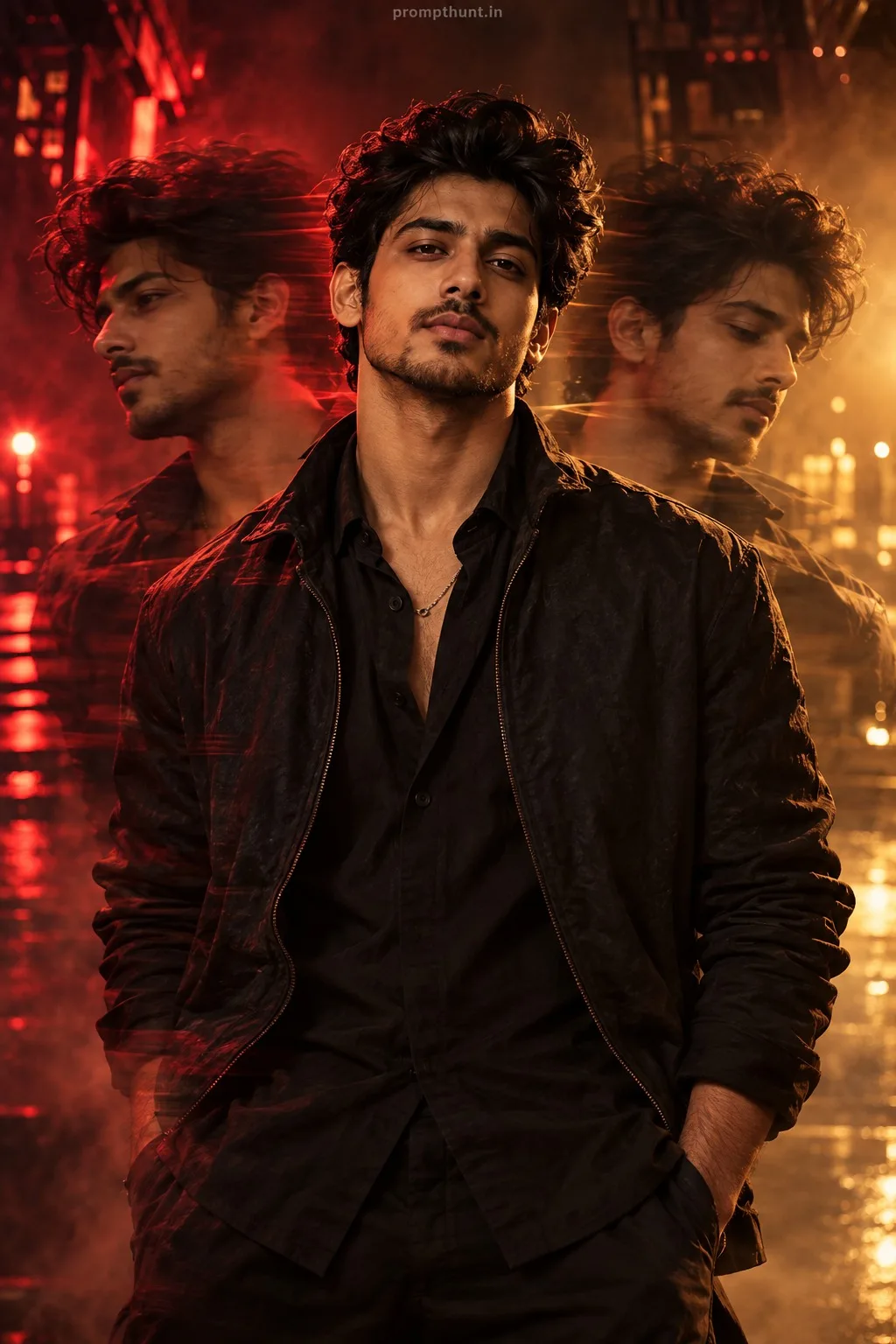
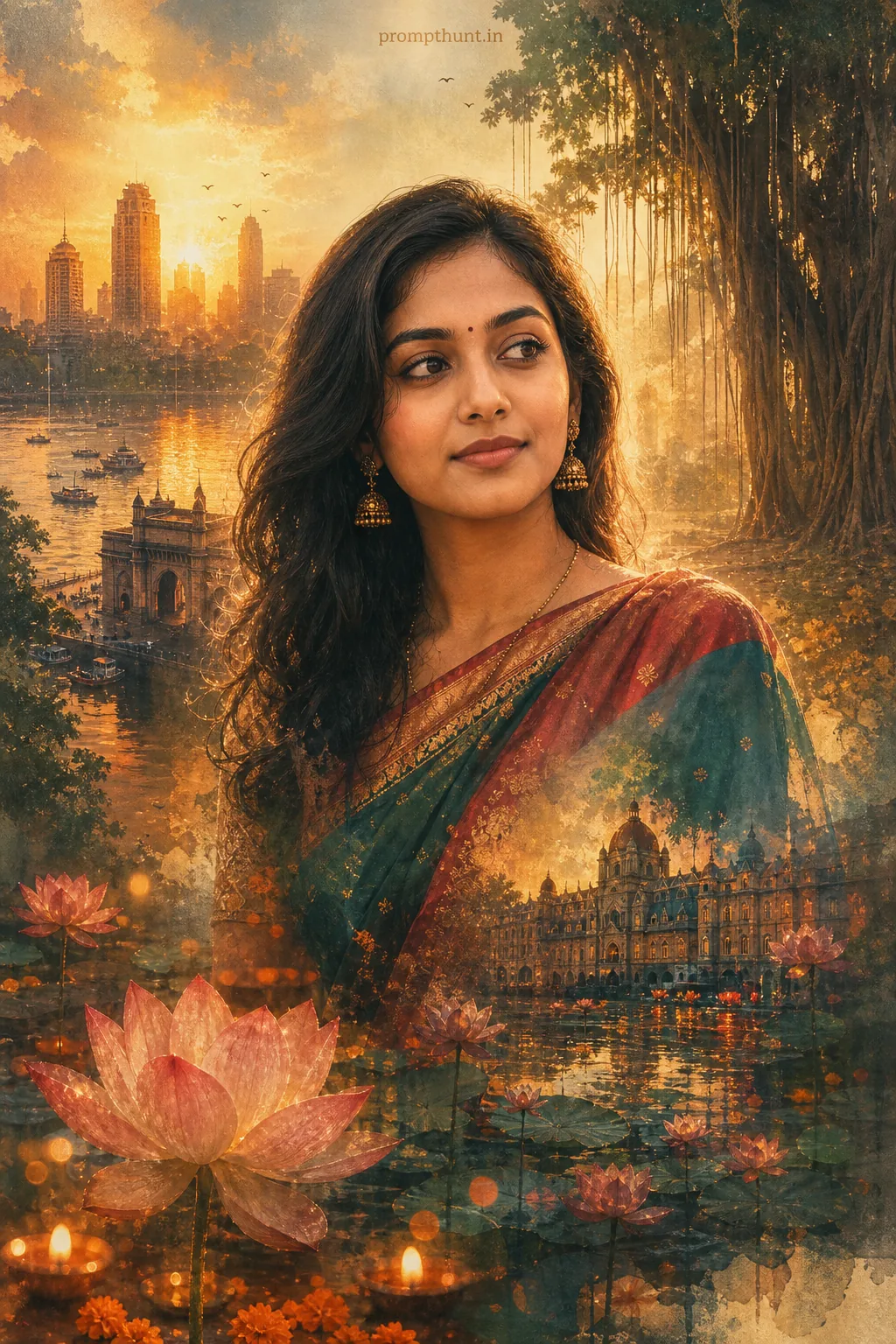
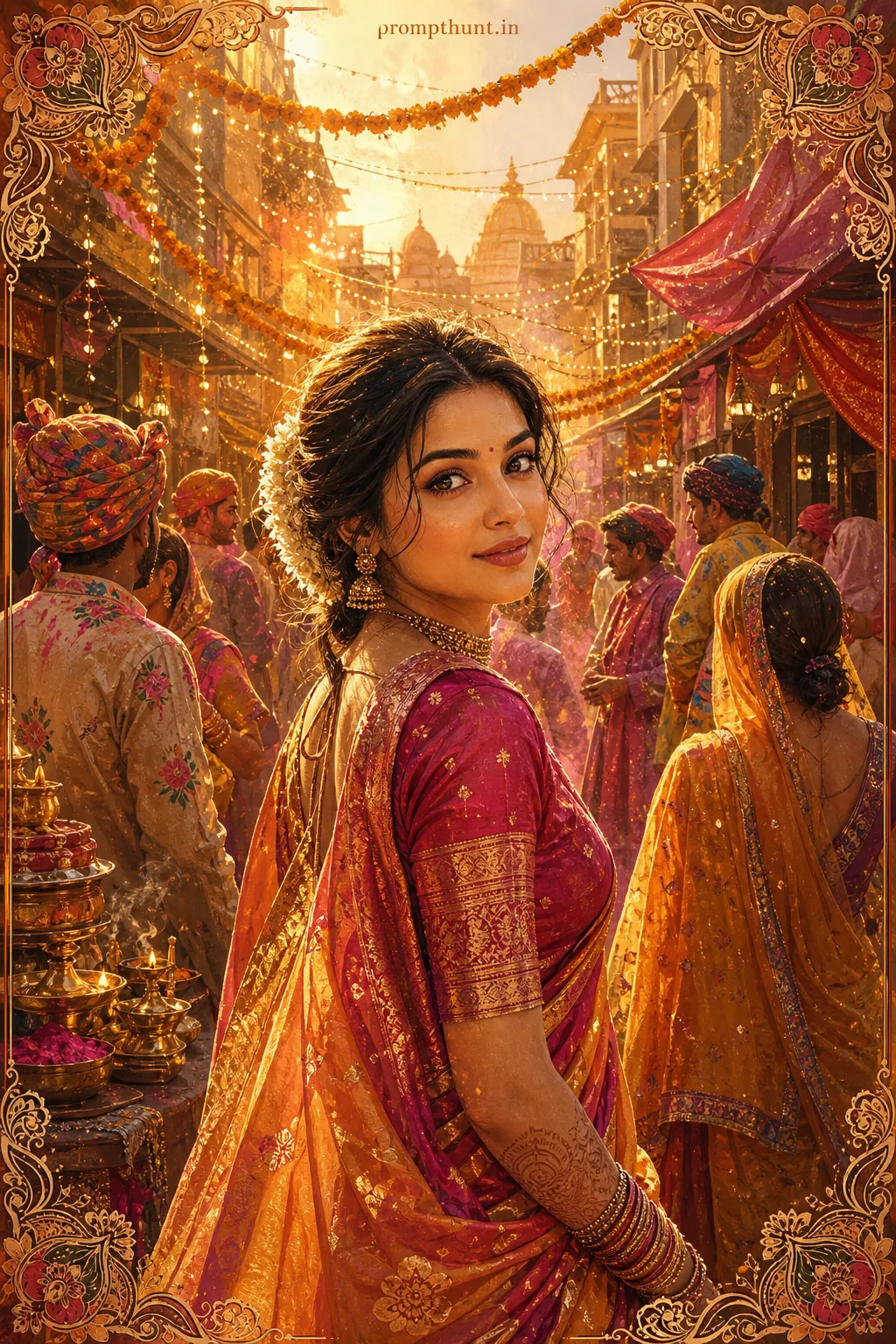
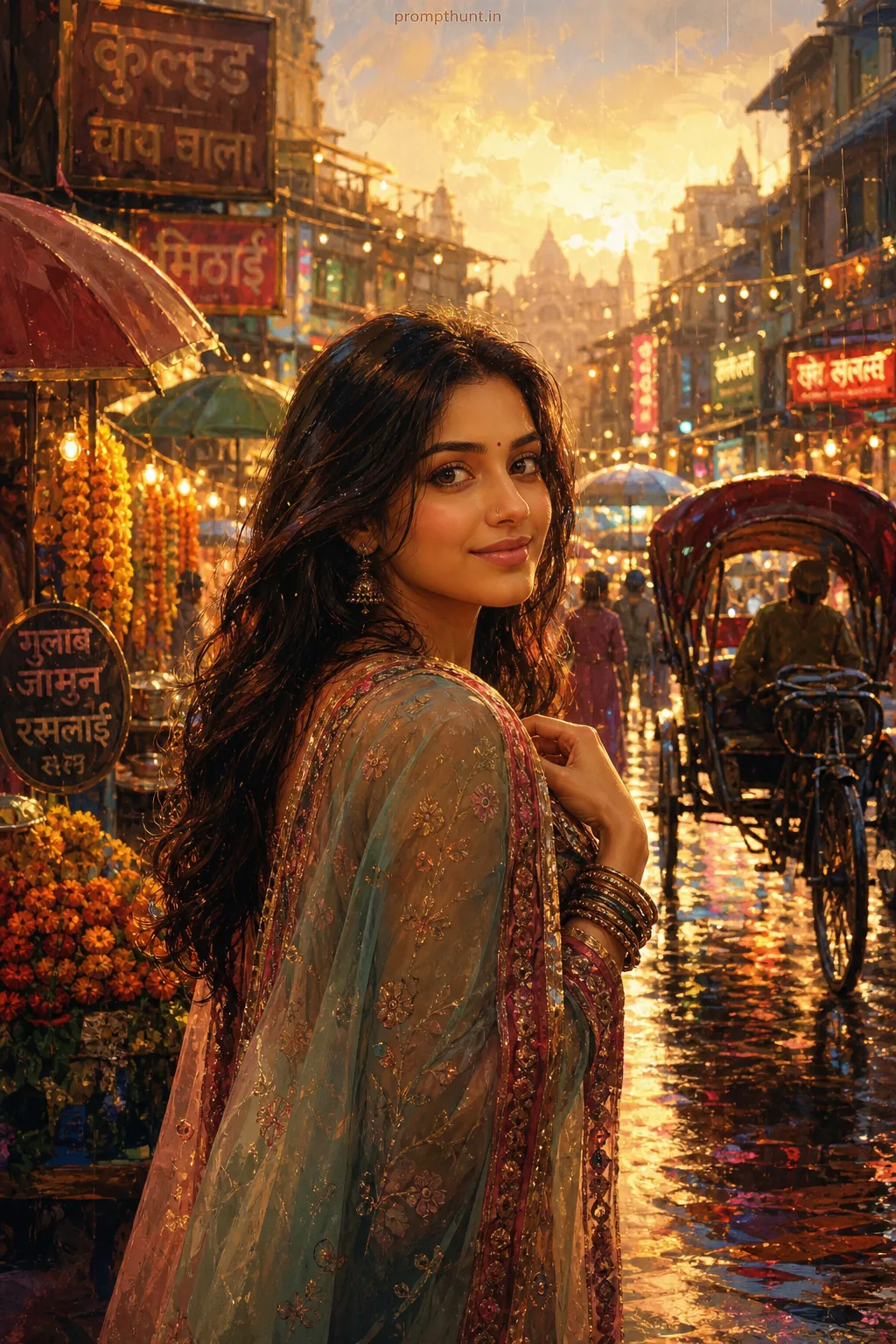
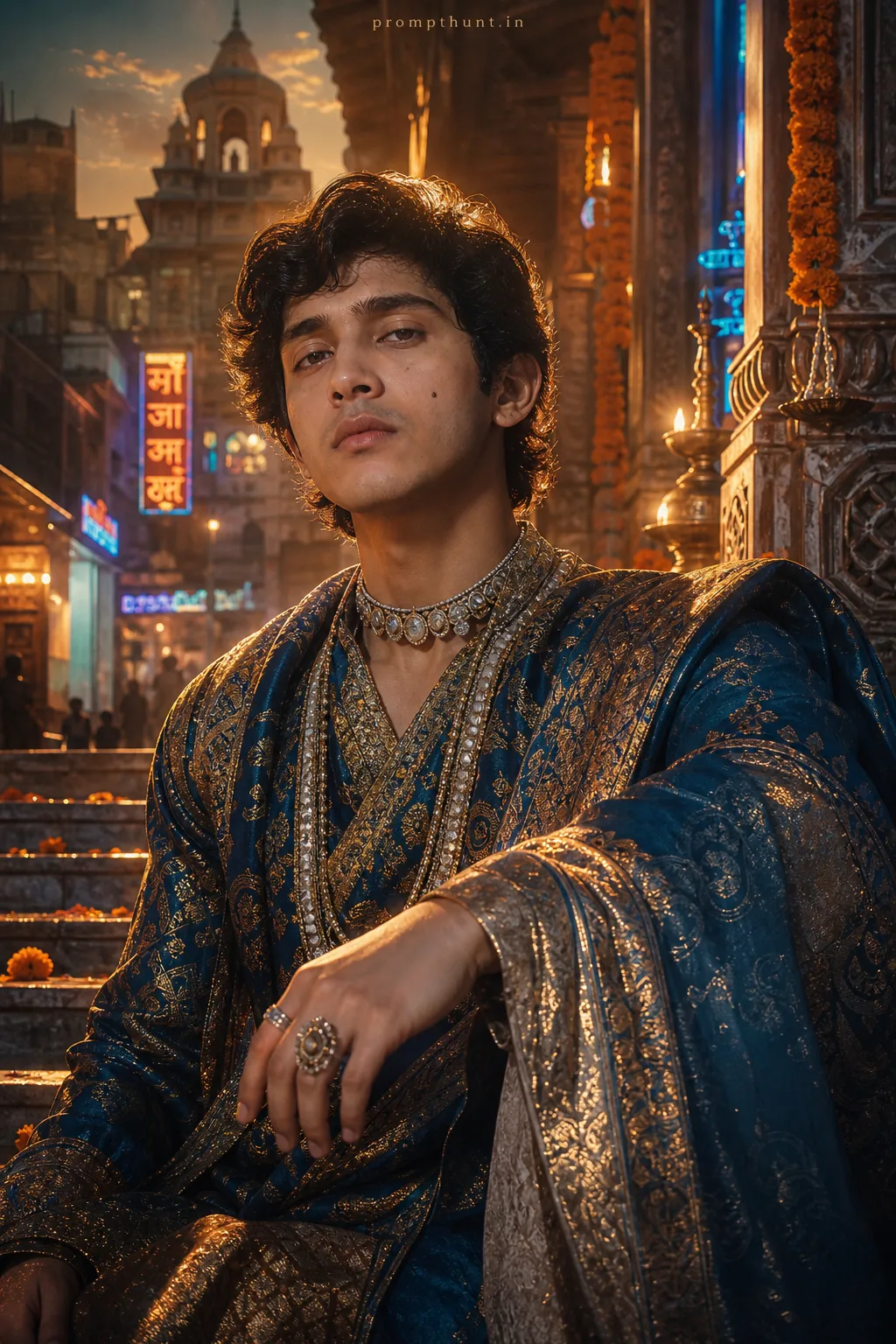
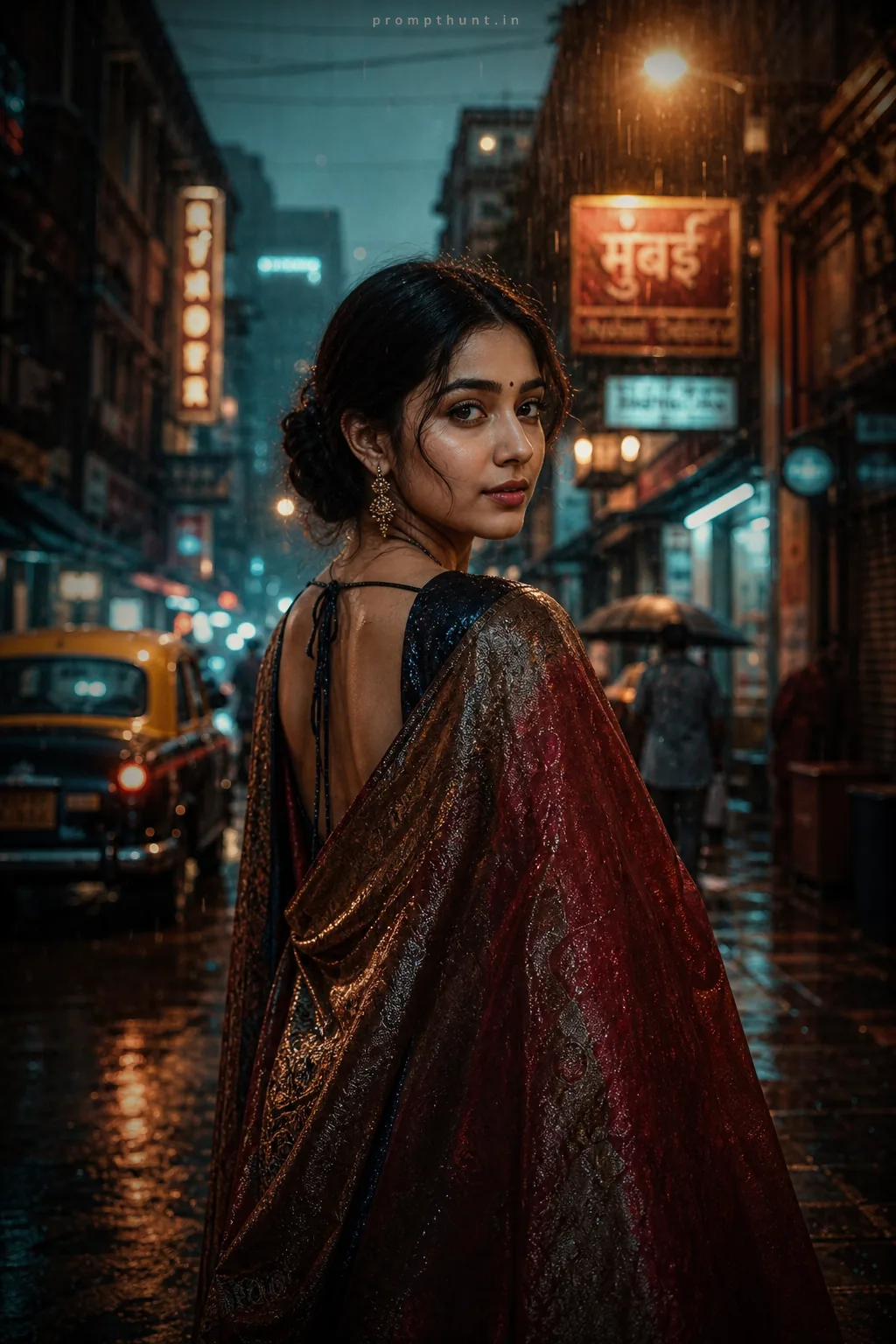
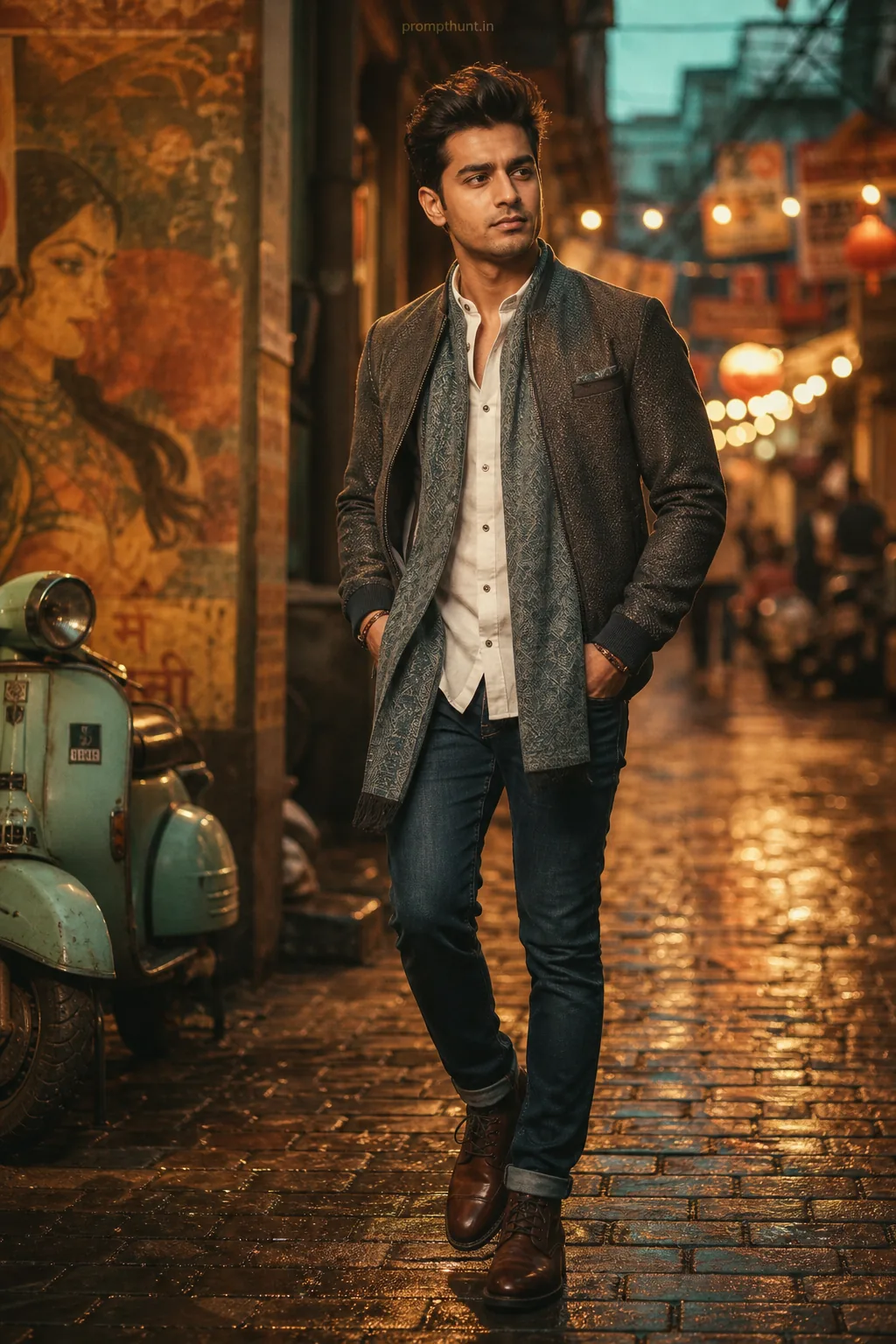
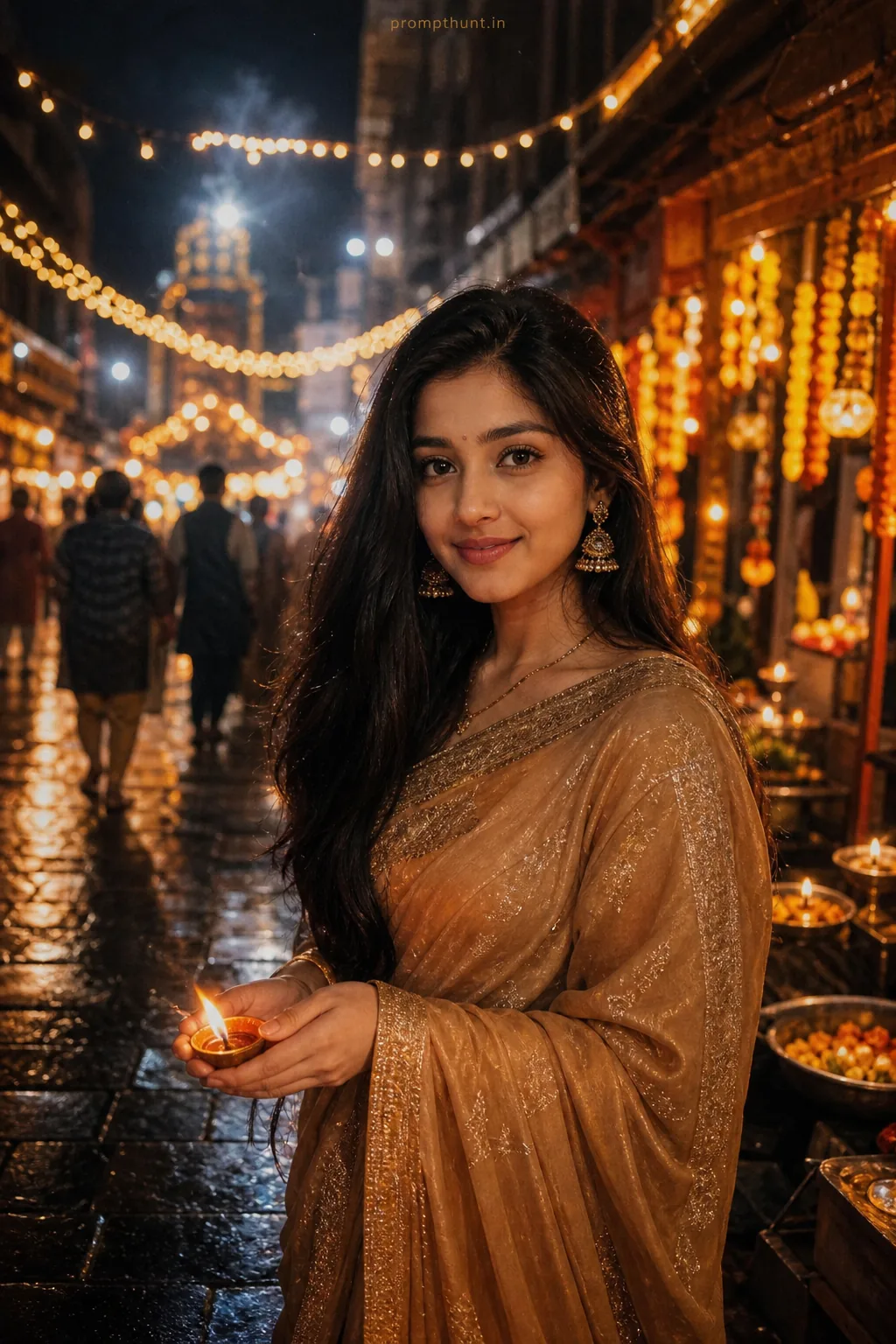
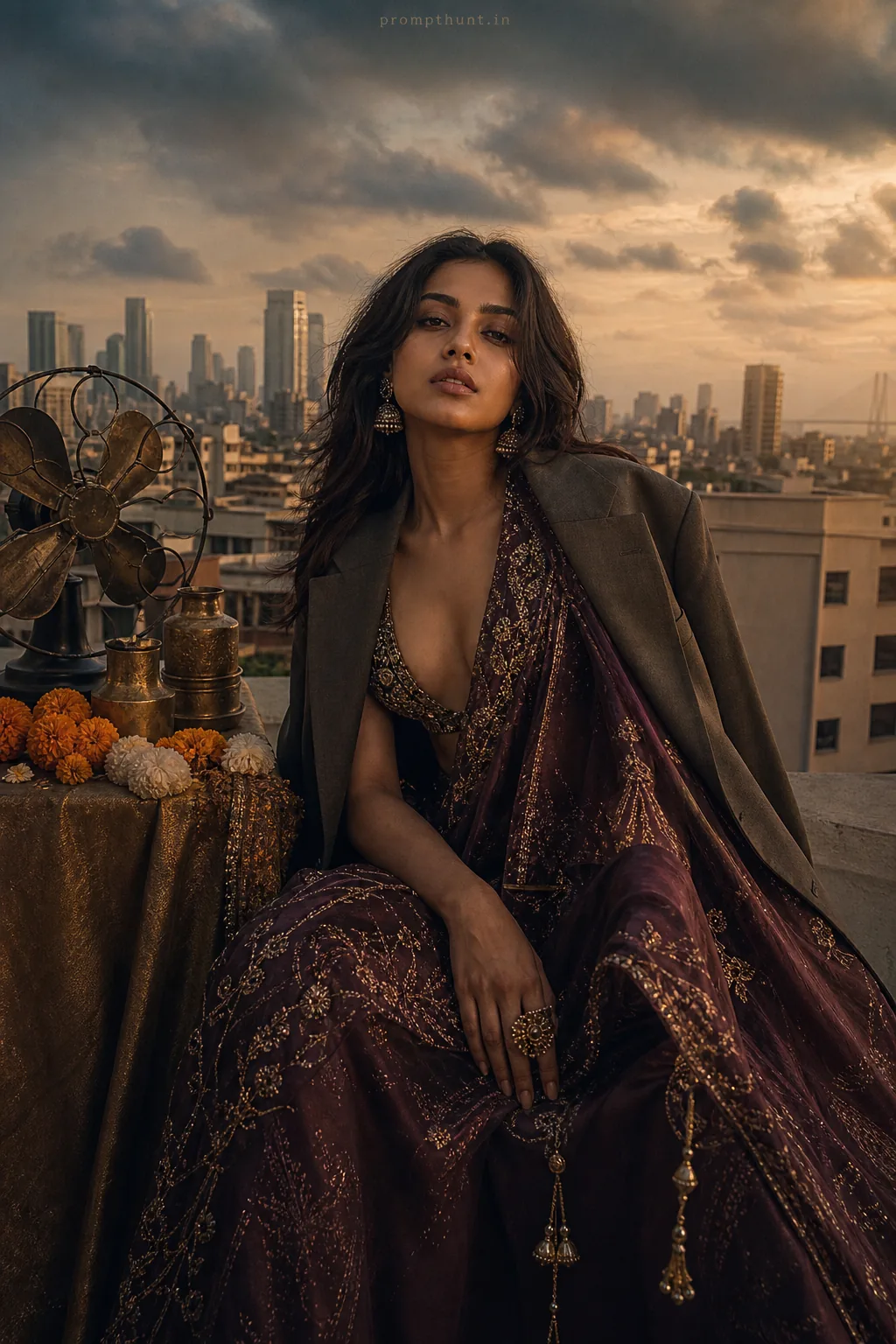
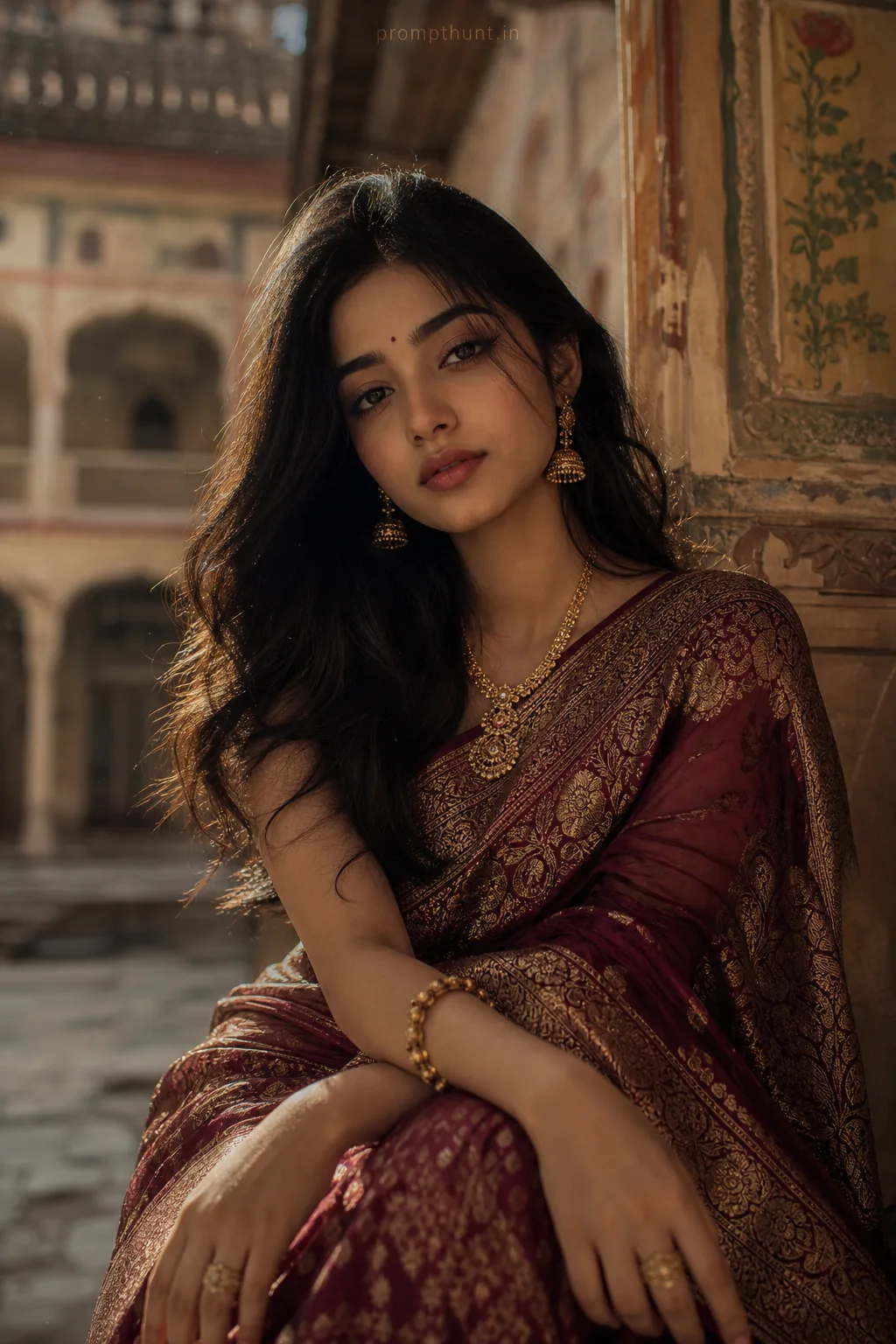
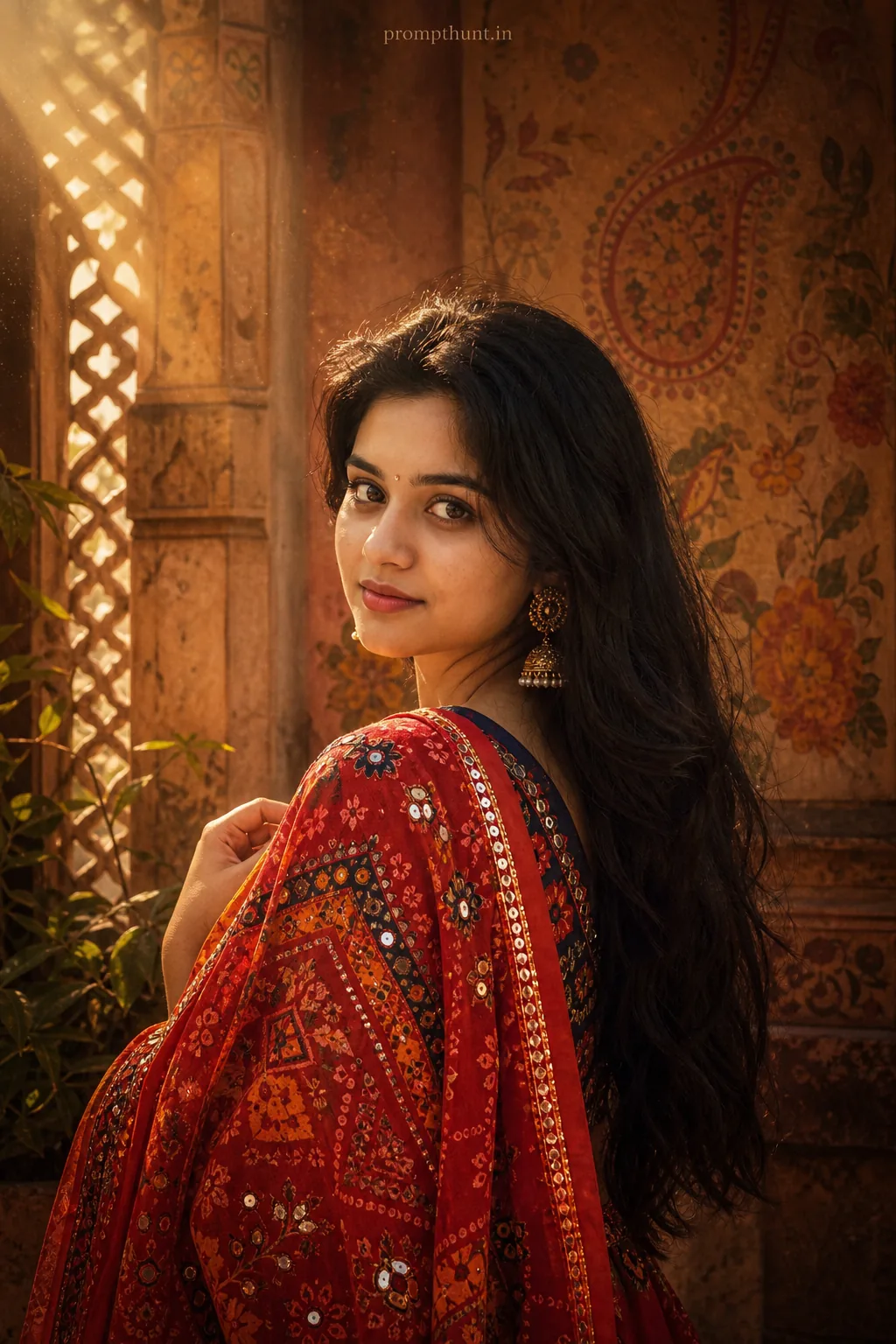
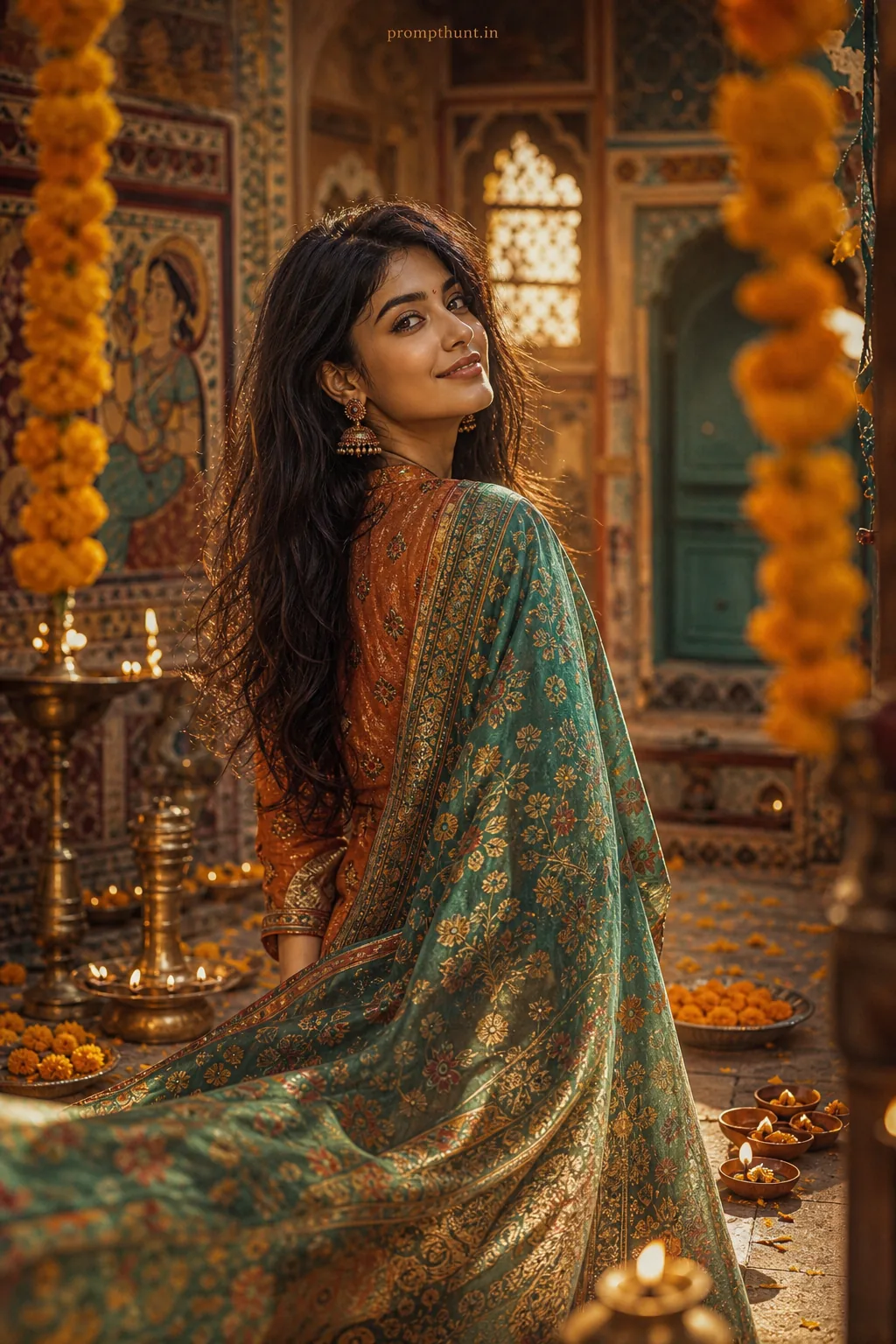
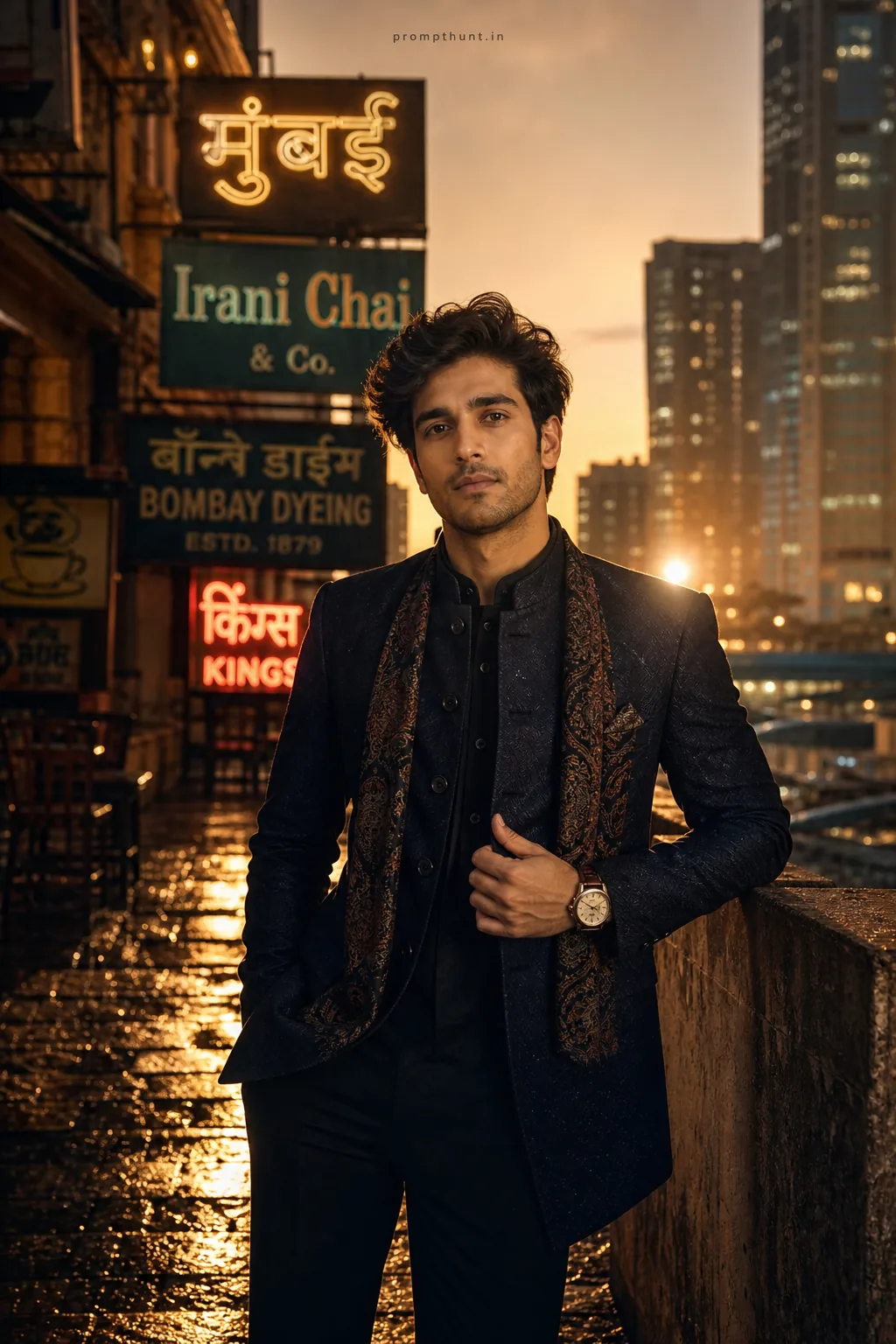
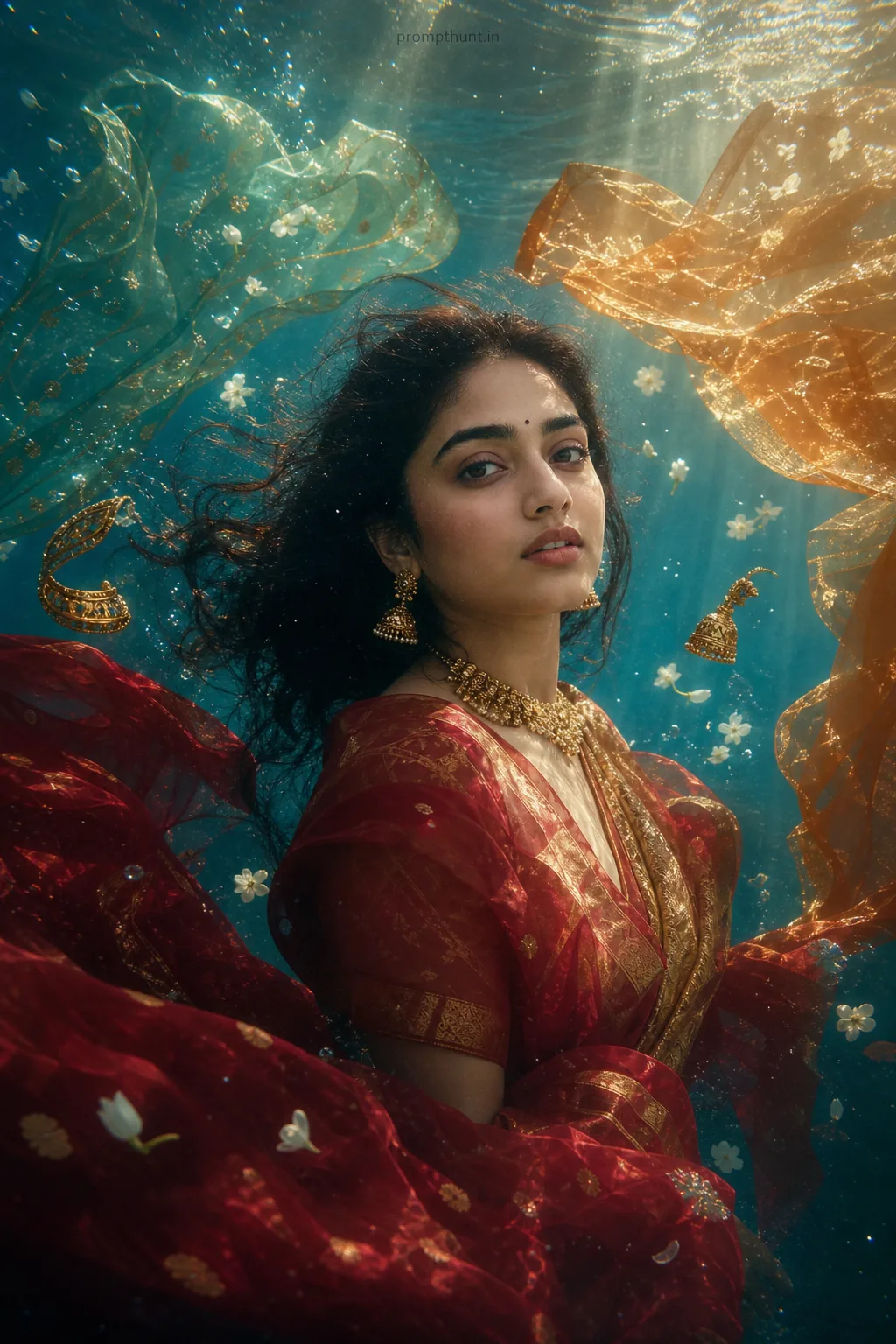
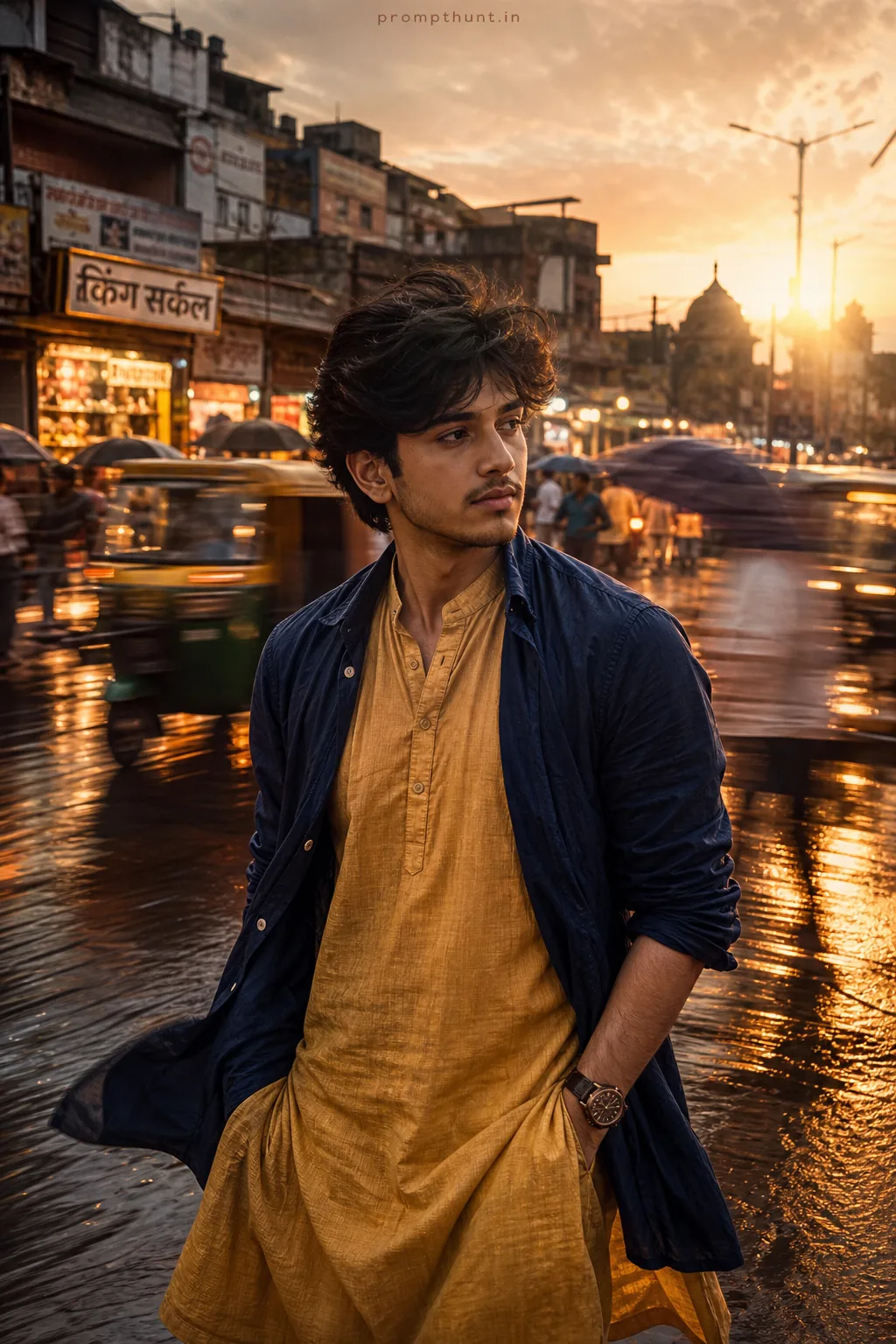
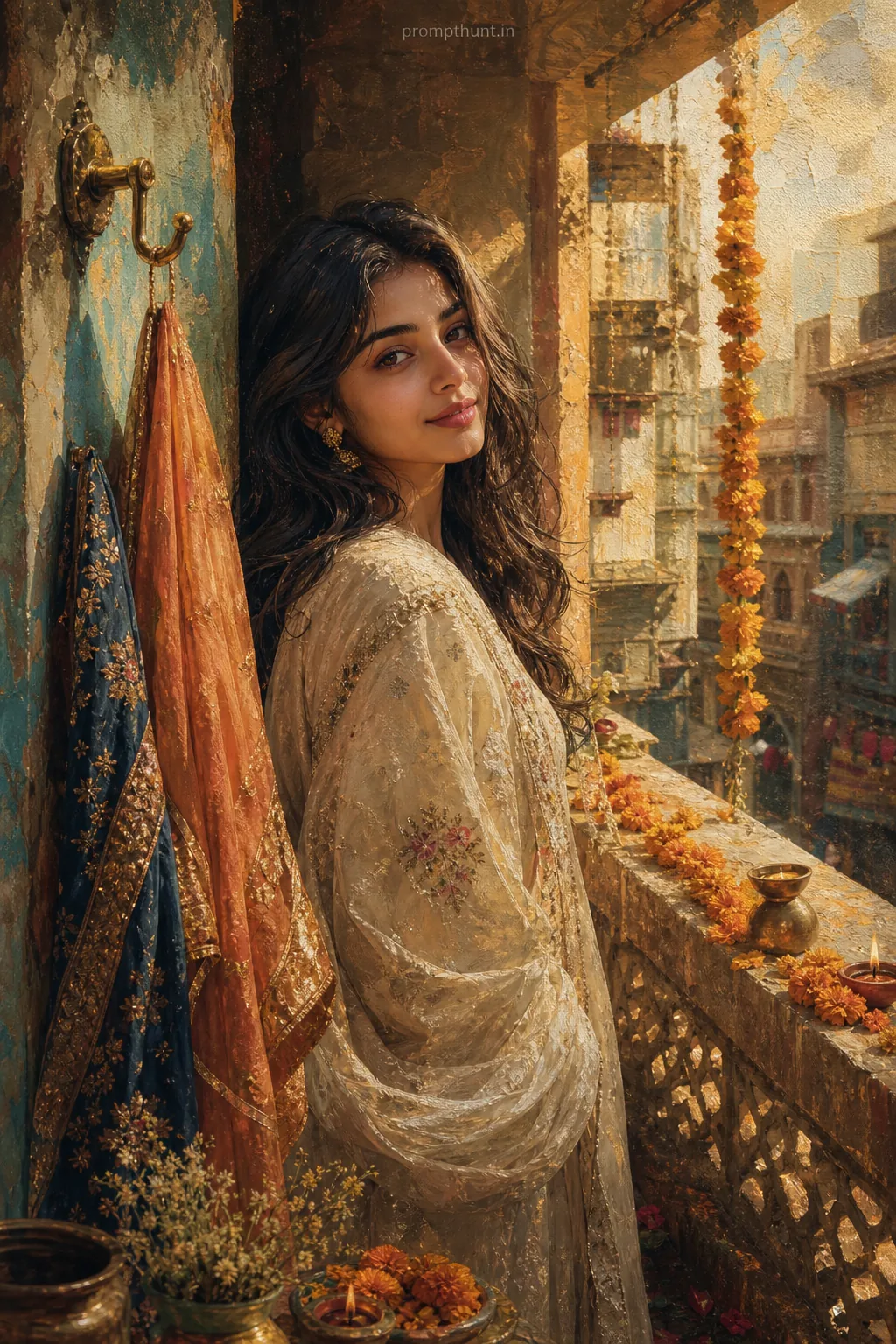
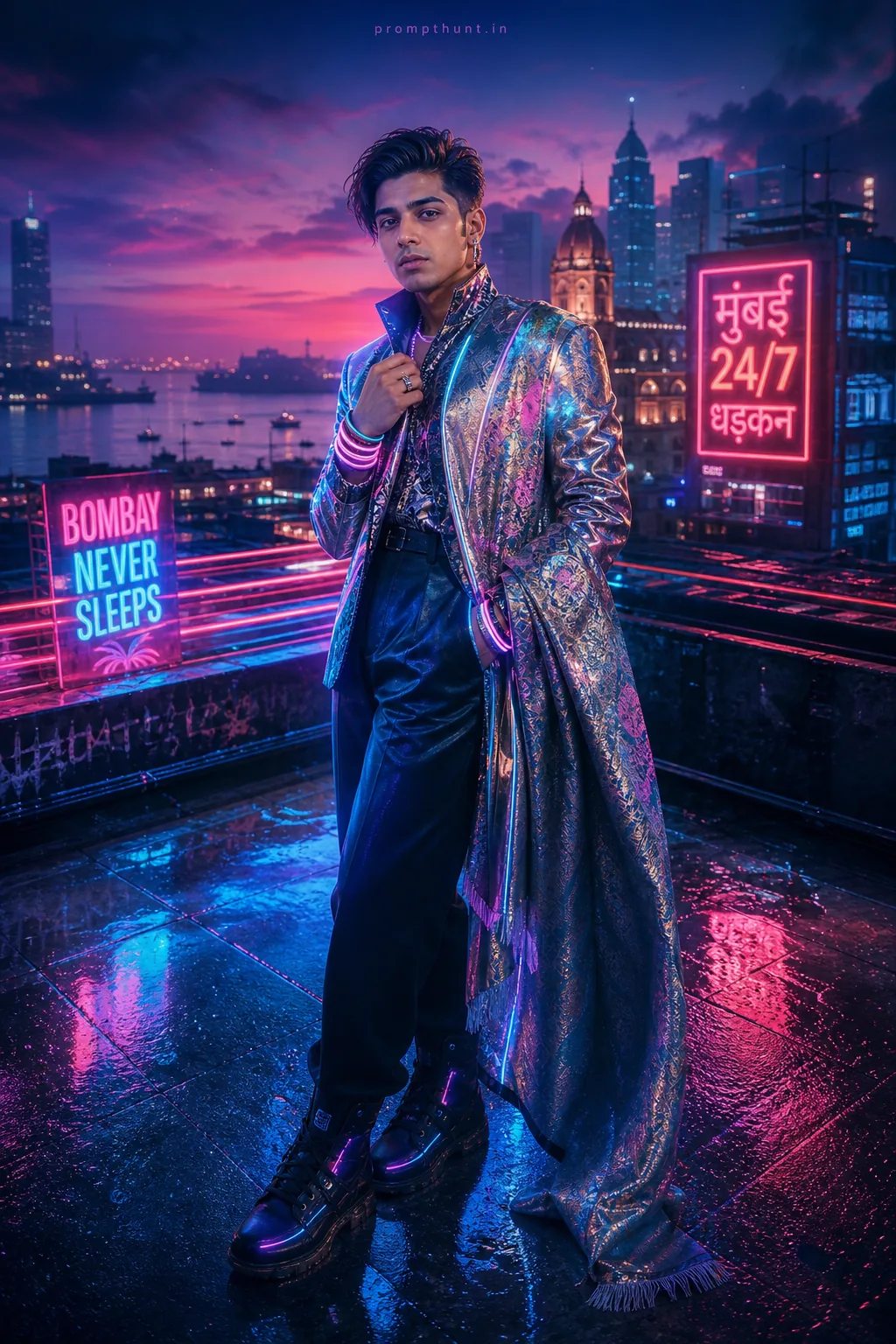
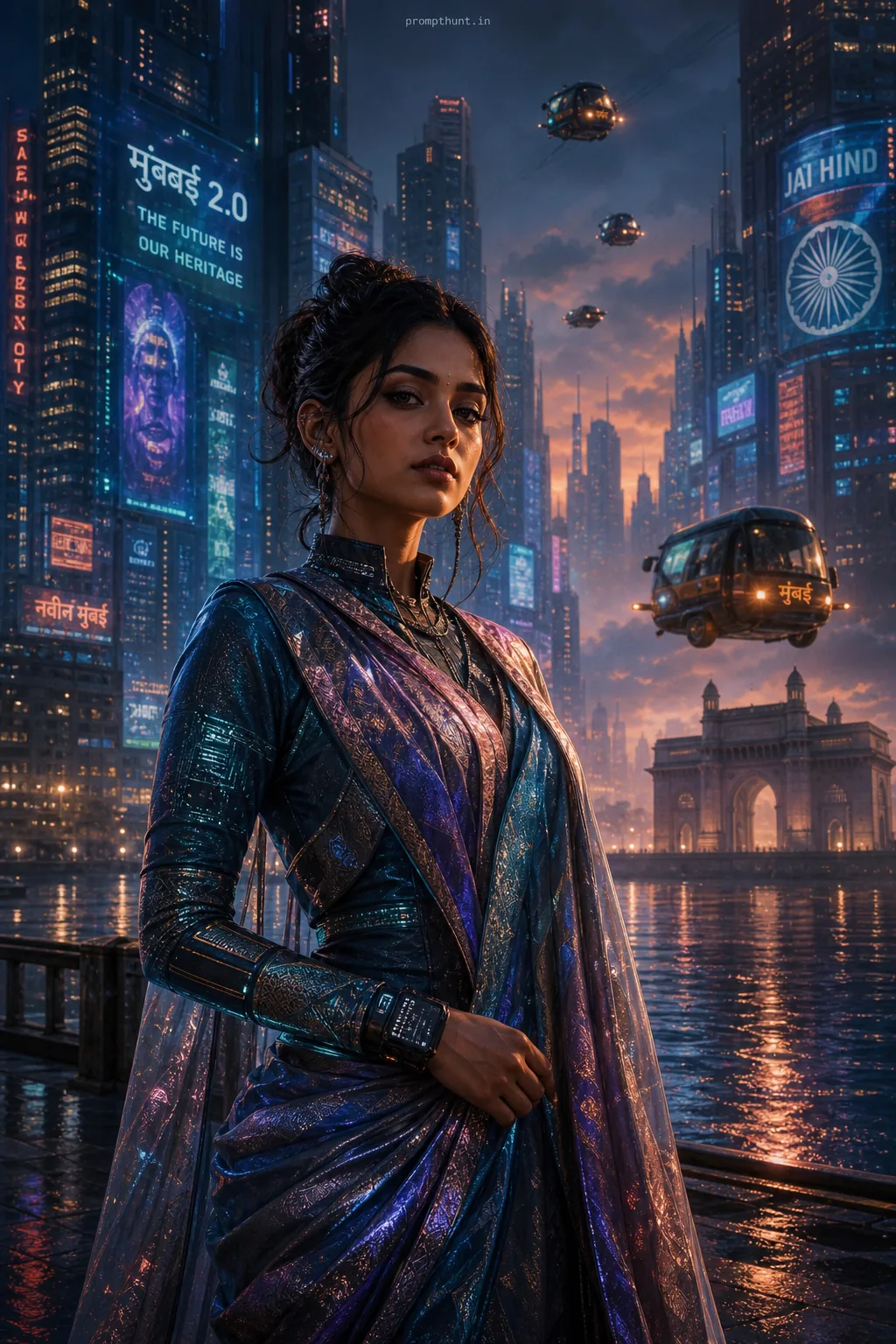
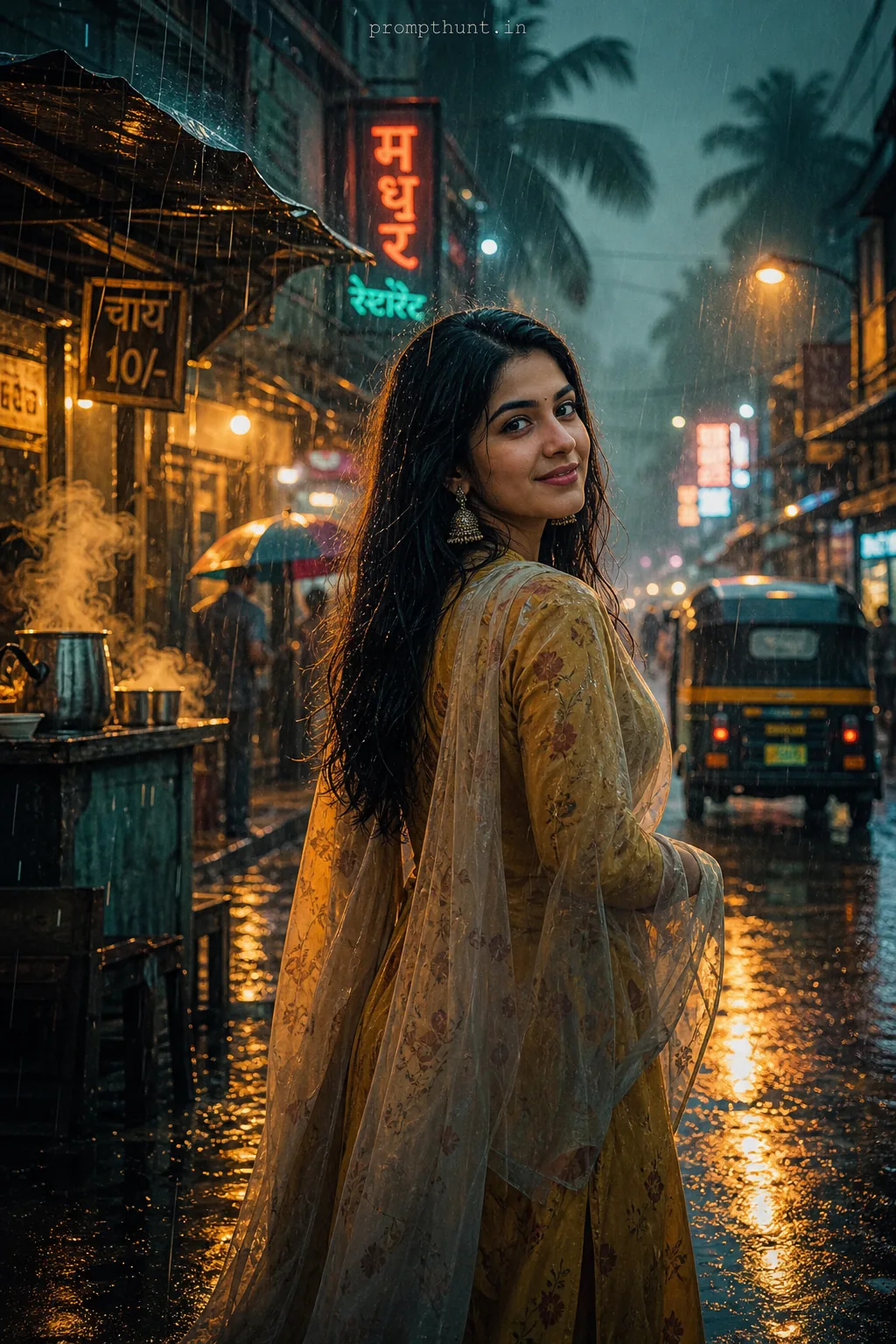
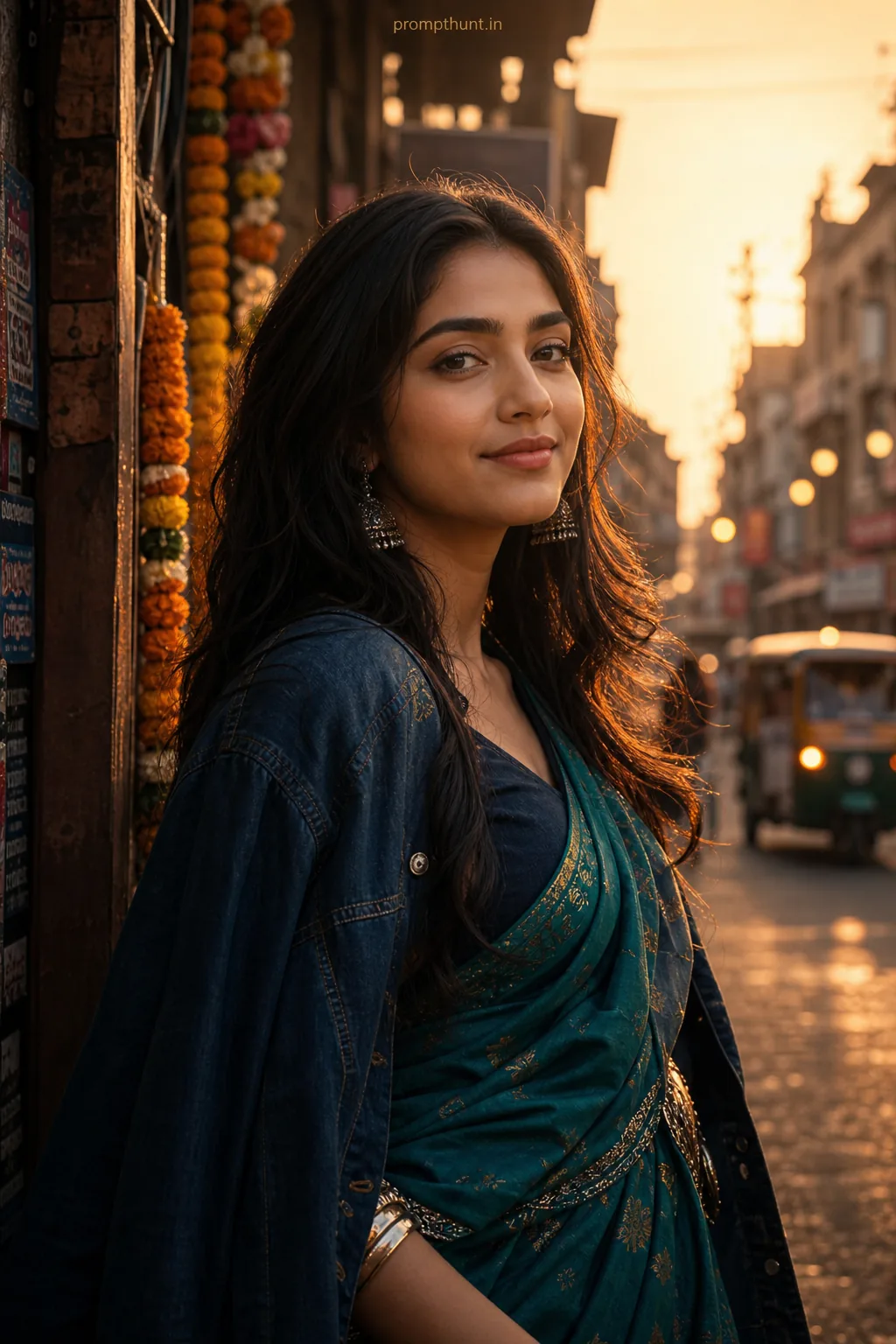
The uploaded photo is the master reference for this character. Preserve the exact facial features, face shape, skin tone, and identity from the uploaded image exactly. Vertical 9:13 composition. Vertical 9:13 composition: blend a rich Indian heritage backdrop—ornate jaali patterns, sunlit sandstone stepwell or colonial balconies—with a contrasting neon-lit urban skyline and monsoon reflections; soft golden-hour rim light mixed with cool neon glows, gentle mist and cinematic film grain; wardrobe cues around the head and shoulders: flowing silk saree or embroidered bandhgala collar, lightweight dupatta or shawl catching wind to create motion, adorned with subtle metallic jewelry; overall mood nostalgic yet edgy, introspective and surreal; double-exposure technique layering architectural textures and rain-splashed city lights, high-contrast color grading with warm ambers and electric blues, delicate bokeh highlights and soft vignette for Instagram-ready vertical framing. Add a small, thin, professional 'prompthunt.in' text watermark at the top center of the image. The watermark should be subtle, use a color that matches the image's color palette, and appear lightweight and elegant — not distracting.
Community Rating
Rate this prompt
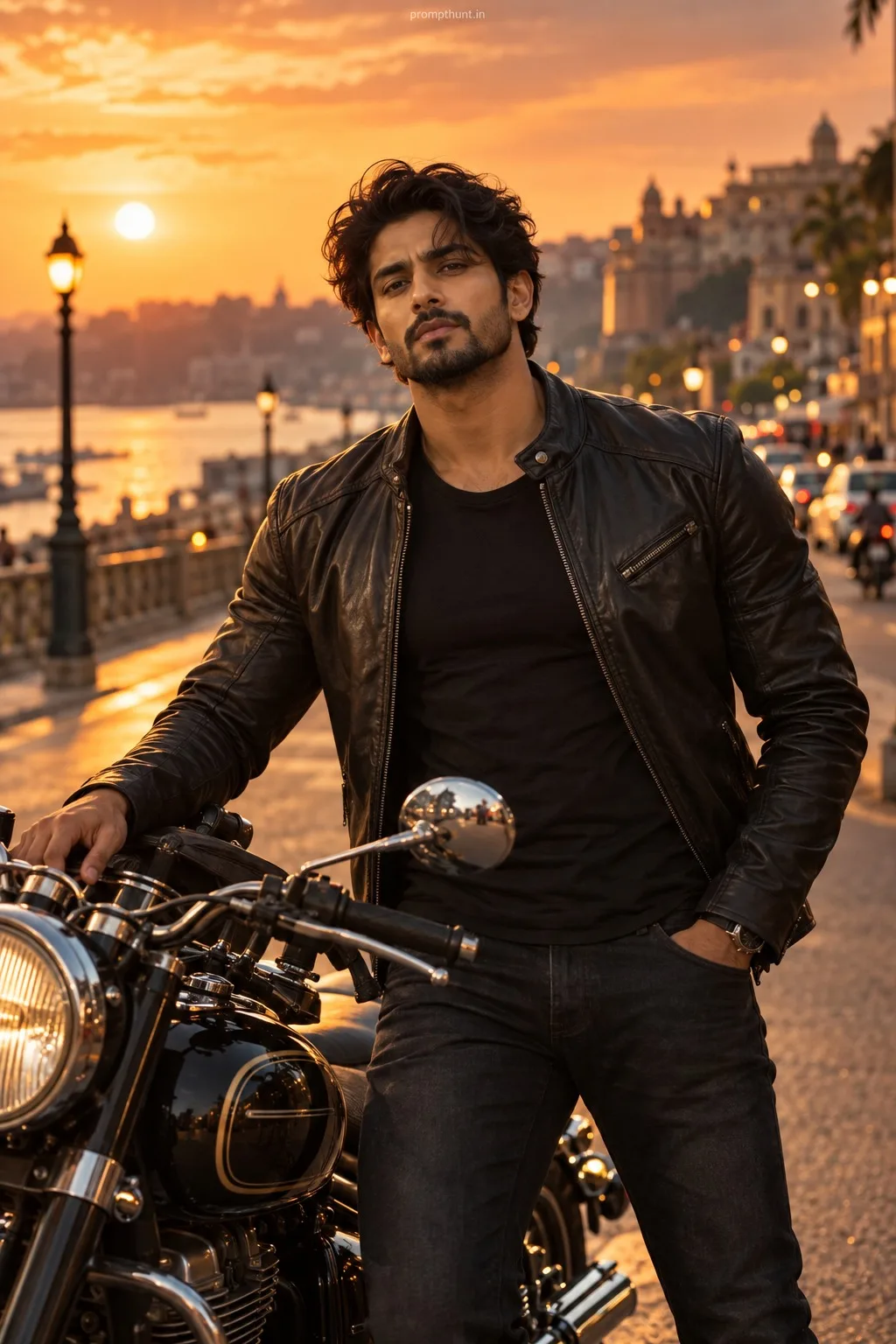
Heritage & Neon Double Exposure AI Photo Editing Prompt is a free, copy-paste double exposure AI photo editing prompt. Paste it into any AI photo editor with one clear photo of yourself and you get the edited result in about ten seconds — no account and no payment. The prompt tells the model to keep your exact facial features, skin tone and identity, and to change only the background, outfit, lighting and styling.
Vertical 9:13 composition: blend a rich Indian heritage backdrop—ornate jaali patterns, sunlit sandstone stepwell or colonial balconies—with a contrasting neon-lit urban skyline and monsoon reflection
How to use this double exposure prompt
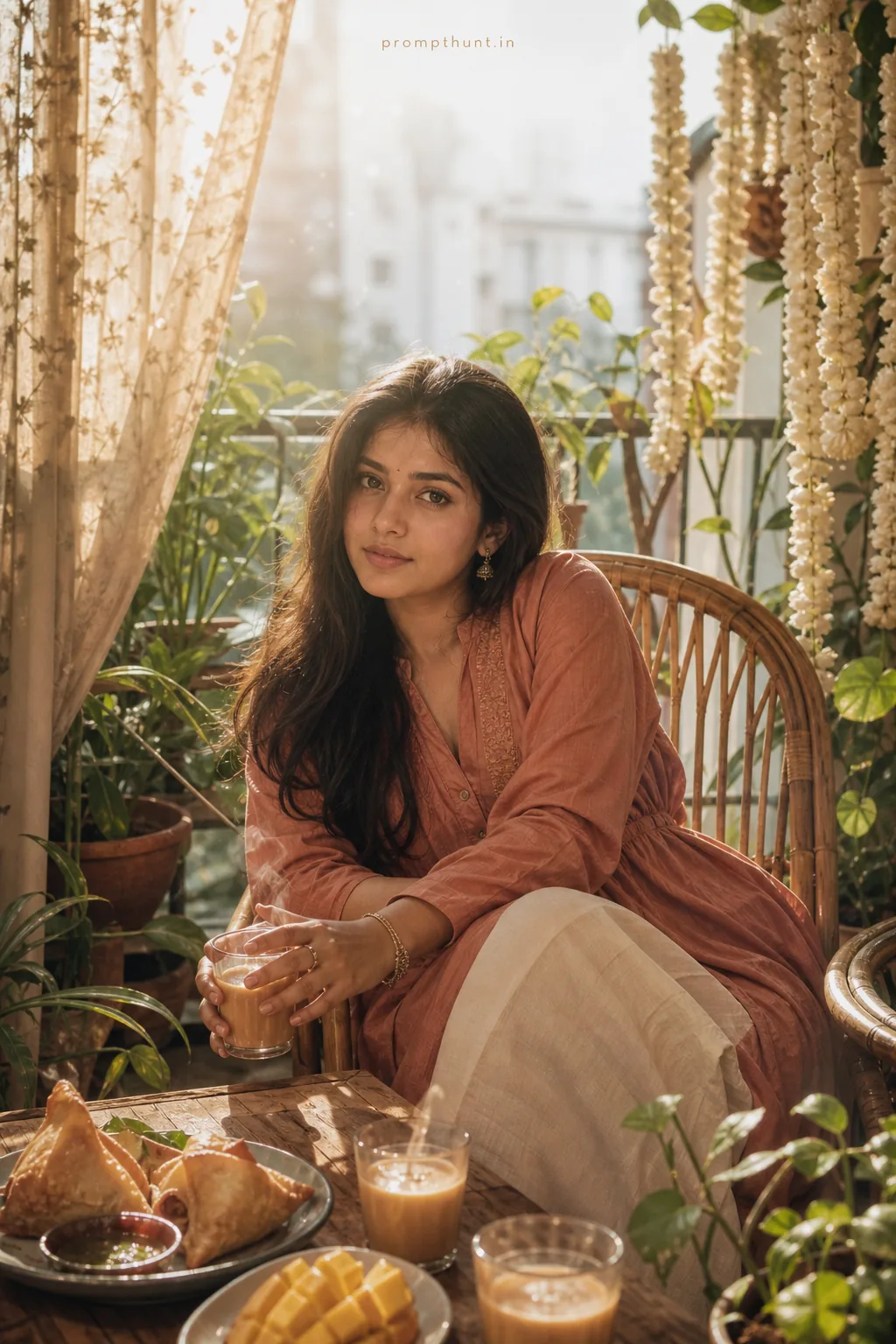
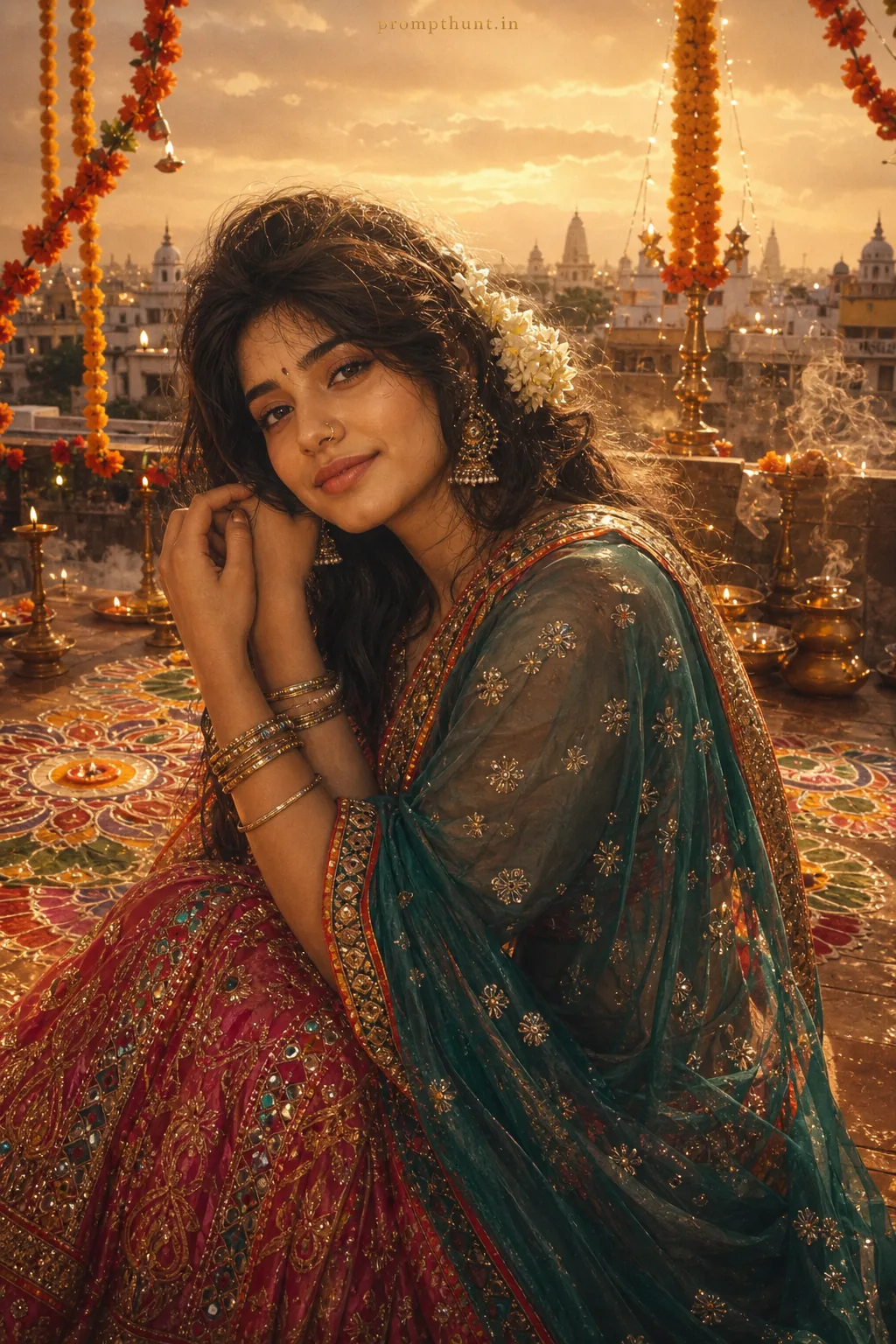
More prompts to explore
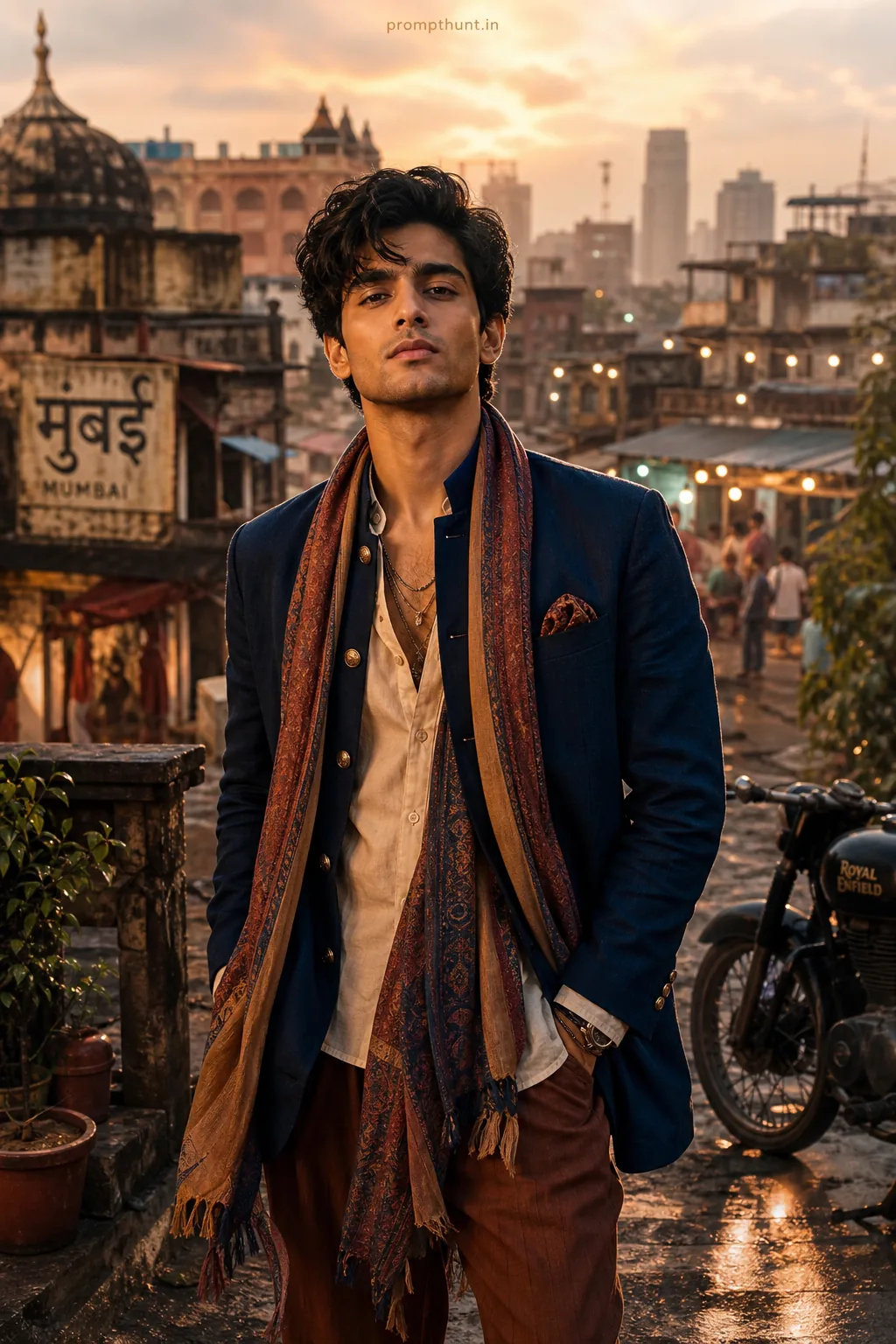
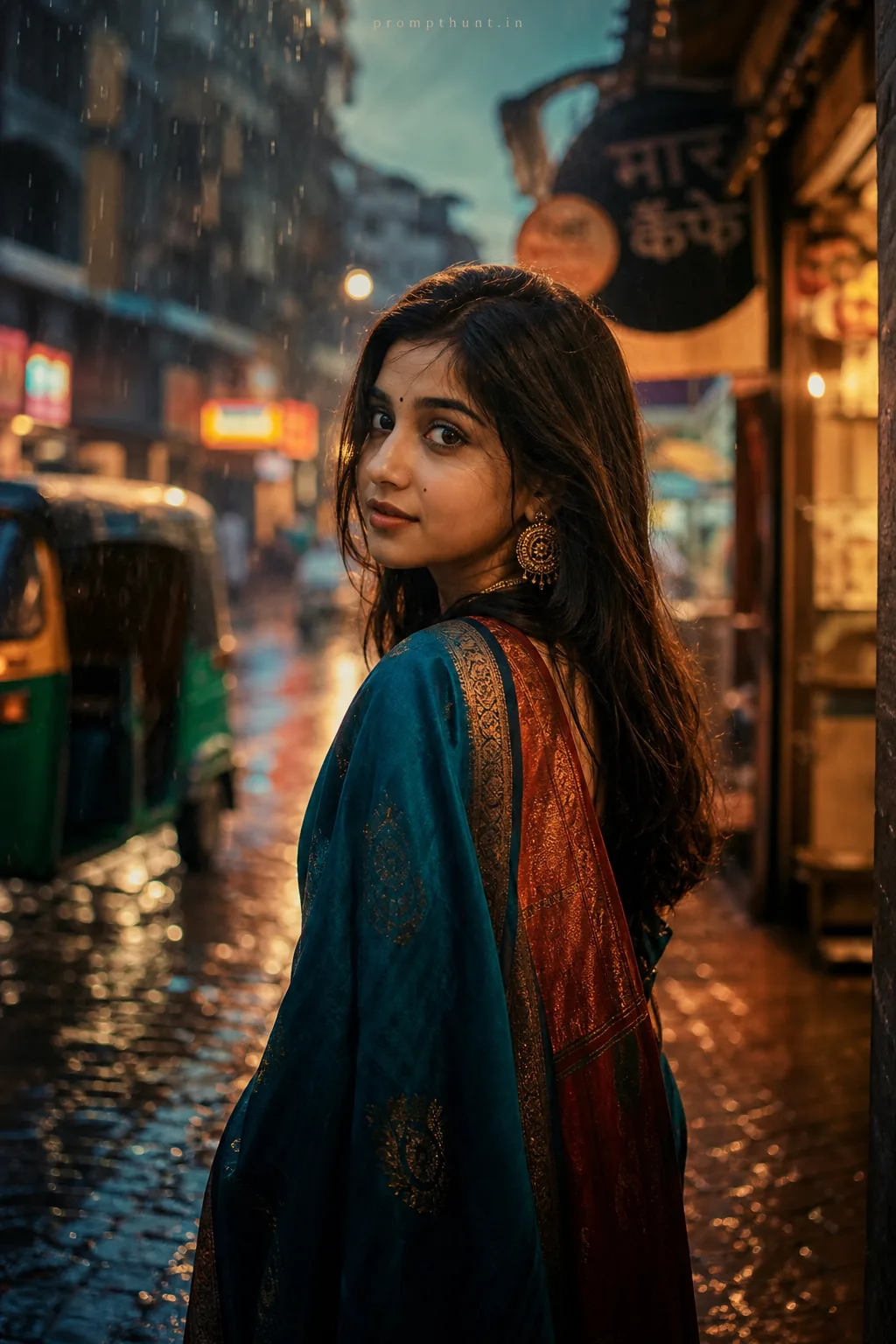
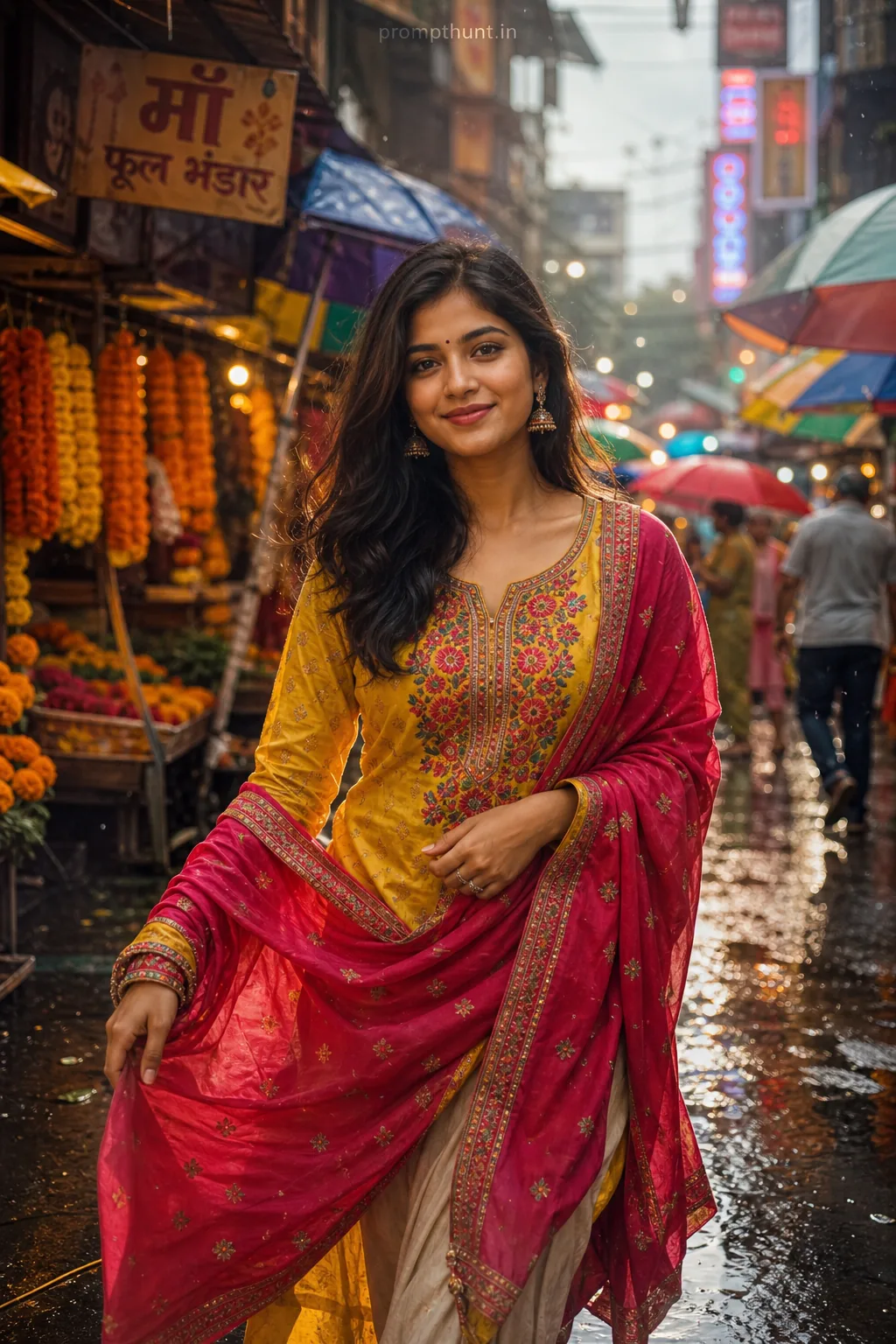
AI Photo Editing Prompts