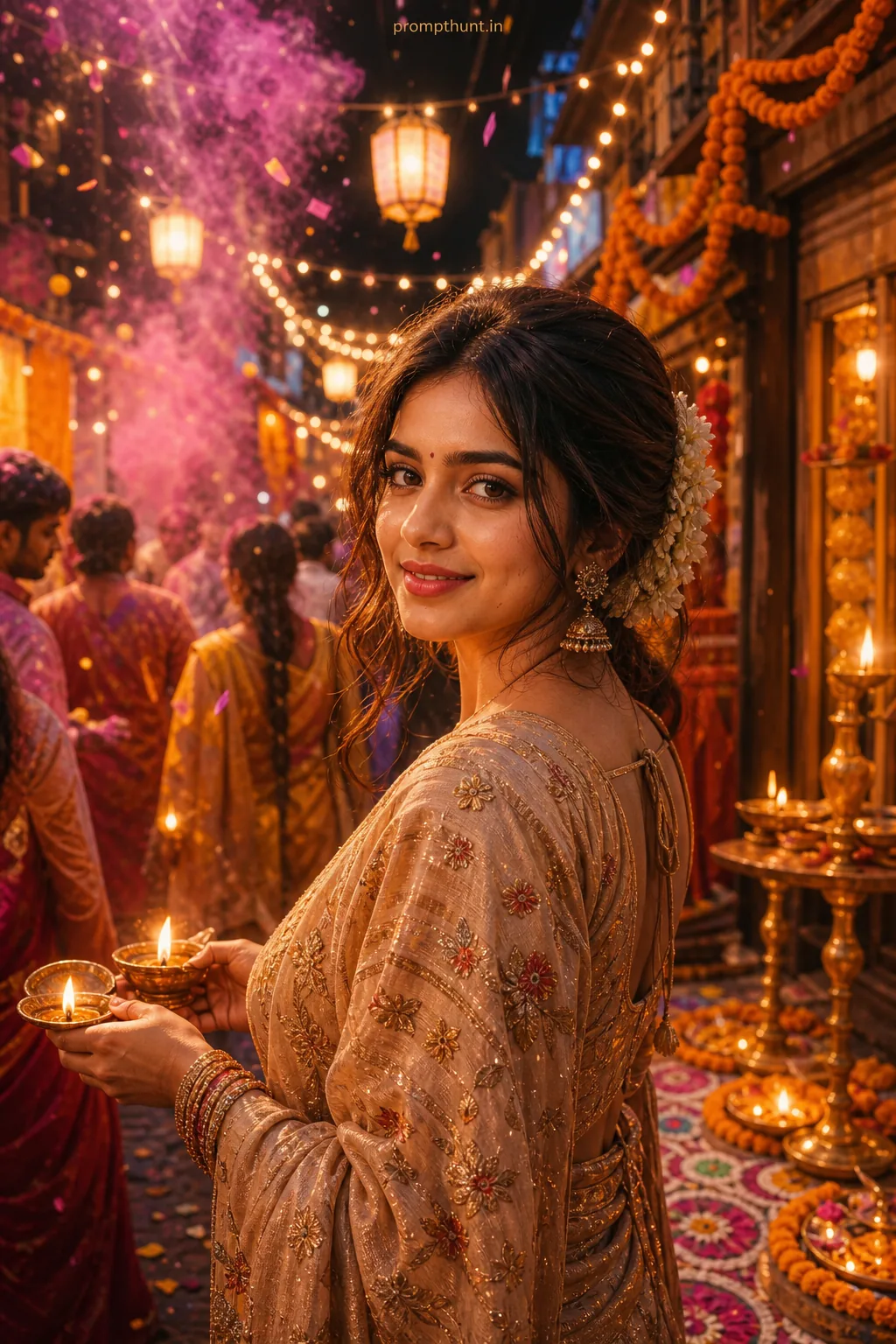
Colorful Holi and Diwali Street Festival AI Photo Editing Prompt
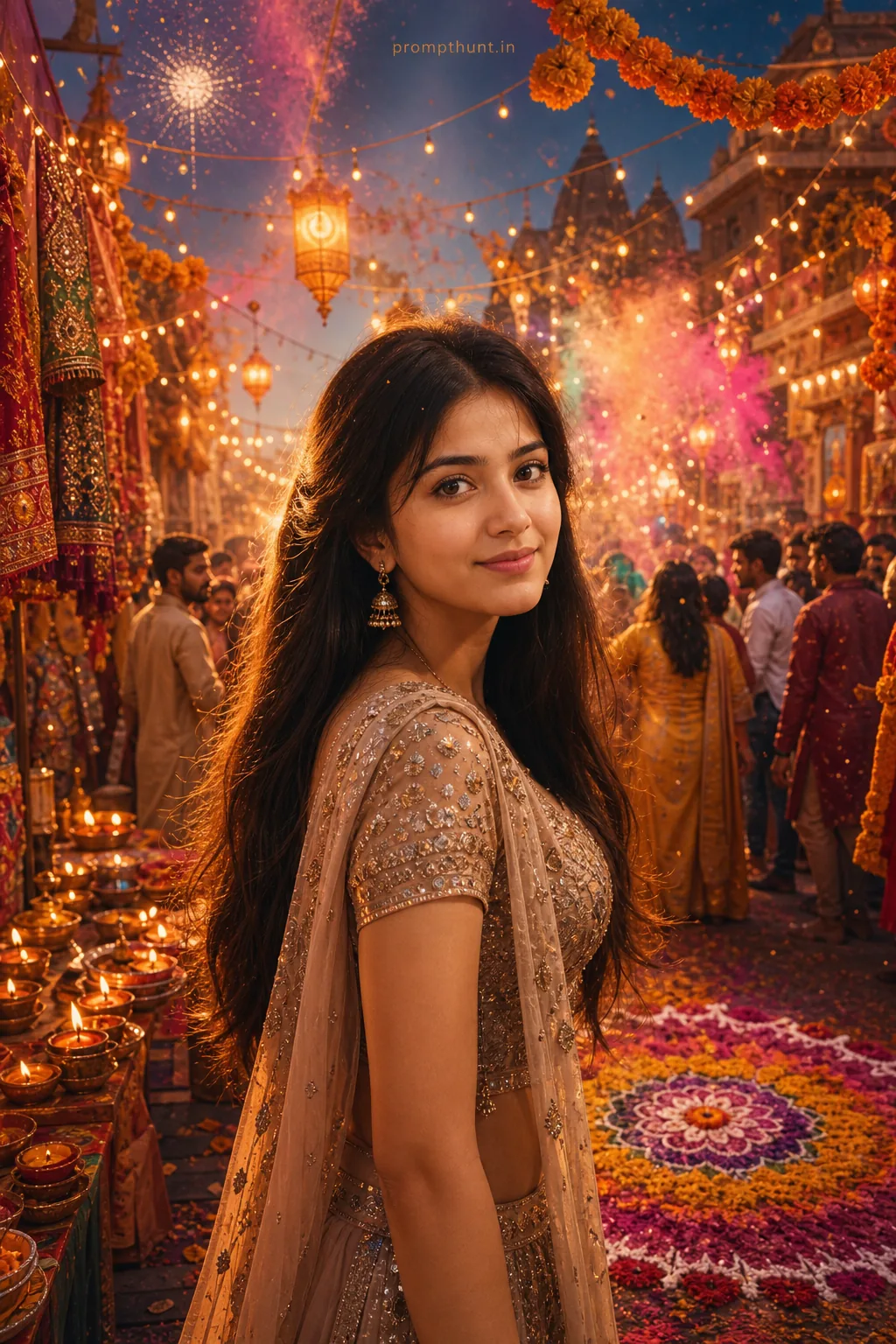
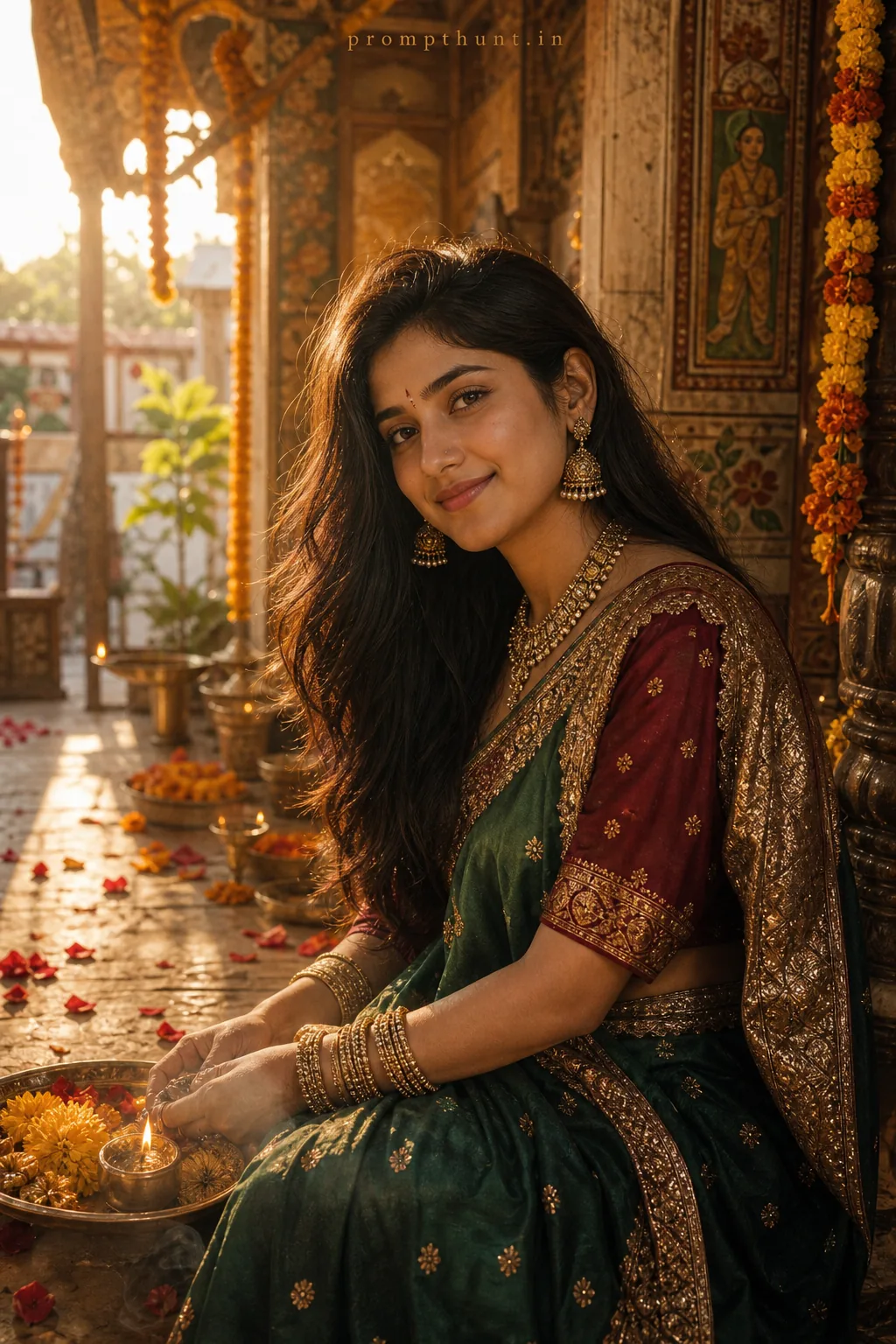
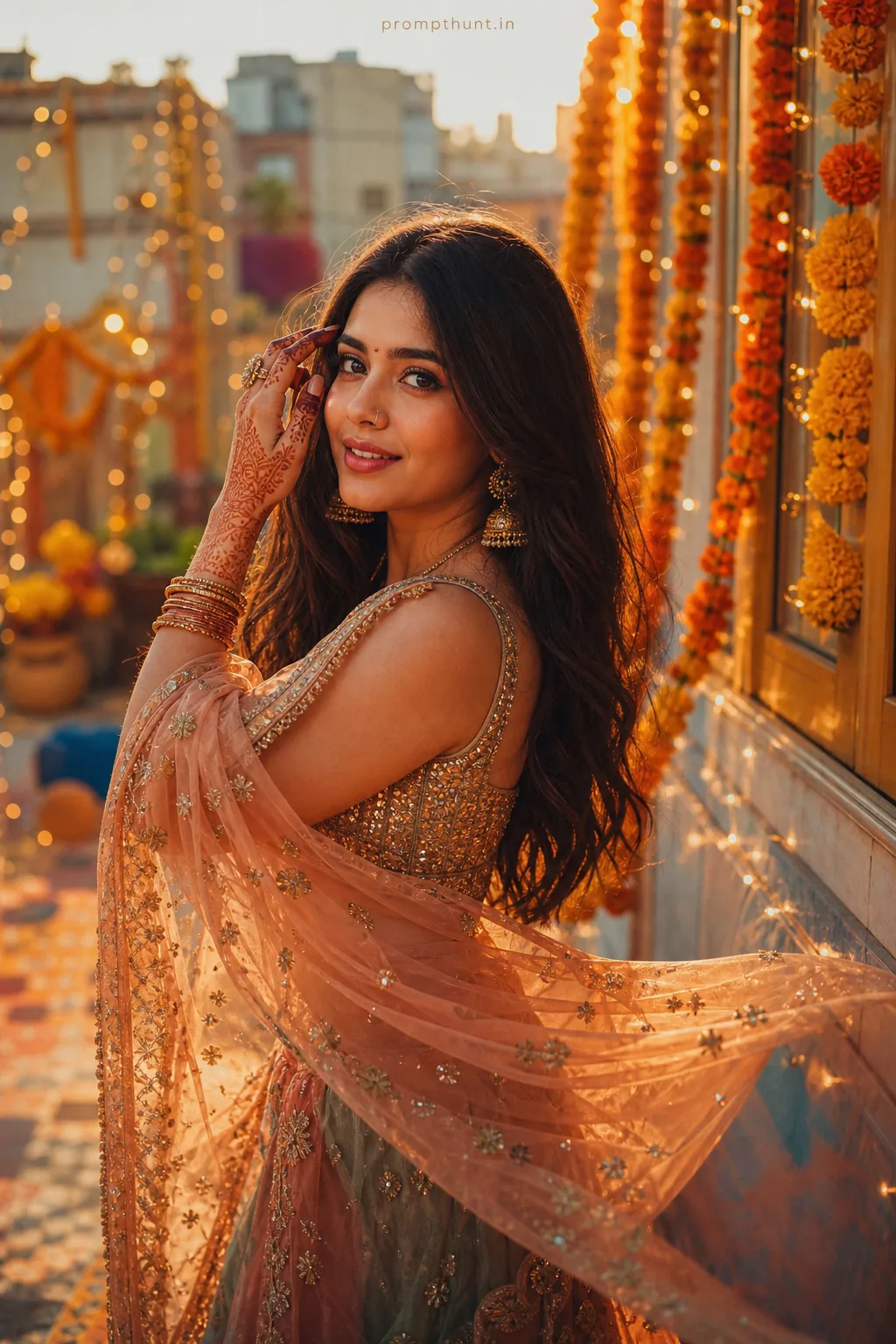
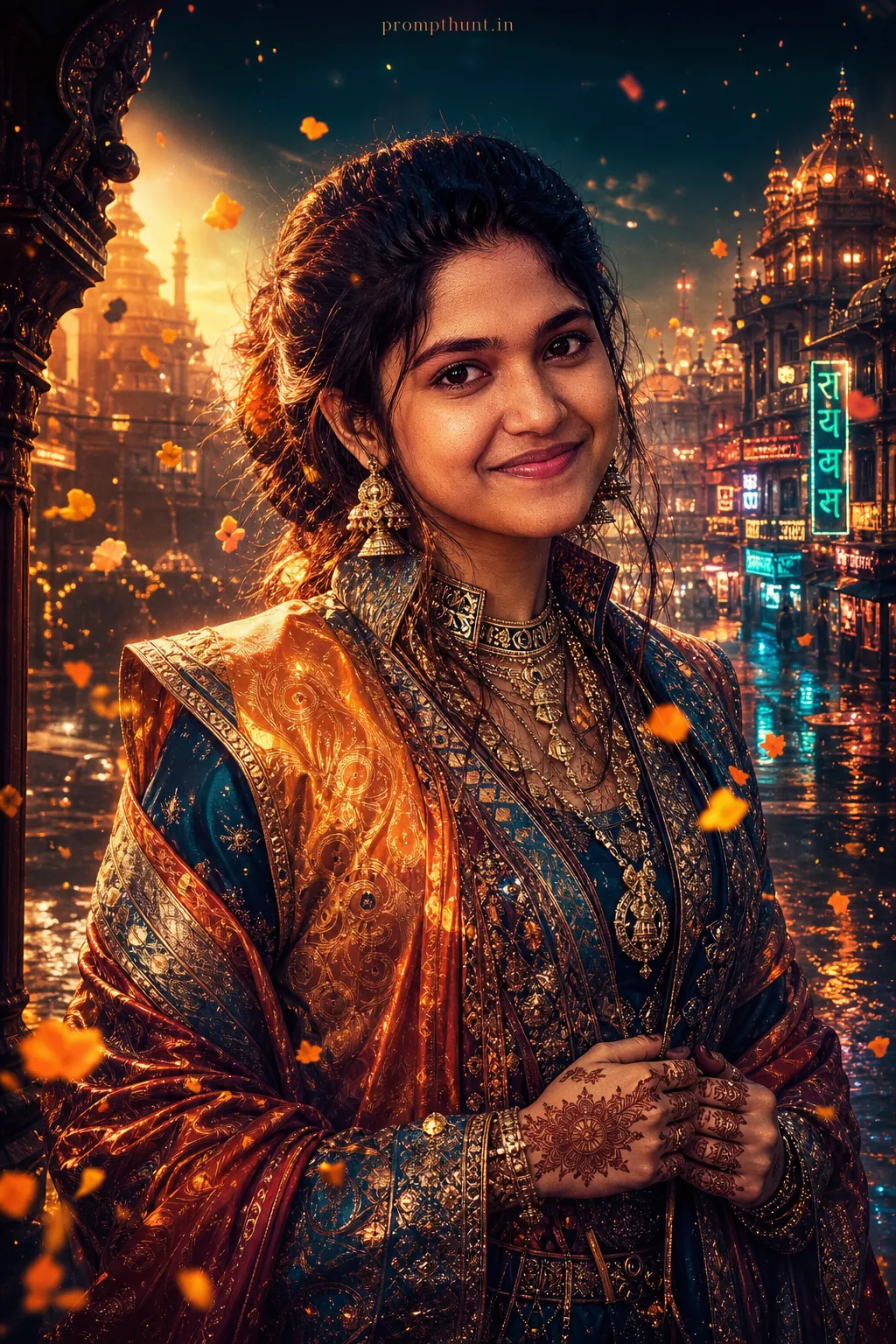
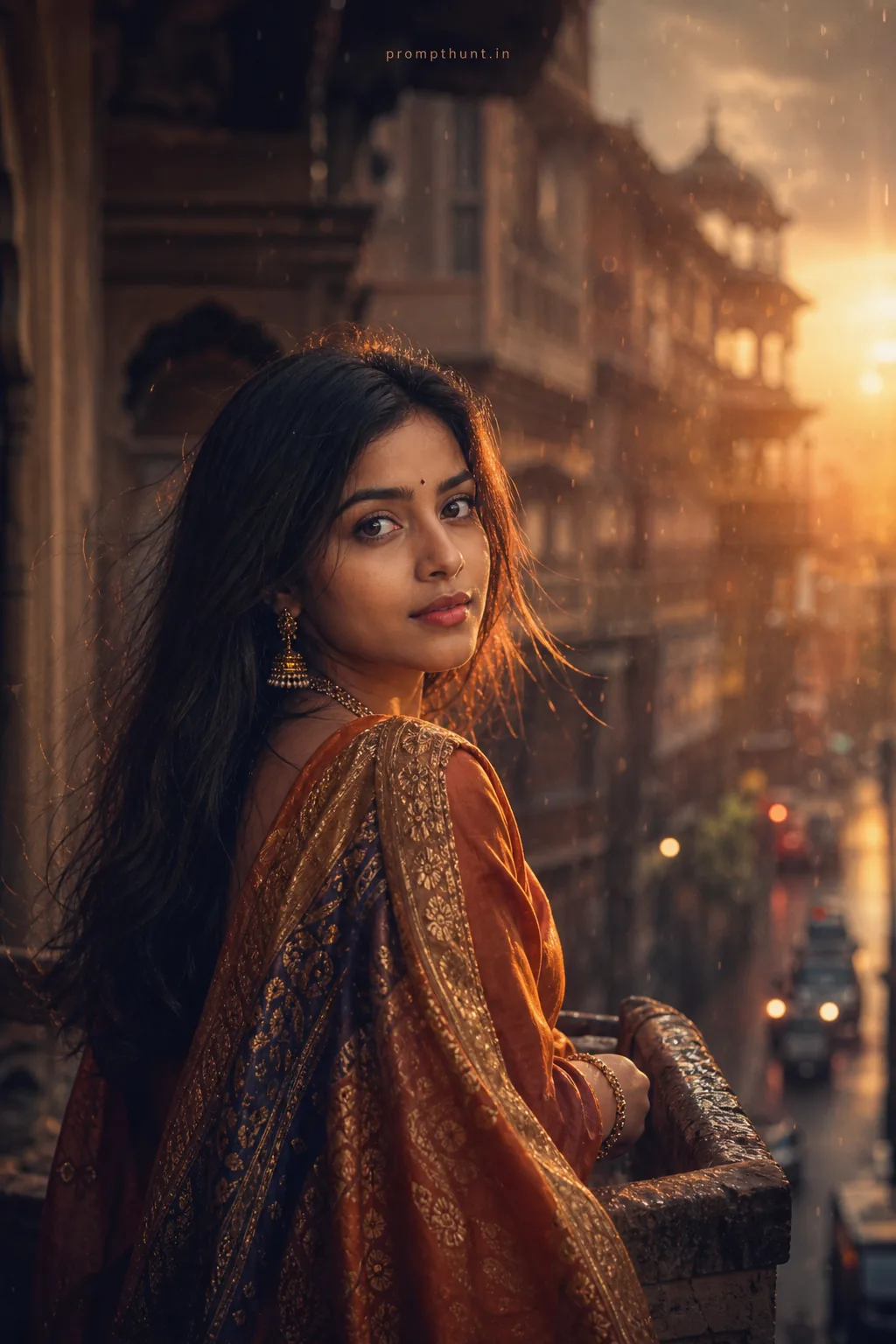
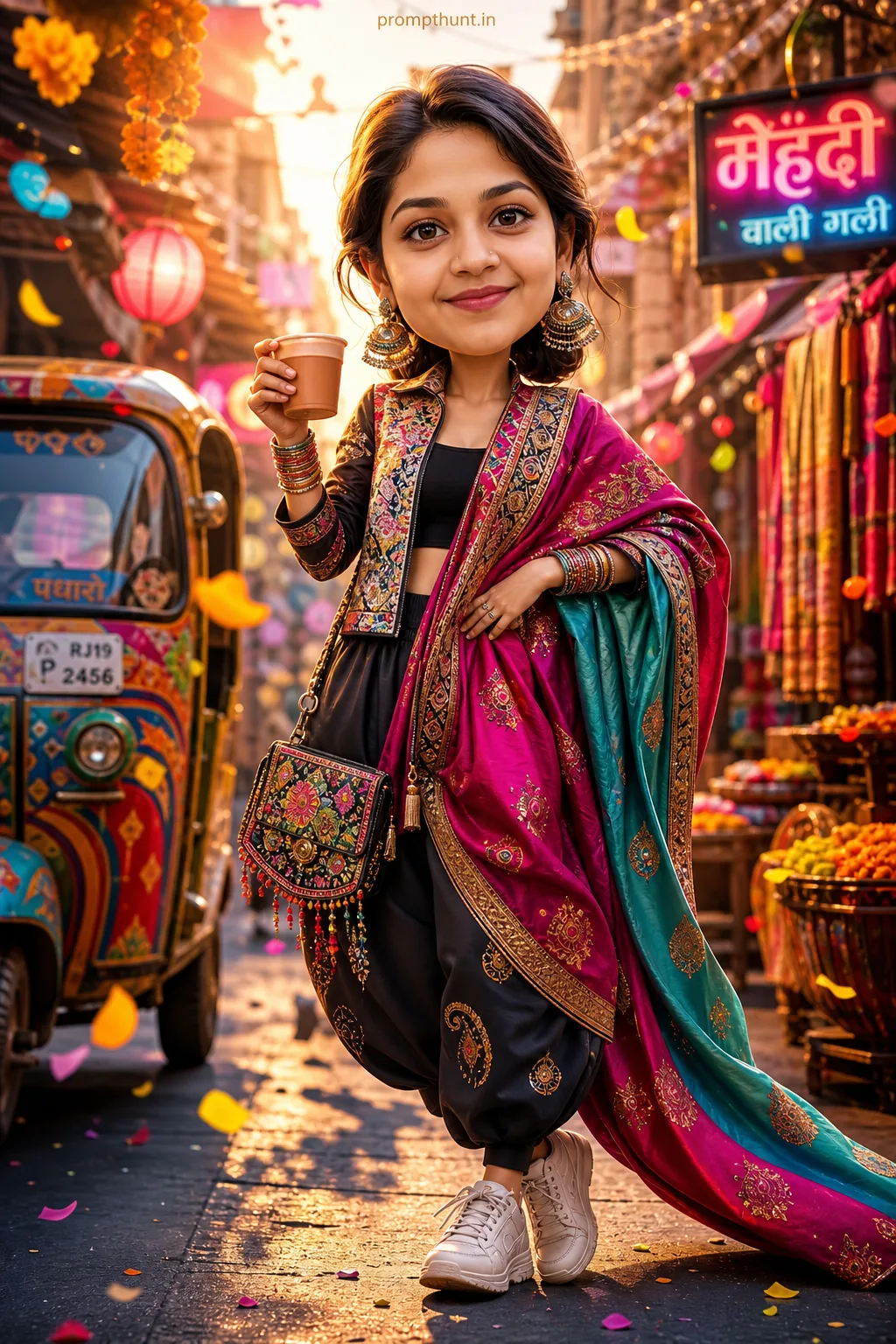
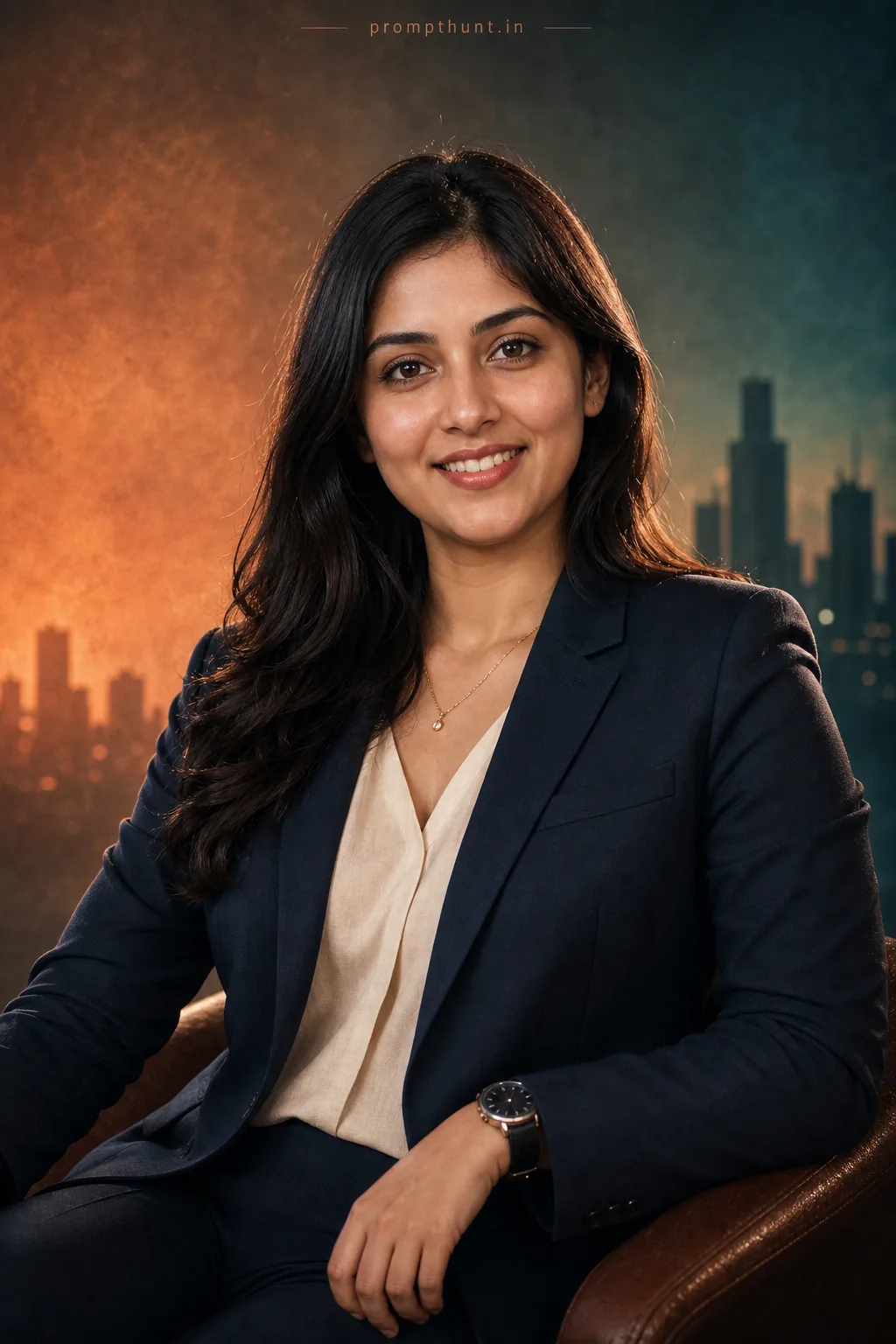
The uploaded photo is the master reference for this character. Preserve the exact facial features, face shape, skin tone, and identity from the uploaded image exactly. Vertical 9:13 composition. 9:13 vertical composition of a bustling Indian festival street at twilight, framed for Instagram — vibrant marigold garlands and paper lanterns overhead, rows of glowing diyas and fairy lights casting warm golden bokeh, powdery splashes of colored gulal suspended mid-air, ornate traditional fabrics and saree borders fluttering on nearby stalls, a richly textured rangoli pattern on the foreground pavement, soft rim light highlighting shimmering sequins and metallic embroidery on costumes, smoky incense haze diffusing the lights for a cinematic, nostalgic mood; cinematic color grading with boosted saturation, warm shadows, gentle film grain, and selective clarity to emphasize textures while keeping the face area untouched as the user's upload. Add a small, thin, professional 'prompthunt.in' text watermark at the top center of the image. The watermark should be subtle, use a color that matches the image's color palette, and appear lightweight and elegant — not distracting.
Community Rating
Rate this prompt
Colorful Holi and Diwali Street Festival AI Photo Editing Prompt is a free, copy-paste festival AI photo editing prompt. Paste it into any AI photo editor with one clear photo of yourself and you get the edited result in about ten seconds — no account and no payment. The prompt tells the model to keep your exact facial features, skin tone and identity, and to change only the background, outfit, lighting and styling.
9:13 vertical composition of a bustling Indian festival street at twilight, framed for Instagram — vibrant marigold garlands and paper lanterns overhead, rows of glowing diyas and fairy lights casting
How to use this festival prompt
More prompts to explore
AI Photo Editing Prompts