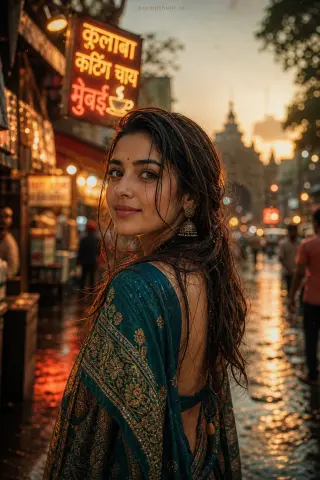
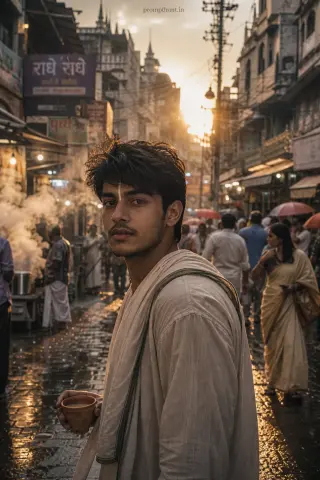
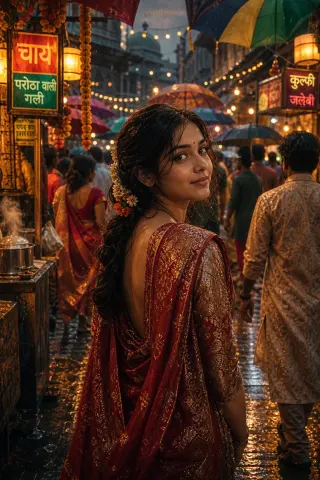
Surreal Monsoon Streets Conceptual AI Photo Editing Prompt
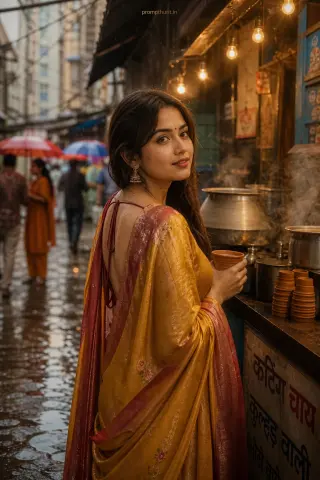
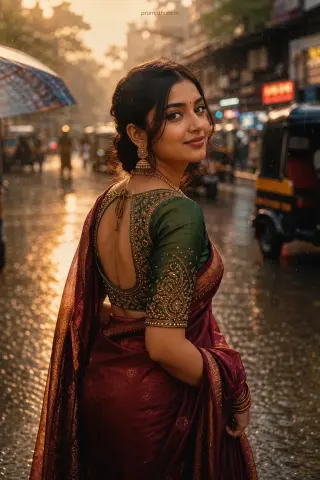
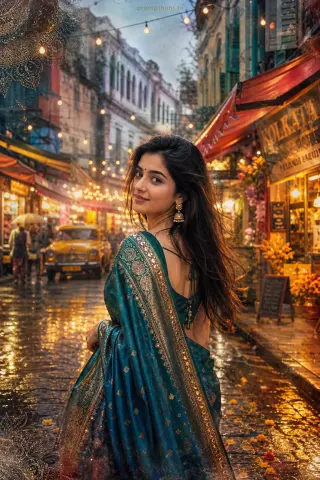
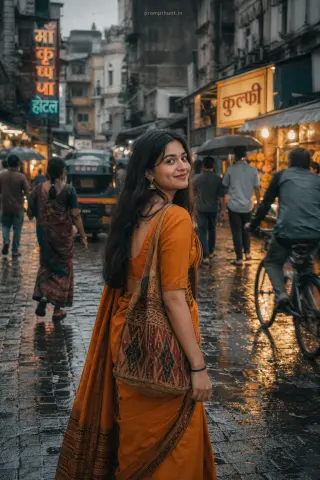
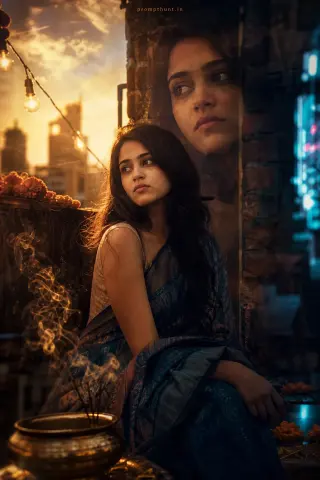
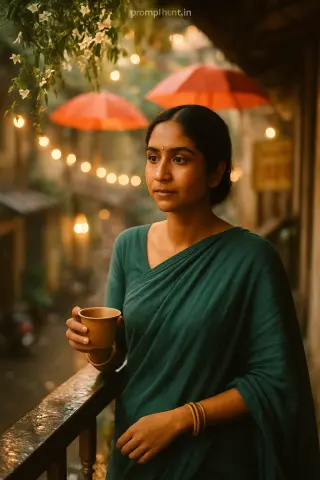
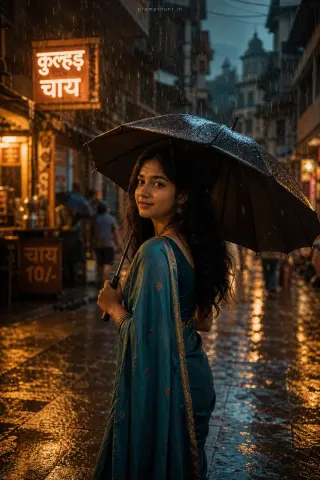
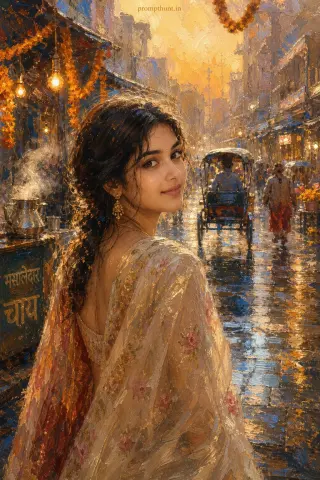
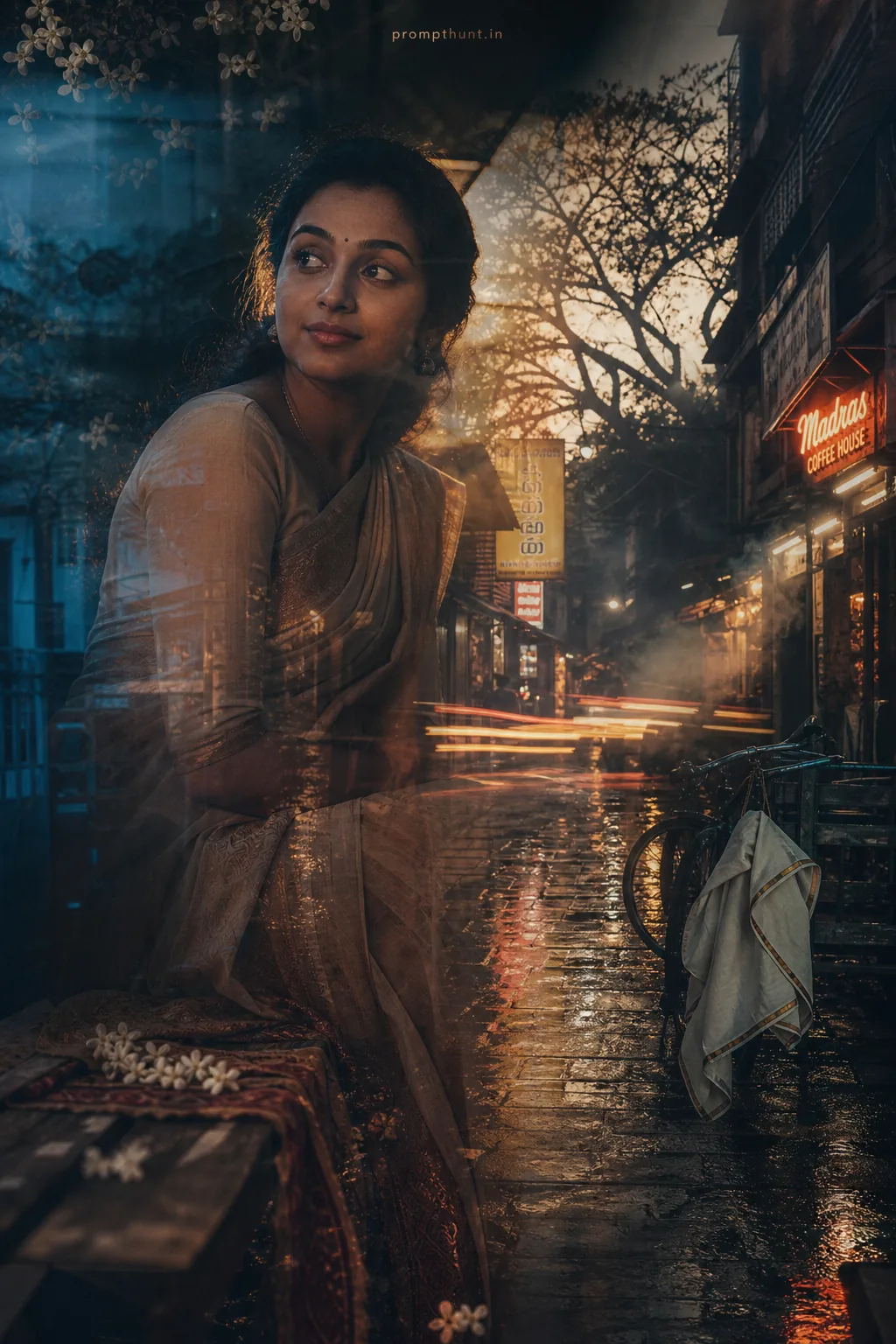
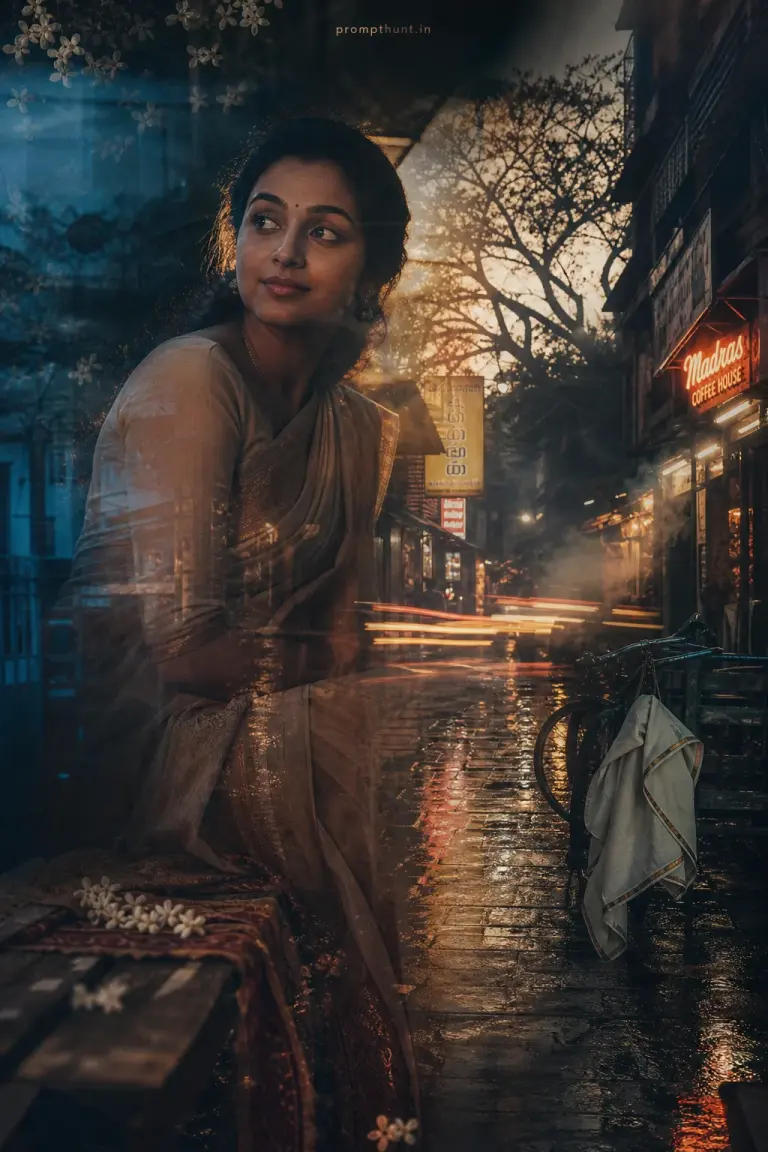
The uploaded photo is the master reference for this character. Preserve the exact facial features, face shape, skin tone, and identity from the uploaded image exactly. Vertical 9:13 composition. 9:13 vertical frame of a narrow Indian lane after rain, wet cobblestones reflecting neon shop signs and distant banyan silhouettes, soft golden-hour backlight mixed with cool blue rim light, drifting steam and suspended jasmine petals, a stylized sari and draped fabric caught mid-motion on a bench and a loosely folded dhoti hung on a bicycle rack to suggest presence, muted color grading with deep shadows, subtle film grain and long-exposure motion trails, layered double-exposure textures and minimal high-contrast chiaroscuro to create a contemplative, dreamlike, cinematic mood in conceptual fine-art photographic style. Add a small, thin, professional 'prompthunt.in' text watermark at the top center of the image. The watermark should be subtle, use a color that matches the image's color palette, and appear lightweight and elegant — not distracting.
Community Rating
Rate this prompt
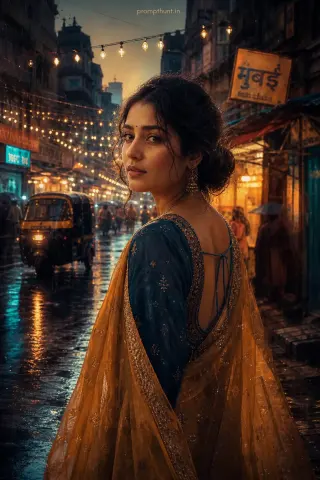
Surreal Monsoon Streets Conceptual AI Photo Editing Prompt: You get a surreal monsoon streets conceptual image built around narrow Indian lane after rain and cool blue rim light. Start from one sharp, well-lit photo; if the first result drifts, regenerate or ask for a small change in plain words.