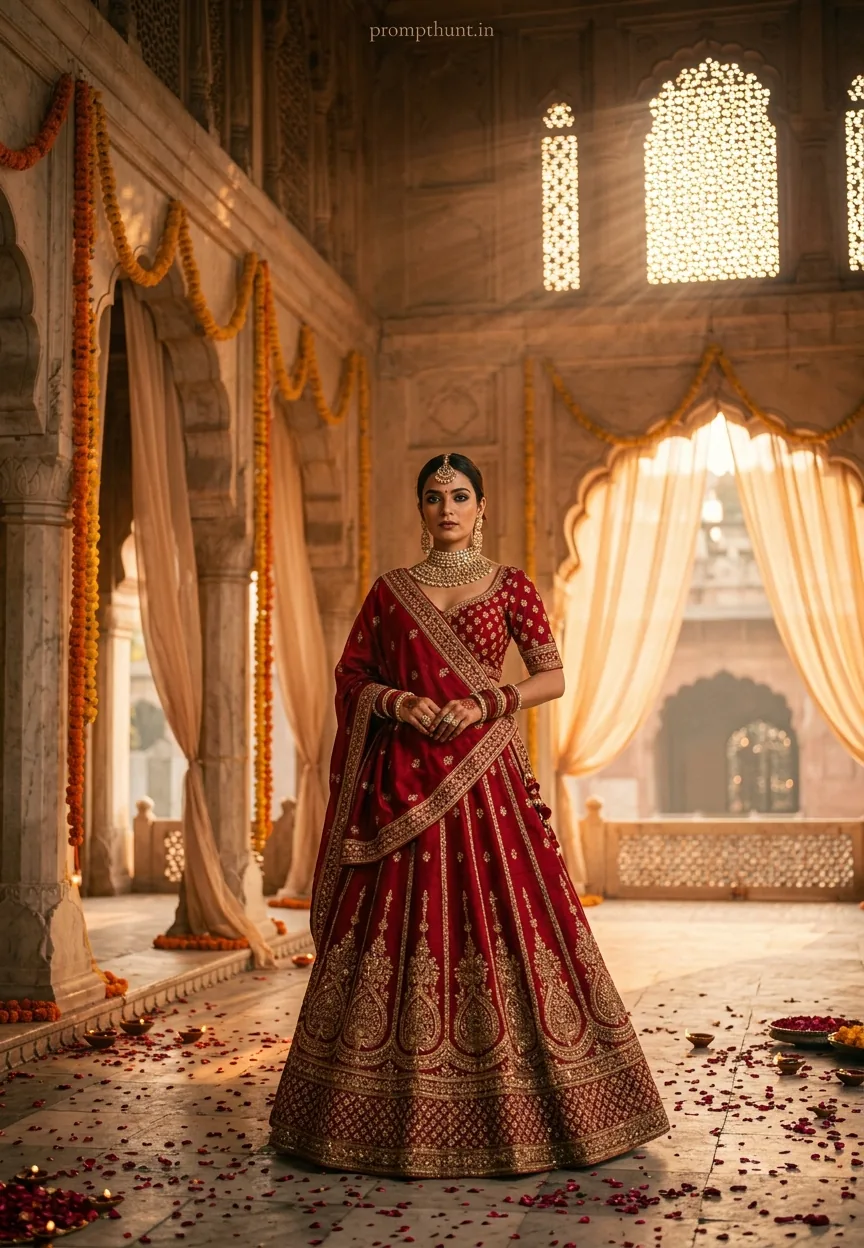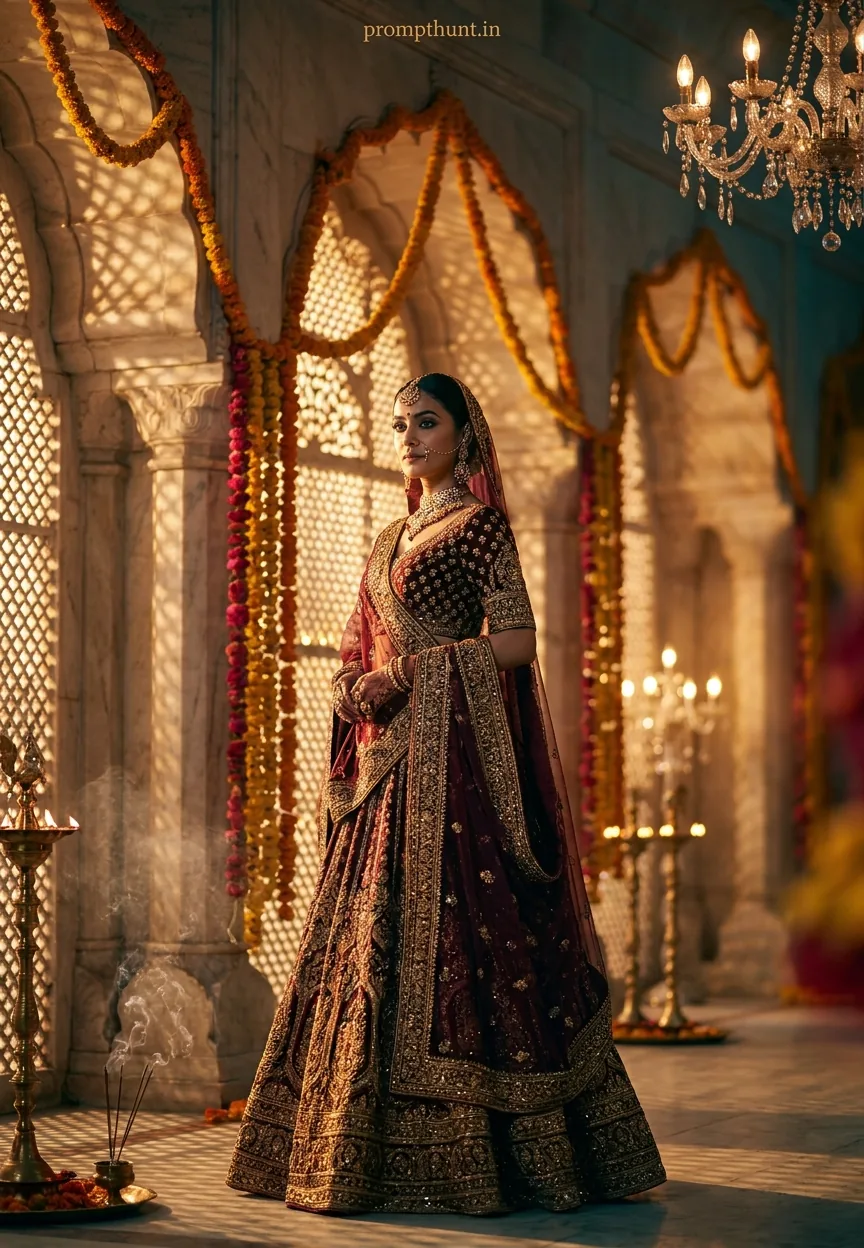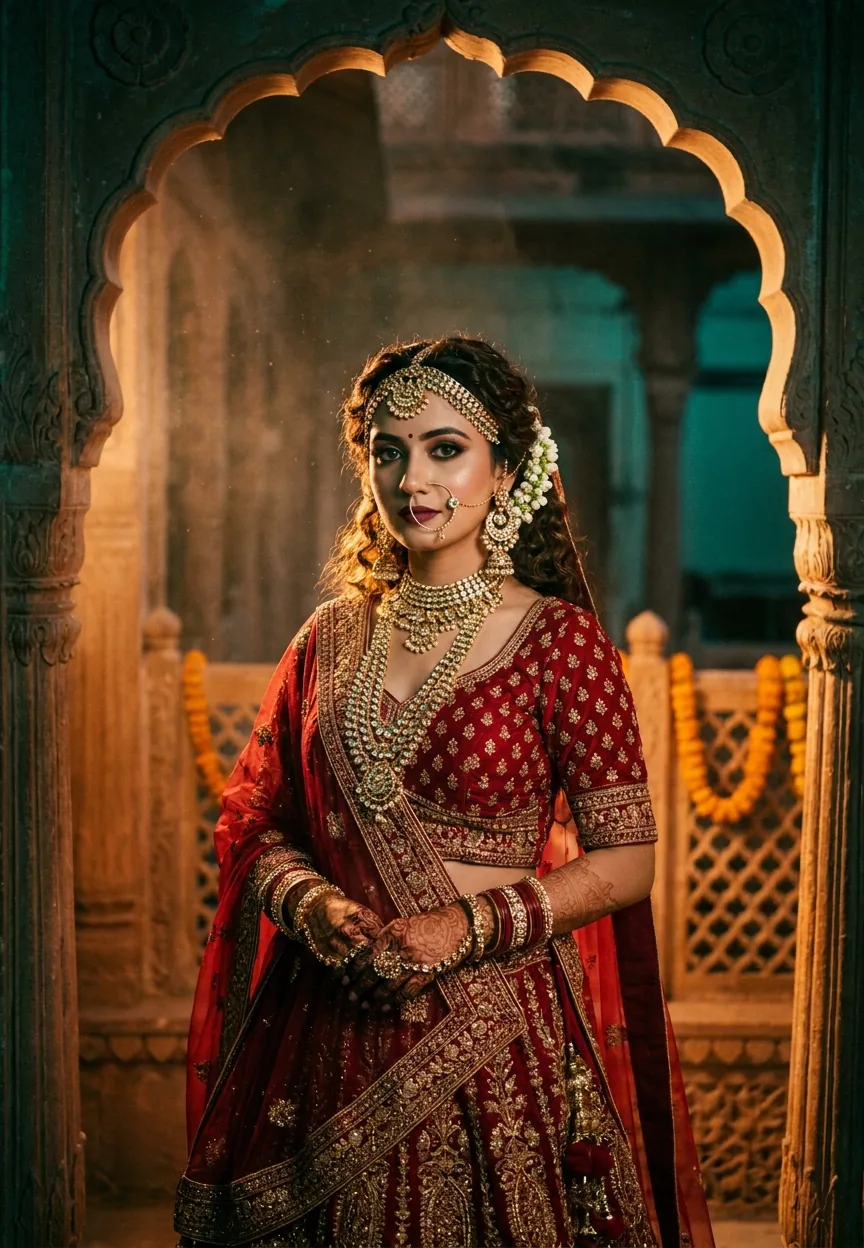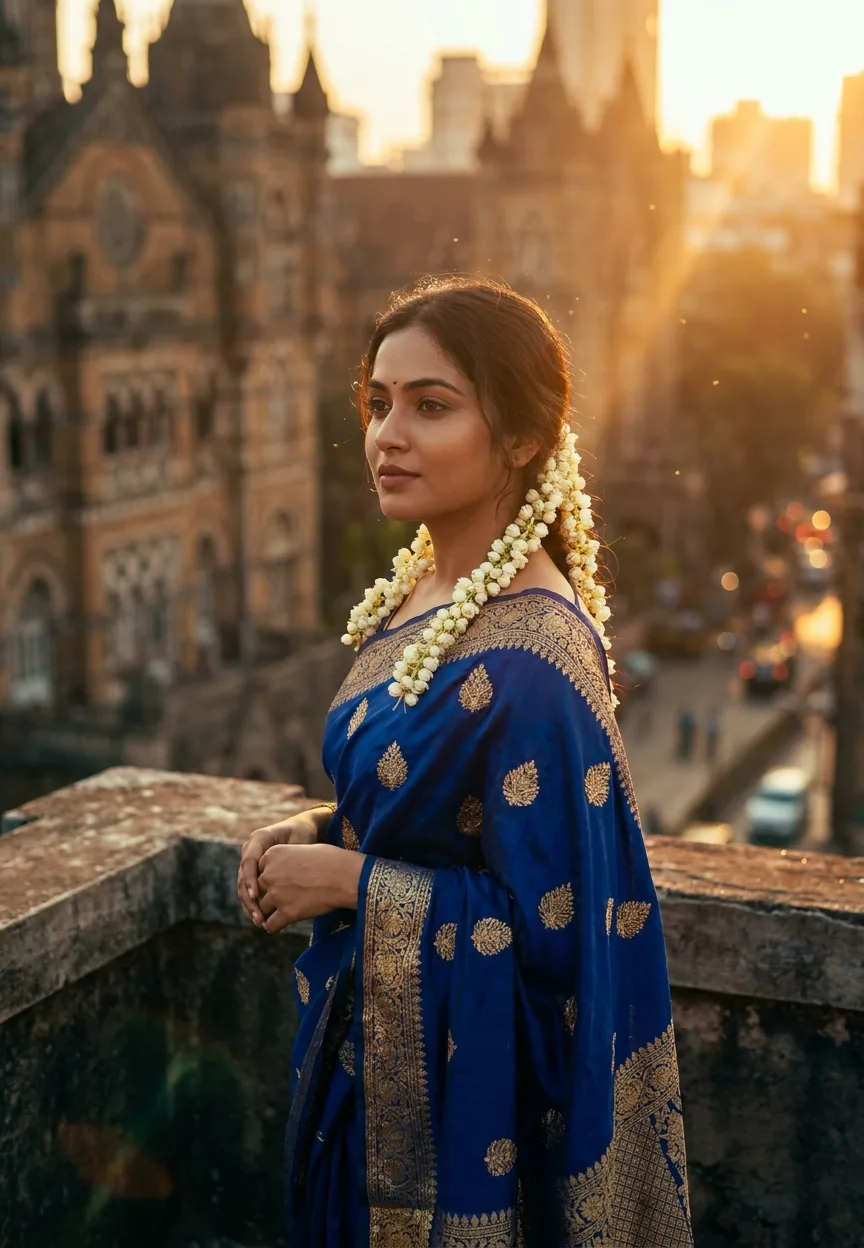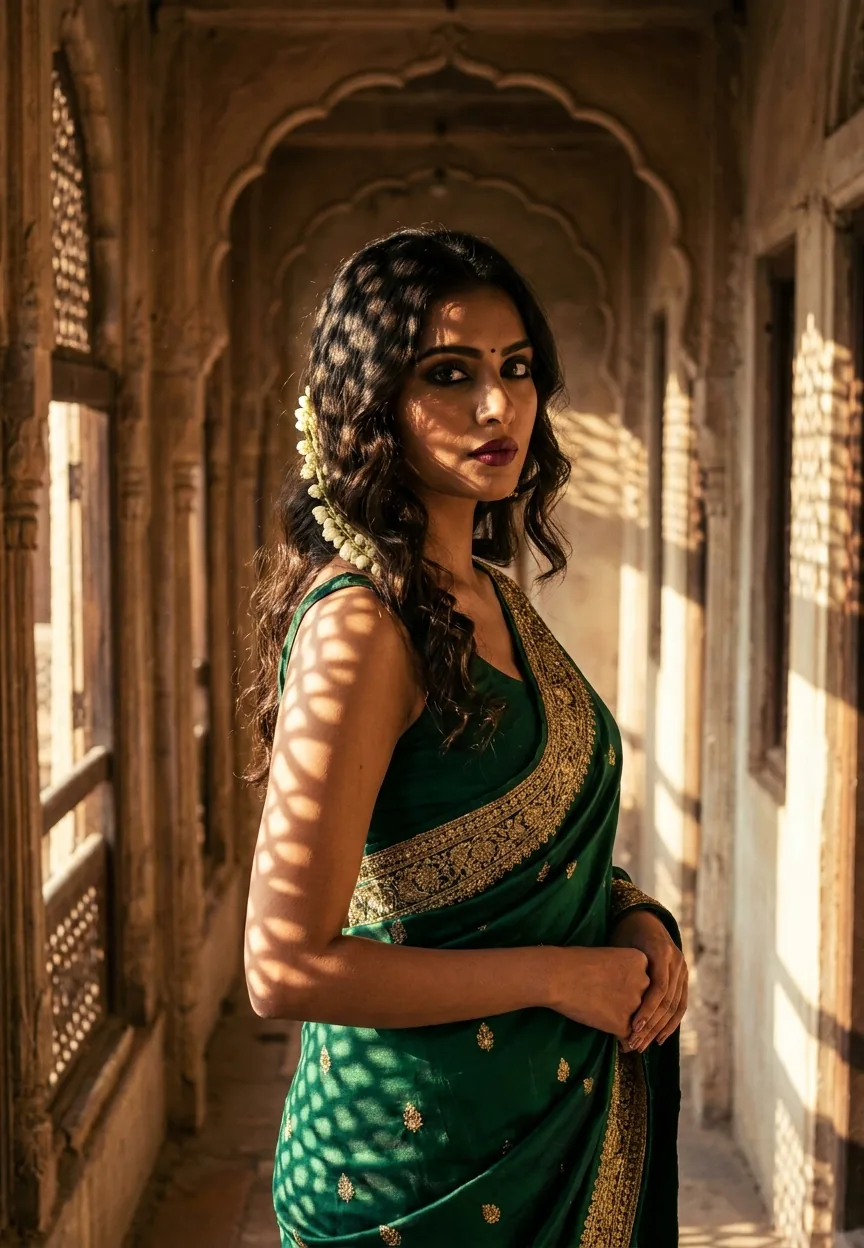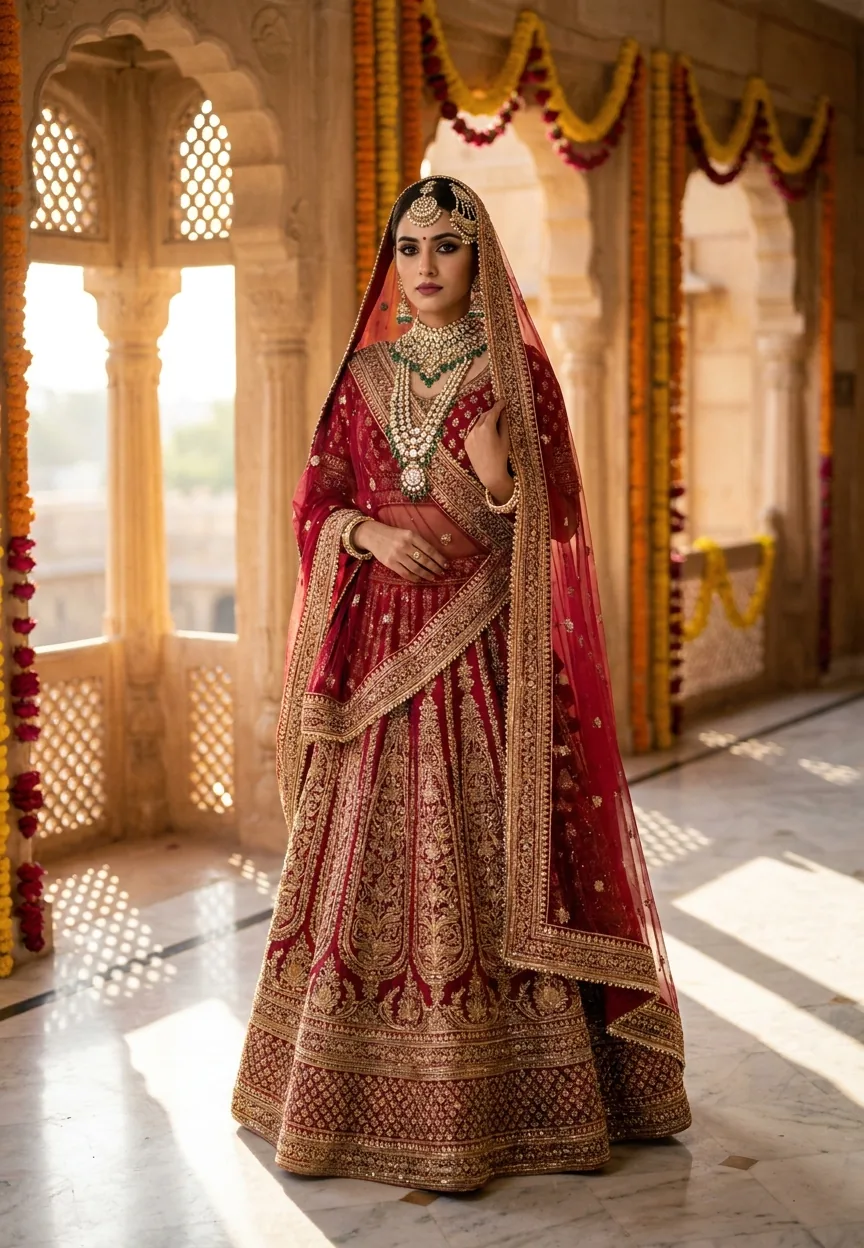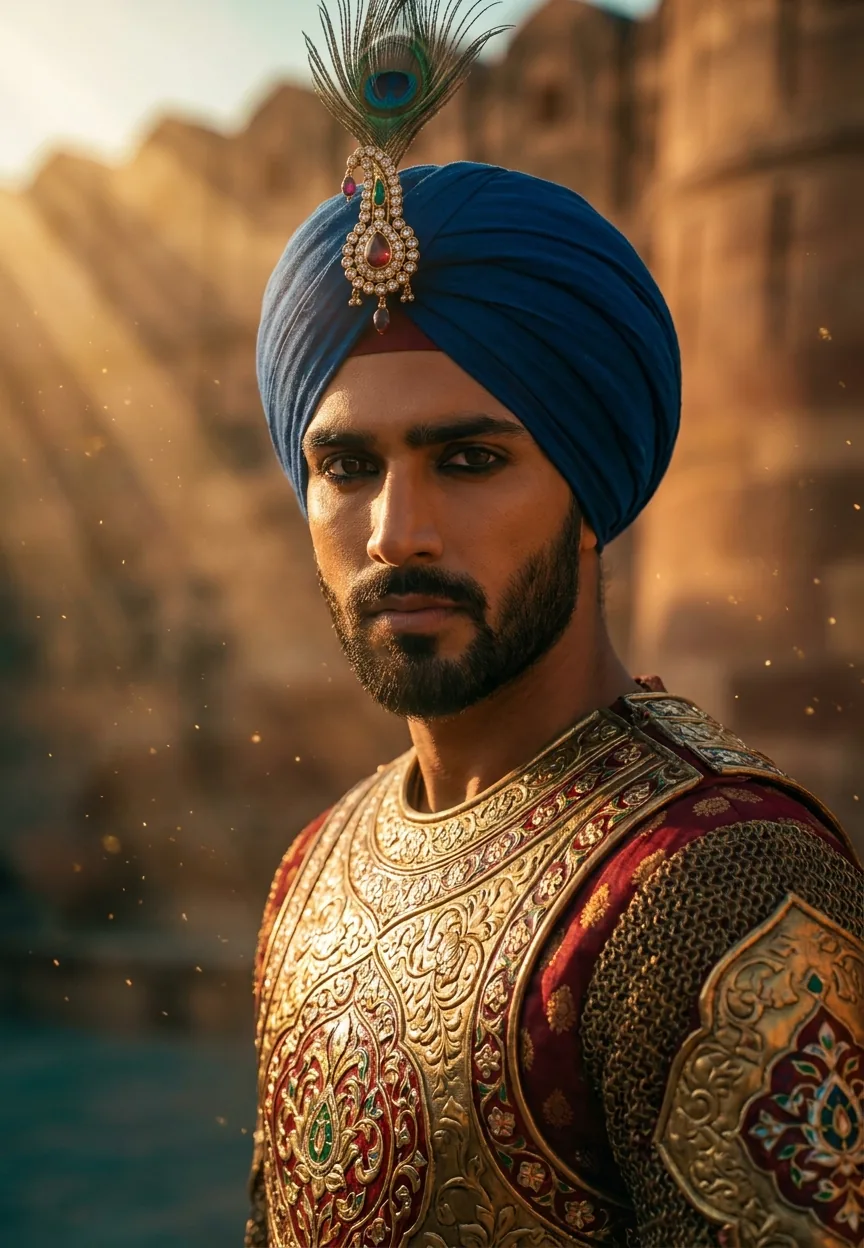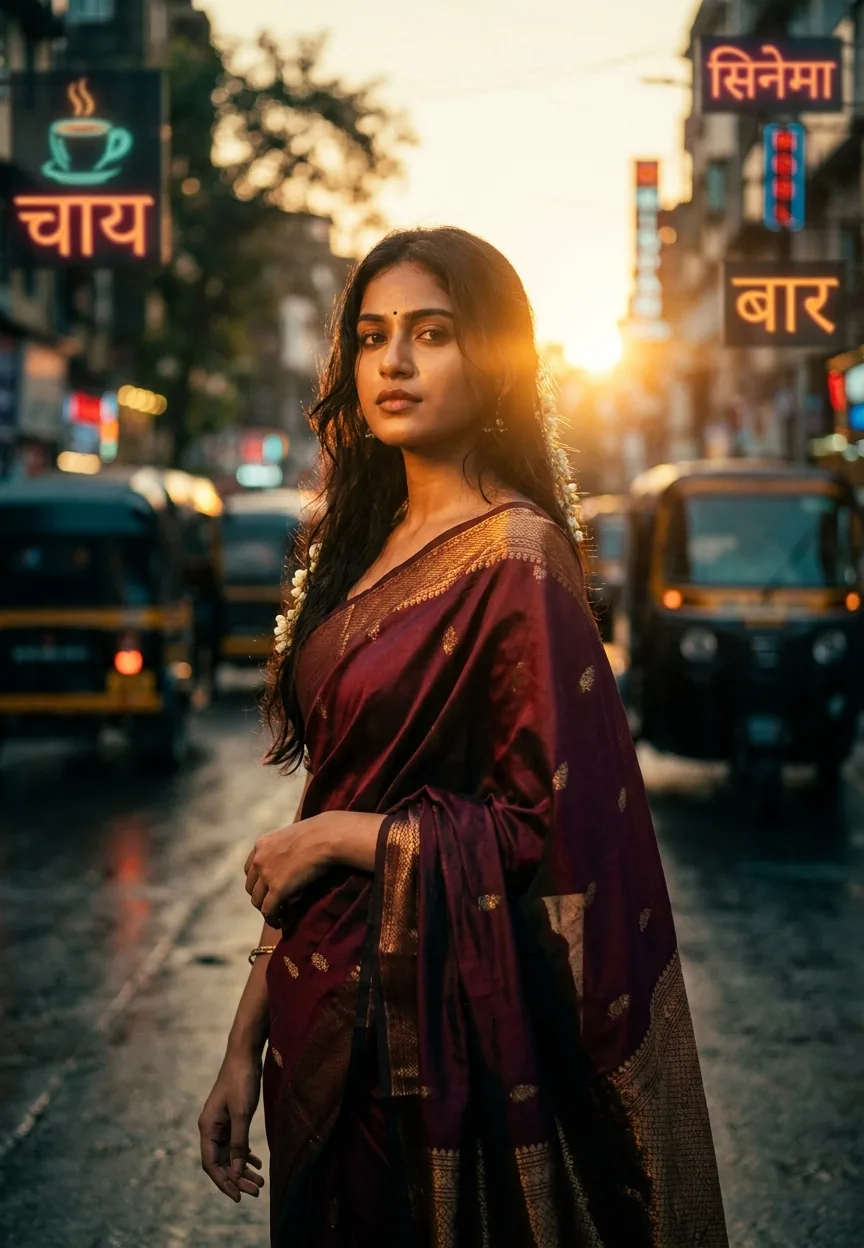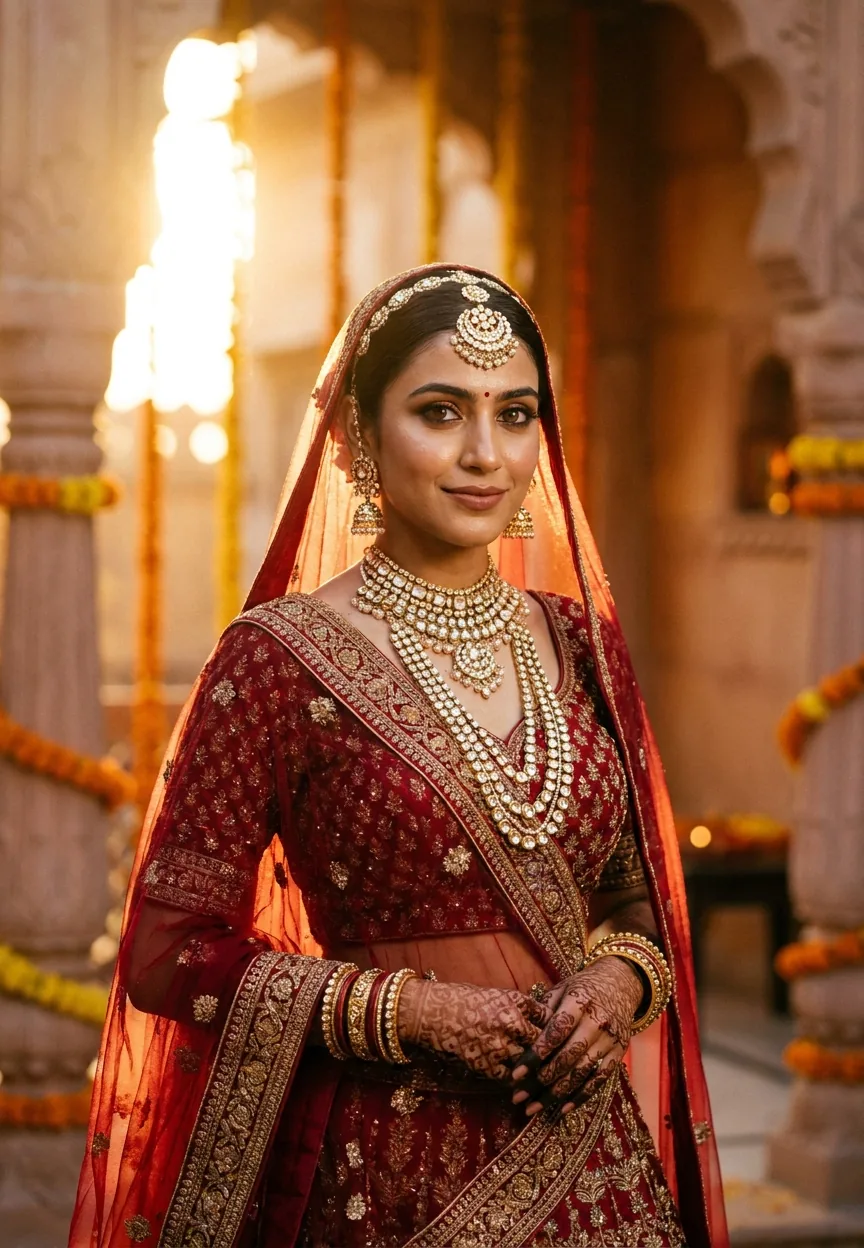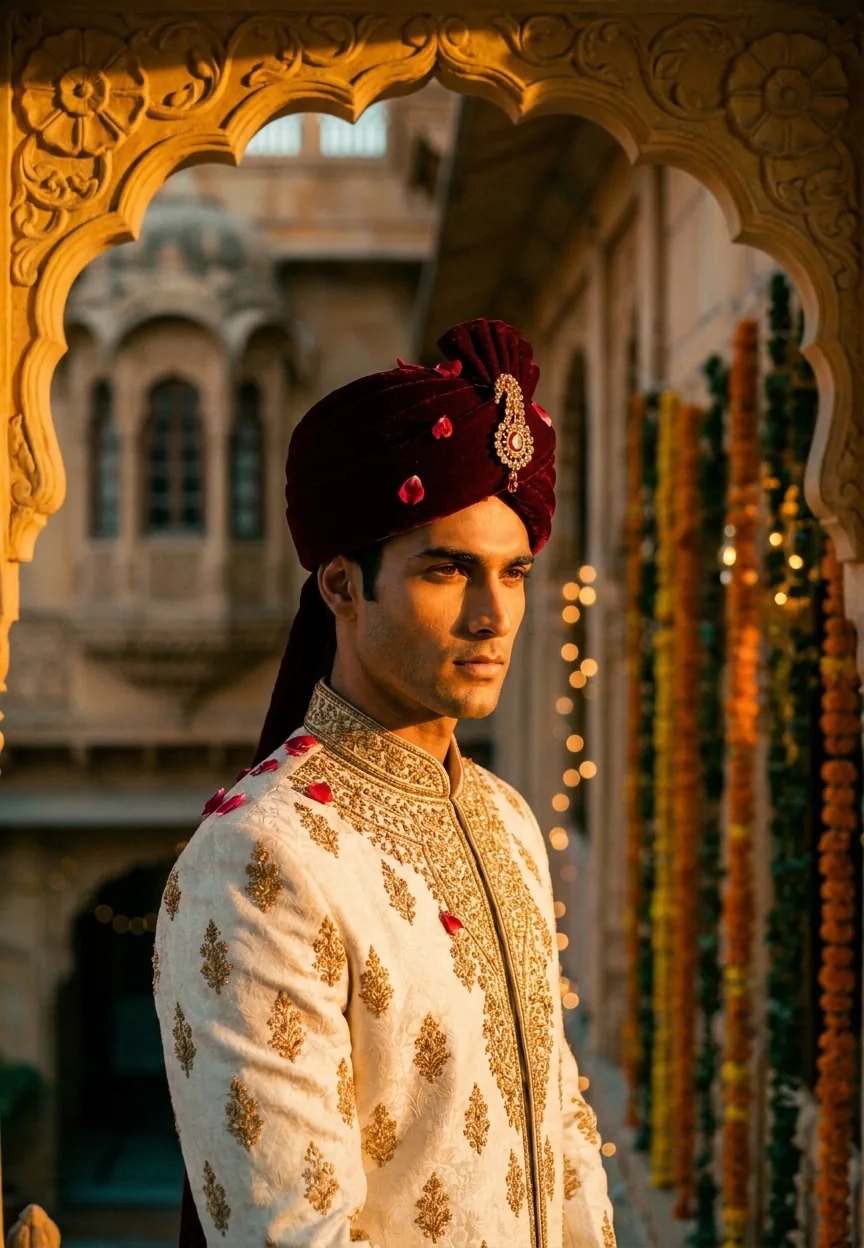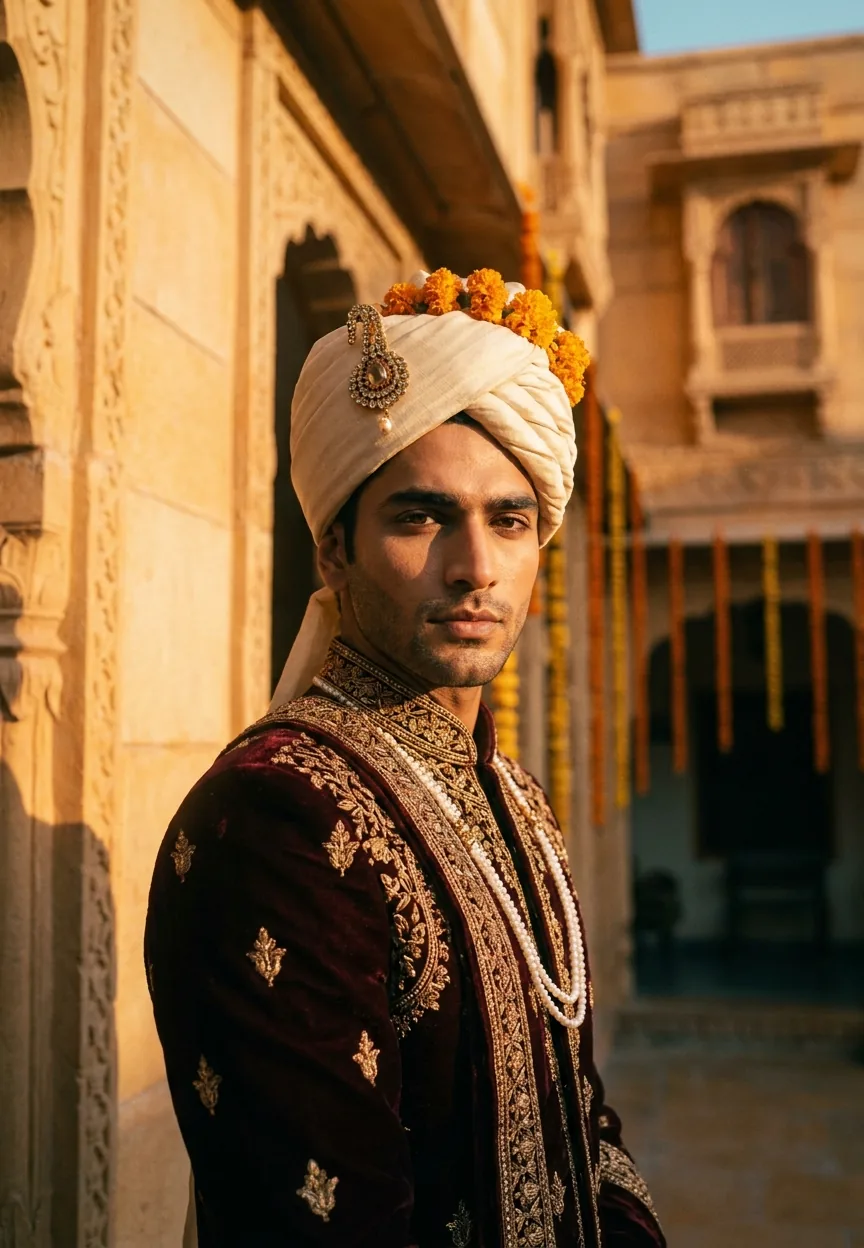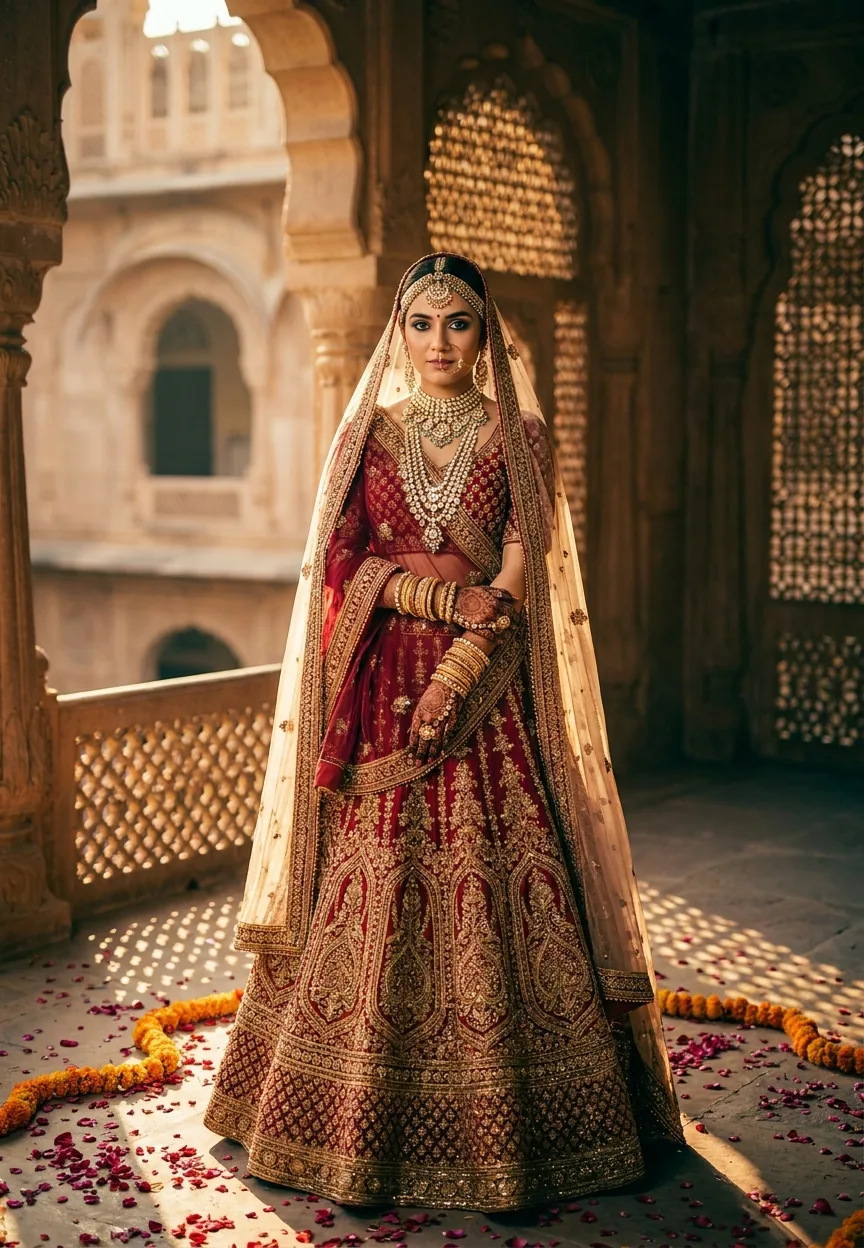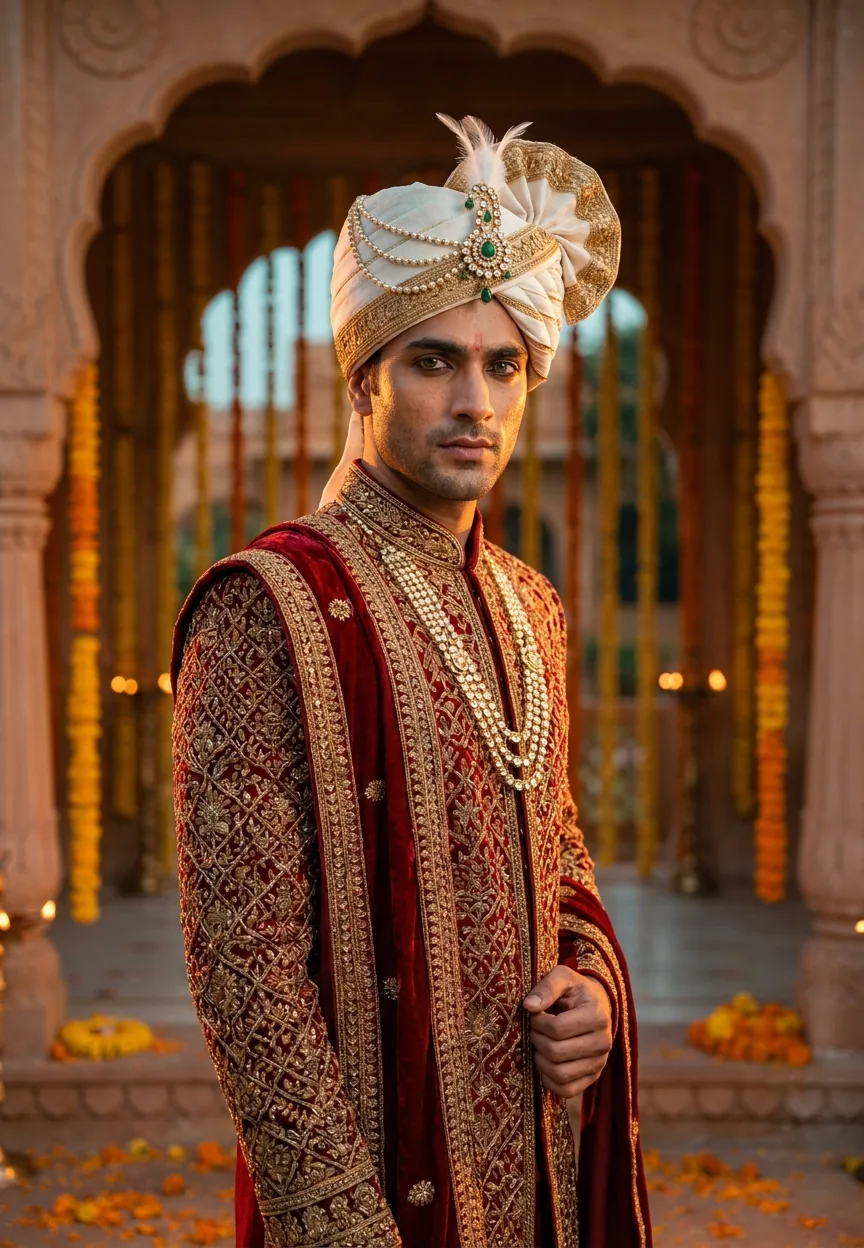
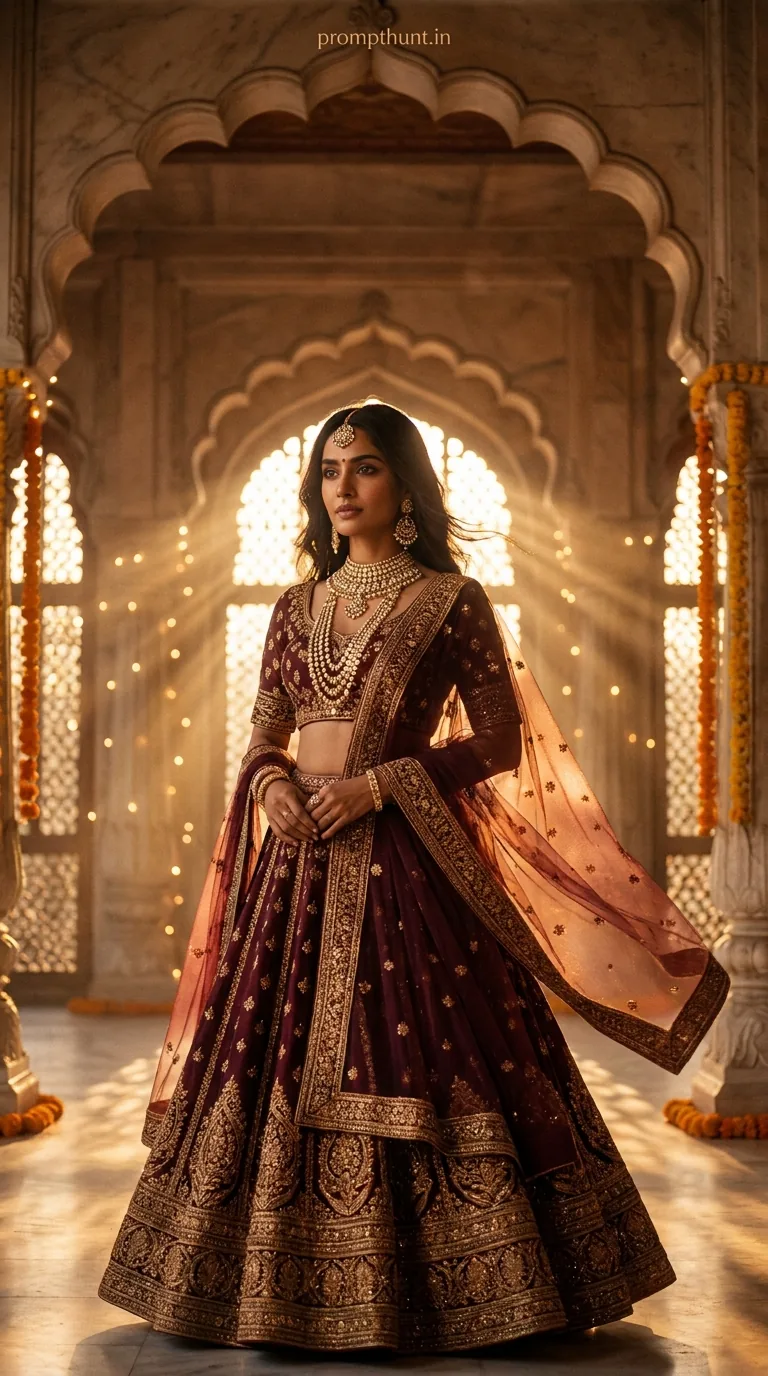
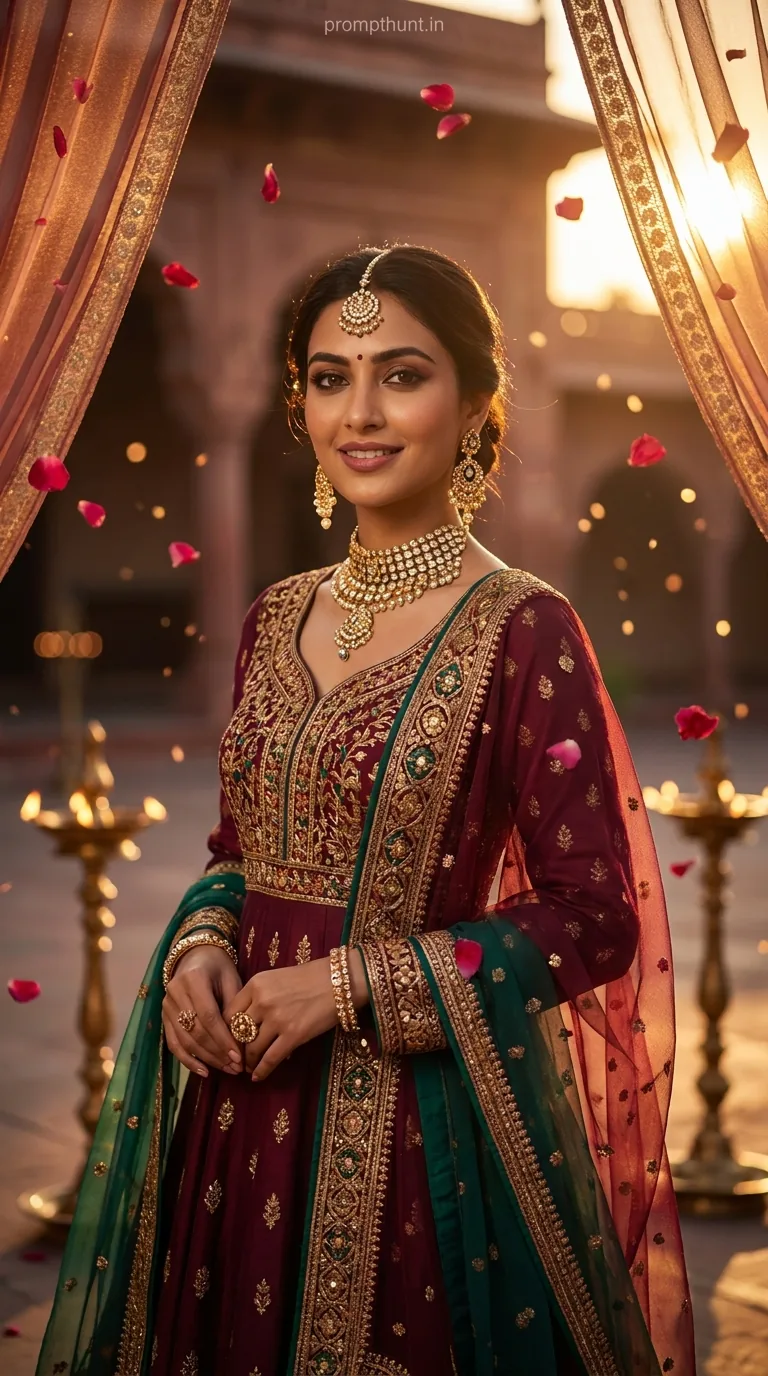
A Cinematic Portrait prompt for a Royal Rajasthani Groom uses dramatic golden-hour rim lighting, shallow depth of field, and a warm orange-teal film grade to transform an AI-generated image into an editorial-quality wedding portrait. Feed this prompt into Gemini, and you get hyperrealistic embroidery detail, rich skin tones, and a haveli backdrop that looks like it cost a lakh to photograph.
Wedding photography in India has always been serious business. Serious money, serious outfits, serious aunties blocking the shot. Now AI is crashing the baraat — and honestly, it's wearing a better sherwani than most of the guests. The Cinematic Portrait style applied to a Royal Rajasthani groom look is one of the most searched AI photo prompts in India right now, and once you see the output, you'll understand exactly why bridegrooms and their families are obsessed with it.
Paste this Gemini prompt as-is, set your aspect ratio to 9:13, and you get a magazine-quality cinematic portrait of a Rajasthani groom — dramatic lighting, hyperrealistic embroidery, rich skin tones — in about thirty seconds.
What a Cinematic Portrait Actually Is
A cinematic portrait isn't just a pretty photo. It's a specific visual language borrowed directly from film.
Think warm golden-hour rim light that kisses a jawline from one side. A soft fill light on the other, so shadows don't swallow the face. Shallow depth of field that throws the background into a buttery blur. And a colour grade — usually warm orange in the highlights, cool teal in the shadows — that your brain associates with big-budget cinema.
It's the difference between a passport photo and a Bollywood poster. One records a face. The other tells a story.
Applied to wedding photography, the cinematic portrait style turns a groom standing in a corridor into a moment that feels frozen in time. Dramatic. Intentional. The kind of image that gets framed above the mantelpiece and argued about for forty years. (He looks too serious. He looks distinguished. He looks like he's thinking about cricket. All valid.)
The Prompt — Copy This Exactly
Here it is. No edits needed to get results. Just paste and go.
A strikingly handsome young Indian groom in his mid-20s, wearing an elaborate deep crimson and gold sherwani adorned with intricate zardozi embroidery, a majestic ivory and gold safa (turban) with a cascading pearl and emerald kalgi brooch, and layered kundan necklaces with matching armlets. He stands against a grand, softly blurred backdrop of a Rajasthani haveli with arched sandstone corridors lit by warm golden marigold string lights and flickering diyas. The lighting is dramatic and cinematic — a warm golden-hour side rim light kisses his jawline and turban, while a soft fill light illuminates his confident, intense gaze. His skin tone is rich wheatish-brown with natural texture, eyes dark and deep with subtle kohl lining. Marigold petals scatter softly at his feet. Shot with a shallow depth of field, filmic color grade with warm orange and teal tones, high detail on fabric embroidery, hyperrealistic photography style, 9:13 vertical portrait orientation, editorial magazine quality, 8K resolution.
How to Use This Prompt — Step by Step
Simple process. Four steps. No drama (save that for the wedding).
Step one — Open Gemini. Go to gemini.google.com and make sure you're on a plan that supports image generation. Gemini Advanced gives you better resolution and more detail on complex fabrics like zardozi embroidery.
Step two — Paste the prompt as-is. Don't summarise it. Don't trim it. The detail is the point. Every adjective in that prompt is doing a job — "cascading pearl and emerald kalgi" tells the model exactly what to render. Cut that, and you get a generic gold brooch.
Step three — Set the aspect ratio. If Gemini gives you a ratio option, pick 9:13 or portrait orientation. This prompt is written for vertical — it's designed to look like a magazine spread or a framed wedding portrait, not a landscape wallpaper.
Step four — Generate and iterate. Run it two or three times. AI image generation is a bit like pulling a dosa off a griddle — the first one sometimes sticks. The second or third generation usually nails the embroidery detail and the lighting balance together.
Tips for Getting the Best Results
A few things that separate a good output from a great one.
Anchor the skin tone explicitly. The prompt already says "rich wheatish-brown with natural texture." Keep that phrase. Remove it and some models default to a lighter, less nuanced tone that doesn't match the Rajasthani context at all.
The kohl detail matters more than you'd think. Specifying "subtle kohl lining" tells the model to add eye definition without overdoing it. Change "subtle" to nothing, and you sometimes end up with a groom who looks like he raided the eyeliner aisle at a costume shop.
Don't swap "haveli" for "palace." It sounds like a minor word swap. It isn't. Haveli triggers sandstone arches, carved jharokhas, and inner-courtyard architecture. Palace triggers marble columns and chandeliers. These are different images entirely.
Run at least three generations. The embroidery is the hardest thing for the model to render consistently. Zardozi is complex — gold thread work over deep fabric, with texture and shadow. Sometimes it takes a couple of tries to get it looking like actual fabric rather than a pattern painted on a mannequin.
If the output looks flat, add "cinematic portrait photography" at the very end of the prompt. Reinforcing the primary keyword at the end gives the model a second nudge in the right direction.
Why This Look Is Trending Right Now
Three reasons, and they're all sensible.
First, wedding photography in India has been going cinematic for years. Scroll any Indian wedding photographer's Instagram and you'll see the orange-teal grade, the rim-lit portraits, the dramatic architecture. AI is catching up to a real aesthetic trend, not creating a fake one.
Second, the groom has historically been the forgotten half of wedding photography. Every album has sixty portraits of the bride. The groom gets four — one adjusting his sehra, two looking confused by his own baraat, and one blurry one near the pheras. A dedicated AI prompt that puts the groom front and centre, styled and lit like a film lead, fills a genuine gap.
Third — and this is the honest commercial reason — AI portrait generation is getting good enough that families are using these images for save-the-date cards, invitations, and social posts before the actual photographer has even been booked. It's a mood board that went rogue and became the actual deliverable. Fair enough, honestly.
Honest Opinion — When to Use This, and When Not To
Here's my actual take, which is worth something only if you're willing to hear the caveats alongside the praise.
This prompt is genuinely excellent at what it does. The specificity of the styling — zardozi embroidery, kundan necklaces, ivory safa, kalgi brooch — means the output reflects real Rajasthani bridal culture rather than a vague "Indian wedding" aesthetic. That matters. Generic AI wedding images often flatten regional distinctions into one homogenised Bollywood pastiche. This prompt resists that, and the result is richer for it.
The cinematic portrait lighting spec is also unusually precise for an AI prompt. Rim light on the jawline, soft fill on the face — that's actual photography direction, not just "make it look nice." Models respond well to that kind of specificity.
That said, there are things this prompt cannot do. It cannot generate a specific real person's face. If you want an image that actually looks like the groom in question, you need a model fine-tuned on reference photos — that's a different workflow entirely, usually involving tools like Midjourney's style reference or a custom LoRA. This prompt generates a handsome, well-rendered fictional groom. He is not your cousin Rahul, no matter how much the lighting flatters him.
I'd also be cautious about using AI-generated portraits as the primary wedding imagery without being transparent about it. Not because there's anything wrong with the images — the quality is genuinely impressive — but because wedding photos carry emotional weight that's partly about authenticity. An AI image of a fictional groom on your mantelpiece is a different object than a real photograph of a real moment. Both have value. They're just not the same thing, and conflating them quietly does nobody any favours.
Use this for inspiration, mood boards, invitations, and social content. Use a real photographer for the day itself. That's the rule of thumb I'd give a friend, and I'm giving it to you for free.
The Short Version
This is one of the best-constructed Cinematic Portrait prompts for Indian wedding aesthetics currently floating around the internet. The lighting direction is specific, the styling is culturally grounded, and the technical specs — shallow depth of field, 9:13 orientation, filmic colour grade — push the output toward something genuinely editorial. Paste it into Gemini, run it a few times, and pick the generation where the embroidery looks like actual fabric.
Just remember: the AI groom always looks confident and intense because he doesn't have to deal with the seating plan, the pandit