Vibrant Mumbai Pop Art Streetwear AI Photo Editing Prompt
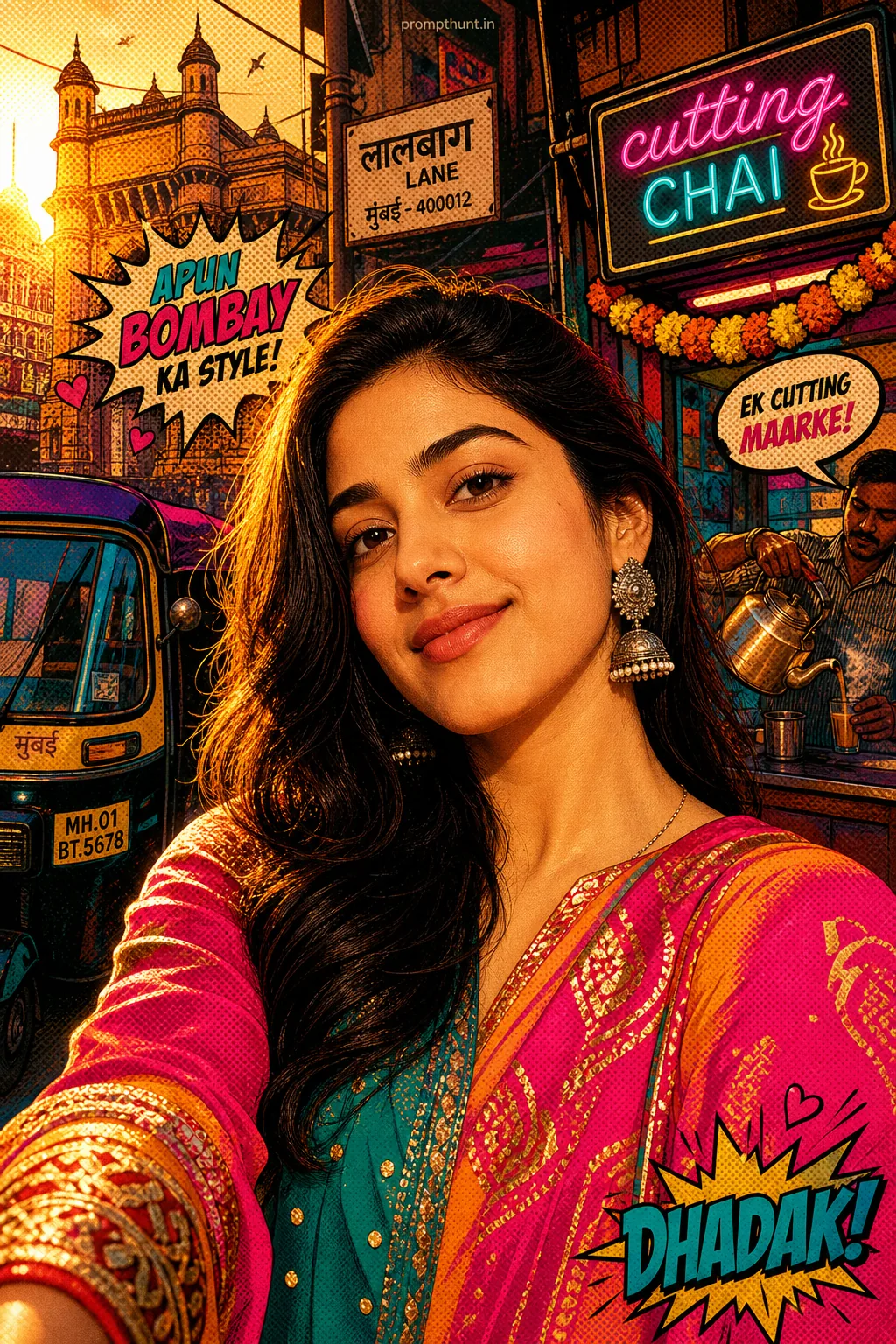
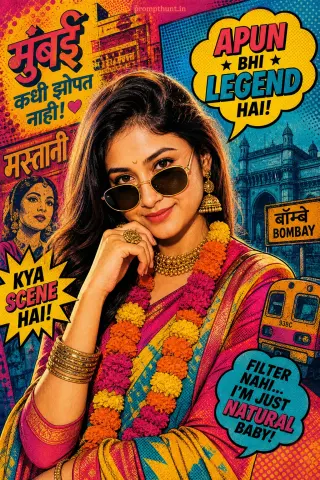
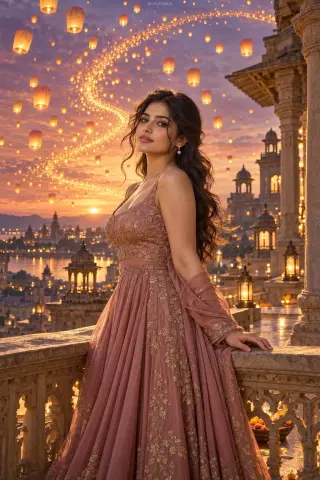
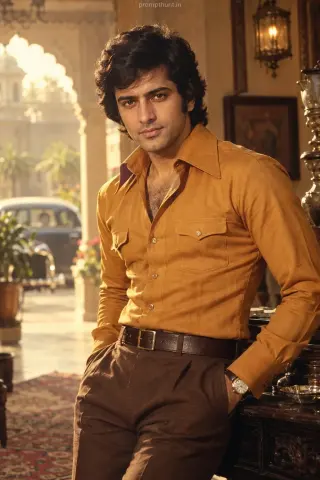
The uploaded photo is the master reference for this character. Preserve the exact facial features, face shape, skin tone, and identity from the uploaded image exactly. Vertical 9:13 composition. 9:13 vertical scene set on a bustling Mumbai lane at golden hour, saturated color blocks and halftone dot textures across the frame, bold comic-style black outlines around architectural elements like a painted rickshaw, neon chai stall sign, and a string of marigold garlands; costume hints include a bright saree or kurta with high-contrast color blocking, embellished with graphic patterns and metallic embroidery, layered fabrics catching dramatic rim and backlighting, warm orange and magenta key lights with teal fill creating pop color contrast, playful bubble speech or stylized sound-effect graphics subtly integrated into the background, high-contrast shadows, crisp grain for a retro print feel, overall mood energetic, nostalgic, and cheeky with a polished glossy finish in classic Pop Art style. Add a small, thin, professional 'prompthunt.in' text watermark at the top center of the image. The watermark should be subtle, use a color that matches the image's color palette, and appear lightweight and elegant — not distracting.
Community Rating
Rate this prompt
Vibrant Mumbai Pop Art Streetwear AI Photo Editing Prompt is a free, copy-paste pop art AI photo editing prompt. Paste it into any AI photo editor with one clear photo of yourself and you get the edited result in about ten seconds — no account and no payment. The prompt tells the model to keep your exact facial features, skin tone and identity, and to change only the background, outfit, lighting and styling.
9:13 vertical scene set on a bustling Mumbai lane at golden hour, saturated color blocks and halftone dot textures across the frame, bold comic-style black outlines around architectural elements like
How to use this pop art prompt
More prompts to explore
AI Photo Editing Prompts